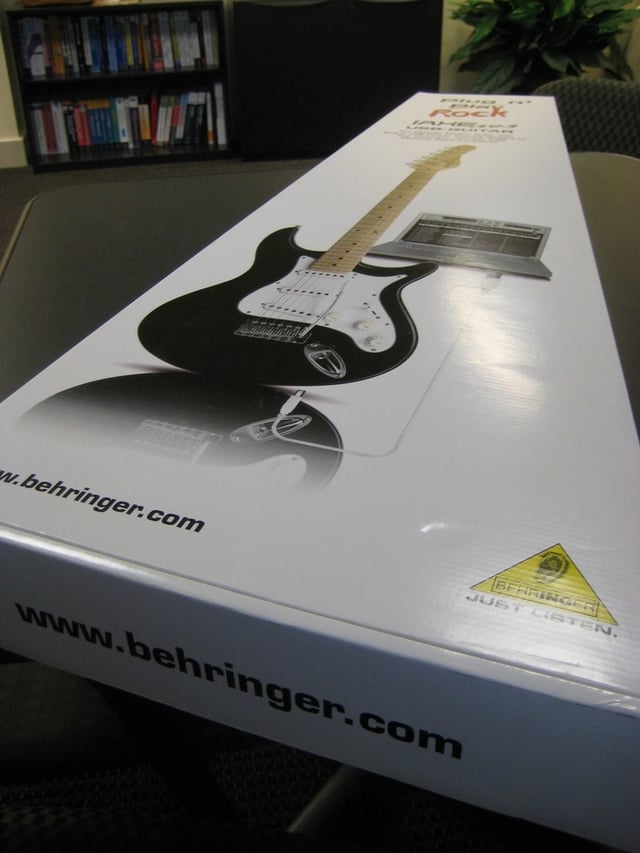
Behringer’s iAXE393 USB-Guitar is a practical gift for the musical geek. The iAXE393 is a full-size electric guitar that plugs right into your laptop or PC. It comes with a lot of goodies, including a strap, three picks, a USB cord, and a software package.
Here’s a look at the front of the iAXE393 USB-Guitar box.
For a complete review of the iAXE393, read Sonja’s blog post, “Geek Gifts 2007: iAXE393 USB-Guitar for the musical geek”.
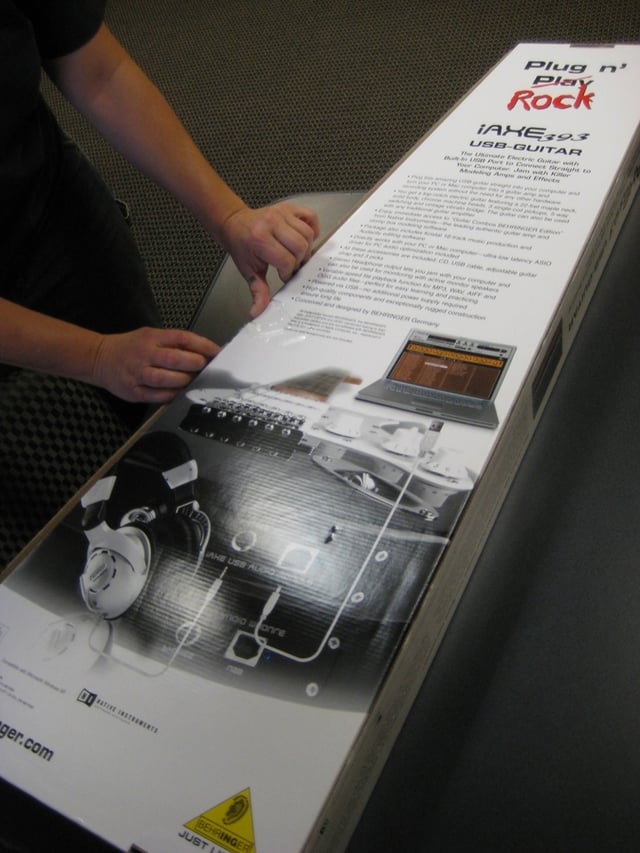
Getting ready to unwrap the iAXE393 USB-Guitar.
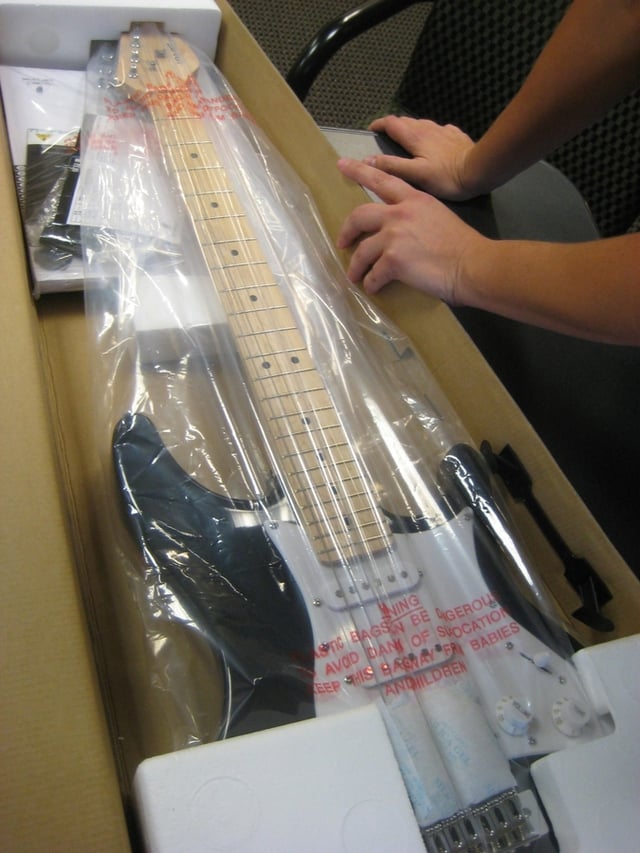
The USB-Guitar is packed securely.
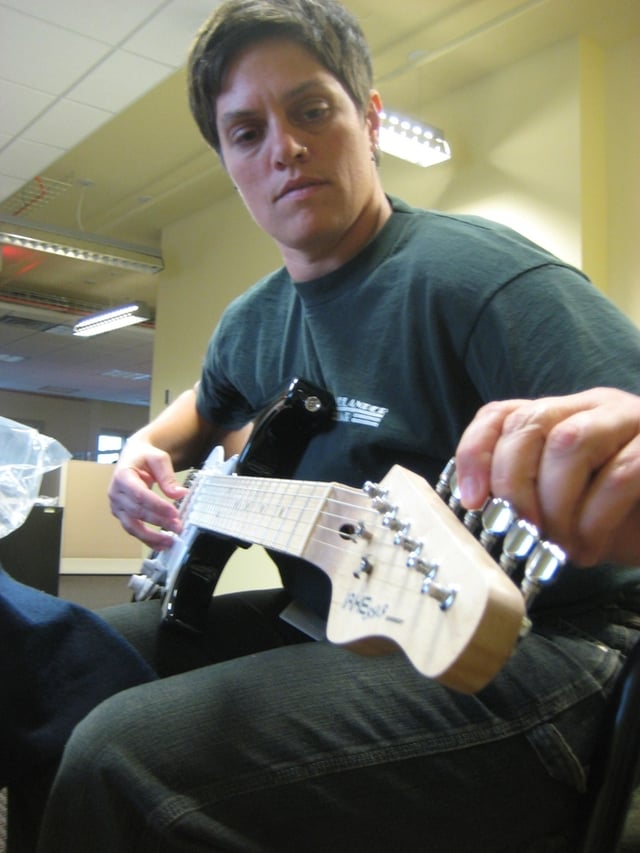
For starters, I attempted to tune the iAXE393 USB-Guitar.
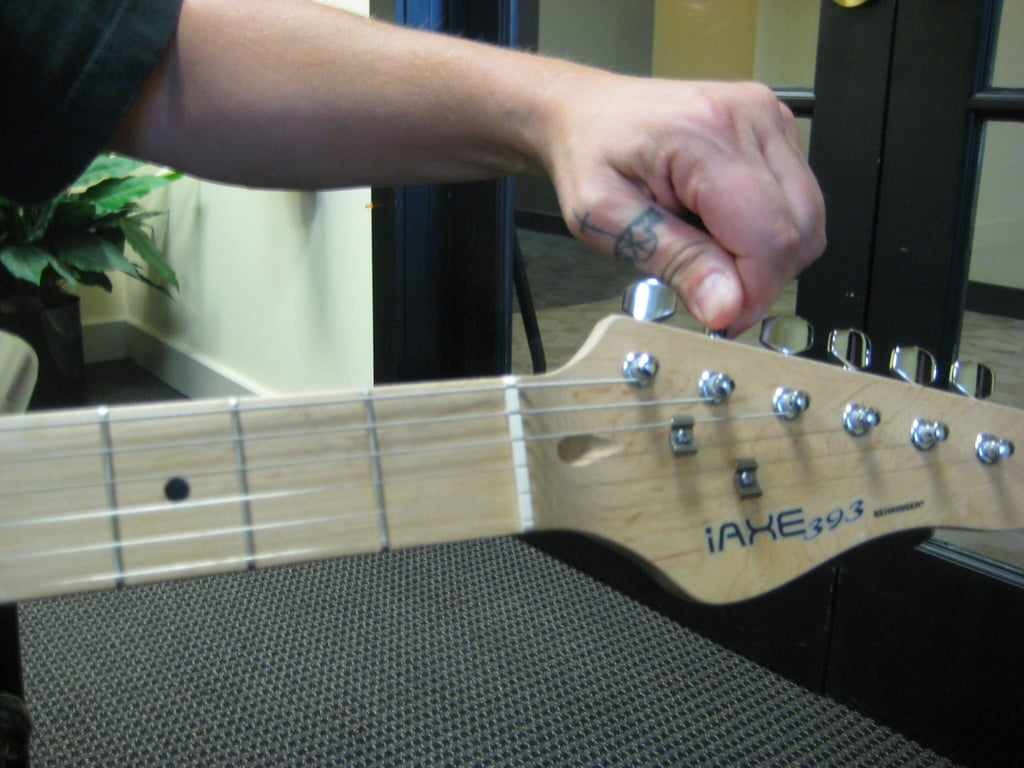
Tuning the guitar was easy.
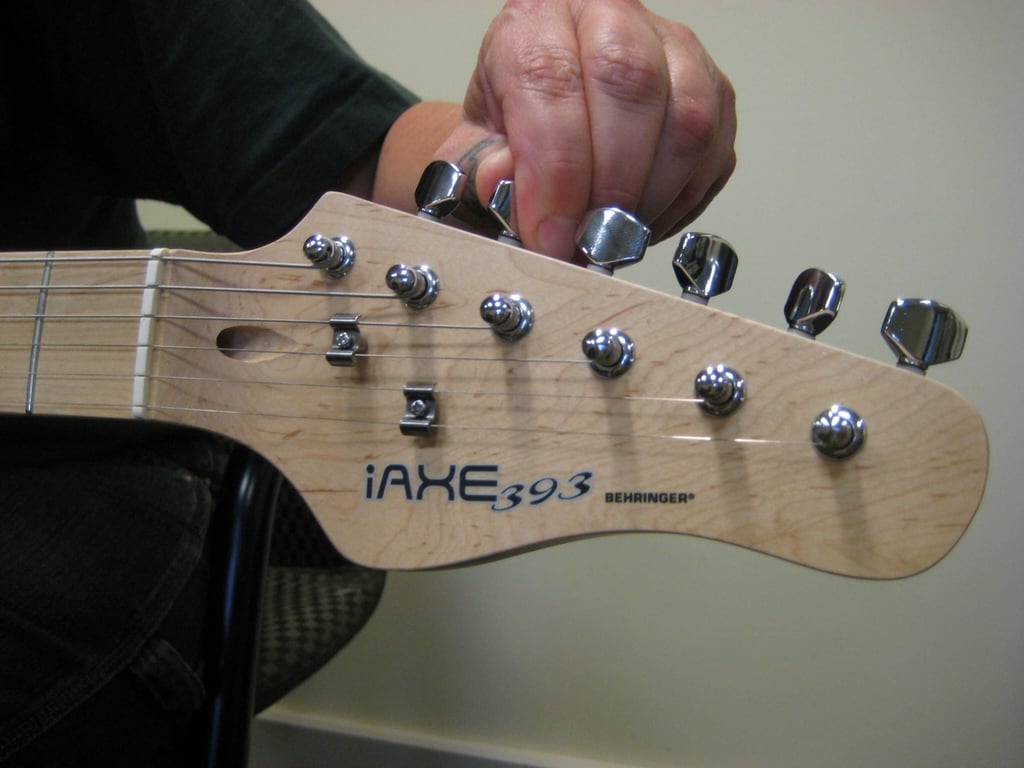
Keeping the guitar tuned, on the other hand, was a challenge!

The iAXE393 is a sturdy little instrument. It has a 22-fret maple neck and plays nicely.
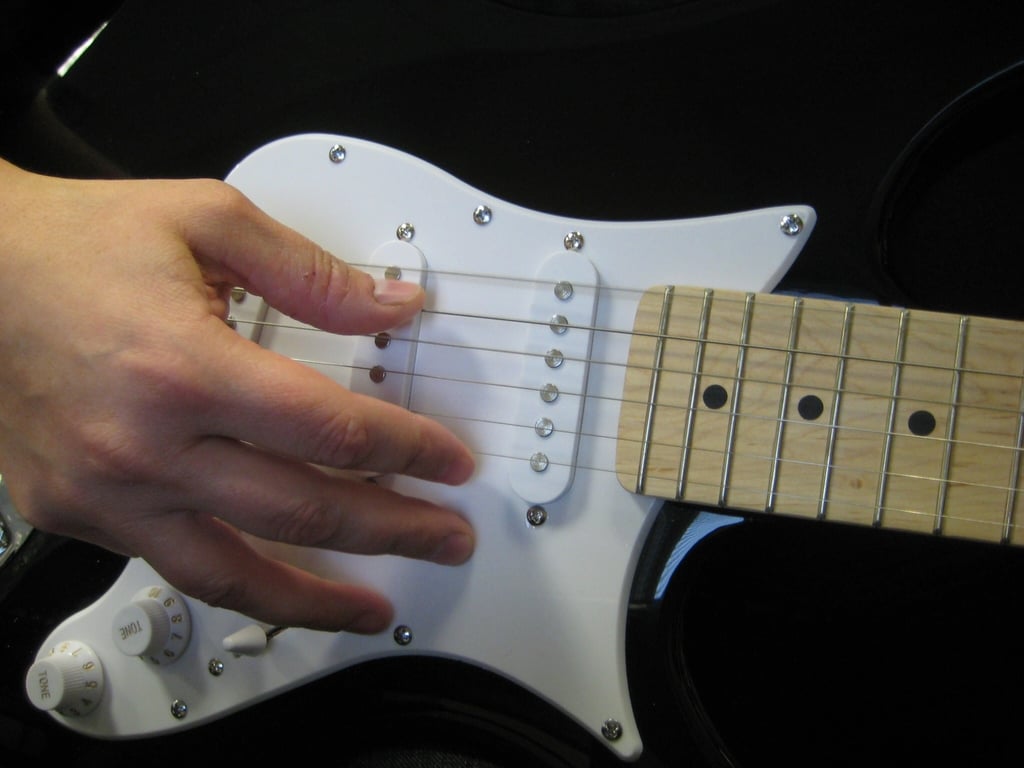
The iAXE393 comes with three picks, but I wanted to get a feel for it with my own bare hands.
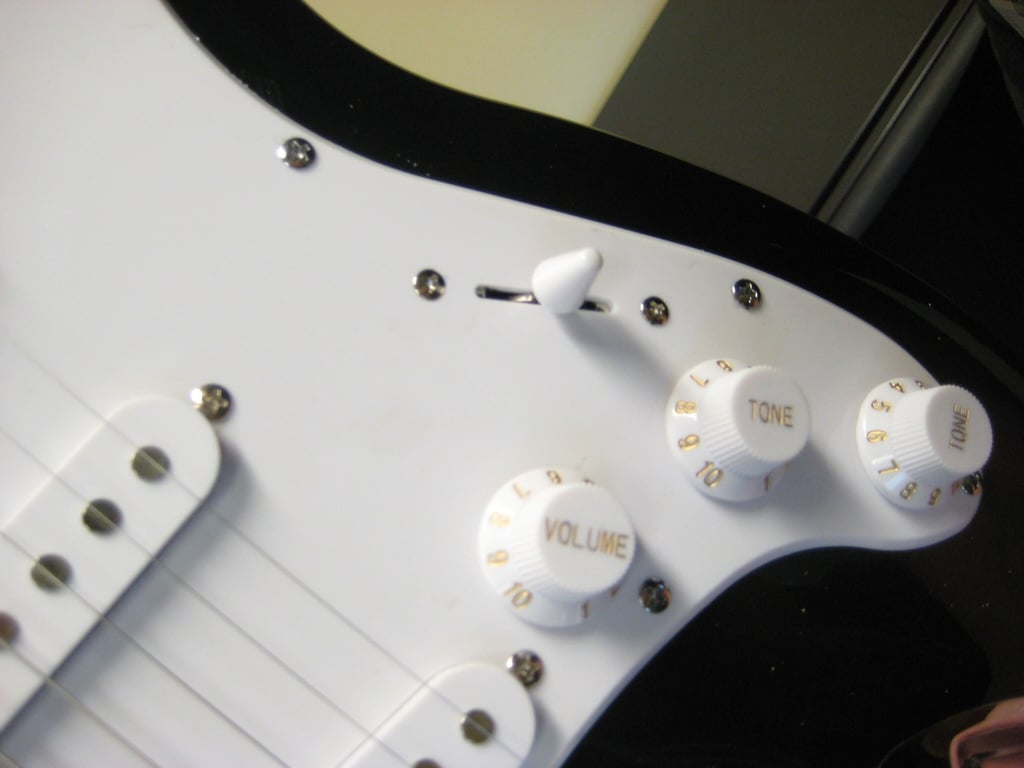
You can see the three single-coil pickups (two for tone and one for volume), plus the five-way switching lever.
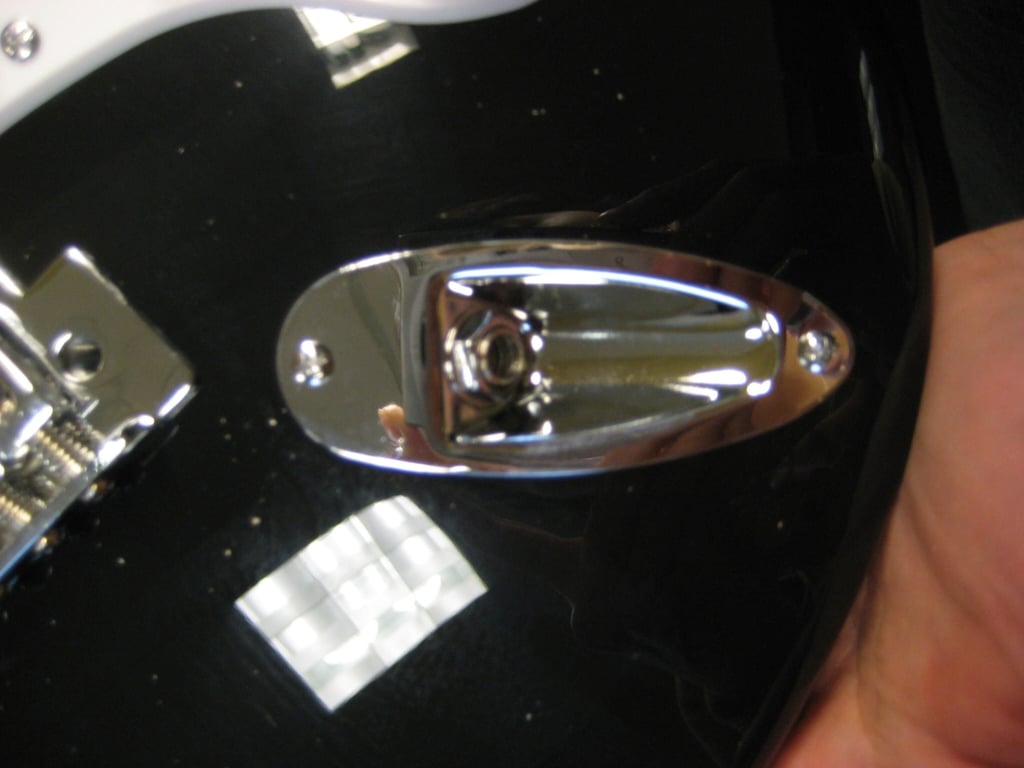
This is where you can plug your guitar into a traditional amplifier or a tuning device.
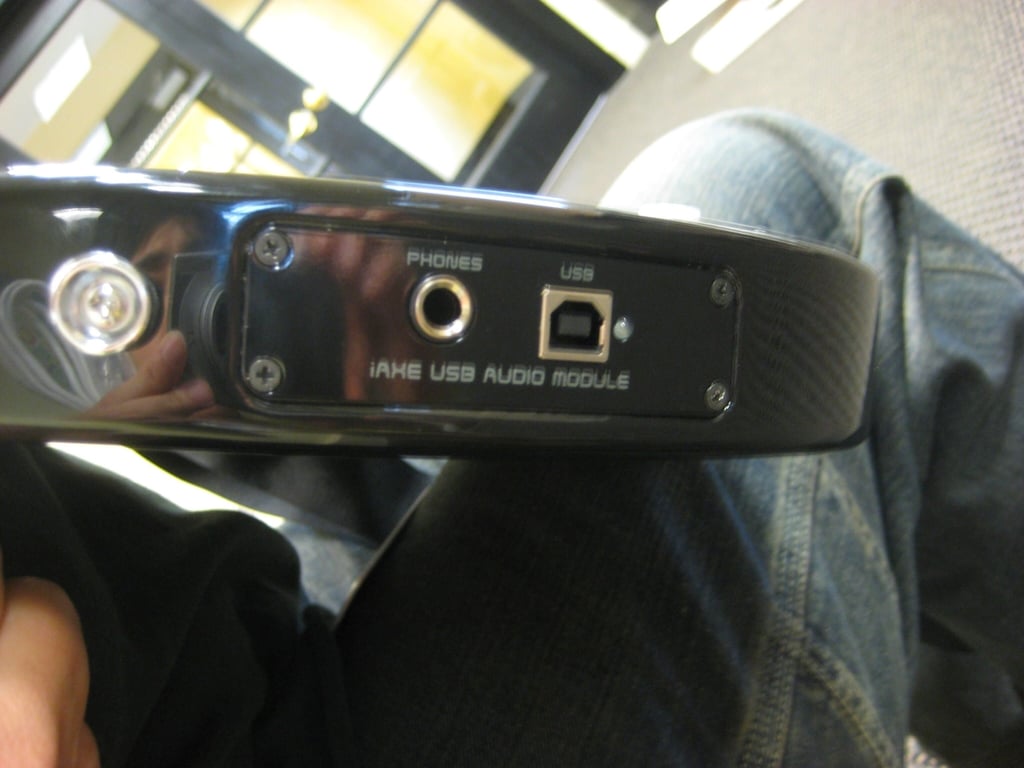
Here’s the USB port and the connector for stereo headphones.
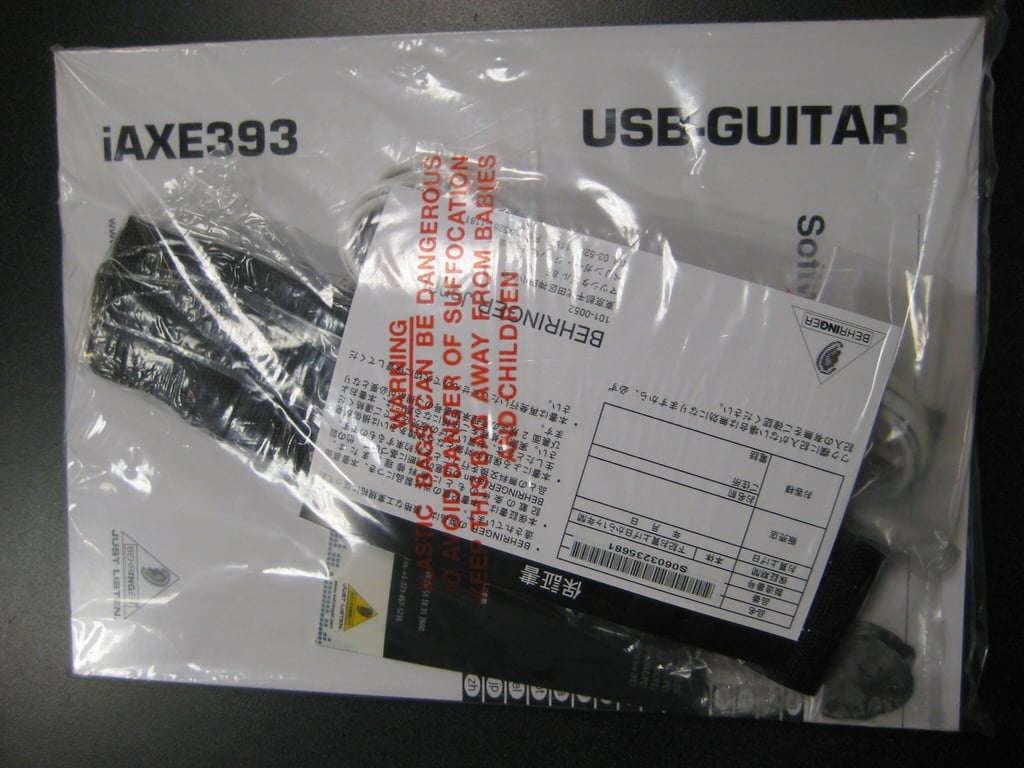
A bag of goodies came with the iAXE393 USB-Guitar.
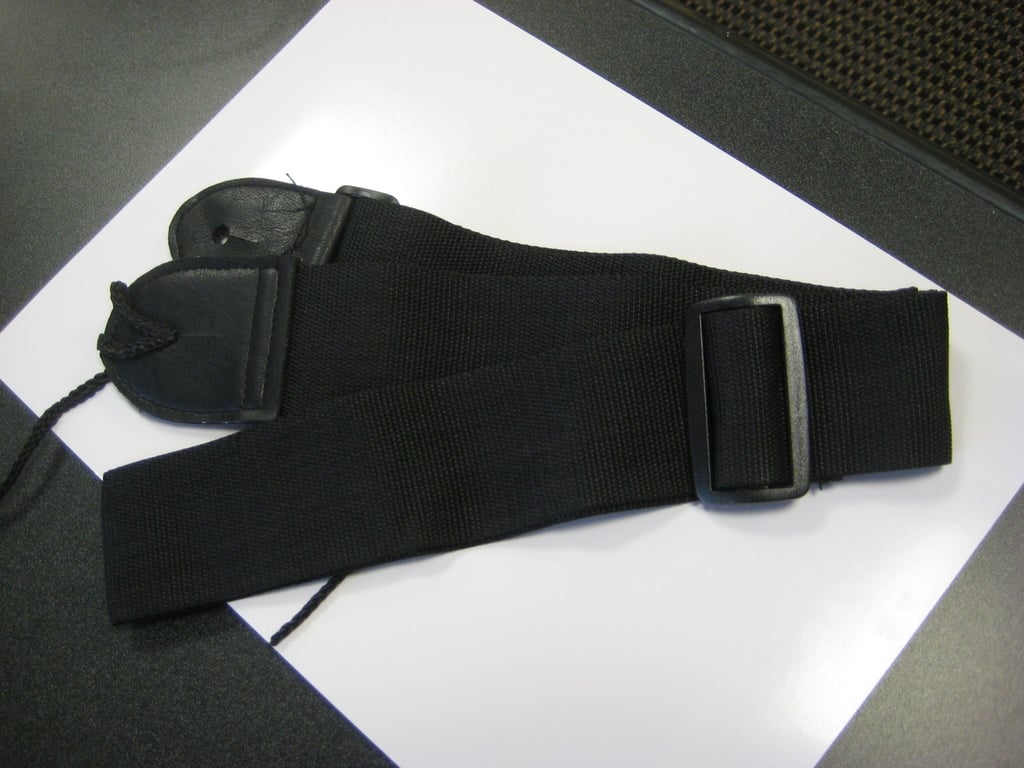
The guitar strap was easily adjustable.

Three picks were included in the package.
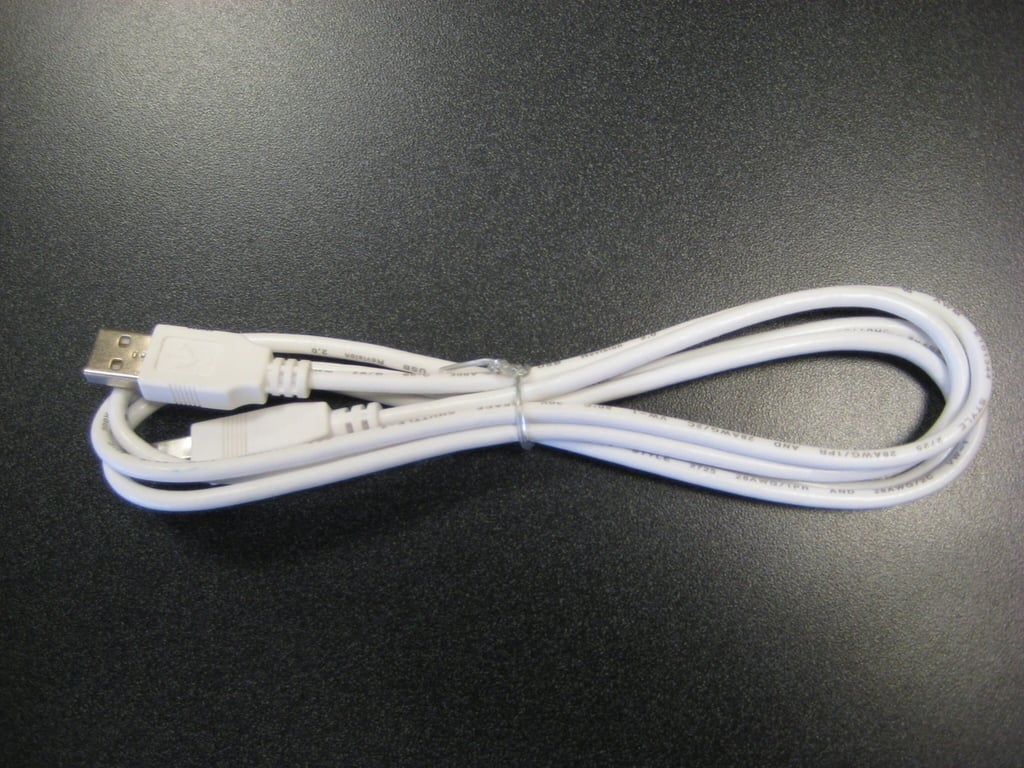
Here’s the cord that connects the guitar to the laptop or PC.
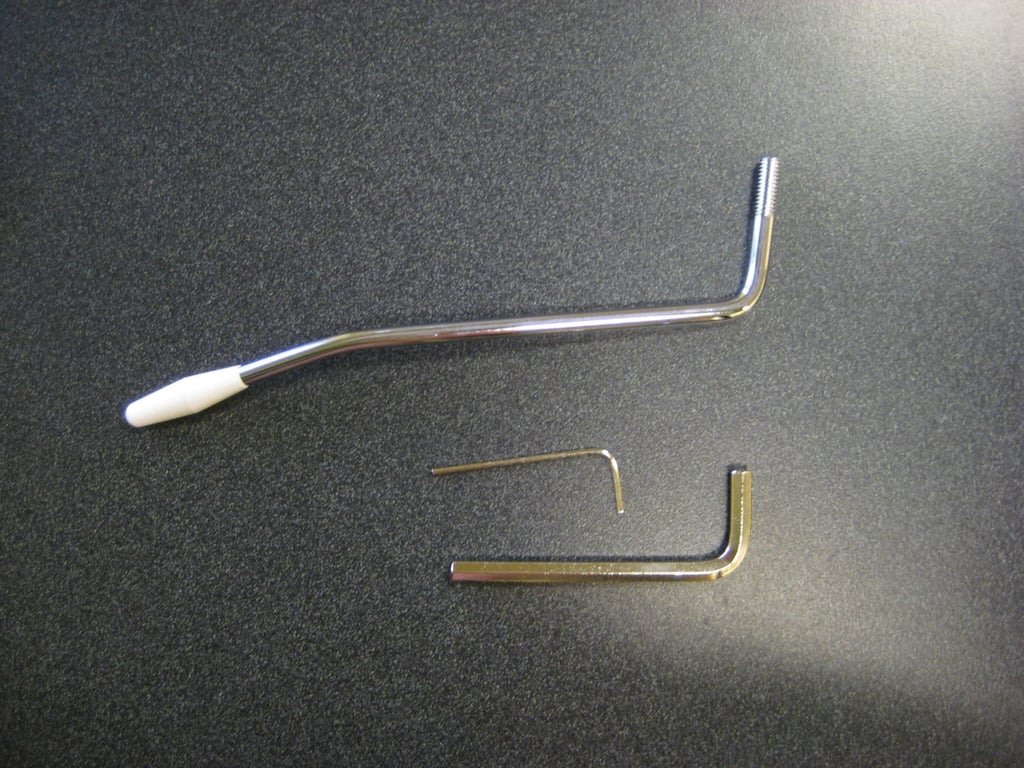
The vibrato bridge easily screws into the front of the guitar for mind and ear bending sound effects.
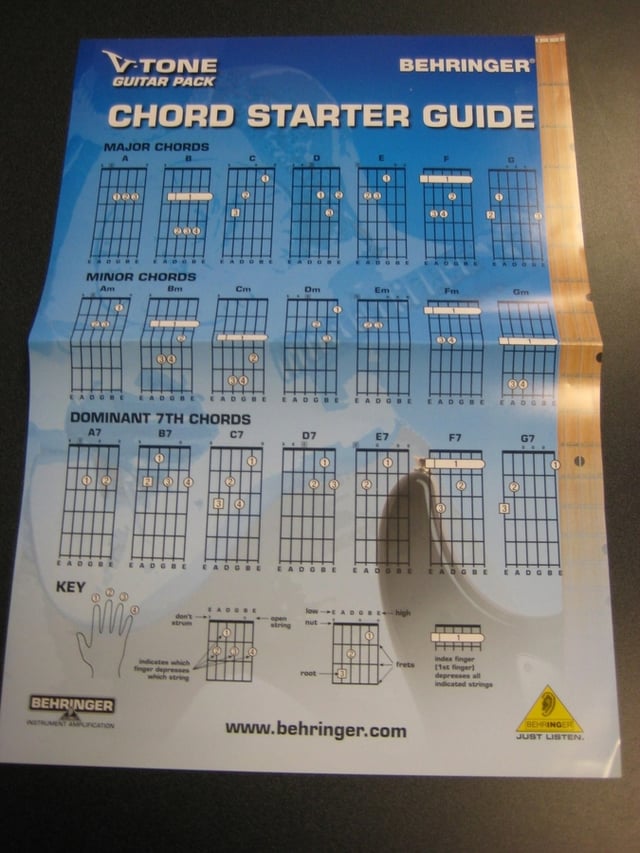
There’s a Chord Starter Guide for beginners.
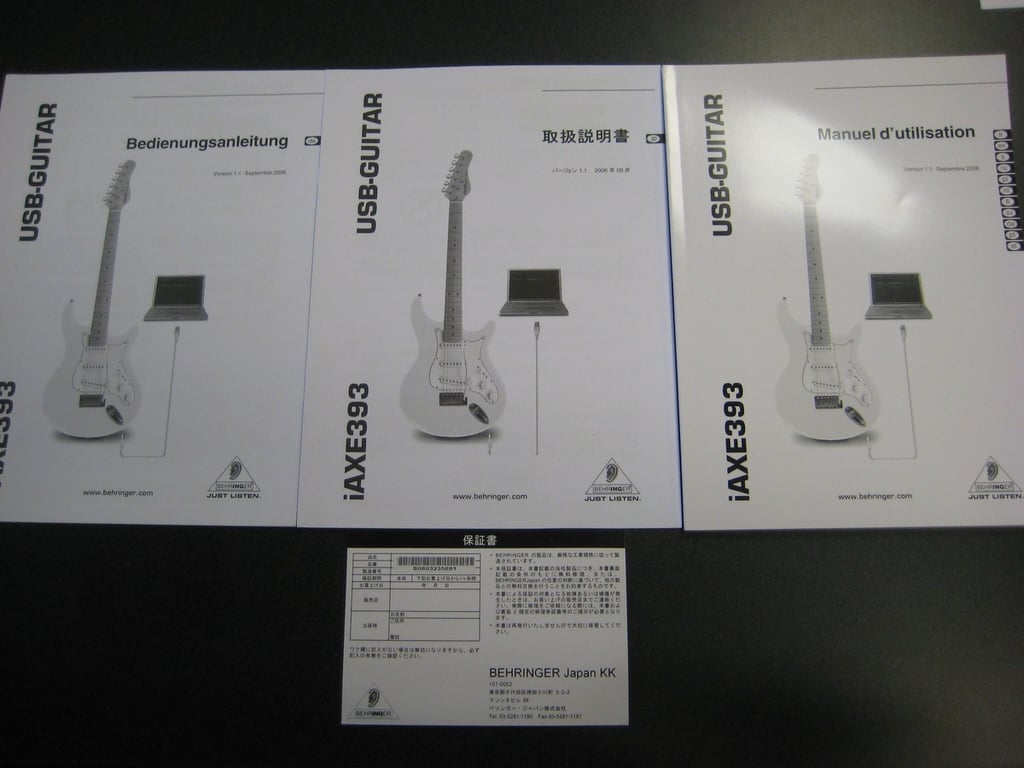
You don’t speak English? Don’t worry. The iAXE393 comes with instructions in several other languages, including French and Japanese.
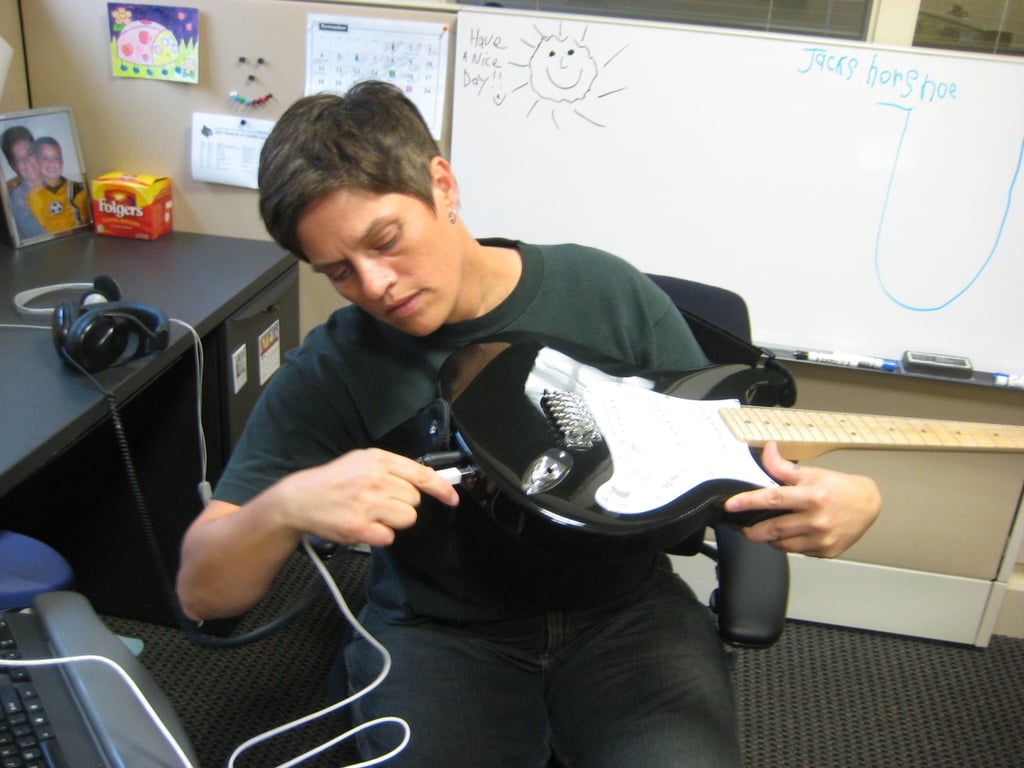
I can honestly say that this is the first time that I’ve ever plugged a guitar into a computer.
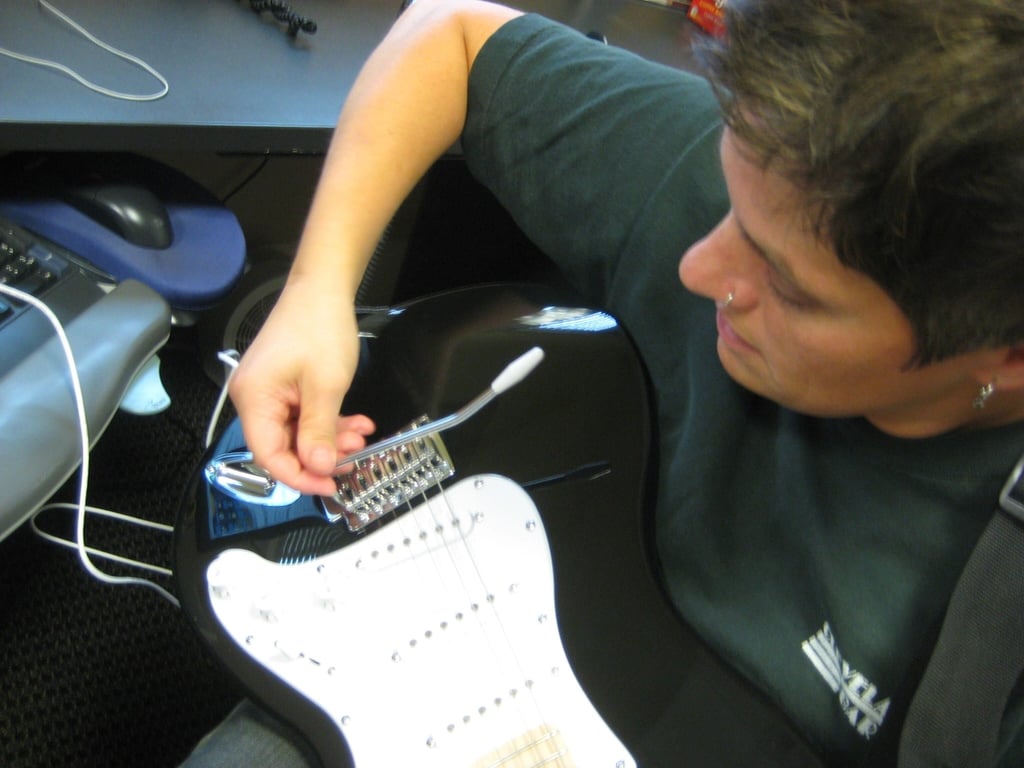
The vibrato bridge was very simple to attach to the guitar.
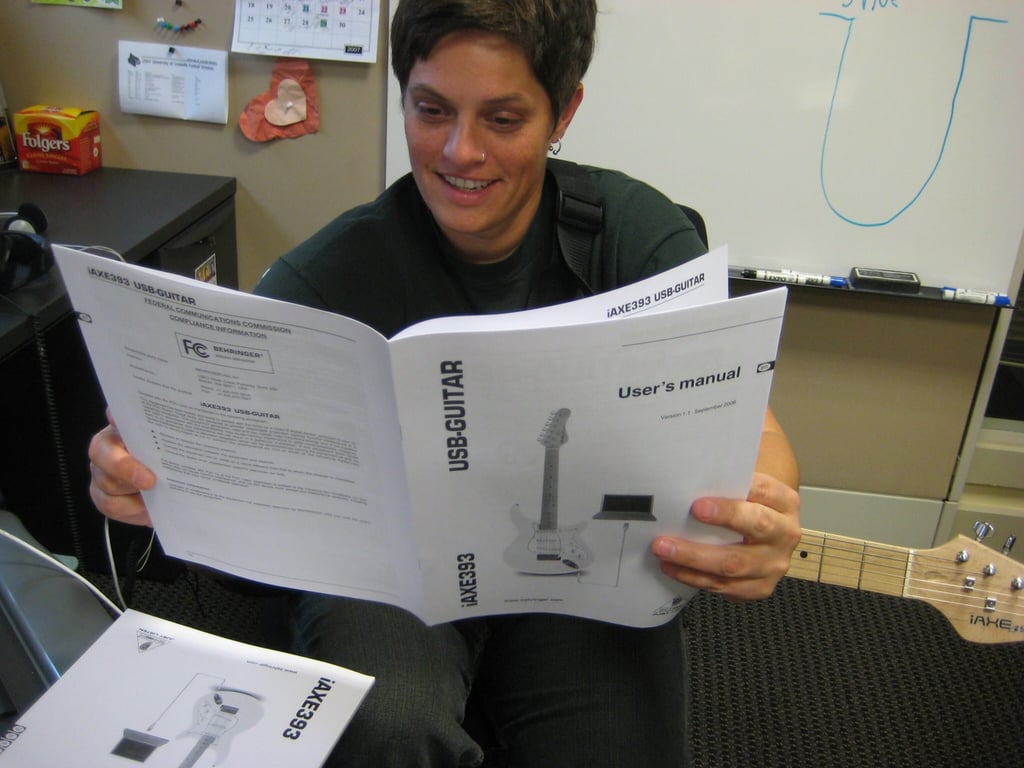
At first, reading through the documentation was exciting and fun.
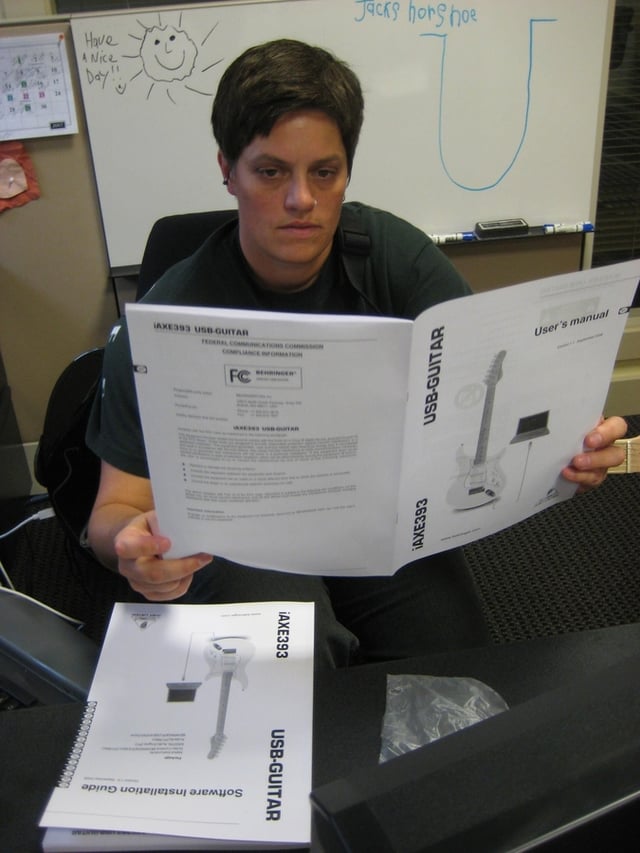
I never was able to figure out the recording and editing software… and that’s not so fun.
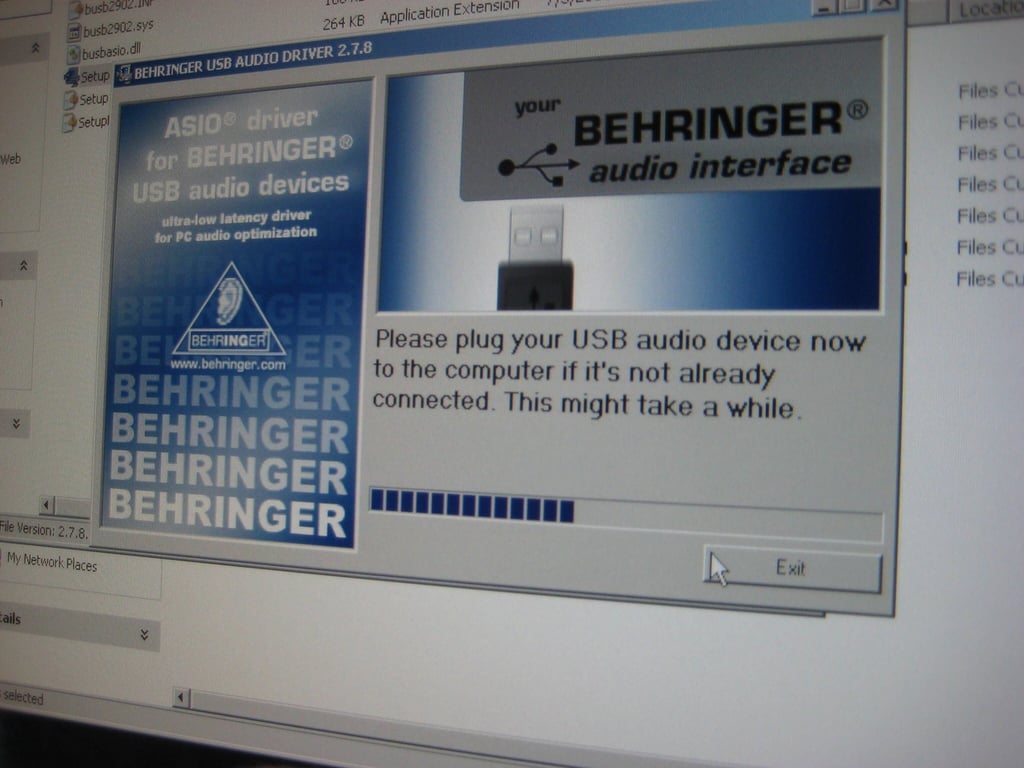
The CD-ROM included iAXE393 USB-Guitar drivers, Native Instruments’ Guitar Combos (demos), plus the Kristal recording and Audacity editing software.
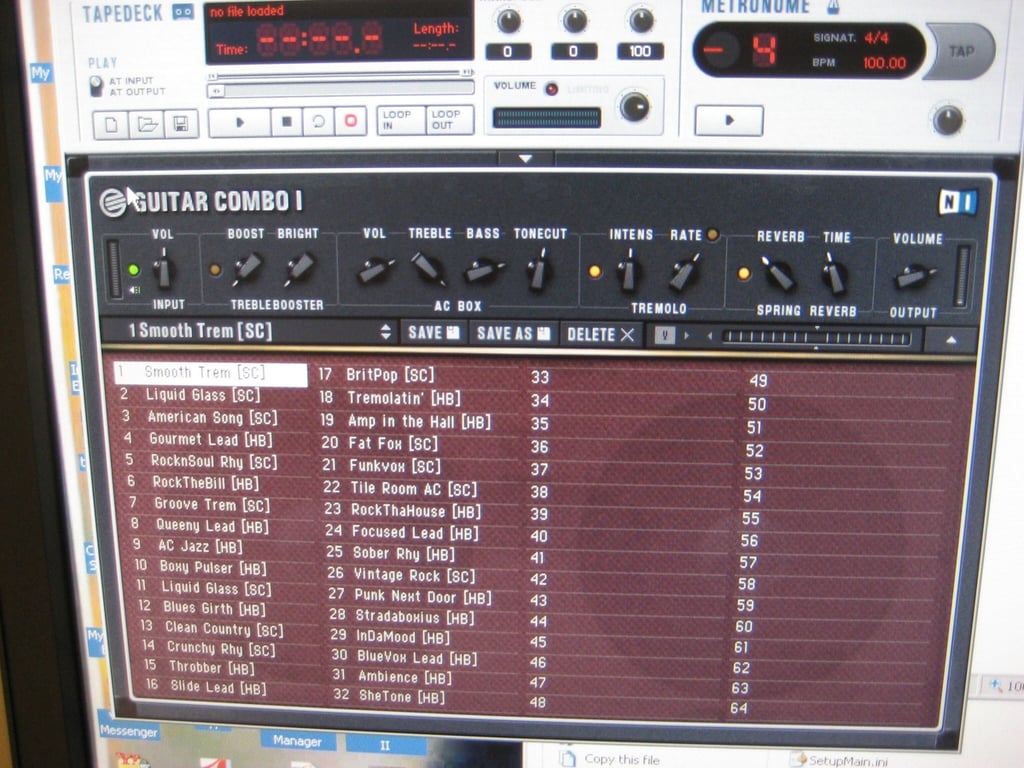
You have three Guitar Combos demos to play around with for 30 days. After that, you have to pick one to download in its entirety from Native Instruments.
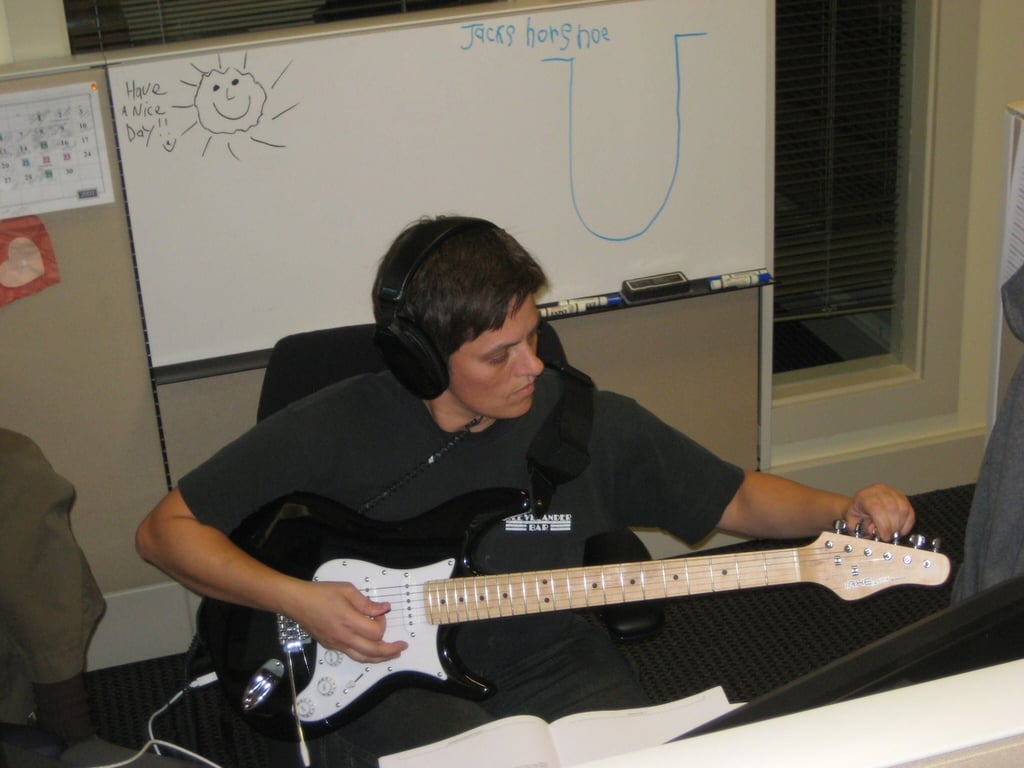
Did I mention that I had a hard time keeping the iAXE393 USB-Guitar in tune?

A couple of my co-workers had to check out the iAXE393 USB-Guitar as well.

Pros of the iAXE393 USB-Guitar: The sound effects are awesome and it’s a very nice instrument for a relatively low cost.
Cons of the iAXE393 USB-Guitar: It wouldn’t stay in tune and the software was not very intuitive or user-friendly.

Cara Reynolds an editor on TechRepublic's content team. She has been working in educational, licensed, and Web publishing for more years than she cares to admit and hosts the Right Tool for the Job blog on TechRepublic.


