By Nicole Bremer Nash
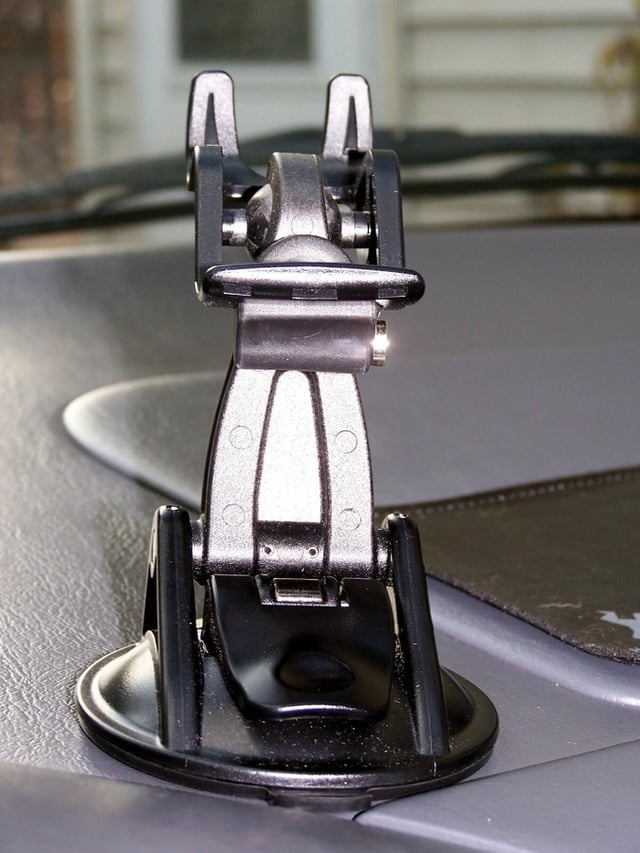
The Garmin StreetPilot c330 GPS navigator offers more than animated maps. With nearly instantaneous satellite connection, the StreetPilot c330 knows exactly where it is upon powering up. Thanks to clearly labeled menus, accurate driving directions, and intuitive lists, the Garmin StreetPilot c330 will have you on your way in no time. The StreetPilot c330 mount uses a suction cup base that allows the c330 to mount on either the dashboard or the windshield.
Read my concise Geek Gift review of the Garmin StreetPilot c330 GPS Navigator.
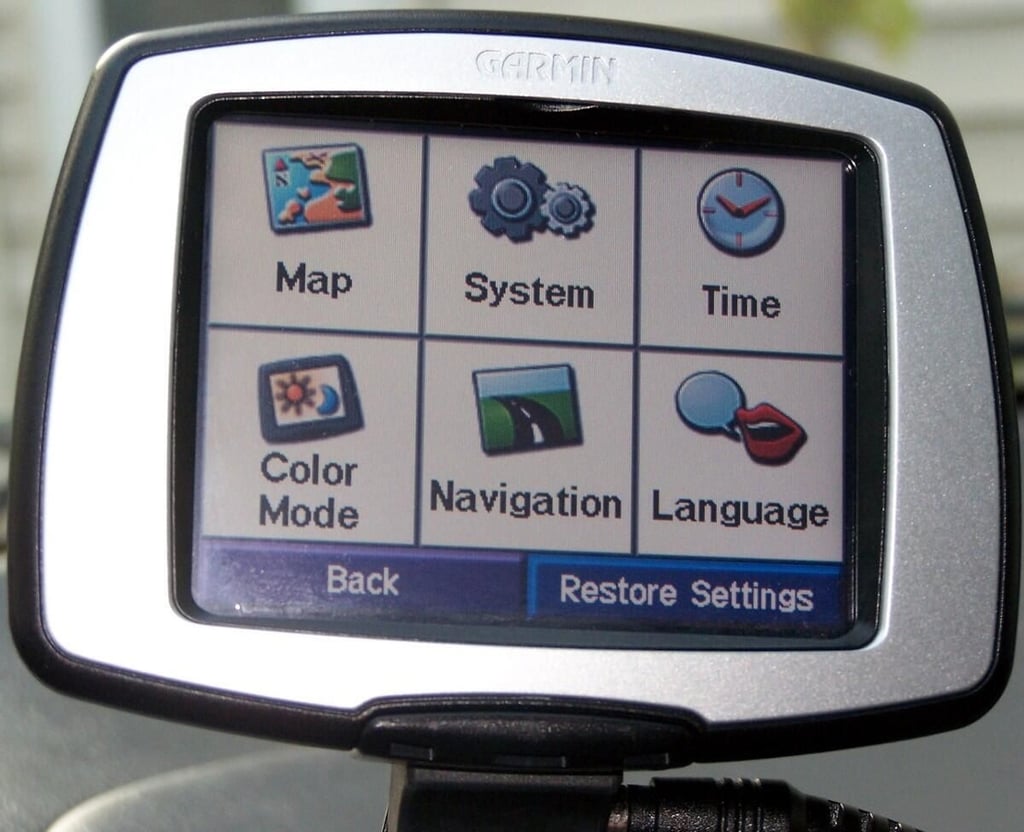
The “Settings” menu offers a variety of customizable settings.
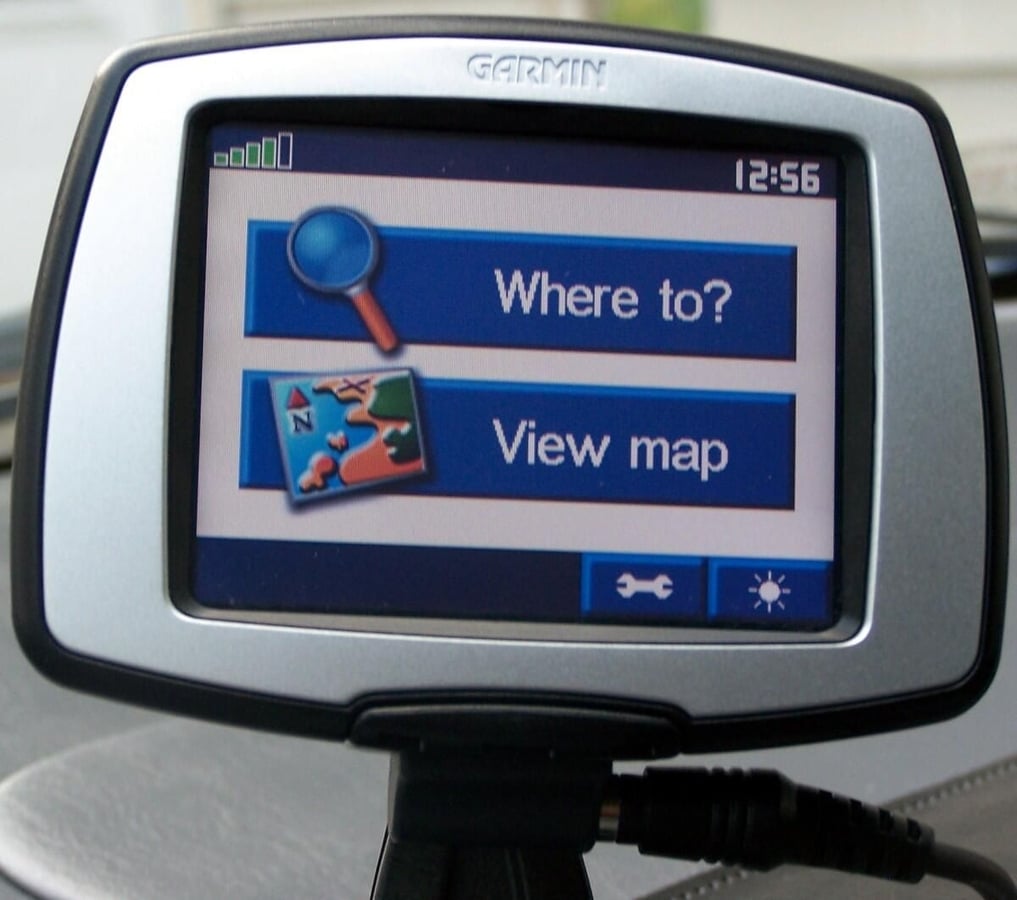
Select “Where to?” to go to the destinations menu.
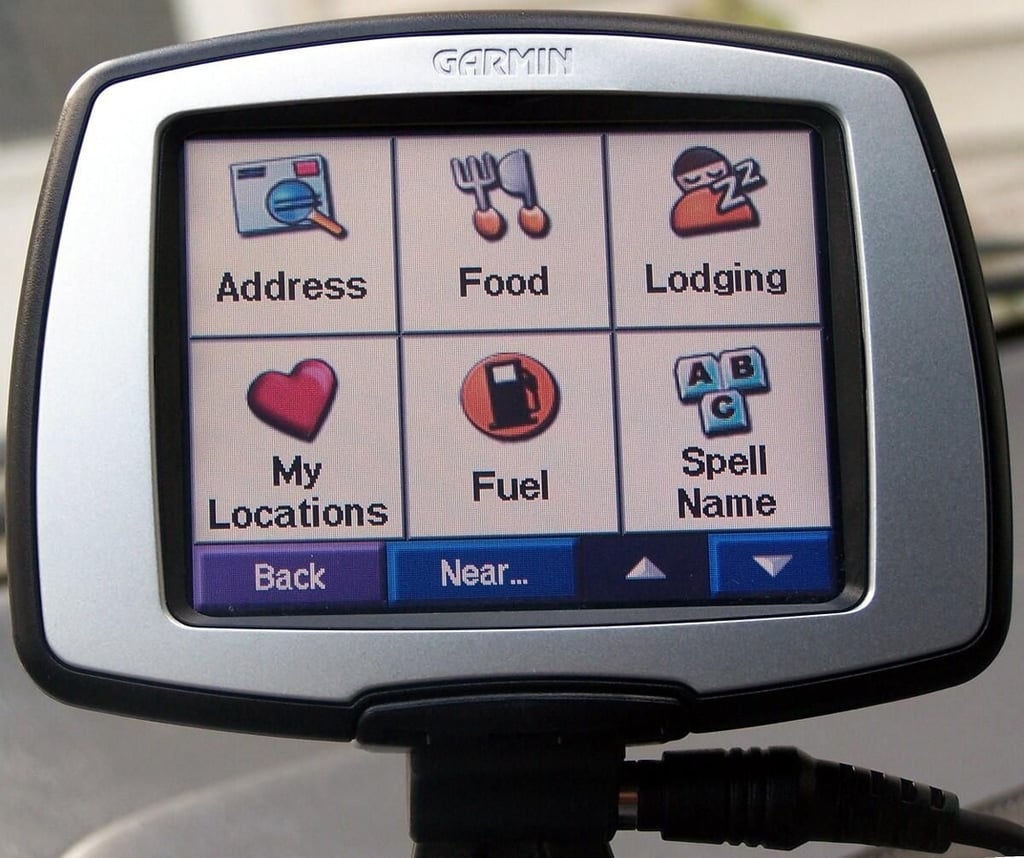
The destinations menu offers the ability to input a specific address or request a list of locations by type. You can also save your favorite and most used locations in the “My locations” menu.
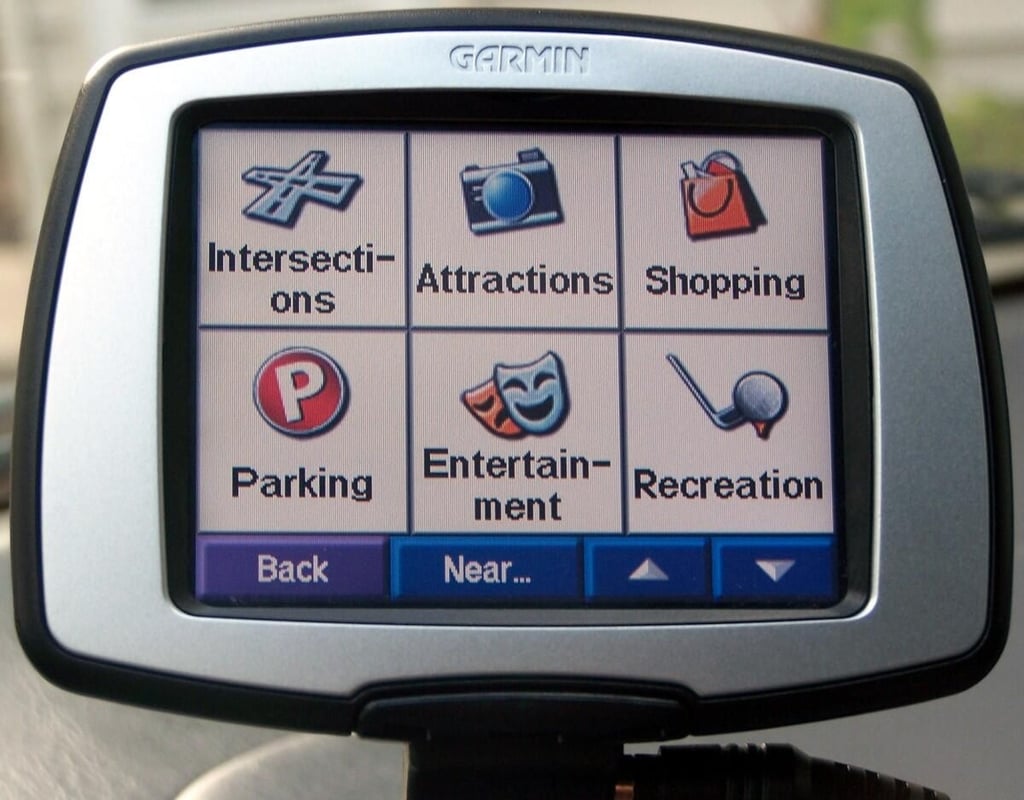
More destination categories.
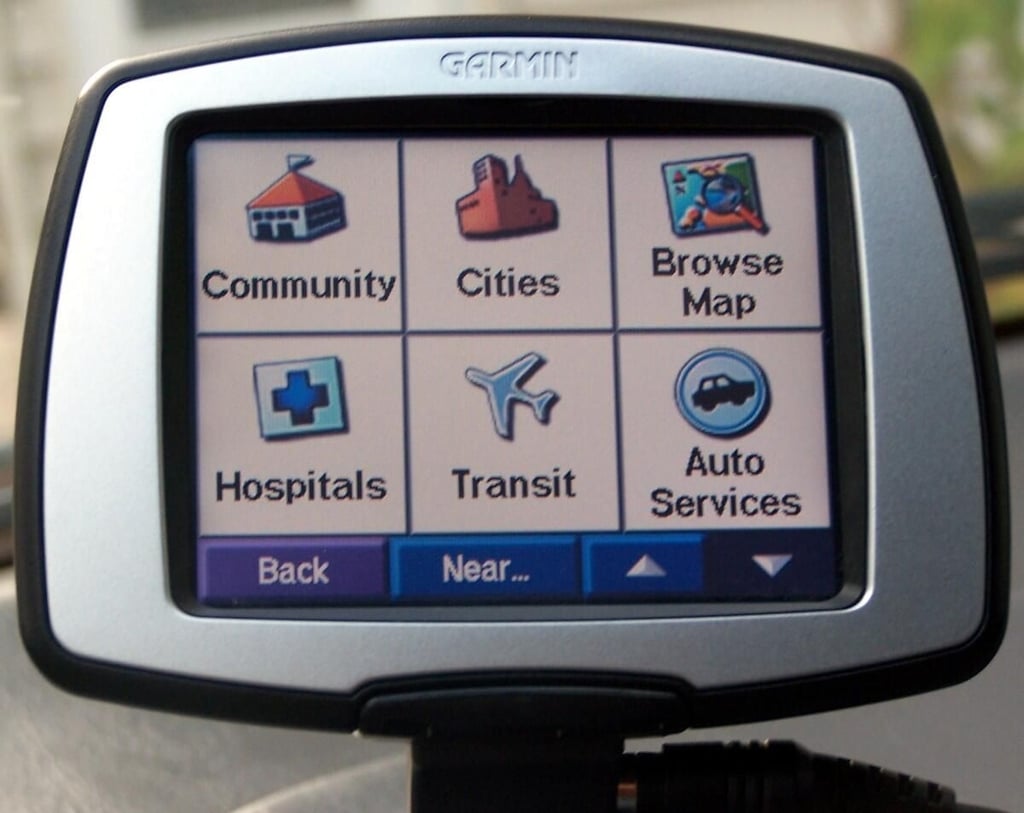
Scrolling all the way down offers yet another full screen of destination types.
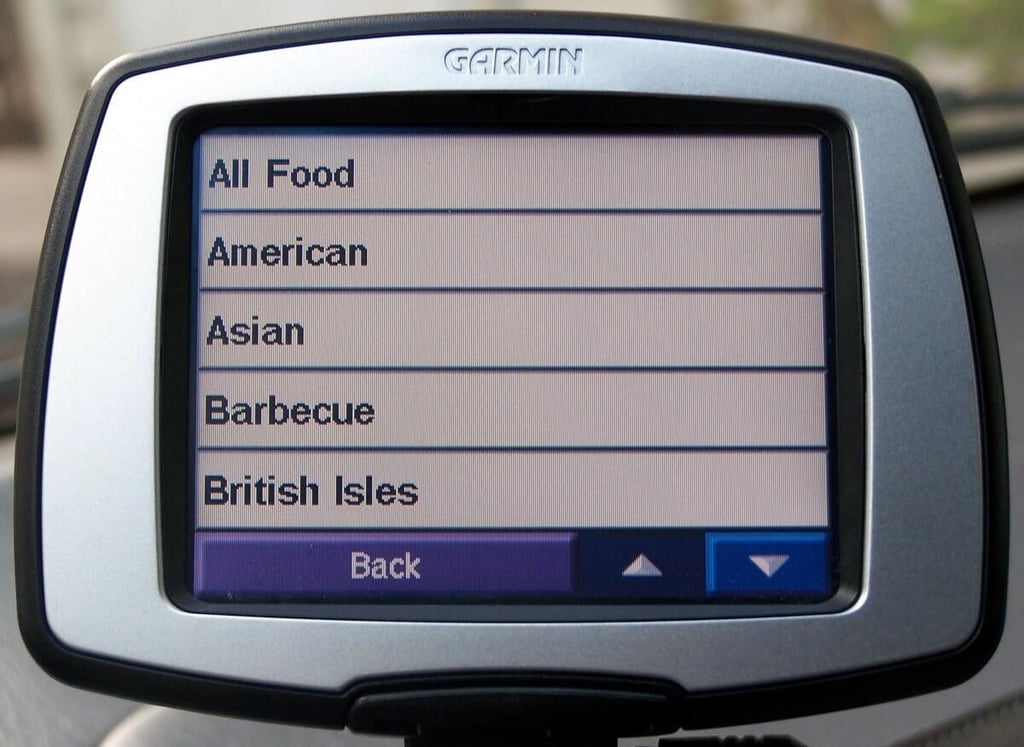
Selecting the “Food” menu in the destinations menu will give you a choice of cuisines by type. All of the destination menus work in much the same way.
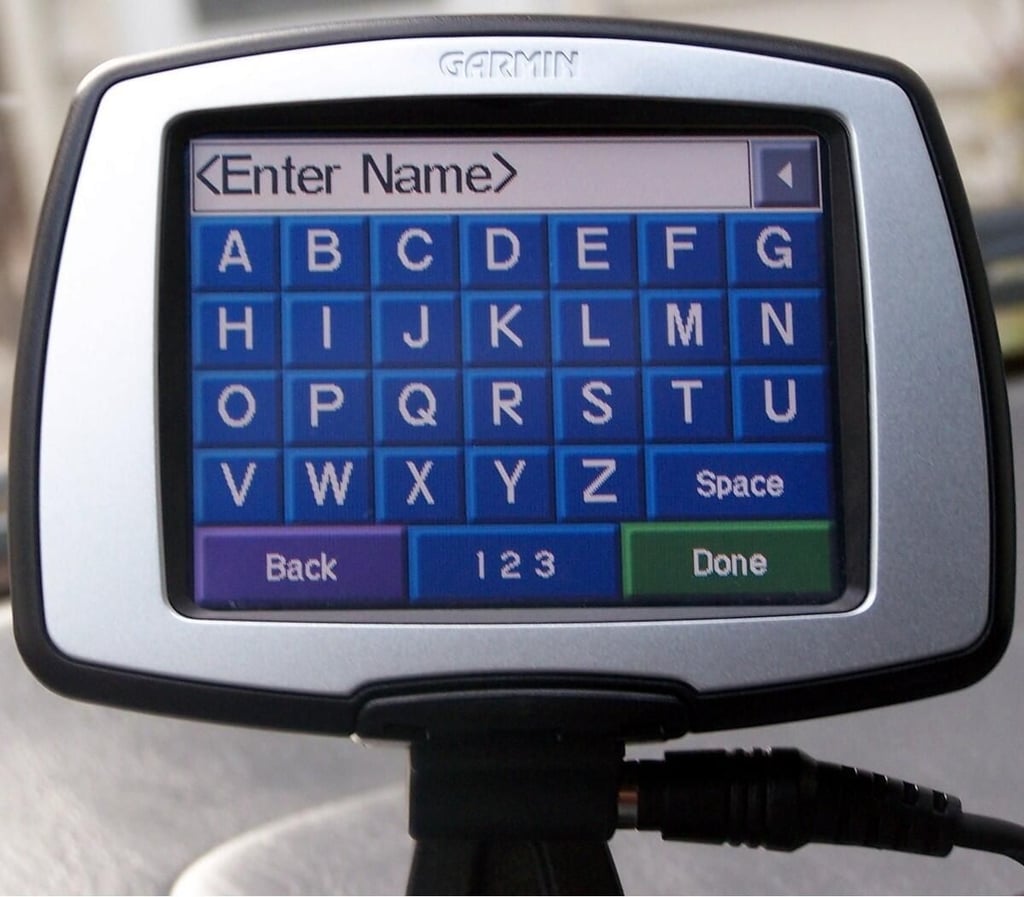
If you know where you’d like to go, you can use the “Spell name” menu from the destinations menu.
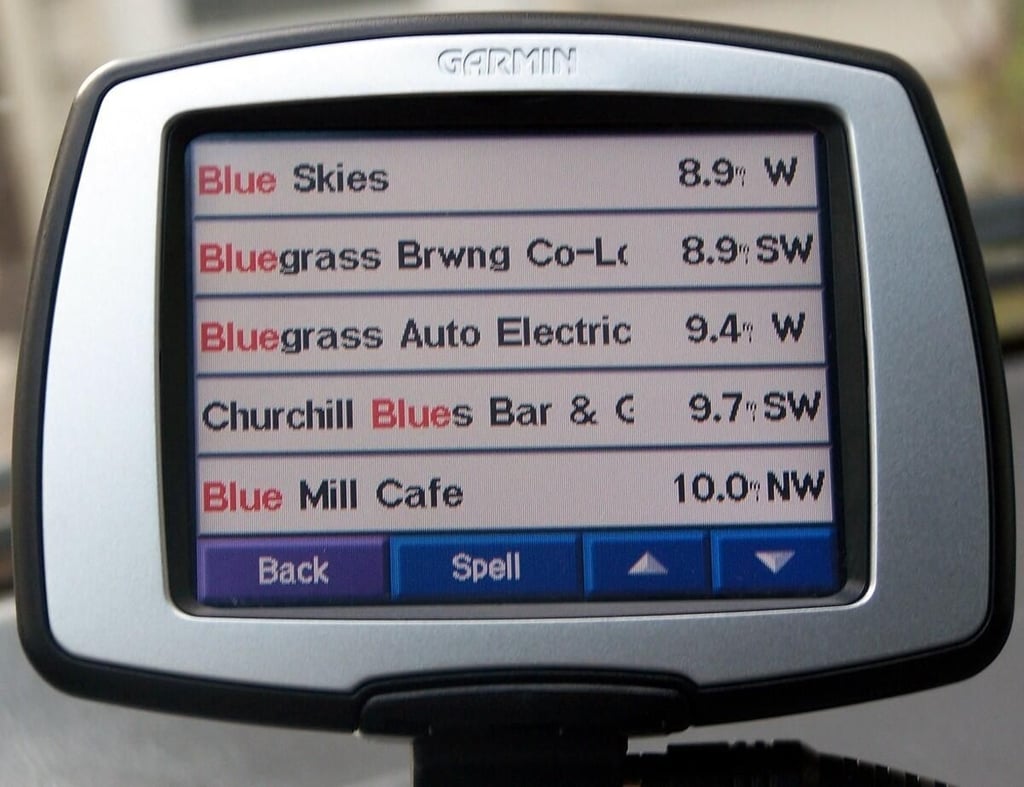
Entering a partial destination name brings up a list of nearby locations with the partial word in the name.
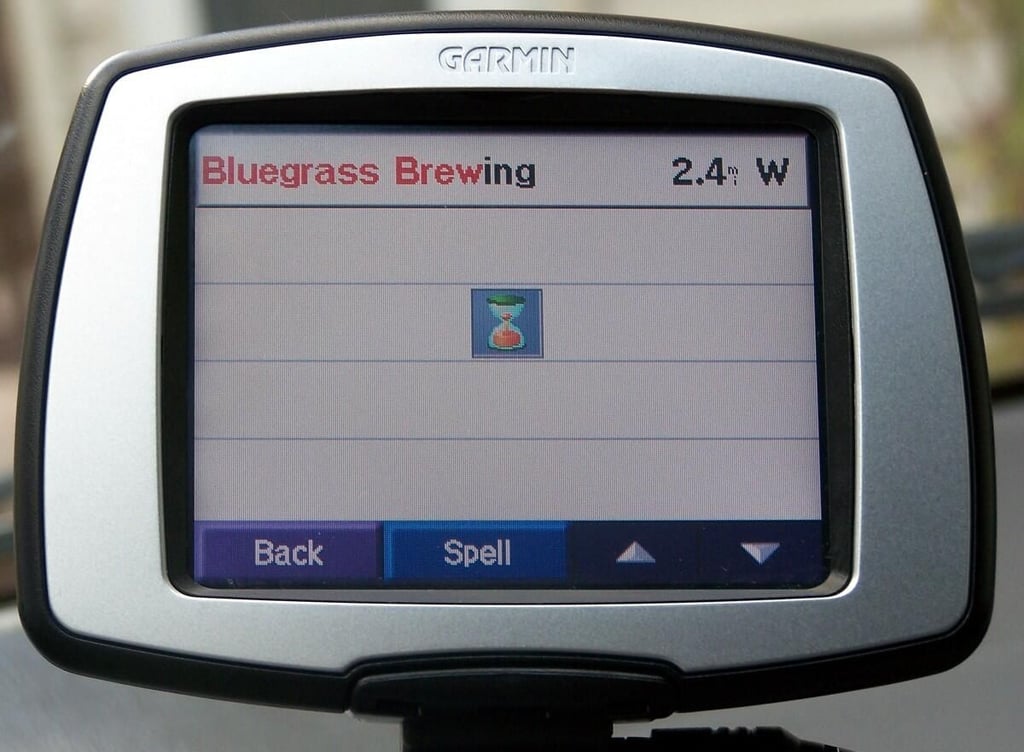
If the generated list is too long, simply return to the “Spell name” menu and add more characters. In this case, the favored restaurant location was almost immediately located.
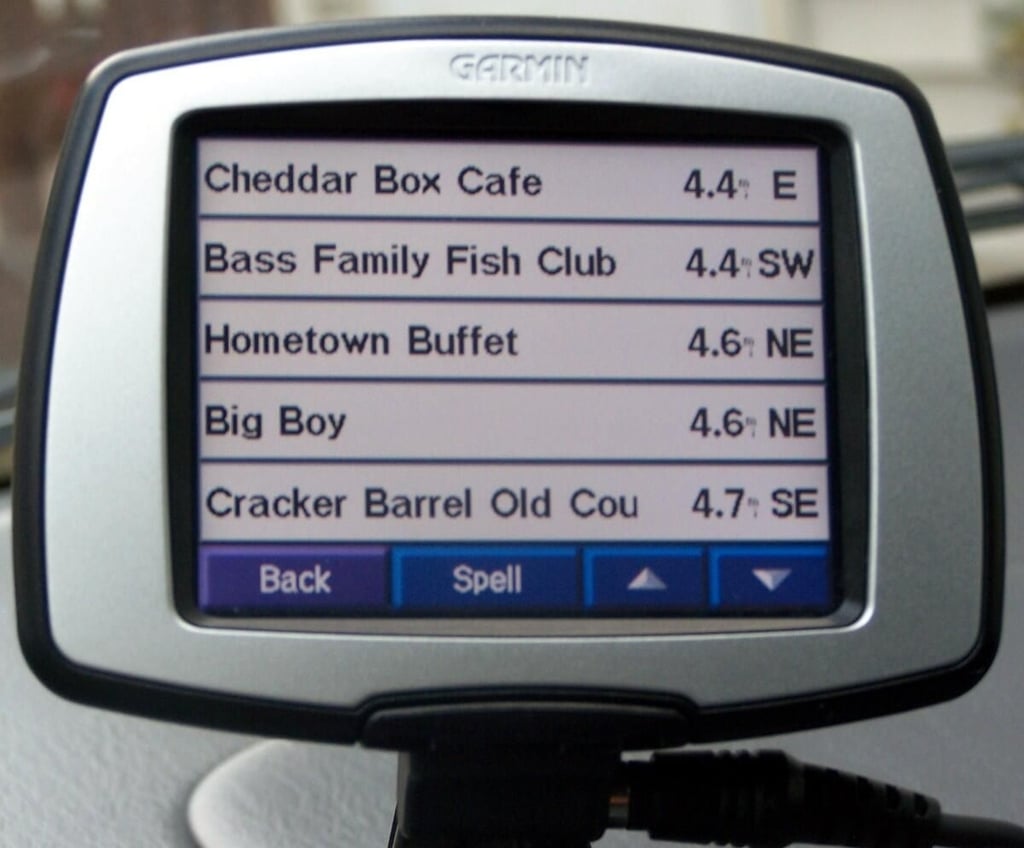
An example of the nearest “American Fare” without further specification. The StreetPilot c330’s ability to locate destinations and restaurants by type can make traveling significantly less stressful.
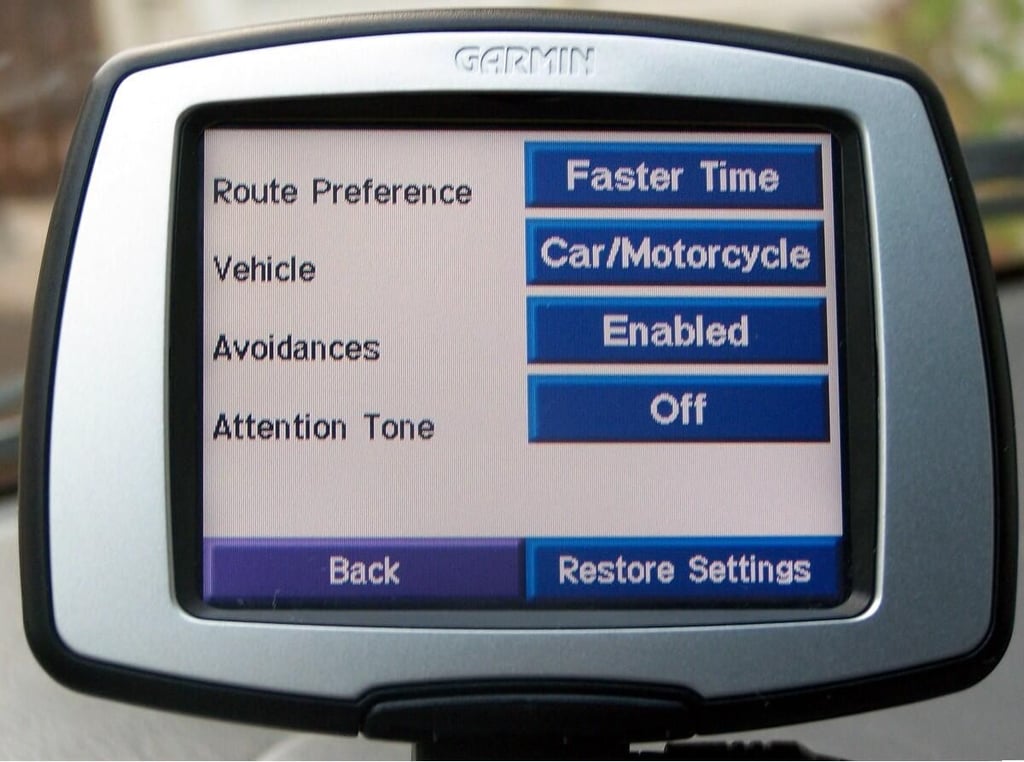
The navigation options menu allows the user to specify preferences such as route type and things to avoid.
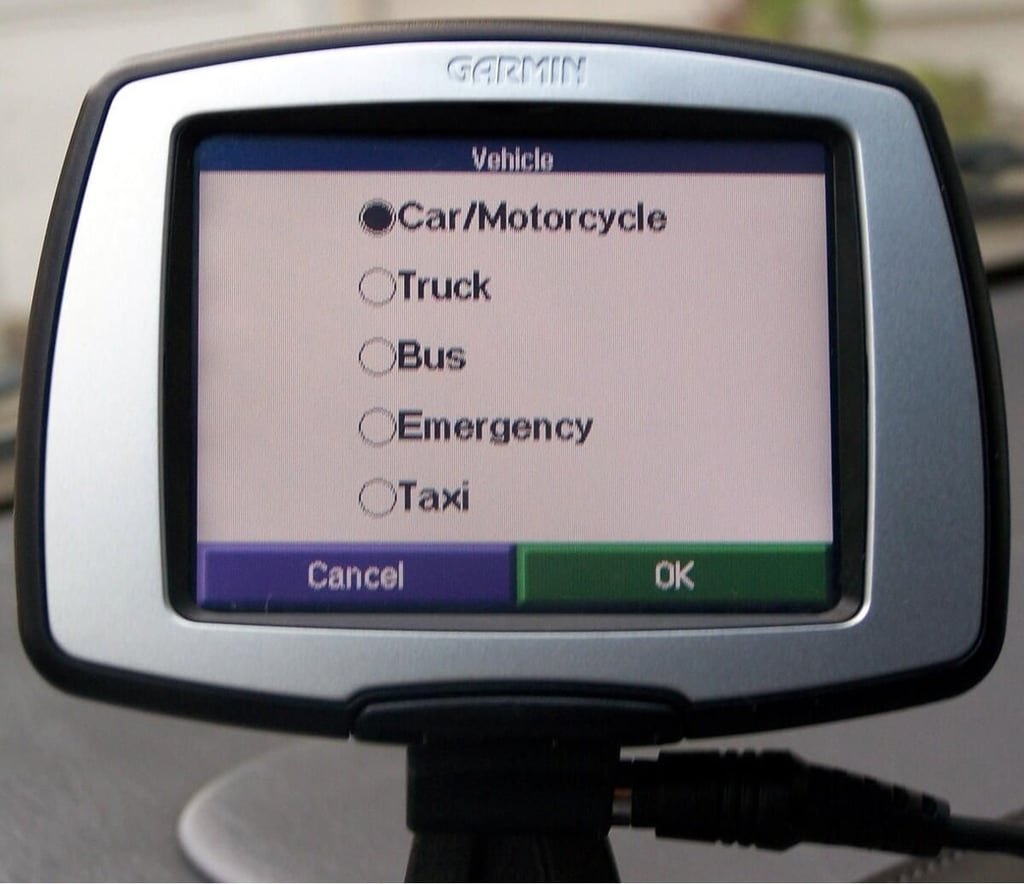
Selecting the correct vehicle-type allows the StreetPilot c330 to find the best route for the current vehicle and driver’s needs.
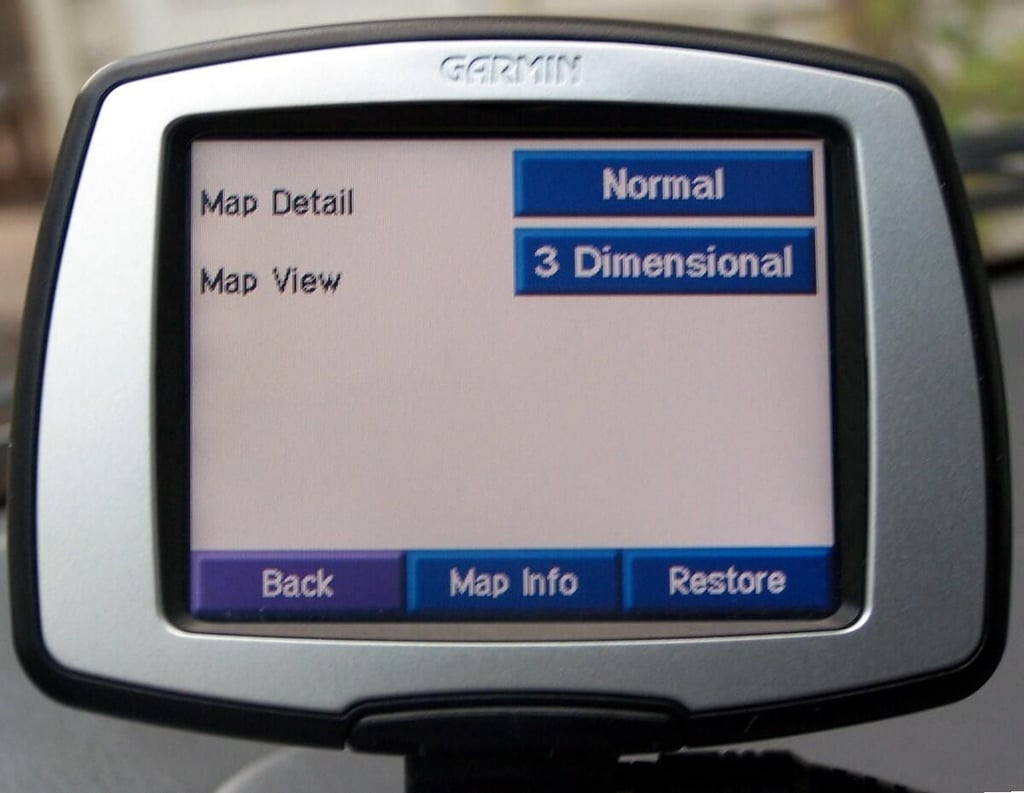
The map settings screen allows the user to adjust map detail and view.
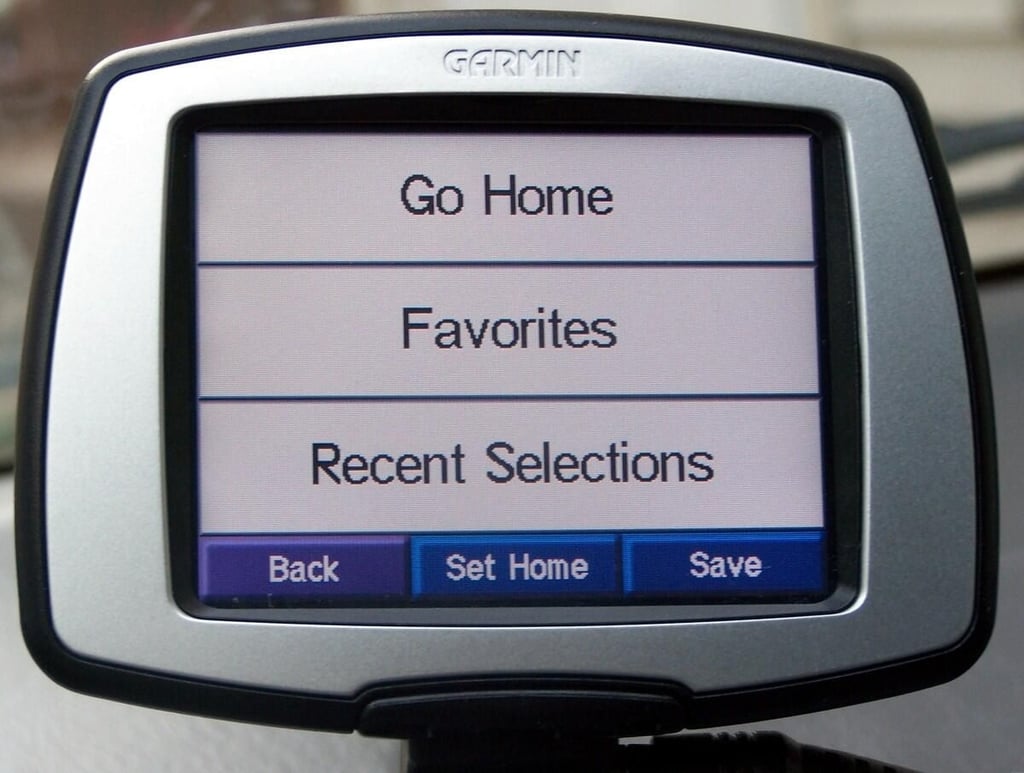
The “My locations” menu offers fast access to recent and previously saved destinations.
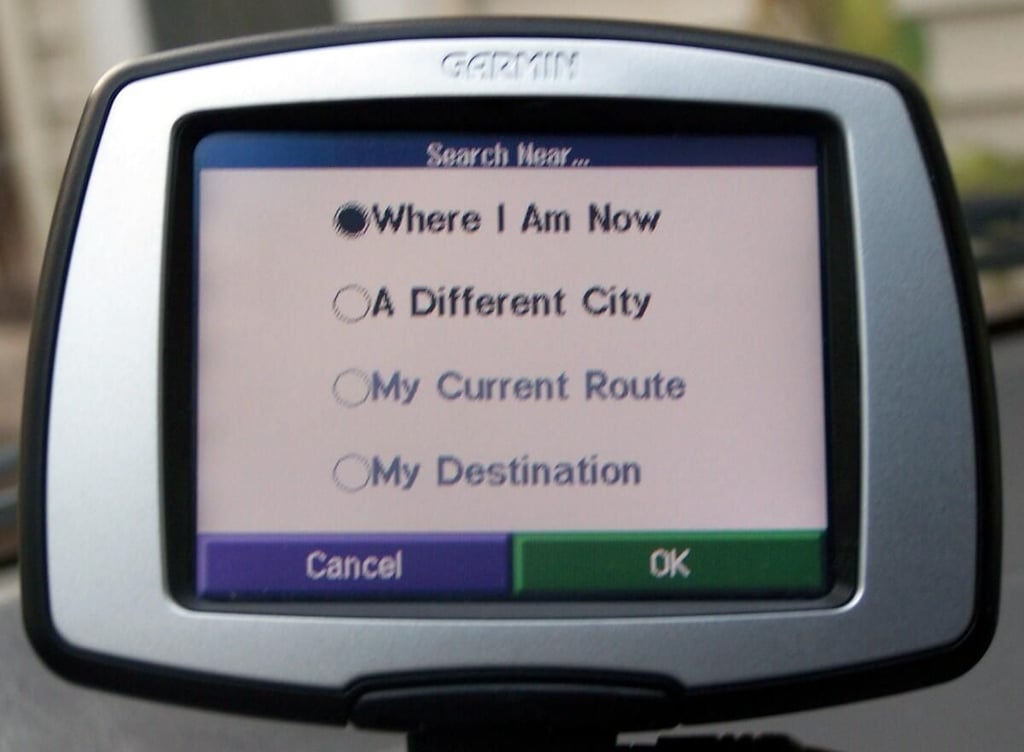
“Search near” options allow the user to add a destination to the current route, or even just find the most convenient place to pick up a jug of milk on the way home.
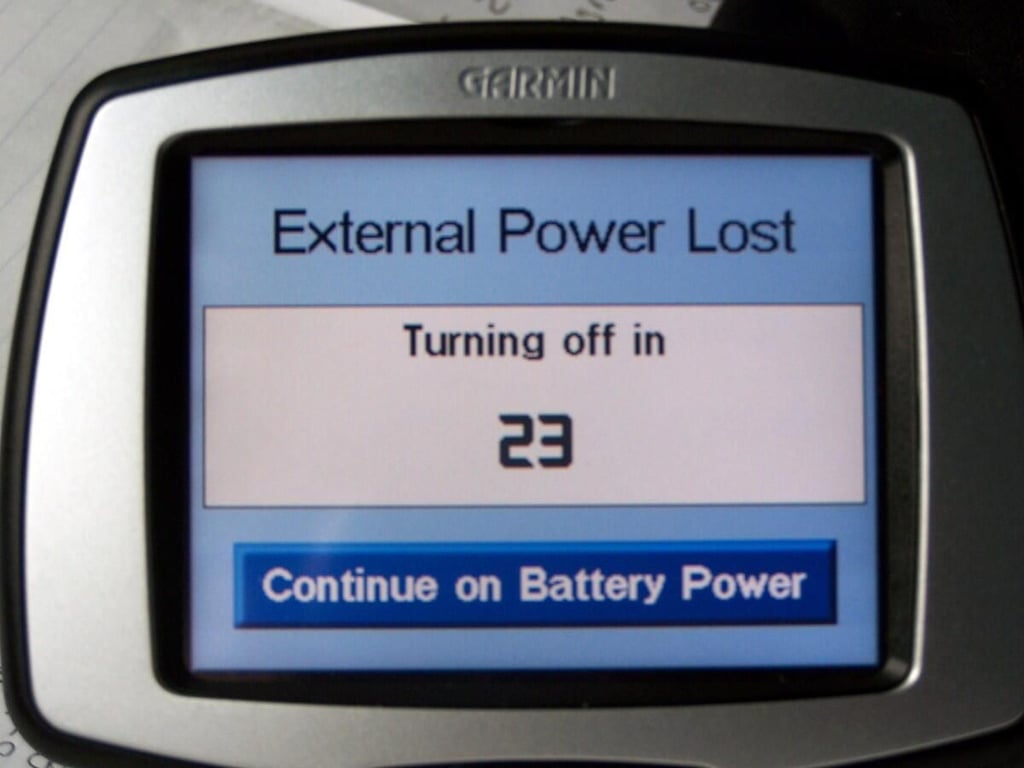
When the vehicle is turned off, the StreetPilot c330 will turn itself off after thirty seconds. The built-in battery supply may be used for non-vehicular use (such as walking city blocks), and pre-programming before driving.
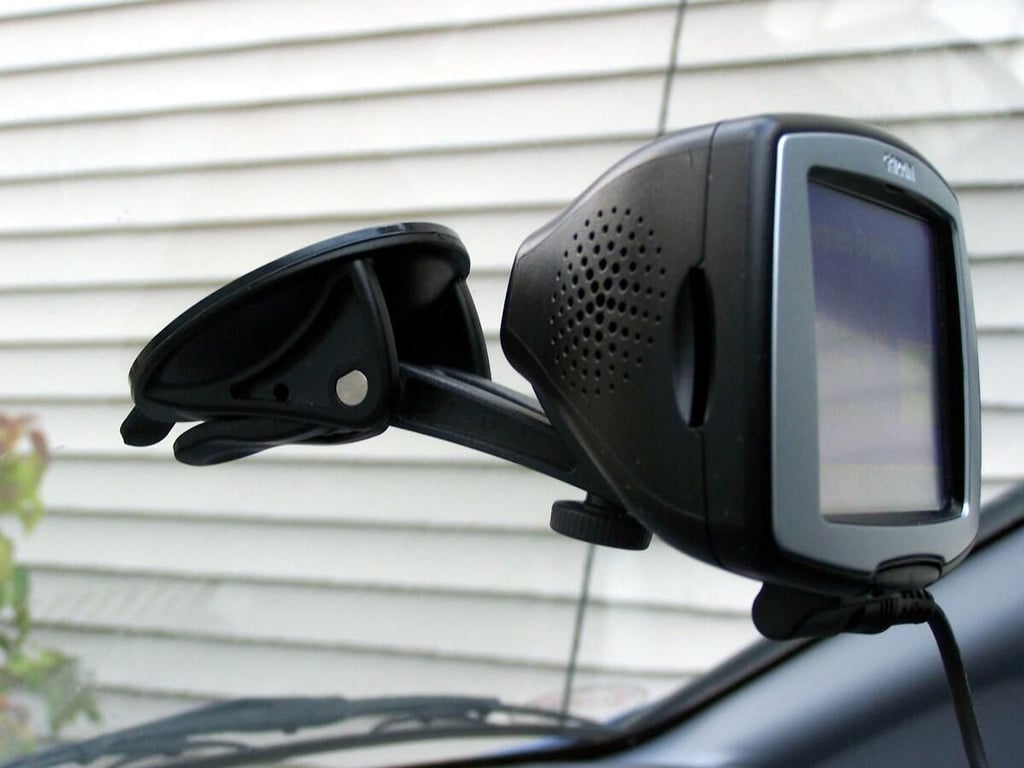
The smartly-designed suction-cup bottomed mounting stand is easily mounted and removed from the windshield interior.
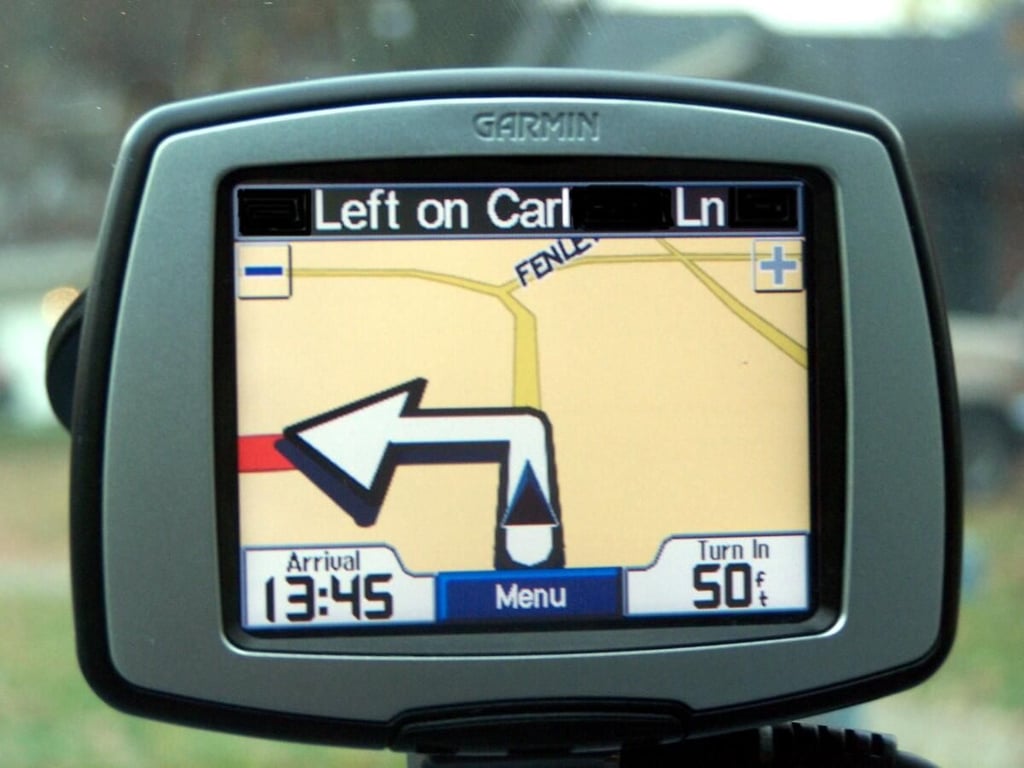
Clear, concise maps, text, and directional signals make the Garmin StreetPilot c330 easy to use while driving (though it should never be programmed while operating a vehicle).
Read my concise Geek Gift review of the Garmin StreetPilot c330 GPS Navigator.

Nicole Bremer Nash is Director of Content and Social Media for HuTerra, where she uses SEO and social media to promote charitable organizations in their community-building and fundraising efforts. She enjoys volunteering, arts and crafts, and conducting science experiments at home. Nicole has a Bachelor of Arts degree in English from Transylvania University, and has experience in copywriting for education, print, business, and the web. You can find her on Facebook and Twitter via @HuTerra.


