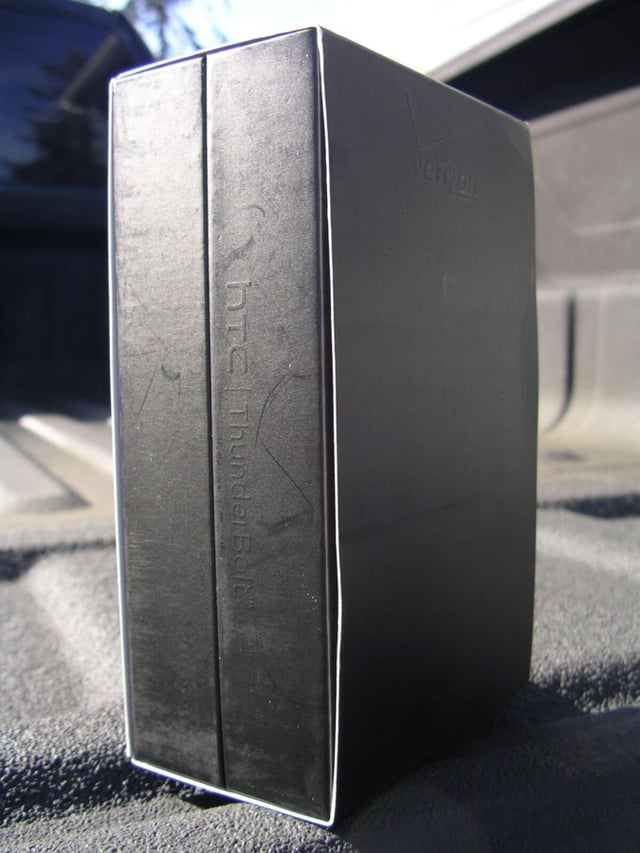
\n\tThe HTC ThunderBolt is the first LTE smartphone on the Verizon Wireless network. The device is extremely fast, but traveling at that speed also hits the battery pretty hard. The box is an unassuming black simple package with embossed Thunderbolt branding.
\n
\n\tCheck out my ZDNet Smartphones & Cell Phones post for a video of the HTC ThunderBolt and more details.
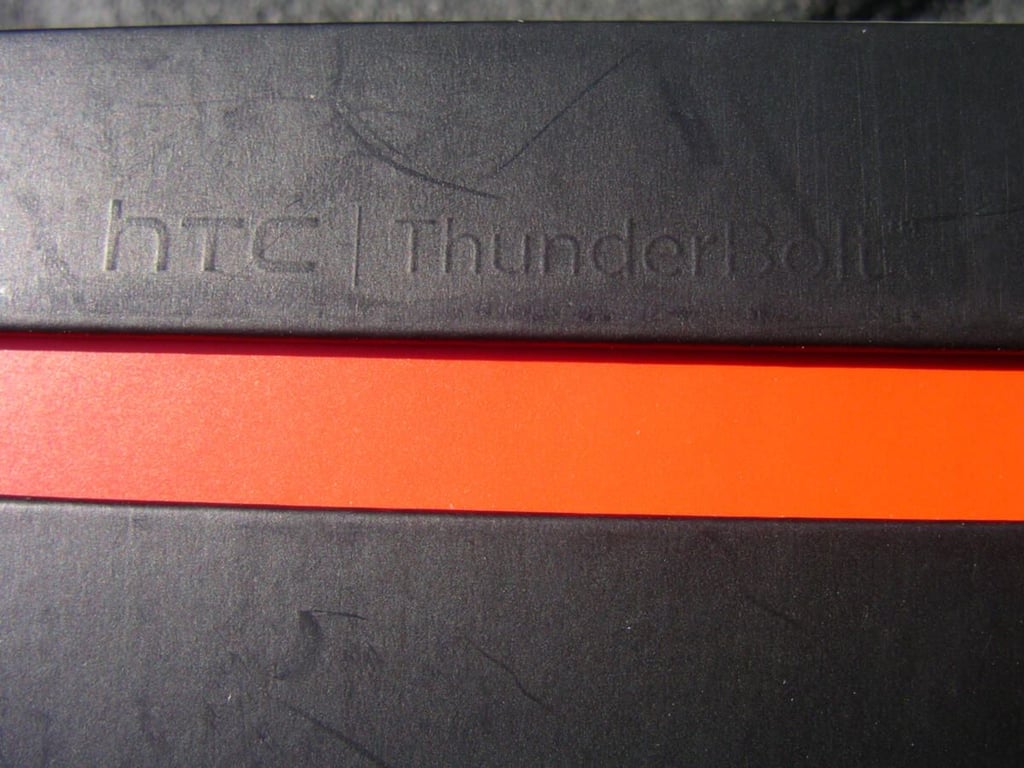
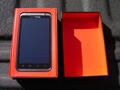
\n\tAfter you lift the top from the black box you will find blazing red all over, that matches the Verizon colors. Notice the ThunderBolt embossing on the box too.
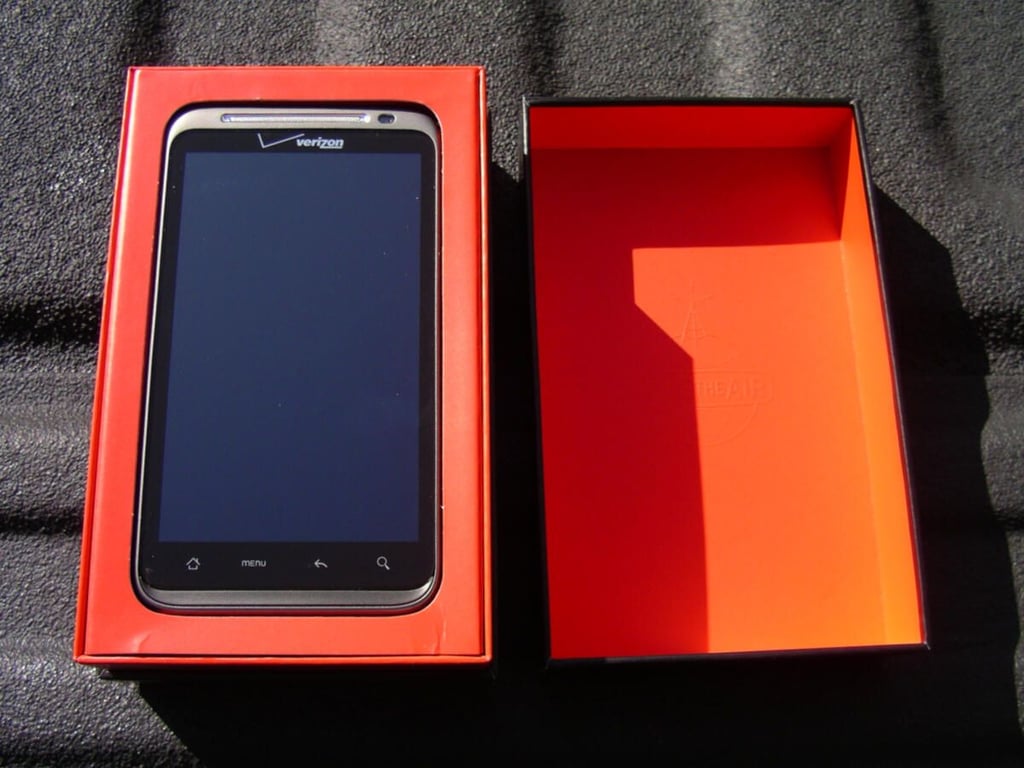
\n\tHere’s the HTC ThunderBolt embedded in Verizon red.
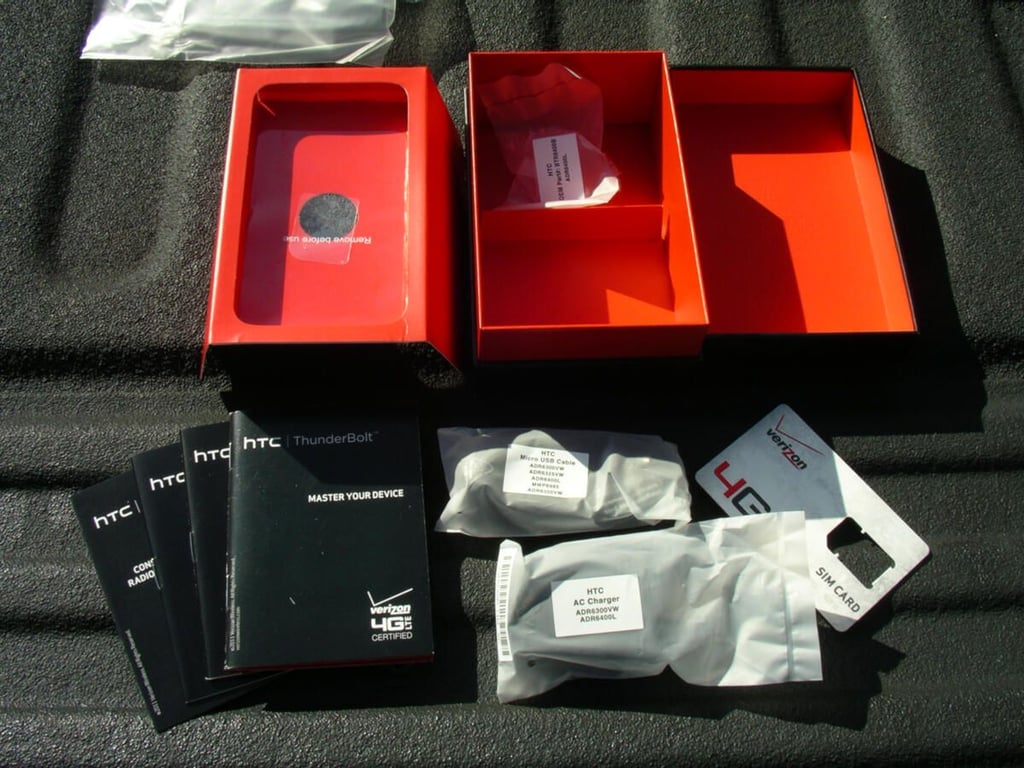
\n\tBox contents include a USB cable, charger, some pamphlets, and the SIM card. There is no headset included with the ThunderBolt.
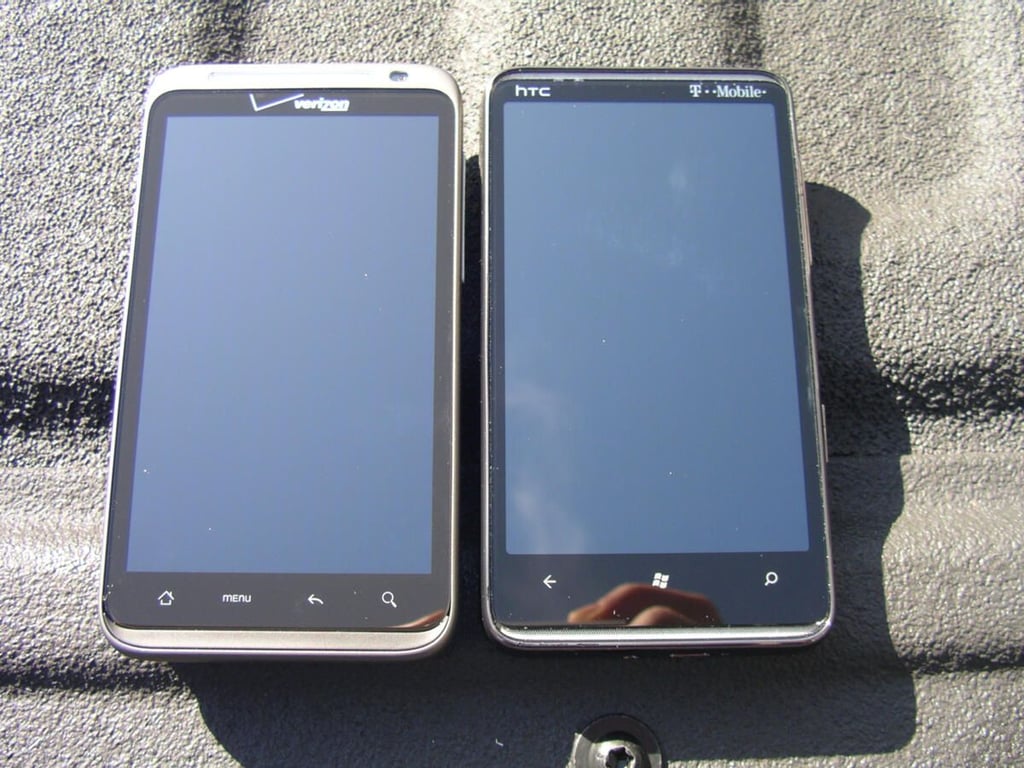
\n\tThe HTC ThunderBolt is very similar in size to the HTC HD7 device and they both have 4.3 inch TFT displays.
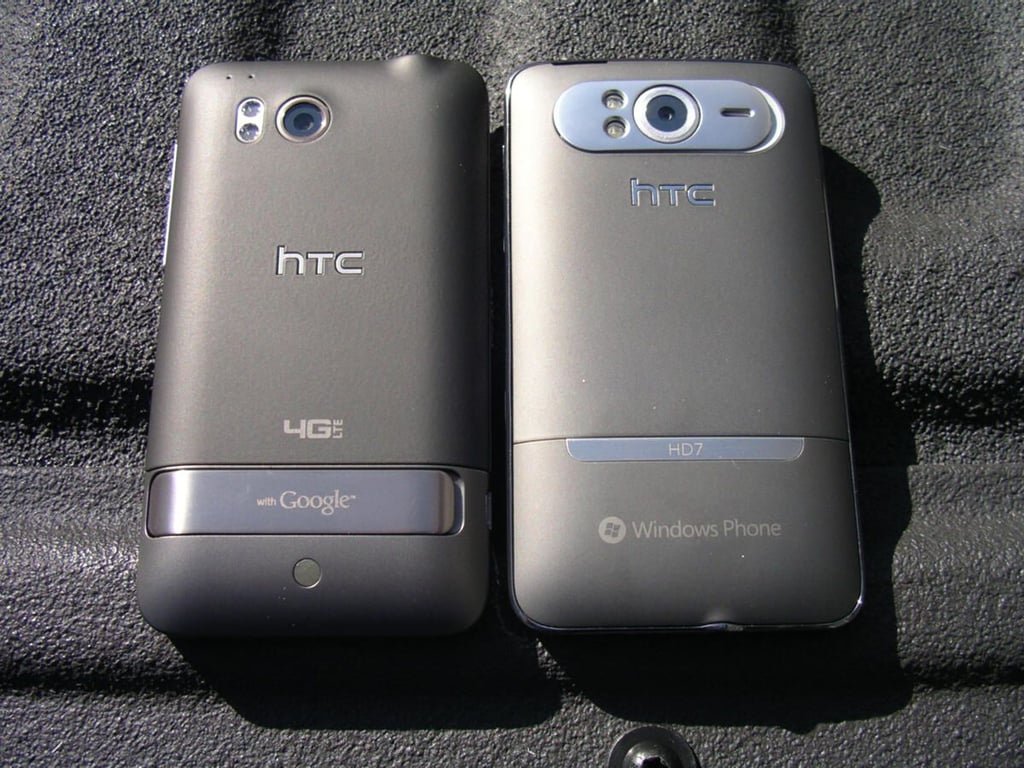
\n\tHere you can see the back of these two 4.3 inch HTC devices. The ThunderBolt has a better camera and kickstand than the HD7.
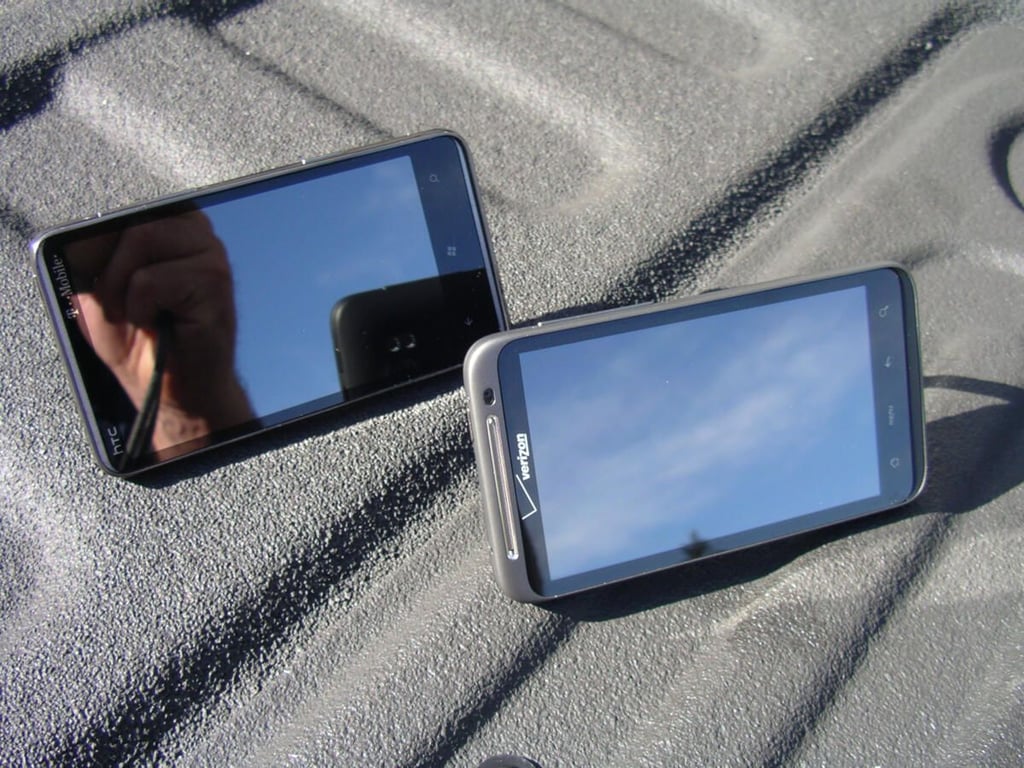
\n\tHTC likes to use kickstands on their more powerful smartphones, as you can see here.
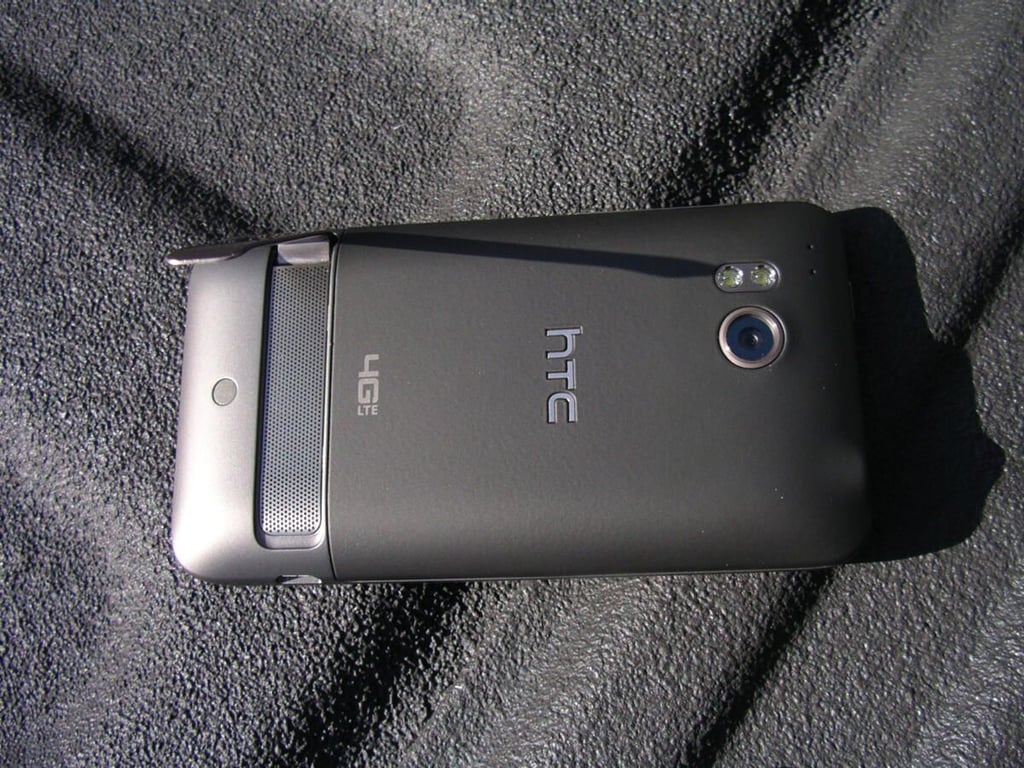
\n\tThe kickstand on the back of the Thunderbolt is substantial and also covers the speaker grill.
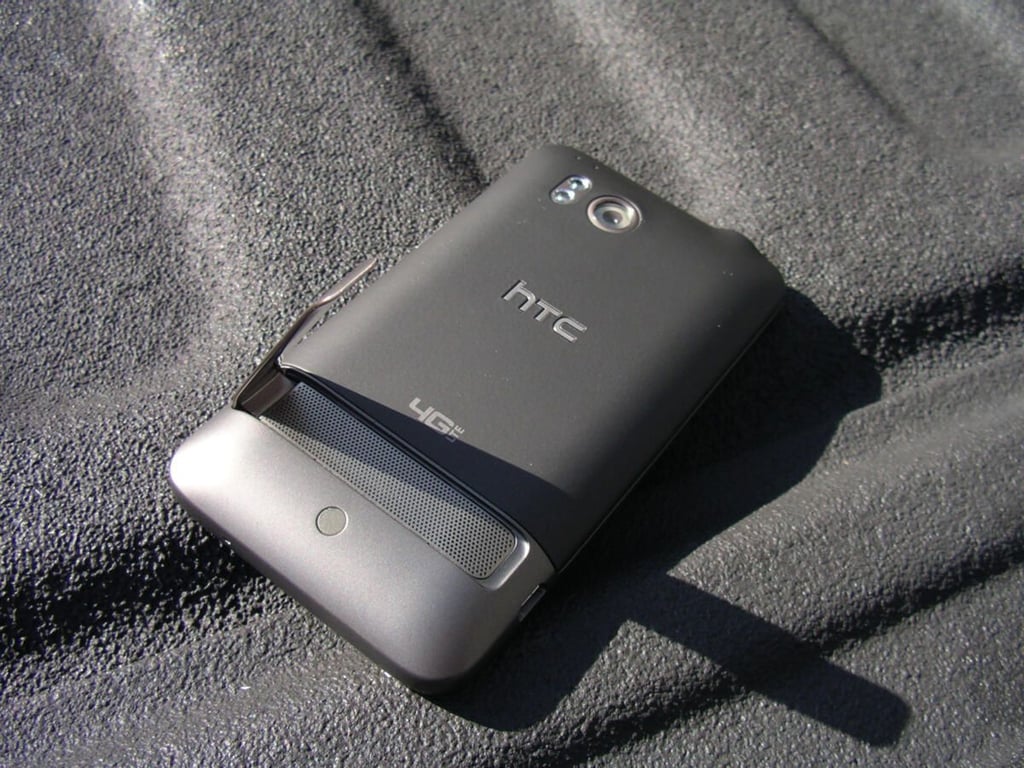
\n\tThe kickstand is wide and solid while the back is made of a soft touch type material.
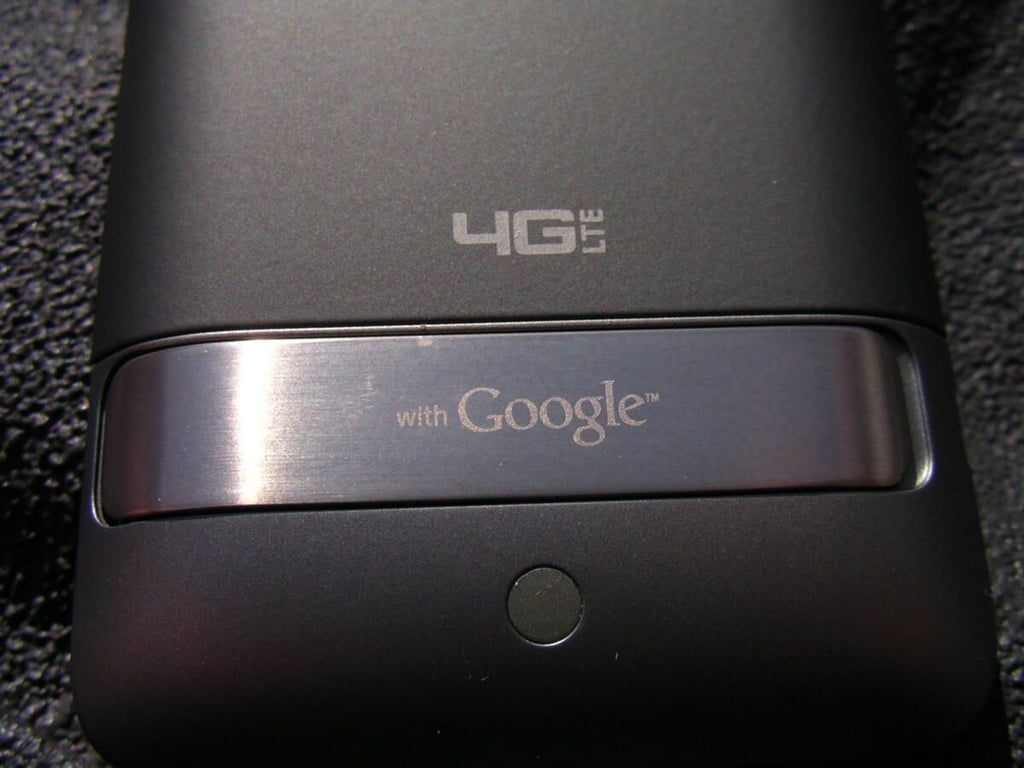
\n\tHere you can see the kickstand closed and the 4G LTE labeling on the Thunderbolt.
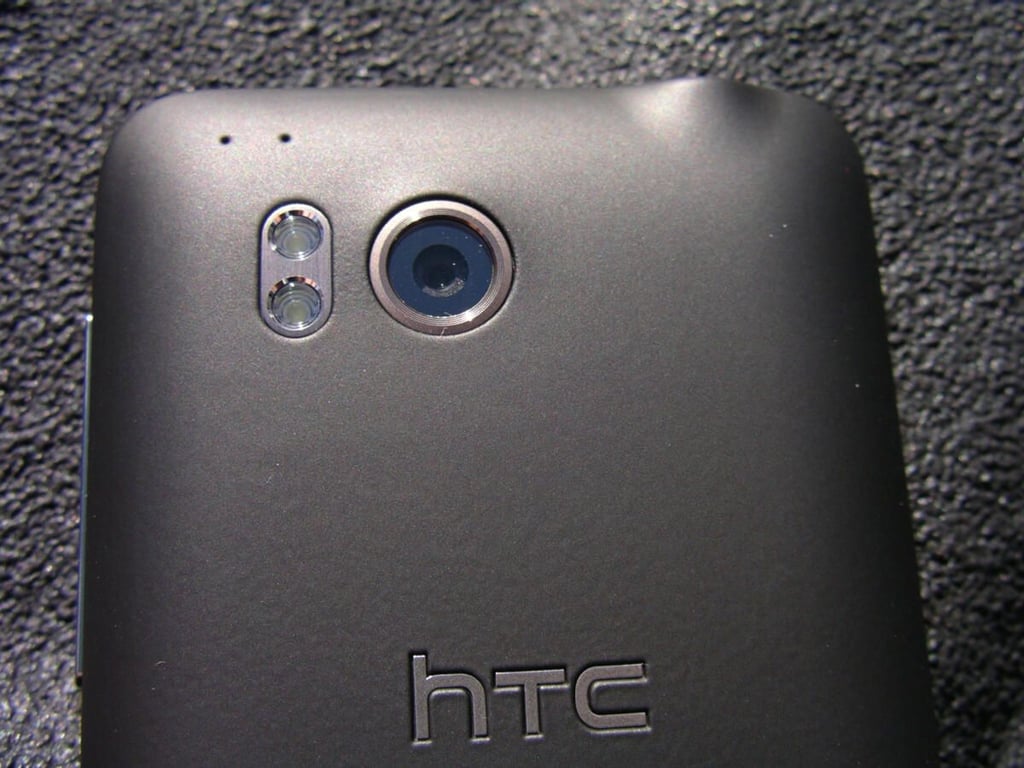
\n\tThe 8 megapixel camera and dual LED flash are shown at the top of the back. There are also two small holes with a connector on the back that may be for an enhanced antenna.
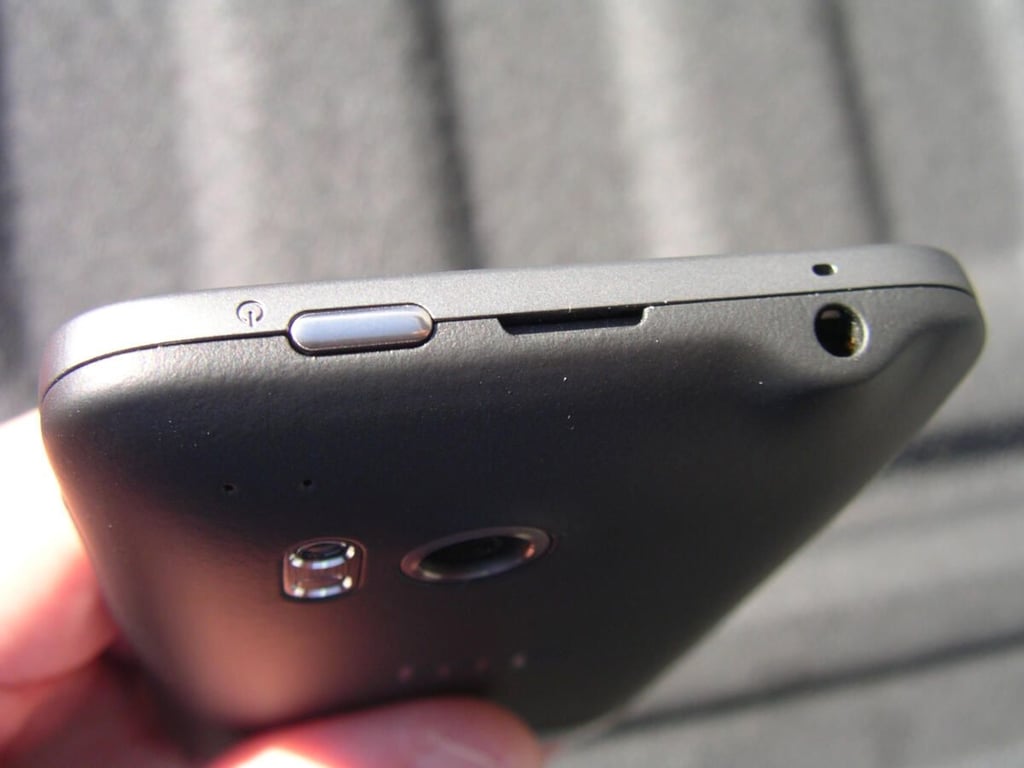
\n\tThe top of the Thunderbolt includes the power button, notch to pry off back cover, and 3.5 mm headset jack. A second microphone is also found on the top to improve call quality.
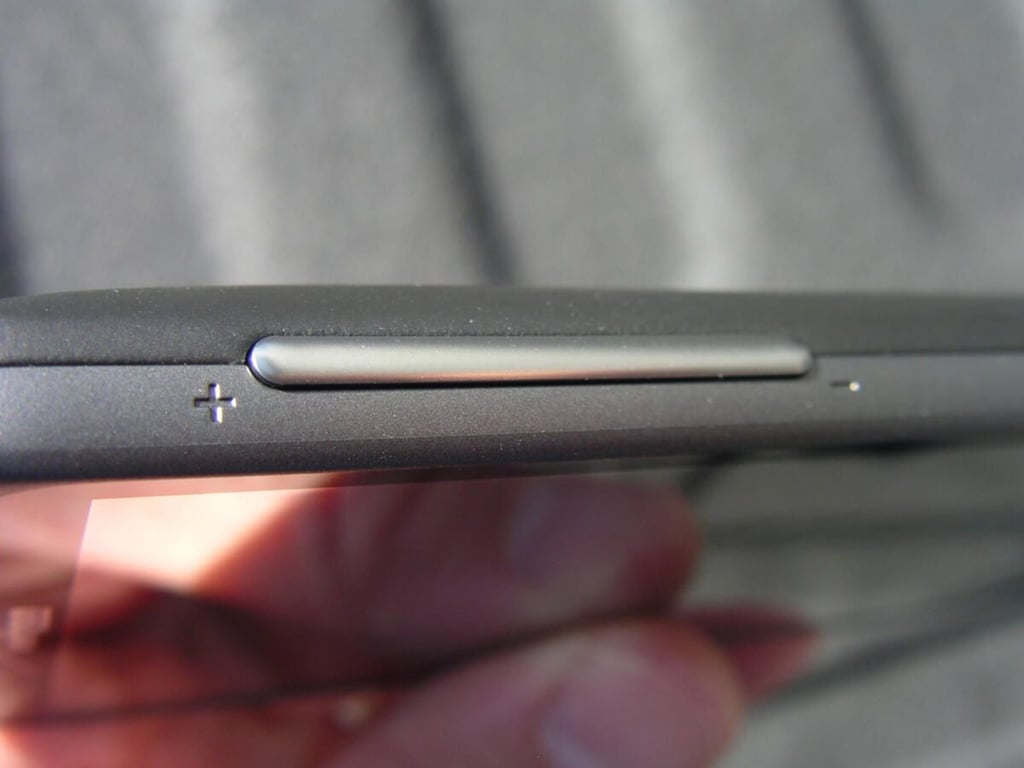
\n\tThere is a large volume button on the right side of the Thunderbolt.
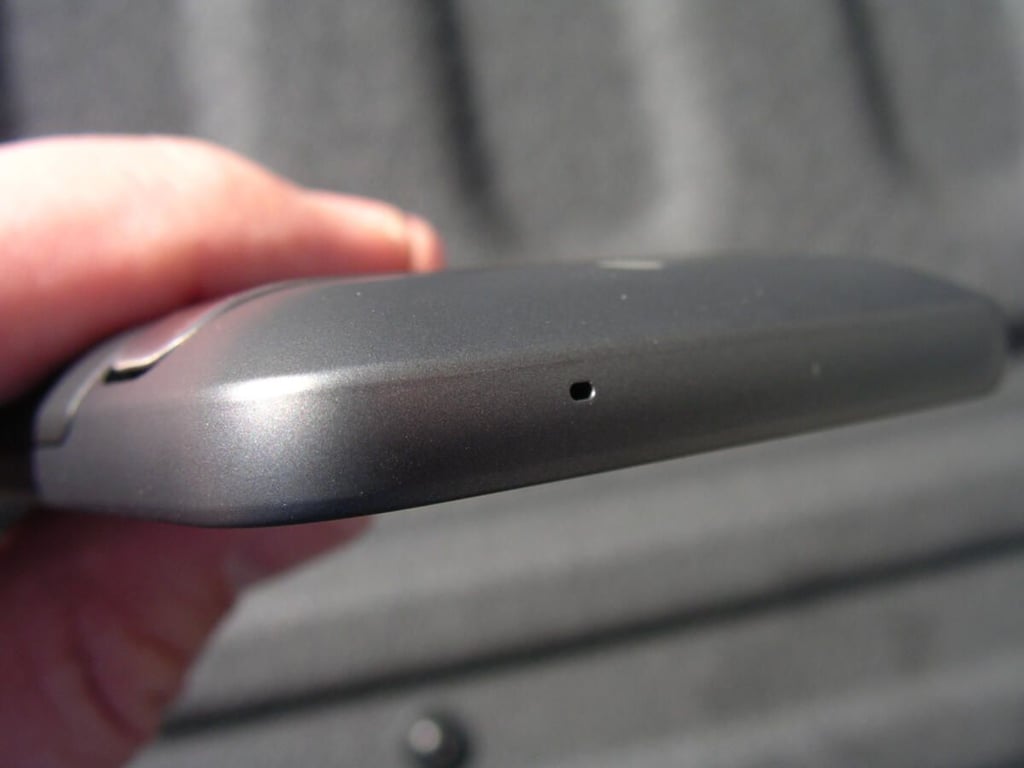
\n\tThere is only a mic opening on the bottom.
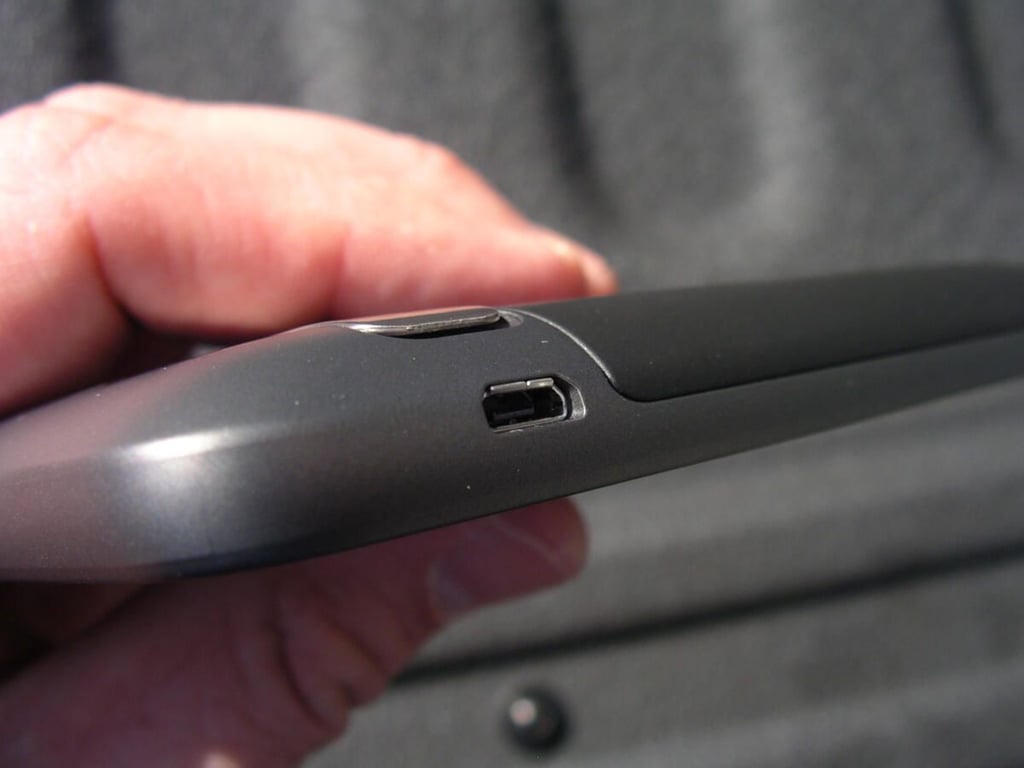
\n\tThe microUSB charging port is on the bottom of the left side.
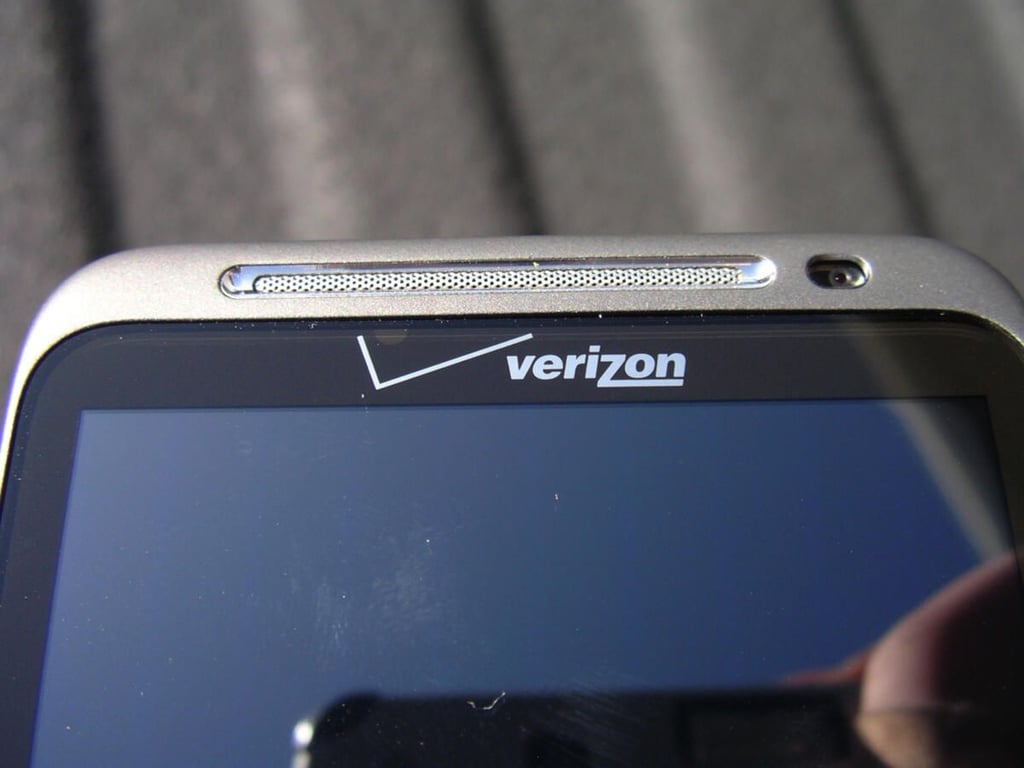
\n\tThere is the headset speaker and front facing camera above the display on the Thunderbolt. Unfortunately, applications cannot yet use the camera for video calling.
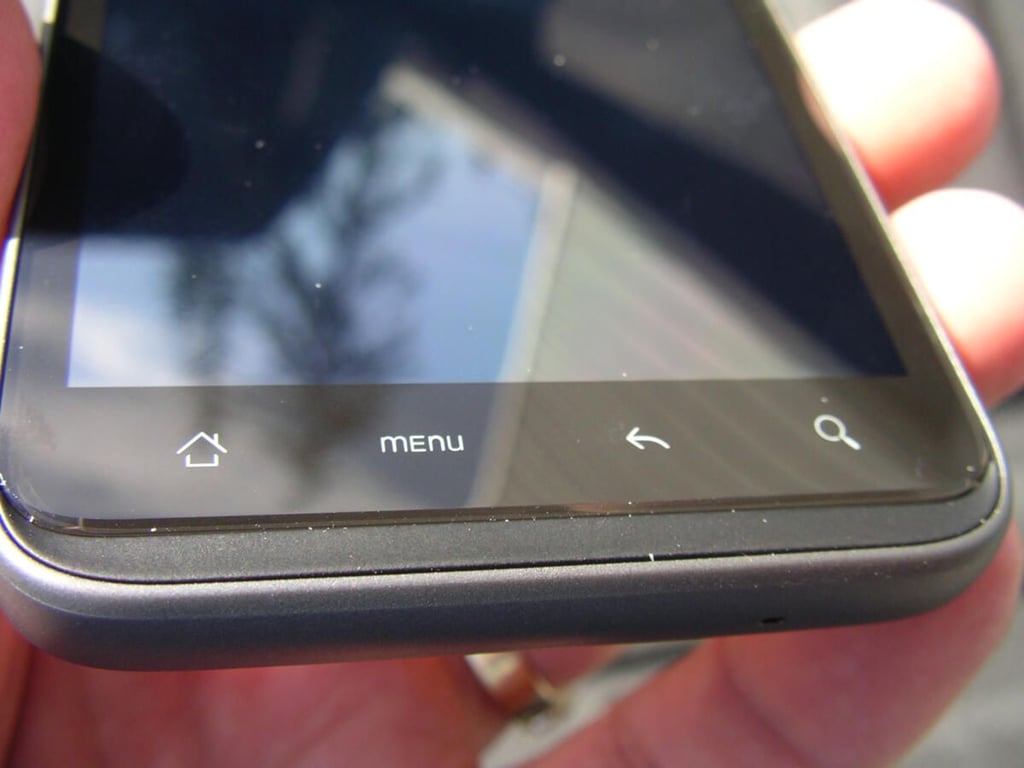
\n\tThe traditional four button configuration of an Android device is present below the display.
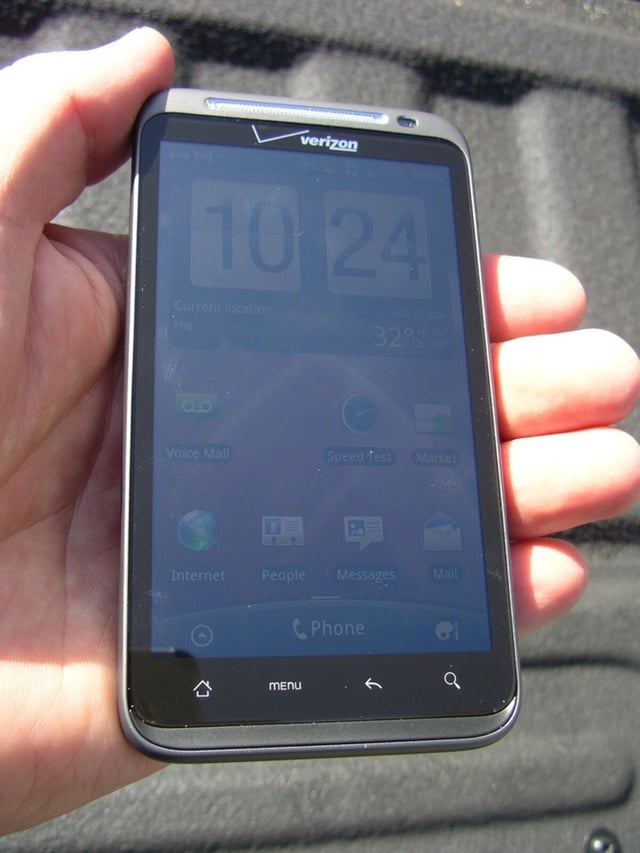
\n\tThe Thunderbolt is a big device, but it closely matches the other large 4.3 inch display devices with a bit more thickness.
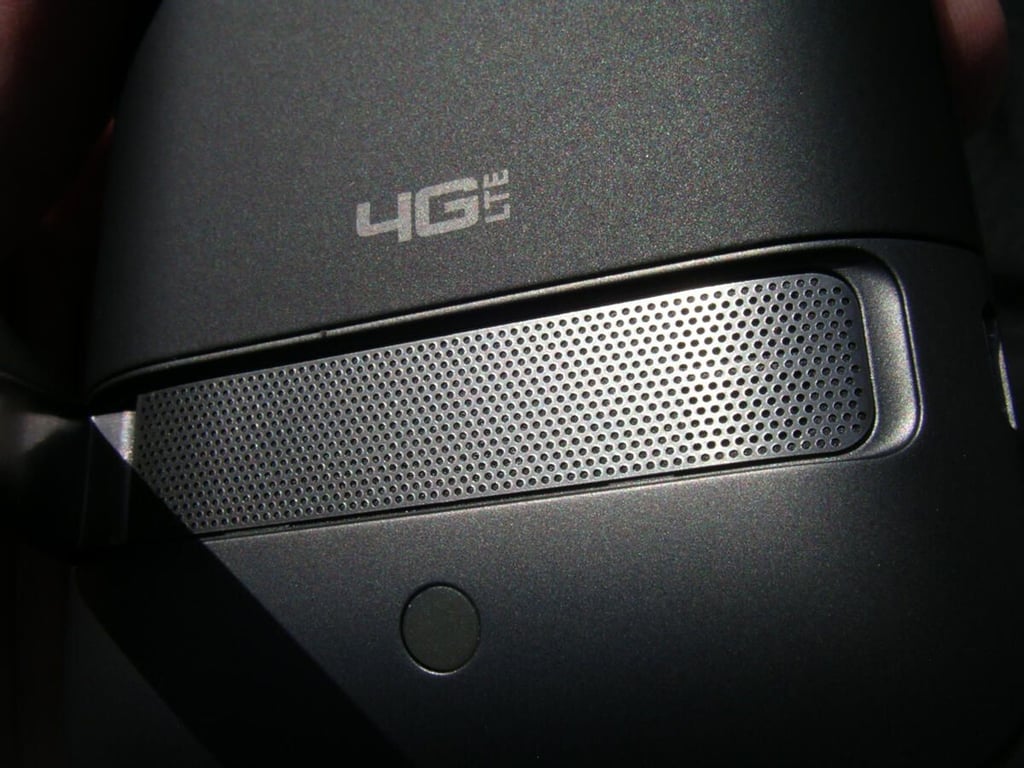
\n\tThe speaker is loud and clear on the Thunderbolt, but you have to pull out the kickstand to hear the full effects.
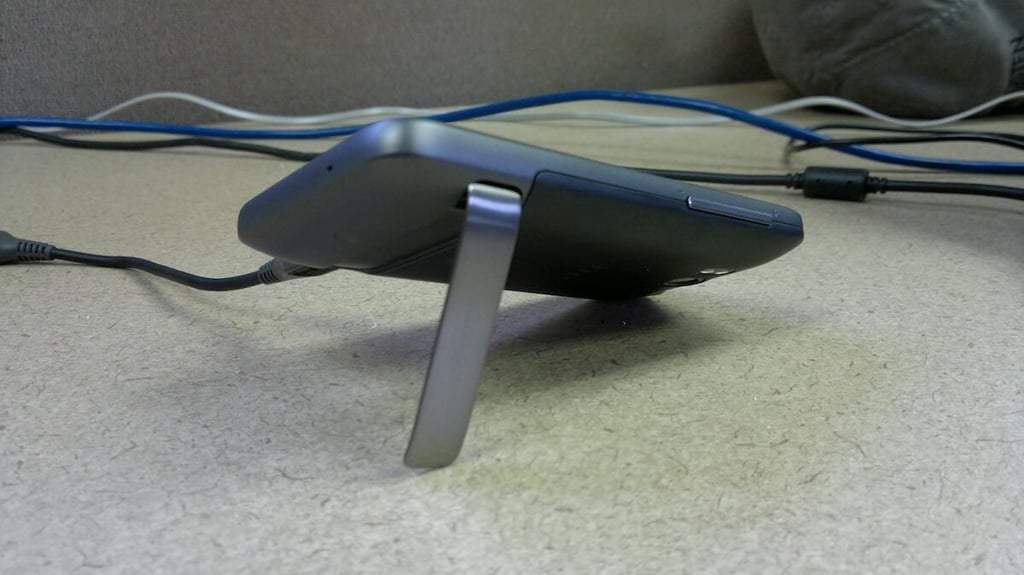
\n\tHTC didn’t think too much about the kickstand and microUSB placement so if you want to charge up your Thunderbolt, say while watching a movie, you will discover this doesn’t work well with the kickstand.
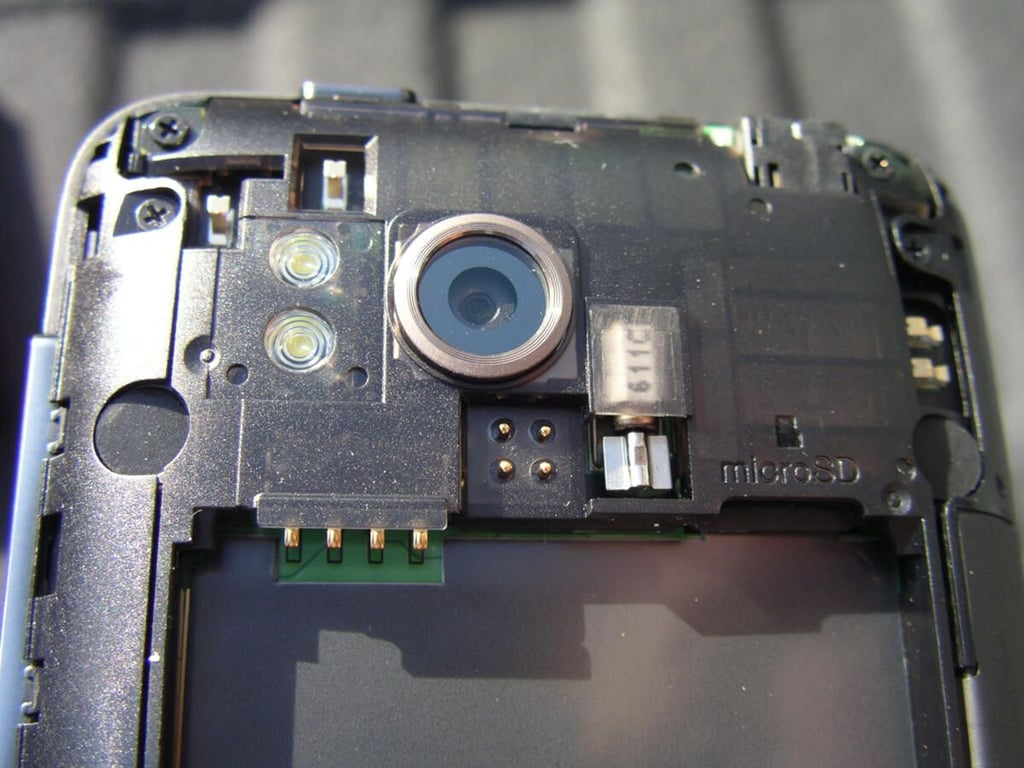
\n\tThere are some interesting bits under the battery cover including the four unknown gold dots just under the camera. The two leads in the upper left also connect with the gold part of the back cover inside.
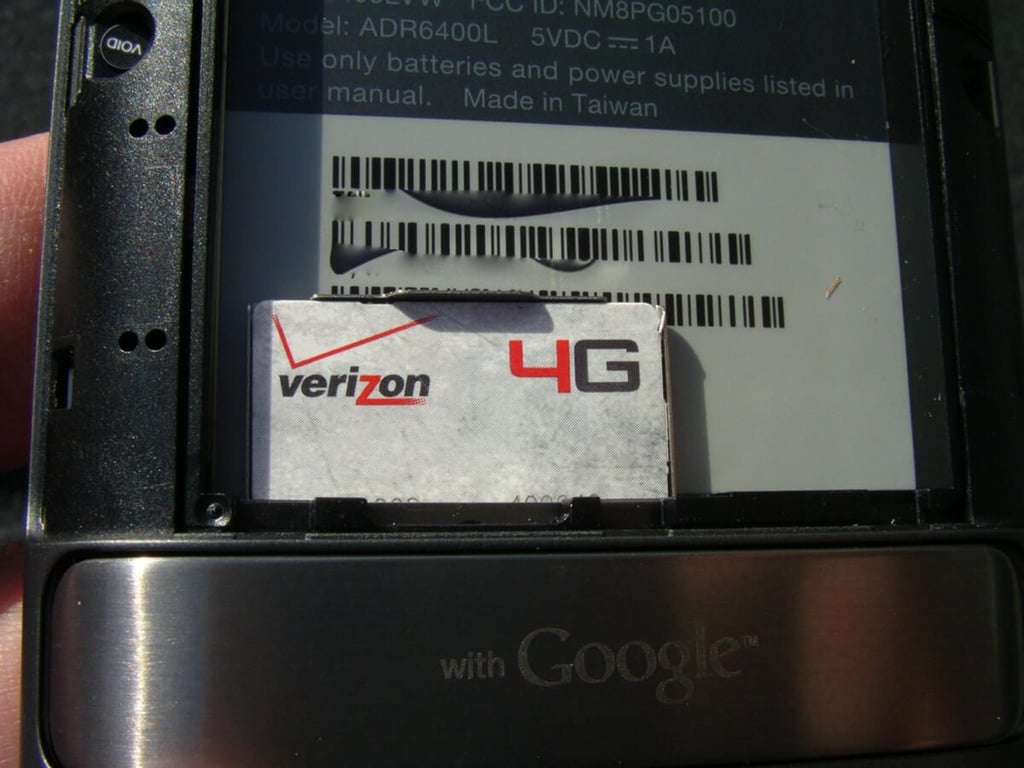
\n\tA 4G LTE SIM card is found in the bottom of the back opening.
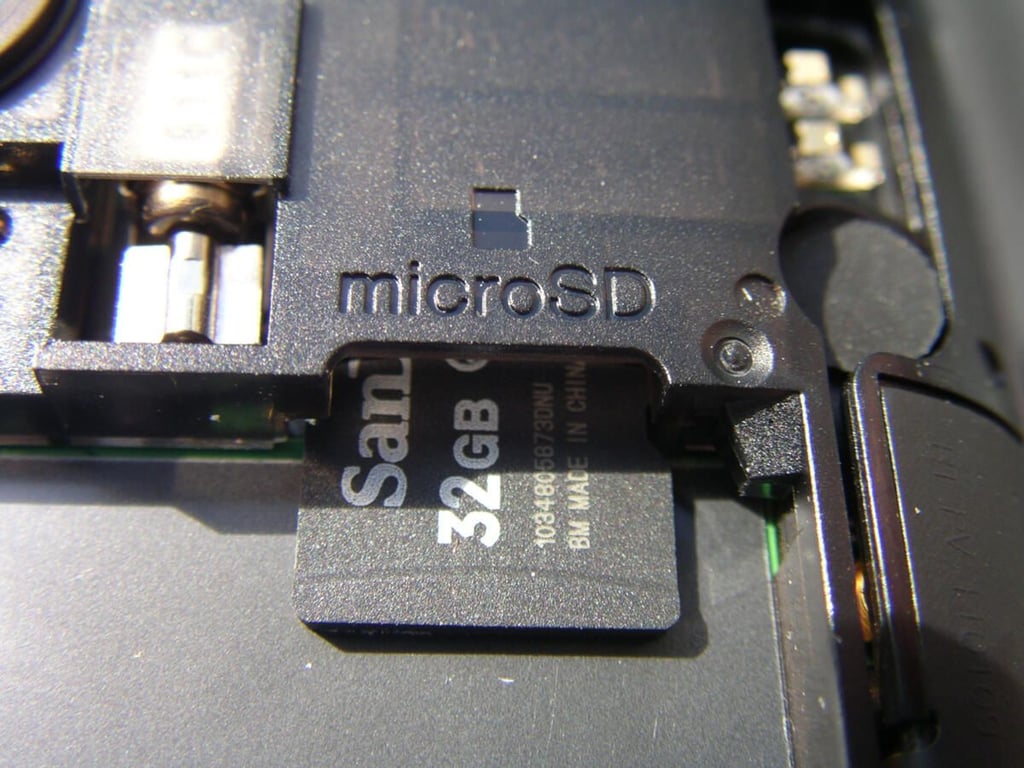
\n\tVerizon includes a generous 32GB microSD card in the Thunderbolt so you really should have what you need for lots of storage.
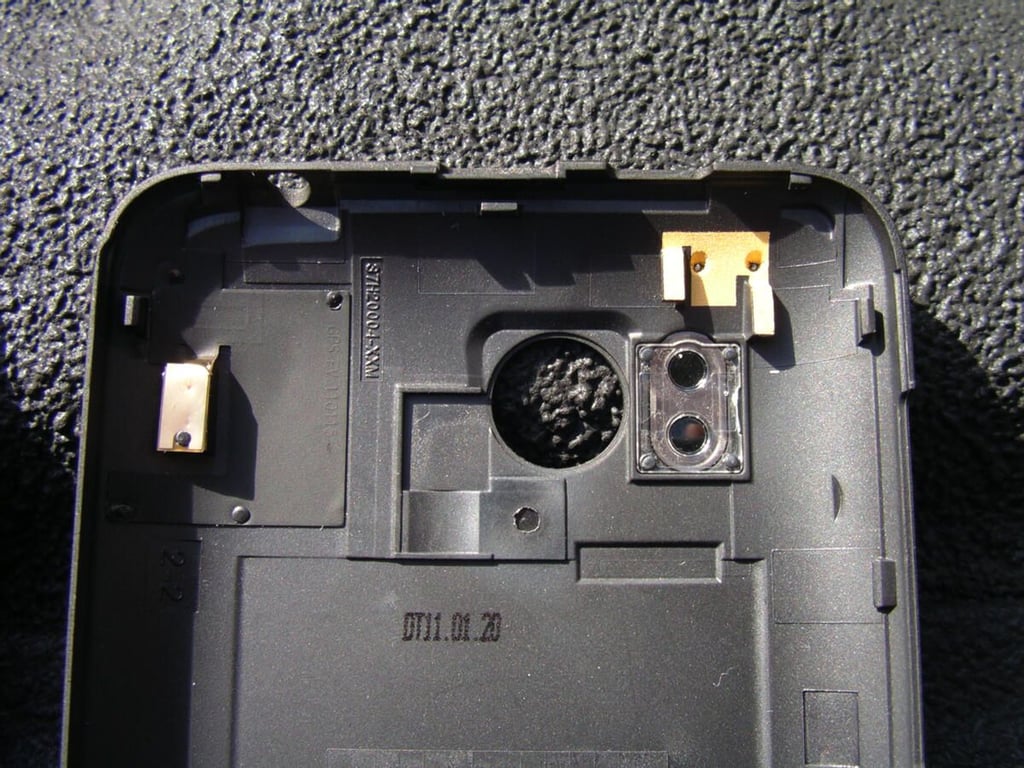
\n\tNotice the gold piece in the upper right of the cover? This connects to two leads on the back of the Thunderbolt.
\n\tHTC Thunderbolt image gallery thumbnail 1
\n\tHTC Thunderbolt image gallery thumbnail 2


