\n\t
\n
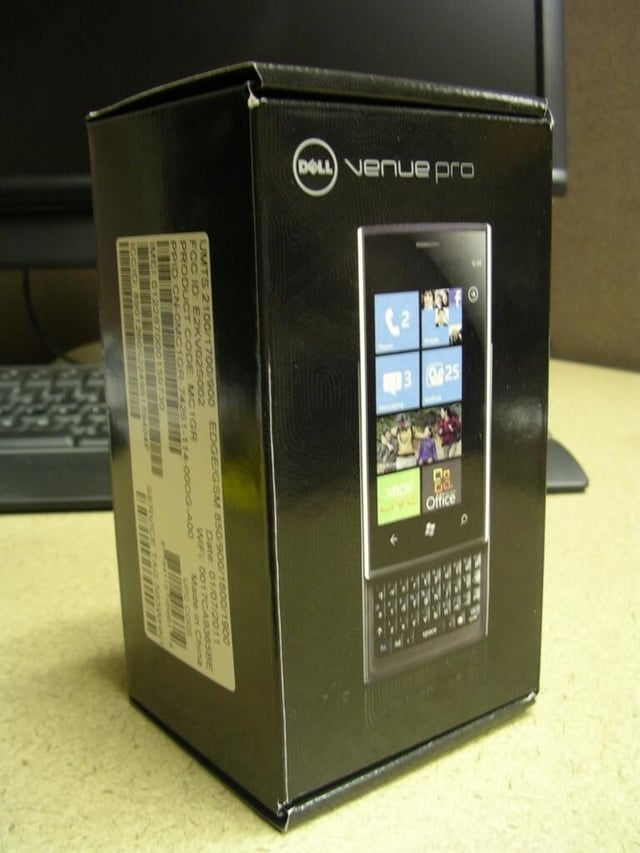
\n\t\tThe Dell Venue Pro is the best Windows Phone 7 device available and with a 32GB microSD card mod it becomes even better. The device is unique with a 4.1 inch AMOLED display and portrait QWERTY keyboard.
\n\t
\n\t\tCheck out the full review over on ZDNet Smartphones & Cell Phones blog.
\n
\n\t
\n
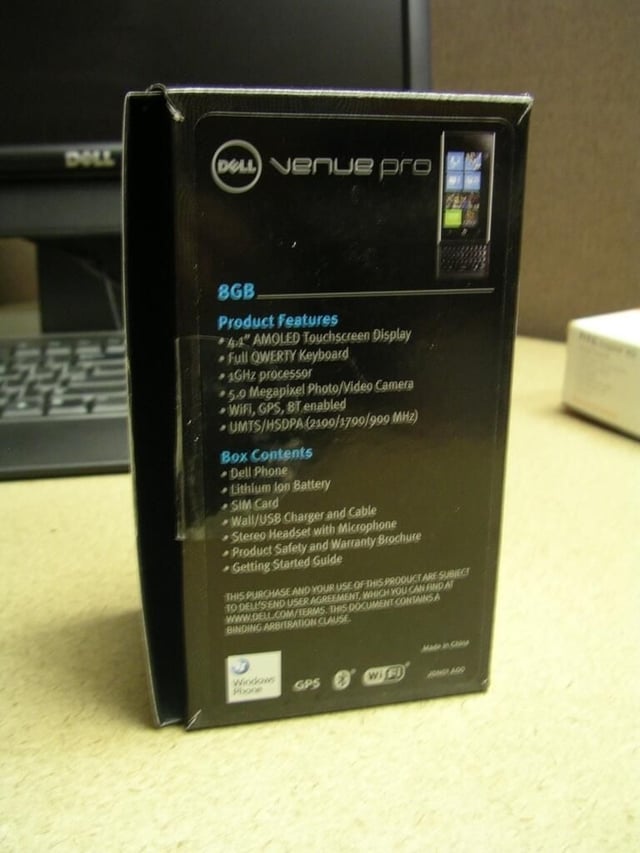
\n\t\tThe back of the Venue Pro box lists the basic specs and contents.
\n\t
\n\t\tCheck out the full review over on ZDNet Smartphones & Cell Phones blog.
\n
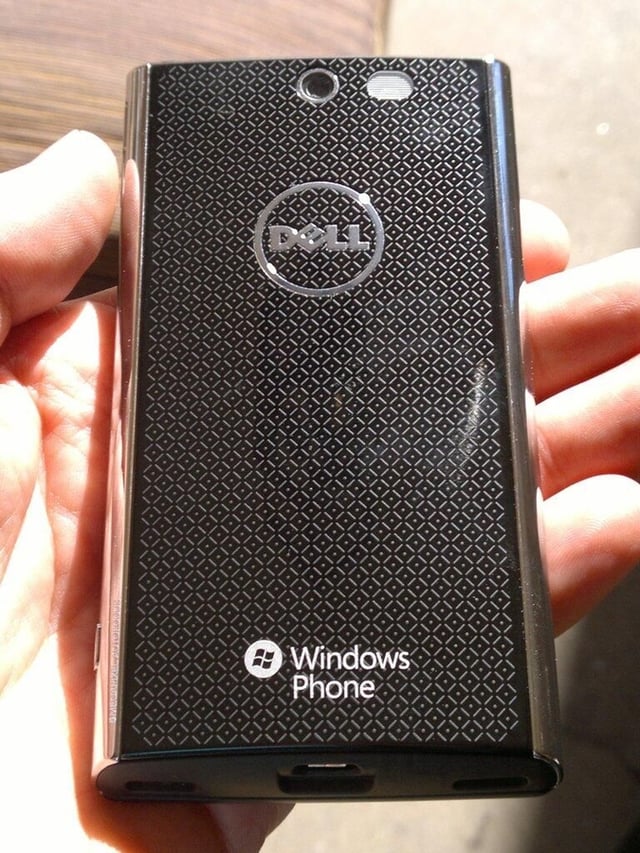
\n\tThe back of the Dell Venue Pro has gold on black design elements. You will find the Dell and Windows Phone logos and the 5 megapixel camera there as well.
\n
\n\tCheck out the full review over on ZDNet Smartphones & Cell Phones blog.
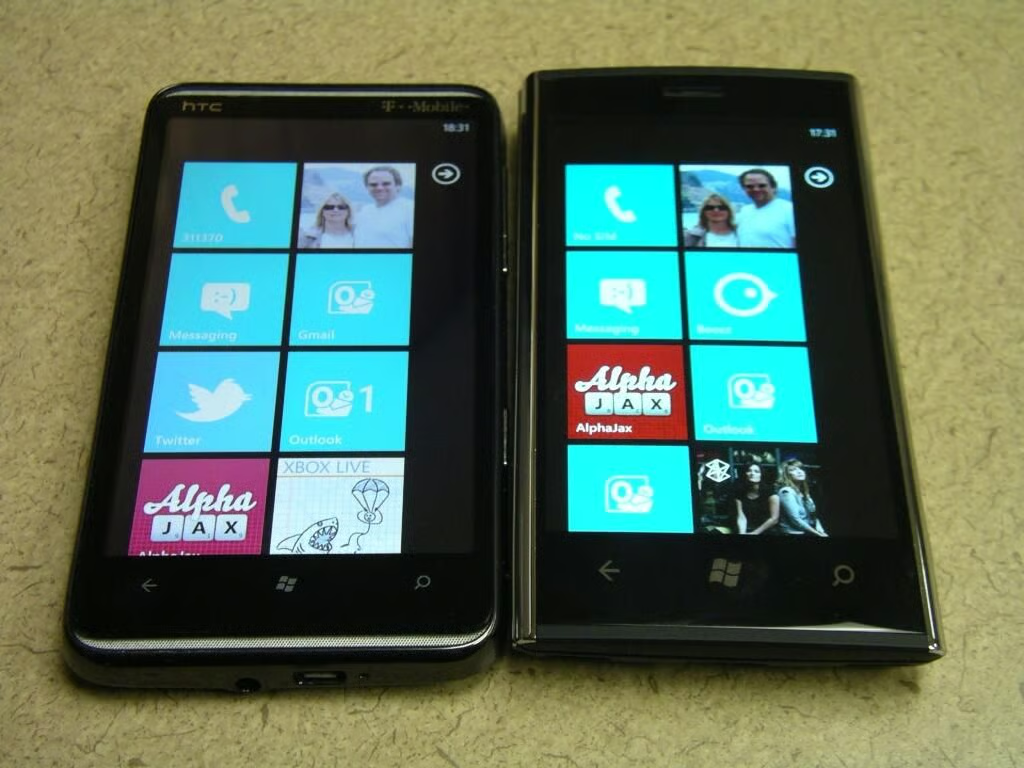
\n\tHere you can see the HTC HD7 and Dell Venue Pro side-by-side to show off the display differences.
\n
\n\tCheck out the full review over on ZDNet Smartphones & Cell Phones blog.
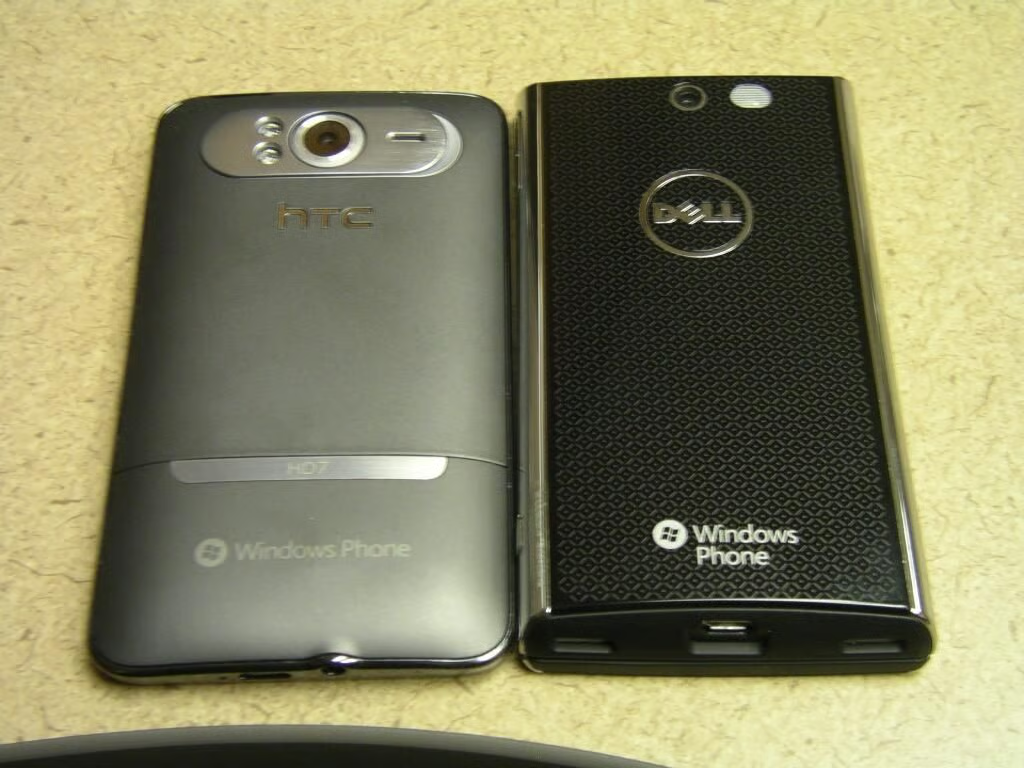
\n\tThe back of both of these T-Mobile WP7 devices is shown. The HD7 is a bit wider due to the larger 4.3 inch display.
\n
\n\tCheck out the full review over on ZDNet Smartphones & Cell Phones blog.
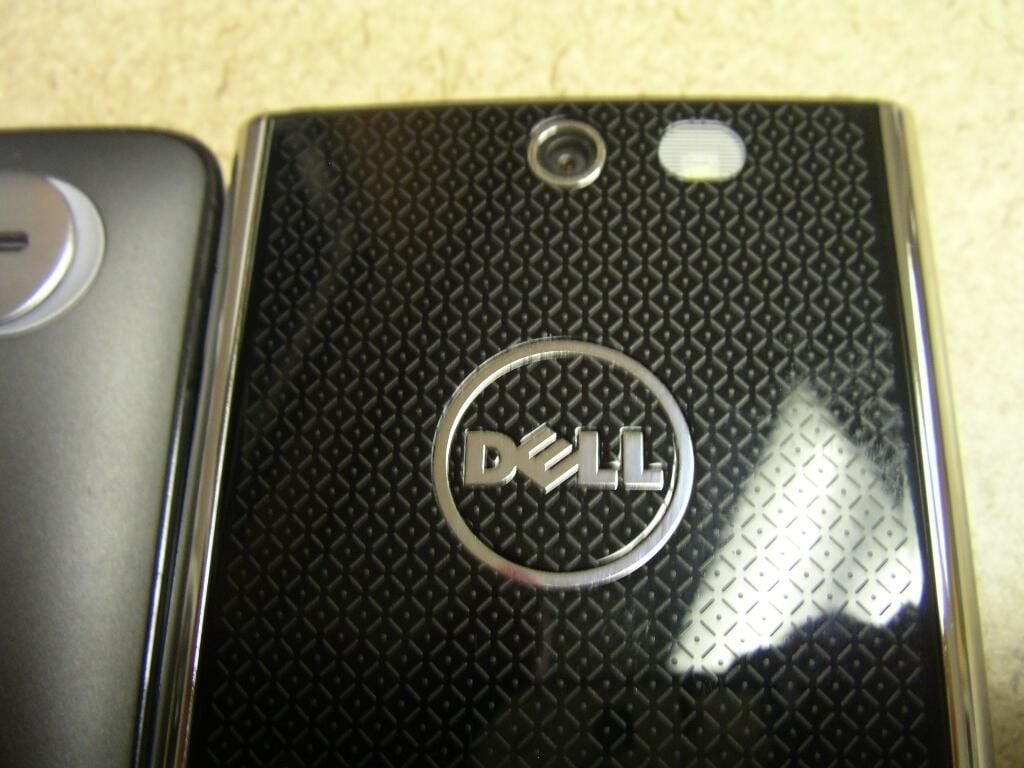
\n\tThe camera is next to a single LED flash with the Dell logo centered below.
\n
\n\tCheck out the full review over on ZDNet Smartphones & Cell Phones blog.
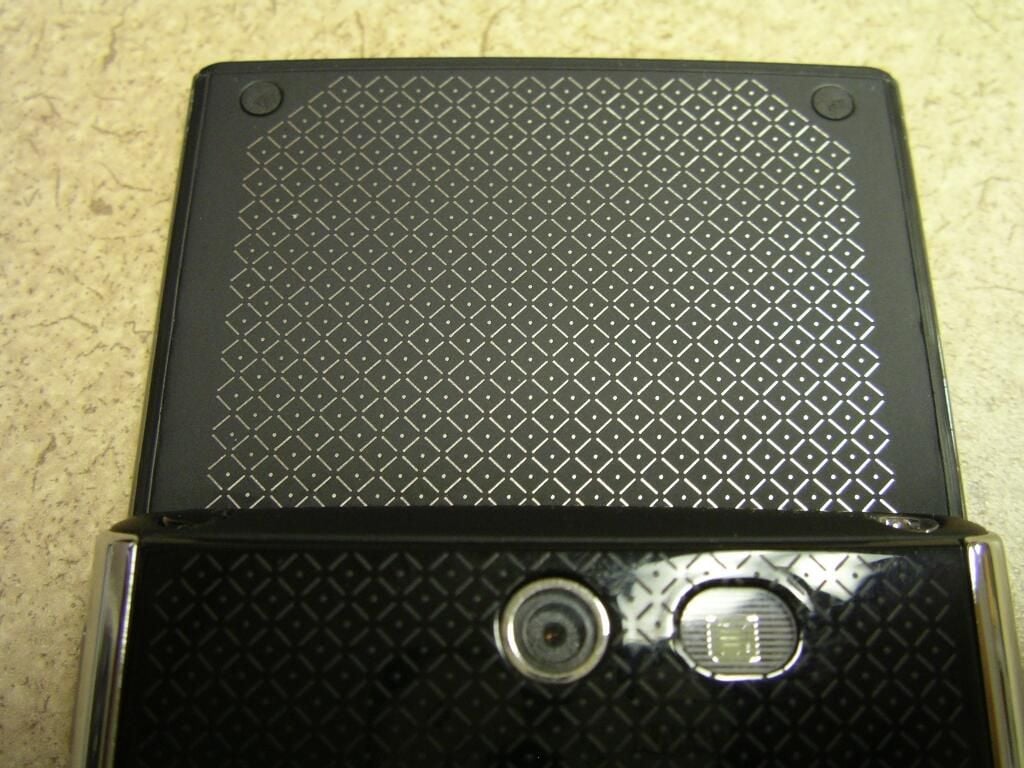
\n\tThe back of the display is covered in soft touch material with the gold on black design.
\n
\n\tCheck out the full review over on ZDNet Smartphones & Cell Phones blog.
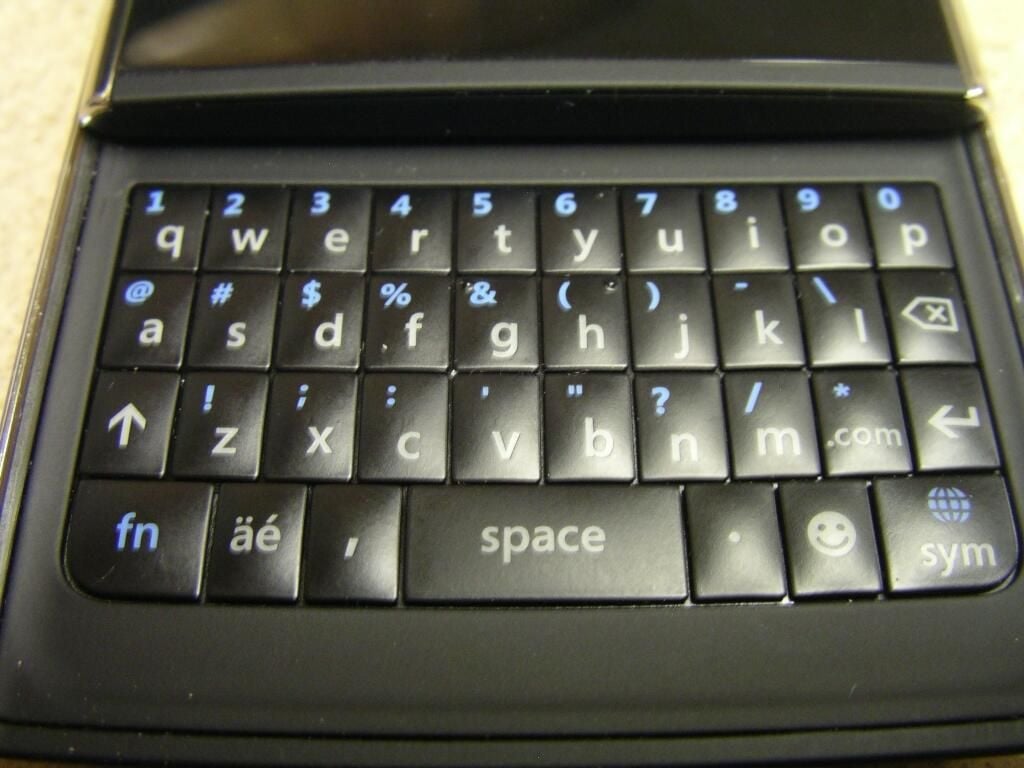
\n\tThe portrait QWERTY keyboard is revealed when the display slides up. Four rows of keys are present.
\n
\n\tCheck out the full review over on ZDNet Smartphones & Cell Phones blog.
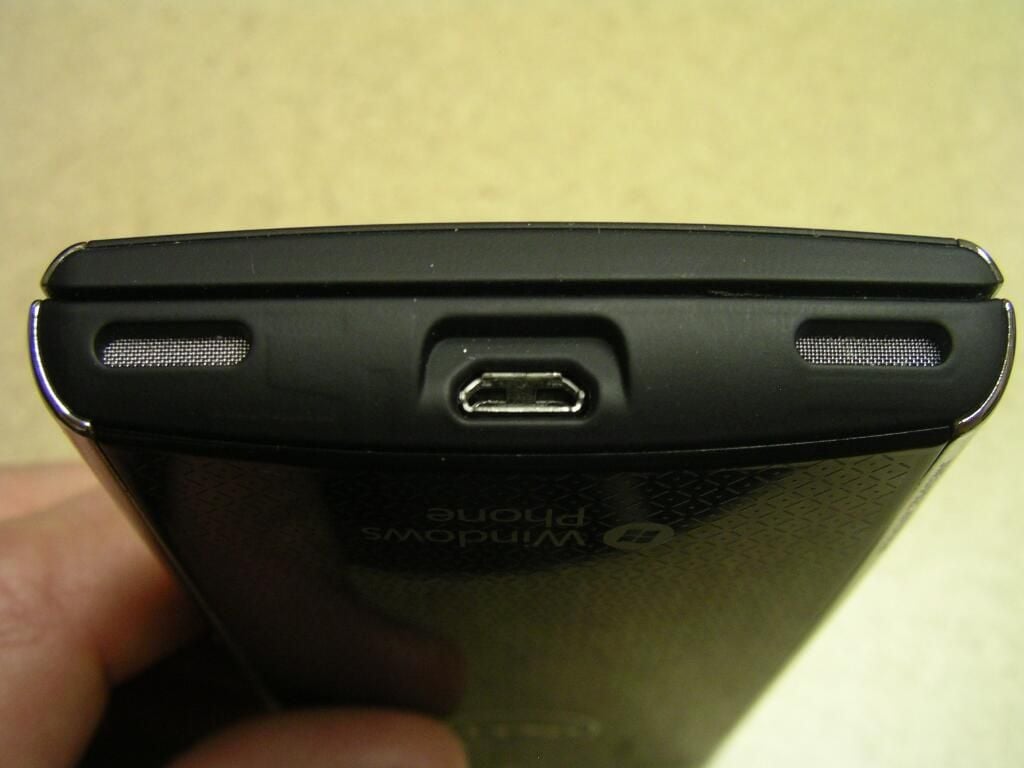
\n\tEven though it looks like the grilles may hide stereo speakers one is for a speaker and the other for a mic. The microUSB port is in the center.
\n
\n\tCheck out the full review over on ZDNet Smartphones & Cell Phones blog.
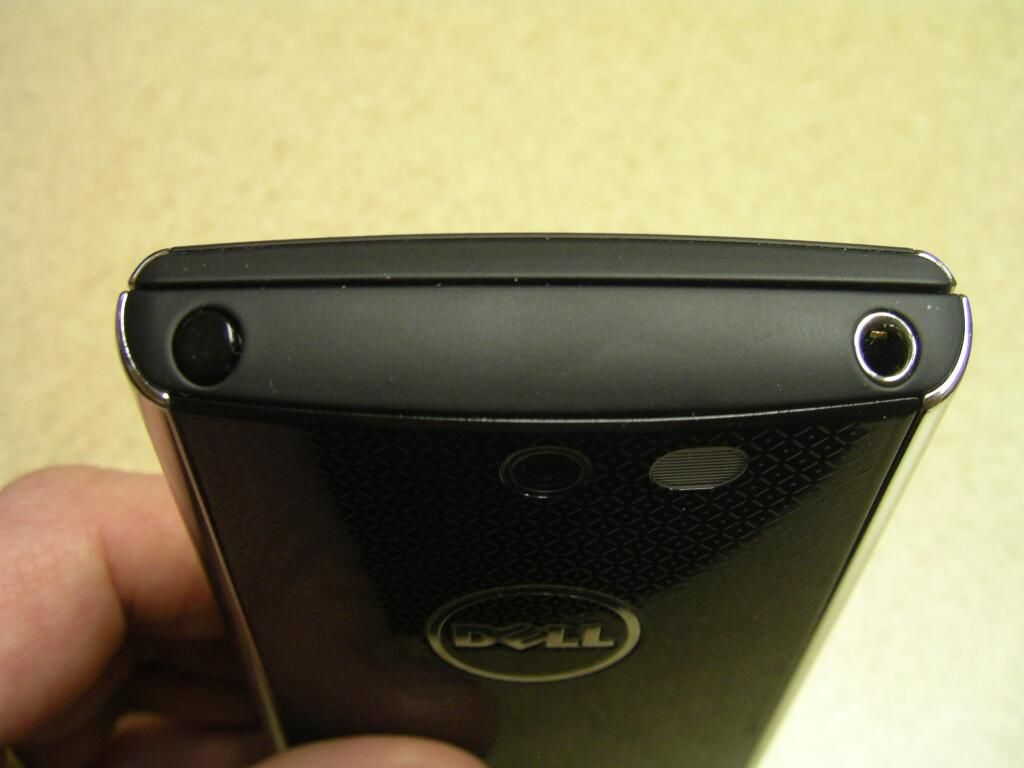
\n\tThe power button and 3.5mm headset jack are found on the top. Soft touch material coats the entire top too.
\n
\n\tCheck out the full review over on ZDNet Smartphones & Cell Phones blog.
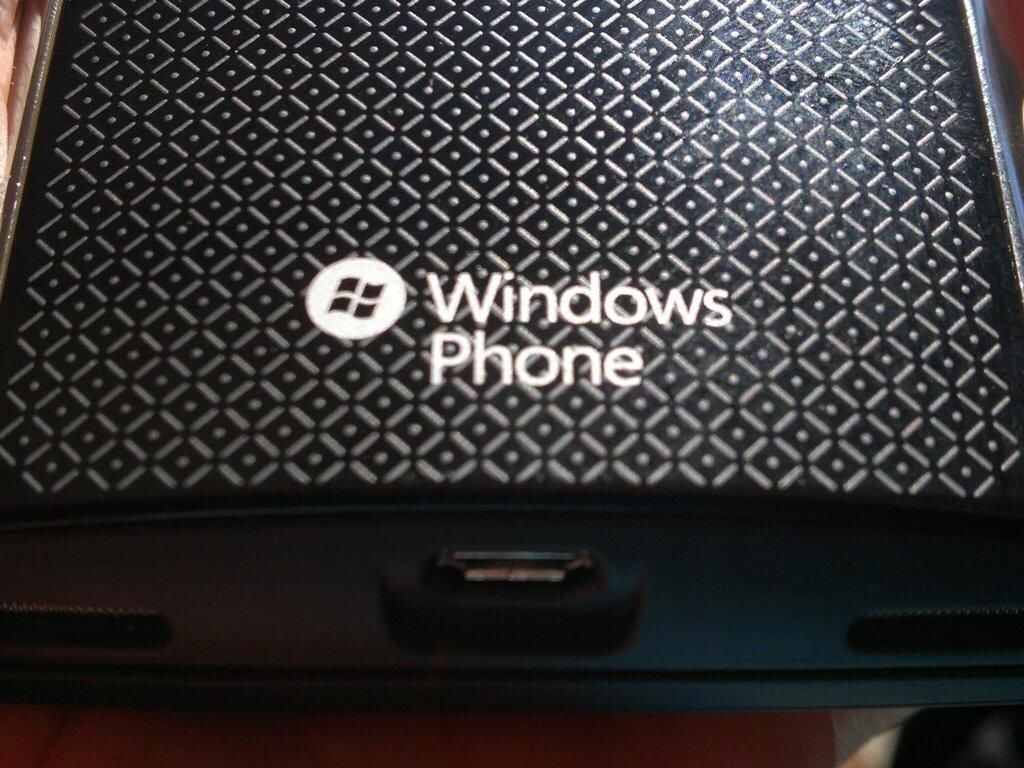
\n\tThe Windows Phone logo is also on the back of the Dell Venue Pro.
\n
\n\tCheck out the full review over on ZDNet Smartphones & Cell Phones blog.
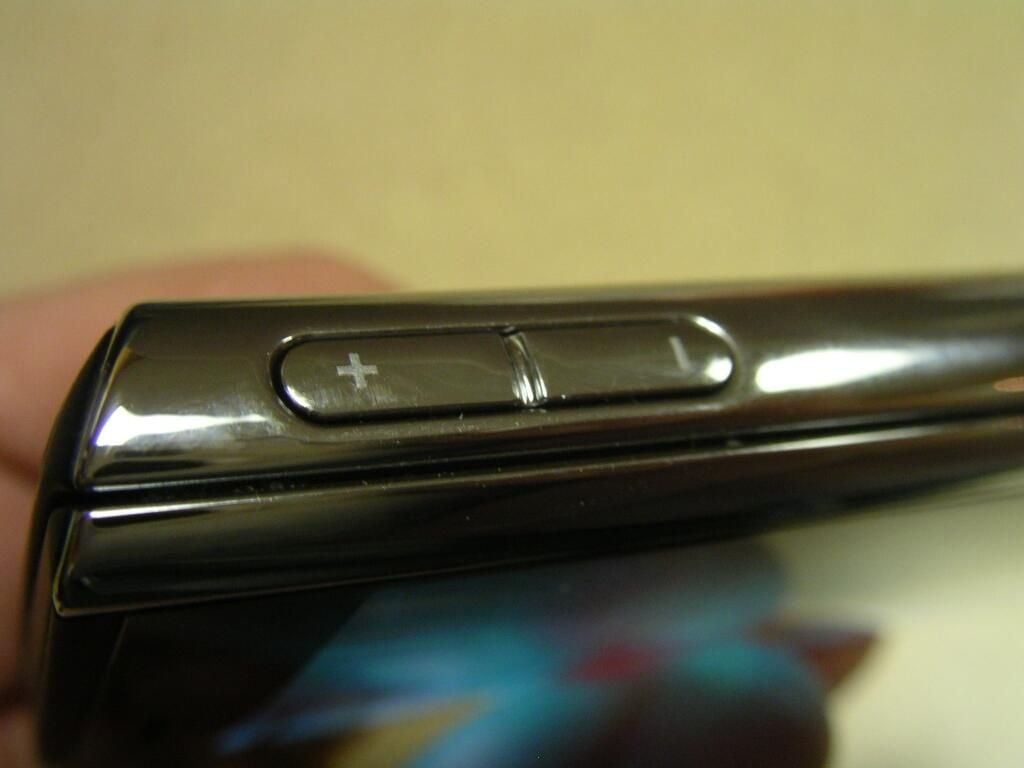
\n\tThe volume controls are found on the top of the right side.
\n
\n\tCheck out the full review over on ZDNet Smartphones & Cell Phones blog.
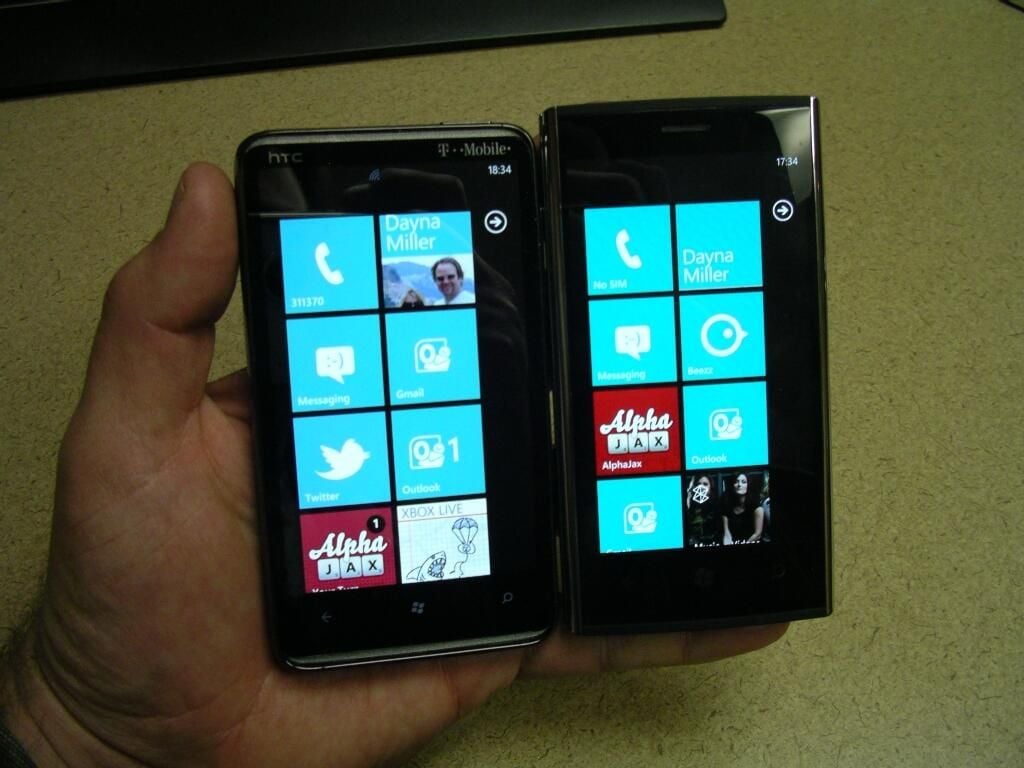
\n\tThis photo shows the HD7 and Venue Pro turned on and in hand.
\n
\n\tCheck out the full review over on ZDNet Smartphones & Cell Phones blog.
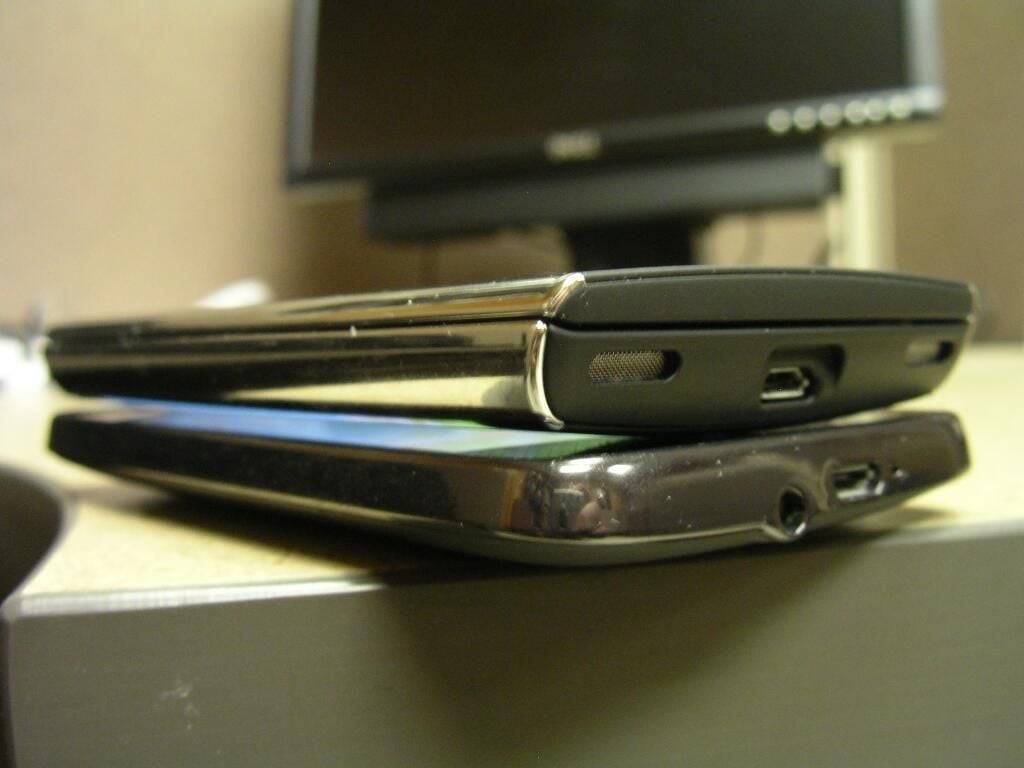
\n\tThe Dell Venue Pro is a bit thicker than the HD7.
\n
\n\tCheck out the full review over on ZDNet Smartphones & Cell Phones blog.
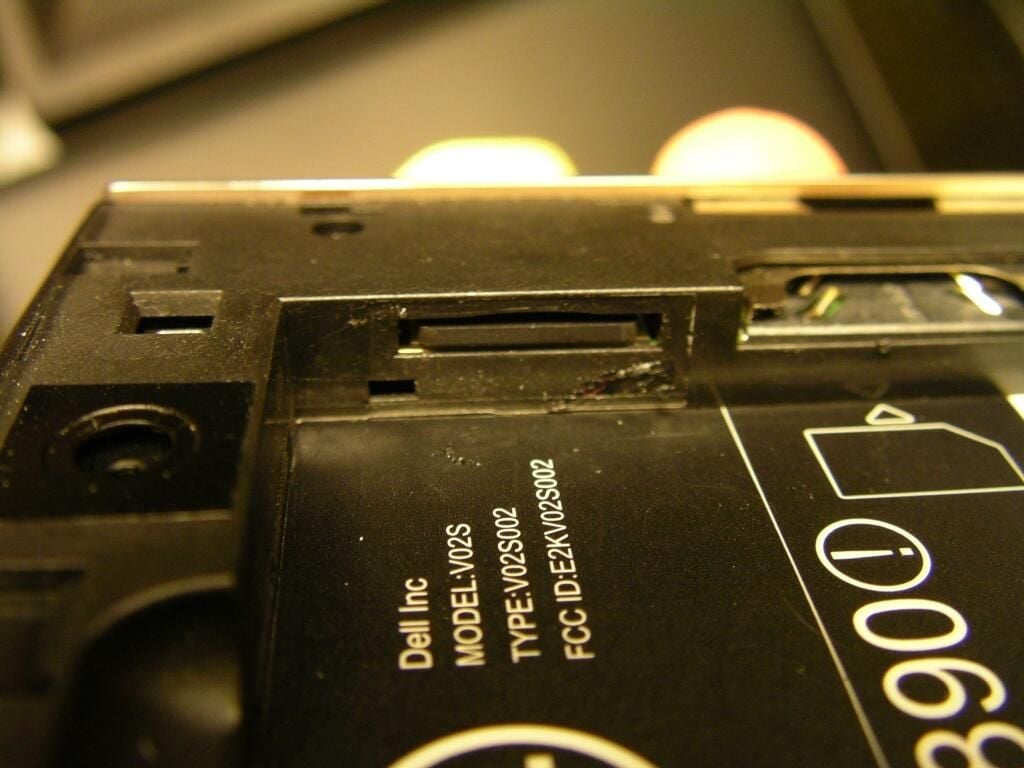
\n\tThe microSD card is easily accessible above the SIM card slot. Be aware that replacing it may void your warranty.
\n
\n\tCheck out the full review over on ZDNet Smartphones & Cell Phones blog.
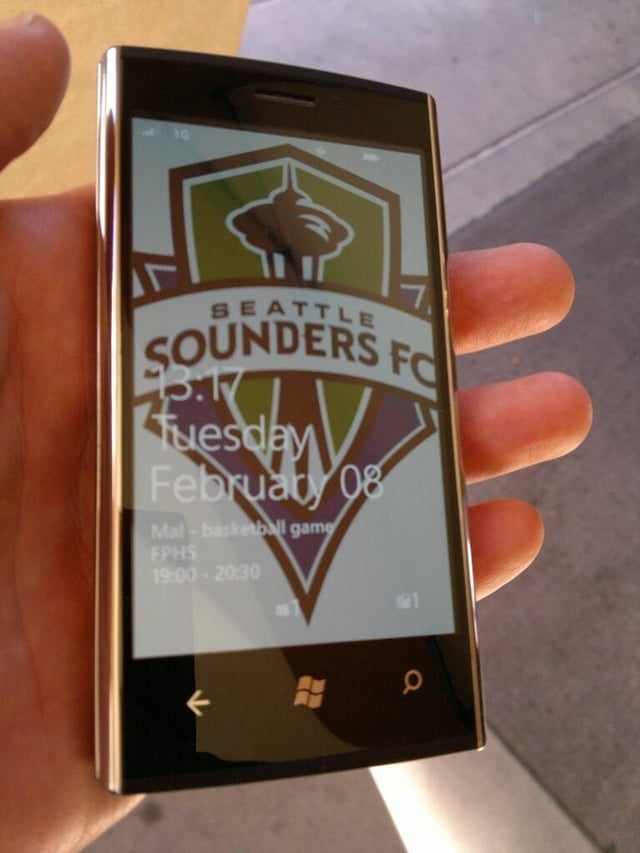
\n\tThe lock screen and Venue Pro in hand.
\n
\n\tCheck out the full review over on ZDNet Smartphones & Cell Phones blog.
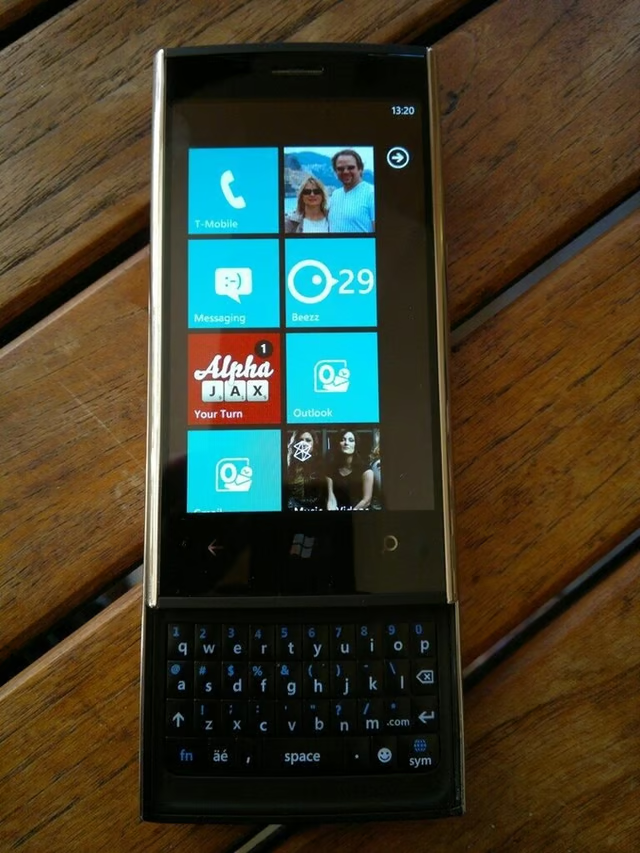
\n\tThe Venue Pro is quite long when the display is slid up to reveal the keyboard.
\n
\n\tCheck out the full review over on ZDNet Smartphones & Cell Phones blog.
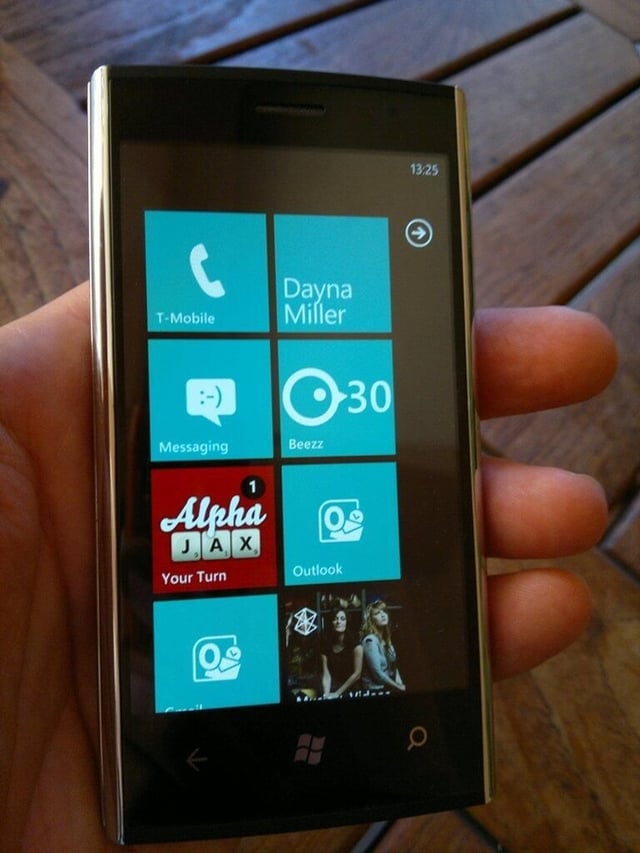
\n\tThe Dell Venue Pro has a fabulous 4.1 inch AMOLED display.
\n
\n\tCheck out the full review over on ZDNet Smartphones & Cell Phones blog.
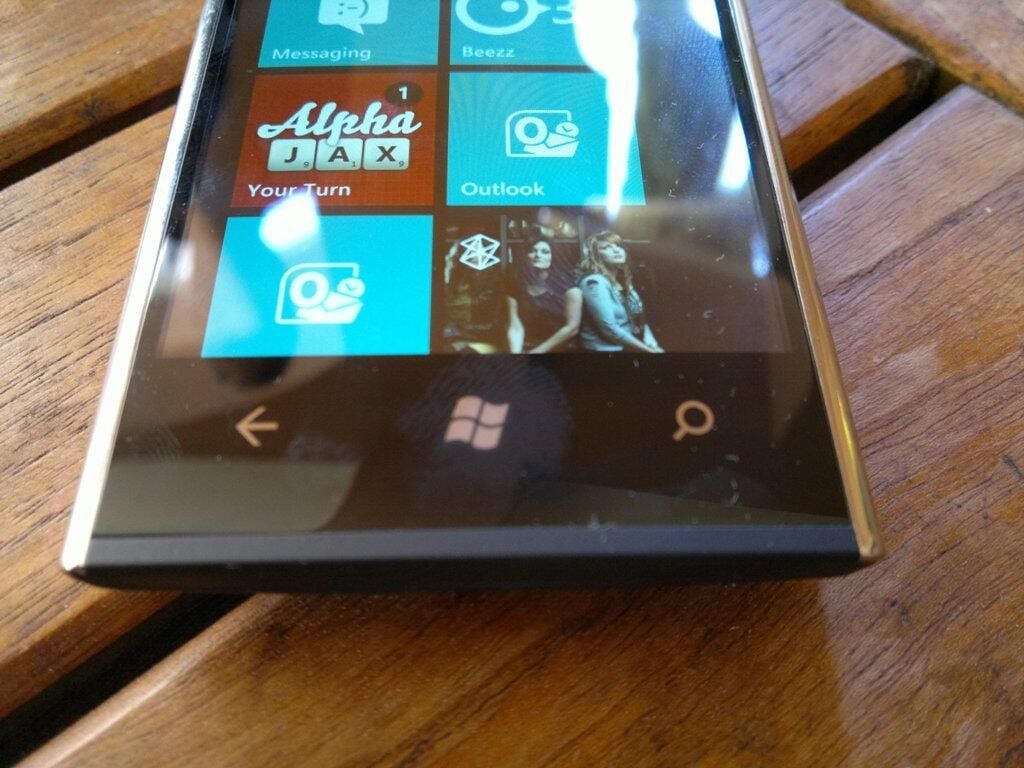
\n\tThe three required WP7 buttons are on the bottom with a soft touch bar below the display.
\n
\n\tCheck out the full review over on ZDNet Smartphones & Cell Phones blog.
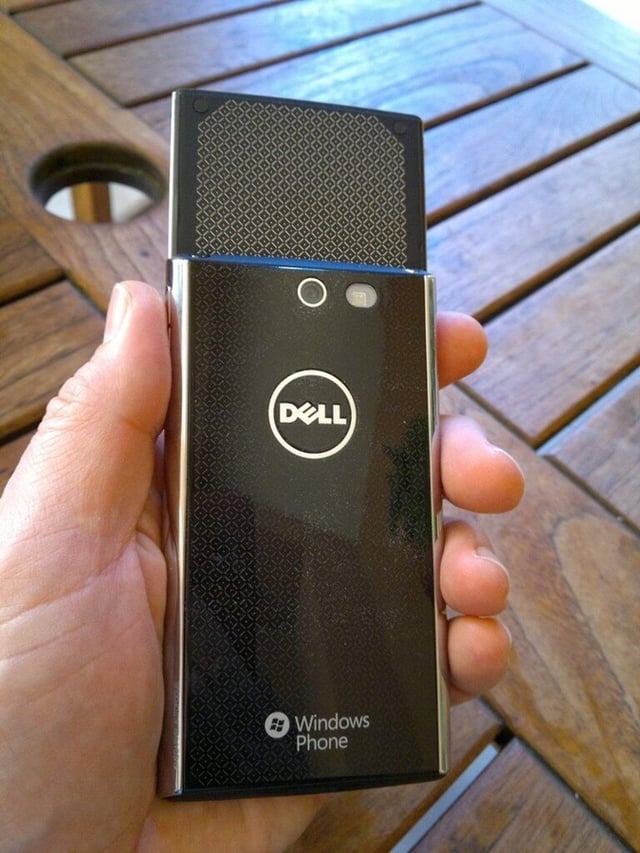
\n\tWith the display slid up you can see the gold on black design elements.
\n
\n\tCheck out the full review over on ZDNet Smartphones & Cell Phones blog.

\n\tDell Venue Pro gallery image 1

\n\t
\n
\n\t\tDell Venue Pro gallery image 2
\n


