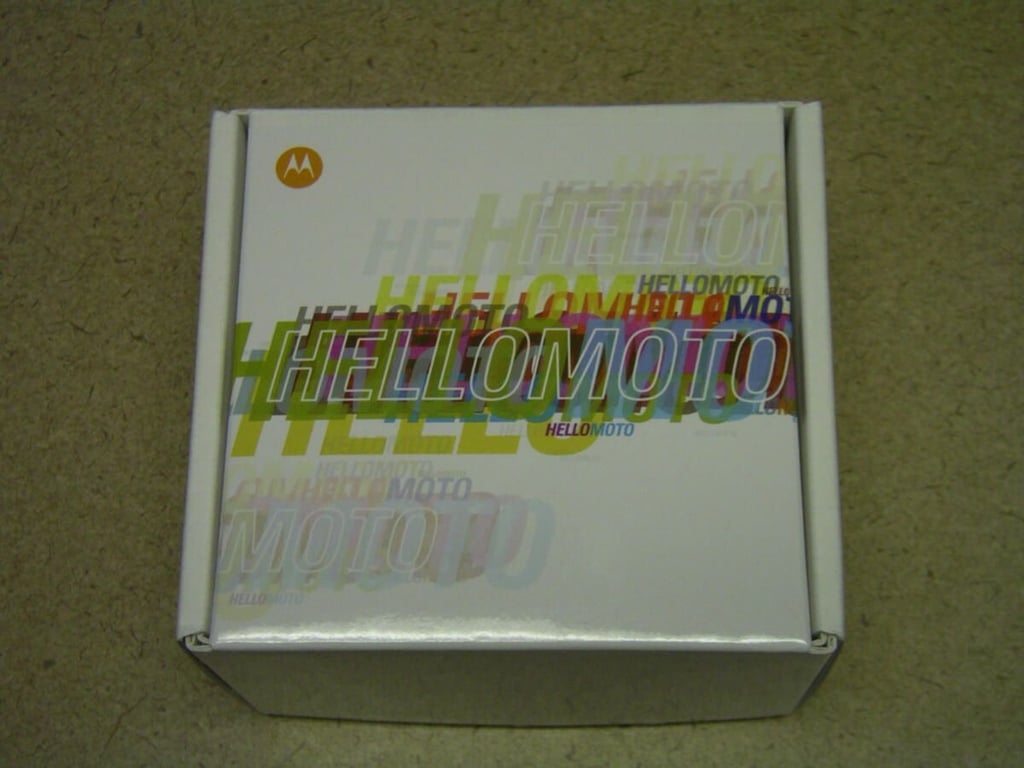
\n\tIf you want to talk on the phone while in your car then you need a headset or speakerphone and Motorola has a new one to check out called the Motorola Roadster. If you have an Android 2.2 device, then you will also get advanced features such as audible incoming text messages and the ability to respond via voice-to-text.
\n
\n\tMake sure to check out my full review on ZDNet Mobile Gadgeteer.
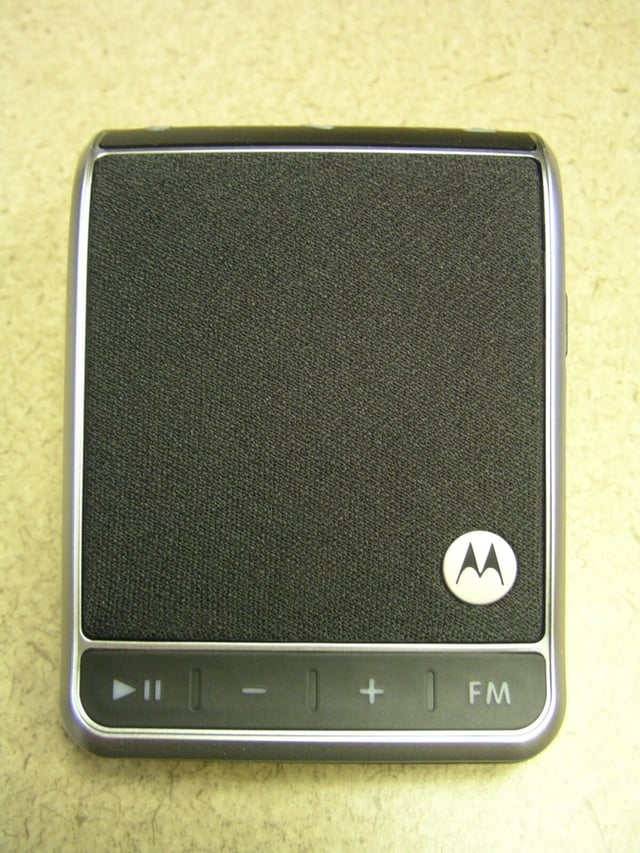
\n\tThe Roadster front is dominated by a fabric cover over the loud speaker. There are buttons along the bottom to control the speakerphone too.
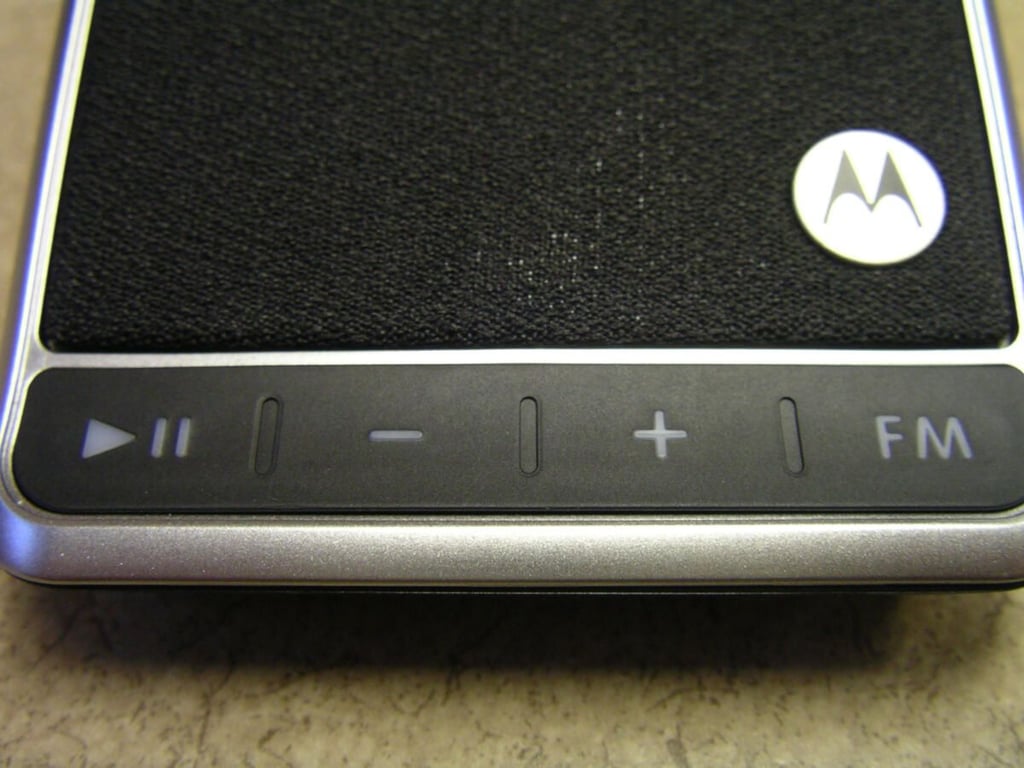
\n\tThe buttons on the front are used for music control, volume/FM tune, and FM/speakerphone toggle.
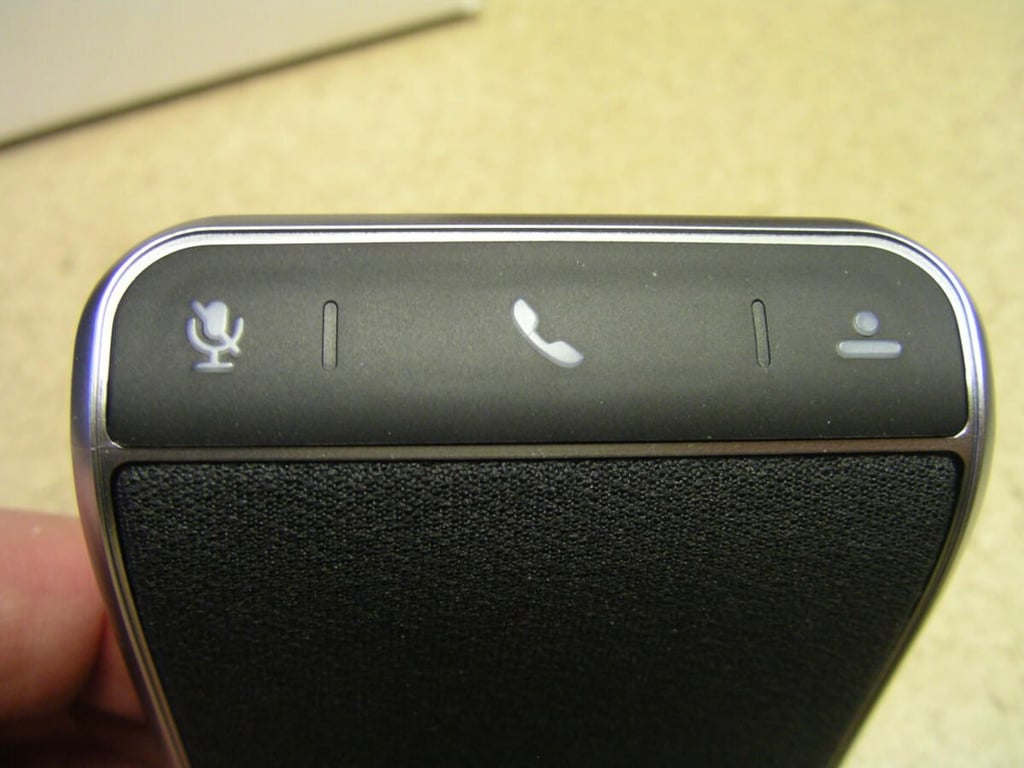
\n\tThe buttons along the top are for mute, call, and voice dial. They perform a bit differently on specific handsets so try them out to see how it controls your phone.
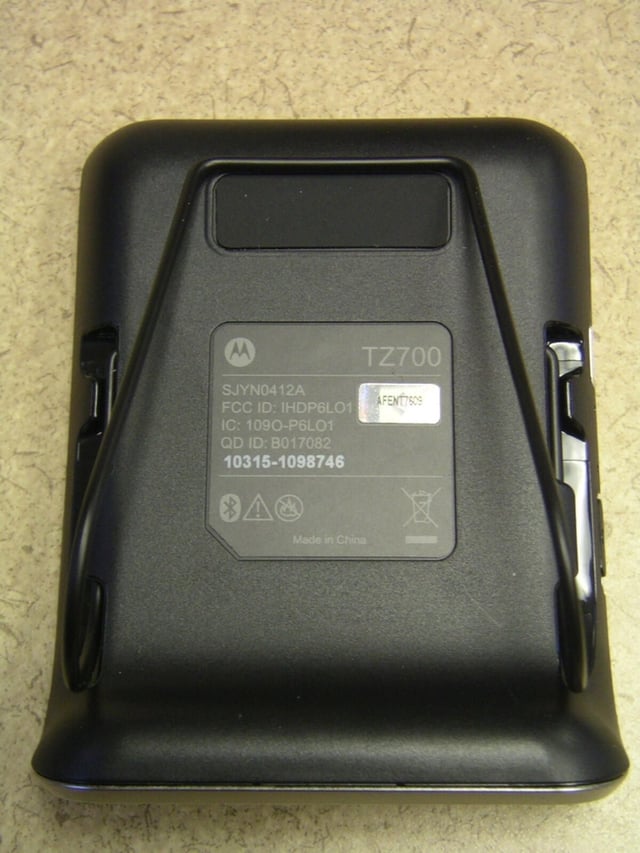
\n\tThere is a visor clip on the back of the Roadster to easily secure it in your car.
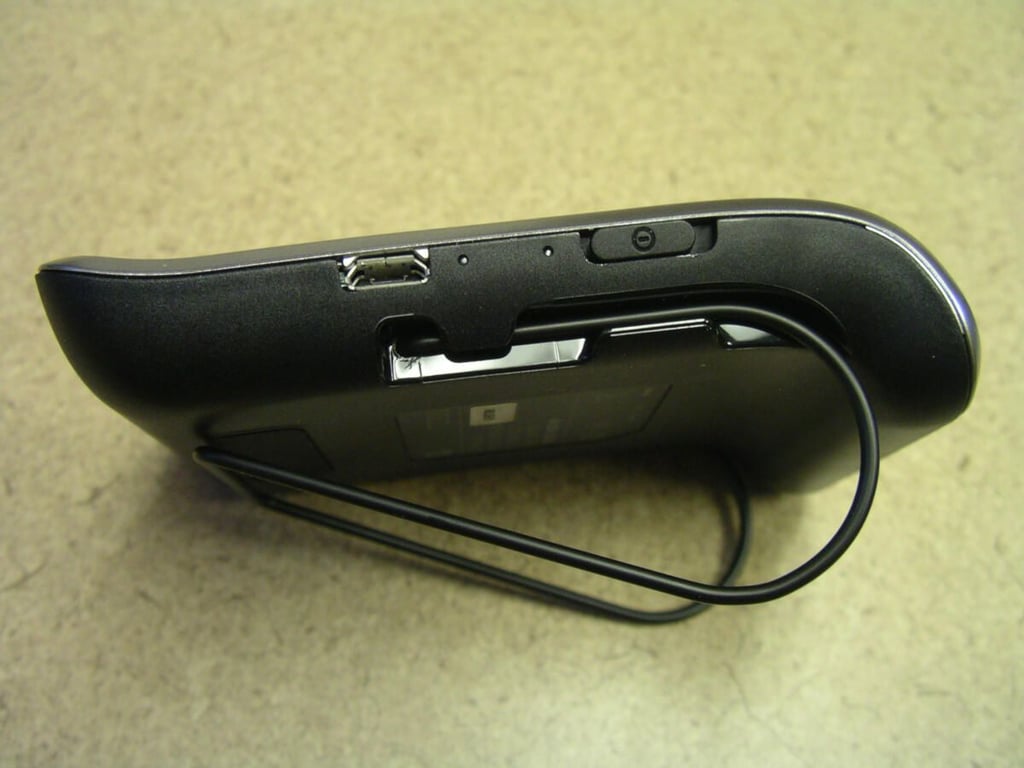
\n\tIn this side view you can see the visor clip, power button, and standard microUSB port used to charge up the Roadster.
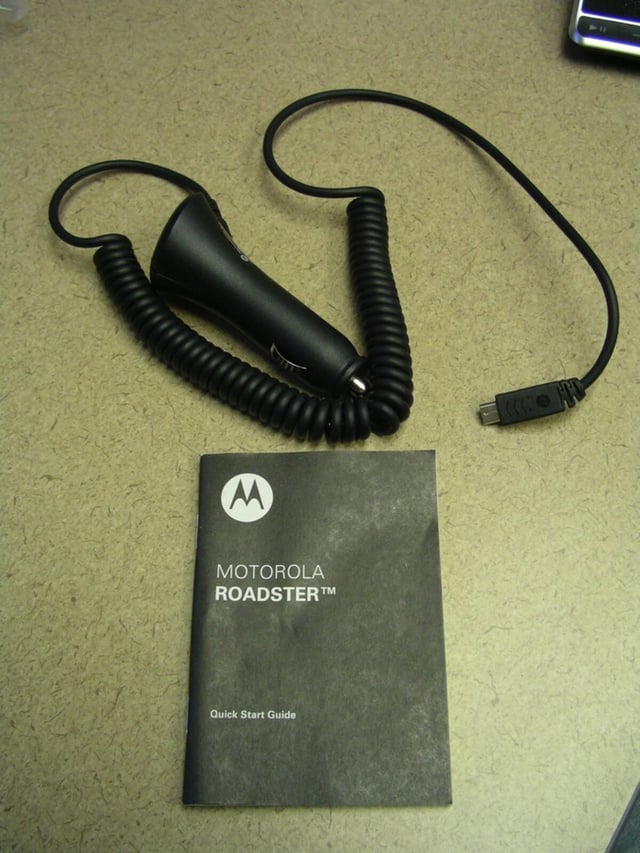
\n\tYour Roadster comes with a car charging cable and a detailed guide.
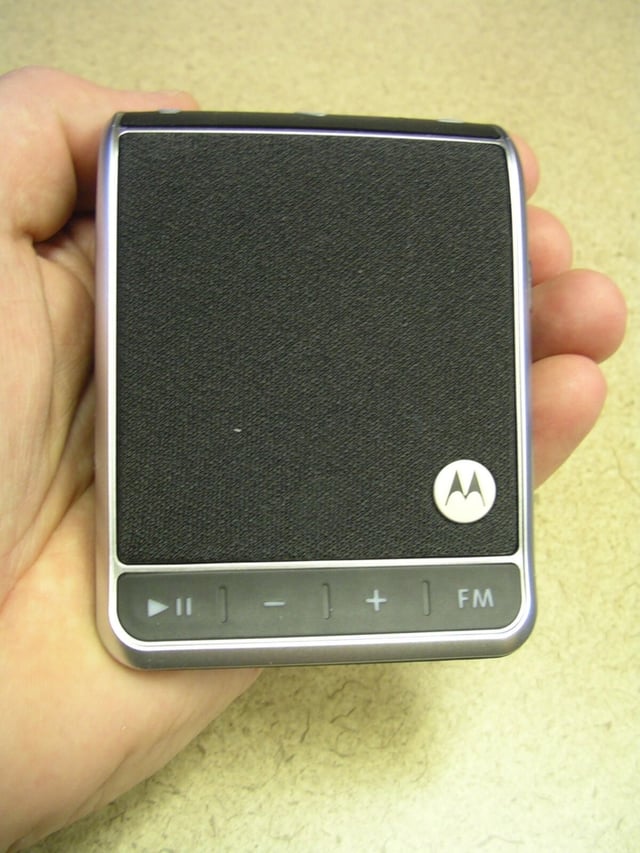
\n\tThe Motorola Roadster fits in your hand and is not too large.
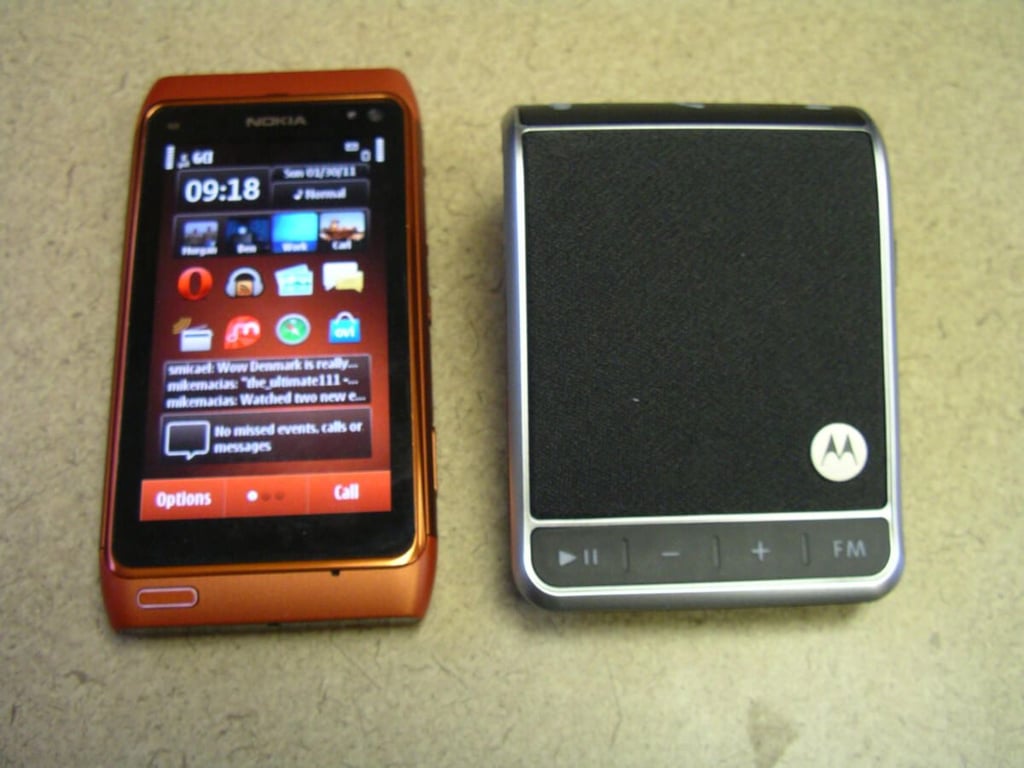
\n\tThis photo shows how a Nokia N8 compares in size to the Motorola Roadster. The N8 pairs up well with the Roadster and the buttons provide good control over the N8.

\n\tRoadster gallery 1
\n\tRoadster gallery 2


