
\n\tThe Outdoor Technology Bluetooth Tags come in a box with bigfoot on the outside. The package is wrapped in brown paper bag material with a solid plastic case housing the headset.
\n
\n\tCheck out my full ZDNet review for more thoughts, details, and experiences with this Bluetooth headset.
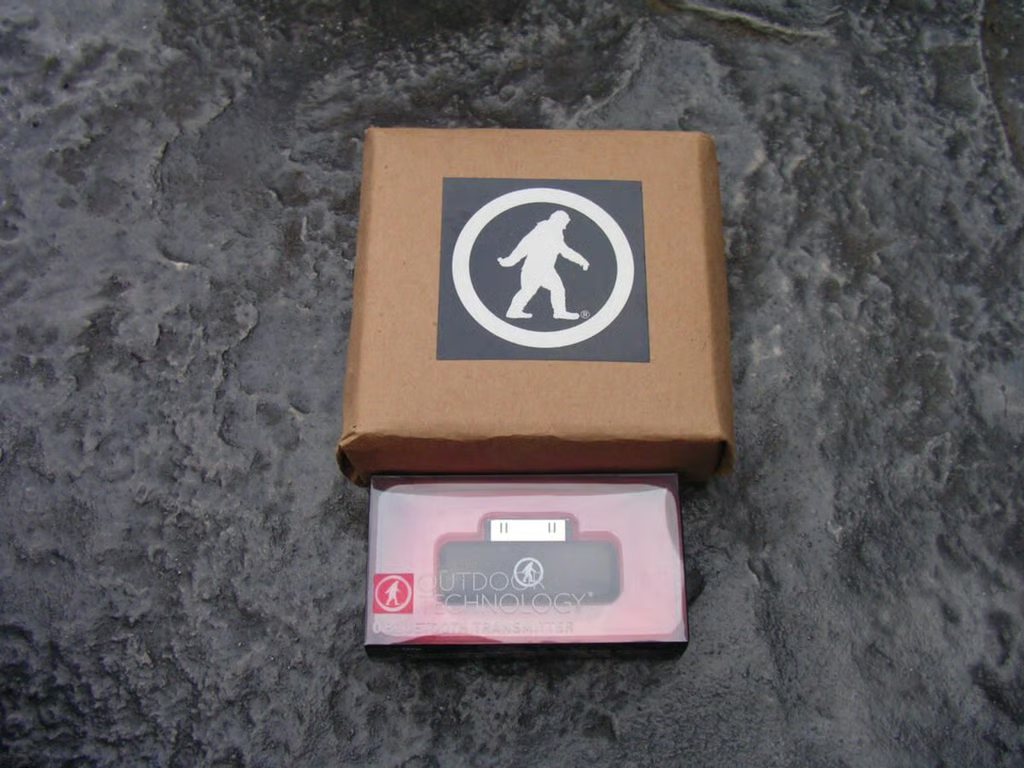
\n\tThey sent both the Bluetooth transmitter and headset to evaluate.
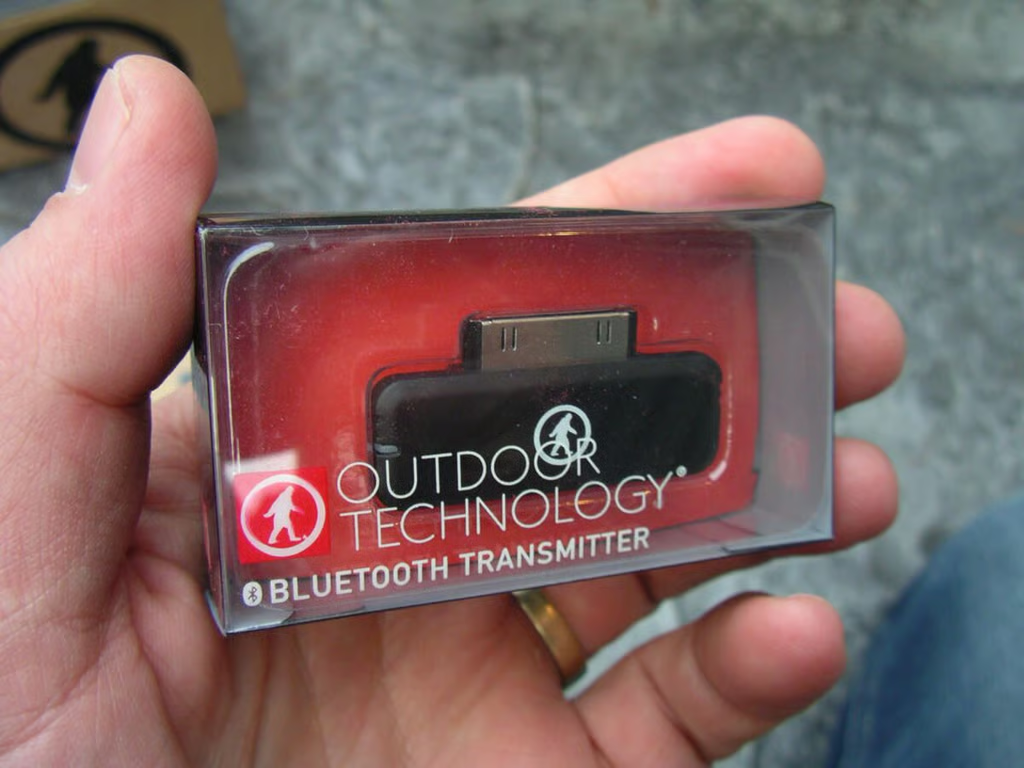
\n\tThe small Bluetooth transmitter is used for iPods that do not have an integrated Bluetooth radio. You simply plug this into the 30-pin connector and connect to the headset via Bluetooth.
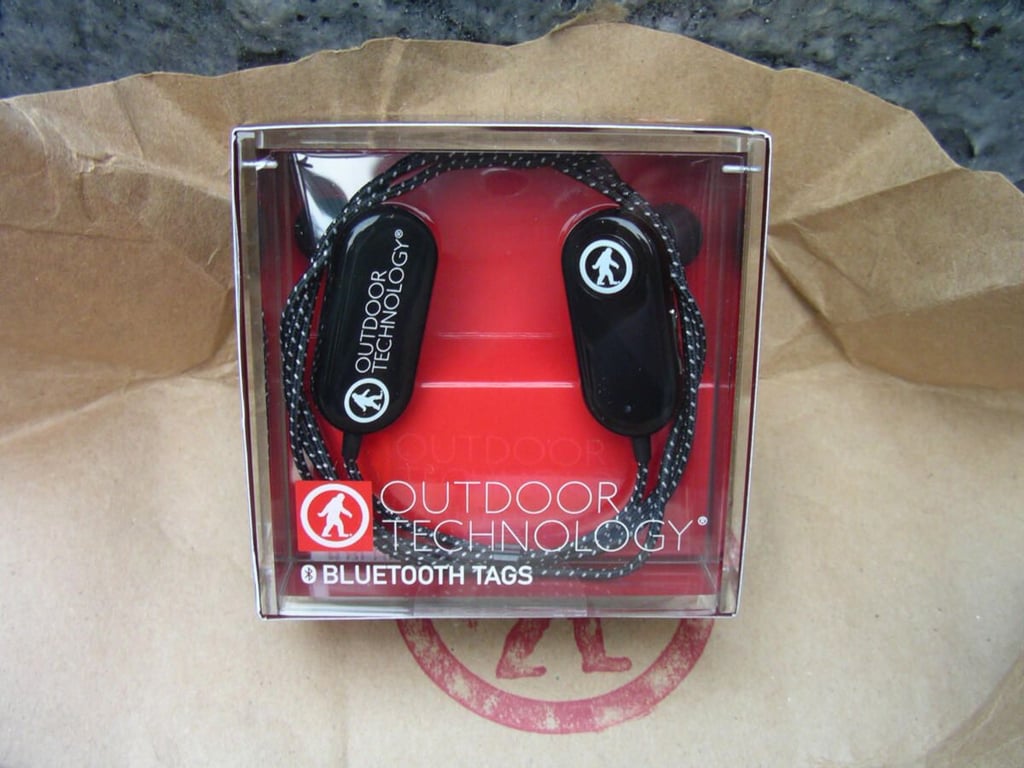
\n\tThe OT Tags come in a plastic box and are available in both black and red colors.
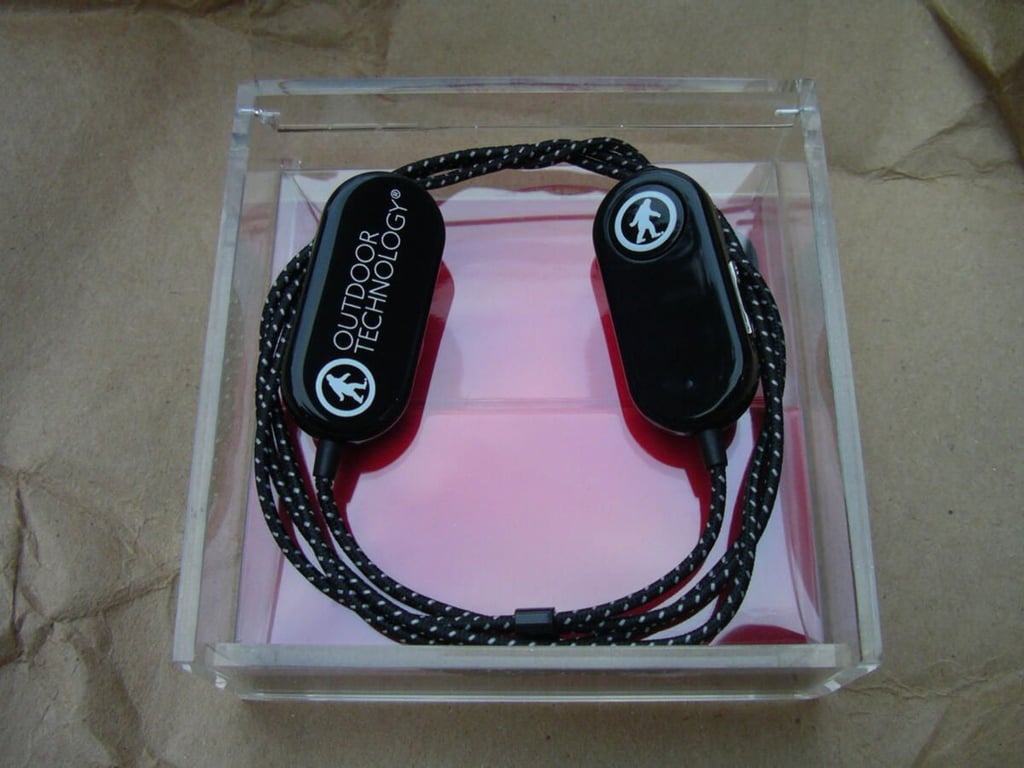
\n\tThe headset folds up to a small footprint. The cable connecting the two pieces is a durable braided wire that is about 32 inch in length.
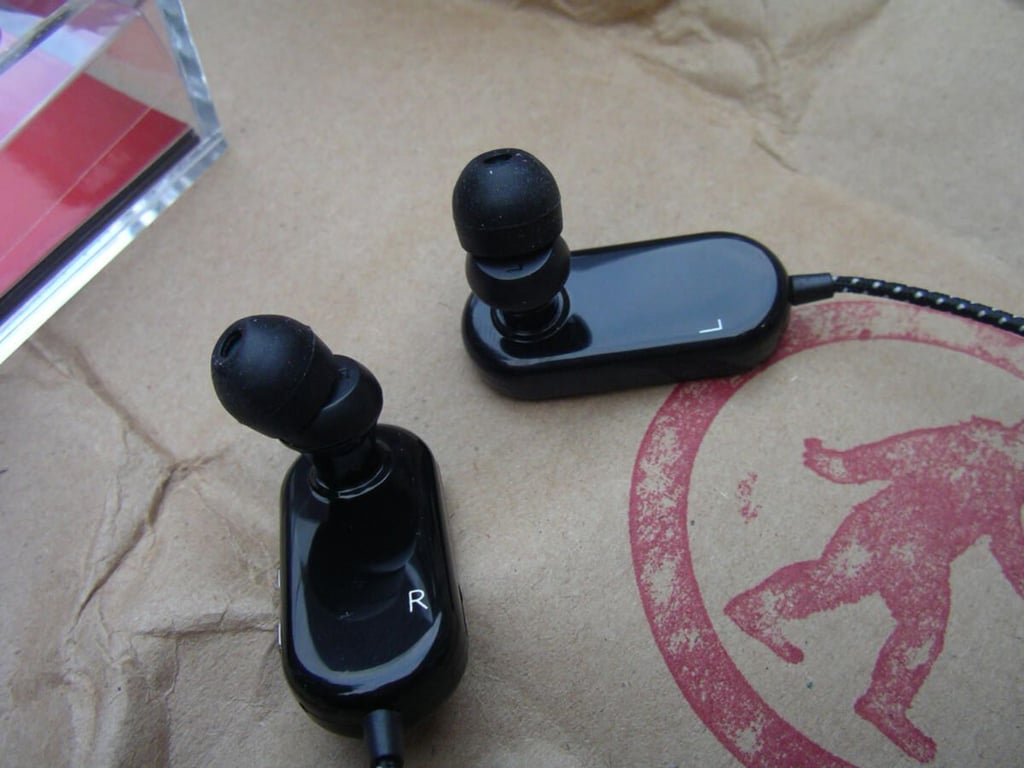
\n\tThe two earbud ends might appear a bit large, but the plastic is durable and lightweight so you really cannot even tell they are in your ears.
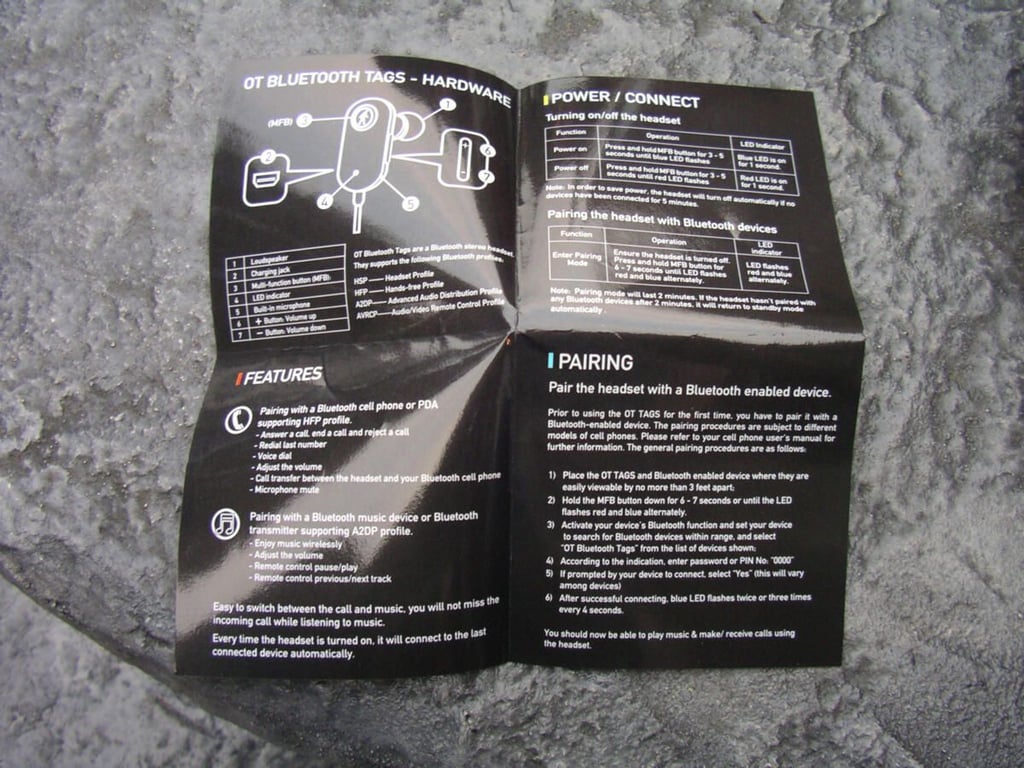
\n\tThe manual is a simple two-sided piece of durable plastic coated paper that clearly describes all the functions and operations of the headset.
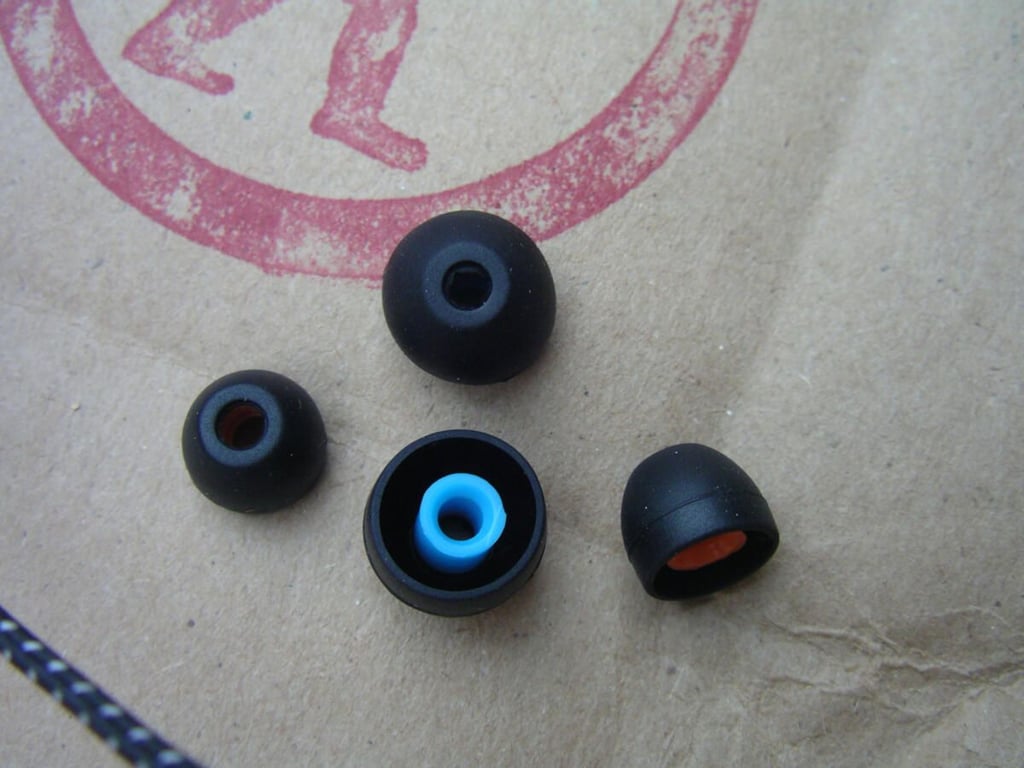
\n\tYou will find a few options for earbud sizes and should find one that fits you well.
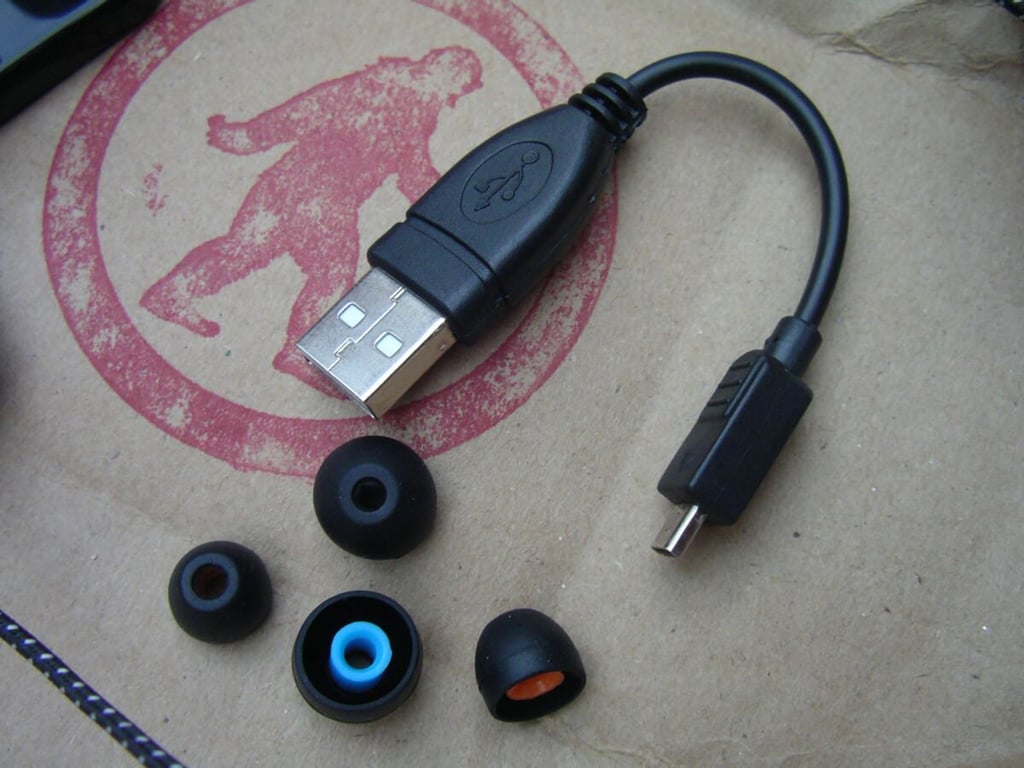
\n\tA small USB cable is included to charge up your headset, but unfortunately it is not microUSB like most phones today.
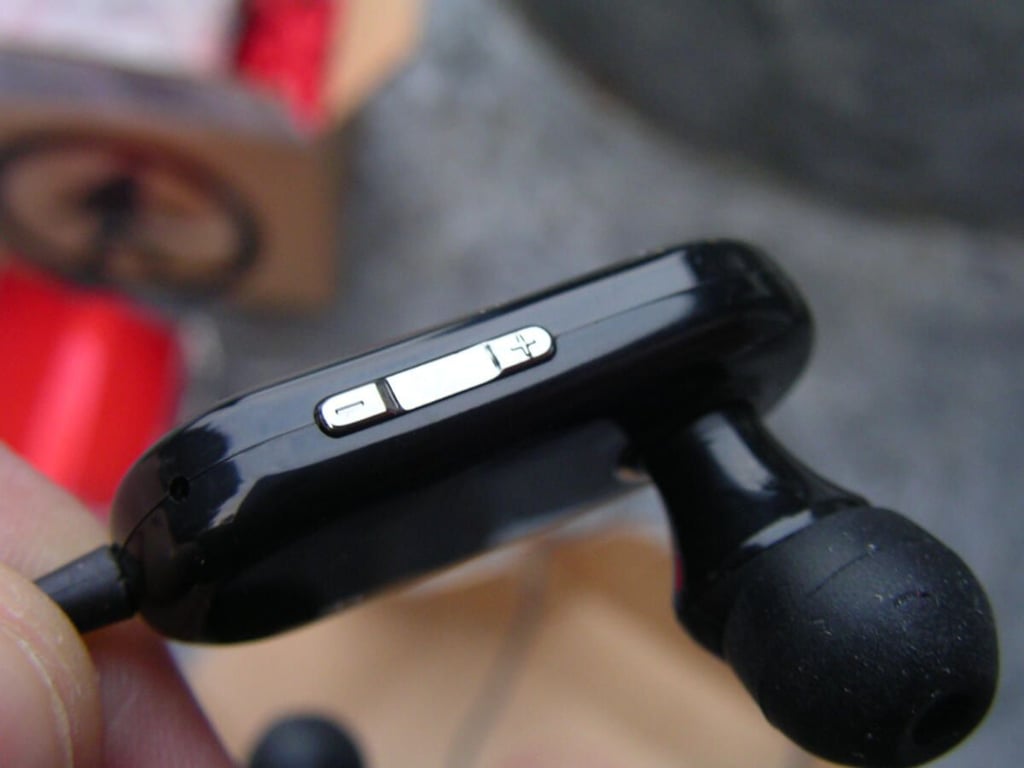
\n\tOne side of the right earbud has volume controls that can also be pressed longer to control track play.
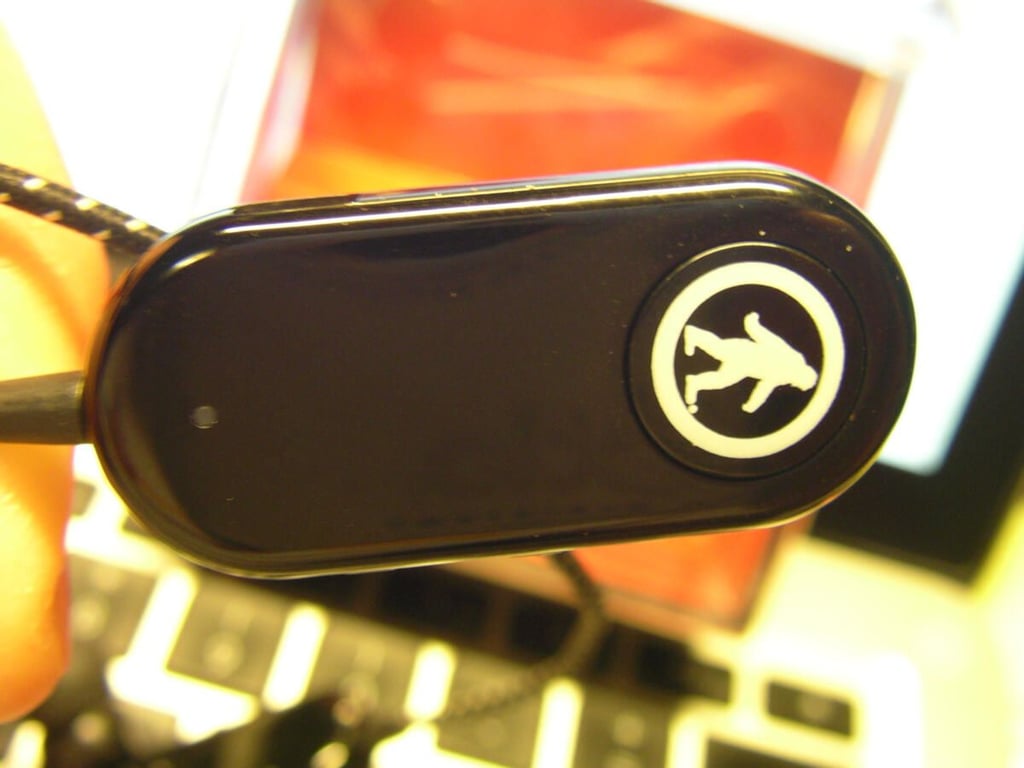
\n\tThe large big foot icon on the right earbud is the multi-function button (MFB) that is used to control calls and music playback. The small light flashes blue or red at different times.
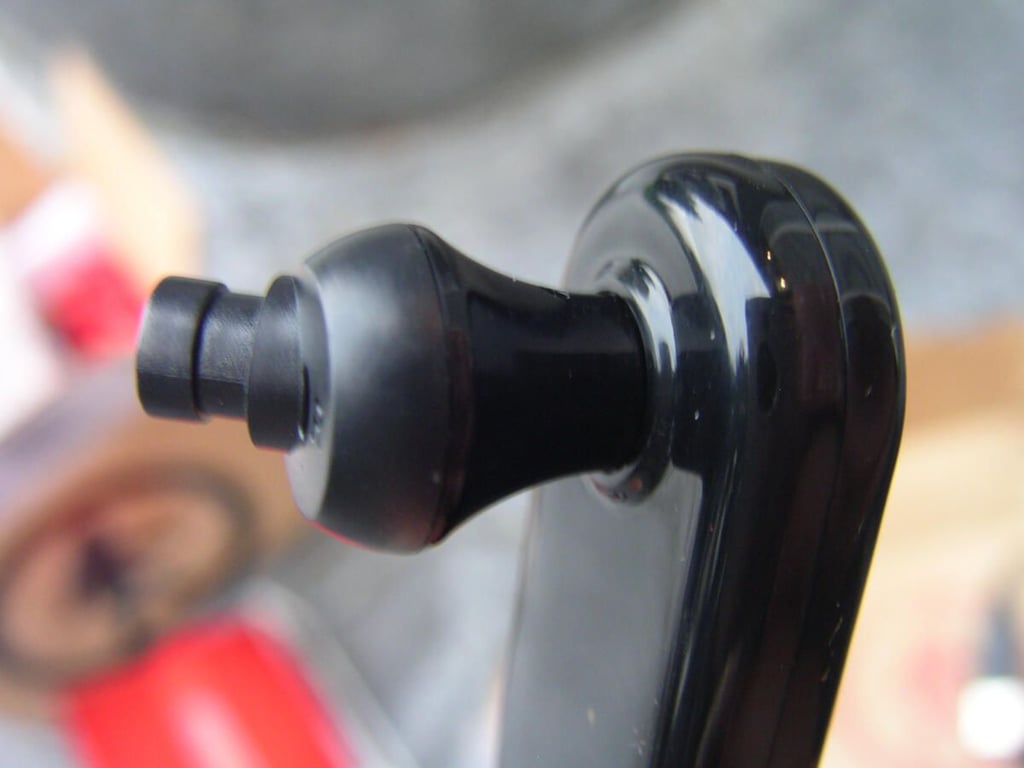
\n\tThe earbud tips pop off so you can put the ones that fit you on the end.
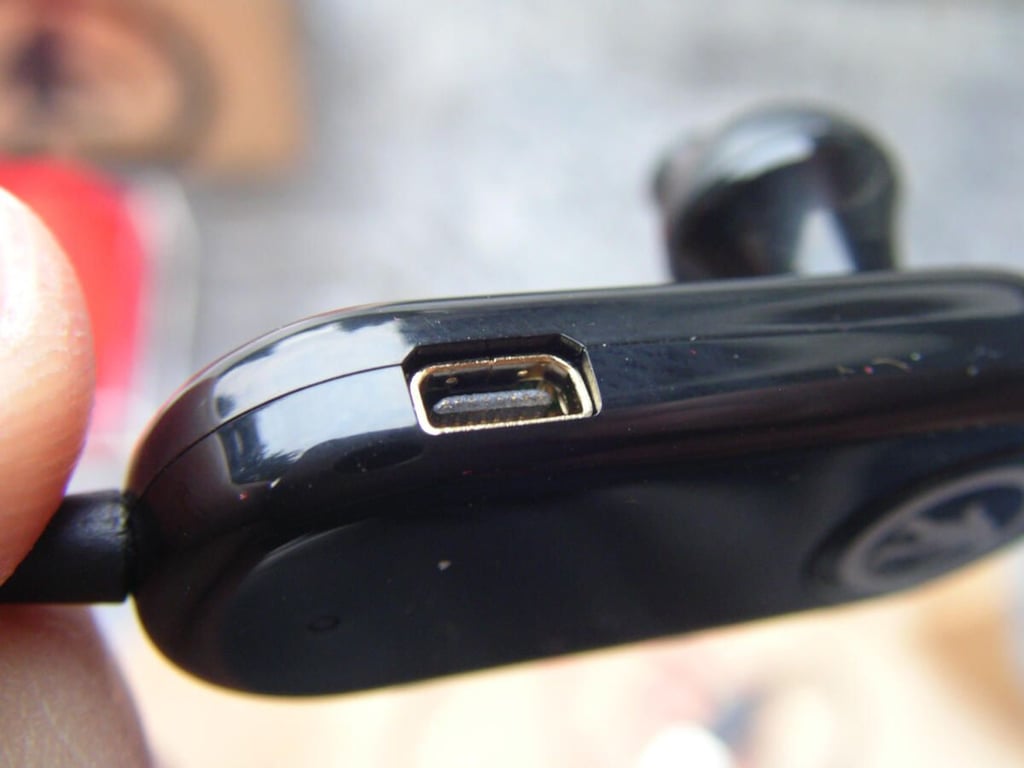
\n\tThere is a small port for charging up the headset with the included cable.
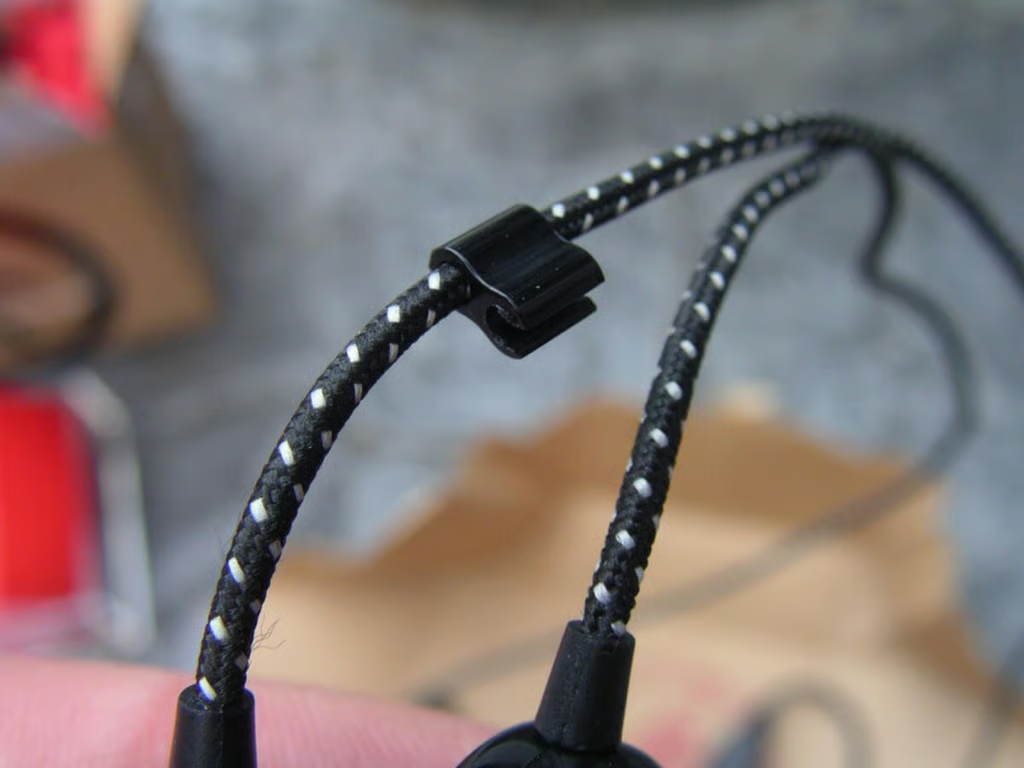
\n\tThe wire connecting the earbuds is durable and does not get twisted like many other cables. There is also a small piece that can be used to connect the two cables together.
\n\tOutdoor Tech Bluetooth Tags image gallery 1
\n\tOutdoor Tech Bluetooth Tags image gallery 2


