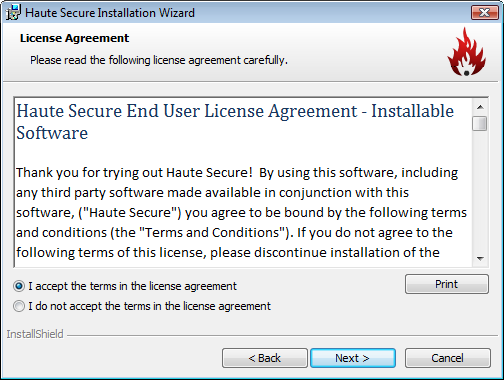
Before installing, the user is required to agree to an End User Licensing Agreement (EULA).
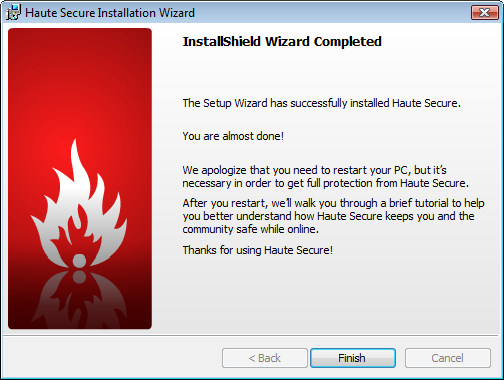
Upon installation, Haute Secure requires a Windows restart to complete the process.
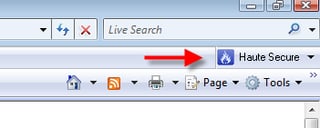
The utility works within Internet Explorer, much like a regular toolbar. This screen shows Haute Secure living within IE 7 on Windows Vista.
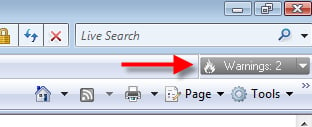
When Internet Explorer browses to an unsafe Web site, the Haute Secure toolbar turns red and displays a “warning” sign.
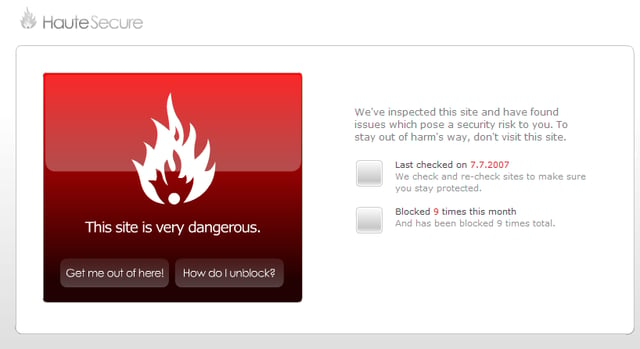
On live exploit sites, Haute Secure blocks the Internet Explorer user from browsing and displays a bright red icon with a blunt “This site is very dangerous” warning.
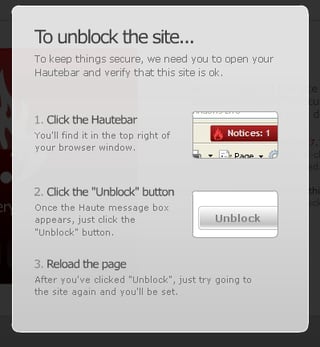
If an Internet Explorer user wishes to unblock a site flagged as dangerous, this can be done via a few mouse-clicks.
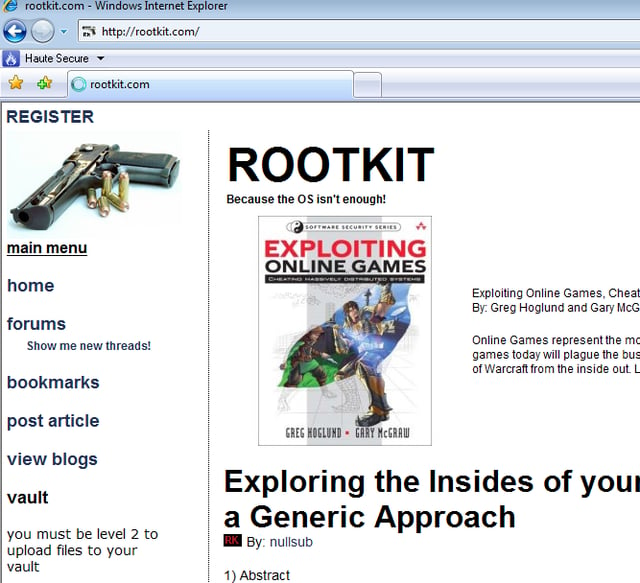
During my testing, I browsed to some sites that host known harmful code. Haute Secure lists Rootkit.com as safe, because there is no attempt to launch a drive-by exploit.
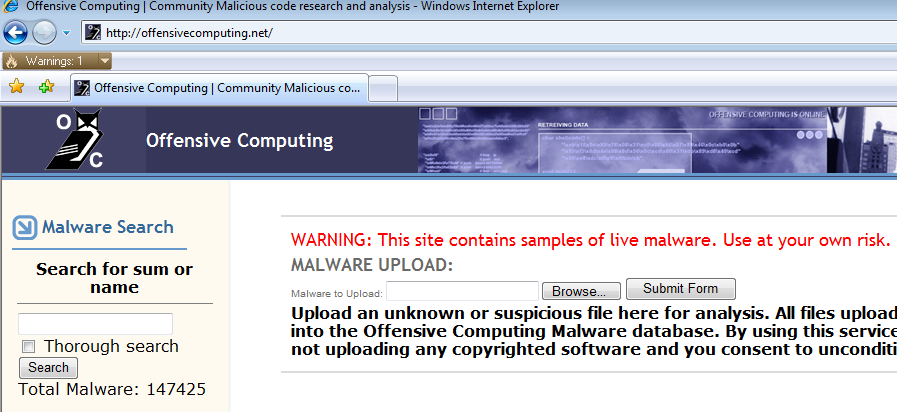
At OffensiveComputing.net, a research-focused malware repository, Haute Secure isn’t as accomodating. \r\n\r\n
An IE user is greeted with a blinking yellow message in the toolbar, marking Offensive Computing as hosting “embedded” content.
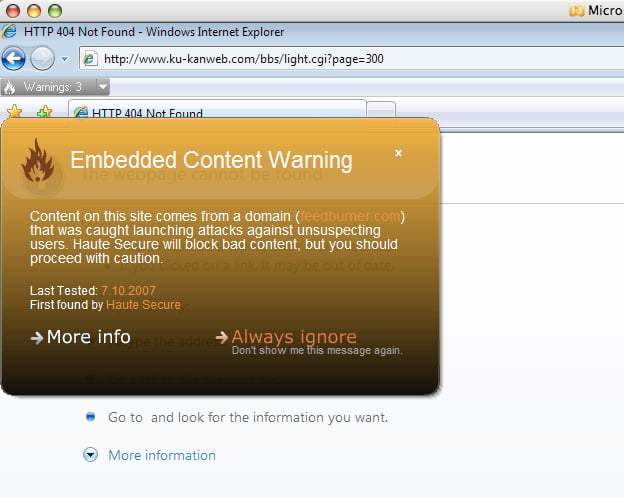
Browsing to a known exploit site brings up another orange-colored “embedded content warning.”\r\n\r\n
EDITOR’S NOTE: Do not browse to the URL in this screenshot with an unpatched Windows machine and without adequate protection from malware files.
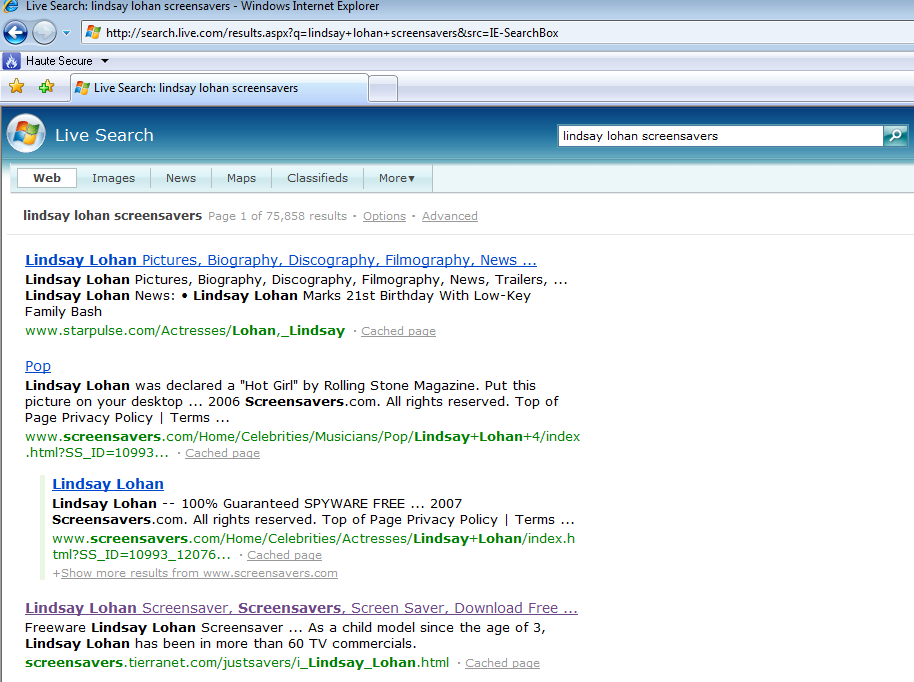
Unlike McAfee’s SiteAdvisor and Exploit Prevention Labs’ LinkScanner, Haute Secure does not issue a warning when search results return known bad sites.\r\n
In this example a search for “Lindsay Lohan screensavers” brings up a known exploit site but Haute Secure does not flag this. \r\n\r\n
See next slide to see what happens when the known site is launched…
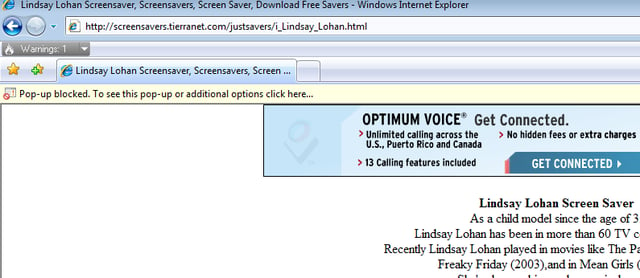
When the user clicks on the “Lindsay Lohan screensaver” from the search result (see previous slide), Haute Secure flashes a “warning” in the Internet Explorer toolbar.


