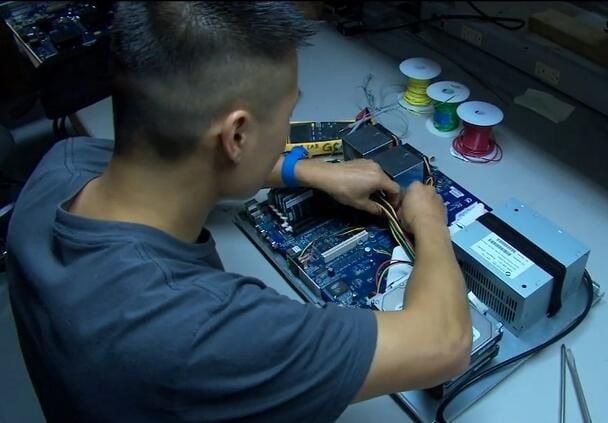
\n\tGoogle has opened the doors to one of its data centers to show how it protects customer data in this report from silicon.com.
\n
\n\tA video released by Google on YouTube shows how it guards its data centers using a range of security measures – from biometric IDs for staff to the complete destruction of defunct hard drives.
\n
\n\tGoogle’s data centers handle information relating to everything from a search on Google.com to an e-commerce transaction through Google Checkout.
\n
\n\tThe security process starts with the design of Google’s servers – with the machines custom-built to Google’s specifications and running a specialized, stripped-down version of the Linux OS.
\n
\n\tGoogle claims that the customized hardware and software limits the vulnerabilities of the machines.
\n
\n\tPhoto credit: Google/YouTube.com
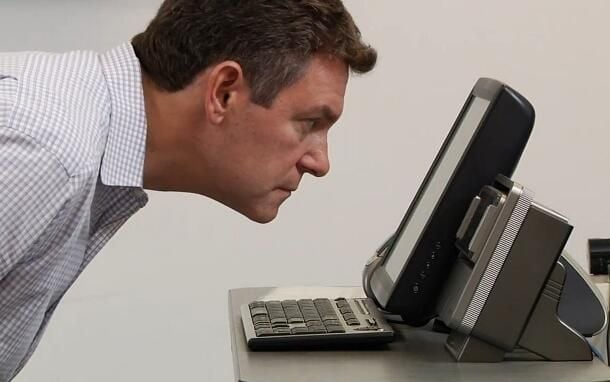
\n\tGoogle staff have to go through a series of identity checks to gain access to the data center building and different parts of the facility.
\n
\n\tStaff at the datacenters carry identity badges that are made using lenticular printing, which makes them difficult to forge.
\n
\n\tIn some of Google’s datacenters, staff identity is checked by scanning their irises, as seen here.
\n
\n\tPhoto credit: Google/YouTube.com
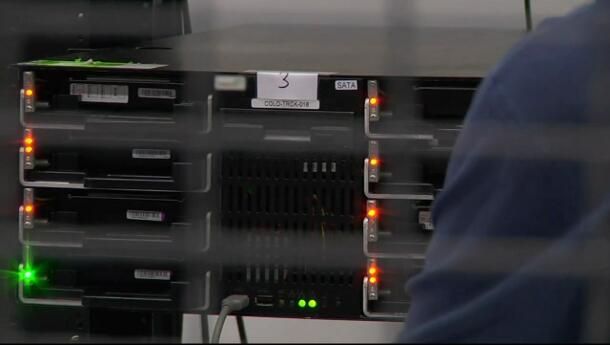
\n\tGoogle takes a variety of steps to protect customer data stored on its data center hard drives, a rack of which are seen here.
\n
\n\tCustomer data is stored in multiple locations, the files that store the data are given random file names and are not written in clear text, so they are not easily readable by people.
\n
\n\tIf there is a fire or any other disruption at the data center, customers are able to access their data from another data center location.
\n
\n\tPhoto credit: Google/YouTube.com
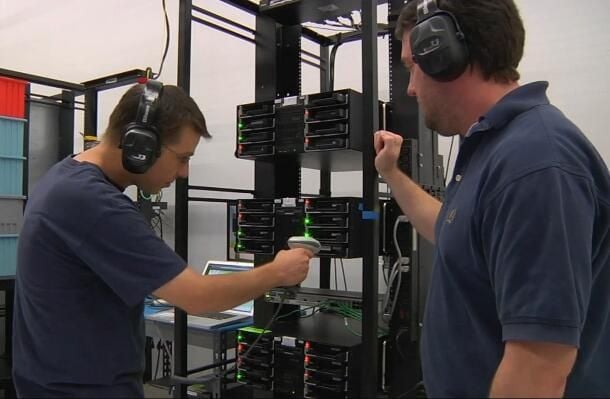
\n\tGoogle tracks the location and status of each hard drive in its data centers.
\n
\n\tIf there is a problem with a hard drive, it’s reformatted and retested. If the drive does not pass these tests it’s then removed, and the data on the drive is overwritten and verified to make sure it contains no customer data.
\n
\n\tPhoto credit: Google/YouTube.com
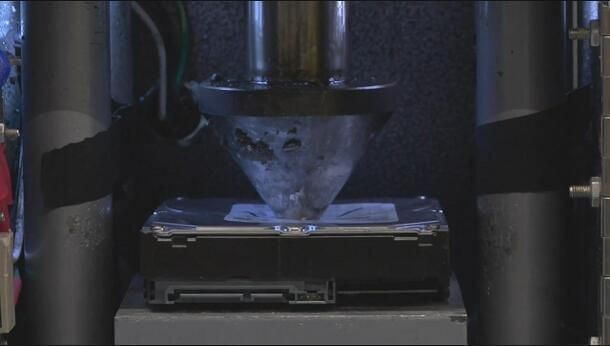
\n\tDrives that are no longer in use at the datacenter are destroyed in a multistep process to ensure that the data they contained is not recoverable.
\n
\n\tThe first step is putting drives into the crusher, where a steel piston is pushed through the drive deforming the drive’s platters and making them unreadable.
\n
\n\tPhoto credit: Google/YouTube.com
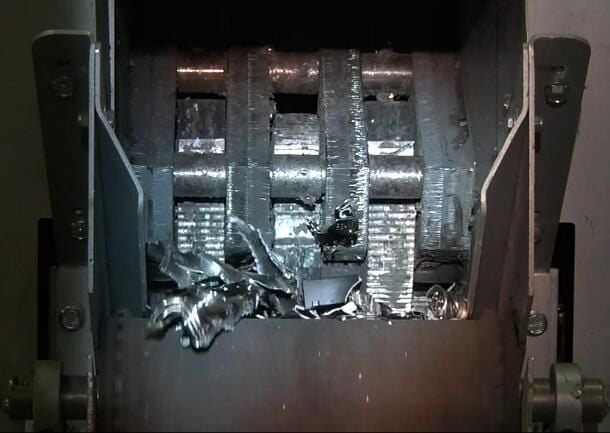
\n\tThe next stage of the destruction process is putting the drives through a shredder that reduces the drives into fragments.
\n
\n\tPhoto credit: Google/YouTube.com
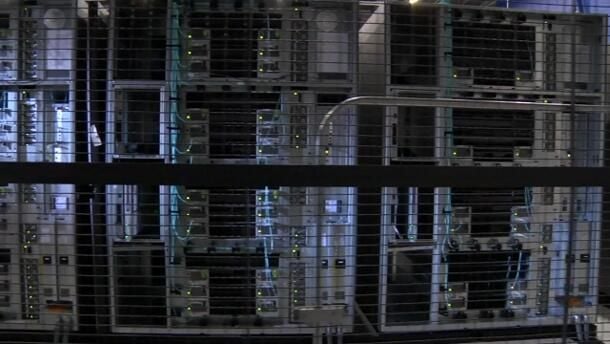
\n\tInformation stored on hard drives inside the data centers is also backed up on magnetic tapes, such as the banks of tapes seen here.
\n
\n\tPhoto credit: Google/YouTube.com
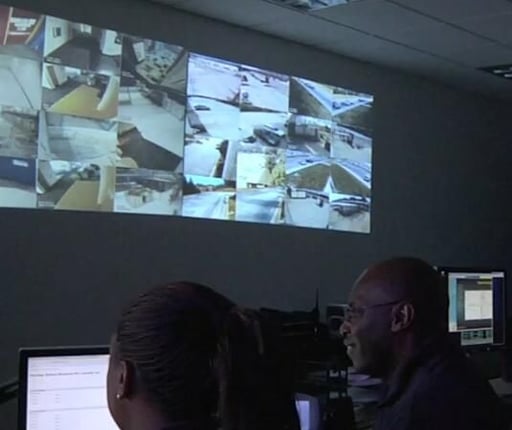
\n\tVideo surveillance allows Google staff to monitor datacenters, with the help of video analytics software that can detect anomalies in the video and tip off security staff.
\n
\n\tSome data centers also have thermal imaging cameras to identify the heat signature of potential intruders.
\n
\n\tPhoto credit: Google/YouTube.com
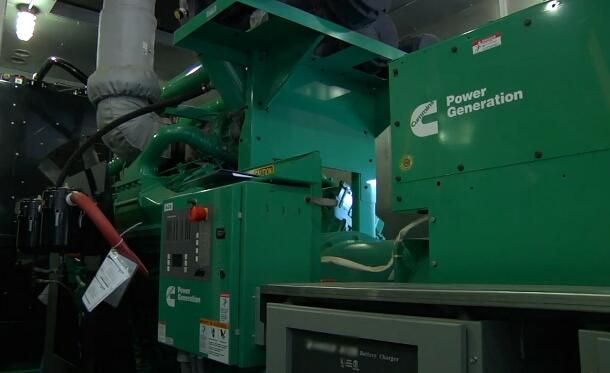
\n\tEach data center has emergency back-up generators, which are capable of powering the data centers in the event of a power failure.
\n
\n\tData centers are connected to the internet via high-speed fibre optic cable, with multiple redundant connections to provide access to the data center in the event of the failure of a single connection.
\n
\n\tPhoto credit: Google/YouTube.com

My name is Sonja Thompson. I've worked for TechRepublic since October of 1999, starting with the enewsletter team, then with the Premium Products group (creating books and CDs), as well as programming some of the elements on the site. After leading the Tech News team on TR, I jumped at the opportunity to switch gears and try my hand at video editing, podcasts, and other forms of multimedia on the site. I'm currently the host of the Smartphones blog, plus I edit the TR Dojo video series. \ \ I graduated from the University of Louisville. Since then, I've also completed several technology related courses from SmartPlanet. My goal is to learn about the TR community, interact with members on the site, and hopefully encourage more people to participate - and more often.


