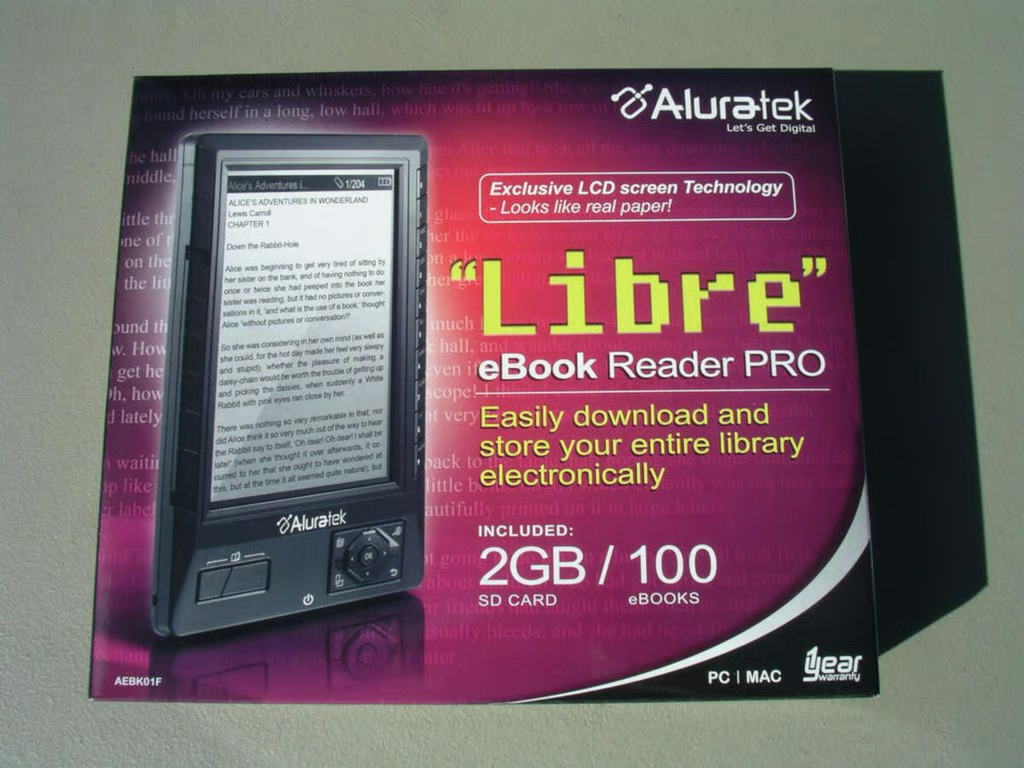
People have complained about the high price of dedicated ebook readers for a couple of years, but now we are starting to see devices appear under $200. The Aluratek Libre eBook Reader Pro is a fairly compact ebook reader that can be found online for about $150. Rather than using eInk for the screen technology though the Libre has a black and white LCD screen.??A walk through discussion can be read on The Mobile Gadgeteer site
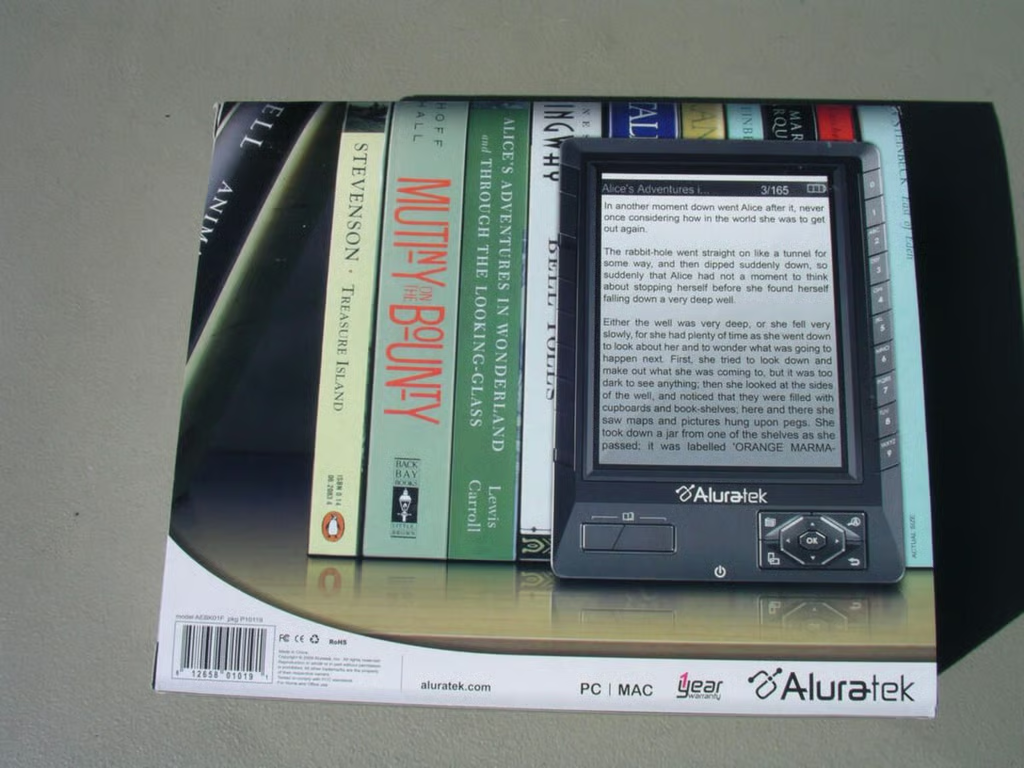
The back of the box shows you the device and books you can load on it.
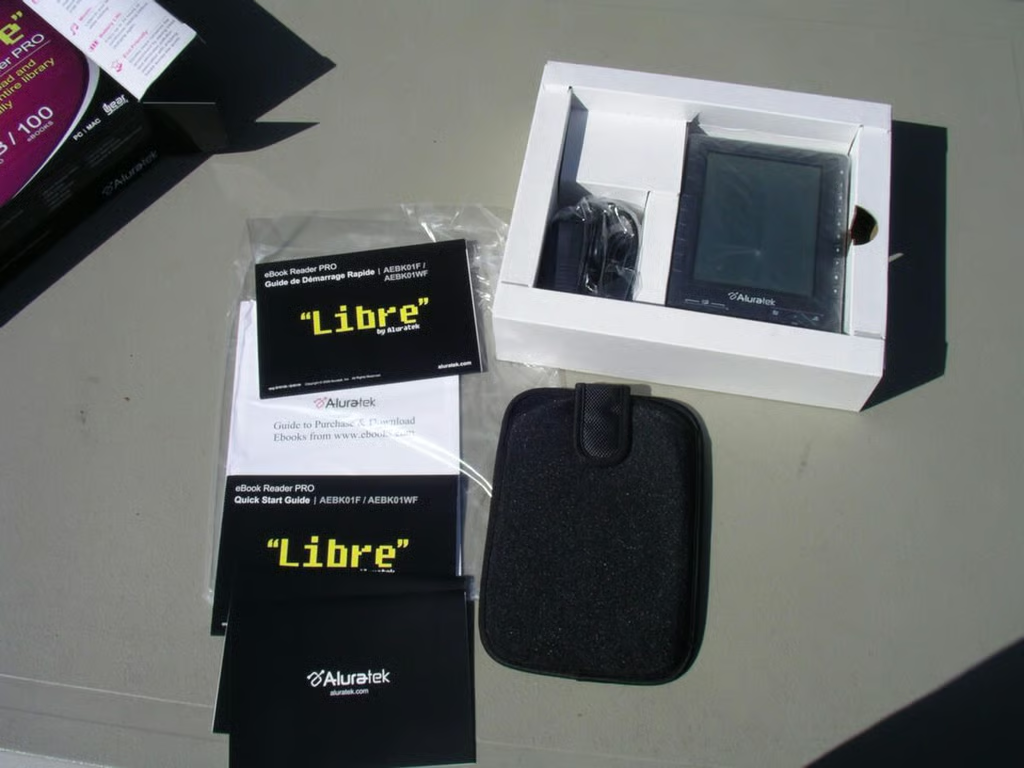
Manuals, case, and Libre in upper packaging.
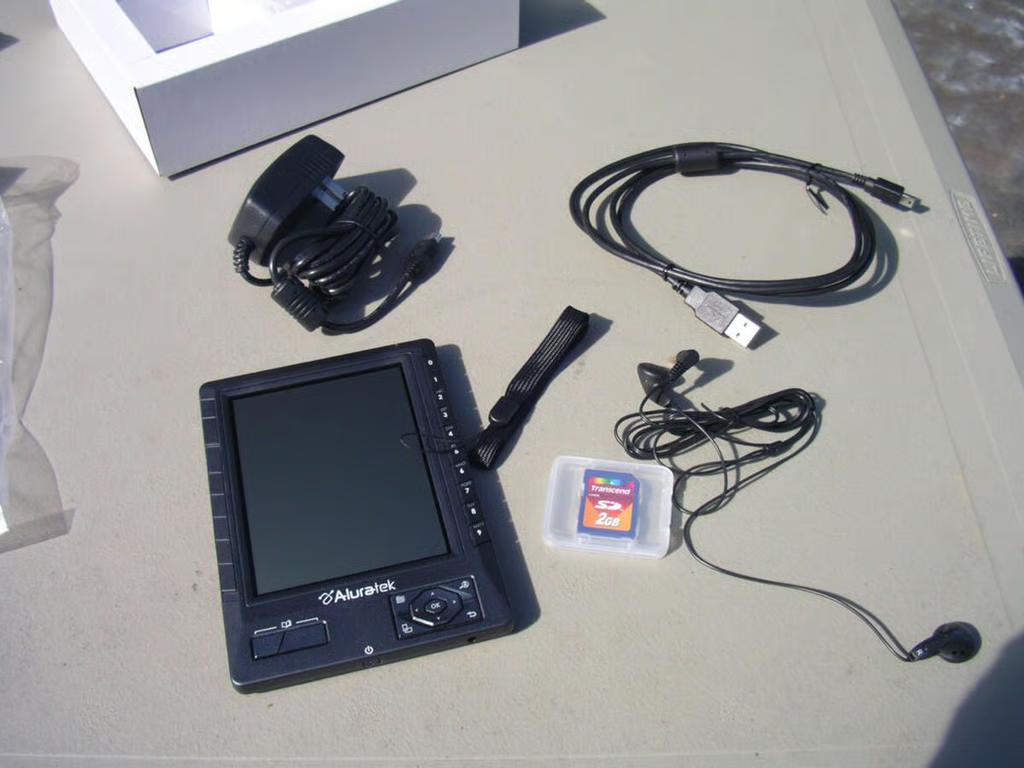
You will find an A/C adapter, stereo headset, 2GB SD card, USB cable, and lanyard in the retail box.
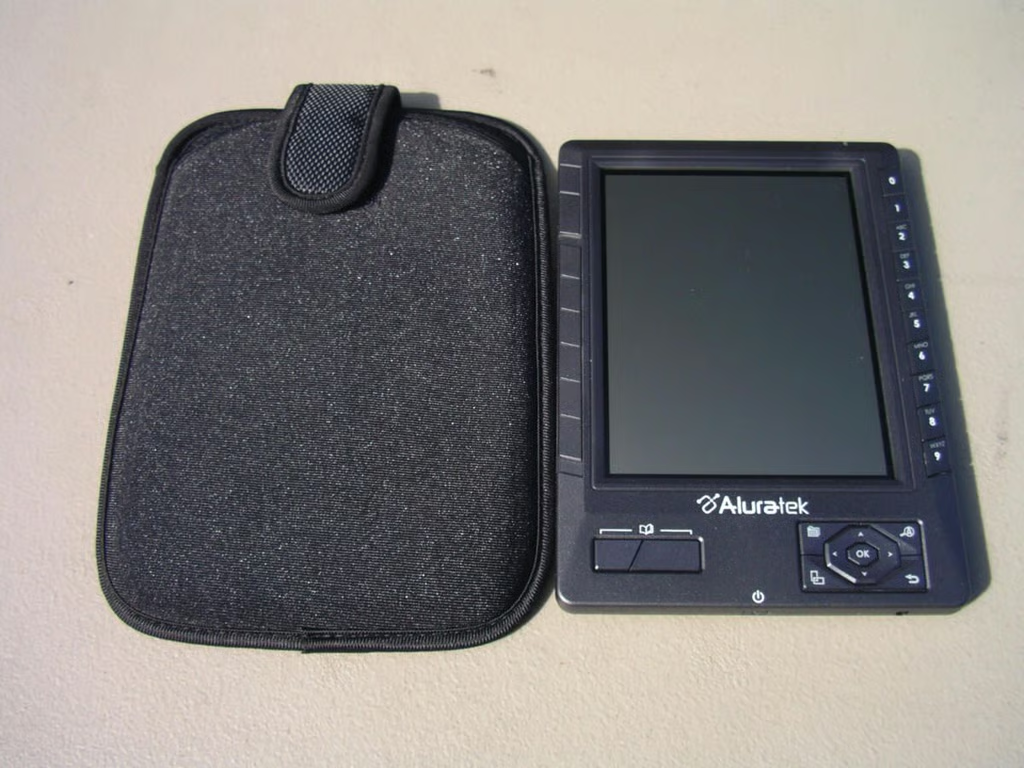
A decent slip case with hard front cover is included in the package.
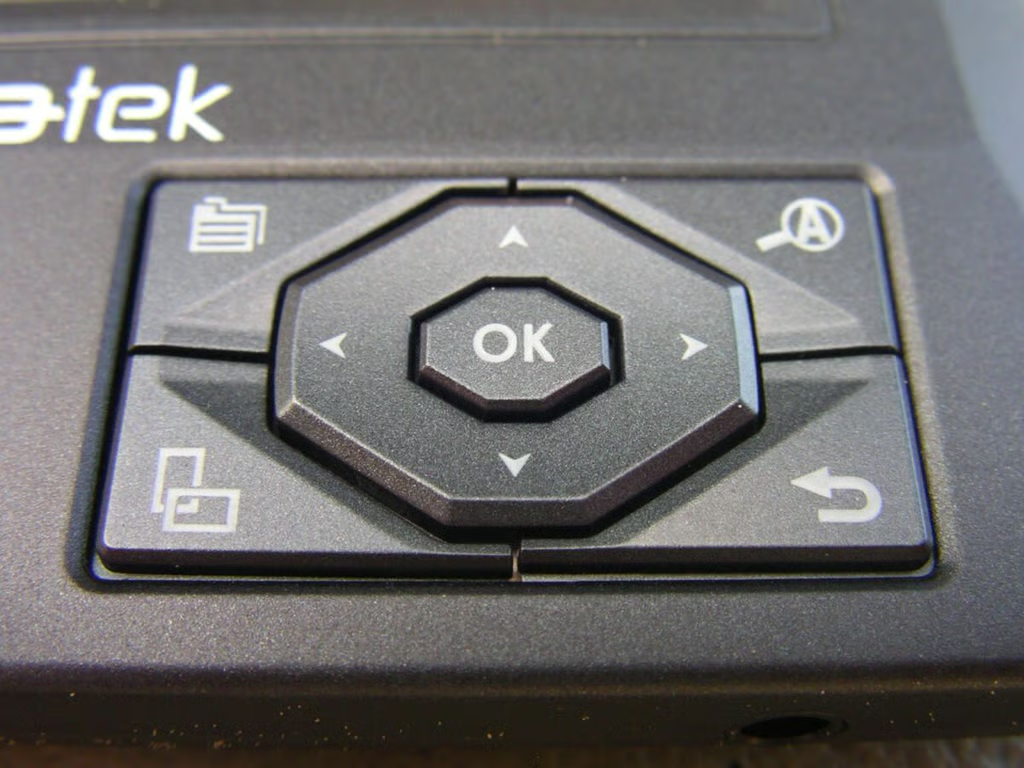
This control pad is found on the lower right side and lets you navigate and access different menus.
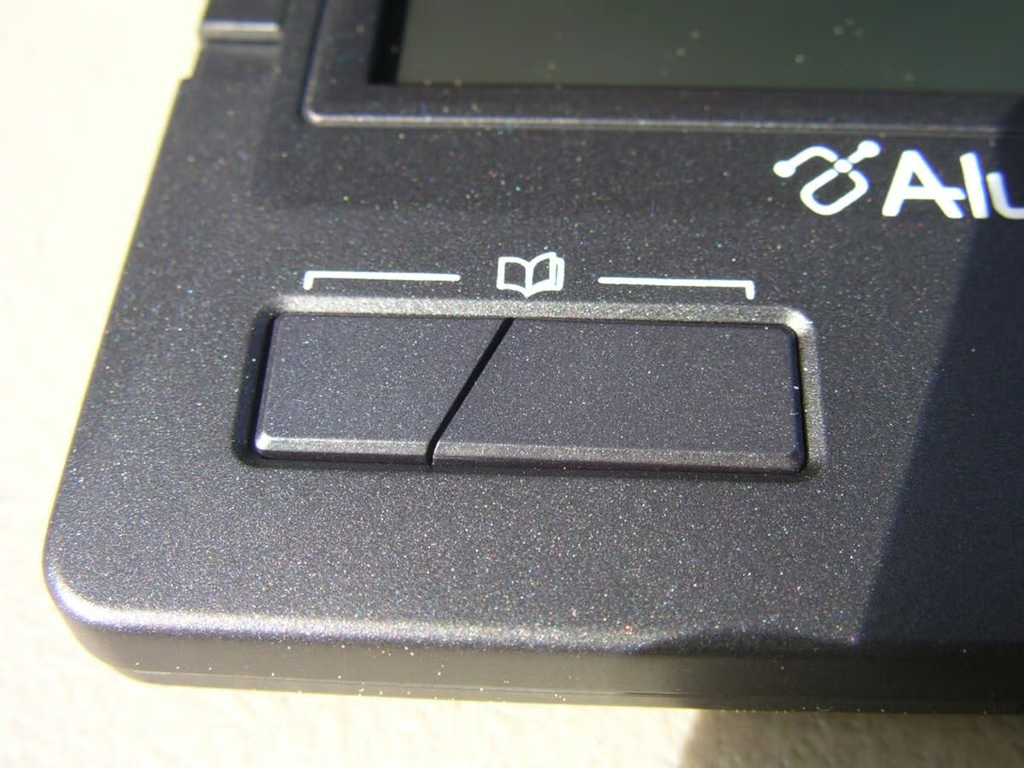
With this split button you can turn pages forward and backward.
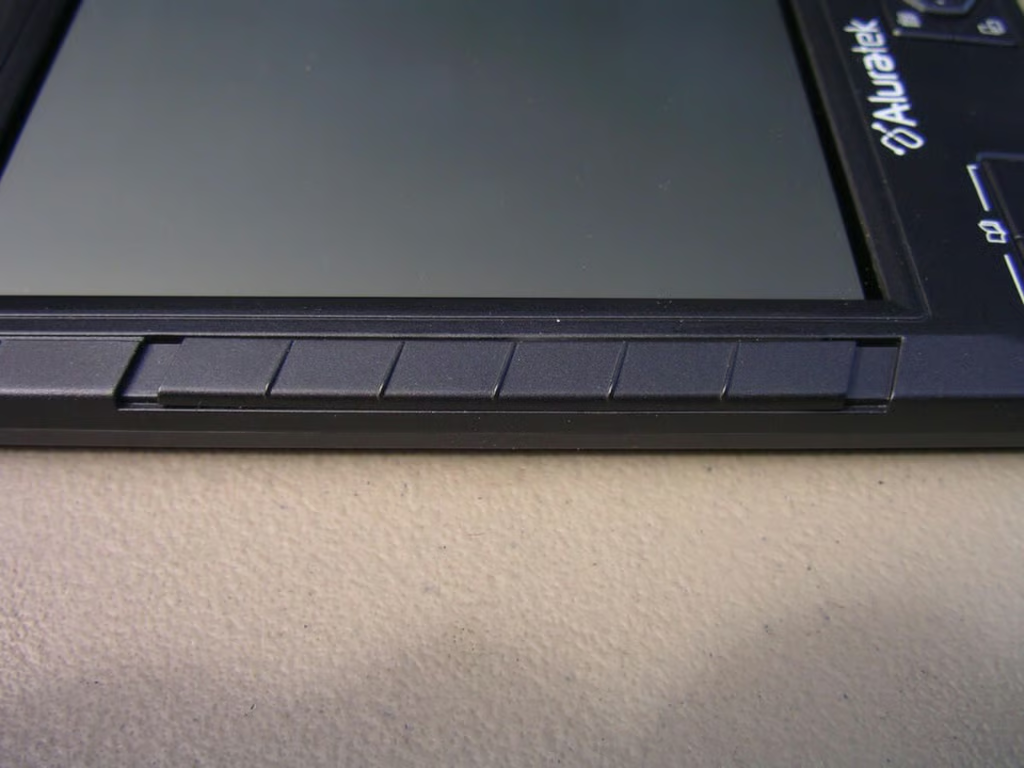
There is a long spring-loaded bar on the left side that you can slide up or down to turn pages forward or backward.
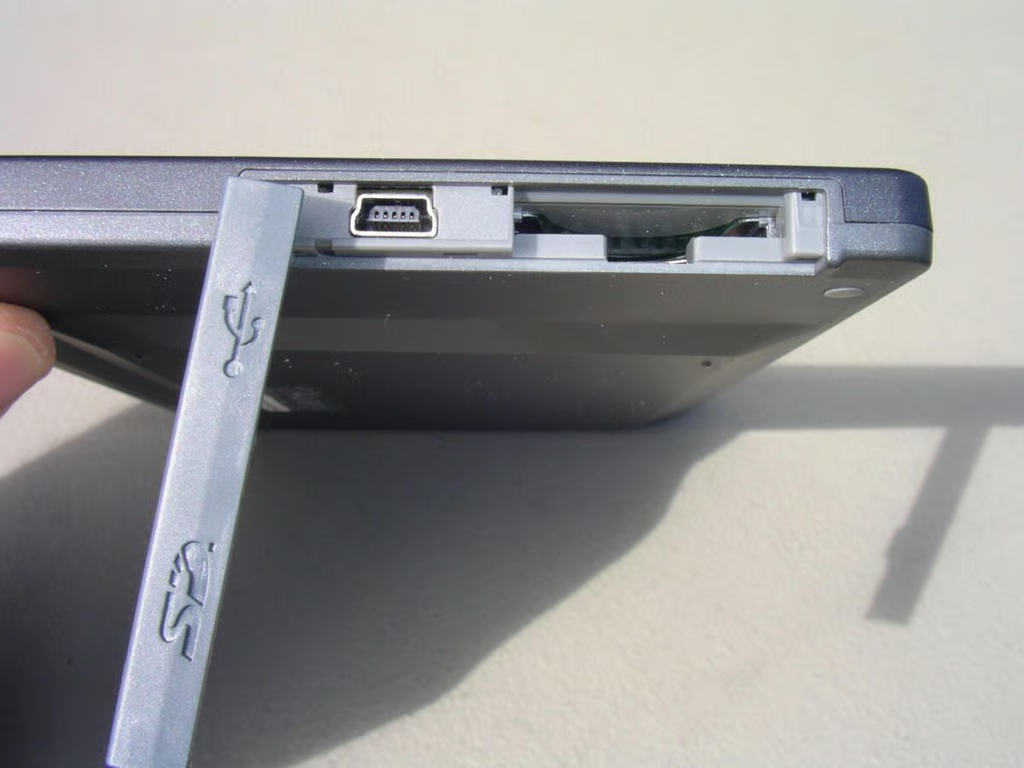
A durable cover protects the SD card slot and miniUSB port. The miniUSB port is used for charging and transferring ebooks from your PC/Mac to your Libre.
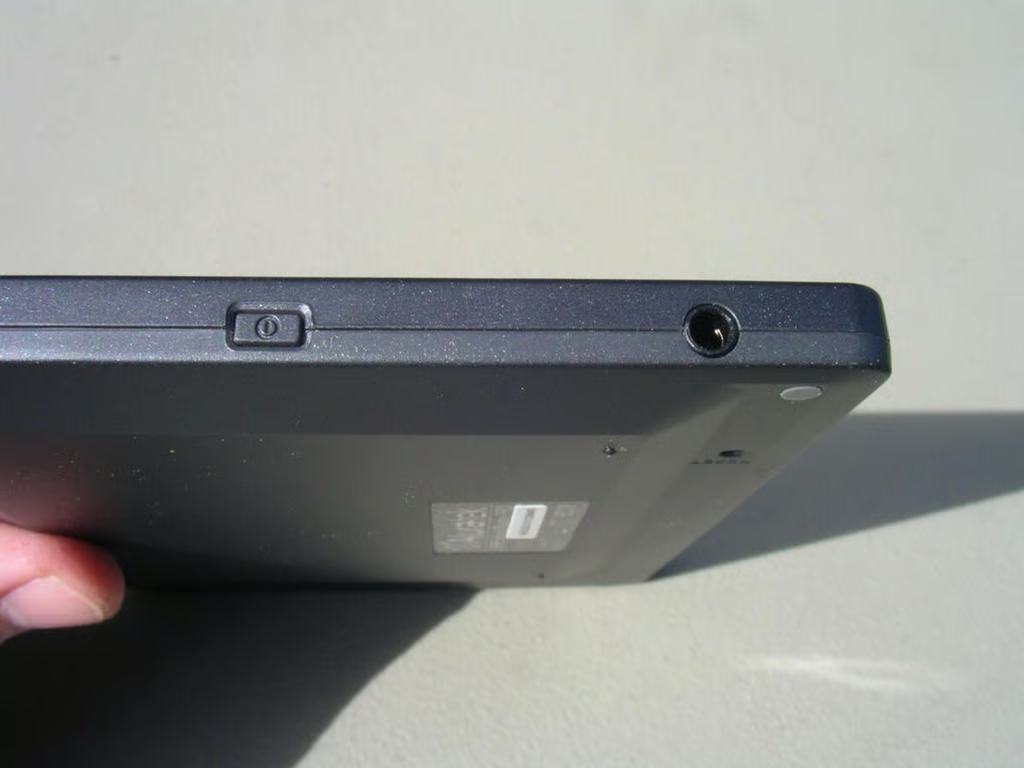
The cover snaps into place and remains secure.
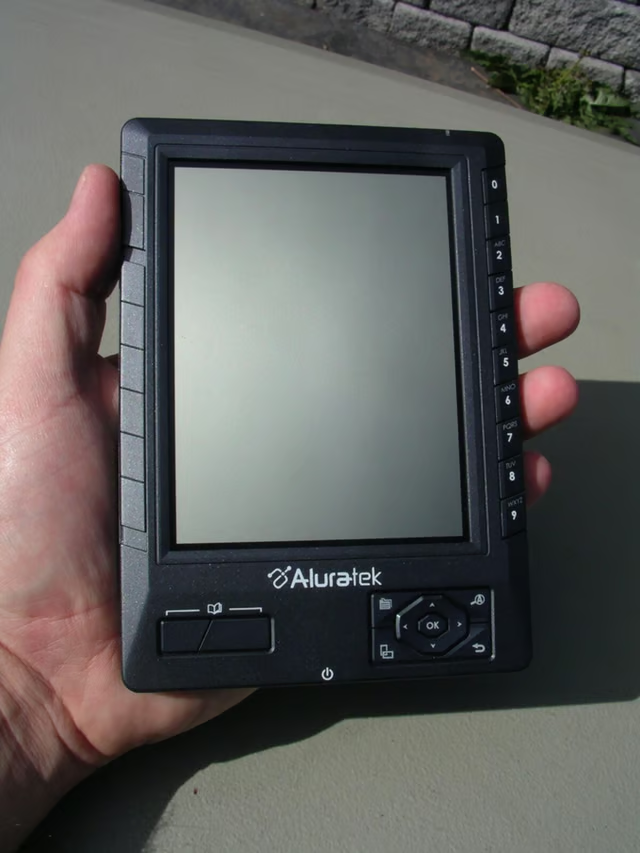
As you can see the Libre is fairly small and fits well in your hand.
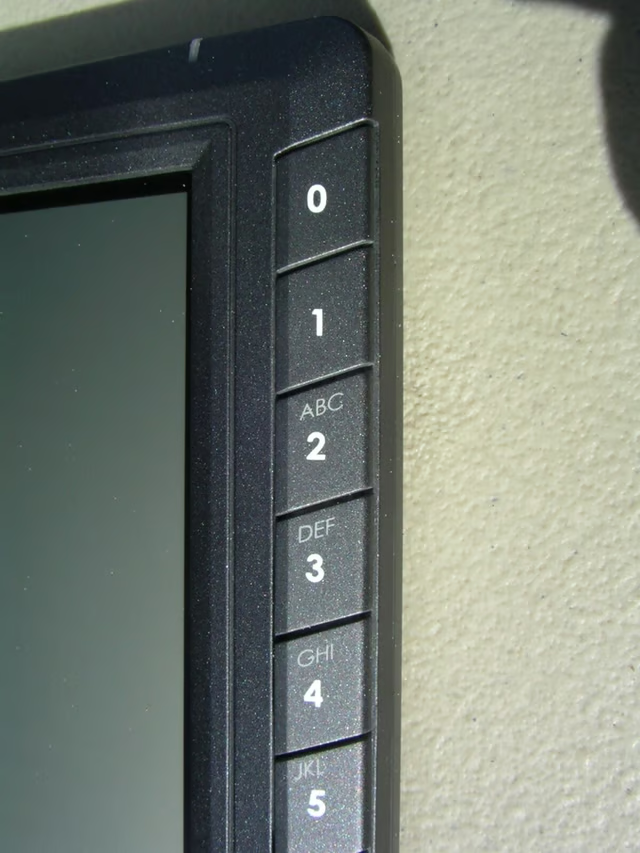
Number buttons, from 0 to 9, appear on the right side. Letters are also on the buttons so you can enter minimal text if needed.
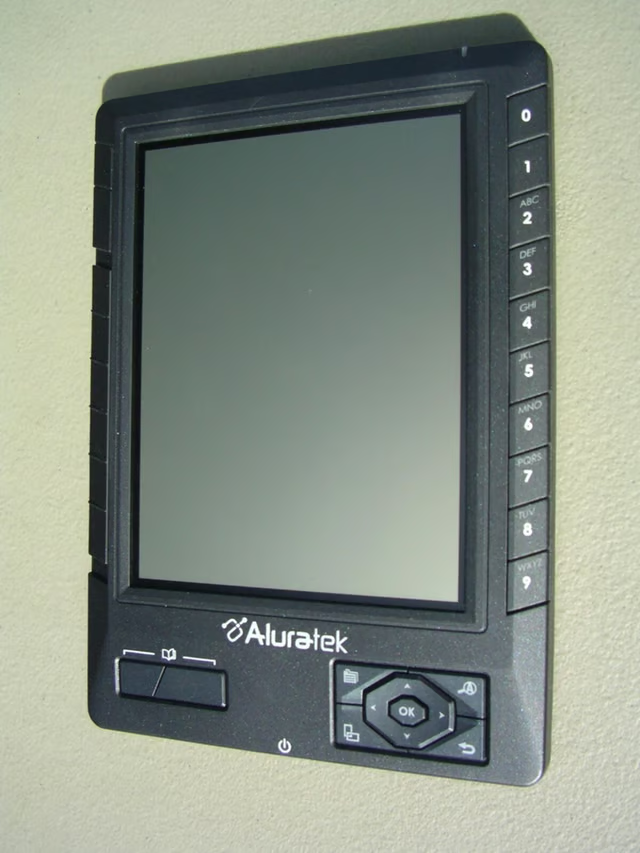
A view of the Libre on the desk.
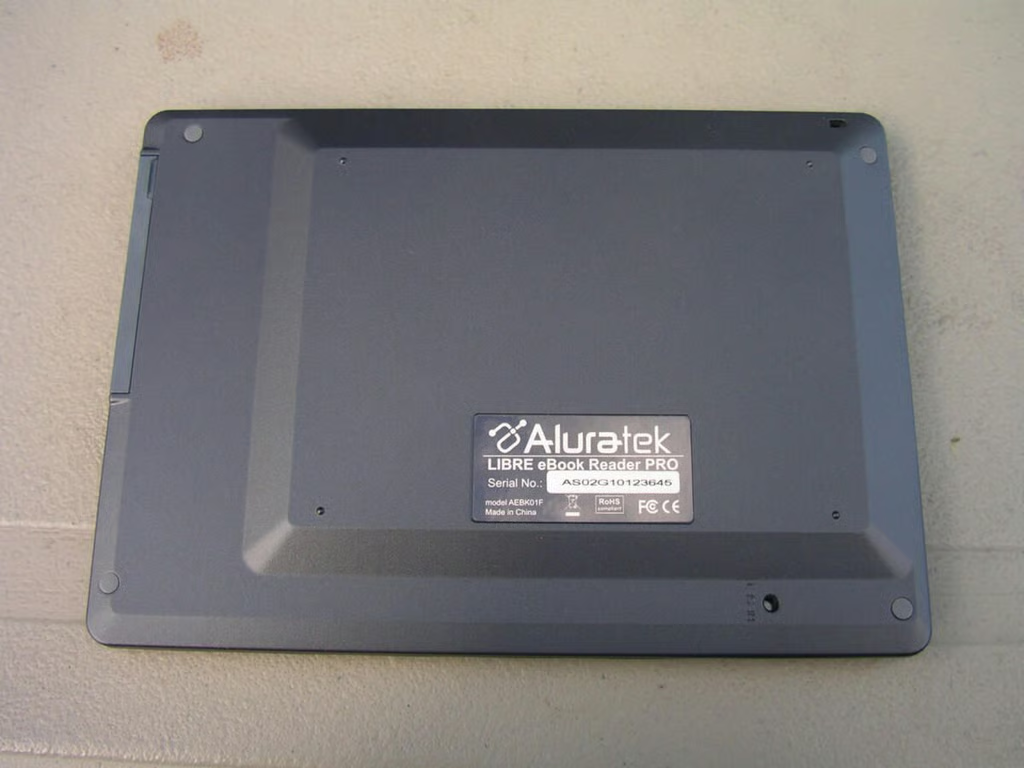
Notice the protrusion on the back of the device?
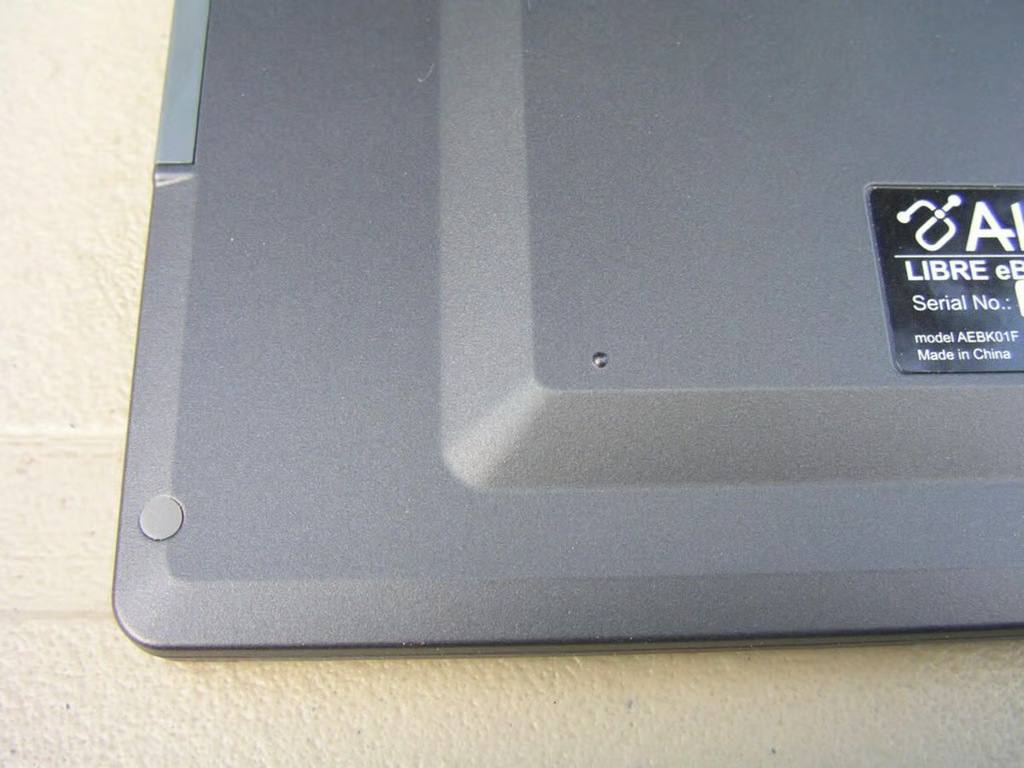
The Libre still remains compact, but does have some shape on the back.
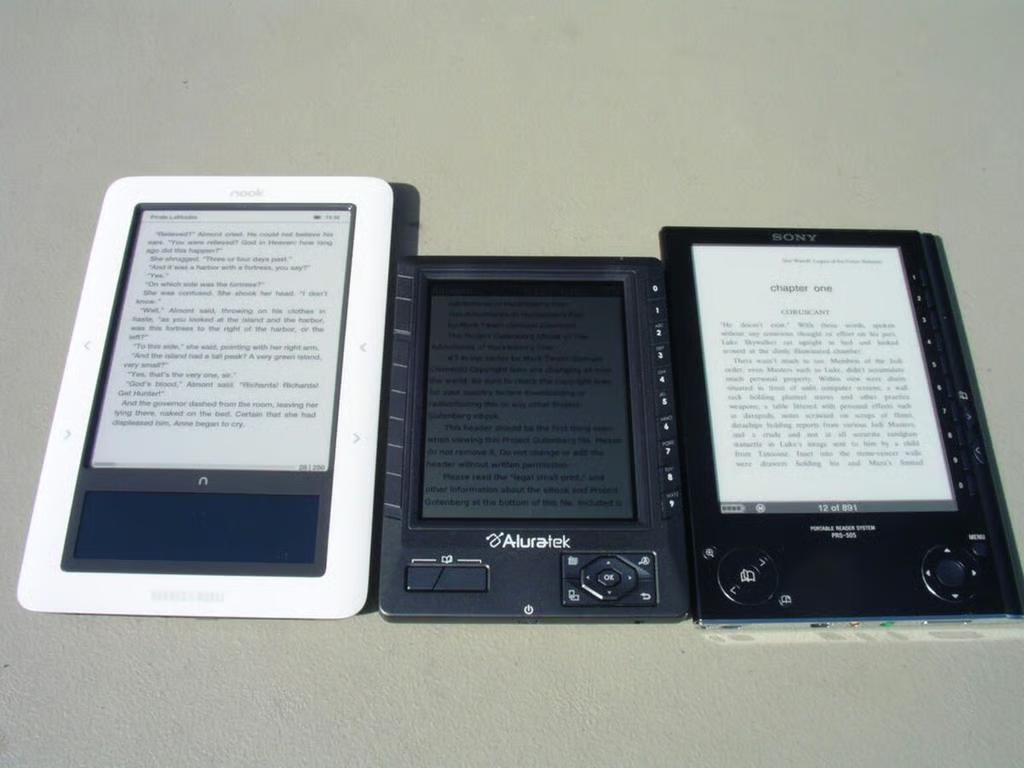
Here is a lineup of ebook readers I have available.
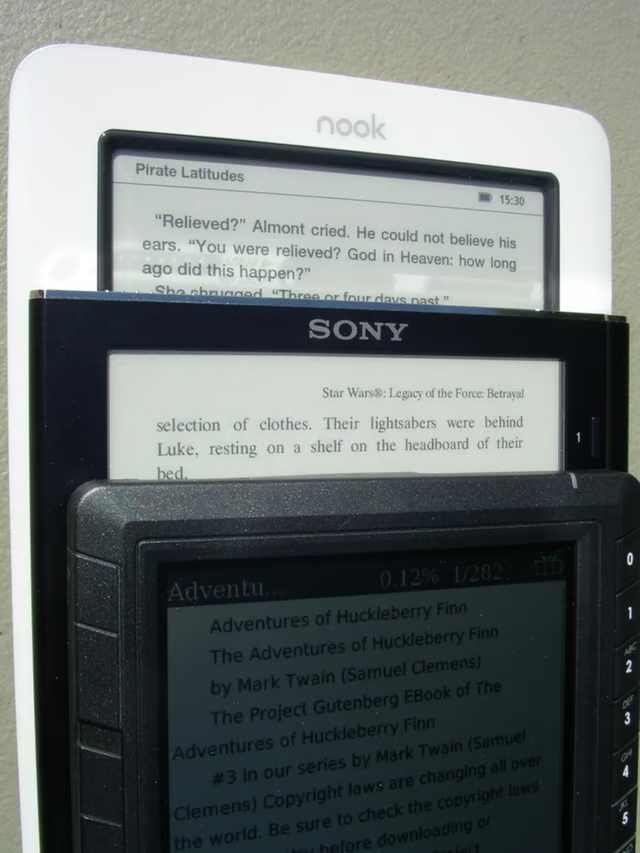
This view shows you the text on all three device in the sunlight.
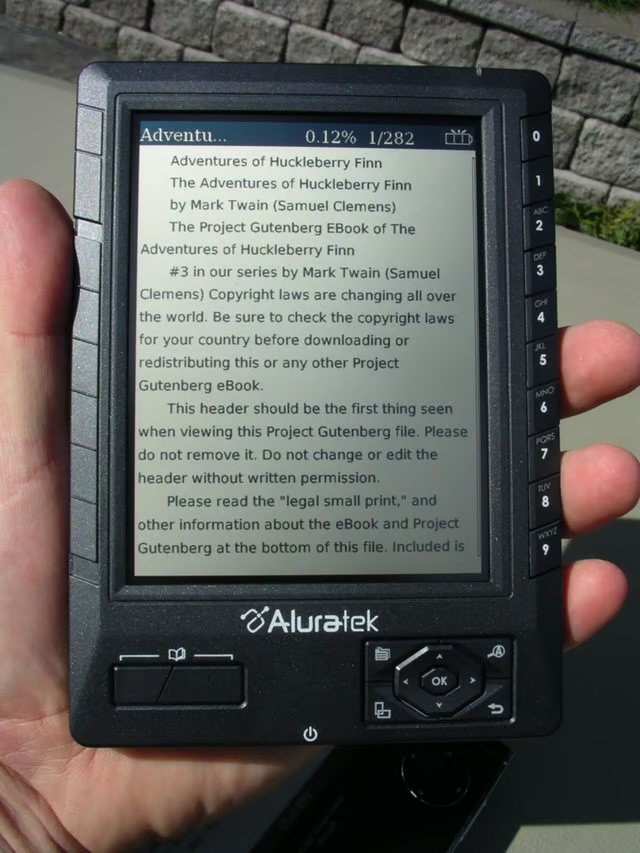
Text appears to be very readable in outside conditions.
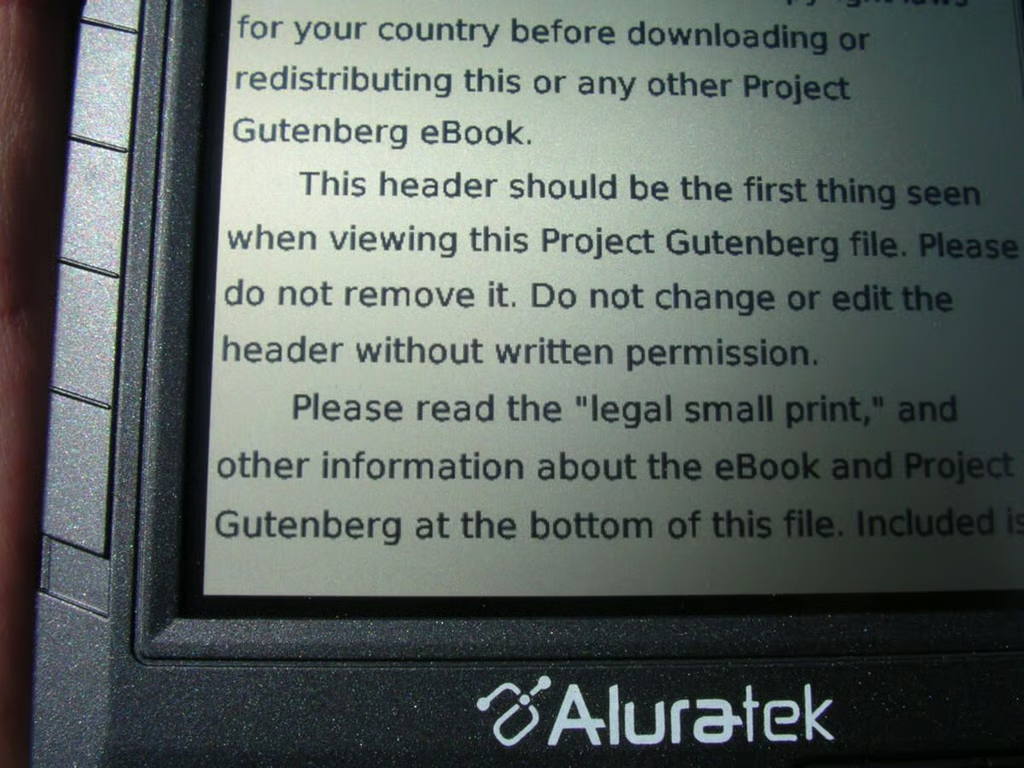
The display is a black and white LCD and is not an eInk display like other ebook readers.
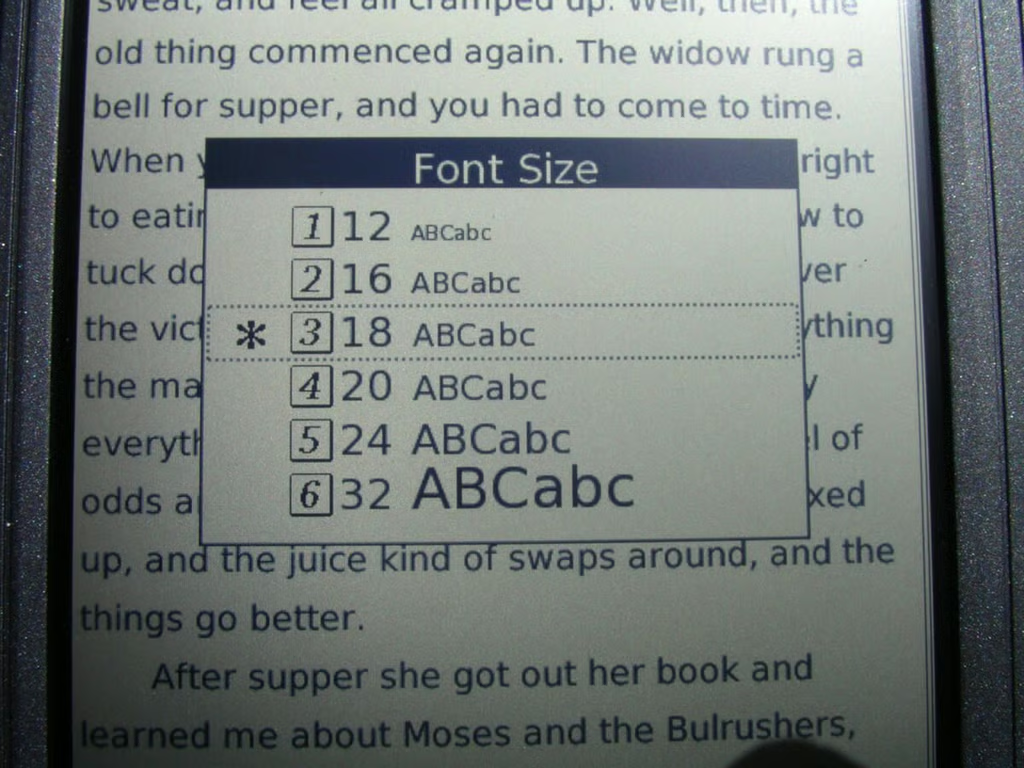
You can toggle through 6 different font sizes on the Libre.
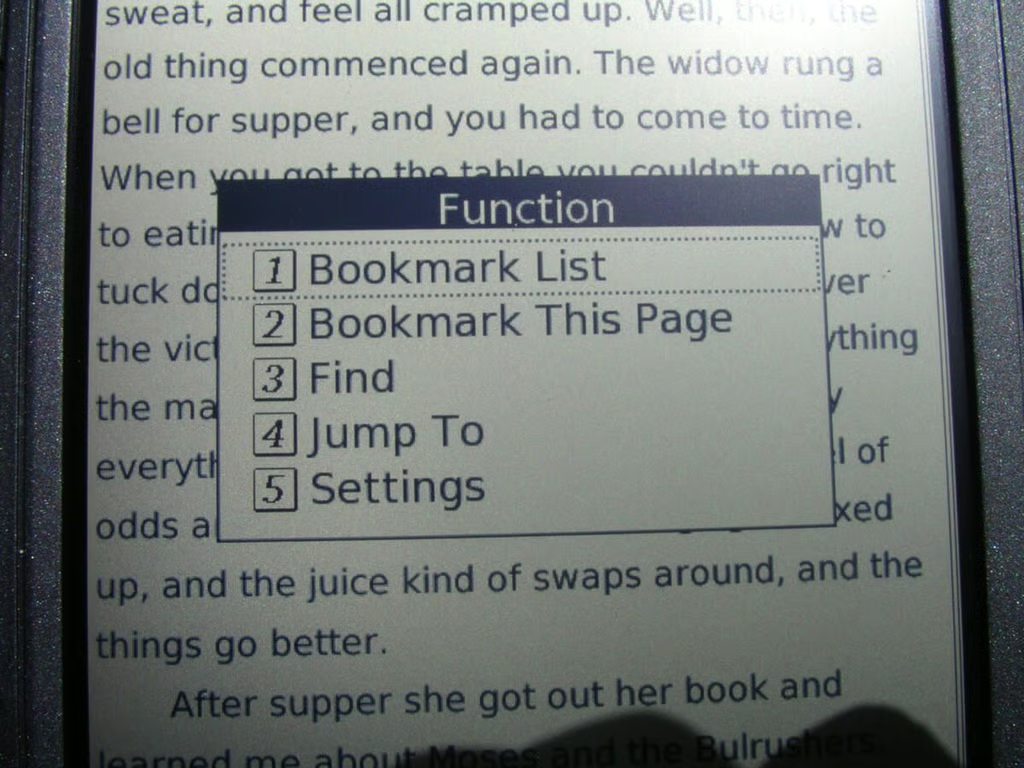
Here is another view of available functions on the Libre.
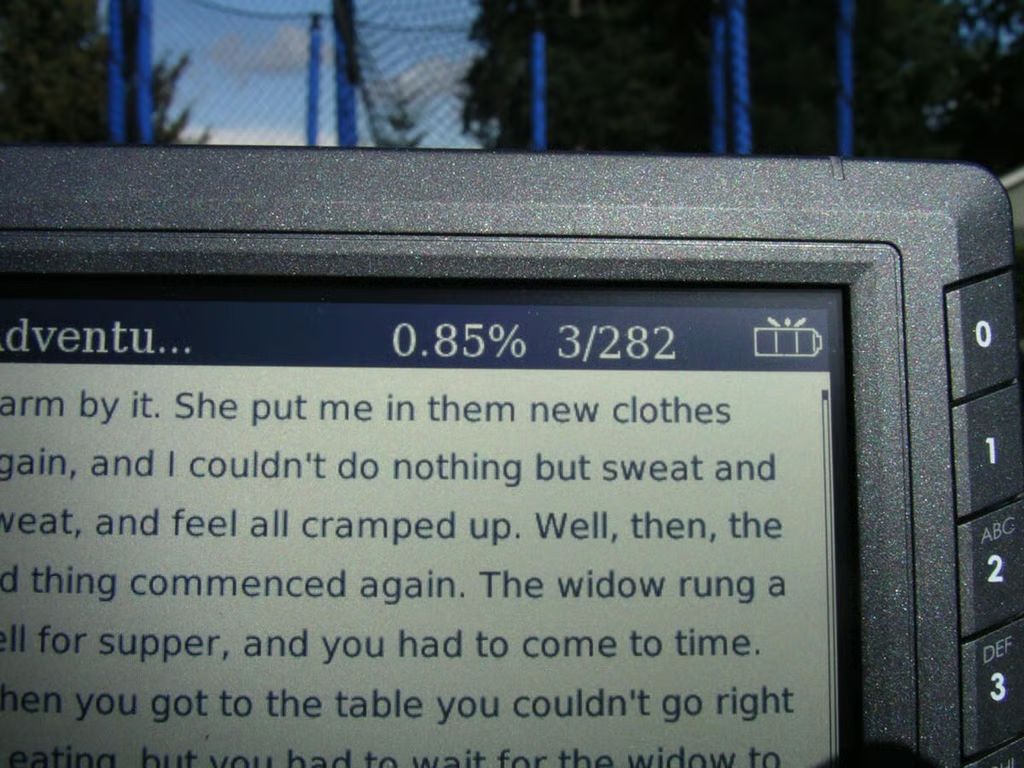
The page number and battery status appear in the upper right.
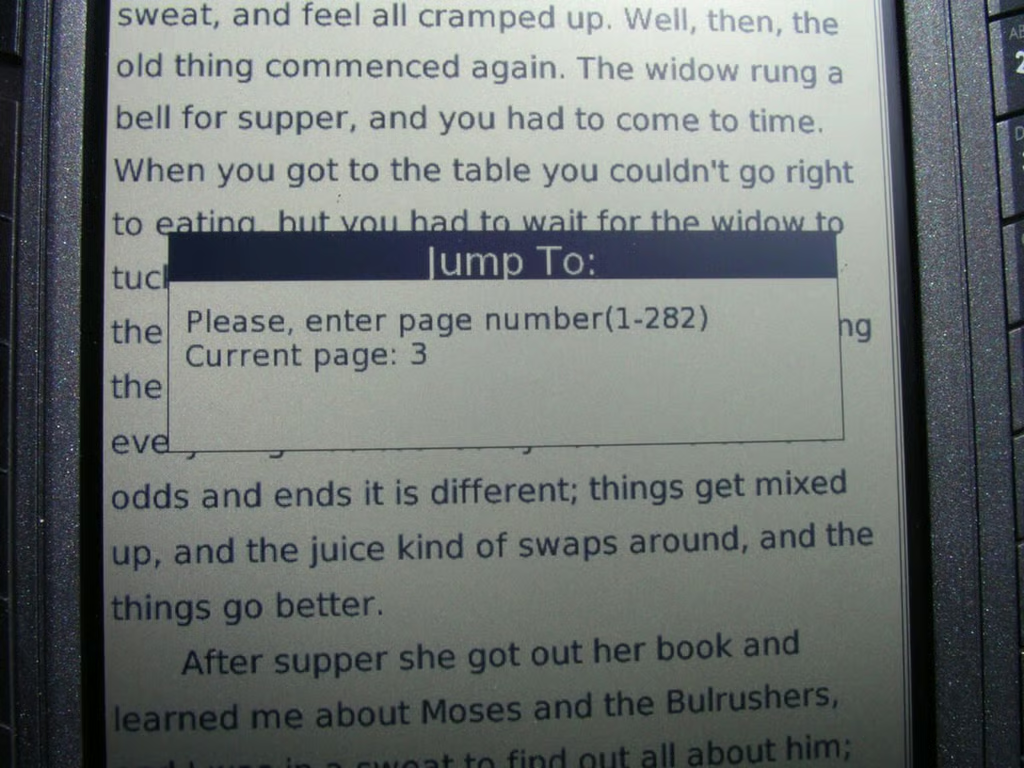
One thing I like about the Libre is that you can fairly easily jump to different pages in the book.
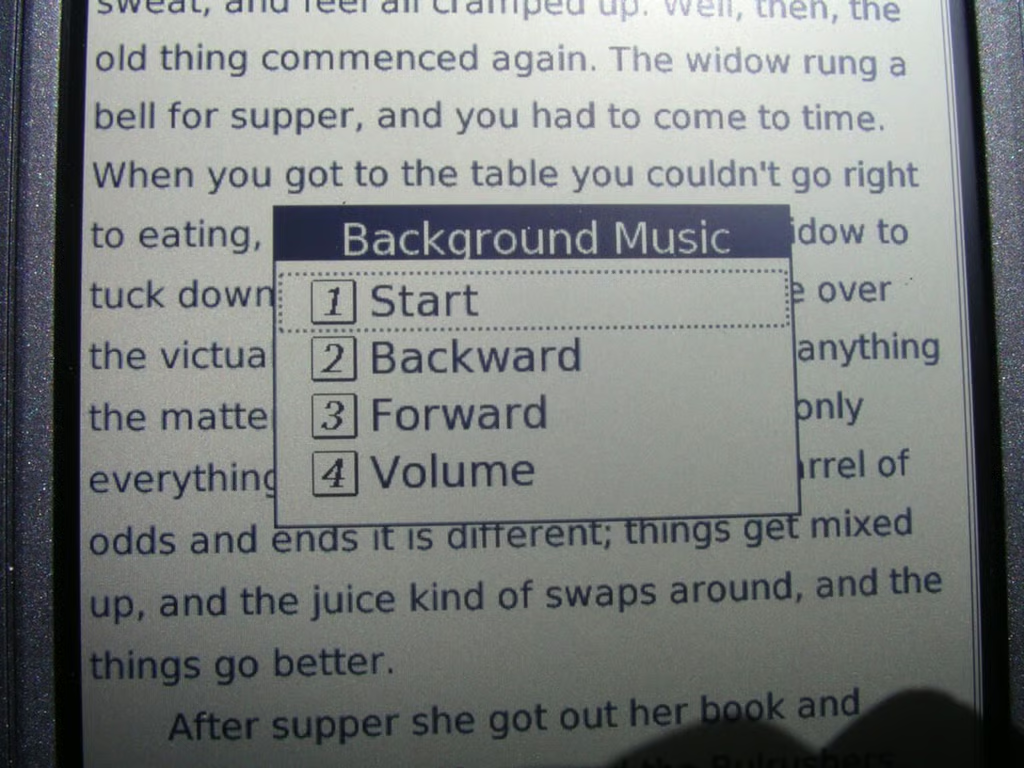
The music player is very basic and designed to play music in the background while you read.
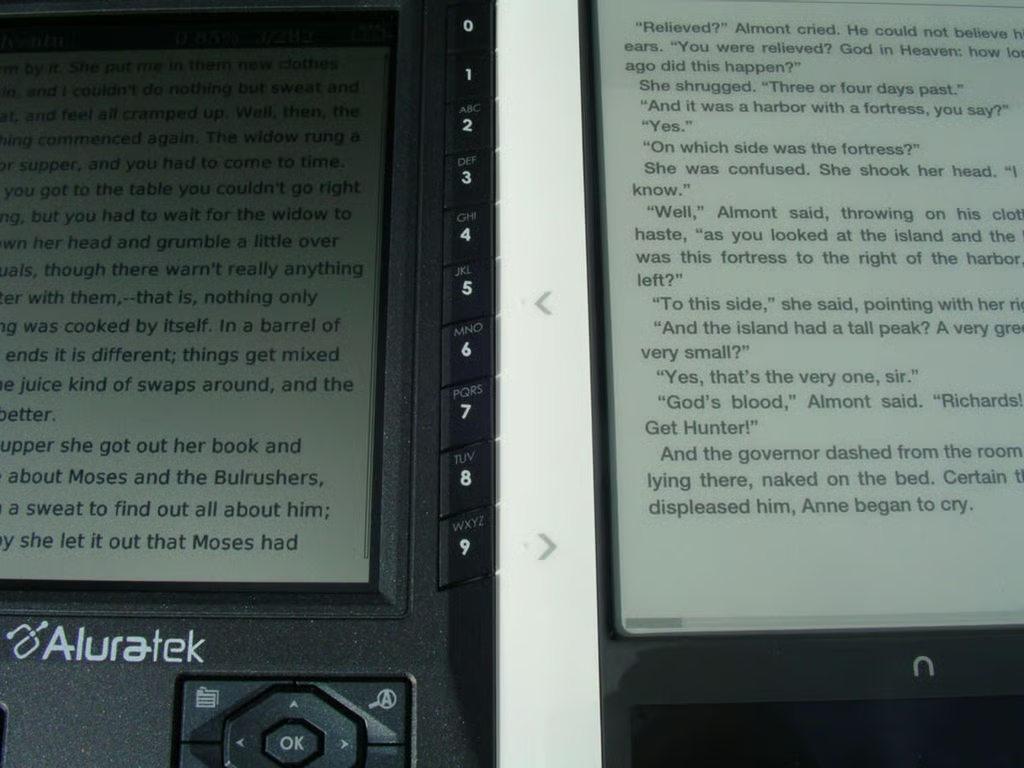
This image attempts to show the difference in font/screen technology.
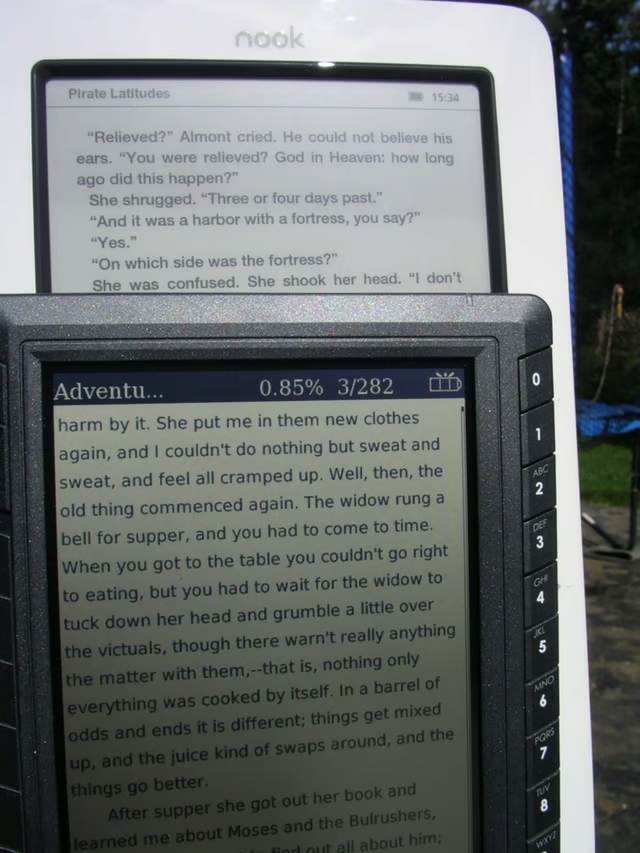
Here are more fonts on the two devices.
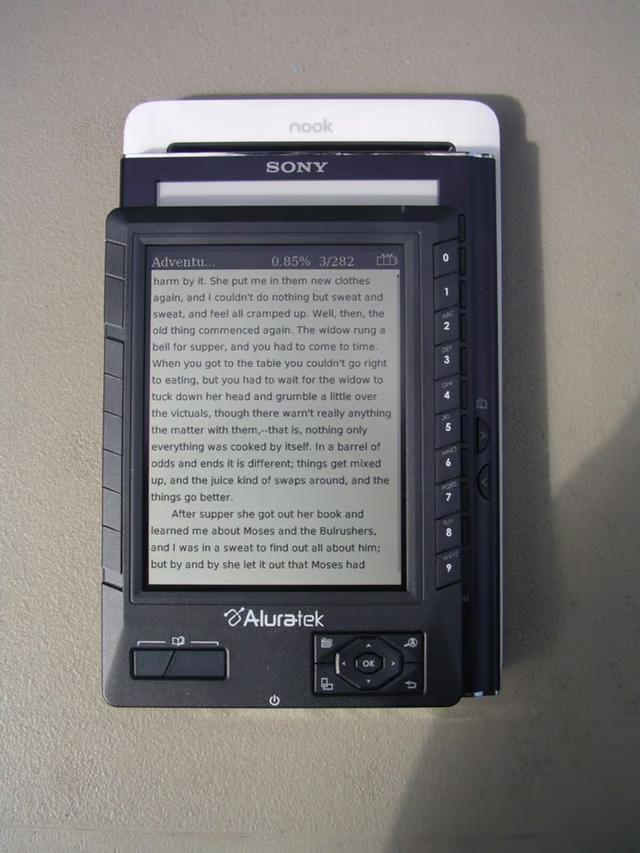
This view shows the Libre on the Sony 505 and Nook.
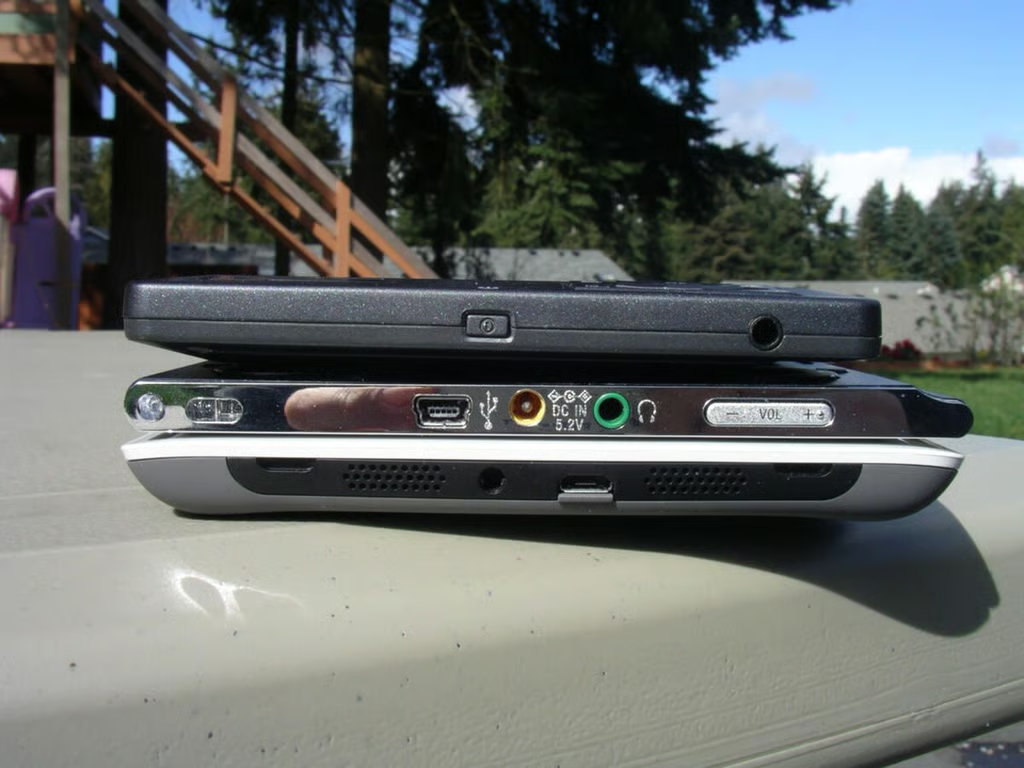
A view of the ebook readers from the bottom.
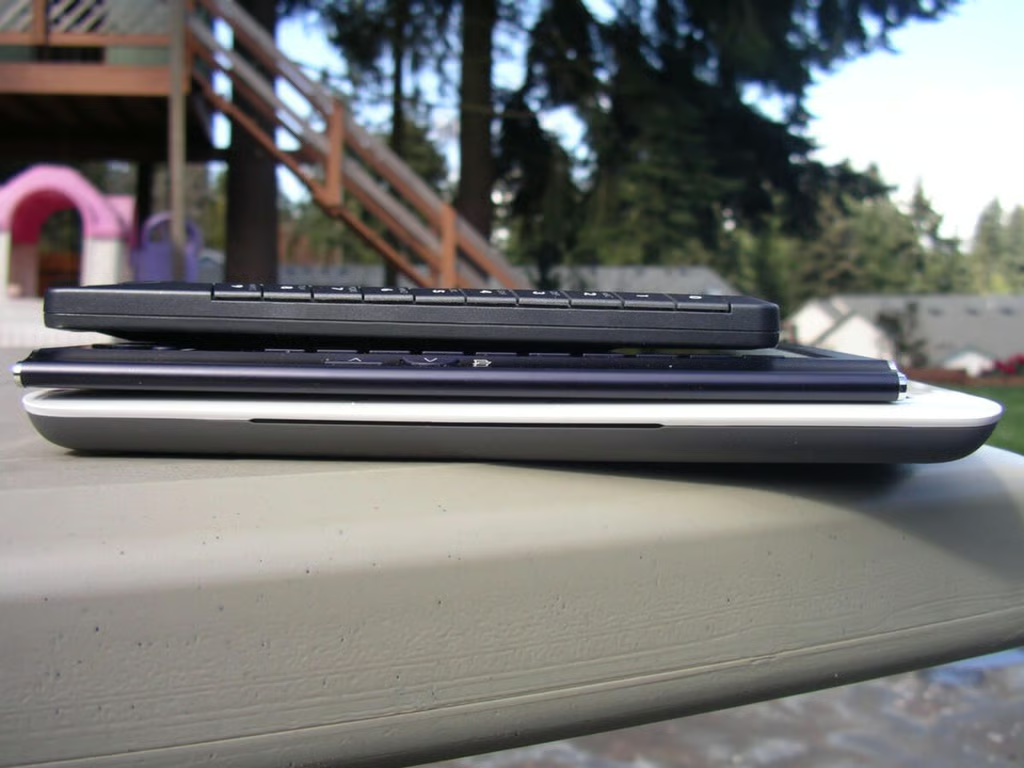
Here you can see a side view of the ebook readers.
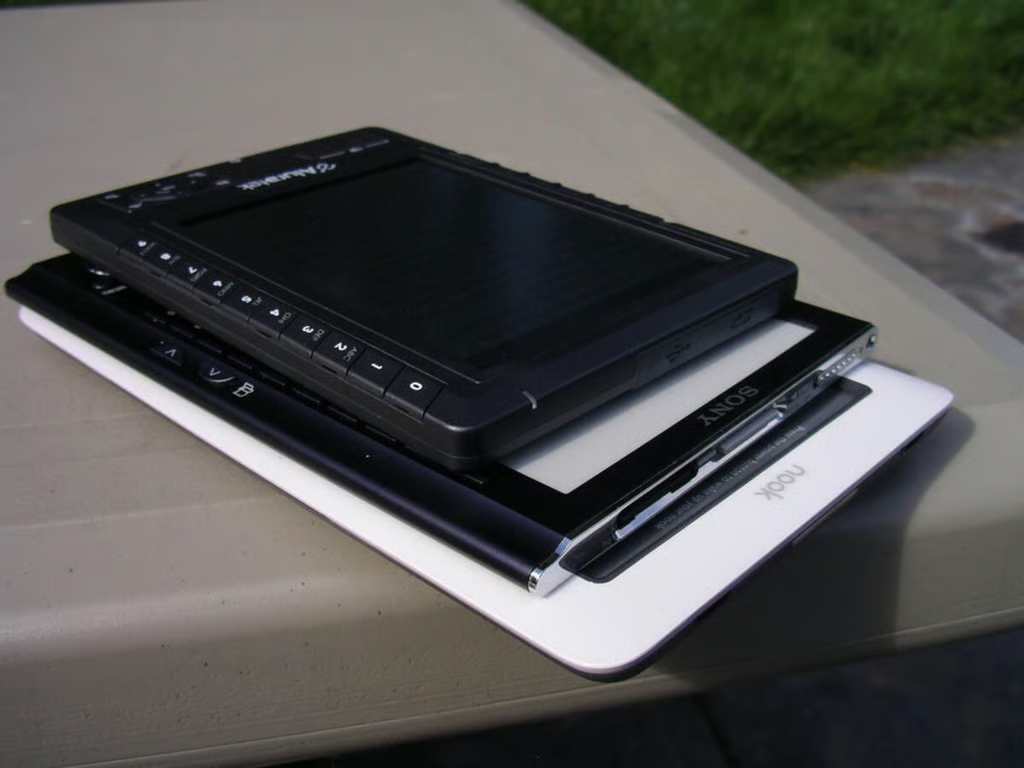
The Libre is the smallest of the three devices.
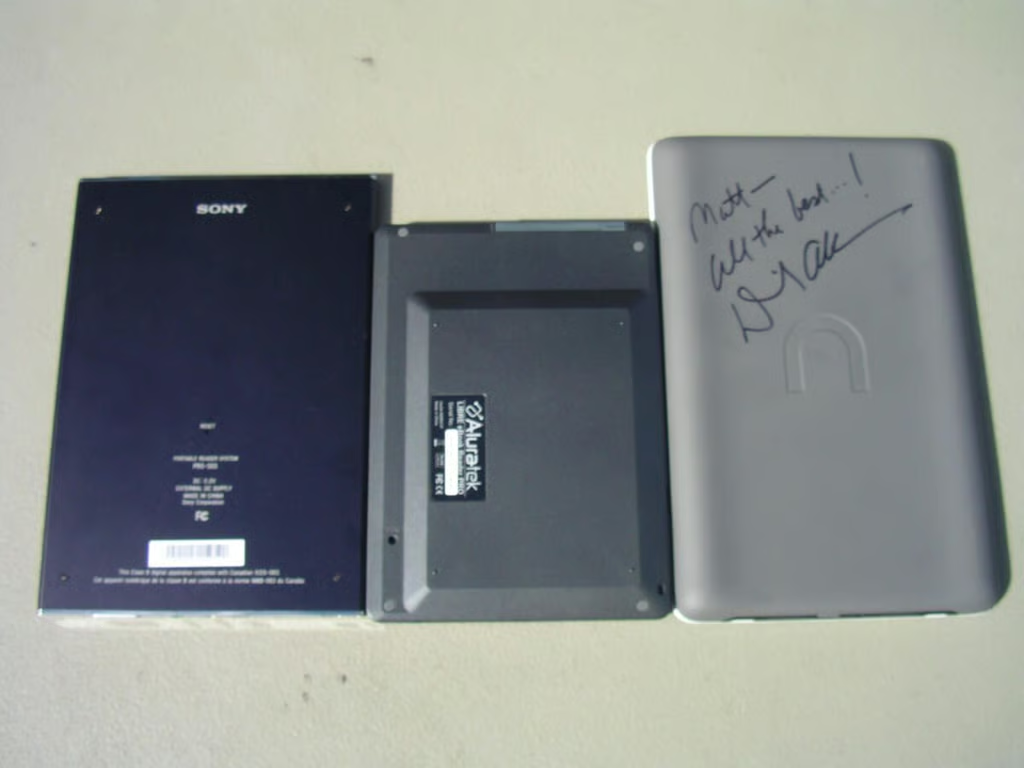
A view of all three ebook readers from the back.
Thumbnail 1

Thumbnail 2


