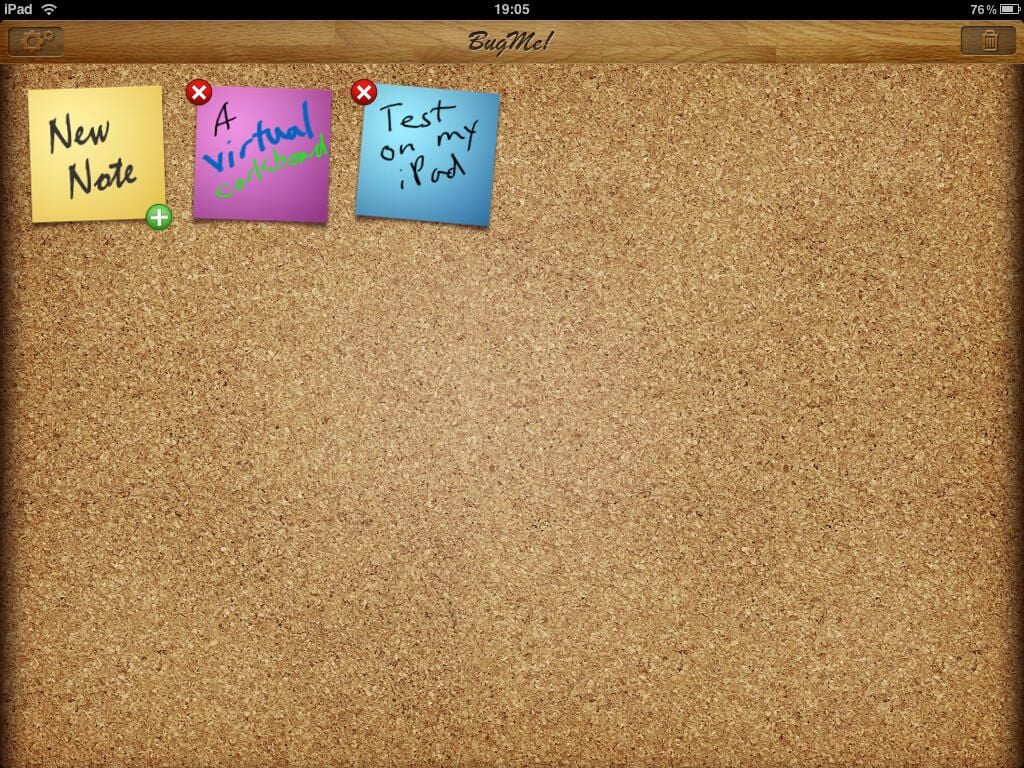
BugMe! is one of those mobile applications that has been around for over a decade and serves an important purpose. Even though it is a fairly simple program, creating quick notes and having them appear as alarms is important. The Google Android version is the most capable while the iPhone & iPad versions look great. There is even a Palm version that reminds me a bit of BugMe!’s roots in the late 90s.??Check out my full review that covers BugMe! on four operating systems.
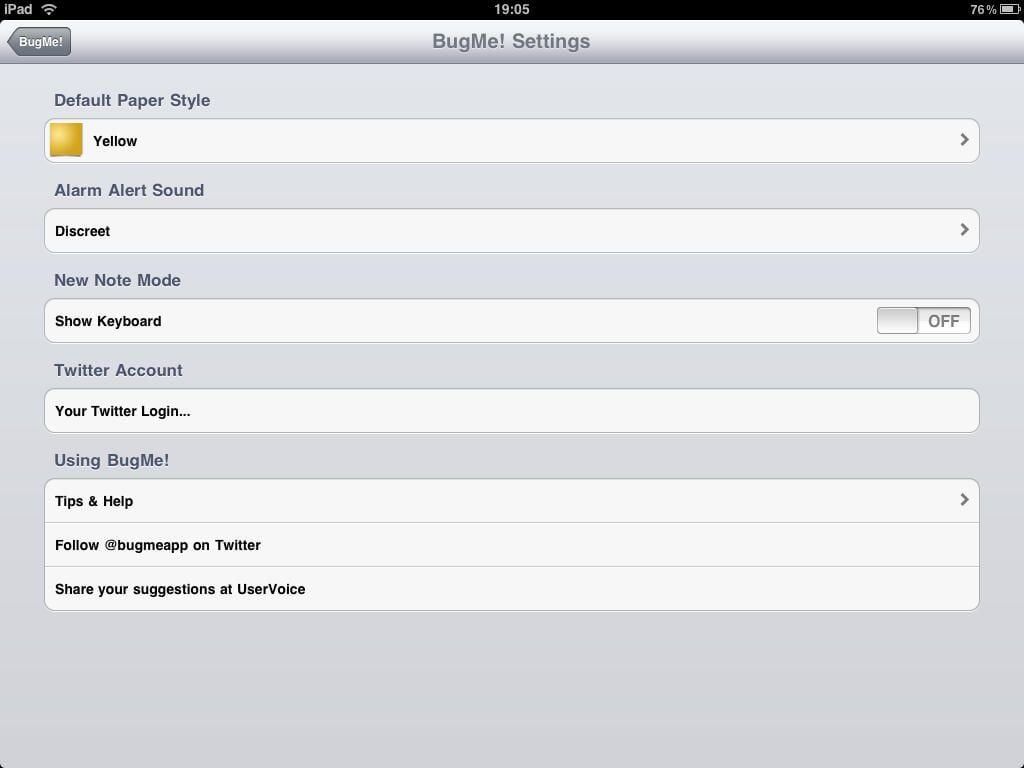
Settings available on the Apple iPad.
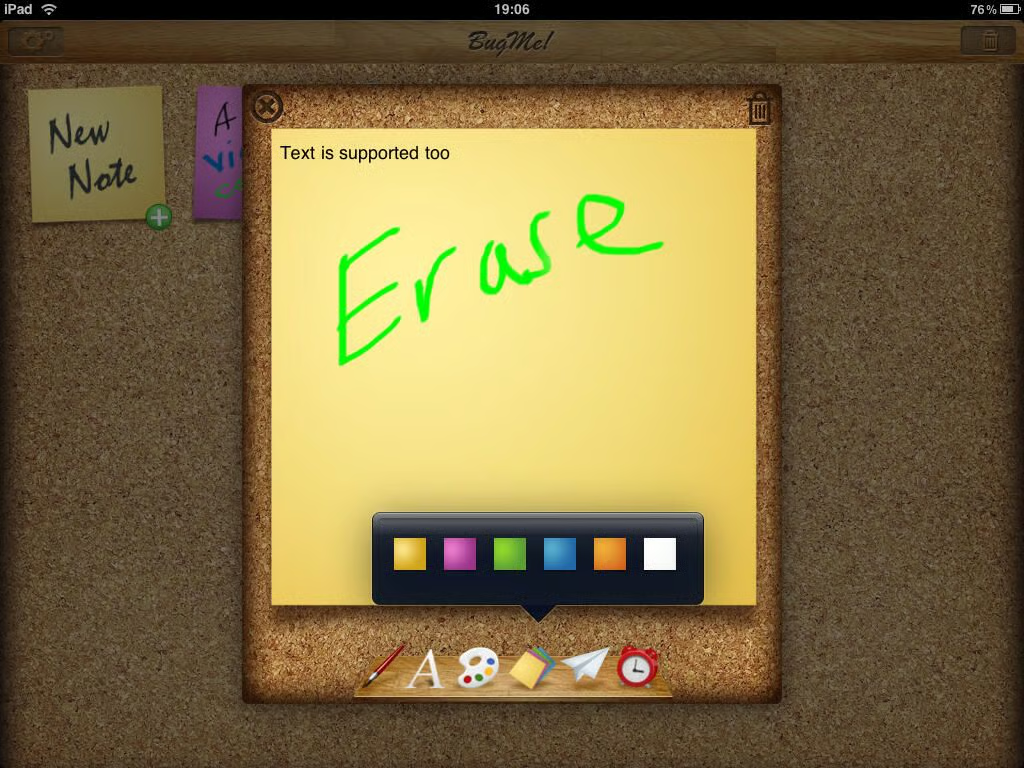
Six different colors are available for you to setup the note background.
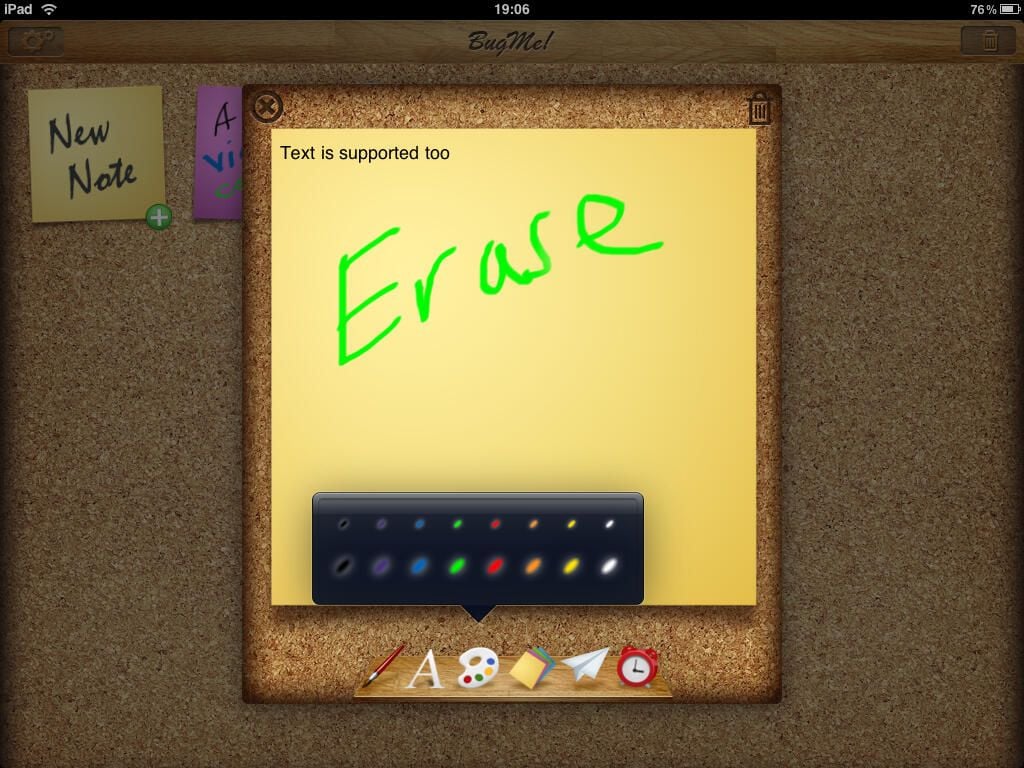
Eight different color pens in two different sizes are available on the iPad.
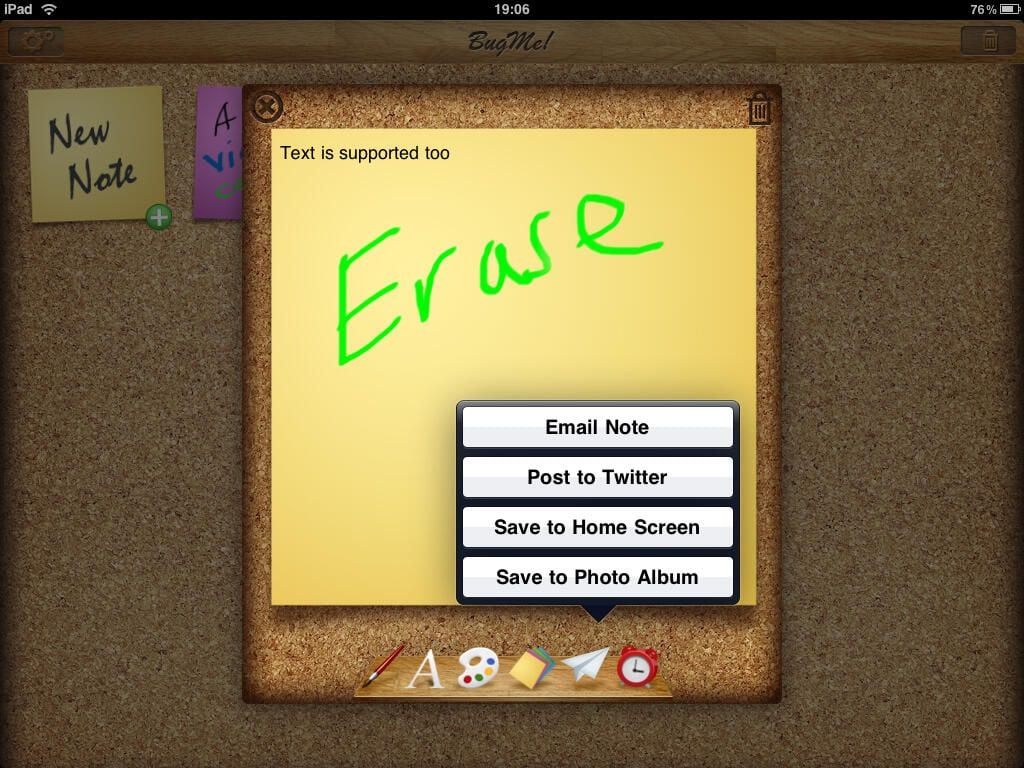
Four different share options are present on the iPad version of BugMe!
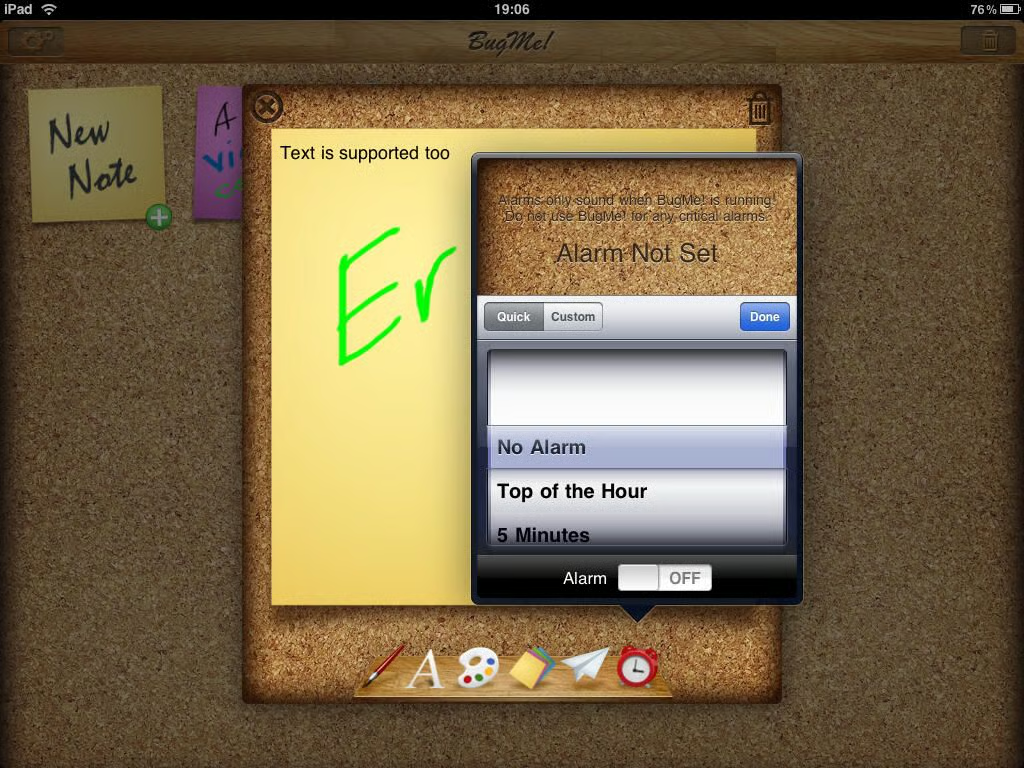
The alarm options are present, yet they do not work on the iPad with the current version of the iPhone OS.
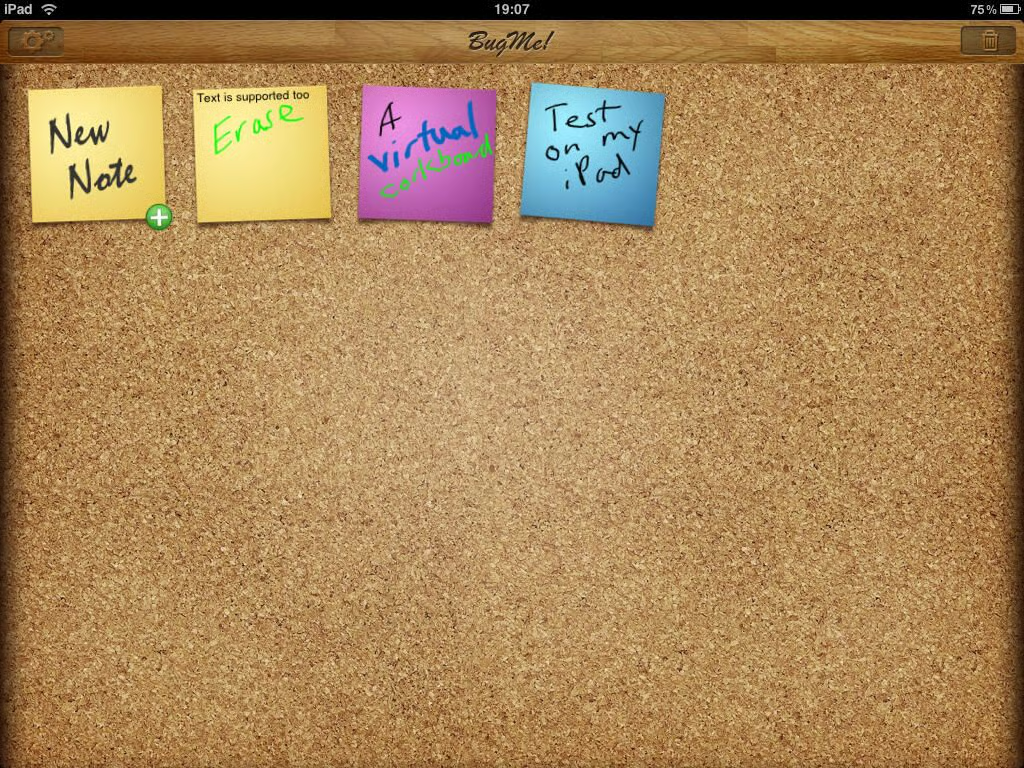
A virtual cork board does look good on the iPad.
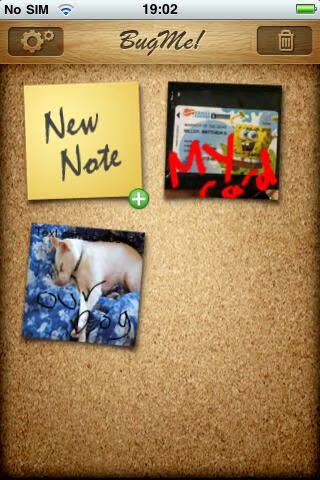
BugMe! on the iPhone also has the cork board look to it.
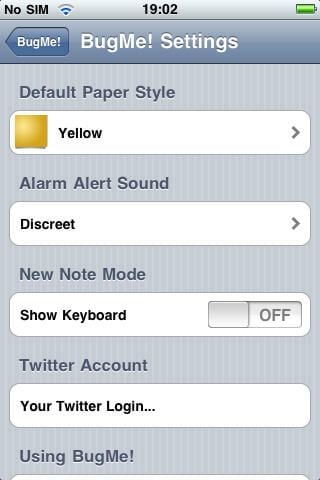
Similar settings appear on the iPhone.
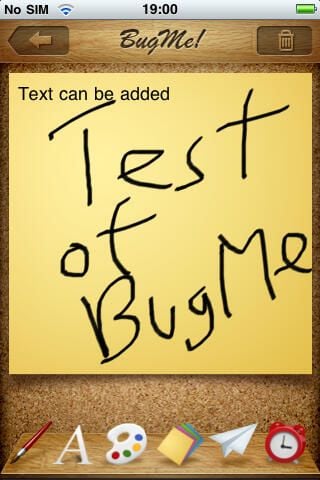
The iPhone supports handwritten and text notes in BugMe!
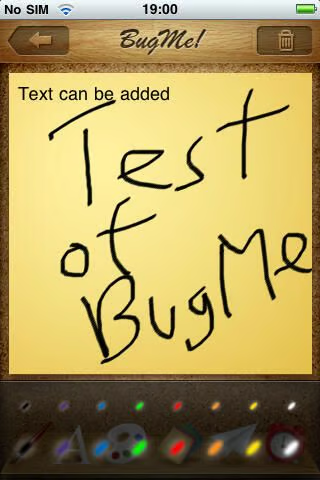
Eight different colors and two pen sizes are available on the iPhone.
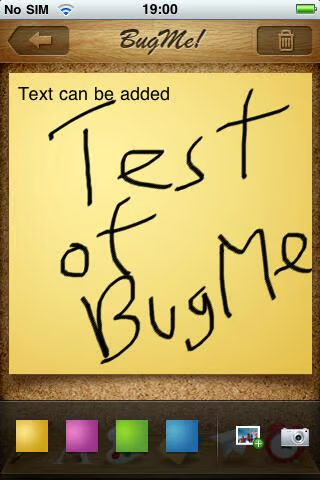
There are four note background colors, camera option, and photo album selector for your note background.
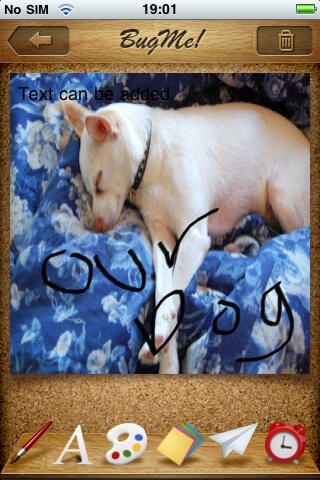
With the iPhone version of BugMe! you can use a photo as a background sticky note.
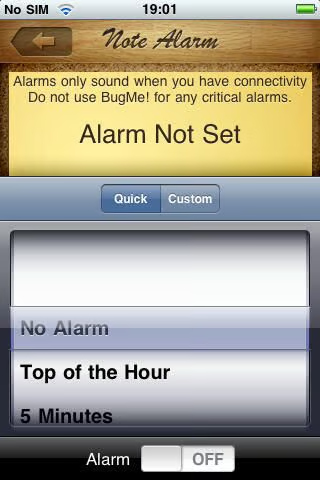
Reminders work on the iPhone only if you have a wireless data connection up and running. This is a limitation of the iPhone OS that may be fixed in version 4.
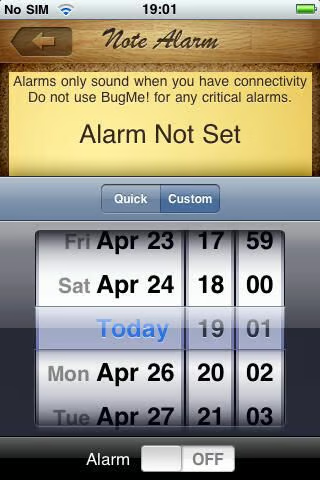
Customized alarm days and times are supported.
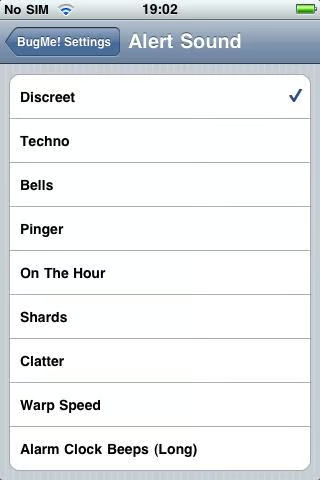
Different alerts sounds to choose from appear in BugMe!
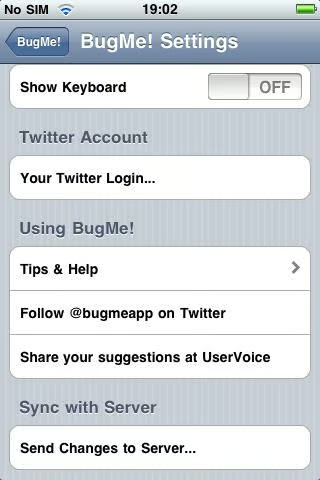
This screenshot shows you the settings in BugMe!
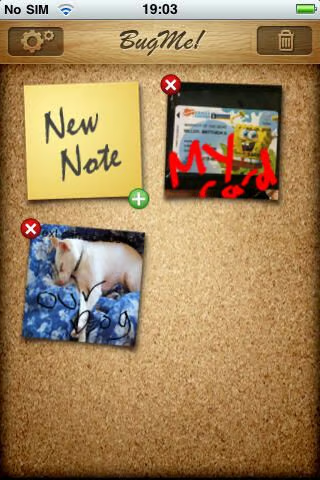
Custom note backgrounds and the cork board.
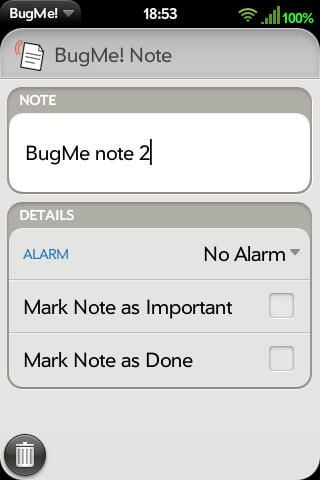
BugMe! works on webOS devices and as you can see text only notes are supported.
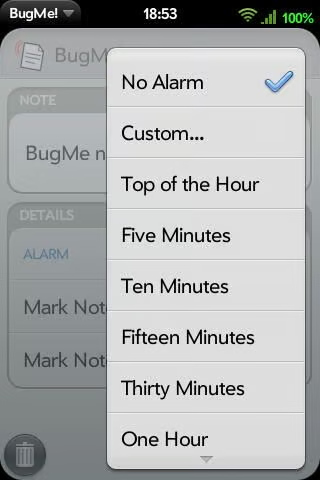
The same alarm settings found in Google Android are present on webOS.
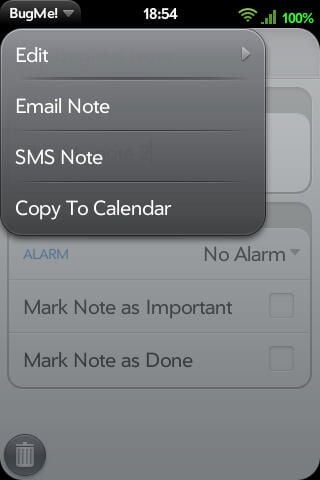
There are a few settings available while you are creating notes in BugMe!
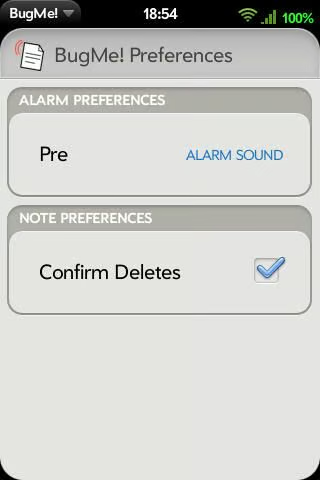
There are only a few preferences available in BugMe! on the webOS platform.
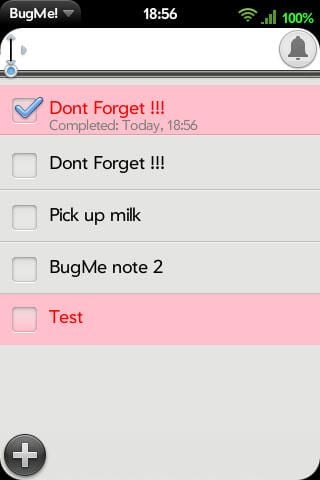
This is the typical home screen of BugMe! on webOS.
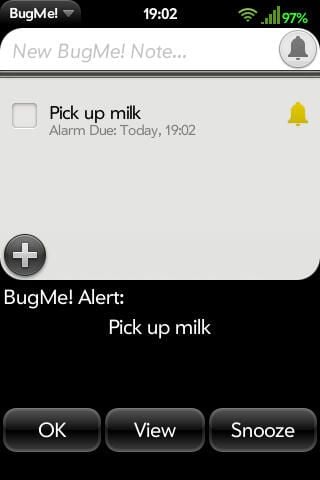
This is a view of the typical pop-up that appears on webOS devices.
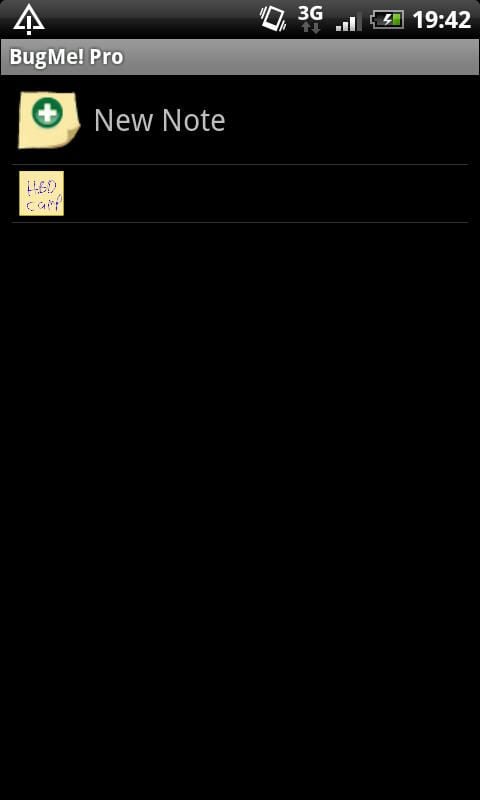
The home screen view is least attractive on the Google Android platform, but the capabilities are the best.
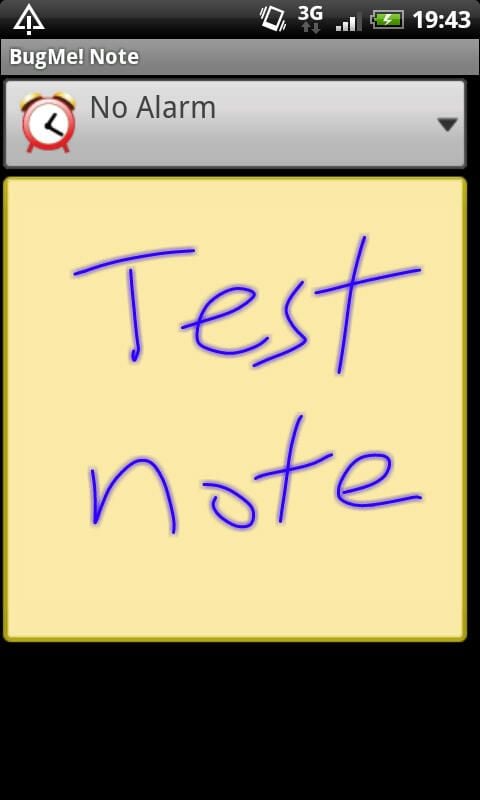
Notice how the handwritten text appears to be a bit fuzzy on Android devices.
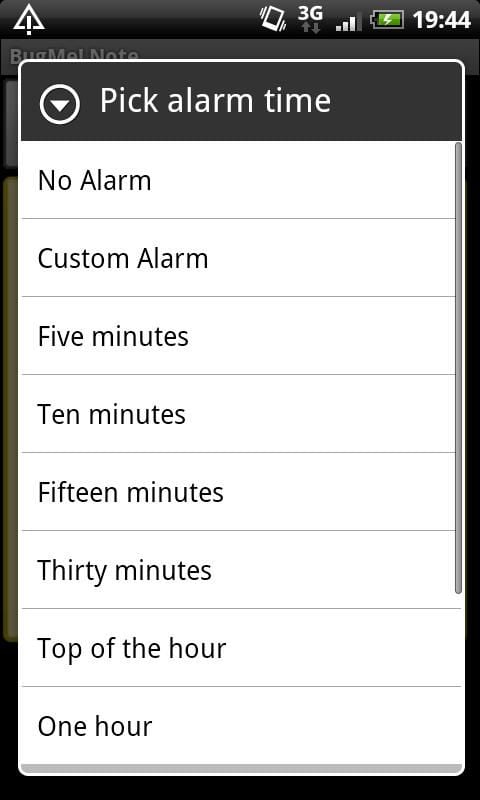
The alarm selector is the same as on other devices.
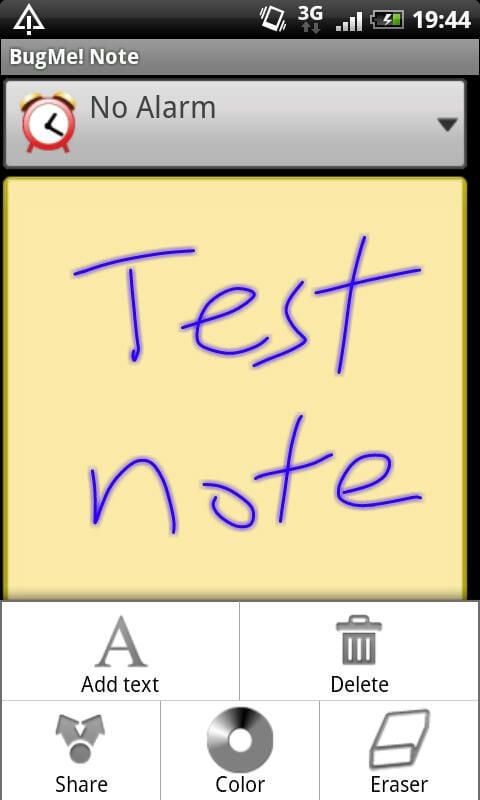
Pressing the menu button opens up these options on Google Android devices.
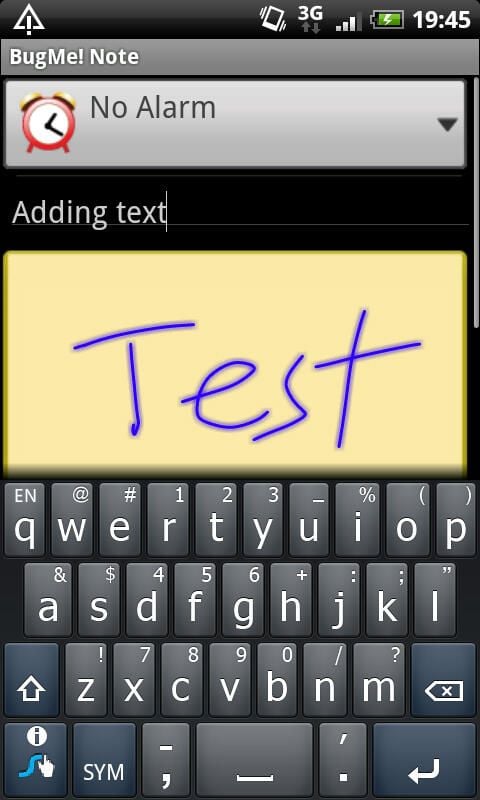
You can enter both text and handwritten notes on Google Android devices.
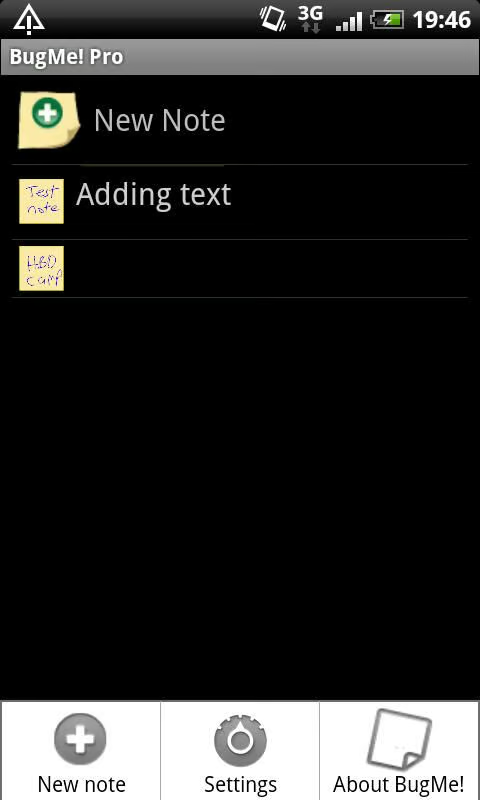
The home screen after adding a couple of notes.
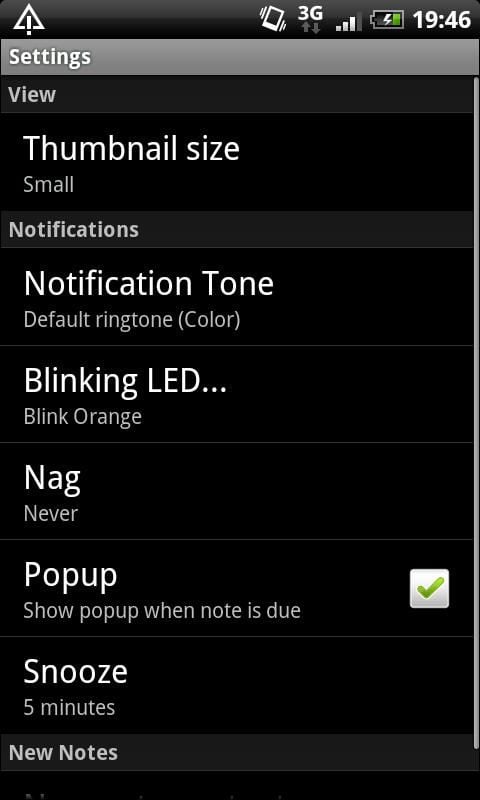
There are several settings available in Android, including custom LED notification settings.
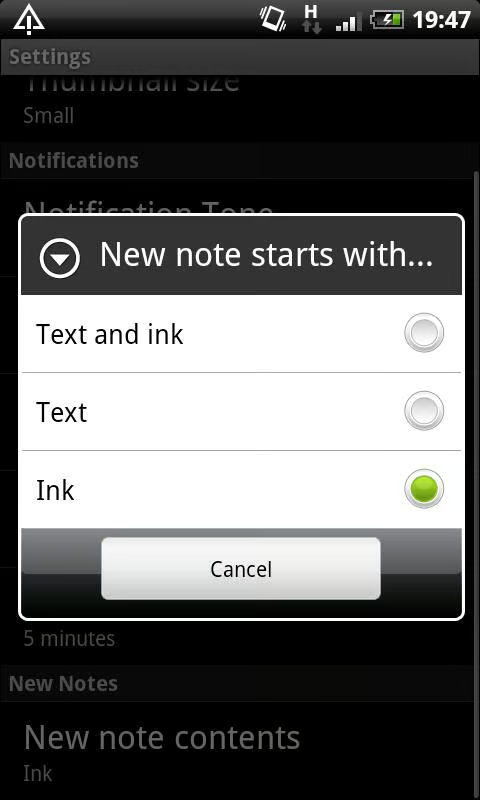
You can choose to have text, ink, or text and ink notes appear when you tap on New Note creation.
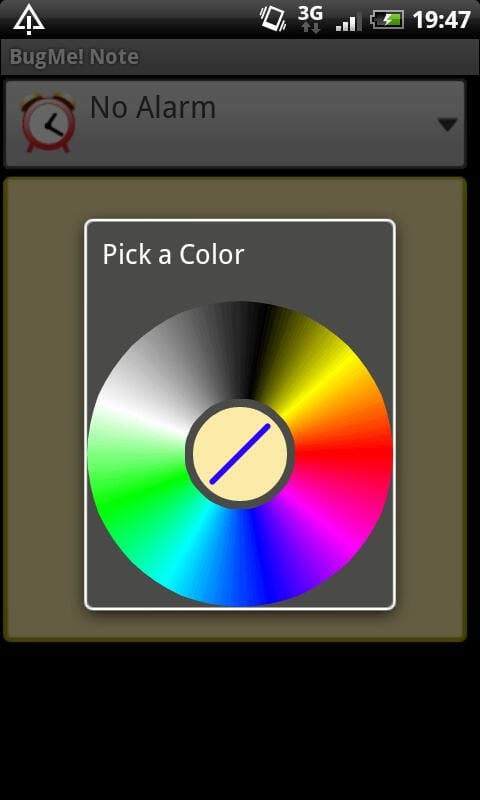
There are many colors available for the ink in BugMe!
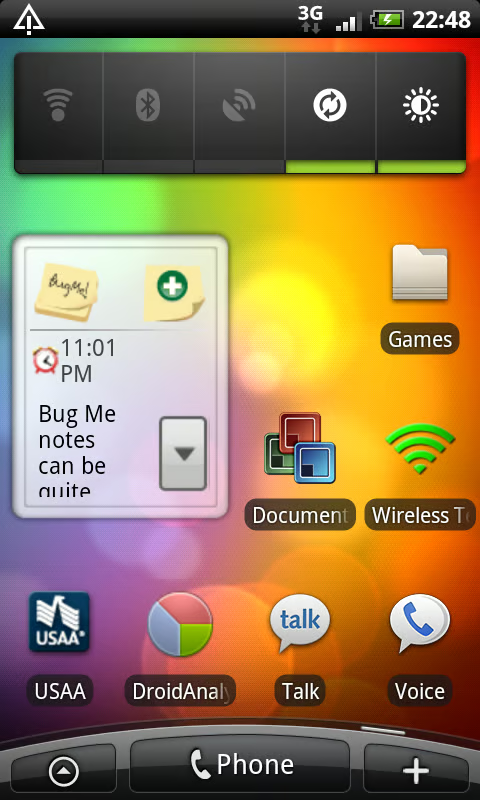
Android widget support is available for BugMe!
Thumbnail 1
Thumbnail 2


