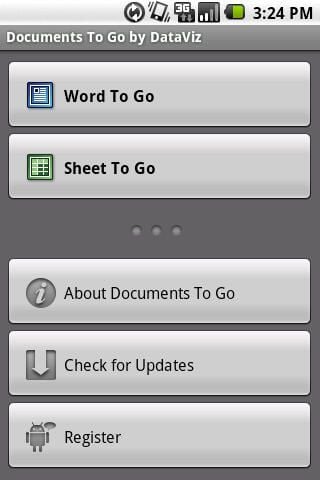
There is no native Office viewer in the Android OS, but DataViz stepped up to the plate with a fully functional Word and Excel suite in Documents To Go. There are some features in this powerful suite that rival that found in desktop clients and not seen before in mobile clients. You can create, edit, and view Word and Excel files, including Office 2007 formatted files, with Documents To Go. Run, don’t walk and get this onto your Google Android device.
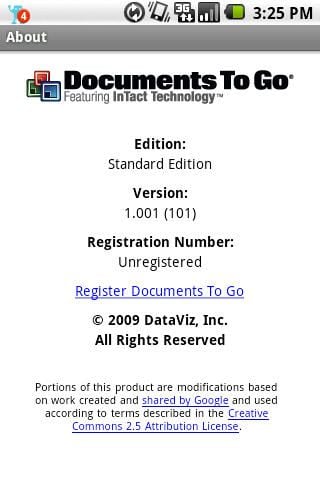
Documents To Go About page for Android devices.
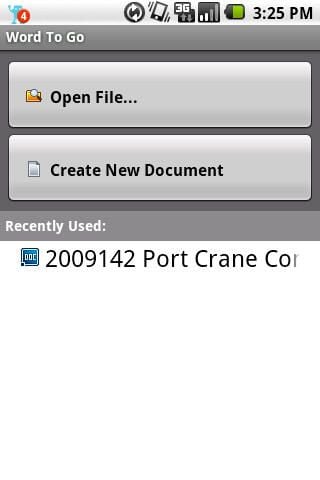
You can open an existing file or create a new one in Word To Go. Recently opened documents will also appear in the list on the bottom half of the display.
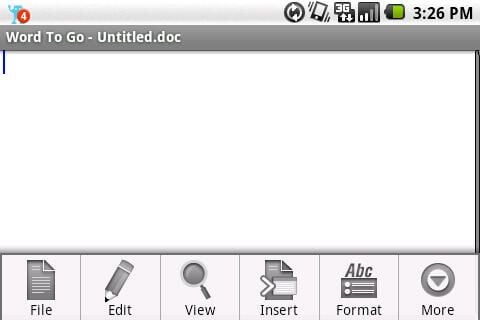
Six icons appear along the bottom of the display in Word To Go.
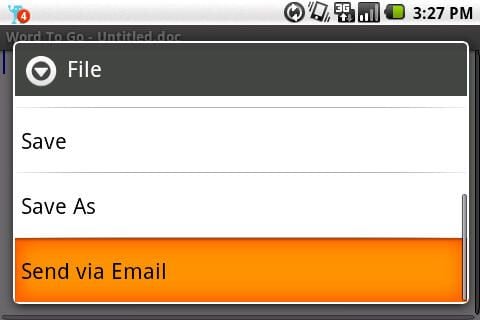
The rest of the file options in landscape orientation.
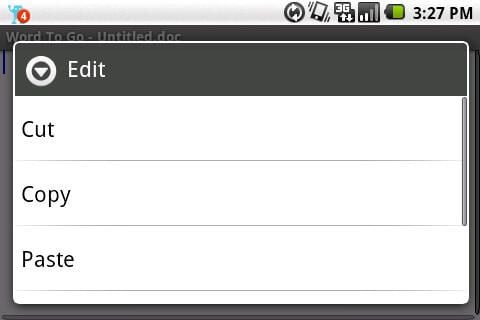
First part of the Edit menu in landscape mode.
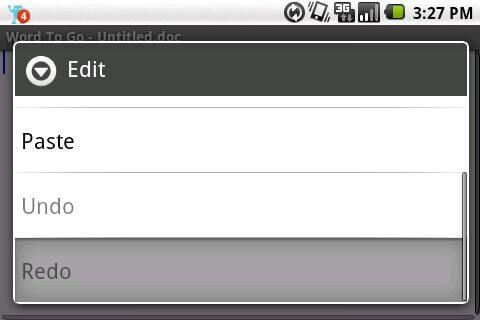
The grayed out items appear in black when text is selected.
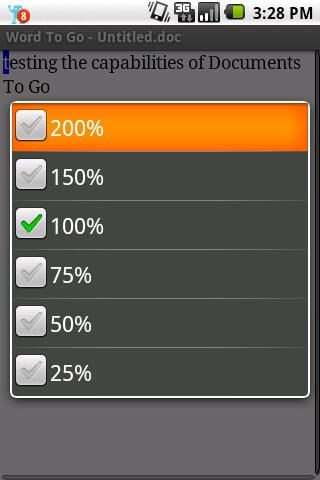
You can zoom from 25% to 200% in DTG.
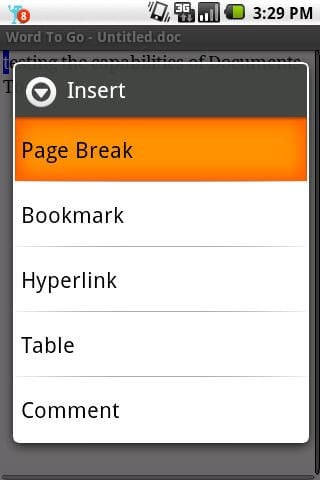
A few insertion options are available in Documents To Go.
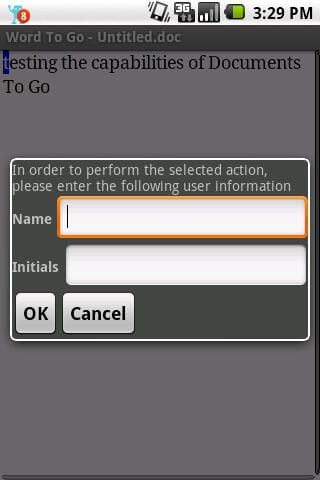
You put in your name and initials.
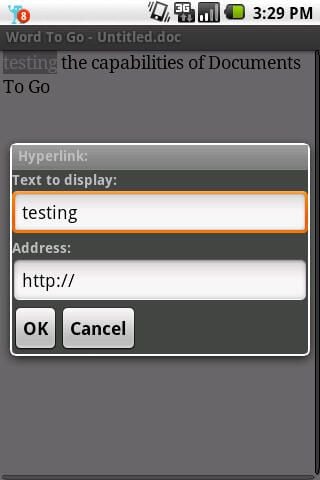
You enter the text and URL for placing a hyperlink in the document.
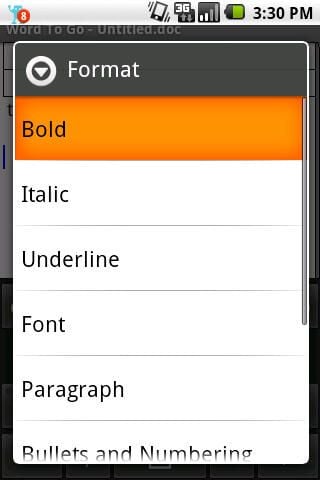
There are several ways to format your text in DTG.
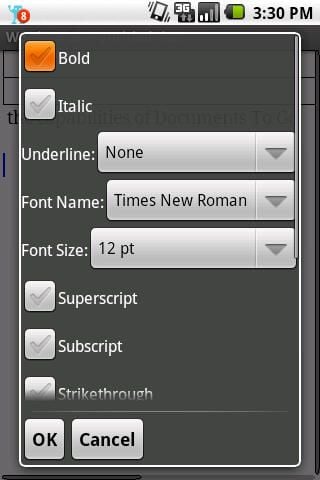
The most options available in DTG surround the font options.
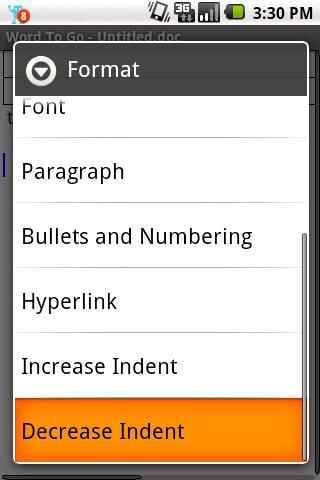
Lots of format options are available in Documents To Go.
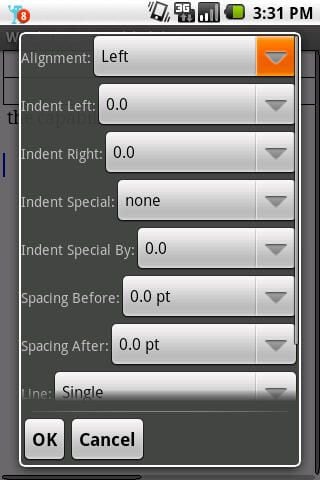
Paragraph format options include alignment, spacing, and more.
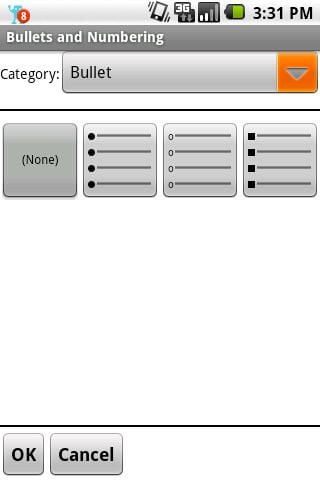
There are different types of bullets and numbering that can be entered in DTG.
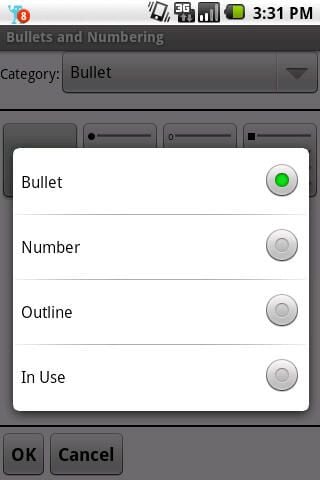
DTG is a great outline machine with the functions present in the application.
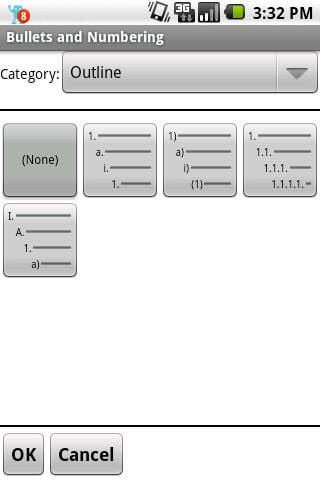
There are four different outline options available in DTG.
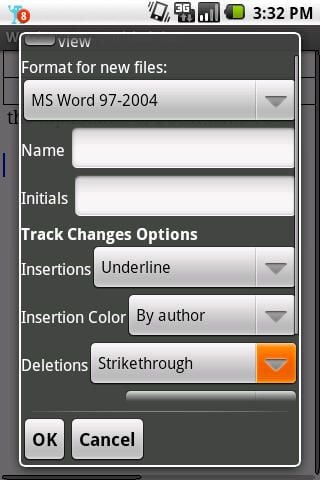
Preferences options include the ability to customize track changes.
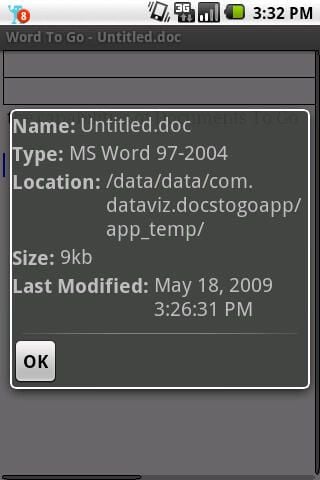
Some basic file properties are present in DTG.
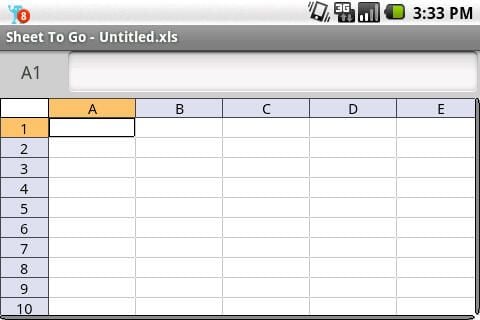
A blank spreadsheet in landscape orientation.
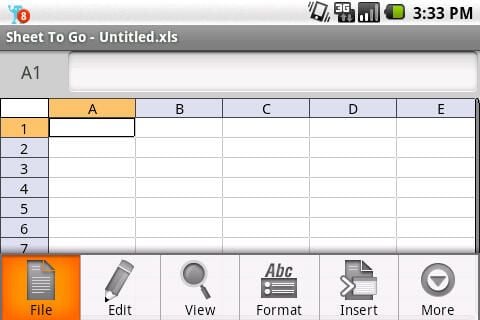
There are again six icons for option menus in DTG’s Sheet To Go module.
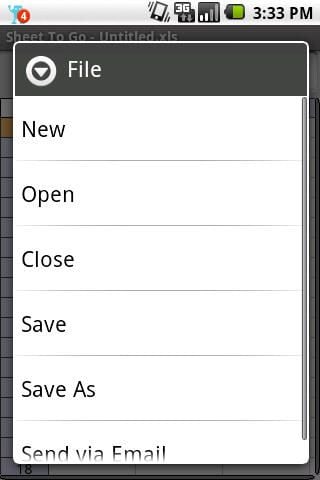
The same file options seen in Word To Go are present here.
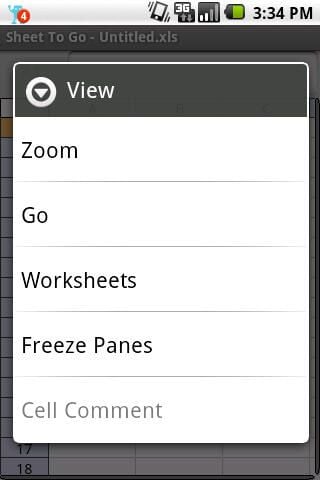
A rather unique feature is the ability to freeze panes in the application.
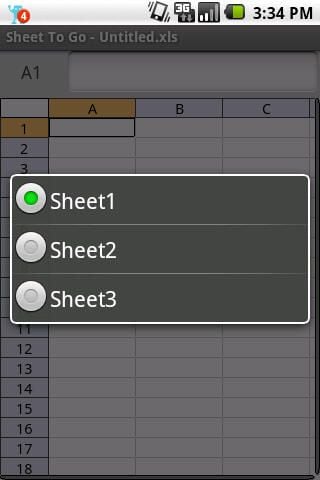
You can choose what worksheet you want to work with at the moment.
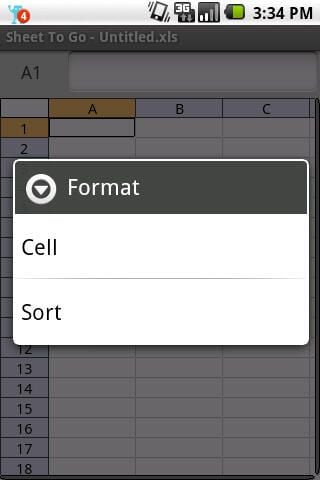
There are only a couple of menu options for formatting in Sheet To Go.
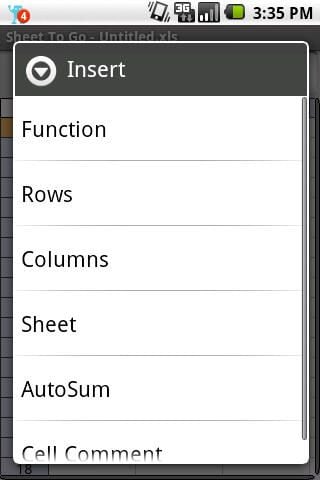
The insert menu options are much different in Sheet To Go than in Word To Go.
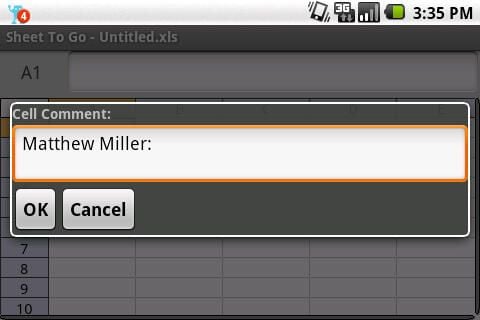
Cell comments include your name.
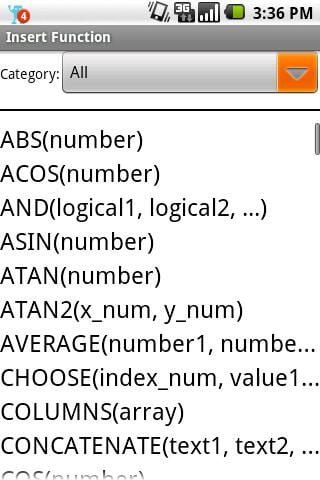
There are currently 111 available functions to use in Sheet To Go.
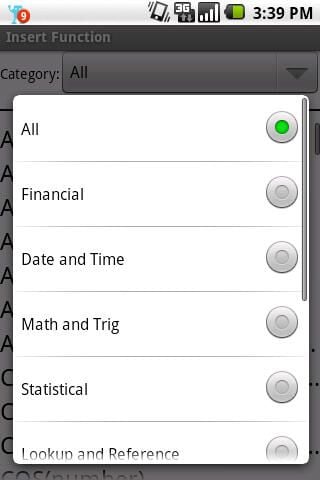
Several categories are available to sort the functions.
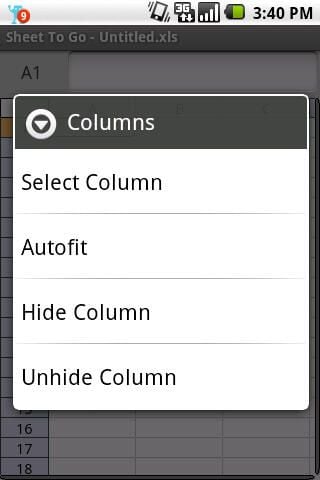
Options for managing your columns include autofit.
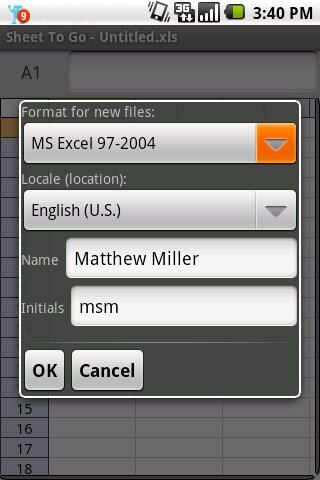
Default preferences for new worksheets.
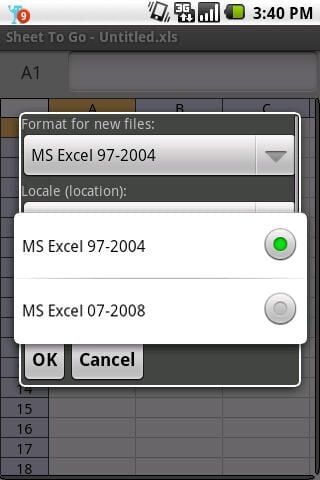
You can select which type of documents to create in Documents To Go.
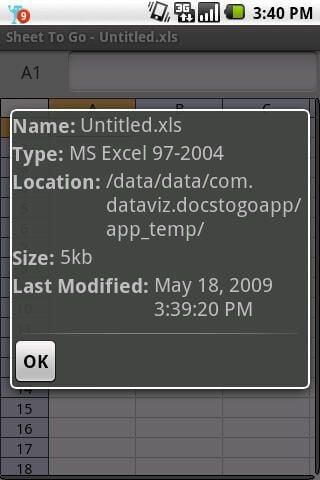
Basic view of worksheet properties.
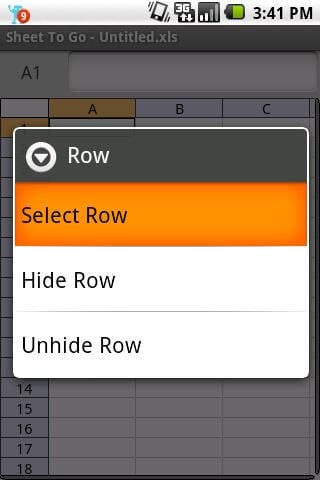
Options for managing your rows.
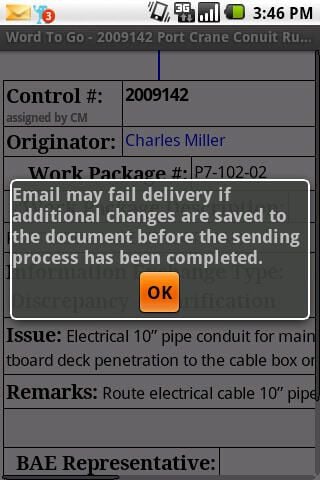
This dialog appears to remind you to save your document.
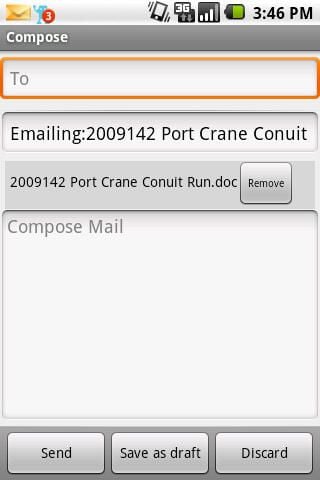
You can initiate an email from within Documents To Go.

Thumbnail 1

Thumbnail 2


