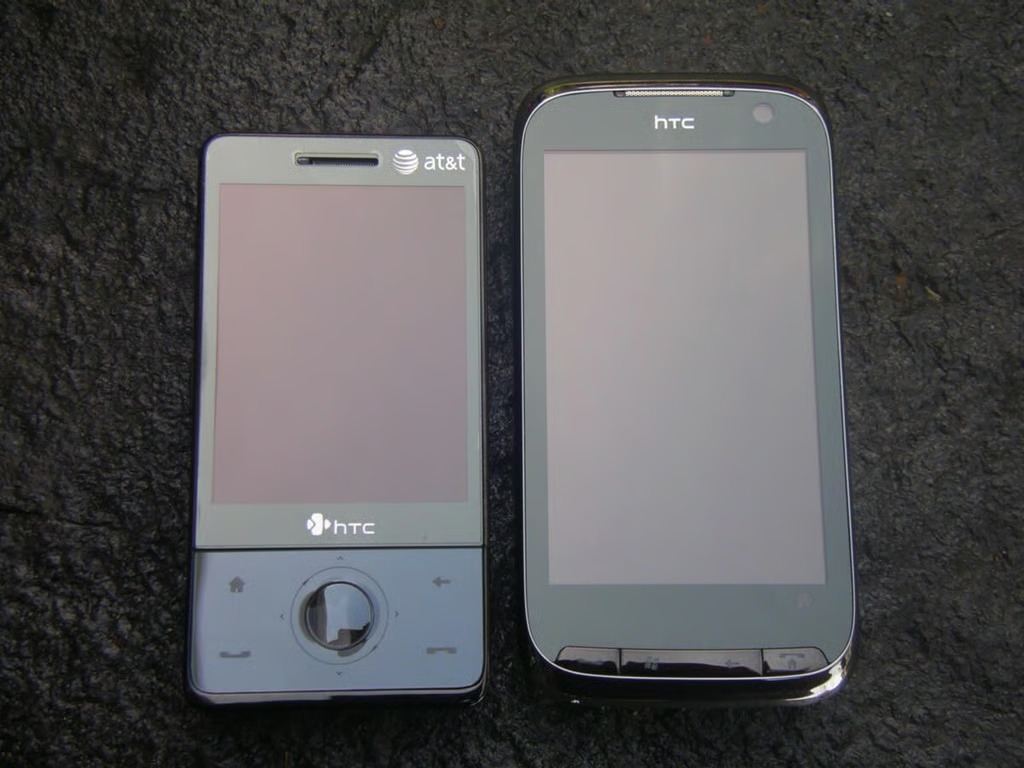
HTC continues to develop slider form factor Windows Mobile touch screen devices for the mobile professional who needs it all. The device packs in all the latest wireless features, a solid QWERTY keyboard, and much more in a rather large package. This device will also be upgradeable to Windows Mobile 6.5, but HTC made some of their own improvements as well that take it to the next level.
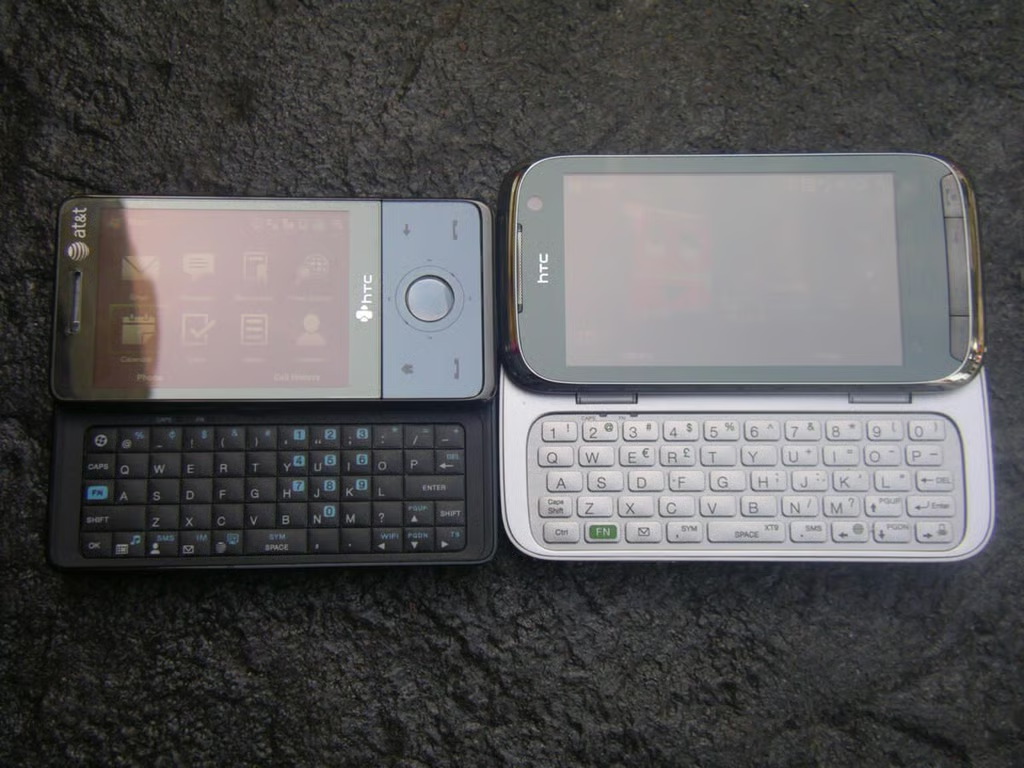
Here you can see the two devices with their displays up and keyboards accessible.
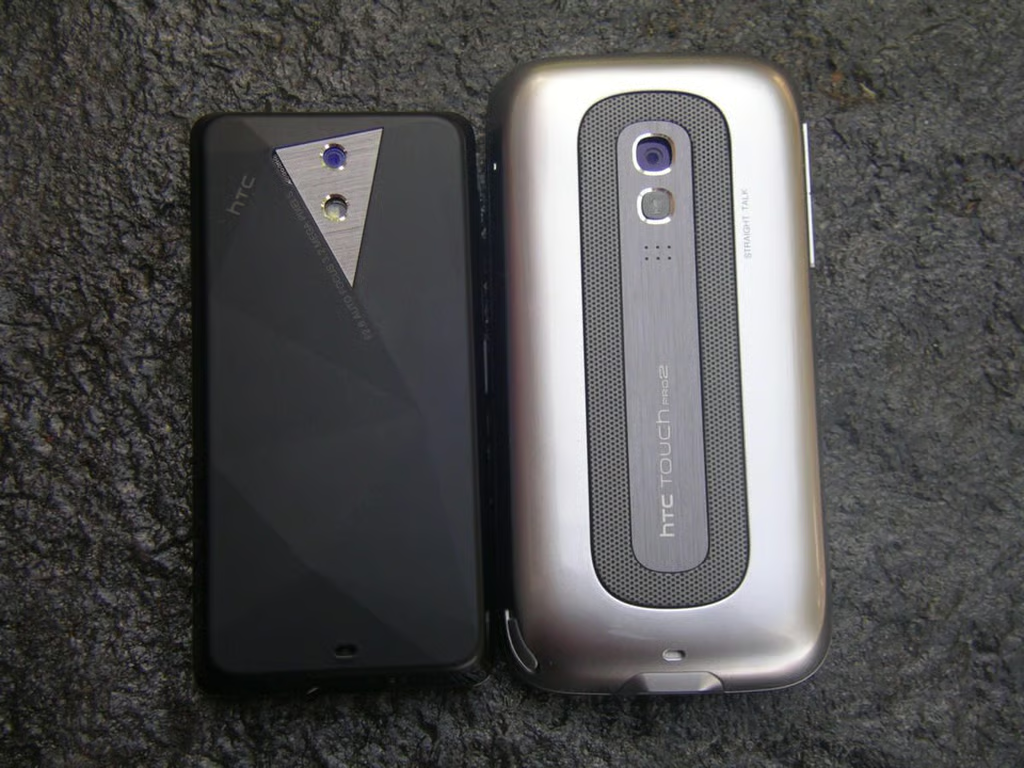
The Fuze and Touch Pro2 both have 3.2 megapixel cameras, but the HTC Fuze has a flash too. The Touch Pro2 has a larger speakerphone on the back.
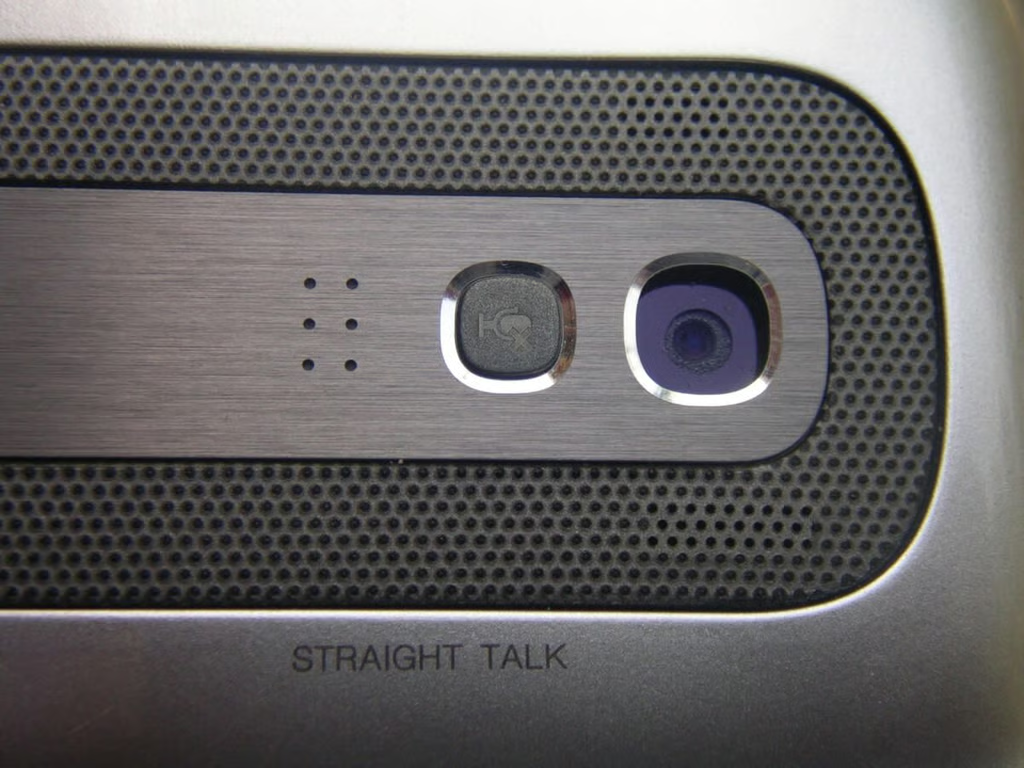
The Touch Pro2 is optimized for the enterprise user with a full duplex speakerphone on the back activated by flipping the device over. There is a small mute button too so you can control the conference call.
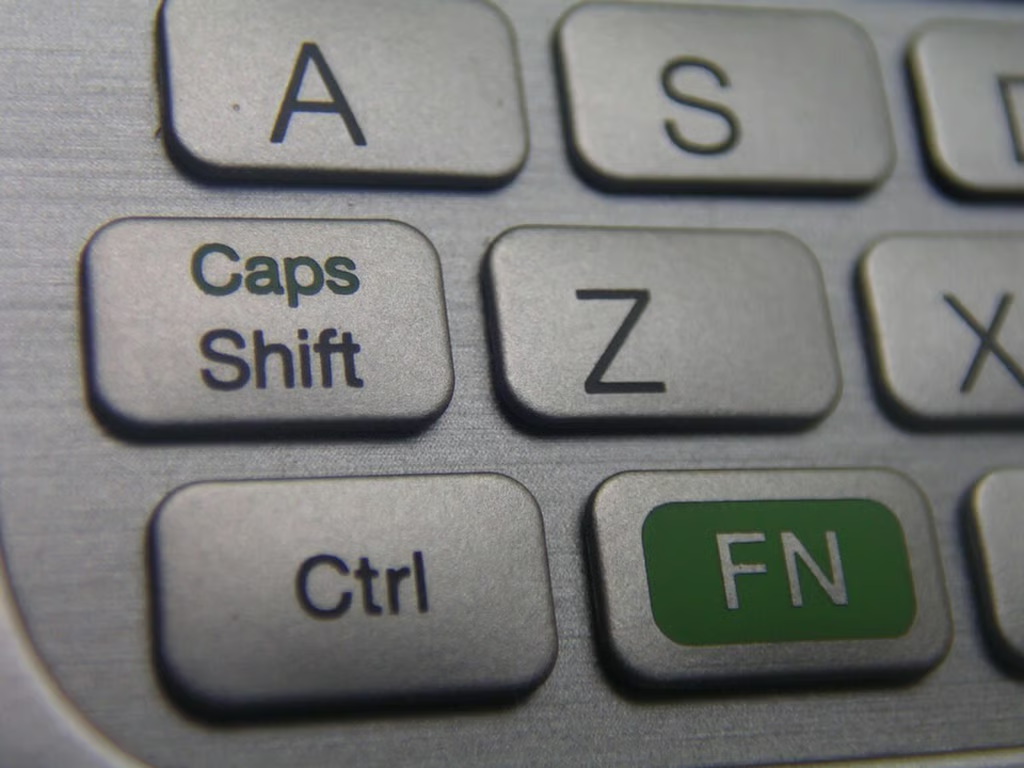
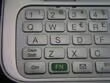
Caps, Ctrl, and FN all live in the lower left side.
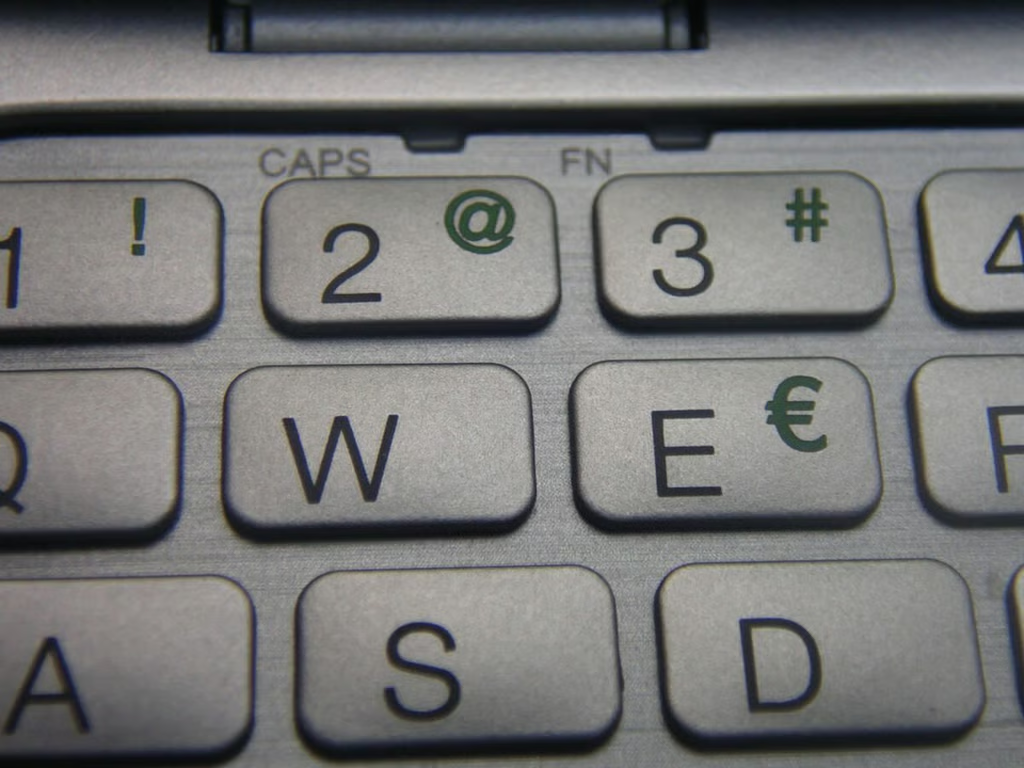
The keyboard has 5 rows for easy access to numbers and all characters of the alphabet.
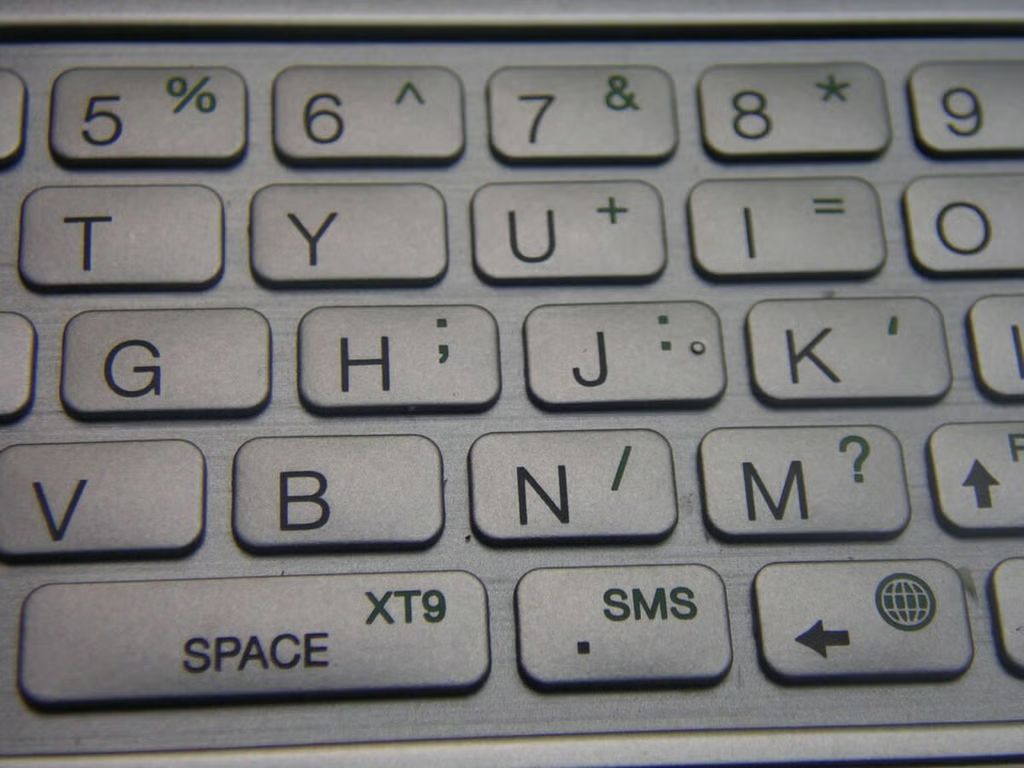
The space bar is centered and decently sized. A full 5 rows are available on the Touch Pro2 keyboard.
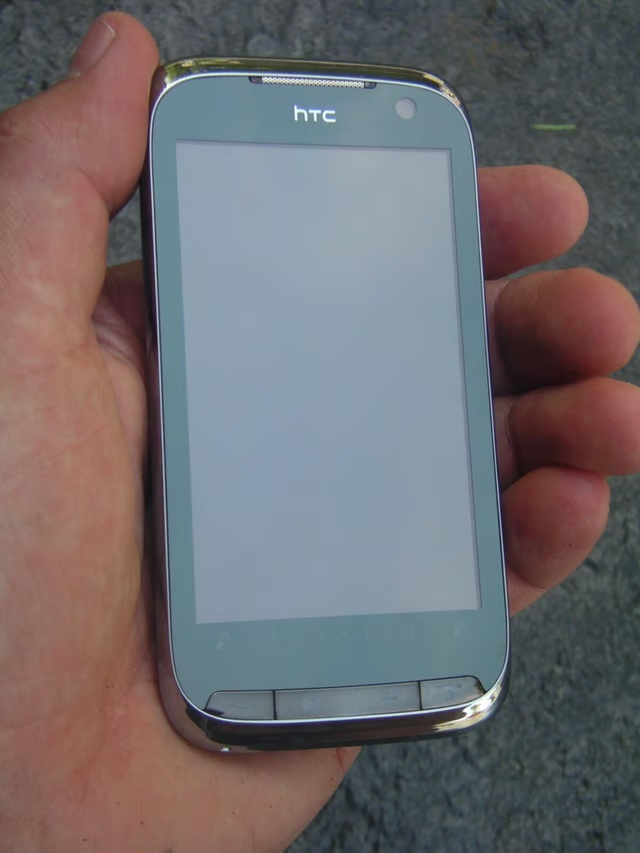
The Touch Pro2 is not a small device, but still does fit into your hand pretty well. It is well rounded and has lots of curves that make it feel better in the hand.
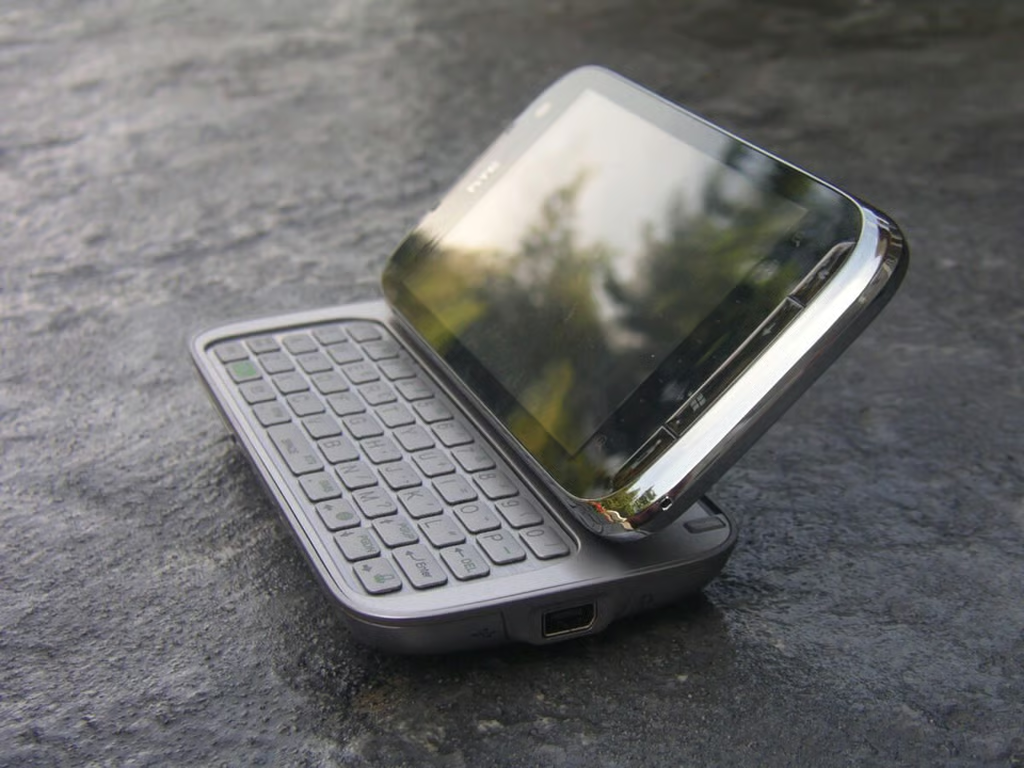
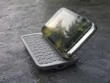
The display slides up and then tilts up into a laptop-like form factor.
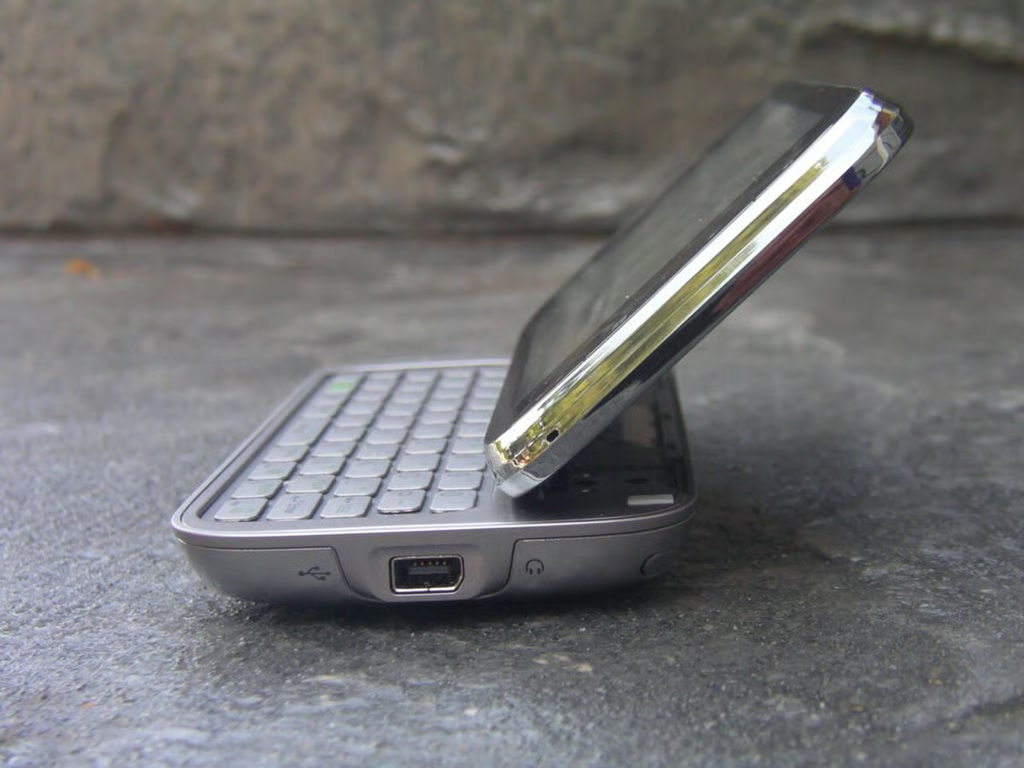
The display tilts up to about 50 degrees.
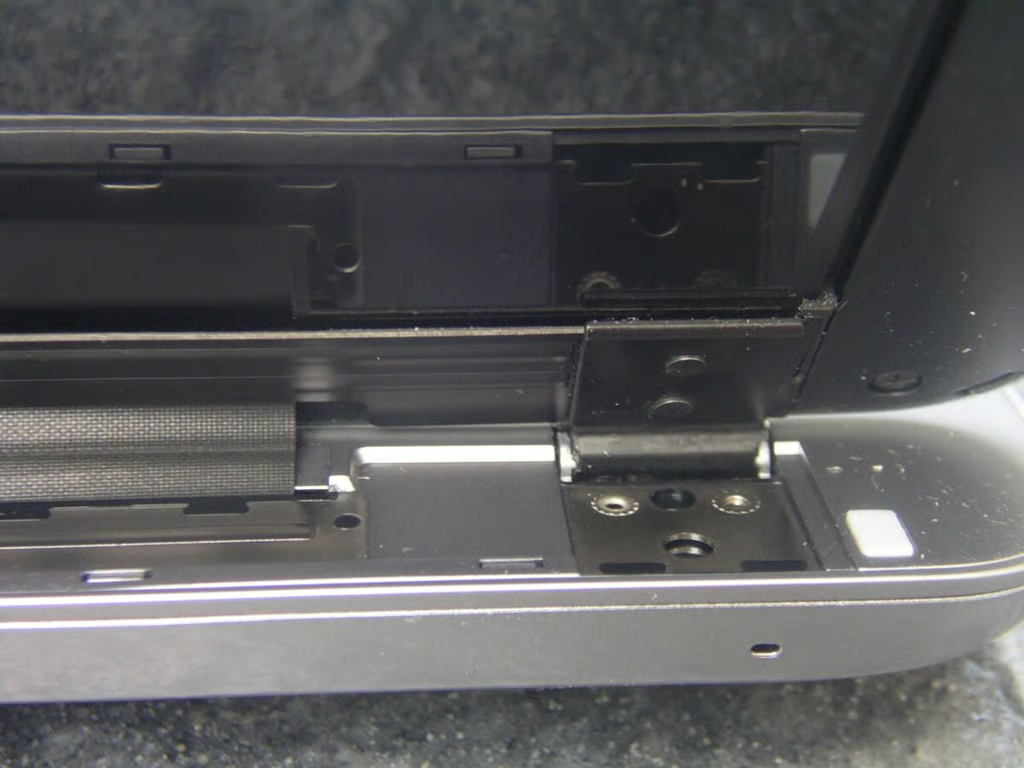
I did not like how this particular unit had a display that wobbled up and down after it was tilted up and hope that this is related to just this device.
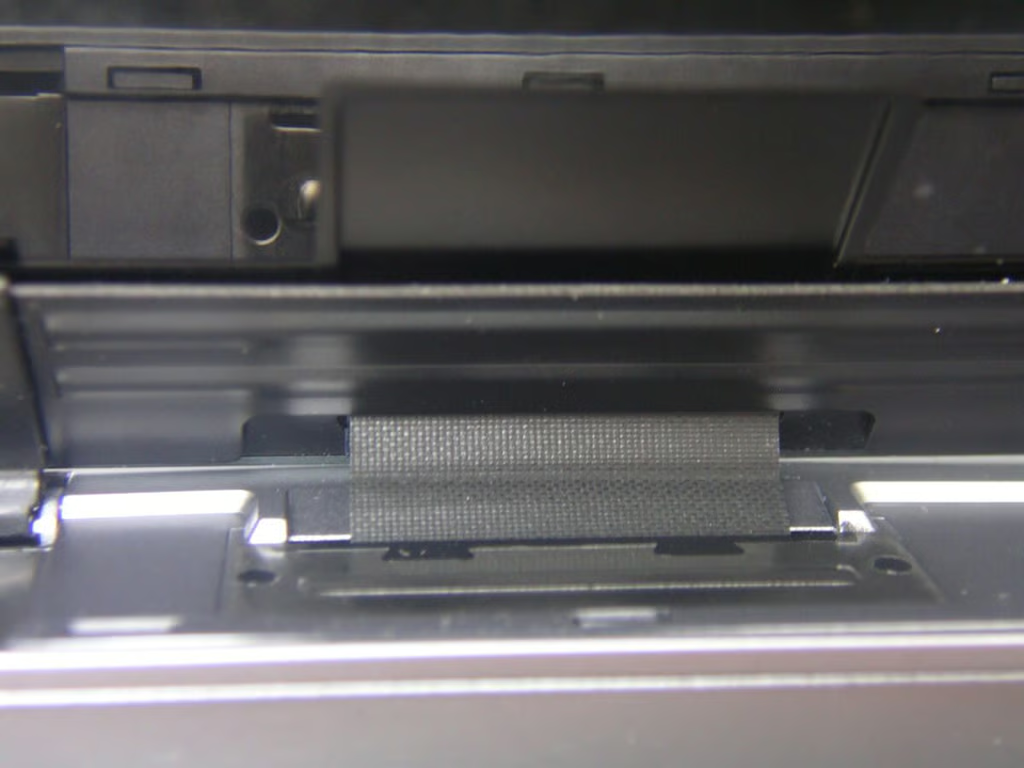
Center hinge mechanism on the Touch Pro2.
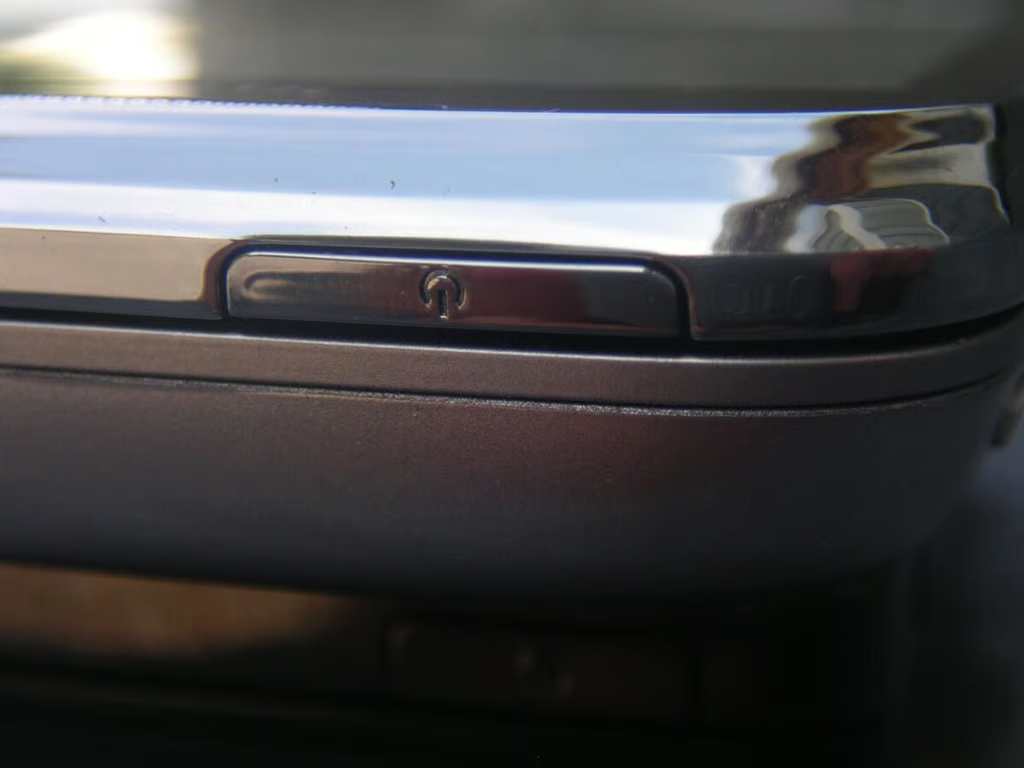
You will find the power button on the top of the Touch Pro2.
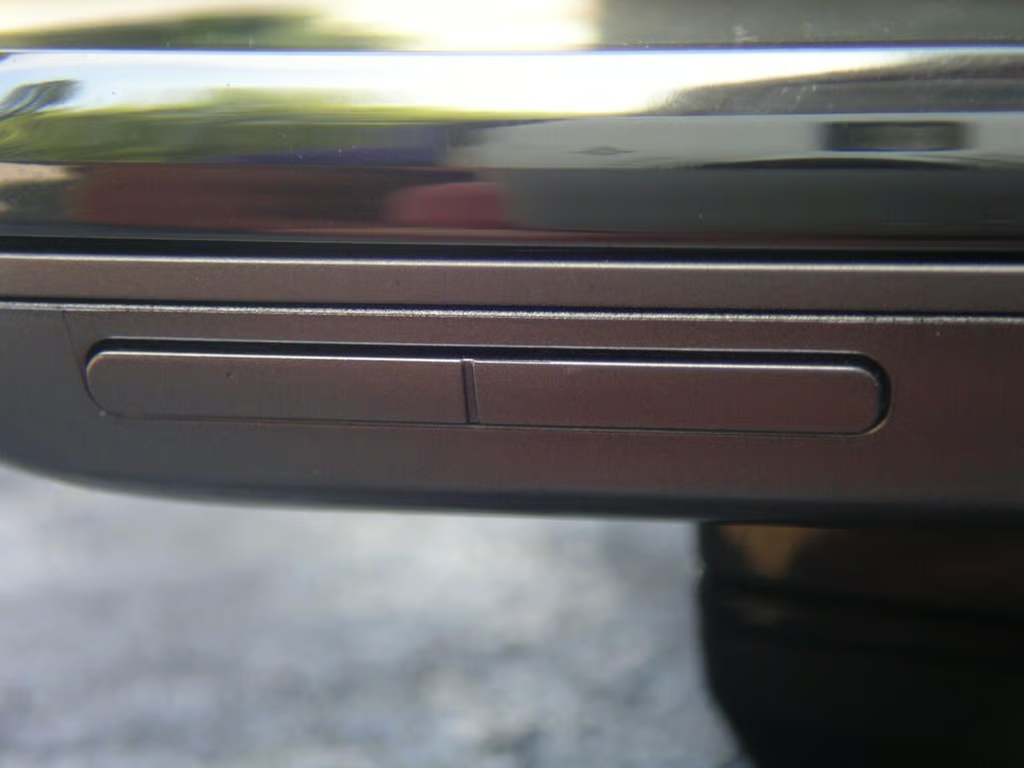
The volume buttons are located on the upper left side.
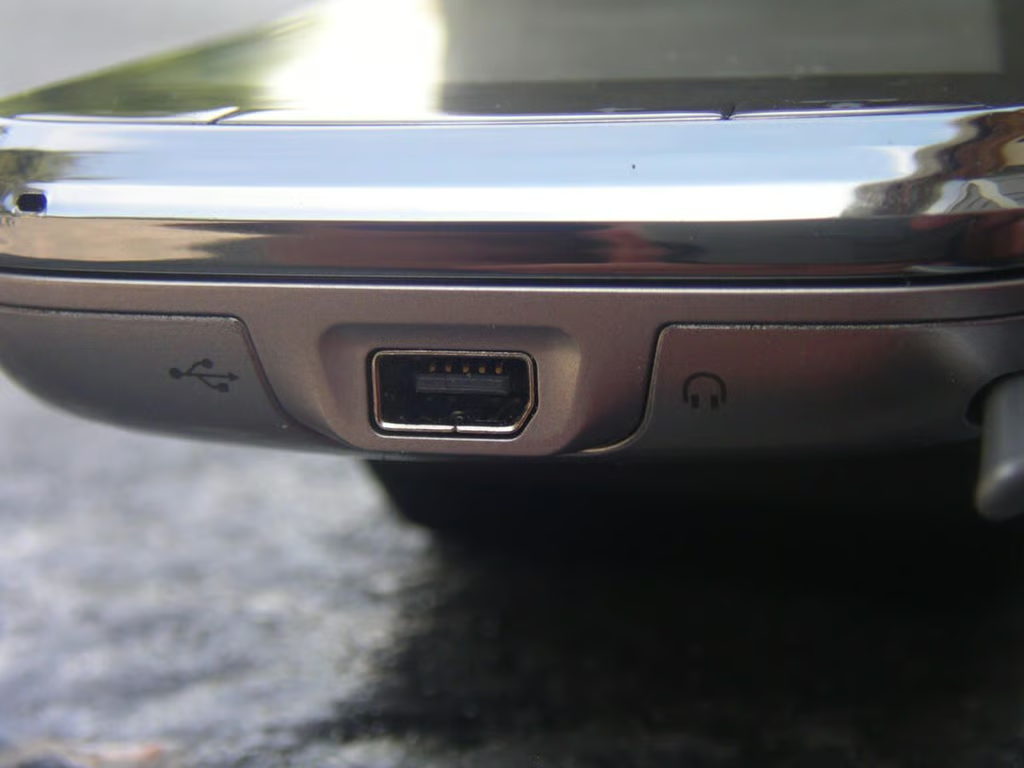
The HTC port is used for syncing, charging, and headphones. I would like to see a 3.5mm headset jack used on all their devices, especially given one that is this large.
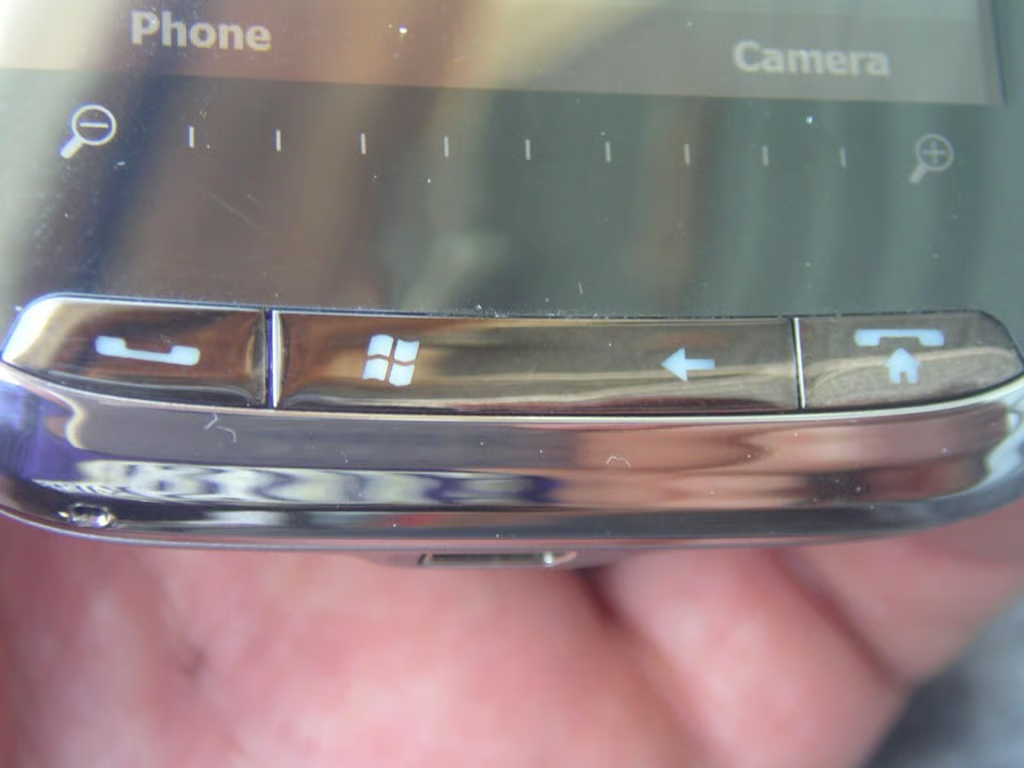
There is no directional pad on the Touch Pro2 where four hardware buttons are placed below a zoom touch bar.
Thumbnail 1
Thumbnail 2


