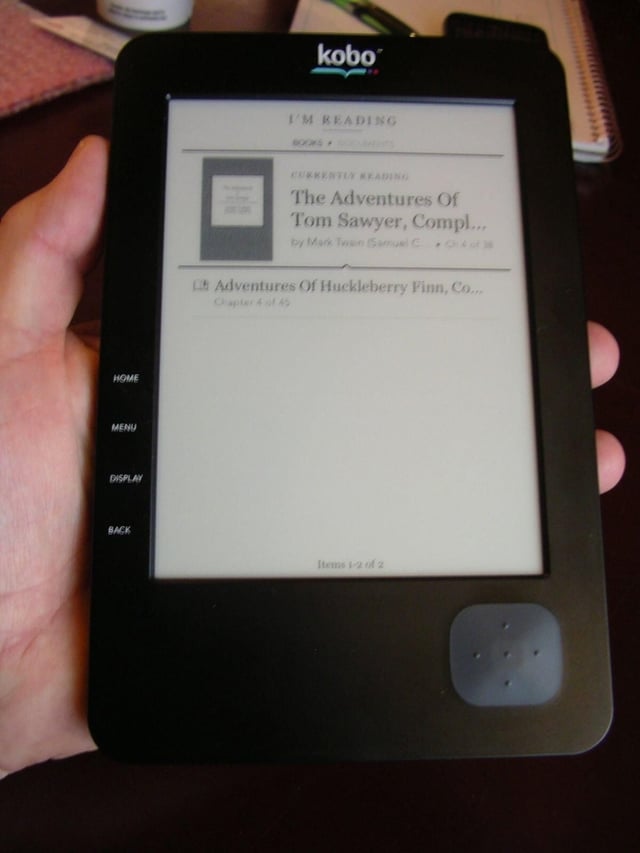
There are several ebook readers on the market today with the Sony Reader, Amazon Kindle, and Barnes & Noble Nook the most popular. One of my favorite ebook stores is Kobo because books purchased through them can be read on multiple devices. This summer they will be launching their own piece of hardware, the Kobo eReader, at an affordable $149 and I had the chance to spend some time with it.
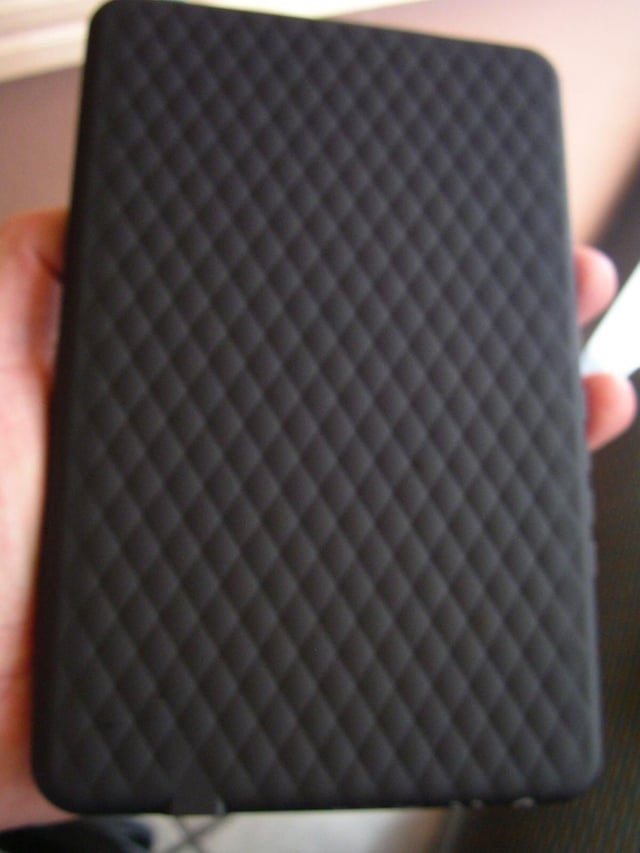
The back is covered in soft touch (rubber-like) material with dimpled finish and feels great in your hand.
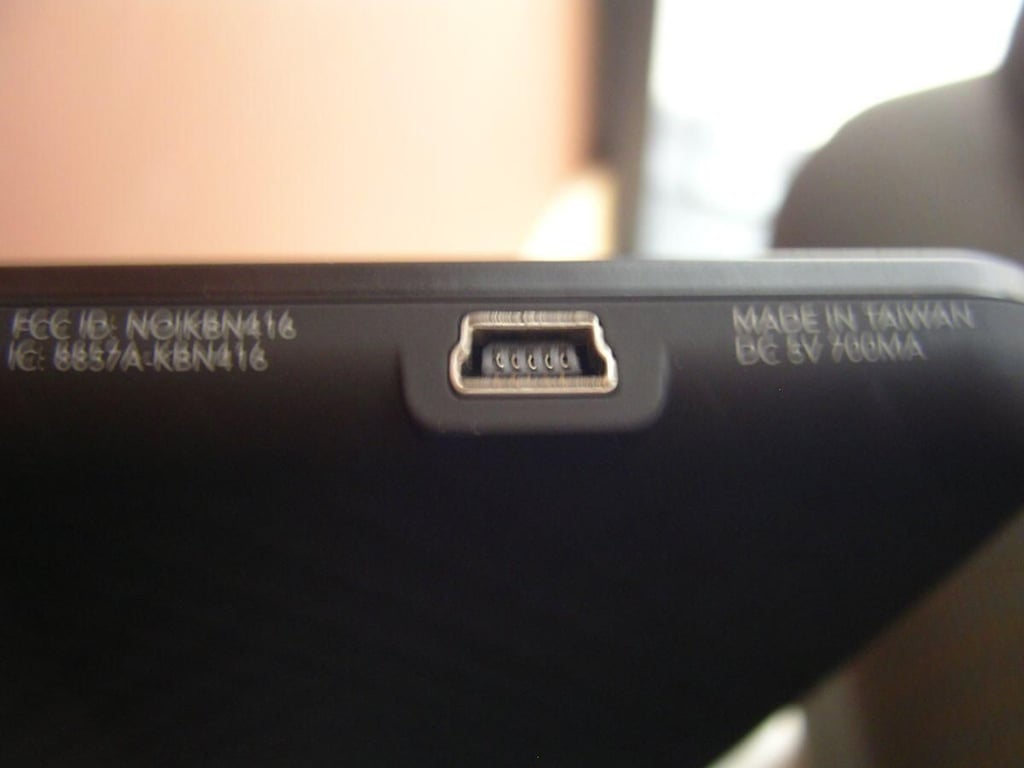
There is a miniUSB port on the bottom that is used to connect to your PC or Mac for transferring books and for charging up the battery.
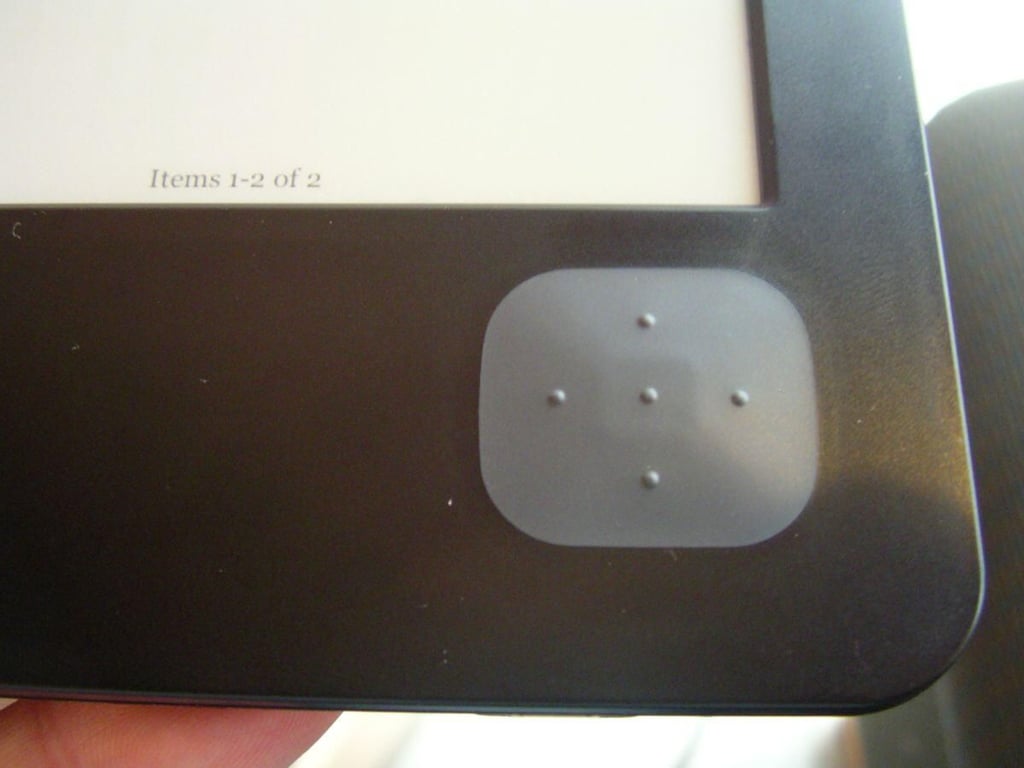
A rubberized directional pad on the front lower right is used to navigate the menus and turn the pages of your book.
The Kobo logo appears on the front center of the Kobo eReader.
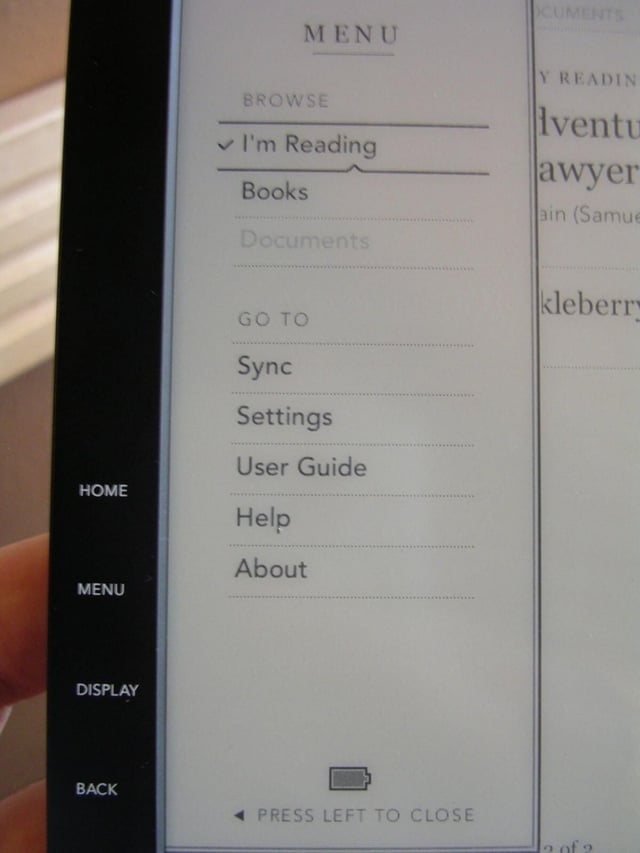
Pressing the Menu button pops-up this list of options.
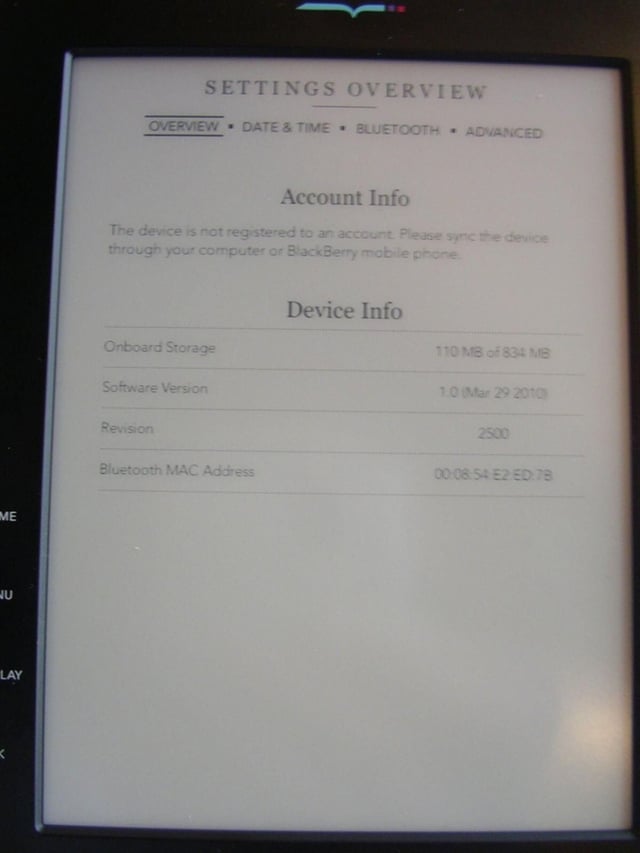
There are very few settings on the Kobo eReader as you can see in this screen capture.
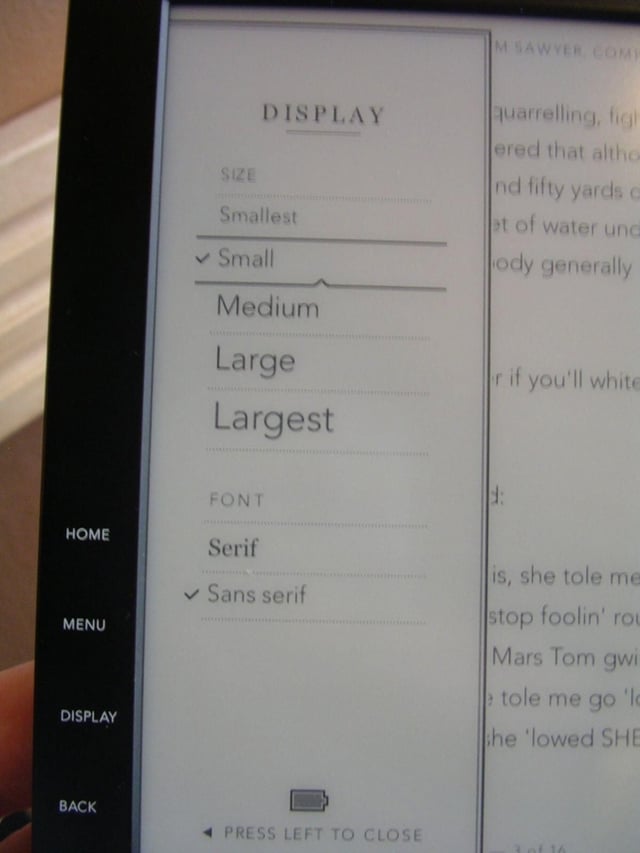
There are six font sizes and two font types to choose from on the Kobo eReader.
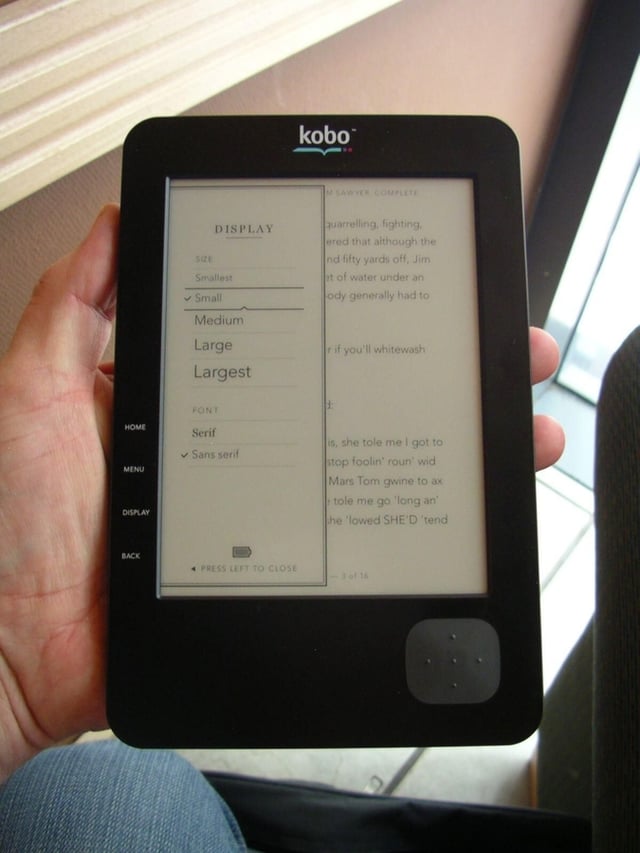
The Kobo eReader is quite light and fits very well in your hand. It does have a 6 inch eInk display so it is also a very capable ebook reader.
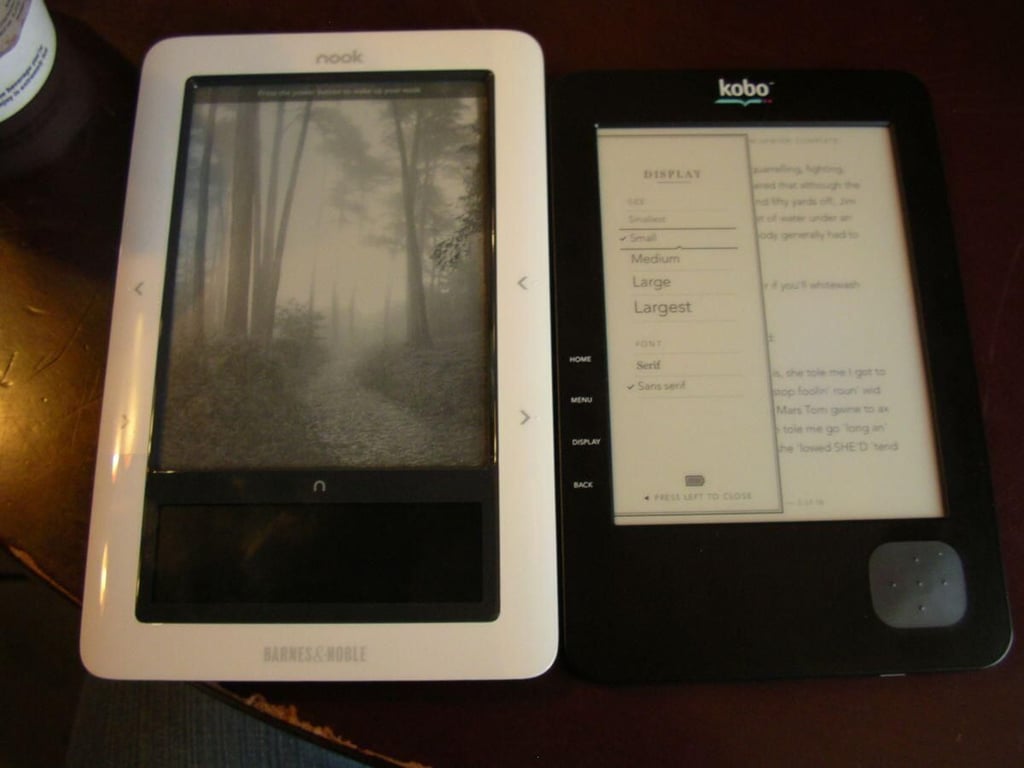
In this comparison photo you can see how compact the Kobo eReader is compared to the Barnes & Noble Nook.

Thumbnail one
Thumbnail two


