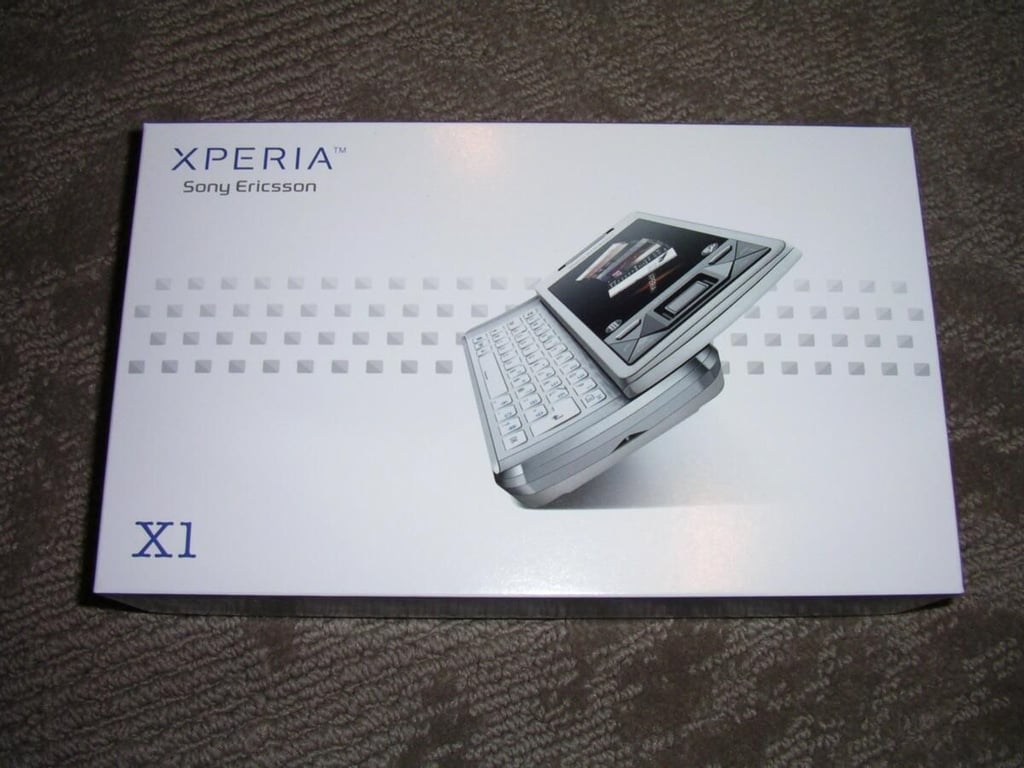
The news of Sony Ericsson’s entry into the Windows Mobile space was talked about quite a bit at Mobile World Congress 2008. Almost a year later this high end device is now available for purchase at a premium price. There are a couple unique features of the XPERIA, but you will have to be a serious Windows Mobile fan to pay the $800 selling price for such a solid product.
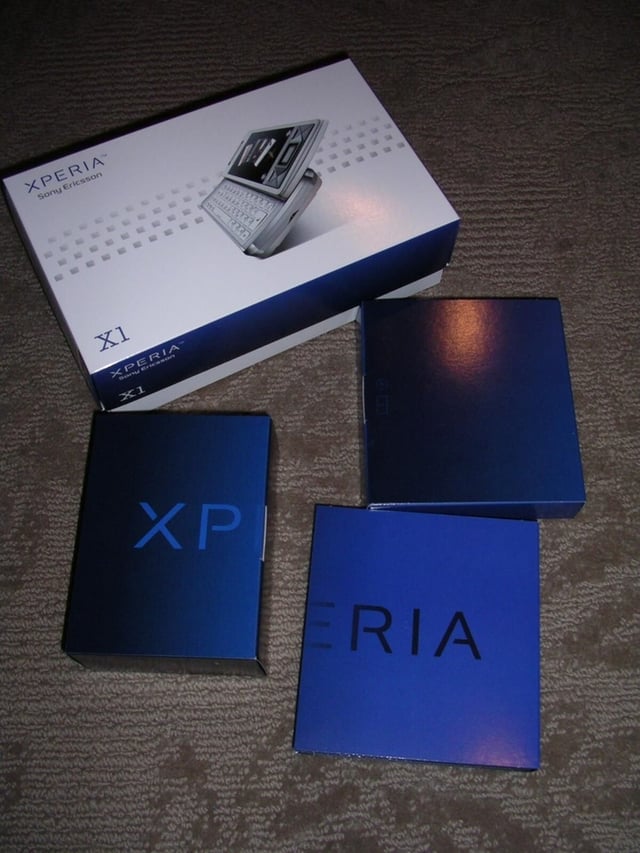
Here you can see the three boxes found inside the outer packaging.
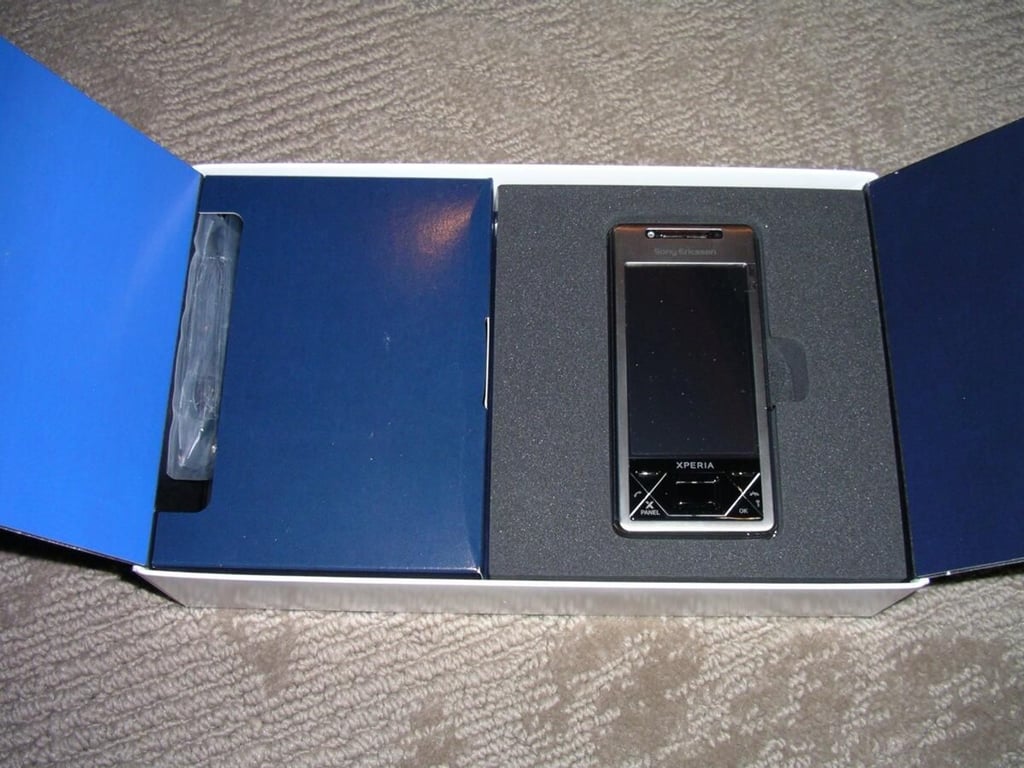
The XPERIA X1a is found in the right box surrounded by durable foam to protect the device.
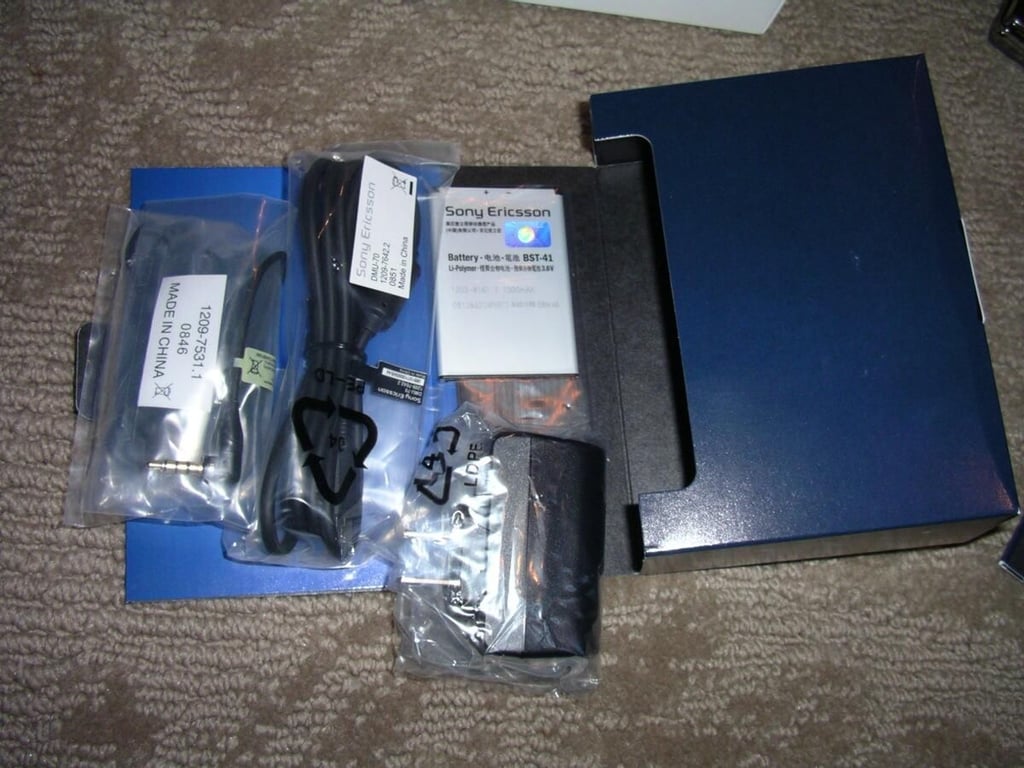
The biggest of the internal boxes contains the charger, USB cable, battery, extra stylus, and stereo headset. There is no carrying case or screen protector included with the X1.
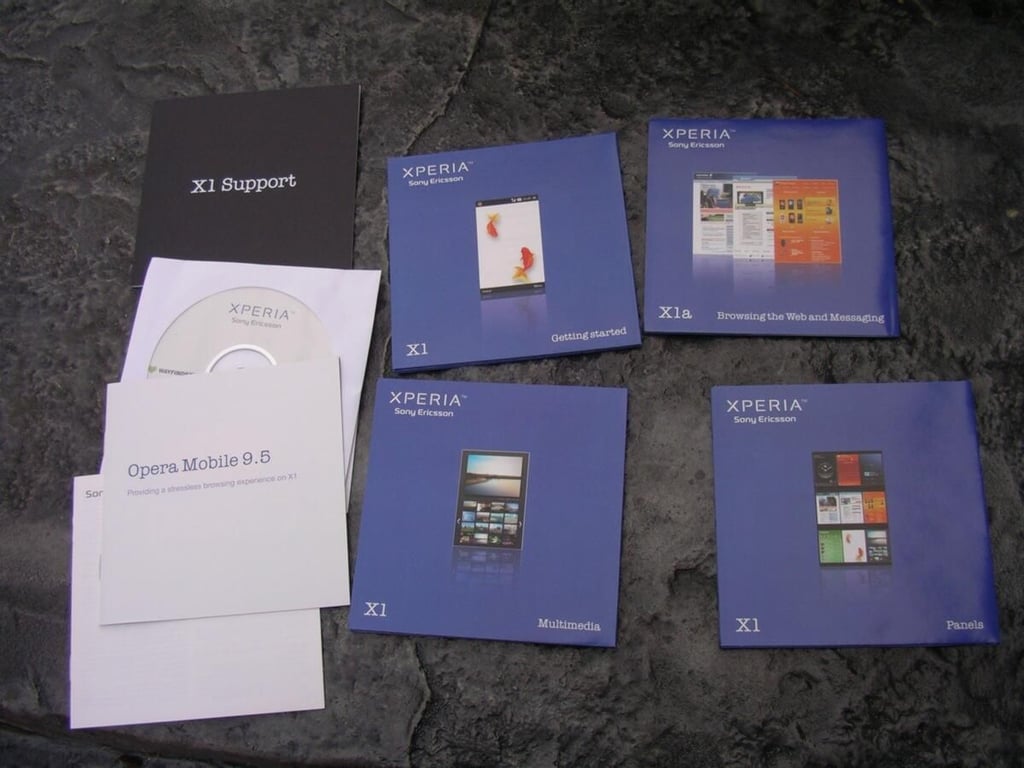
The smallest box under the X1 contains all sorts of helpful, colorful brochures along with warranty info and a CD.
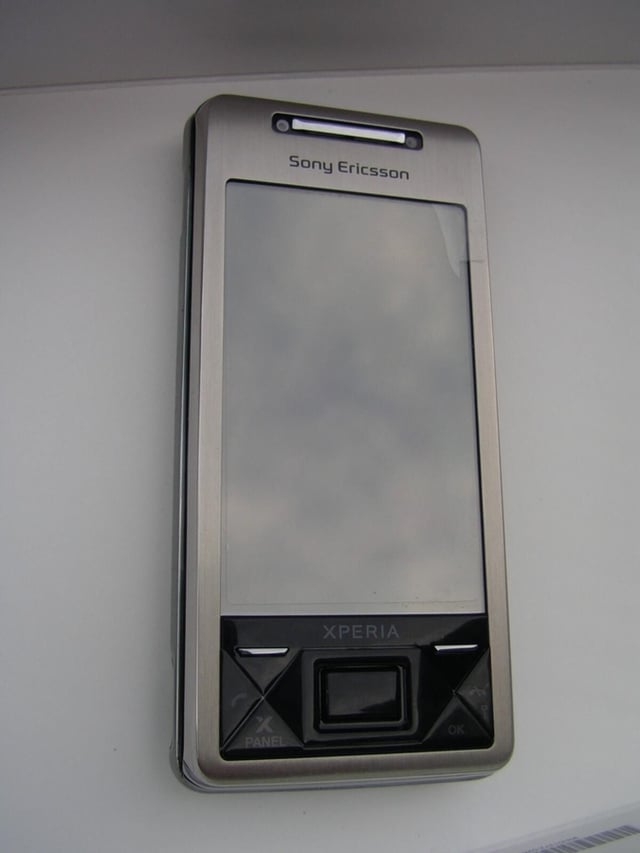
The X1 is a cool Windows Mobile phone with brushed aluminum finish and black button areas.
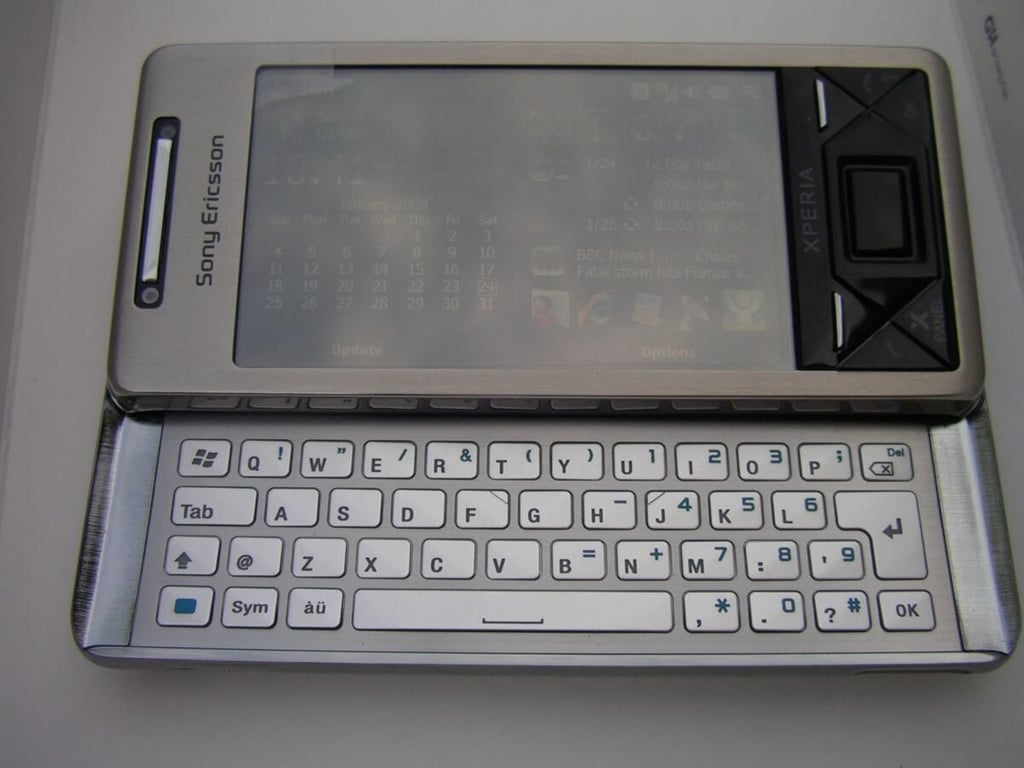
The keyboard has a cool industrial design and is pretty functional. The backlighting is not the best and the lack of shortcuts is a bit annoying.
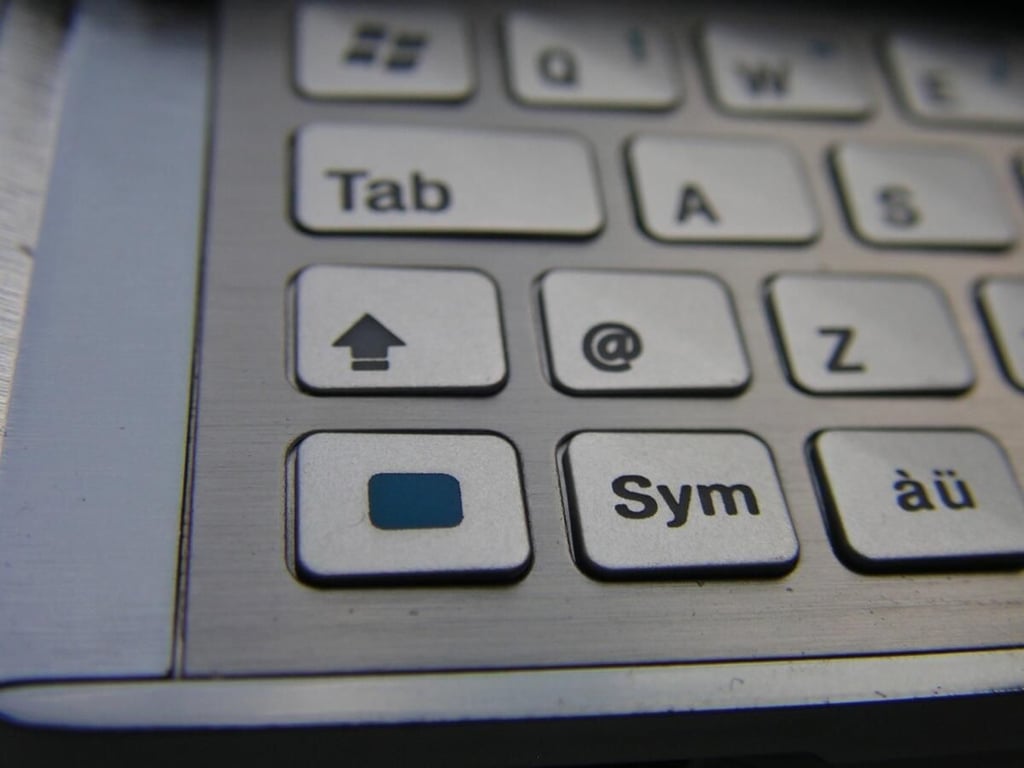
There is a blue FN button and alternate characters are easily identifiable in blue color. It is nice to see a dedicated @ symbol on the keyboard too.
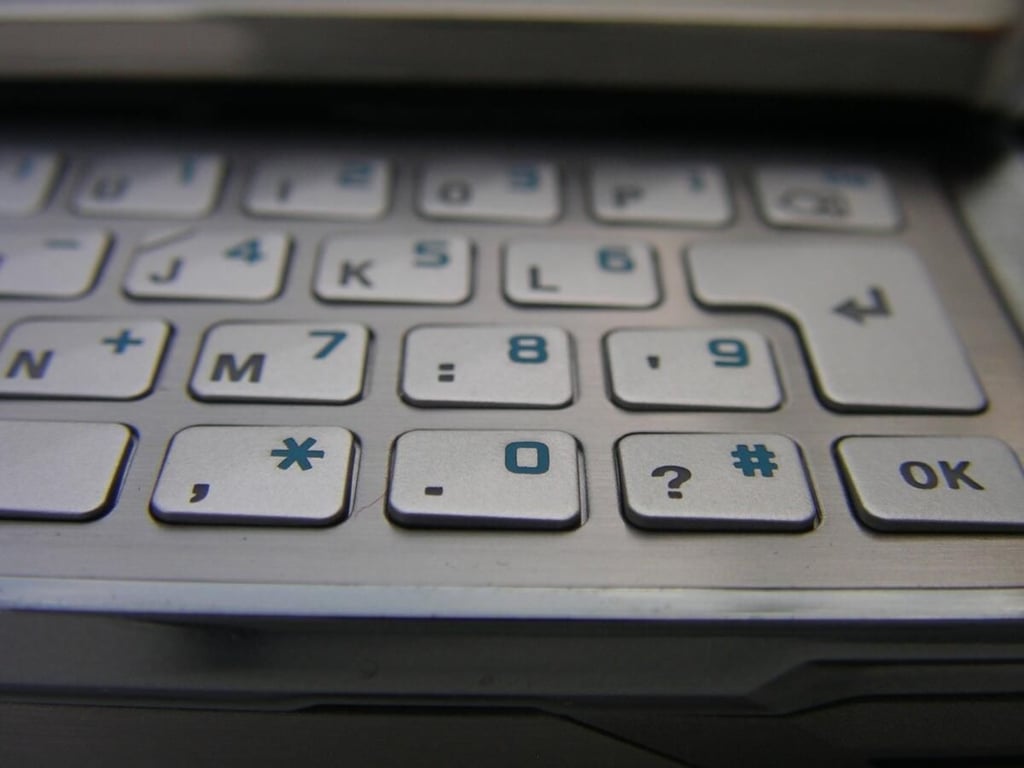
The keys are slightly angled and are well spaced between each other for easier text entry. The keys have a small bit of travel and could have been a bit deeper.

There are some other design elements in the center of the keyboard that add a bit of character to the device.
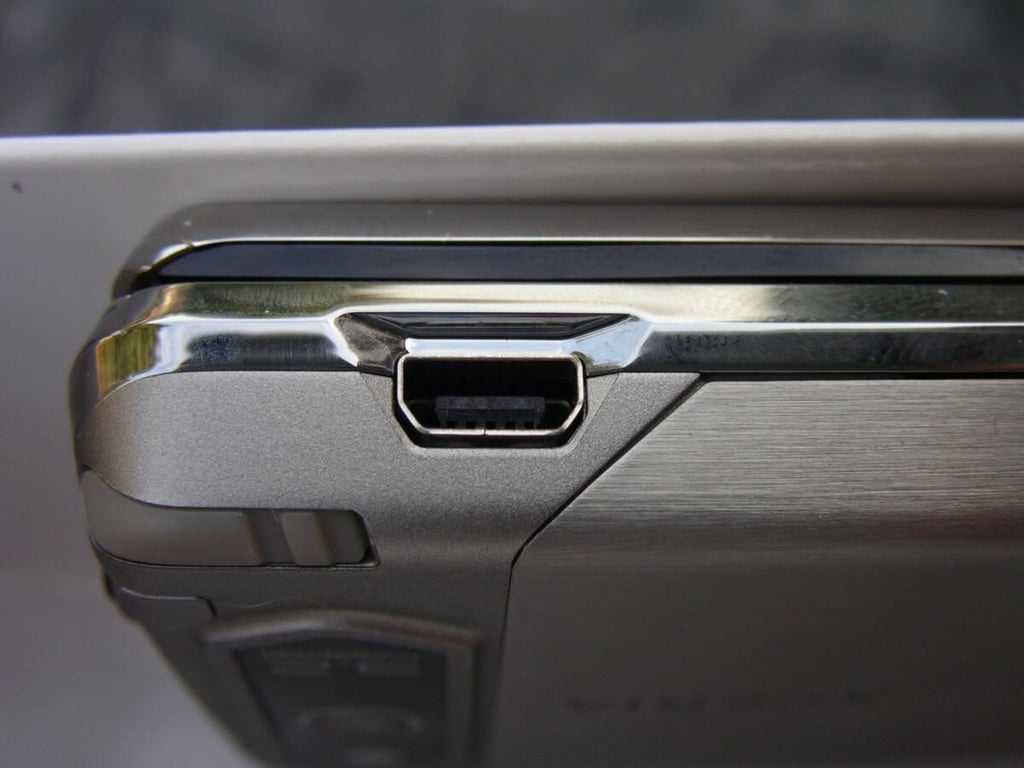
It was great to see Sony Ericsson use a standard miniUSB port for syncing and charging the X1.
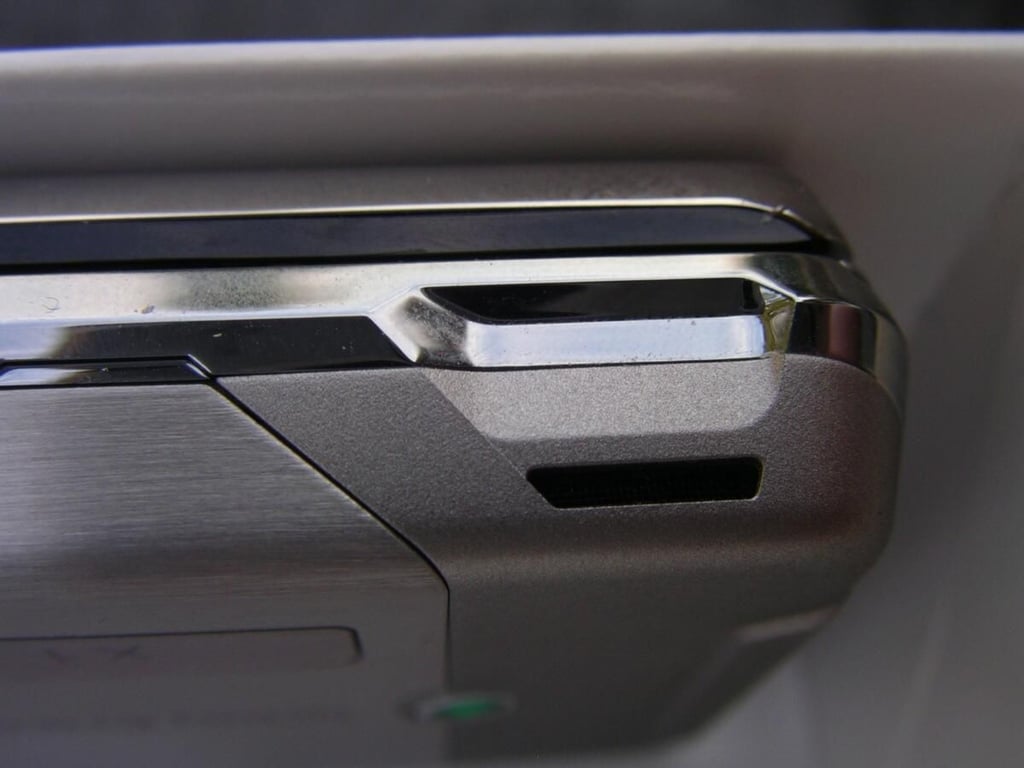
There is only a single speaker on the X1, but it is quite loud. However, due to the placement it is also easy to cover the opening with your hand and block sound output.
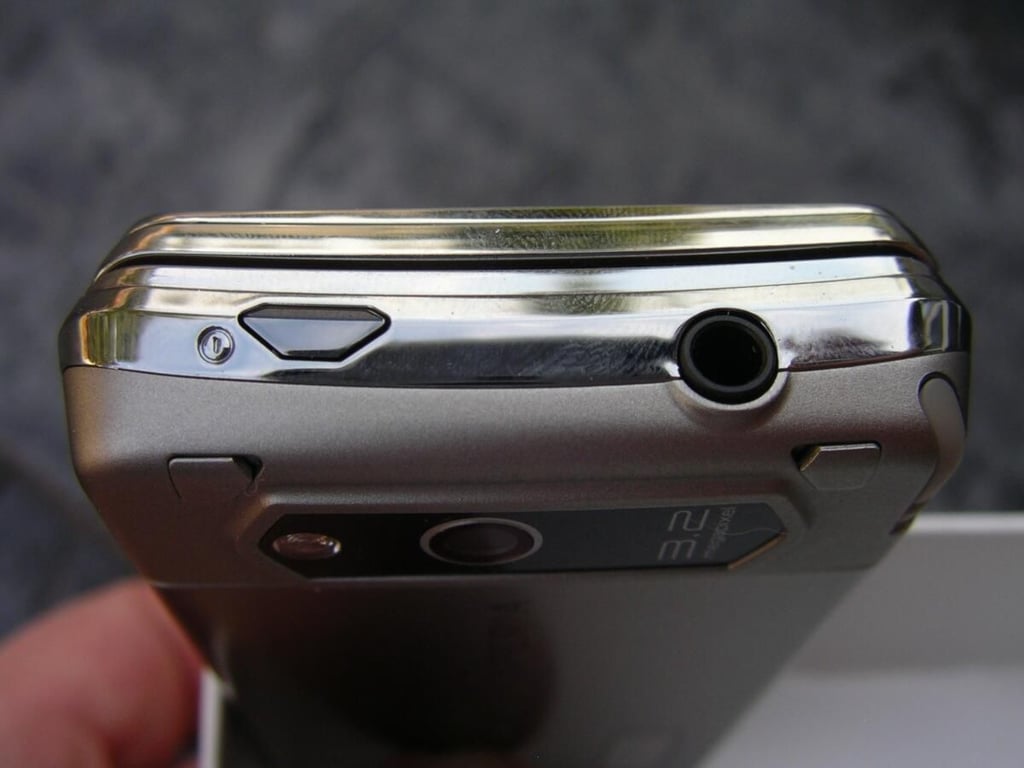
The power button is quite flush with the device and is not accidentally pushed. I was very pleased to see SE also use a standard 3.5mm headset jack for headphones.
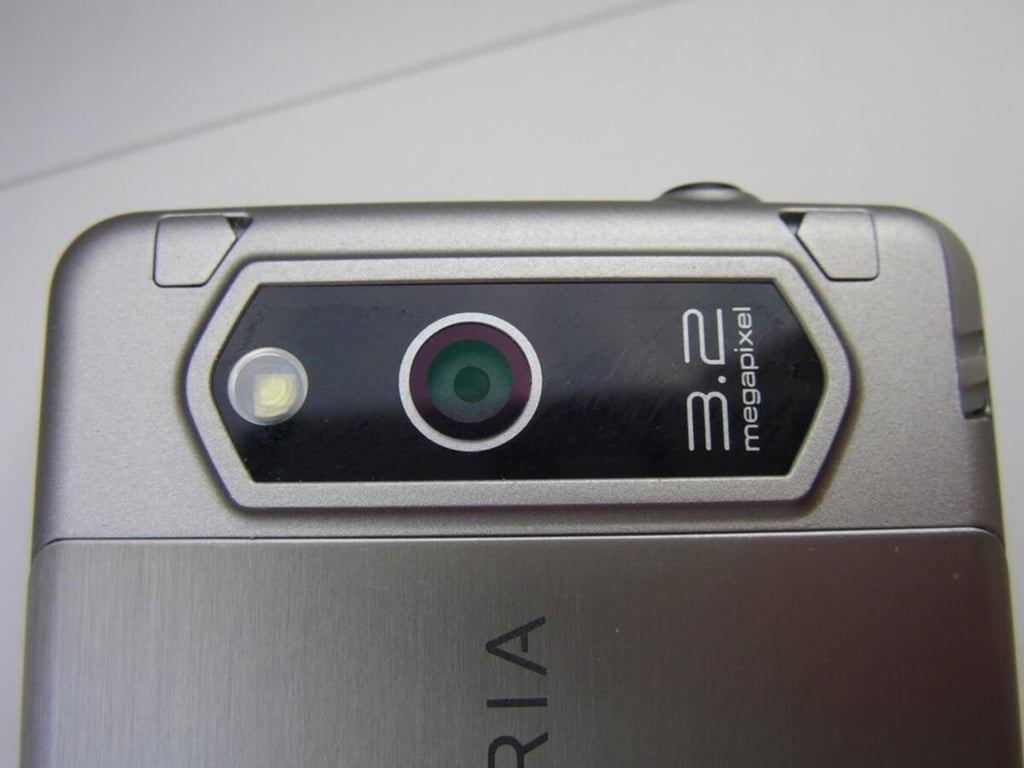
The camera is found along the top of the back and you do have to make sure to keep your fingers out of the way of the lens. I was expecting more from the X1 in terms of photo quality and found it to be another that needs improvement.
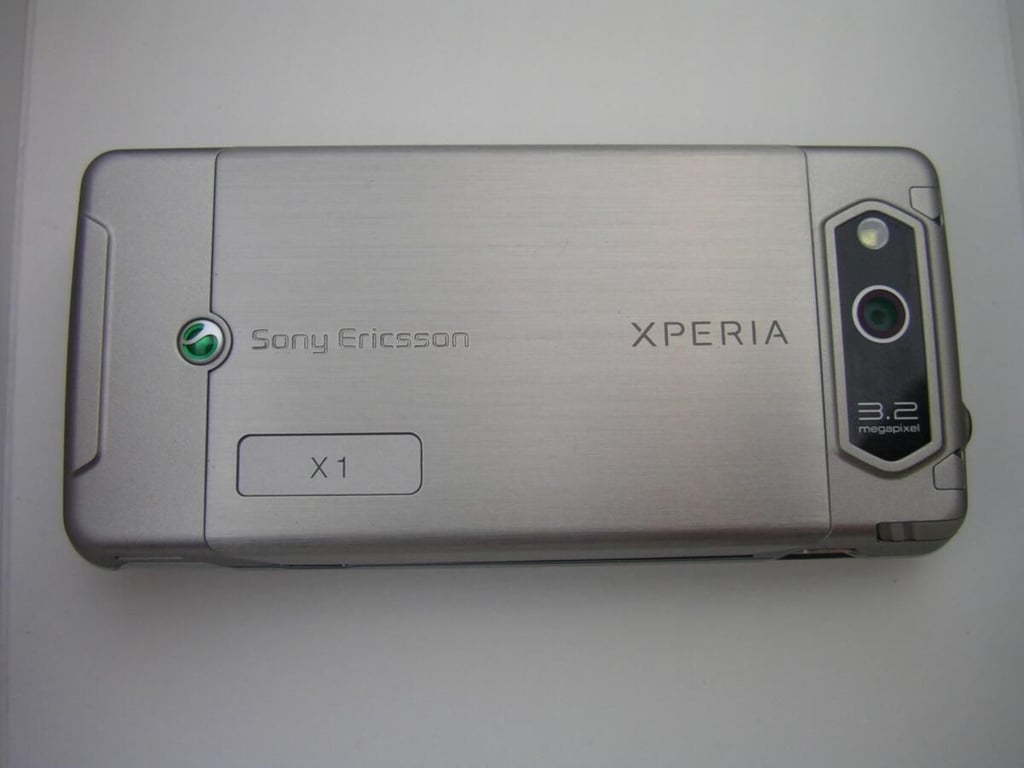
The back is as sexy as the front of the X1 with the camera, steel back cover, XPERIA branding, and Sony Ericsson logo.
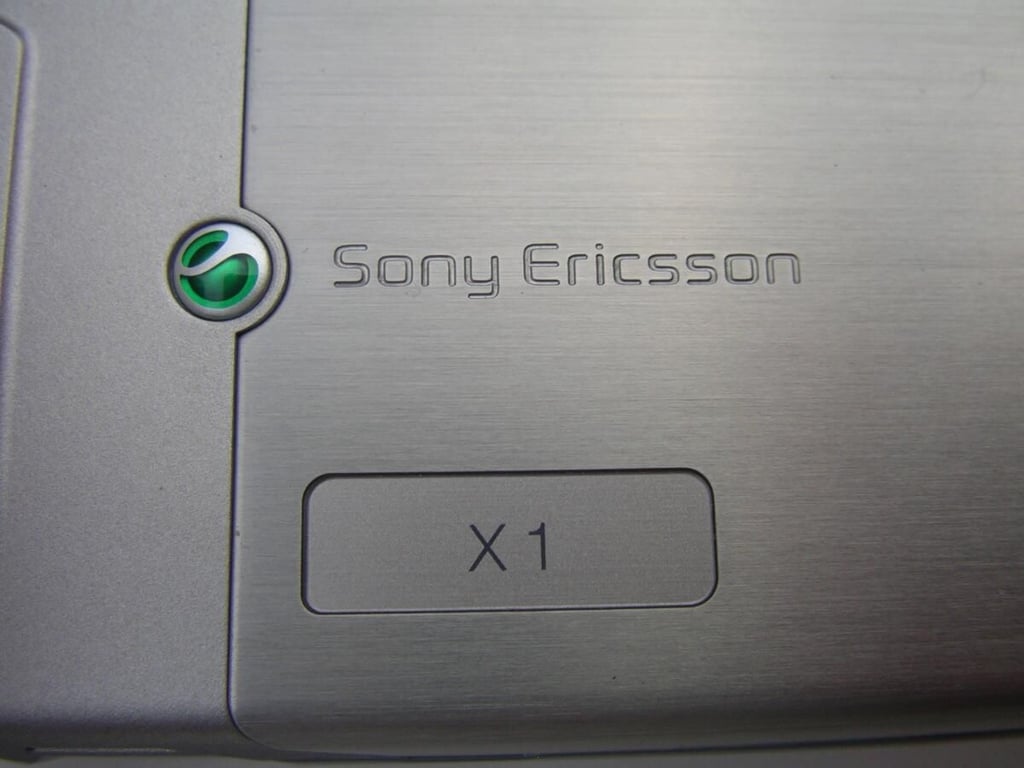
These pieces add a nice touch to the product and are indicative of high quality.
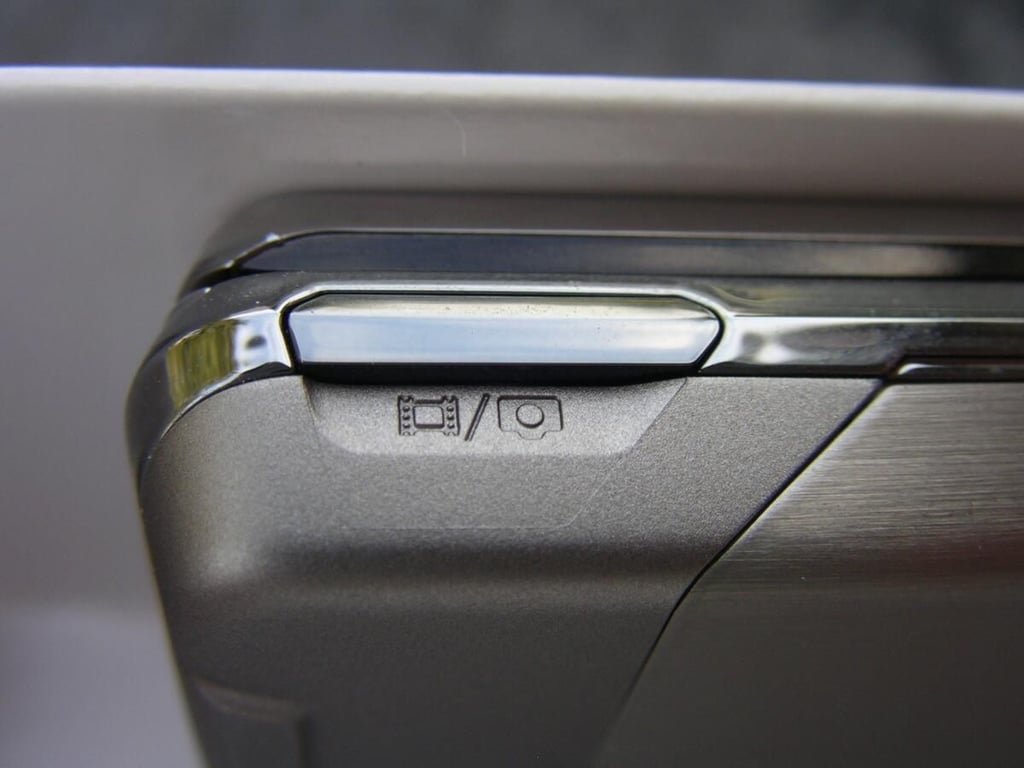
The camera button is located towards the bottom of the right side.
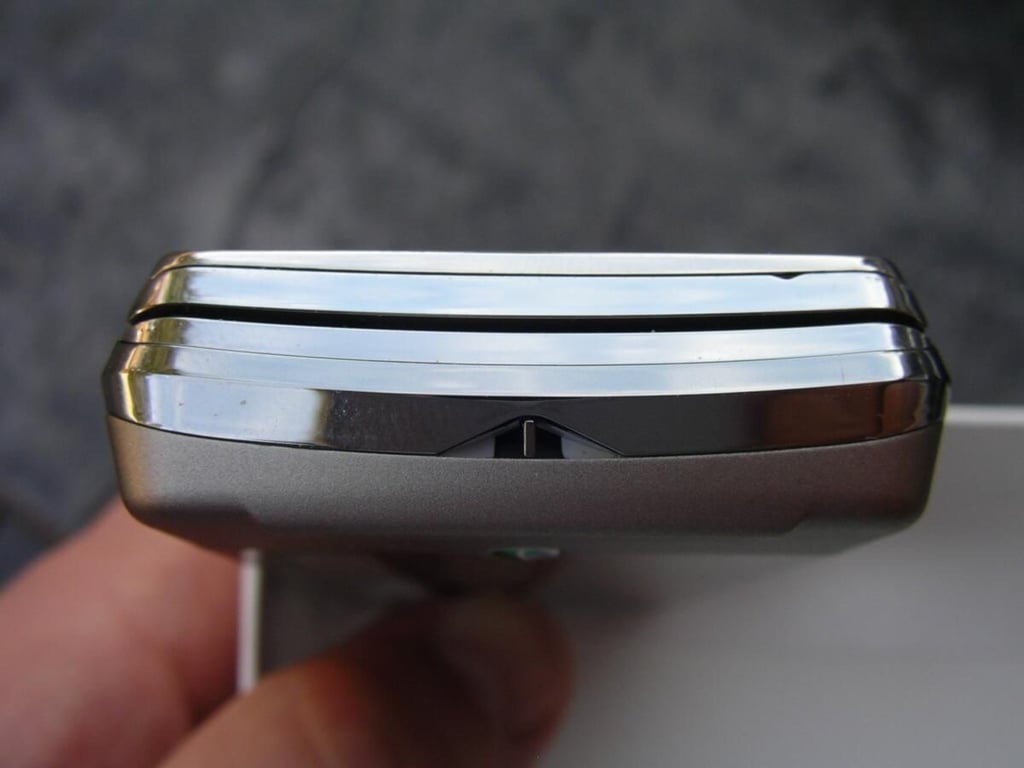
There is a lanyard opening along the bottom. Here you can also see the natural curvature SE included as part of the keyboard design.
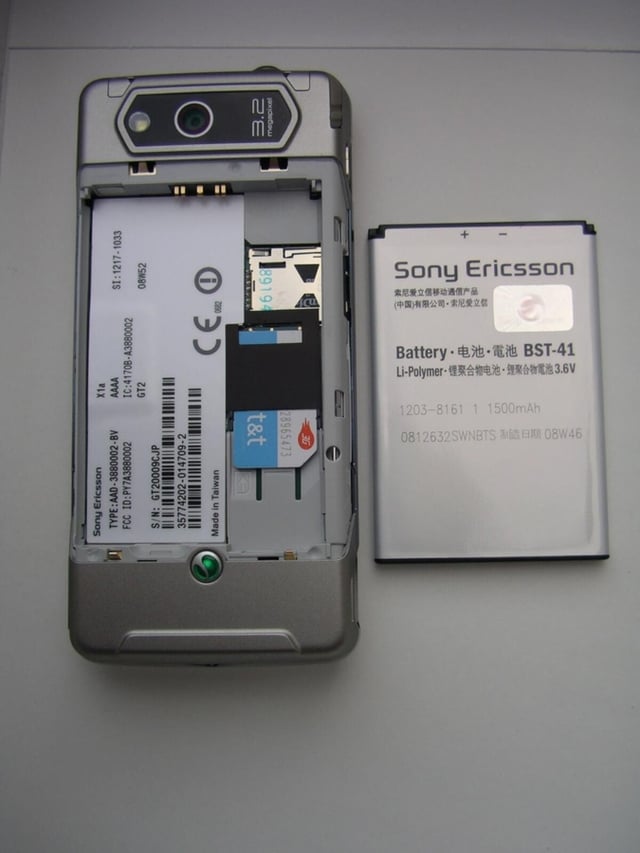
There is a 1500 mAh battery included with the SIM card slot under the battery. The microSD card slot can be accessed without removing the battery, but the back cover does need to be removed.
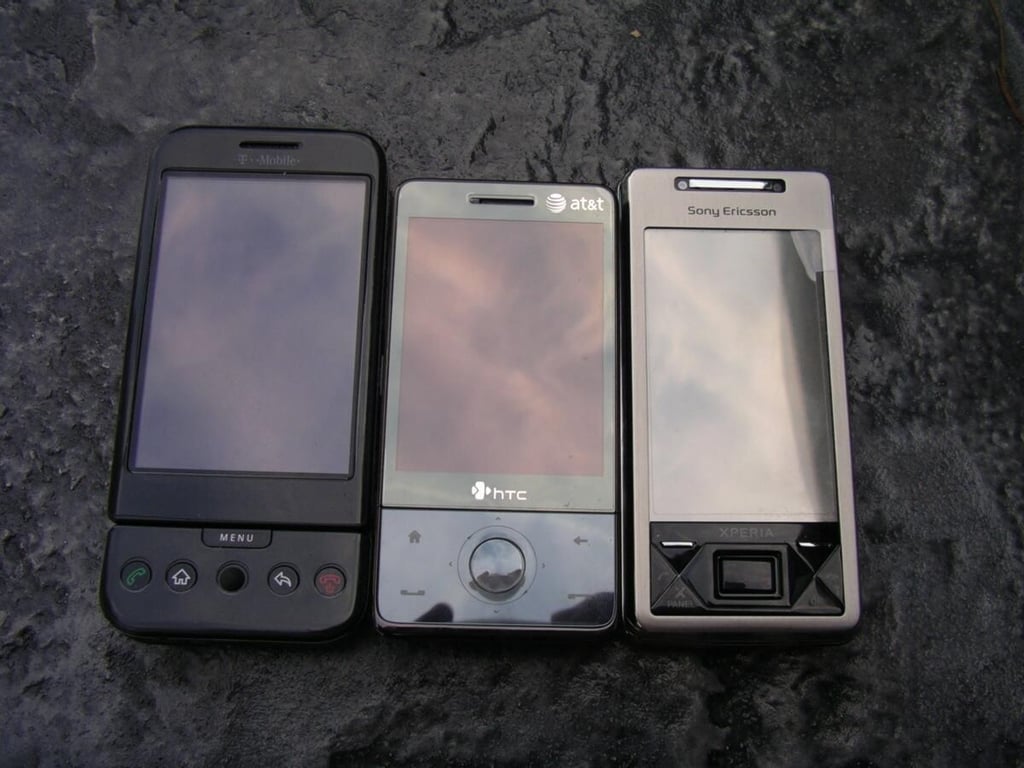
The T-Mobile G1, HTC Fuze, and Sony Ericsson X1 are all made by HTC for different branding. Each has a touch screen as well as a hardware keyboard.
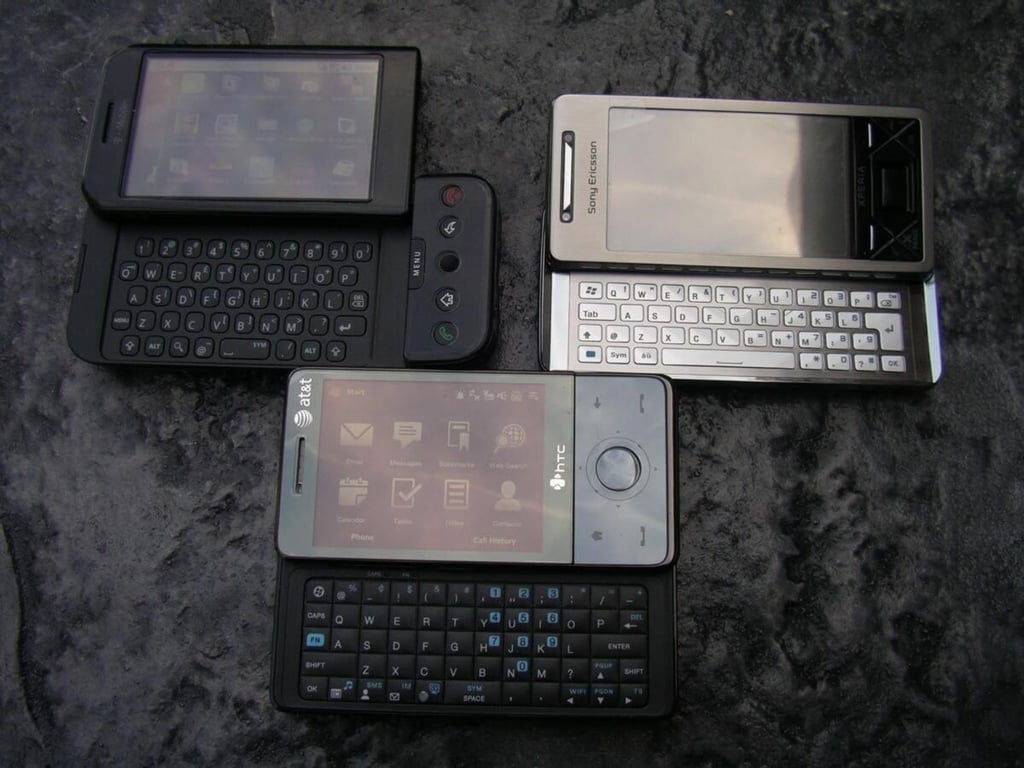
Each keyboard is different with the G1 keyboard honestly probably being the most functional of all thanks to the Android OS capabilities for shortcuts.
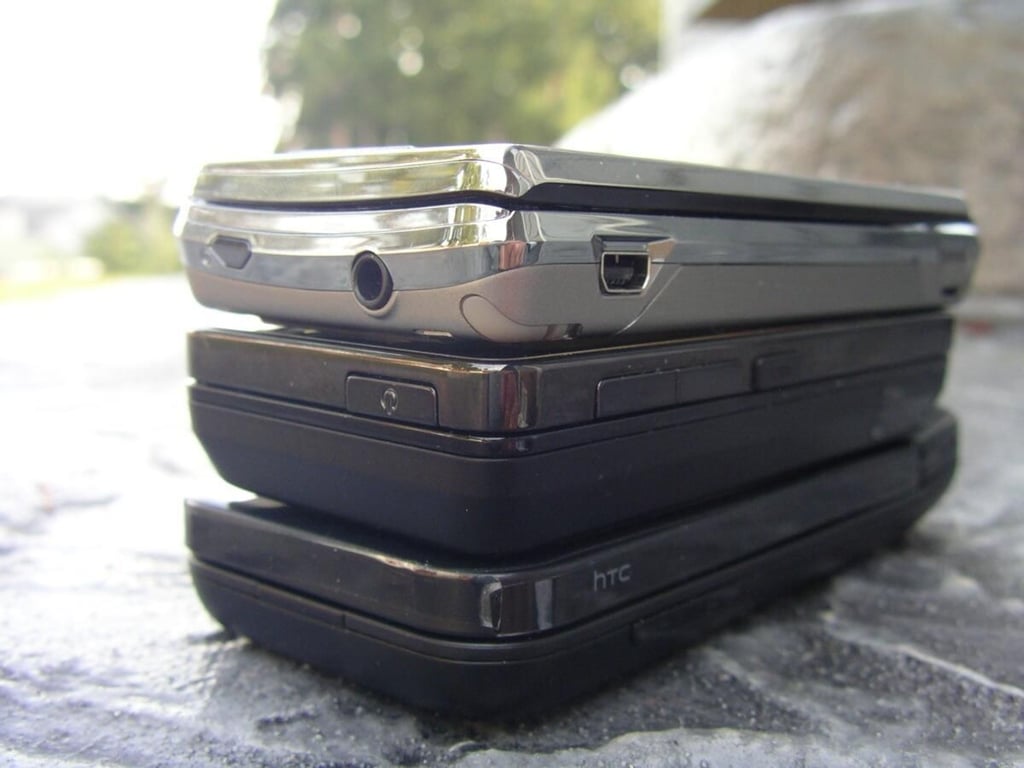
Here you can see the top left view of the same three HTC products. The X1 is thinner than the Fuze, but about the same as the G1.
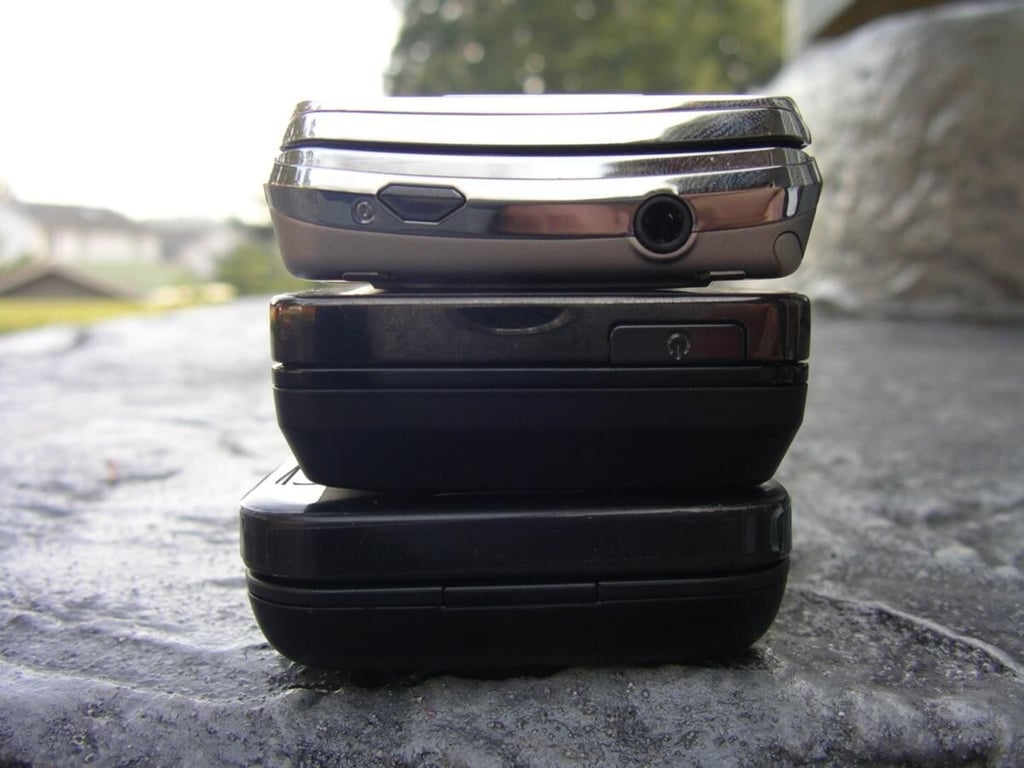
The curvature of the X1 is shown in this end shot.
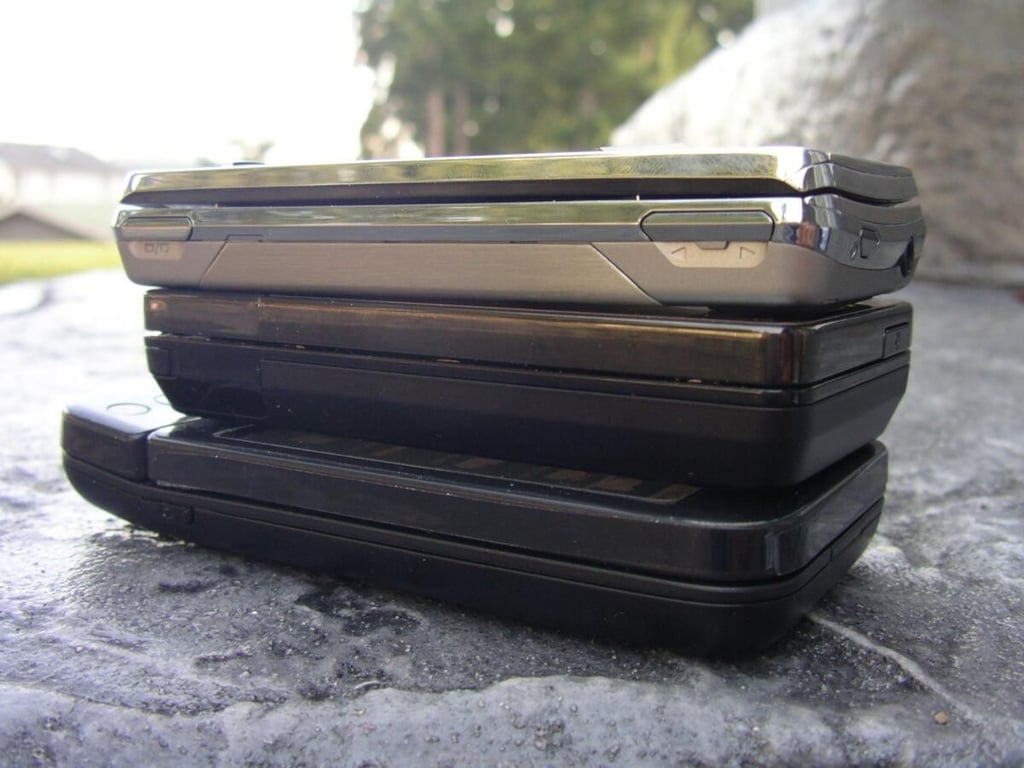
The G1 is quite a bit longer with the “chin” than the other two HTC devices.
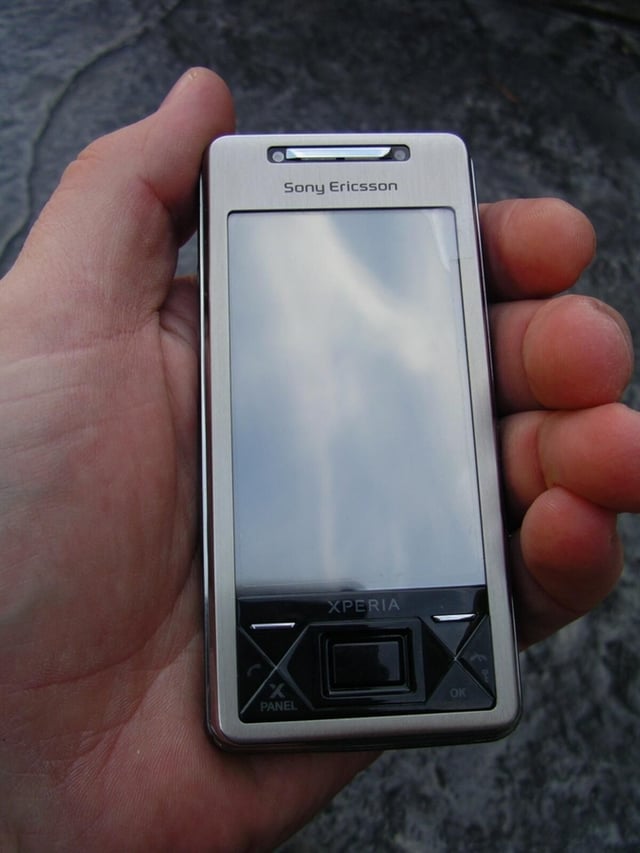
The X1 has good width and feels great in your hand. It isn’t a shirt pocket type device and isn’t intended for that purpose.
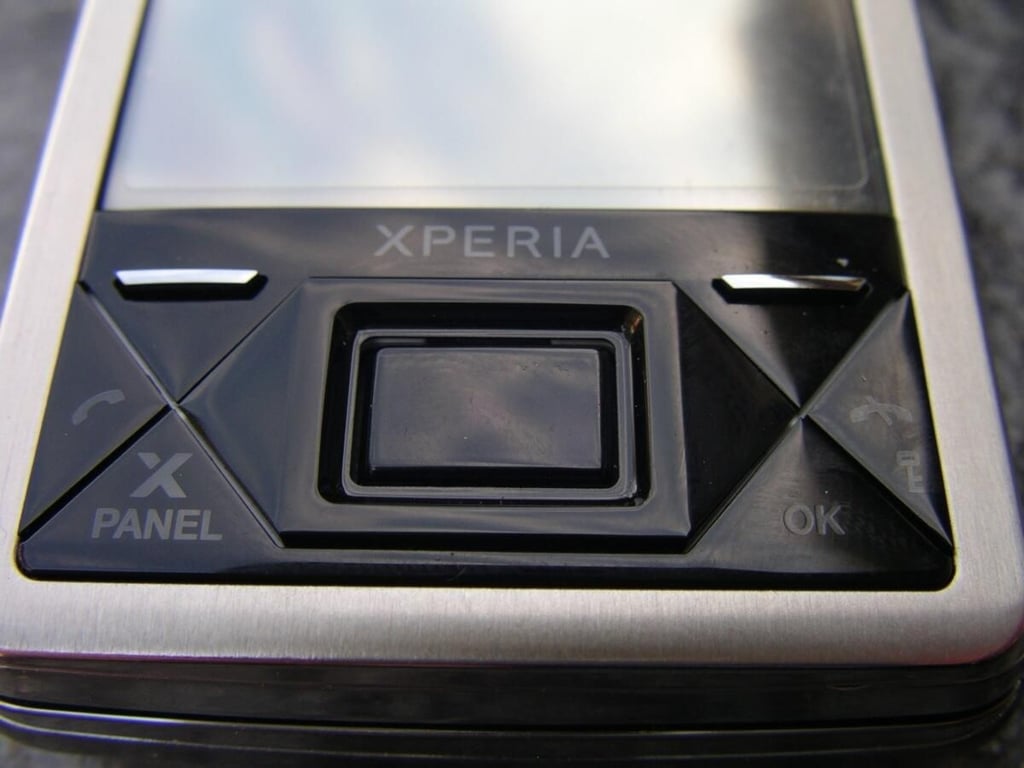
The front hardware buttons on the X1 are a bit unusual and unique. There are left and right soft keys, send and end keys, X Panel and OK keys and an optical center directional pad.
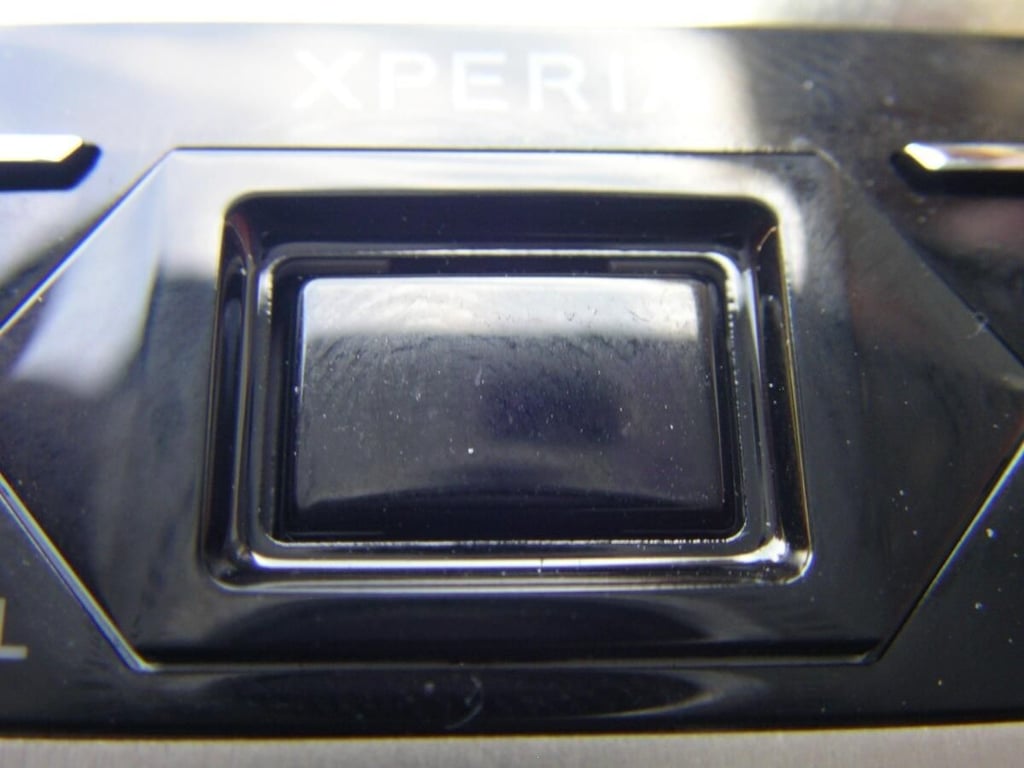
The center pad is unique in that it has the capability for optical usage where you simply slide your finger across the directional pad. You can also simply press on the top, bottom, left, and right like a standard directional pad with the center serving to select items.
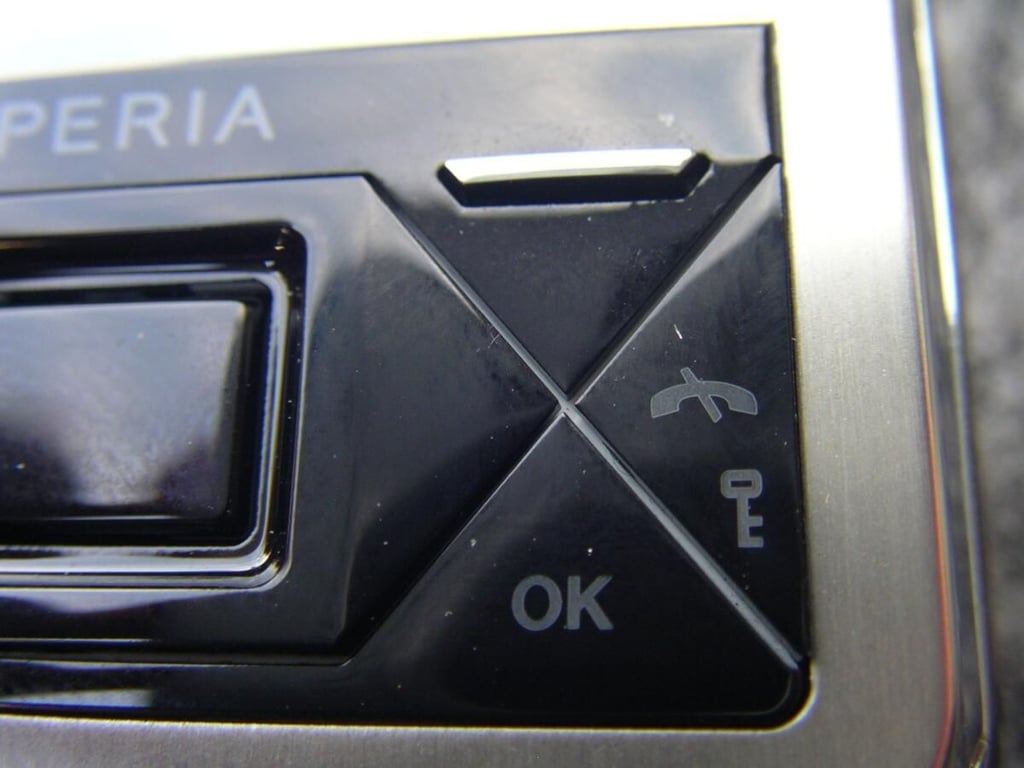
The OK button can also not be changed, but the right soft key can.
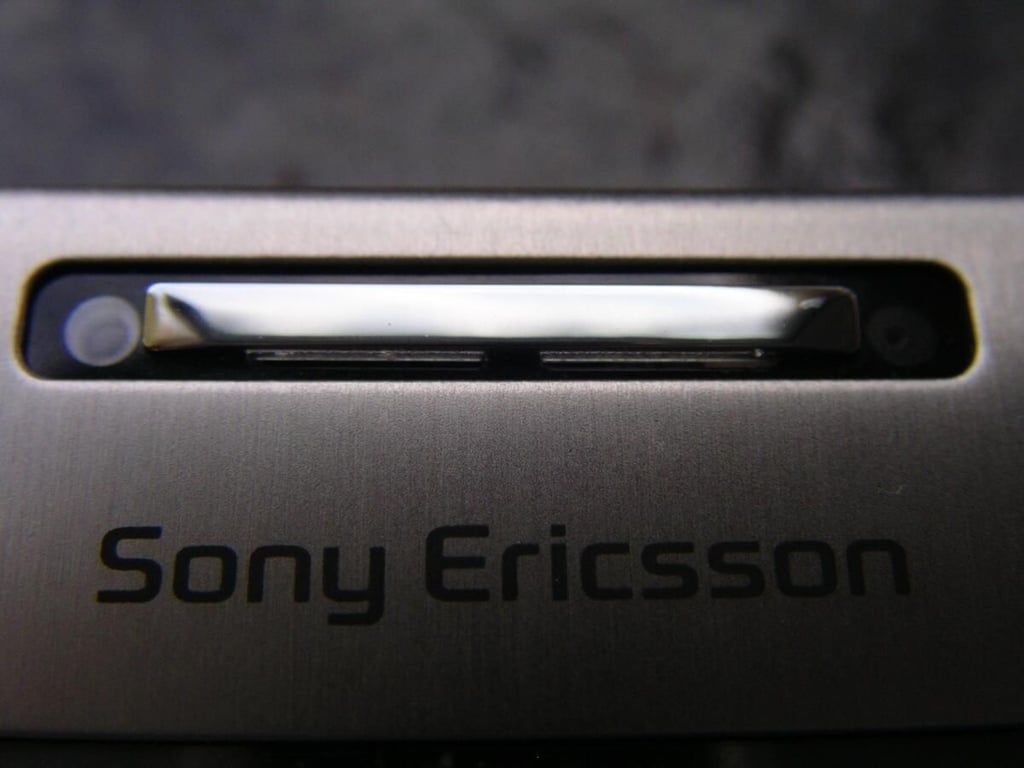
The front facing camera and light sensor are found above the display.
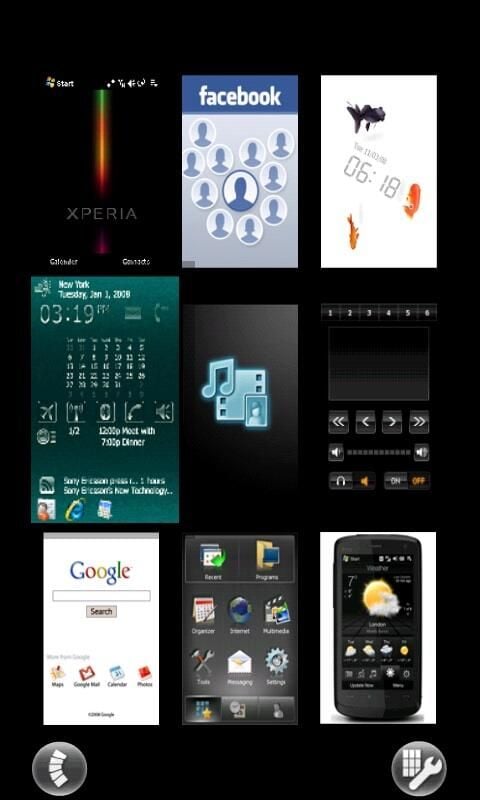
Here you can see I have all nine panel slots filled with different panels.

Your friends appear and tapping on their face/icon shows you their latest status update. You can also access the Facebook mobile application.
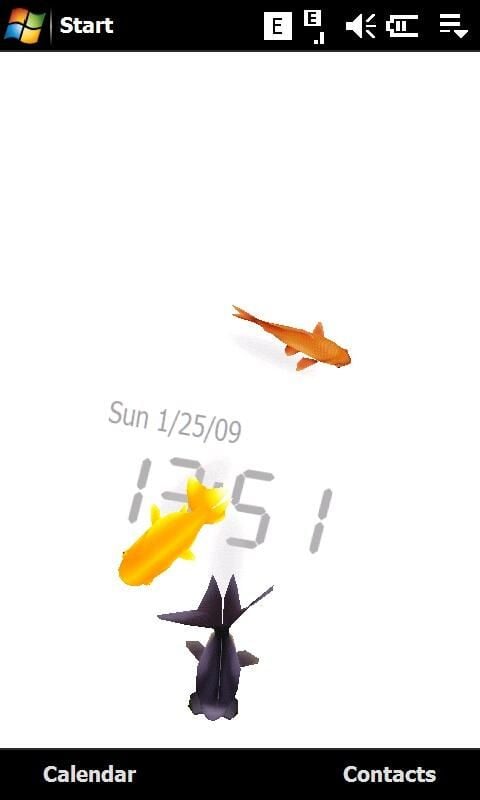
Each fish means something different and you can tap on the display to have them react to your touch.
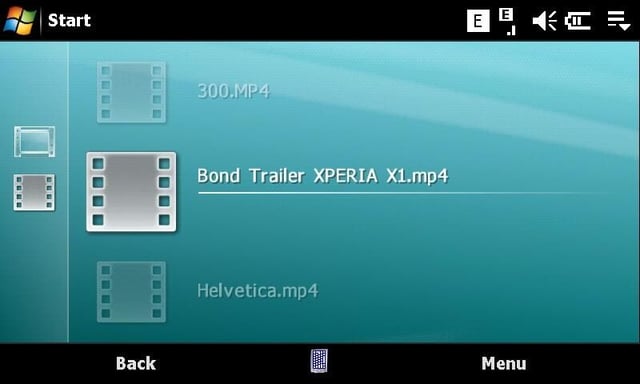
This panel gets its styling directly from the Sony PSP and looks great.
Gallery image 1

Gallery image 2


