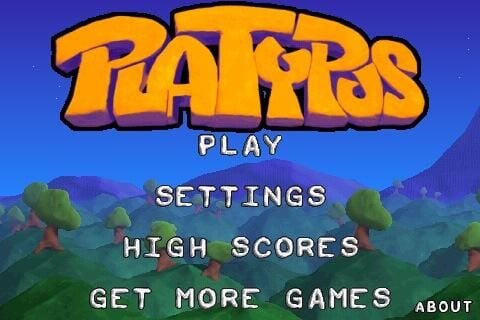
Astraware is a well-known mobile game development company that has had Palm and Windows Mobile games for years. They decided to also expand to the iPhone/iPod touch and are launching games like crazy. I had the chance to play with five of their new games and posted a video and my thoughts on them to go along with this screenshot image gallery. As you can see they have excellent graphics in their games.
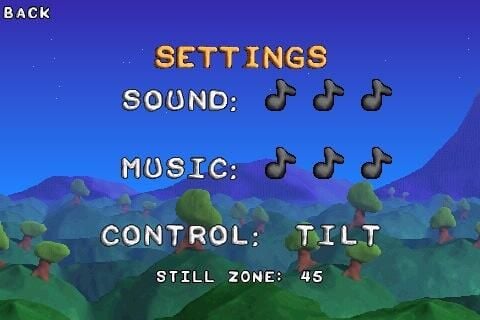
Sound and music can be managed here, along with control methods. You can choose to use touch or the iPhone accelerometer for flying your ship.
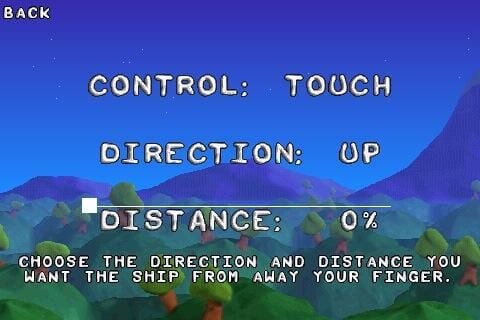
There are some details to specify when setting up the controls.
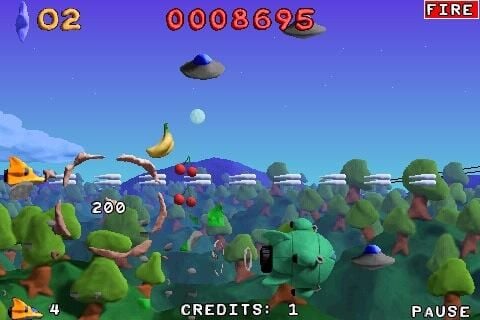
The graphics are designed to simulate a world of modeling clay.
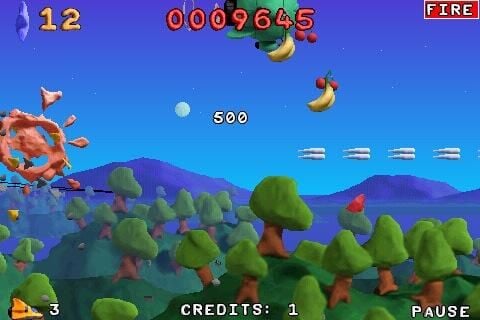
Your gun fires continuously as you destroy everything in the sky. Some objects are power-ups too.
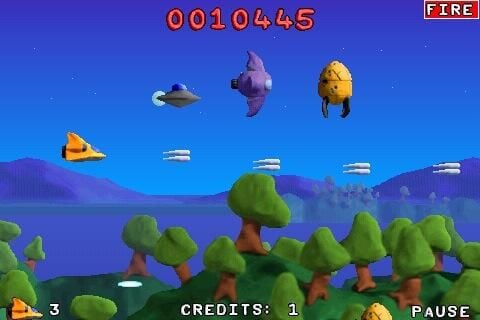
If you run into an enemy you will also be destroyed so be careful how you fly.
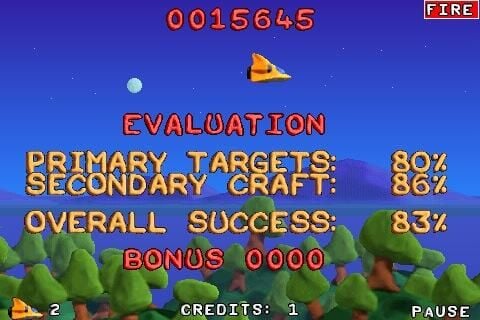
Stats are provided after you complete each level.
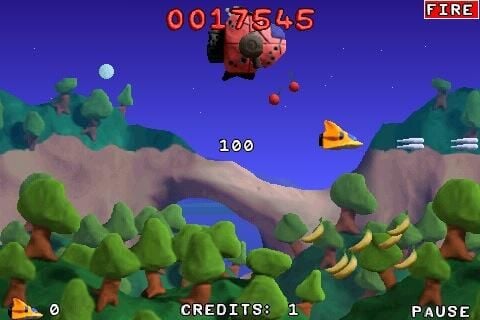
Some targets take multiple shots to destroy.
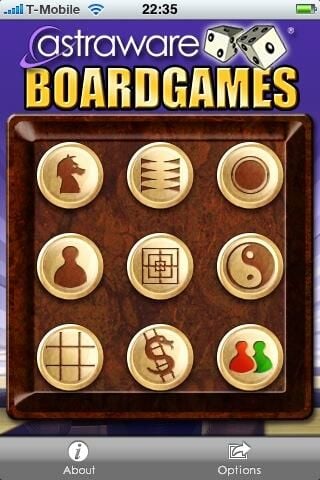
There are 8 games available with one button to manage wireless game play.
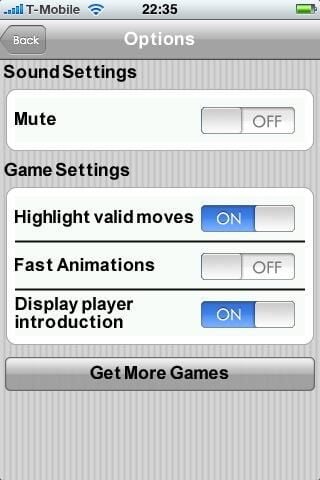
There are some global game settings, as well as game specific settings.
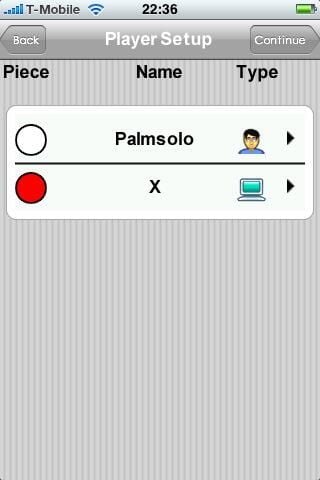
You need to select the players and enter their names to play.
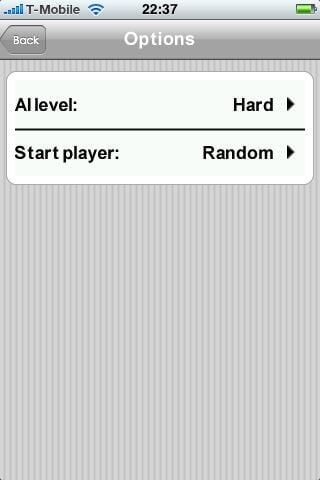
You can manage difficulty levels and who starts the game in some of the games.
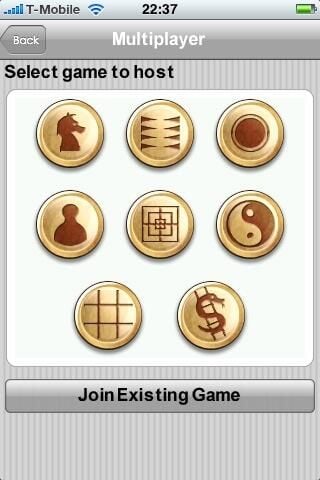
All games can be played over a local WiFi connection. Each player must have the game loaded on their device to play.
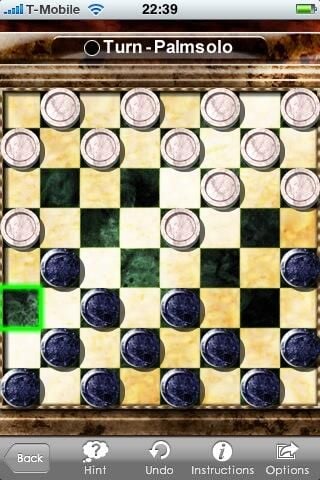
One of my favorite games is now available on the iPhone.
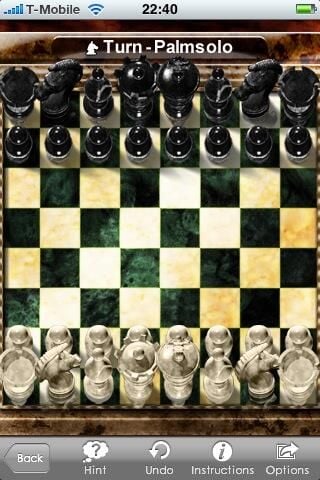
I am not very good at Chess and like electronic versions that can be used to help me move.
Glyph is a very visually appealing game on the iPhone.
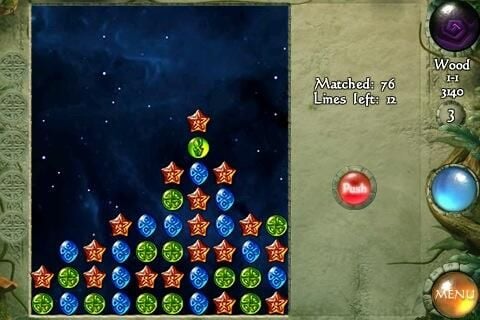
Tips are shown as you start the game. They can be turned off in the Settings.
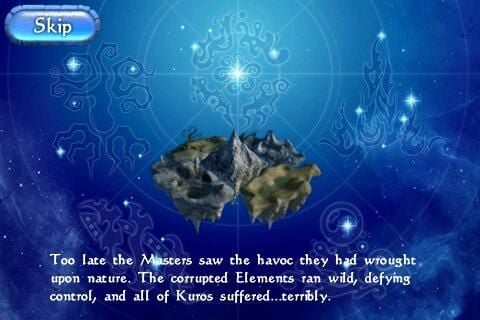
The story behind the game objective is presented.
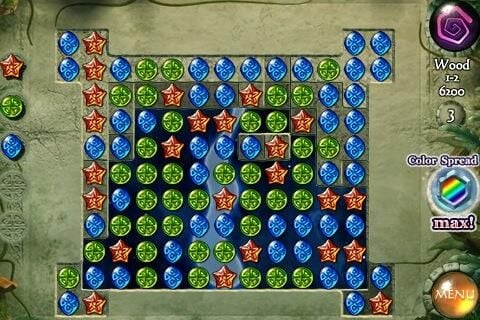
You need to match up crystals and clear the screen to find hidden treasures.
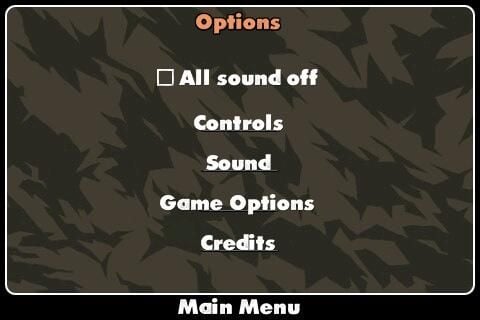
Control, sound, and game options management takes place here.
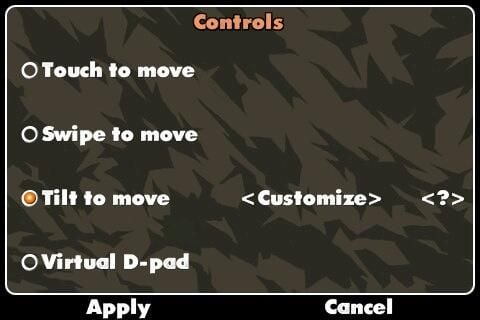
You have four ways to select from for moving your tank around the display.
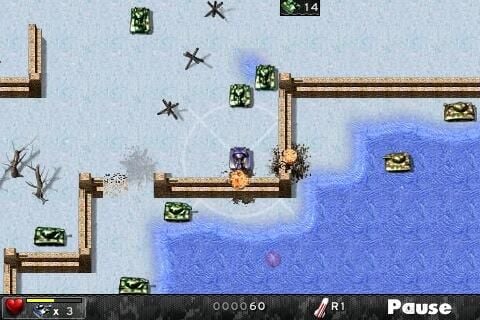
You move around the area and shoot at the enemy tanks to win the game.
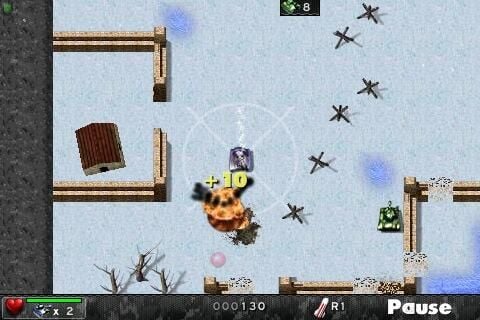
The tank fires automatically, but you have to control movement.
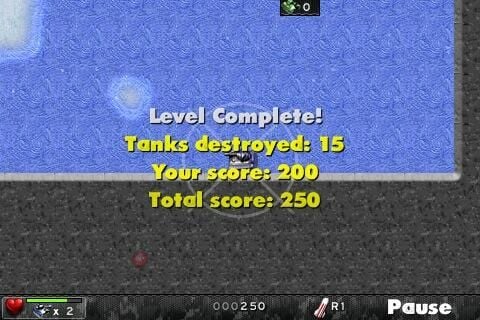
Some basic stats are presented after you complete each level.
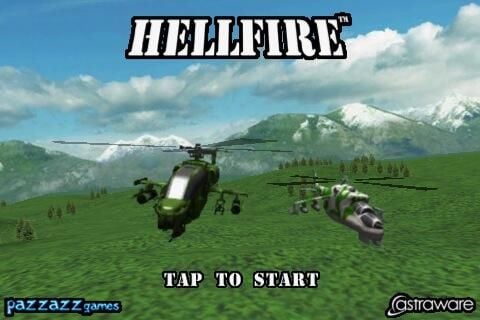
The graphics are as good as shown on the launch screen in Hellfire.
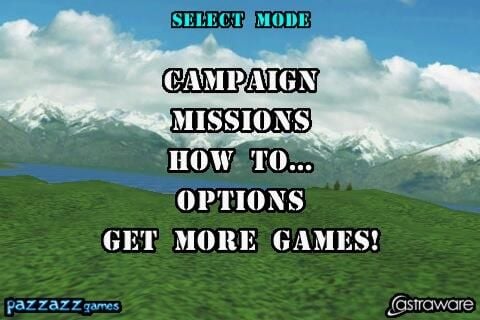
You have different missions and options available to choose from.
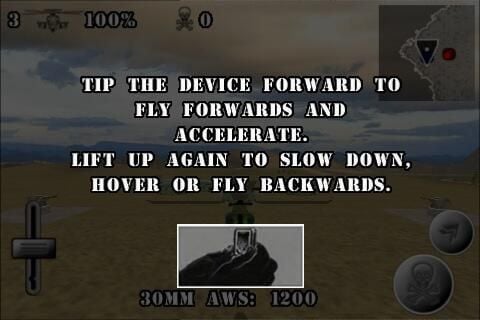
You can quickly learn how to fly in Hellfire with the tutorial.
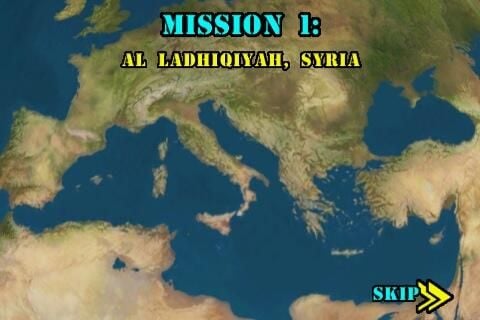
The globe spins and then zooms in on your assigned mission to start the game.
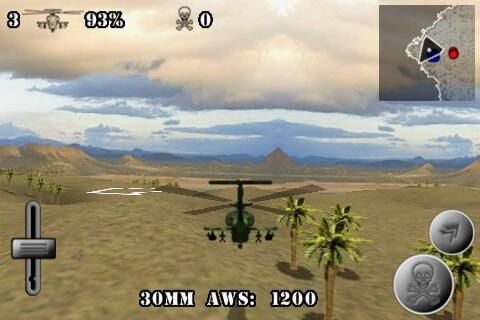
There is a lot going on in Hellfire and you have to use the proper controls to destroy the enemy.
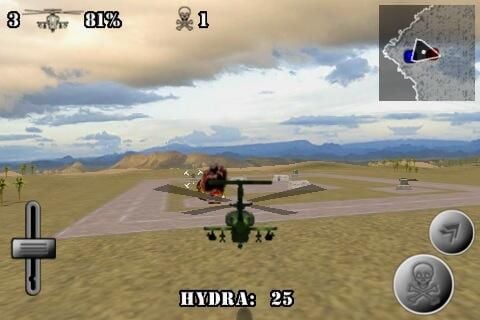
Building blow up and the sound effects are fun in Hellfire. Don’t forget to land and rescue those POWs.

Image gallery 1
Image gallery 2


