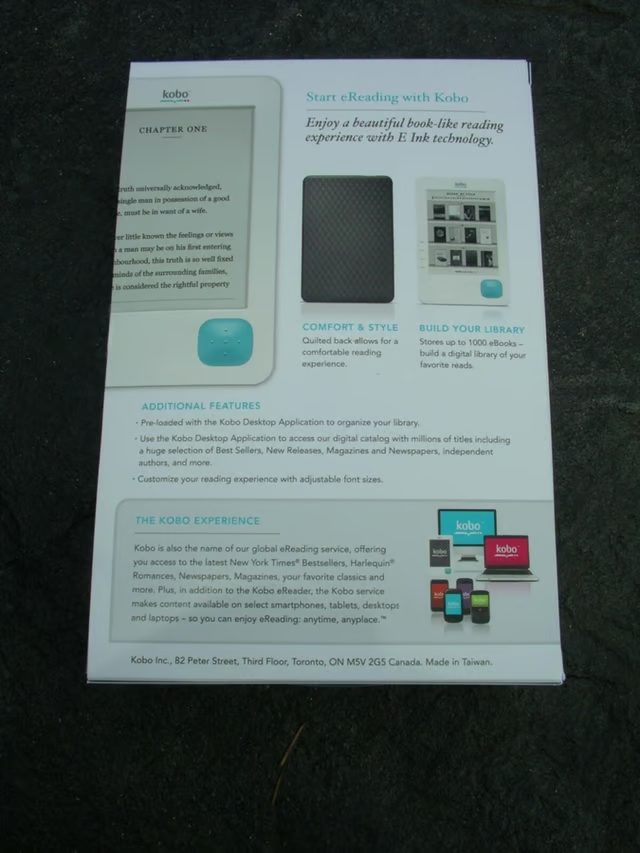
The back of the retail box shows you several details on the Kobo eReader.
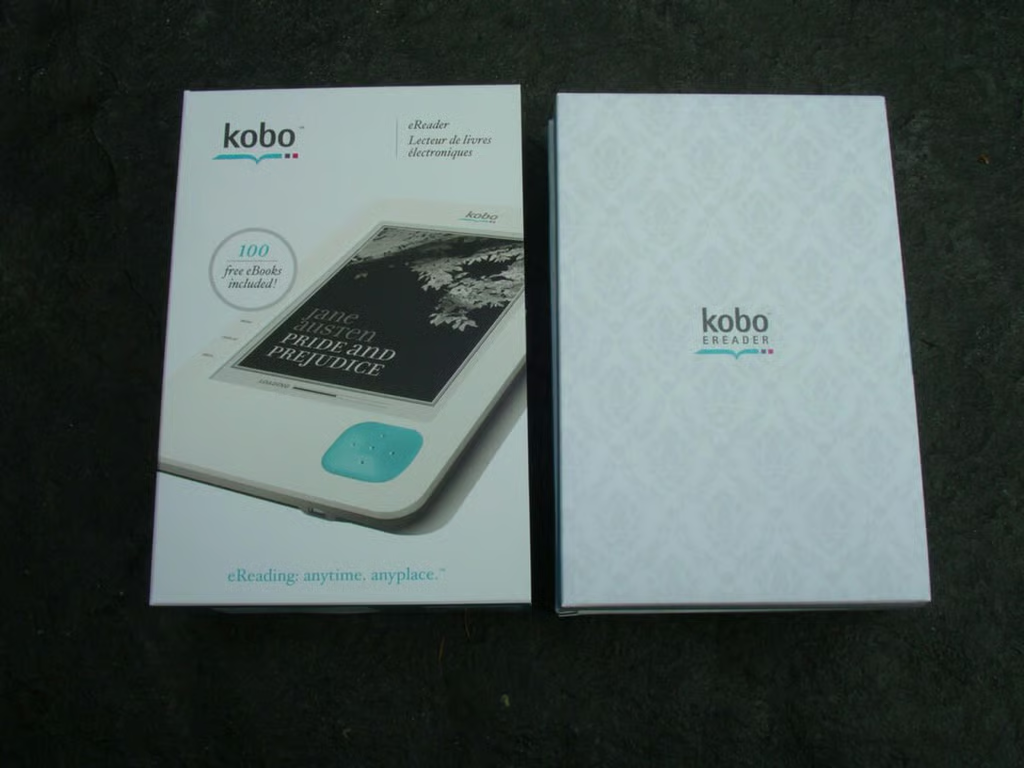
The retail package contains two pieces, an outer sleeve and the inner box.
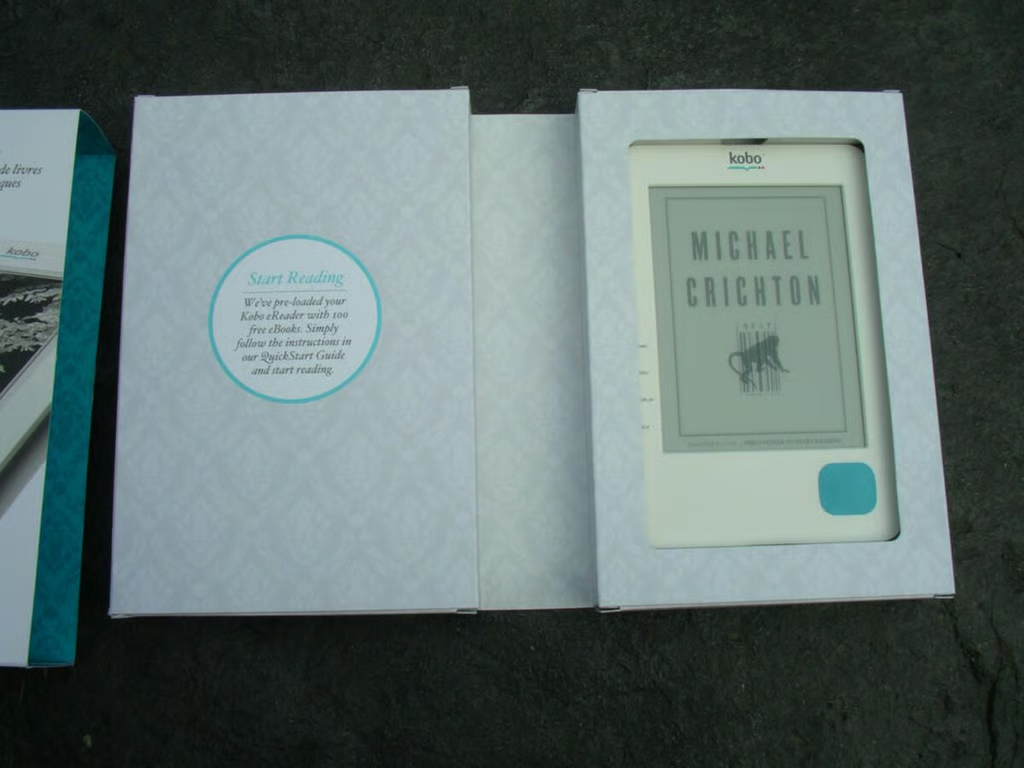
The Kobo eReader is located on the right side behind a frame. Inside the left side are you will find a Quick Start Guide and miniUSB to USB cable used for transferring ebook content and charging up the device.
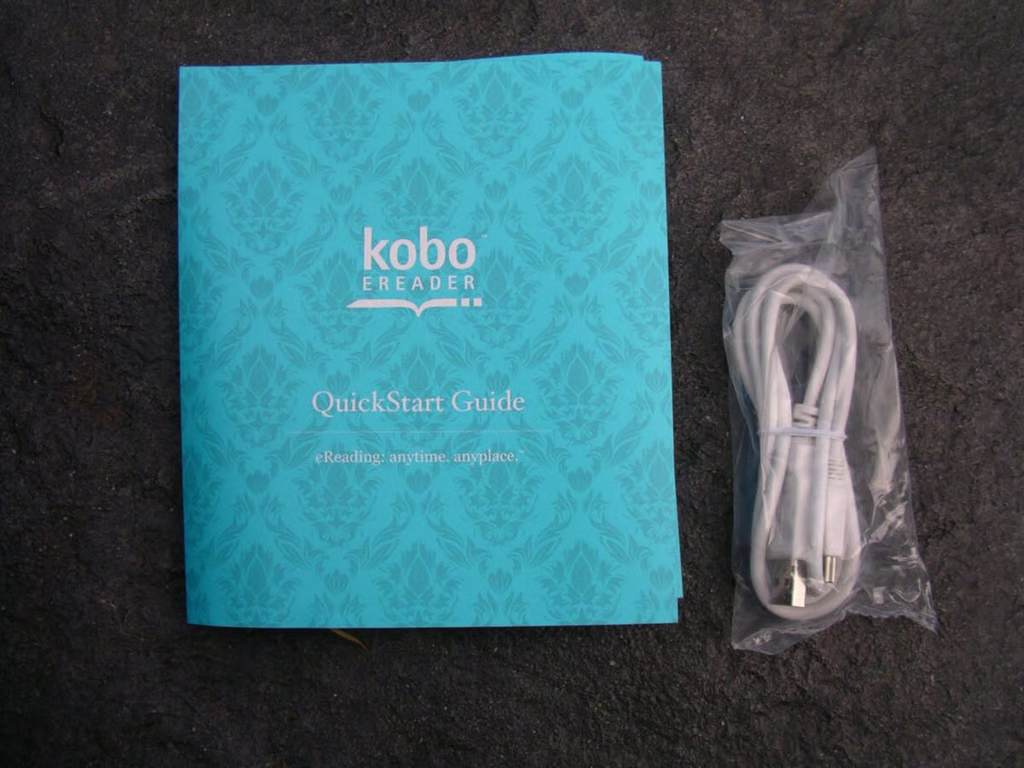
These are the only two things found in the retail box with the Kobo eReader.
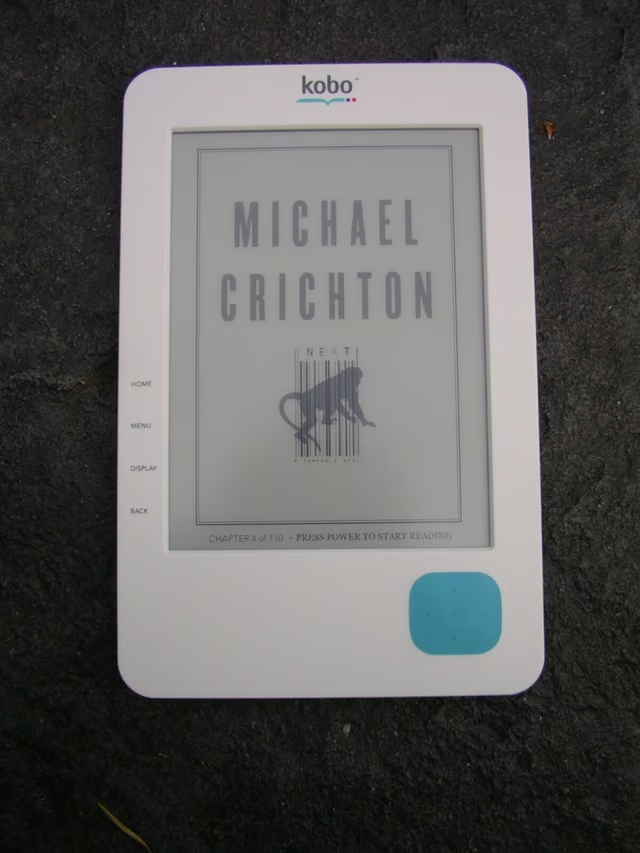
I like the way that the Kobo shows you the book cover for the title you were last reading when the device went into standby mode.
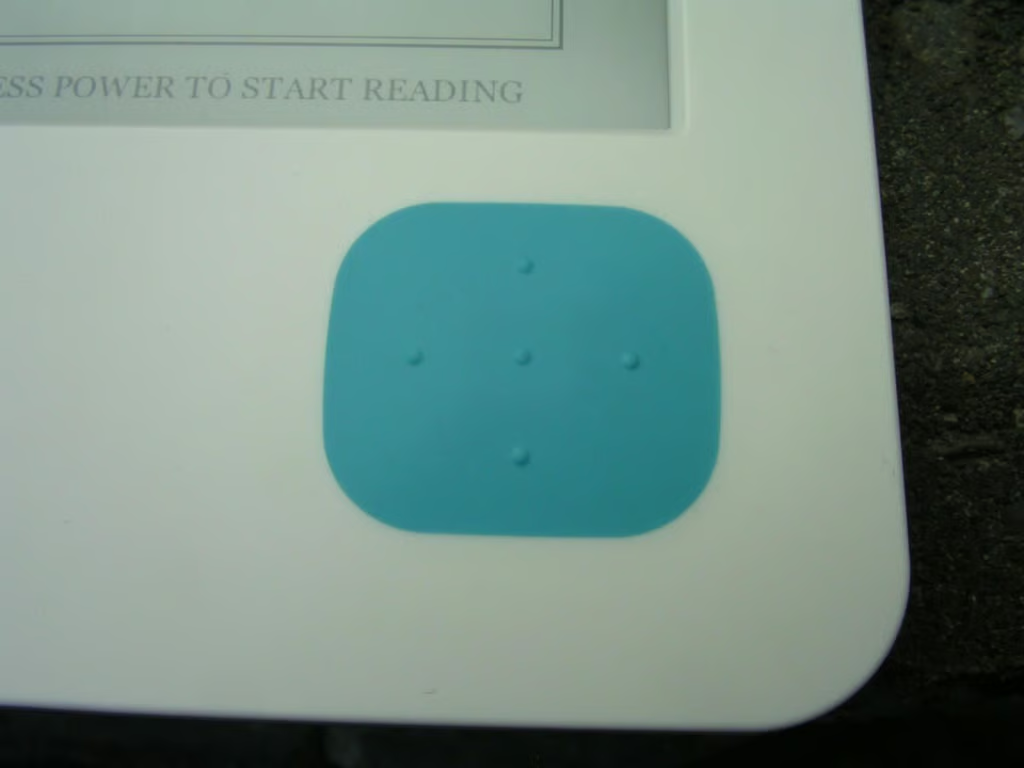
To turn pages and navigate through menus you use the rubber covered navigation pad found on the lower right side of the Kobo eReader.
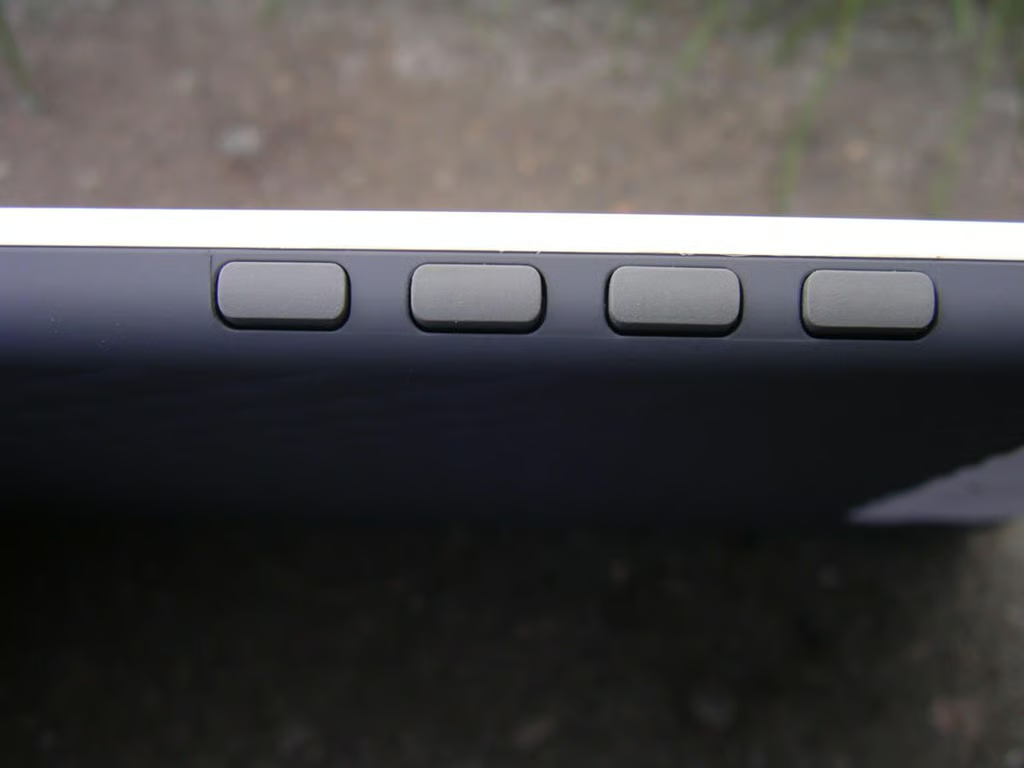
There are four hardware buttons located on the left side of the Kobo. The buttons have rubber covering so they have great feel to them.
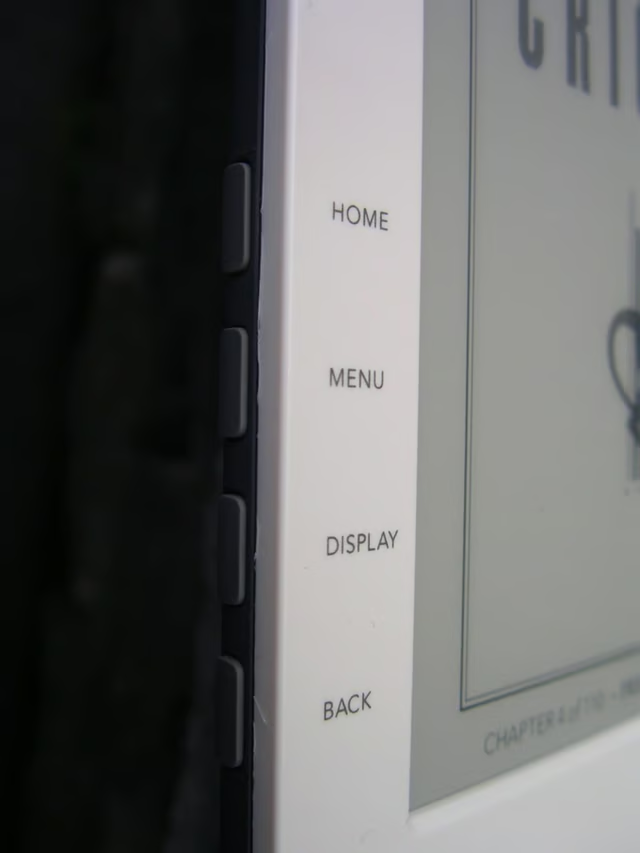
The names for each hardware button are found on the left side of the front and include Home, Menu, Display, and Back.
The colorful Kobo logo is placed along the center top of the eReader.
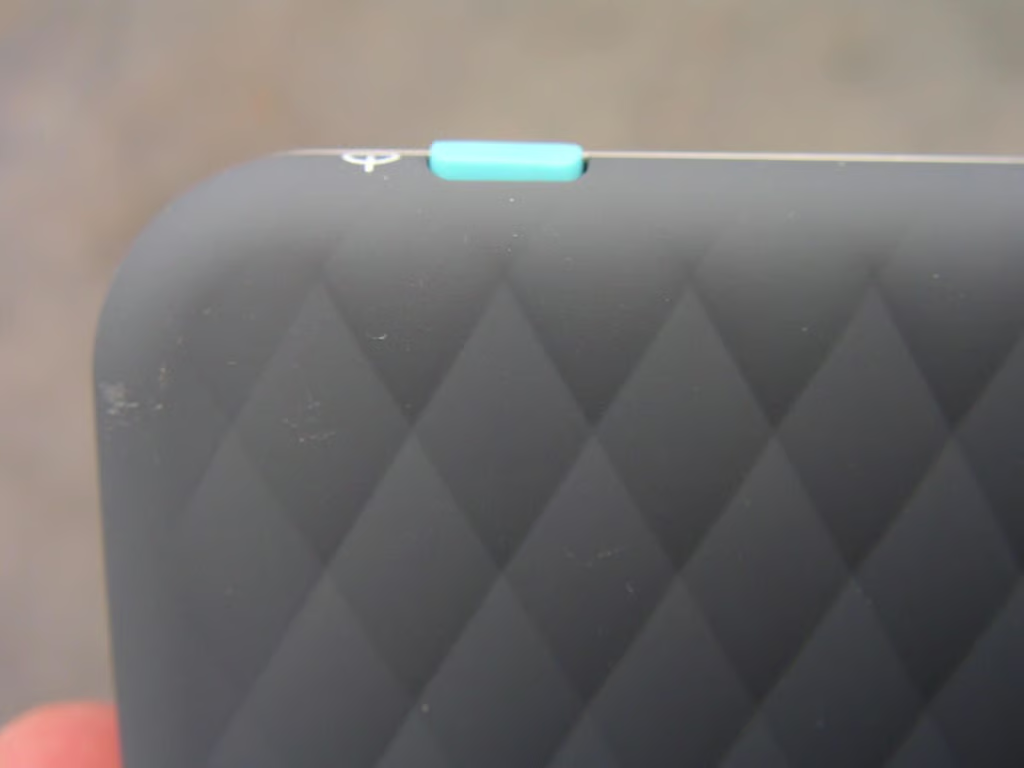
This close up shot better shows off the patterned back of the Kobo eReader.
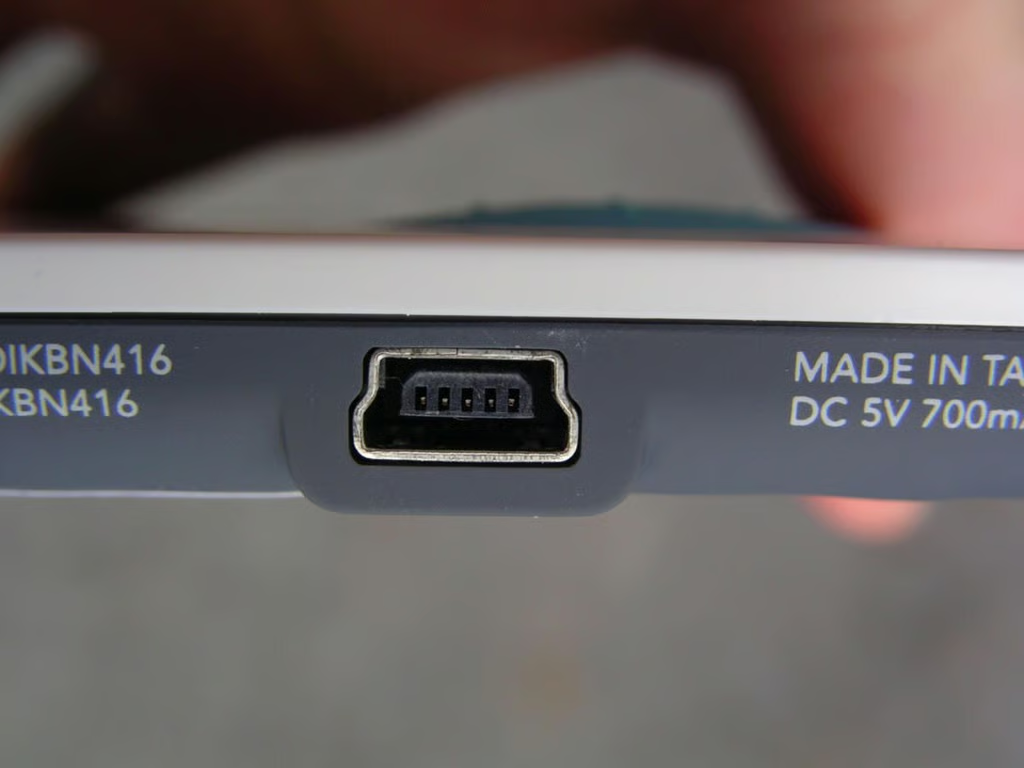
The miniUSB port is used to transfer ebook content and charge up the Kobo eReader.
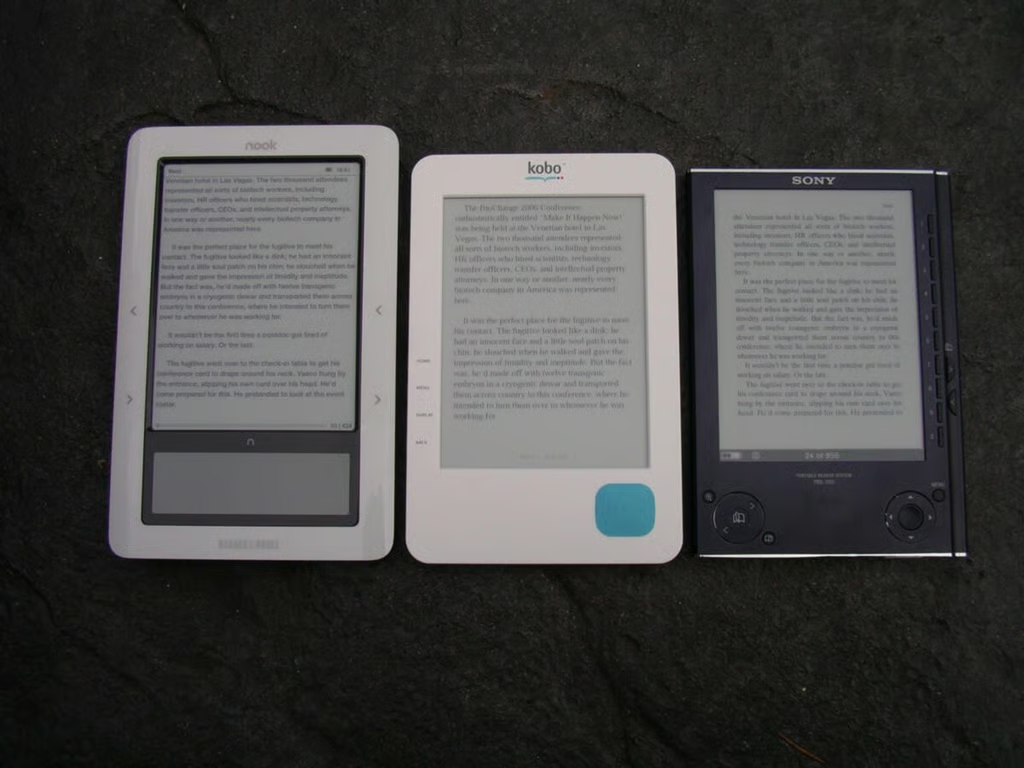
Here you can see the Kobo stacked up against two ebook readers that I personally own, the Nook and Sony Reader.
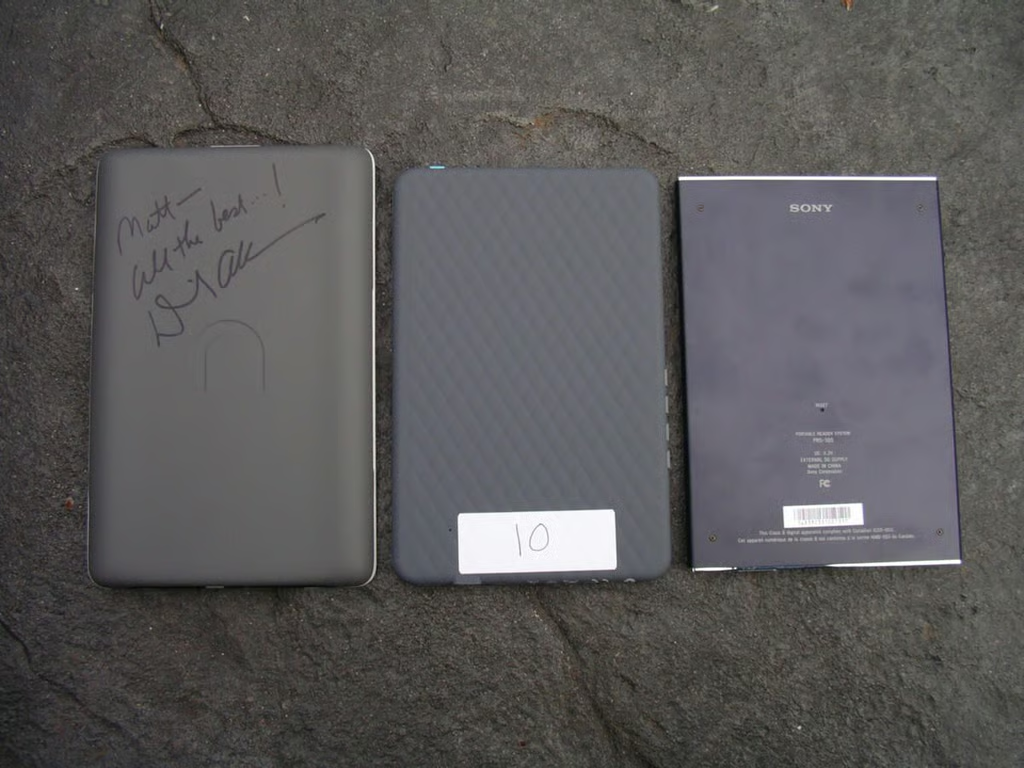
The Nook is close to the size of the Kobo with the Sony Reader being the most compact.
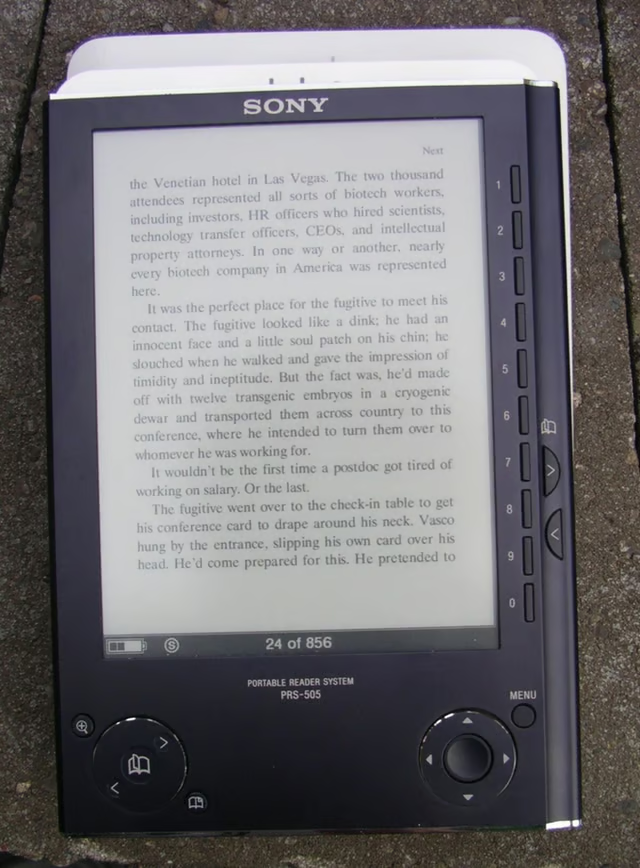
Another comparison view of the ebook devices.
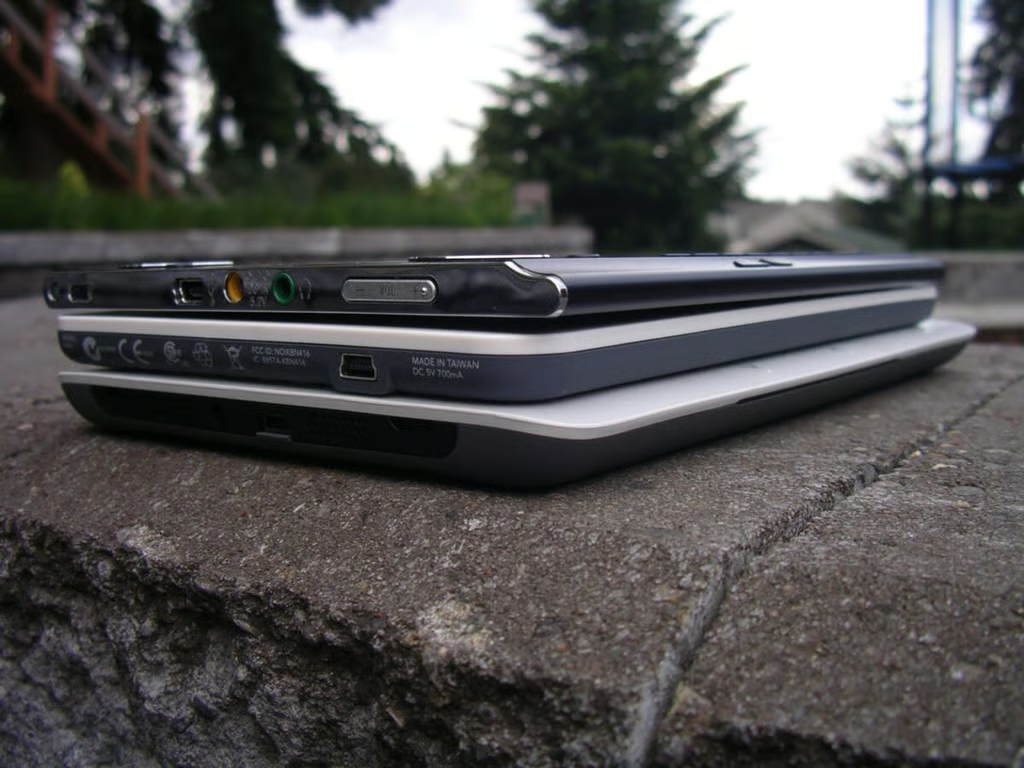
The Kobo is found in the middle of these three ebook readers.
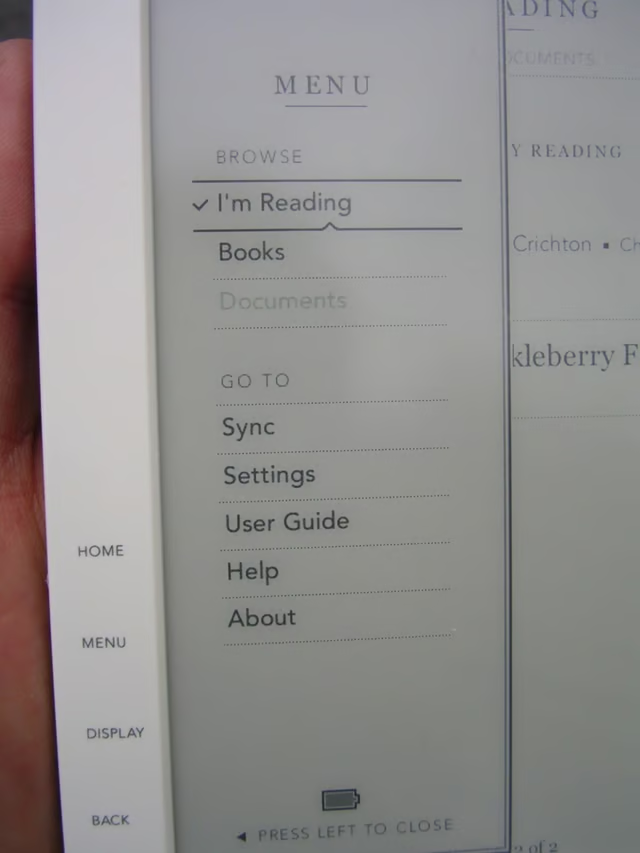
When you press the Menu button this is what you see when you are on the Home screen.
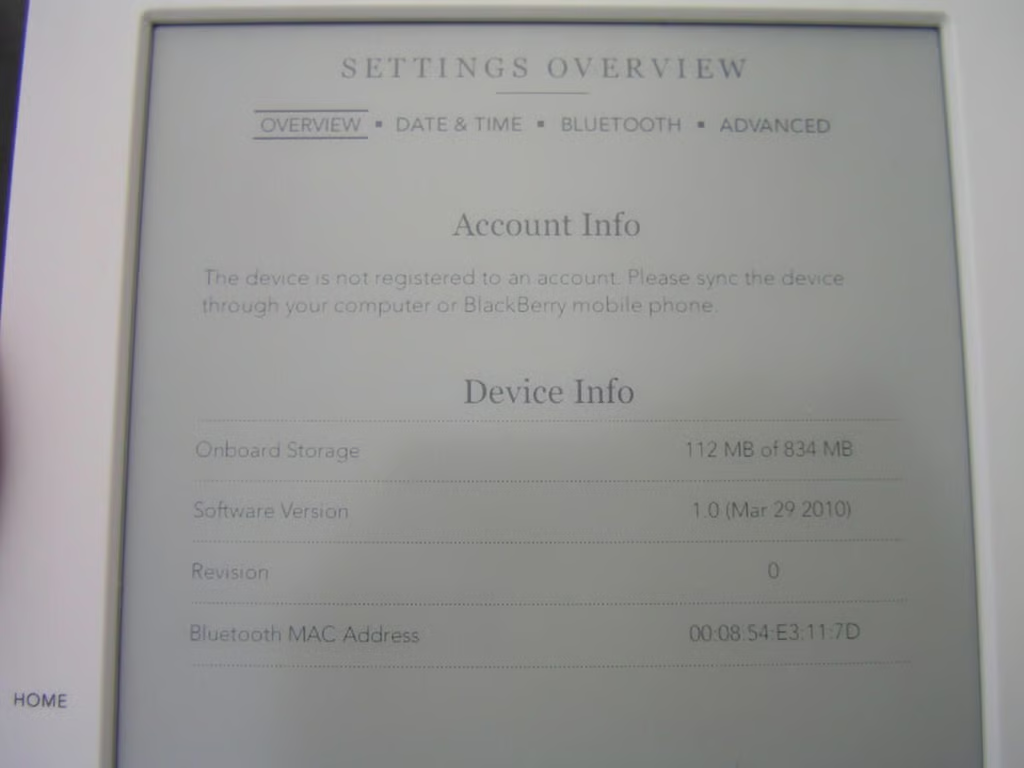
I think you can tell here that the system fonts are quite light and small in some of these screens. Thankfully, fonts look great when you are actually reading ebooks.
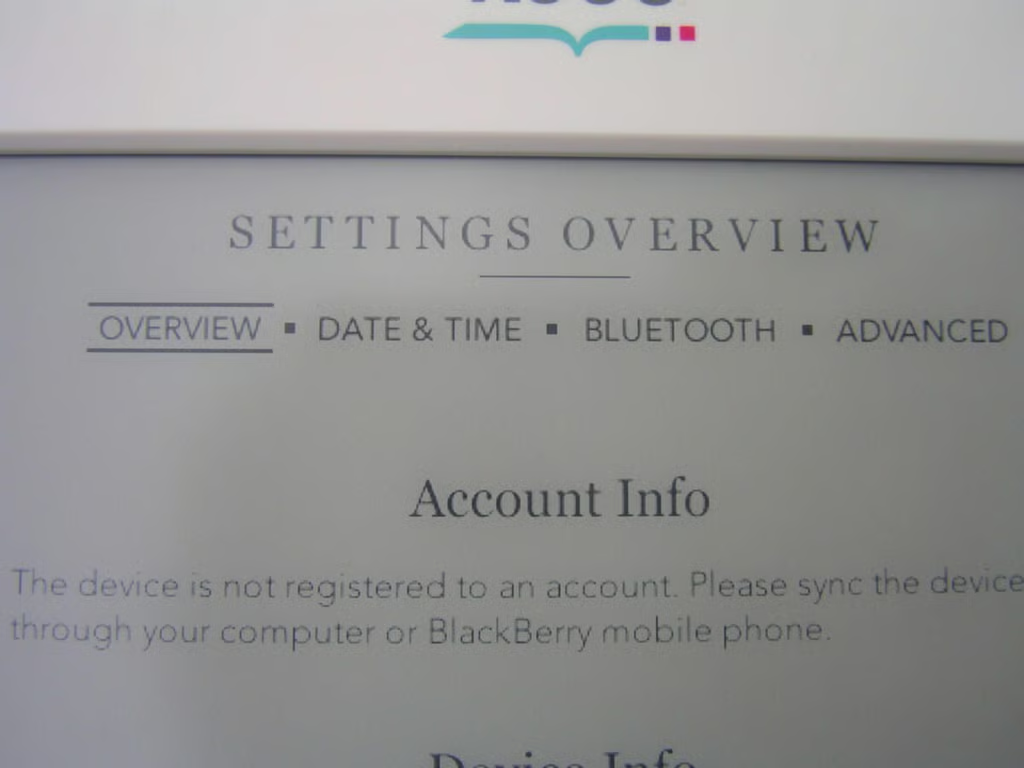
There are four available screens within settings to help you manage your eReader.
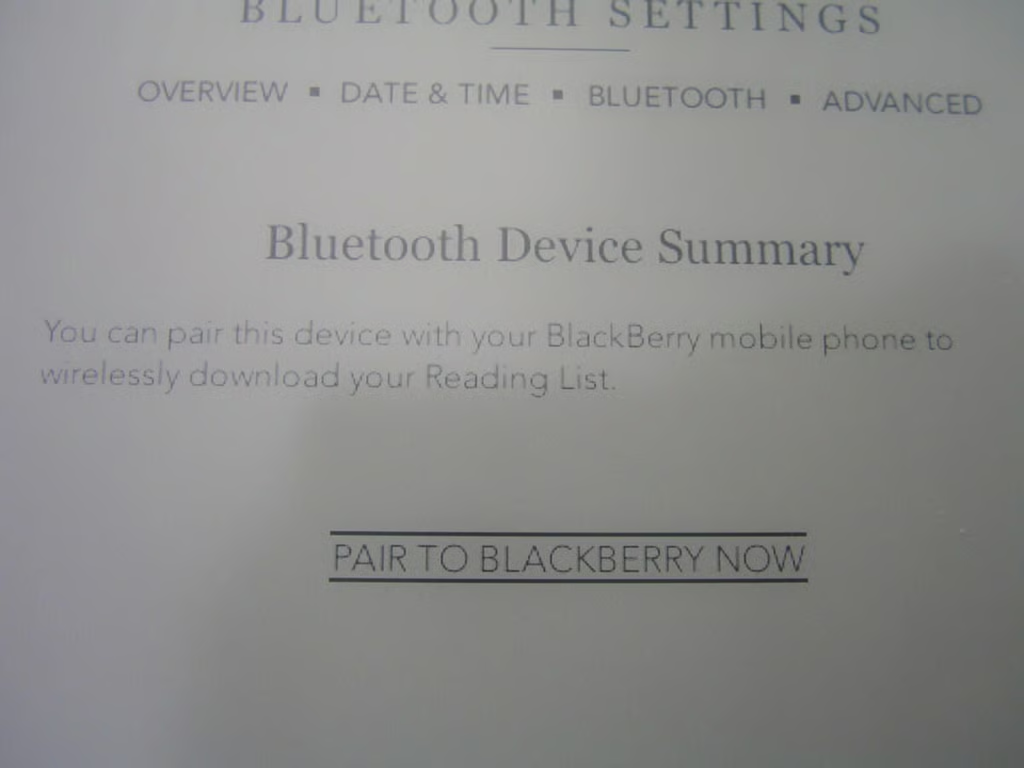
You can transfer content to your Kobo eReader via Bluetooth with your supported BlackBerry smartphone.

If you select an action and there are delays in loading, then random quotes will appear on the Kobo eReader.
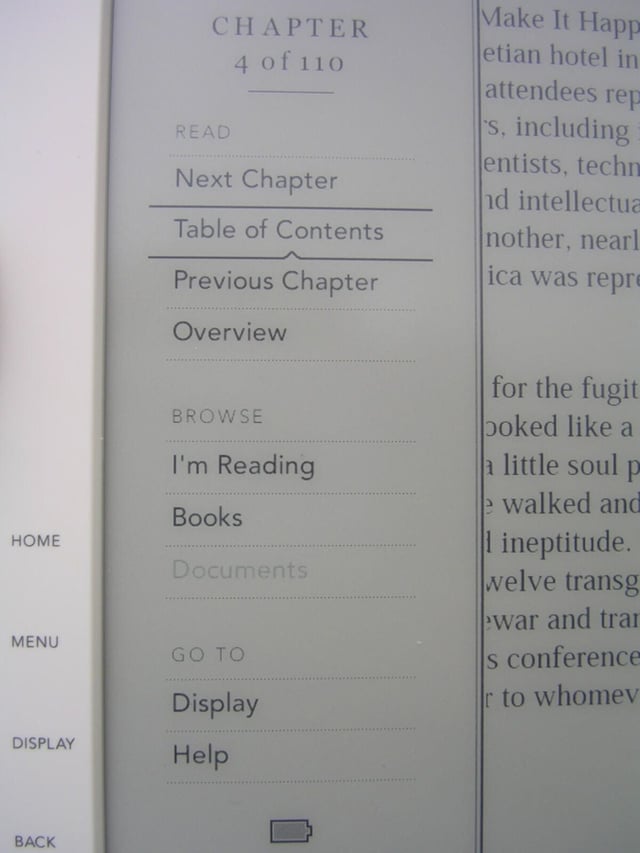
As you can see here, the menu options change when you are reading an ebook.
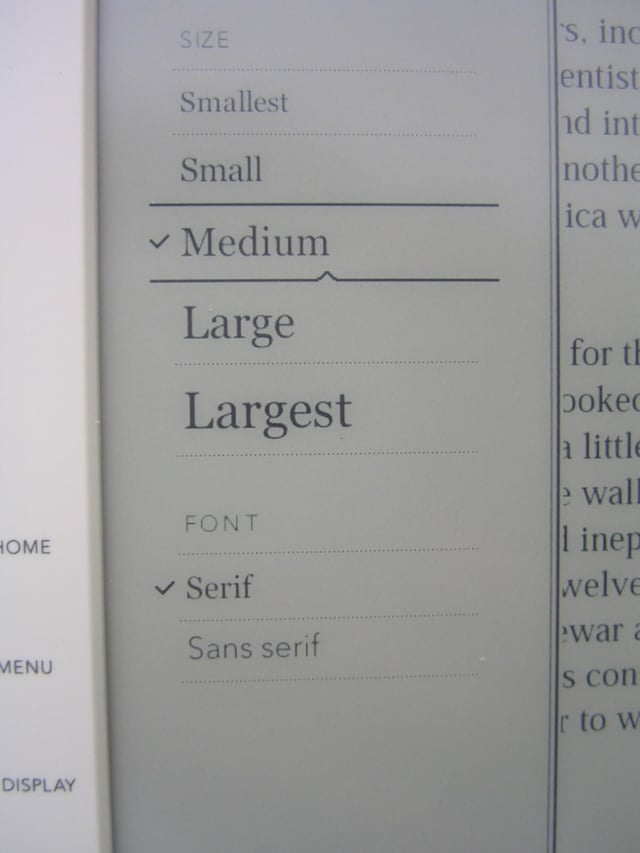
There are five sizes of fonts in two different styles loaded on the Kobo eReader.
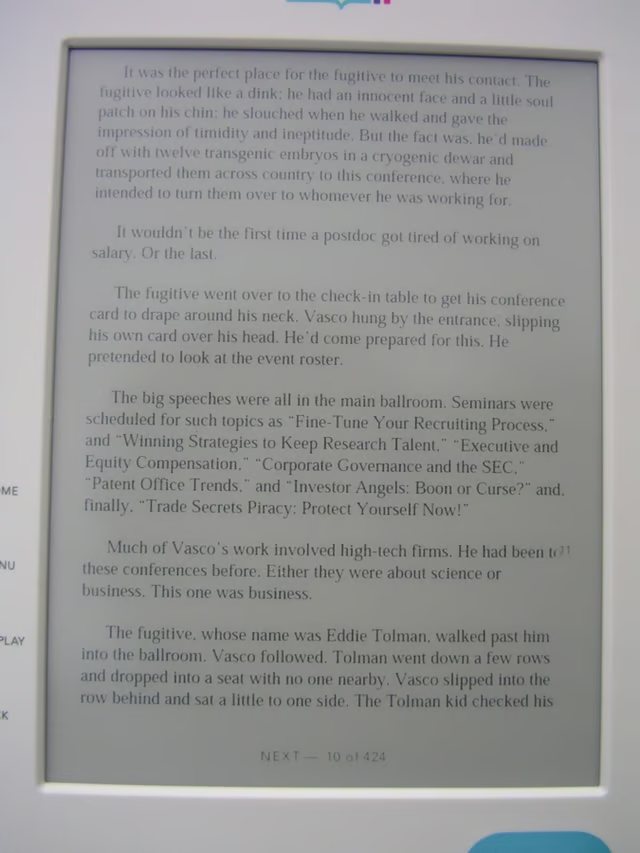
This is a typical ebook with the smallest font selected.
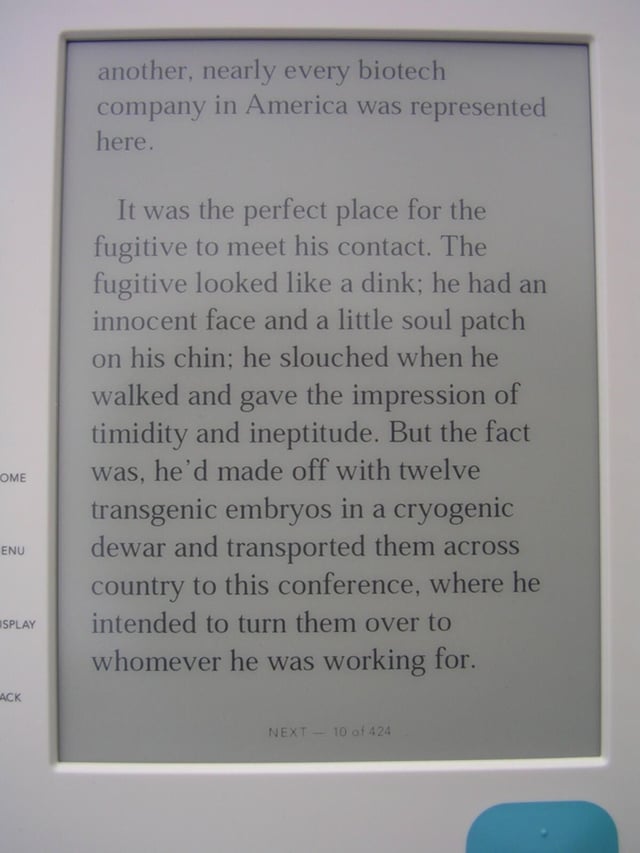
To compare, here is the largest available font on the Kobo. Reading is excellent with either font and everything is crisp and clear.

Thumbnail 1
Thumbnail 2


