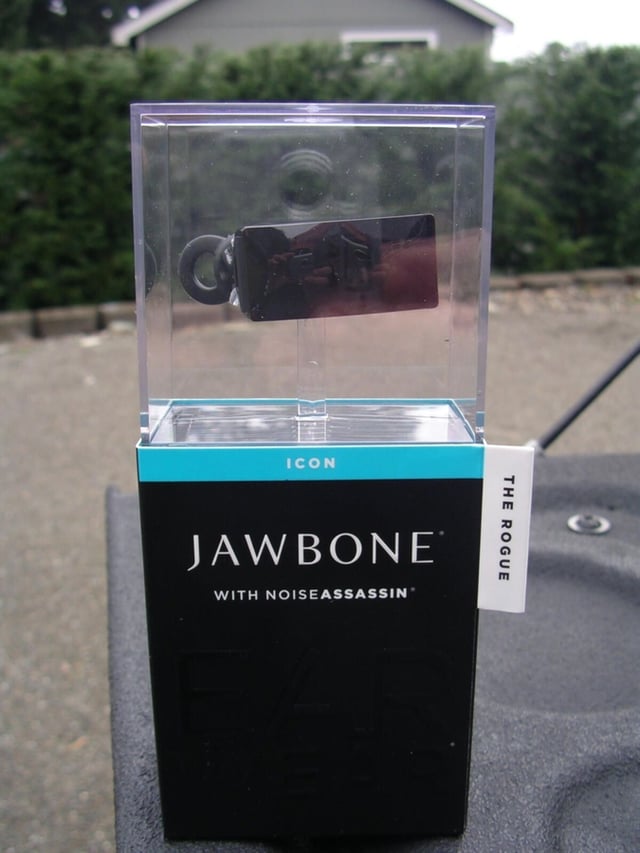
Aliph released their latest Jawbone headset, the ICON, that builds on their Bluetooth voice technology with a software platform for customization and personalization. The ICON comes in six different personalities to fit your style. The MSRP is $30 less than previous models and packaging is 100% recyclable. The headset is comfortable for hours of use and sound quality is excellent.
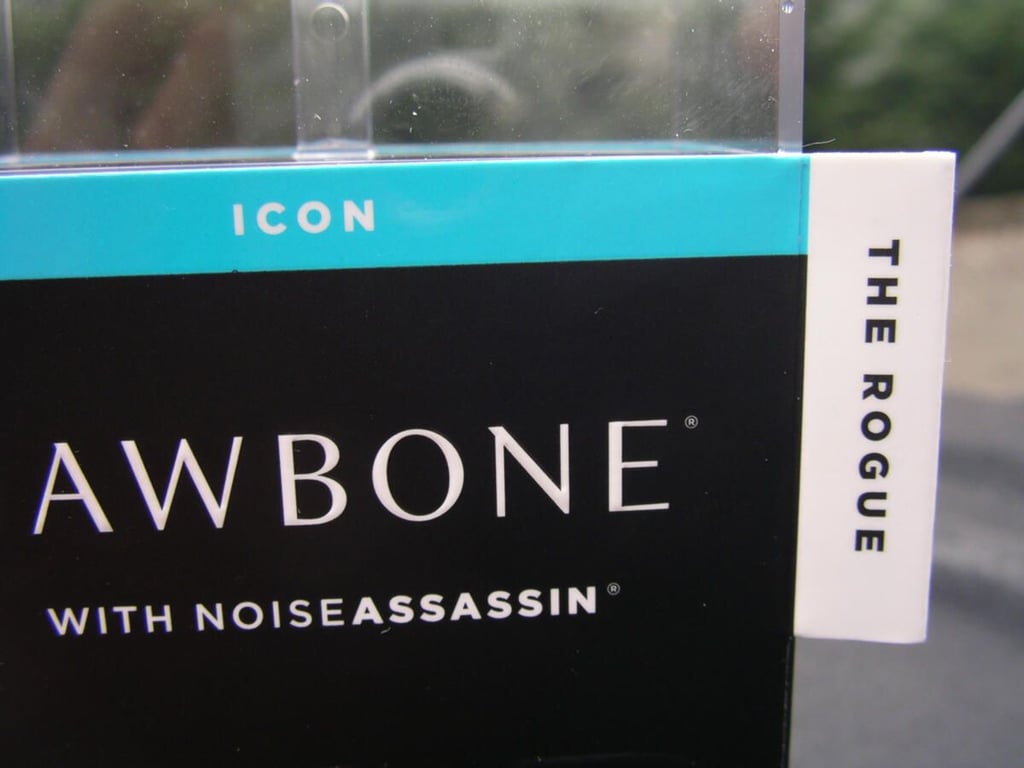
There are six different personalities in the Jawbone ICON lineup and The Rogue was sent to me for evaluation.
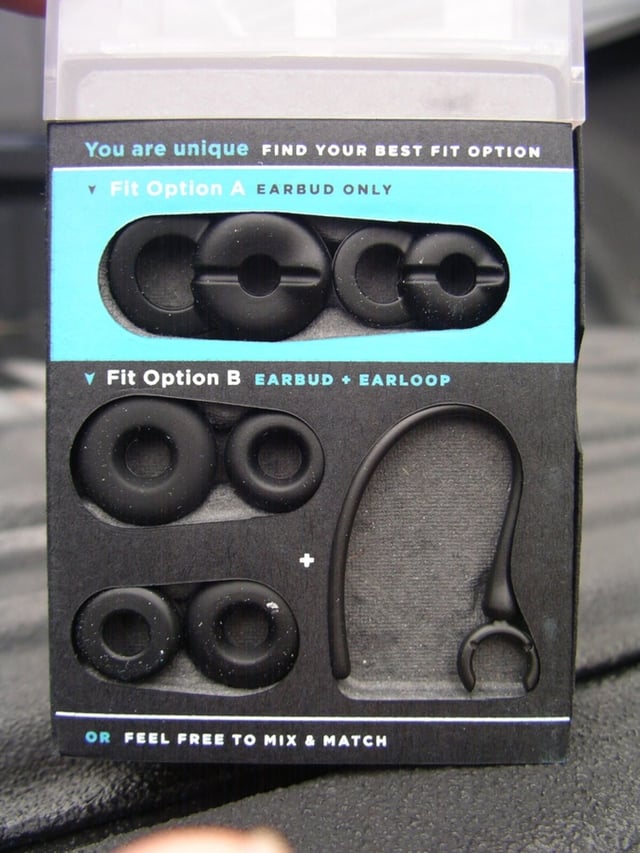
You have several different earbud sizes and a single loop to fit your ear.
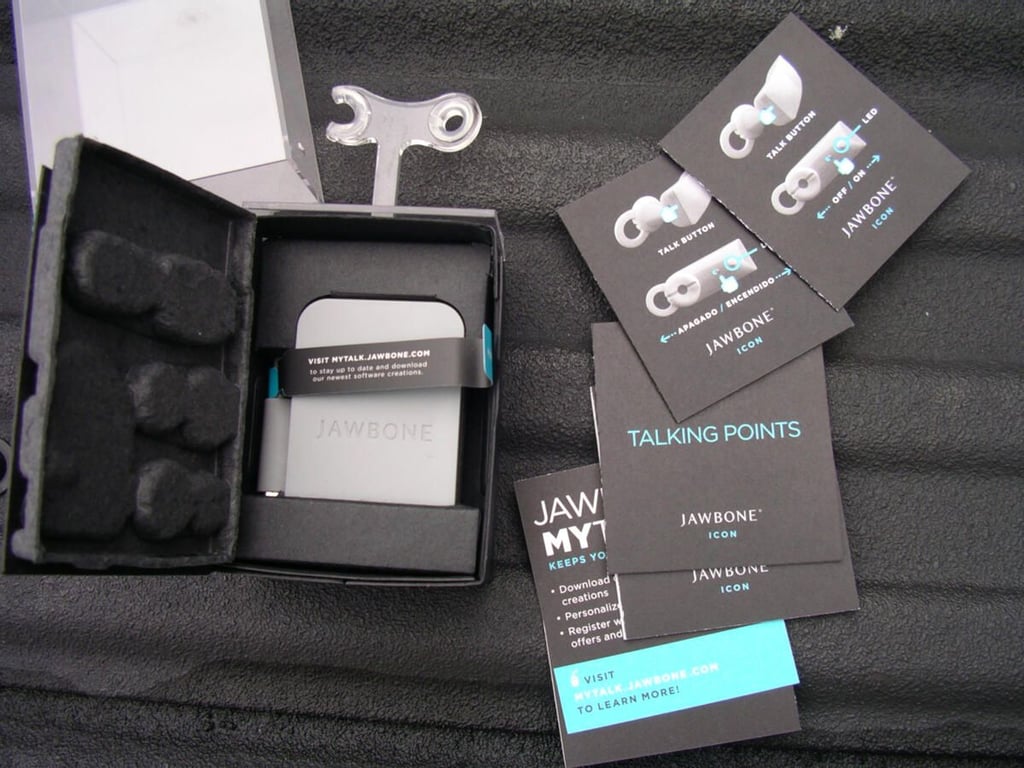
A USB cable and A/C adapter is included with materials for understanding your headset.
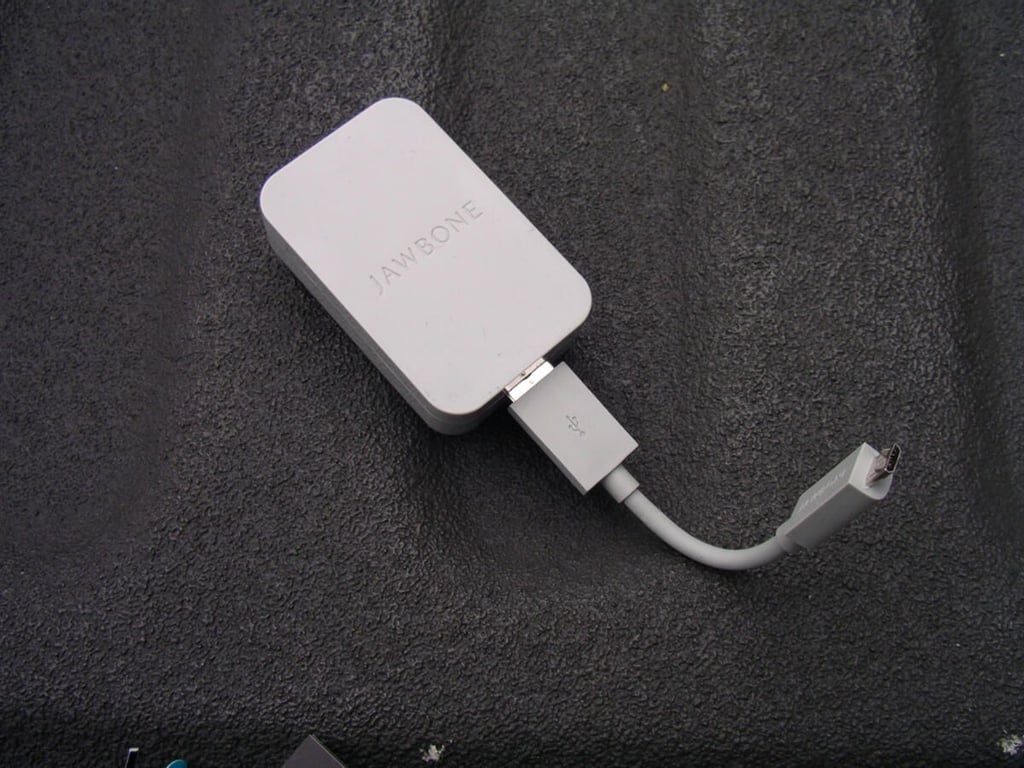
Here you can see the short USB cable that can be formed to point up when plugged into the wall or a computer.
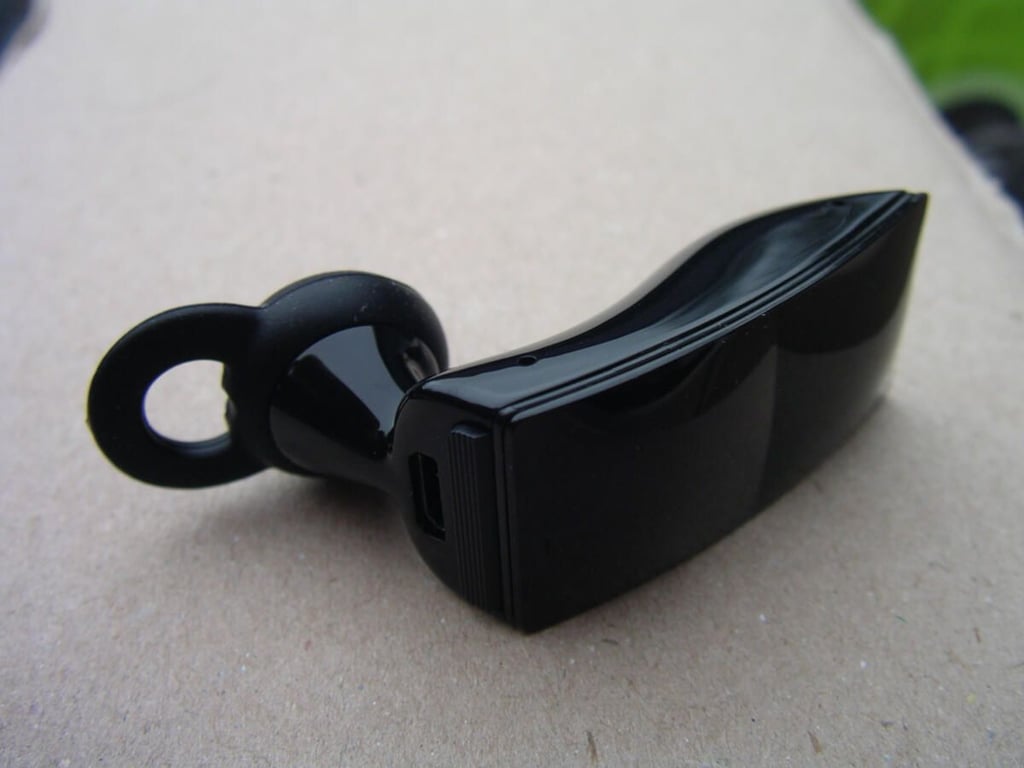
Here is a view of the headset with a stand-alone earbud in place.
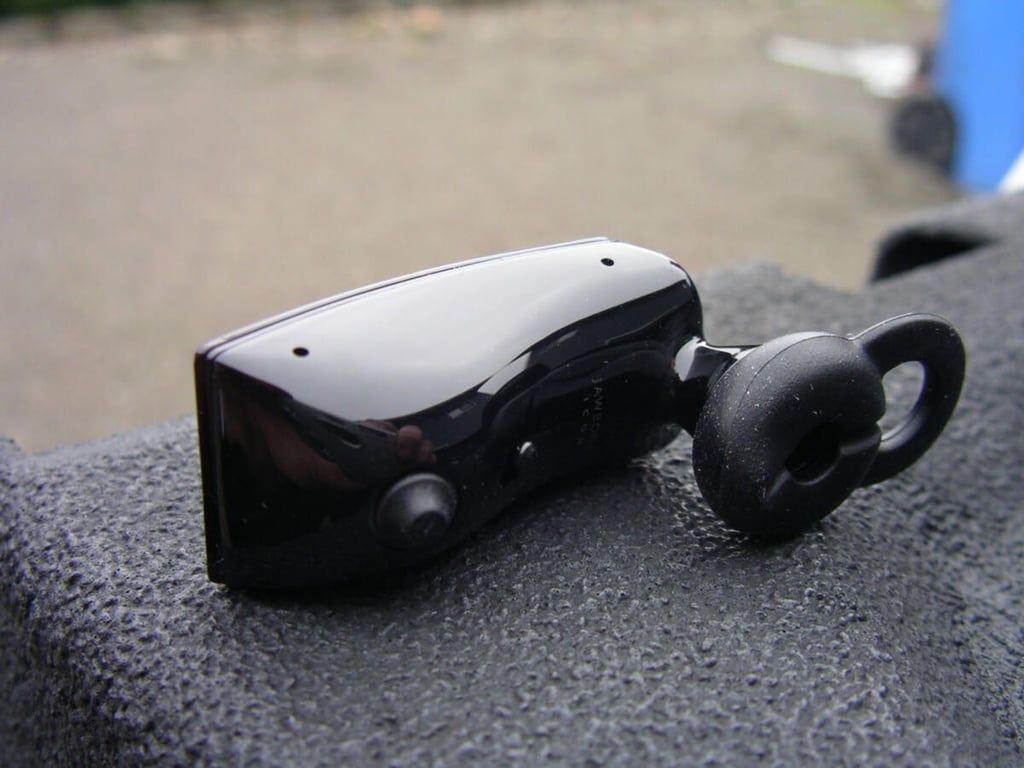
A view of the back.
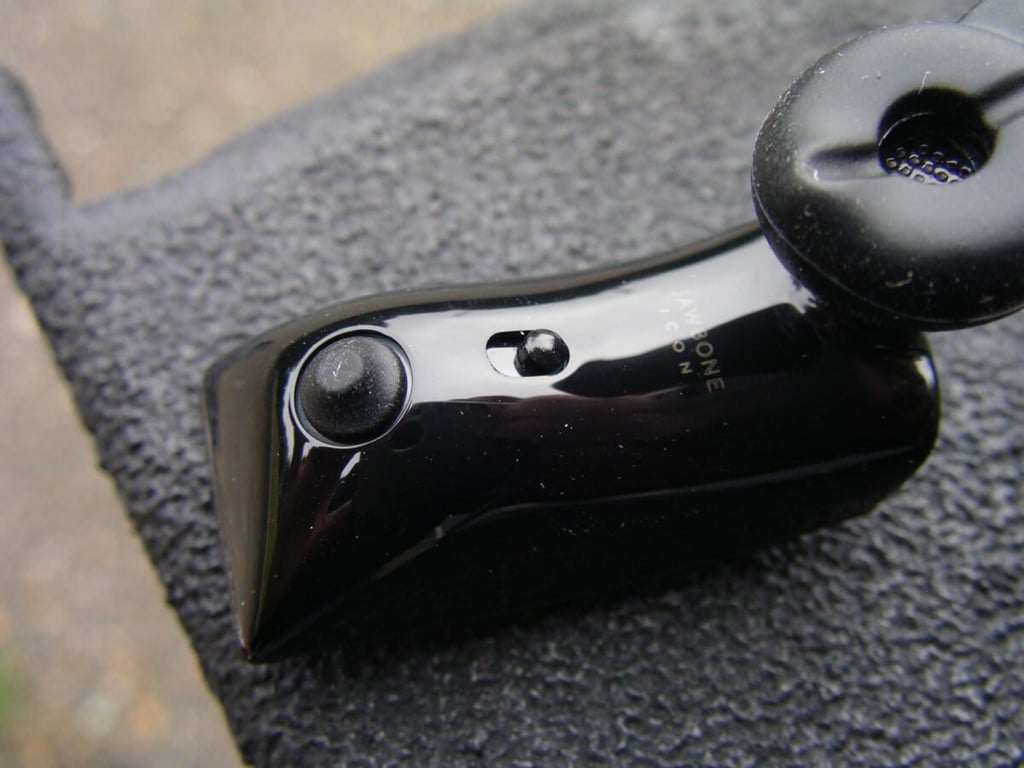
There is an actual on-off switch on the headset to allow for easy connectivity and usage.
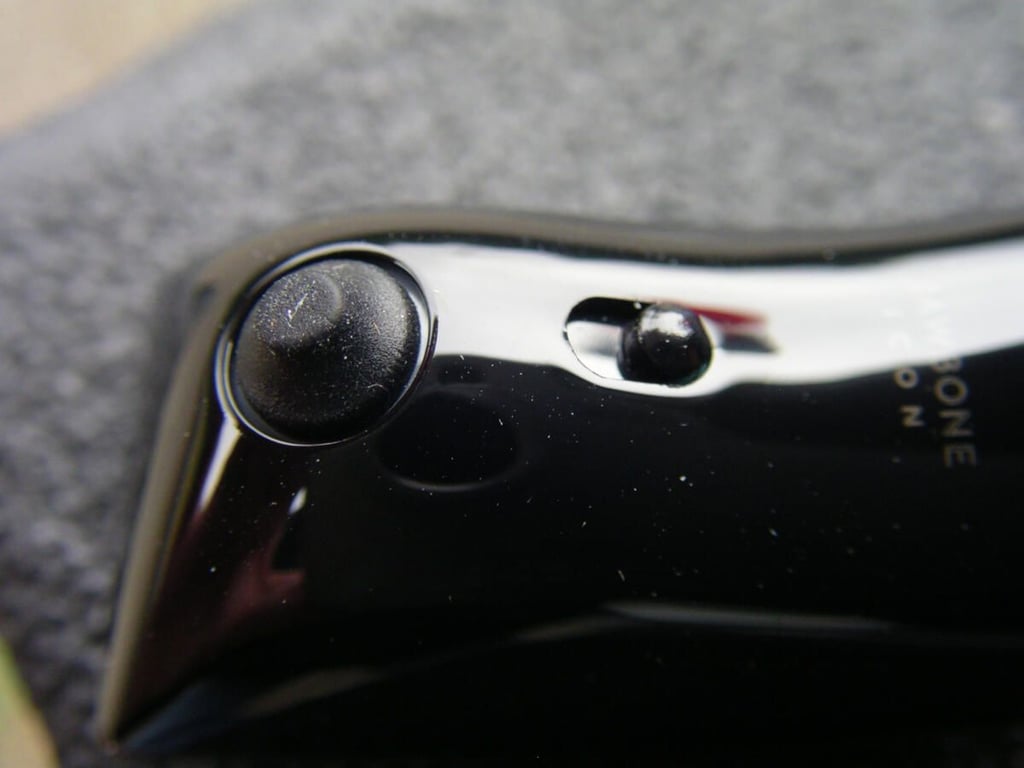
You get better voice support if the Voice Activity Sensor rests against your face when connected.
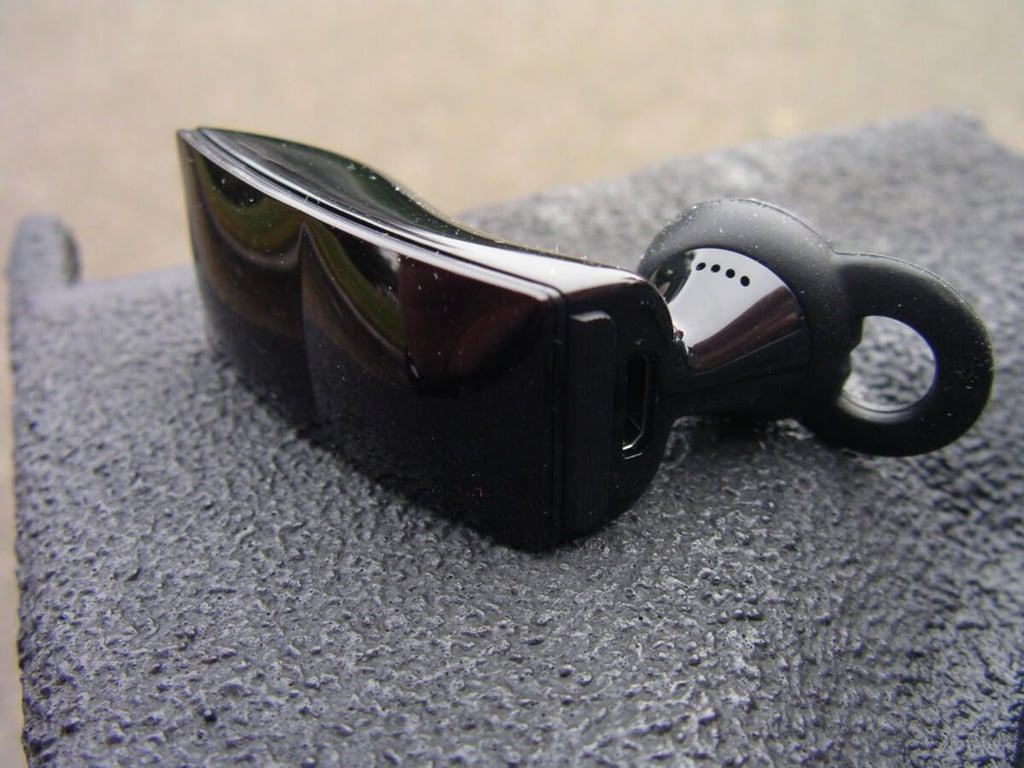
The ICON is small and easy to place on your ear.
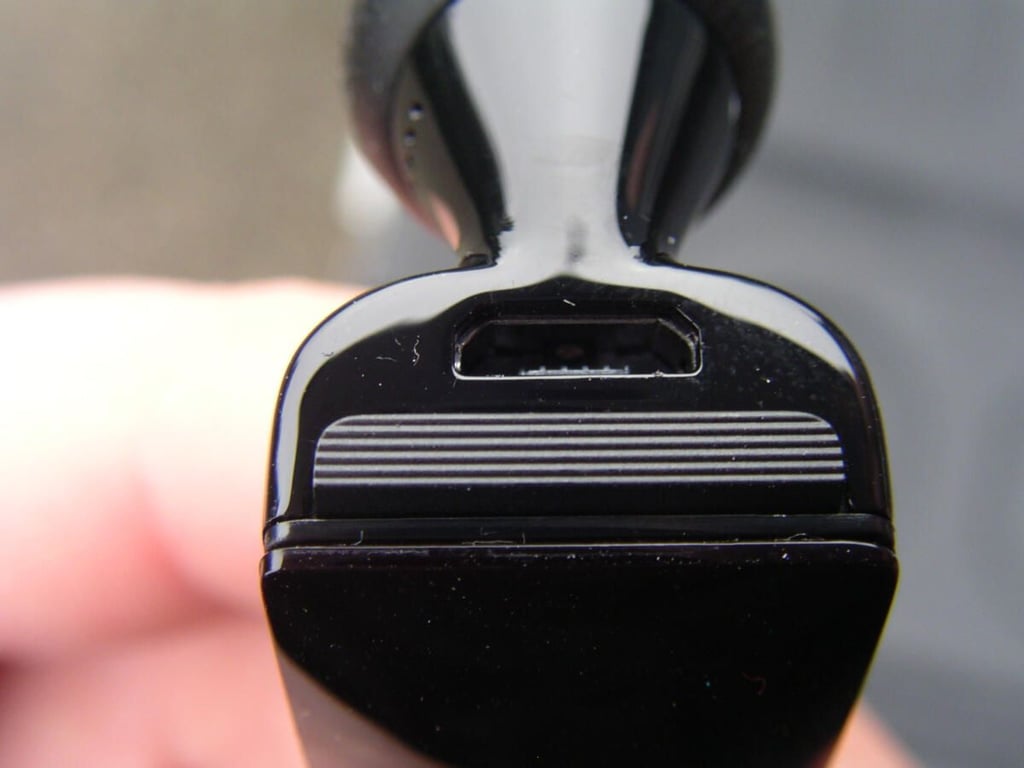
A standard microUSB port and single talk button are found on the back side.
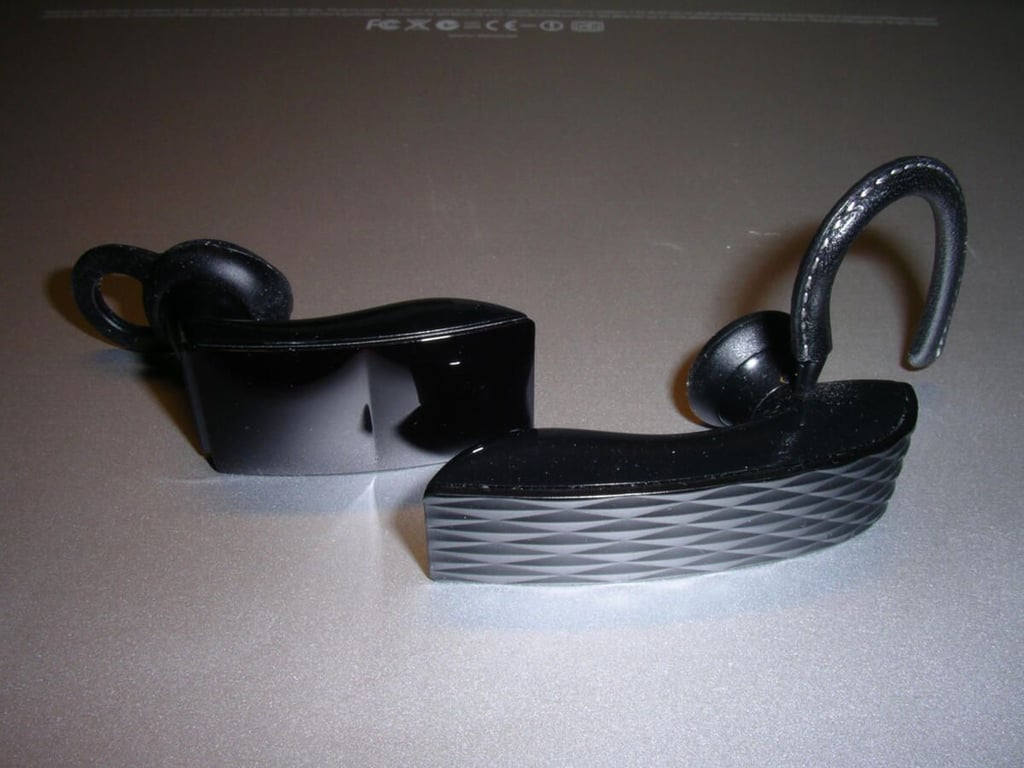
Here is a size comparison between the Jawbone 2 and new ICON.

When you first connect to the MyTALK service you will be prompted to install a small utility on your PC or Mac to make the connection.
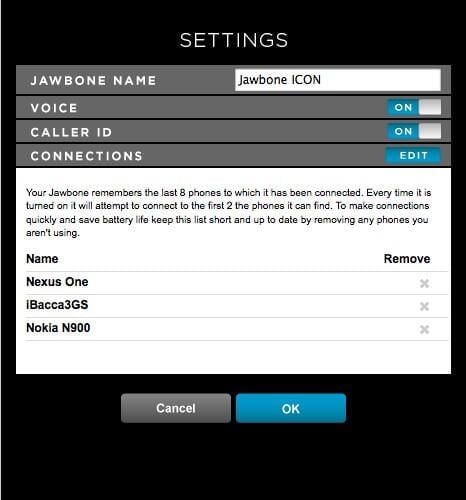
These are the Advanced Settings you have available on your ICON.
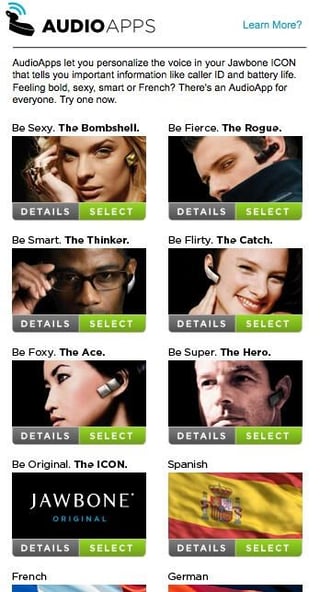
You can choose from the six personalities, the default, and foreign languages (Spanish, French, and German) to have installed on your ICON.

There are a few available Dial Apps and some require 3rd party accounts and subscriptions to use all of the features.
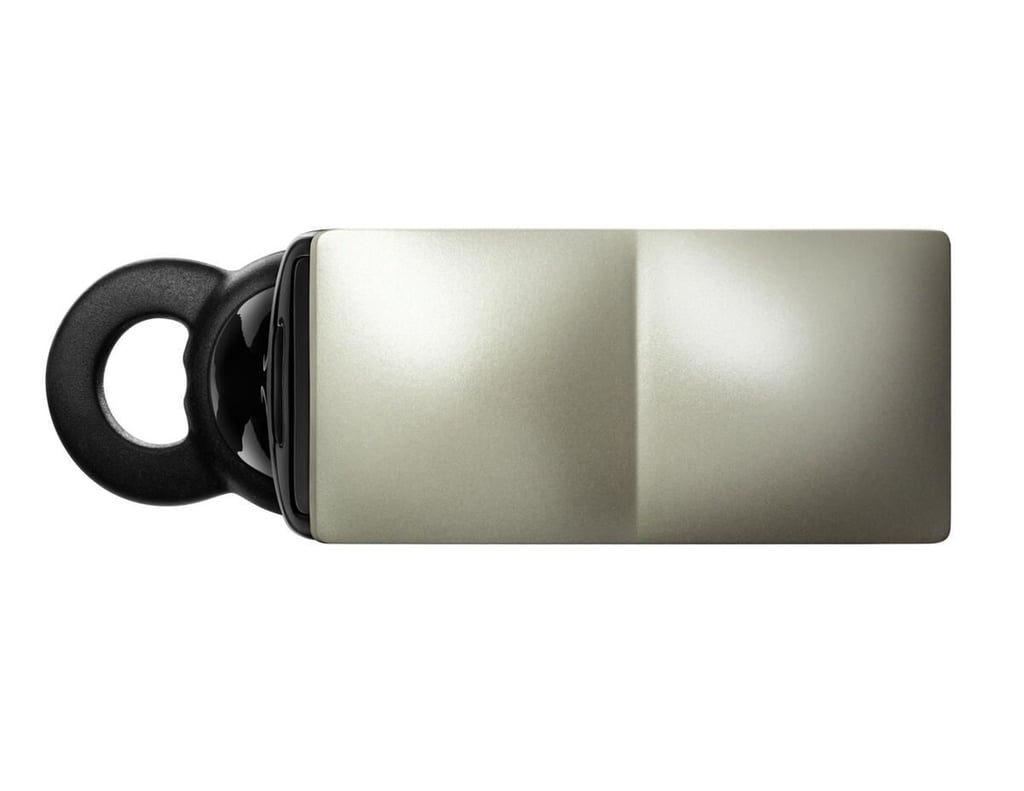
The CATCH model has a pearl white outside.
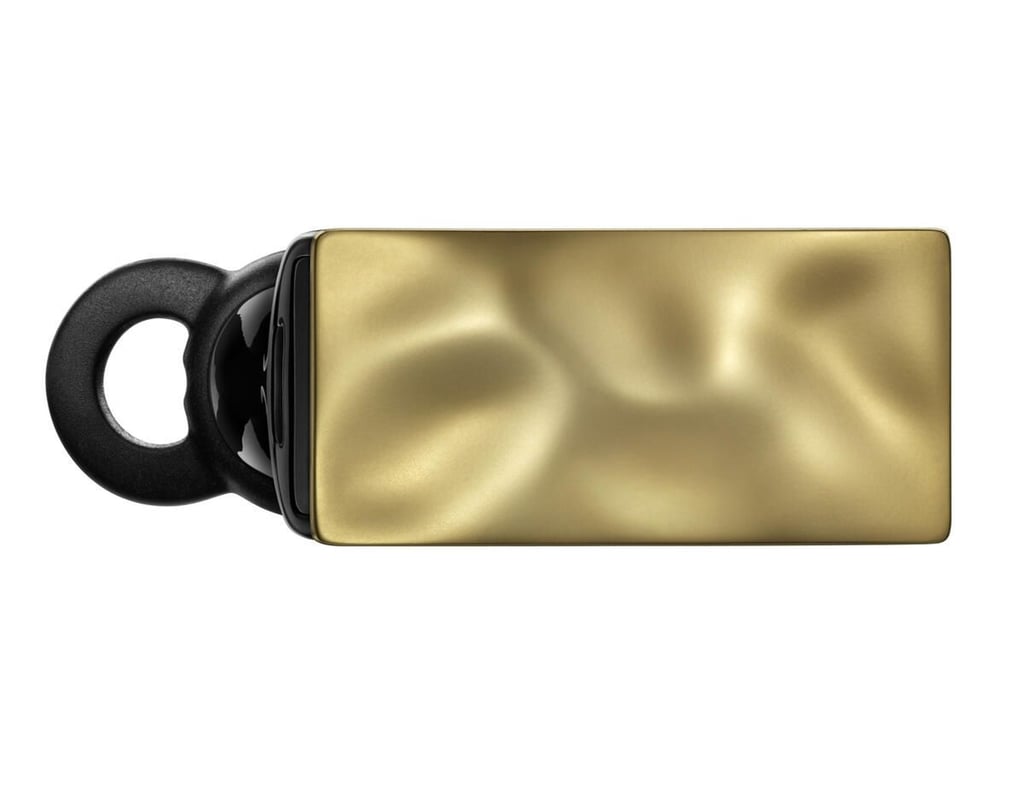
The BOMBSHELL looks more like a piece of jewelry than a headset.
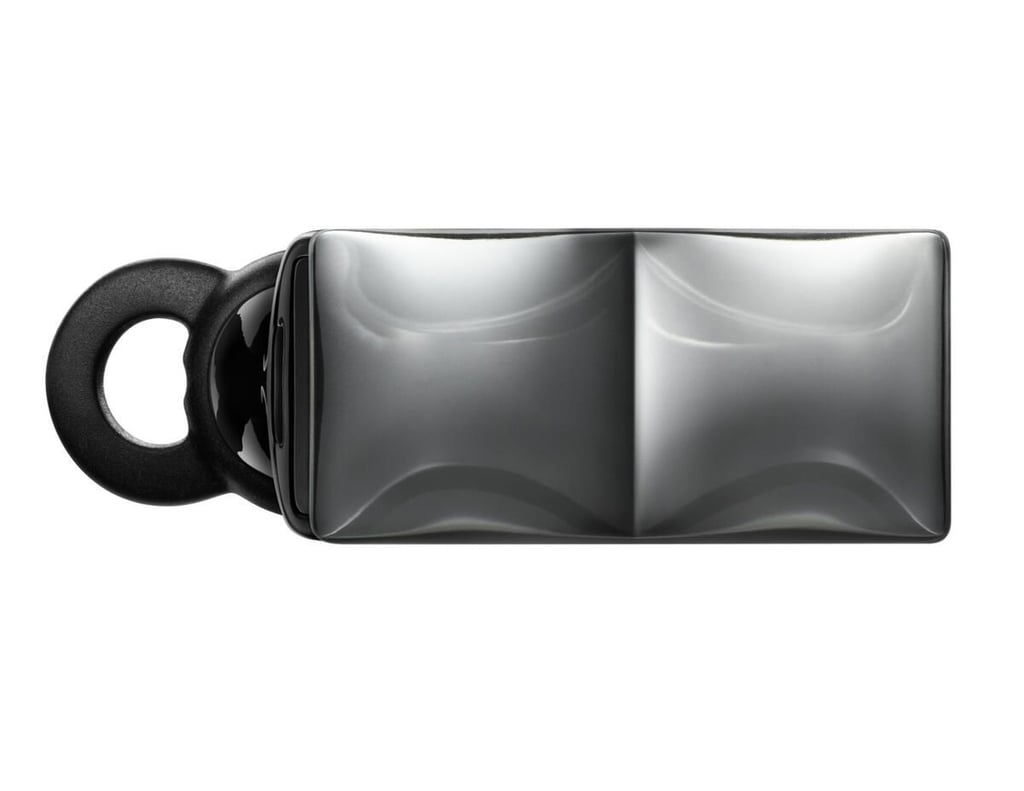
The ACE has a reflective back with a clear outer shield so it will actually change with your surroundings and appear like a chameleon.
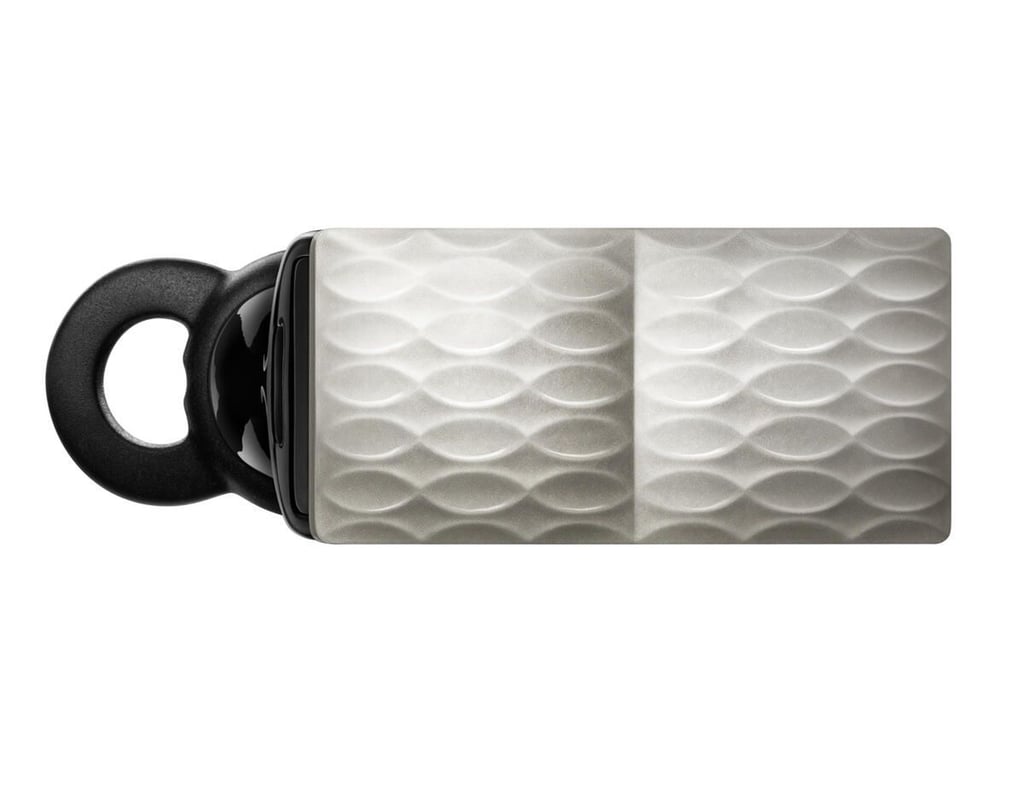
The THINKER has a white color style to it.
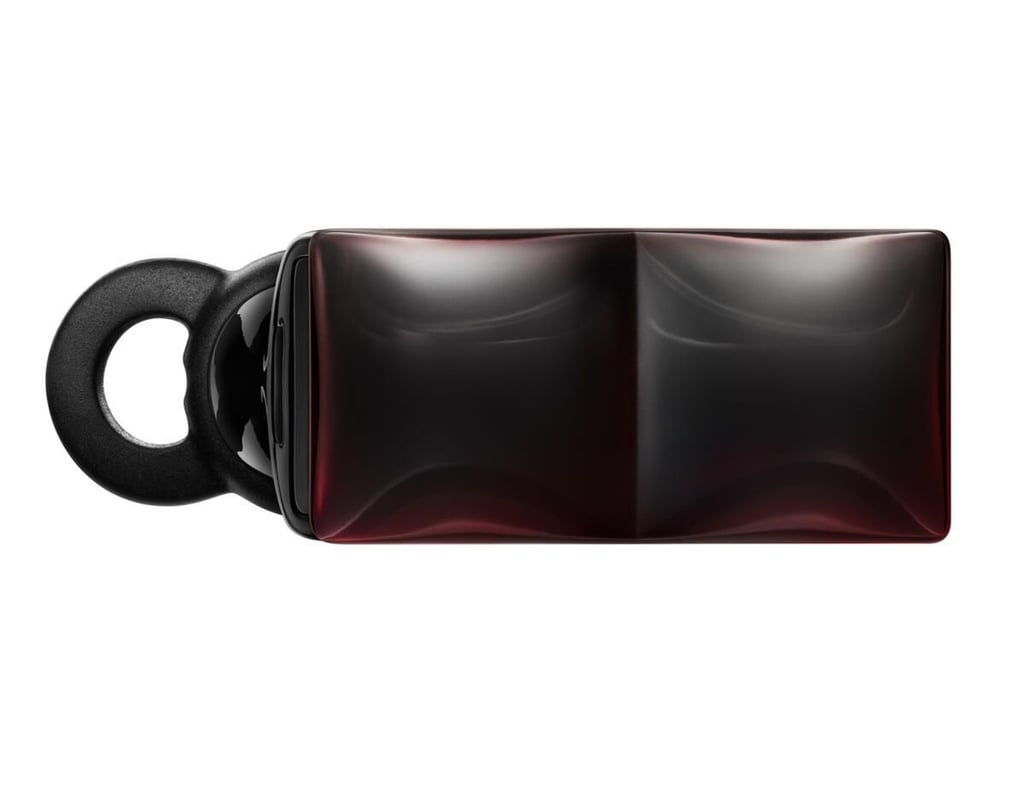
The ROGUE has a reddish background and clear outer shield. As you hold it in light the red will shine through in different ways.
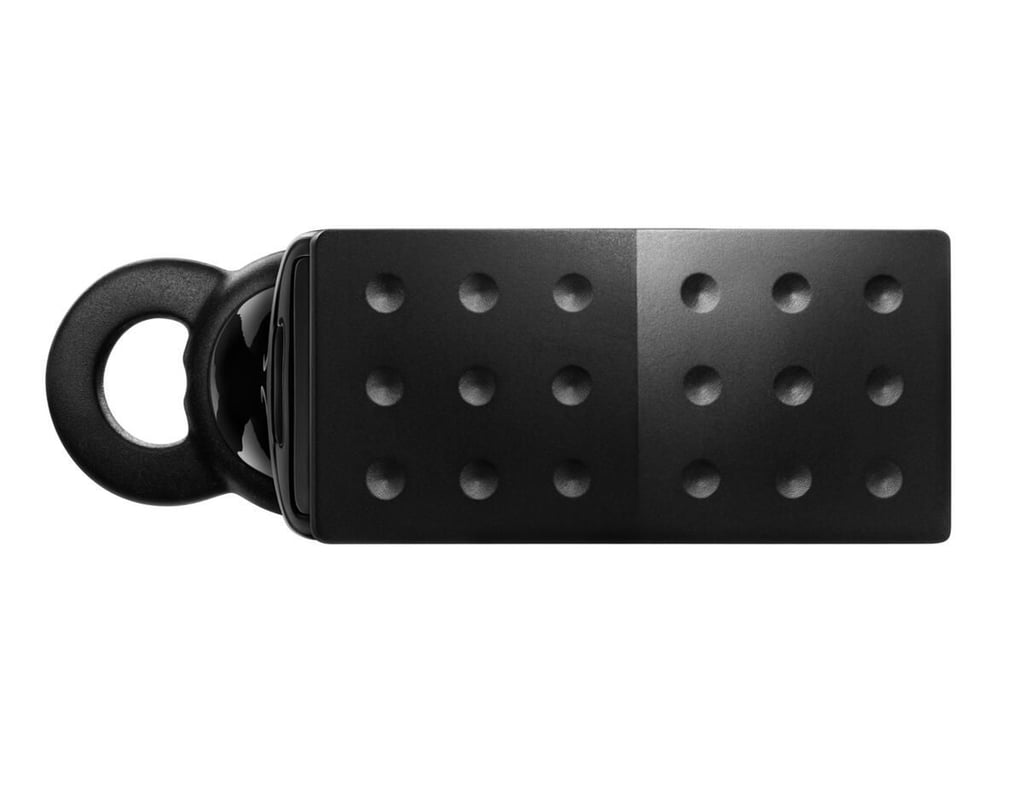
The HERO has a bit more traditional look to the older Jawbone headsets and still looks classy and businesslike at the same time.
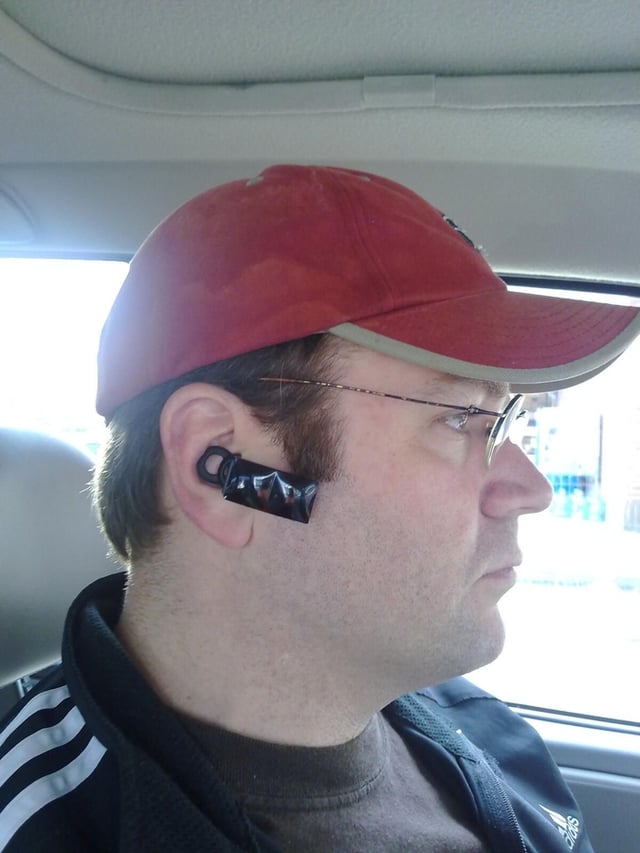
This bad shot of me driving shows the size of the headset in relation to fairly standard sized head.

Thumbnail 1
Thumbnail 2


