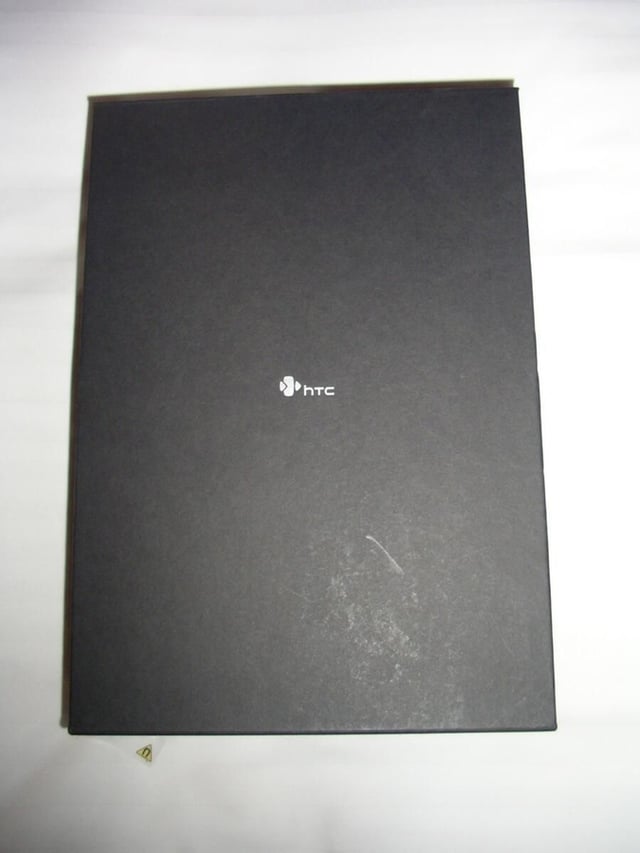
The HTC Advantage X7500/7501 was one of the most powerful Windows Mobile devices and then HTC updated it with a 16GB flash drive, haptics feedback keyboard, and latest operating system.
HTC has designed an excellent out-of-the box experience with the Advantage.
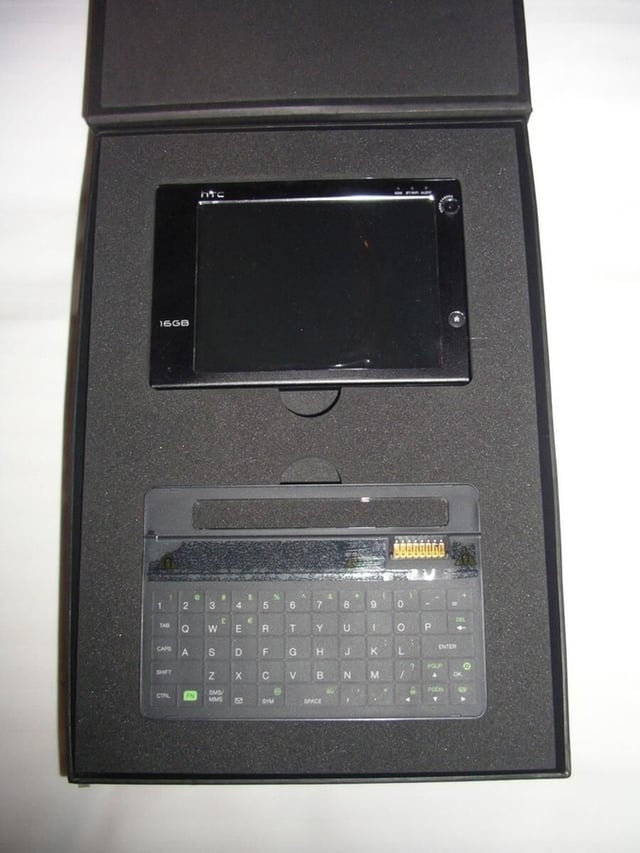
The Advantage and keyboard are arranged in the foam of the black box.
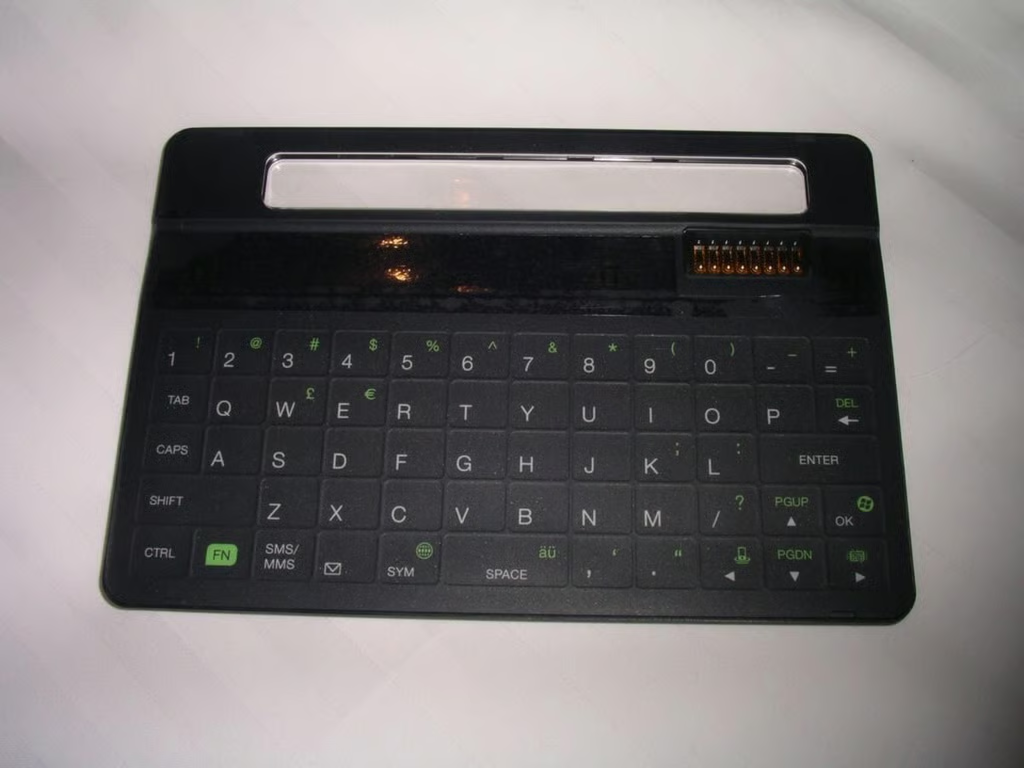
As you can see the keyboard is much different than the one found on the 7501. I am still undecided about which one is best.
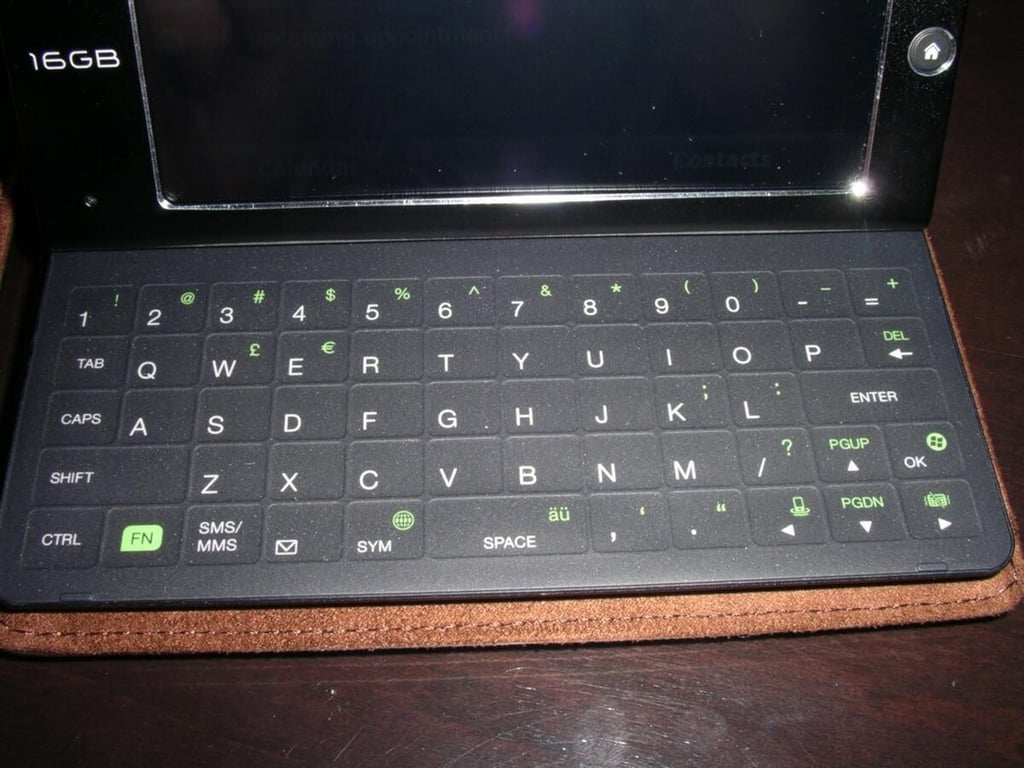
The case is well designed so that the Advantage never has to leave its magnetic attachment.
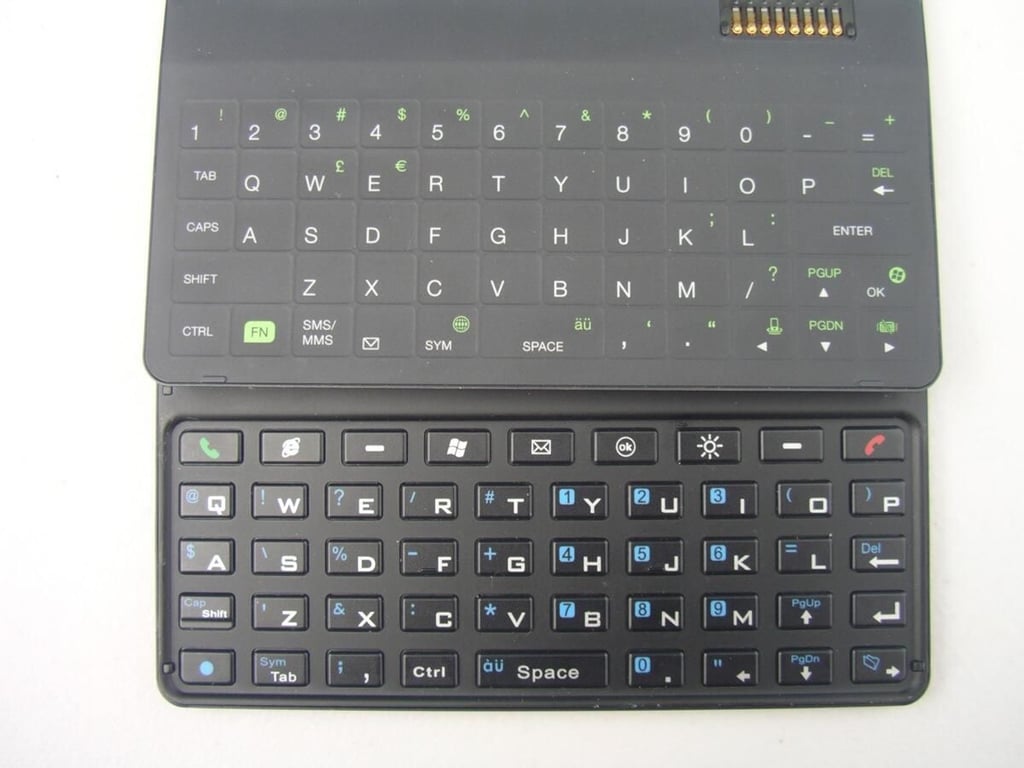
You can see some of the differences in the keyboards here.
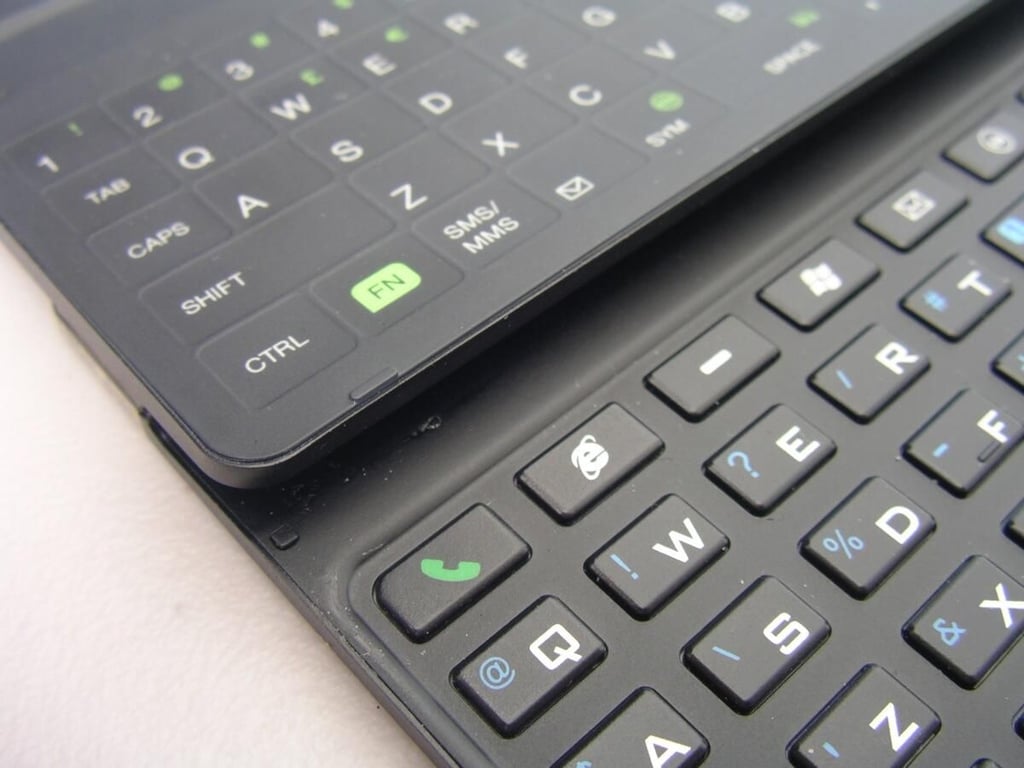
See how the 7501 keys are distinctive buttons where the 7510 keyboard is flush.
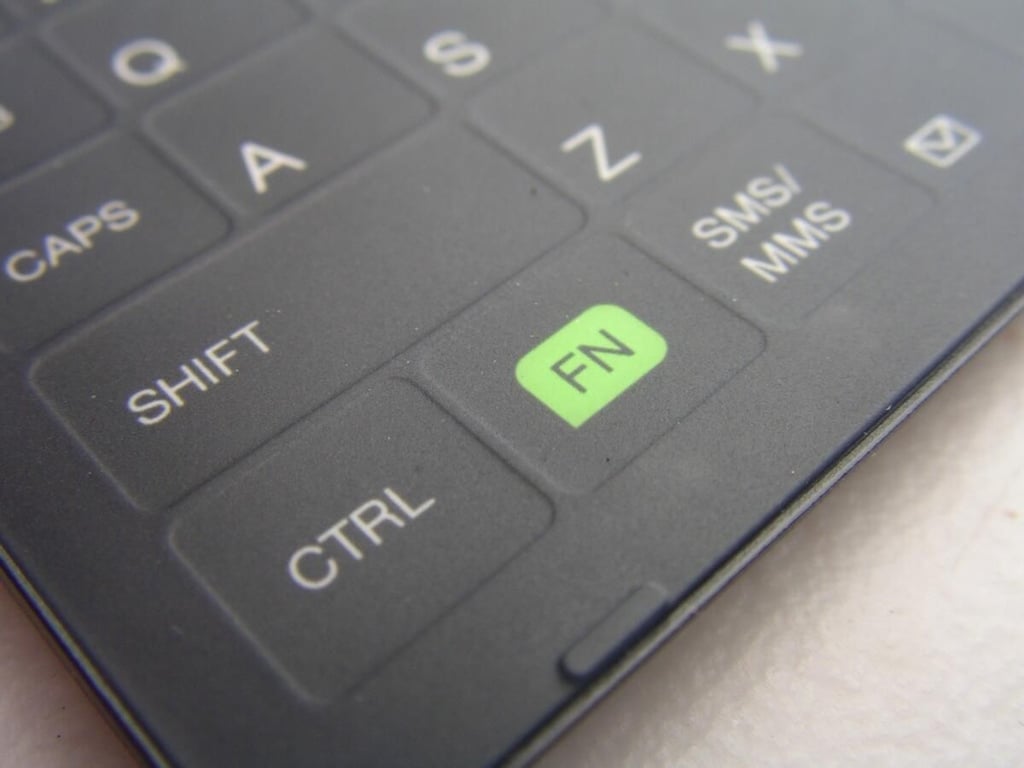
The keyboard is flush on the 7510, but there are small ridges separating the keys from each other.
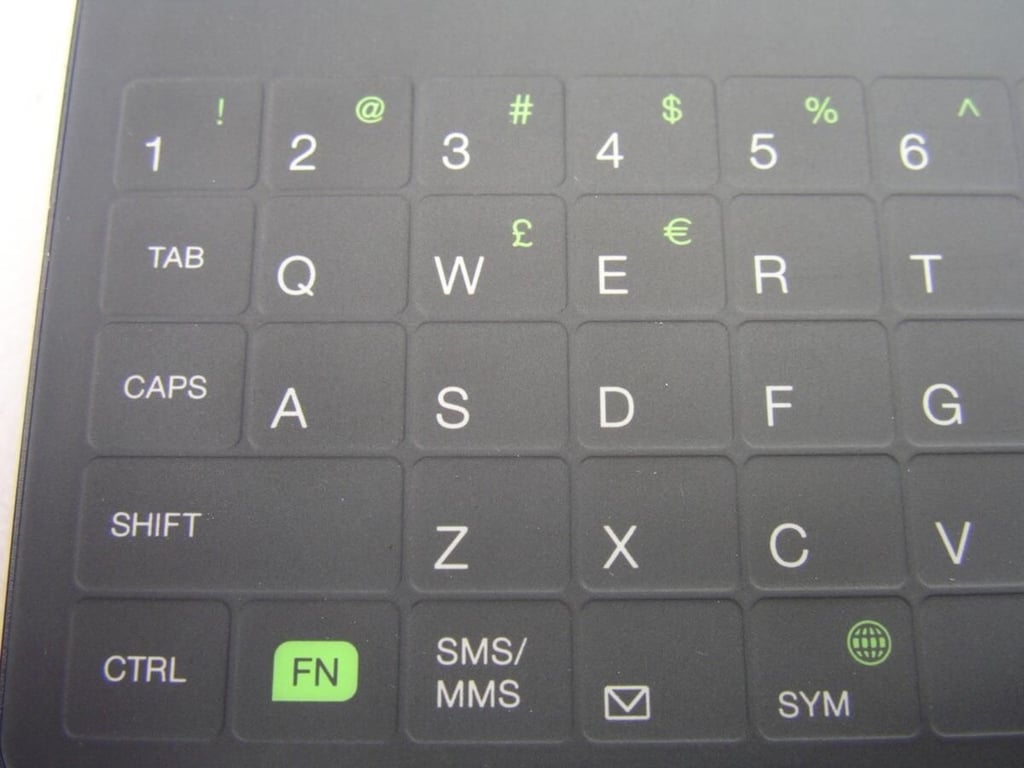
You can see there are keys for tab, caps, shift, ctrl, FN, and more on the left side of the keyboard. The keyboard does have a Euro and British Pound character.
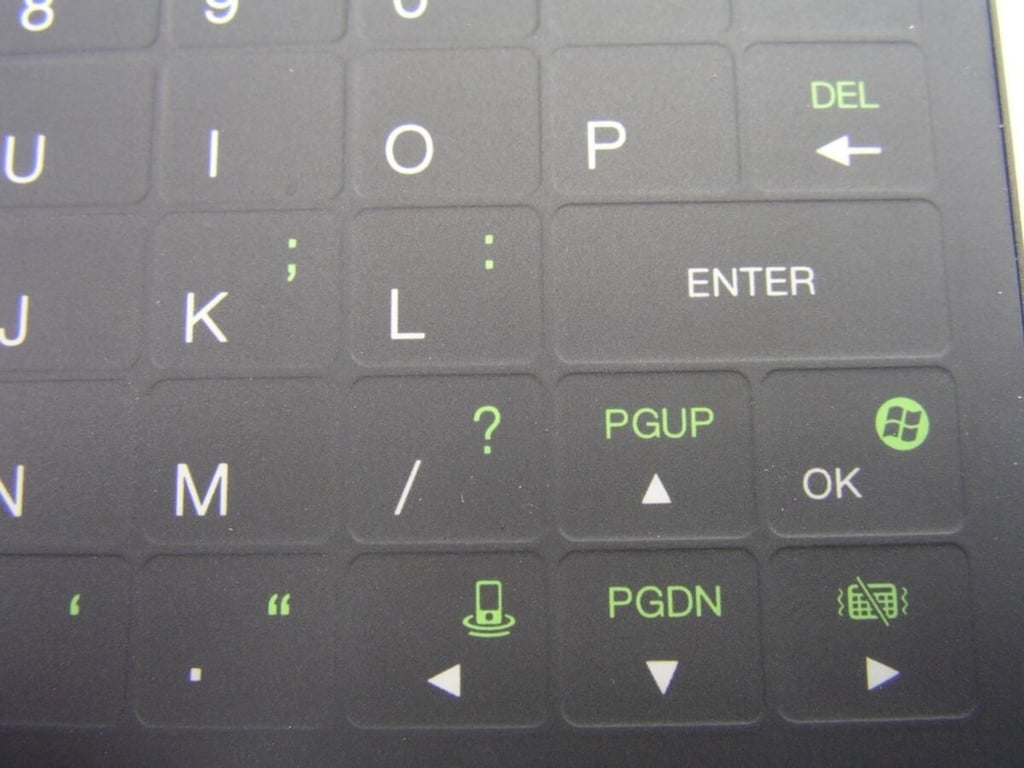
There are directional arrows, shortcut keys (Start menu, haptics on/off, and communications manager), and more on the right side of the keyboard.
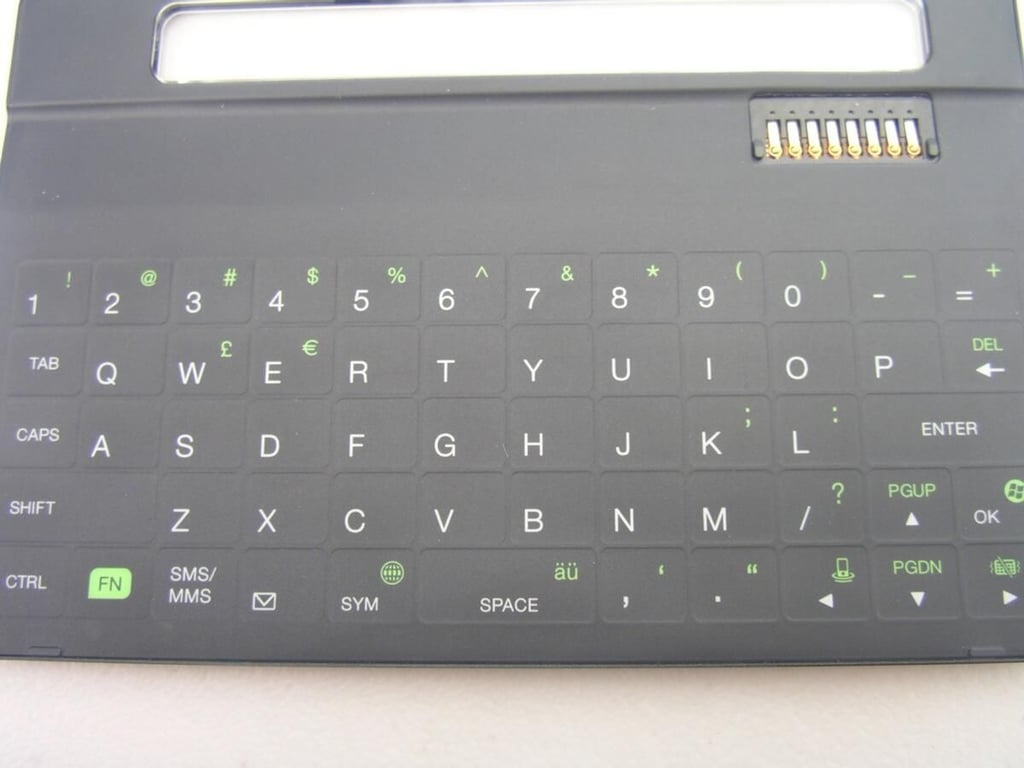
The keyboard has a strong magnet in the upper part above the keys and uses the same connector to attach to the Advantage.
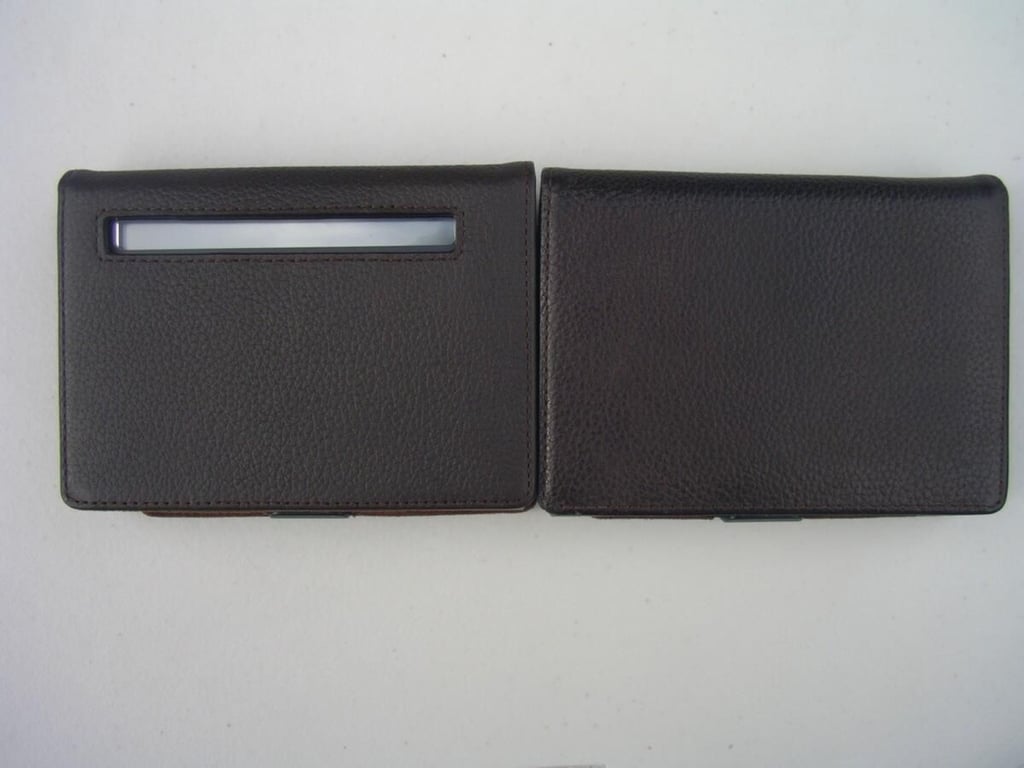
Notice there is now an open window on the keyboard so you can actually use the preview/notification display.
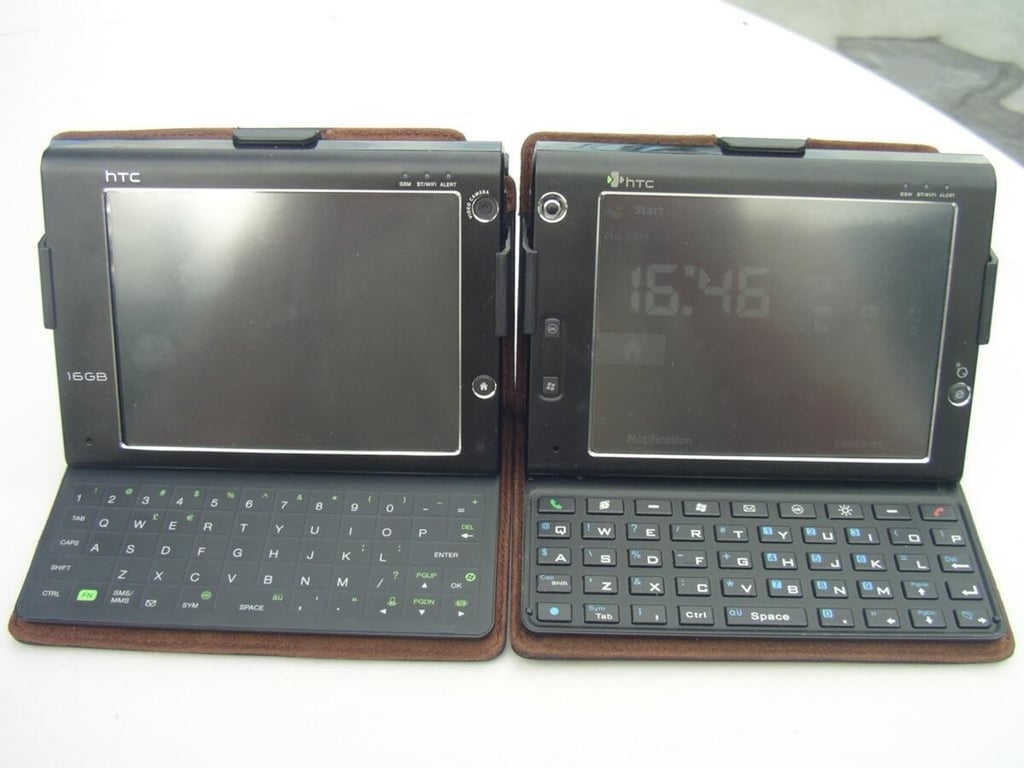
Both Advantage devices side-by-side.
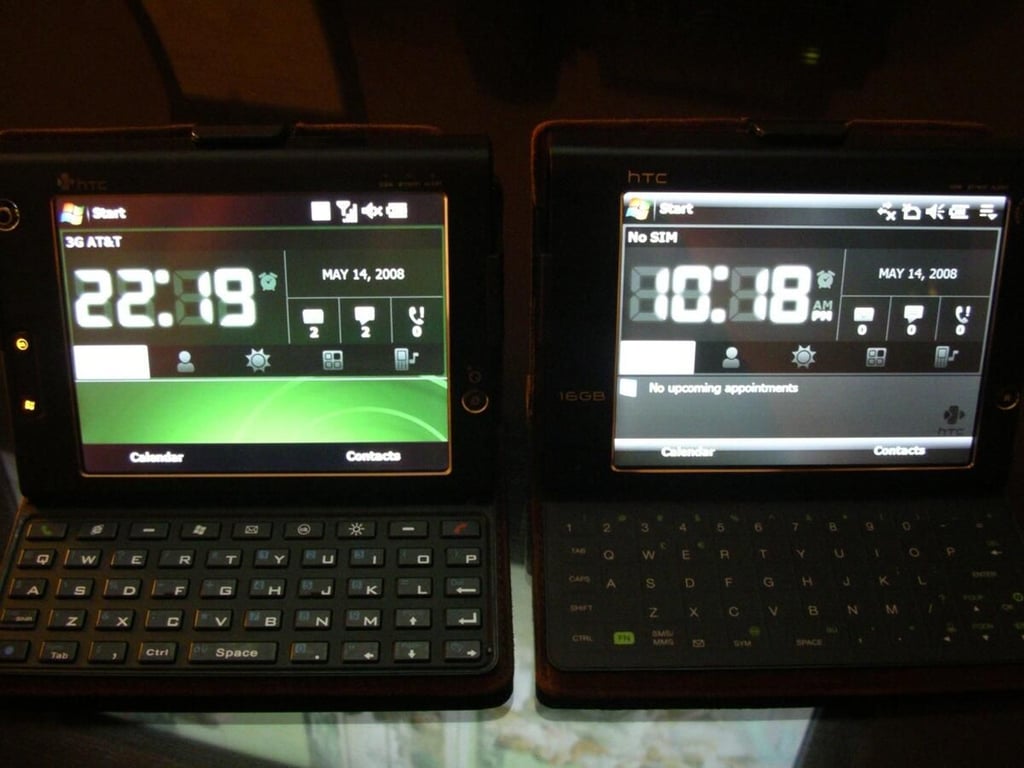
This particular 7501 is running WM 6.1 so I can conduct a good comparison between the hardware.
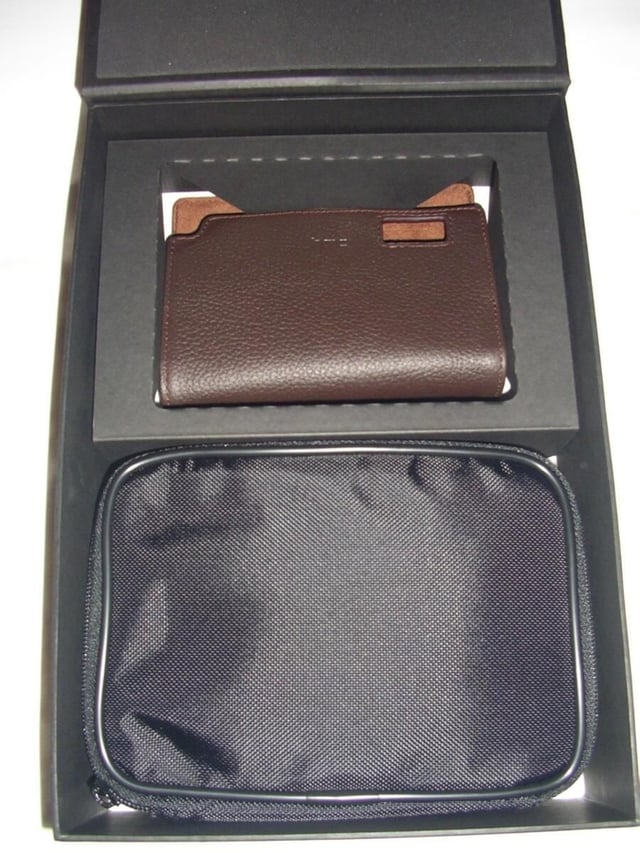
The leather case is the same high quality one found on the older Advantage with a slight modification for the open window.
HTC also provides other accessories and a nylon zippered case to carry everything in one place.
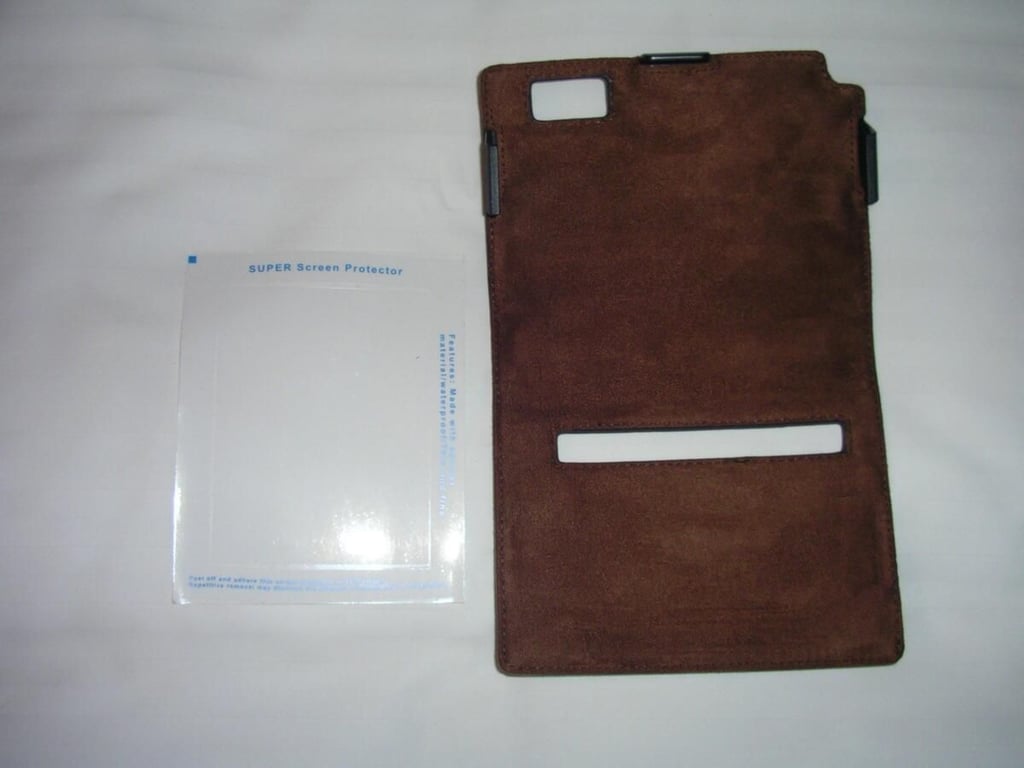
A screen protector is provided to get you by, but I immediately ordered an anti-glare protector from Boxwave.
The leather case has clips for the Advantage and strong magnets to hold the keyboard in place.
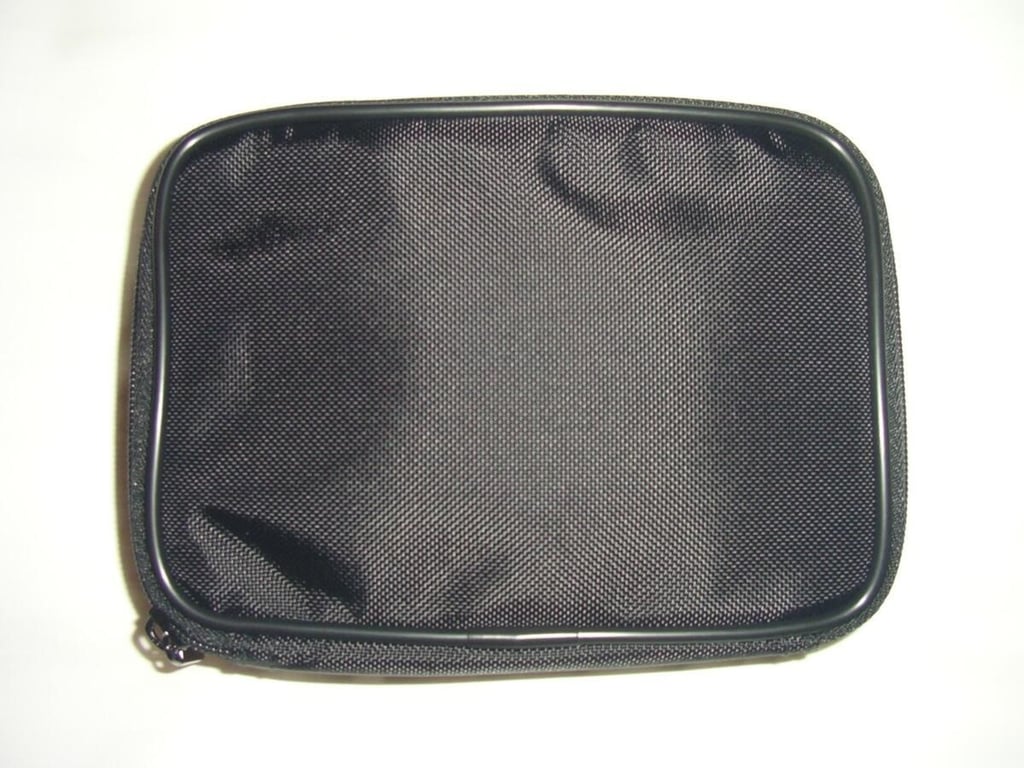
The accessory bag is well constructed and a nice touch to the packaging.
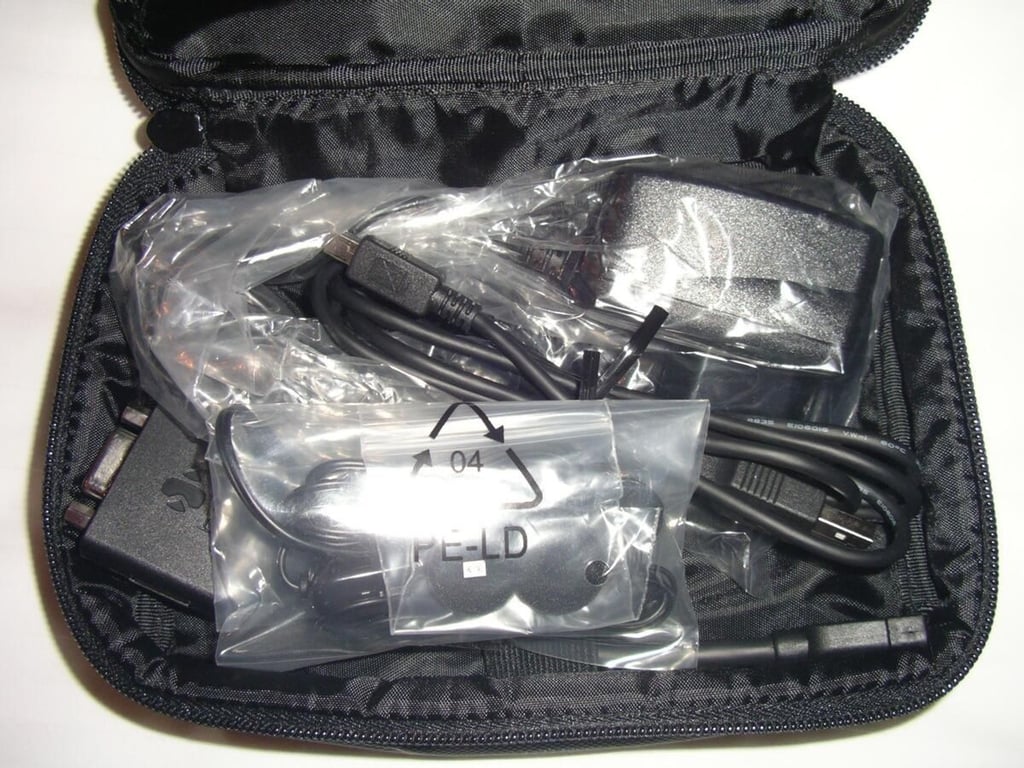
Everything you need can be found in this bag. Make sure you dig in there for the battery and place it in the Advantage before attempting to charge, which is what a couple of my friends did at first.
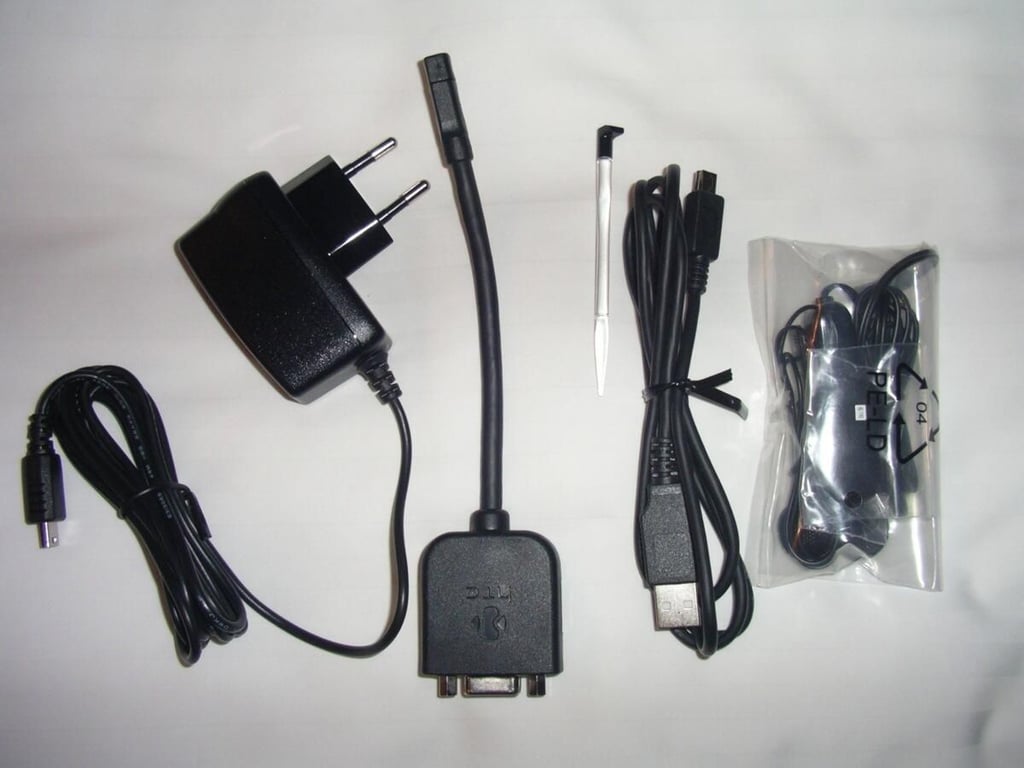
A/C adapter, 4-in-1 cable, USB cable, wired headset and extra stylus that can all be found in the accessory bag.
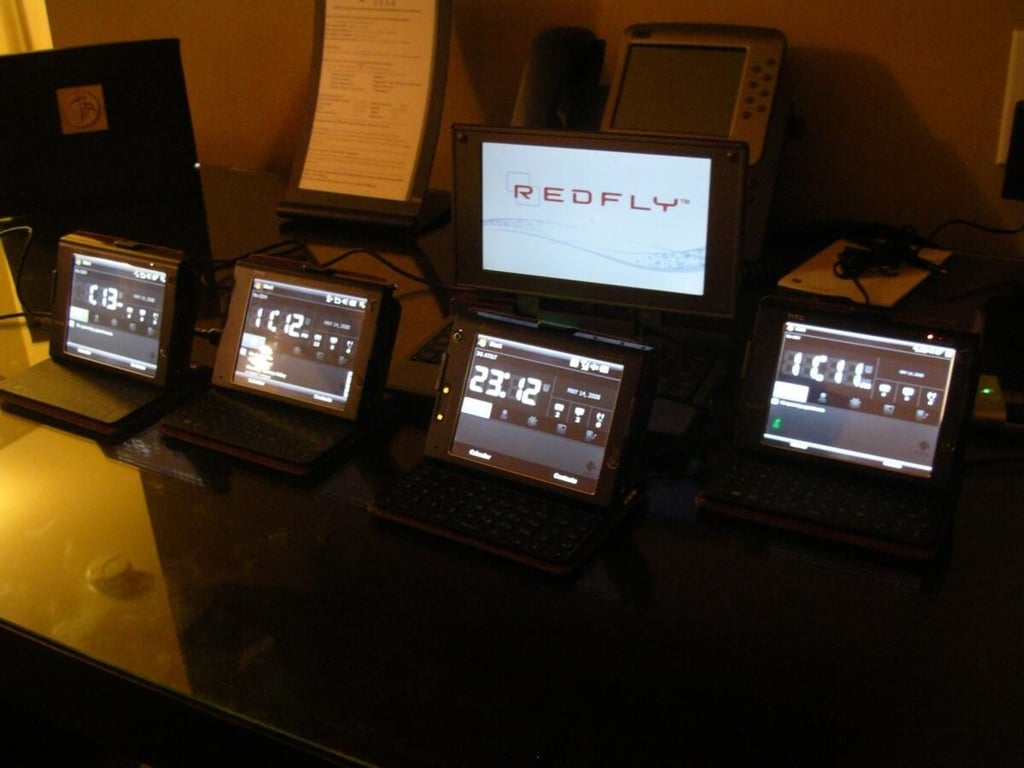
along with a first generation Advantage and a Celio REDFLY Mobile Companion.
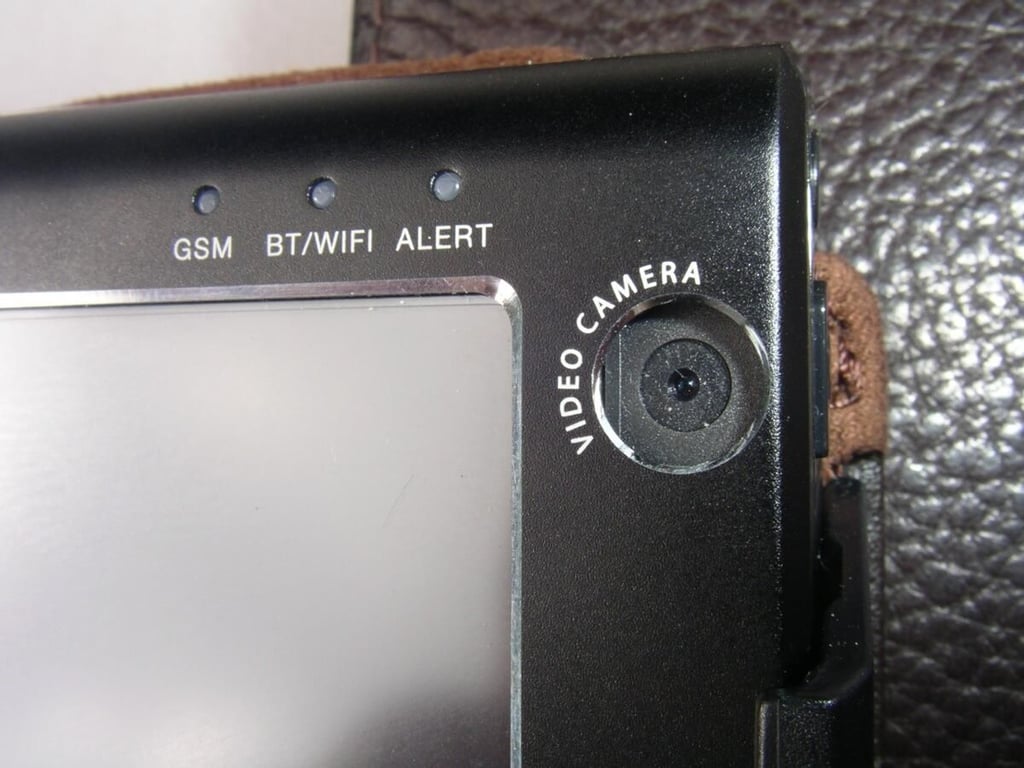
This is not present on the Advantage 7501, but it is not usable in the U.S. at this time.
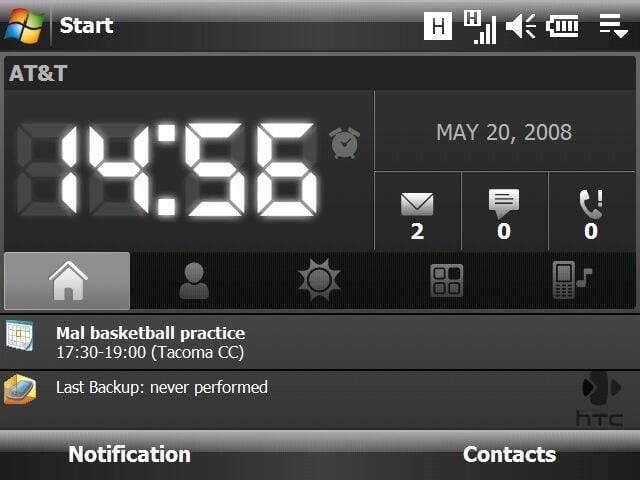
The HTC Home plugin is included in the new Advantage and offers quick access to notifications, quick dial, weather, shortcut, and profile management functions.
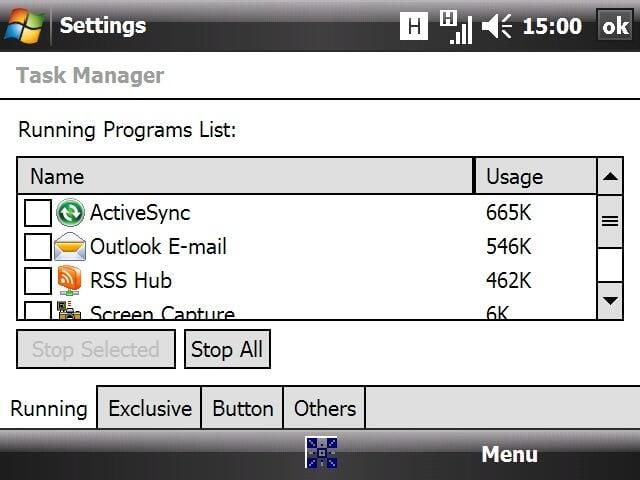
HTC throws in their custom task manager application so you can manage what applications are running. I like the feature that shows you the amount of program memory that is being consumed by each application.
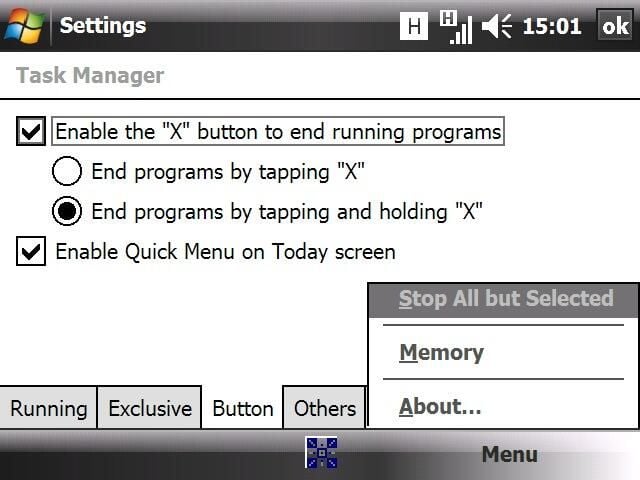
HTC includes a utility that allows you to turn the X button into a close, similar to your PC.
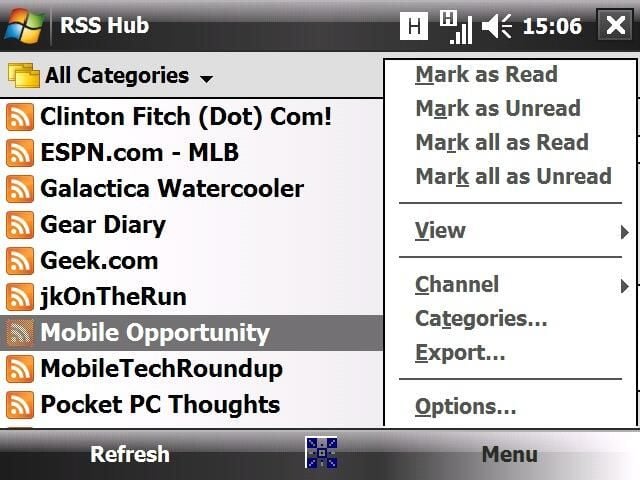
This application is actually powered by the Ilium Software Newsbreak engine and lets you easily manage and view your RSS feeds. It is also great for picking up your podcasts on the go.
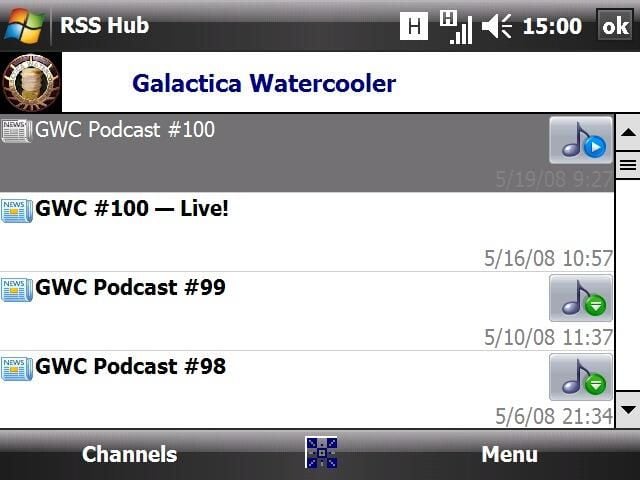
I am a podcast fiend and love being able to download podcasts directly to my device without needing to connect to a PC.
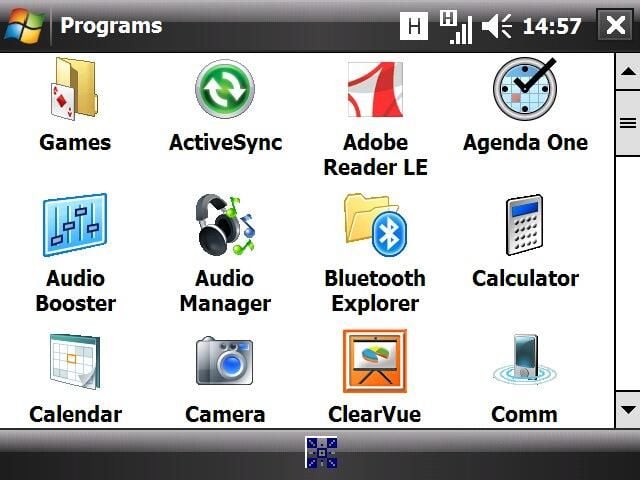
Several programs were loaded by default and then I added several of my favorites. All the applications ran well, except for TCPMP that kept on crashing.
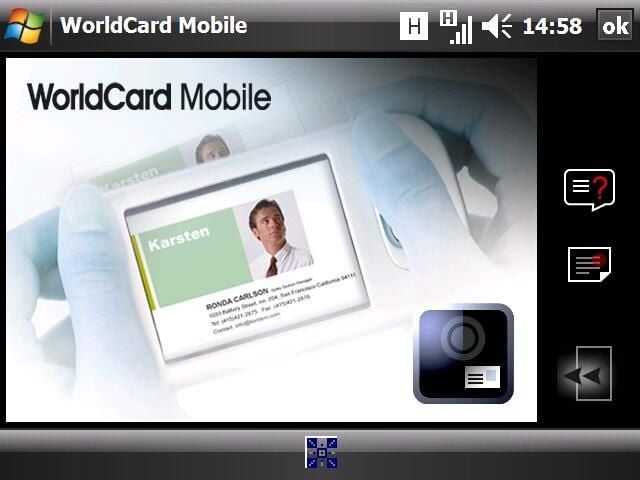
HTC included this application that allows you to take photos of business cards and then have the data imported into your Contacts.
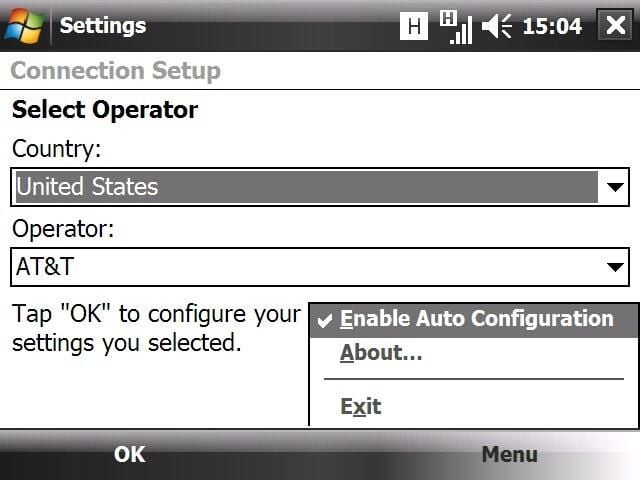
The new connection setup utility is very good at quickly setting up all of your advanced connection settings with just a couple simple clicks on your device.
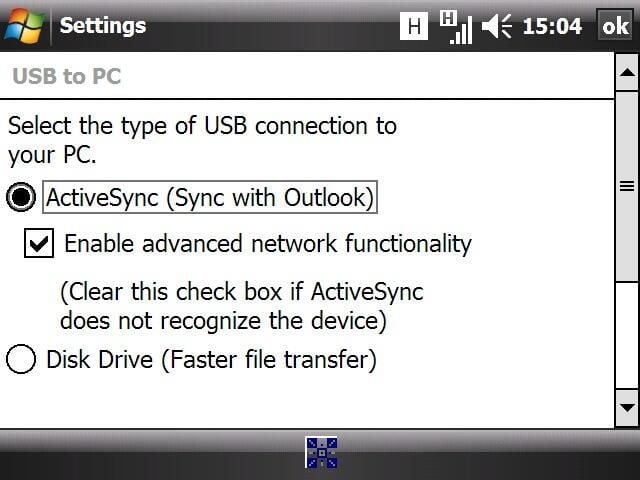
Even if you don’t have ActiveSync on your Windows PC, then you can activate drive mode and quickly access the 16GB flash drive in File Explorer.
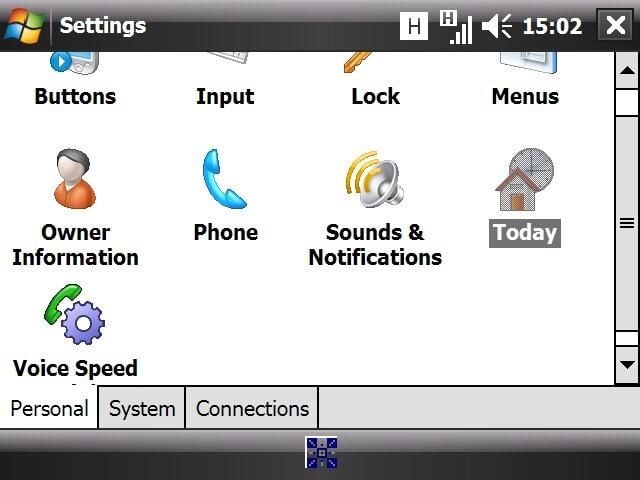
The personal settings are the same as seen on other Windows Mobile devices.
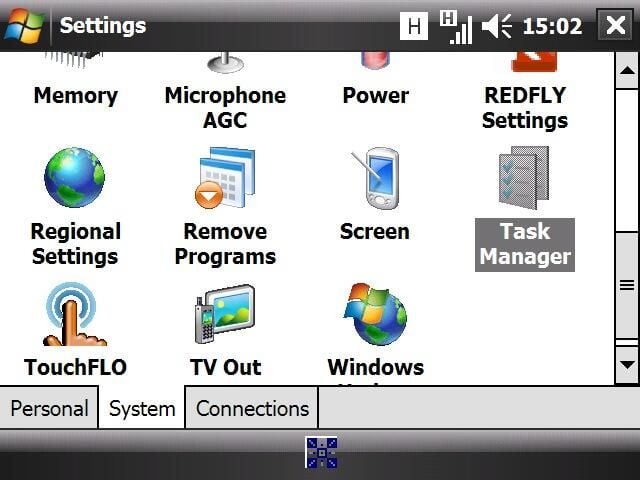
There are a few new utilities in the system settings, including Managed Programs, Task Manager, and TouchFLO.
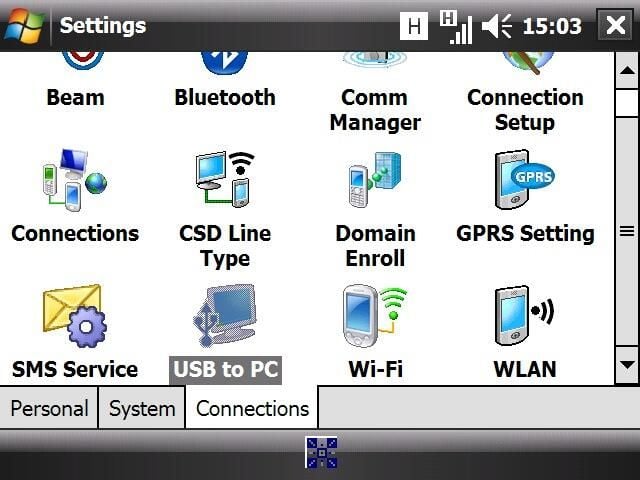
The USB to PC utility is found here, along with the Connection Setup wizard and more.
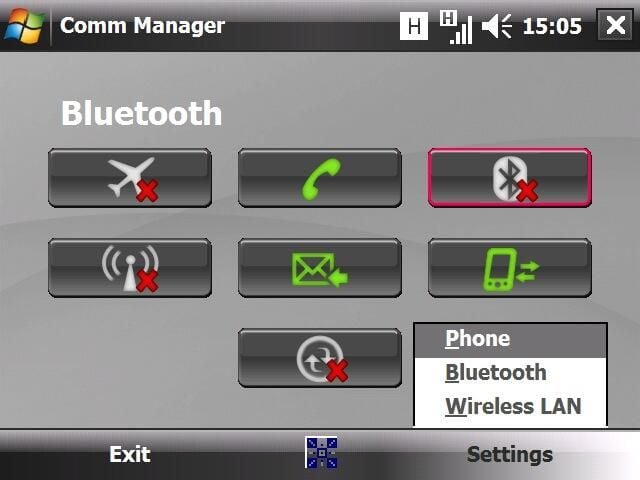
The connection manager is easy to use and the icons are very easy to understand. You can also tap the Settings menu to access more details and setup your connection.


