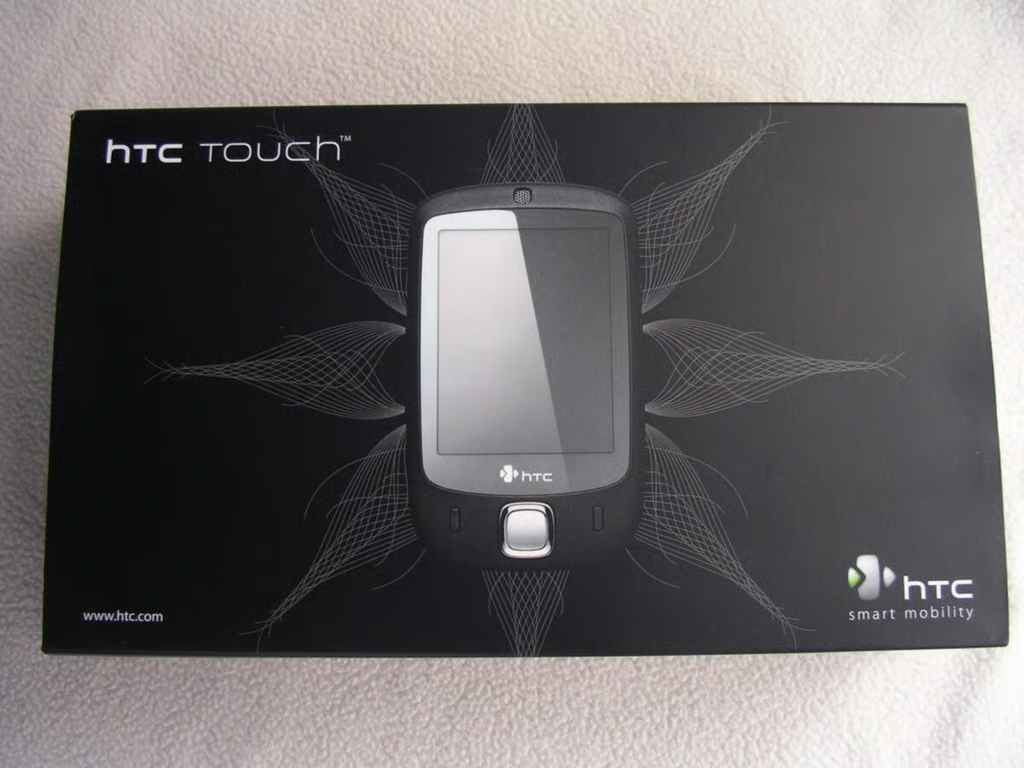
The HTC Touch device was announced today that uses their new TouchFLO display technology. This technology gives users the ability to “flick” the screen with their finger to launch shortcuts and scroll lists.
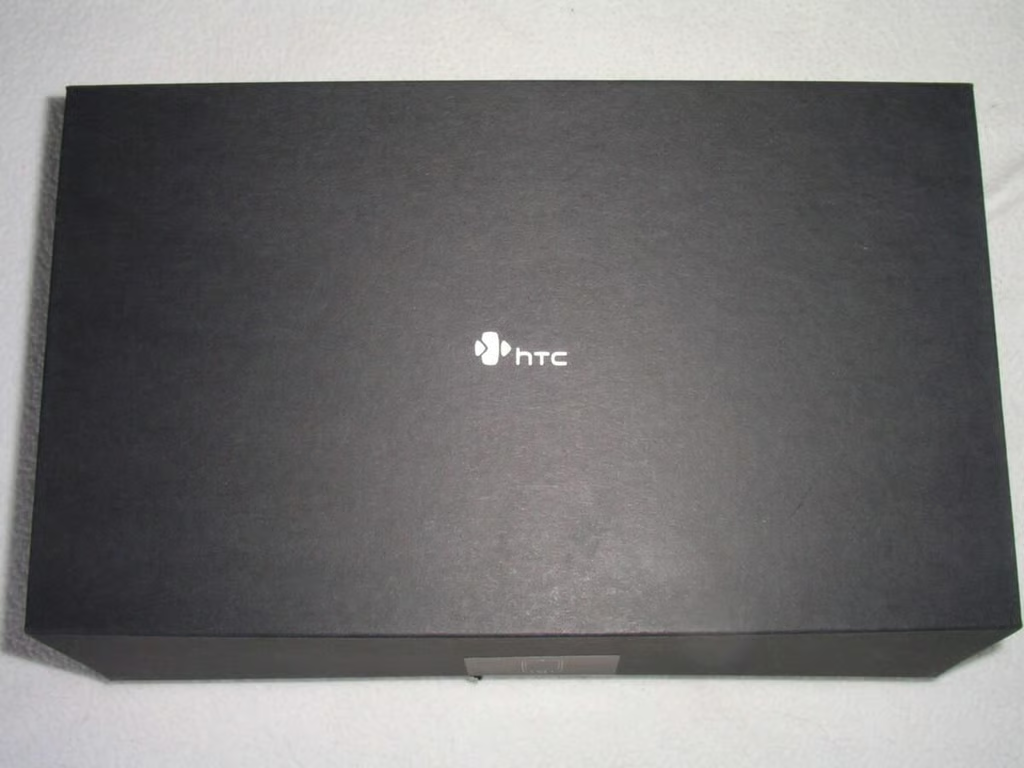
This is a very sturdy, high quality package for the HTC Touch.
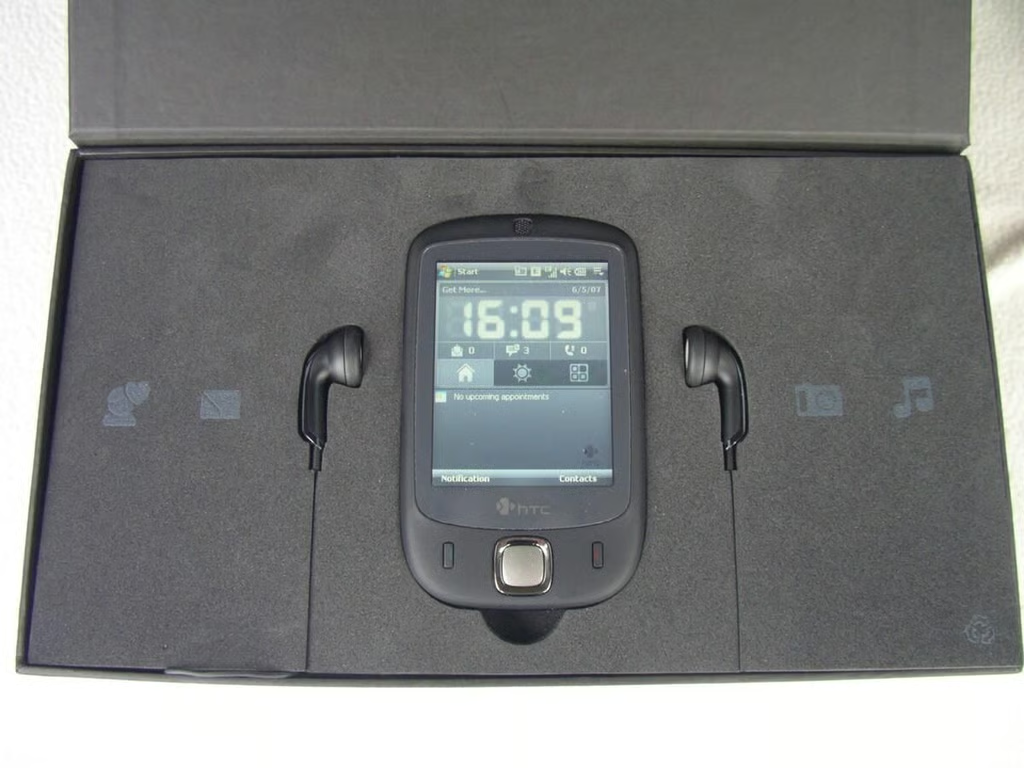
The Touch is centered on a bed of foam.
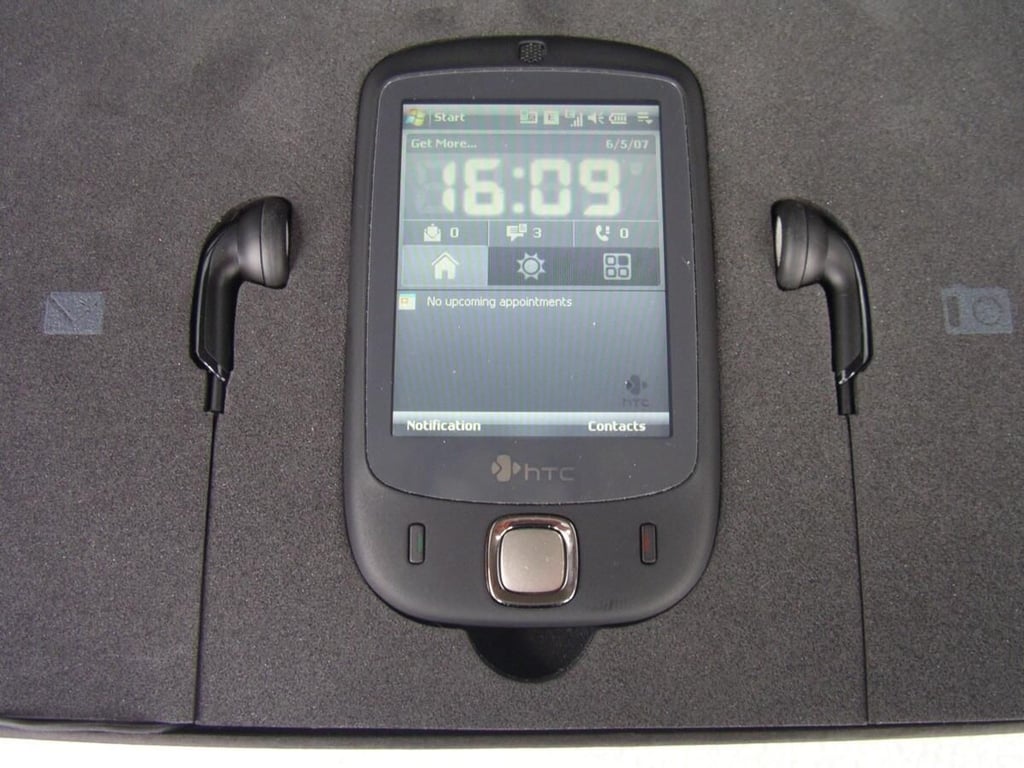
The earphones highlight the Touch in the center of the first opening flap.
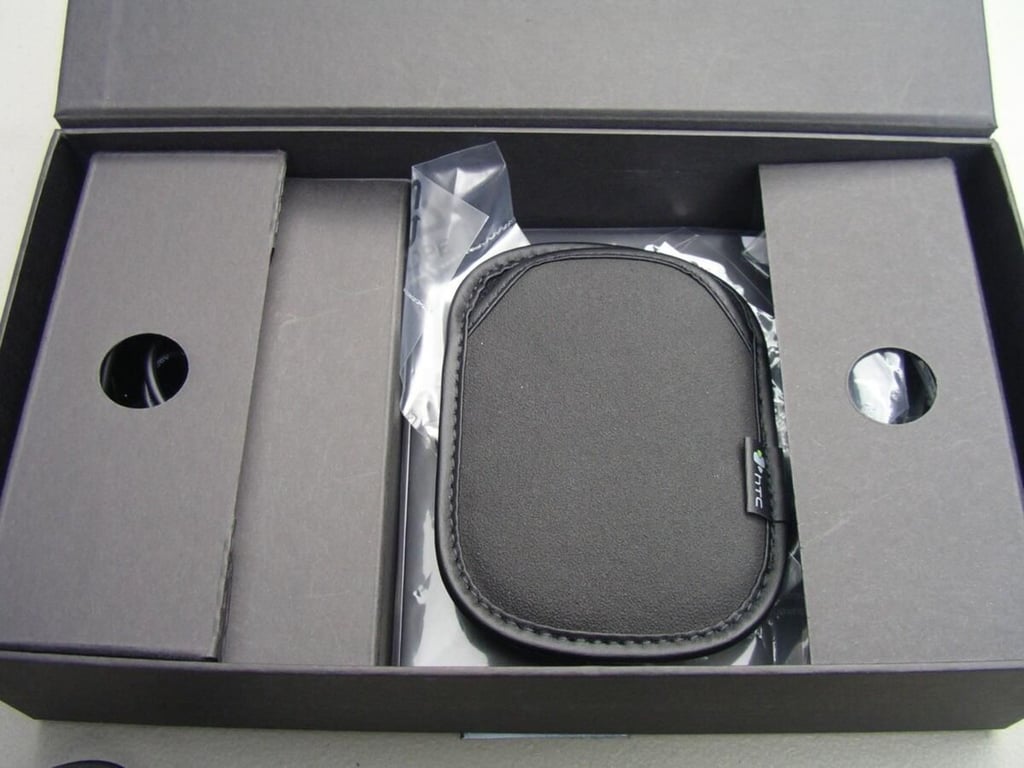
There is no belt loop or anything, but the device is so small it can slip into any pocket.
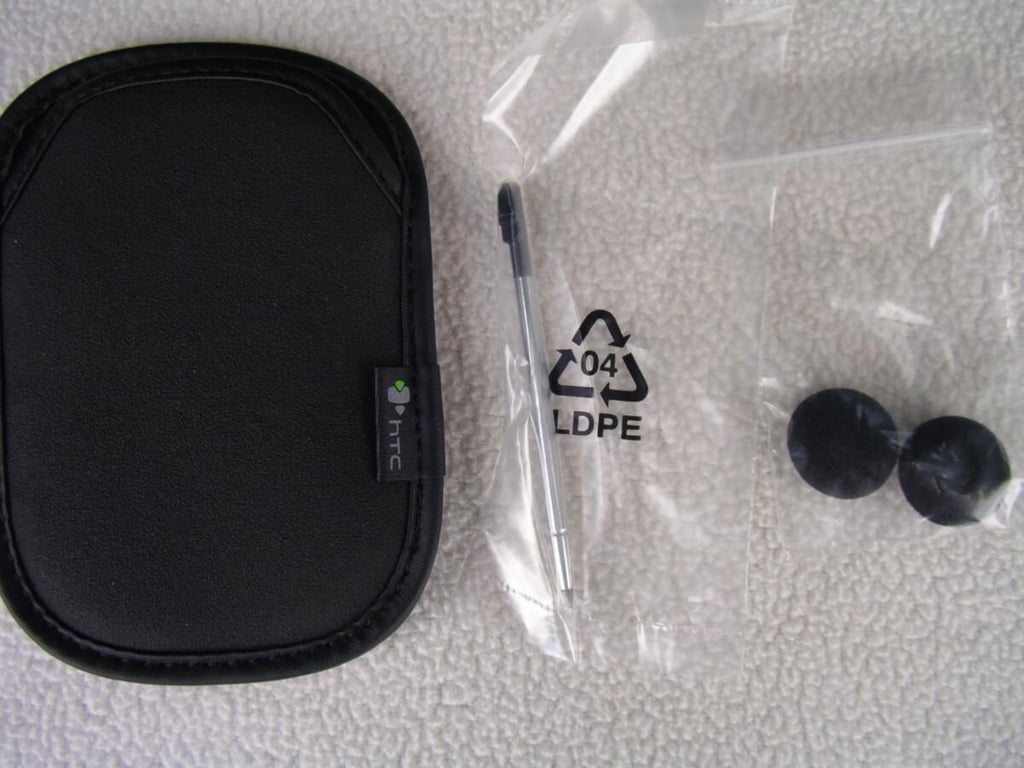
Details on the included accessories.
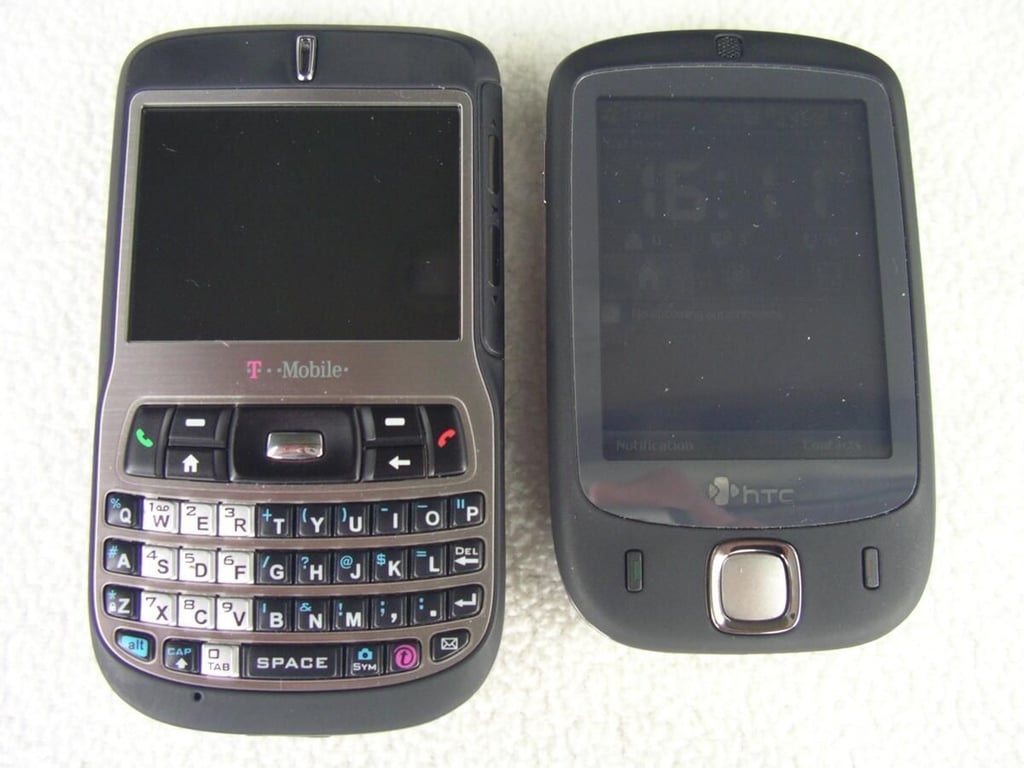
As you can see even the small Dash appears large compared to the Touch.
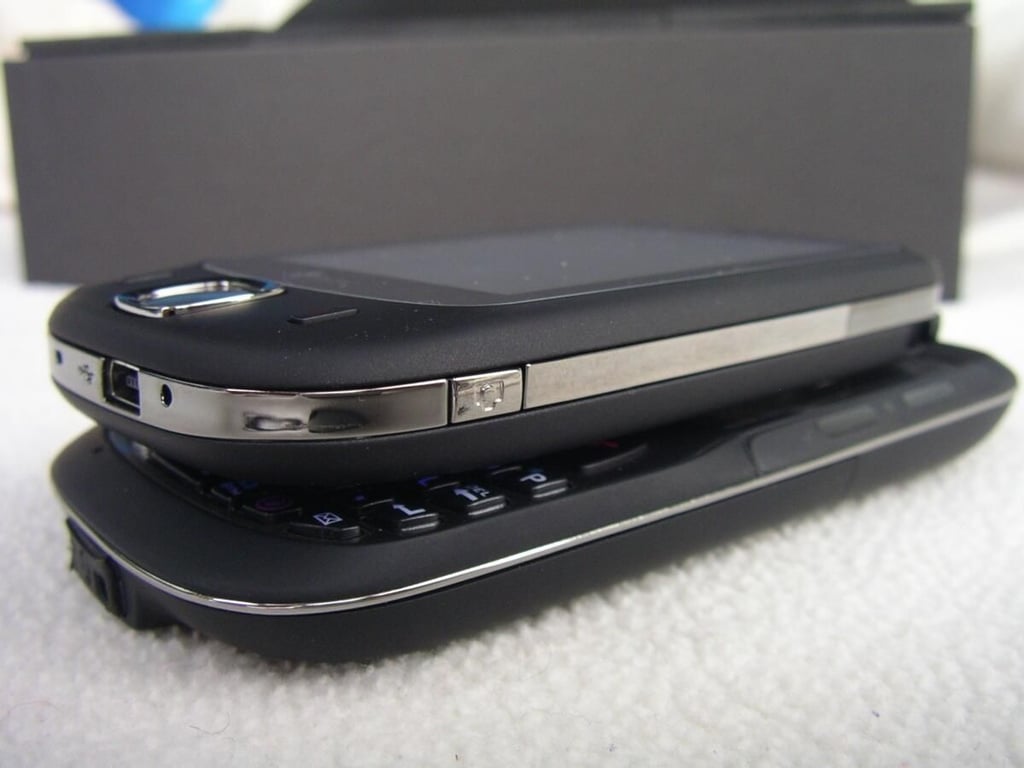
They are both about the same thickness.
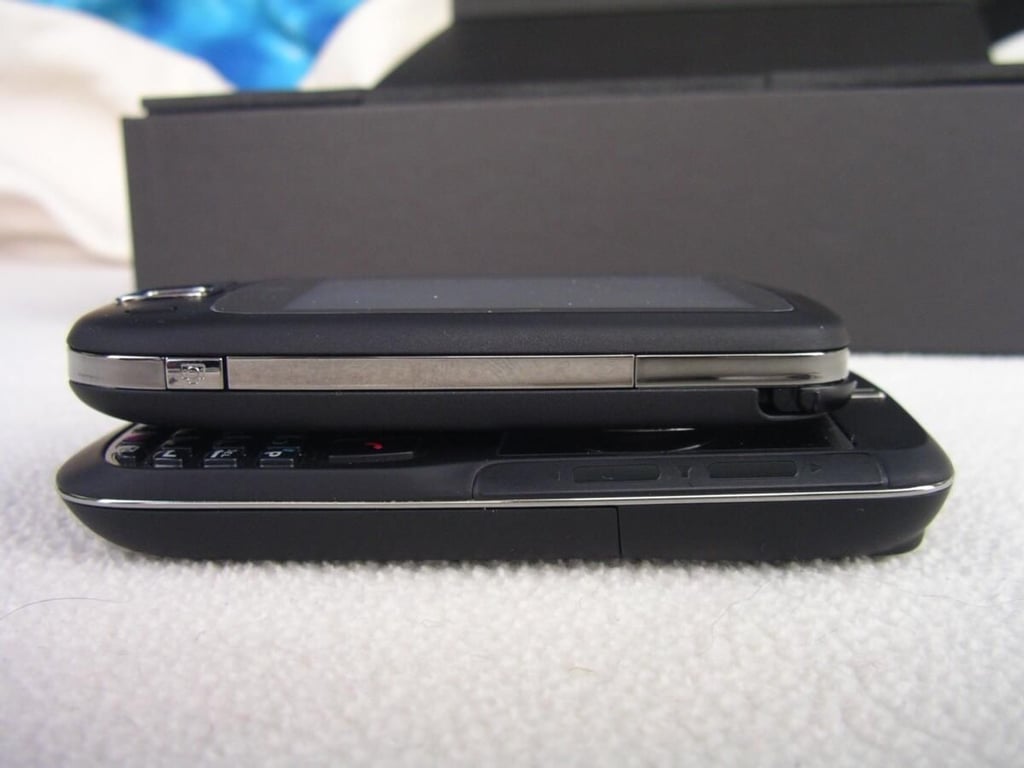
The Touch is shorter than the Dash too.
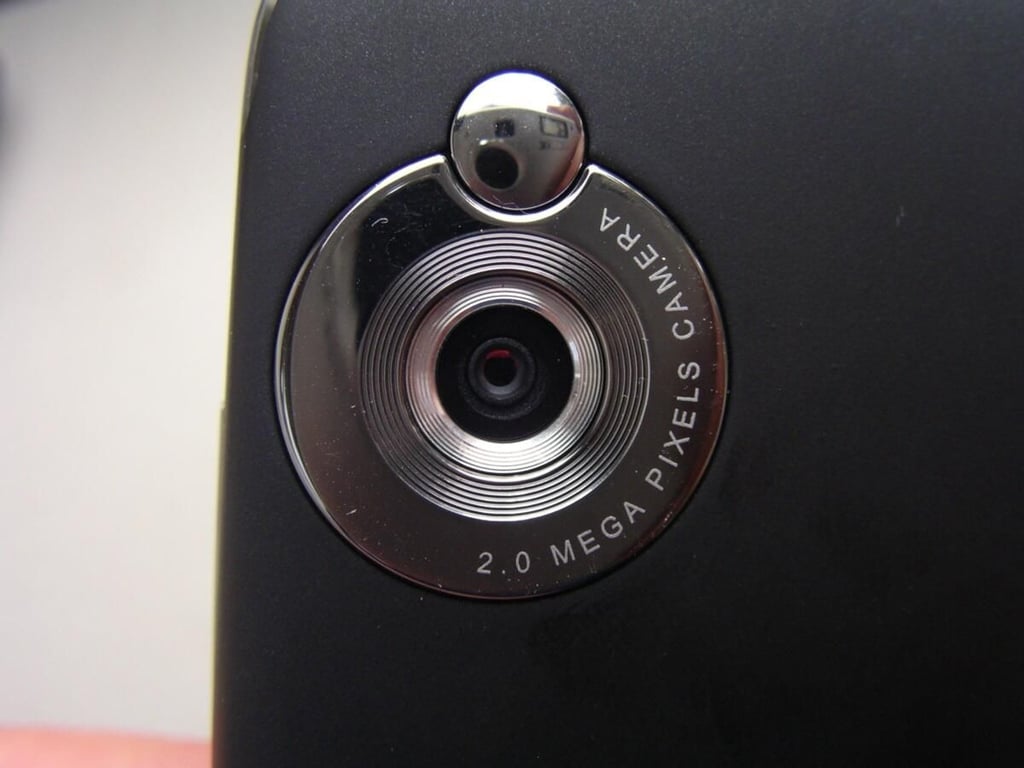
The camera looks to be better than the Dash, but further testing is needed.
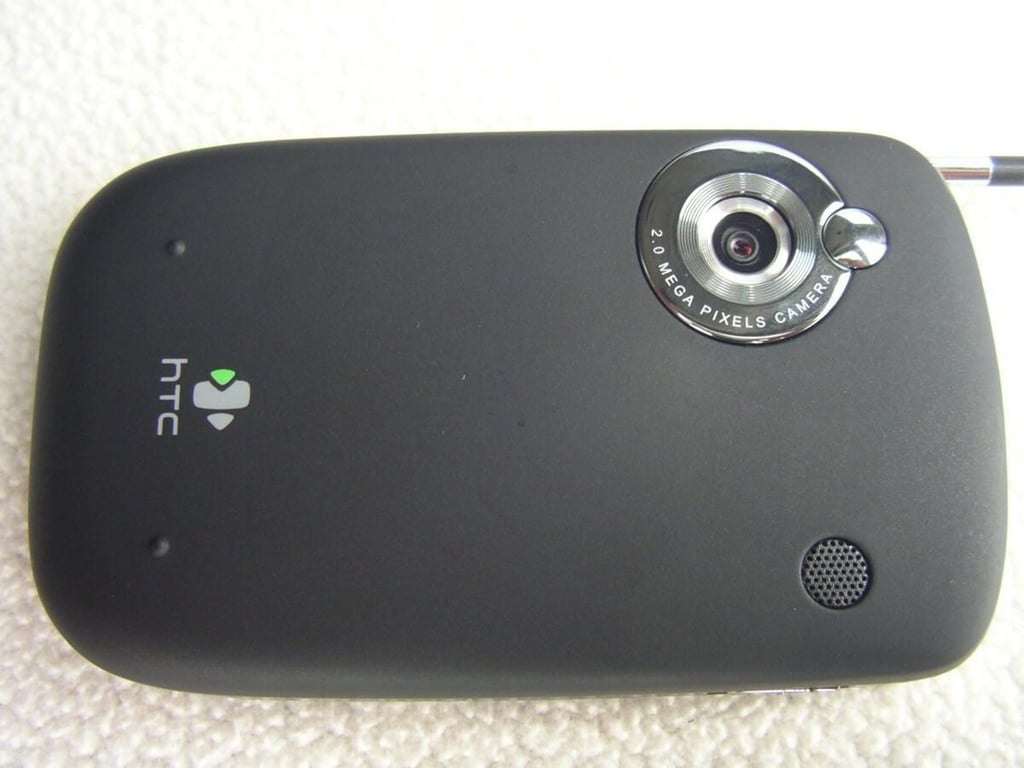
The entire back is removable to access the battery, SIM card and microSD card. The back speaker is a mono version for speakerphone usage and music playing.
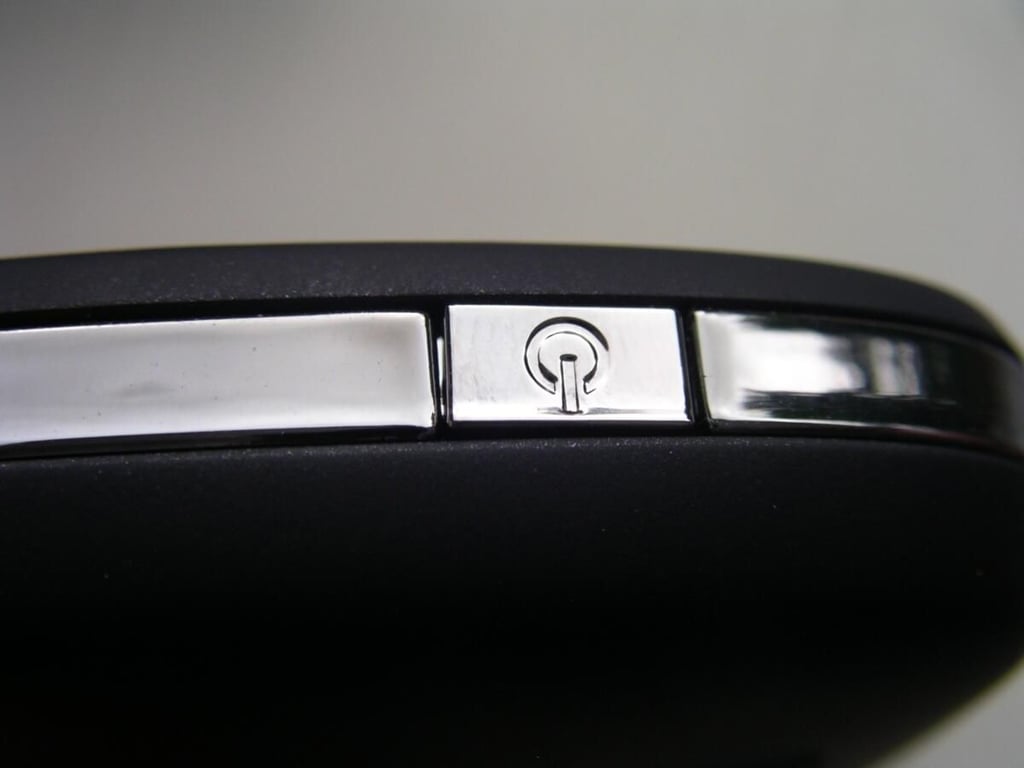
The camera button is found along the lower right side.
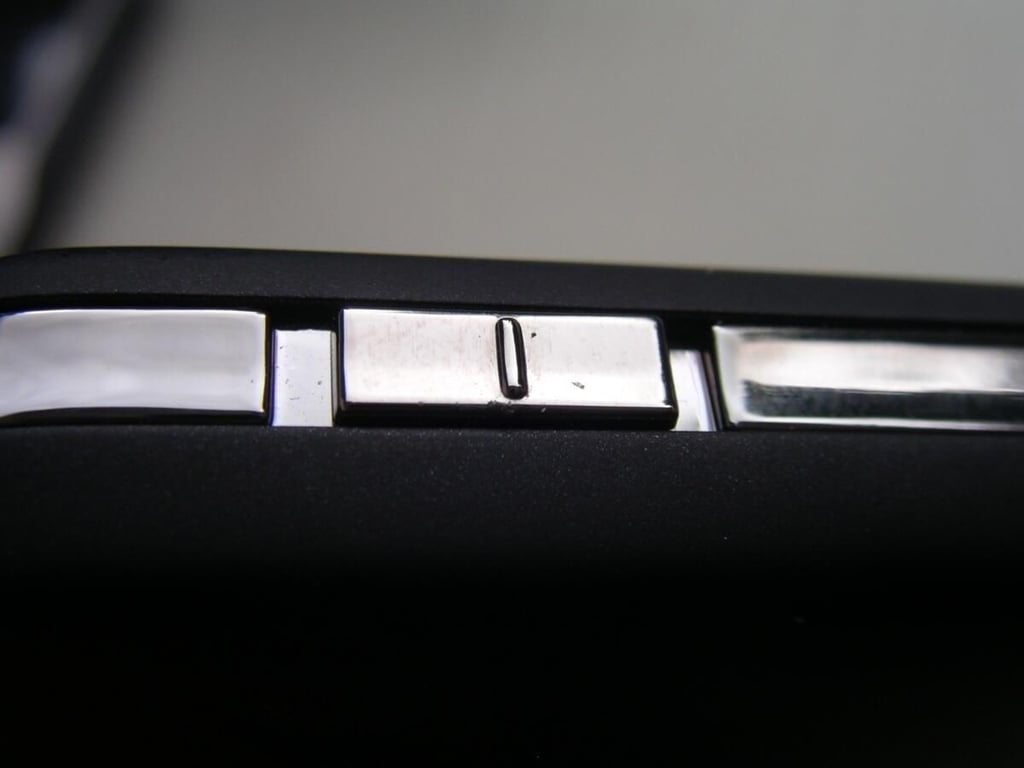
Volume is managed with a simple slider switch on the left side.
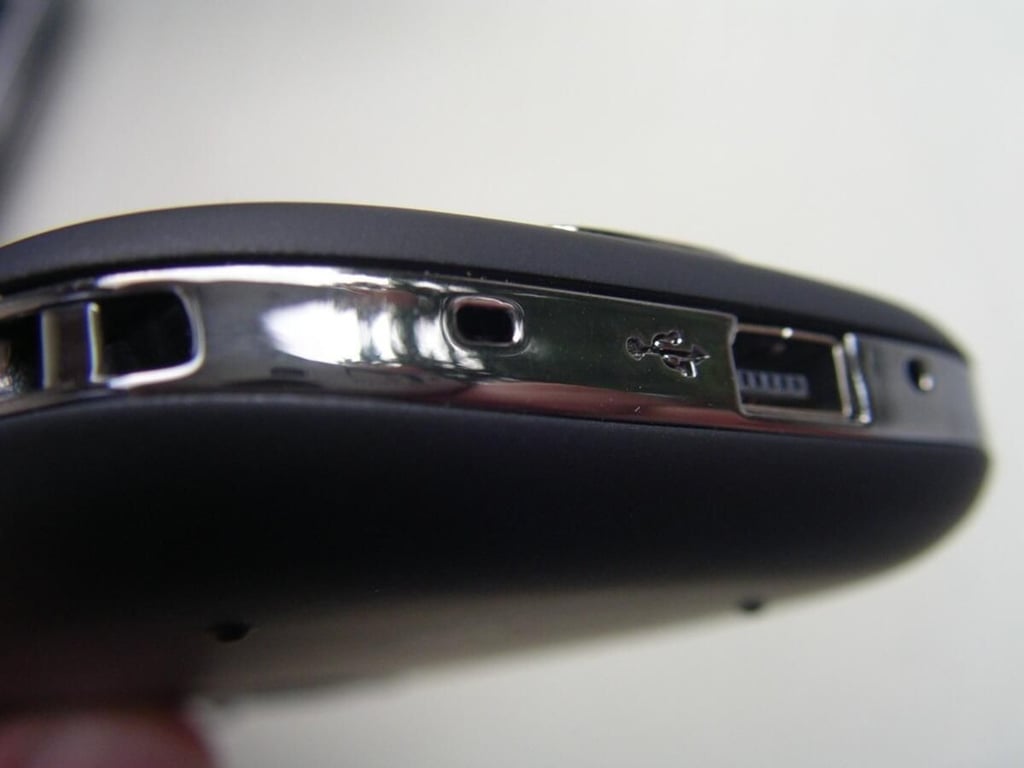
A lanyard loop, reset button, miniUSB port, and microphone opening are found on the bottom.
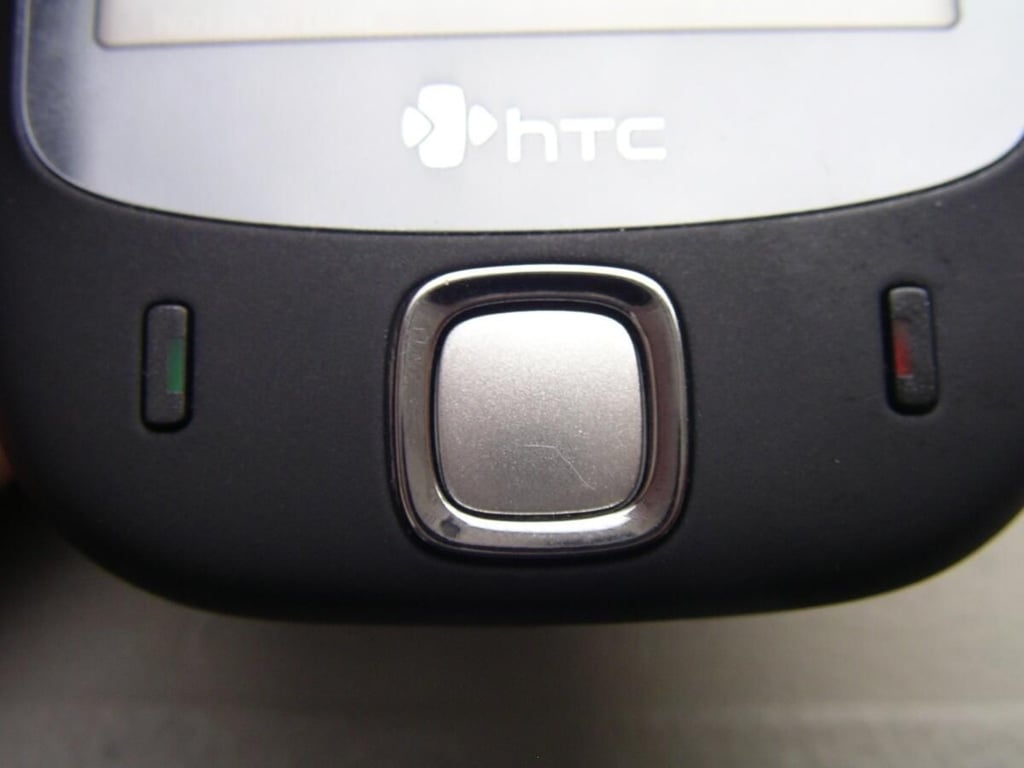
The Touch is simple with small send and end buttons and a nice sized directional pad.
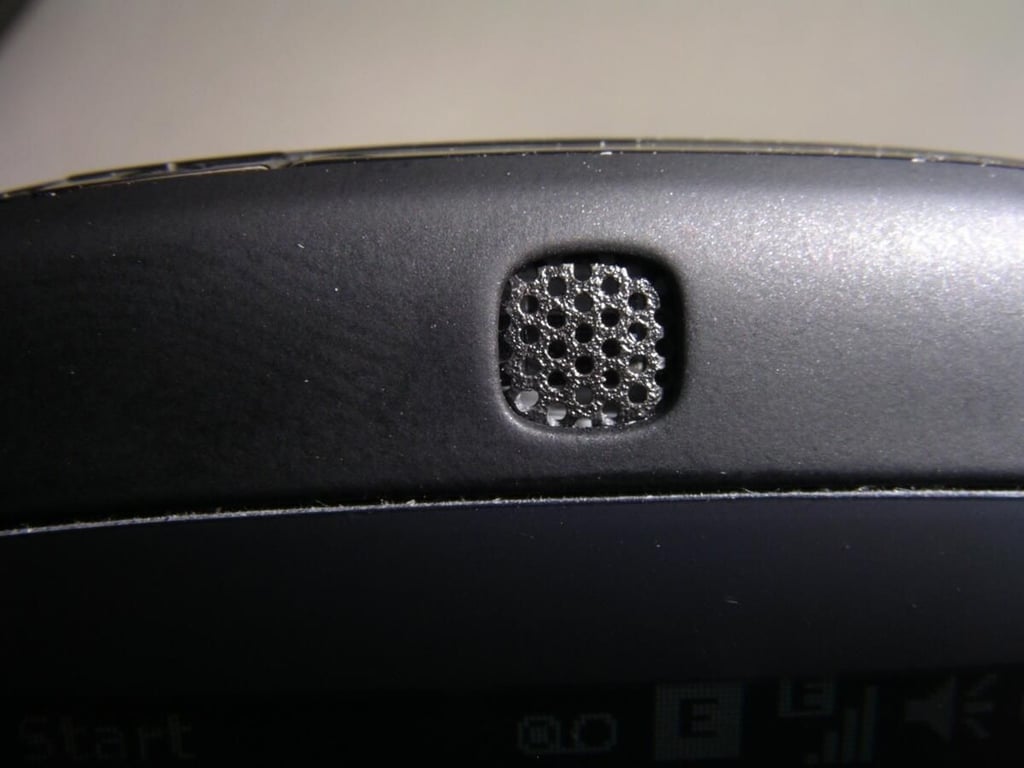
The lights are hidden inside the speaker grill. This is for phone calls when you hold it to your ear with a back speaker for speakerphone and music.
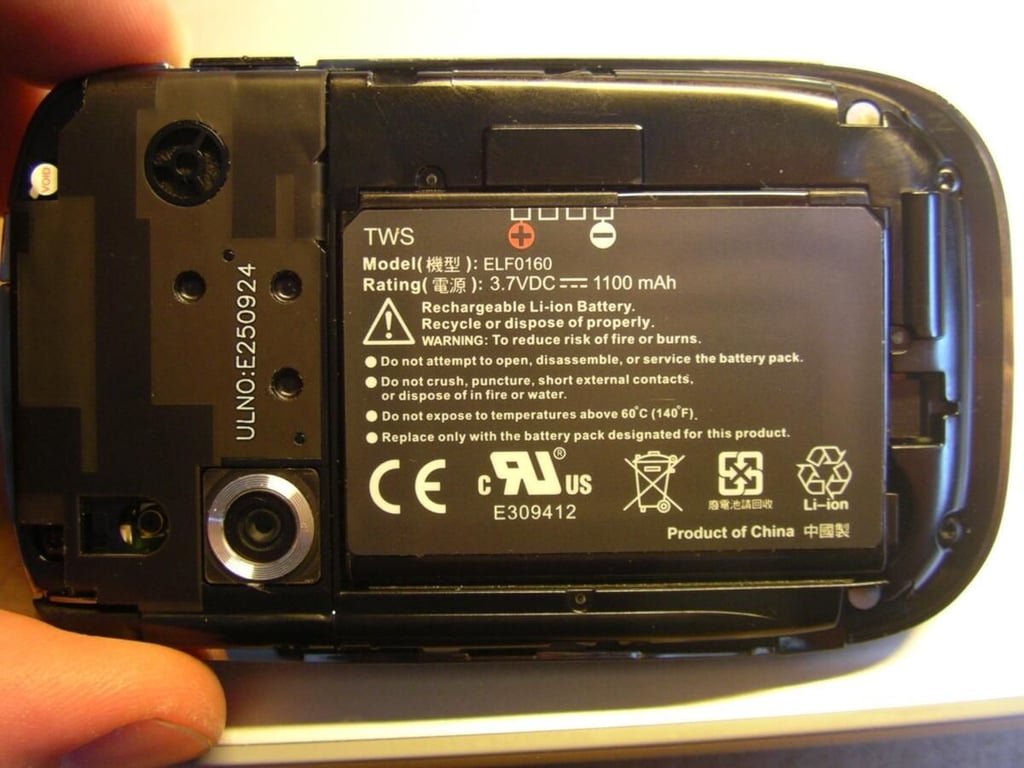
1100 mAh should be good for at least a day on this small device.
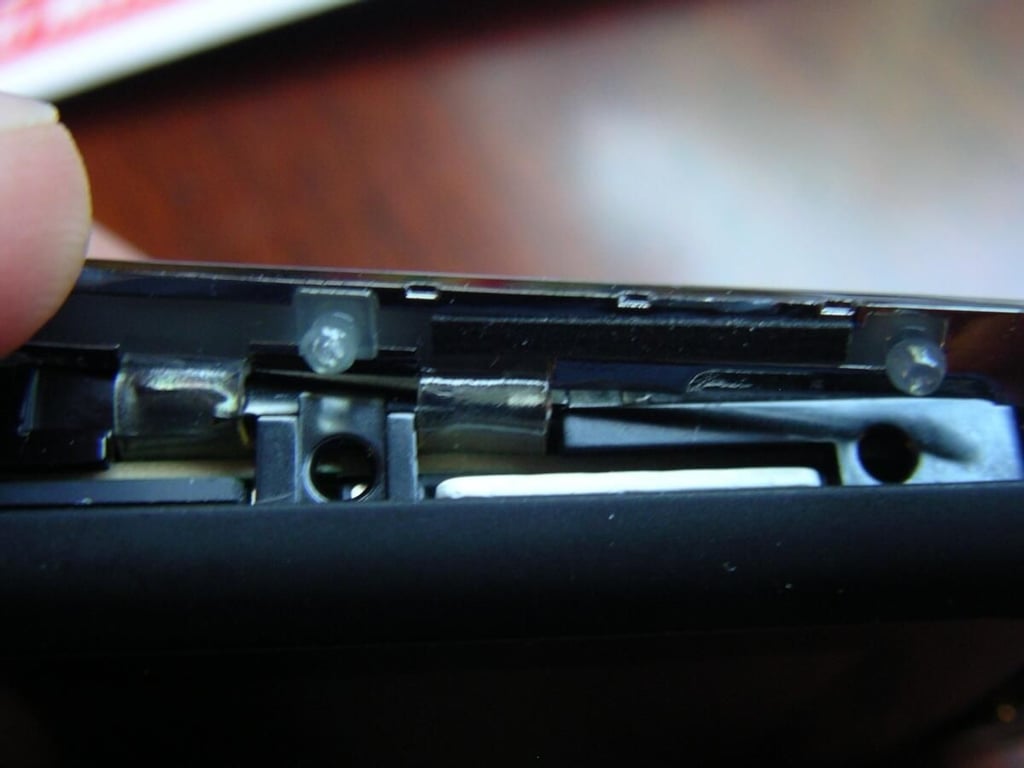
This cover seems a bit cheesy and you won’t want to remove it too often.
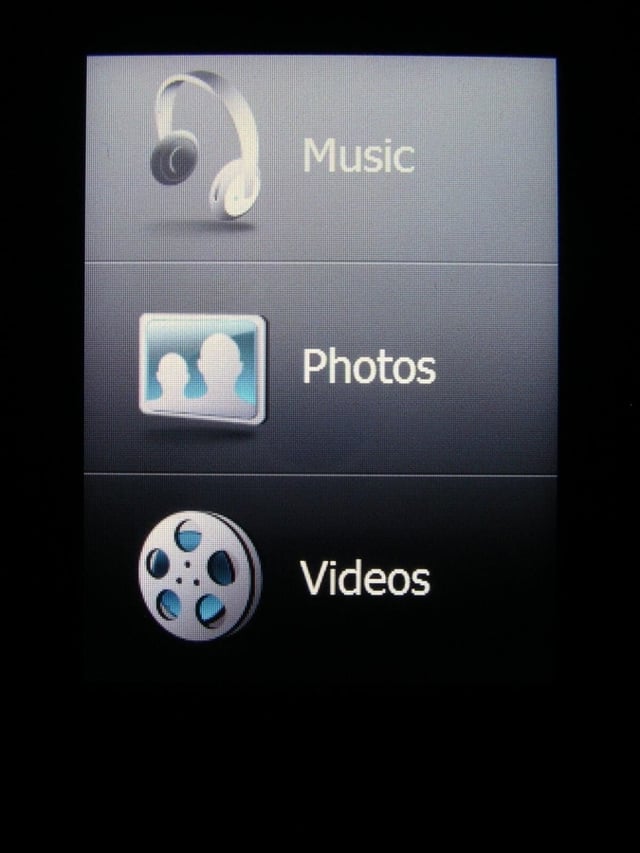
This quick launcher gets you into your media content with a “flick” of the finger.
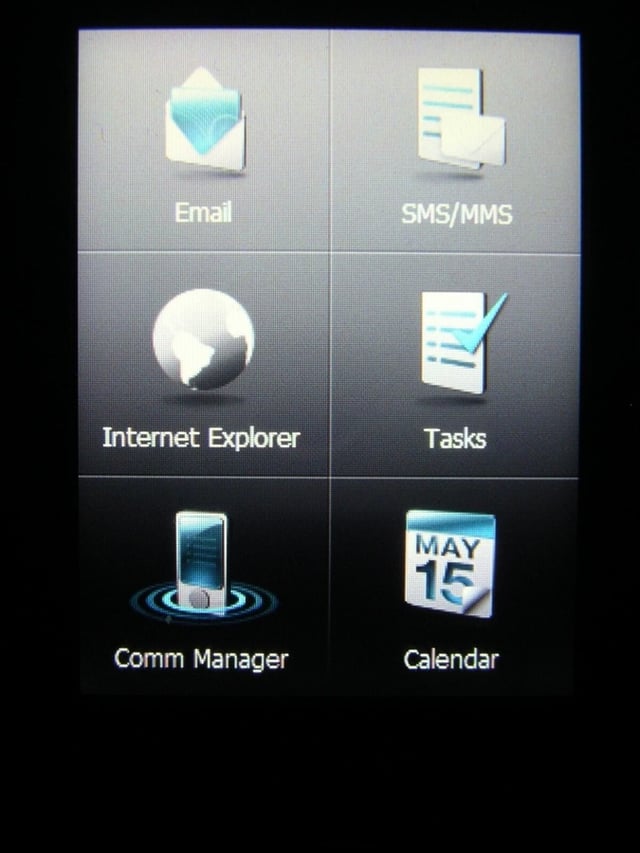
6 apps can be quickly launched from these icons.
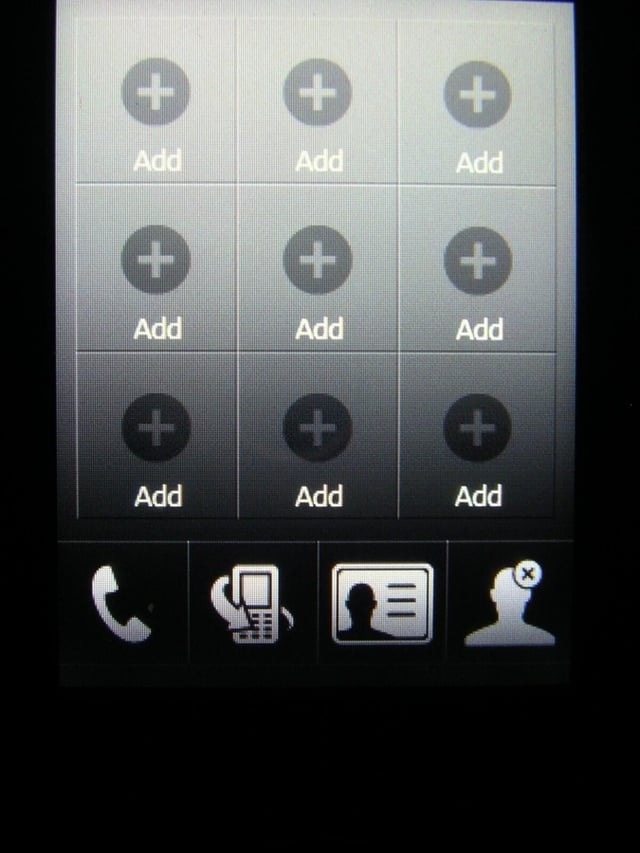
This is the contact management and access page to make calling your regular phone pals easy.
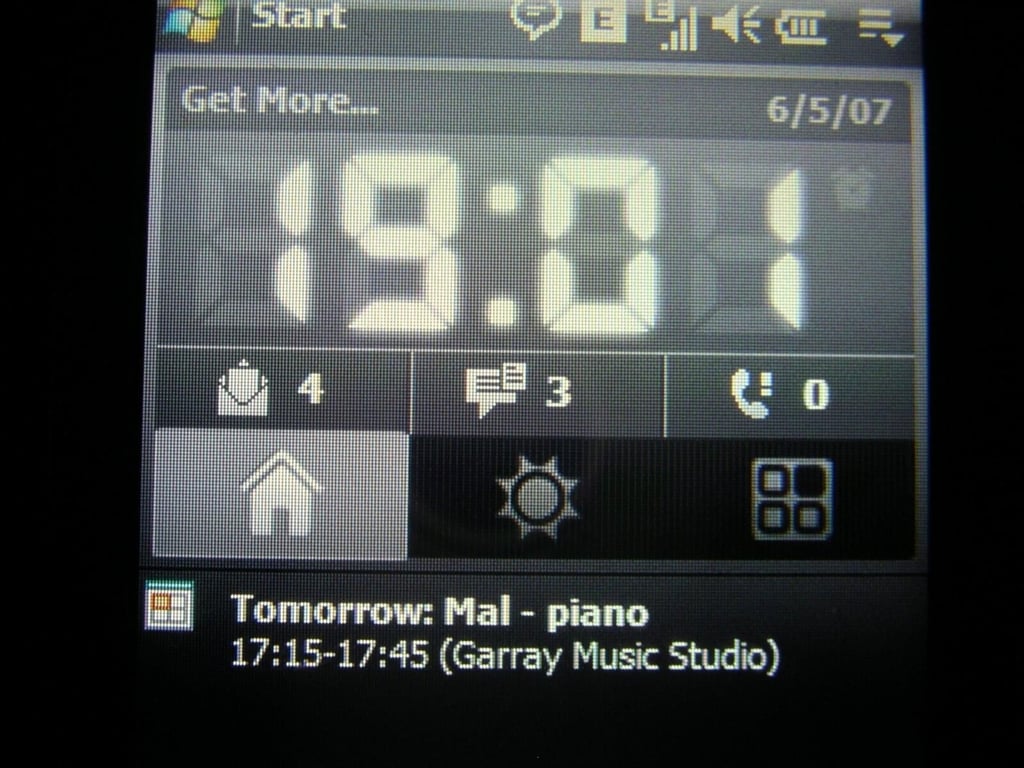
The Home icon has a large digital clock, message and call status, with upcoming appointments.
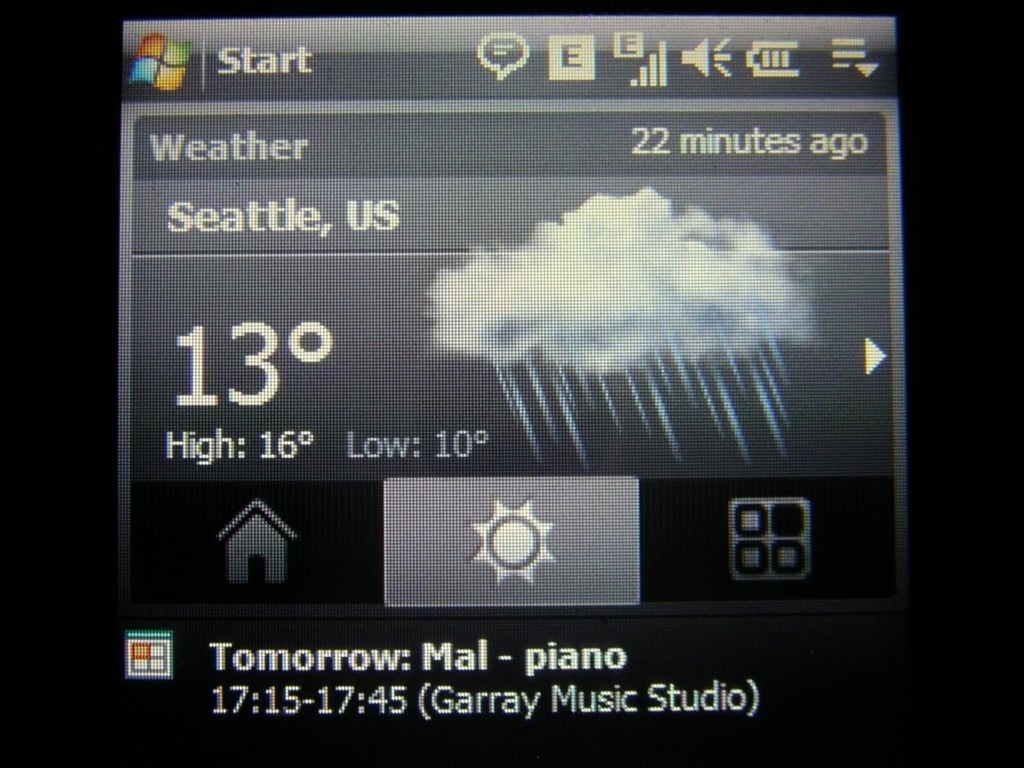
Local weather forecasts are available on this screen.
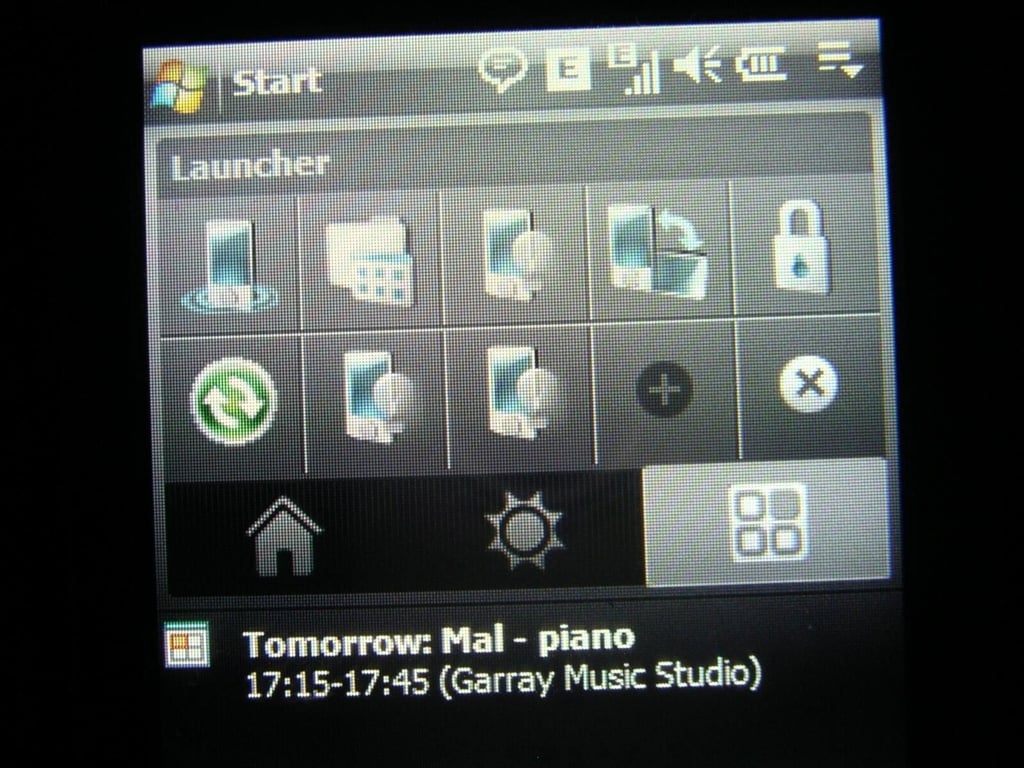
A quick launcher can be customized with your favorite programs.


