I previously posted reviews of two Bible study applications I have used on other smartphone platforms that moved onto the iPhone, Laridian PocketBible and Olive Tree Bible Reader, primarily because they are the programs I was most familiar with over a number of years. One thing we have discovered with the launch of the iPhone and the App Store is that there are a ton of developers creating new and exciting applications just for this platform. The most compelling of these native iPhone programs pertaining to Bible reading and study that I found so far is Mantis Bible Study. I actually discovered this a few months ago when I was looking for a program and was pleased to see it was one of the only ones with note taking support. After adding back the two apps I used in the past, I reloaded Mantis Bible Studay and actually think it may be the best of all Bible applications on the iPhone platform.
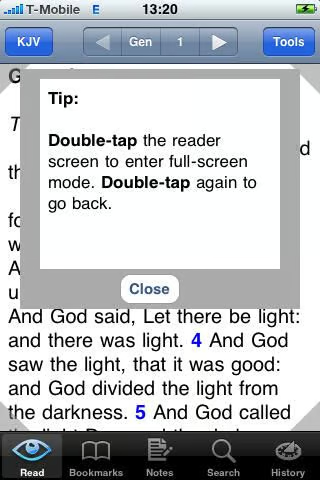
It is simple to jump between full screen and a screen with menus.
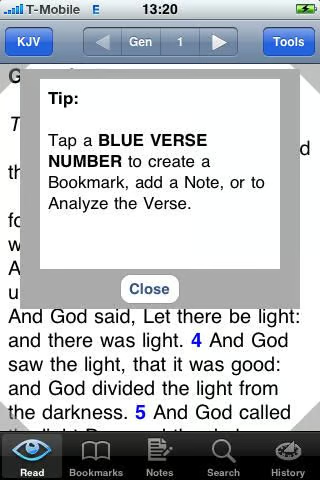
Tapping the blue verse number gives you access to several functions.
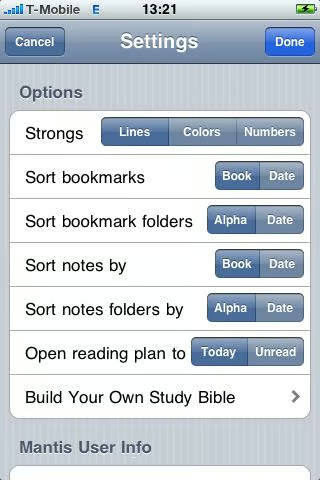
The first settings screen lets you control how Bible text appears.
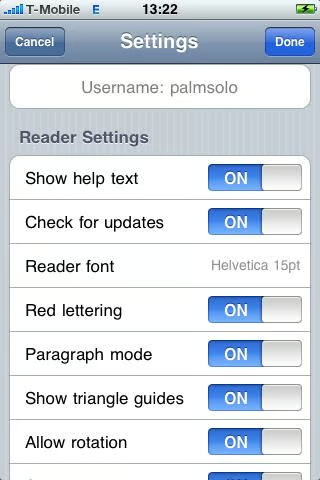
Several other settings let you manage Mantis Bible Study content.
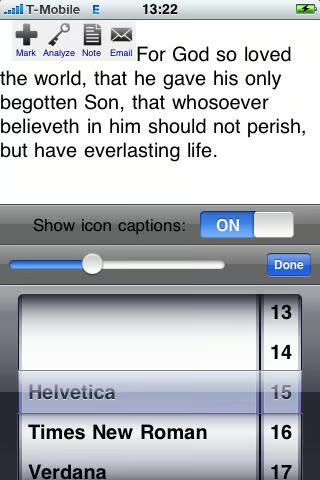
The font selector appears in typical iPhone roller format.
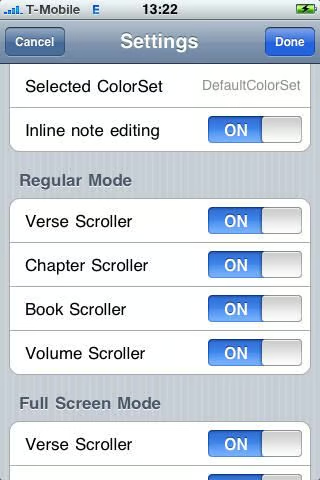
More ways to manage how the program works and appears.
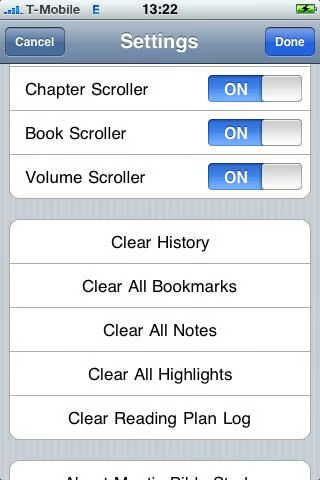
Ways to clear the settings and other data to start over.
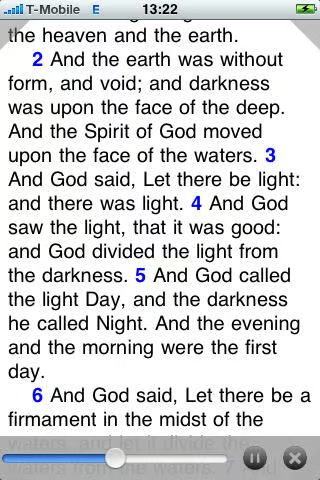
A handy feature of Mantis Bible Study is the auto-scrolling capability. You can control the speed of the scrolling using the slider on the bottom of the display.
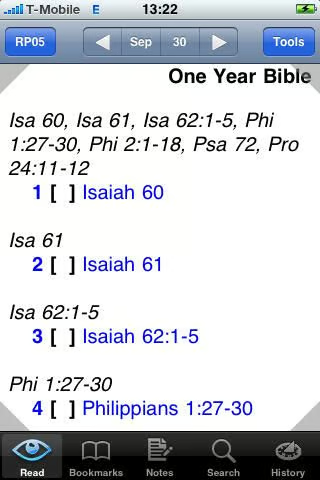
There are many resources to read and study in Mantis Bible Study.
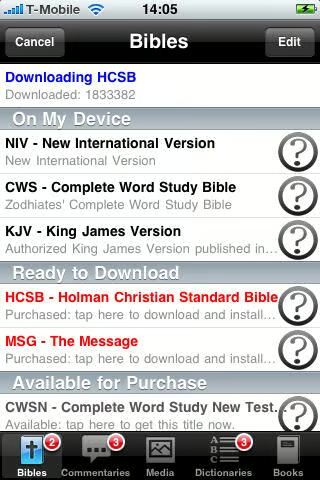
New resources you have purchased, but not yet downloaded appear in red. You can download content for offline reading.
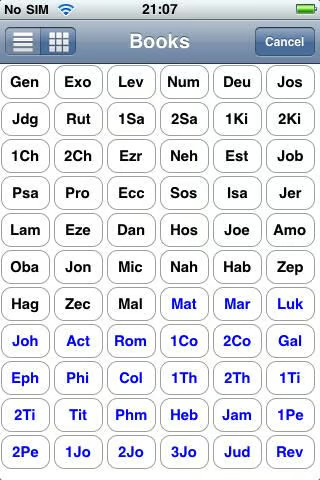
One of two ways to choose a book of the Bible.
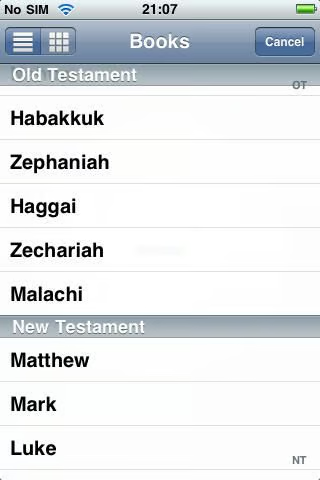
This is another way to select books of the Bible.
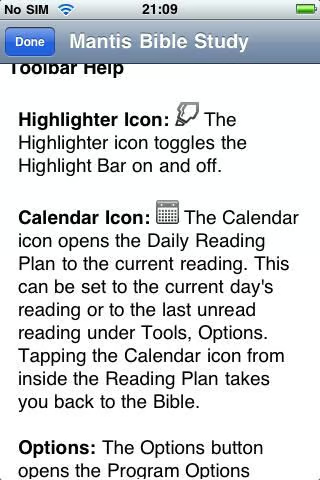
You can read more details about the toolbar from within Mantis Bible Study.
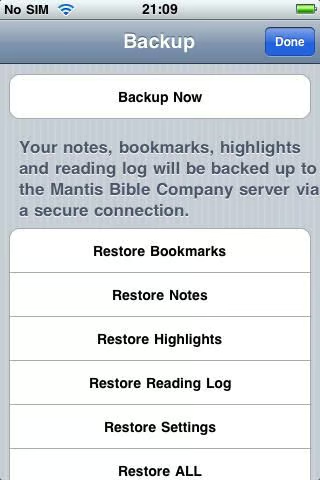
You can backup your notes, bookmarks, highlights, and reading log from within the program.
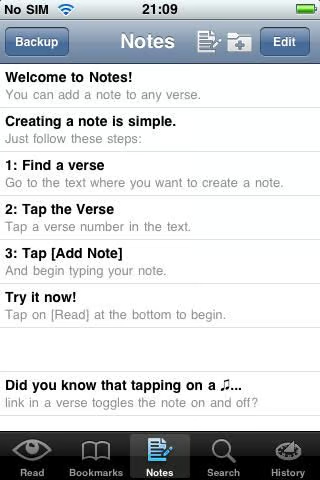
The first time you create a note, specific step-by-step instructions will tell you how.
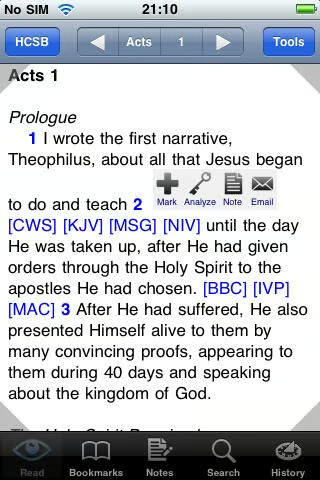
Tapping on a blue verse number gives you various options for creating notes, bookmarks, and more.
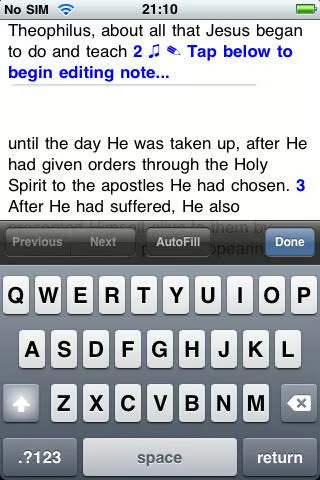
You can create a note in a separate screen or right within a verse you are reading.
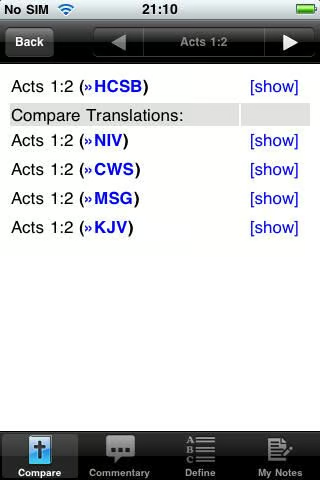
A very helpful feature for Bible study is the ability to compare different Bible translations.

You can choose to email verses and when you do a verse is copied right into the email body.
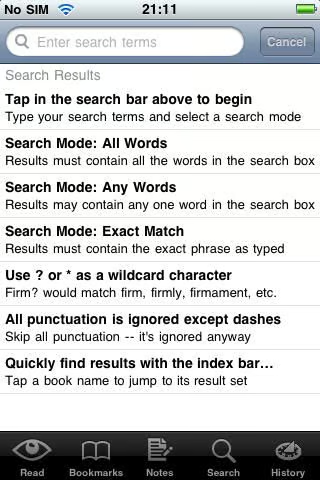
The first time you decided to conduct a search you will find specific instructions on how to do so.
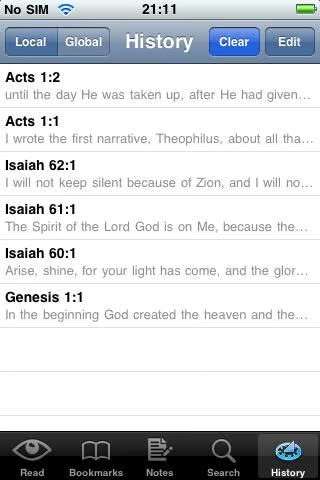
Your reading history is available within Mantis Bible Study.
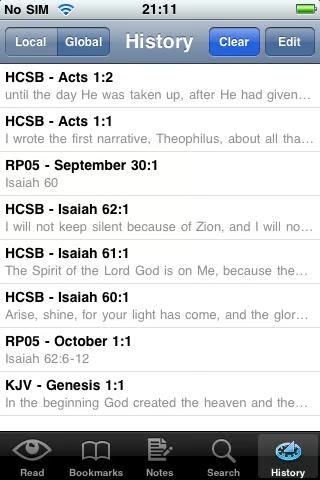
In addition to local history you can view global history in the program.
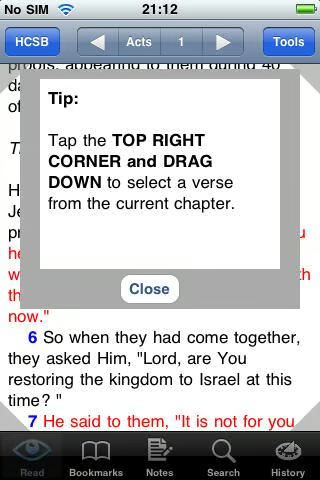
Tips are available to show you what you can do with the shaded corner controls.
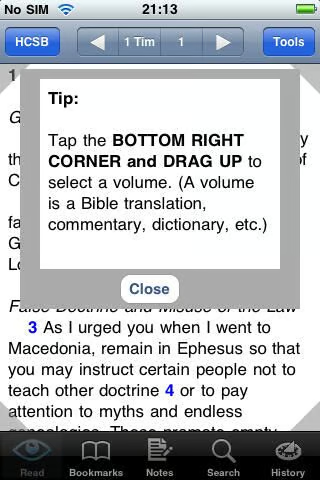
There are tips for controls of all four corners.
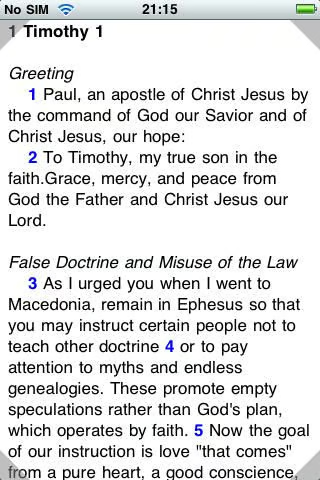
Double tapping to full screen gives you the best reading experience.
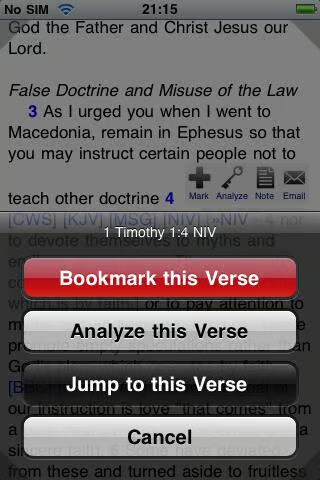
Quick and easy buttons for interacting with verses.
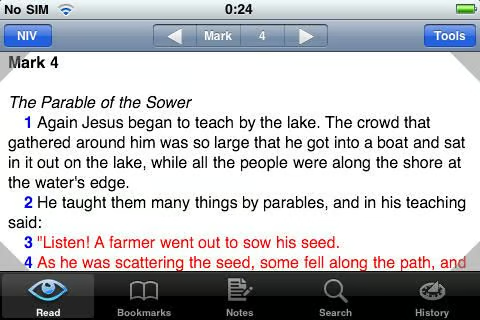
This screenshot shows the landscape mode and how it looks on your iPhone.
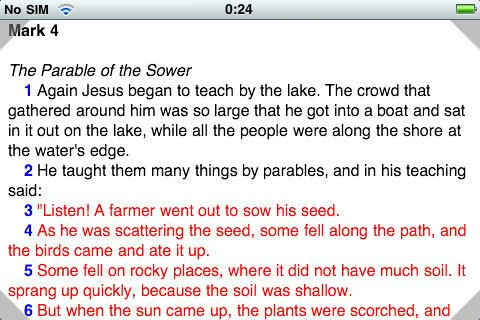
Full screen viewing works well in landscape.
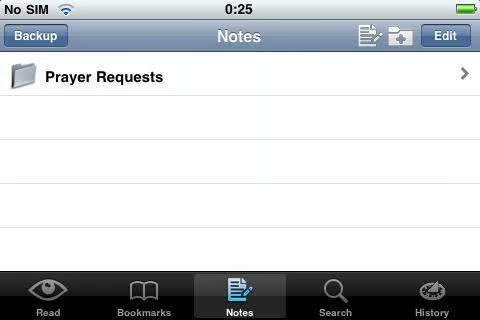
The ability to create and manage folders within notes and bookmarks is quite helpful.
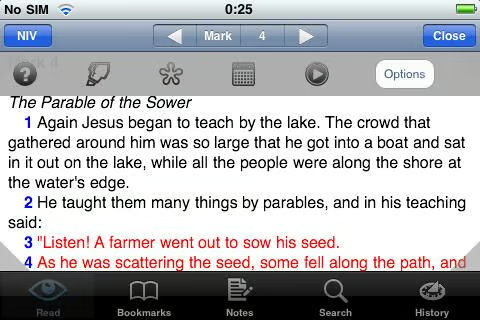
Tapping on the blue verse gives you quick access to these controls.

Thumbnail 1

Thumbnail 2


