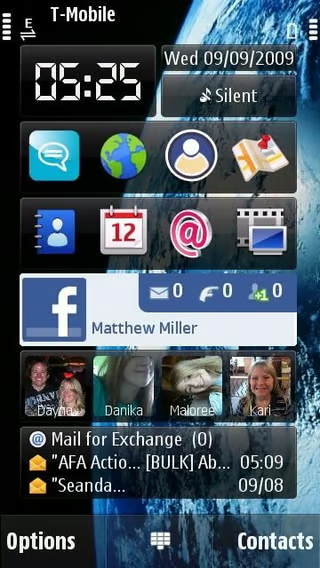
An official Google Android Facebook application was released this week, which prompted us to take a look at the official Facebook application that is available across every mobile operating system except for Palm WebOS. Several screenshots of the apps are shown here with a full article detailing them all on ZDNet Smartphones & Cell Phones blog.
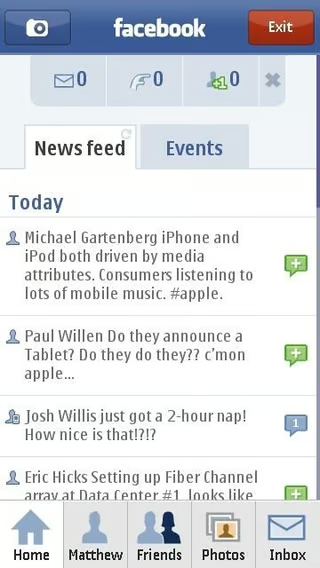
The Home icon on the Nokia N97 shows your News feed and Status updates.
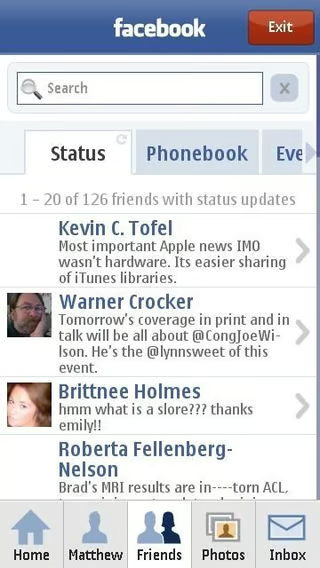
One of the better views in the Symbian client is the Friends status updates.
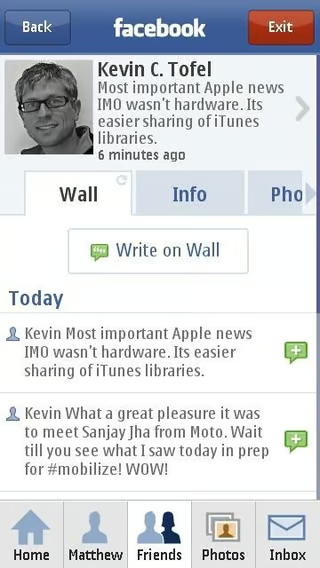
There are lots of details available on your friend’s wall page.
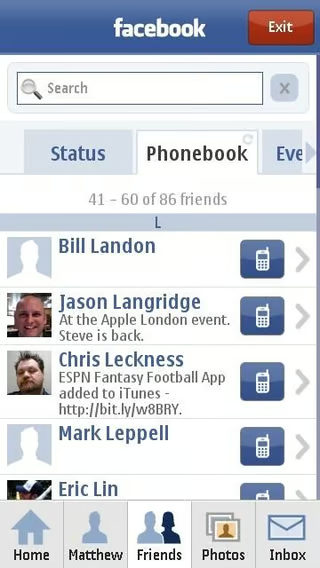
You can call your friends from within the Facebook client.
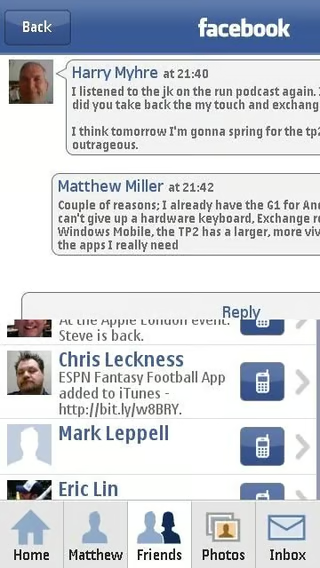
Your message conversation can appear in a threaded bubble, iPhone-like format.

The home tab shows you status updates with subtabs available for more information.
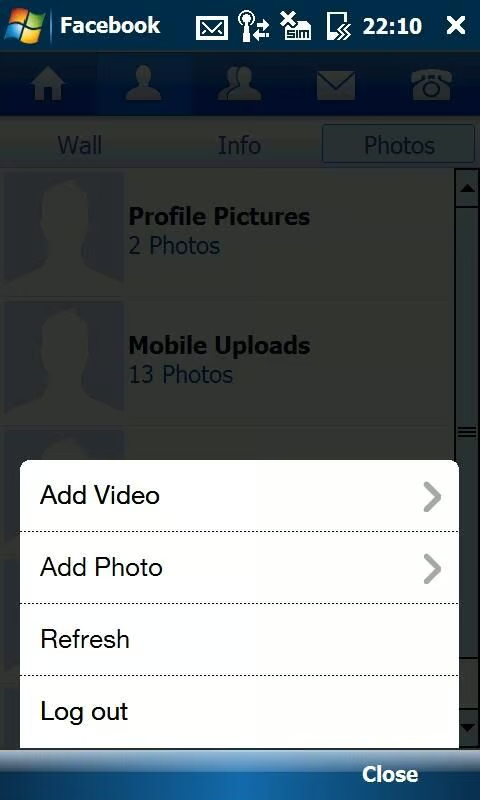
One bonus on the Windows Mobile application is the ability to upload photos and videos to your Facebook account.
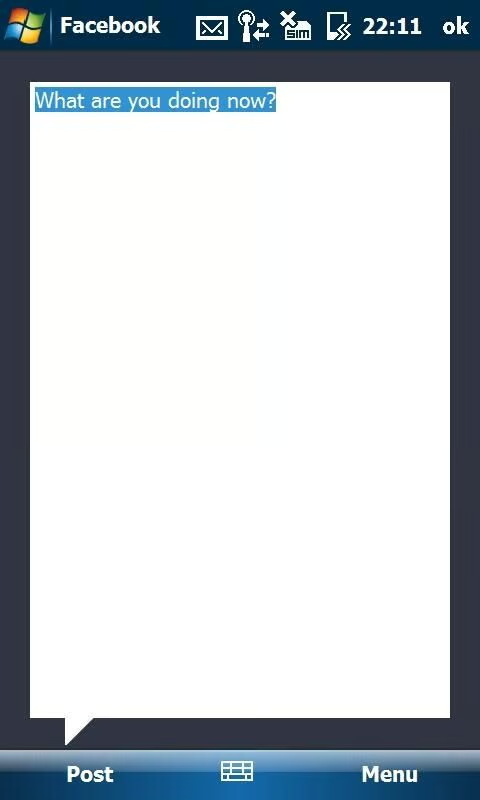
You can update your status for several areas on your WM device.
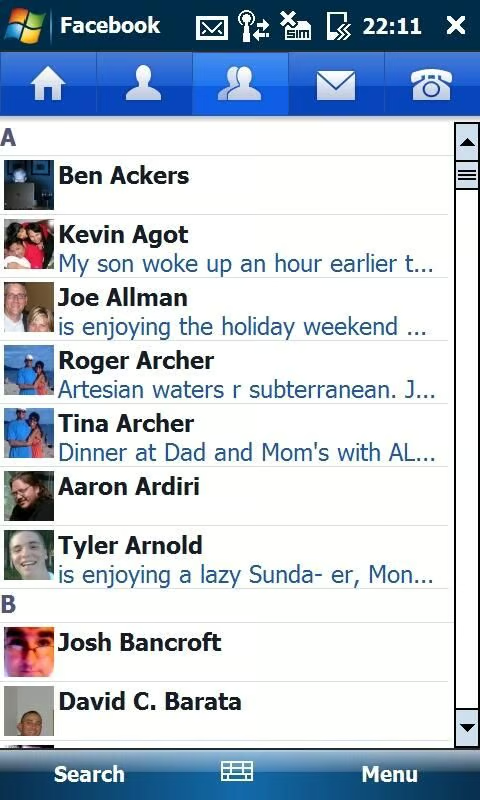
You can quickly view your friends’ latest status updates.
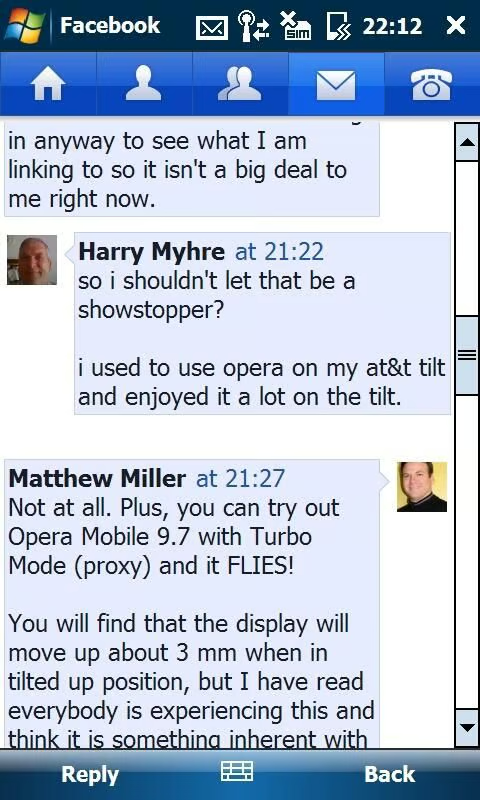
Similar to the Symbian client you can view your inbox in a threaded view for easy conversation tracking.
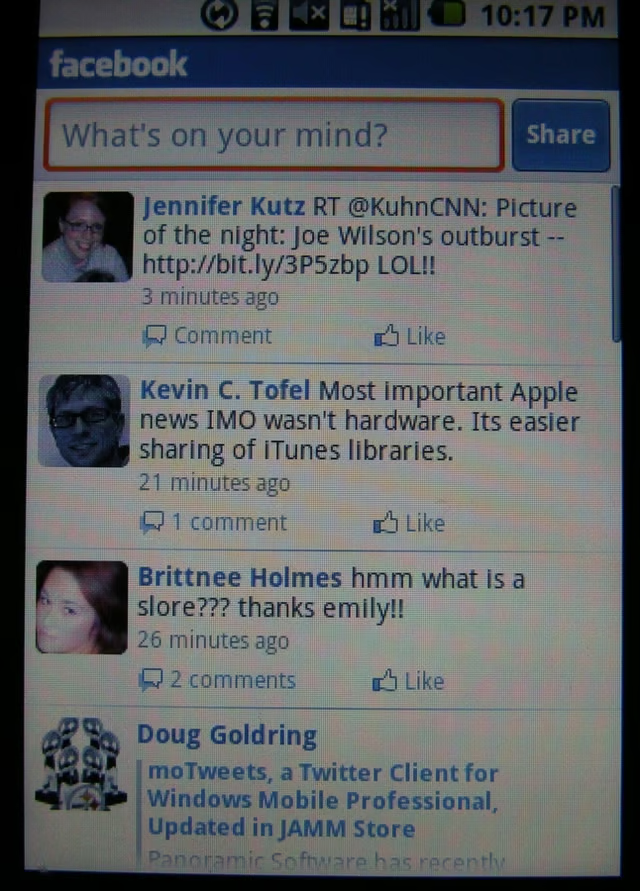
The Android client does not have many options and most of your time will be spent in the main status page, as seen here.
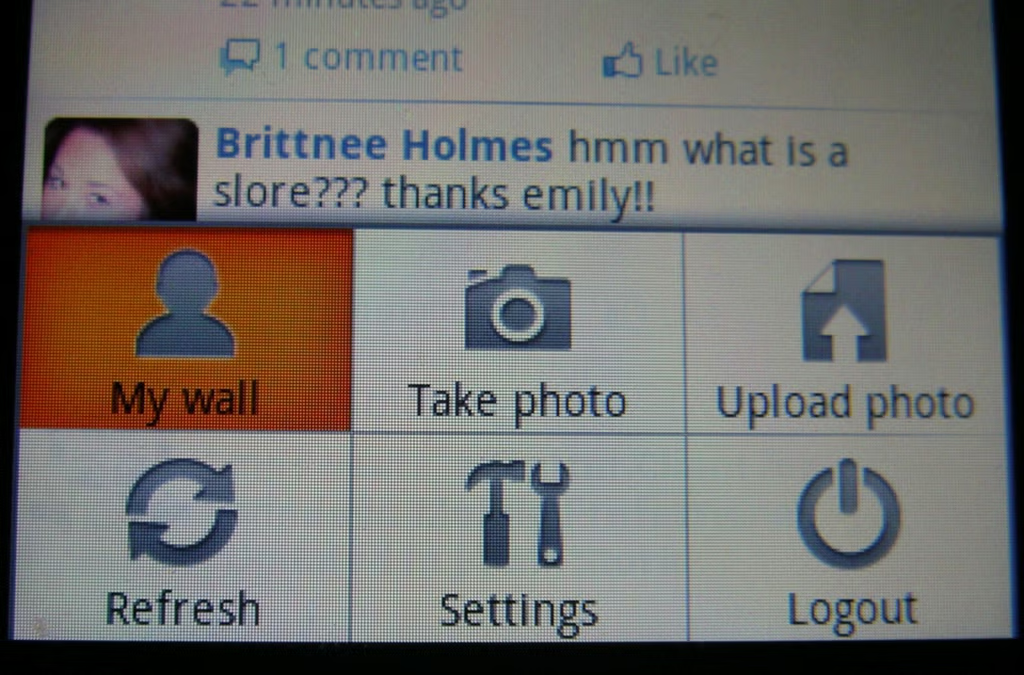
Unlike other clients there are no tabs to access other parts of Facebook. You need to press the menu button to see these options.
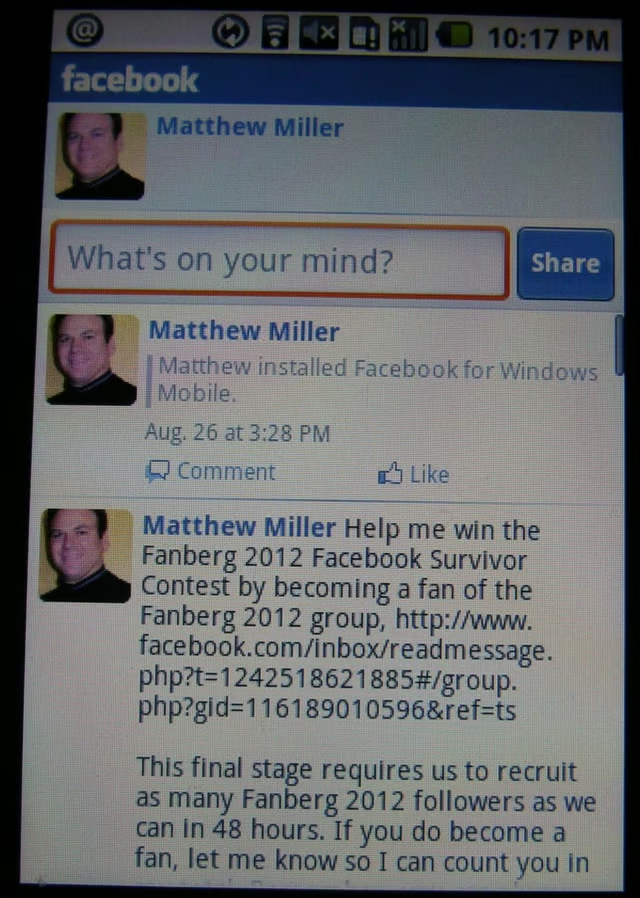
You can view your own wall in the Android client.
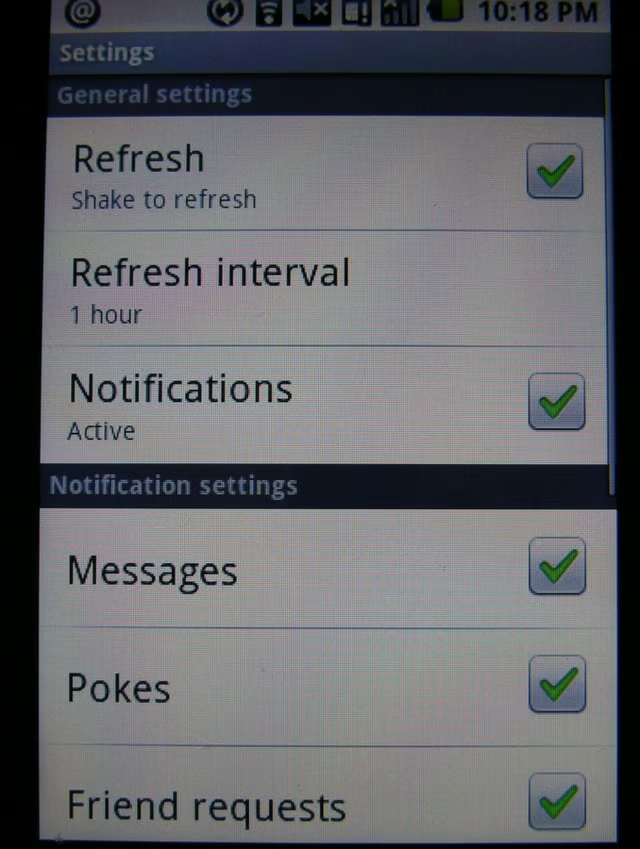
There are a few general settings present in the Android client.
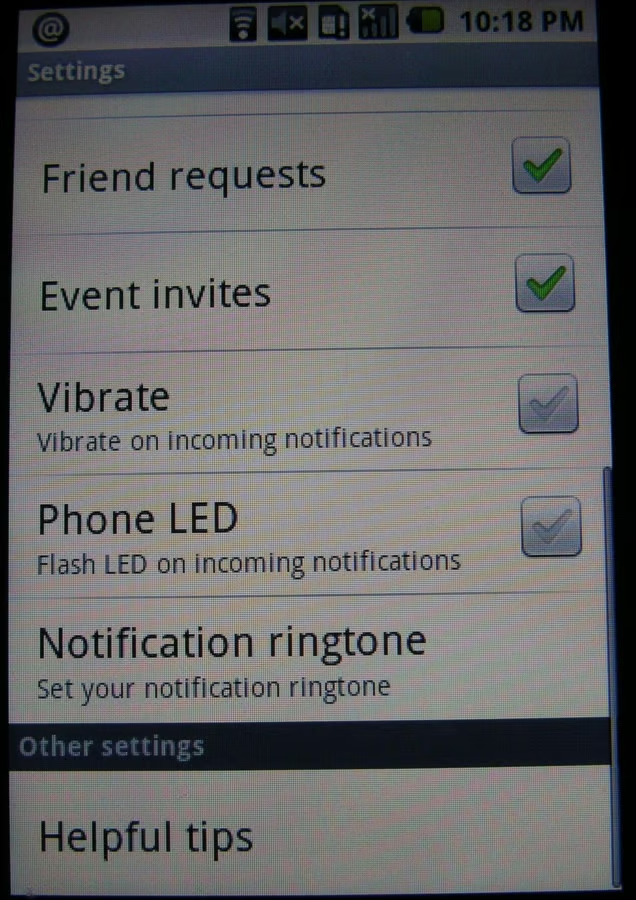
Notification settings can be managed in detail.
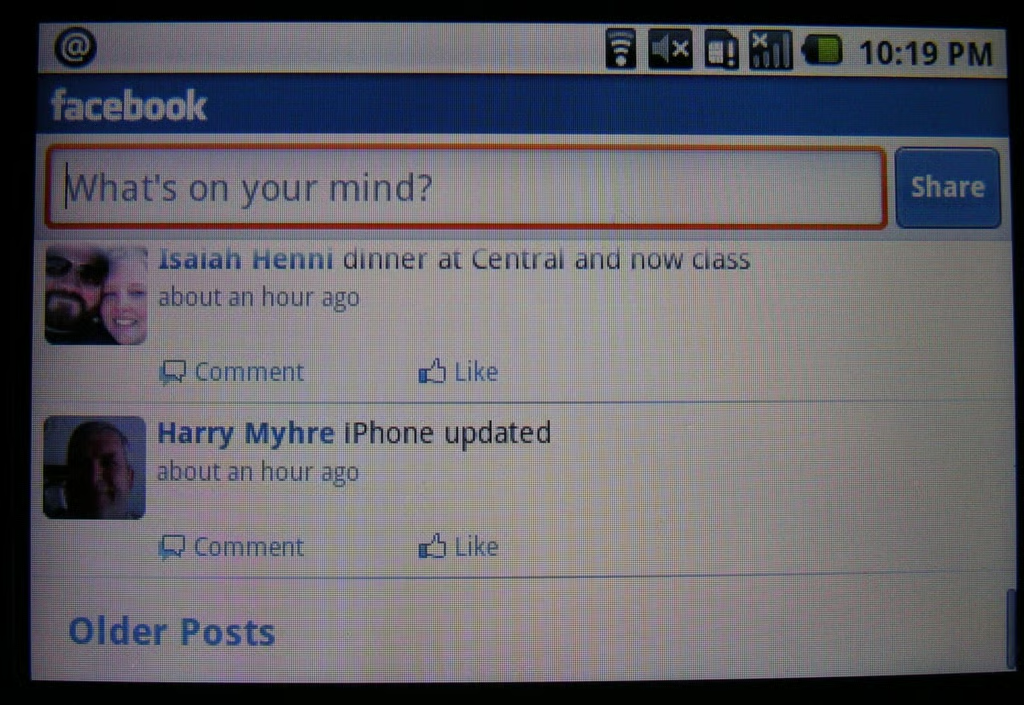
You can view and use the Facebook client in landscape mode as well.
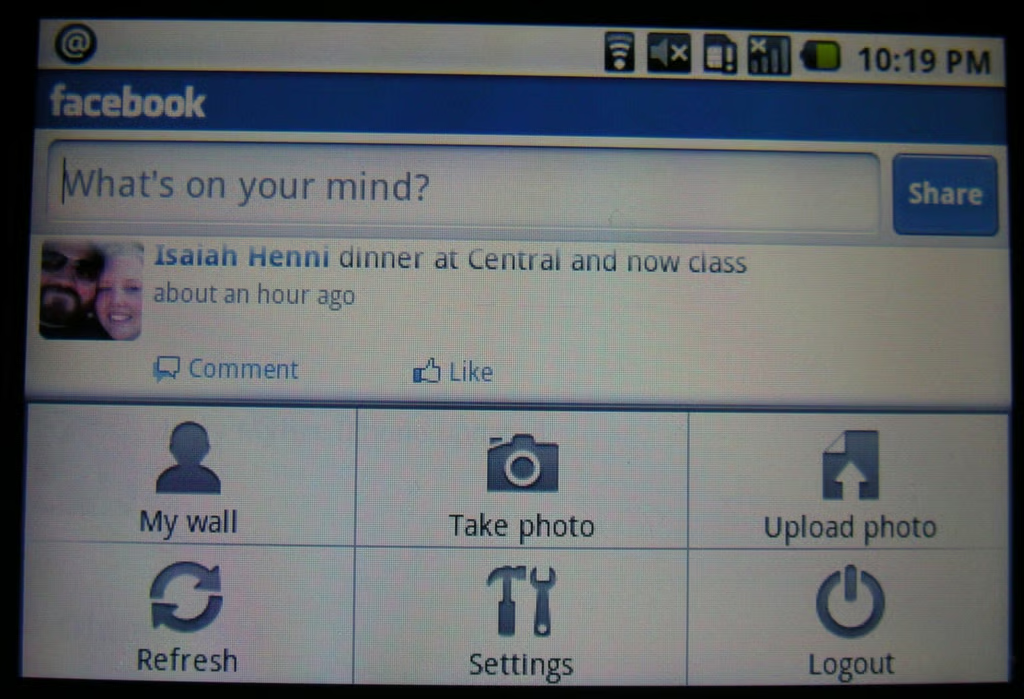
Here is a view of the menu options in landscape orientation.
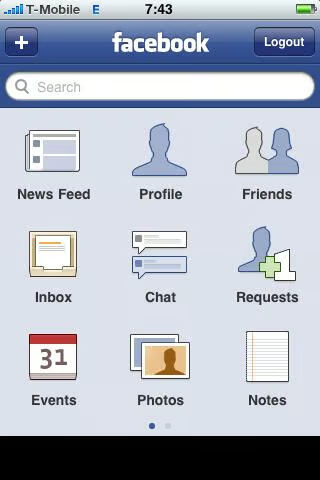
The newest iPhone client is very attractive and well designed with a main navigation page that lets you access different parts of Facebook.
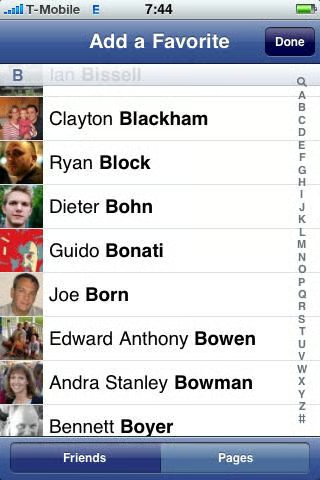
You can create pages of your friends as favorites so you can quickly access their information rather than sifting through your feeds.
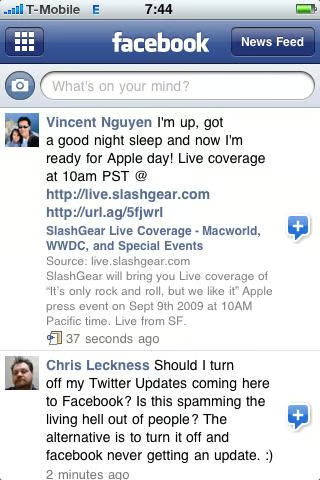
Your friend’s status updates appear in the news feed page.
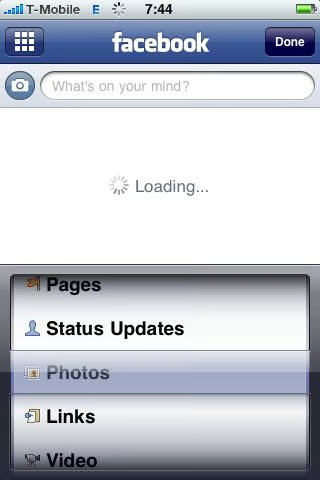
You can use the iPhone wheel selector to filter the types of information that appears.
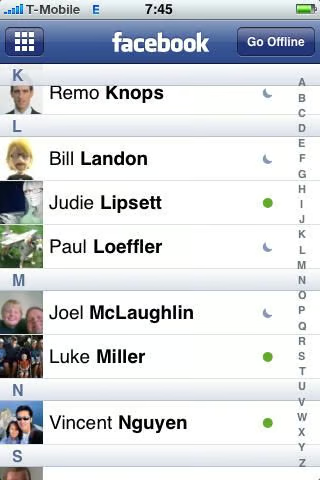
You can quickly check the status of your contacts. A green icon indicates your buddy is signed into Facebook and available to chat.
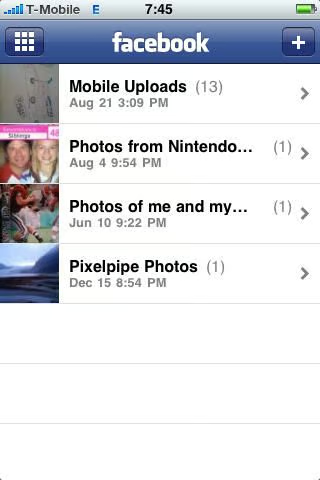
Your albums appear on the Photos page and you can even create new albums.
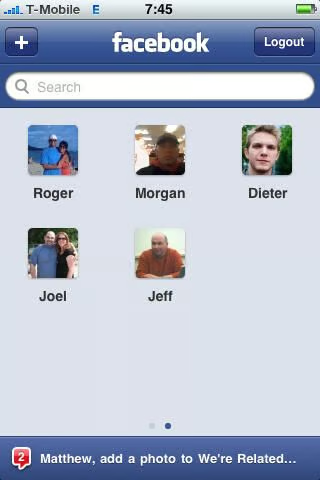
The friends you created as favorites appear on tabs behind the main navigation page.
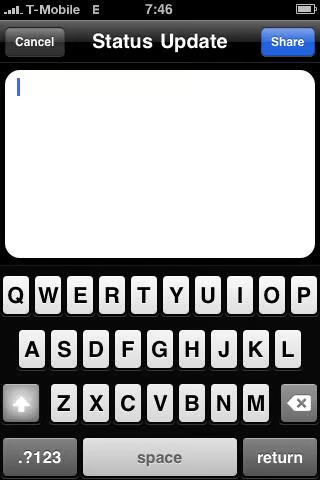
You can update your status using the iPhone application from just about any area.
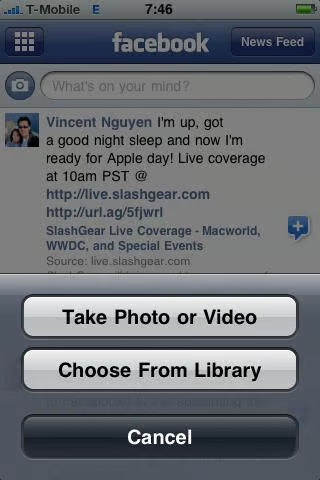
This latest iPhone client added video upload support to go along with photo uploads.

Thumbnail 1

Thumbnail 2


