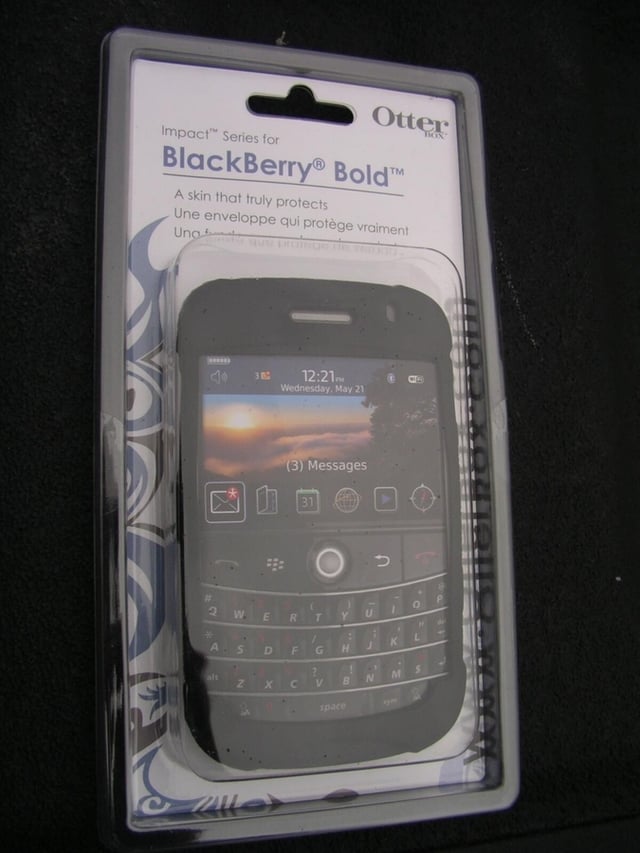
OtterBox is known for creating cases that offer major protection for mobile devices. They have a couple of cases with different levels of protection for the RIM BlackBerry Bold. The Impact case provides a minimal level of protection while the Defender series gives you a much higher level of protection with an increase in size of the case.
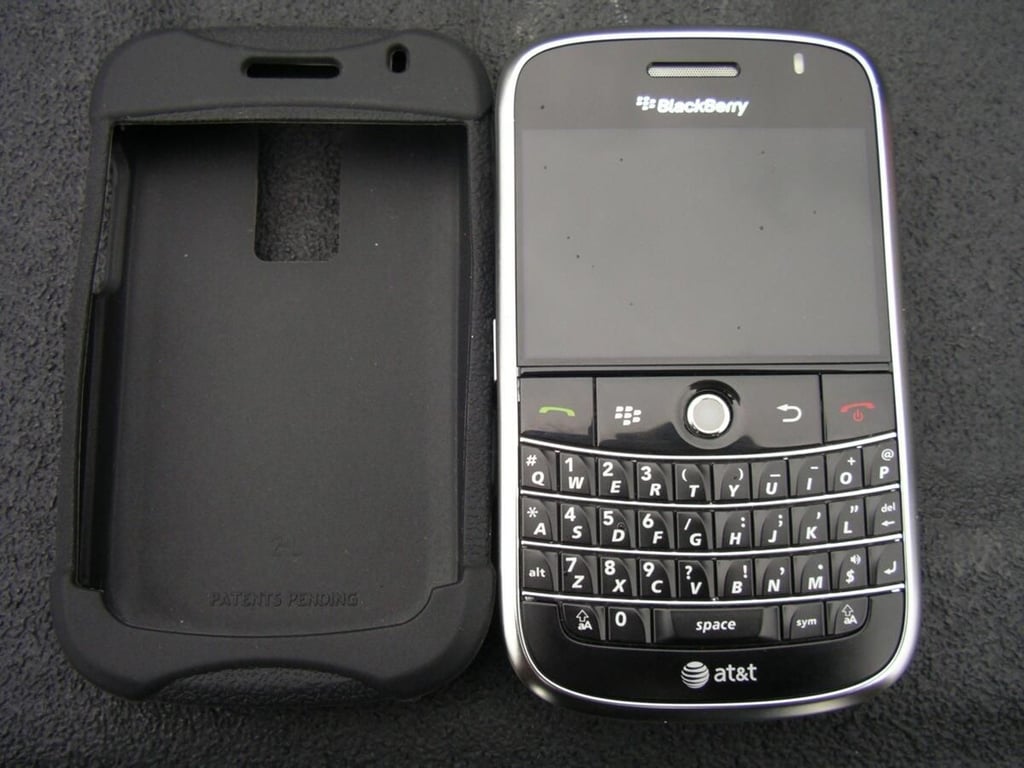
The Impact case is a silicone skin that fits easily over the BlackBerry Bold.
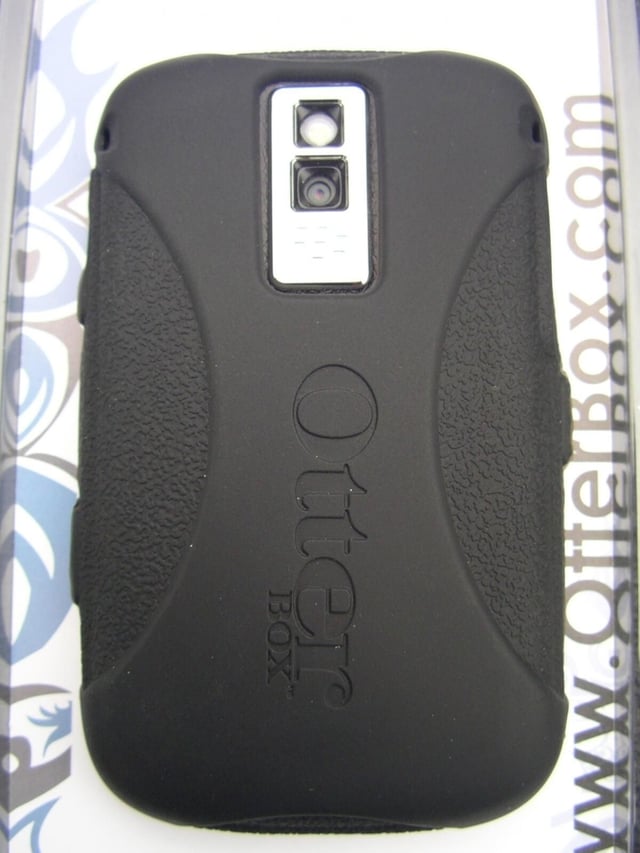
The Bold is in the Impact case and full access to the camera is provided with a thick rubber back for protection.
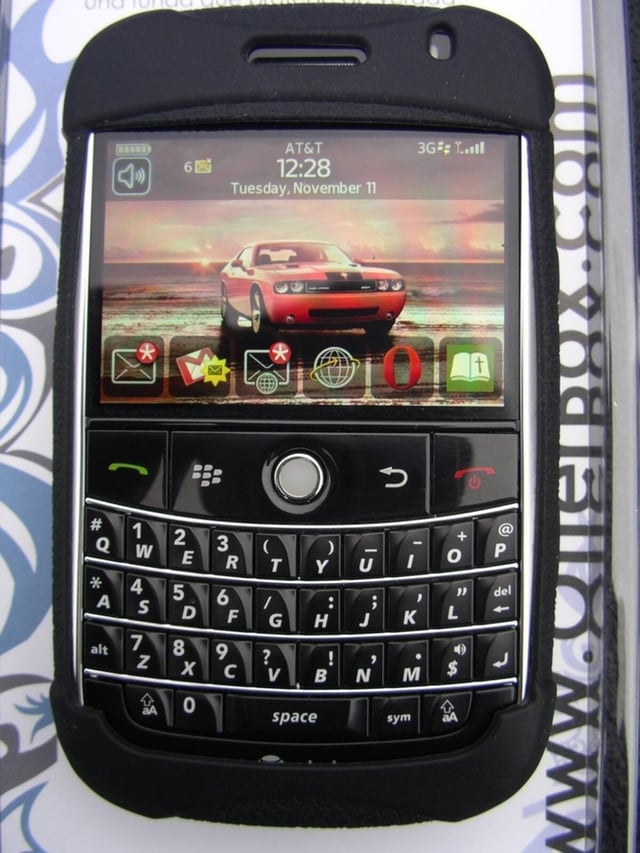
The case is held onto the Bold by the upper and lower flap that fits over the device. Full access to the keyboard is supported.
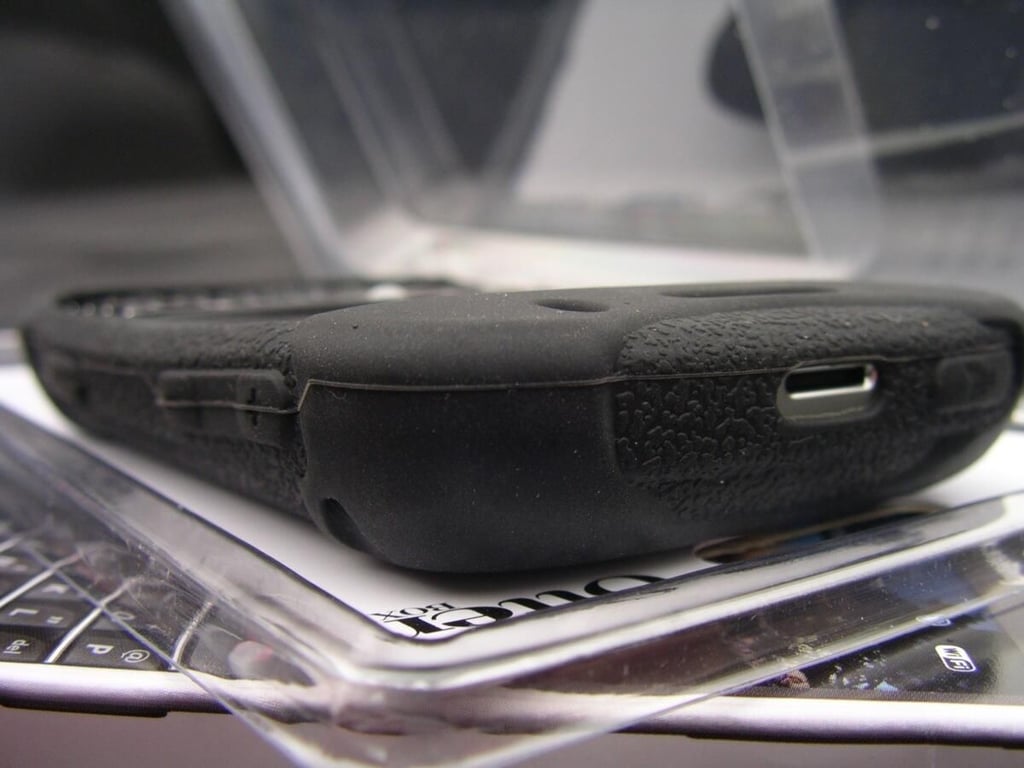
There are openings in the case so that no functions are compromised.
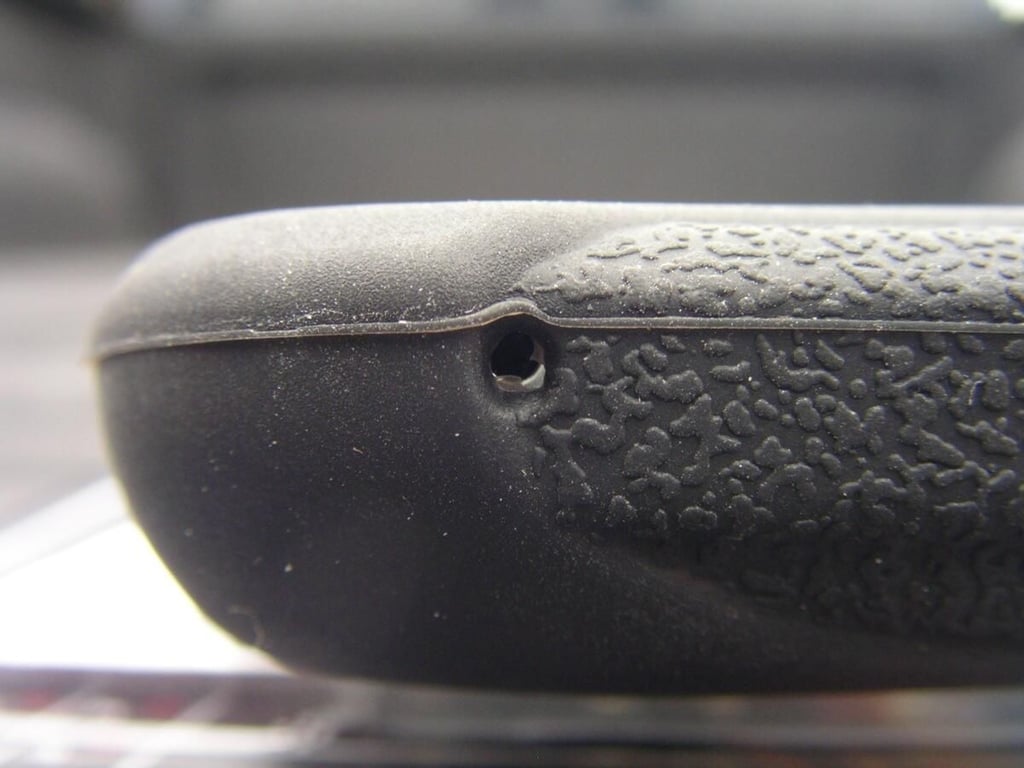
There is a hole in the bottom for the microphone that did not seem to obstruct the call quality or volume at all.
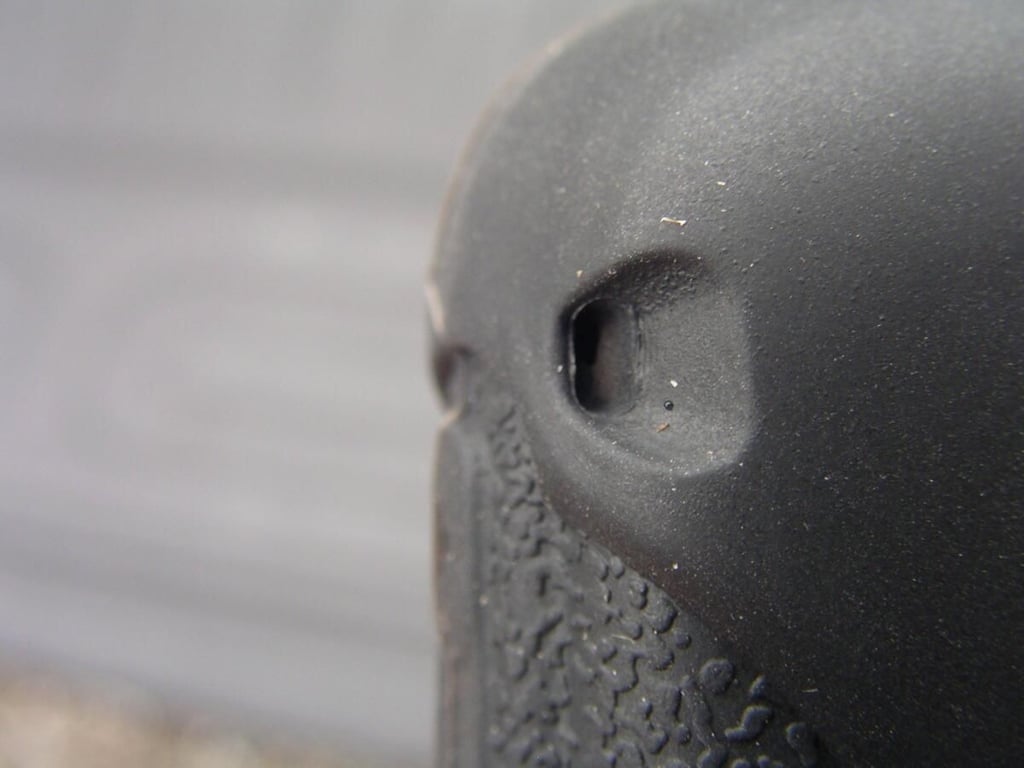
There are openings provided in both sides of the back for the stereo speaker sound to pass through.
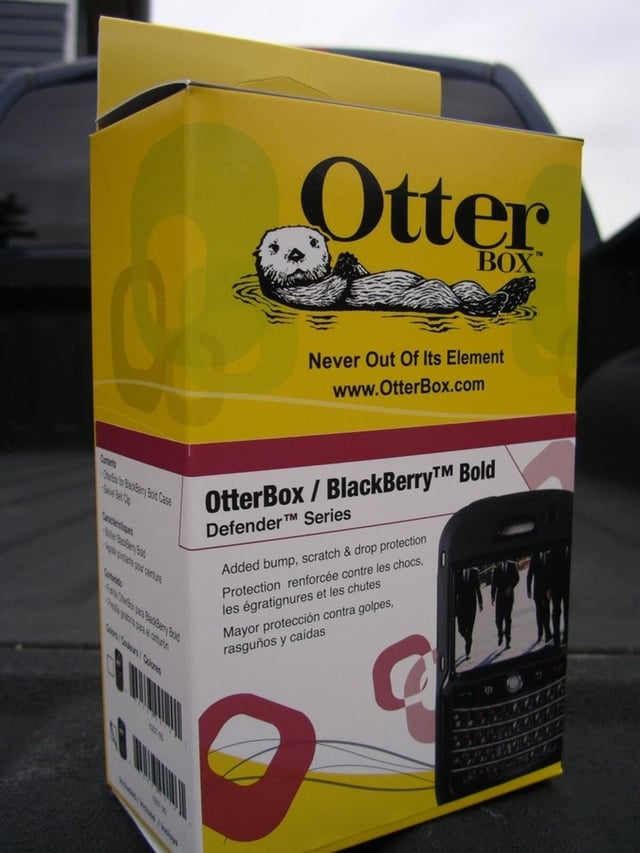
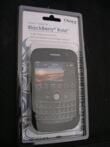
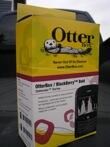
The OtterBox Defender retail packaging is a bit larger than really necessary.
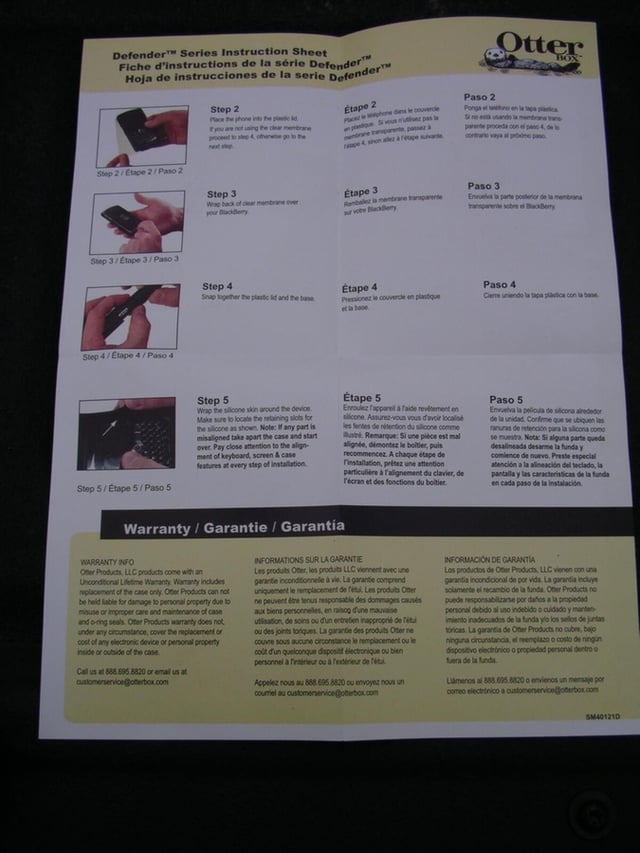
The Defender Series provides heavy protection for the device so there are instructions for proper setup and installation.
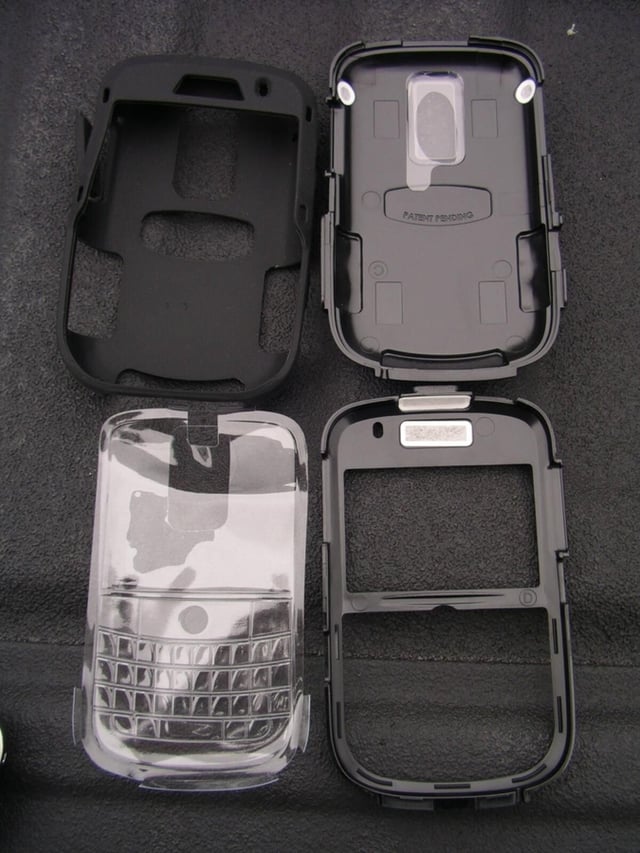
There are four pieces of the case system, front panel, back panel, silicone covering, and screen/keyboard plastic protector.
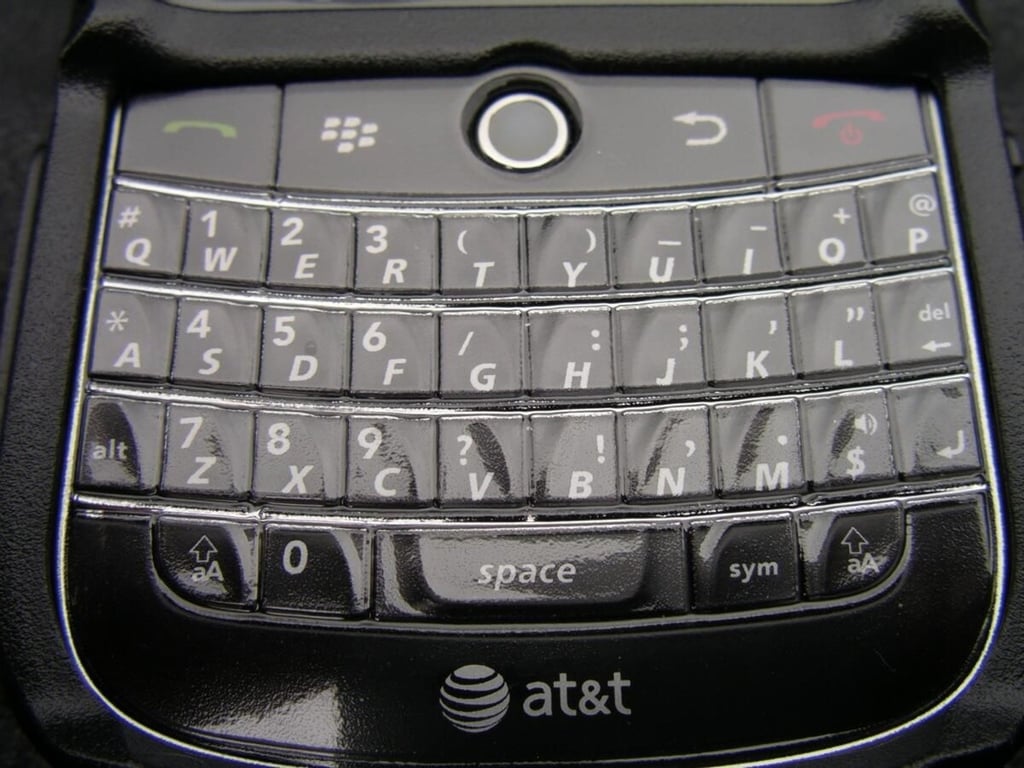
The included plastic membrane is an optional piece of the case. It easily aligns over the top of the keyboard and display and then wraps around the back. The front panel holds it in place and there is no adhesive of anything provided on the membrane.
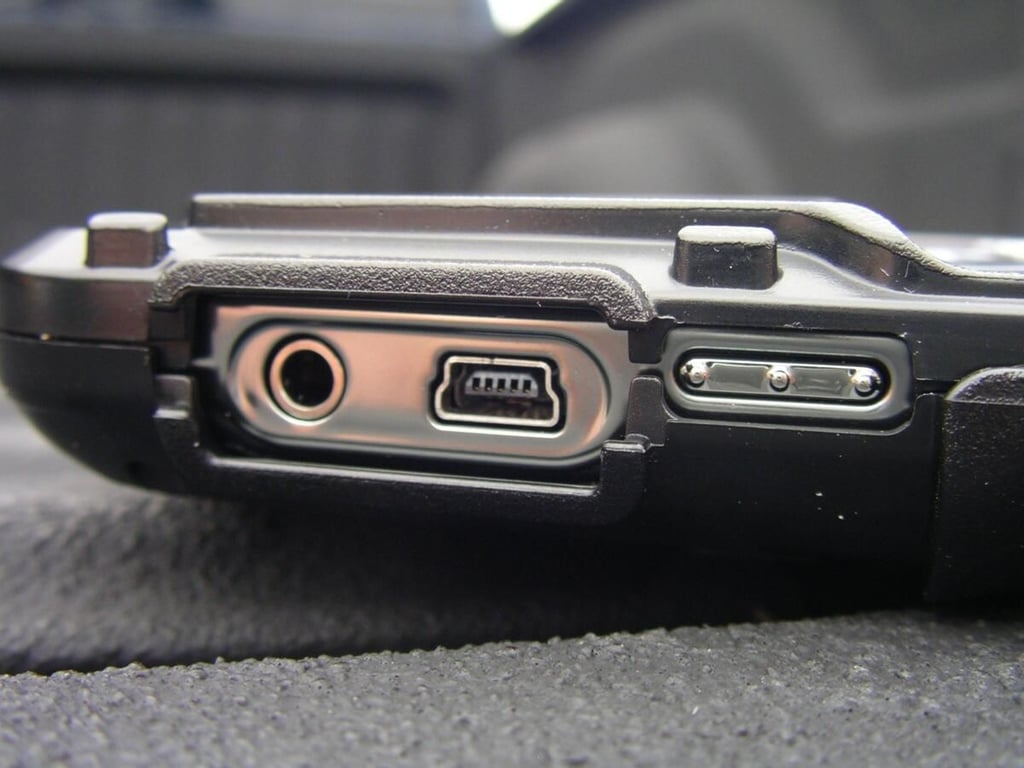
The Defender Series provides openings for the 3.5mm headset jack and miniUSB port. There is an opening for the left convenience button too that will later be covered by a silicone button.
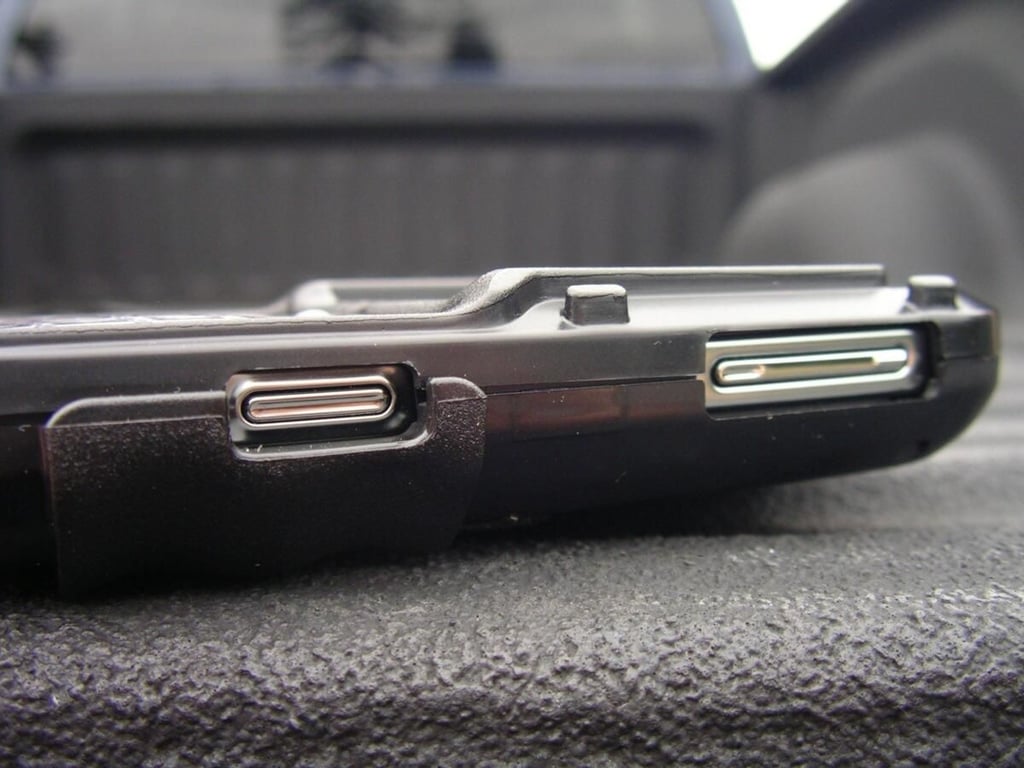
There are cutouts for the volume controls and right convenience button too.
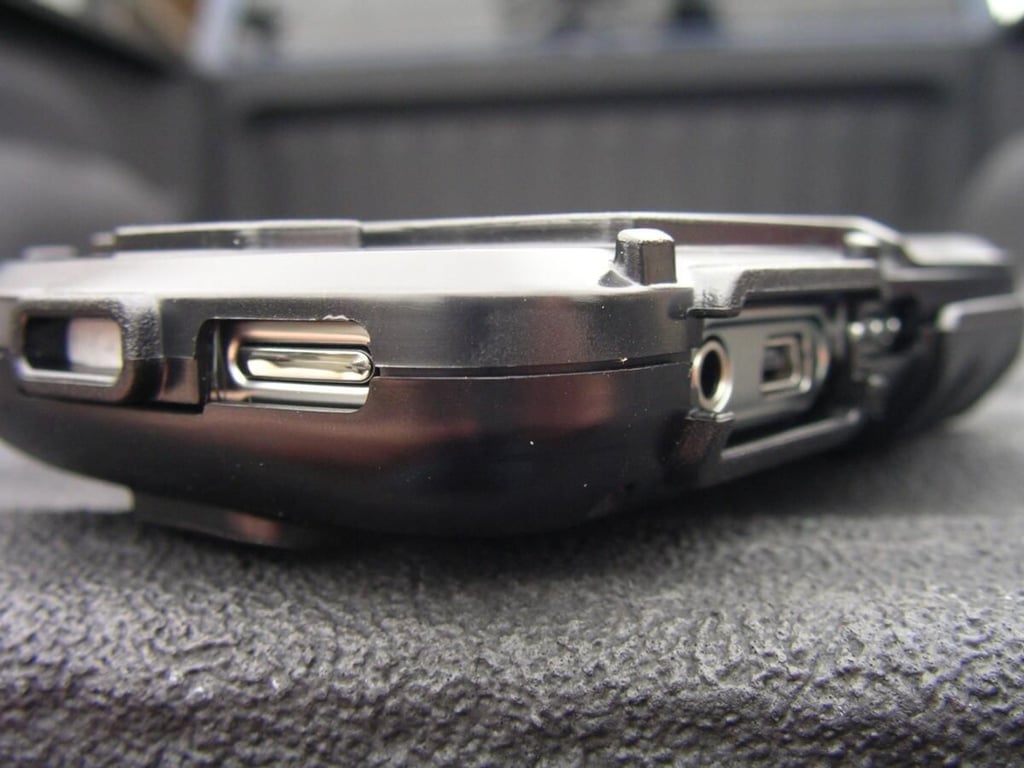
Cutouts are also provided for the mute switch and headset speaker.
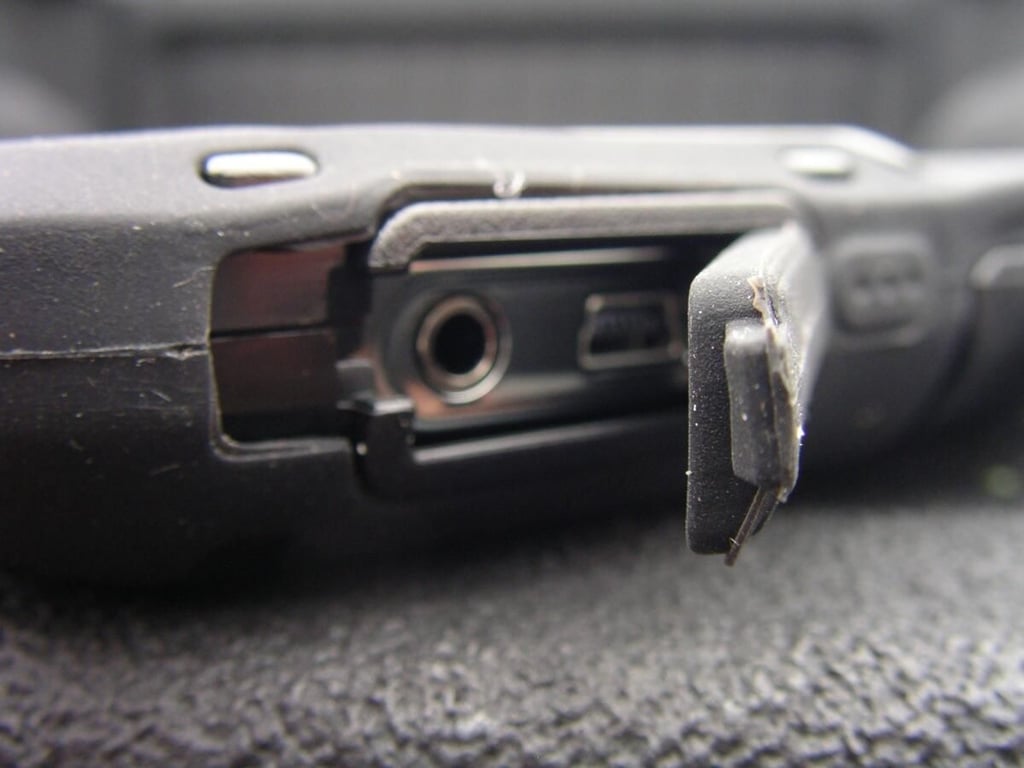
There are silicone covers for the openings to provide protection from the elements when they openings do not need to be accessed.
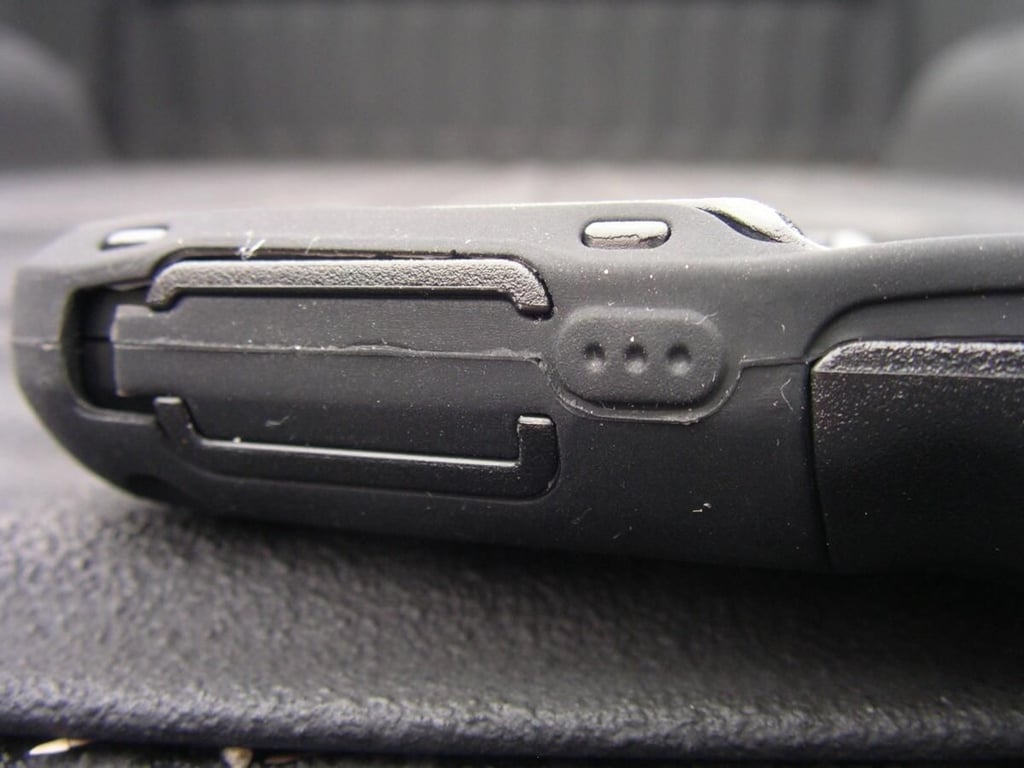
The cover fits in tightly to the case and rests flush with the rest of the case design.
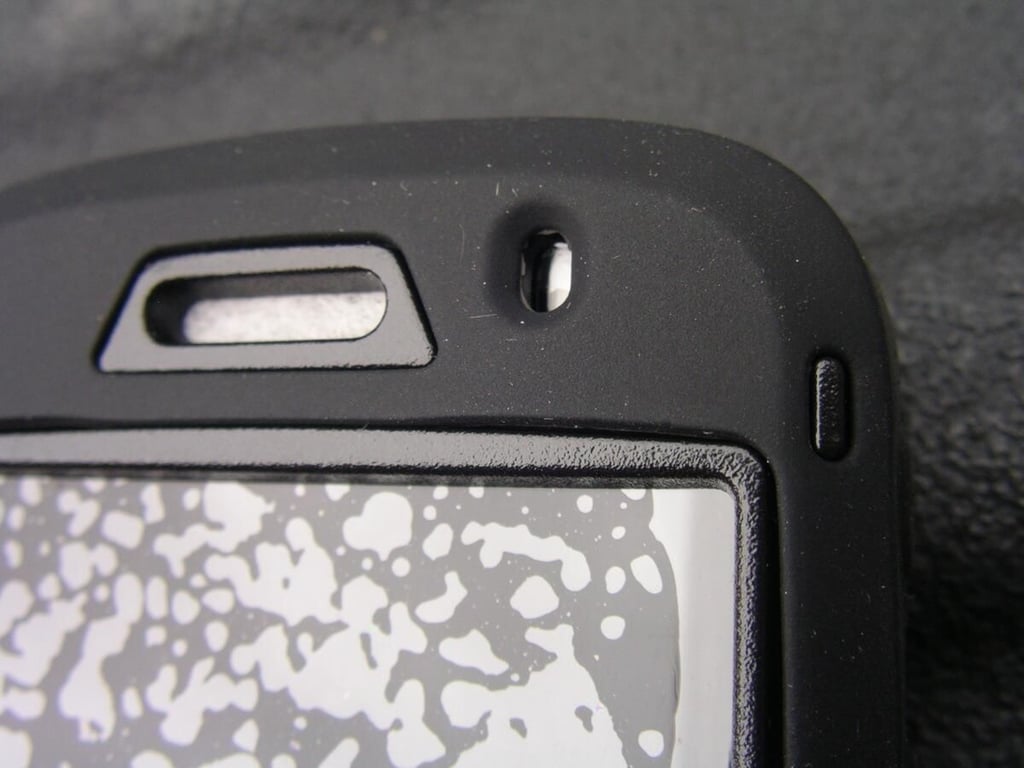
There are openings for the indicator light and headset speaker.
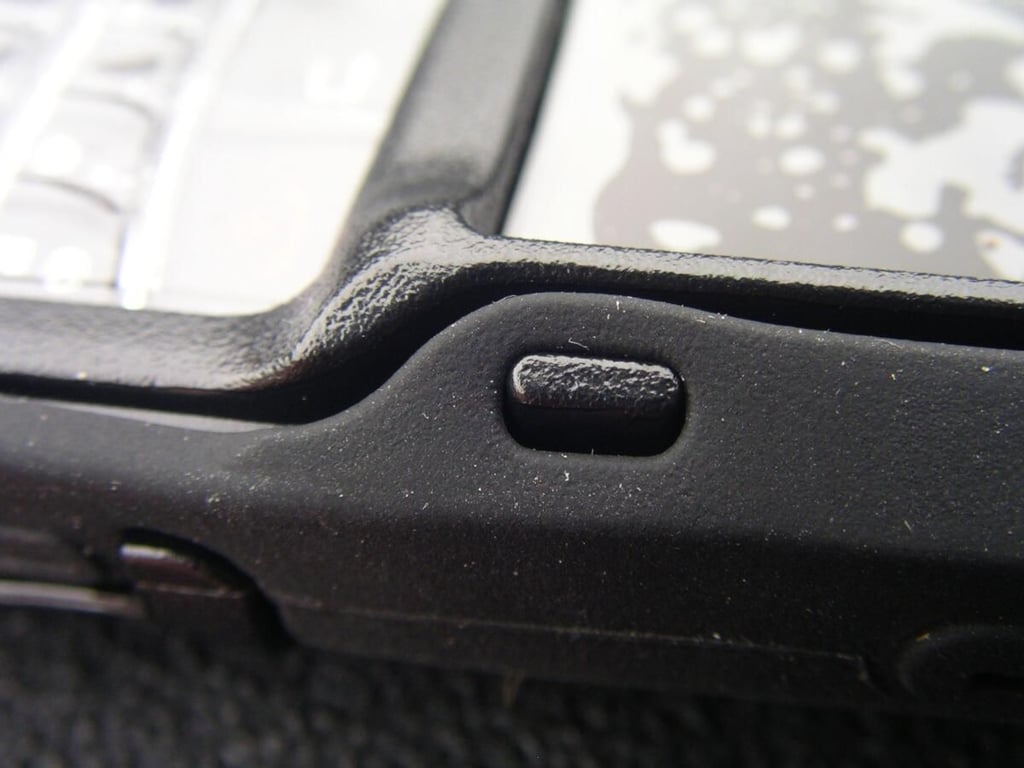
The top and bottom panels snap together and then the silicone cover wraps around the panels and secure to them with openings and nubs along both sides of the front.
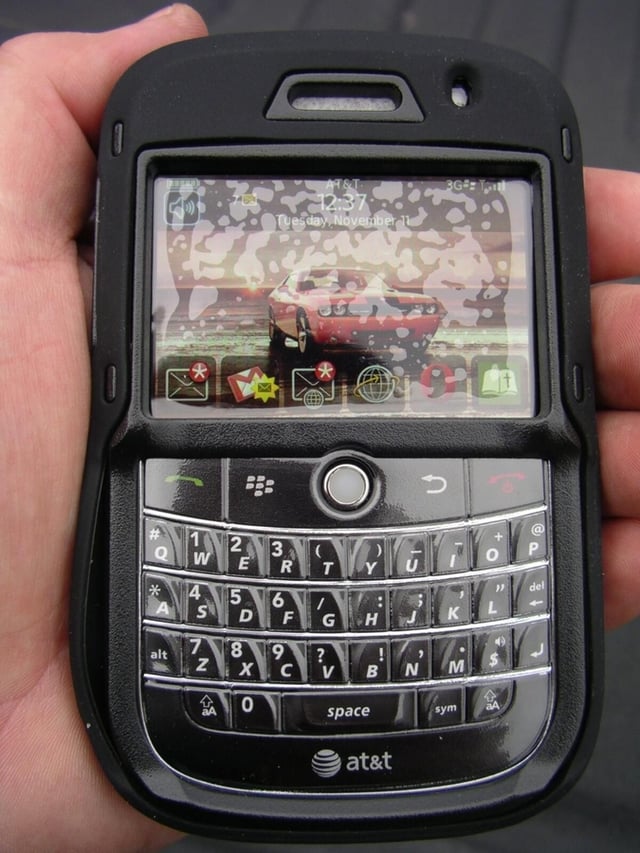
The OtterBox Defender adds size to the Bold, but for the amount of protection it is actually quite minimal.
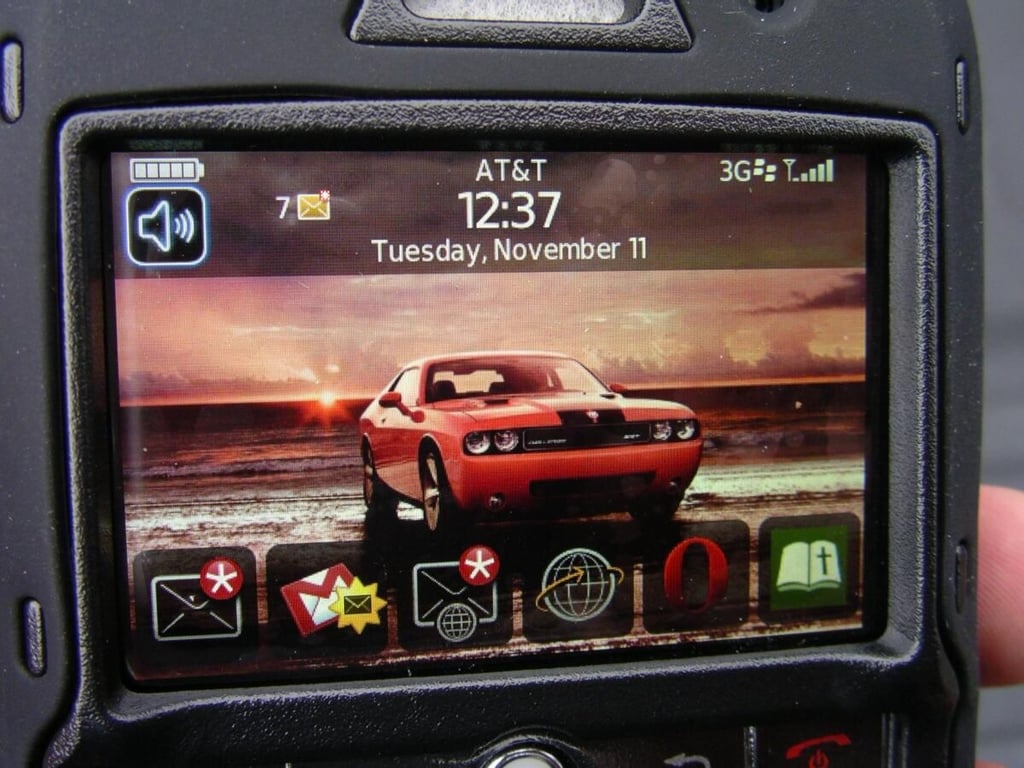
The plastic screen cover protects the screen and still lets you fully see the beauty of it. You can use a credit card to smooth it out and reduce the amount of bubbles under the plastic membrane.
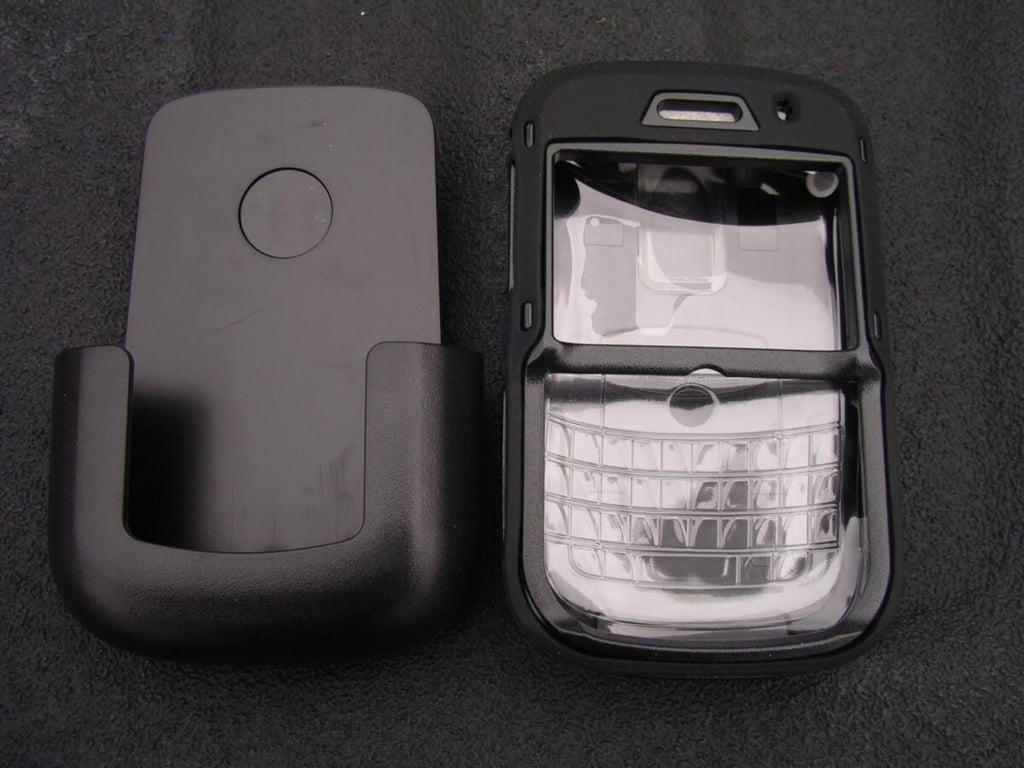
You also get a holster with the case so you can slip the Bold and case into the holster and carry it on your hip.
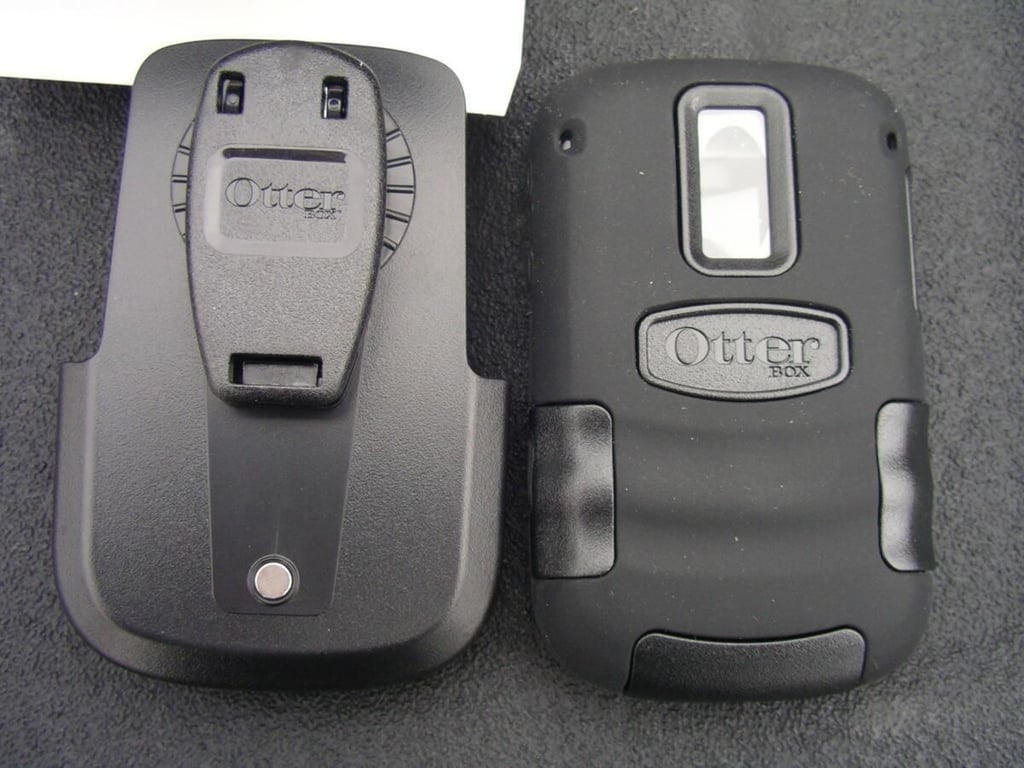
As you can se there is a cutout for the camera and flash with a piece of plastic over the opening to keep dirt out of the camera. The holster also has a rotating belt clip.
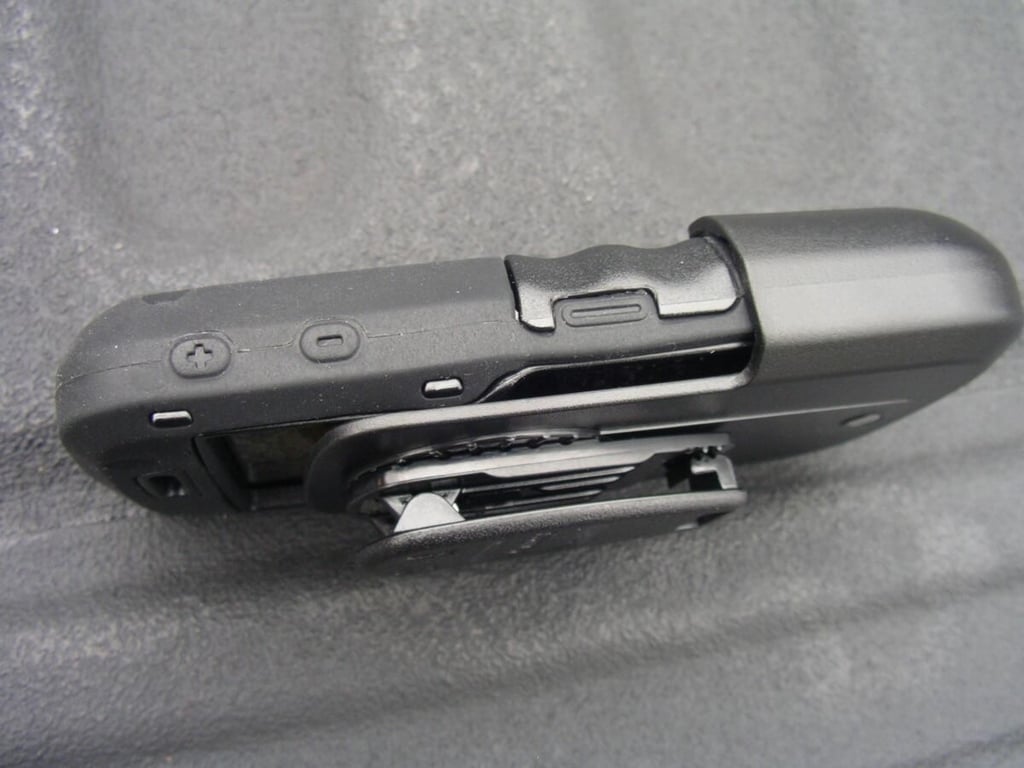
Side view of the Defender case in the holster.
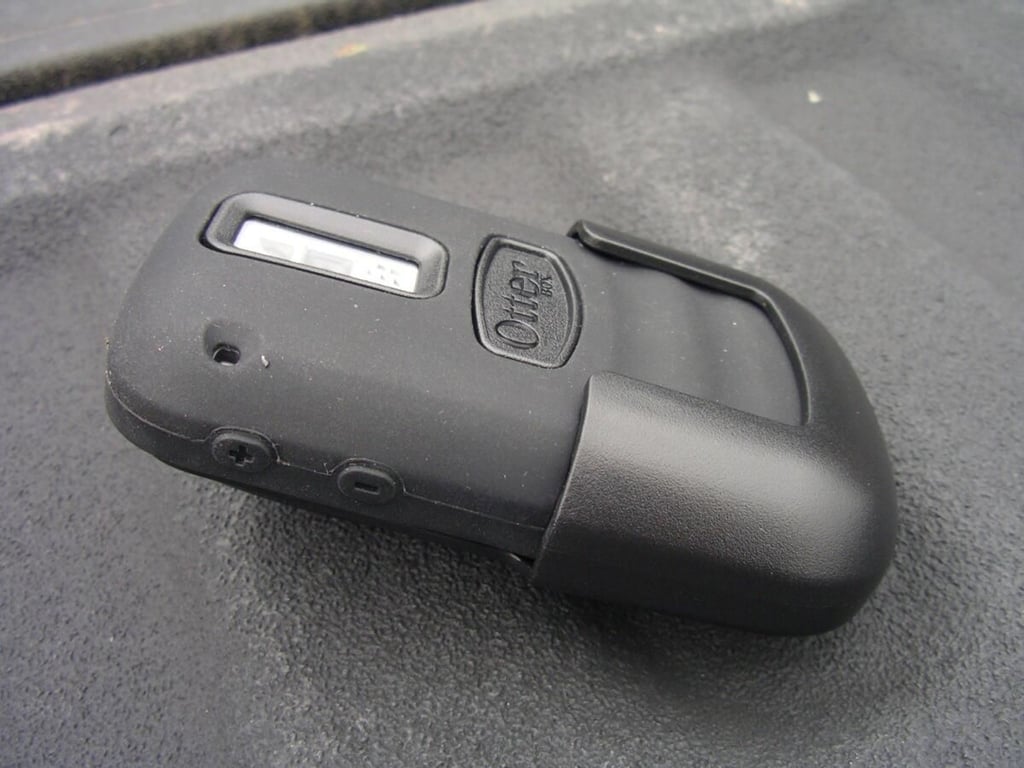
The Bold slips into the holster with the display facing in and camera facing out.
Gallery image 1
Gallery image 2


