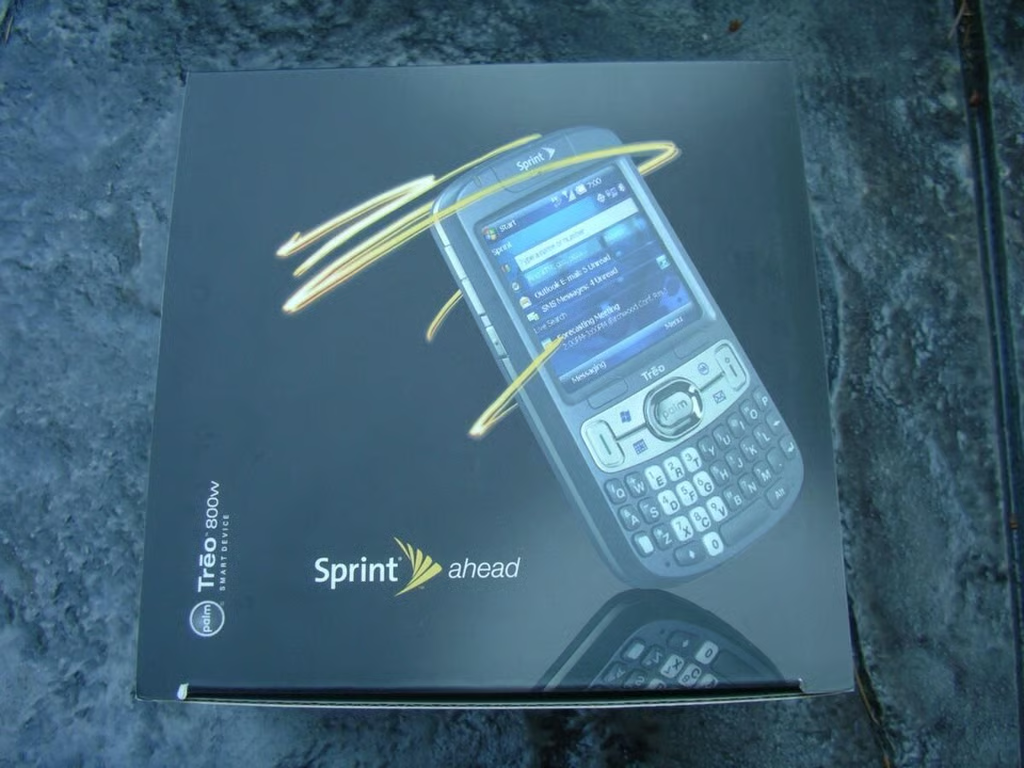
The Palm Treo line of devices has been quite popular for years, but the Palm faithful have been asking for WiFi for a couple of years without success. The new Palm Treo 800w from Sprint is the first Treo to sport WiFi and GPS, thanks in part to the Windows Mobile 6.1 Professional operating system it runs on.
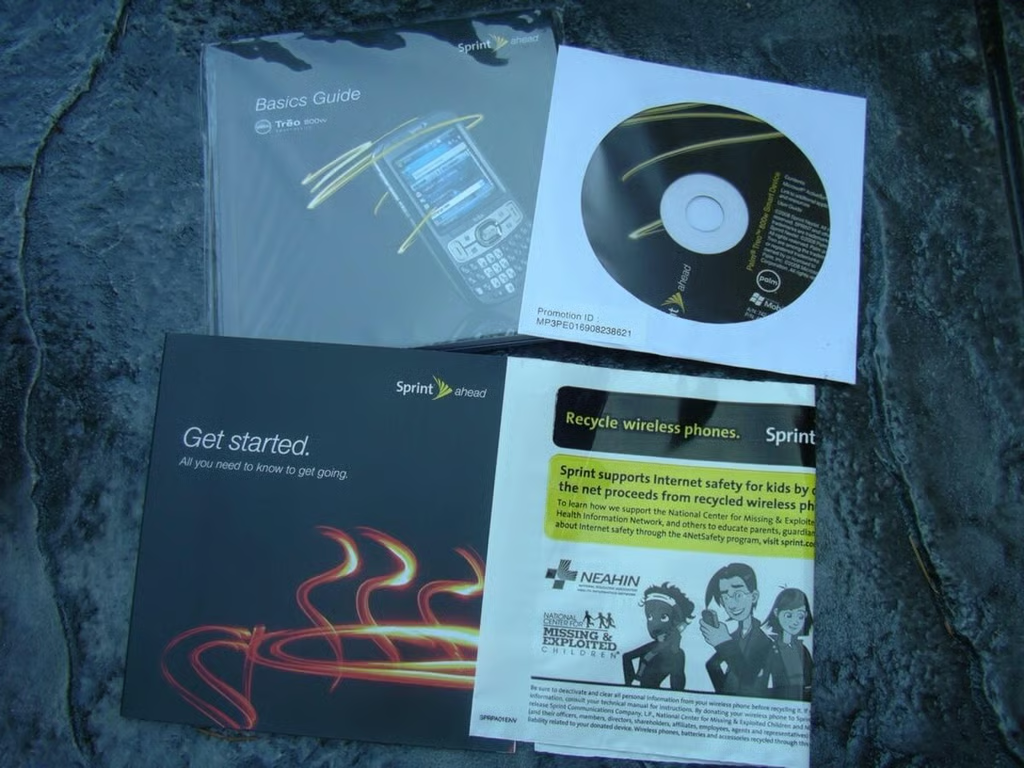
The Basics Guide is actually quite helpful at describing all the major features and functionality on the Treo 800w.
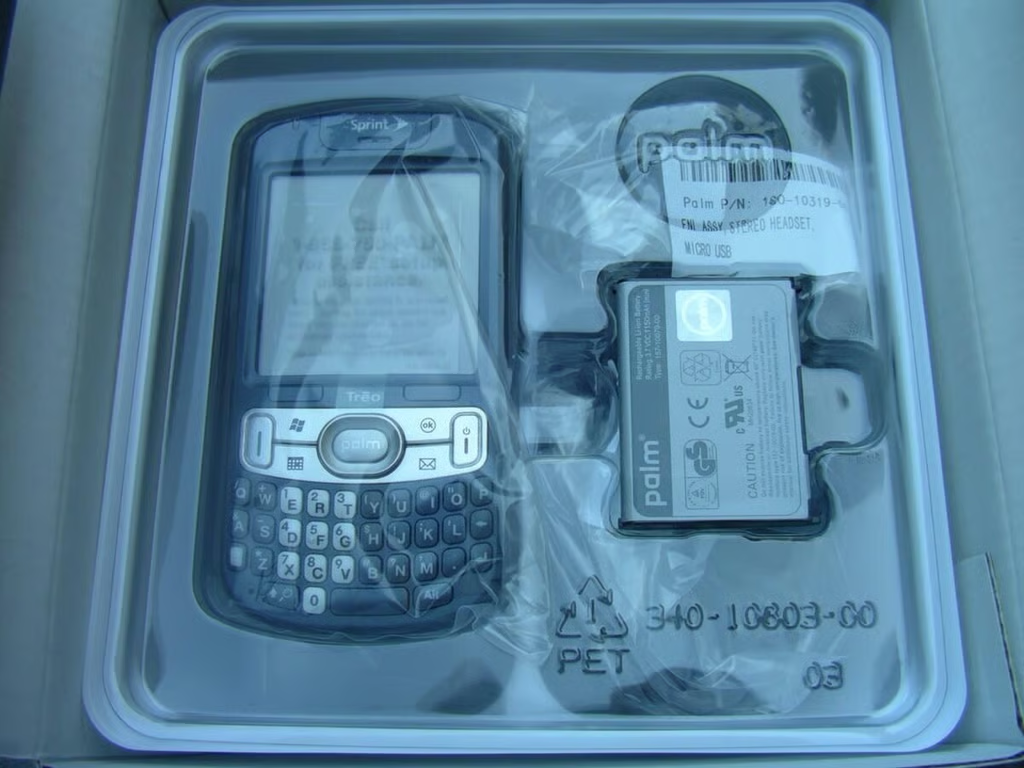
The Treo is nestled below all of the guides and is adjacent to the battery.
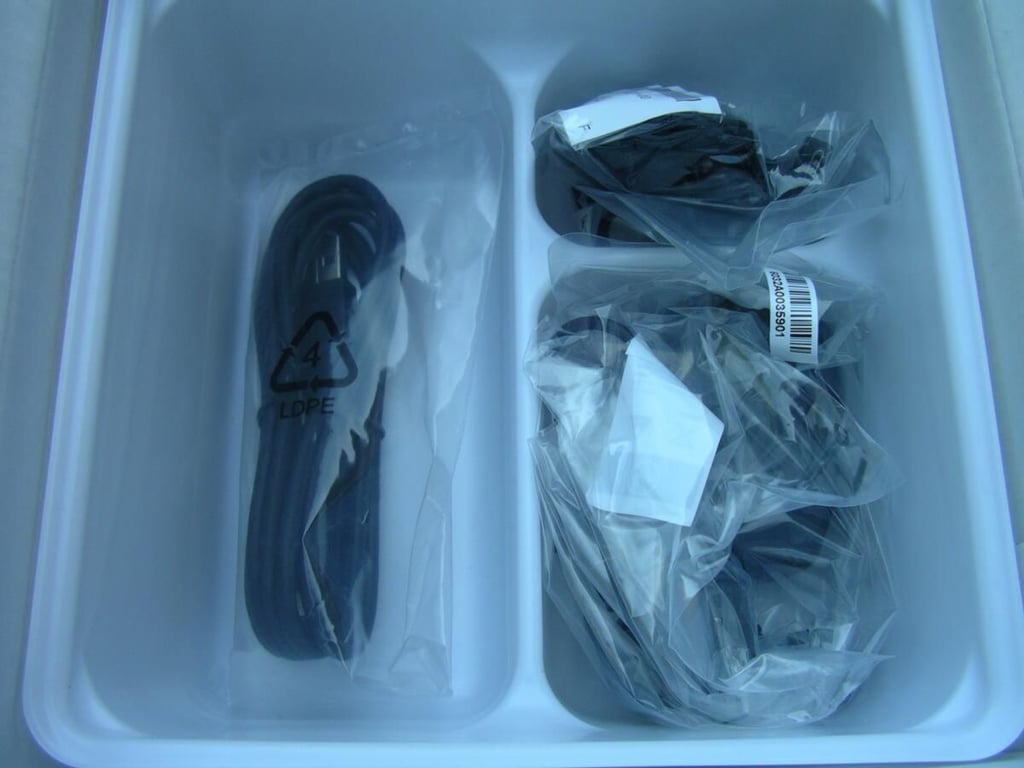
There area a couple of cables and a headset in the bottom of the box.
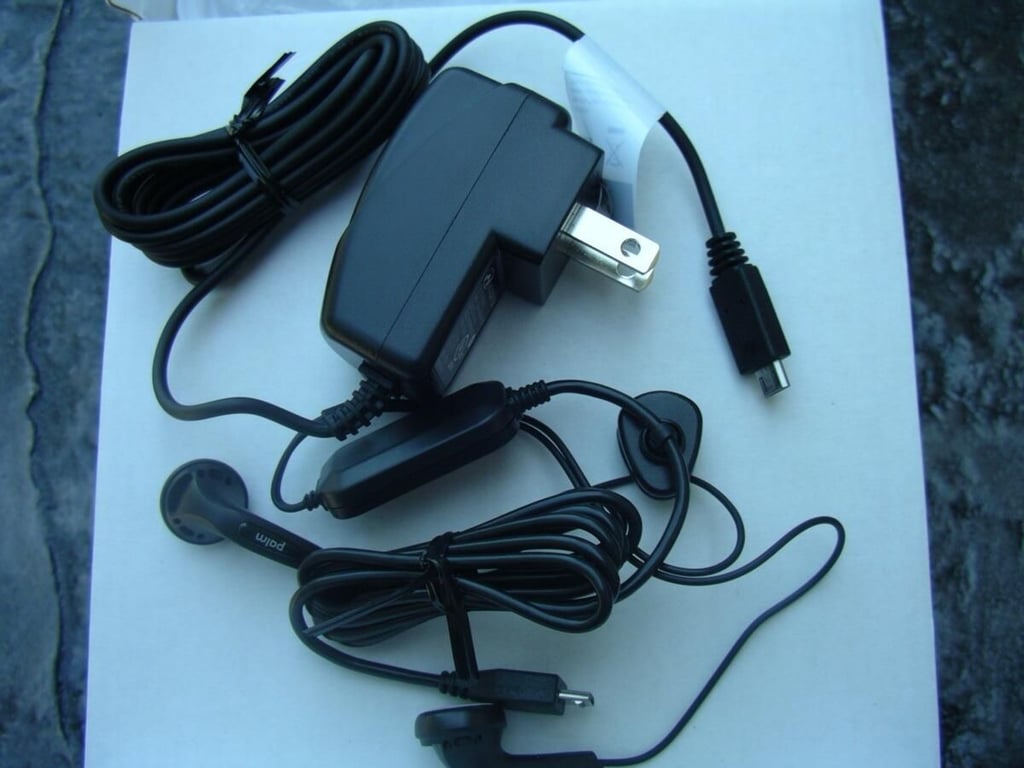
The box contains a rather compact travel charger, USB to micro USB cable, and a wired stereo headset.
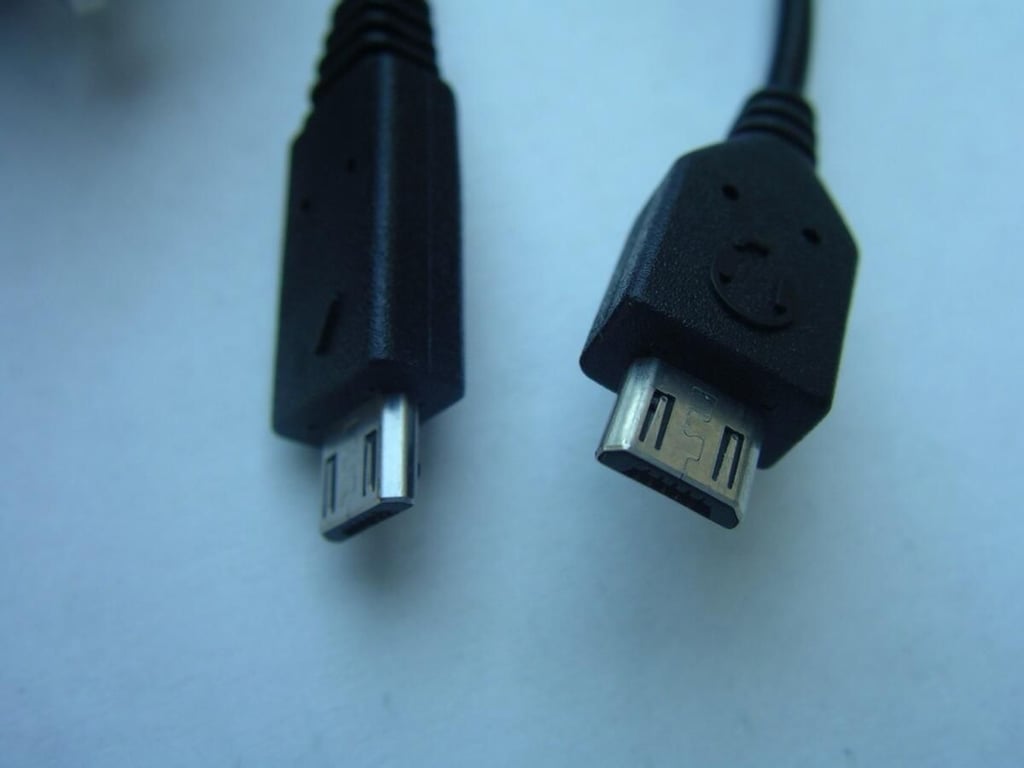
The Treo 800w standardizes on the micro USB form factor for syncing, charging, and headsets.
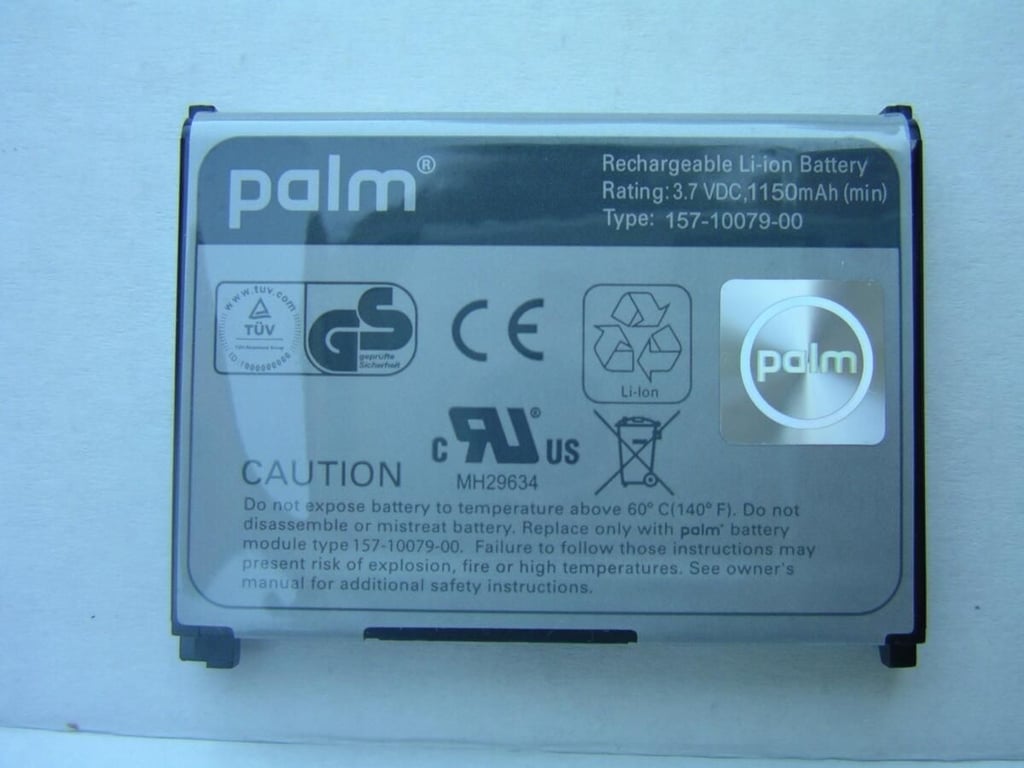
I think this battery capacity may be a bit low for a device with all of these wireless radios. Then again, Windows Mobile 6.1 improves on the battery consumption in the devices.
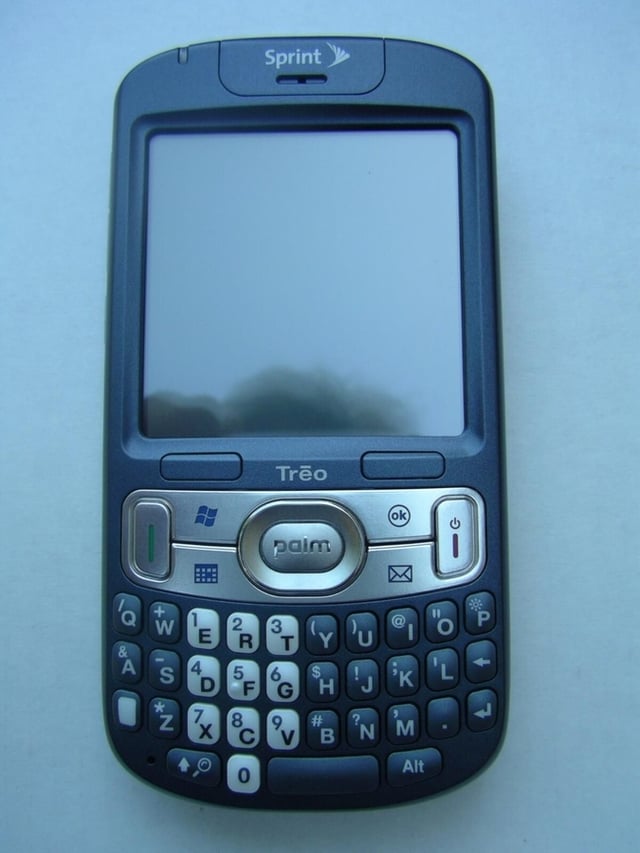
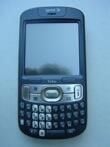
The Treo 800w has a very nice dark slate blue color with silver and white highlights that make it look very professional.
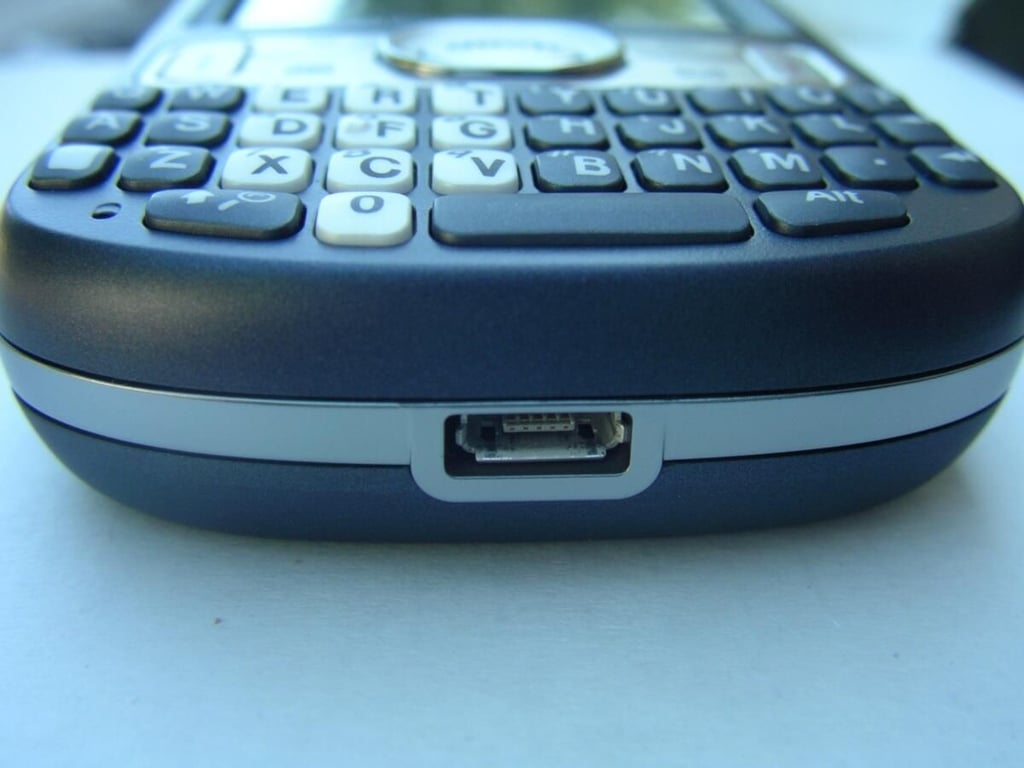
The micro USB port is the only thing found on the bottom of the Palm Treo 800w.
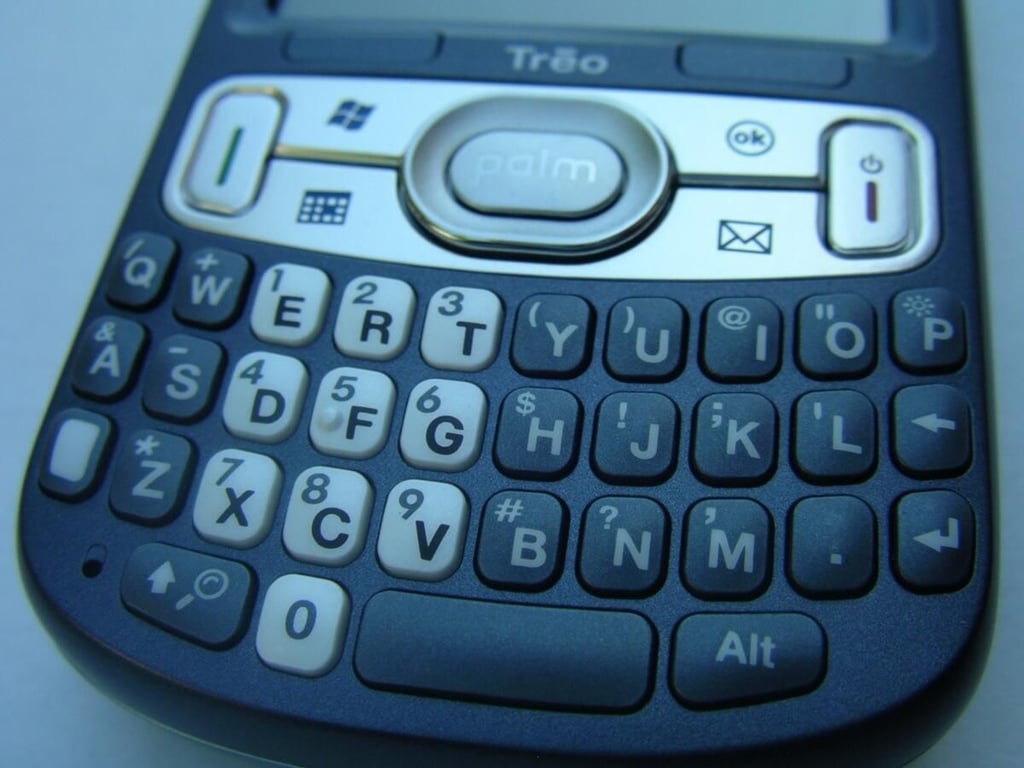
The keys are well spaced and arranged for quick text entry.
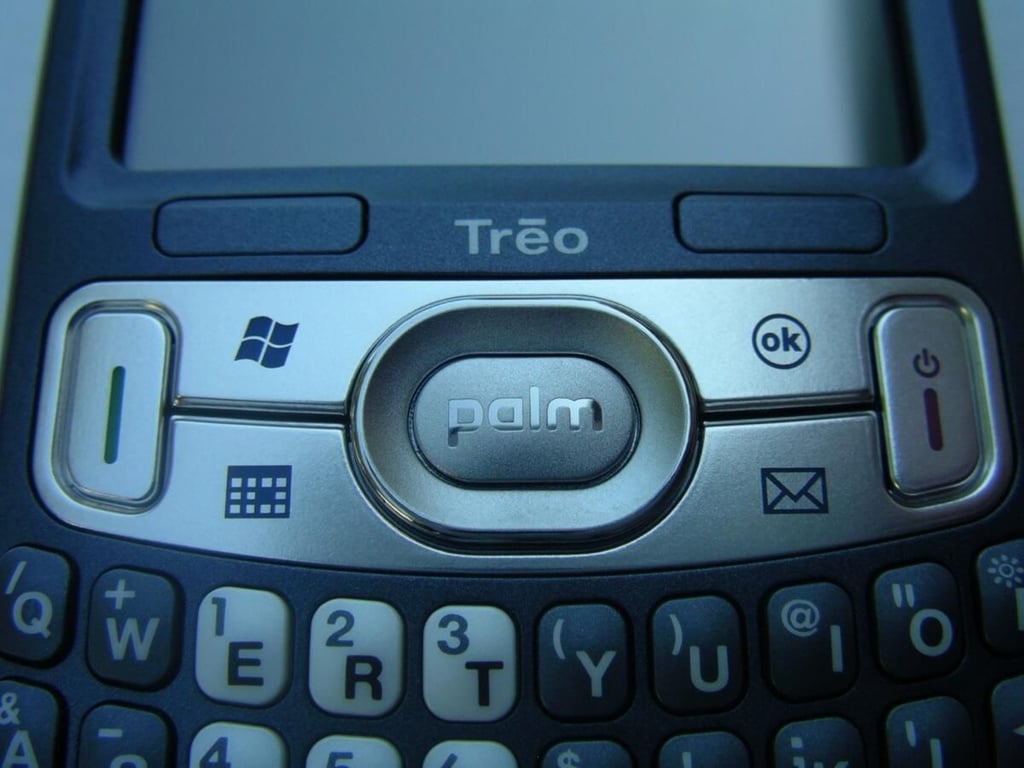
There are several buttons above the keyboard and you can customize most of them to launch the applications you want to have a shortcut to.
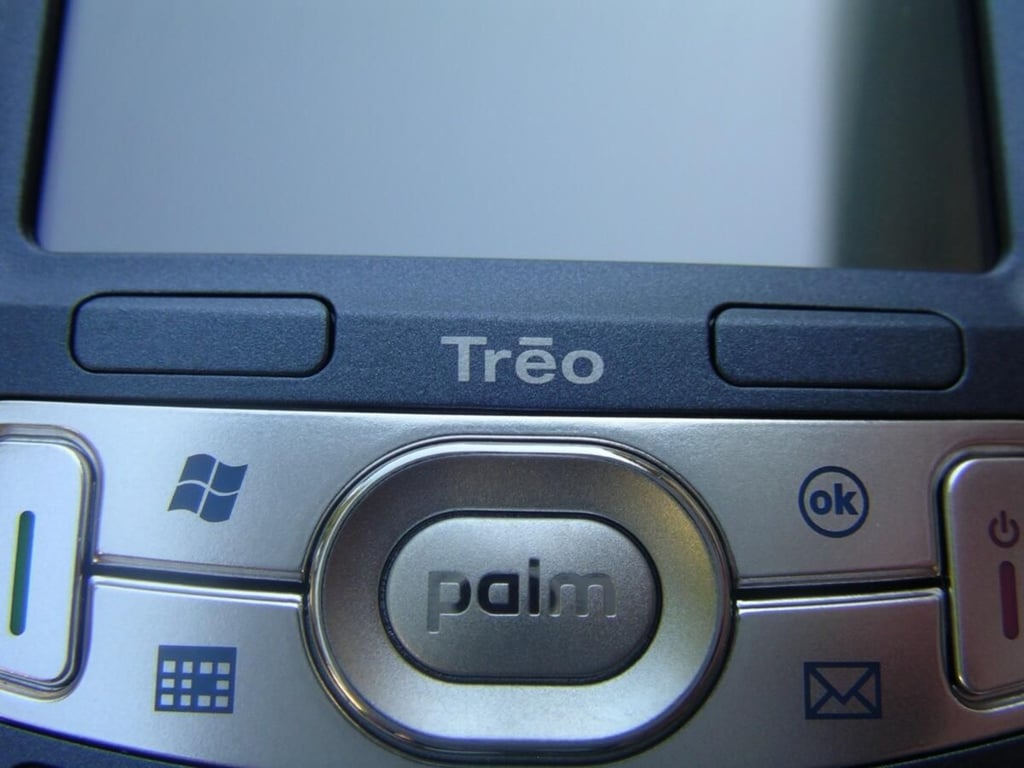
Palm did a good job of integrated the two soft keys on the device where they are hidden a bit just under the display. I like their placement and found them very useful, but also not glaring.
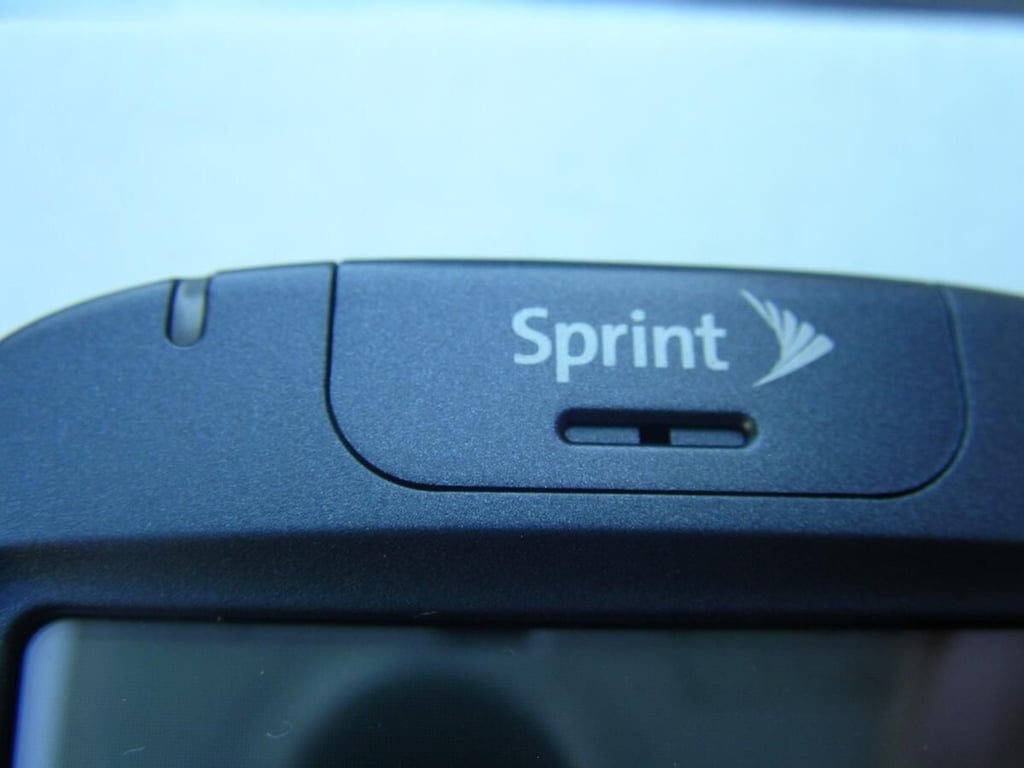
The indicator light and phone speaker can be found above the display on the front.
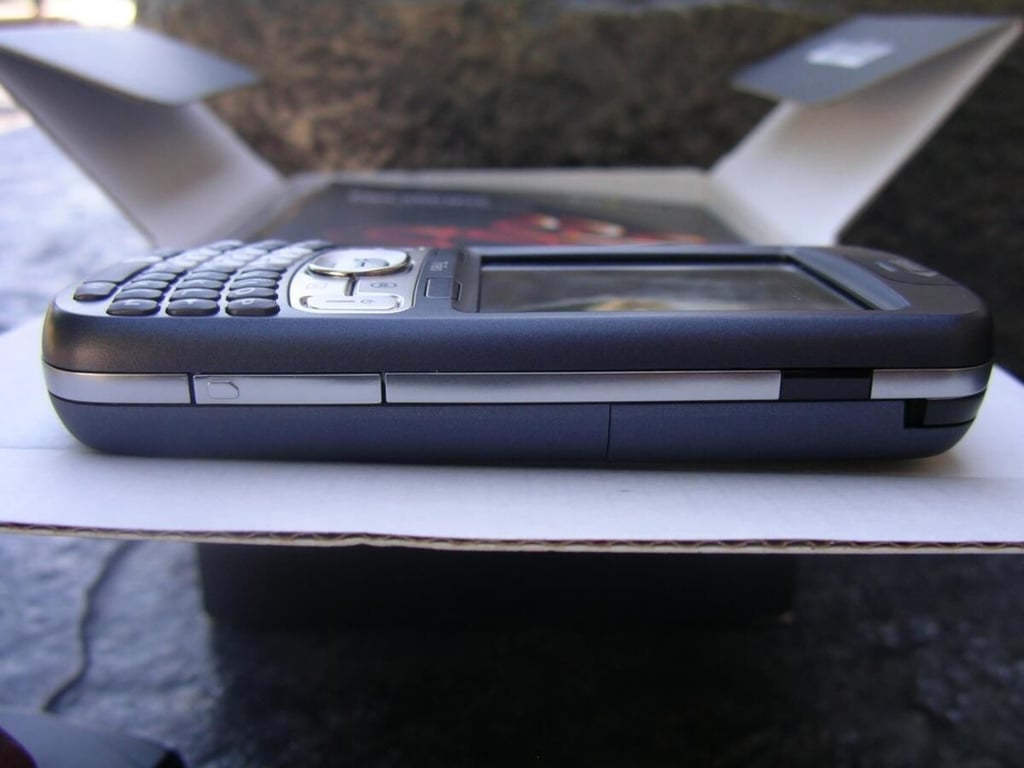
This full side shot gives you a look at the right side of the Treo 800w.
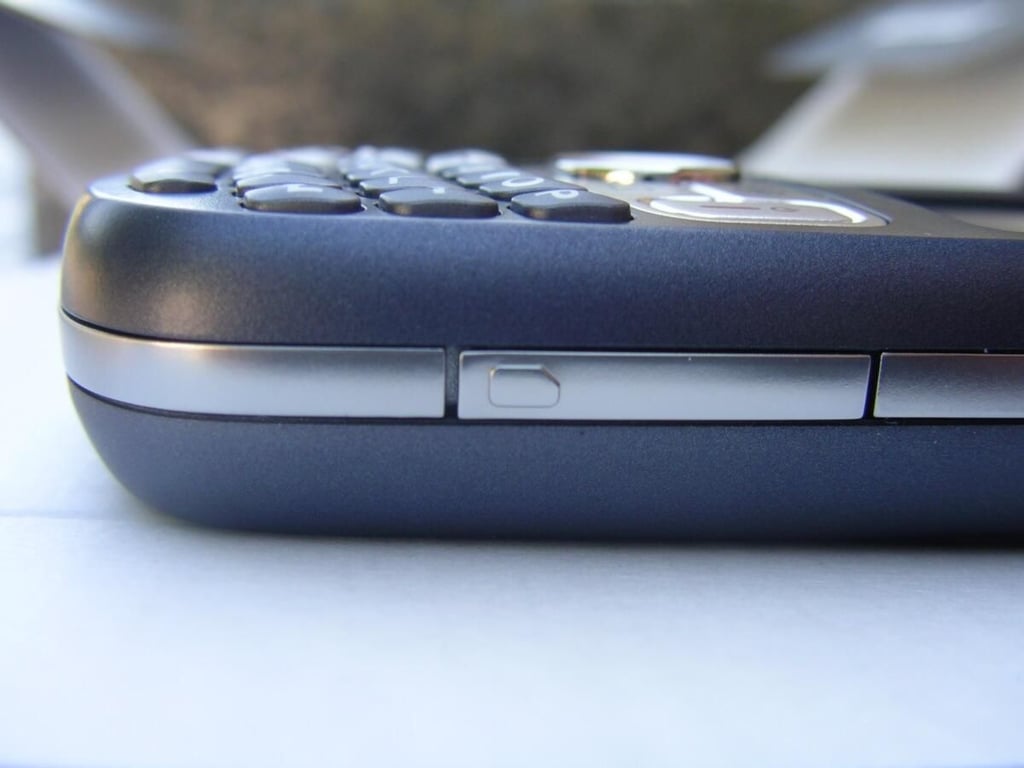
Below this silver cover is the microSD expansion card slot that supports the HC cards up to a current 8GB capacity.
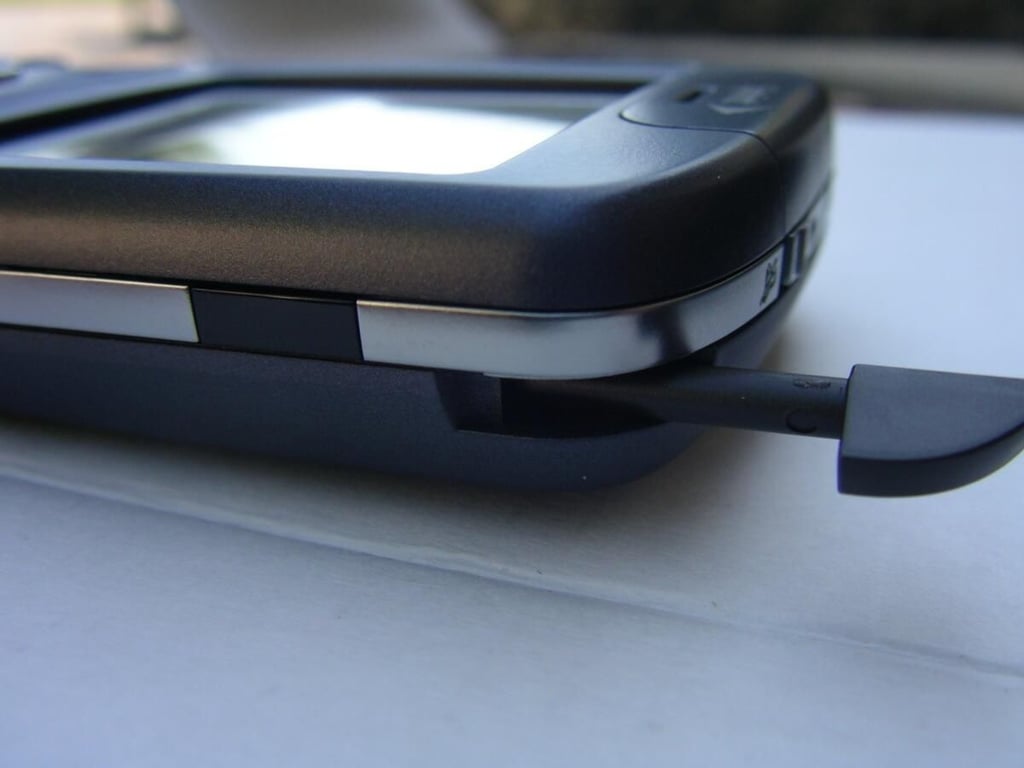
An infrared port is along the upper right side with the small opening for you to grab the stylus above that.
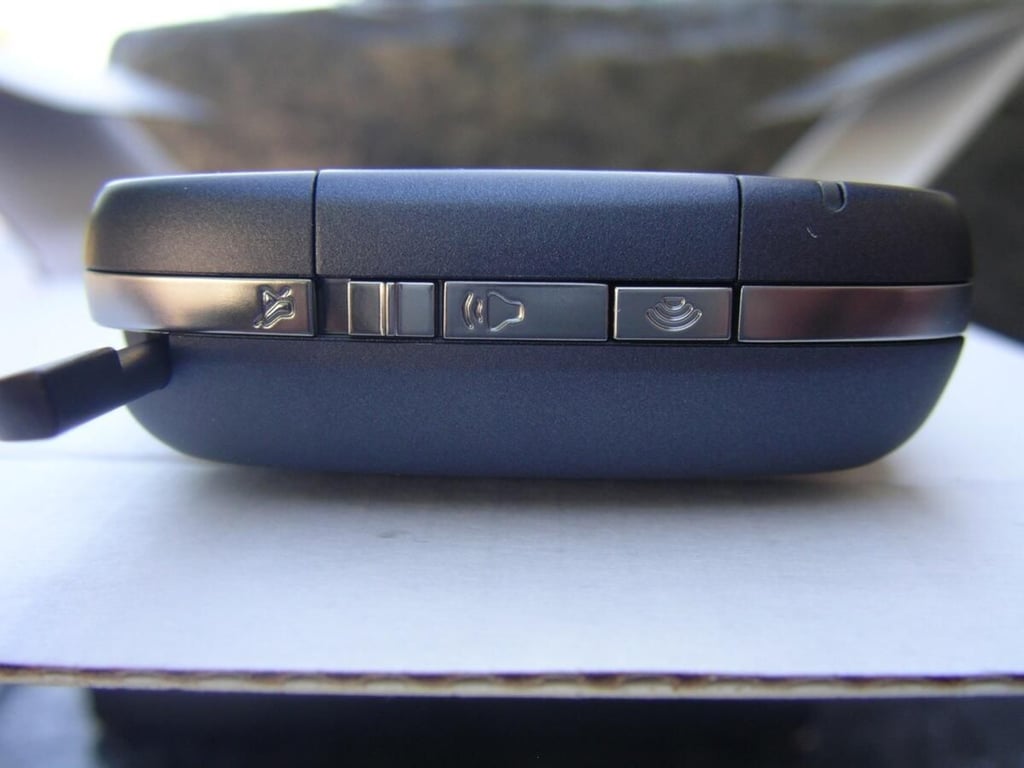
The stylus can be seen on the left of this photo with a couple of buttons on the top of the Treo 800w.
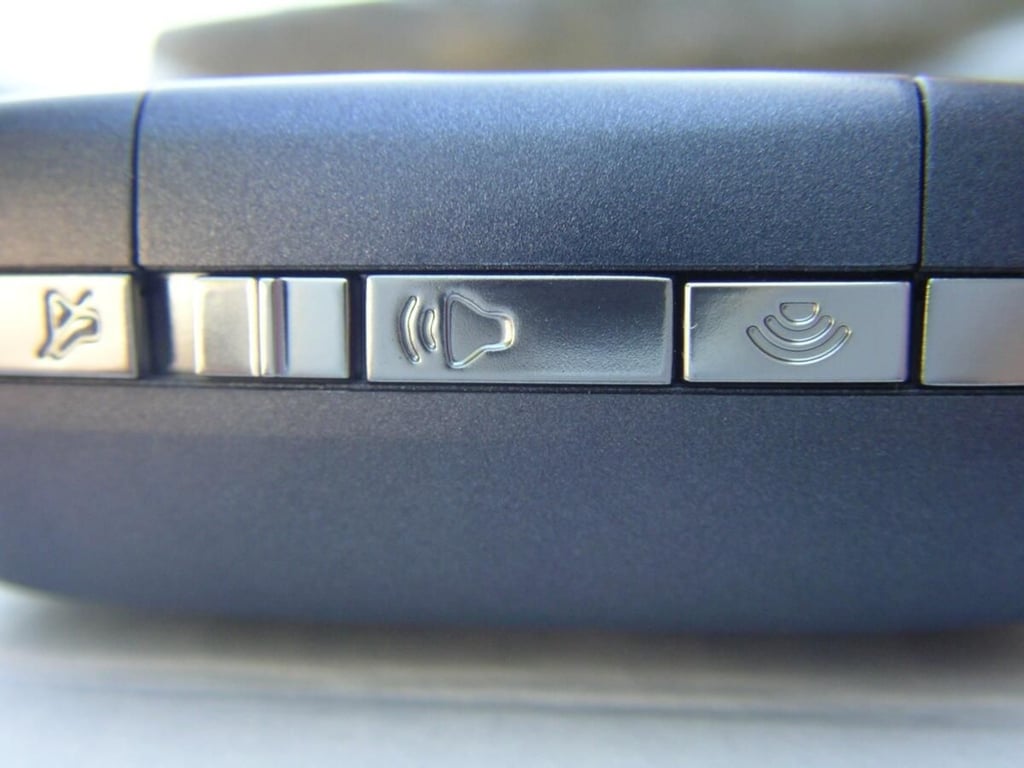
The traditional Treo ringer slider is present on the top. There is also the new one touch WiFi button that you can use to turn on and off the WiFi radio.
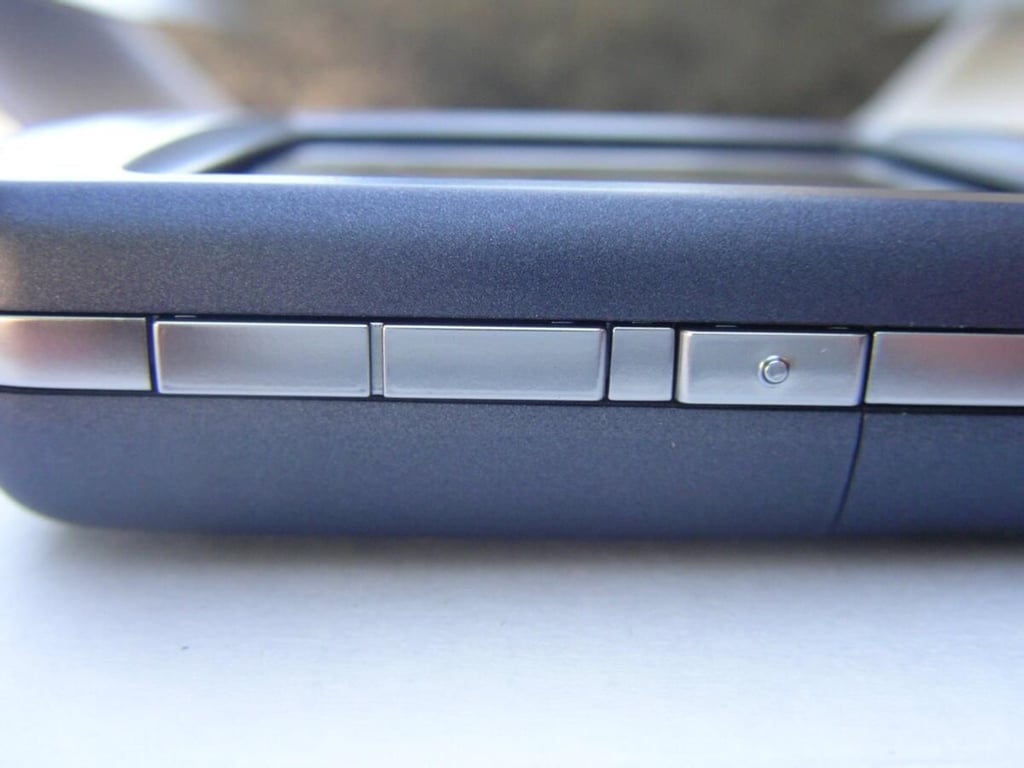
The volume rocker and a customizable hardware button are found on the upper left side of the device.
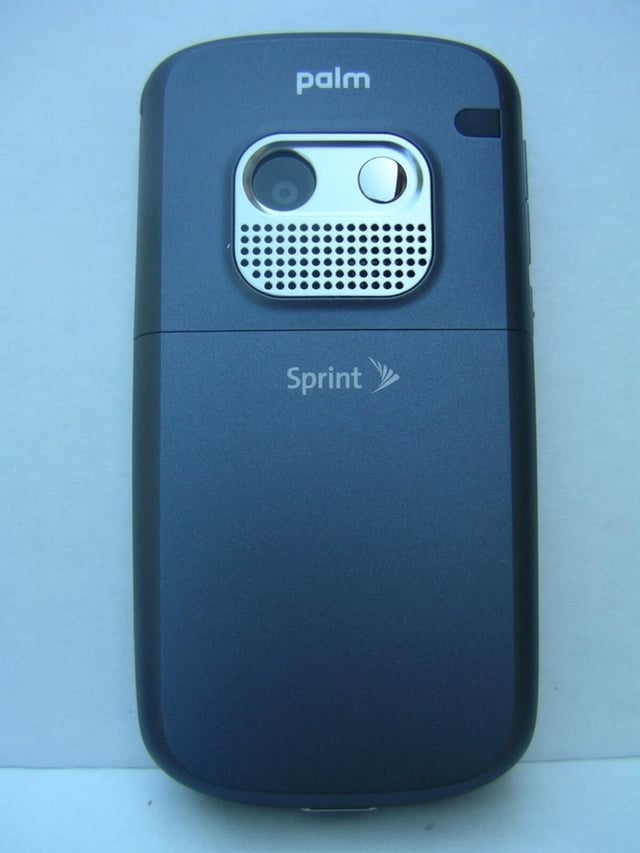
The camera and speaker grill are prominently shown on the back of the Treo 800w.
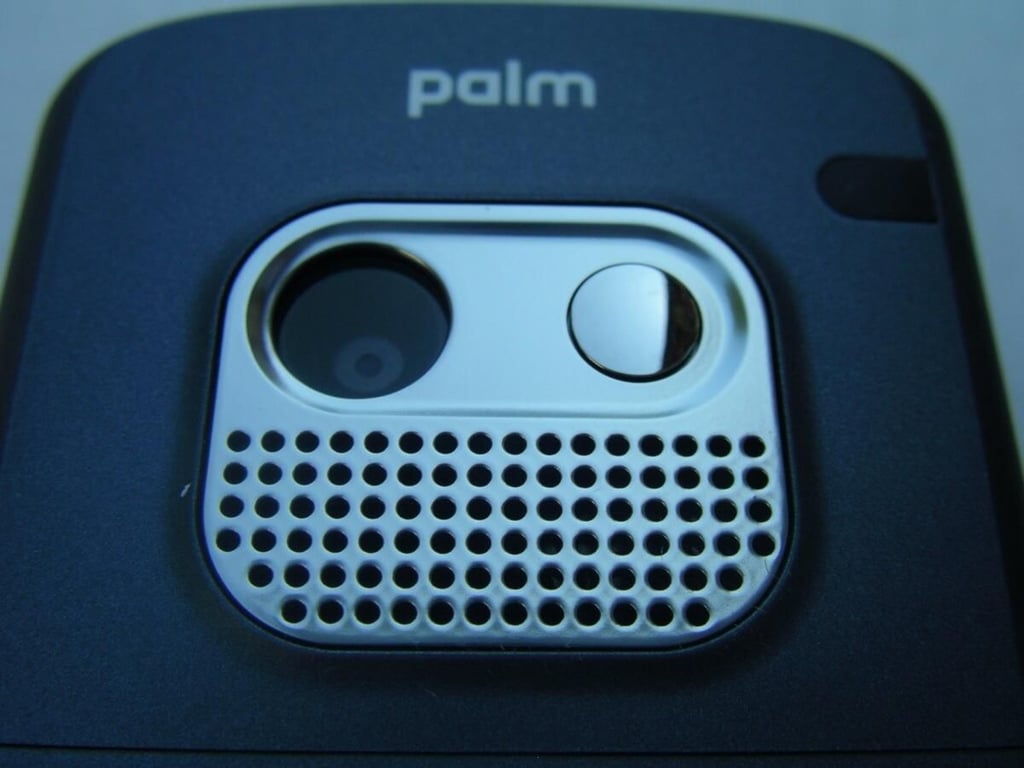
A 2 megapixel camera with a self-portrait mirror can be found on the back.
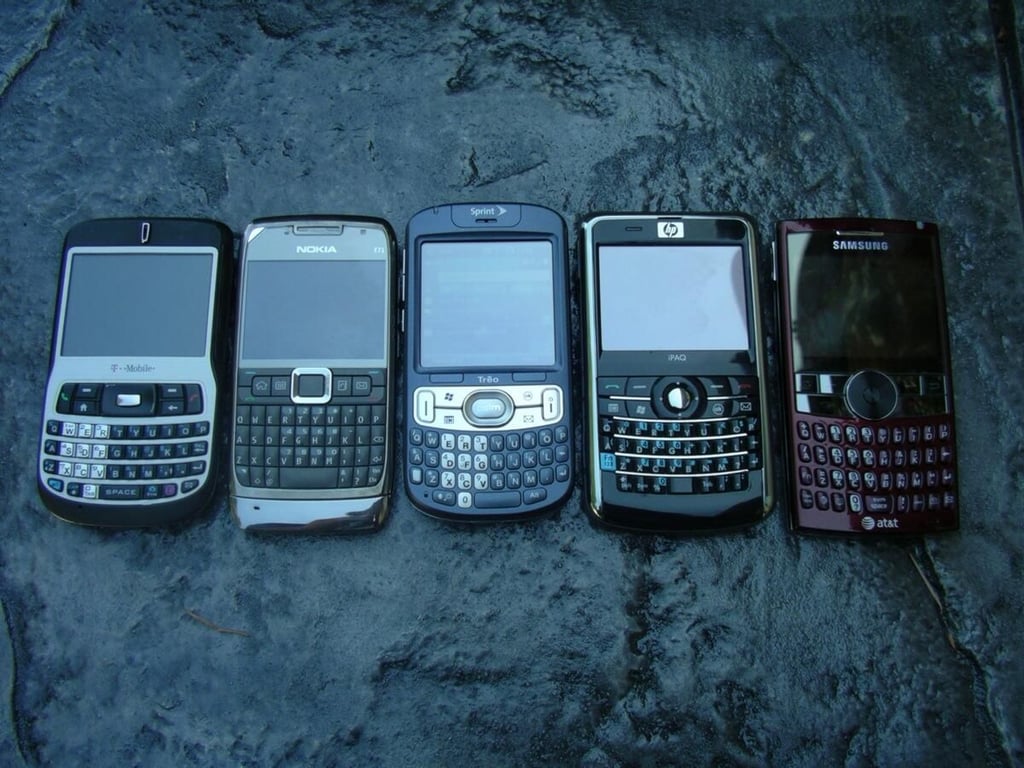
The T-Mobile Dash, Nokia E71, Treo 800w, HP iPAQ 910, and Samsung Blackjack II all sport QWERTY keyboards in this shot.
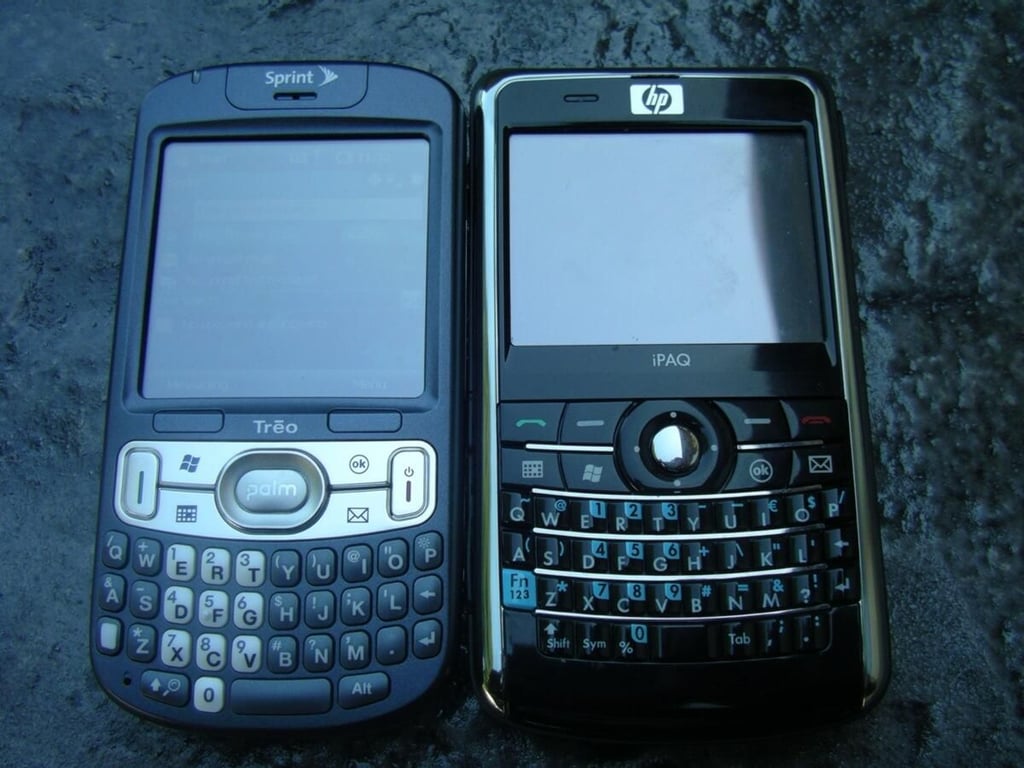
The Treo 800w and HP iPAQ 910 are both Windows Mobile 6.1 Professional (touch screen) devices with QWERTY keyboards.
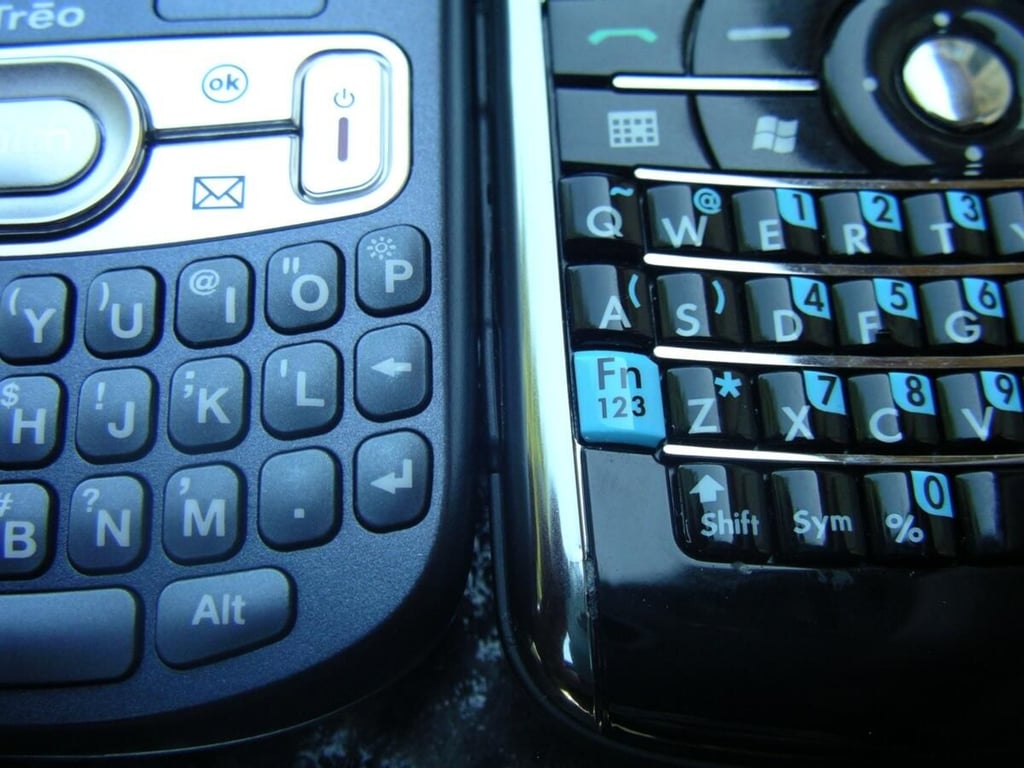
There are different keyboards that appeal to different user needs and desires. The Treo 800w keys are spaced further apart.
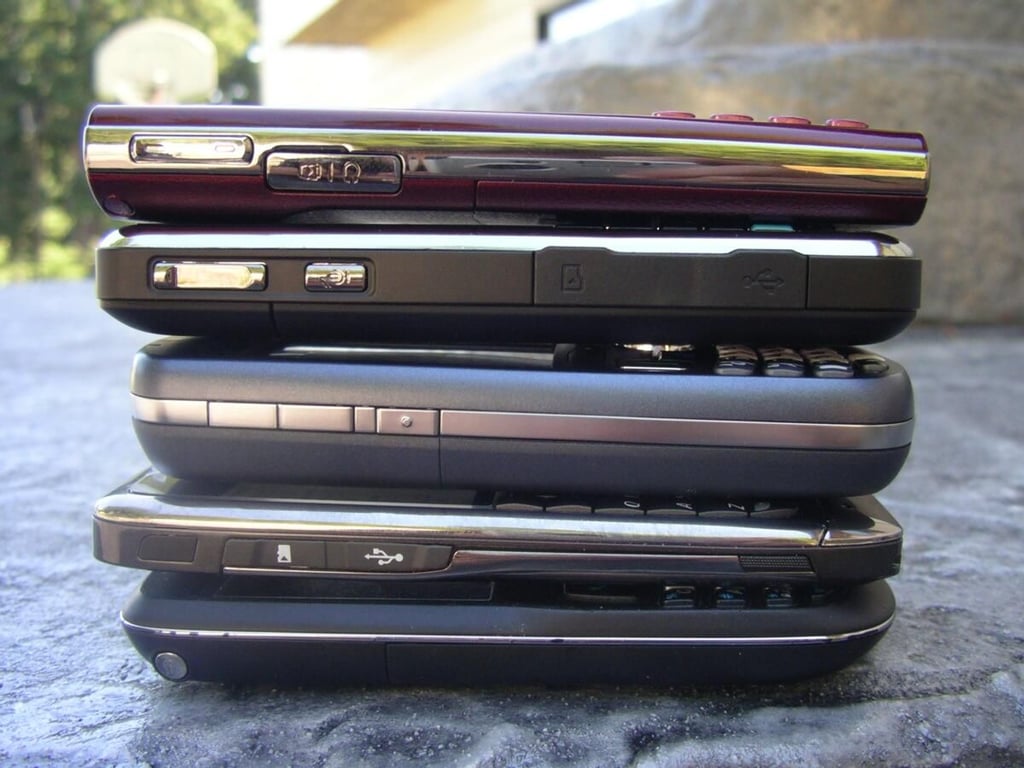
From top to bottom are the Blackjack II, iPAQ 910, Treo 800w, Nokia E71, and T-Mobile Dash. You can see that the Treo is the thickest of the bunch.
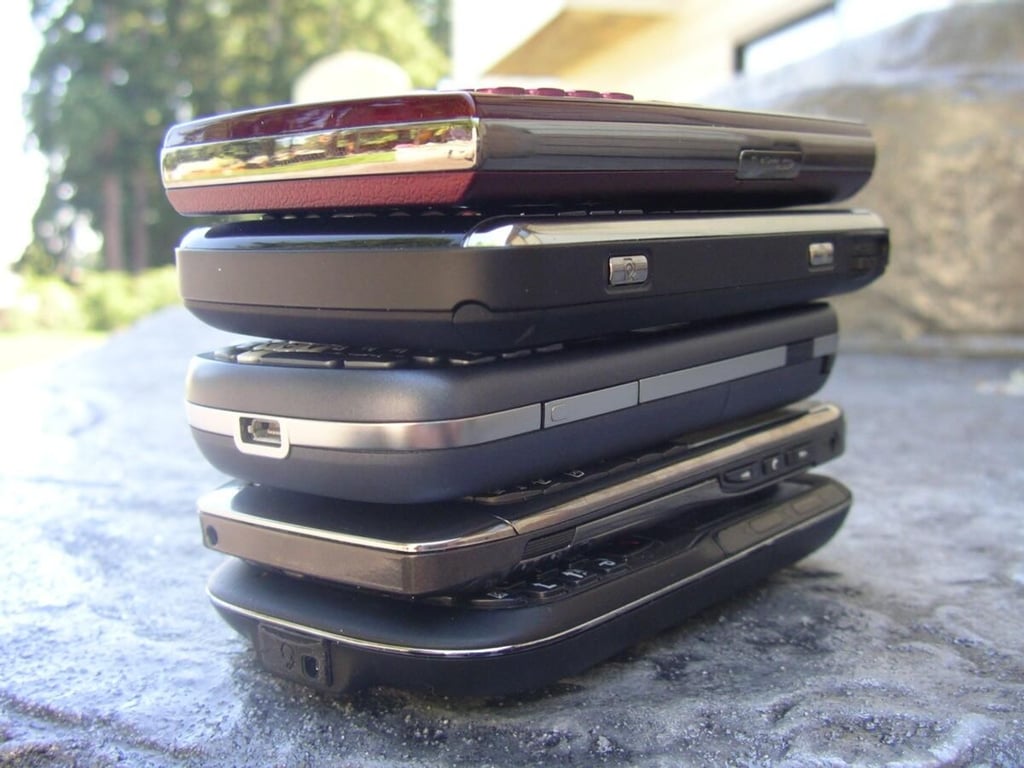
Here is another view of those same 5 devices with the bottom showing.
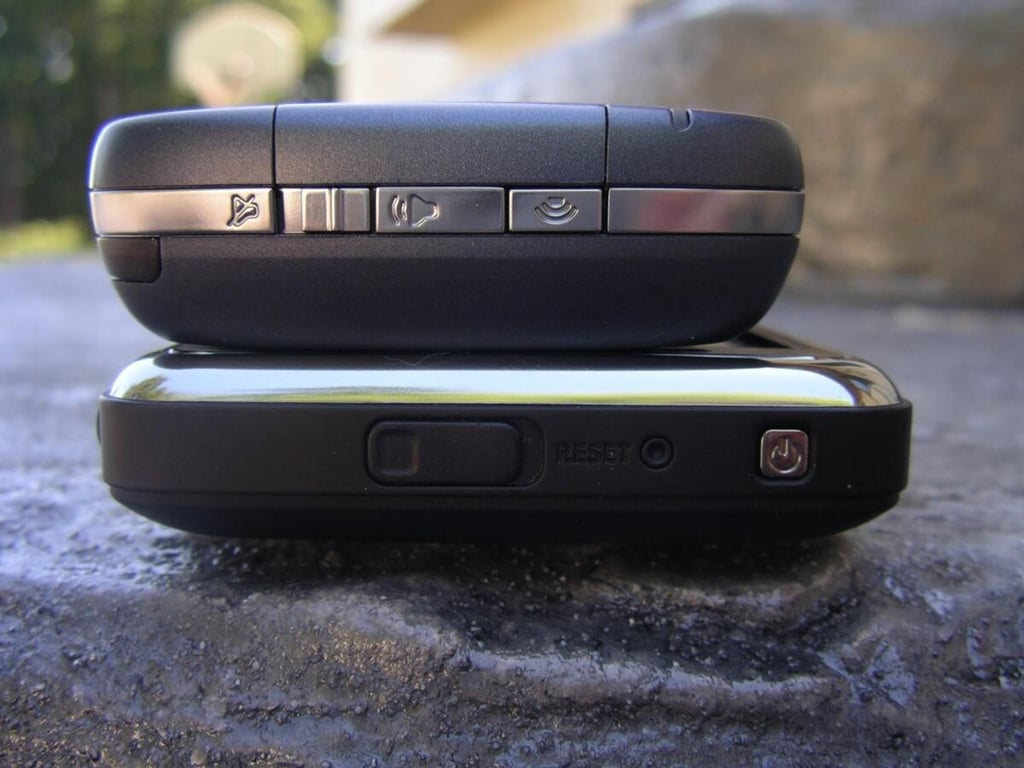
These two are both touch screen devices, while the other three in the photos are non-touch screen devices with the expectation they would be of slimmer form factor.
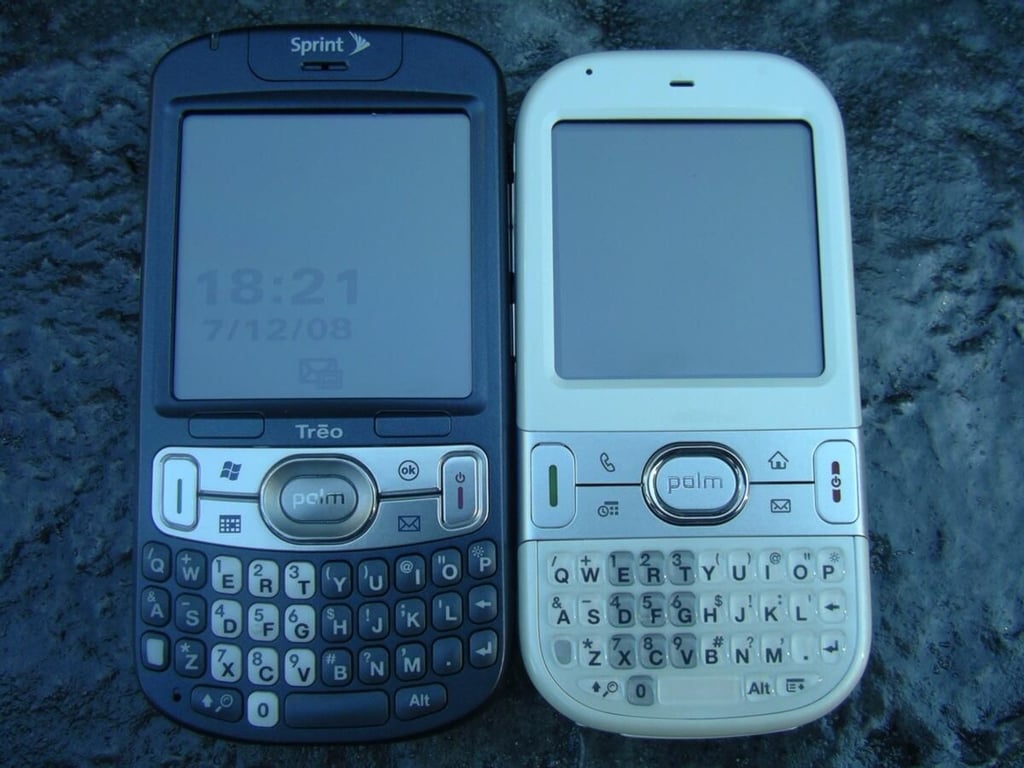
You can see the curved design is similar between these two Palm branded devices.
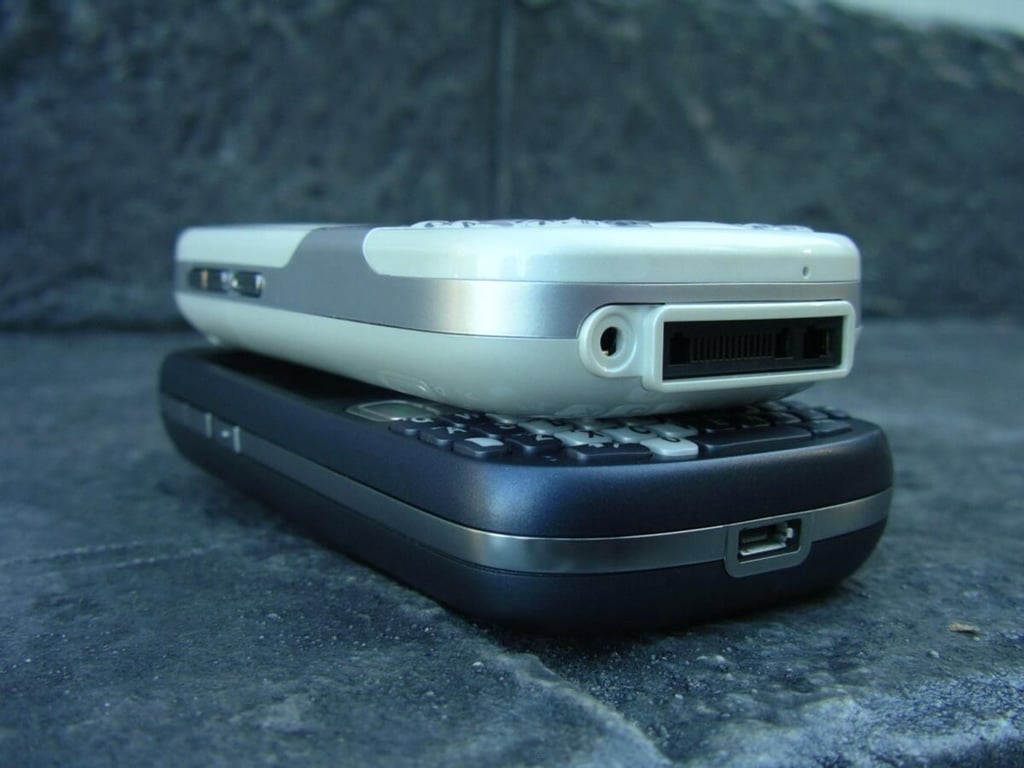
This unlocked Centro rests on the Treo 800w.
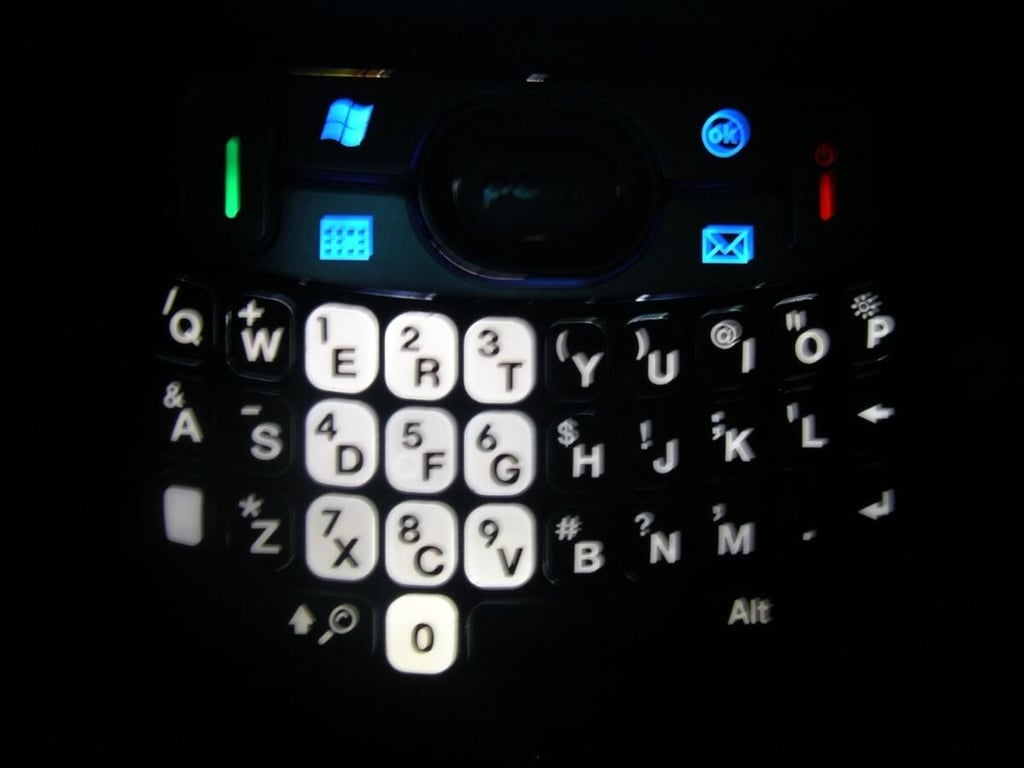
You will have no problems seeing the keys on the Treo 800w in low light conditions.
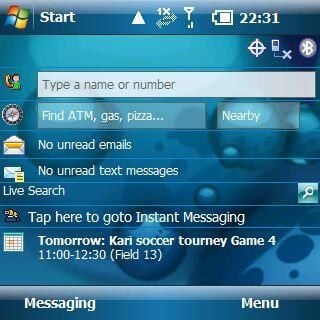
The 320×320 display lets you see lots of information without the annoying side scroll bars seen often on the 240×240 Treo models.
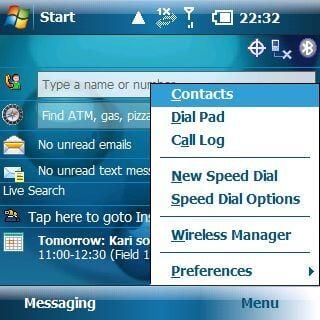
Palm included a special Menu key on the bottom right of the Today screen to allow quick access to common tasks conducted by the user.
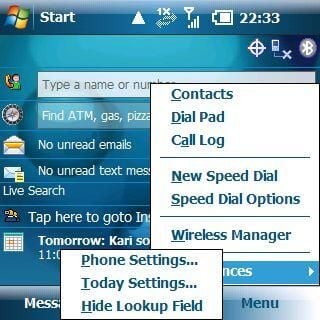
You can access your preferences using the new right soft key menu option on the Today screen.
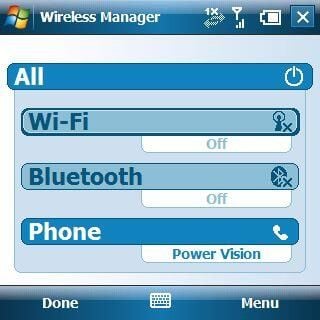
It sure is nice to finally see WiFi on a Palm device.
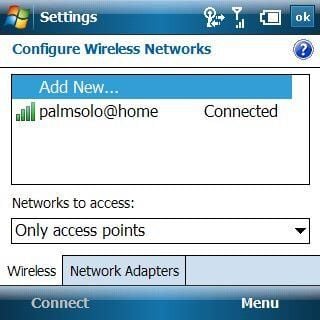
This is the standard Windows Mobile 6.1 wireless utility that shows connection status.
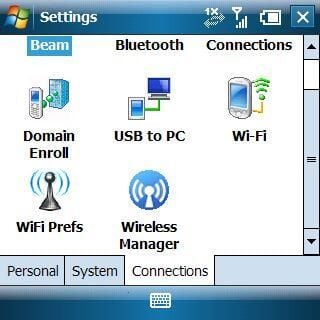
As you can see on the Settings>Connection tab Palm includes a Preferences utility on the Treo 800w.
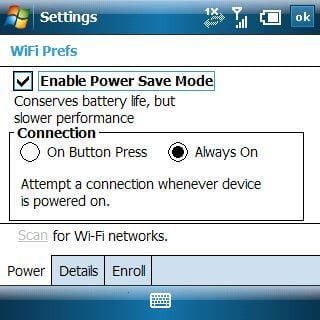
Here you can see where Palm lets you manage your WiFi settings to conserve battery life, which is a concern given the battery is only 1150 mAh.
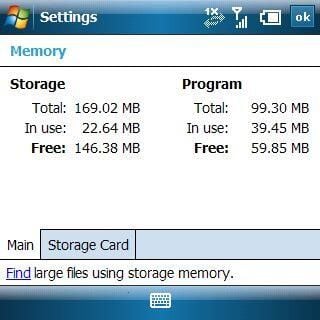
Palm gives you a healthy amount of both flash ROM and program RAM so there should be no concerns with memory on this device. You have almost 170MB to store applications on the device with a microSD card slot as well.
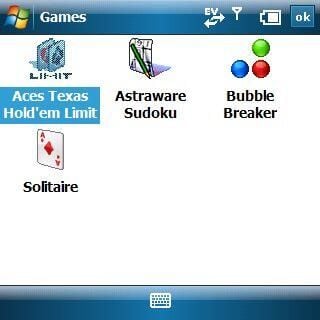
Palm also includes Astraware Sudoku and Texas Hold’em so you can enjoy games on your Treo 800w.
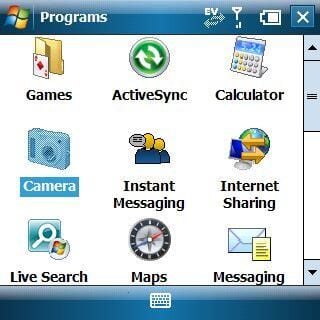
This screenshots shows you a few applications that are included on the device.
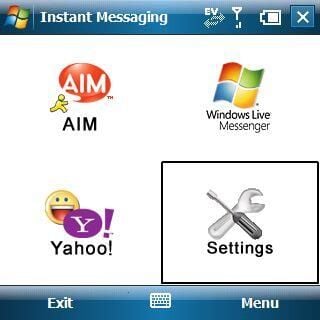
You can access three different IM clients with the Sprint IM application loaded on the Treo 800w. I understand the IM application uses data and not text messaging too.
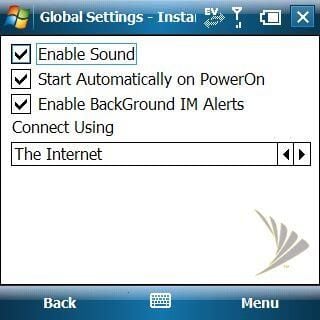
You can check out some of the global settings available to you on the Treo 800w.
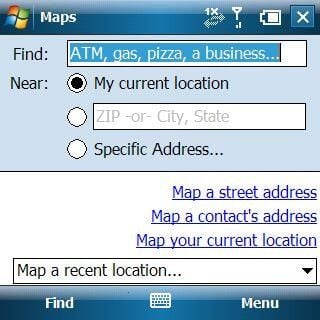
These settings control the Maps utility that can be used directly from the Today screen.
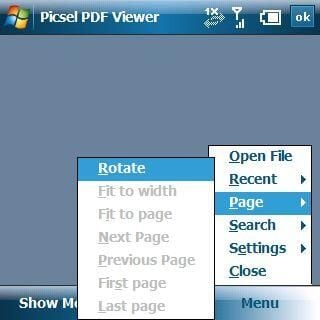
This PDF viewer application works very well, even with such a small display.
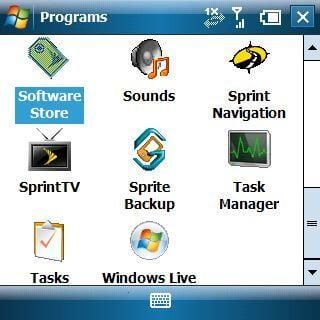
Here you can see some of the Sprint programs and a shortcut to the Sprint application store.
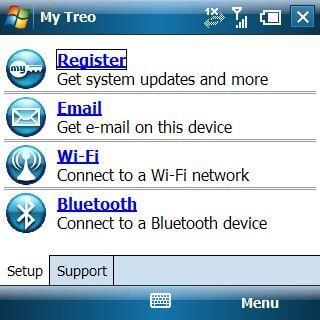
This My Treo utility is found in your Start menu by default and lets you quickly customize a few aspects of your device.
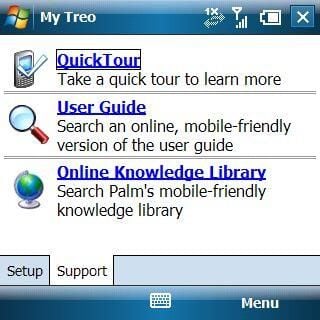
There are two tabs in the My Treo utility and this shot shows the Support tab.
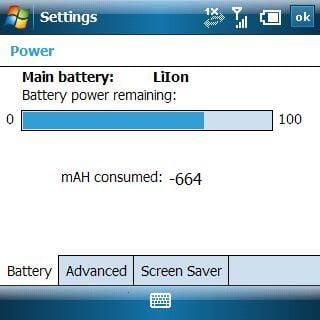
This is the first time I have seen an actual value assigned for battery that was used on the device.
Image gallery 1
Thumbnail 2


