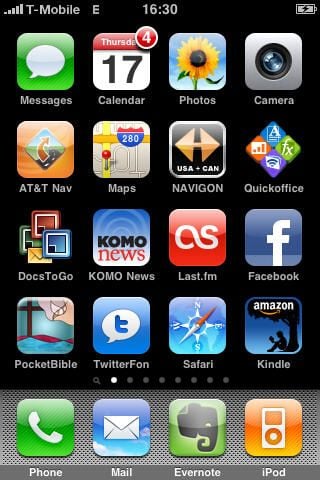
Laridian’s PocketBible is an extremely powerful Bible reading, study, and devotional application that has been available for years on Palm, Windows Mobile, and Windows PCs. When the iPhone was launched an online web app service, called iPocketBible, was launched and now Laridian has brought the full PocketBible application to the iPhone/iPod touch for offline reading of your entire Laridian collection.

This splash screen/logo is modeled after beautiful stained glass and I personally love it.
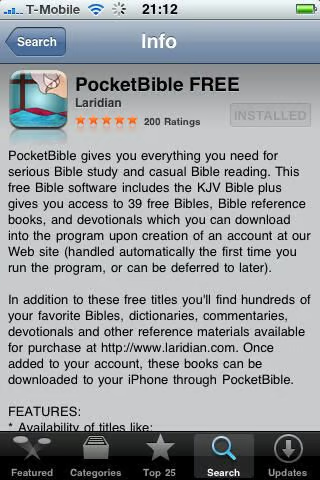
Here is the PocketBible page in the App Store.
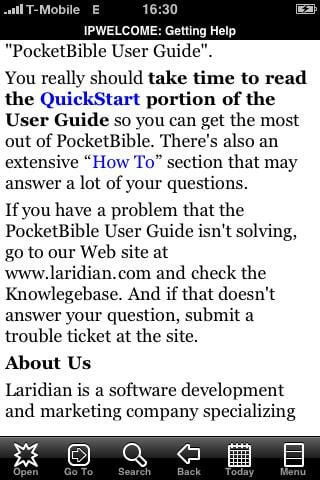
I highly recommend you take a couple minutes to at least go through this guide so you can understand the navigation methods.
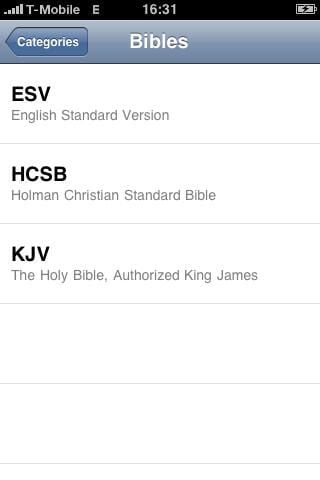
You need to choose a reference to start reading on your iPhone.
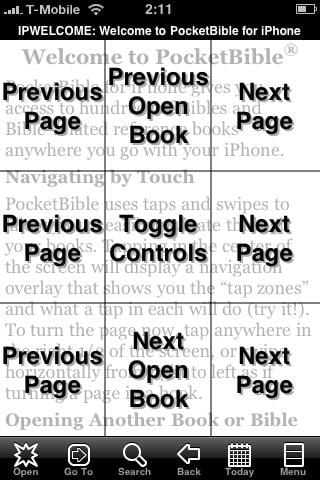
Tapping in the center toggles the overlay so you can see the “tap zones”.

Tapping the Today icon takes you right to your daily devotion.
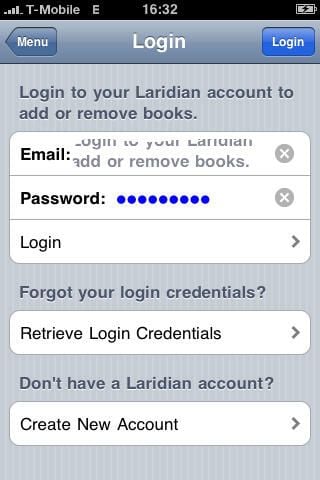
You need to login to your account to access and download titles (free and priced).
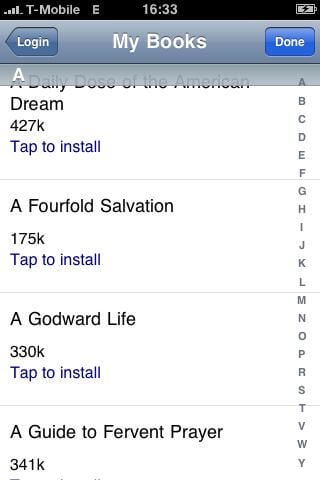
Here you can see references that are available in my account to download. Sizes are also shown so you know if you should be connected via WiFi first.
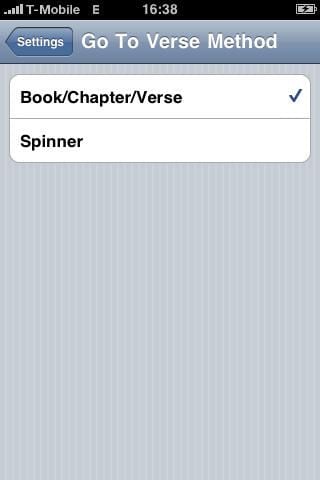
As you can see you have two choices for how you want to Go To verses.
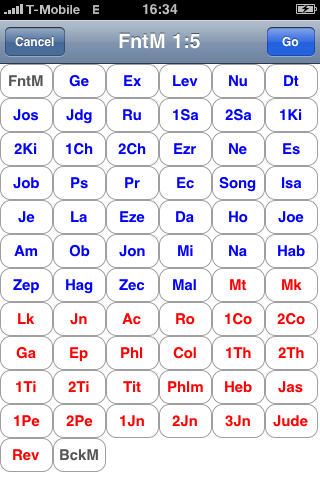
This is the default book/chapter/verse selector in PocketBible.
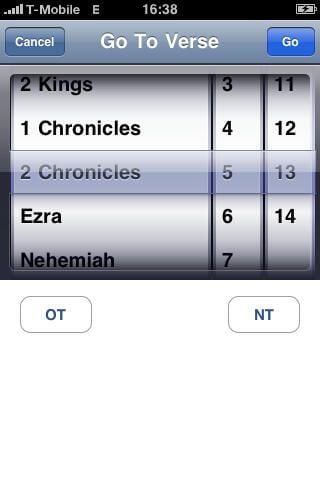
You can use your options to have an iPhone-esque verse selector method too.
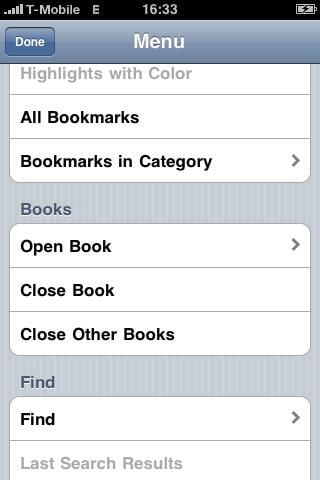
Here is the Menu screen farther down where you can manage open books.

You can choose to have Jesus’ words shown in red, just like a hard cover Bible.
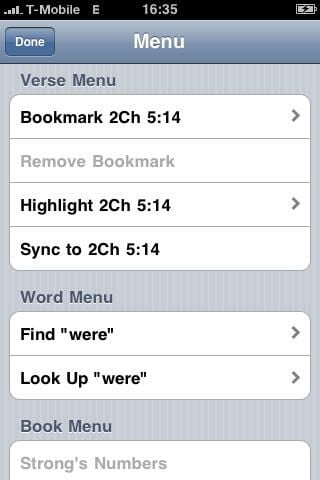
Available verse menu options.
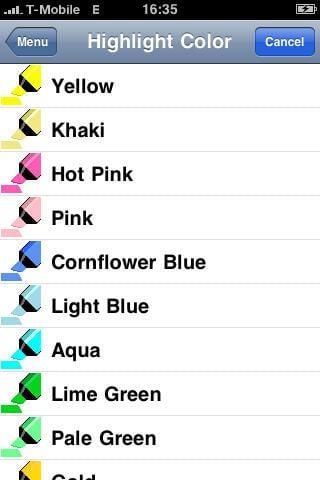
There are 16 available highlighter colors for you to choose from.

You can highlight verses using the Context Menu.
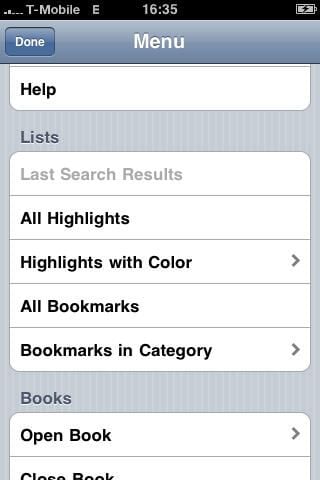
More menu options.
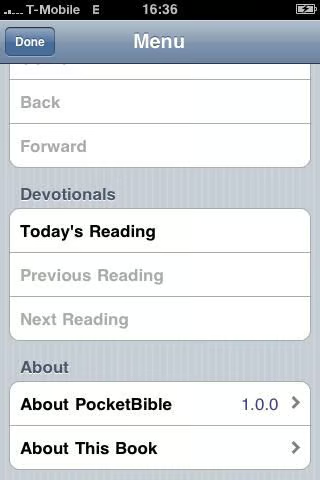
Devotional menu options are also present.
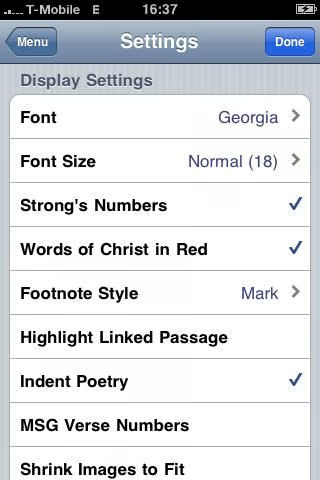
A range of fonts and sizes are just a couple of the options in the display settings.
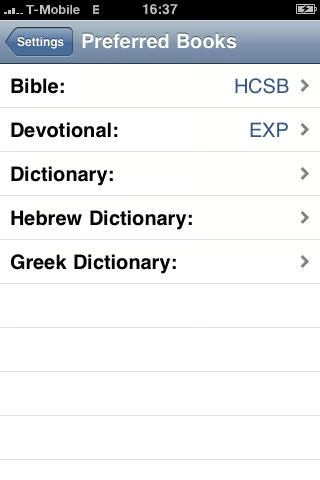
Setting these will let you access selected books faster.

Thumbnail 1

Thumbnail 2


