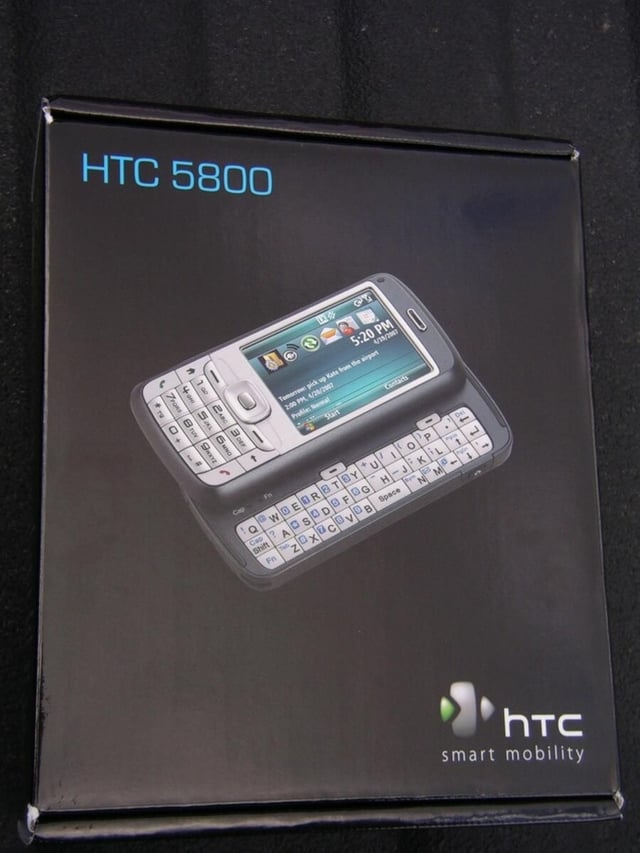
Qwest is a regional wireless carrier and they have taken steps to get the latest and greatest Windows Mobile 6 devices added to their collection. The Qwest Fusion is a device from HTC that is similar to the HTC Vox and brings EVDO in a nice compact form factor full of features.
View this gallery of product photos.
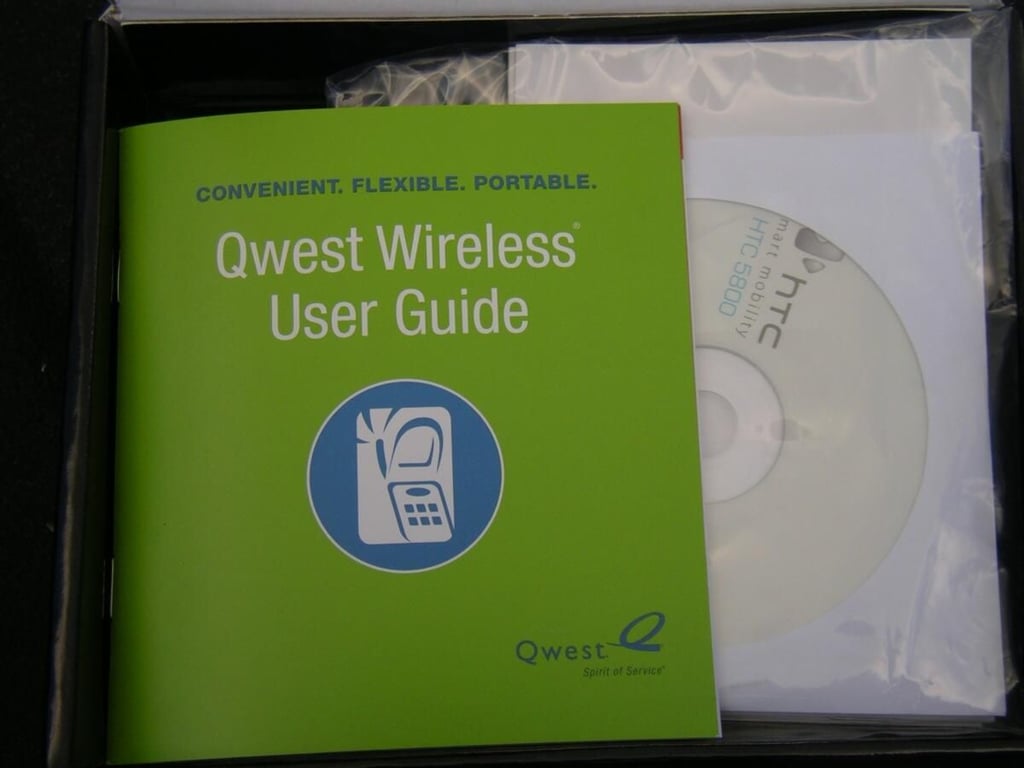
Qwest includes a Getting Started Guide that gives you some good information concerning their wireless network.
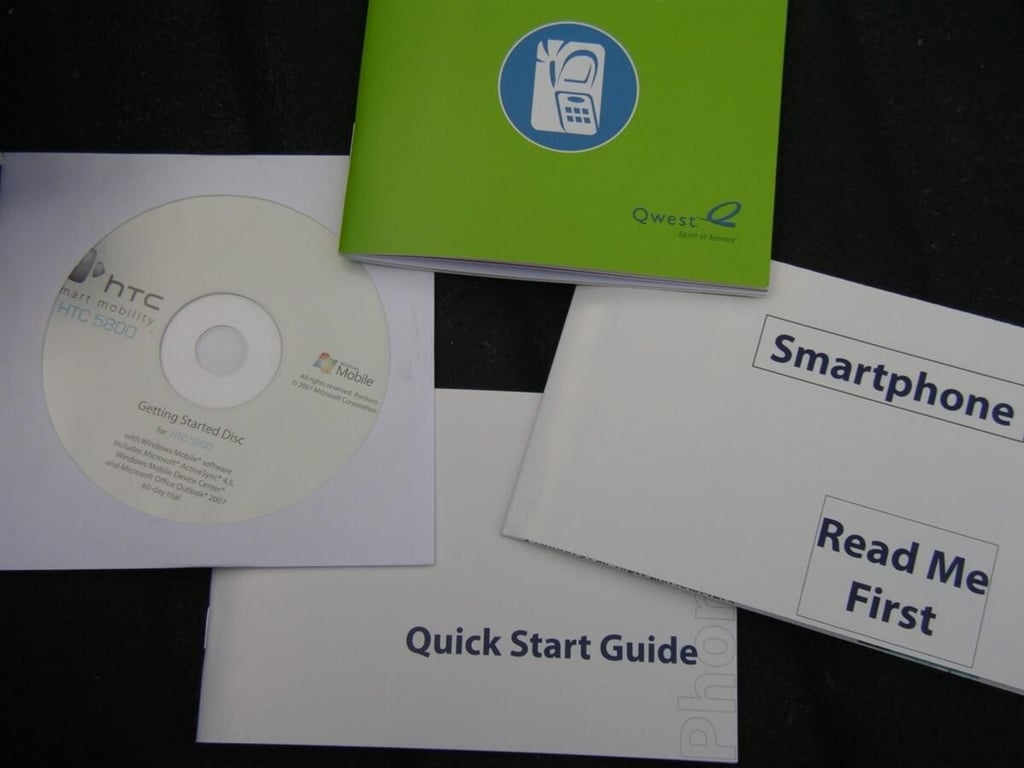
There are some other documents that help you setup and use your device with ease.
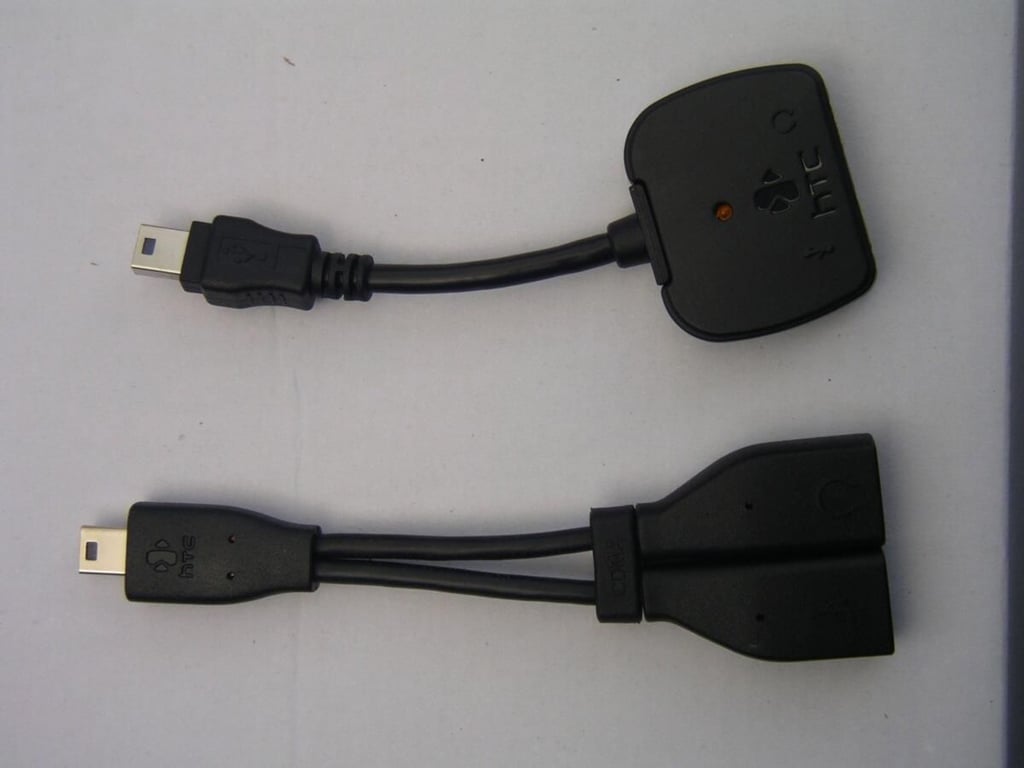
Qwest gives you two HTC proprietary cables for additional functionality.
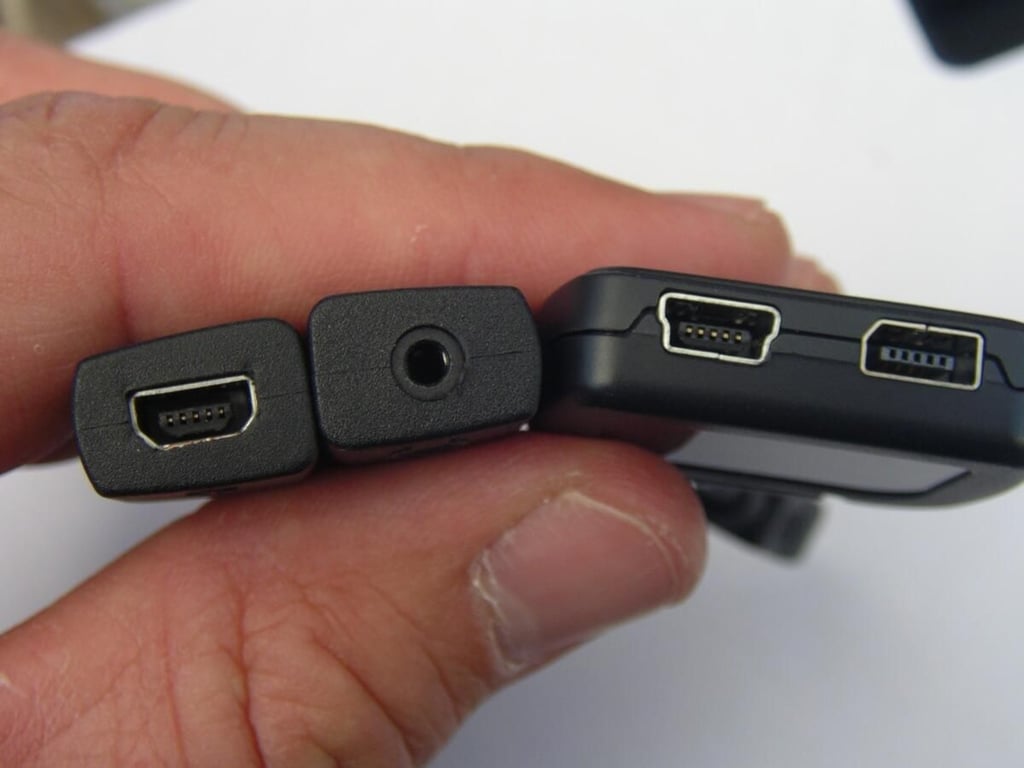
These two splitter cables let you sync/charge and listen to music with wired headsets.
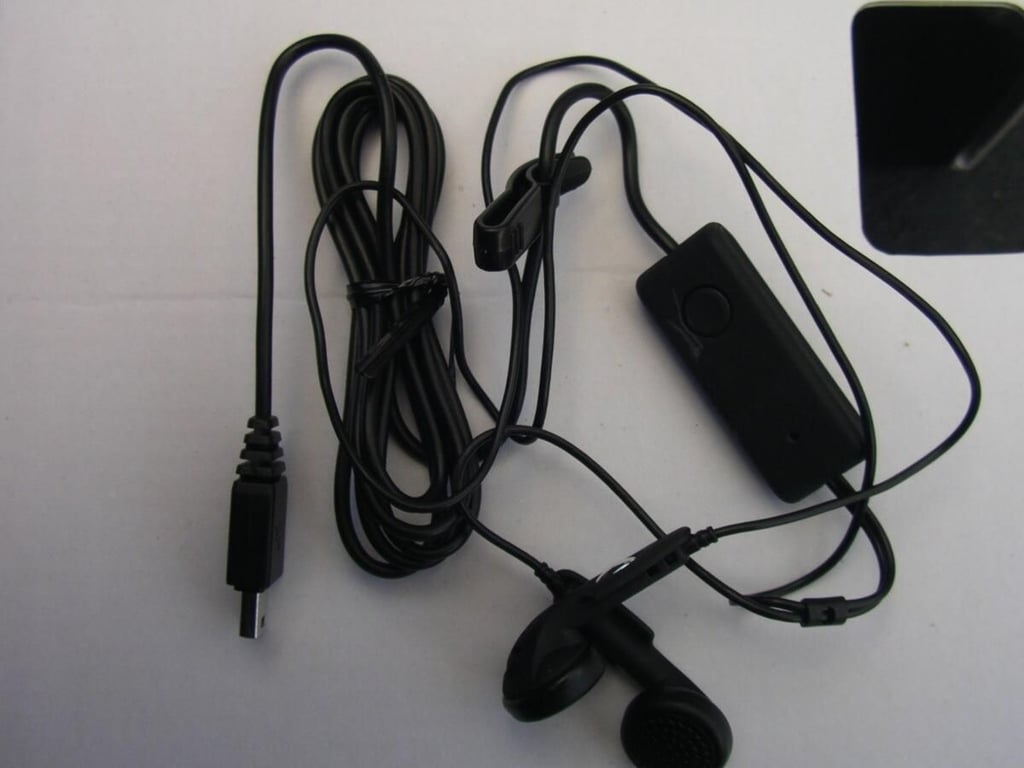
You can listen to music with the stereo earbuds and also make/receive calls with the HTC wired headset.
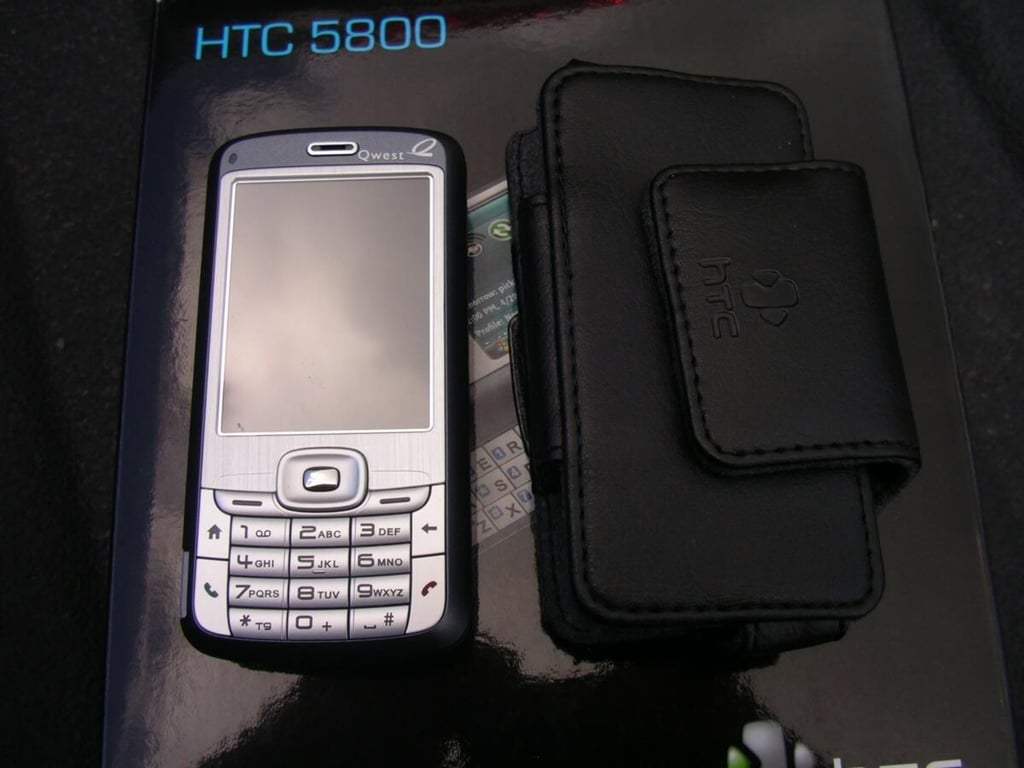
The Qwest Fusion in standard phone mode adjacent to the included leather case.
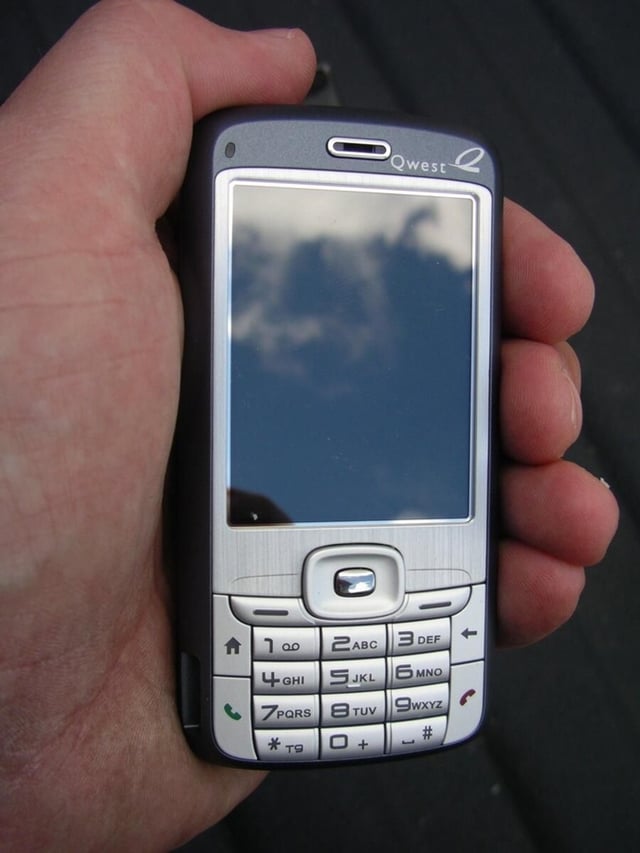
The Qwest Fusion has a compact candy-bar form factor in closed mode.
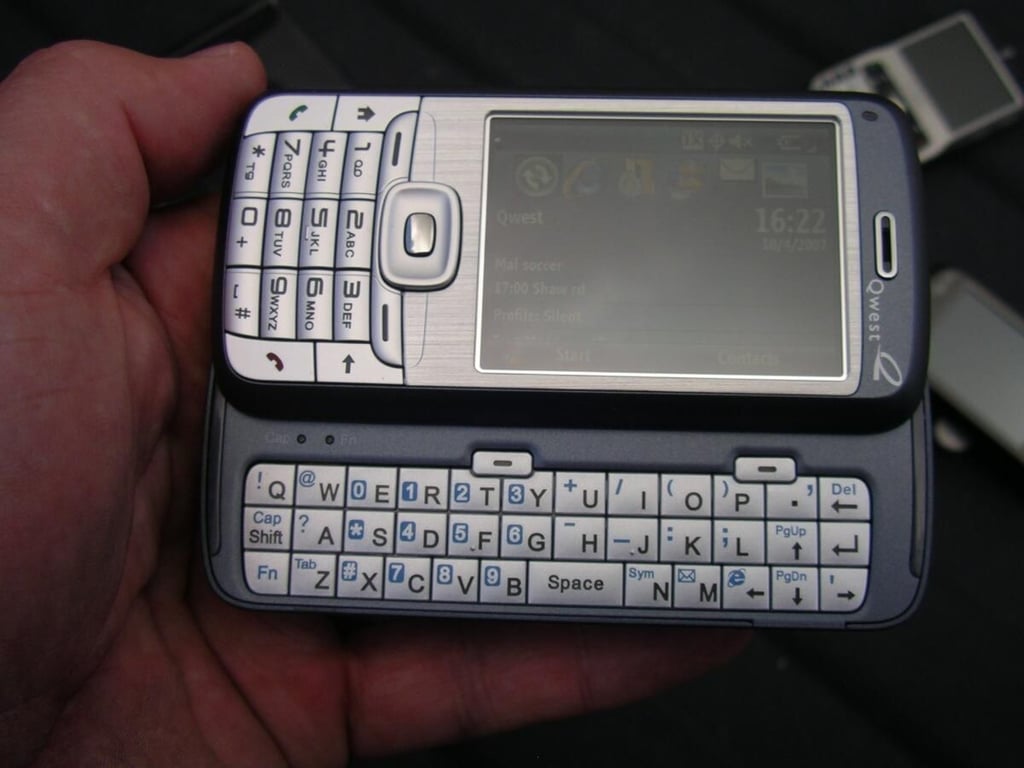
The display slides to the left to reveal the QWERTY keyboard. The display auto rotates into landscape mode as well.
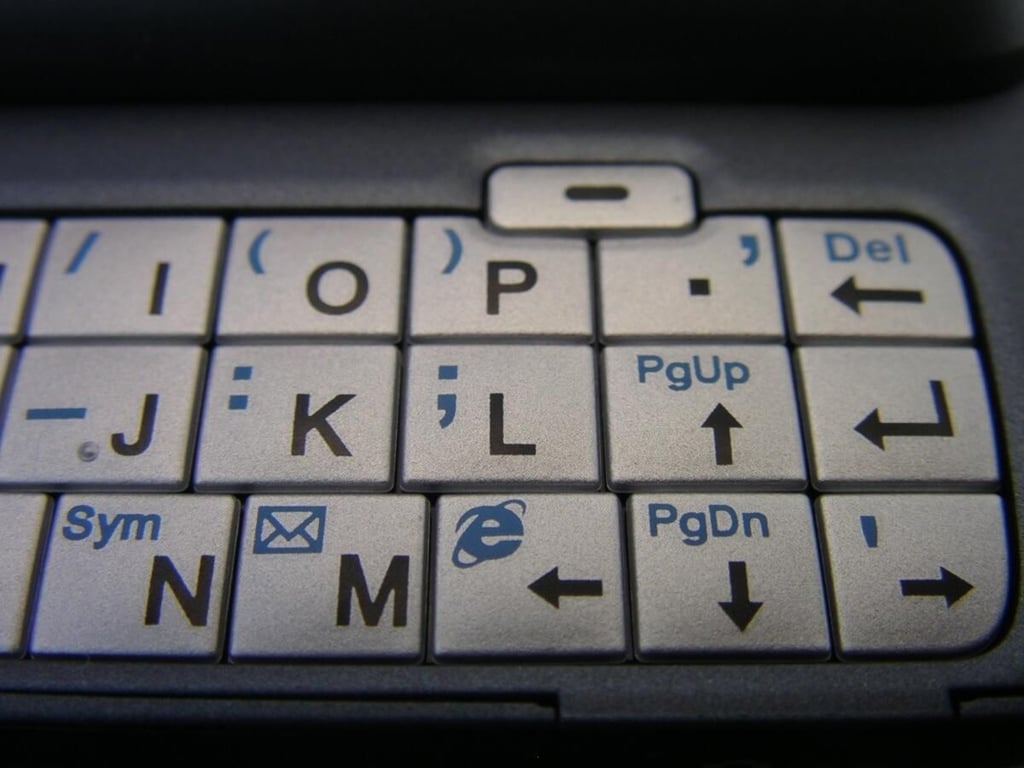
The right side shows the directional arrows, shortcut keys, and right soft key.
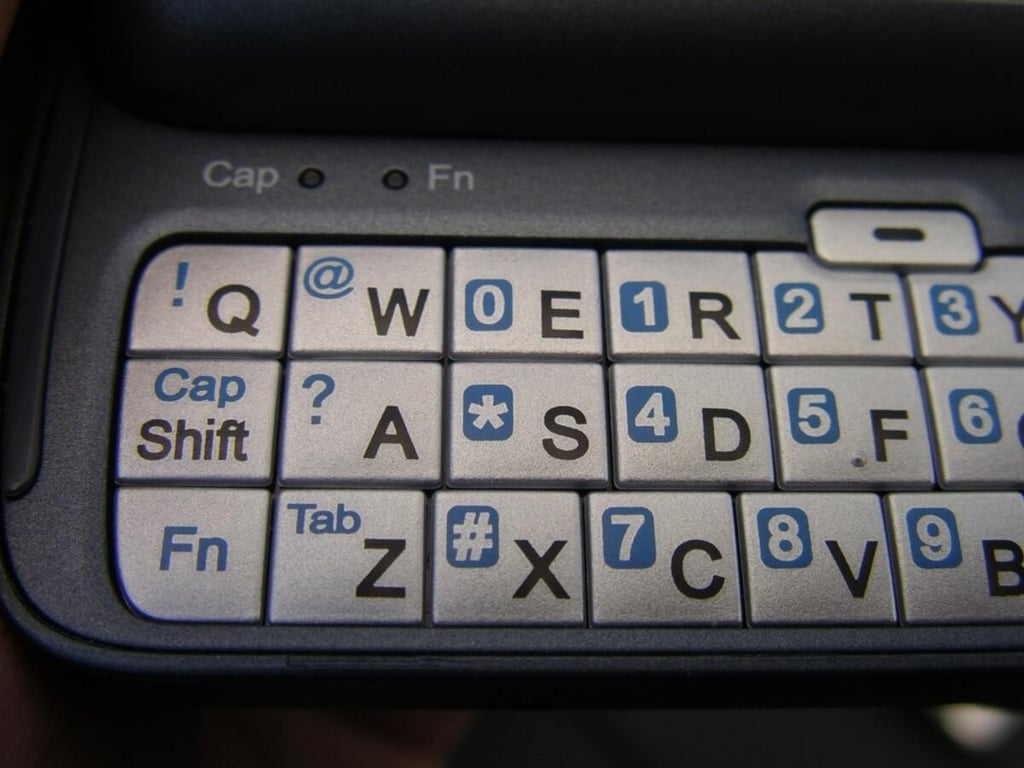
The FN and Cap/Shift keys as well as the number key arrangement can be seen on the left side of the keyboard.
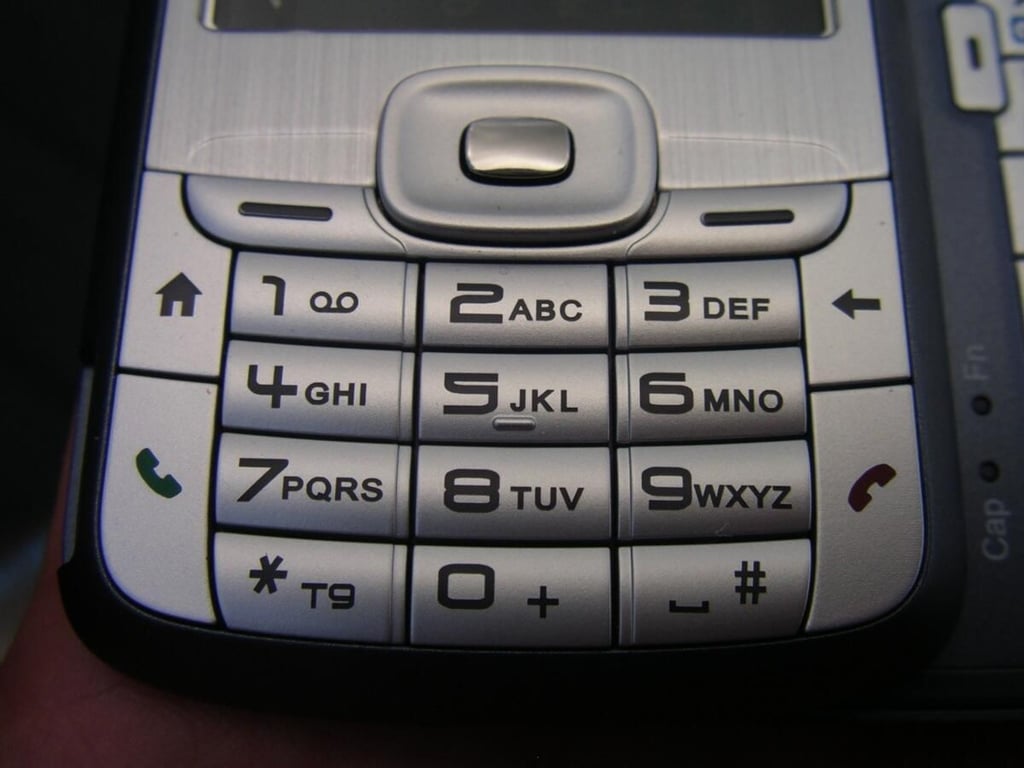
The front standard keypad has two soft keys, a Home button, back button, and the send/end keys around the phone keypad.
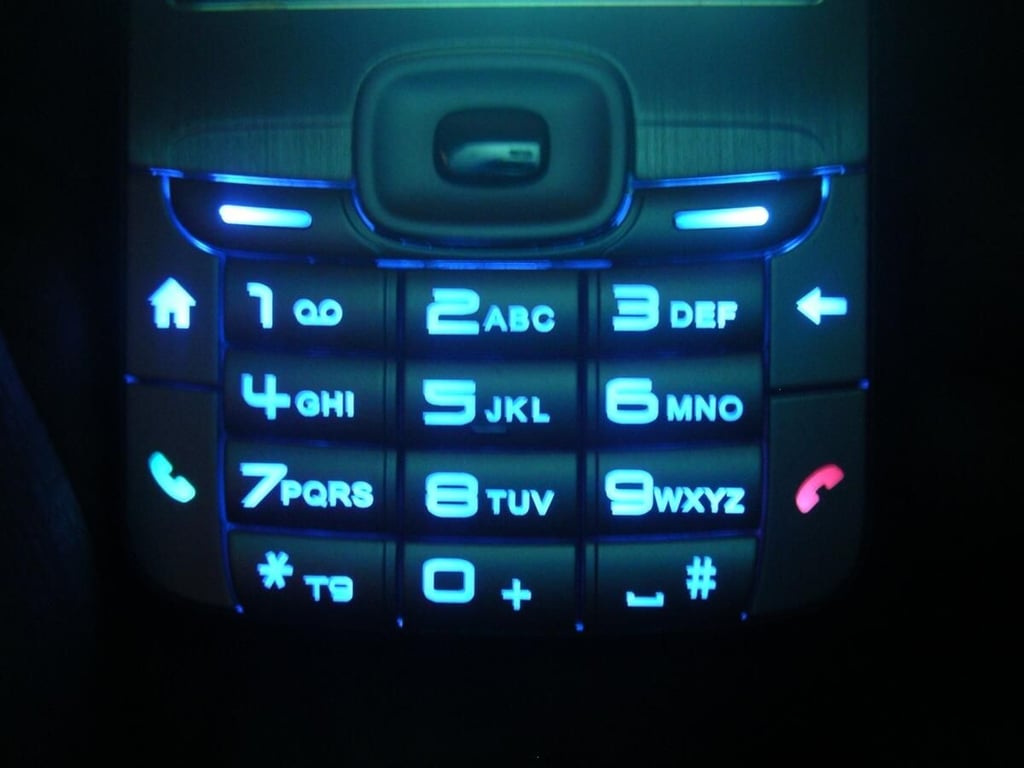
A light sensor adjusts the keypad backlight.
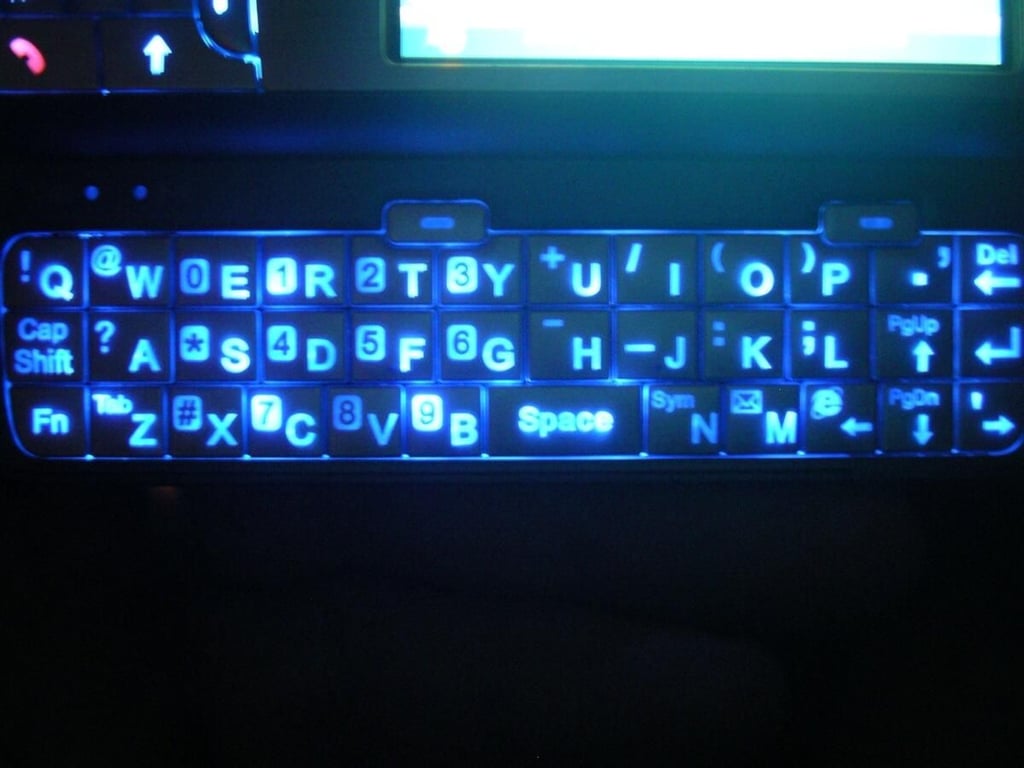
The QWERTY keyboard lights up with a bright blue lighting that shows the alternate characters too. The blue is almost too bright in dark situations.
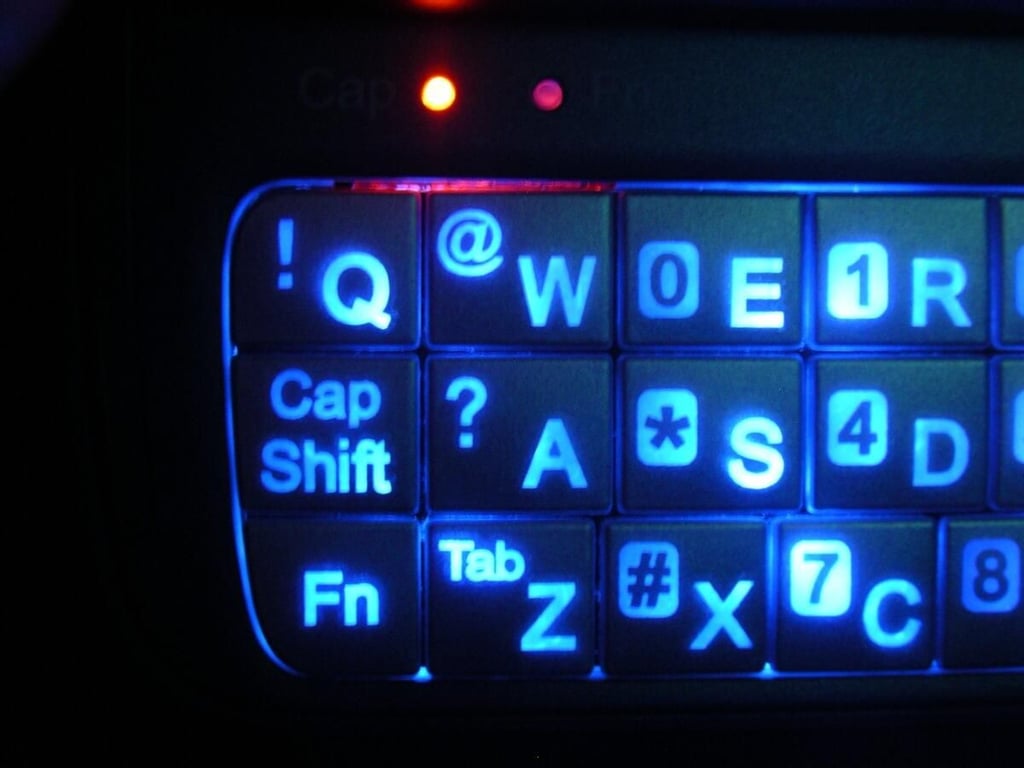
You can see the orange indicator light in the top left area of the keyboard.
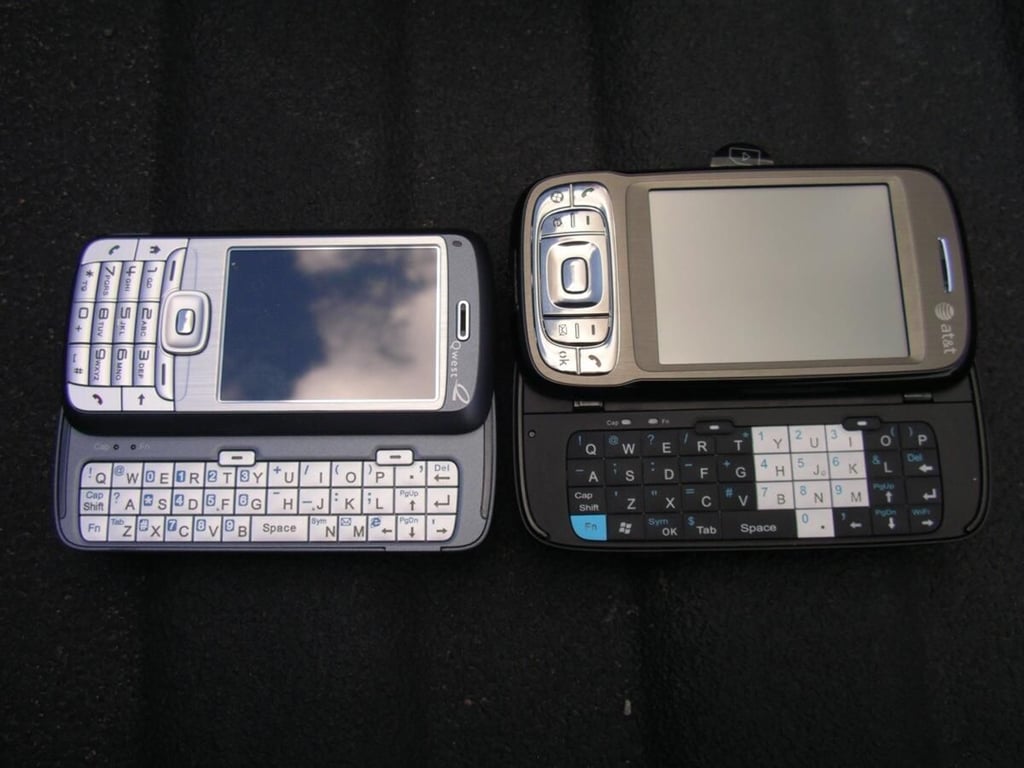
You can see that the Qwest Fusion is similar to the AT&T Tilt, but has a non-touch screen.
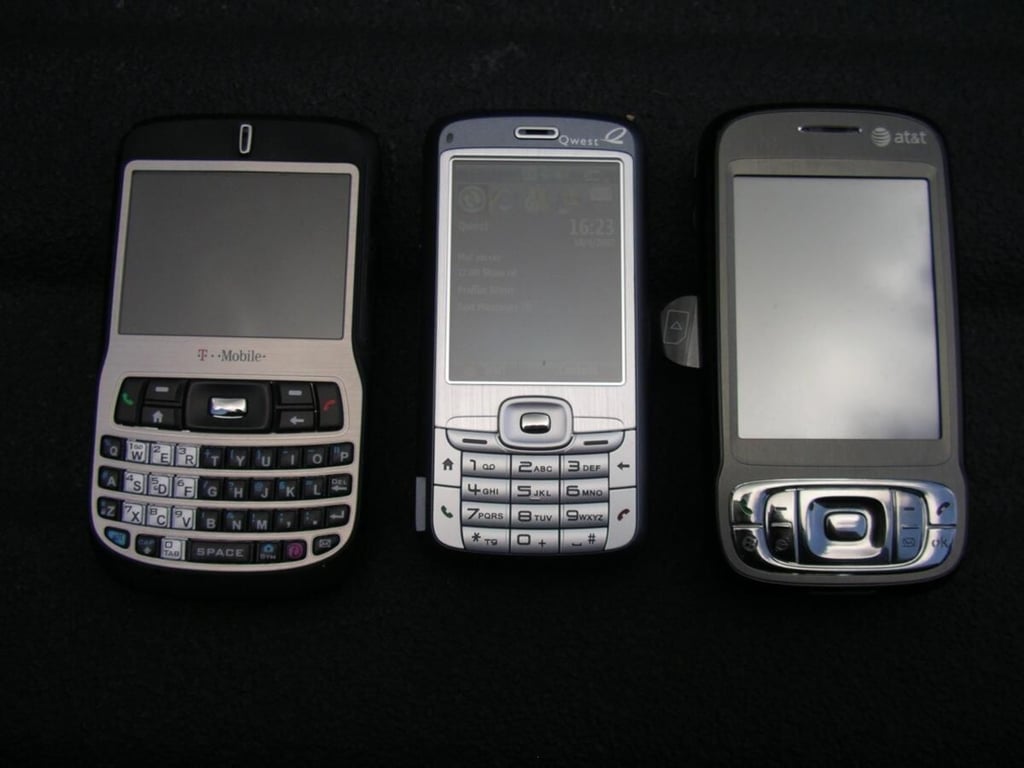
The Dash and Fusion are both Smartphones with a different approach to QWERTY keyboard usage. The Tilt doesn’t have a keypad for easy dialing.
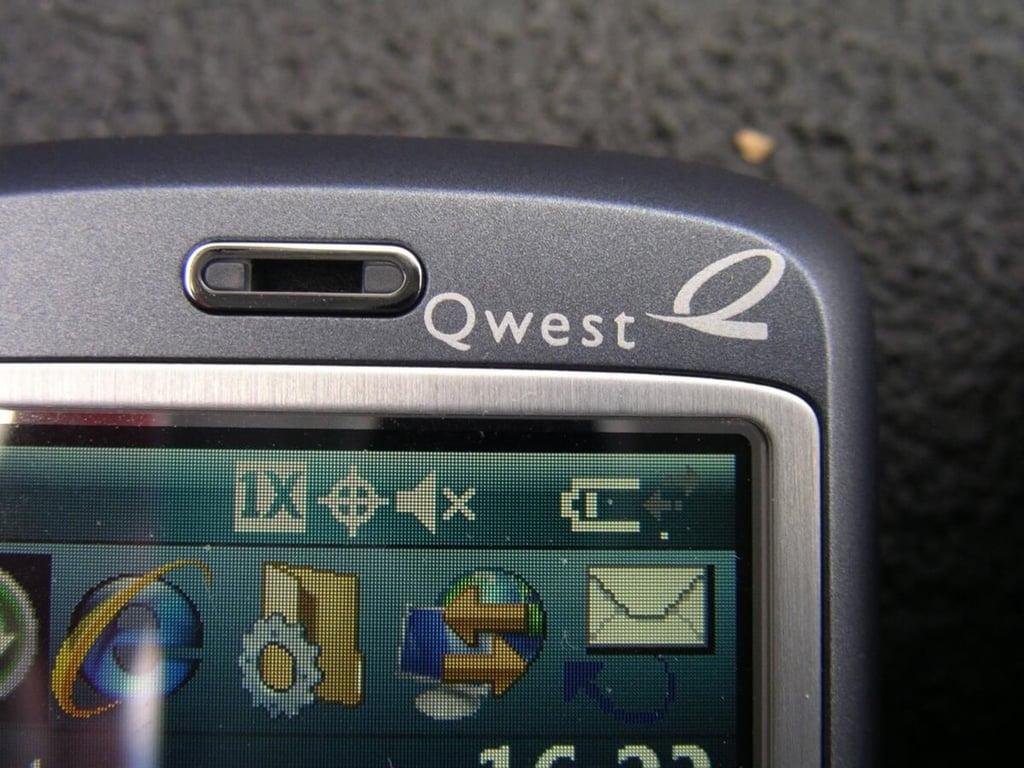
The Qwest logo appears in the upper right of the front. The HTC logo appears upon startup of the device.
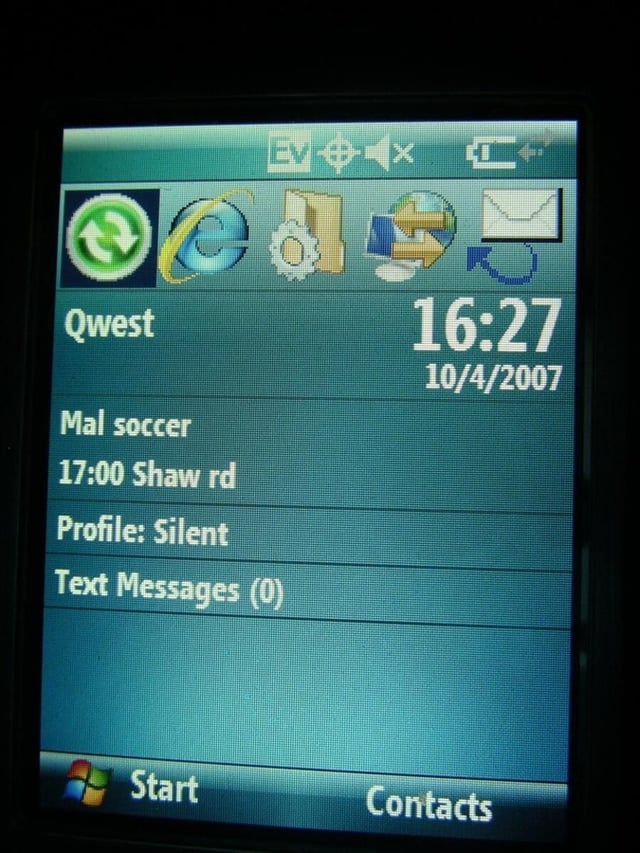
The Home screen shows connection status and strength, most recently used applications, time/date, calendar appointments, selected profile, and messaging status.

Image gallery intro image
Image gallery 2


