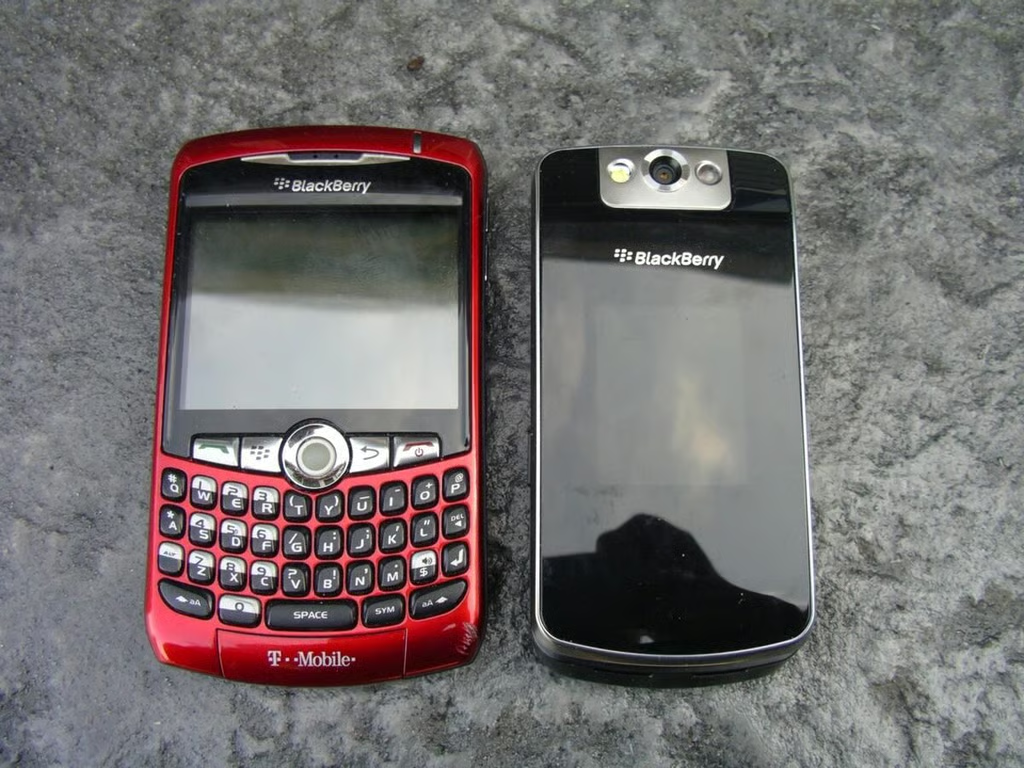
Flip form factor mobile phones are very popular in the U.S. and until now these users were unable to pick up a BlackBerry in this form factor. The RIM BB Flip brings the power and functionality of the BlackBerry to this form factor, complete with a SureType QWERTY keyboard. The BB Flip from T-Mobile also supports WiFi and UMA for unlimited calling over WiFi.
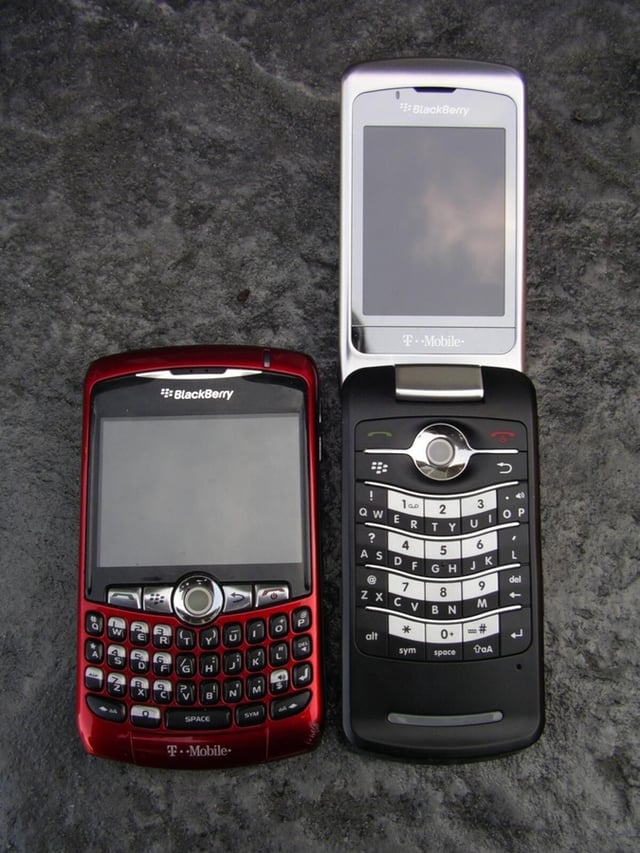
Here you can see what makes the Flip unique in the BlackBerry world.
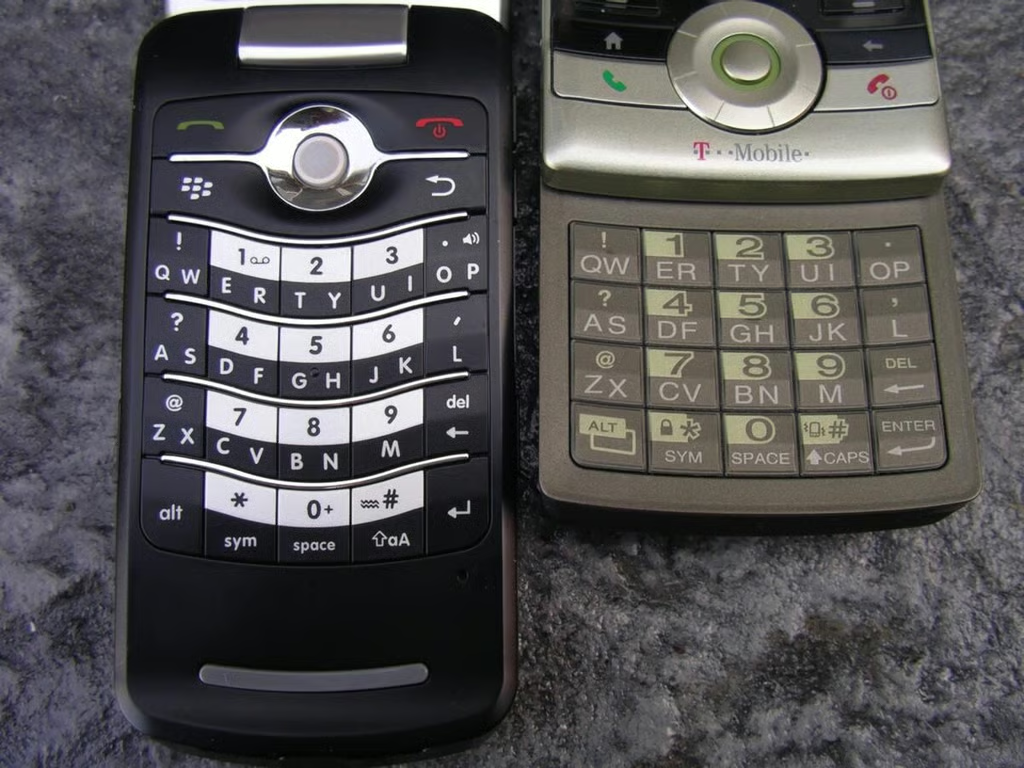
Both of these devices have SureType keyboards, but as you can see the BB Flip one is actually quite roomy.
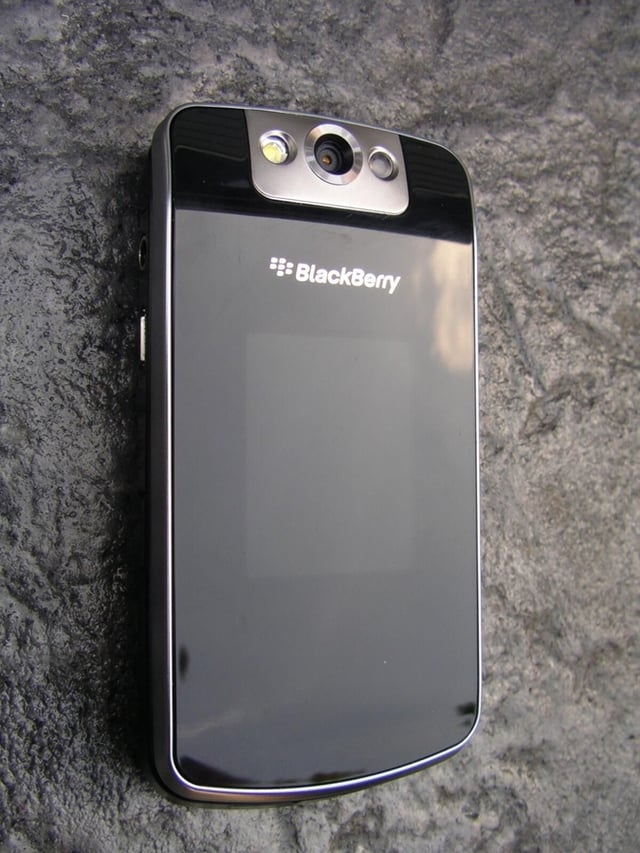
The Flip has an attractive outer face with a small integrated display that shows you status, caller ID, and other basic information.
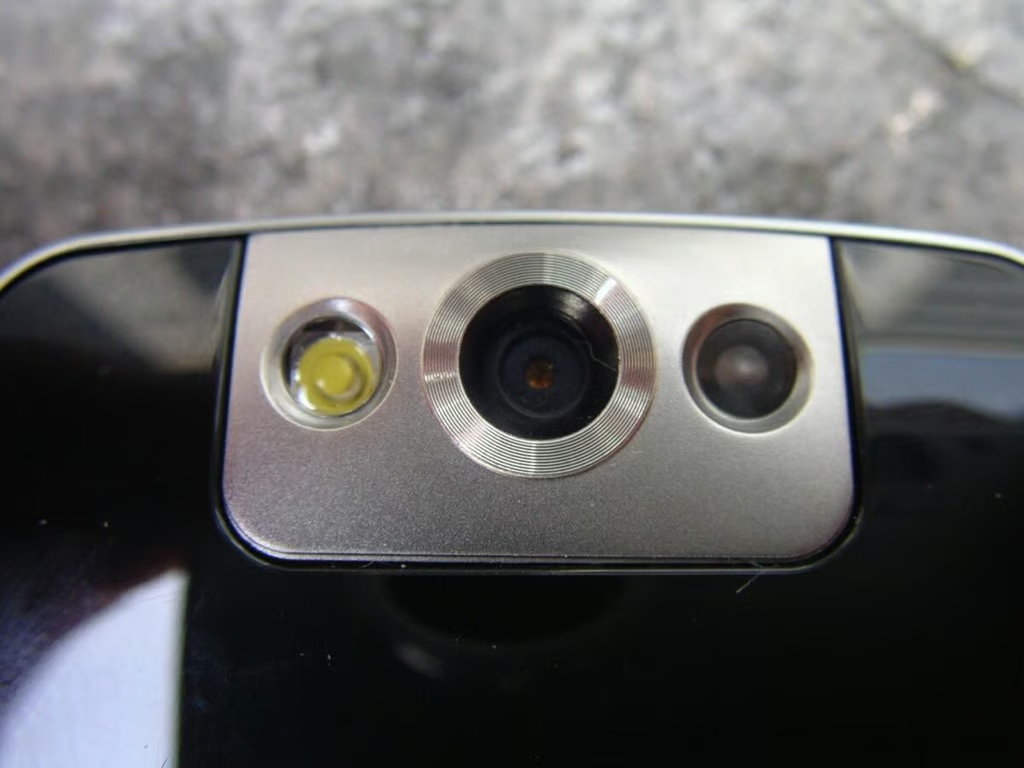
The camera and flash are located on the top of the front face and when flipped open it appears on the back so you can take photos of your subject.
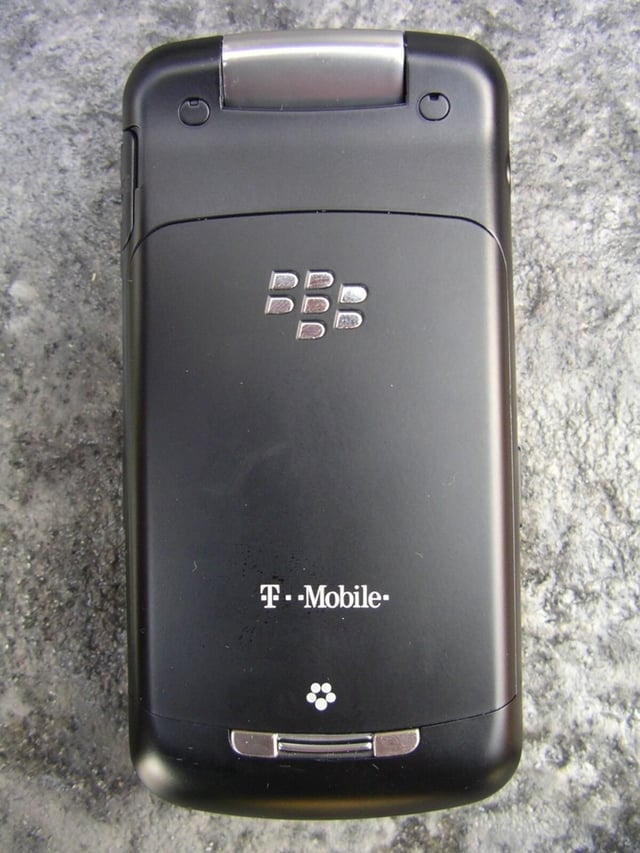
The battery/SIM cover is located on the back. The back actually has a bit of a contour to it and feels great in your hand.
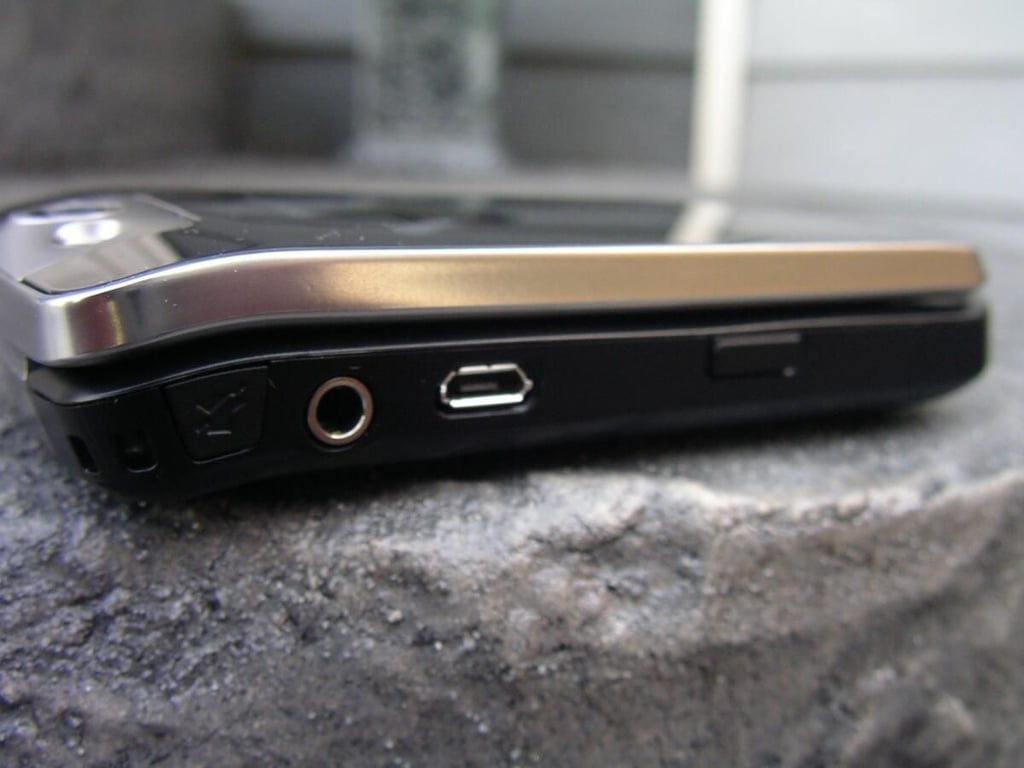
The Flip is fairly slim and as you can see has a bit of curvature up towards the top.
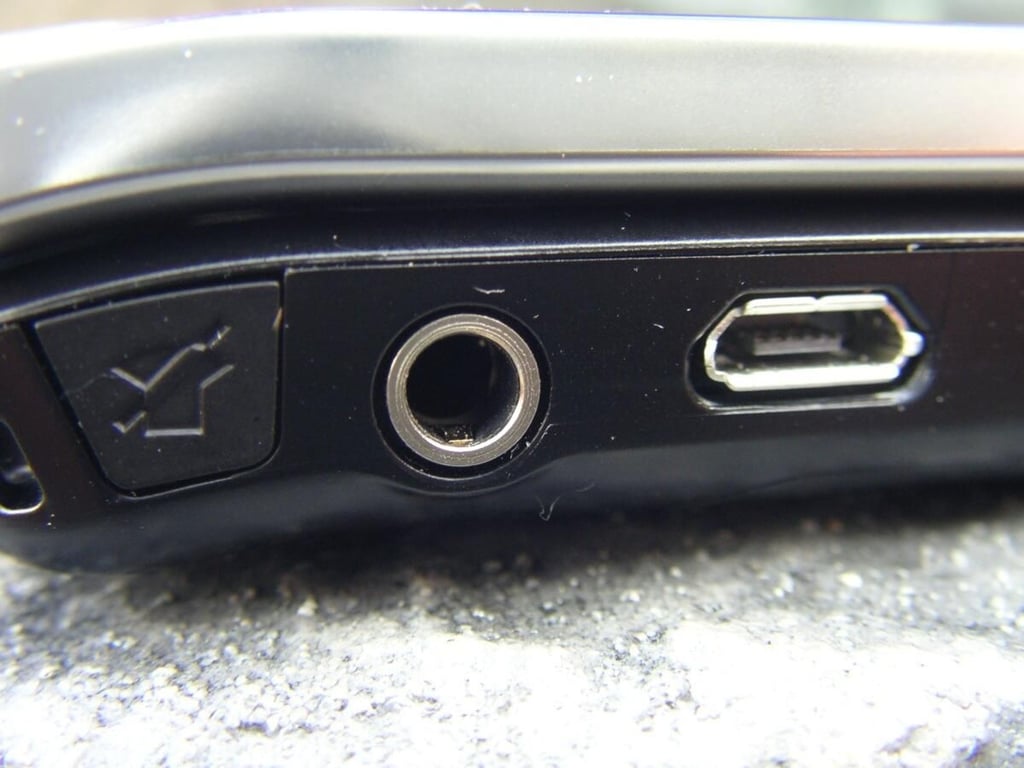
There is a mute button, 3.5mm headset jack, and microUSB port on the upper left.
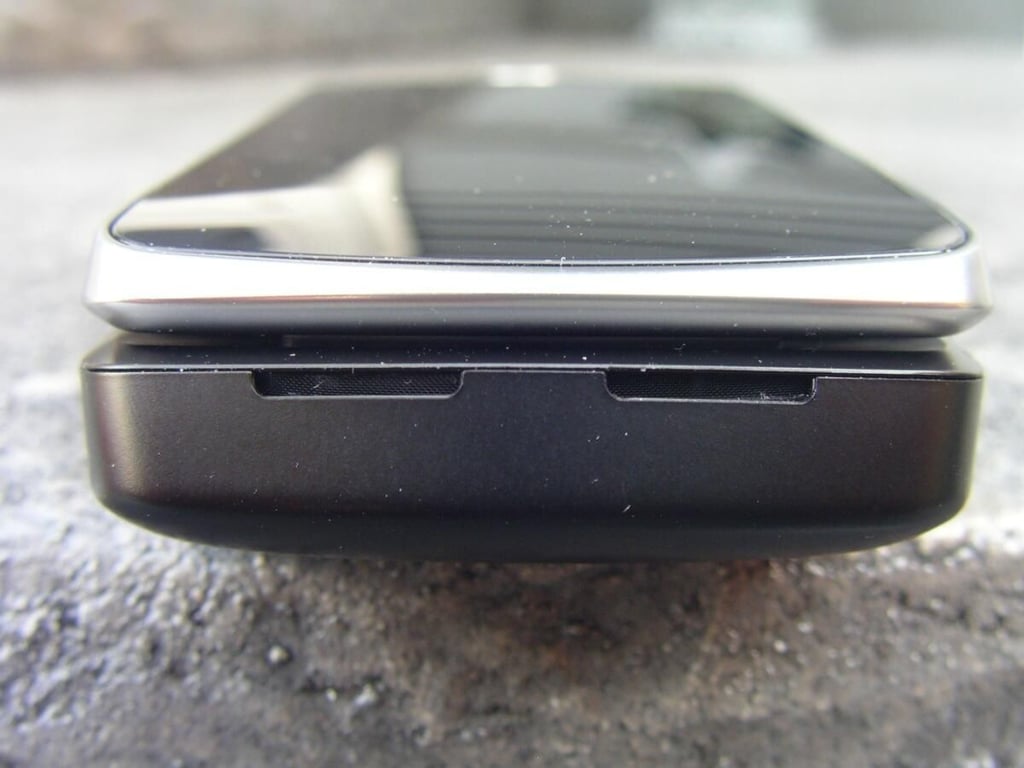
There is nothing along the bottom of the device.
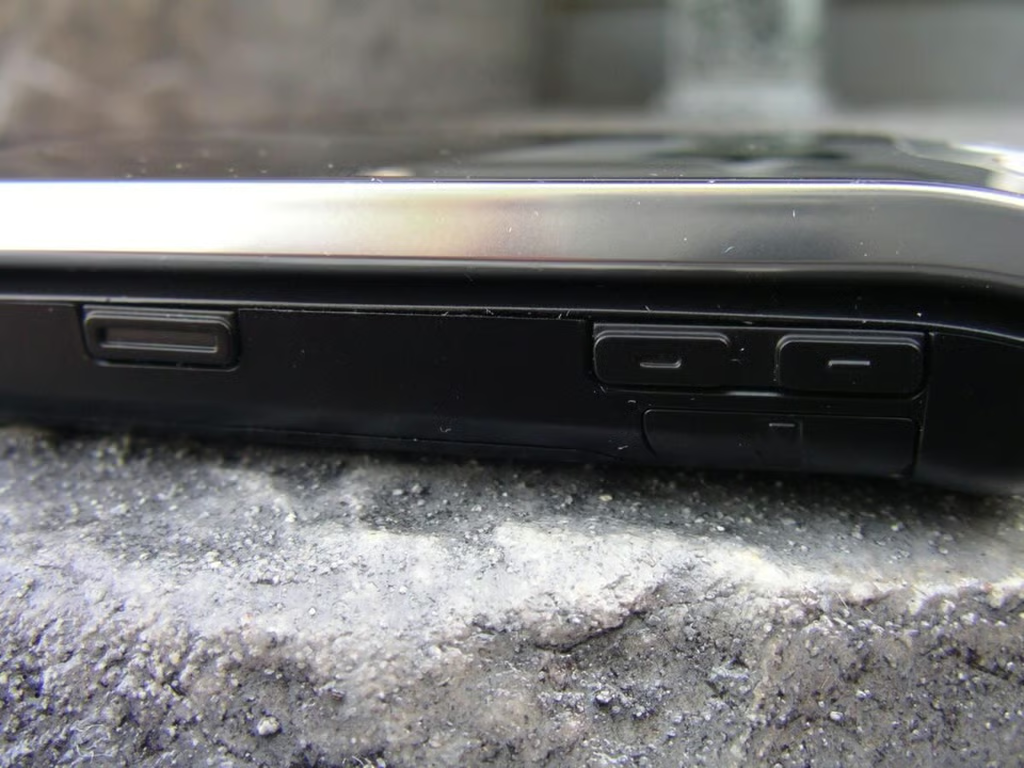
The volume controls and another application button are located on the right side.
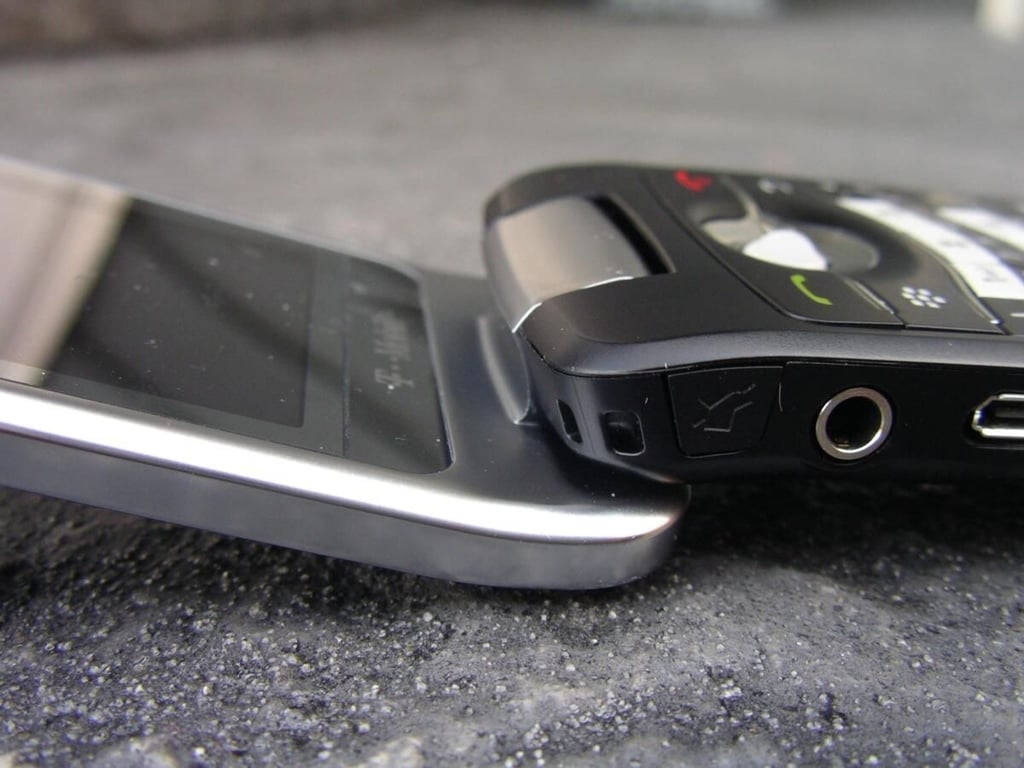
When you open the Flip the top display rotates back over the device to reduce the overall length when opened. It is a cool design that reminds me of my MacBook Pro.
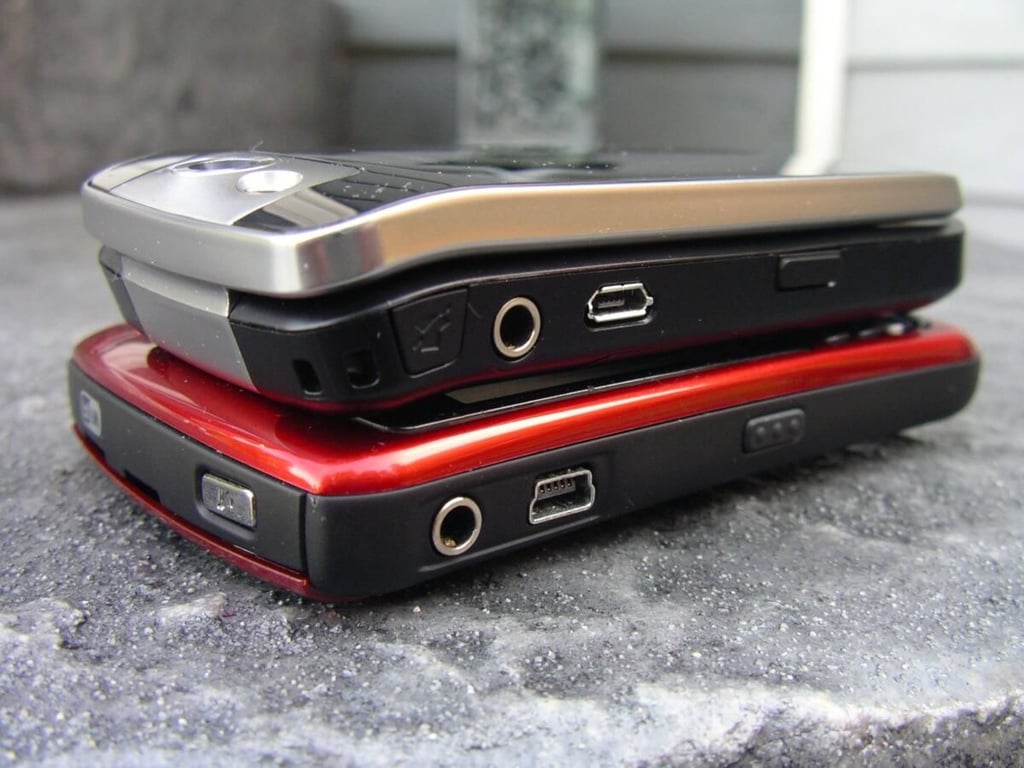
Here you can see the BB Flip on top of a BB Curve for size comparisons.
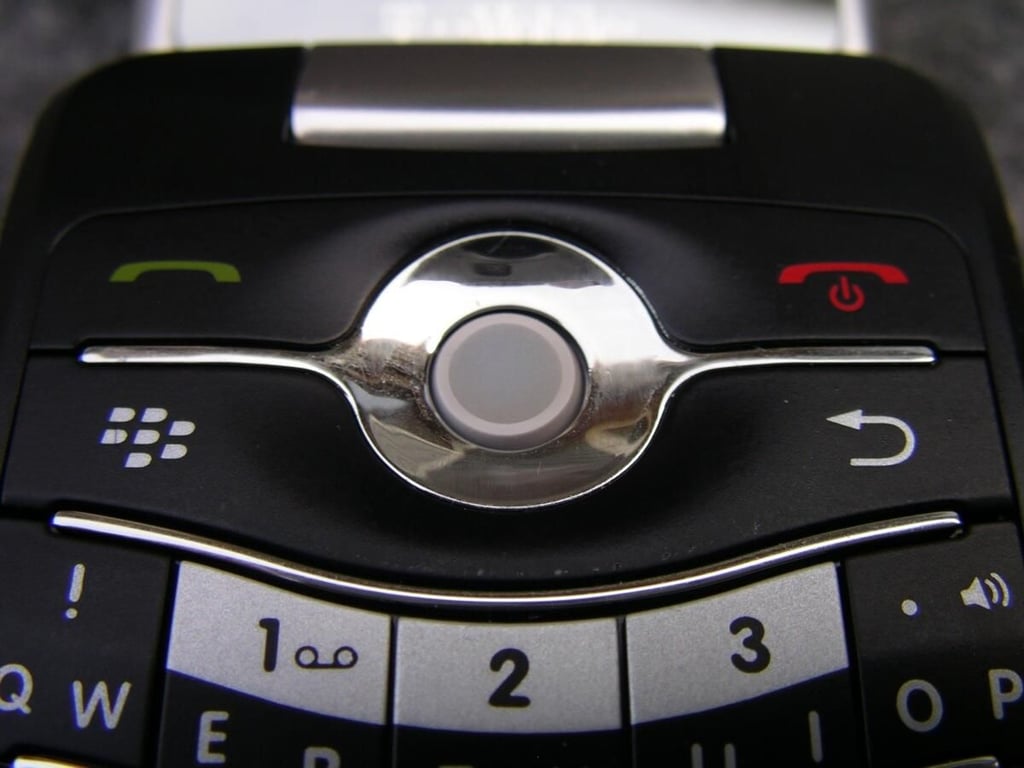
There are four hardware buttons around the now common Pearl trackball.
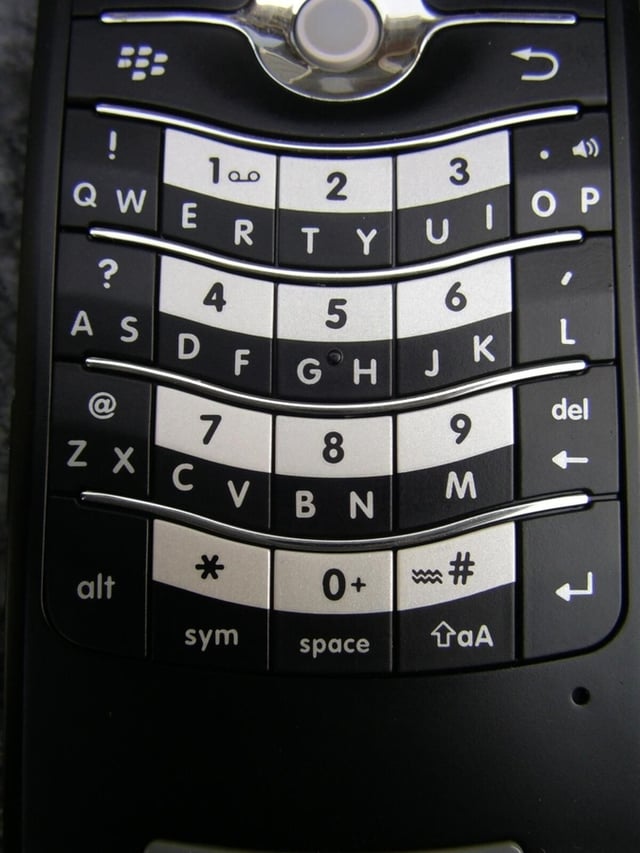
The keyboard is quite roomy and has good feedback. The SureType software is also very accurate.
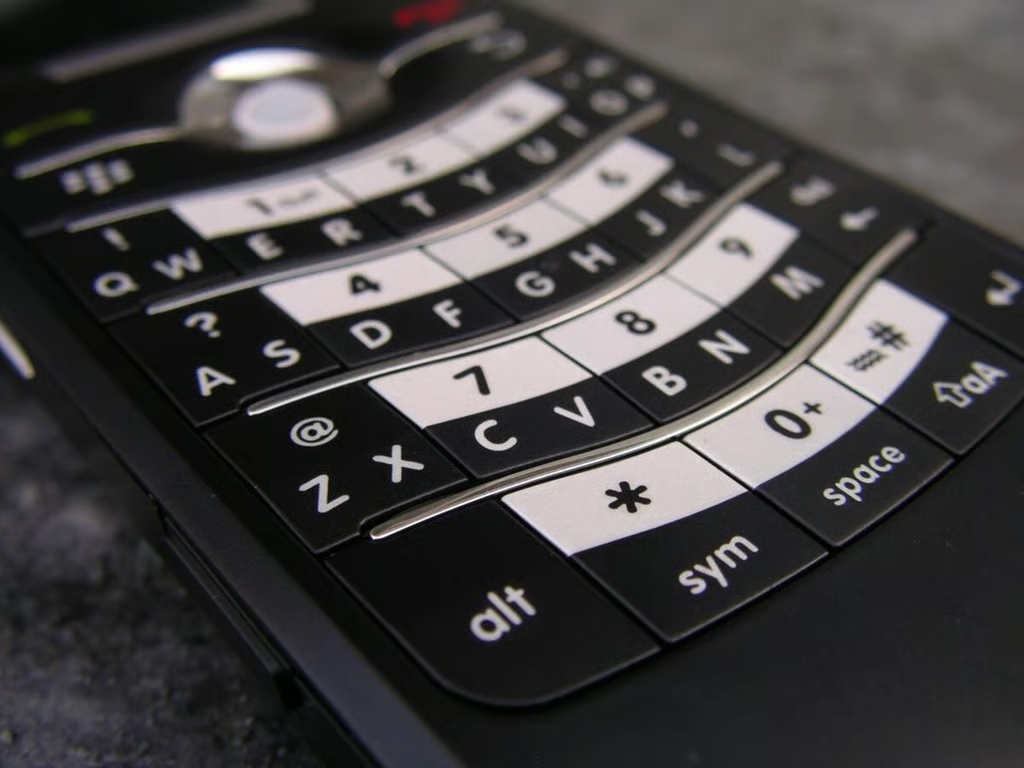
As you can see the keys are quite flush, but they do have a contour to them that fits your thumbs easily.
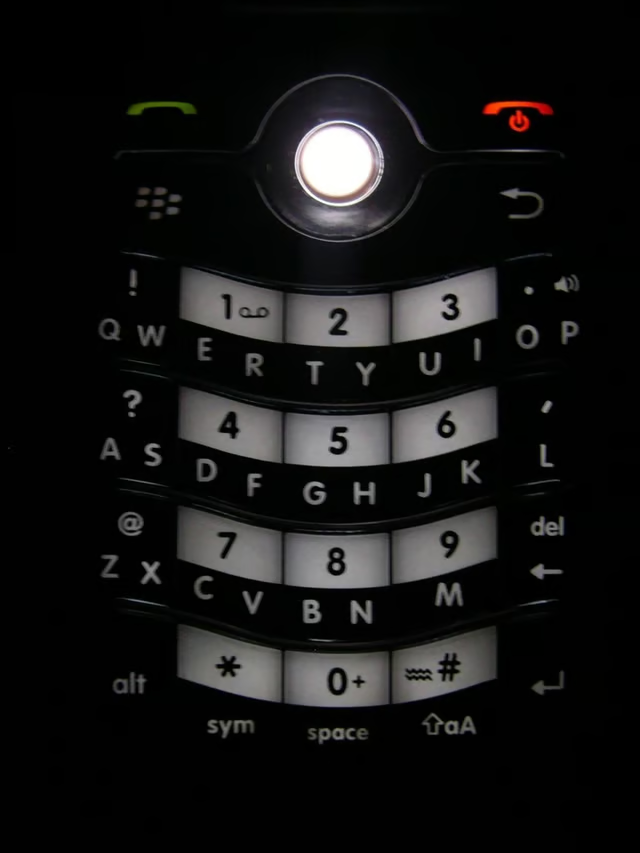
The keyboard and hardware buttons are well lit on the Flip.
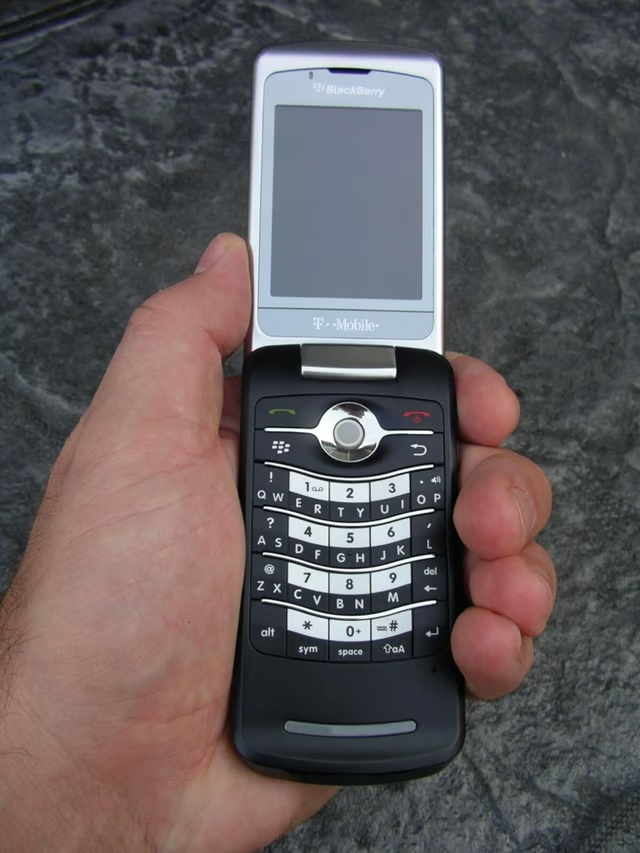
The Flip feels good in my hand and I like the clamshell form factor.
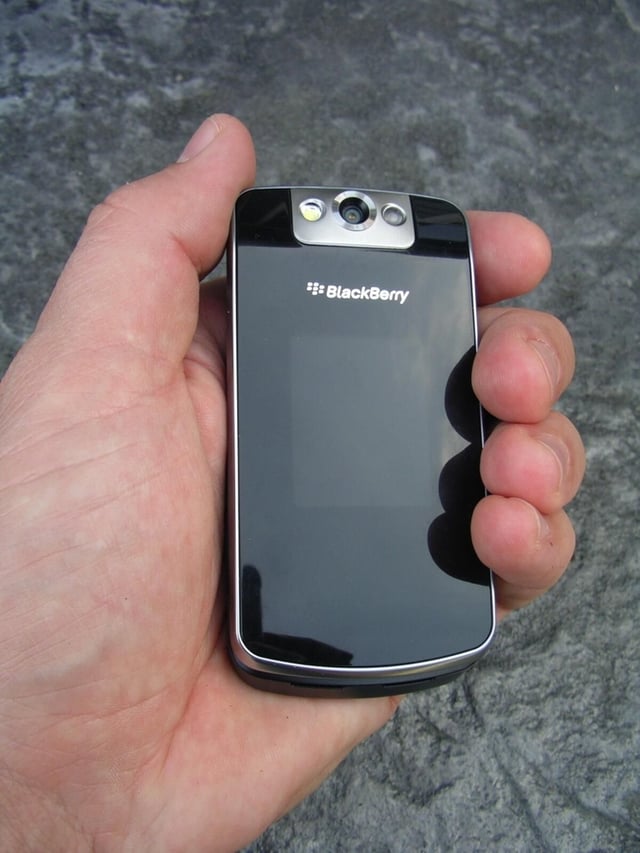
The closed Flip easily fits in your pocket and hand.
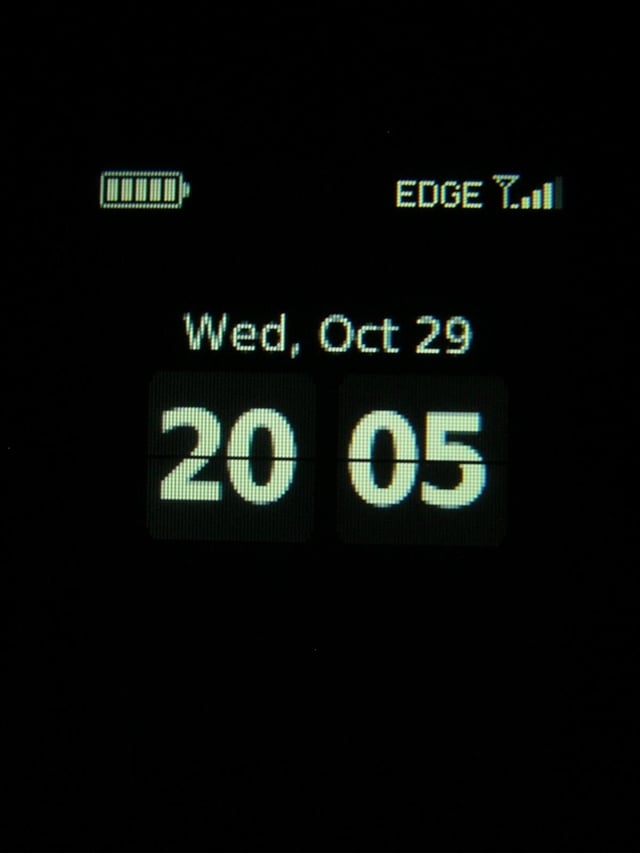
The outside mono display shows you some basic information. You will also see caller ID and music player info when running.
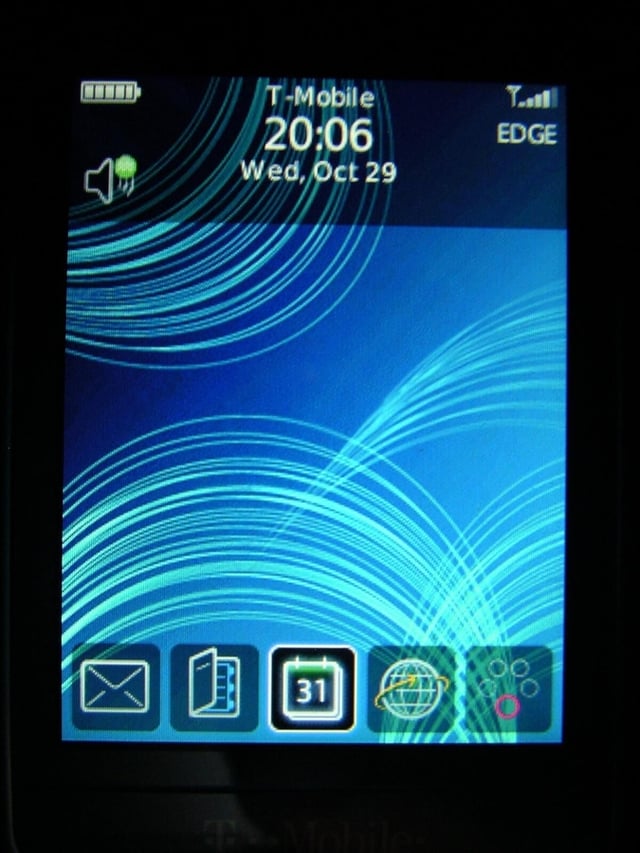
The BB Flip runs BB OS 4.6 as you can see in this new standby screen.
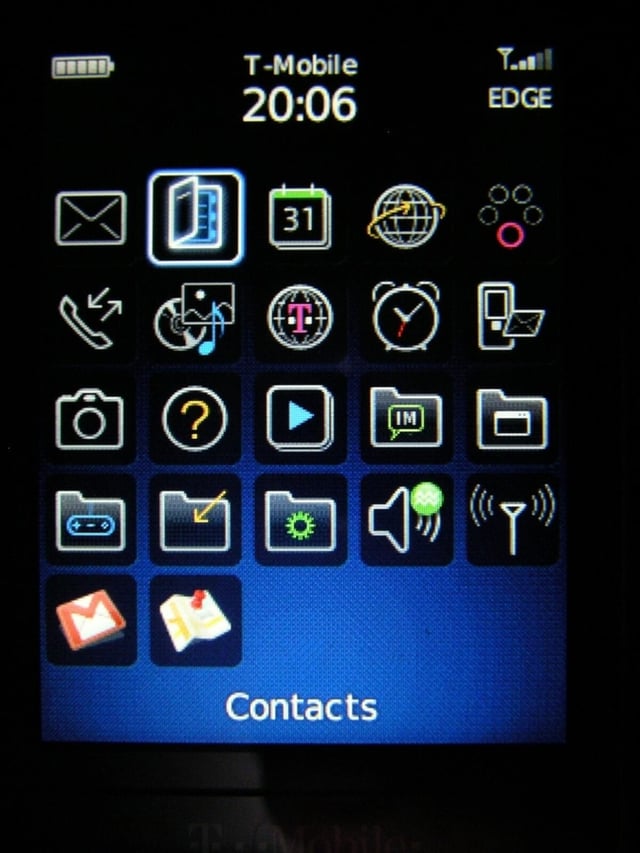
Pressing the application button takes you to the new and cool BB 4.6 display.
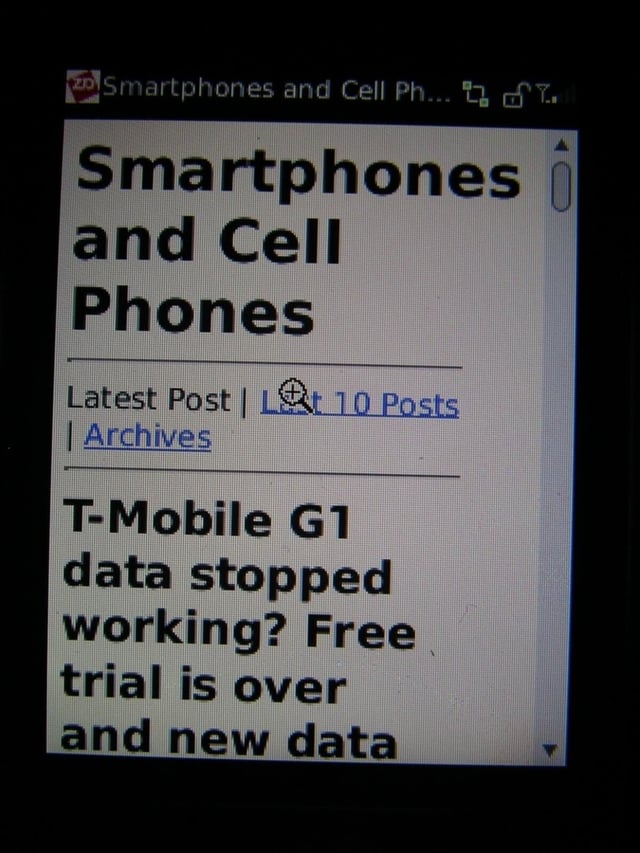
Here is a view of my blog site mobile format in the web browser.
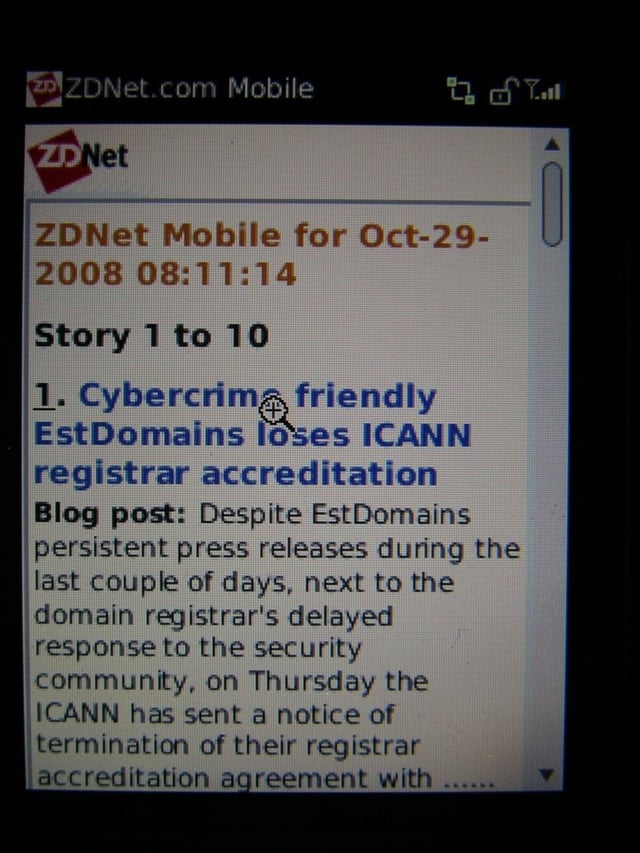
The web browser works well, but the ZDNet pages show up in mobile format by default. You can change how web pages appear in the settings though.
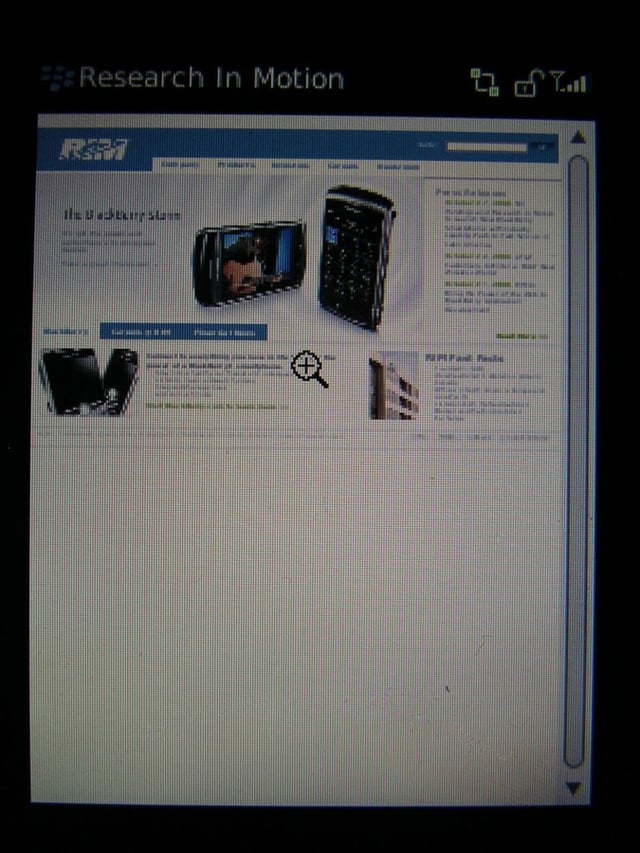
Here you can see the full RIM website zoomed out in the browser.
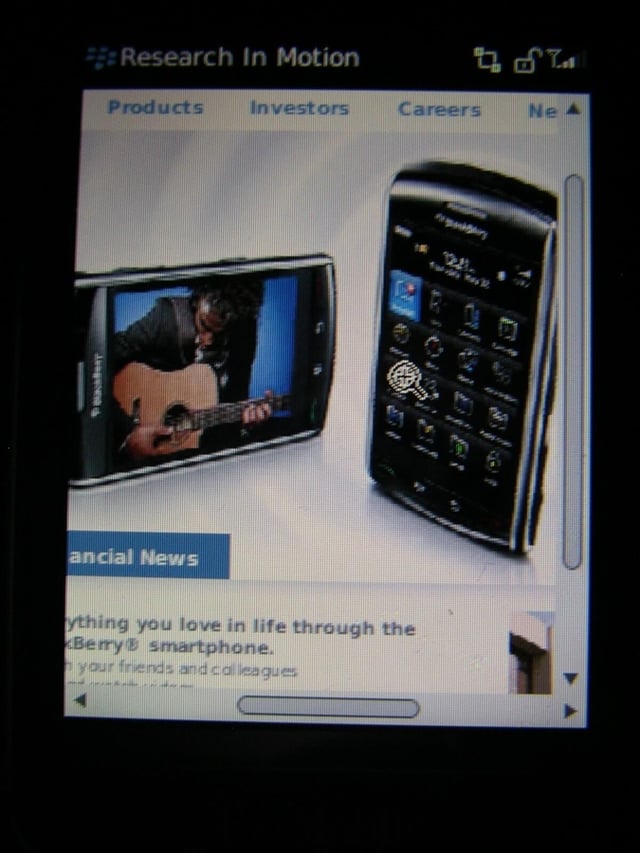
You can easily zoom into pages in the browser.
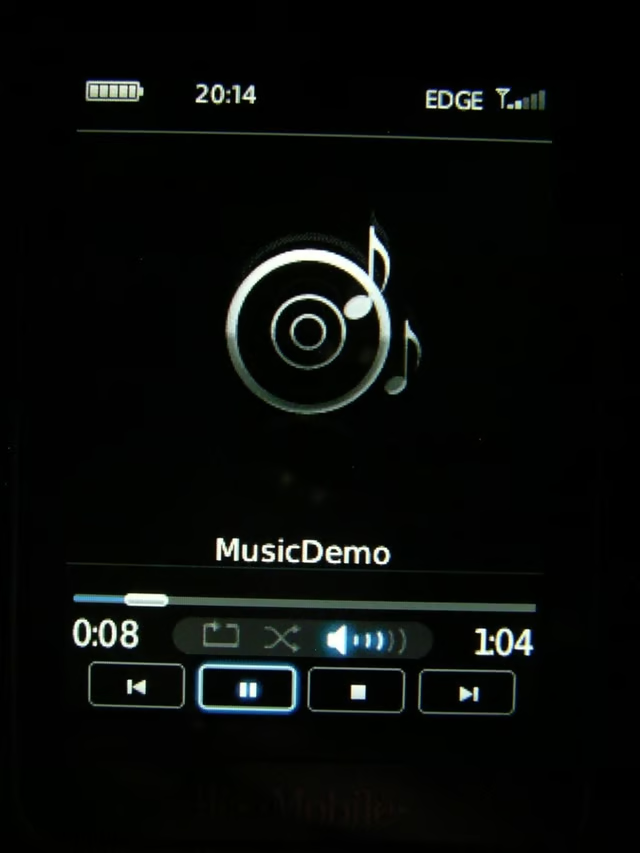
Music player on the BB Flip.
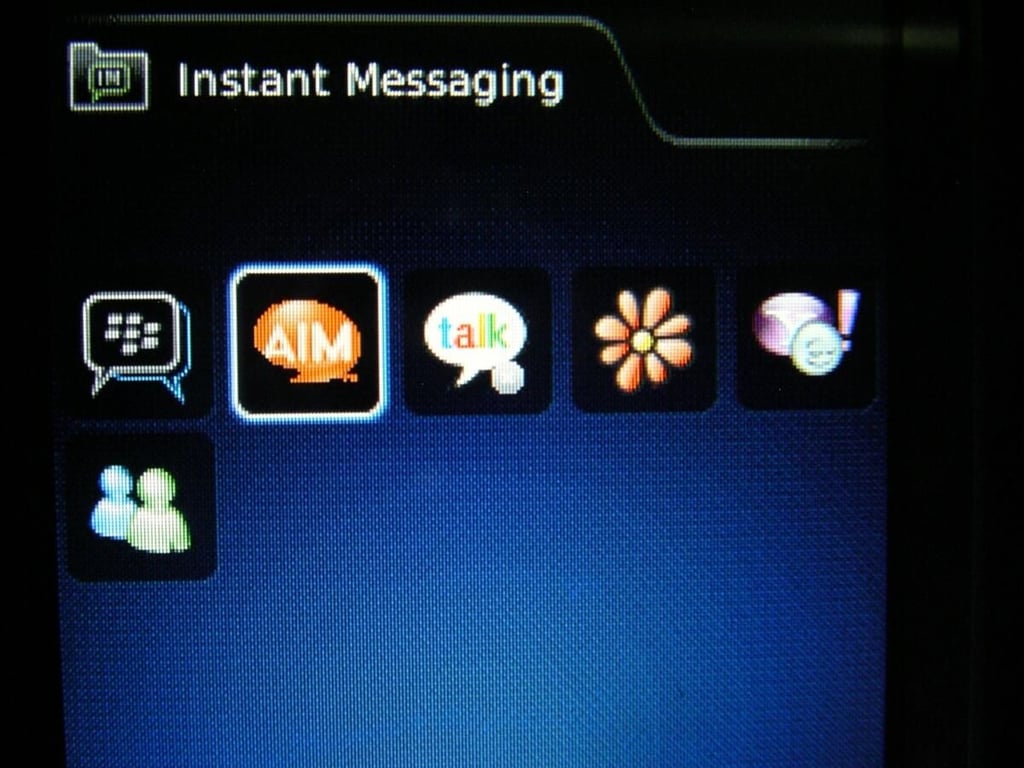
There are several IM clients included on the Flip, including Windows Live, Yahoo! IM, Google Talk, etc.
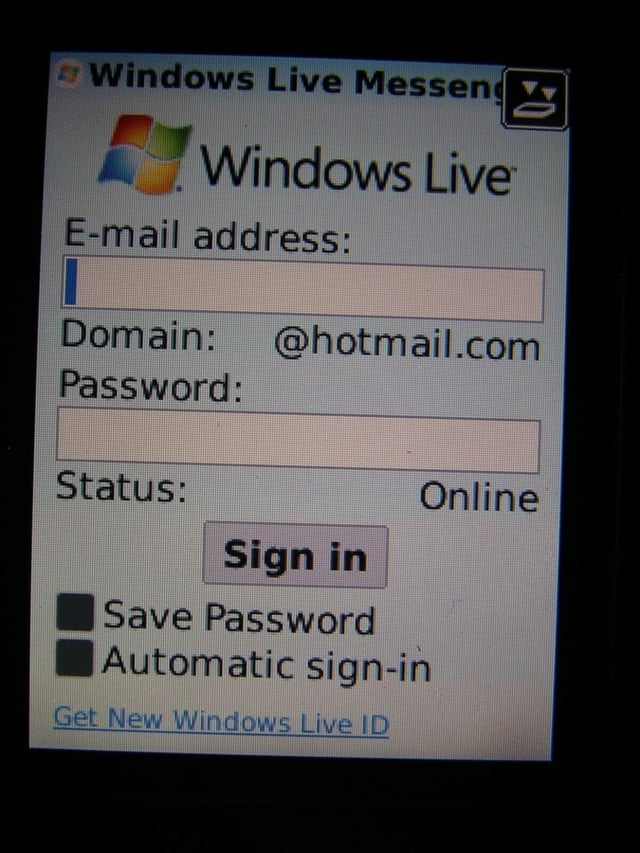
Windows Live Messenger works well and is quite functional.
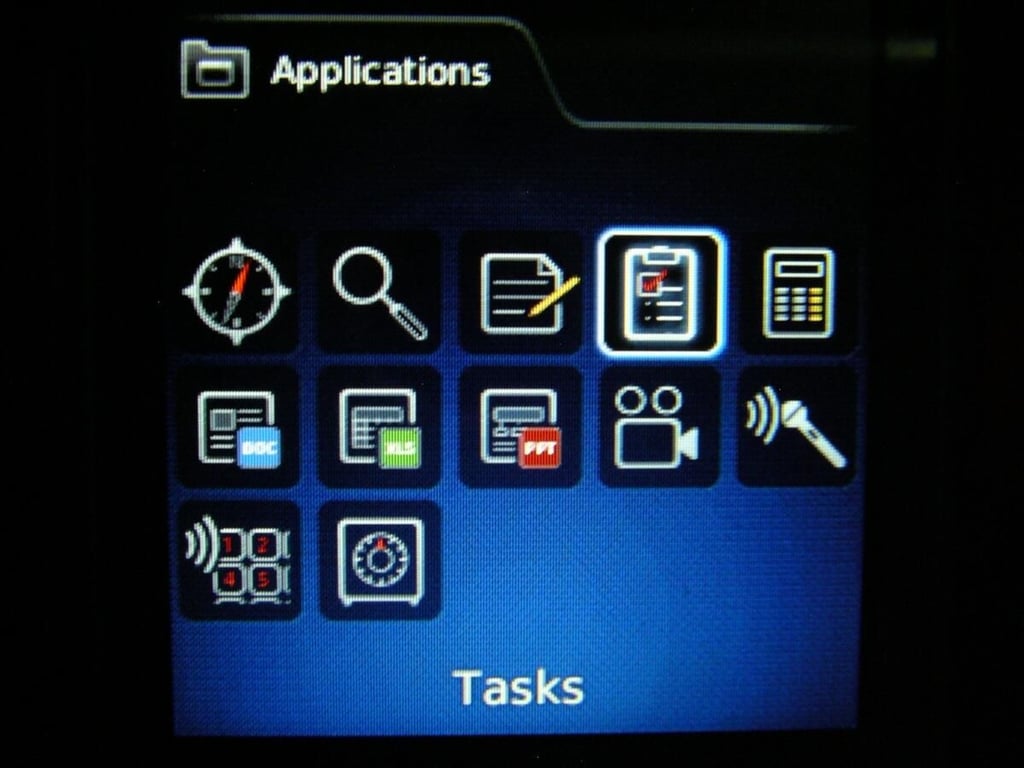
You will find several preloaded applications in the Applications folder, including Tasks, video camera, Documents To Go suite, and more.
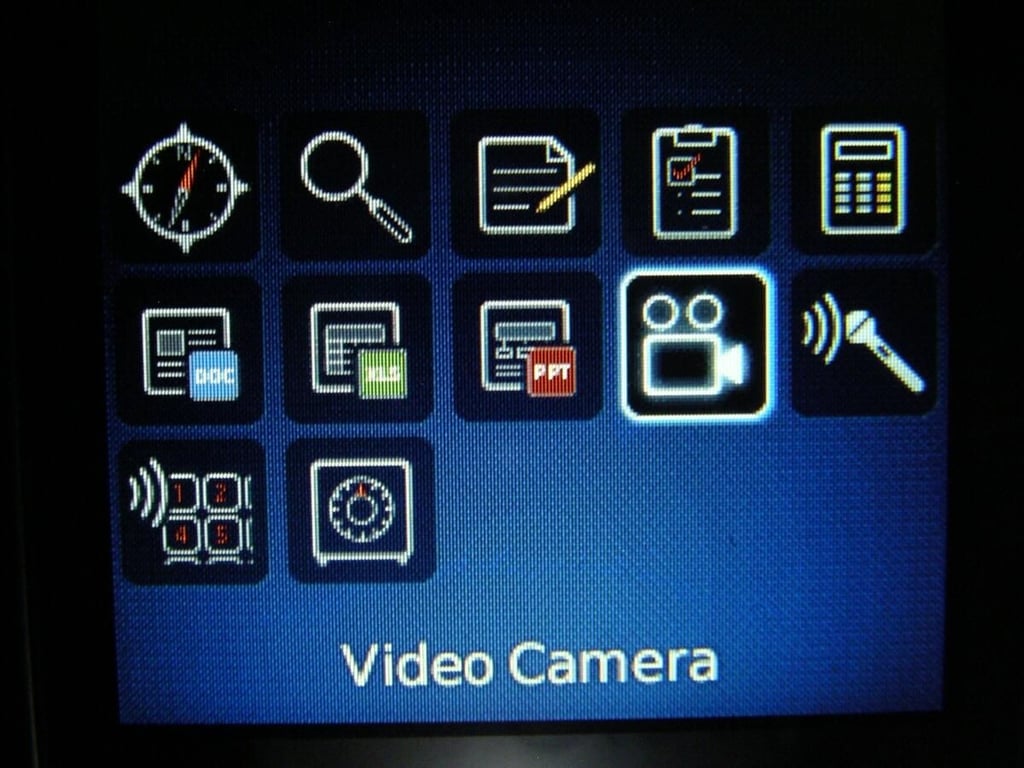
As you can see the new BlackBerry OS supports video capture capability.
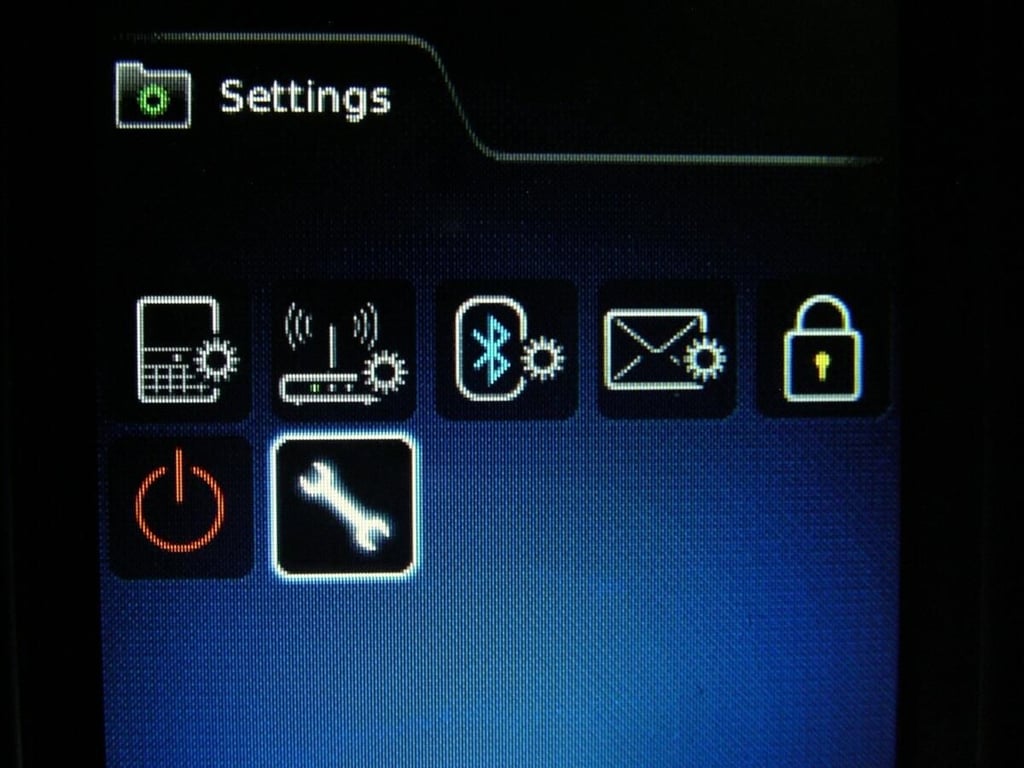
The Settings utility is found on the device and gives you access to the extensive BlackBerry settings display.
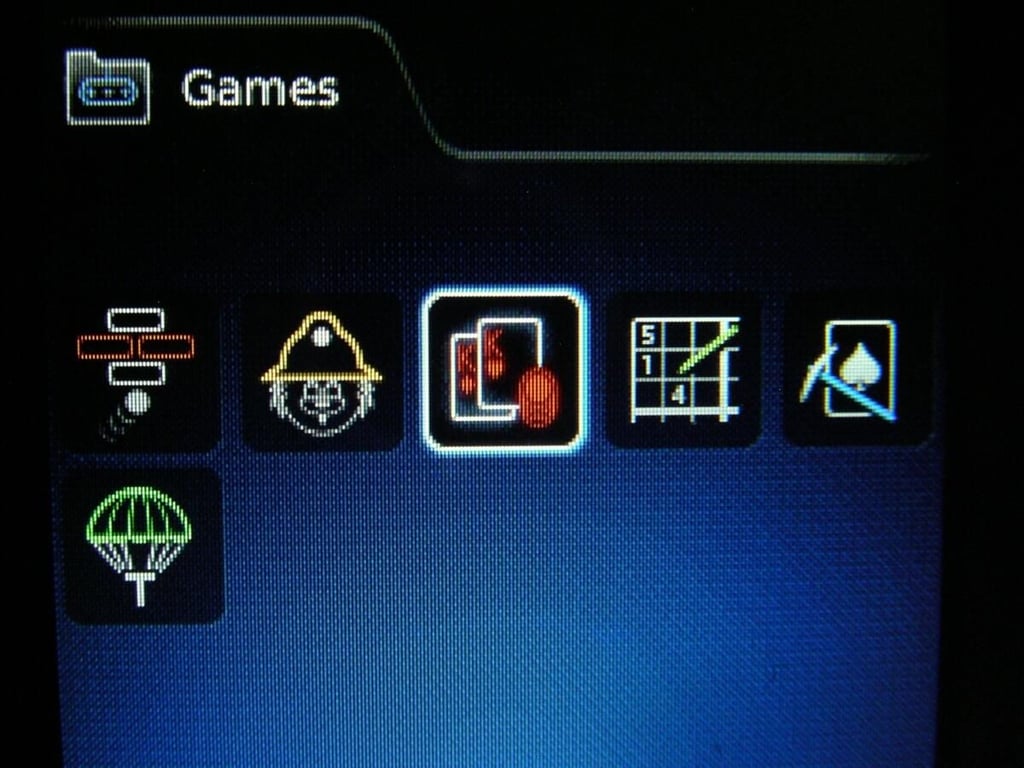
There are 6 games included on the Flip.
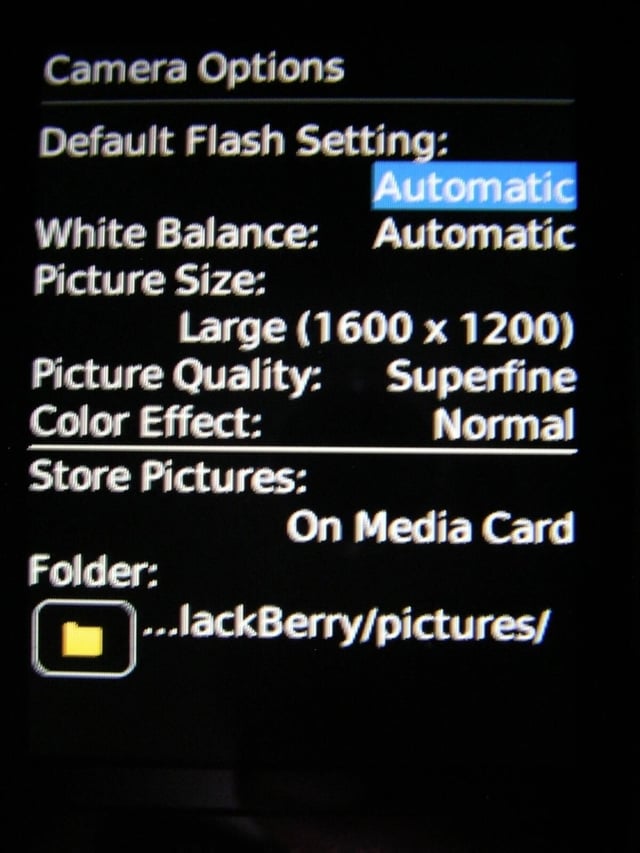
There are several settings for the camera.
Image gallery thumbnail 1
Image gallery thumbnail 2


