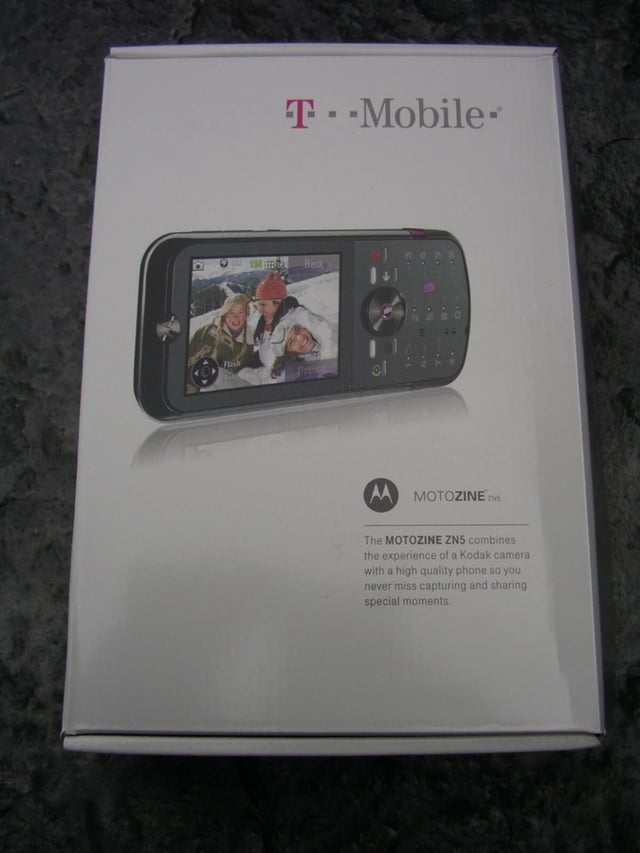
The lines between feature phones and smartphones continues to blur and with these two new devices from T-Mobile that distinction almost cannot be made. The Samsung Behold supports T-Mobile’s new 3G network and is a full touch screen device with the familiar Samsung TouchWiz user interface. The Motorola ZN5 is a sleek and sturdy device with a very good 5 megapixel digital camera with Xenon flash. These two phones are available now for US$150 and US$100 with two-year plan.
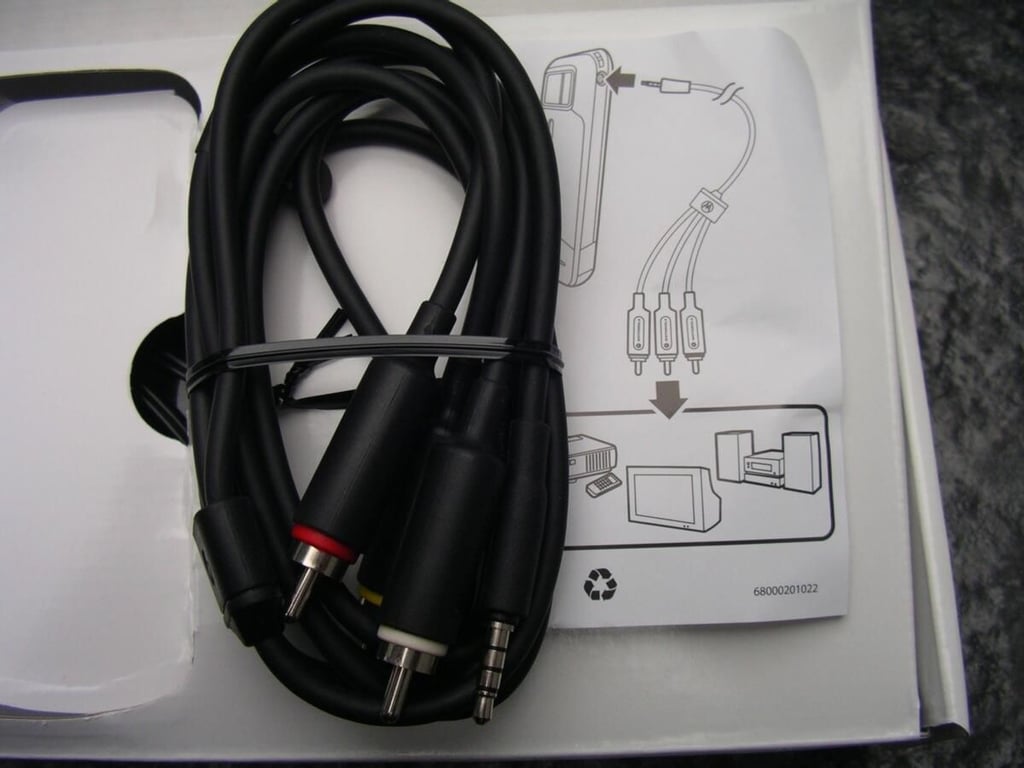
Motorola and T-Mobile included an audio visual cable so you can enjoy your photos taken with the ZN5 on your TV.
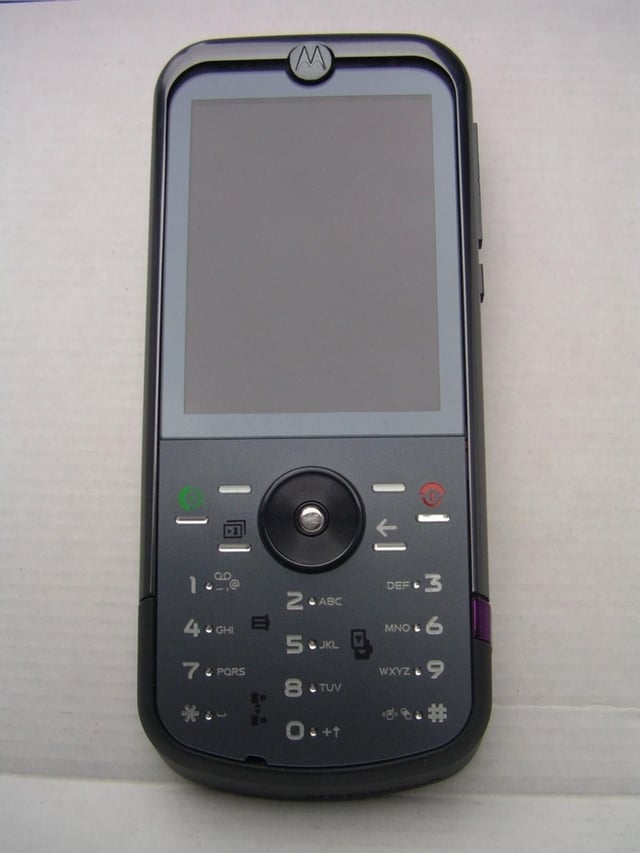
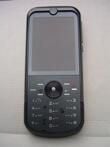
The MOTOZINE ZN5 is well constructed and feels great in your hand.
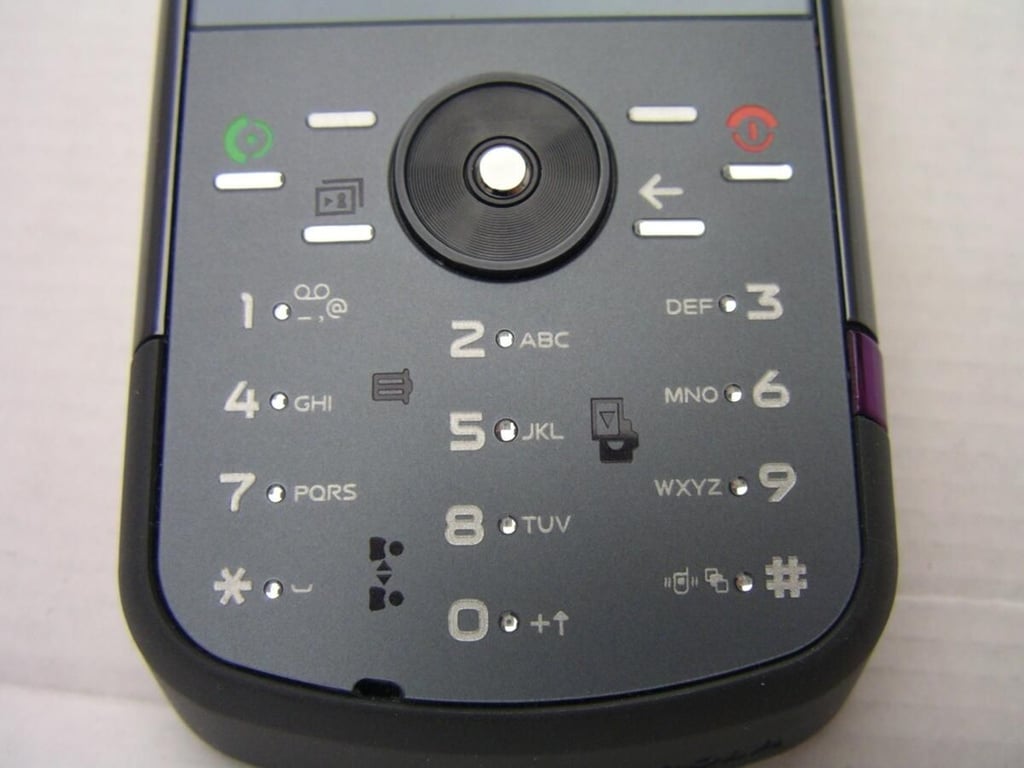
The keypad is flush, but there are small jewel-like pieces that let you know where each key is located. They are bit offset, but are quite well spaced and sizable.
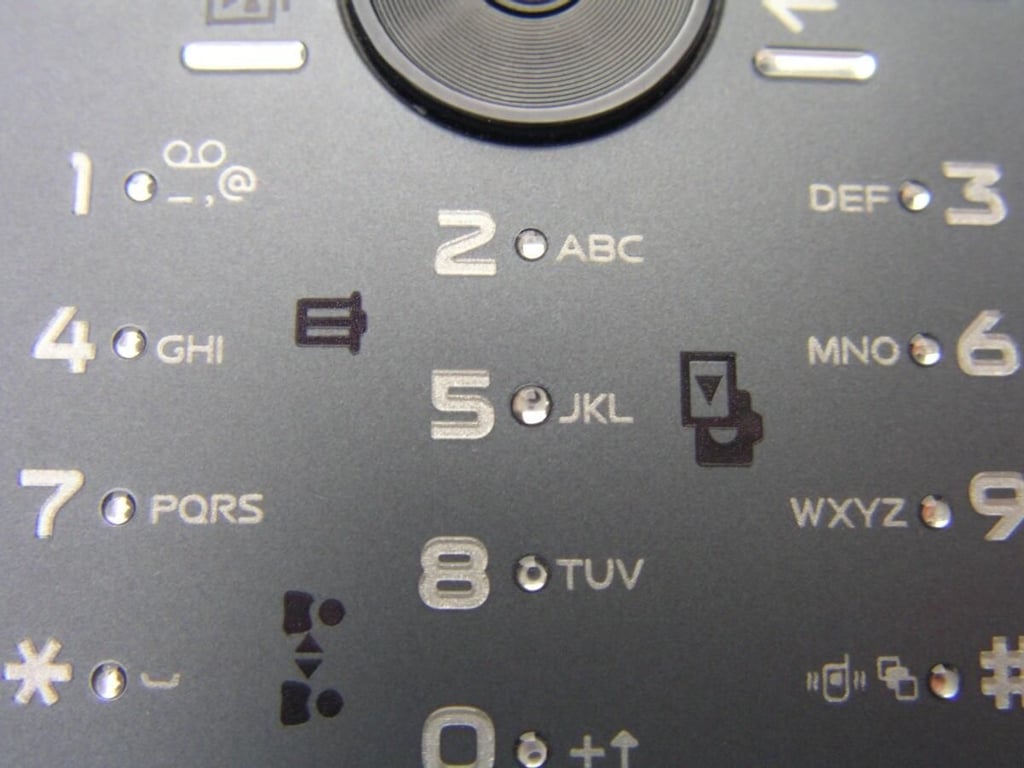
There are three areas that light up when you are taking photos with the camera. They are backlit in purple and let you quickly manage your photos.
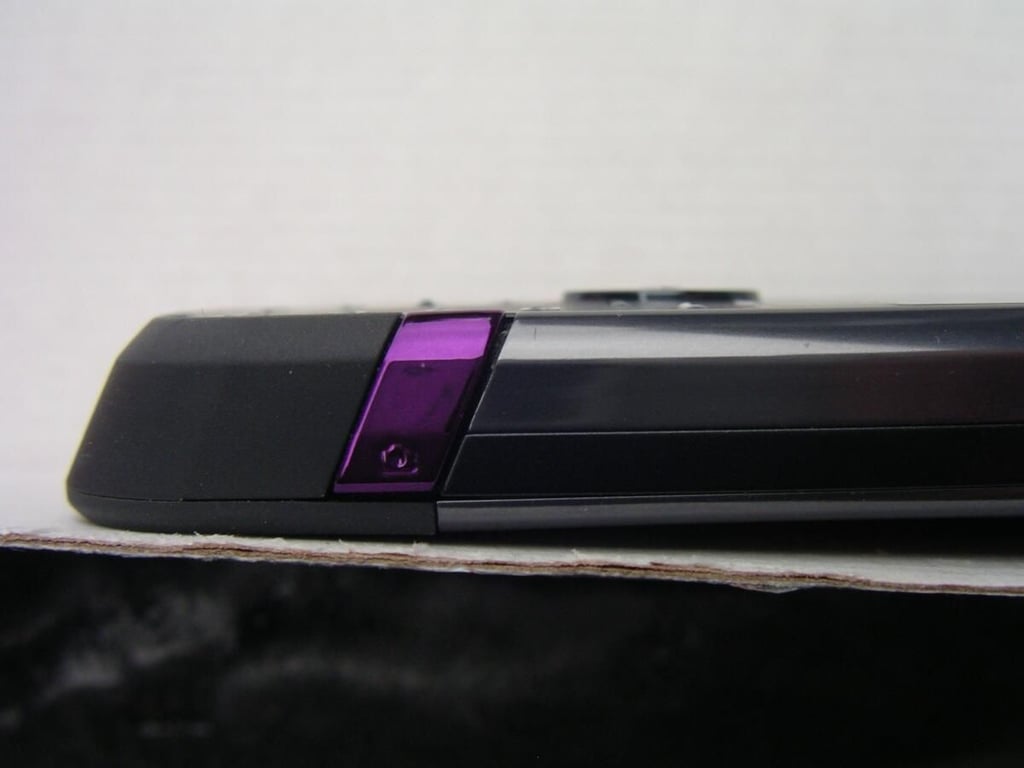
The metallic purple button lets you focus on your subject and capture images and video. It is on the right side so when the camera is activated the viewfinder switches to landscape mode so that the capture button is on top of the device.
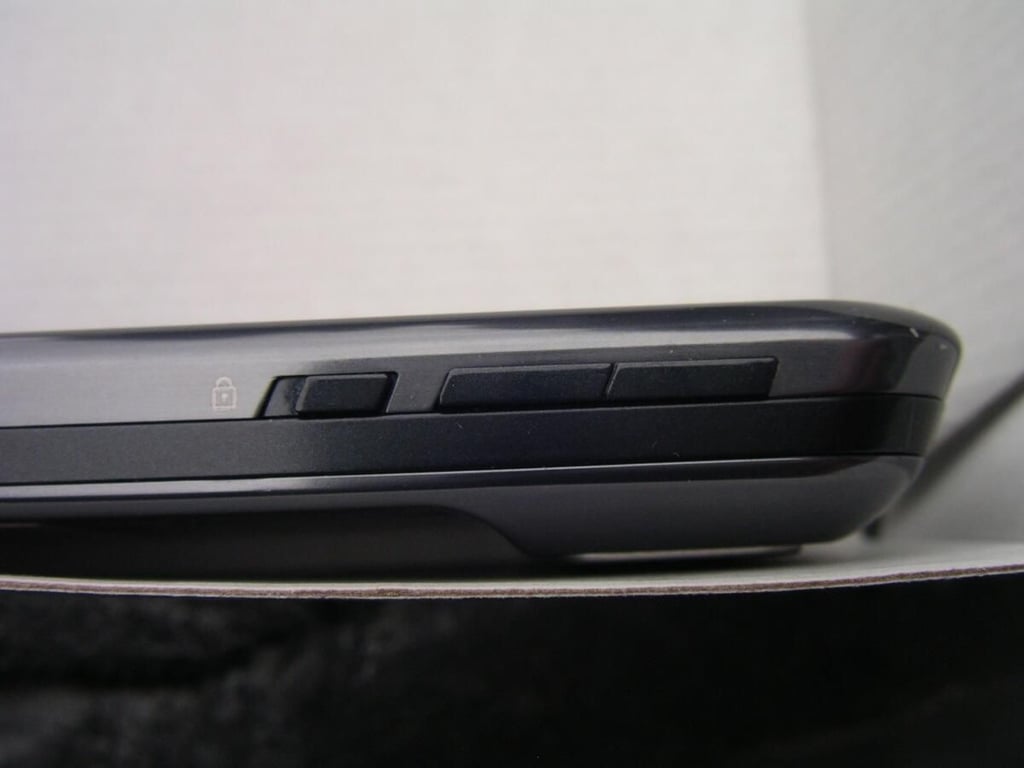
It is nice to have a lock slider on the device to quickly lock out the keypad.
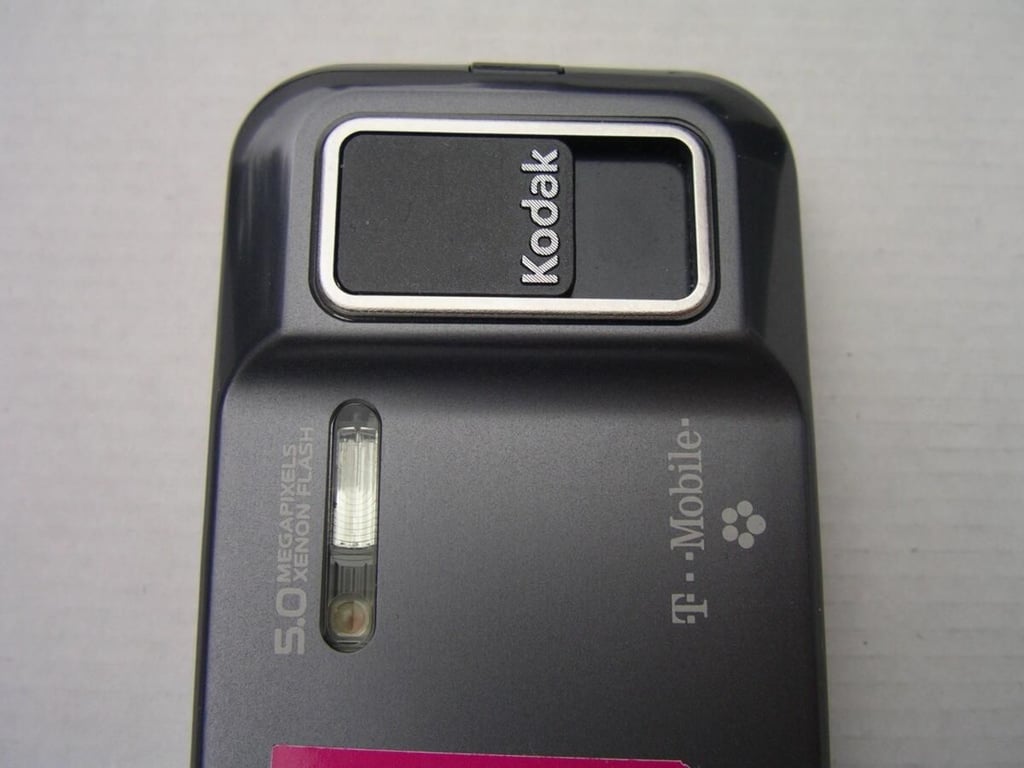
As you can see the camera module protrudes from the back a bit, but there are smooth transitions so it feels good in your hand. The camera lens is covered by a sliding lens cover that I am a big fan of on devices.
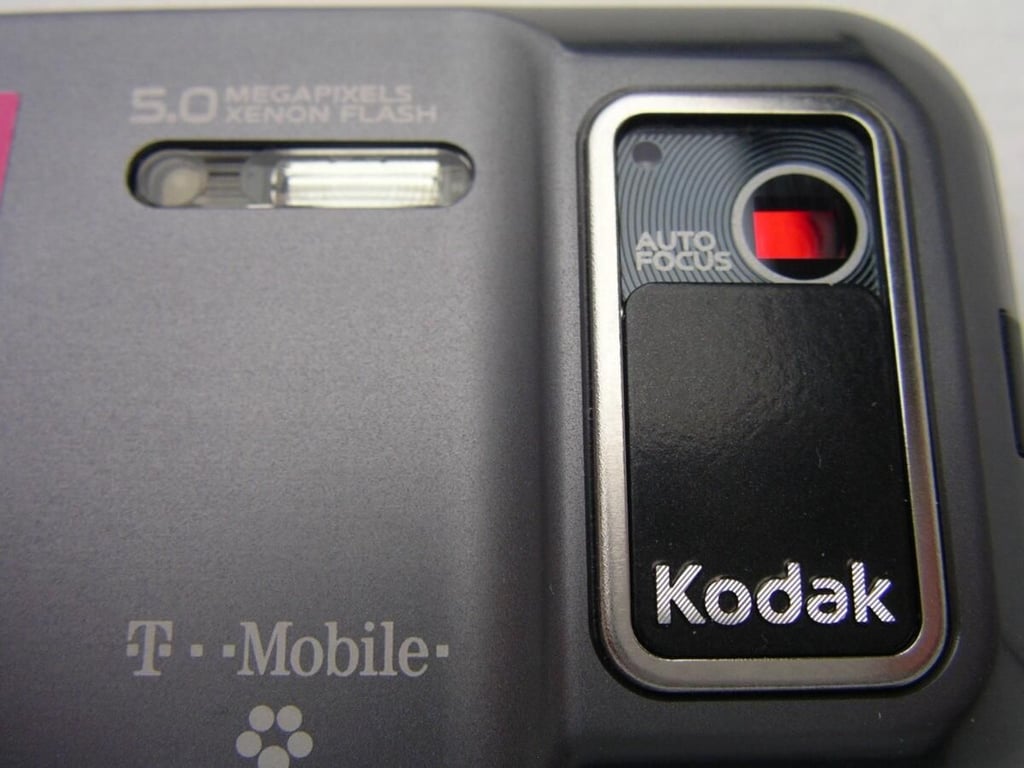
The Xenon flash is a nice touch to a great camera phone.
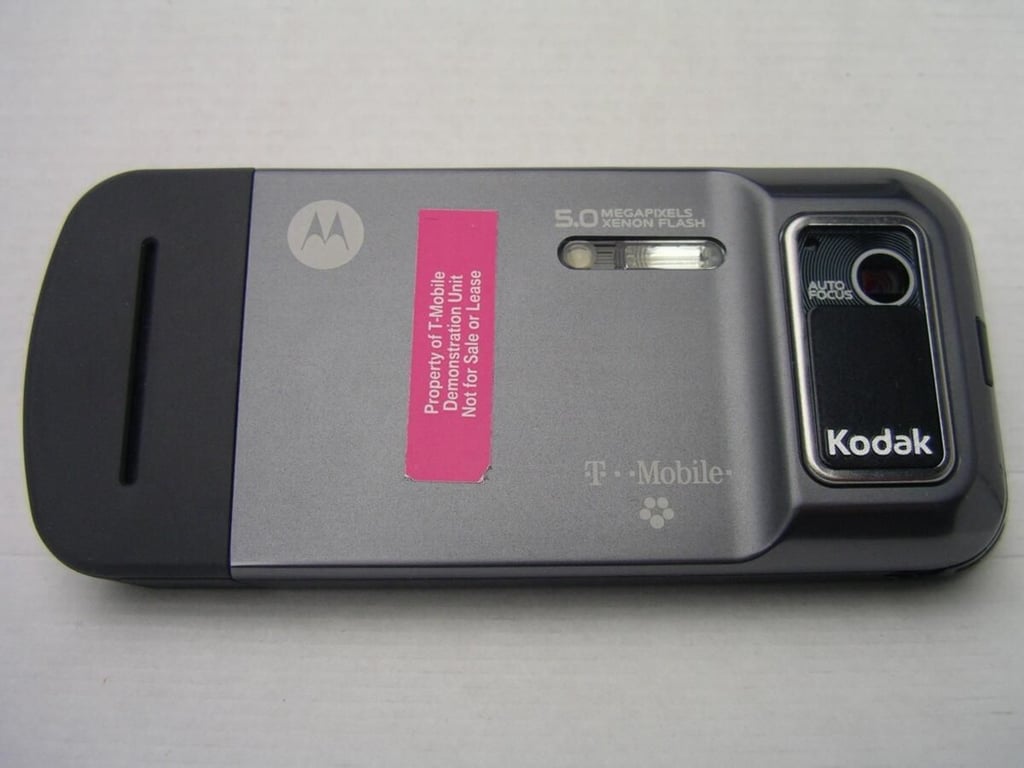
The lower part of the back is covered in durable rubber and protects the device while giving you the ability to grip the device.
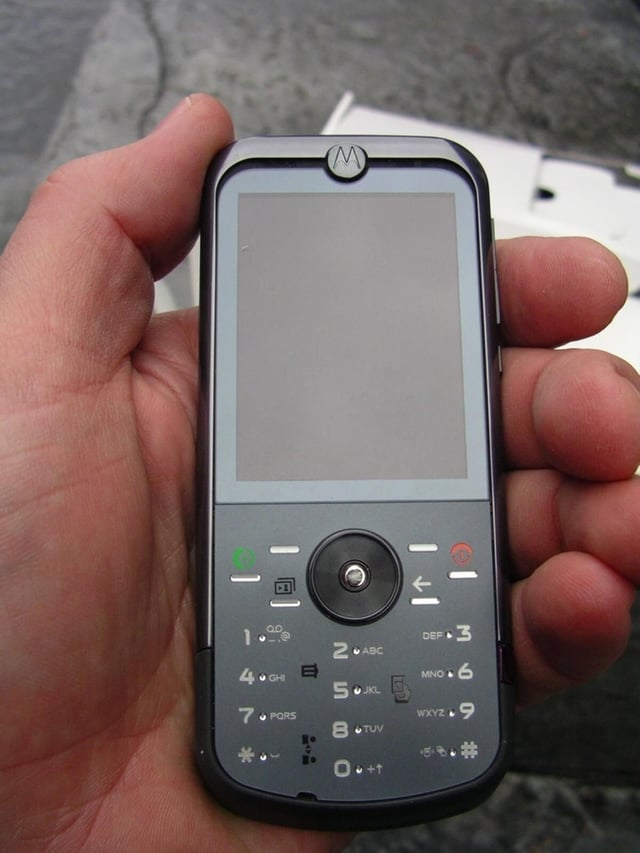
The ZN5 is thin and fits very well in your hand. It feels great and is highly caressable.

The flash lights up the area and helps you take good indoor photos in all lighting conditions.

It was a sunny day with a bit of snow for sledding.
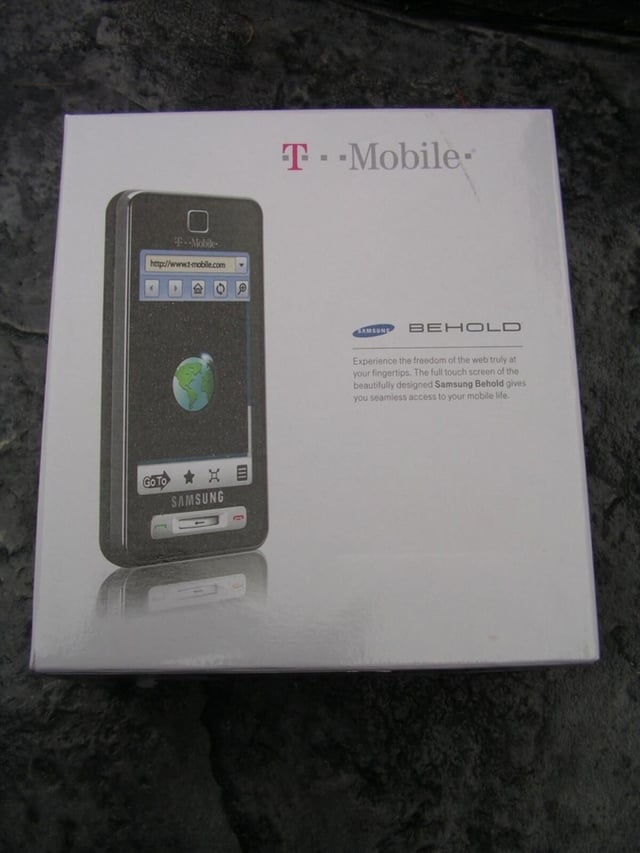
The Samsung Behold retail box is fairly standard.
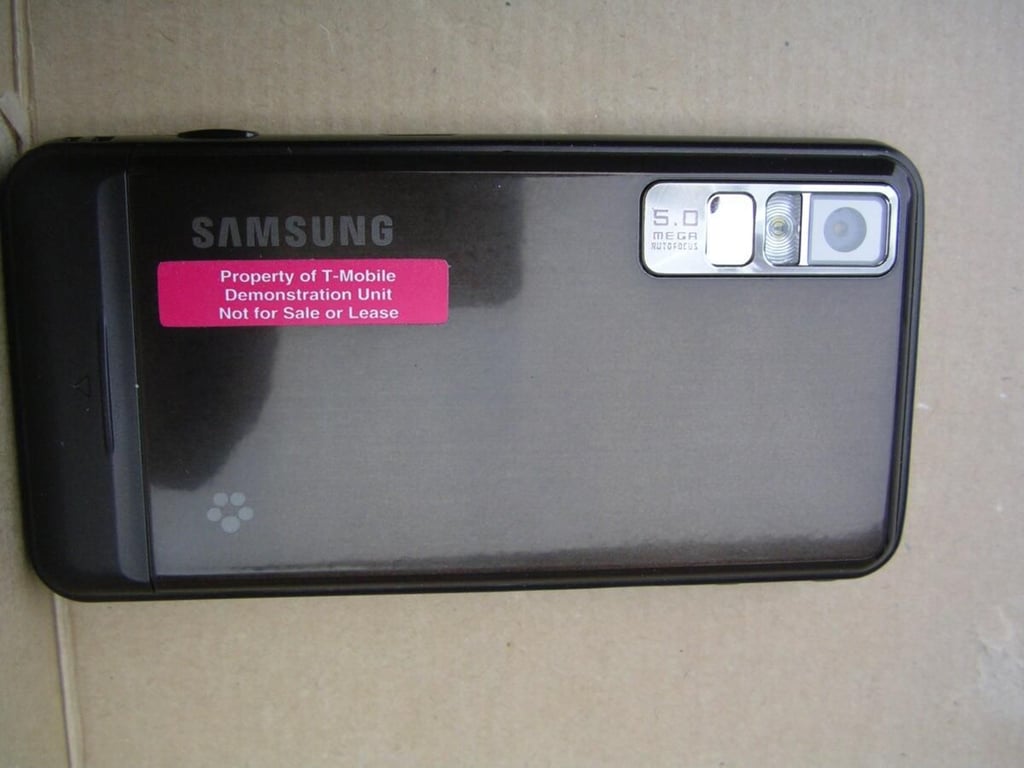
The Espresso color brown is attractive and the metal back cover feels solid in your hand. The 5 megapixel camera and flash are found in the upper right side of the Behold back.
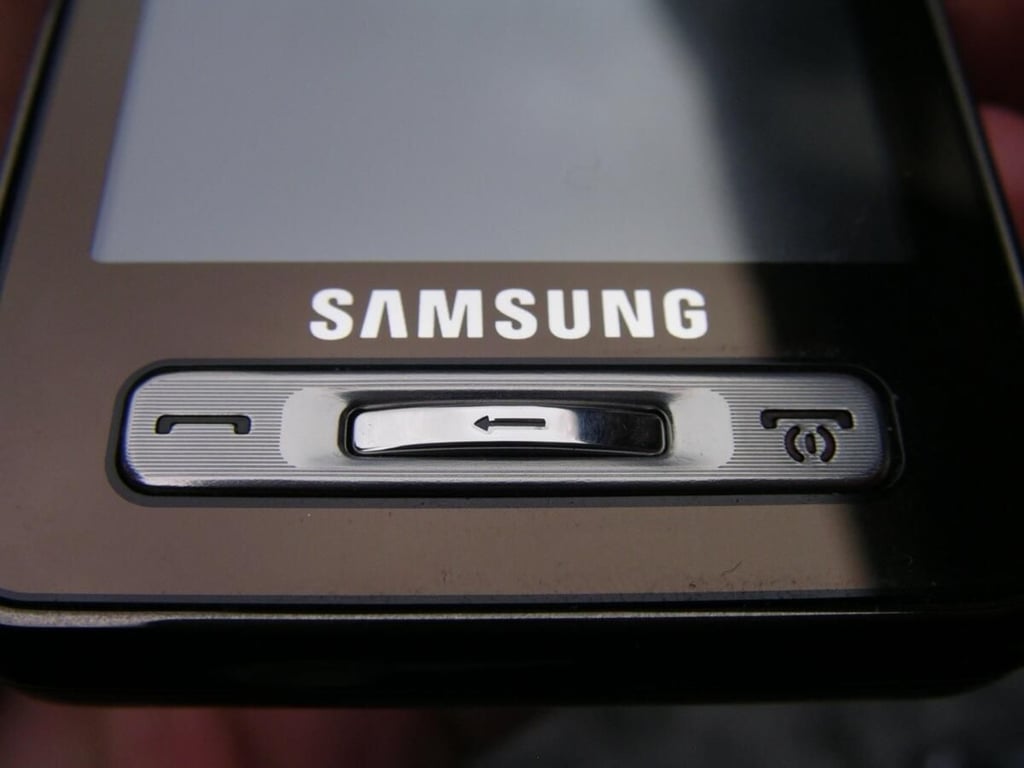
The buttons on the Behold are minimal, but highly effective. There are send and end buttons on either side of a back button found in the center of the front.
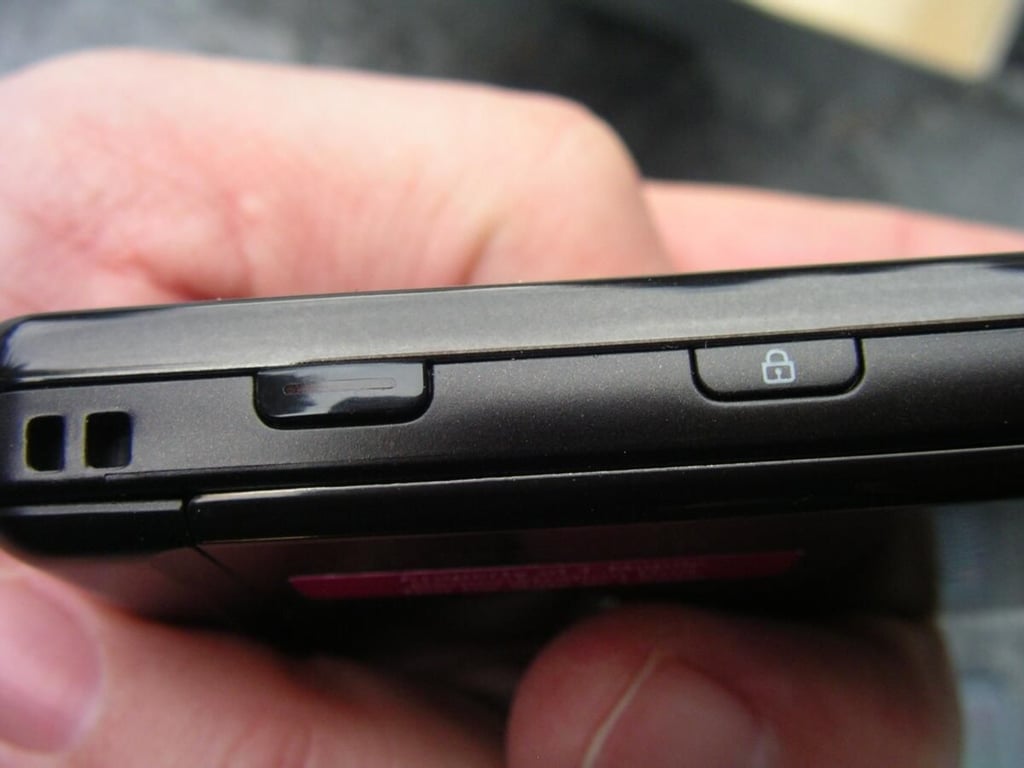
There is a lanyard opening, camera capture key, and lock button on the right side of the Behold. When in camera mode, the display appears in landscape orientation and the capture button is then located on top.
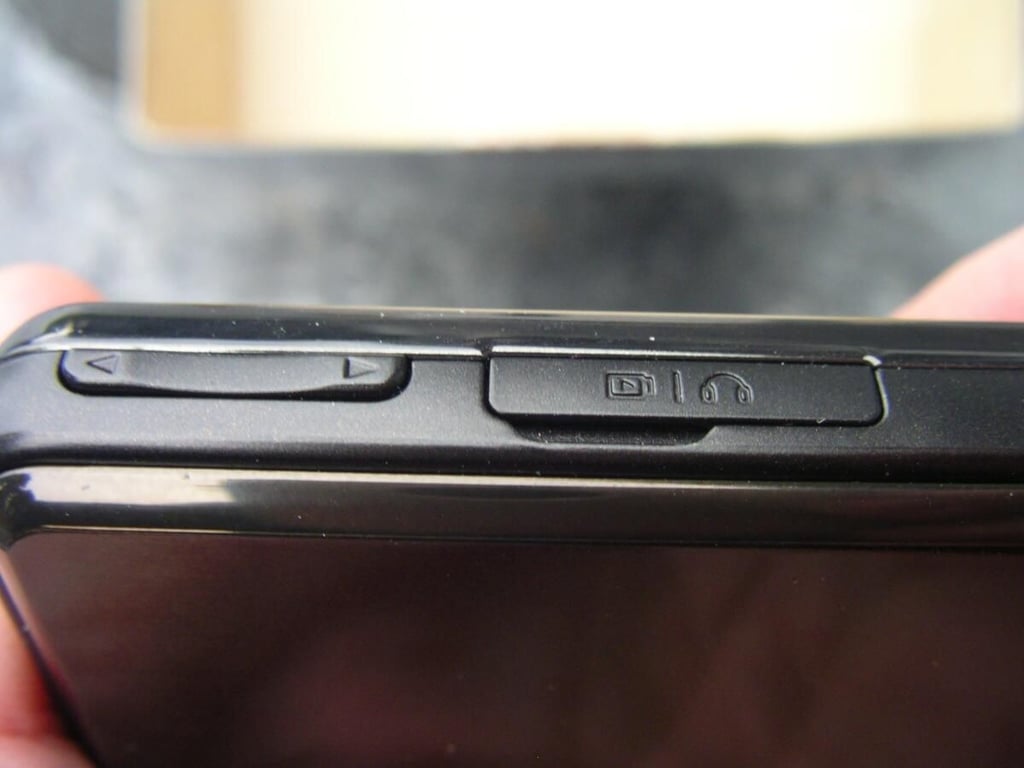
Volume button and Samsung port access door. Under the small cover, you will find the Samsung port that is used for charging and the headset.
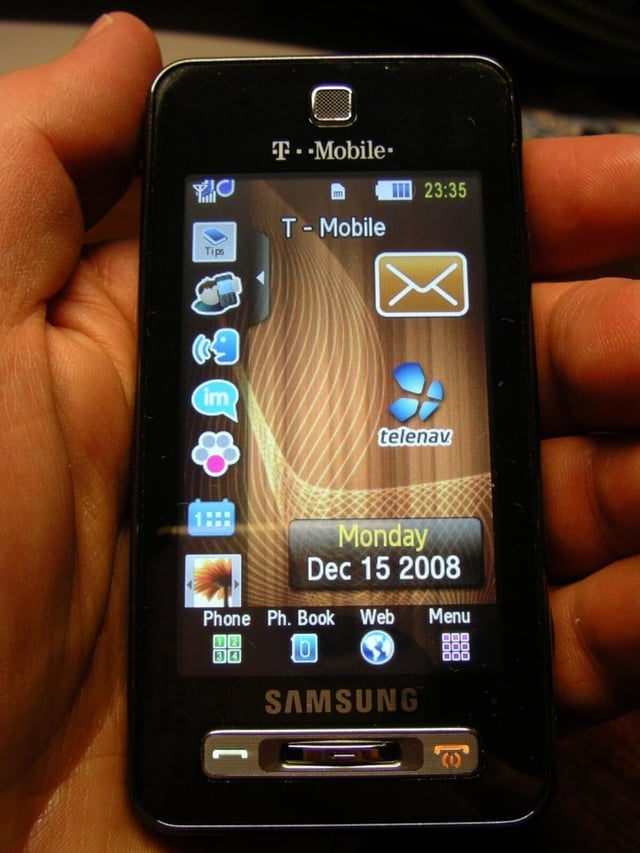
The Behold is pretty compact for a touch screen only device.
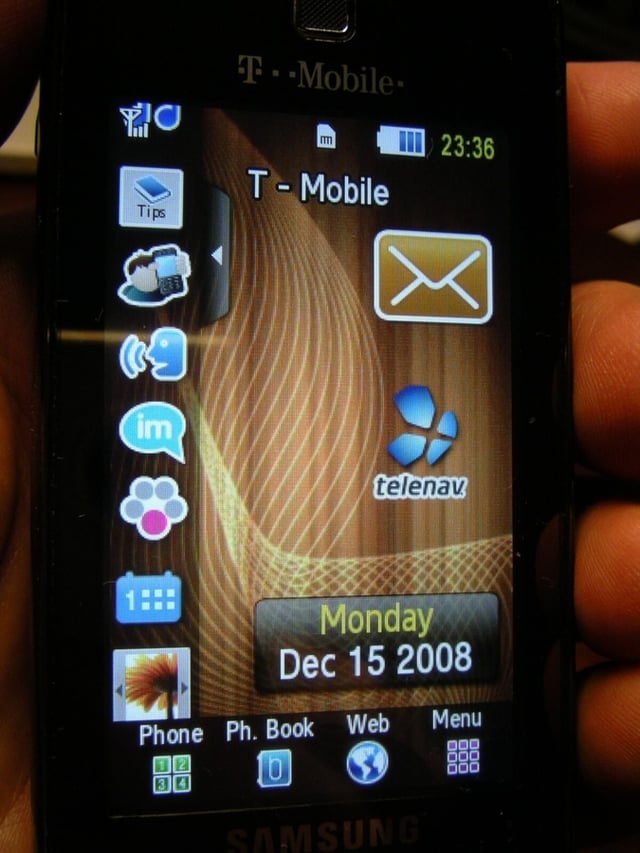
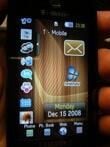
The home screen lets you quickly jump to the phone, web browser, menu, and more.
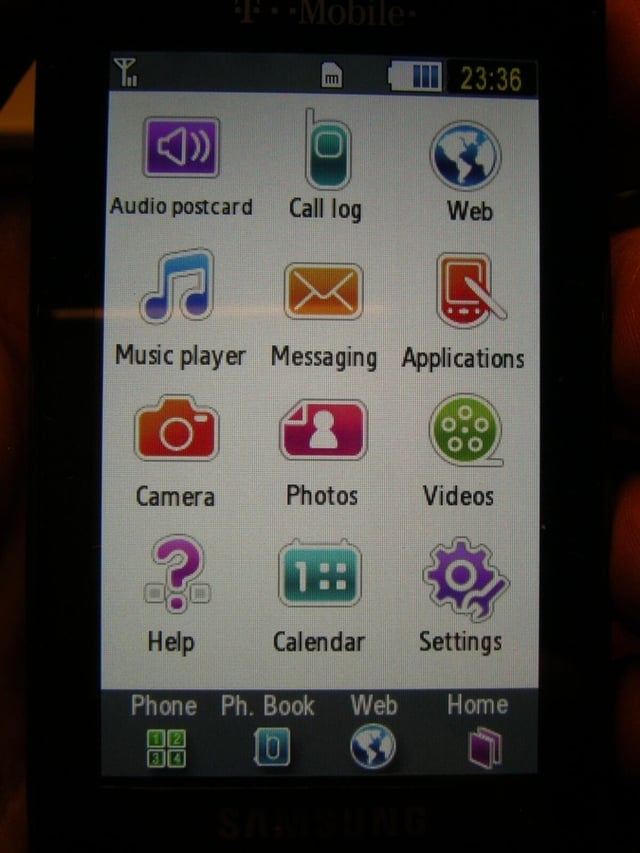
Pressing the menu button takes you to the TouchWIZ user interface.
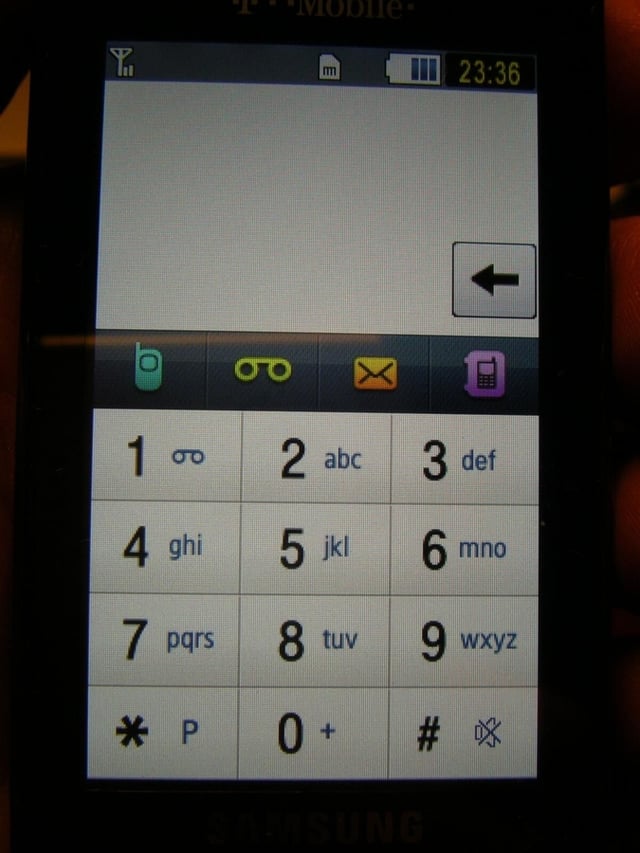
This is the display you use for making phone calls on the Behold.
Thumbnail image 1
Thumbnail image 2


