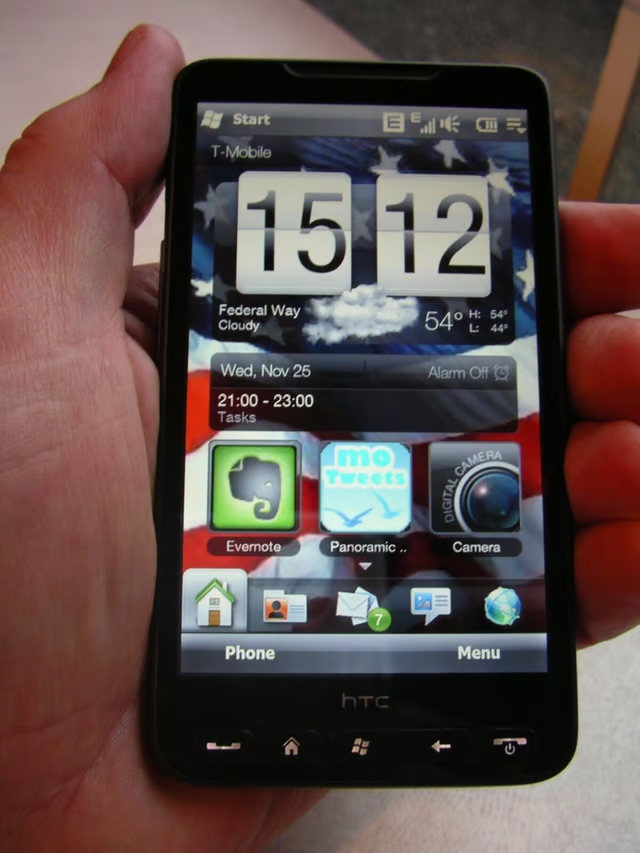
There hasn’t been a lot of excitement in the Windows Mobile space for quite some time, but the HTC HD2 pushes the limits of the OS with a capacitive display, multi-touch support, Windows Mobile 6.5 improvements and more. The device’s main distinguishing feature is the large 4.3 inch 800×480 pixel resolution display and slim form factor.
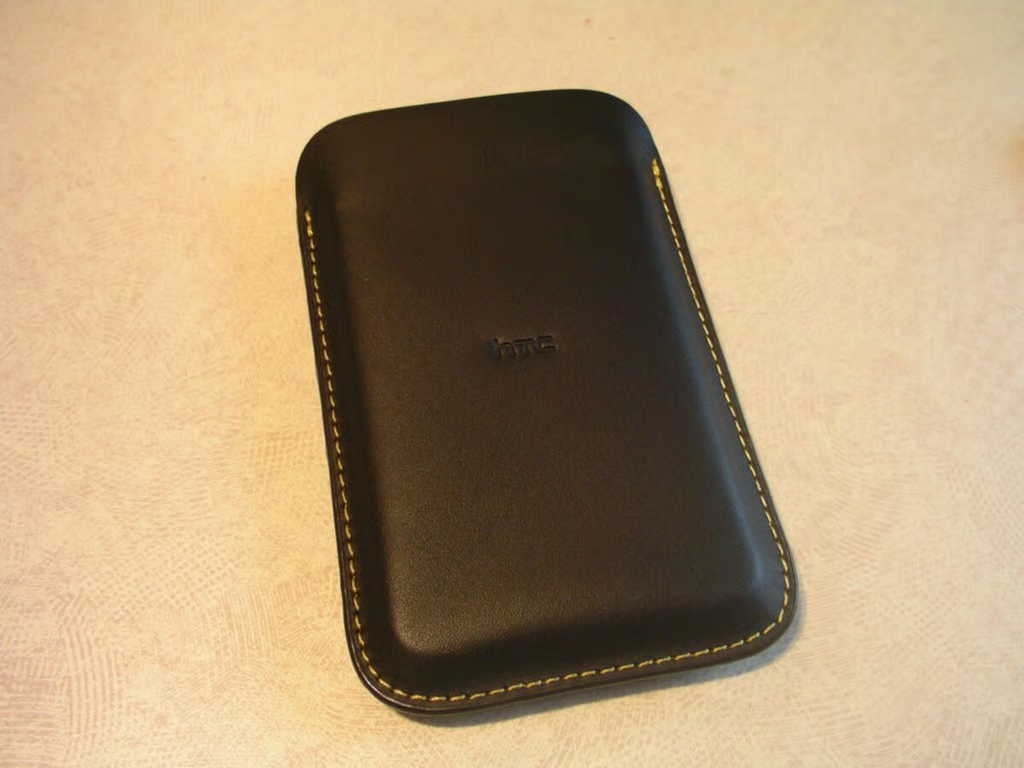
HTC includes a nice leather slip case for the HD2. The HD2 is tough to slide in and out at first, but loosens up enough to protect the device after a couple of days.
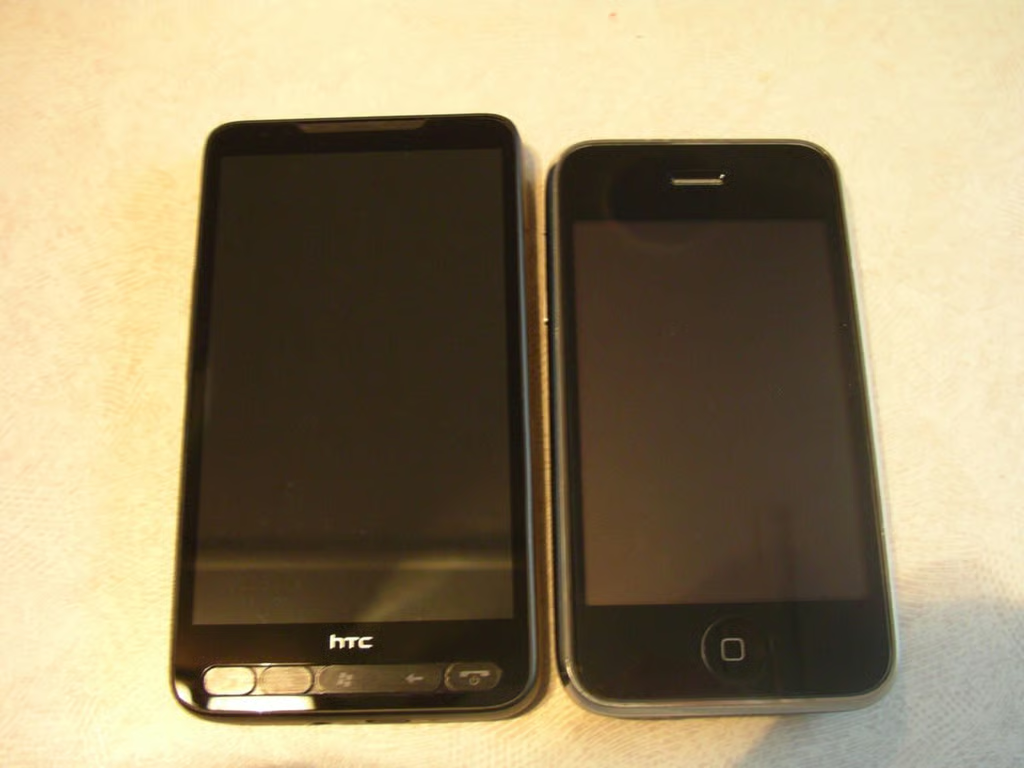
As you can see the HD2 is taller and wider than the iPhone 3GS. You do get a much higher resolution display at the cost of the size.
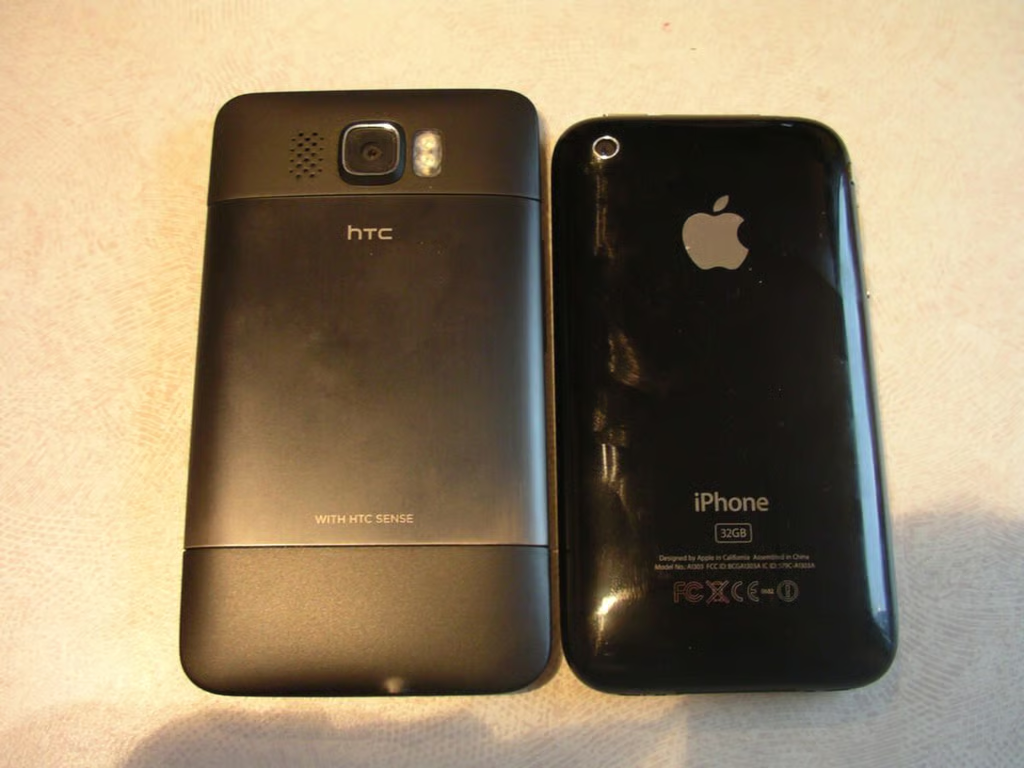
View of the back of both devices.
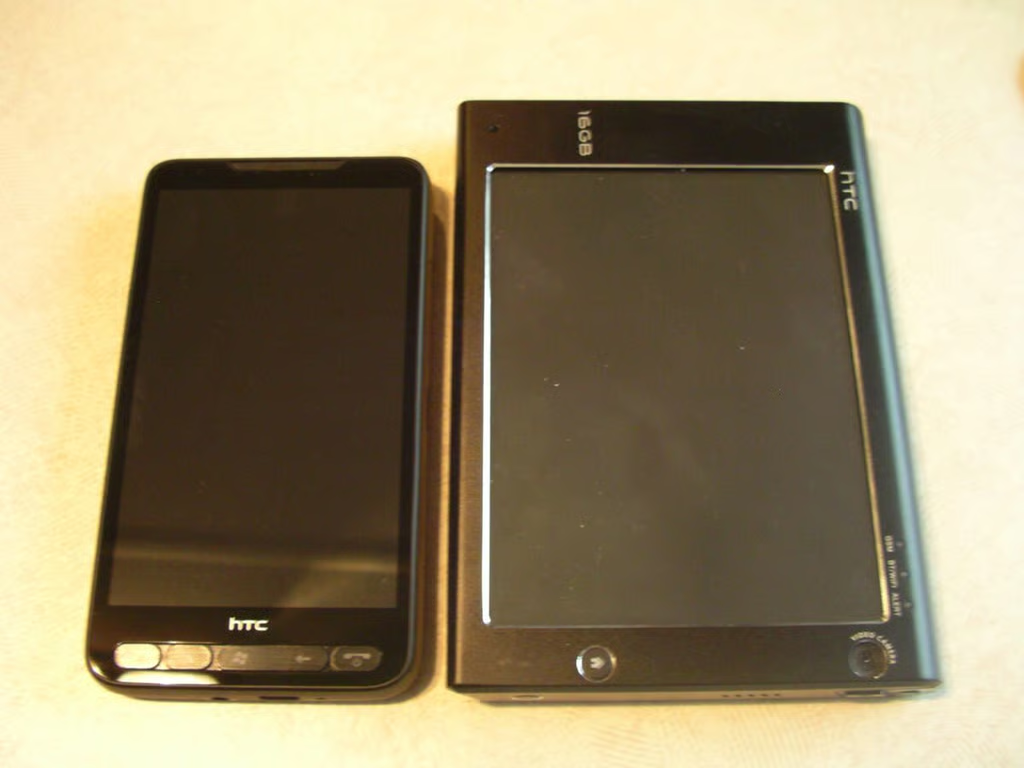
The Advantage 7510 has a large high resolution display, but the HD2 is higher with a much more pocketable form factor.
Labeling of the HTC Sense technology included on the device.
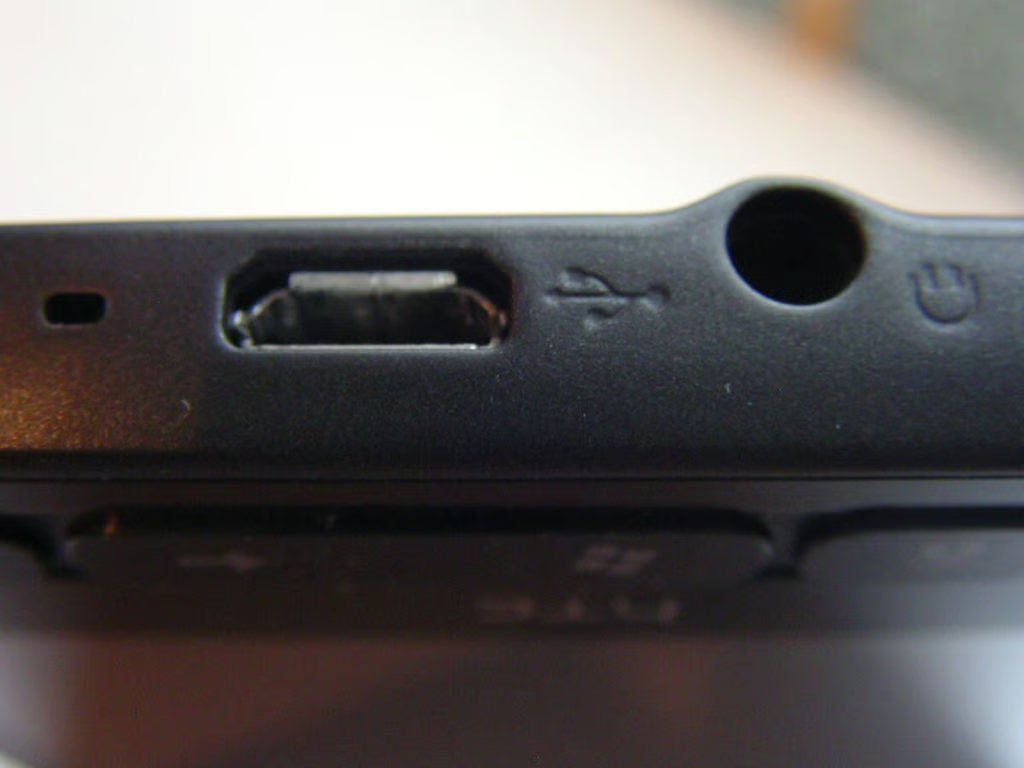
HTC did a good job of flowing the 3.5mm headset jack into this thin device.
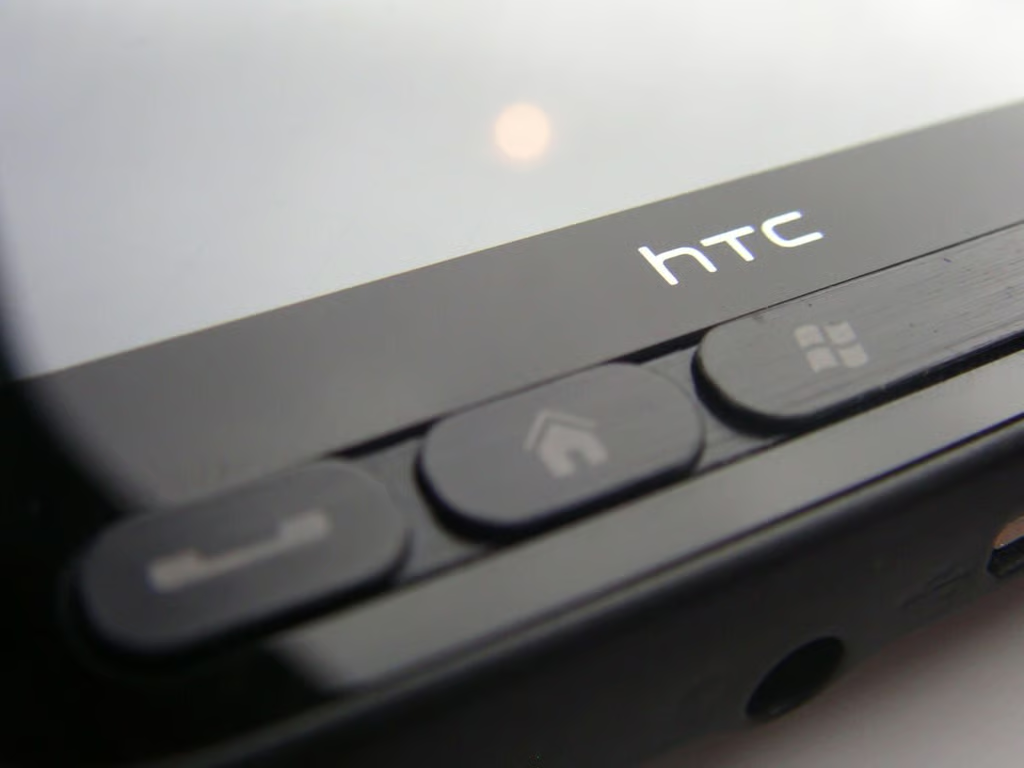
The buttons are small, but quite usable with one hand.
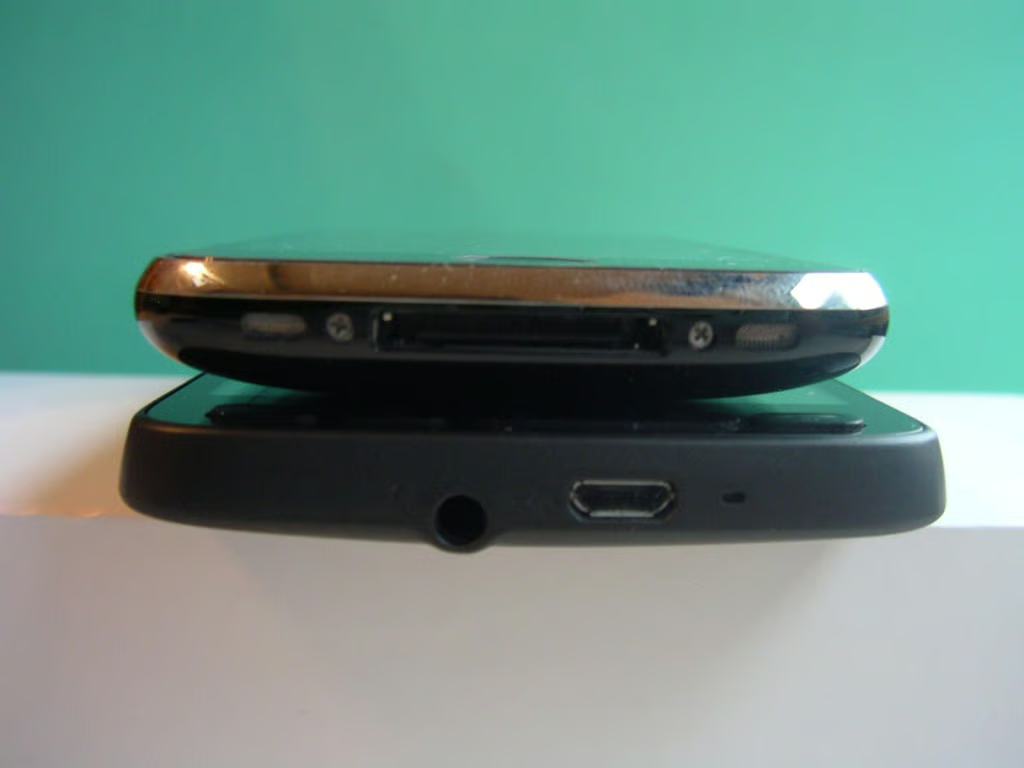
The iPhone 3GS is narrower than the HTC HD2.
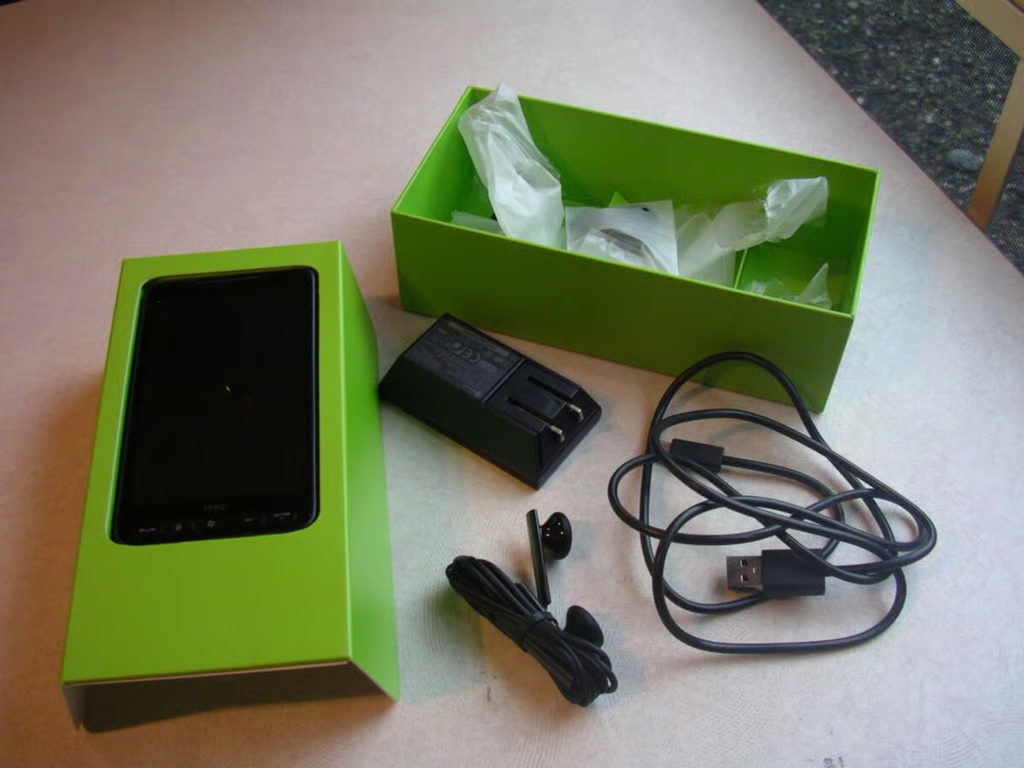
The evaluation device came in a plain white box with this inner green box. You will find the device, USB cable, charger adapter, and wired stereo headset.
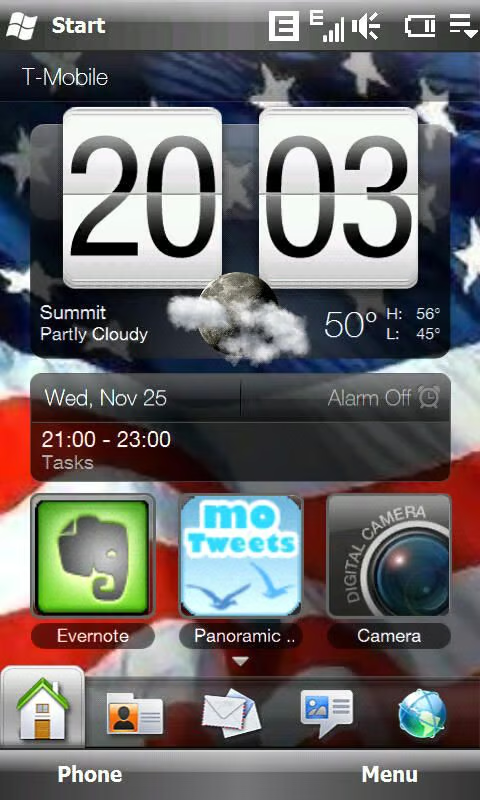
HTC Sense is the new brand for TouchFLO 3D and as you can see you can customize the Home screen.
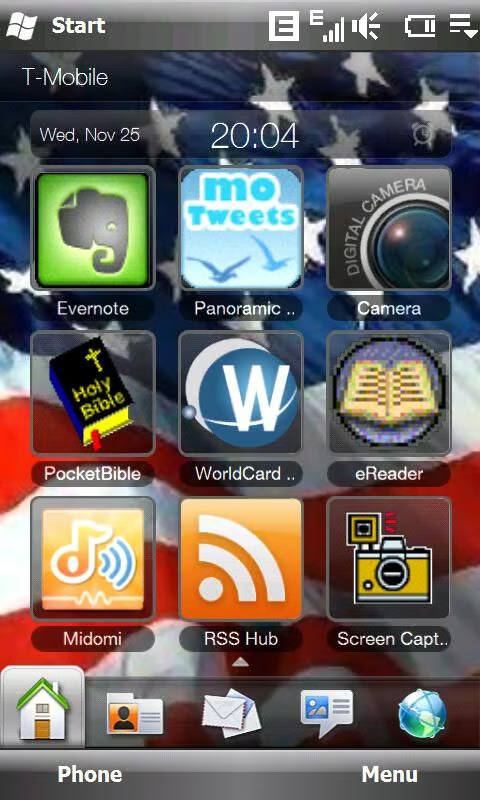
Nine shortcuts can be assigned to the first tab/Home screen. These include application shortcuts, browser favorites, and contacts.
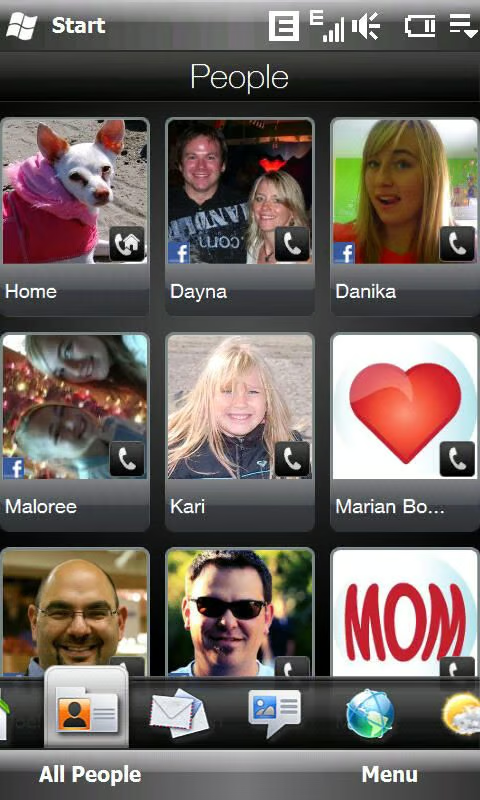
The People tab lets you assign favorites so you can quickly contact and view the history of your favorite people.
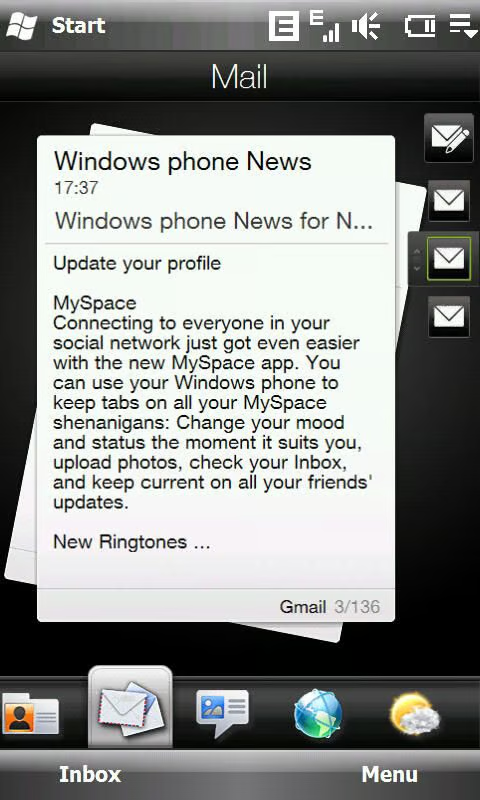
You can setup multiple email accounts and flip through email on the email tab. You can see the header information and the start of the body on the Sense tab, but you cannot manage your email here.
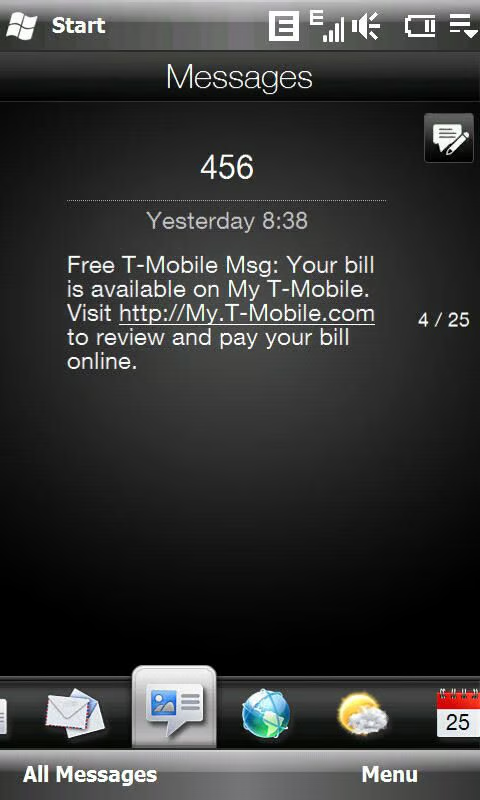
Incoming text messages appear on this tab and again can be easily viewed and browsed through.
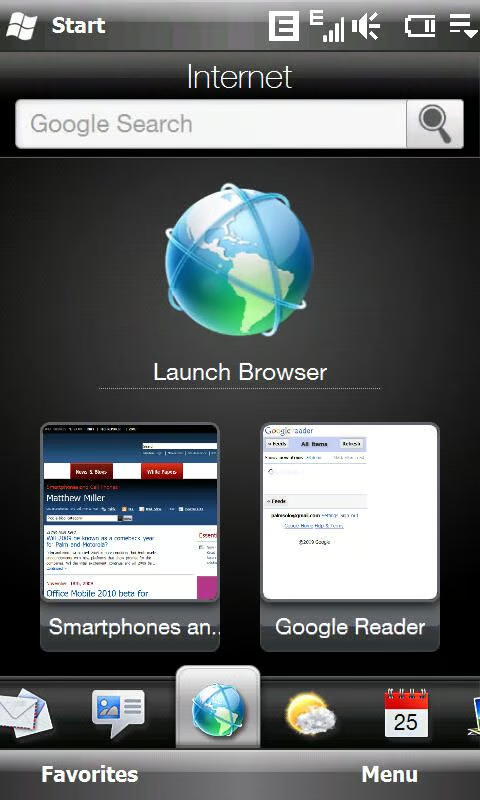
Opera Mobile is setup as the default web browser and a Sense tab exists for it. There are place for more browser shortcuts if you flick this screen up.
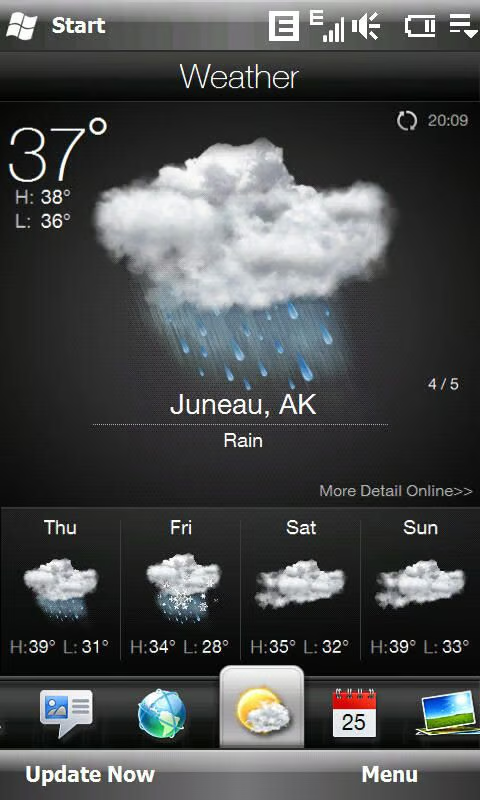
The weather application on the HD2 has some of the best graphics seen on the device and you may find yourself checking out the weather more than before.
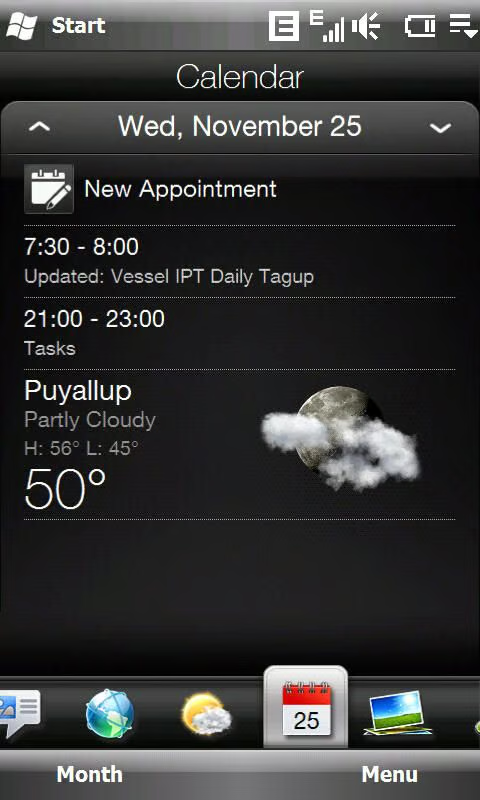
As you can see the weather is integrated into your calendar tab.
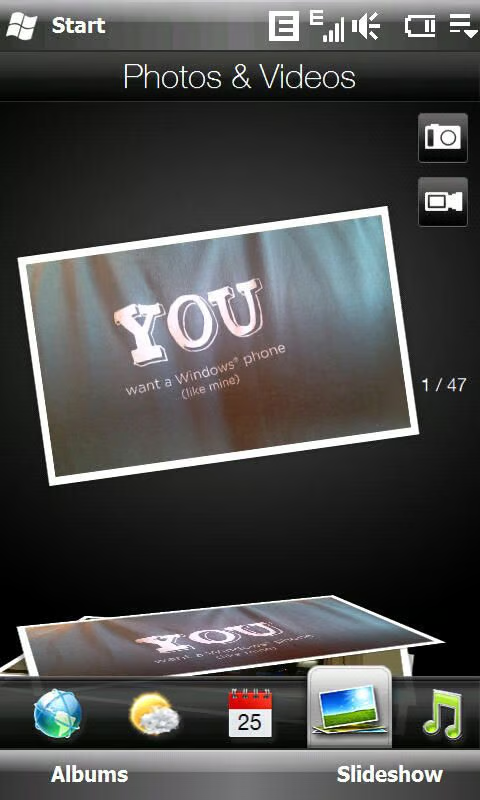
Pictures can be browsed in portrait mode and you can jump to the camera and video recorder with a single tap.
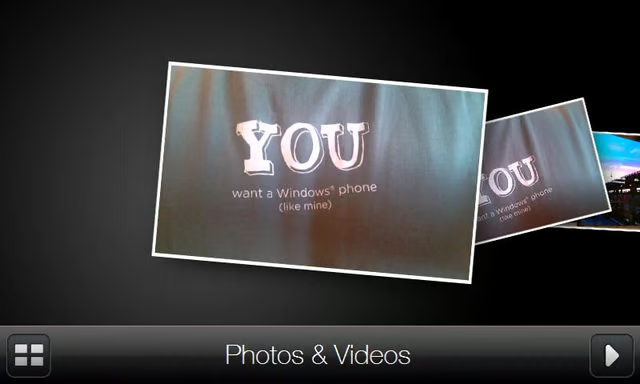
When you flip the HD2 into landscape mode then the photos appear as thumbnails that can be browsed through quickly. Tapping on a photo lets you then view it in a slideshow, share the photo, and more.
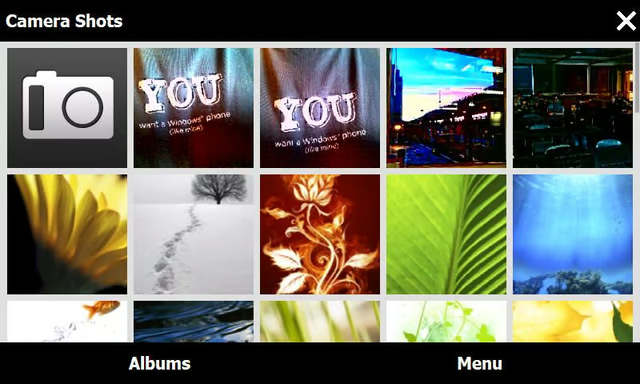
Photos are arranged in different albums/locations and you can use this page to change where you want the application to look to view photos.
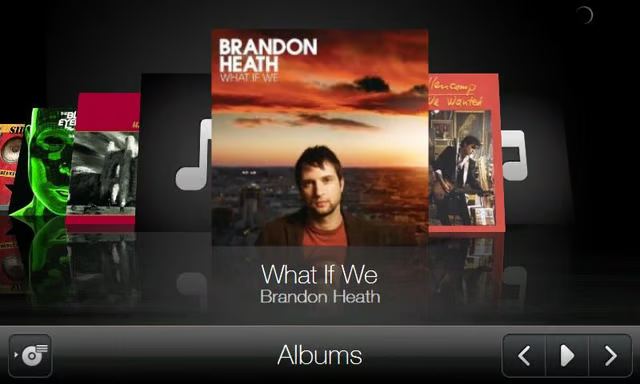
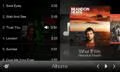
The music player can also be switched into landscape mode and your album art can be quickly flicked through.
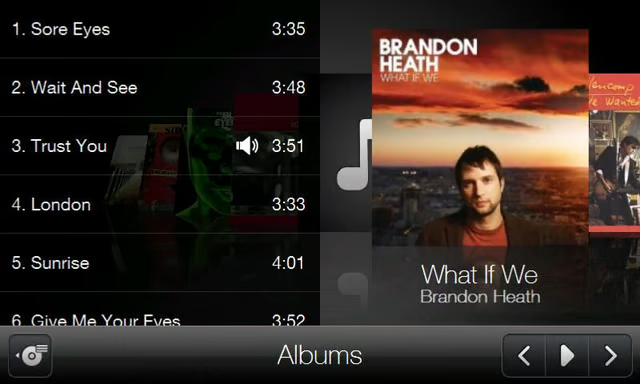
Tapping on the left icon brings up the list of songs inside the album. The song names and length of the song will appear and you can jump to each song.
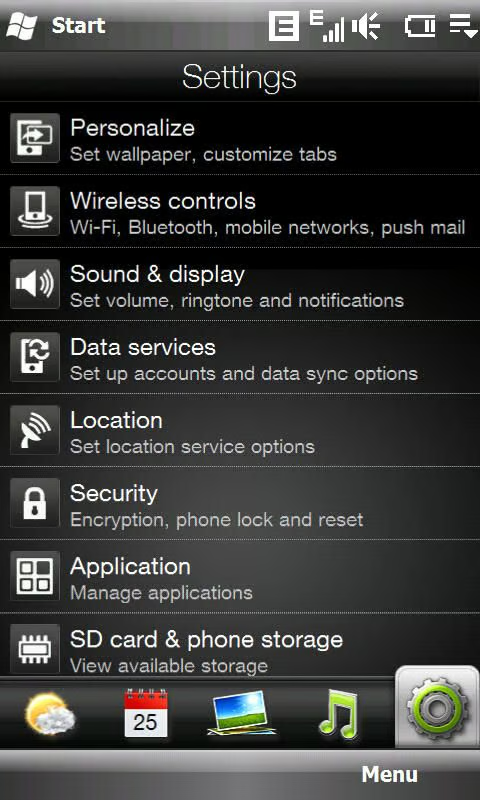
HTC has created their own interface so you can manage the settings and they are MUCH more finger friendly. The default WM settings still require a stylus or fingernail.
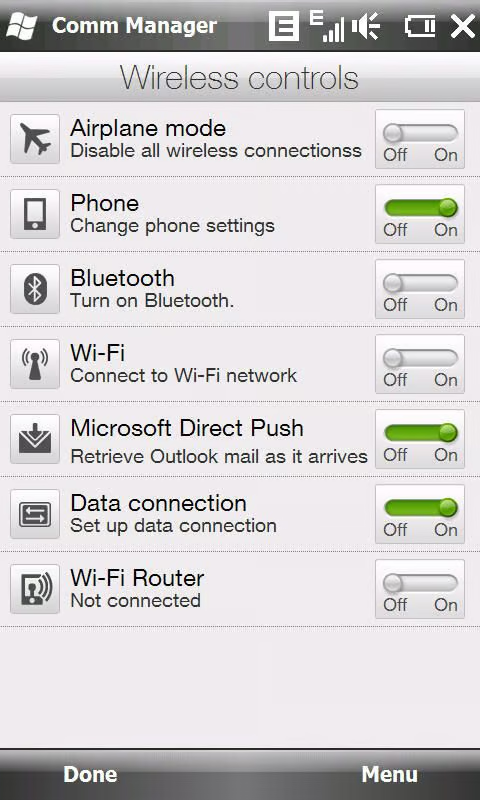
Your wireless connections can be managed from this settings page.
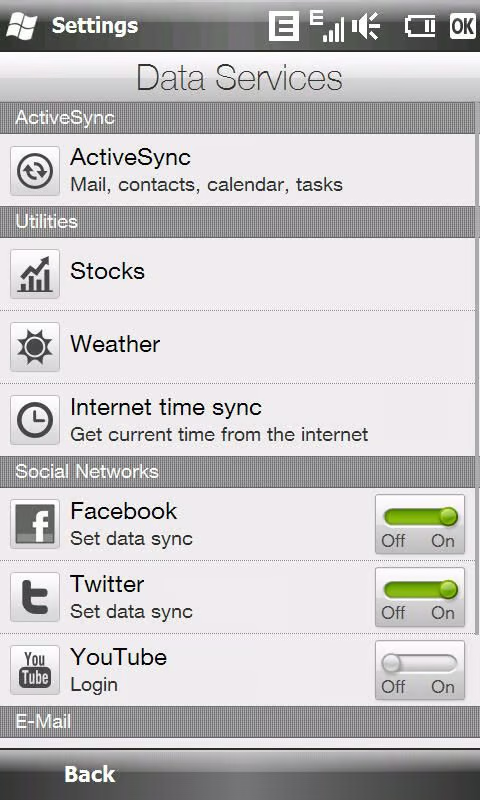
HTC has some data services integrated on the HD2 and with this page you can manage those connections.
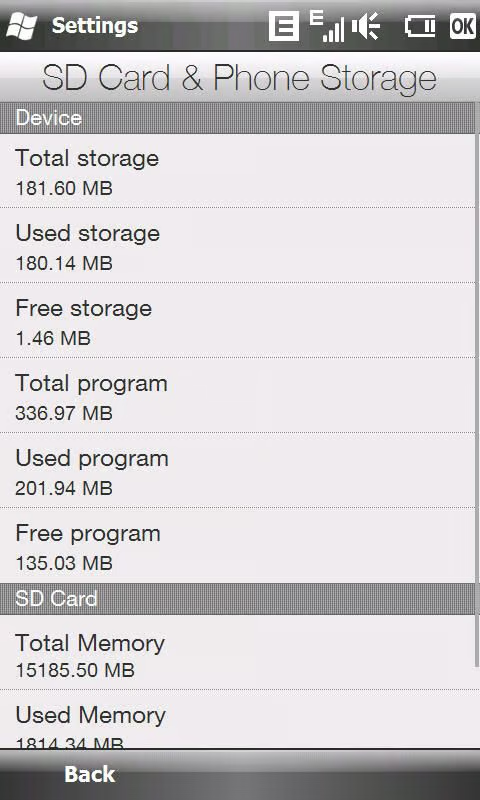
You can view the status of your device storage with this setting.
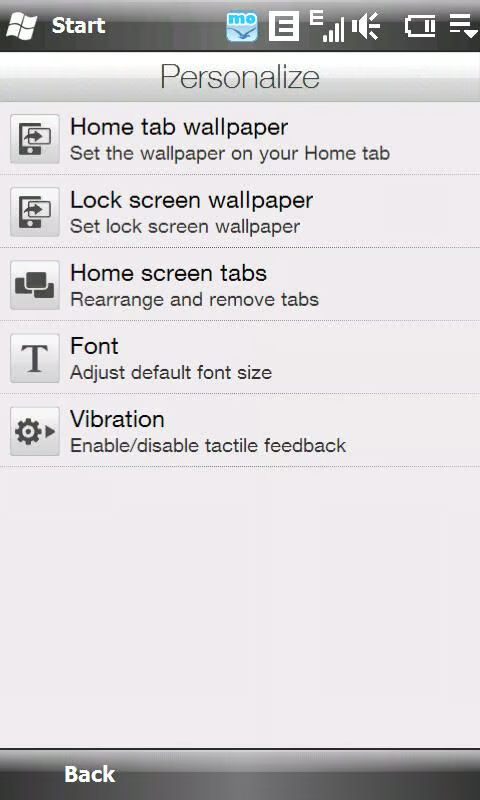
A few pages are provided for you to access and personalize the device to your particular needs.
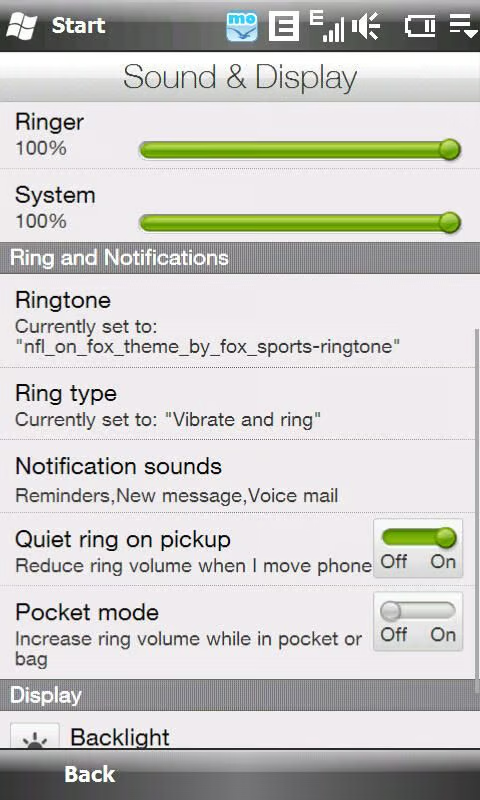
Ringtones, volume, ringer type, and notification sounds are managed through this interface. As you can see HTC also includes technology to control ring volumes in a couple different scenarios.
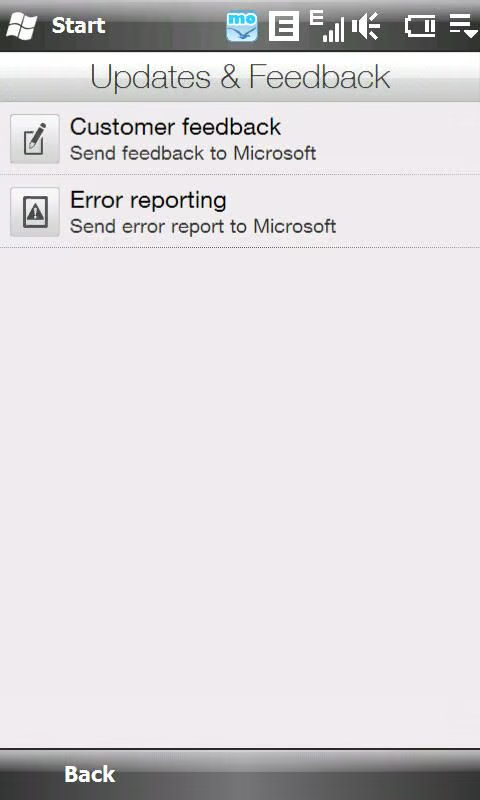
I personally always turn these off since I haven’t seen any benefit in the past.
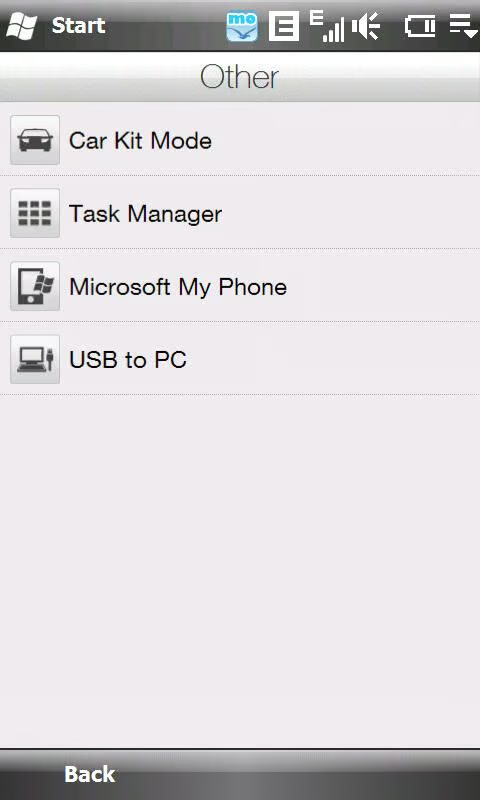
There are a few other applications and utilities you can setup and customize in the Other settings.
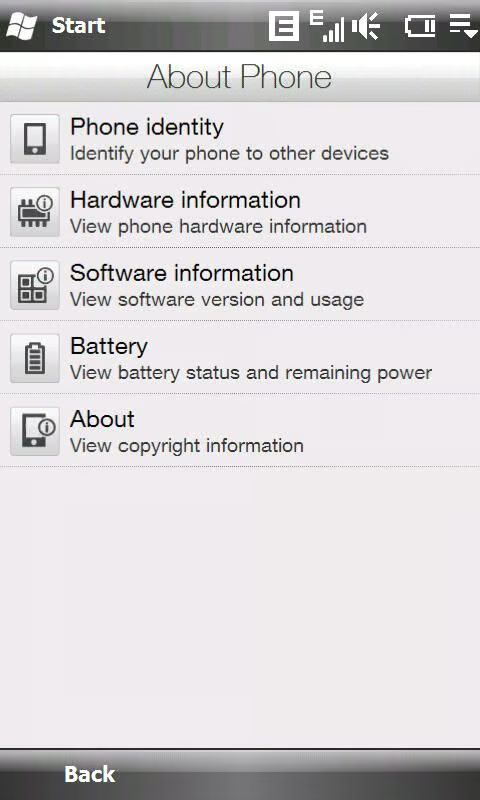
There are several aspects about your phone that can be viewed from this settings display.
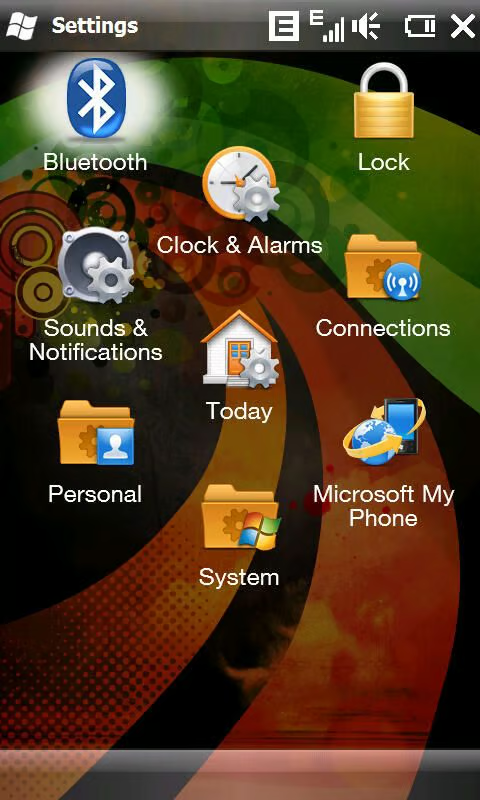
You can still access the standard Windows Mobile settings on the HTC HD2.
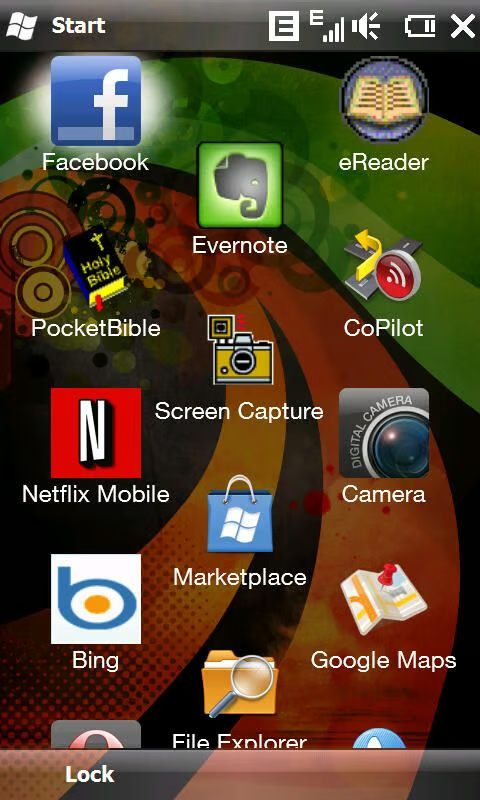
The standard WM 6.5 Start screen is still present on the HD2.
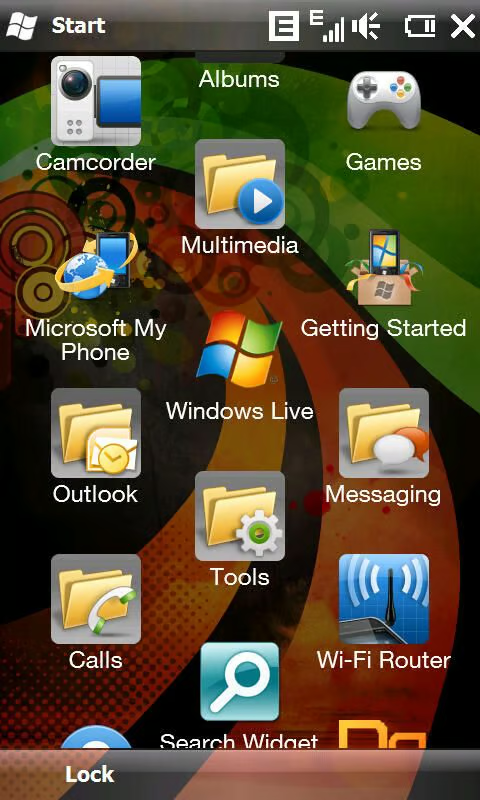
HTC includes folders on the Start screen, but these cannot be managed or customized.
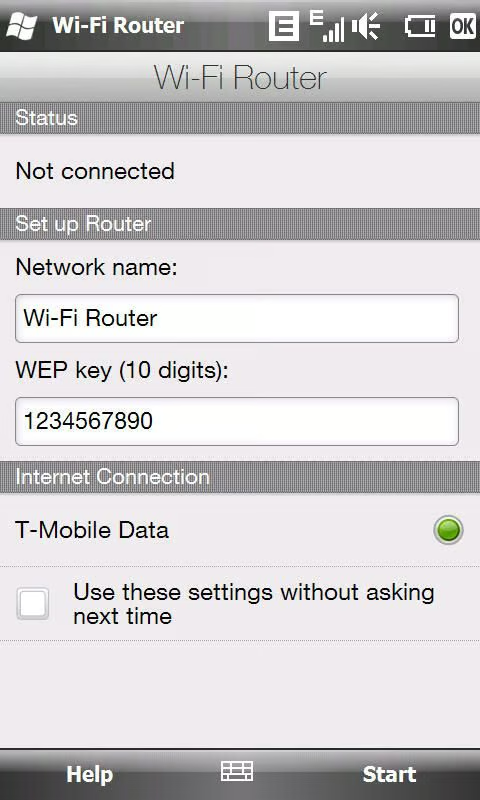
HTC includes a WiFi Router utility on the HD2, but with this current model that supports only EDGE connections in the US it is not very useful.
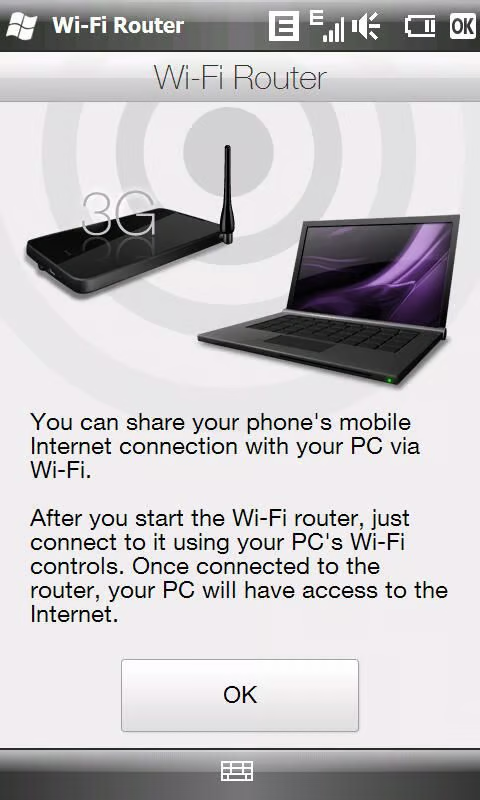
The WiFi Router utility turns the HD2 into a wireless portable hotspot so you can share your internet connection with your laptop or other device.
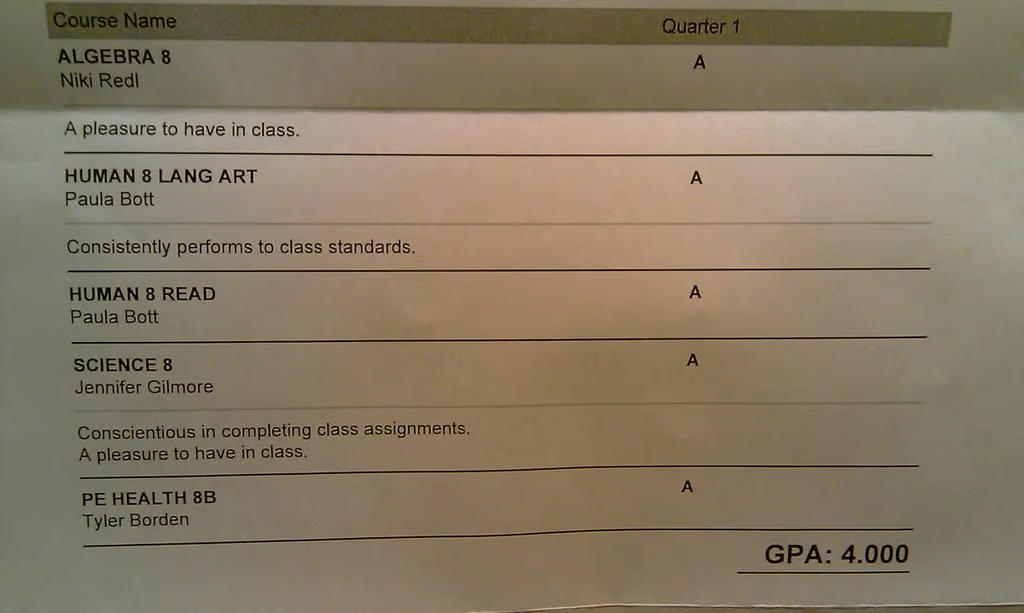
I had the camera in auto mode when I shot this close up of my daughter’s report card. There is also a macro mode available, but this auto mode did well.
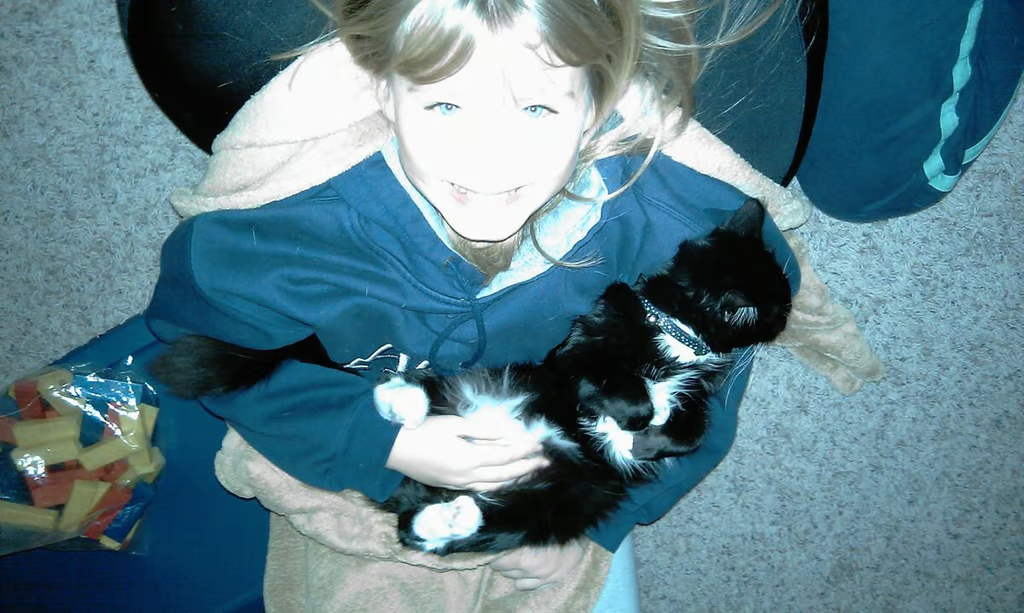
As you can see the flash is quite bright and washes out photos in low light conditions.

I attended the MLS Cup in Seattle and shot this image of David Beckham (number 23).

Panoramic shots can be interesting in some situations and I thought a stadium would be a perfect time to capture one. It was difficult to line up the three images due to the lights and crowd, but it looks pretty good.
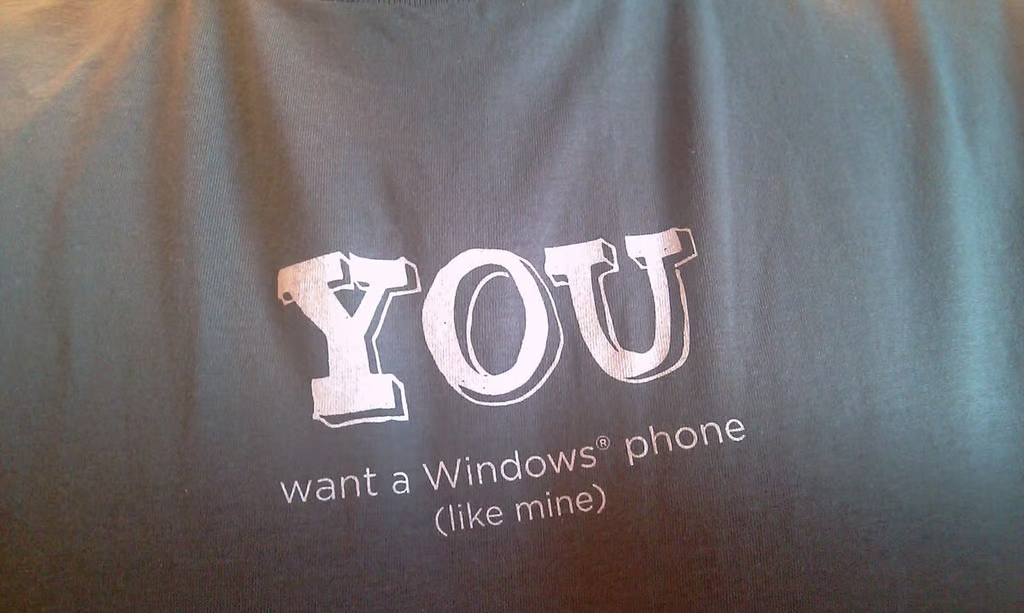
HTC is running their YOU campaign and I took this photo of my own shirt with the HD2 in hand.

Thumbnail 1
Thumbnail 2


