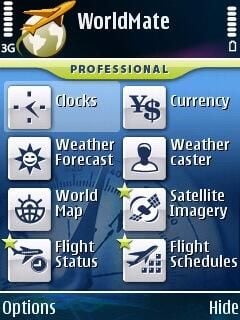
MobiMate’s WorldMate software is available for various mobile operating systems and as you can see in this image gallery the software is designed for the mobile road warrior. There are some differences in modules available for the different operating systems, but it gives every user information they need to hit the road.
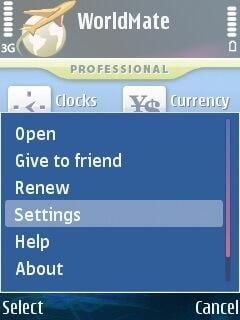
The menu for the S60 client allows you to access several options.
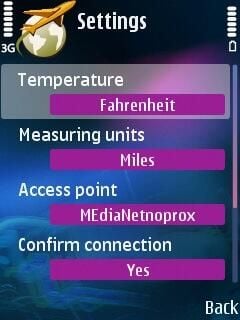
Temperature and unit settings can be selected, as long as your access point.
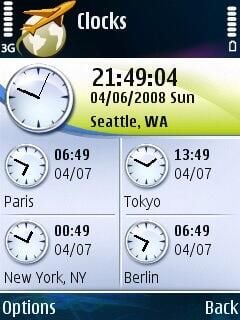
5 clocks can be viewed on a single page in WorldMate.
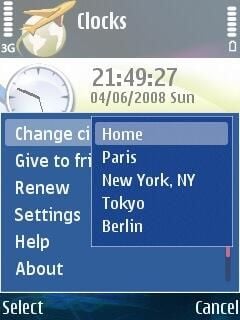
You can change the location of your home location and 4 other locations you want to view in WorldMate.
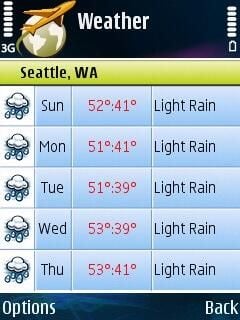
You can view 5 days of weather in the S60 client. There is basic information shown on the weather pane, such as high and low temperatures and predicted conditions.
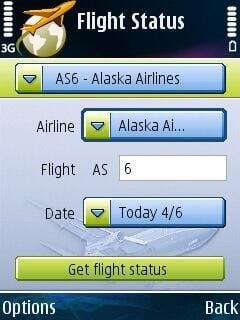
You can easily select a flight that you want to view the status for in WorldMate. There are drop-downs for the airlines and date to make it easier to find your flight.
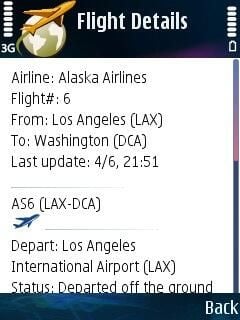
Flight details are shown after you enter a flight to check.
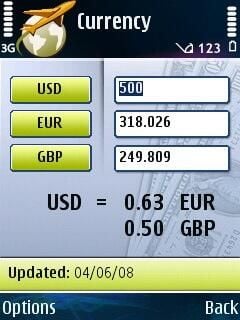
The currency converter is one of the handiest utilities in WorldMate.
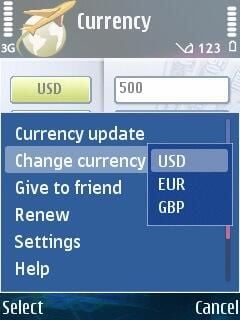
You can change the currency in your settings. The currency converter can also be updated to the latest exchange rates via a wireless connection.
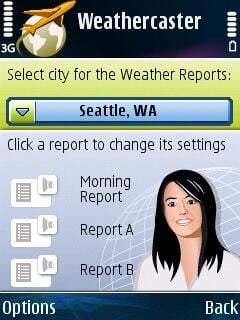
Reports can be setup and read to you each day on the S60 client.
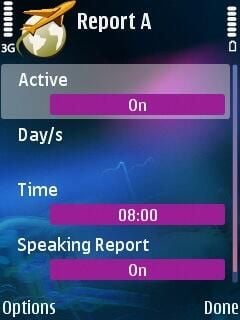
Three different weather reports can be presented in the S60 version of WorldMate.
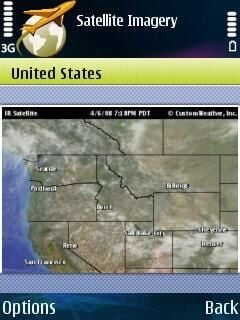
The weather forecast satellite imagery can be viewed on S60 devices.
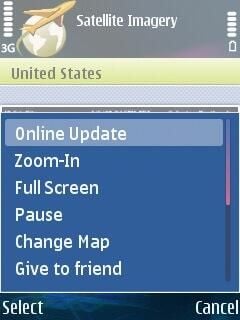
The options for controlling the satellite view.
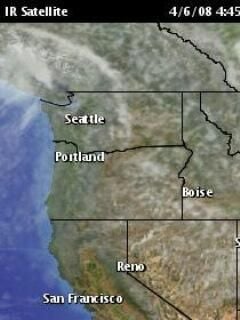
The IR satellite image can be viewed in full screen mode.
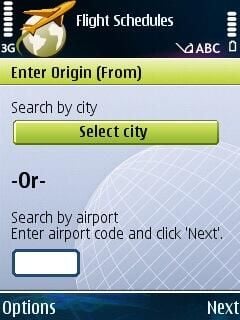
Stepping through the proces to create a flight query.
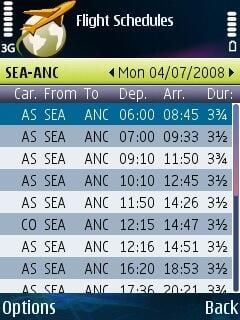
Daily schedules for all flights can be viewed in WorldMate.
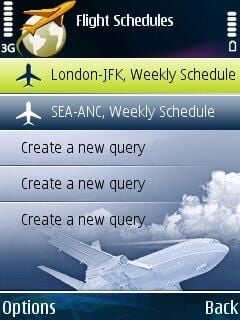
If you don’t want to check specific flight, then you can view the schedule of all flights. This can be helpful when planning flights.
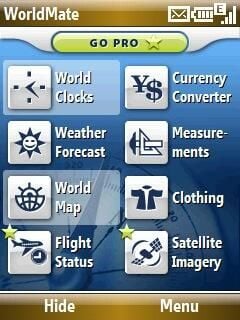
The front page of WorldMate is a bit different for Windows Mobile than it is for S60 devices.
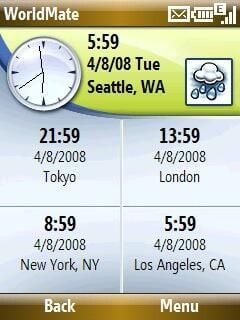
The clock view looks about the same for Windows Mobile as for S60.
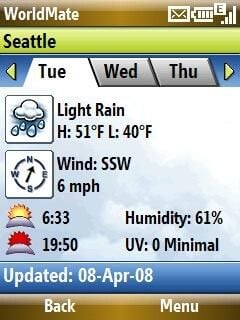
The weather display for Windows Mobile shows more details for the current forecast than for that found on S60 devices.
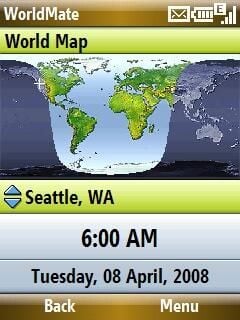
The world map shows where it is day and night throughout the world in a quick, simple view.
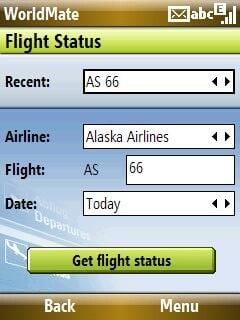
Flight status view on a Windows Mobile device.
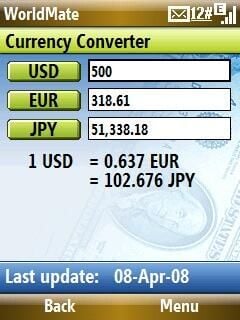
Checking in to see how weak the dollar is before traveling to Europe.
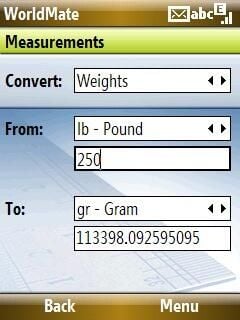
There are a couple of minor differences between the different products and as you can see there is a measurement converter in this product.
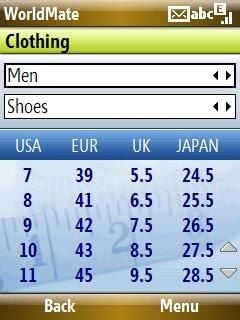
There are different types of measurement converters in the Windows Mobile product.
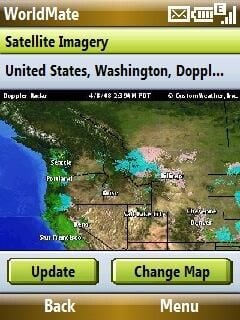
The view is similar in Windows Mobile as seen for S60.
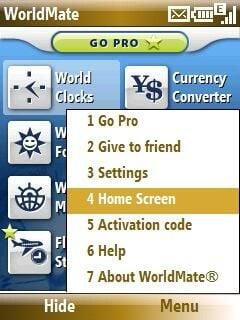
In Windows Mobile, you can add WorldMate data to your Home screen as well.

Image thumbnail 1

Image thumbnail 2


