When panic-stricken end users need to retrieve deleted e-mail, GFI MailArchiver for Exchange can make you a hero. In this The Right Tool for the Job? post, Joshua Hoskins explains how this tool simplifies e-mail archival and allows end users to quickly and easily recover deleted mail.
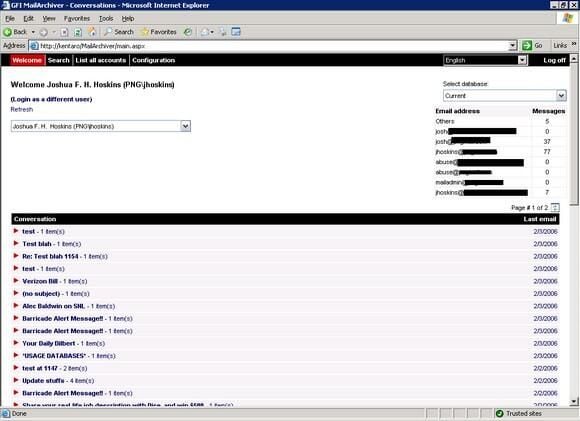
From MailArchiver’s main screen, end users can view their archived e-mail.
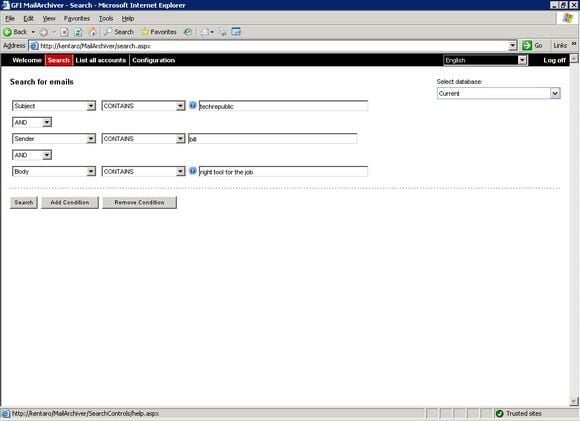
From the Search screen, users can construct queries to find messages.
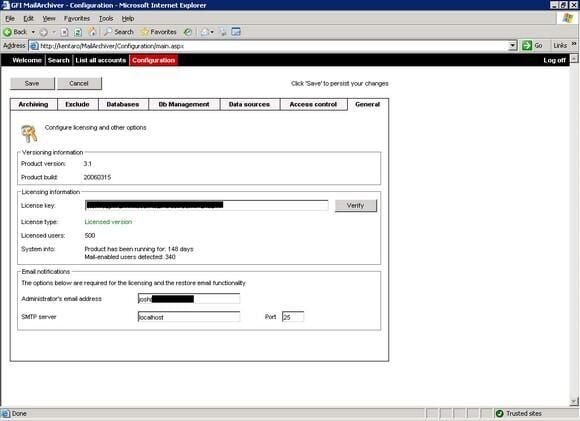
From the General configuration screen, you set your licensing information, specify the administrator’s e-mail address, and configure your SMTP server’s information.
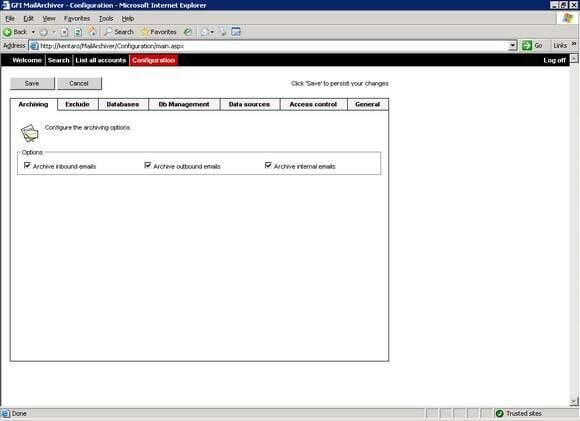
You can specify which e-mails GFI MailArchiver will archive.
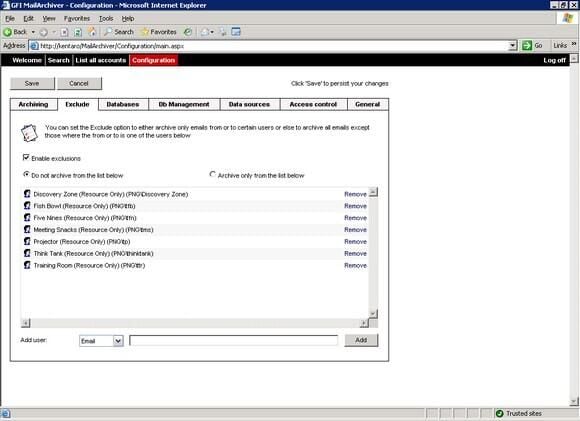
You can also exclude specific mailboxes from the archival process.
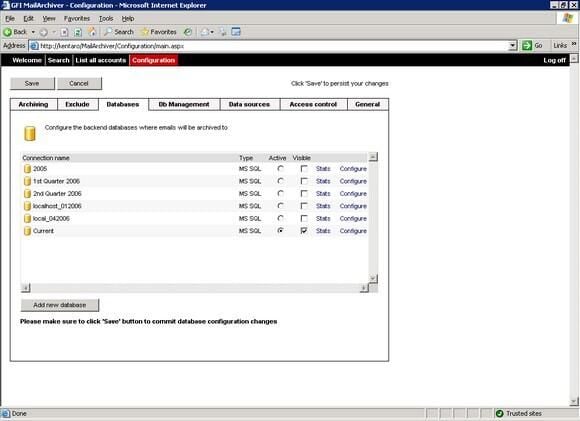
From here you configure your database settings andyour active and visible databases.
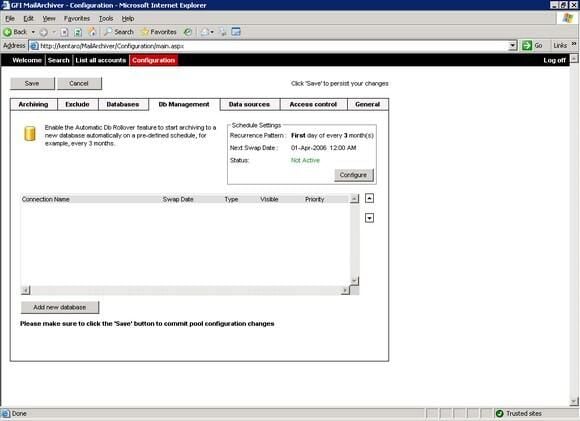
Here you can configure your database rollover schedules.
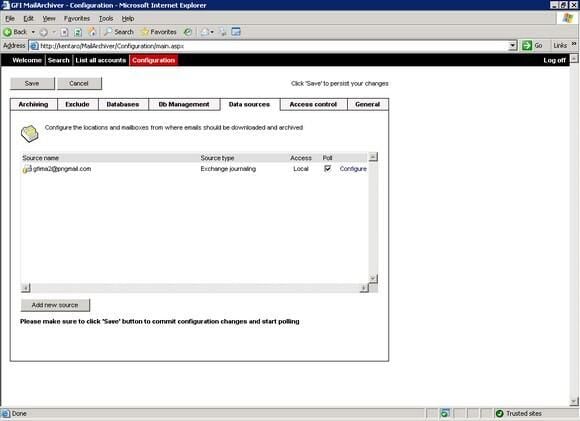
Here you configure your data source for polling. This is the mailbox(es) where MailArchiver will journal the messages.
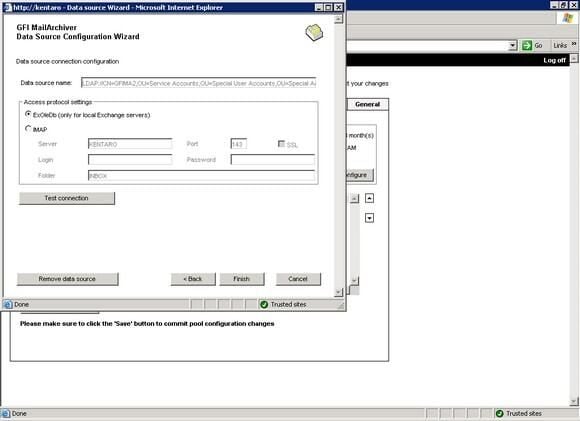
Here is the configuration of your data source.
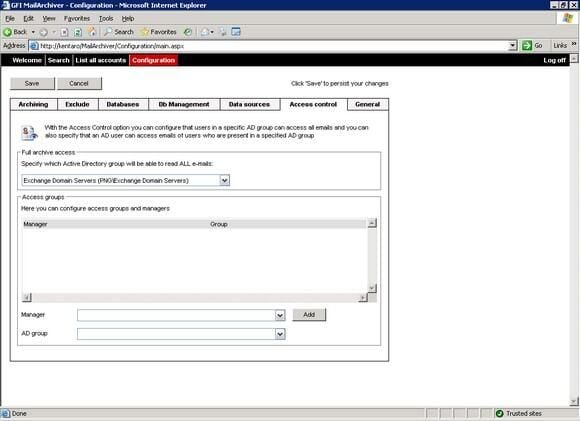
GFI MailArchiver allows you to configure access control to various e-mailboxes. For example, you may need to give a manager access to a previous employee’s e-mail.
Bill Detwiler is the Editor for Technical Content and Ecosystem at Celonis. He is the former Editor in Chief of TechRepublic and previous host of TechRepublic's Dynamic Developer podcast and Cracking Open, CNET and TechRepublic's popular online show. Previously, Bill was an IT manager in the social research and energy industries. He has bachelor's and master's degrees from the University of Louisville, where he has also lectured on computer crime and crime prevention.


