Shannon Snowden outlined his experience with the Nessus vulnerability scanner in his The Right Tool for the Job? blog post.
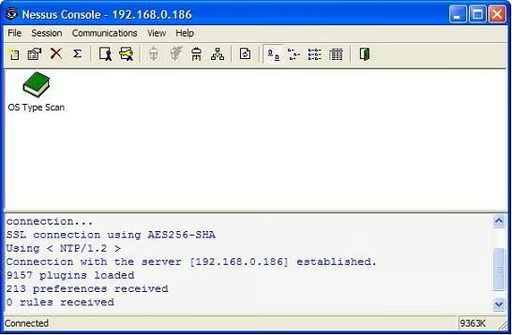
\r\nThis screenshot shows the Nessuswx client console.
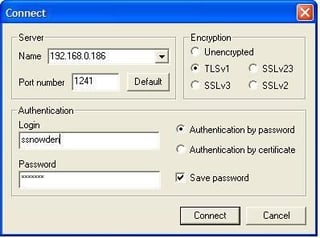
The Nessuswx client configuration connected to the Nessus server
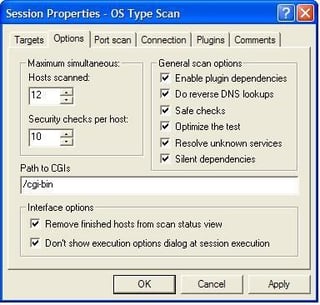
Selecting the options for DNS resolution, safe checks that will not crash targets and how many concurrent targets to scan.
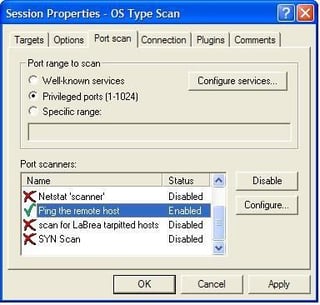
The port scanning options tab of Nessuswx allows ping control options, port scan selection and invoking nmap scans.
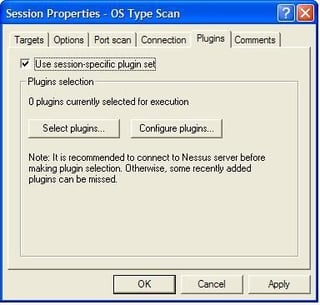
The Plugins tab allows custom plugin selection and plugin configurations, such as SMB account names and FTP account names to use for connection attempts to targets.
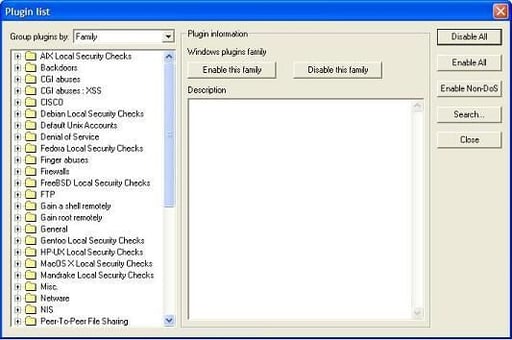
You can select multiple families of plugins or specific plugins depending on the scan target.
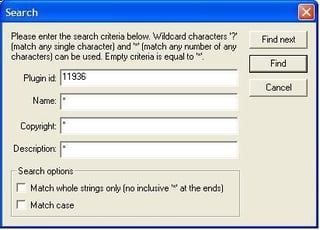
Nessus.org maintains a library of plugins that you can use during scanning.
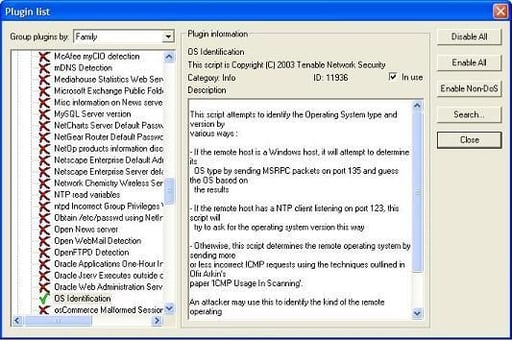
Plugins are grouped into familes. You can choose an indivudal plugin or an entire family.
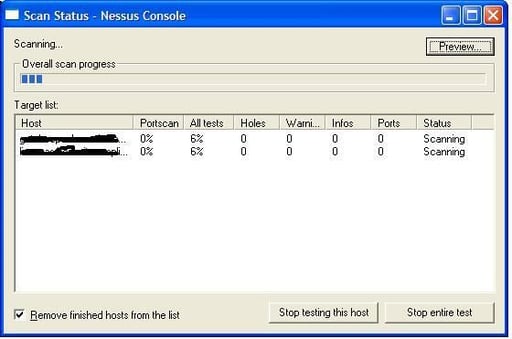
Scanning targets with the Nessuswx client on Windows connected to a Linux server–I’ve obscured the host name for security reasons.
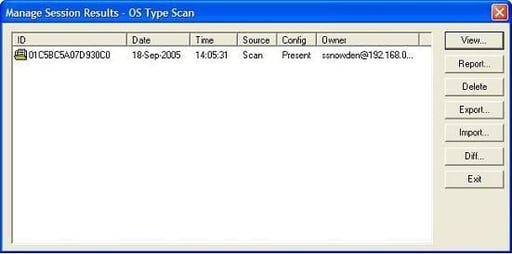
Completed scan ready to view
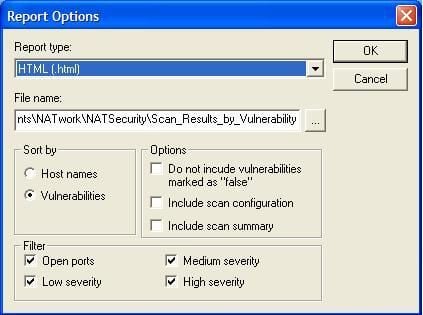
Creating an .html report with the Nessuswx client
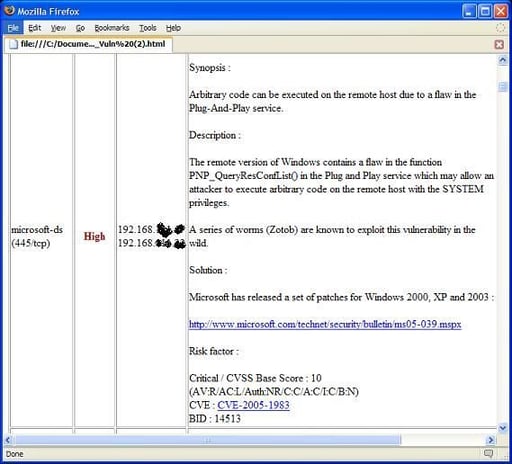
Viewing the .html report (1 of 2)\r\n
I’ve obscured the IPs for security reasons.
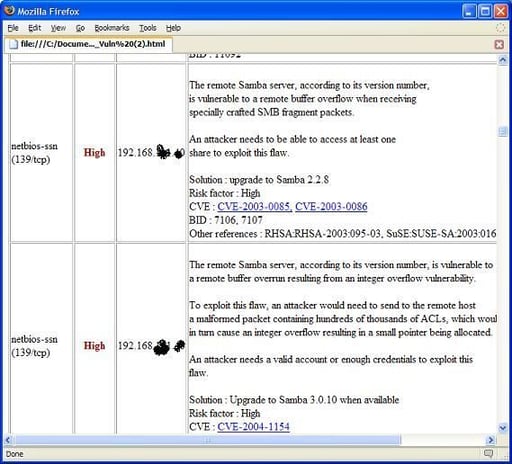
Viewing the .html report (2 of 2)\r\n
I’ve obscured the IPs for security reasons.
Bill Detwiler is the Editor for Technical Content and Ecosystem at Celonis. He is the former Editor in Chief of TechRepublic and previous host of TechRepublic's Dynamic Developer podcast and Cracking Open, CNET and TechRepublic's popular online show. Previously, Bill was an IT manager in the social research and energy industries. He has bachelor's and master's degrees from the University of Louisville, where he has also lectured on computer crime and crime prevention.


