\r\n
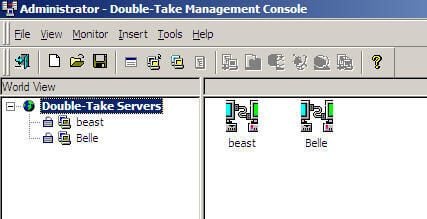
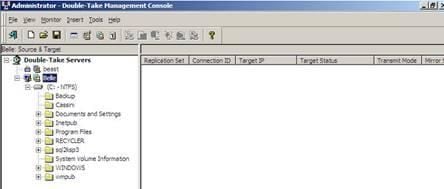
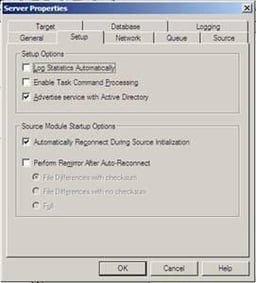
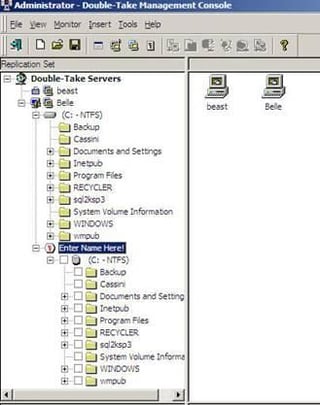
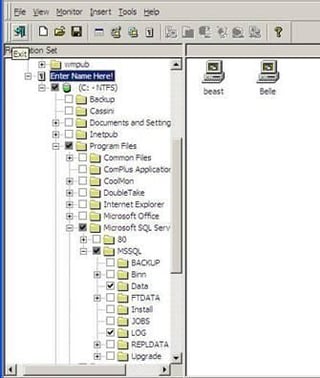
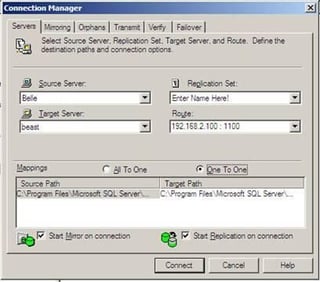
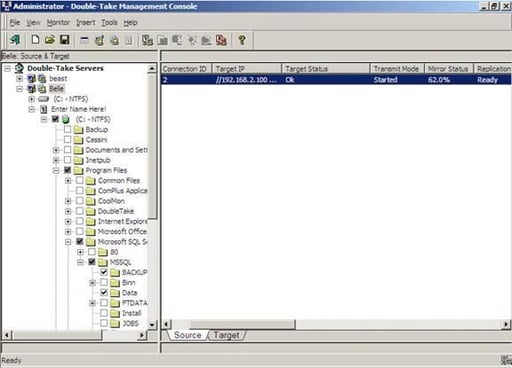
In his The Hot Button blog, TechRepublic columnist Steven Warren outlined how you can provide high availability with Microsoft SQL Server and NSI Software’s DoubleTake. This gallery’s 8 screenshots show you how to install and configure DoubleTake for SQL Server replication and mirroring.
\r\n
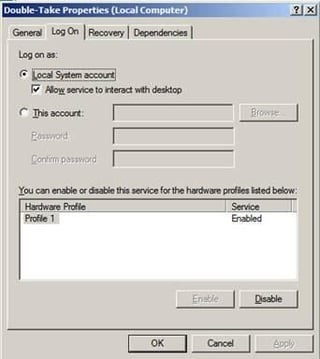
After the installation of DoubleTake is complete, you can access the DoubleTake service, shown here, by click Start | Administrative Tools, Services and choosing the DoubleTake service.
Bill Detwiler is the Editor for Technical Content and Ecosystem at Celonis. He is the former Editor in Chief of TechRepublic and previous host of TechRepublic's Dynamic Developer podcast and Cracking Open, CNET and TechRepublic's popular online show. Previously, Bill was an IT manager in the social research and energy industries. He has bachelor's and master's degrees from the University of Louisville, where he has also lectured on computer crime and crime prevention.


