\n\tA couple of weeks ago, the powers that be in Arch central took the decision to completely strip back the Arch Linux installer from a curses-based interface into a series of scripts that are run from the command line.
\n
\n\tThat decision was not welcomed universally.
\n
\n\tSince you are still able to use both the new installer and the old one — search for archlinux-2012.08.04-dual.iso to find it — we’ve covered both methods in this gallery: starting with the new, and moving on to the old.
\n
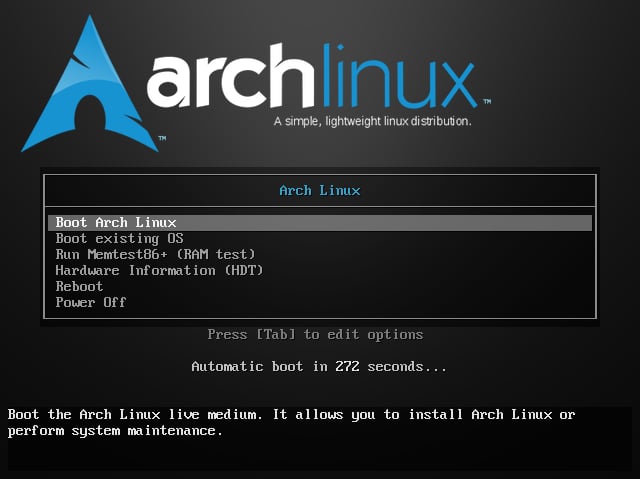
\n\tThis bootloader is the only common screen between both installation methods.
\n
\n\tRead the full review of Arch Linux in Girt By Code.
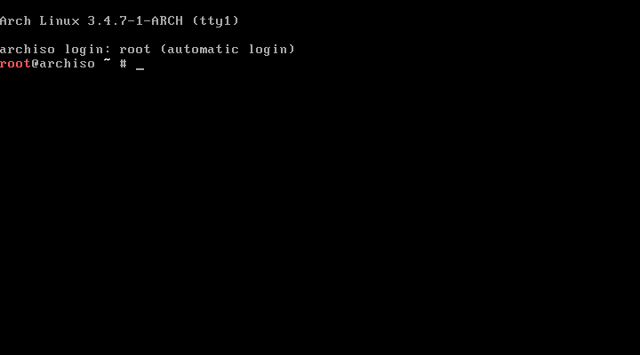
\n\tThe new Arch installation method automatically drops the user into a root shell, without any clue as to what to do next.
\n
\n\tHopefully you’ll have the Arch Installation Guide open on another device, or printed out.
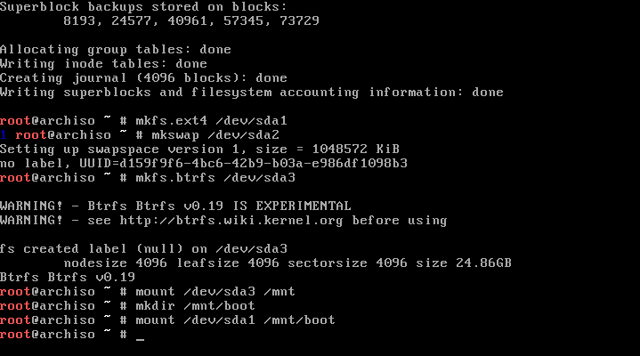
\n\tSorry, fans of graphical interfaces: this installer isn’t for you.
\n
\n\tAt this stage of the install, the disk has been partitioned, formatted, and mounted in order to begin the downloading and installation of Arch onto the disks.
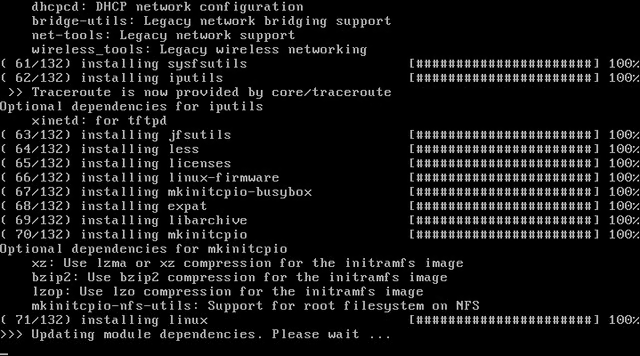
\n\tHalfway through installing the base 132 packages of Arch.
\n
\n\tI’ll let you expolate from this picture what the rest of the new installation method feels like.
\n
\n\tOn the next slide, we move over to the old curses-based installation method.
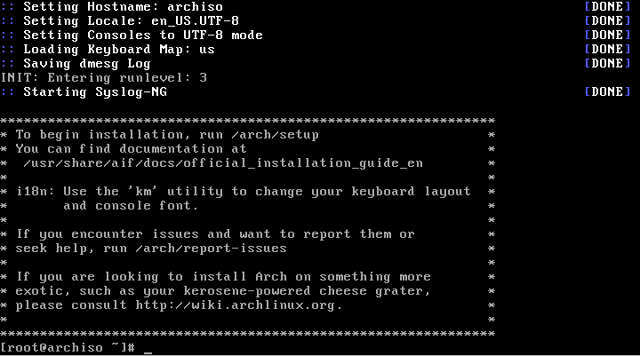
\n\tIn comparison to the new method of installing Arch, the recently retired method tells the user exactly what they need to do to begin the installing process.
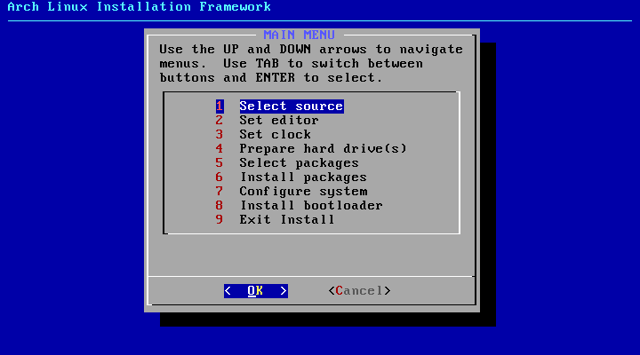
\n\tThis is the order of the steps, and you will follow it. There be dragons if you fail to do so.
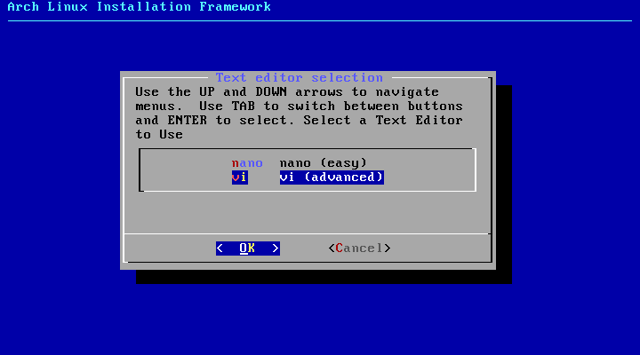
\n\tEmacs? Anyone for Emacs?
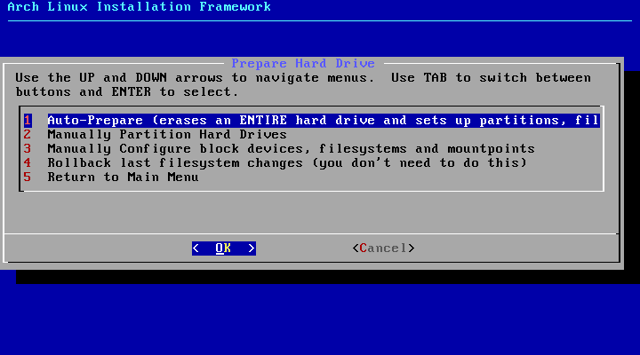
\n\tThis is the one part of the old installer that would be useful to have moved over the new install scripts.
\n
\n\tNot that playing around in fdisk is hard; I’d just take a reasonable default over being forced into fdisk for creating the receommended partitioning scheme.
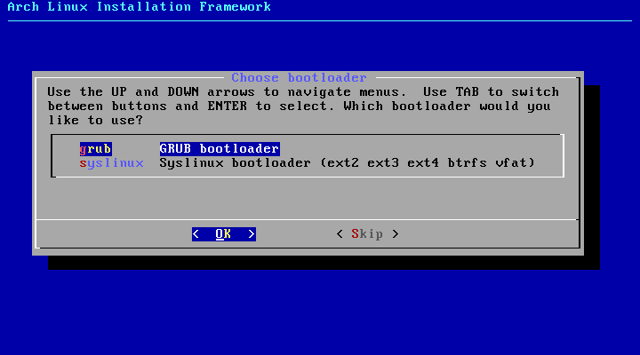
\n\tOn the other hand, here is a very good reason for Arch’s removal of the curses interface.
\n
\n\tWhen this dialog says GRUB, it means GRUB 1, not the recommended GRUB 2.
\n
\n\tLater on, when the installer went to install GRUB, it could not find the packages it expected, because they had been retired.
\n
\n\tThe only way to get around this was to chroot into the Arch disk, and complete the installation of GRUB in the manner that is now used for the new install method.
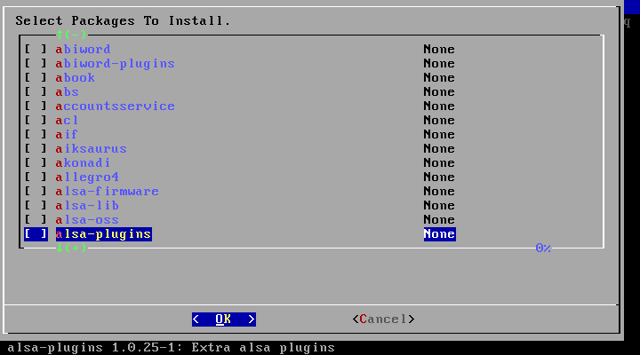
\n\tA small selection of the rather large set of packages on offer.
\n
\n\tMuch time can be spent on individually choosing the packages that best suit your needs, but it isn’t trouble free…
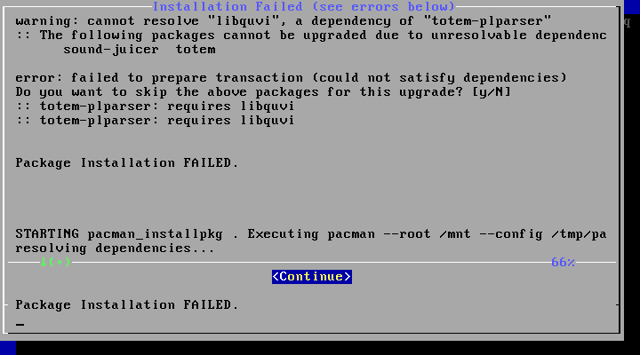
\n\tOh dear, this isn’t good.
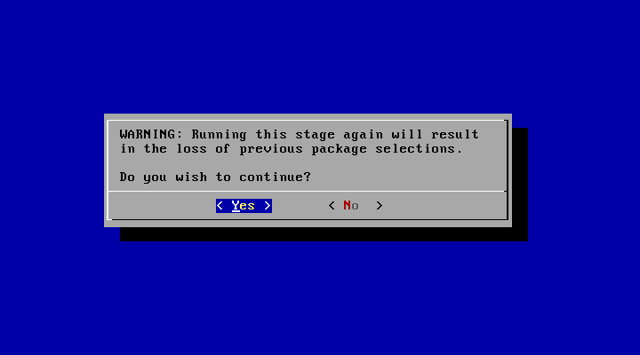
\n\tWelcome to the infuriating part of installing Arch.
\n
\n\tIf there is a problem with the installation of your packages, you need to start the whole package-selection process again.
\n
\n\tIt’s another example of why Arch has moved away from this process.
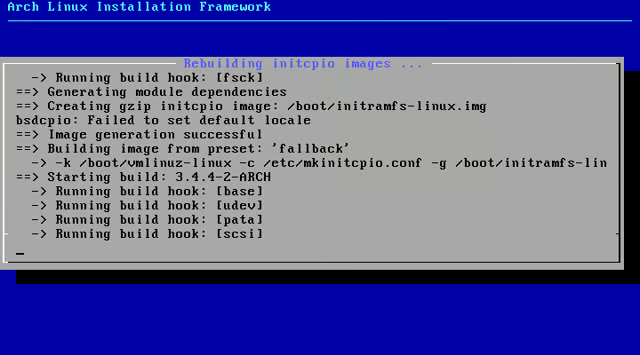
\n\tThis is how the installation process is meant to behave.
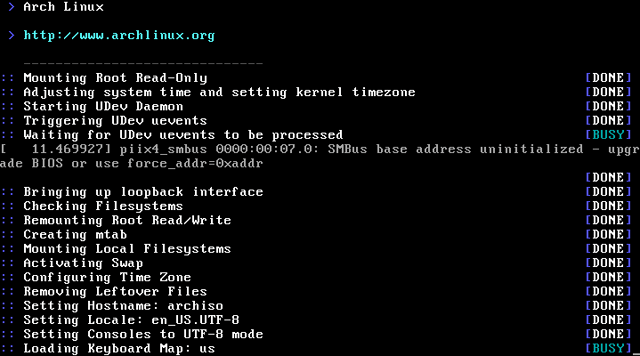
\n\tThe boot process is as spartan as the installation process.
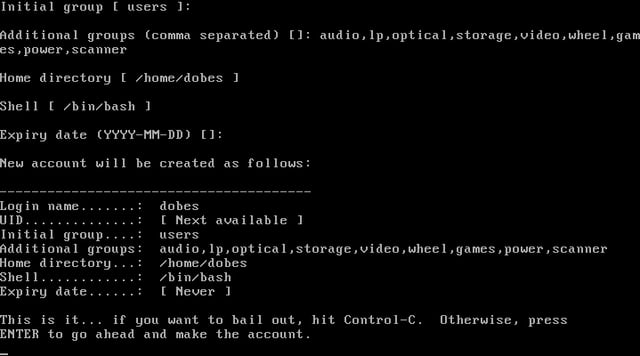
\n\tWhen it comes to adding a user, the only choice is the old-school adduser program.
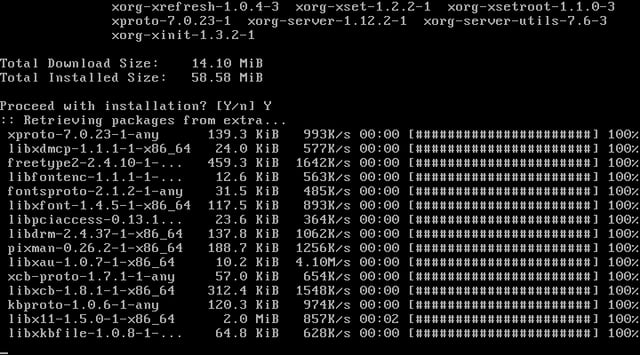
\n\tOne of the first post-installation tasks that you will likely do is install an X server, so that you can finally start making use of a GUI.
\n\tHere is a new Arch system running a GNOME 3 desktop.
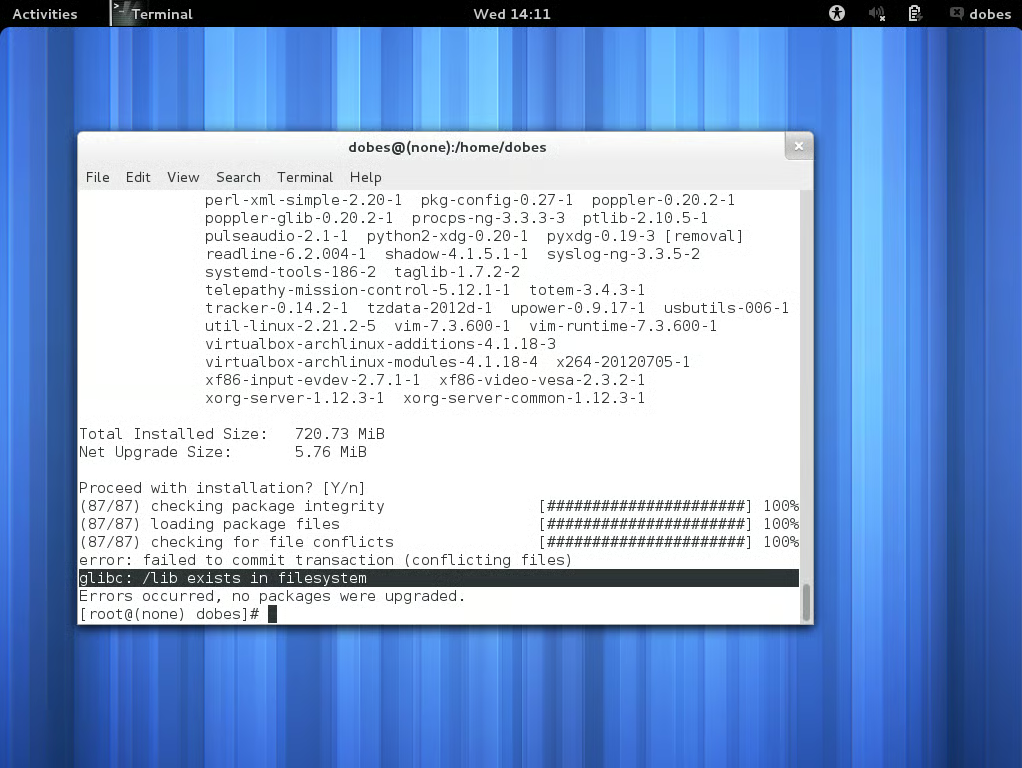
\n
\n\tDuring my time using Arch, this was the only problem I ran into with a pacman update. It was solved by splitting the update into two lists of packages to install separately.
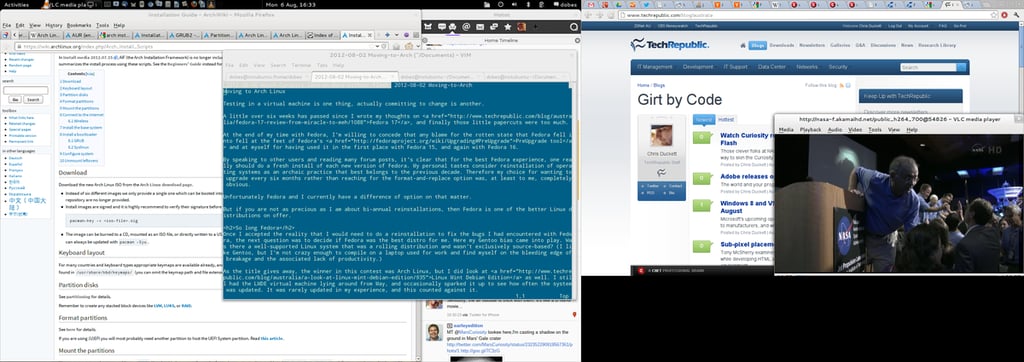
\n\tMy final GNOME 3 desktop running on Arch.
\n
\n\tThe display is split over two monitors, and the difference in display resolutions is responsible for the black box in the corner.

Some would say that it is a long way from software engineering to journalism, others would correctly argue that it is a mere 10 metres according to the floor plan. During his first five years with CBS Interactive, Chris started his journalistic adventure in 2006 as the Editor of Builder AU after originally joining the company as a programmer. Leaving CBS Interactive in 2010 to follow his deep desire to study the snowdrifts and culinary delights of Canada, Chris based himself in Vancouver and paid for his new snowboarding and poutine cravings as a programmer for a lifestyle gaming startup. Chris returns to CBS in 2011 as the Editor of TechRepublic Australia determined to meld together his programming and journalistic tendencies once and for all.


