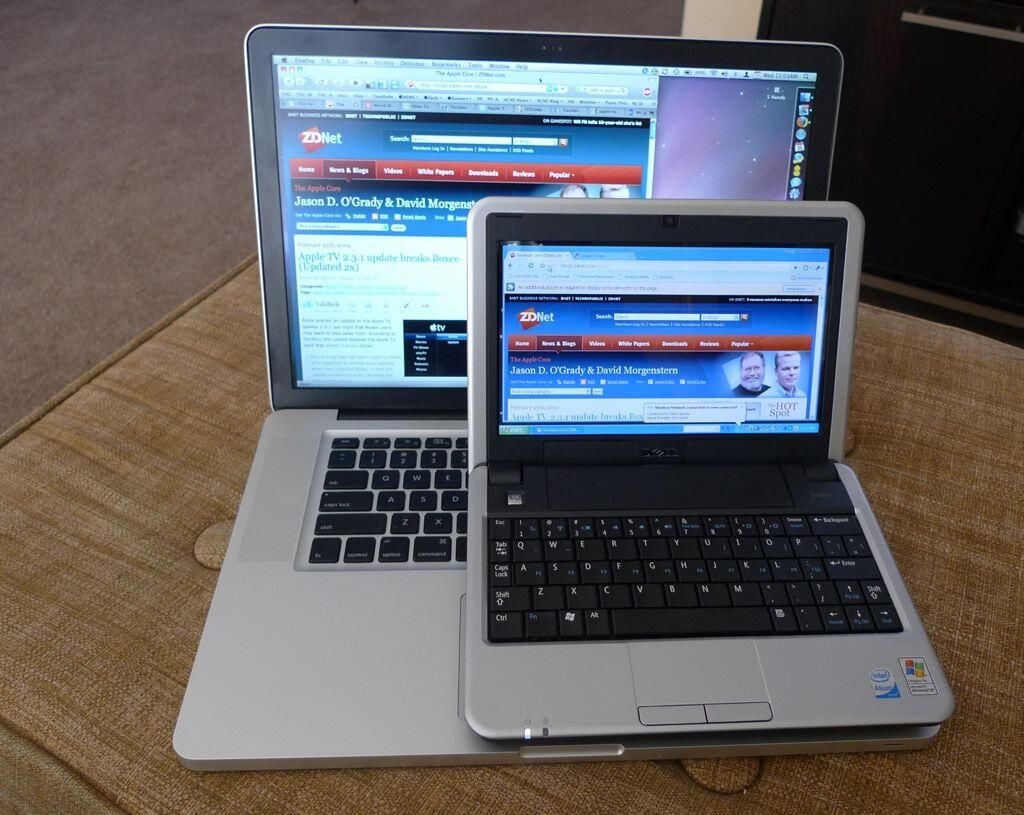
Here you can see the Mini 9 (still running Windows XP) sitting on top of the MacBook Pro 15-inch unibody.
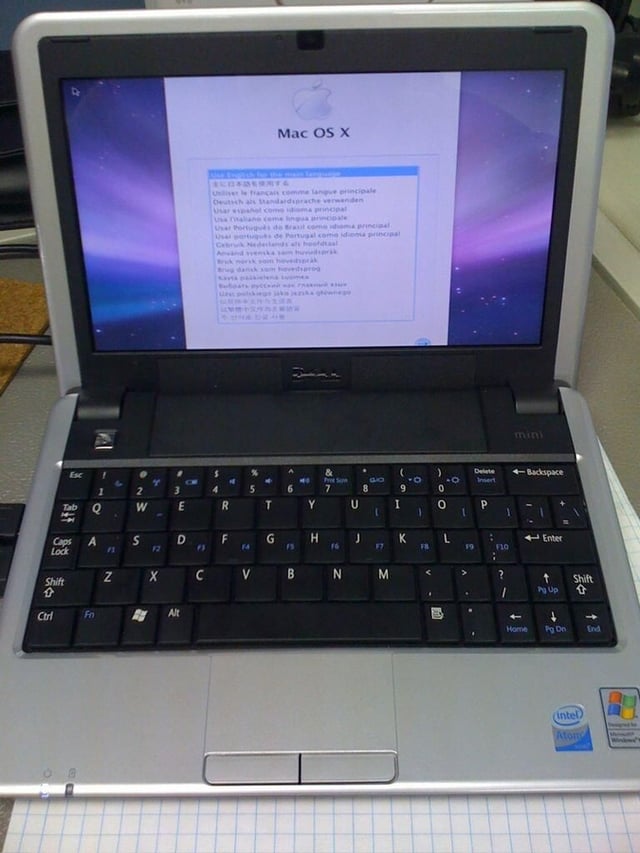
(Note: sorry about the iPhone photos, it was the best way to tweet the experience.) \n\nIn this photo we see the lovely OS X installer’s pick your language screen. Good times ahead!
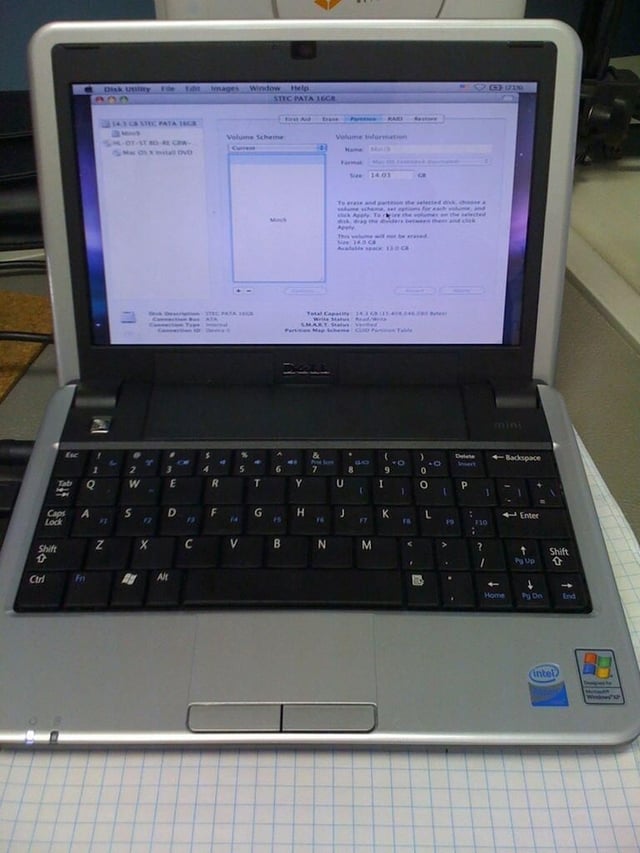
Before installing OS X you have to launch Disk Utility and format the SSD as a single partition. Don’t forget to go to Options and select GUID Partition Table or it won’t work.
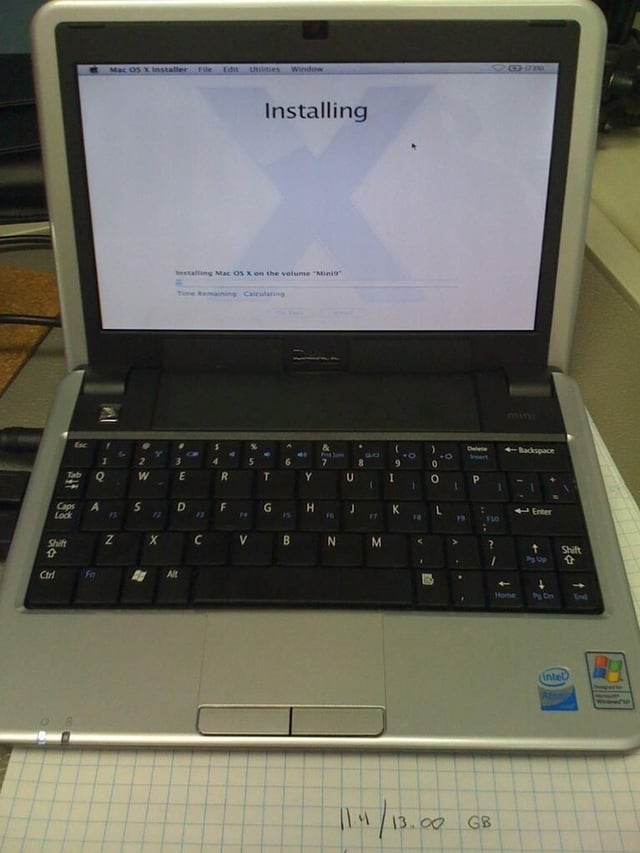
Before installing click the “Customize” button and uncheck as much as possible to save space. I unchecked everything except the Canon and Xerox printer drivers.
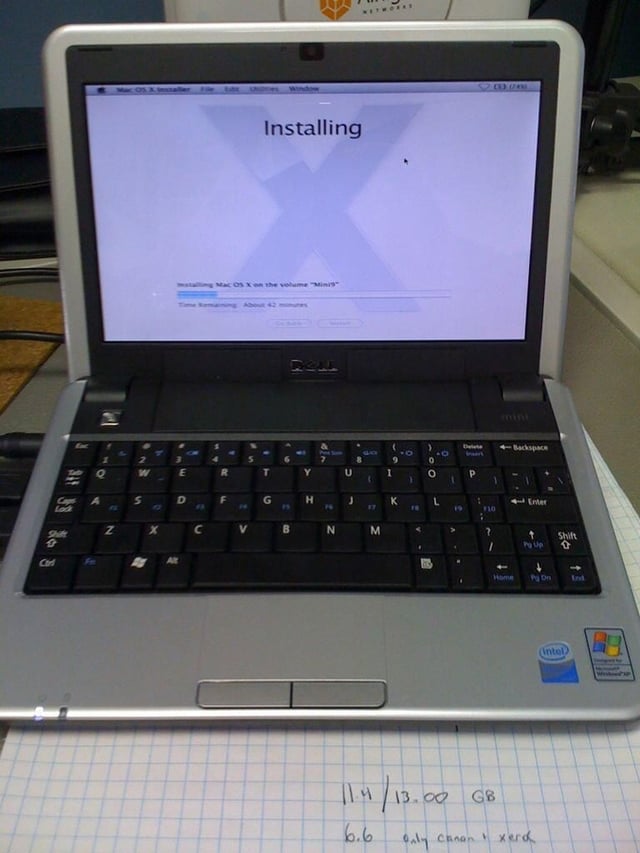
Installing Mac OS X on the formatted SSD takes about 47 minutes so smoke ’em if you got ’em.
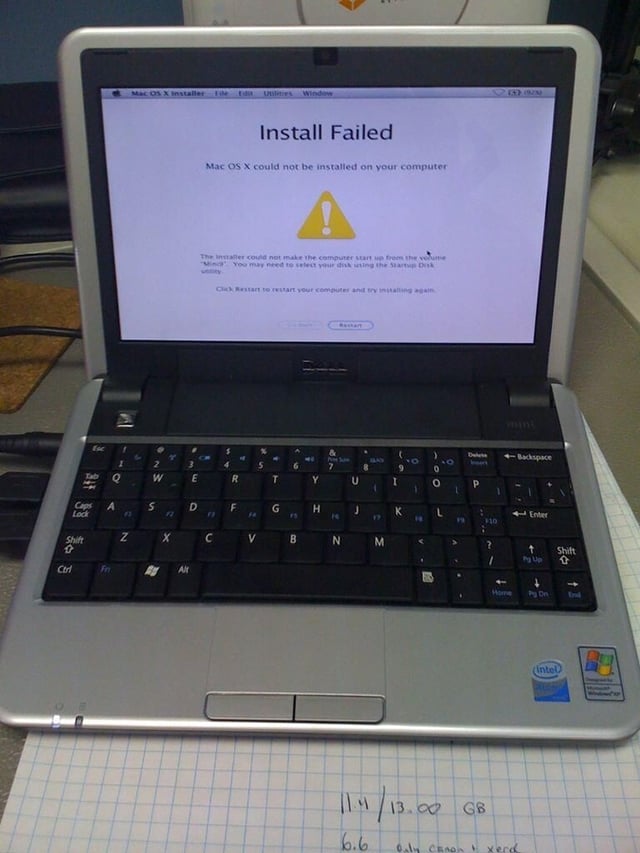
After patiently waiting the 47 minutes for Mac OS X to install, you may be greeted by an ugly “Install Failed” error message. Don’t worry, this is normal.
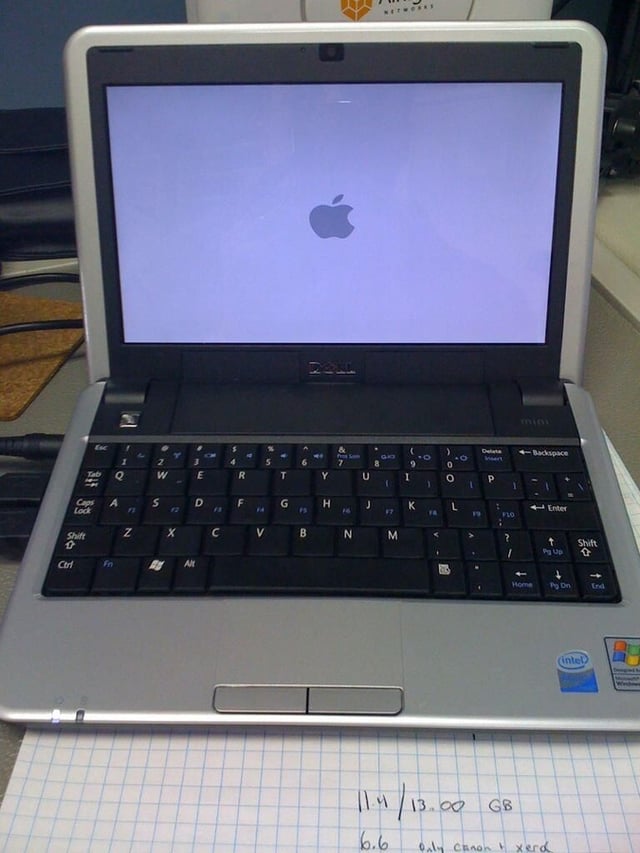
Maiden OS X boot from SSD is taking a loooooong time. Starting to worry.
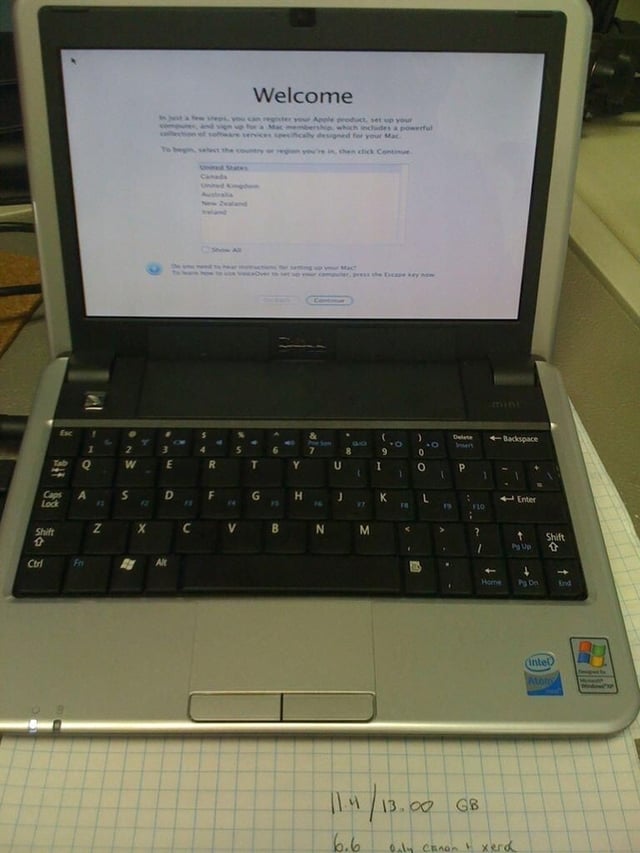
Success! I’ve never been so happy to see the Welcome screen 😉
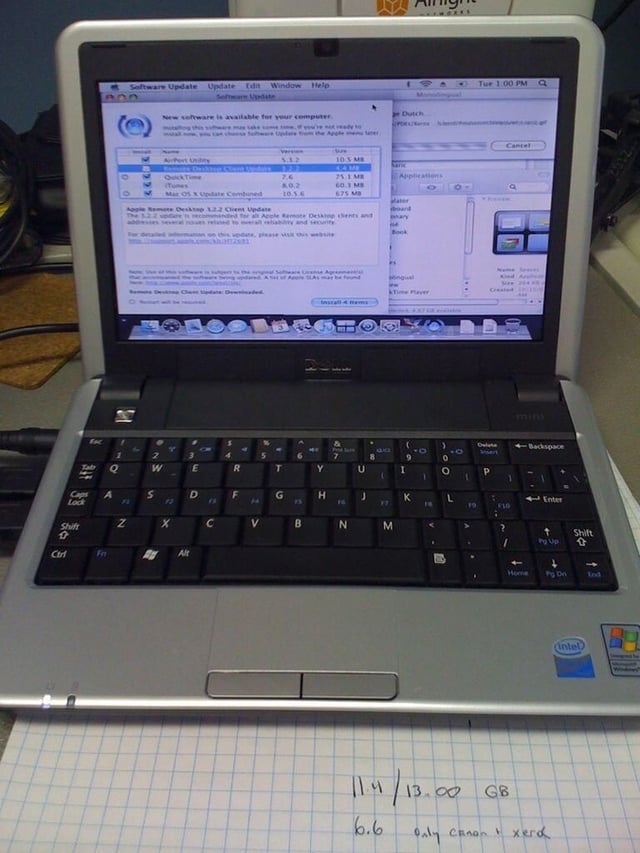
Bunch of software updates needed. I installed 10.5.1 initially. That’s Monolingual running in the upper right.
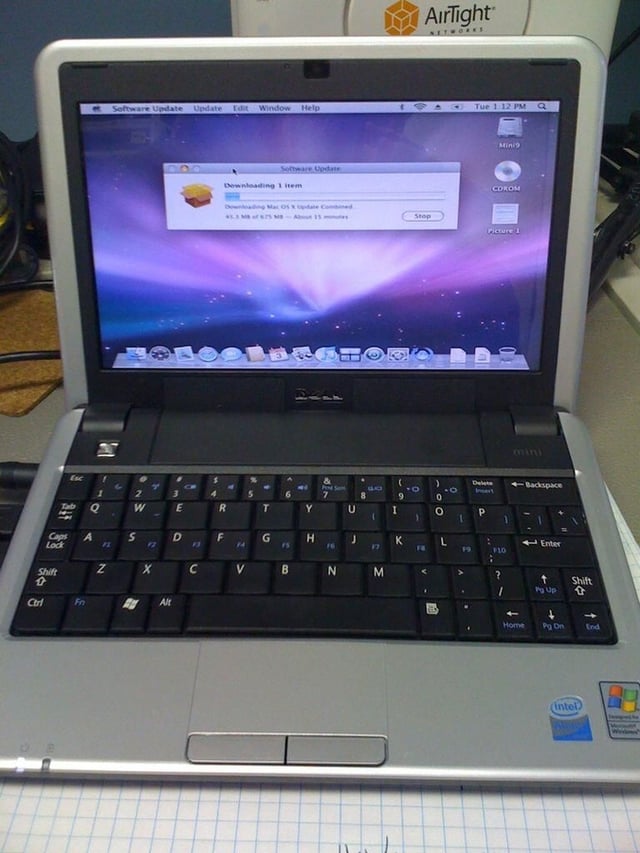
After making enough room to install Mac OS 10.5.6 (you need at least 4.9GB) prepare to wait a while. For some reason the SSD is painfully slow, taking over 2 hours for this process.
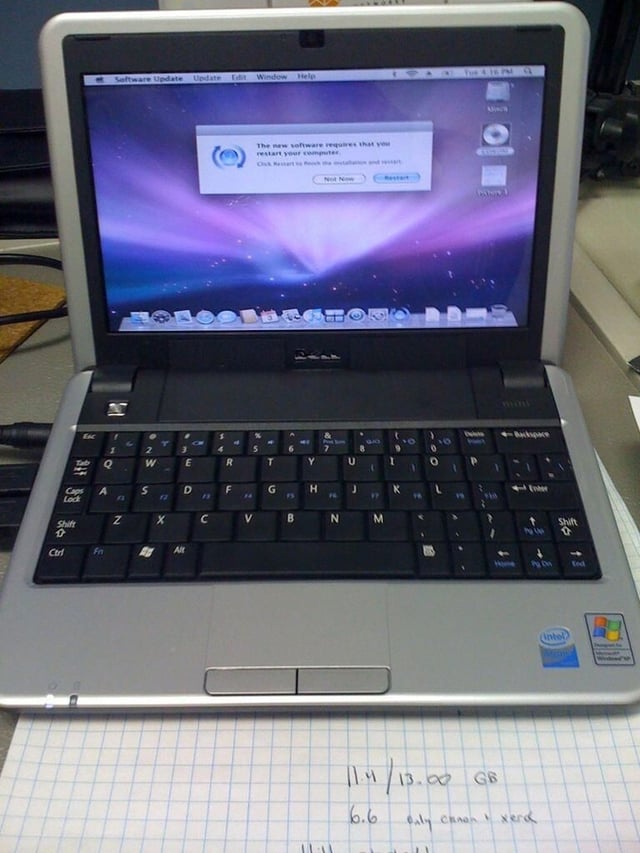
Finally, the Restart button! The mini 9 gets weird after being left idle for more than an hour. The screen often stops refreshing on long installs. A couple of clicks and key presses usually wakes it from the coma though.
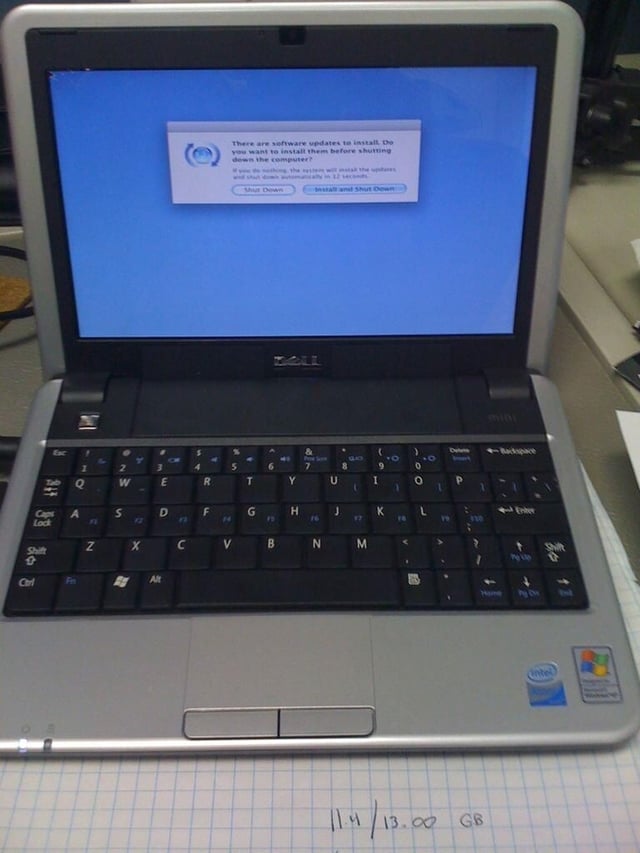
After the 2 hour download of 10.5.6 and fumbling to make to accept the Restart command, be prepared for another long wait. This time after necessary pre-shutdown install.
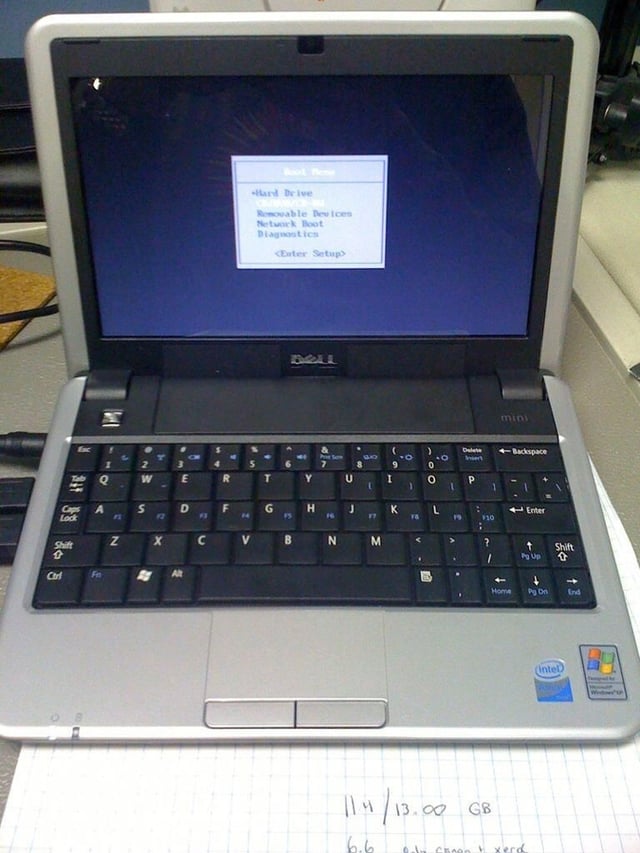
This is the Mini 9 boot menu you get by holding down the zero key at boot. Arrow down to the optical drive to boot from the Type11 bootloader.
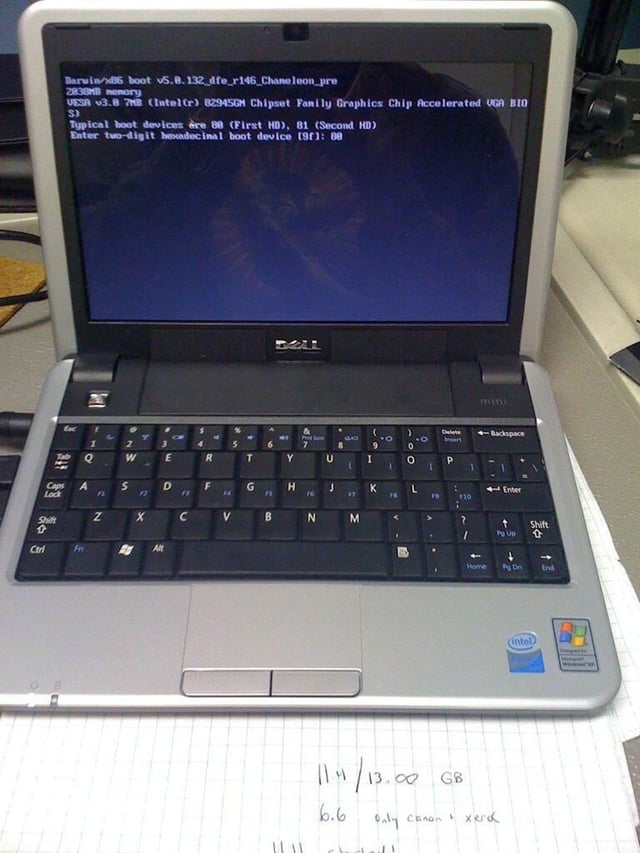
Type11 bootloader – choose your boot device.
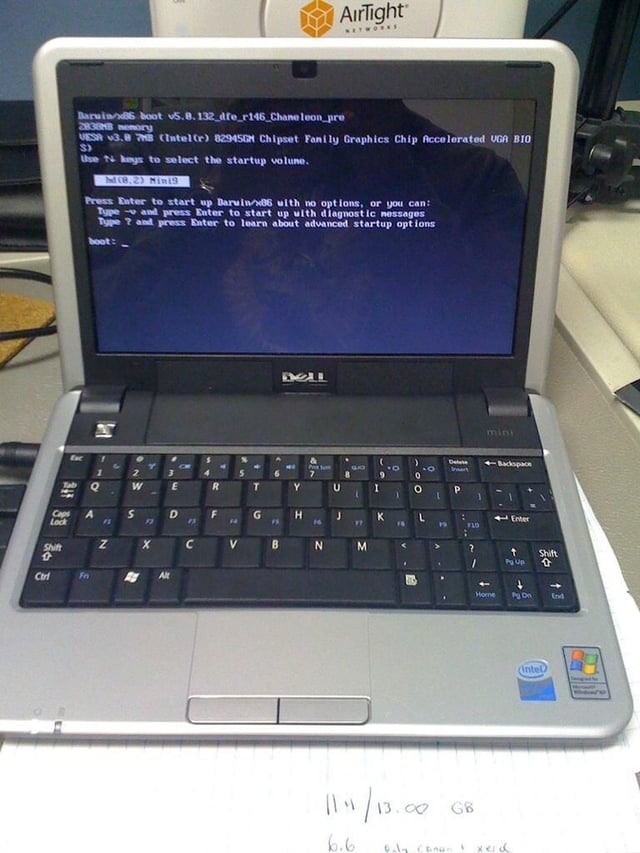
Type11 bootloader – start with options or just hit Return for no options.
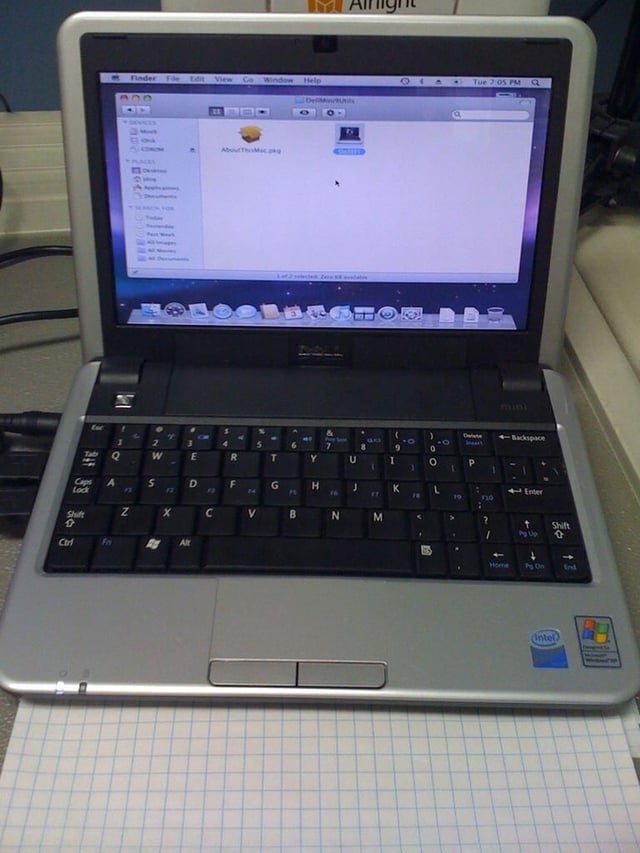
Last step is to run the DellEFI Installer which lives in the DellMini9Utils folder on Type11 bootloader CD.
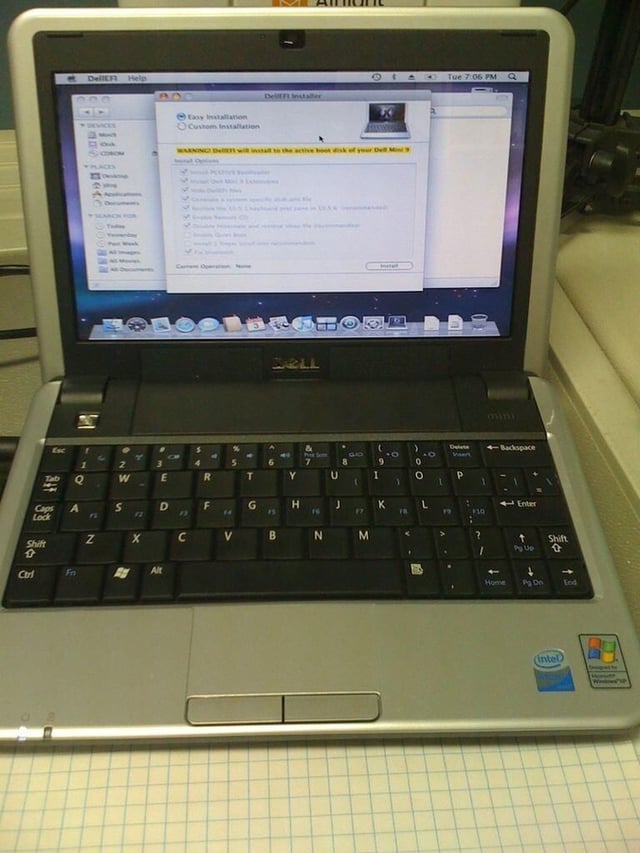
The DellEFI Installer. Look at all the nice things that it does for you 🙂
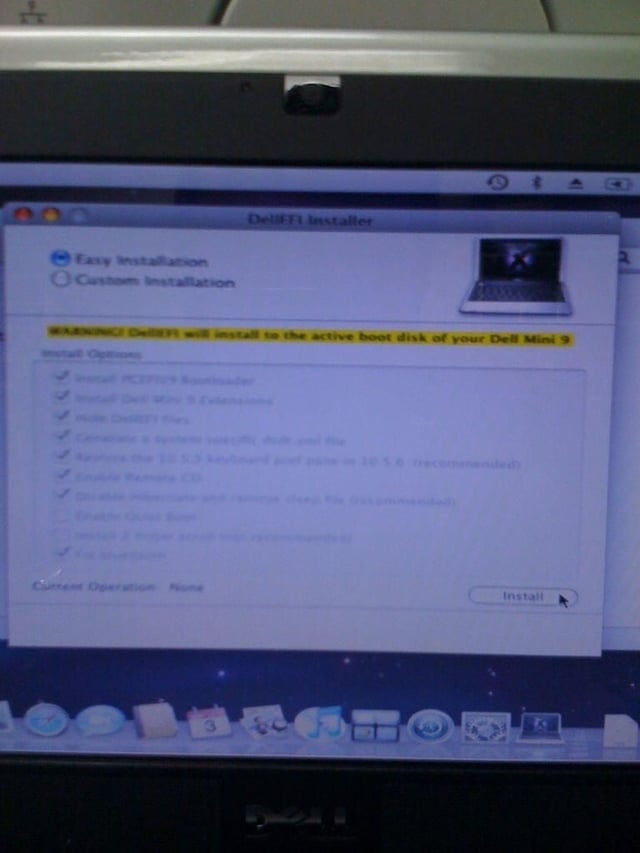
Go with the default options and resist the urge to, say enable Quiet Book and two-finger scroll. I’m just sayin’
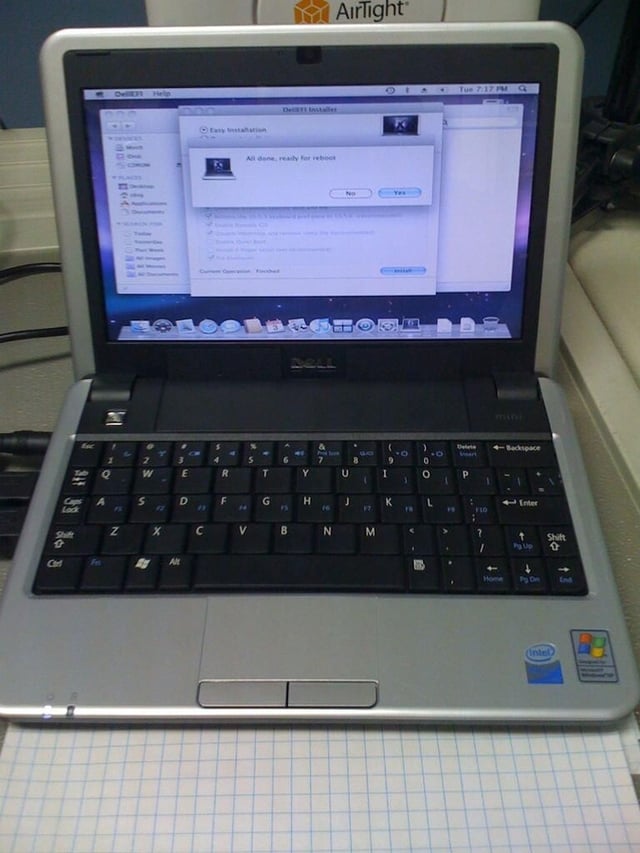
All done, ready for reboot.
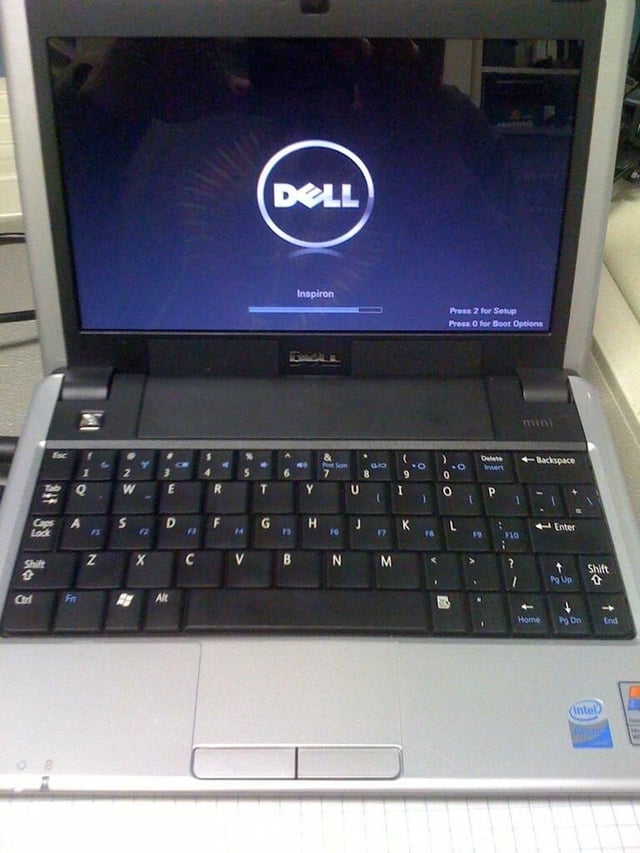
The Dell boot screen, which is kind of weird to see before booting OS X. Press 2 for setup and 0 for boot options.
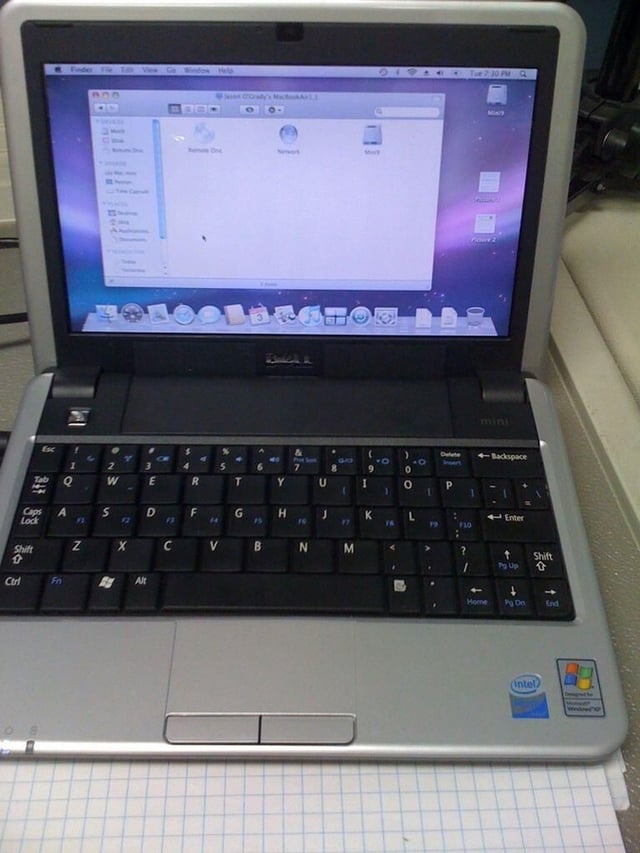
Ah, the Mac OS X desktop in its native (non-stretched) 1024*600 resolution. Life is good at this point.
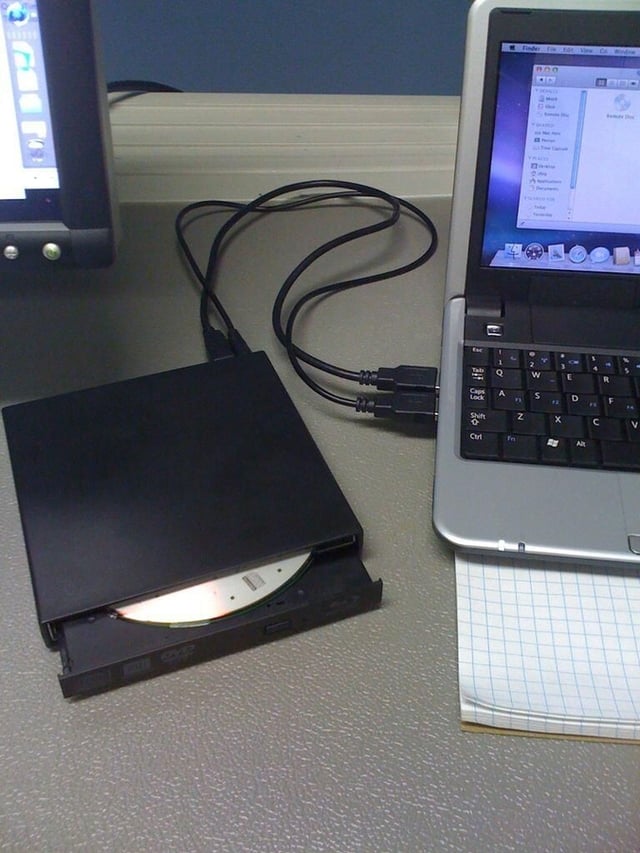
This is the slimline Blu-Ray drive from FastMac that I used for my OS X install. Sure, you can install entire from a flash drive (8GB or larger) but I don’t recommend it. $100 for the BD reader, $300 for the 1x BD writer, $400 for the 4x writer.
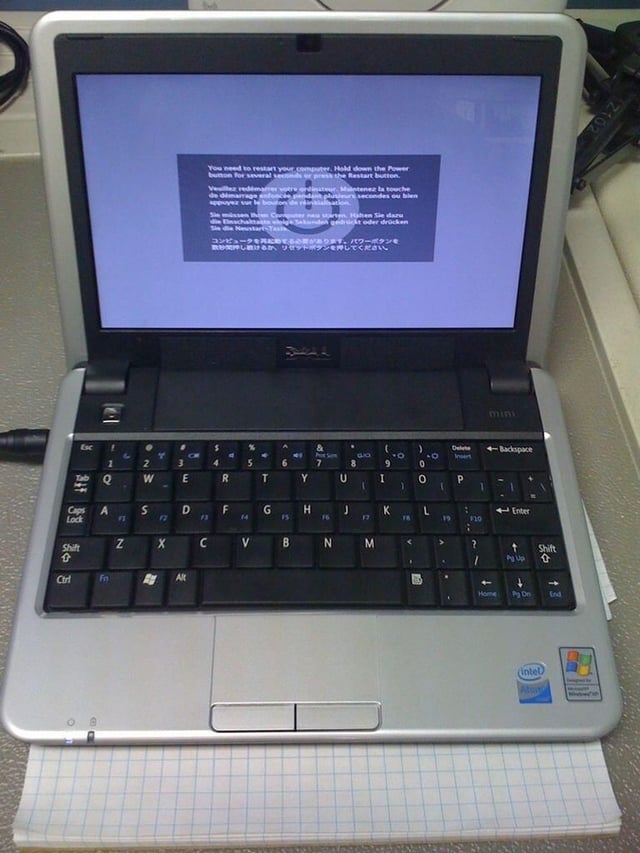
My first Kernel Panic on the Mini 9. Luckily, I haven’t had one since. Hopefully just a fluke?
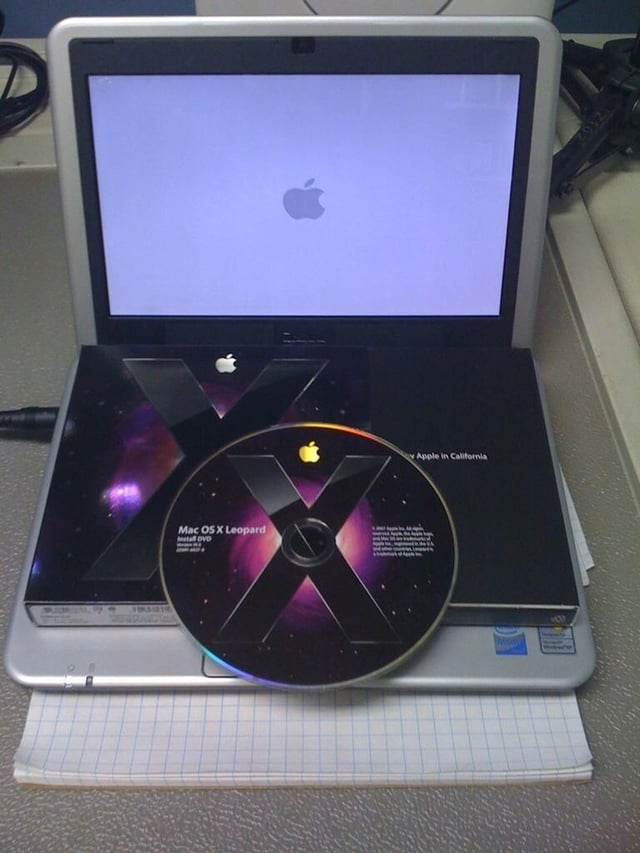
Your honor, this is the retail Mac OS X CD that I purchased for $129 that I installed on my Mini 9. Note that I didn’t use a pirated/slipstreamed version of OS X. I recommend that you do the same (besides Software Update works, which is killer!)
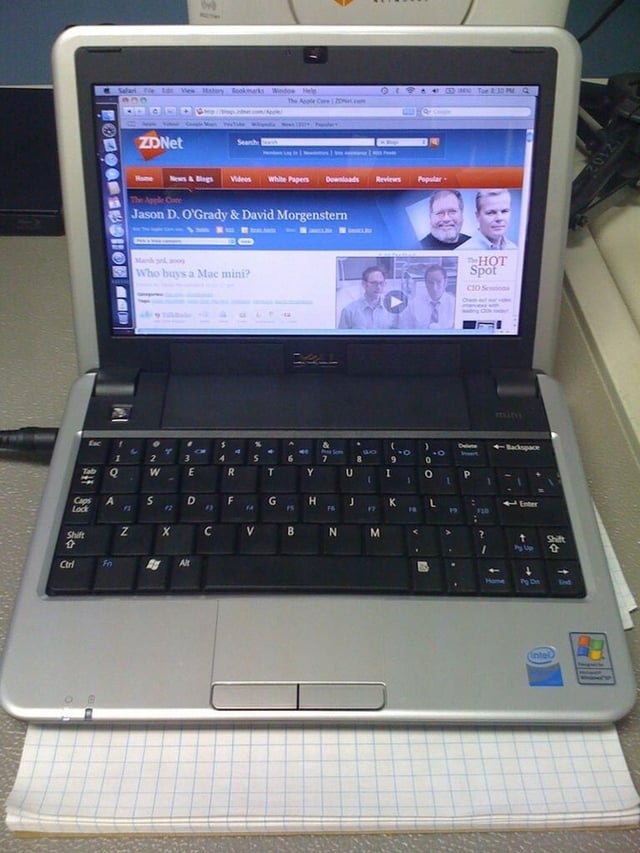
The Mac OS X desktop in all its glory. Wheee!
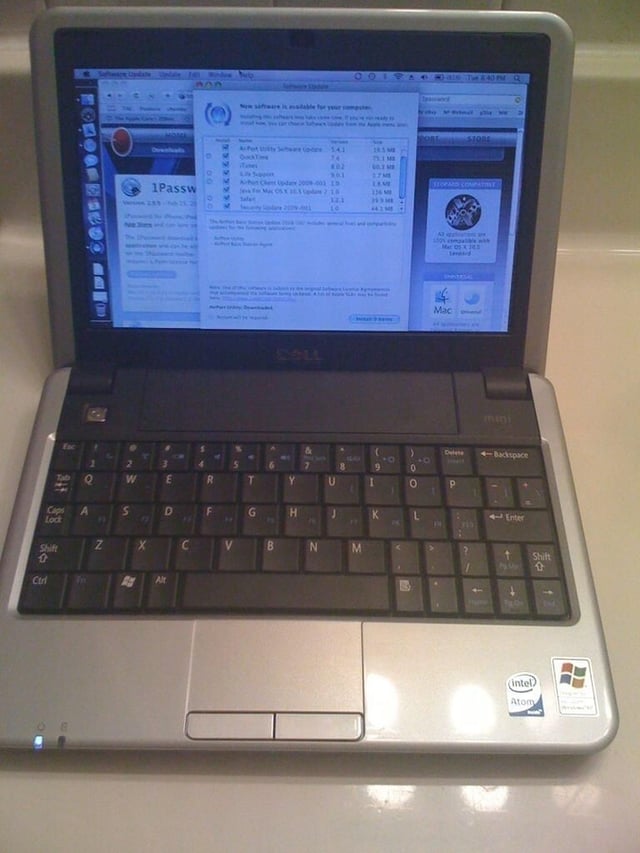
Man, I need a lot of Software Updates! I installed them all without incident and with room to spare on the Mini 9’s 16GB SSD.
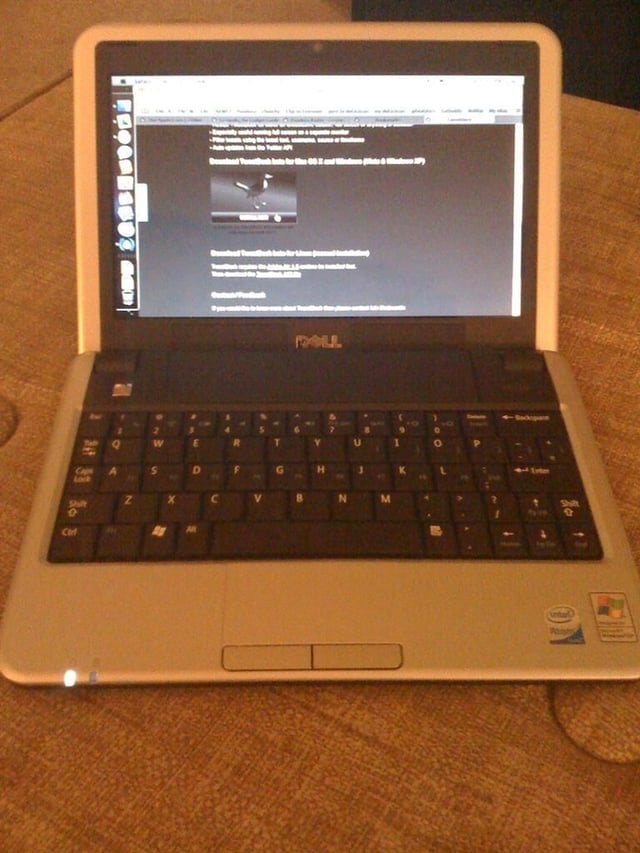
The next thing I did was sync my Safari bookmarks via MobileMe. The first software I installed was: 1Password, Tweetdeck then AdiumX.


