Click image to see in full HD
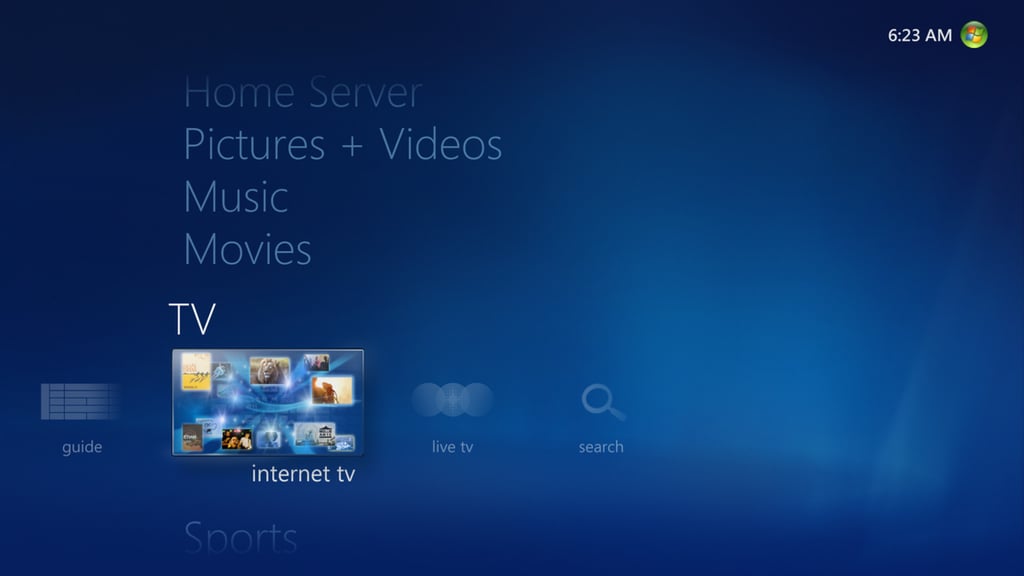
\r\n\r\nThe Internet TV icon appears on the TV strip in the main Media Center interface.\r\n\r\n
For more details, see Internet TV goes live on Windows 7 Media Center.Click image to see in full HD\r\n\r\nCaption\r\n\r\nFor more details, see Internet TV goes live on Windows 7 Media Center.
Click image to see in full HD
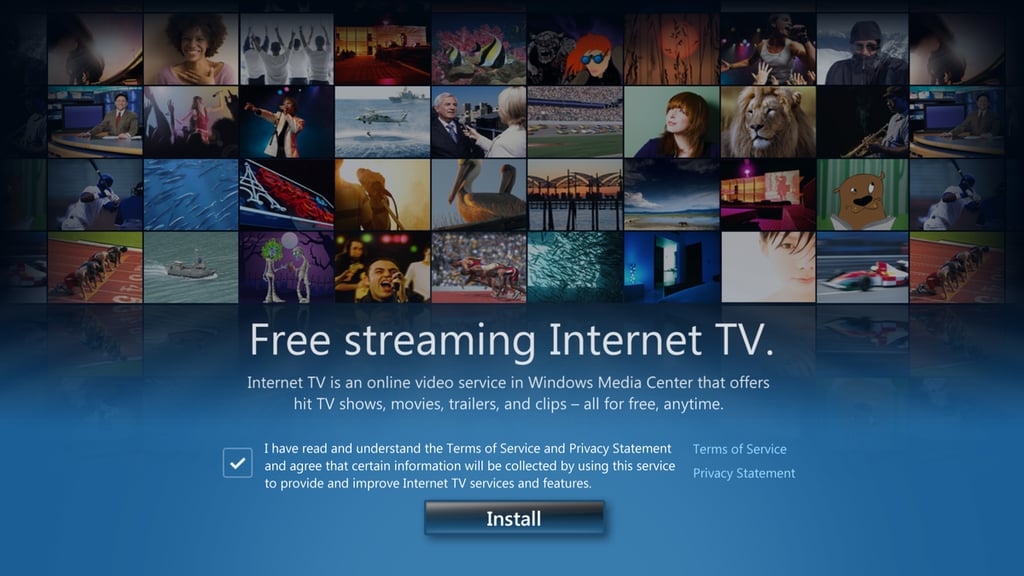
\r\n\r\nThe first time you access Internet TV, you are prompted to accept a license agreement and install a small add-in program.
\r\nFor more details, see Internet TV goes live on Windows 7 Media Center.
Click image to see in full HD
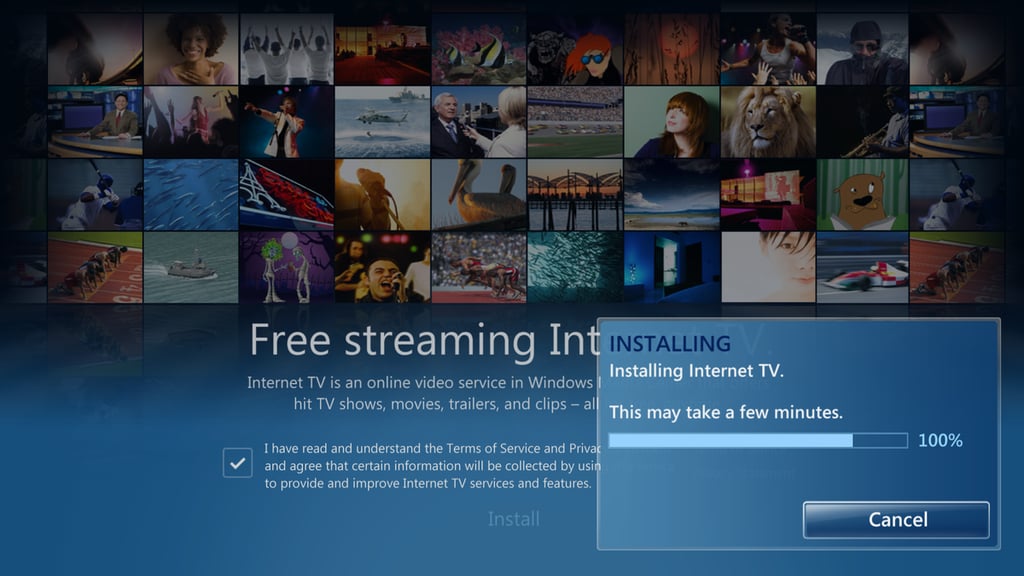
\r\n\r\nOn a broadband connection, this installer status screen is accurate. Installing the Media Center add-in took less than two minutes on the machines where I tested it.
\r\nFor more details, see Internet TV goes live on Windows 7 Media Center.
Click image to see in full HD
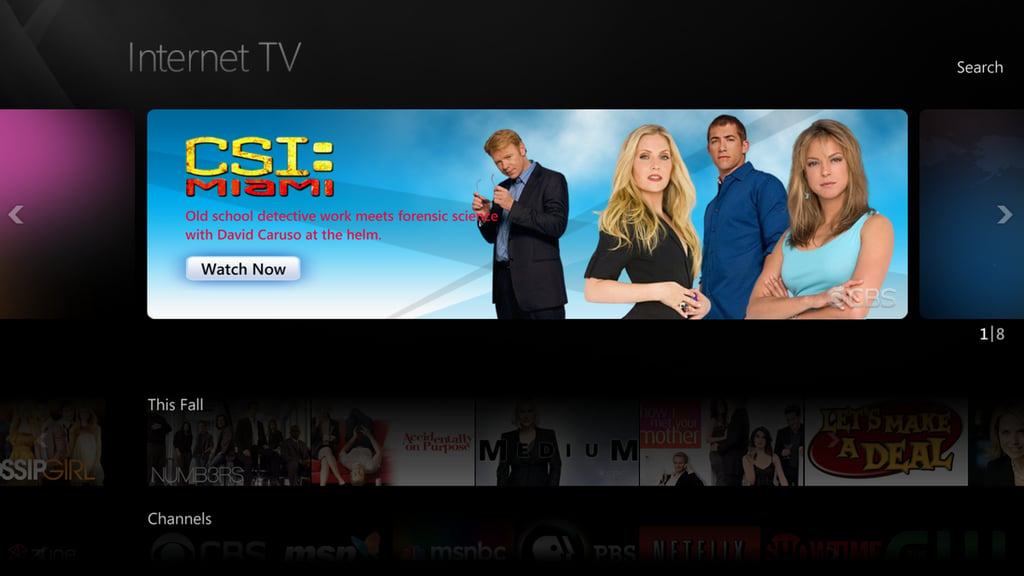
\r\n\r\nYou can use the mouse or a remote control to flip through the Internet TV interface and see which shows are available.
\r\n\r\nFor more details, see Internet TV goes live on Windows 7 Media Center.
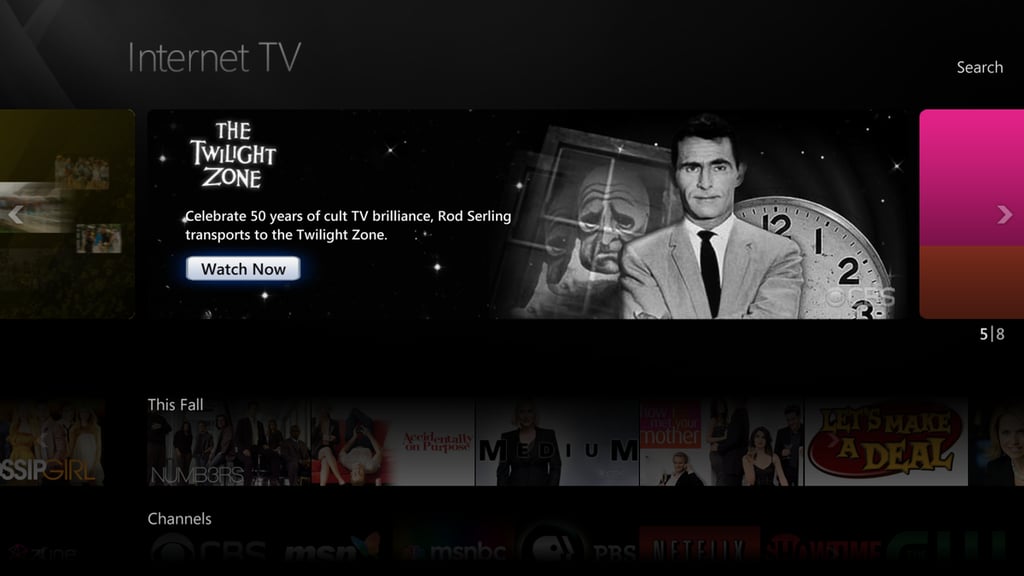
Click image to see in full HD
\r\n\r\nThe Internet TV collection includes classic series like The Twilight Zone, which celebrates its 50th anniversary this year.
\r\n\r\nFor more details, see Internet TV goes live on Windows 7 Media Center.
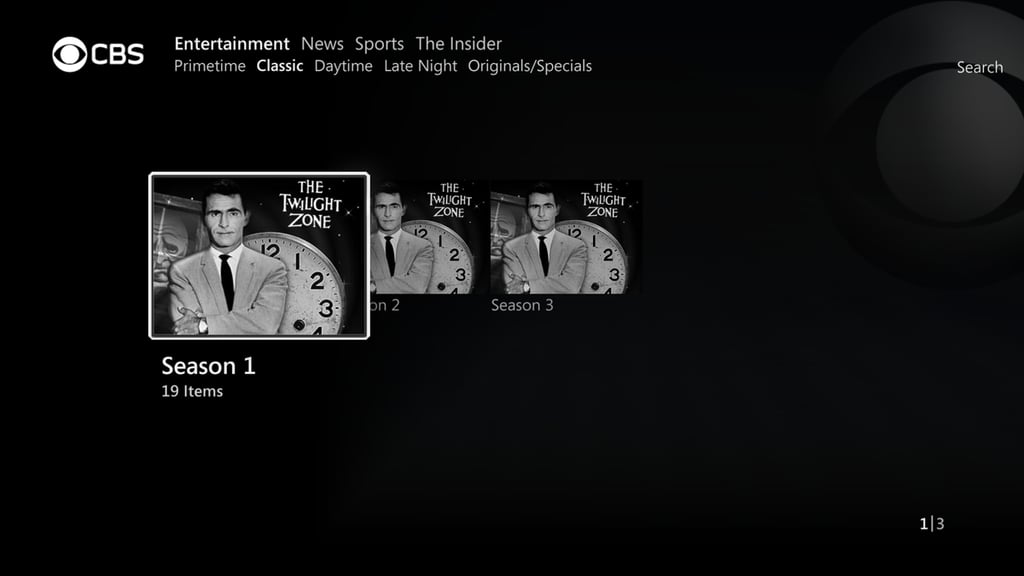
Click image to see in full HD
\r\n\r\nPressing the OK button on the remote control lets you drill down through collections. I had forgotten that The Twilight Zone was only on for three seasons.
\r\n\r\nFor more details, see Internet TV goes live on Windows 7 Media Center.
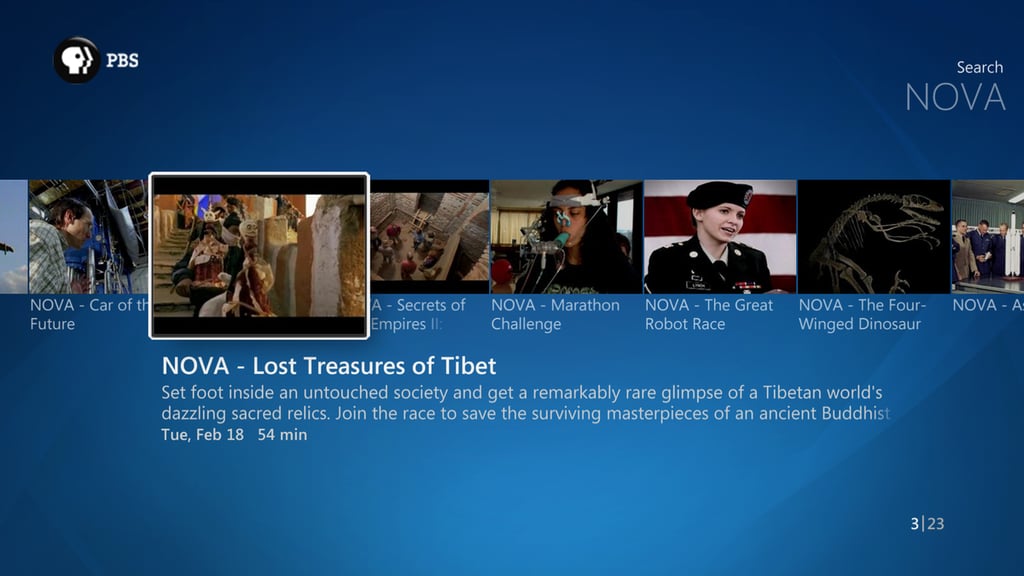
Click image to see in full HD\r\n\r\nUse the left and right buttons on the remote to view individual episodes, with details about each one, including the original broadcast date.\r\n\r\nFor more details, see Internet TV goes live on Windows 7 Media Center.
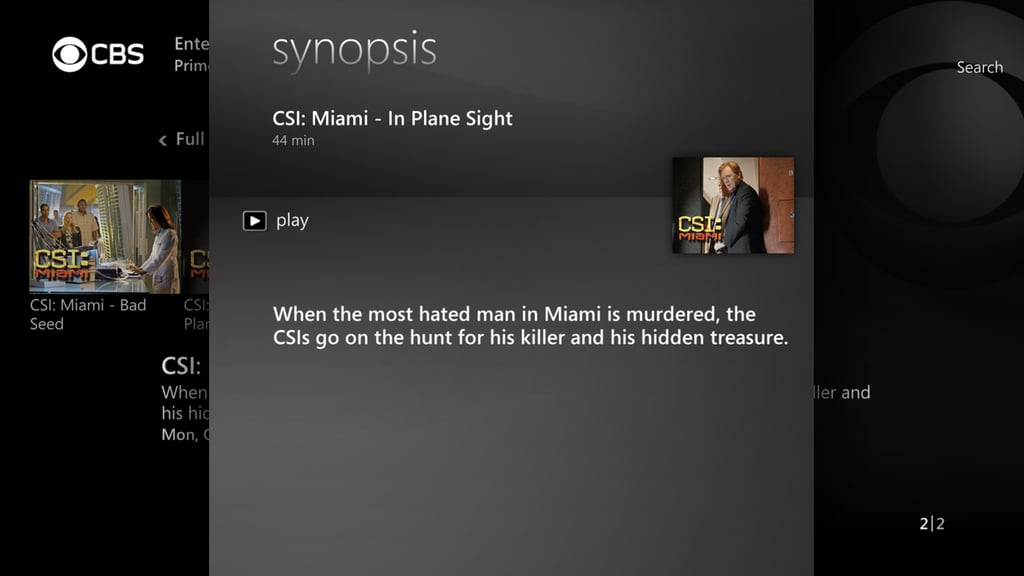
Click image to see in full HD
\r\n\r\nChoosing an episode displays this synopsis, which is similar to the pane found for an episode in the Live TV and Recorded TV sections of Media Center. Press Play to begin watching.
\r\n\r\nFor more details, see Internet TV goes live on Windows 7 Media Center.

Click image to see in full HD
\r\n\r\nHow’s the picture quality? You be the judge. This image was captured at full resolution (1920 x 1080). Click the image to display it in its own window and look closely. You’ll notice the distinct pixelation and blocking when you zoom in.
\r\n\r\nFor more details, see Internet TV goes live on Windows 7 Media Center.


