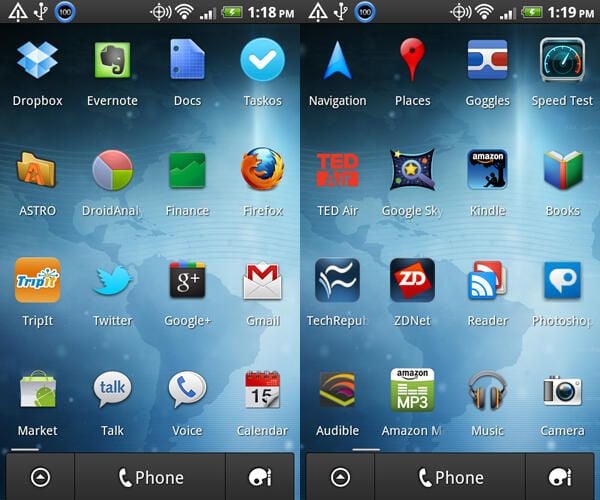
\n\tThe Android Market may not have as many apps as the iPhone App Store yet, but there are still more than enough to be overwhelmed, and it continues to grow at a breakneck pace. To help you sort through them all, here is my latest list of the 20 most useful Android apps. I’ve also recently updated my list of the most useful iPhone apps and you’ll notice several of the same apps on both lists.
\n
\n\tRemember that I primarily had business professionals in mind when making this list and also keep in mind that this is a snapshot in time. The Android platform is developing so quickly that I guarantee my home screen will look different a month from now. Still, here’s my list of tried-and-true Android apps that I can highly recommend.
\n
\n\tIf you’d prefer to view this as a list instead of a photo gallery, then see the companion blog post.
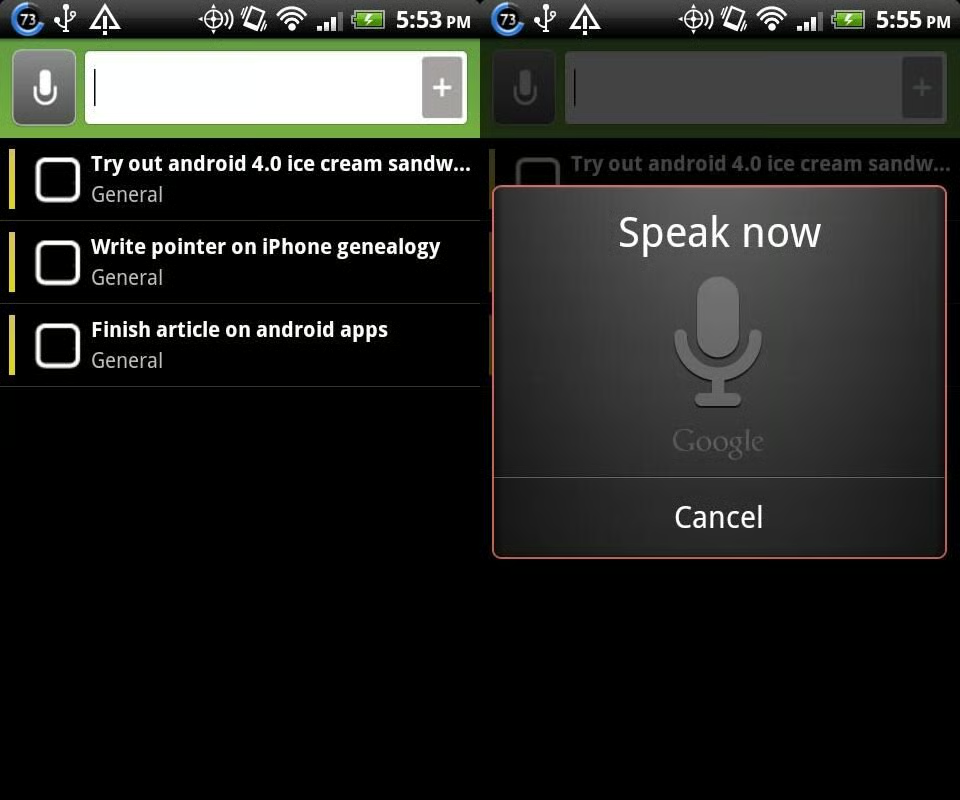
\n\tThere are plenty of to-do apps to choose from on Android but I now prefer Taskos because of the clean, easy, Android-friendly user experience. It also has a few extras that give it an advantage over apps. The biggest one is voice recognition, which lets you speak a task that the app turns into a to-do item (you might have to correct a word or two).
\n
\n\tIf you’d prefer to view this as a list instead of a photo gallery, then see the companion blog post.
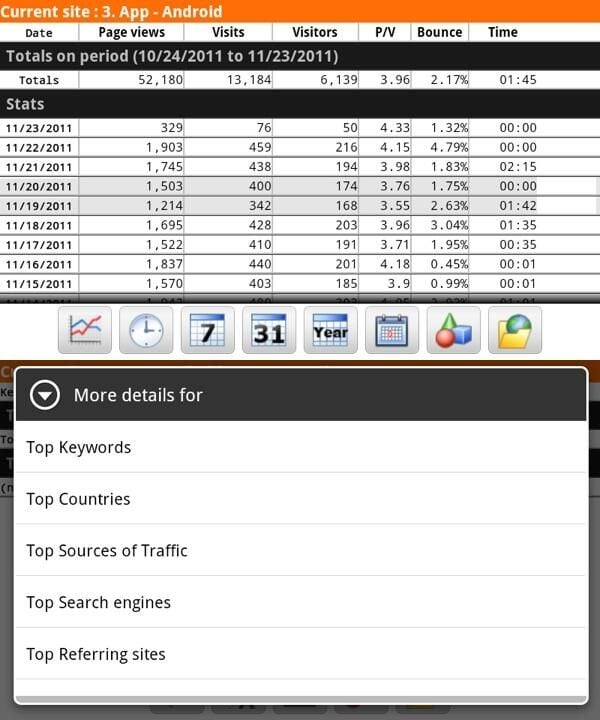
\n\tFor some reason Google doesn’t have an official app for Google Analytics (for either Android or iPhone). The best one I’ve found on Android is DroidAnalytics. Another good one is mAnalytics.
\n
\n\tIf you’d prefer to view this as a list instead of a photo gallery, then see the companion blog post.
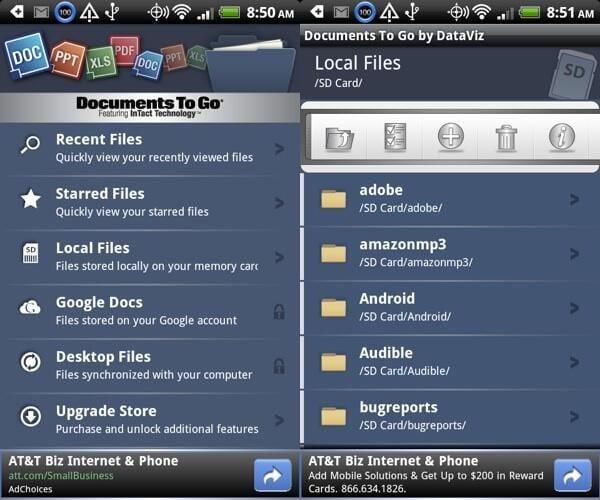
\n\tThe free version of Documents To Go offers a great little reader for Microsof Word and Excel files. You can upgrade to the full version (for $15) if you want to be able to create and edit files and add PowerPoint files to the mix. If you do want editing capability, I’d also recommend taking a look at QuickOffice.
\n
\n\tIf you’d prefer to view this as a list instead of a photo gallery, then see the companion blog post.
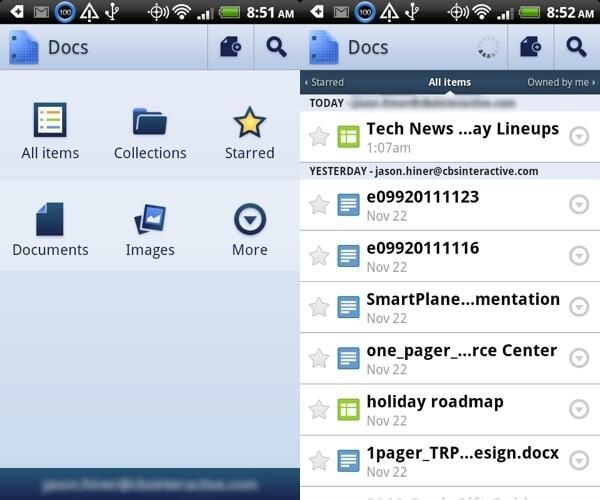
\n\tIf you mostly work with Google Docs (including uploading Microsoft Office files to your Google Docs repository) then the only app you’ll really need is the Google Docs app. It’s a nice mobile implementation of document management, although the one annoyance is that always open up files in a web browser rather than within the app itself, which would be a little smoother.
\n
\n\tIf you’d prefer to view this as a list instead of a photo gallery, then see the companion blog post.
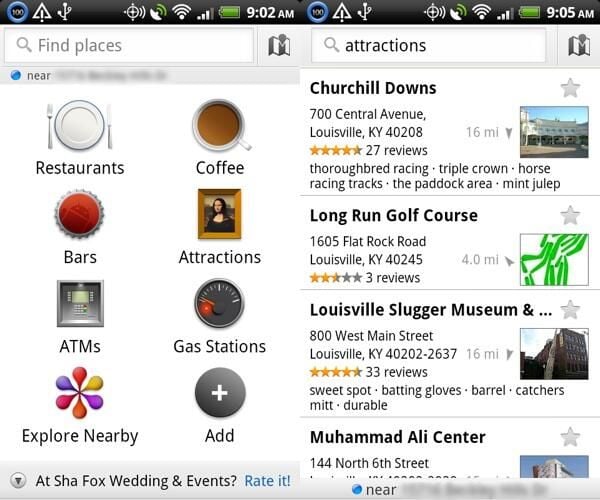
\n\tThis is an awesome app for finding shops and services near your current location. From restaurants to medical facilities to taxis, this app is very accurate and takes advantage of the business information from Google Local. This app is better than the info you get from a GPS unit (or app) and better than any of the similar apps available on the iPhone. It’s also integrated into Google Maps.
\n
\n\tIf you’d prefer to view this as a list instead of a photo gallery, then see the companion blog post.
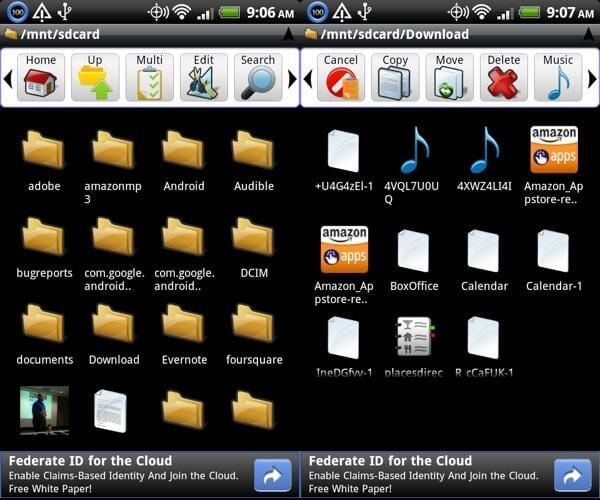
\n\tAnother one of the great things about Android (if you’re a geek or a tinkerer) is that you have lower-level access to the system itself. Astro is an app that lets you navigate the Android file system, which is mostly just interesting, but can be handy once in a while.
\n
\n\tIf you’d prefer to view this as a list instead of a photo gallery, then see the companion blog post.
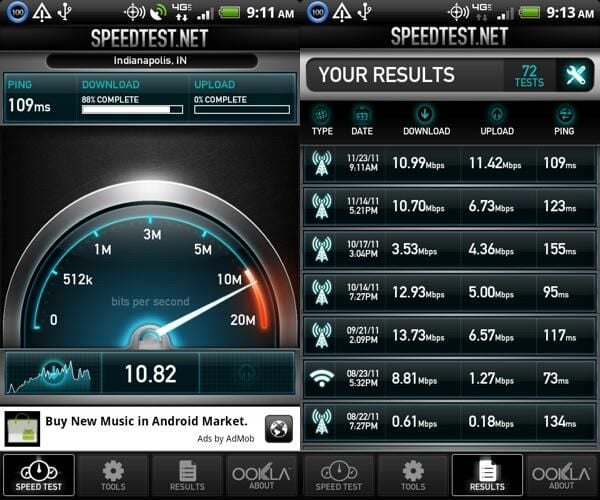
\n\tI’m obsessed with running speed tests to check my bandwidth in various places, both to see 3G/4G fluctuations and to check the quality of Wi-Fi. There are a number of really good speed test apps, but my favorite is the Speedtest.net app. It’s generally consistent and it has some of the best graphics and options.
\n
\n\tIf you’d prefer to view this as a list instead of a photo gallery, then see the companion blog post.
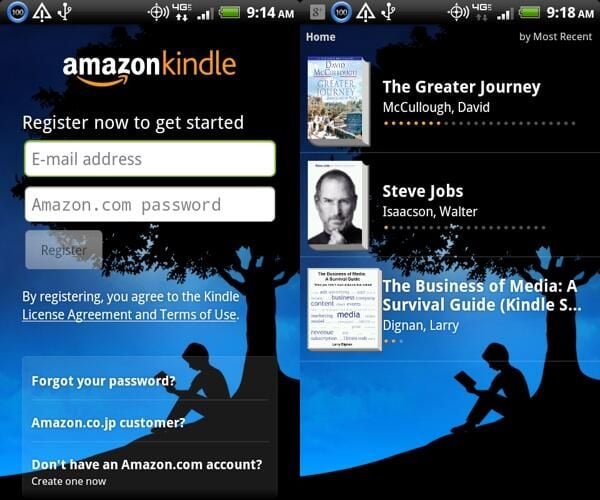
\n\tI’ve never completely warmed up to the Amazon Kindle e-reader, but I’m a big fan of the Kindle mobile app. Since it was released I’ve read a lot more books simply because my smartphone is always with me and I can pull it out and read a few pages anytime I’ve got a couple minutes free.
\n
\n\tIf you’d prefer to view this as a list instead of a photo gallery, then see the companion blog post.
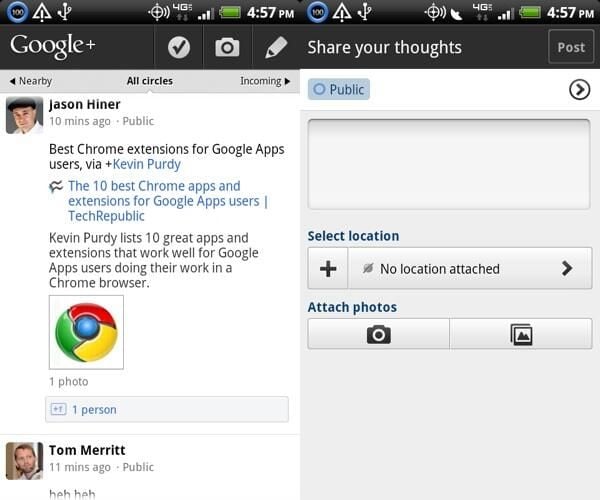
\n\tI’ve written a lot about Google+ since it launched in July and I’m pretty active over there (+Jason Hiner). One of the great things that Google did was to release a Google+ Android app at the same time it launched the service as a beta. And, surprisingly, the app was actually pretty good and has been improved since. It immediately became one of my most used mobile apps and definitely stole some of my time away from Android’s Twitter app, mostly because Google+ is a little more interactive.
\n
\n\tIf you’d prefer to view this as a list instead of a photo gallery, then see the companion blog post.
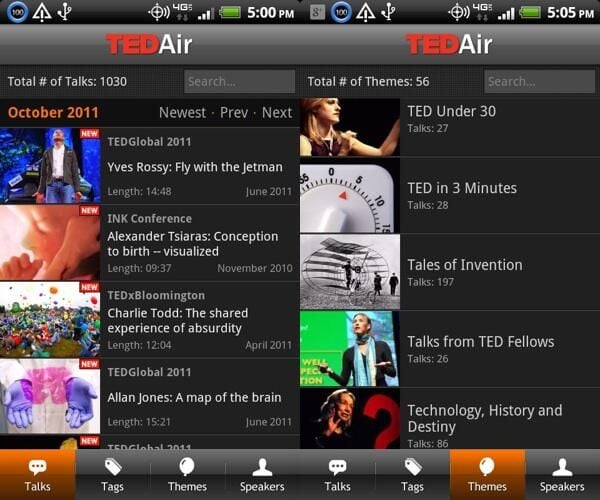
\n\tThe TED conference features a meeting of the minds of some of society’s most influential thinkers. You’ll disagree with some of them since there’s a large diversity of viewpoints, but many talks are worth listening to in order to catch the latest creative thinking on society’s biggest challenges. The cool thing is that they’ve taken the videos from the conference and made them freely available on the Web. The TED Air app provides a great way to access the videos on a mobile device. I hope more conferences follow TED’s lead on this.
\n
\n\tIf you’d prefer to view this as a list instead of a photo gallery, then see the companion blog post.
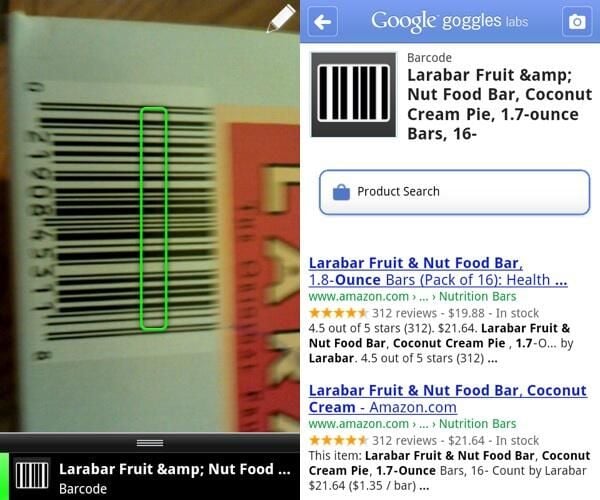
\n\tThis is a fun app that is a little bit ahead of its time. It does visual searches. You can take pictures of things and then the app tries to tell you what they are. It’s limited in its scope but it is pretty cool, and it’s definitely a peek into the future. One of the coolest features is the ability to take pictures of text in a foreign language and let the app translate it for you. In a foreign country, this can help you read street signs and avoid going into the wrong bathroom. 🙂 On a more practical level, Goggles is a QR code reader and you can also use it to scan bar codes on products to look them up online.
\n
\n\tIf you’d prefer to view this as a list instead of a photo gallery, then see the companion blog post.
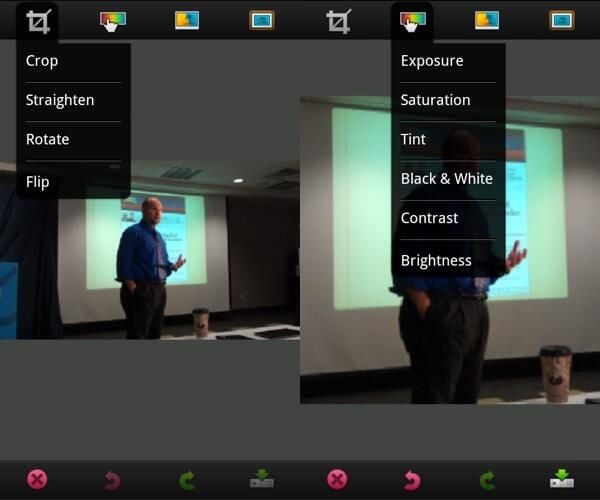
\n\tPhotoshop is, of course, the best known photo editor in the world and its mobile app doesn’t do anything to hurt that reputation. But while the desktop version is known for having a zillion features, the mobile app is distinguished by its simplicity. It’s the best Android (and iPhone) photo editing app for simple crops, brightness adjustments, and sharpens, for example.
\n
\n\tIf you’d prefer to view this as a list instead of a photo gallery, then see the companion blog post.
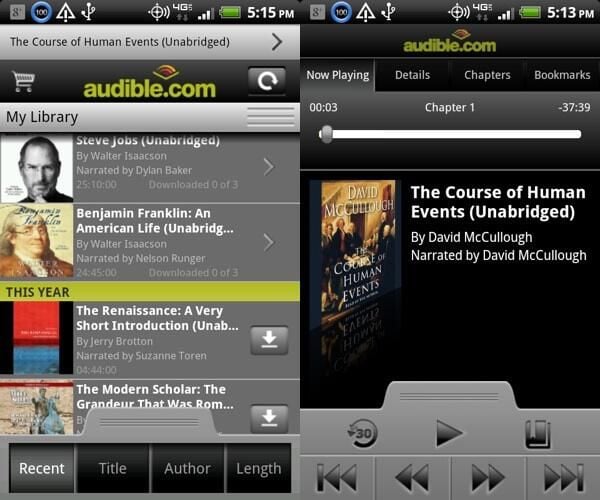
\n\tAs much as I like the Kindle ebooks, I actually consume more books as audiobooks via Audible. With the Audible app you can connect to your Audible library and download over the air. The app also gives you a self-contained player optimized for audiobooks, with a skip-back-30-seconds button and the opportunity to make notes and bookmarks (although I wish the app would store these online so that they could be accessed from the Audible site).
\n
\n\tIf you’d prefer to view this as a list instead of a photo gallery, then see the companion blog post.
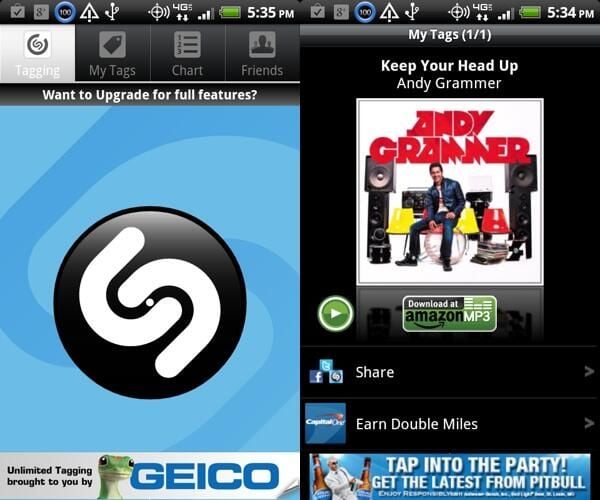
\n\tIf you want to impress your friends with a mobile app, show them Shazam. Ever hear a song being played at a store or on the radio and ask yourself, “Oh, what song is that?” That’s where Shazam comes in. Just hit the button and let it listen for 15 seconds, query its database, and then return the name of artist and the song. It has about an 80% success rate. This one isn’t particularly productive, but it is really cool. (You have to live a little, every once in a while.)
\n
\n\tIf you’d prefer to view this as a list instead of a photo gallery, then see the companion blog post.
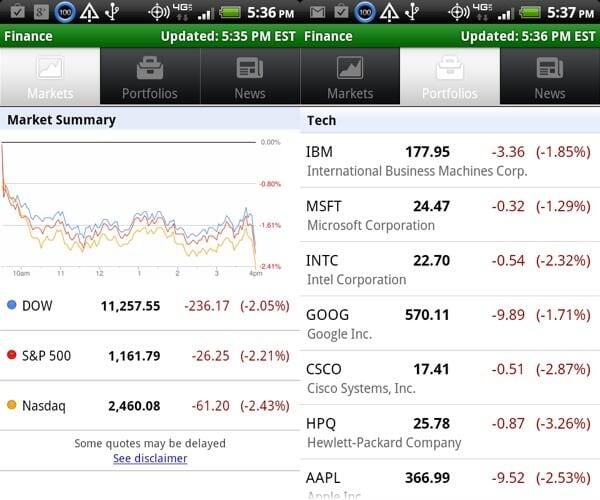
\n\tThis is a great little app that regularly gets overlooked. It connects to your Google Finance account, where you can set up a list of stocks and companies to follow and sort them into groups (portfolios). The app provides three simple tabs — a look at the market, a look at your portfolios, and the latest market news. It even does real-time updates when you have the app open.
\n
\n\tIf you’d prefer to view this as a list instead of a photo gallery, then see the companion blog post.

Jason Hiner is Editorial Director of CNET and former Editor in Chief of TechRepublic. He's co-author of the book, Follow the Geeks.


