\n\tThis gallery is also available as a post in the Tech Republic Five Apps Blog.
\n
\n\tLet’s face it, one of the primary jobs a Windows admin does is keep machines free of infection. It’s inevitable – end users will open files, install cutesy apps, and go to sites they shouldn’t. When they do these things, their machines get infected. When their machines get infected, you could wind up fighting a losing battle – unless you have the right tools.
\n
\n\tSometimes the antivirus tools installed on the machine just aren’t enough. When that time comes, you’ll be glad you have one (or more) tools on your USB drive to help you out. I’ve found five such tools that could certainly get you out of a serious pinch. All of these tools are portable and work like champs.
\n
\n
\n
\n
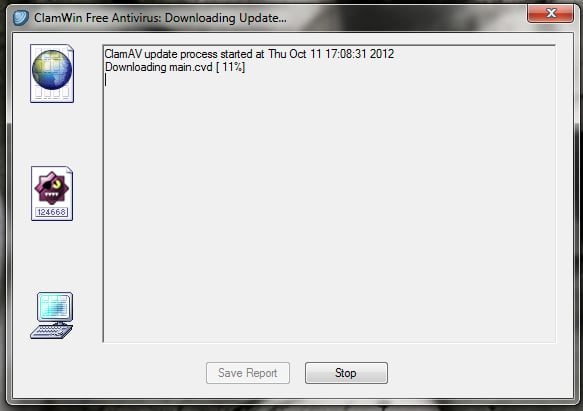
\n\tClamWin Portable is very much like its big brother: It’s free, open source, and does a great job of disinfecting machines. ClamWin has a very high detection rate, has frequently updated definitions, and has an easy to use graphical interface.
\n
\n\tCredit: Images by Jack Wallen for TechRepublic
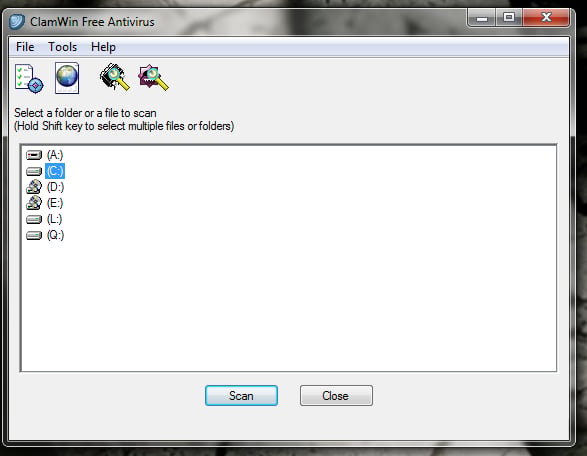
\n\tThe only caveat to using ClamWin is that it does not offer a real-time scanner – which is not an issue for a portable version. This is my go-to portable virus scanning software.
\n
\n\tCredit: Images by Jack Wallen for TechRepublic
\n
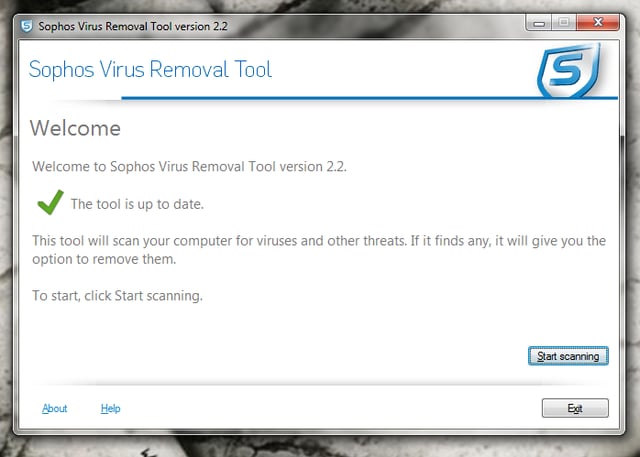
\n\tSophos Anti Rootkit Portable is one of those tools you hope you never have to use; but you know, at some point, you will. Sophos is remarkably adept at locating root kits – especially for a portable app. Sophos: scans, detects and removes rootkits, is 100% free, supports Windows XP, Vista and 7, and works alongside your existing antivirus.
\n
\n\tCredit: Images by Jack Wallen for TechRepublic
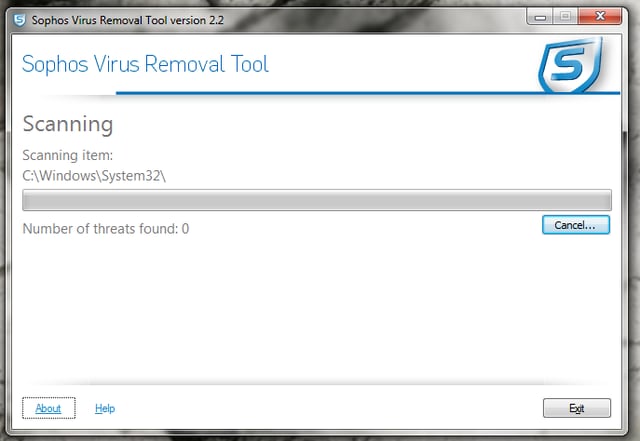
\n\tI have found Sophos reliable enough to use even while the PC being scanned is in use.
\n
\n\tCredit: Images by Jack Wallen for TechRepublic
\n
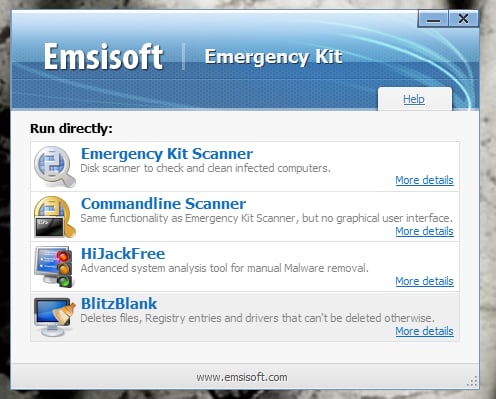
\n\tEmsisoft Free Emergency Toolkit is a powerful malware removal tool that can scan for, and remove, over six million dangers to your PC. Emsisoft Free Emergency Toolkit has both a GUI and a command line version, so you can scan your machine even if there are problems with the GUI.
\n
\n\tCredit: Images by Jack Wallen for TechRepublic
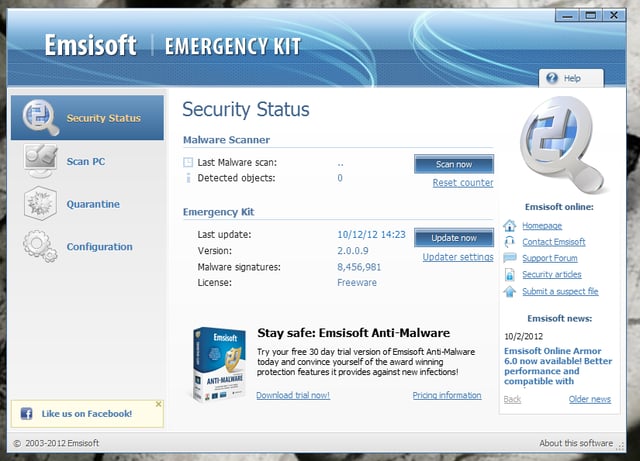
\n\tWith this toolkit, you not only get the malware scanner, you also get HiJackFree and BlitzBlank as well. Emsisoft offers the free download, or you can purchase a pre-compiled USB stick.
\n
\n\tCredit: Images by Jack Wallen for TechRepublic
\n
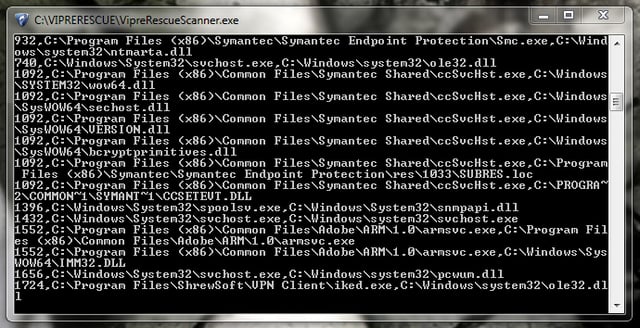
\n\tVipre Rescue is that tool you use when your machine is severely infected. Vipre is run in safe mode and does not depend upon a GUI tool for use. You double-click the executable and a command window opens with the scanner running (and running at blazing speeds).
\n
\n\tCredit: Images by Jack Wallen for TechRepublic
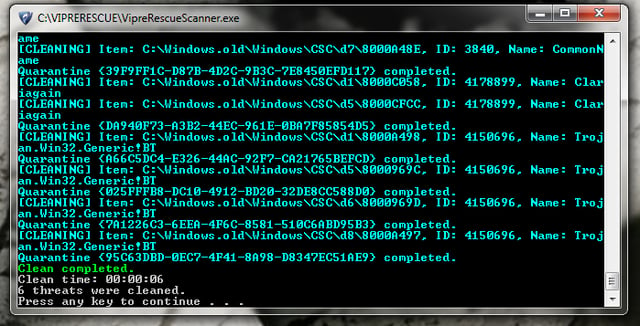
\n\tIf you already use the full version of Vipre, you can still run this tool should your machine become so infected, Vipre will not run.
\n
\n\tCredit: Images by Jack Wallen for TechRepublic
\n
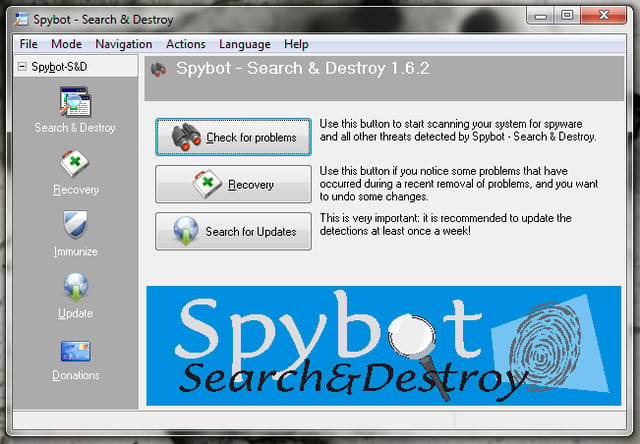
\n\tSpybot Search and Destroy Portable is the portable version of the massively popular full Spybot Search and Destroy. This antimalware tool does a great job of finding and removing malicious software – all from your flash drive.
\n
\n\tCredit: Images by Jack Wallen for TechRepublic
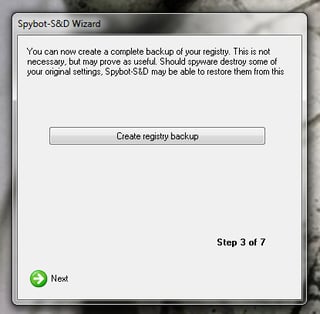
\n\tSpybot has a unique feature that will help you backup your registry before you begin the scan. Should Spybot fubar your PCs registry, you have a backup to restore to – safe and sound.
\n
\n
\n\tYou know that point is coming when you’ll require the assistance of portable antivirus and/or antimalware. It’s a shame that this is such a big part of our jobs, but it is inevitable. Make sure you are always armed with the tools to combat this plague by keeping a few of these portable apps along with you.
\n
\n
\n\t
\n\t
\n
\n
\n\tCredit: Images by Jack Wallen for TechRepublic

Jack Wallen is an award-winning writer for TechRepublic, The New Stack, and Linux New Media. He's covered a variety of topics for over twenty years and is an avid promoter of open source. For more news about Jack Wallen, visit his website jackwallen.com.


