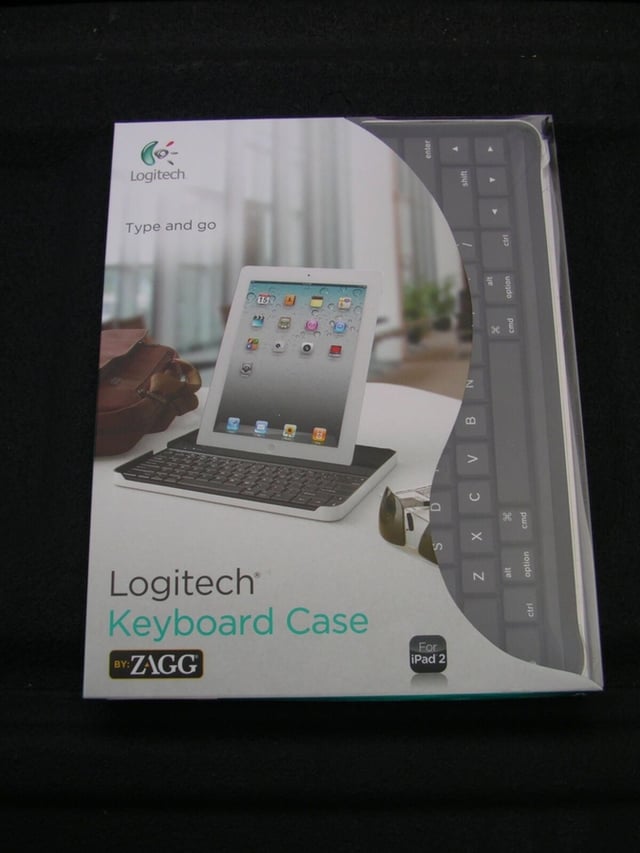
\n\tYou can get a lot of work done on the iPad thanks to powerful applications and services. There are also accessories that help you get things done and the Logitech Keyboard Case from ZAGG is one that you should consider if you like to write on the go and want serious display protection.
\n
\n\tMake sure to check out my full ZDNet review of the case with detailed thoughts on the keyboard.
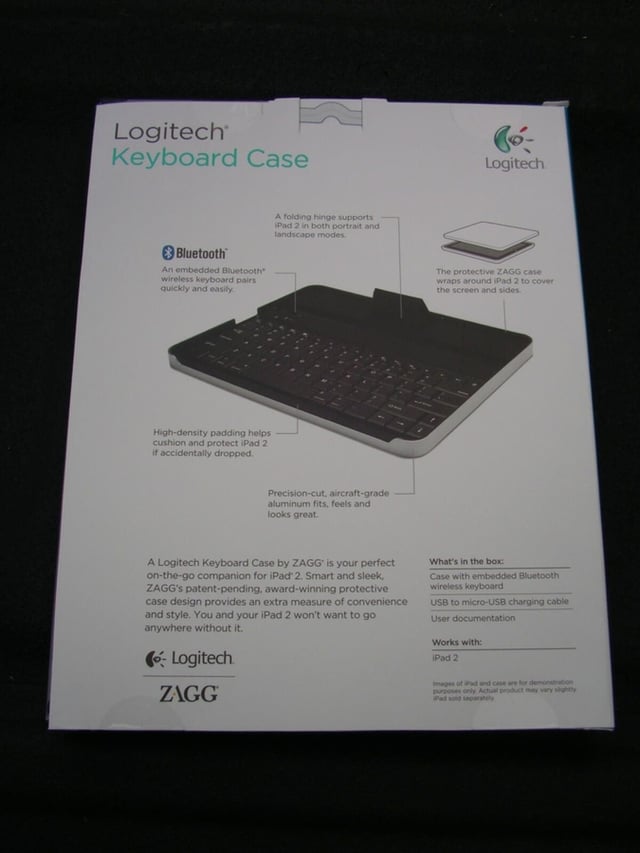
\n\tThe back of the retail package details what is in the package, key features, and a picture of the keyboard.
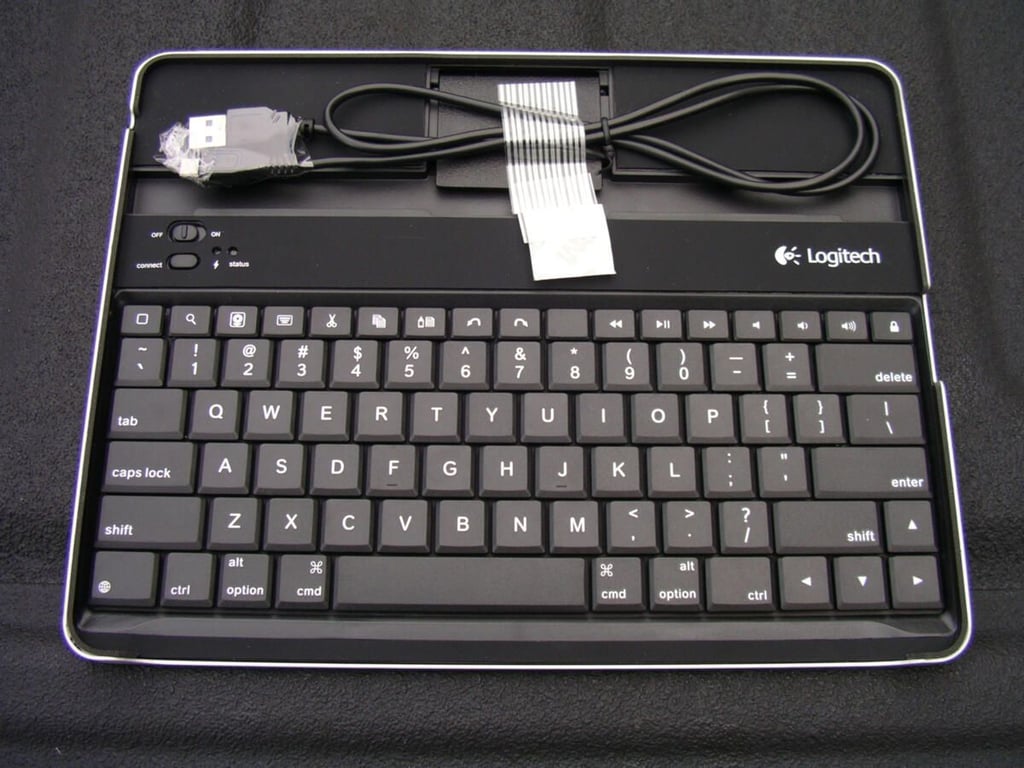
\n\tThe keyboard case comes with a USB to microUSB cable that you can use to charge up the keyboard.
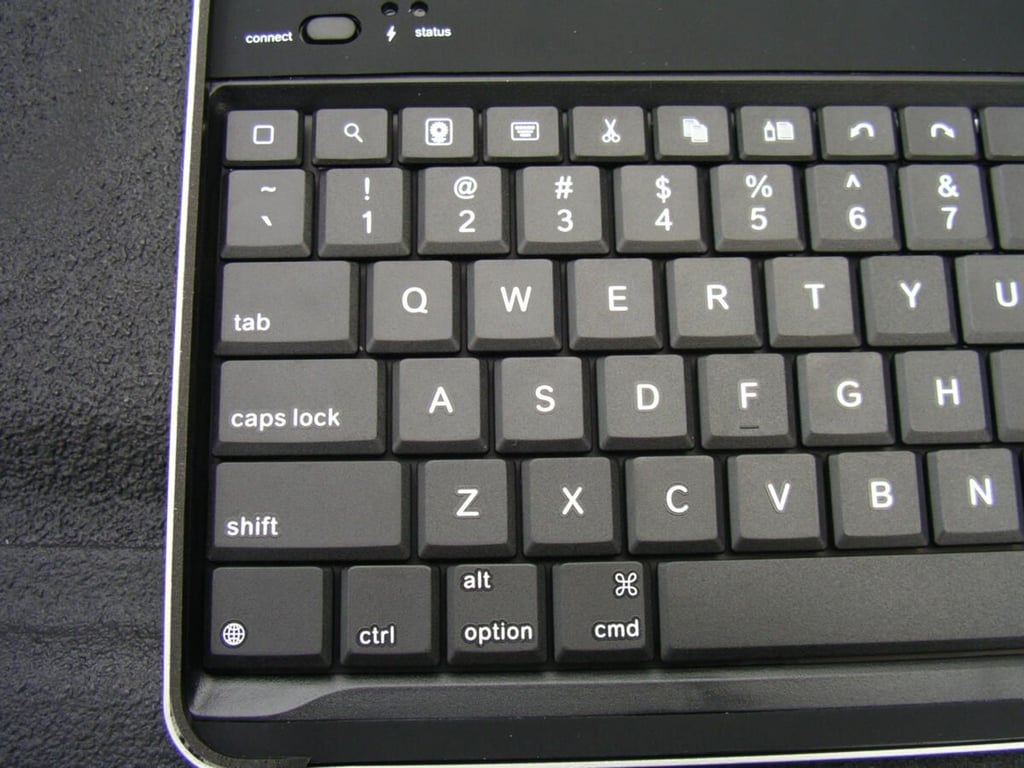
\n\tAs you can see on the left side of the keyboard there are six rows on the keyboard with four main rows of numbers and letters, a row of special function keys, and a row of miscellaneous keys.
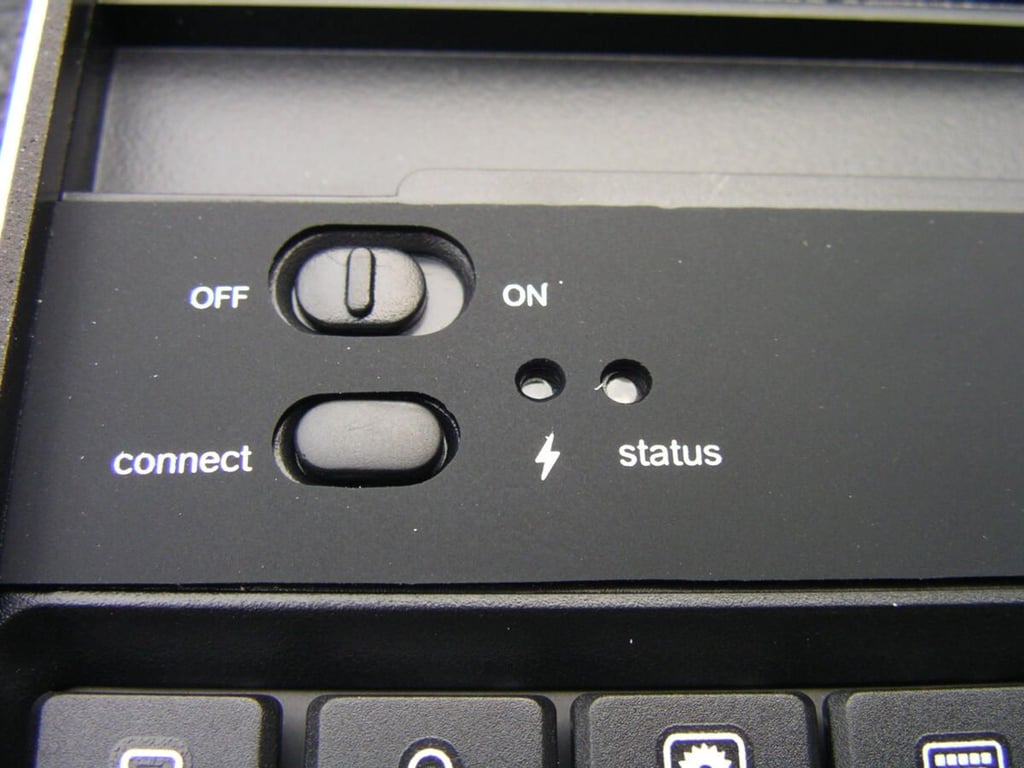
\n\tThe controls in the upper left are embedded in a rubberized area with a switch for on/off and a button for making the connection with both red and blue lights for status indication.
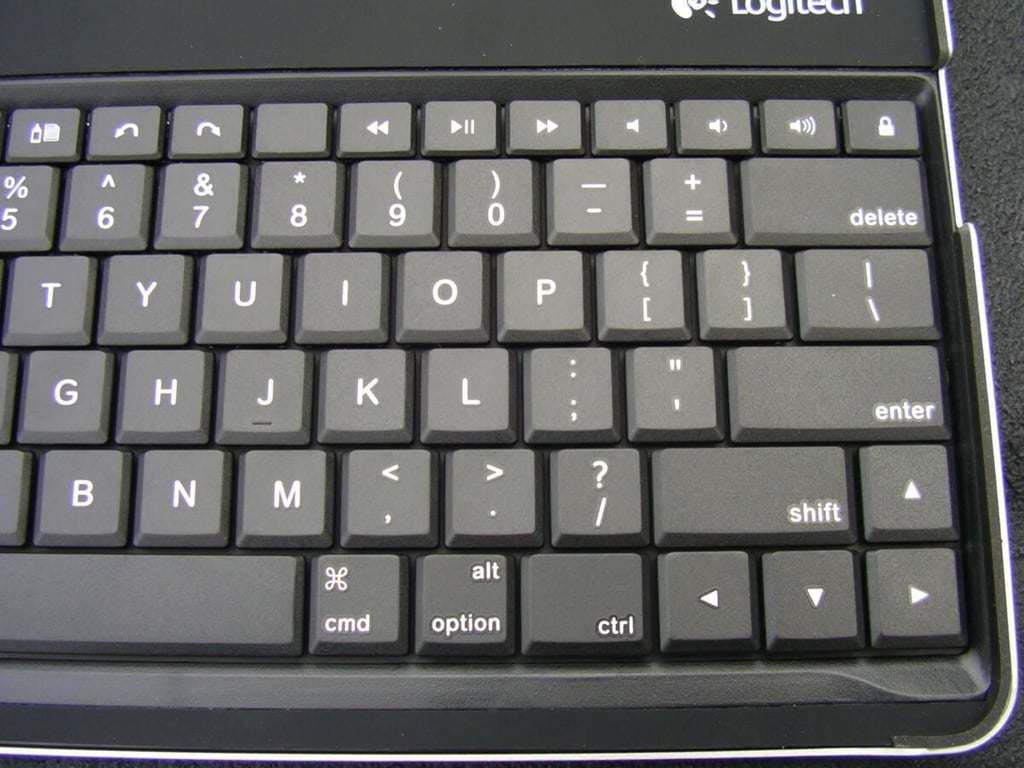
\n\tThe right side of the keyboard shows the second shift key, directional arrows, and other keys found on the right side of a typical keyboard.
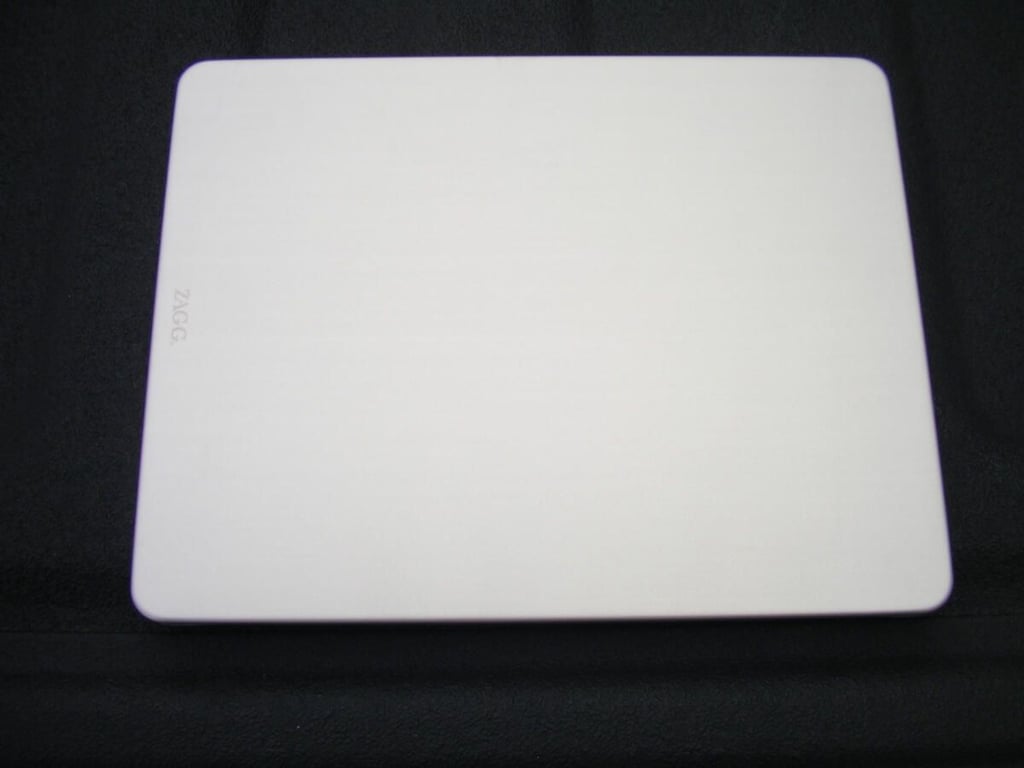
\n\tThe full aluminum back/bottom of the keyboard serves to protect your iPad 2 display.
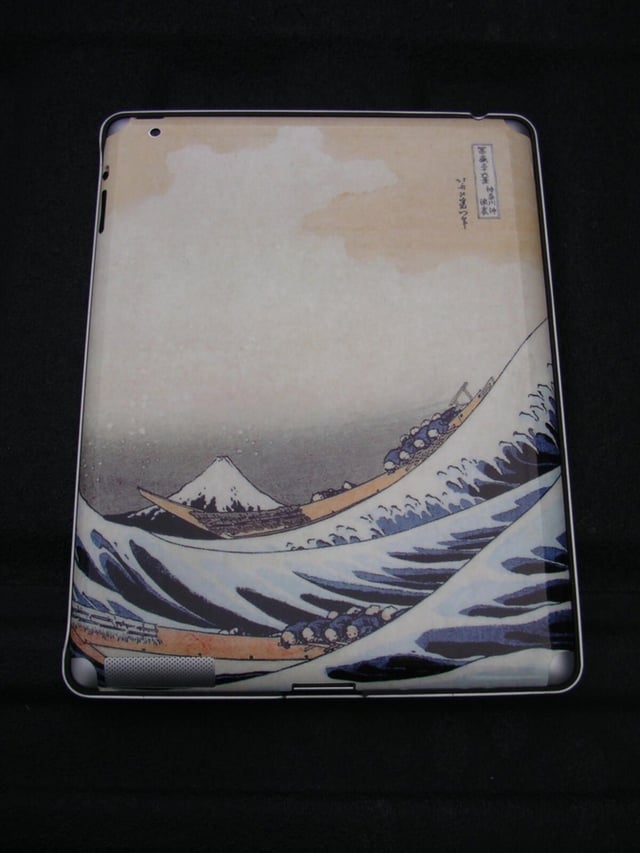
\n\tAs you can see I have a GelaSkin on the back of my iPad 2 and the case is still held securely in place. There is some fraying around the edges of my skin, but I cut it back a bit to fit better into the keyboard case.
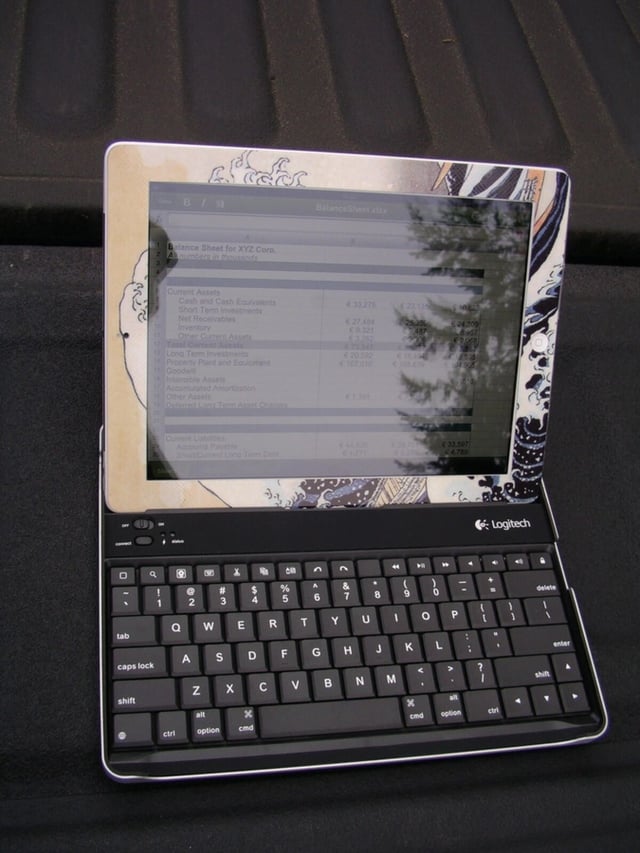
\n\tMost people will use the Logitech Keyboard Case in landscape orientation, as shown here.
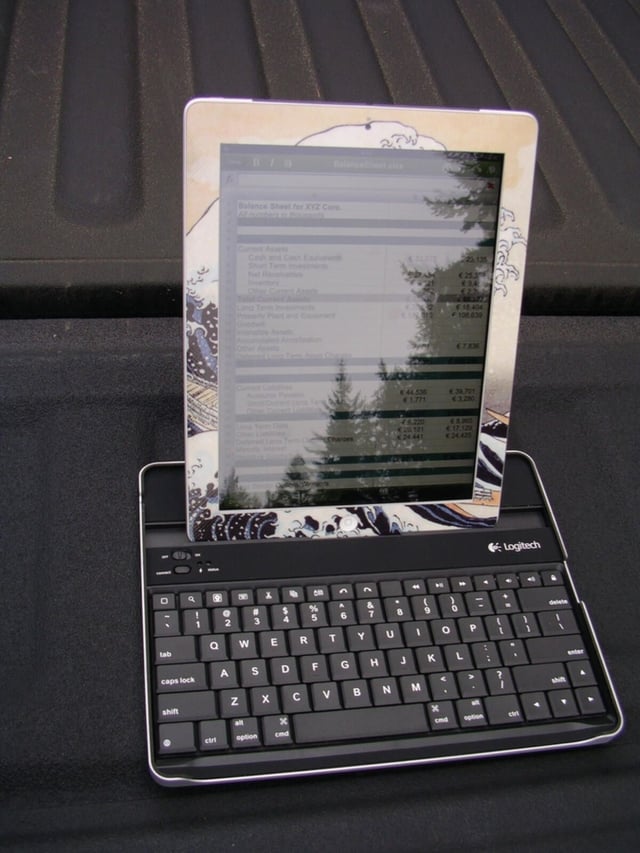
\n\tYou can use your iPad 2 in portrait orientation as well, the case was designed to support it, and for some applications you may find this works better for you.
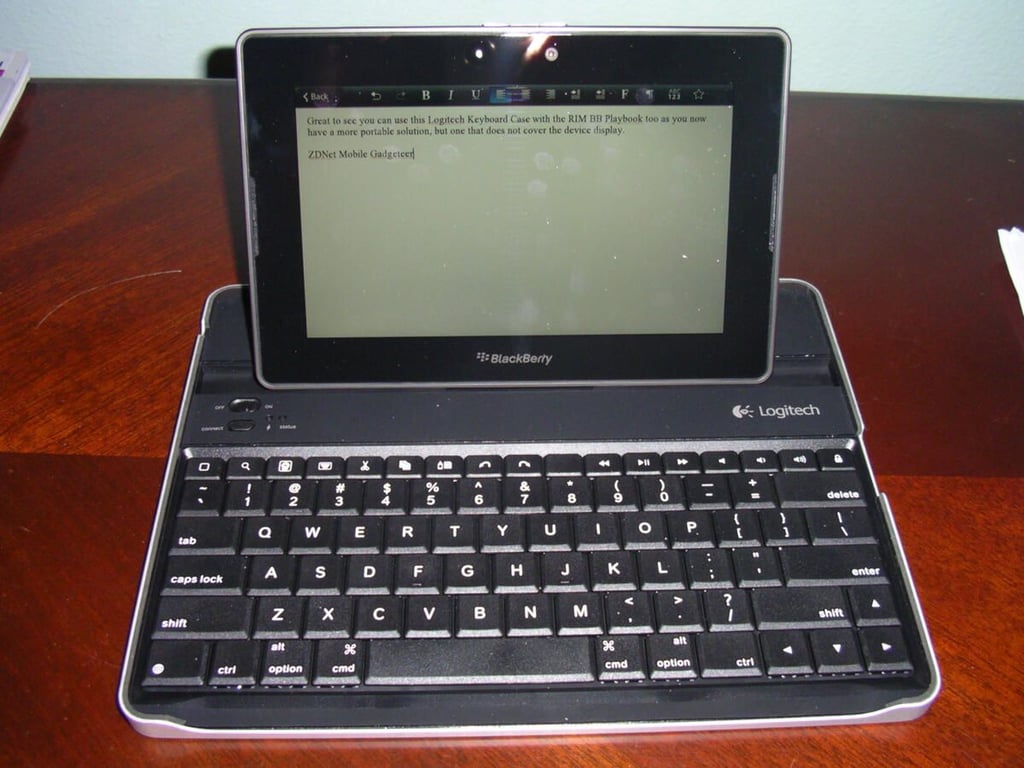
\n\tThe Logitech Keyboard Case connects via Bluetooth so other devices that support Bluetooth work with the keyboard too. Here you can see a BlackBerry PlayBook in the case.

\n\tLogitech Keyboard Case by ZAGG gallery image 1

\n\tLogitech Keyboard Case by ZAGG gallery image 2


