If you’ve been using computers for a long time, you know what the term Easter Egg means when related to software. An Easter Egg is a small program, usually a game, that is hidden deep inside of an application and is designed by the application’s developers as a way of displaying their names-very similar to the credits that you see at the end of a movie. However, uncovering the Easter Egg is tricky as it almost always involves performing a series of very intricate and non-intuitive steps.
In the past, Microsoft’s developers used to go to great lengths when it came to secretly embedding Easter Eggs into their products. I stress the word past, because Microsoft now officially bans the practice for security reasons as part of their Trustworthy Computing initiative.
The increase in the prevalence of malware led to the notion that undocumented code embedded into a major application could be used to compromise sensitive or confidential data. In fact, many companies and government offices forbid the use of software containing Easter Eggs for security reasons.
However, in their heyday, Microsoft’s developers created some really elaborate Easter Eggs. In this gallery, I’ll show you the awesome Easter Eggs that they embedded into Excel 95, 97, and 2000.
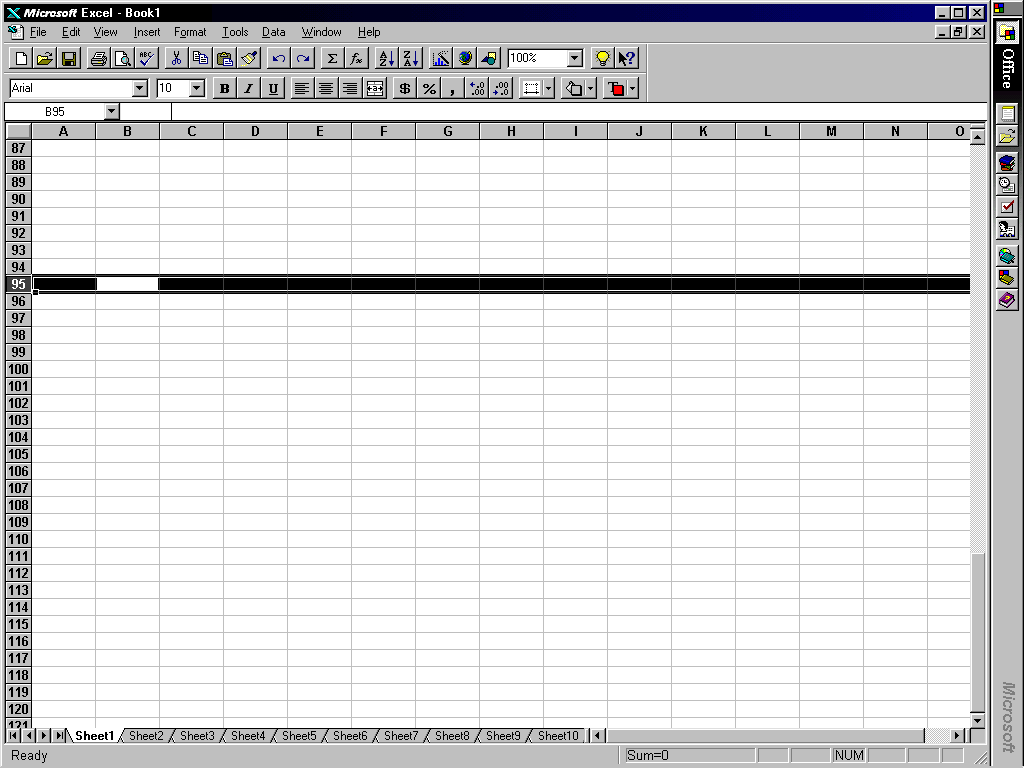
To access the Easter Egg in Excel 95, you first open a Workbook as you normally would. You then scroll down to row 95 and select the entire row. Then, you press [Tab] once to move over to cell B95.
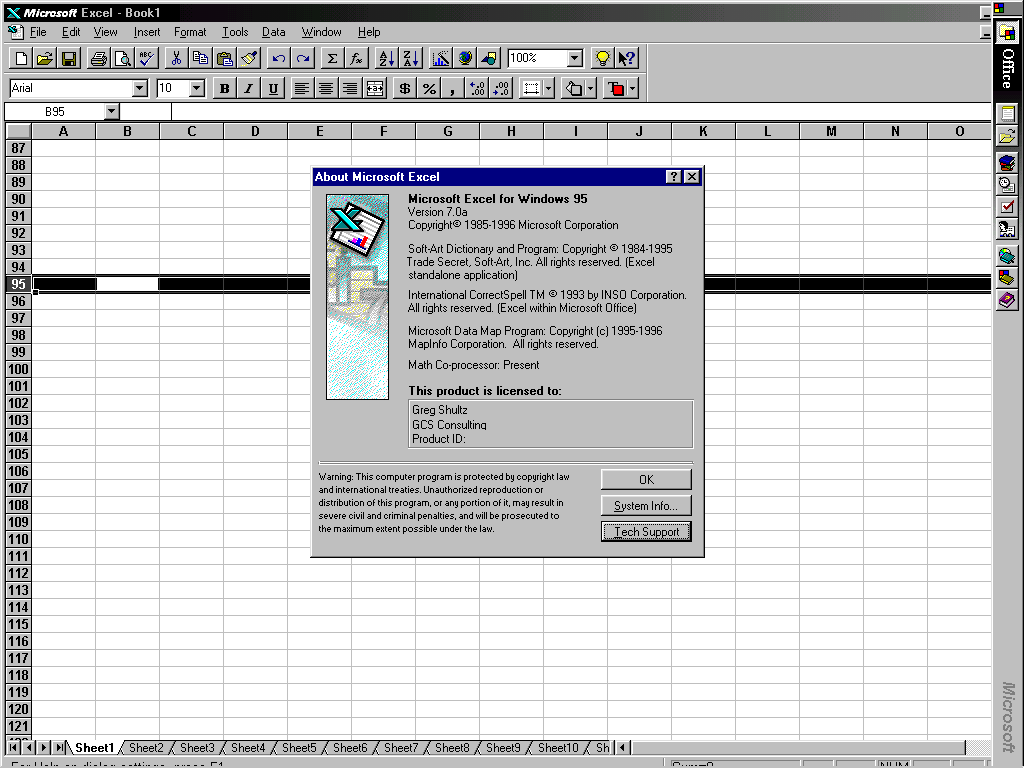
At this point, you pull down the Help menu and select About Microsoft Excel. When the About Microsoft Excel dialog box appears, you press and hold [Crtl] [Shift] while you click the Tech Support button.
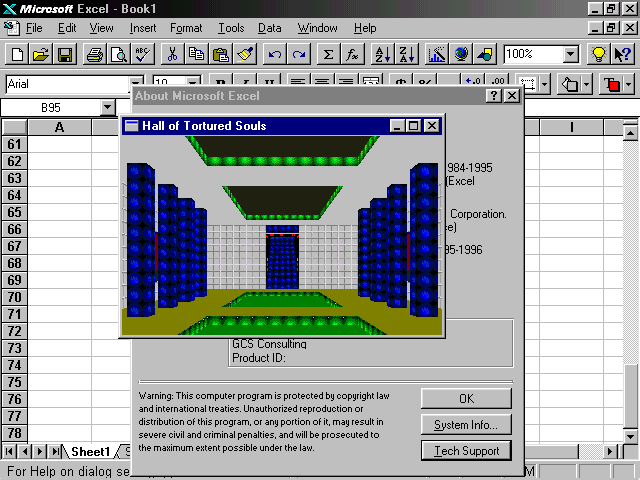
When you do, the Easter Egg appears. As you can see, the Easter Egg embedded in Excel 95 is a 3D first-person game called Hall of Tortured Souls.
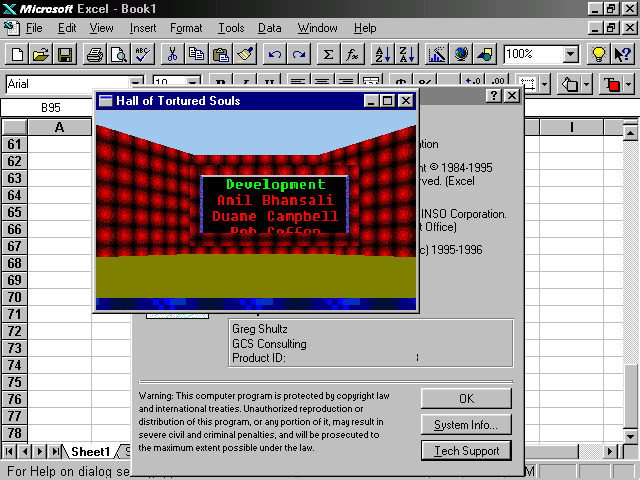
Using your arrow keys you walk down the hall and up the stairs. At the top of the stairs you see a movie screen with the names of the folks on the development team scrolling by.
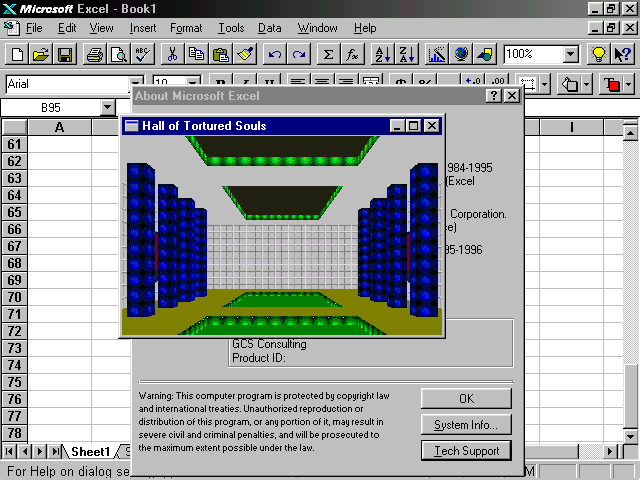
When you turn around and then go back down the stairs you see what appears to be a dead end. However, if you type the secret password excelkfa, you’ll see the wall vanish and a passage will appear.
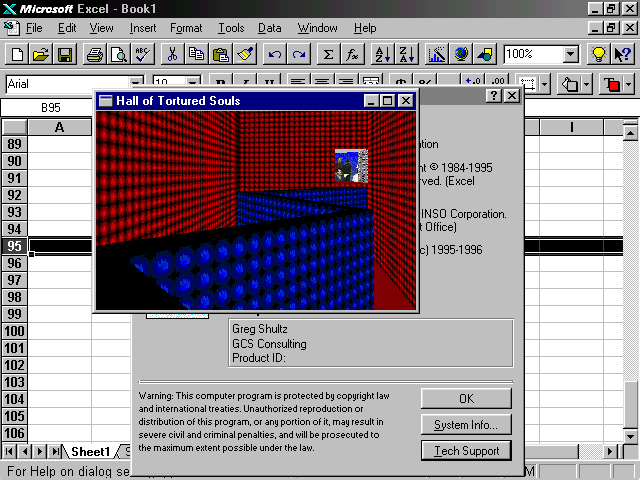
Moving closer to the secret passage, you’ll see that there is a room at the end of a narrow, zigzagging catwalk. Traversing the catwalk is tricky and if you fall off before you reach the room, you’ll find yourself at the bottom of a pit with no way out. You have to close the window and start all over.
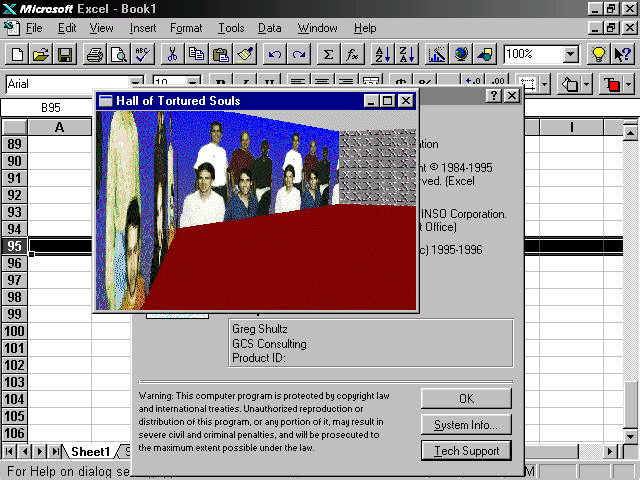
When you finally reach the room, you discover that each wall has pictures of the folks on the development team.
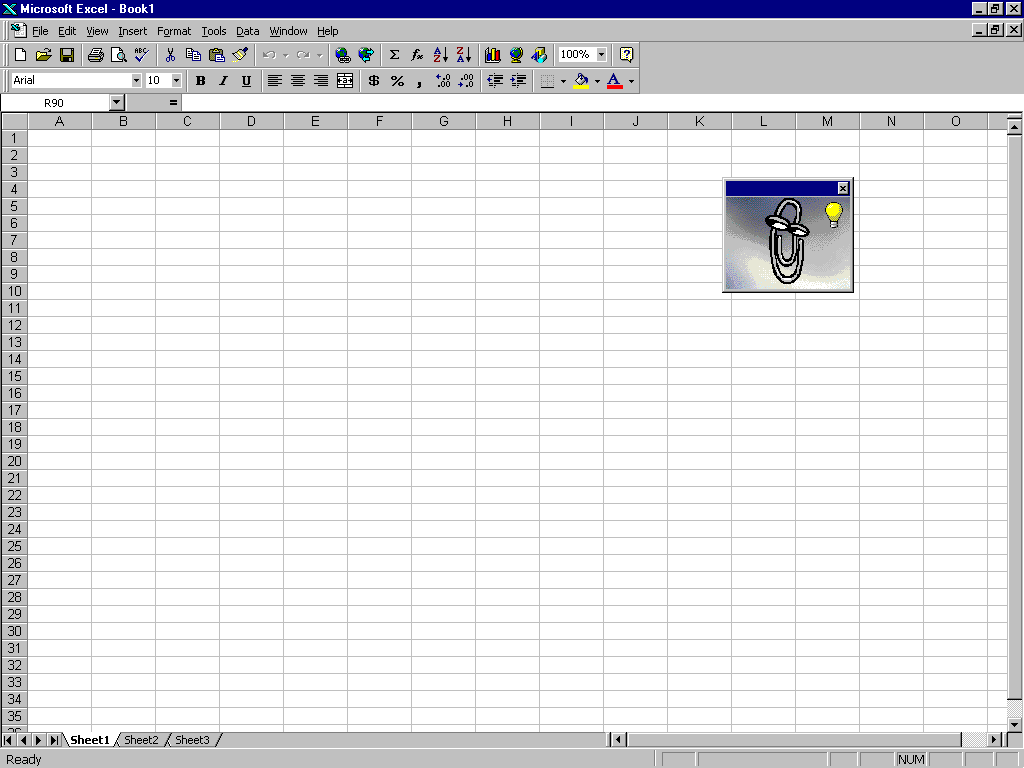
To access the Easter Egg in Excel 97, you first open a Workbook as you normally would.
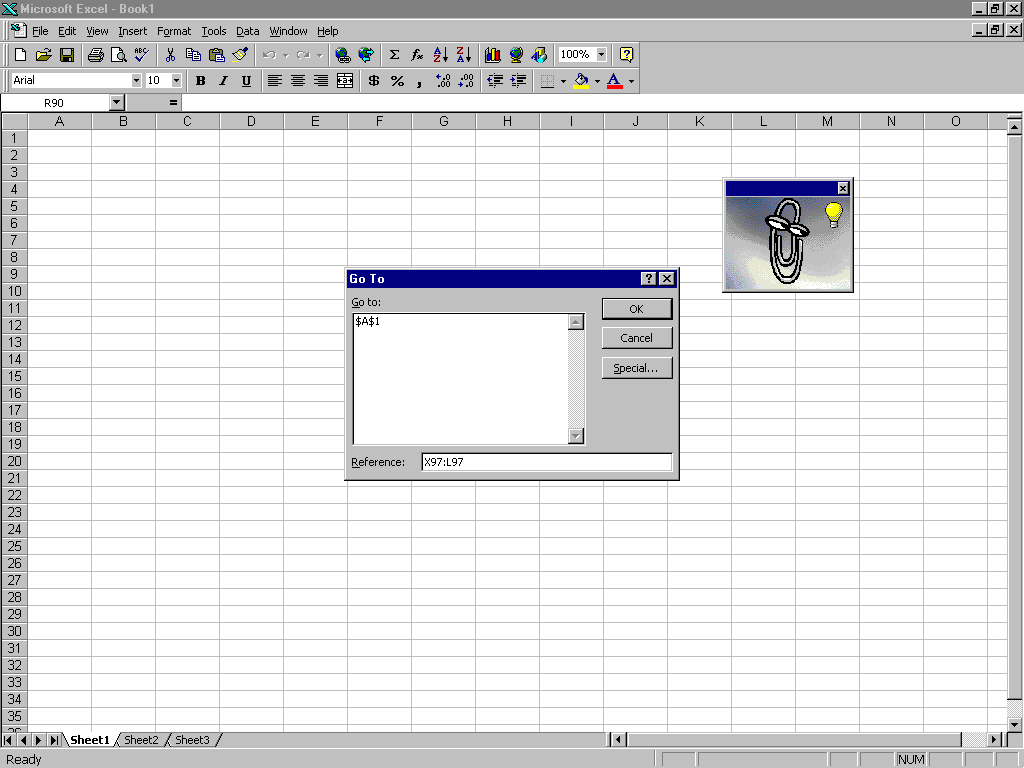
You then press F5 to open the Go To dialog box, type in the range X97:L97 in the Reference text box and click OK.
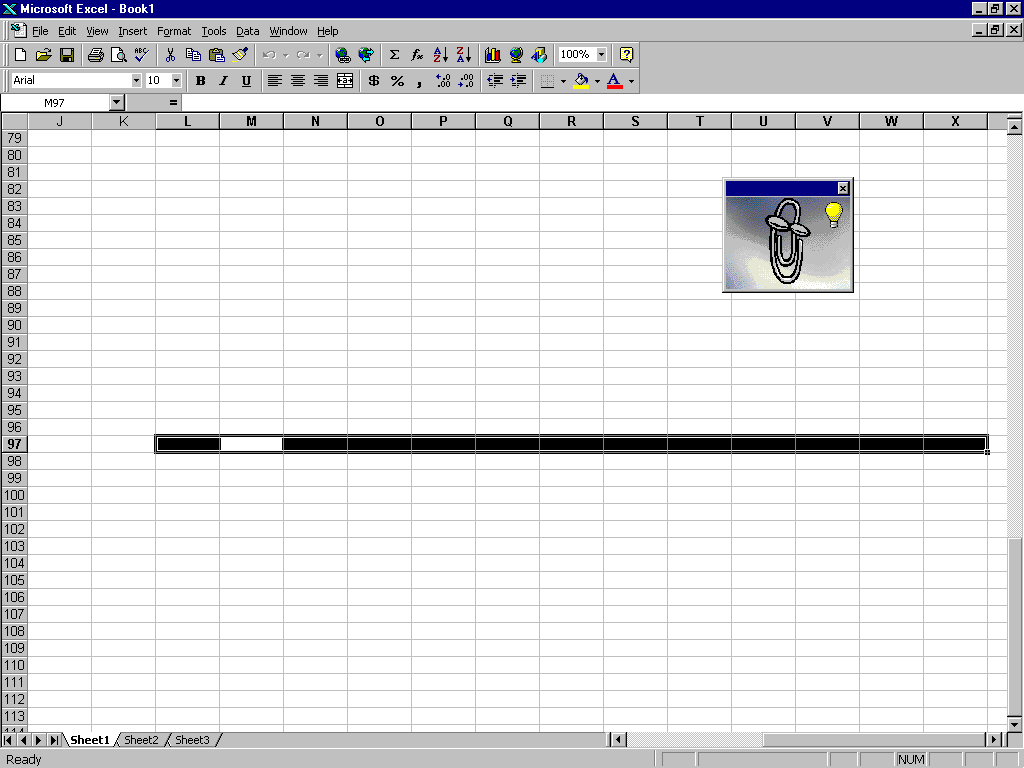
When you arrive at L97, you press [Tab] once to move over to cell M97. You then press and hold [Crtl] [Shift] while you click the Chart Wizard button on the toolbar.

You’ll immediately find yourself in a Flight Simulator game flying over an eerie landscape just as the sun is setting over the horizon.
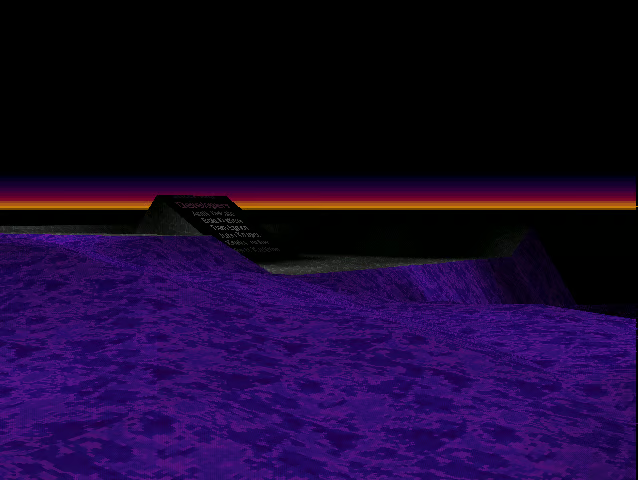
Using your mouse to steer and the left and right buttons to move forward and backward, you navigate your craft around until you see an obelisk off in the distance with what appear to be scrolling text.
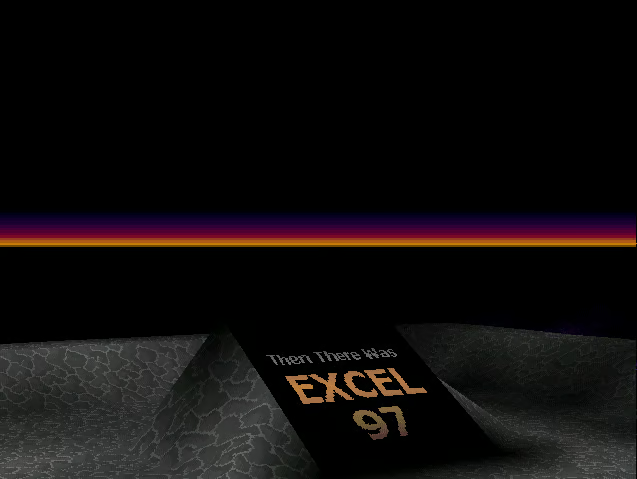
As you fly closer, you’ll see that the Excel 97 credits are indeed scrolling across the obelisk.
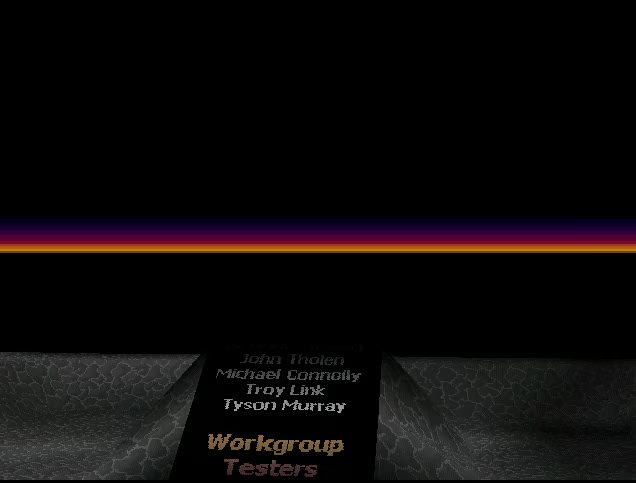
With a bit of practice, you’ll discover that you can hover over the obelisk to see the entire list of credits scroll over the screen.
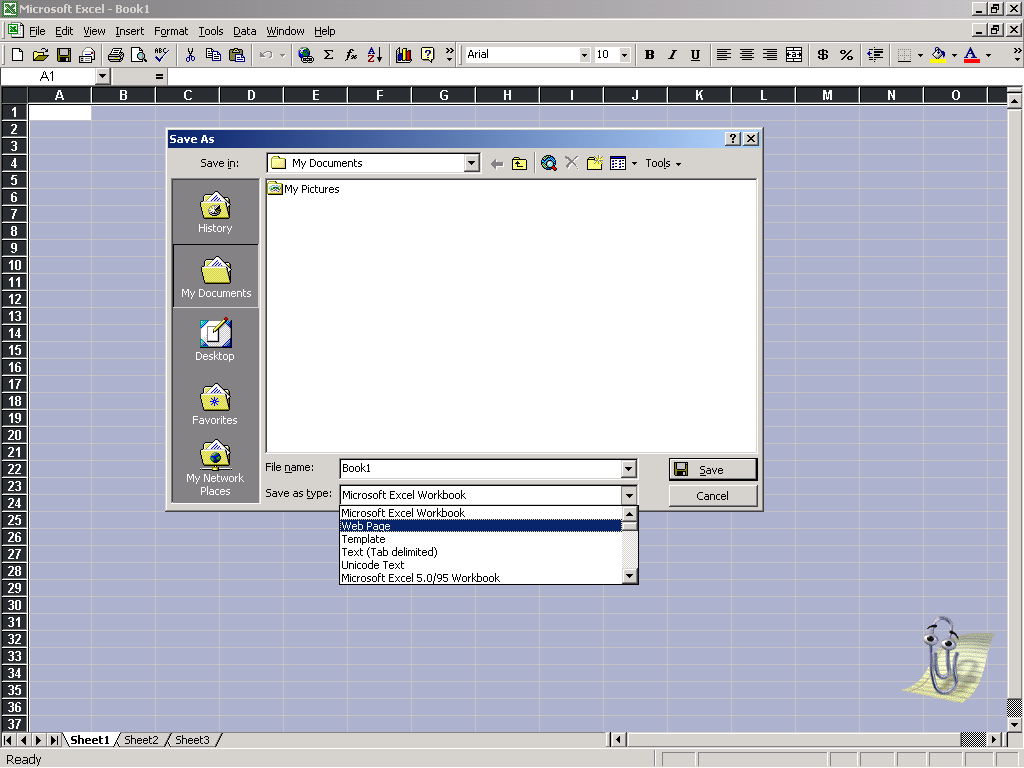
To access the Easter Egg in Excel 2000, you first open a Workbook as you normally would. You then save the Workbook and select Web Page from the Save as type dropdown list.
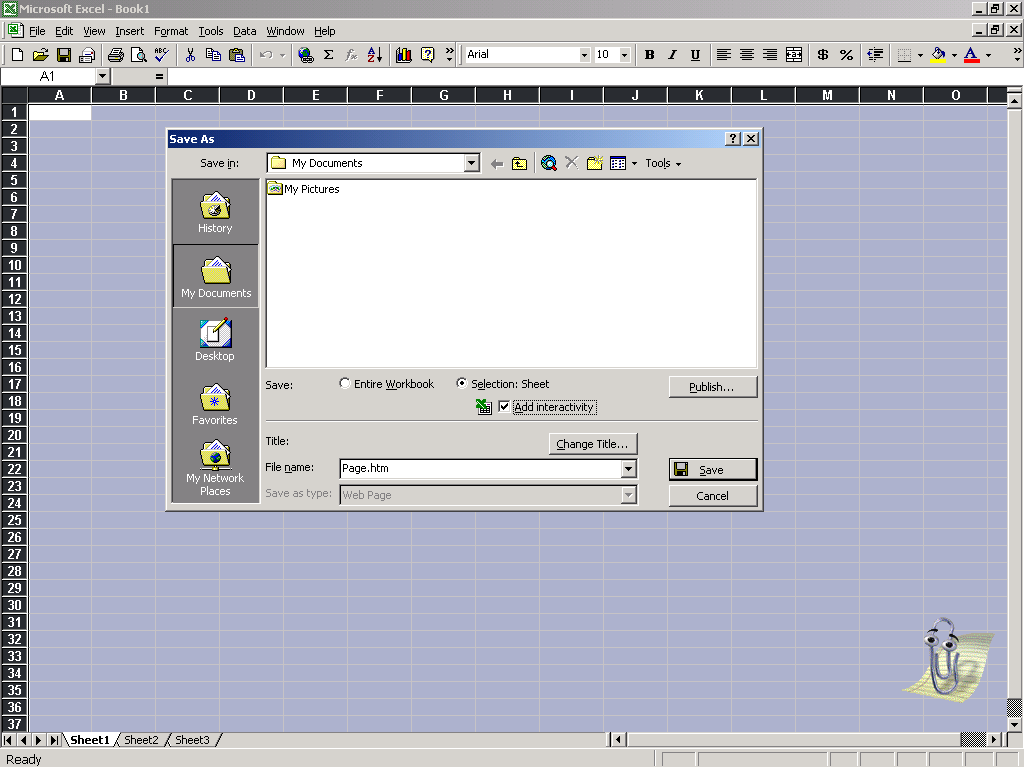
When the Save As dialog box changes, you select the Selection Sheet radio button and then select the Add Interactivity check box. You can leave the default filename as it is and click the Save button.
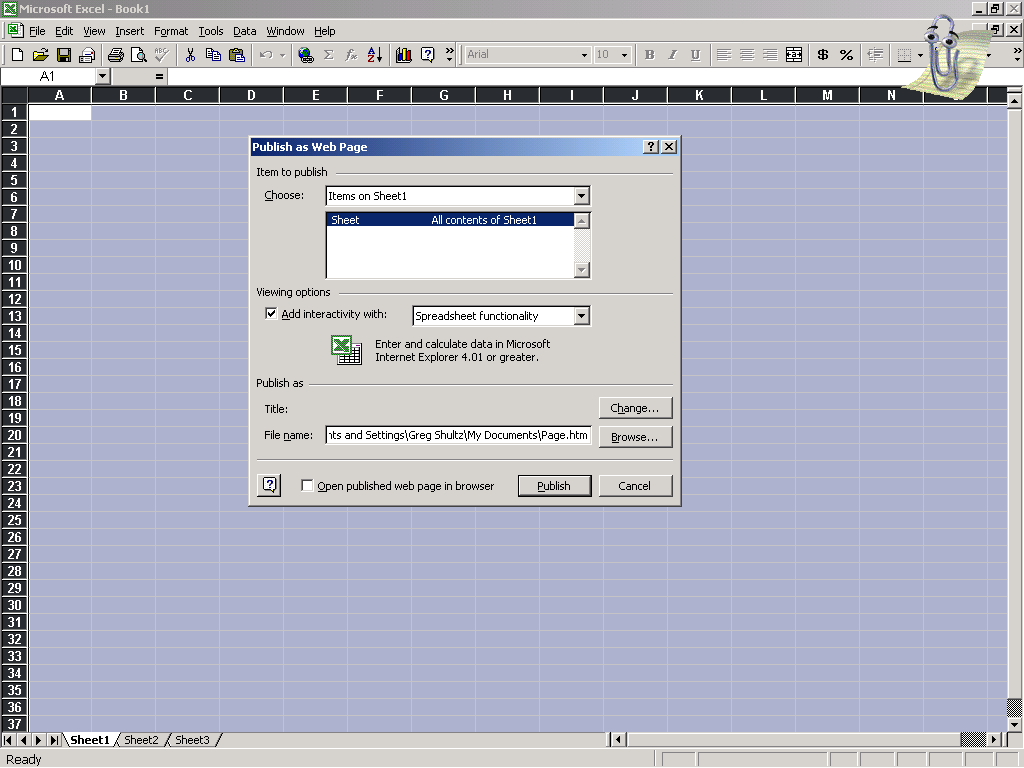
When the Publish as Web Page dialog box appears, you just click the Publish button.
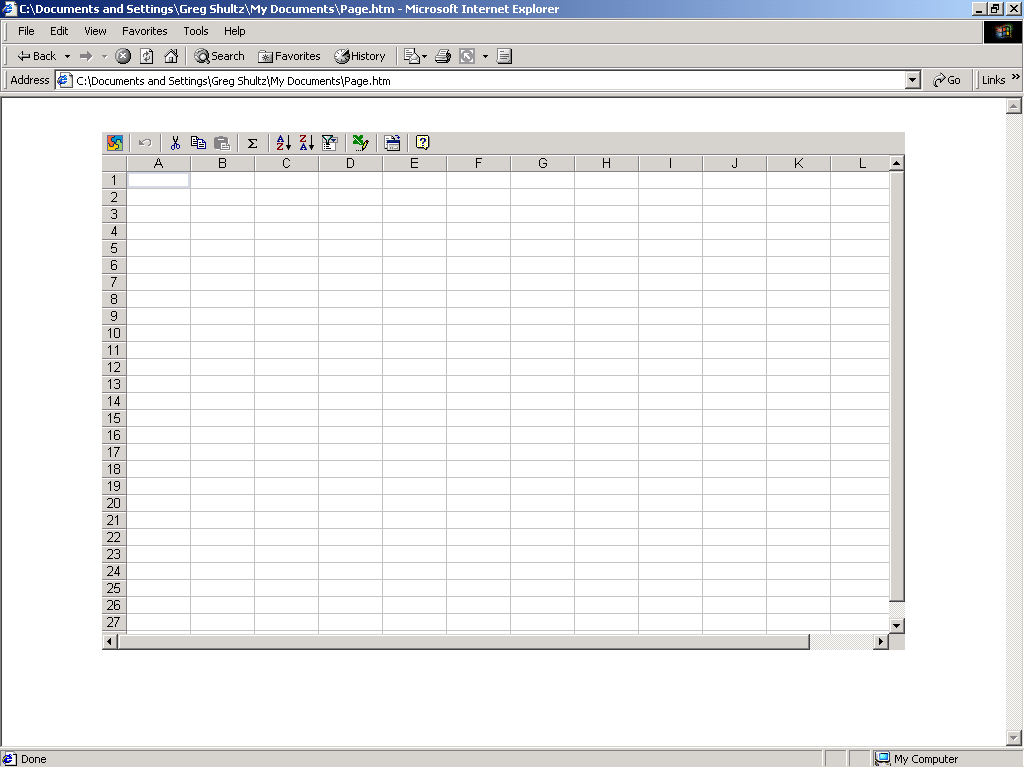
You then launch Internet Explorer and load the excel Web page.
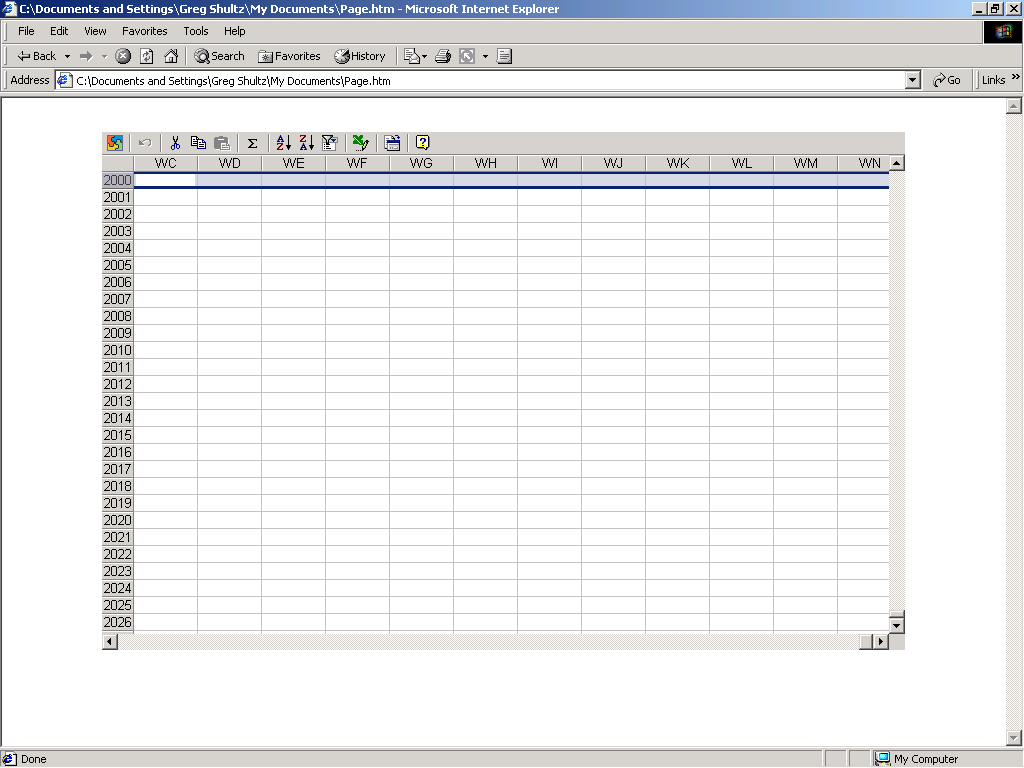
After the page is loaded you have to scroll down to row 2000 and then scroll over to column WC. As you do, you have to make sure that cell WC2000 appears in the top left corner. When it does, you select the entire row.
Once you accomplish that, you need to press and hold down [Crtl] [Alt] [Shift] while you click the Office logo in the upper left corner.
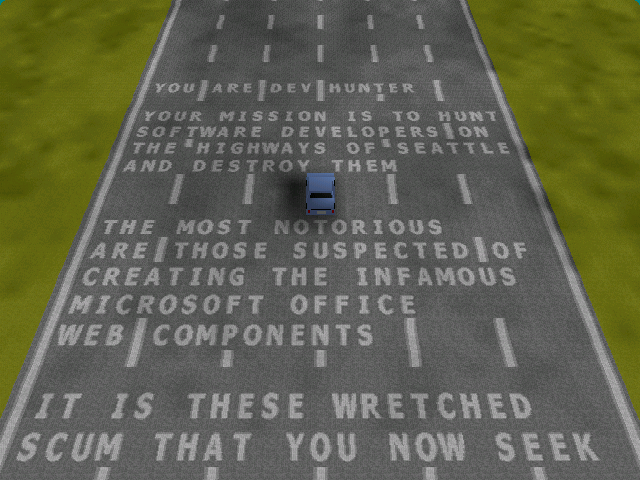
The Easter Egg then appears. As you can see, the Easter Egg embedded in Excel 2000 is an auto racing game called Dev Hunter.
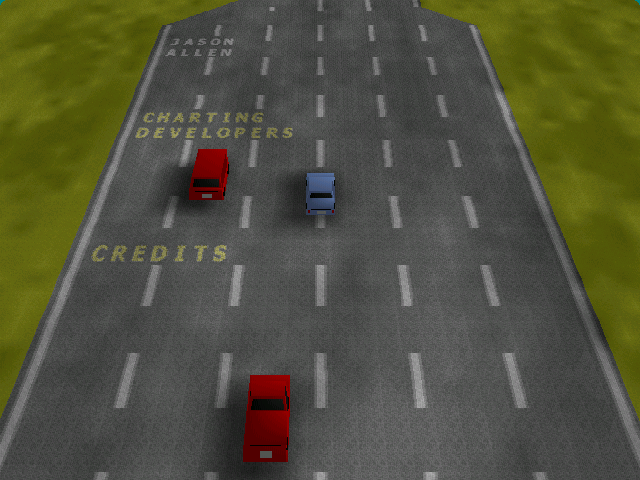
To drive and steer your car you use the arrow keys. As you race down the stretch, the names of the various teams and the names of their members appear on the road.
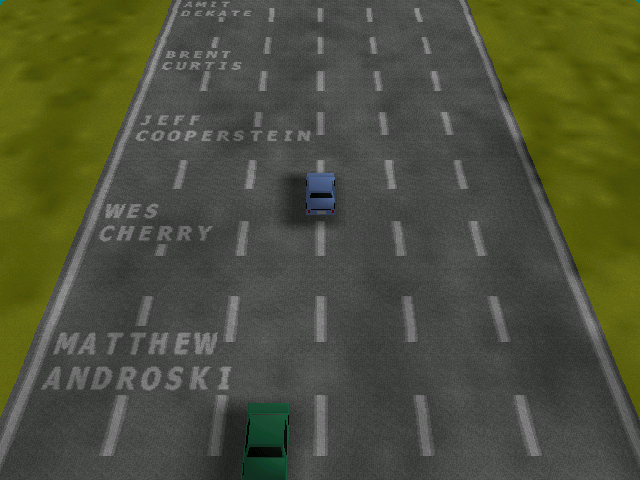
To make the race exciting, you can eliminate your competitors by pressing O to drop oil slicks behind you and press the Space bar to shoot cannons in front of you. If you steer off the road your car explodes and then is regenerated.
Of course the race is never ending and the track just keeps on going, with the names repeating; however, it does gradually change from day to night and you have to press H to turn on your headlights.

My first computer was a Kaypro 16 \"luggable\" running MS-DOS 2.11 which I obtained while studying computer science in 1986. After two years, I discovered that I had a knack for writing documentation and shifted my focus over to technical writing.


