\n\tNOTE: If you’d prefer to view this information as a blog post, check out this entry in our Five Apps blog.
\n
\n\tNot everyone likes to use the phone or email to communicate. Some prefer a more instant means of communication, without all that hassle of having to hold a phone to the ear. To that end, chat is still king. With chat applications, you can connect in varied ways with users. Some applications allow you to quickly connect to users within your LAN while others allow you to connect to other chat services, such as AIM, Google Talk, Facebook Chat, and more.
\n
\n\tBut which of these apps is the right one for you and/or your business? Dare you venture out into the world of Google Apps? Or does a more localized tool better suit your needs? Let’s examine five different chat tools \u2013 on different platforms \u2013 that can help make the task of communication more efficient.
\n
\n\tNote: This list is also available as a photo gallery.
\n
\n
\n\tImages by Jack Wallen for TechRepublic.
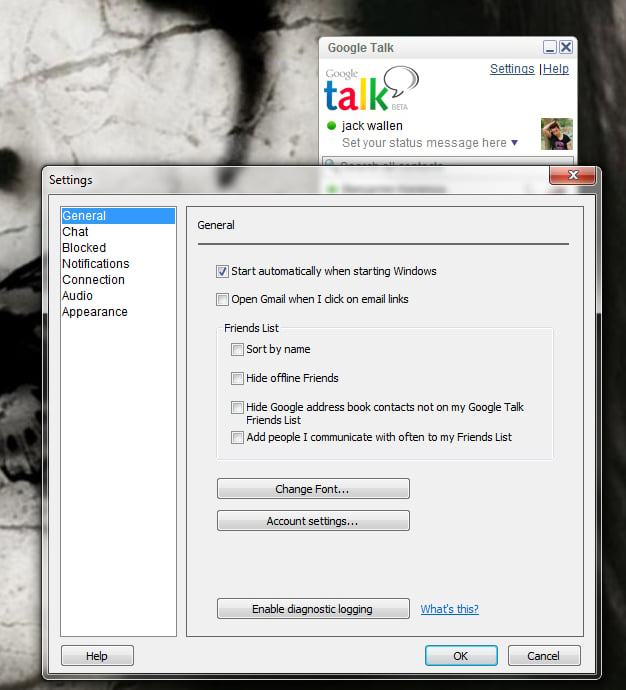
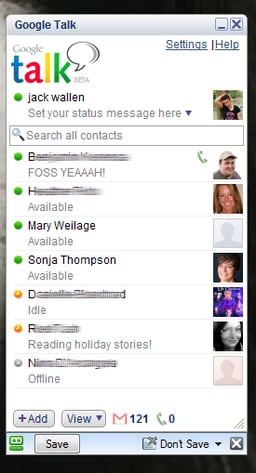
\n\tIf you use Google Apps for your business, you’re already there. Google Talk not only has the ability to do standard chat, but can also handle video chat. What’s nice about Google Talk is that you can enjoy the service from within your Google Apps page, or using an installable desktop application. And with solid integration into Google Apps, Google Talk will help you to collaborate in ways most other chat services don’t allow. From the Windows client, you can transfer files and with seamless integration into your Google Contacts, you can easily add users into your chat lists.
\n
\n\tImages by Jack Wallen for TechRepublic.
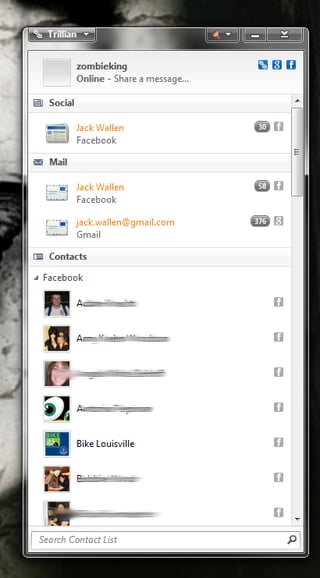
\n\tTrillian requires you to create an account with their service; but once you have, you can then connect their very user-friendly client to Google Talk, Facebook Chat, AOL, Bonjour, ICQ, Jabber, Skype, Windows Live Messenger, and many more.
\n
\n\tImages by Jack Wallen for TechRepublic.
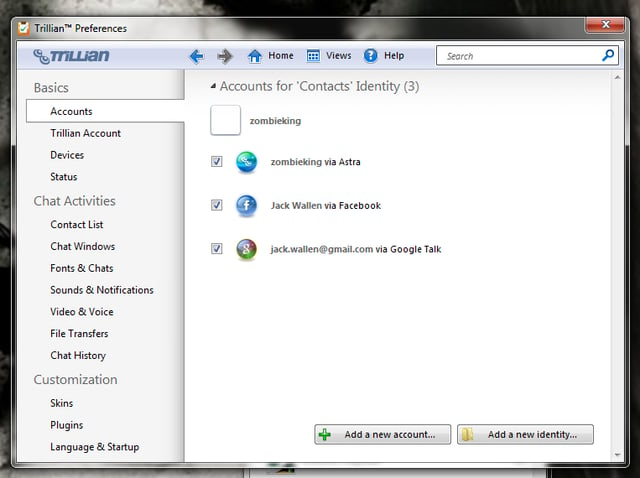
\n\tTrillian offers two versions of their services: Free and Pro. With the pro version ($24.99/year) you enjoy cloud storage of chats, tech support, and no advertisements. Trillian clients can be found for Windows, Mac, iPhone, Android, Blackberry, and as a web-based app.
\n
\n\tImages by Jack Wallen for TechRepublic.
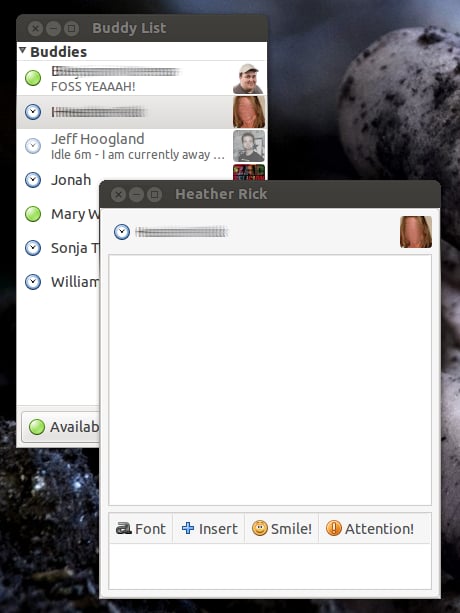
\n\tPidgin is referred to as the “Universal Chat” application \u2013 and with good reason. Pidgin can connect you to a host of services (such as: AIM, ICQ, Google Talk, Jabber/XMPP, MSN Messenger, Yahoo!, Bonjour, Gadu-Gadu, IRC, Novell GroupWise Messenger, Lotus Sametime, SILC, SIMPLE, MXit, MySpaceIM, and Zephyr), is cross platform, and can be extended with plenty of extra plugins.
\n\t
\n\tImages by Jack Wallen for TechRepublic.
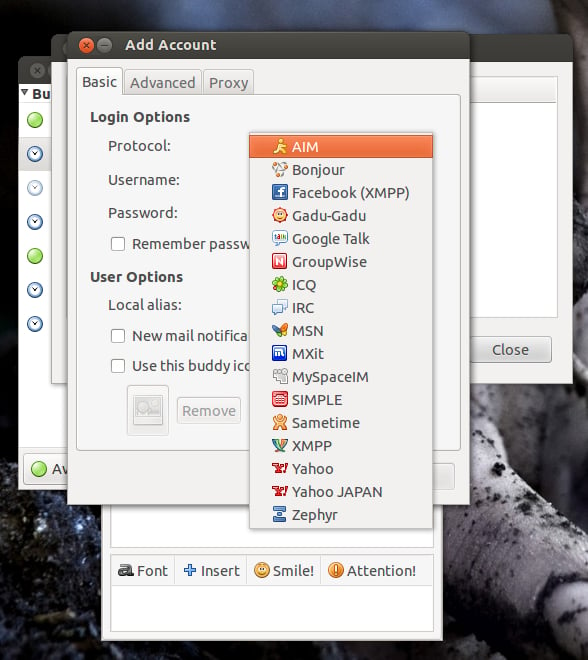
\n\tPidgin also integrates into the Windows system tray as well as the GNOME 2, KDE 3, and KDE 4 notification areas.
\n
\n\tImages by Jack Wallen for TechRepublic.
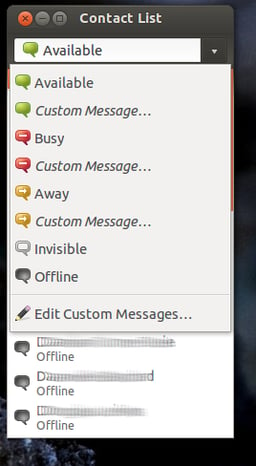
\n\tEmpathy is one of the few single-platform chat clients (Linux).
\n\t
\n\tImages by Jack Wallen for TechRepublic.
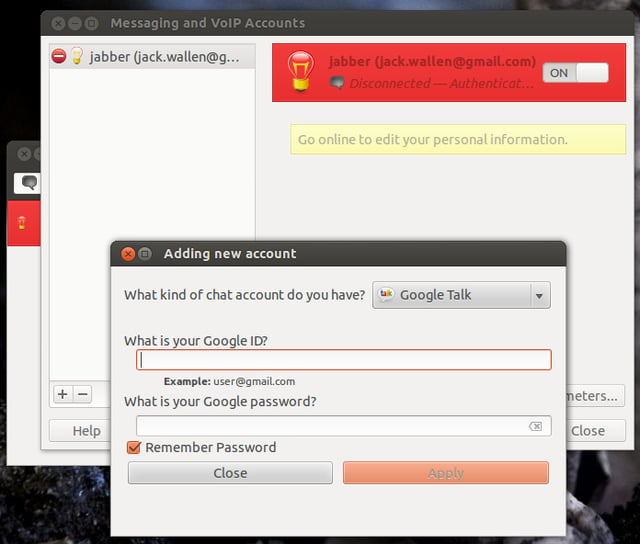
\n\tEmpathy offers a large range of features (such as file transfer for XMPP and local networks as well as Voice and Video calls using SIP, XMPP and Google Talk) and can connect you to your Google Talk (Jabber/XMPP), MSN, IRC, Salut, AIM, Facebook, Yahoo!, Gadu Gadu, Groupwise, ICQ and QQ, and many other accounts.
\n
\n\tImages by Jack Wallen for TechRepublic.
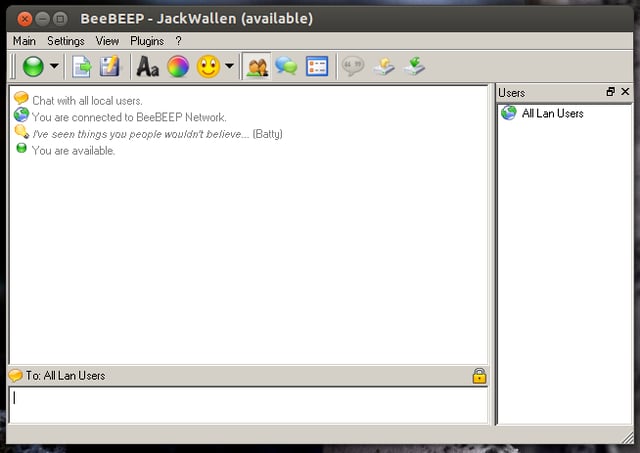
\n\tBeebeep is a unique chat client in that it’s primary use is chatting within a local area network. What makes this tool really great is that it doesn’t rely on a server. Anyone within a LAN can install Beebeep and immediately see one another.
\n\t
\n\tImages by Jack Wallen for TechRepublic.
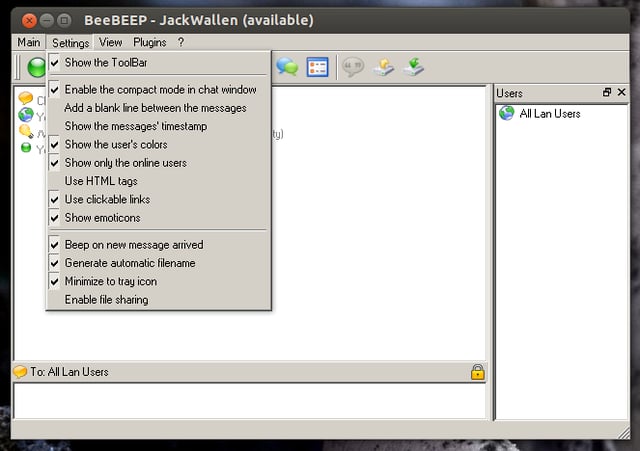
\n\tBeebeep allows you to create password protected chats as well as send files (securely) and even offers plugin support to extend the feature set. If you’re looking for the fastest route to inter-office chat \u2013 Beebeep is the solution.
\n
\n
\n\tPeople often don’t believe me when I say how important it is to have efficient communication within a business. And when messaging is mentioned as one of the most efficient means, the floods of doubt open up. However, until you’ve tried messaging within the company, you don’t know what you’re missing. Give one of these tools a chance to help you and your end users get the most out of collaboration and communication.
\n
\n\tImages by Jack Wallen for TechRepublic.

Jack Wallen is an award-winning writer for TechRepublic, The New Stack, and Linux New Media. He's covered a variety of topics for over twenty years and is an avid promoter of open source. For more news about Jack Wallen, visit his website jackwallen.com.


