This gallery is also available as a post in the Five Apps Blog.
\n\n
Bring Your Own Device (BYOD) – it’s not only becoming an important element for end users, it’s becoming a necessity for businesses. BYOD offers up a possible cost savings for companies and more mobility for users. But with the possibilities of BYOD, comes hurdles to leap. Some of those hurdles (such as security) fall into the hands of the company. Other hurdles, such as ease of transition, fall squarely on the shoulders of the end user. Although the inherent mobility of many devices make for easy transition, it is necessary to take advantage of applications to make switching between home and office easy.
\n\n
\n
\n\tHere are five possible applications that can aid in your transition. These application vary in platform, but all should help make BYOD a user-friendly task.
\n
\n
\n
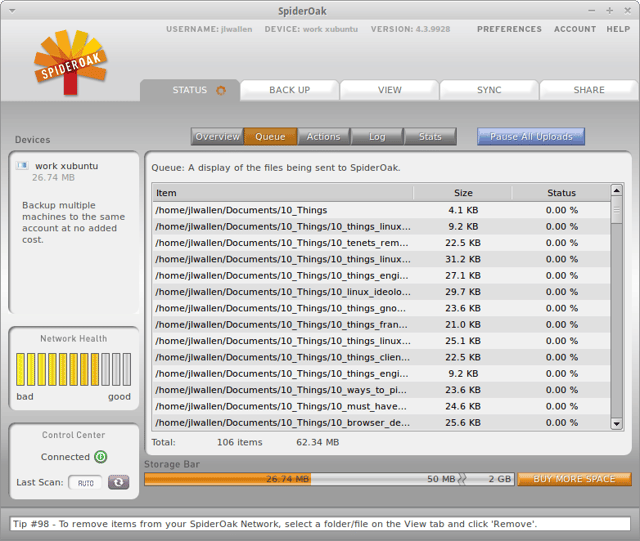
\n\tSpiderOak is yet another data syncing tool. But unlike Dropbox (or other syncing software), SpiderOak isn’t just your average syncing software.
\n
\n\tCredit: Images by Jack Wallen for TechRepublic
\n
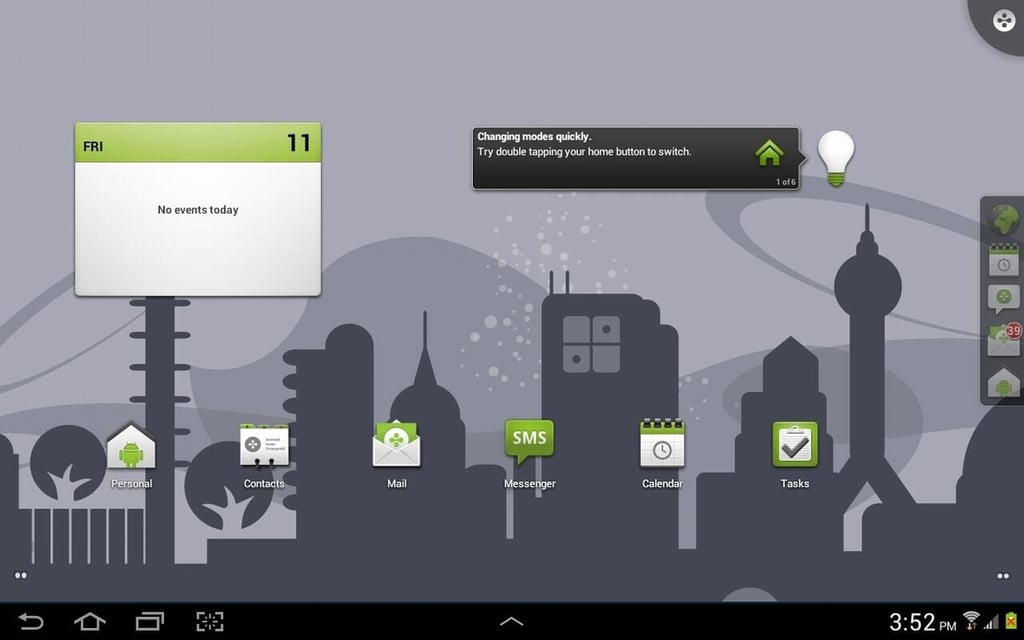
\n\tDivide is an Android application that allows you to easily (and securely) separate your personal data from your business data. Divide actually creates a separate (launcher) desktop to be used for your business data.
\n
\n\tCredit: Images by Jack Wallen for TechRepublic
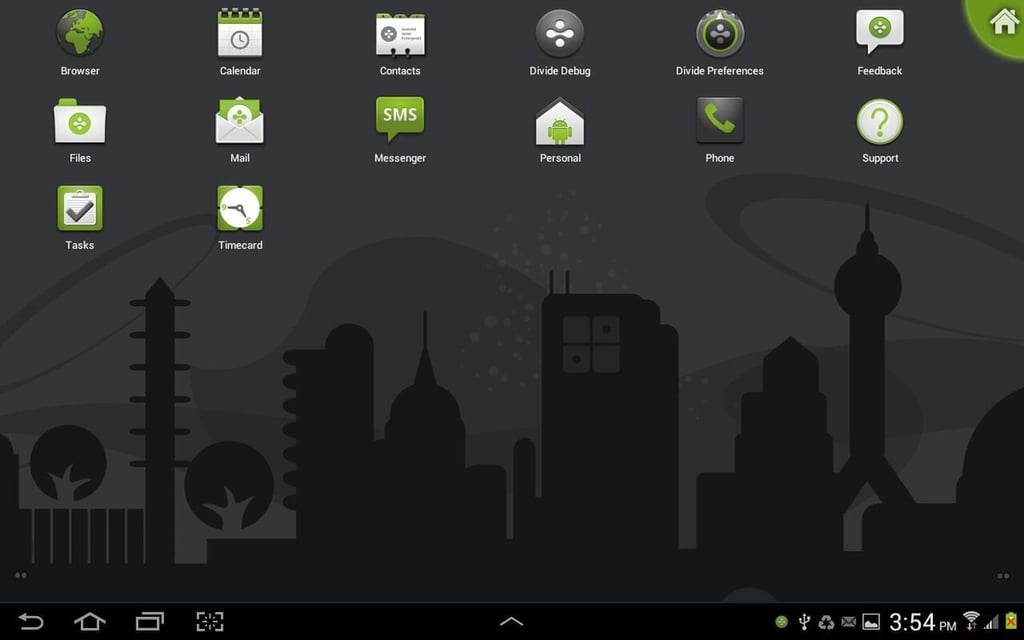
\n\tThe Divide workspace is not only separate, it is also encrypted. With the help of solid password protection, should your device be lost or stolen, the data on the business side of Divide is secure. If an Android device is part of your BYOD solution, you need to take advantage of Divide.
\n
\n\tCredit: Images by Jack Wallen for TechRepublic
\n
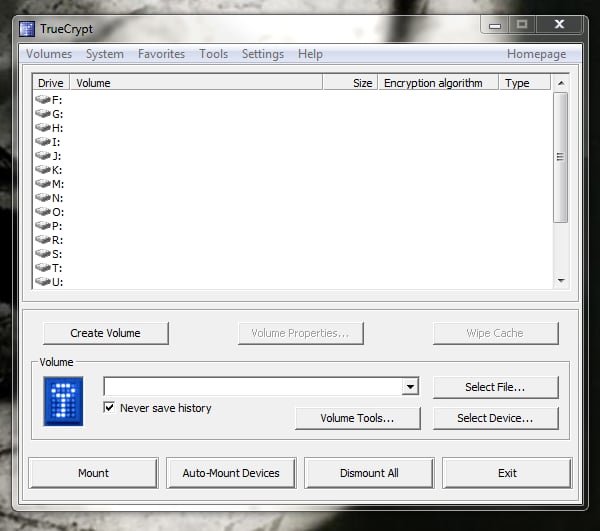
\n\tTrueCrypt allows you to create encrypted volumes (virtual disks) where you can place your work data. TrueCrypt is available for Windows, Linux, and Mac (in both 32 and 64 bit versions). You can encrypt volumes on standard machines or even external and USB drives.
\n
\n\tCredit: Images by Jack Wallen for TechRepublic
\n
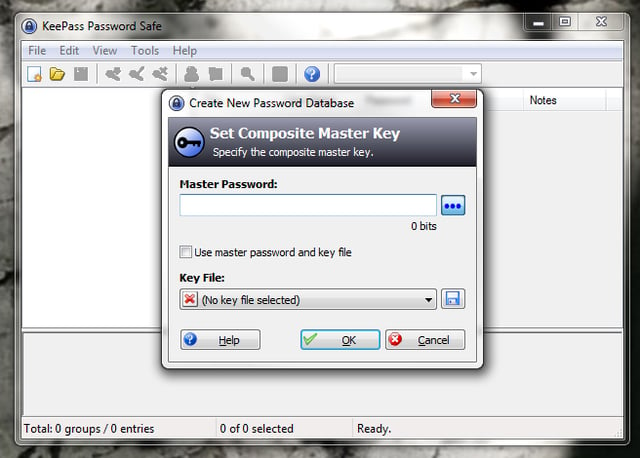
\n\tKeepass is a necessity when you have numerous passwords to remember. If you have this need, you want to entrust your passwords to a piece of software up to the task.
\n
\n\tCredit: Images by Jack Wallen for TechRepublic
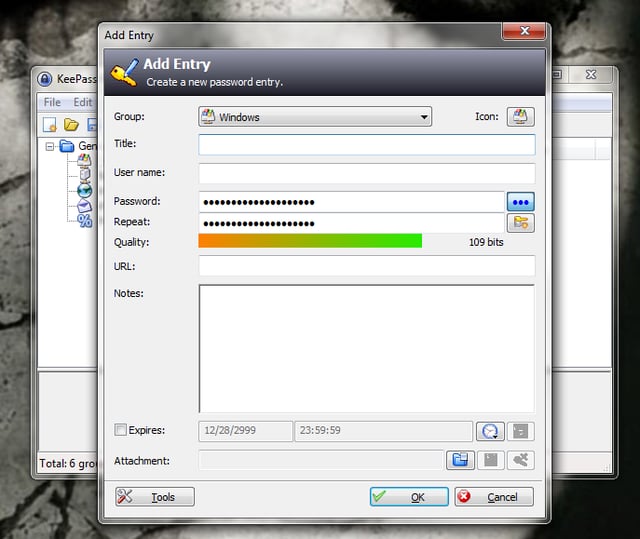
\n\tWith Keepass you can enjoy: Strong security, multiple user keys, portability, and the ability to export to .txt, .cvs, .html, and .xml. The app also allows for easy database transfer, secure clipboard handling, searching and sorting, random password generator, plugin support, and it is open source. Anyone needing to keep passwords on a BOYD device, Keepass is your best option.
\n
\n\tCredit: Images by Jack Wallen for TechRepublic

Jack Wallen is an award-winning writer for TechRepublic, The New Stack, and Linux New Media. He's covered a variety of topics for over twenty years and is an avid promoter of open source. For more news about Jack Wallen, visit his website jackwallen.com.


