
Scrap book 8 – where I publish images for blogs on TechRepublic.
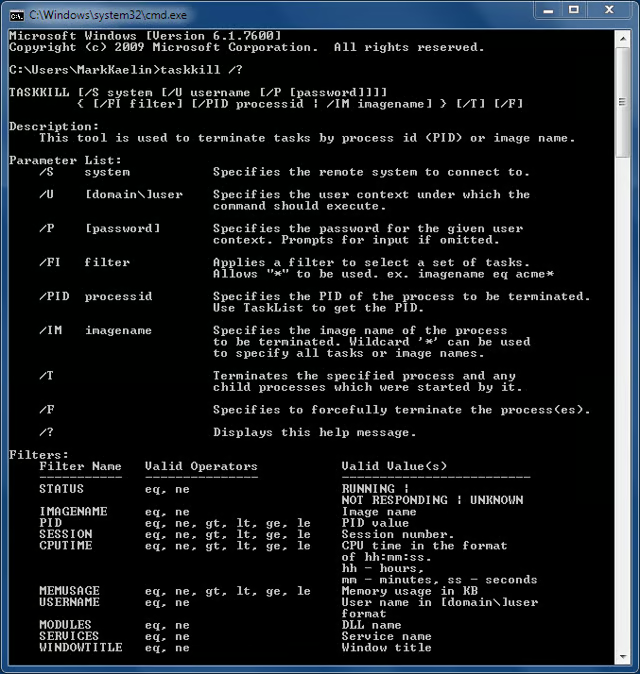
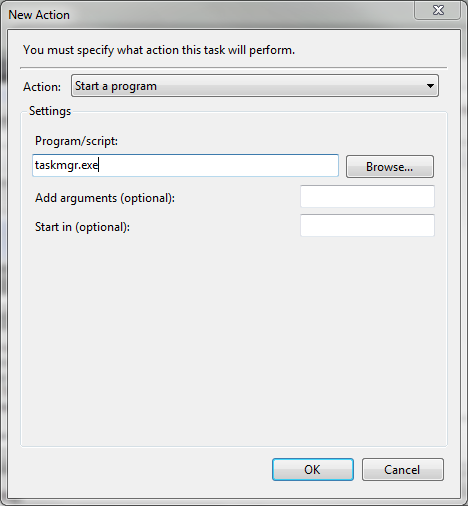
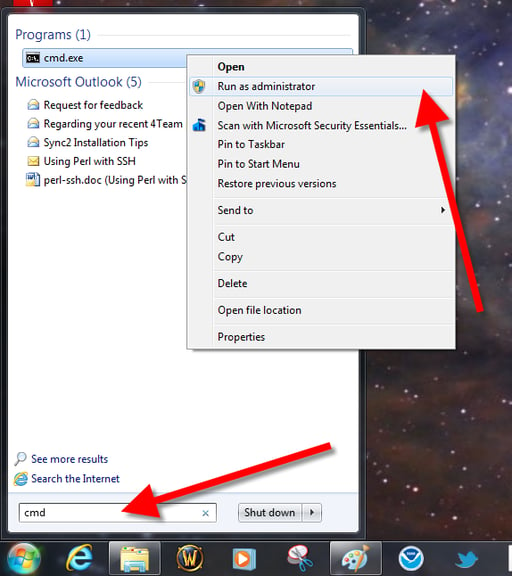
Quick Tip: Kill rogue processes with taskkill in Microsoft Windows

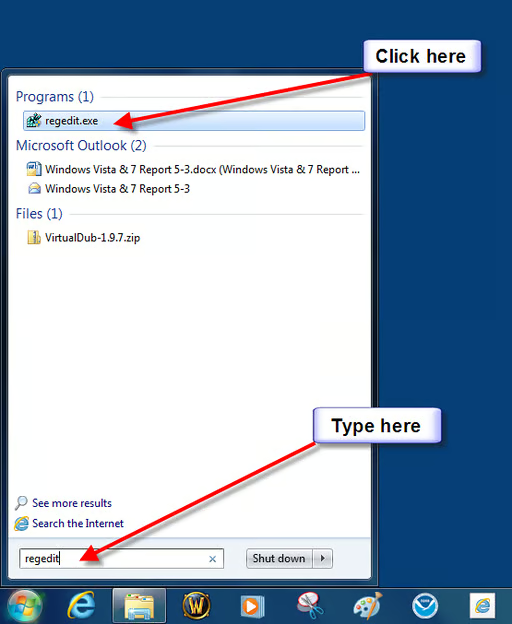
\n\tStart the registry editor
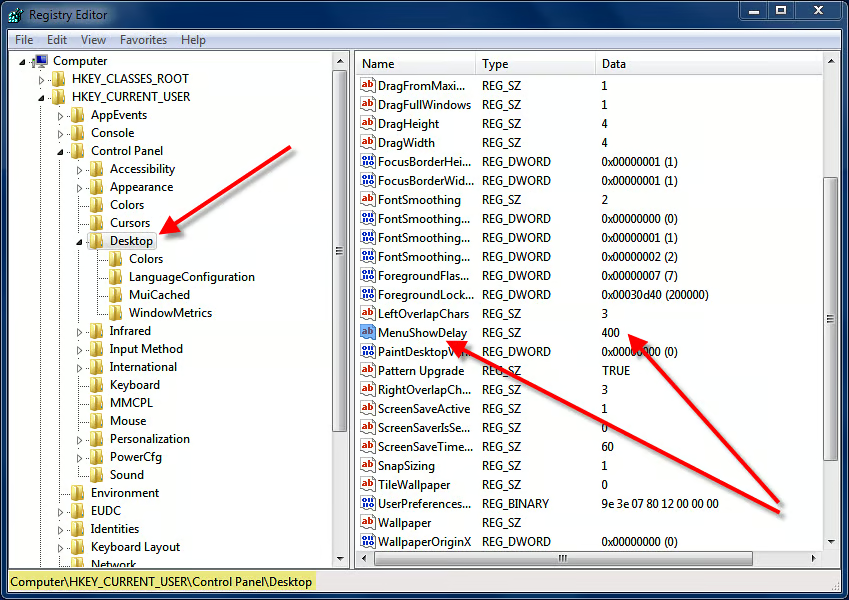
\n\tMenuShowDelay item
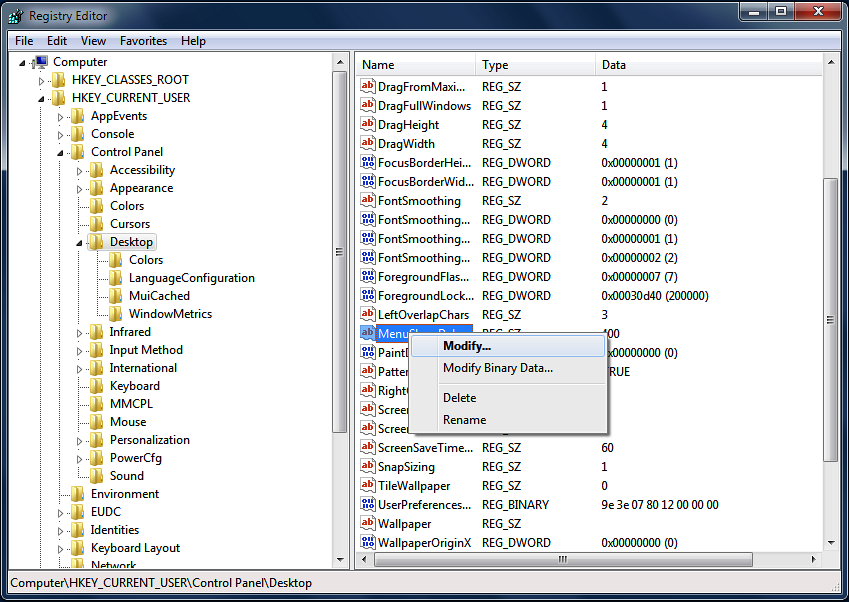
\n\tClick Modify
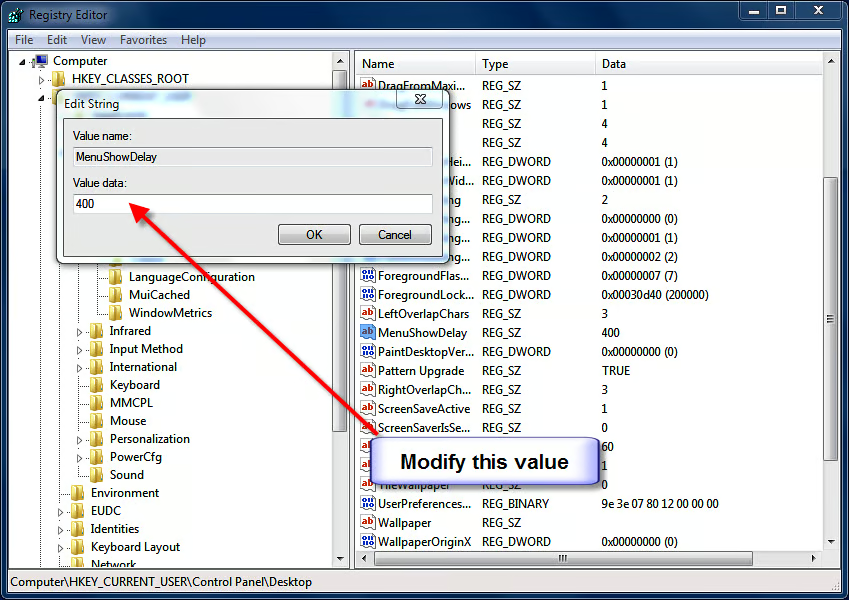
\n\tChange default value
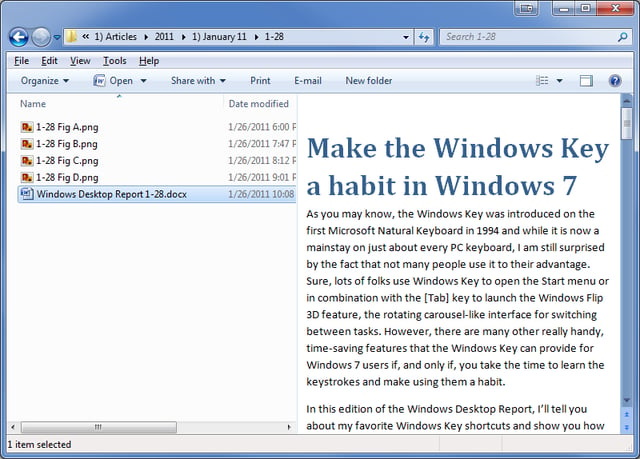
\n\tUse special codes to add commands to the Windows Explorer Command Bar
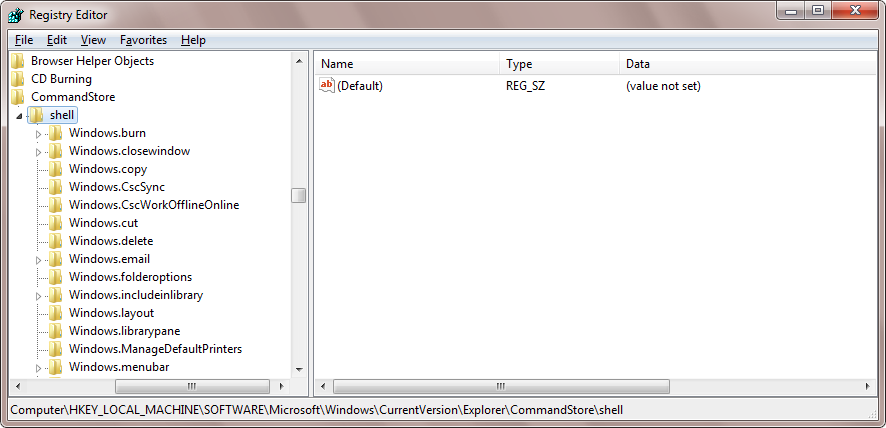
\n\tUse special codes to add commands to the Windows Explorer Command Bar
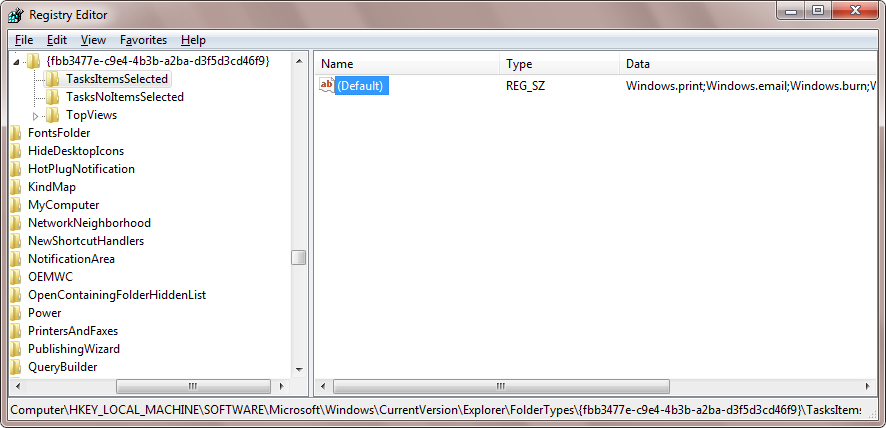
\n\tUse special codes to add commands to the Windows Explorer Command Bar
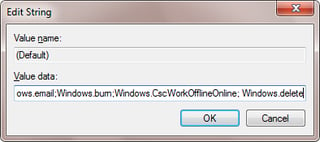
\n\tUse special codes to add commands to the Windows Explorer Command Bar
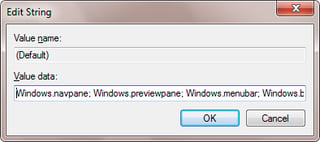
\n\tUse special codes to add commands to the Windows Explorer Command Bar
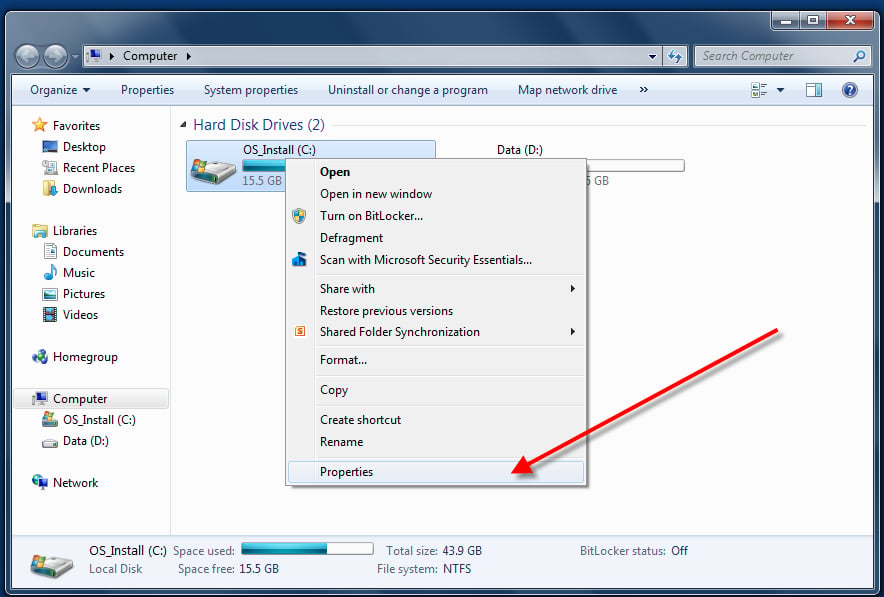
\n\tQuick Tip: Reclaim used hard drive memory with Disk Cleanup
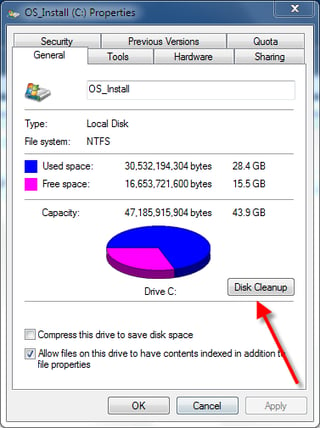
\n\tQuick Tip: Reclaim used hard drive memory with Disk Cleanup
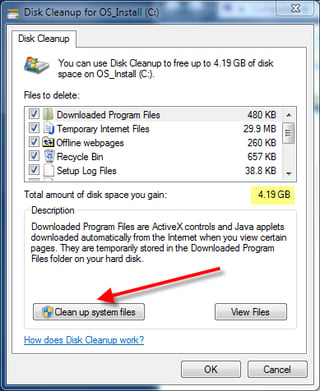
\n\tQuick Tip: Reclaim used hard drive memory with Disk Cleanup
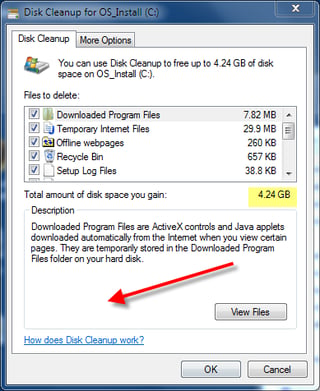
\n\tQuick Tip: Reclaim used hard drive memory with Disk Cleanup
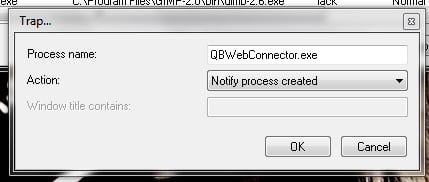
\n\tKill and trap rogue processes in Windows with Daphne
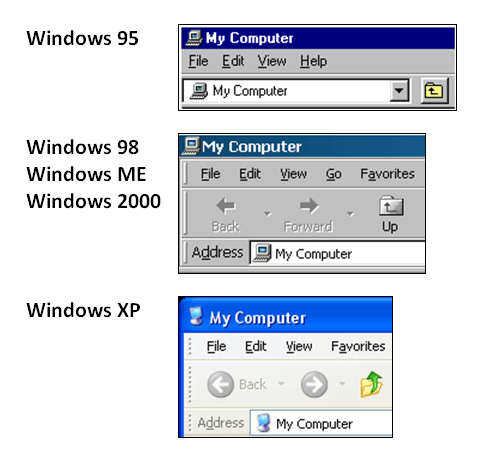
\n\tWhy breadcrumb navigation system is better than the Up button
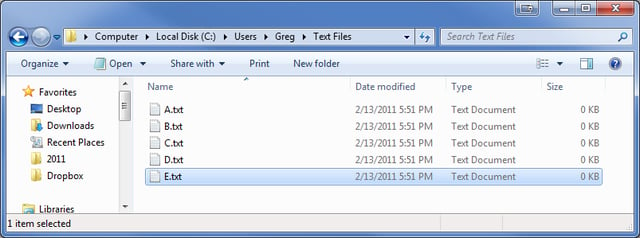
\n\tWhy breadcrumb navigation system is better than the Up button
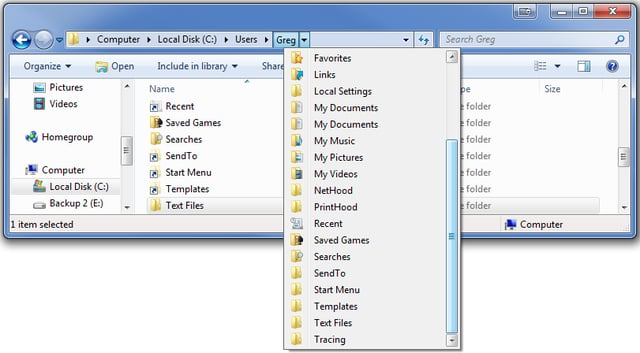
\n\tWhy breadcrumb navigation system is better than the Up button
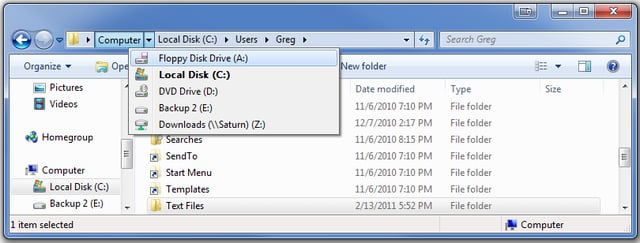
\n\tWhy breadcrumb navigation system is better than the Up button
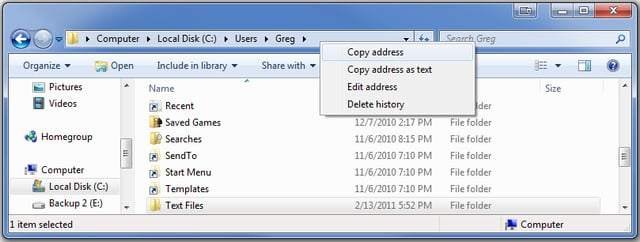
\n\tWhy breadcrumb navigation system is better than the Up button
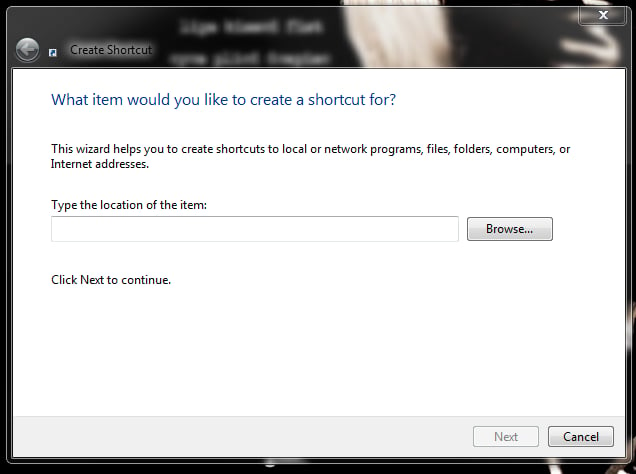
\n\tCreate a shortcut icon to quickly enable and disable the Windows 7 firewall
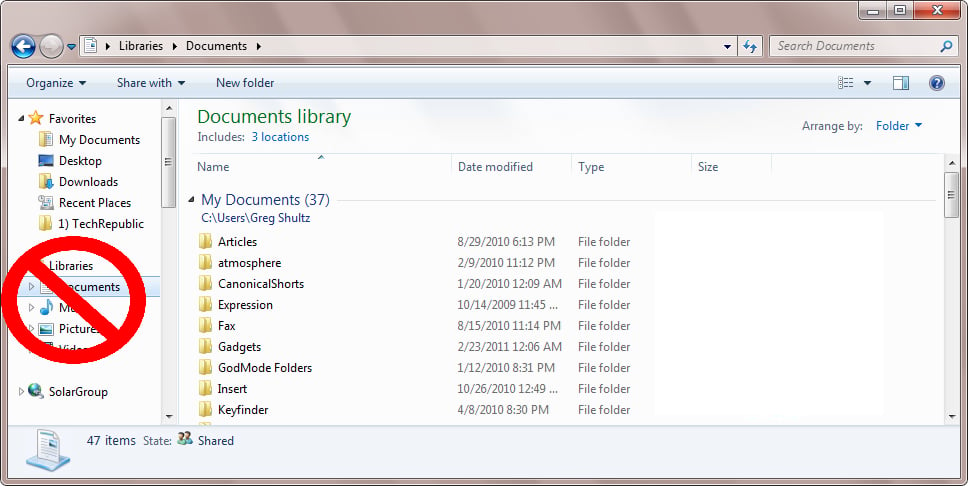
\n\tAdd the Up Button to the Explorer Command Bar in Windows 7
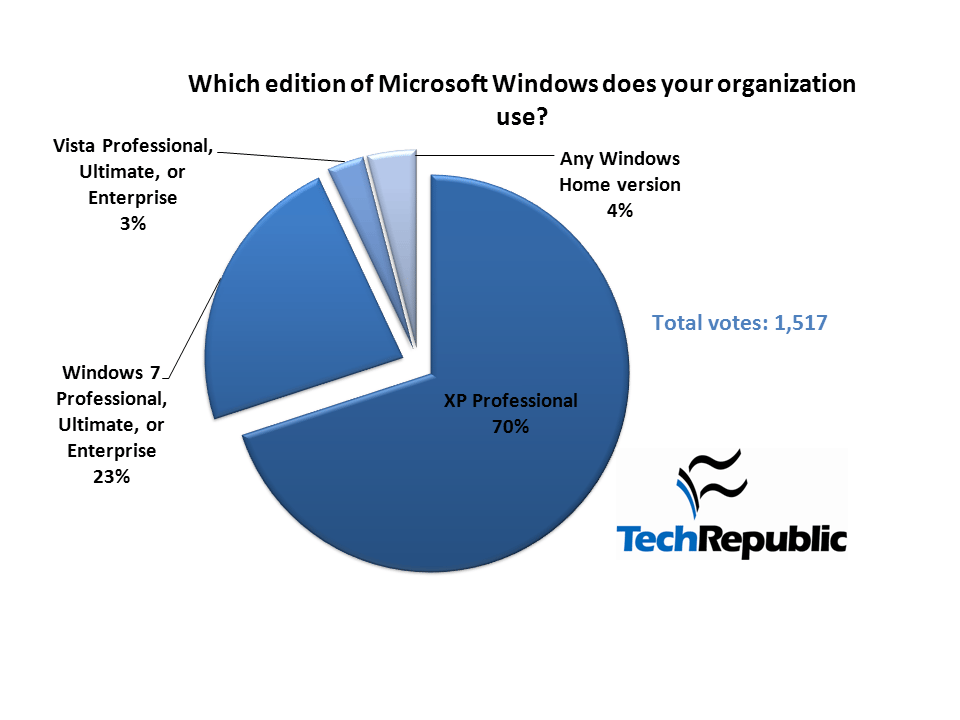
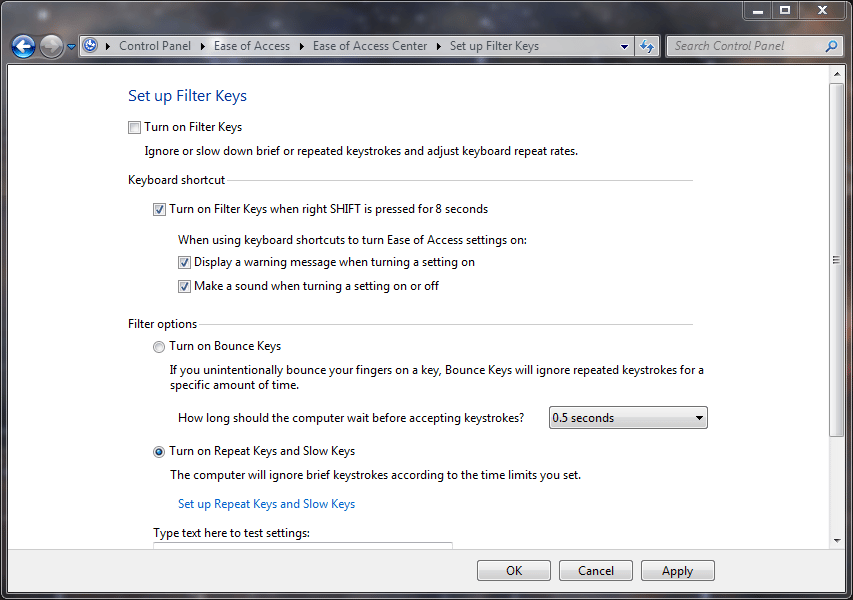
\n\tQuick Tip: Disable the sticky and filter keys in Windows
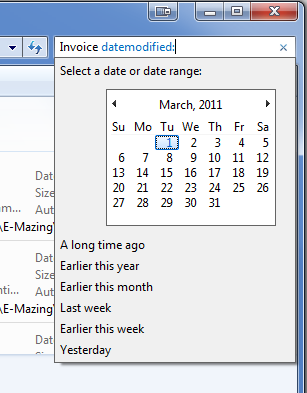
\n\tTake advantage of Search filters in Windows Explorer
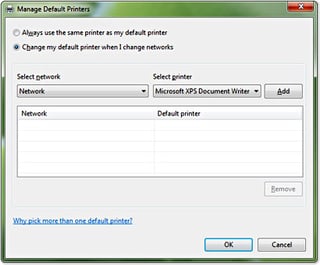

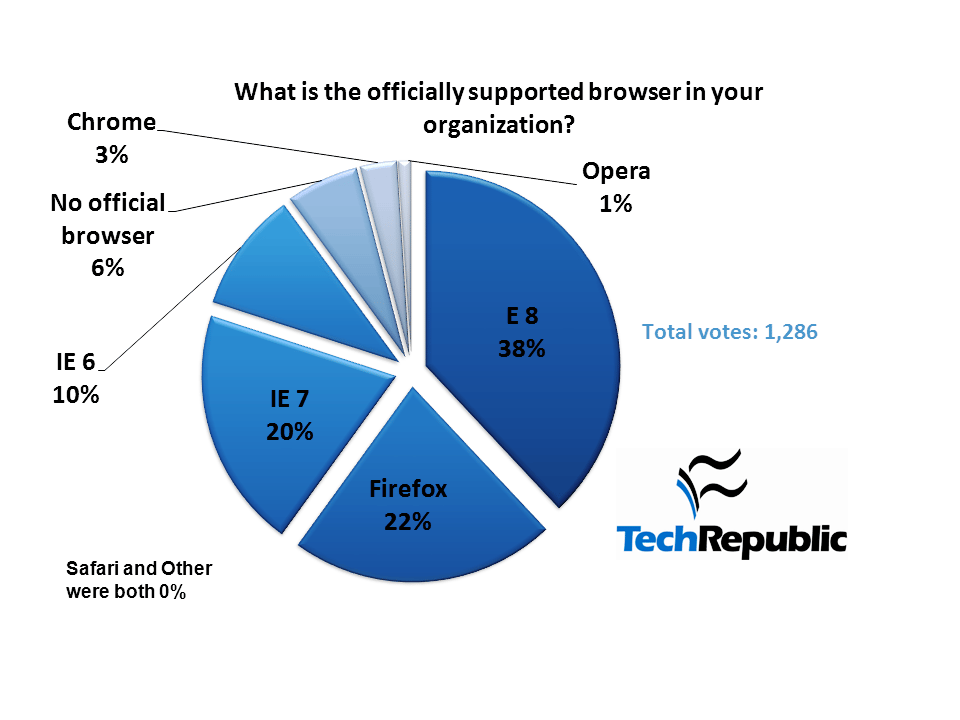
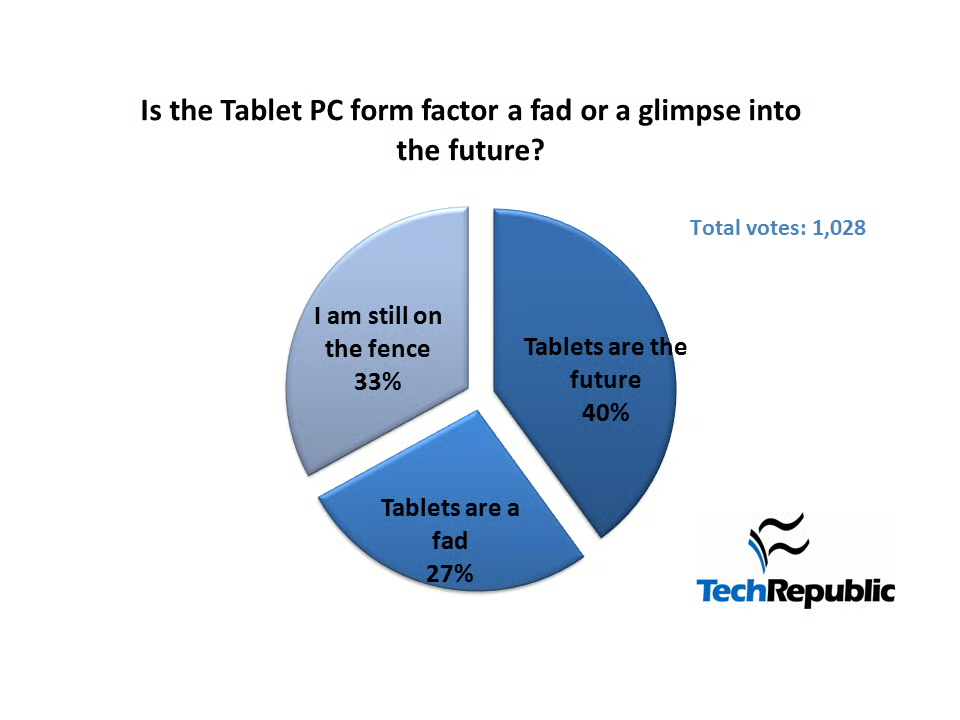
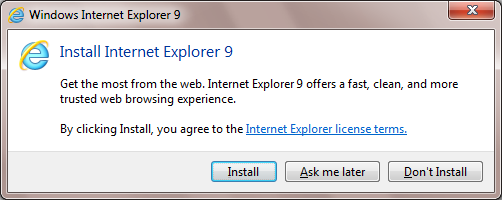
\n\tPoll Results: Is the beta Internet Explorer 9 as bad as I think it is?
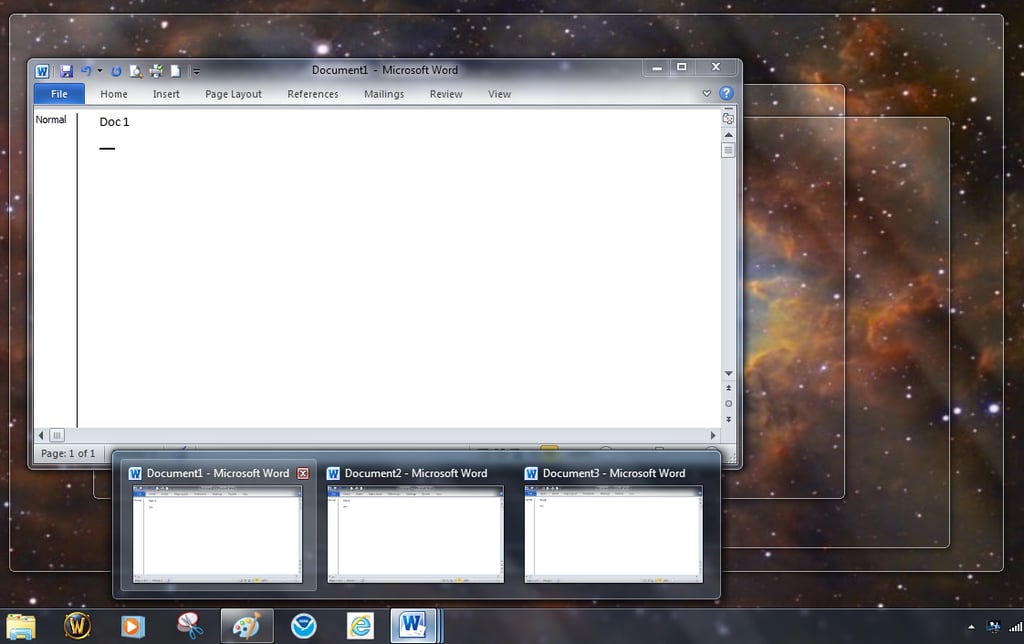
\n\tQuick Tip: Change Stacked Window behavior in the Windows 7 taskbar
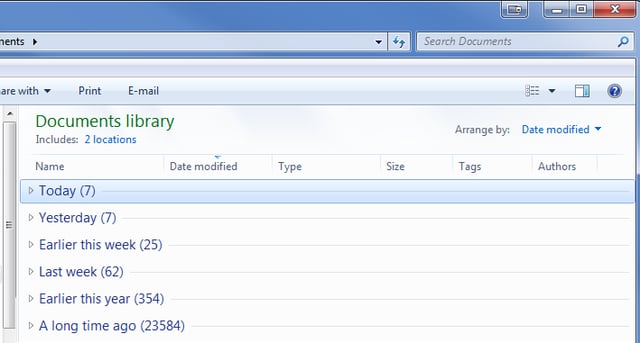
\n\tWeed through your files with the Windows Explorer Arrange by feature
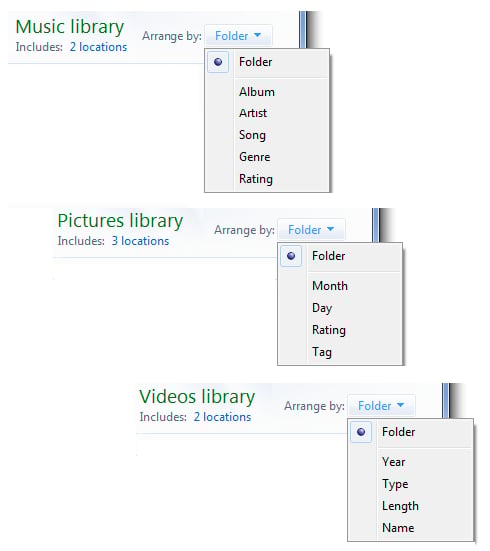
\n\tWeed through your files with the Windows Explorer Arrange by feature
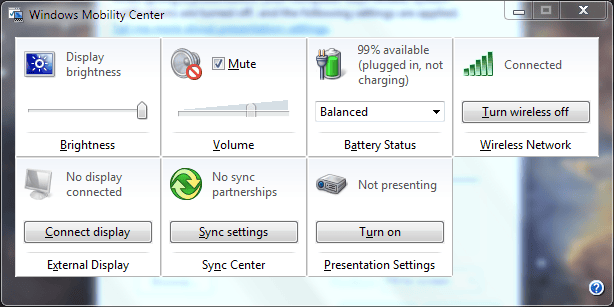
\n\tQuick Tip: Take advantage of the Windows Mobility Center for quick reconfiguration
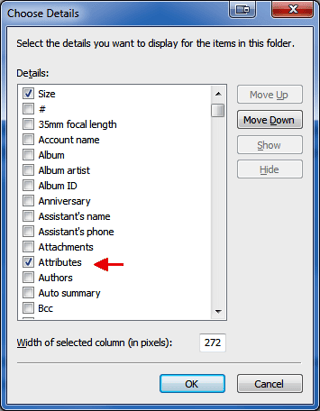
\n\tWeed through your files Part Two: Windows 7 Group By and Filter features
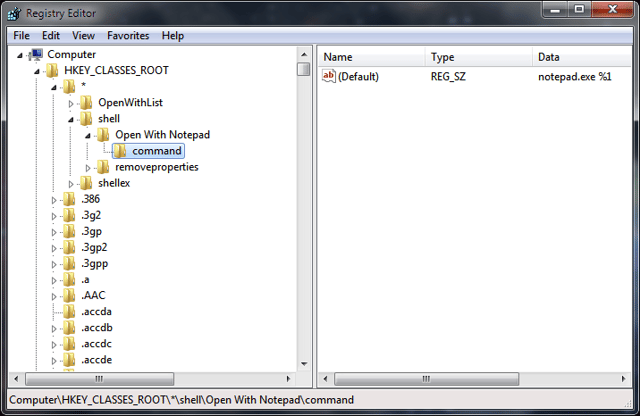
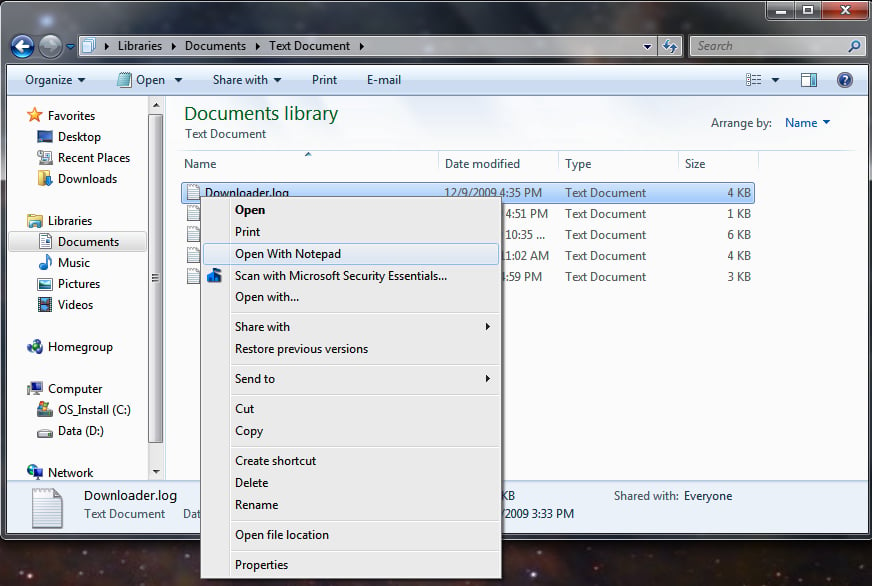
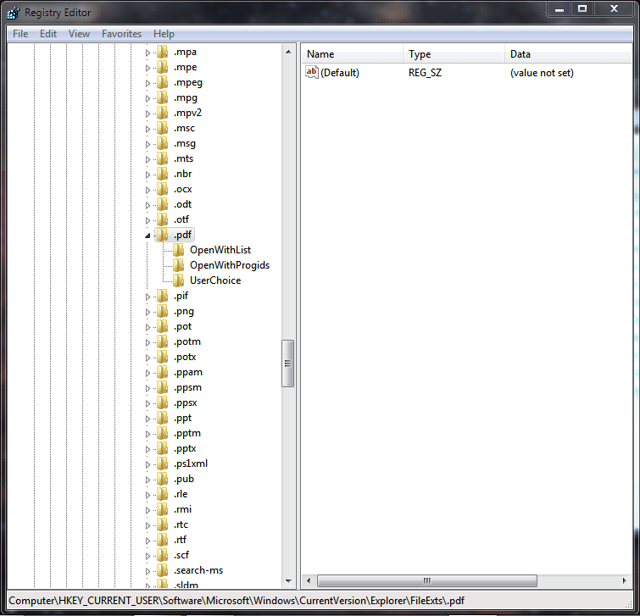
\n\tRemove applications from the Open With List in Windows Explorer
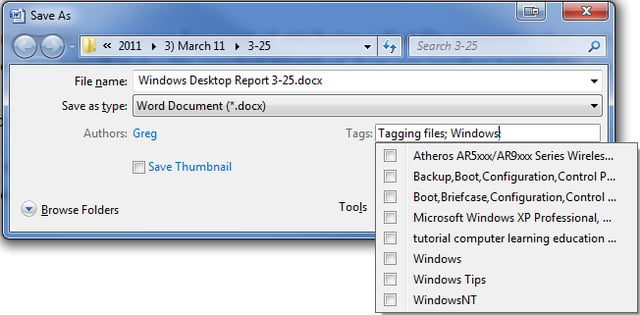
\n\tTag your files for easier searches in Windows 7
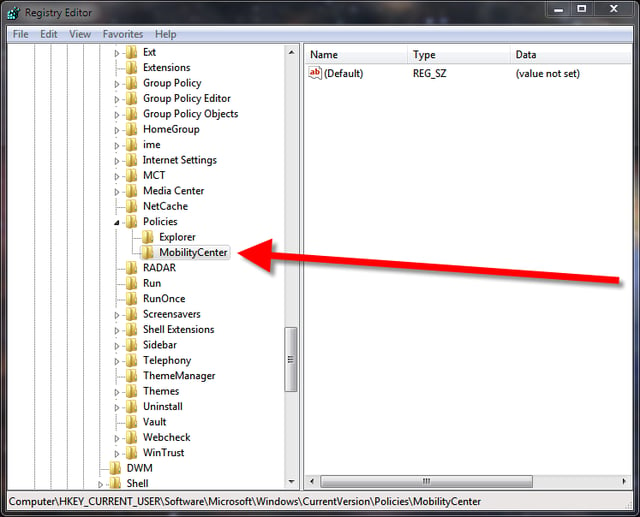
\n\tDisable the Windows Mobility Center with a registry tweak
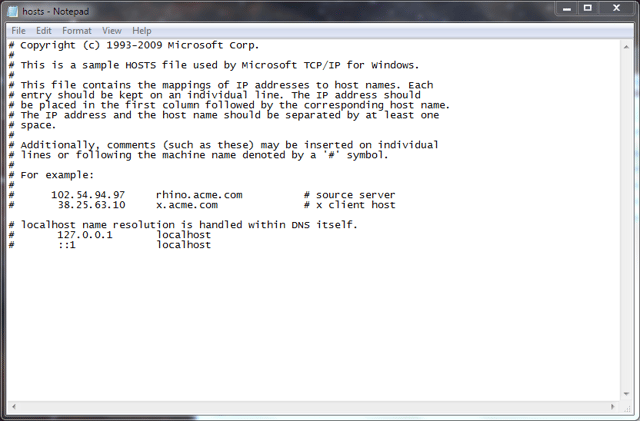
\n\tQuick Tip: Block unwanted sites using the Windows hosts file
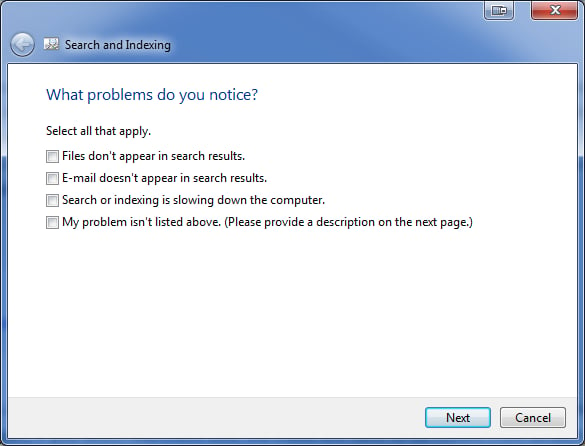
\n\tFine tune the Windows 7 Search Index for better performance
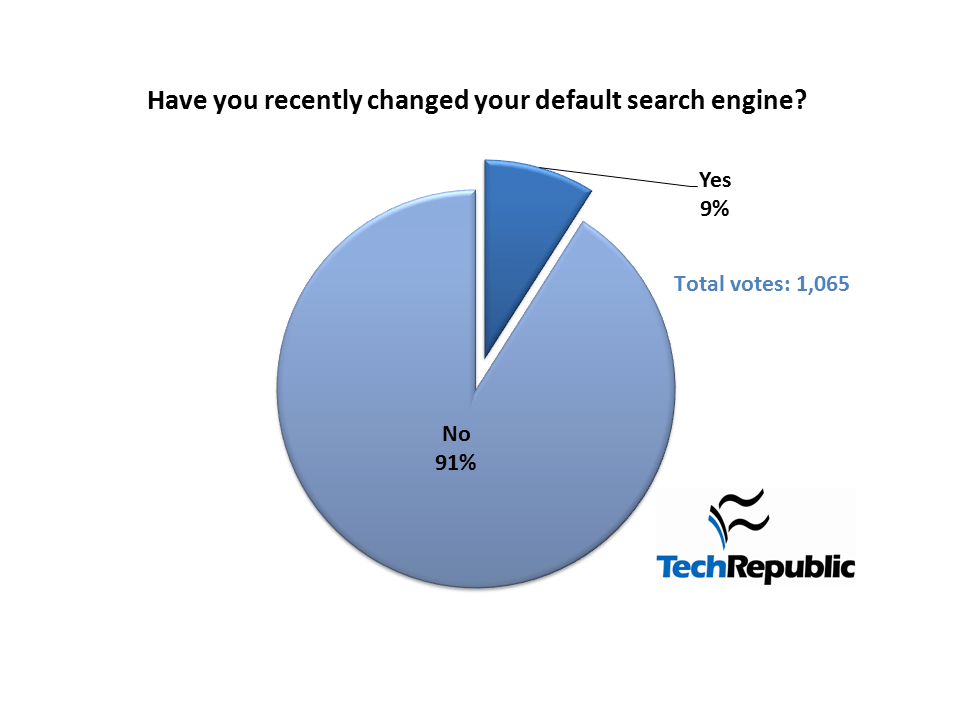
\n\tPoll Results: Which search engine is the default on your browser?
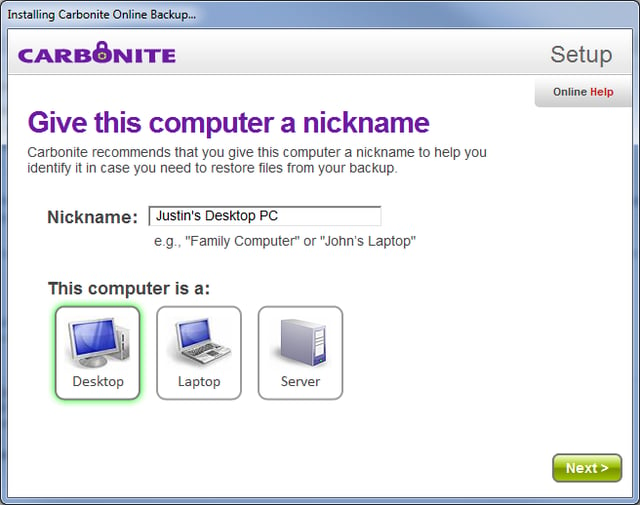
Review: Carbonite offsite data backup and recovery
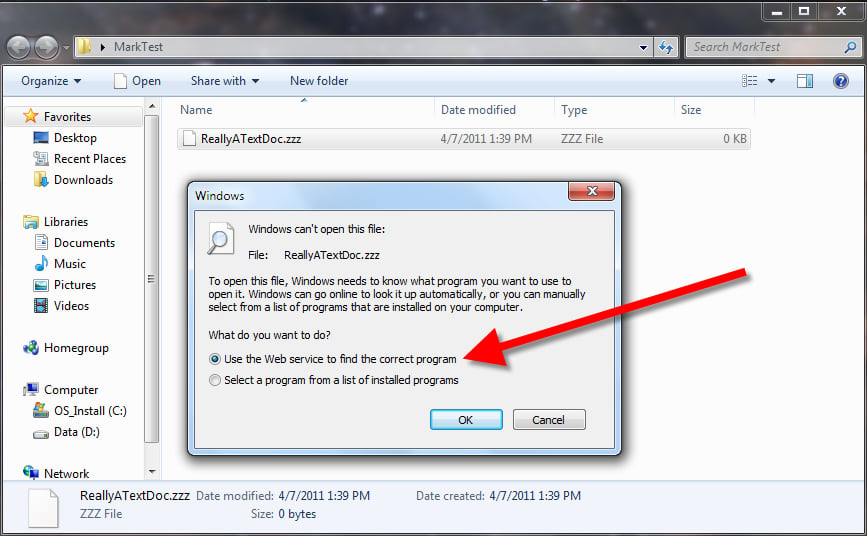
\n\tQuick Tip: A registry tweak to make application choices more efficient in Windows
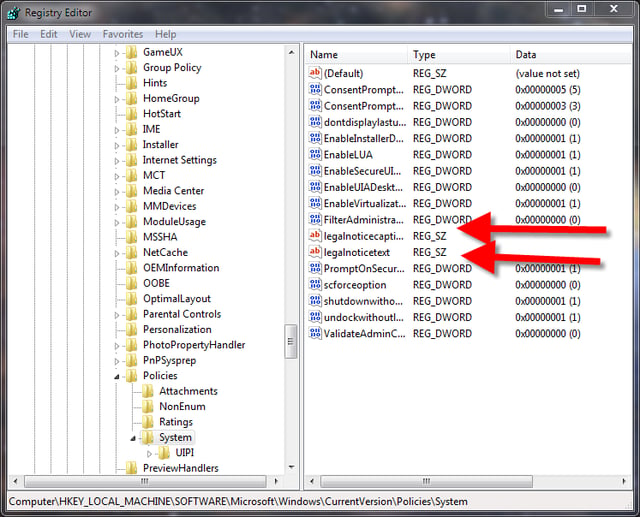
\n\tQuick Tip: Create a logon message in Windows 7
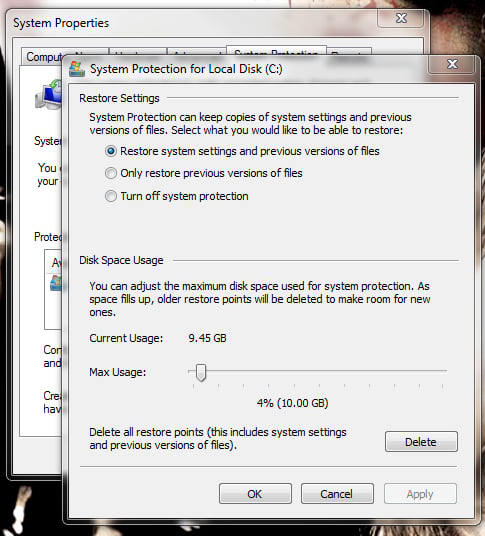
\n\tQuick Tip: Shrink the size used by Windows 7 System Restore

\n\tDecipher Svchost processes in Windows with Svchost Viewer

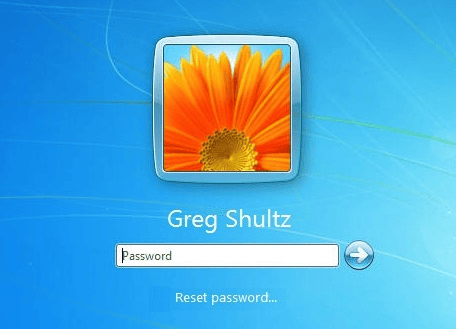
\n\tUse a USB Flash Drive to create Windows Password Reset Disk in Windows 7




Mark W. Kaelin has been writing and editing stories about the information technology industry, software, hardware, gaming, finance, accounting, and technology geekdom for more than 30 years.


