
The latest Office 2007 Beta update offers performance improvements, an updated user interface and ribbon design, and better accessibility support. The Office 2007 Beta 2 Technical Refresh (B2TR) also provides better image support for blogs in Word 2007 and a new Excel 2007 Trust Center. This gallery’s 45-plus screenshots show you what the Office 2007 Beta 2 Technical Refresh includes.
Click each image for a full-size version.
Credit: Bill Detwiler

Office 2007 will feature the most significant user interface change in recent years – the Ribbon.
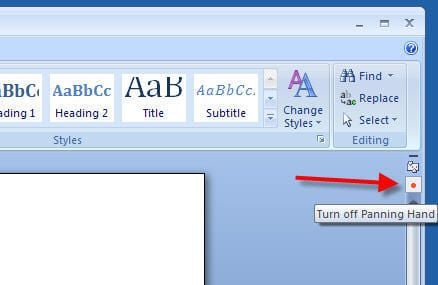
Using this red button, you can toggle the Panning Hand on and off.
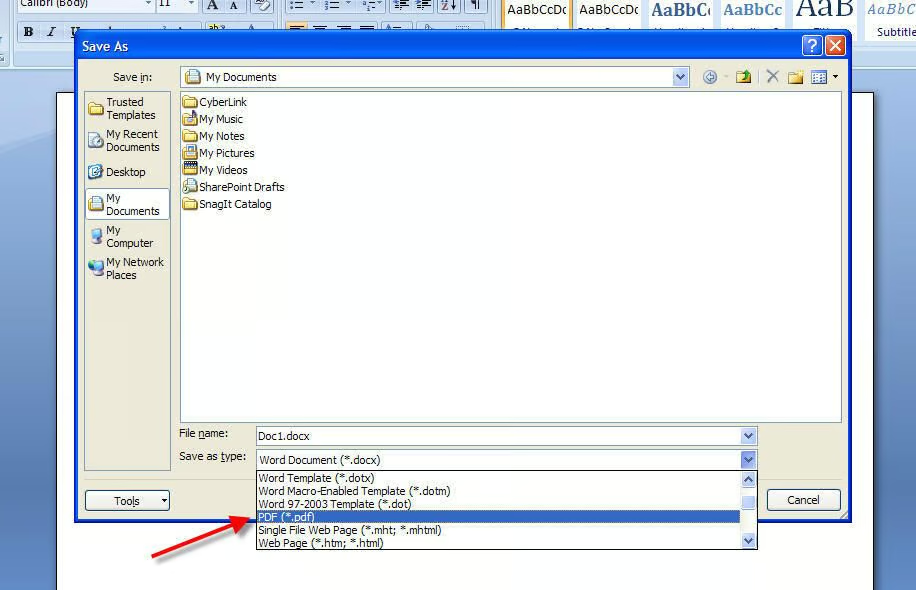
The Office 2007 Beta 2 Technical Refresh doesn’t natively support PDF files, but Microsoft does provide a free add-in that allows Office 2007 to export and save PDF and XPS files.
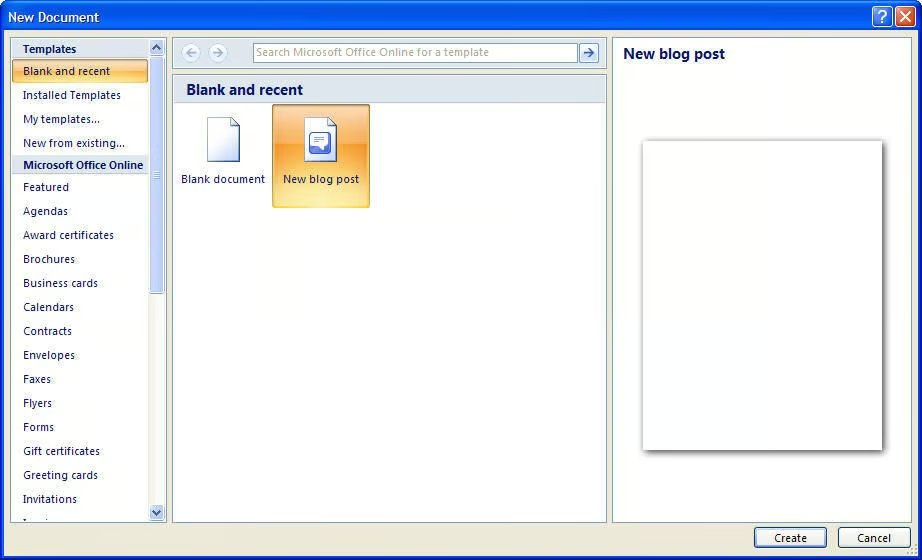
The Office 2007 Beta 2 Technical Refresh added increased support for images when blogging. To create a new blog post, click the Office button, click New, select Blank and recent from the templates list, and click New blog post.
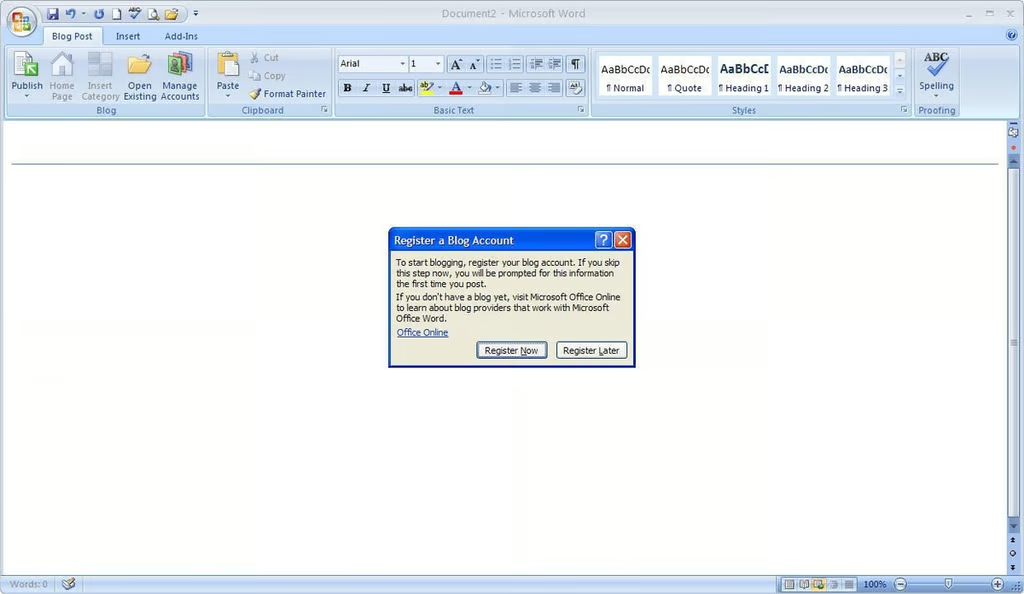
If you haven’t done so, Word will ask you to register a blog account.
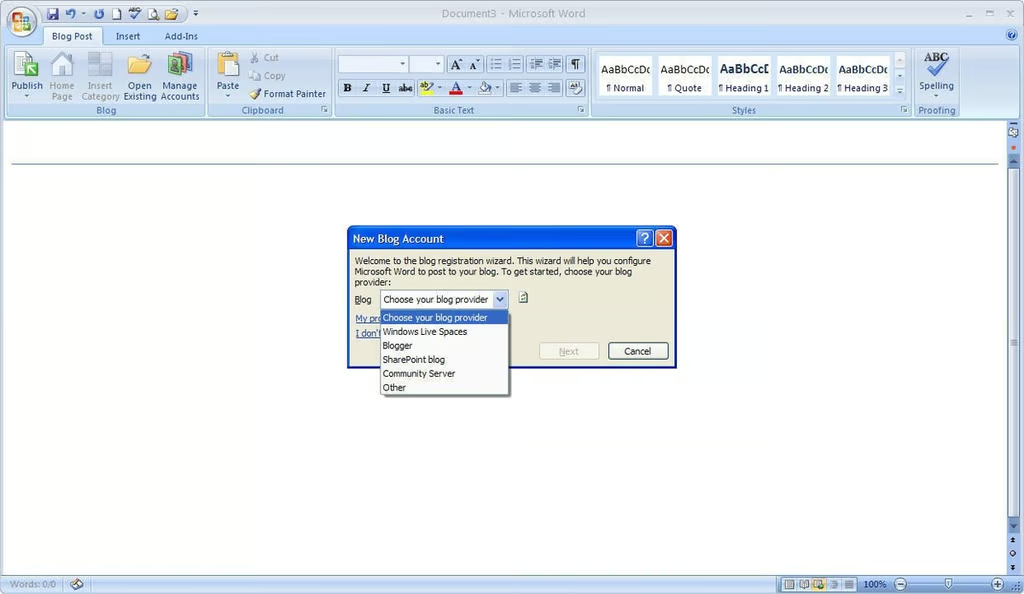
The Word 2007 blog registration wizard includes settings for Windows Live Spaces, Blogger, SharePoint blogs, a Community Server, and other blog clients that use the MetaWebLog or Atom API.
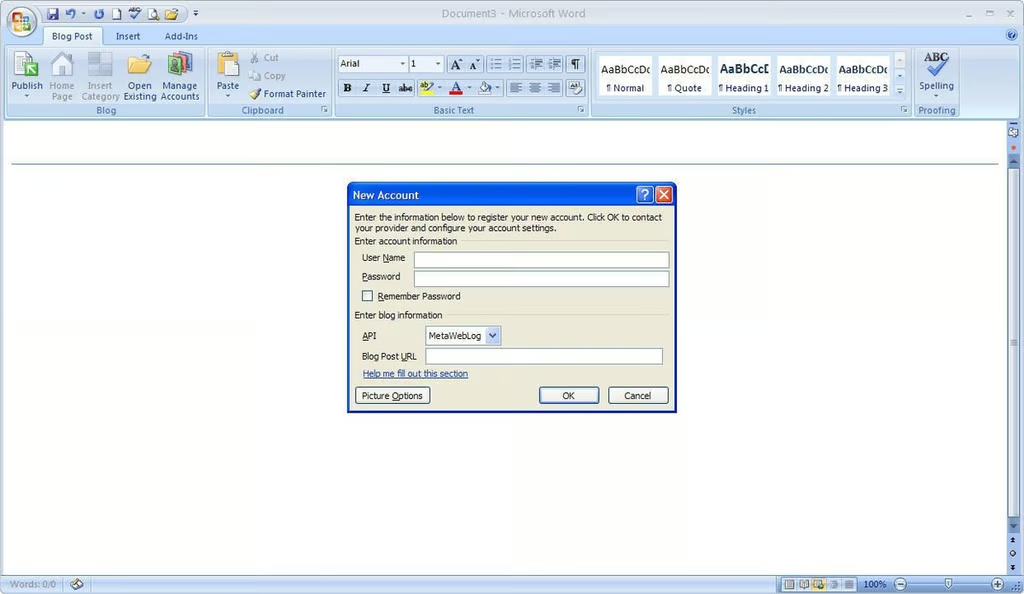
Here you enter your blog account information, including the appropriate API.
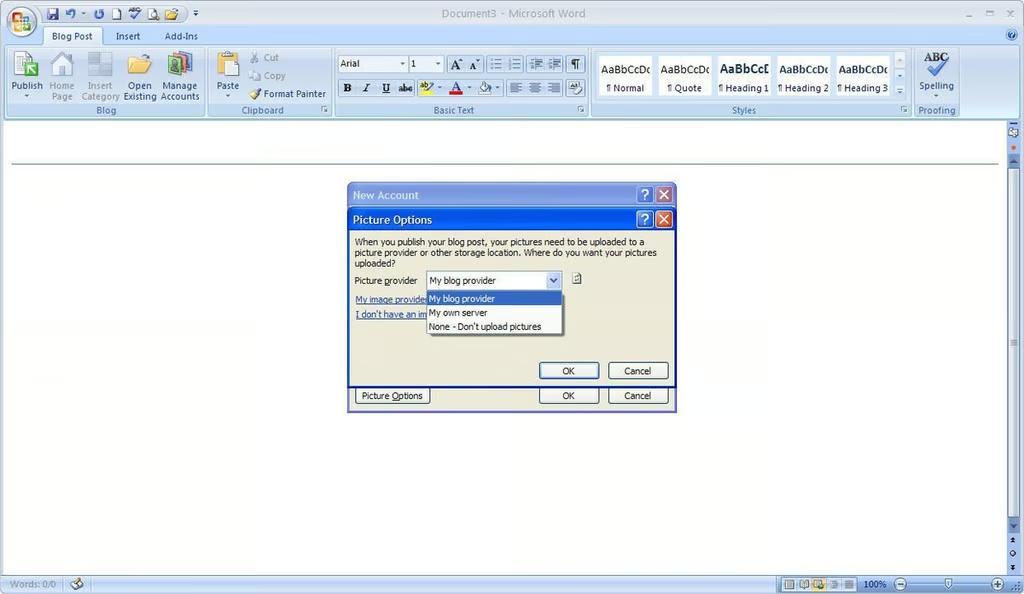
Improved blog picture support was one of the updates in the Office 2007 Beta 2 Technical Refresh. During the blog account registration, you can specify were you blog images will be stored.
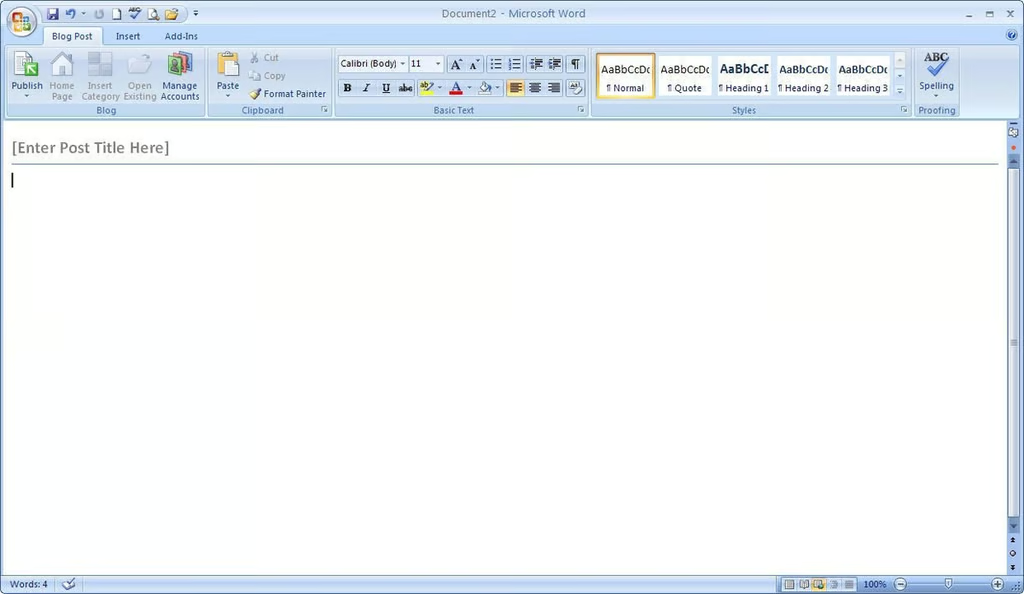
A new, blank blog post shown under the Blog Post tab.
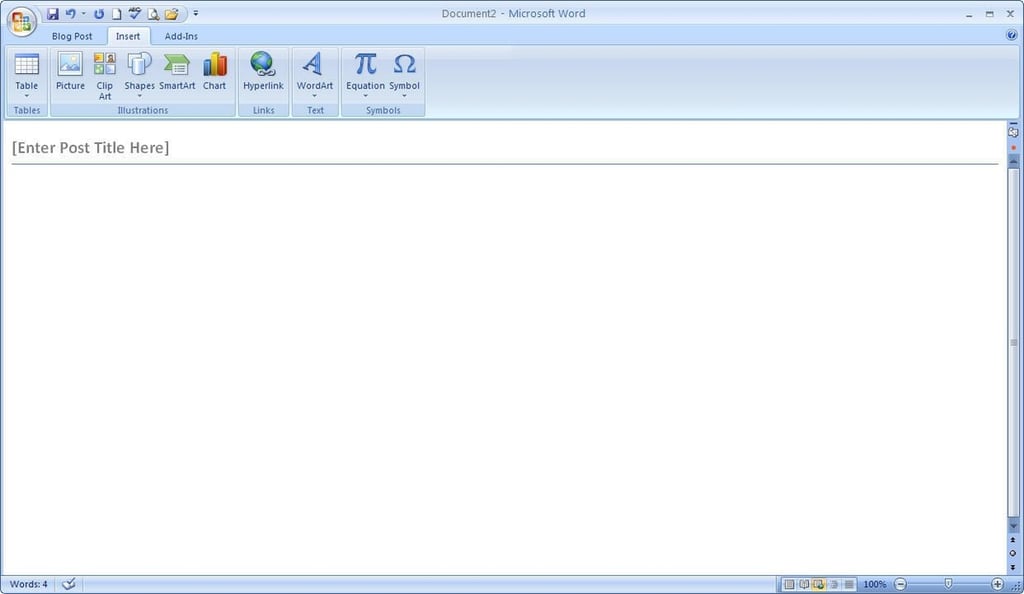
Using the Insert tab, you can add a variety of objects (pictures, clip art, shapes, tables, and more) to the blog post.
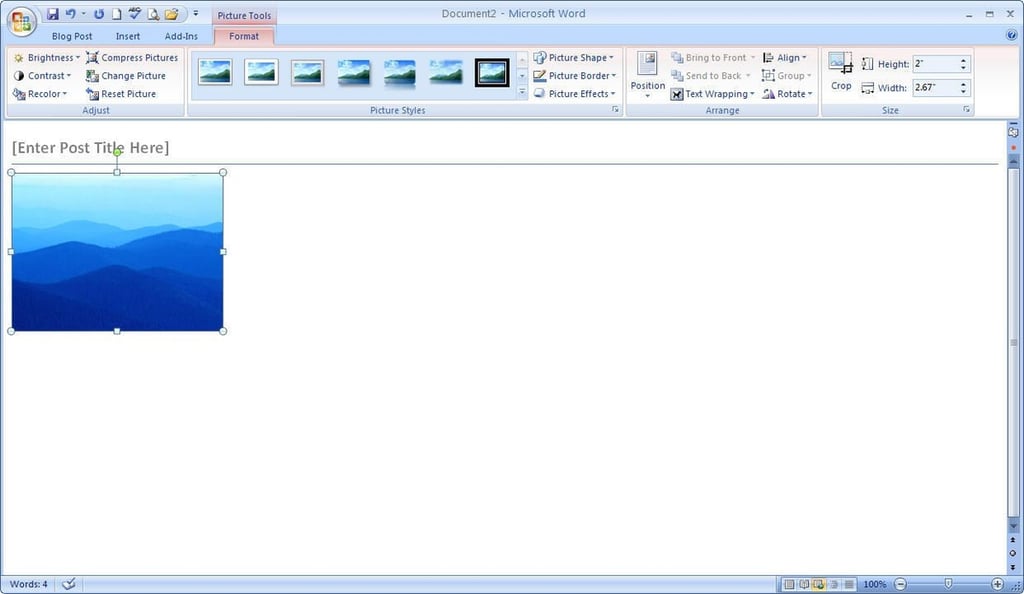
A blog post containing and image

The Office 2007 Beta 2 Technical Refresh contains an updated Excel Trust Center.
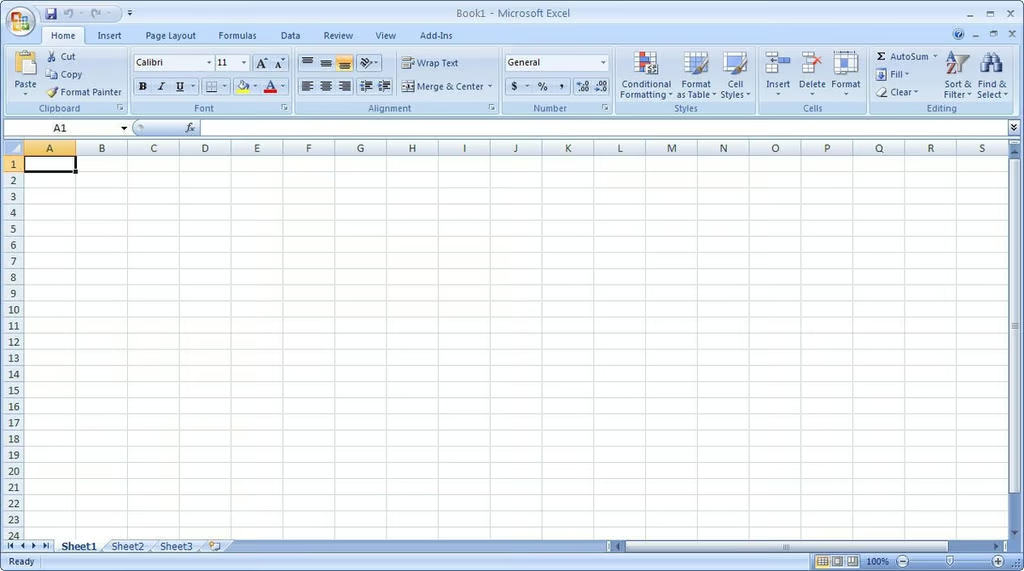
As with other Office applications, Excel’s Home tab is the default view.
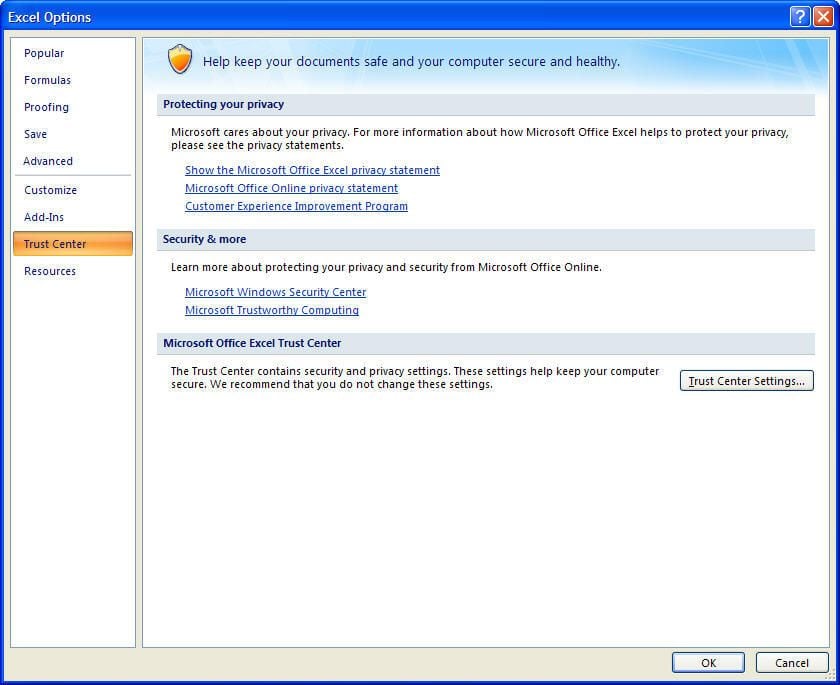
To open the Trust Center, click the Office Button, click Excel Options, select Trust Center, and click Trust Center Settings.
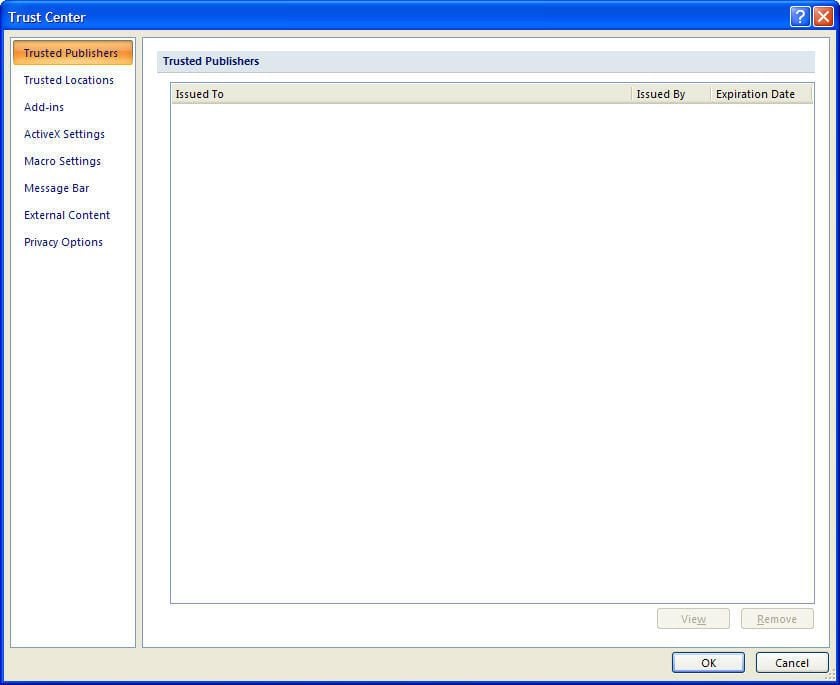
From the Trust Center, you can manage Excel 2007 security settings.
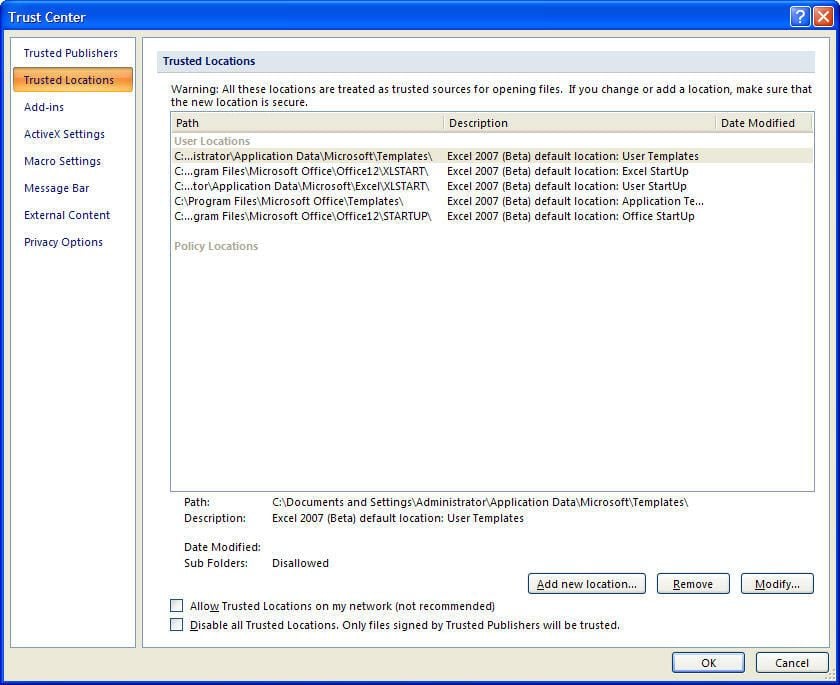
The locations listed in the Trusted Locations lists are trested as trusted sources for opening files.
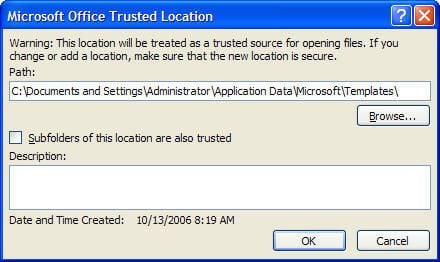
To add a new location, click Add new location, enter the location’s path, choose to trust the location’s subfolders, and add a description (if necessary). Click OK.
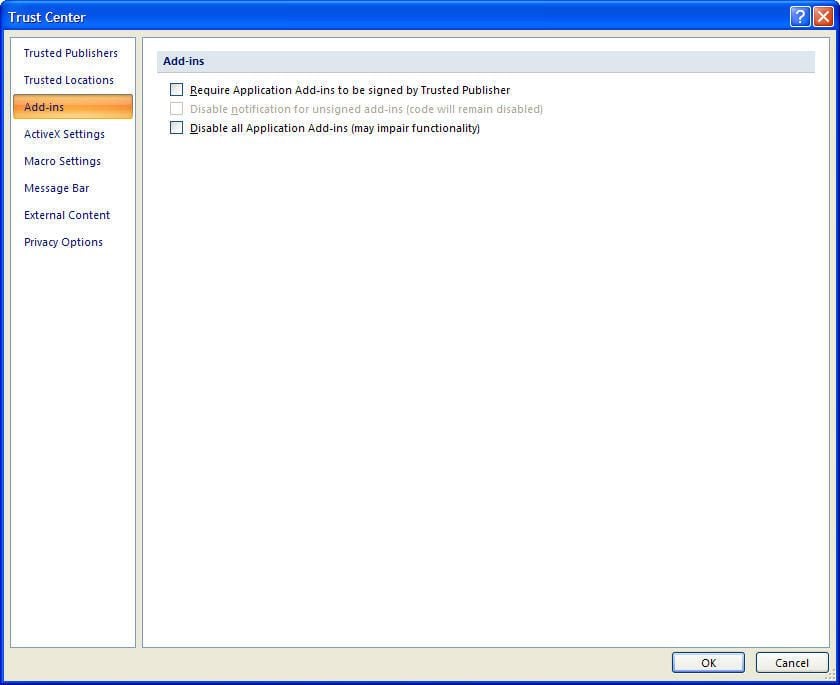
Here you can configure the security setting for the Excel 2007 add-ins.
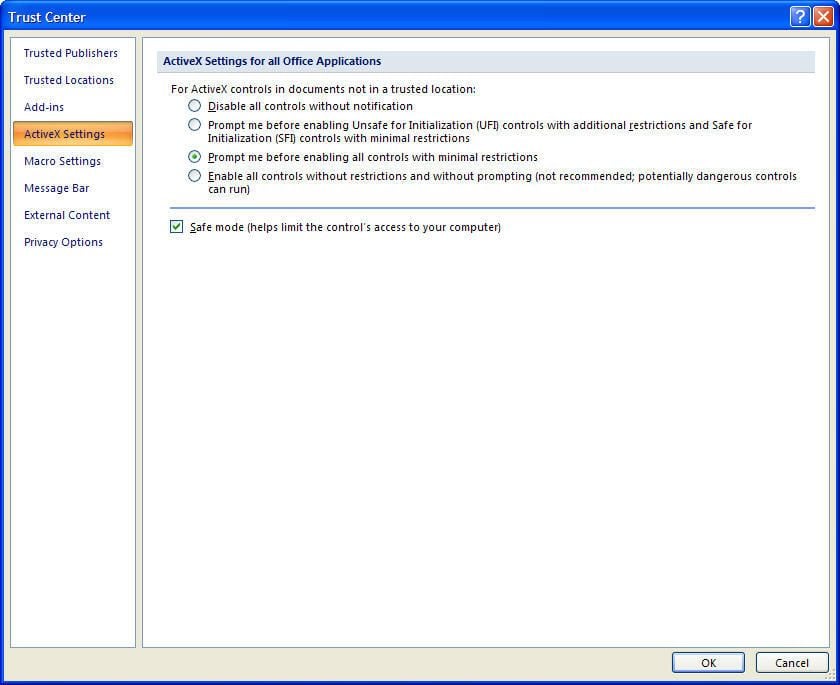
You can configure the ActiveX setting for all Office applications from the Trust Center.
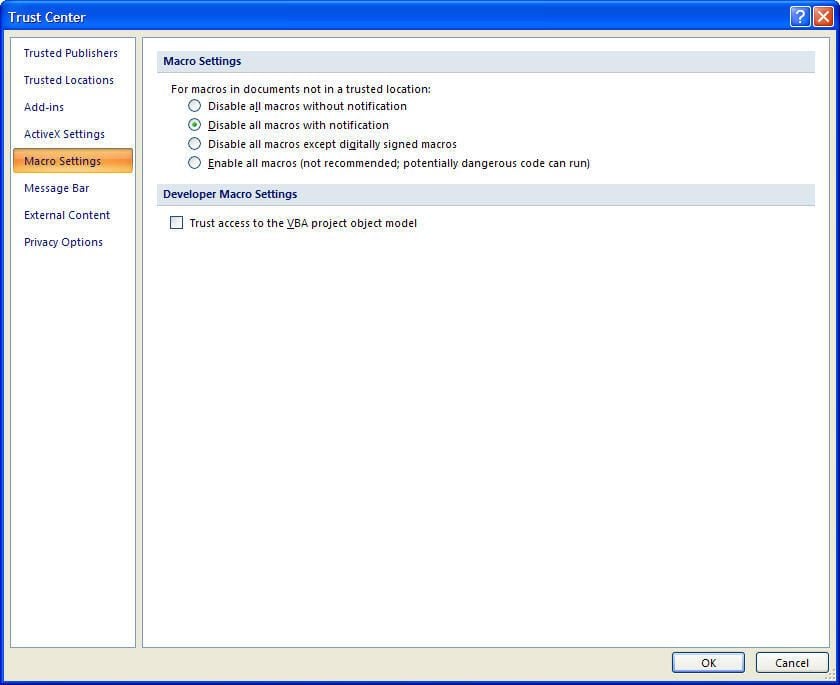
You can configure the macro security settings from the Trust Center.
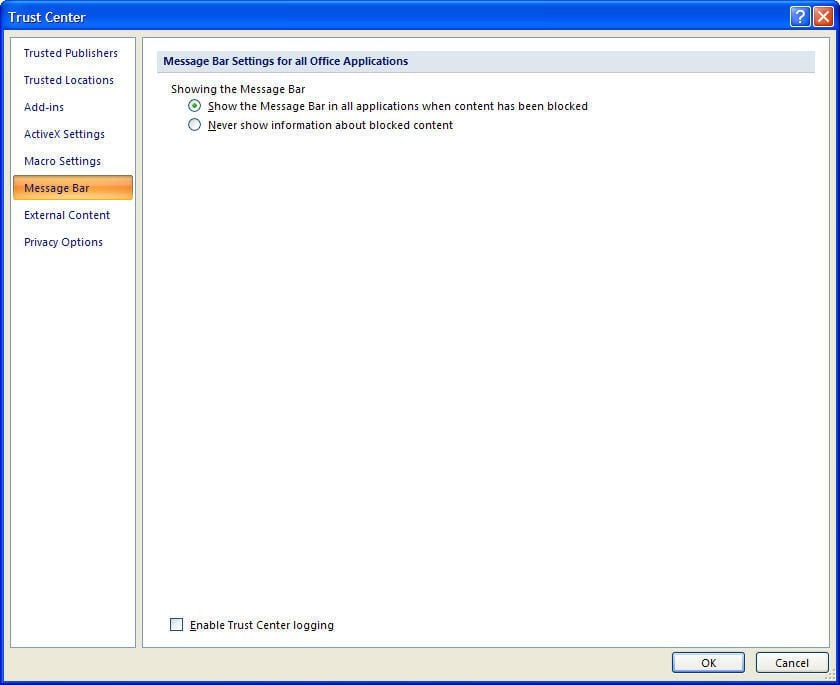
You can choose to show or not show a Message Bar notification when Office 2007 blocks content.
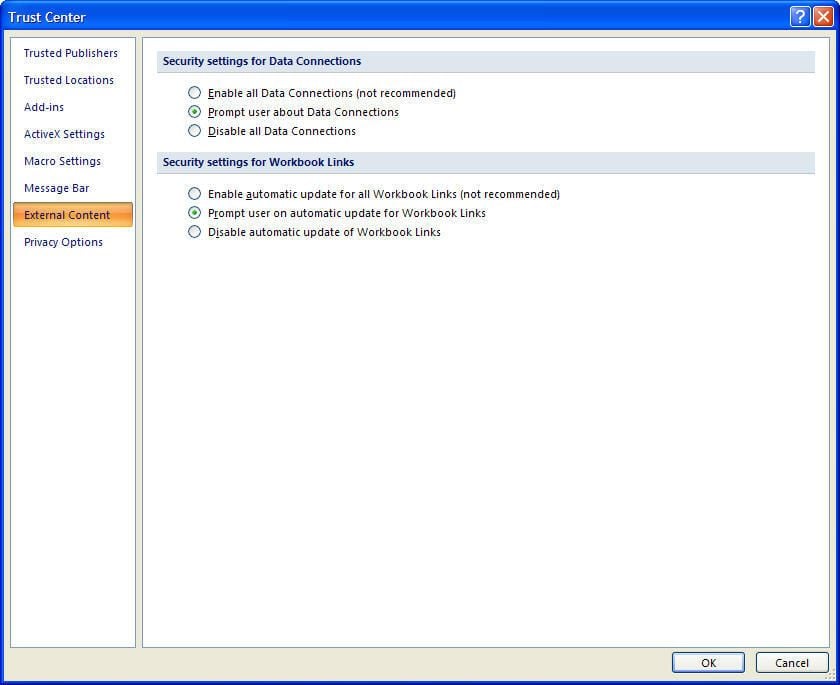
From the Trust Center’s External Content pane, you can configure security settings from Data Connections and Workbook Links.
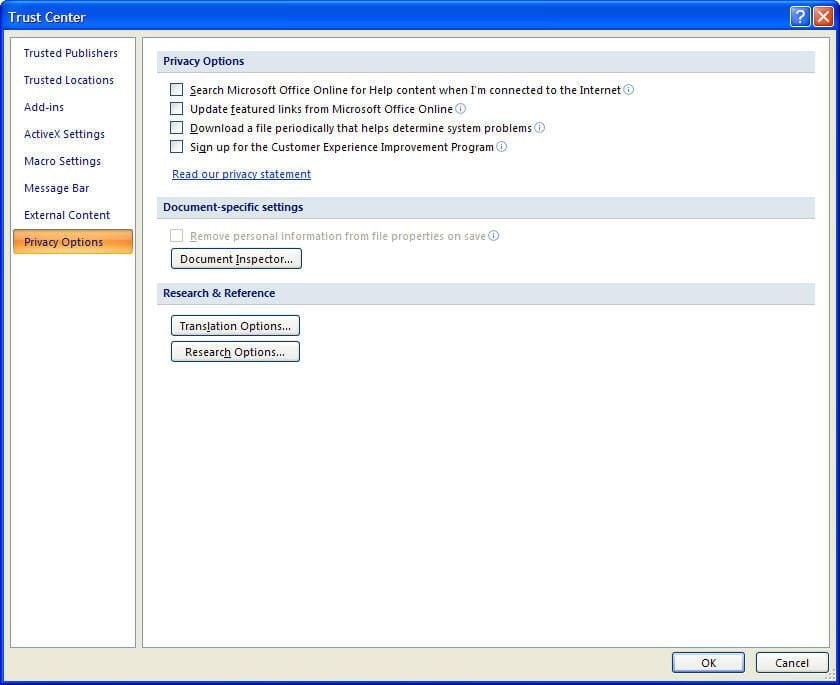
From the Trust Center’s Privacy Options page, you and configure a variety of privacy settings. Personally, I rarely, if ever, enable a setting that sends information back to Microsoft, or anyone else for that matter.
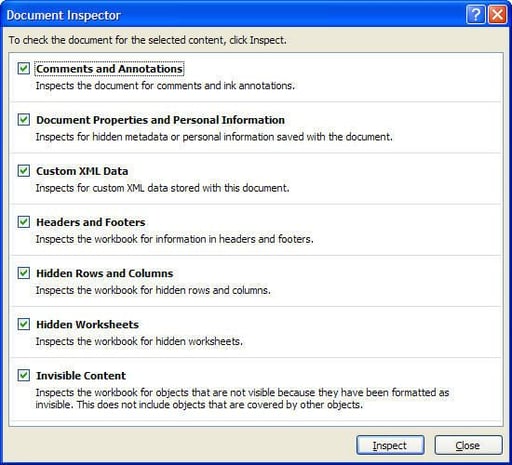
The Trust Center’s Document Inspector feature allows you to detect personal information from individual documents, such as, comments, custom XML data, hidden worksheets, and more. You can then configure the Trust Center to remove the personal information when the document is saved.
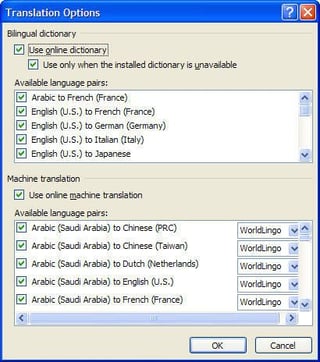
You can choose the appropriate dictionary to use.
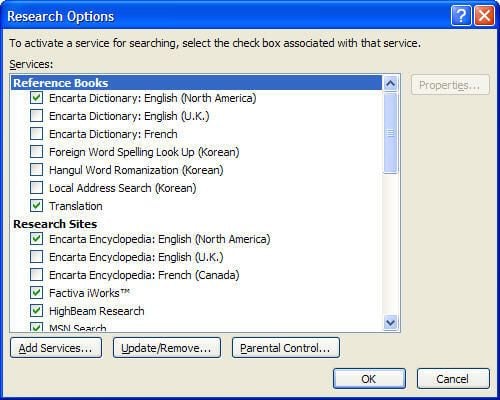
You can select which research sources/services Office 2007 will use.

Although Access 2007 won’t change the database file structure, Access users will still need to master Office 2007’s new Ribbon-based user interface.
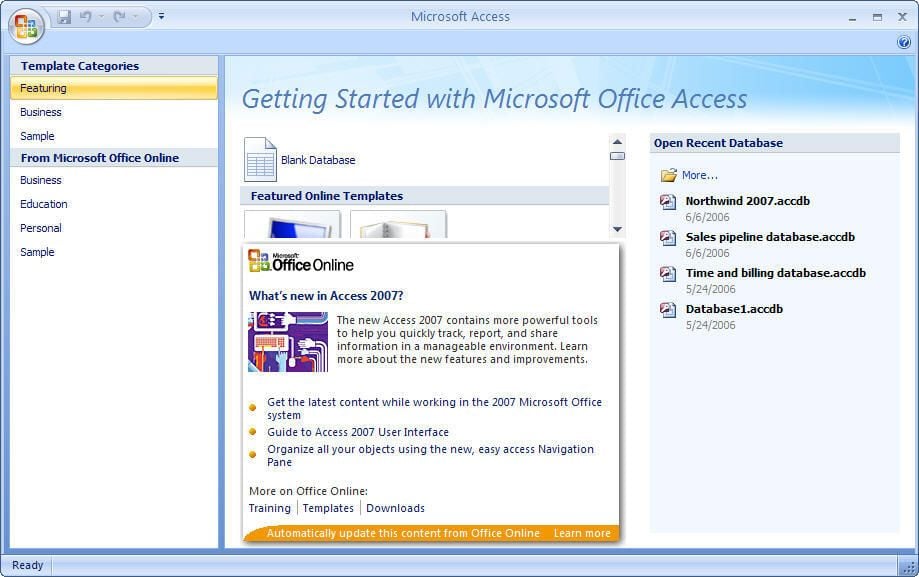
As with previous releases, Access 2007 prompts you to create a new database or open and existing database. Access 2007’s Getting Started wizard is just more colorful.
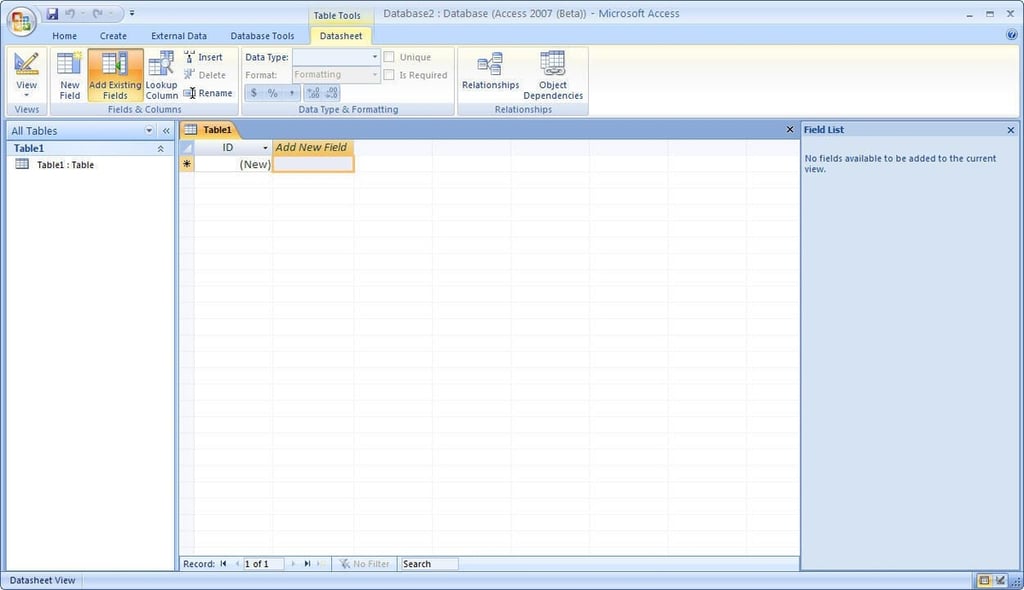
A new, blank table shown in Access 2007’s Datasheet View.

PowerPoint 2007 will use Office 2007’s new XML file structure.
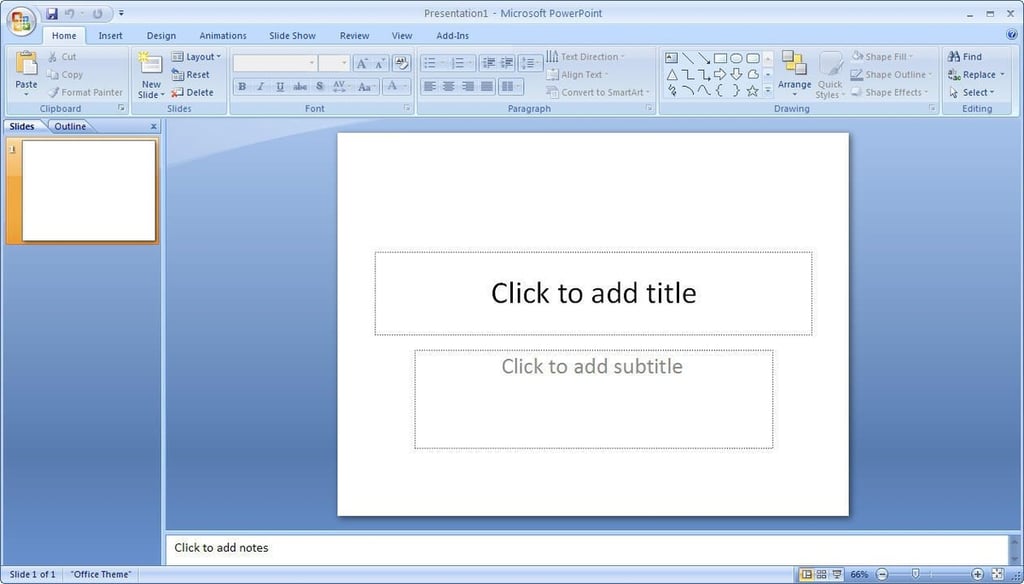
PowerPoint 2007’s Home Ribbon tab provides much the same view as the PowerPoint 2003 default view.
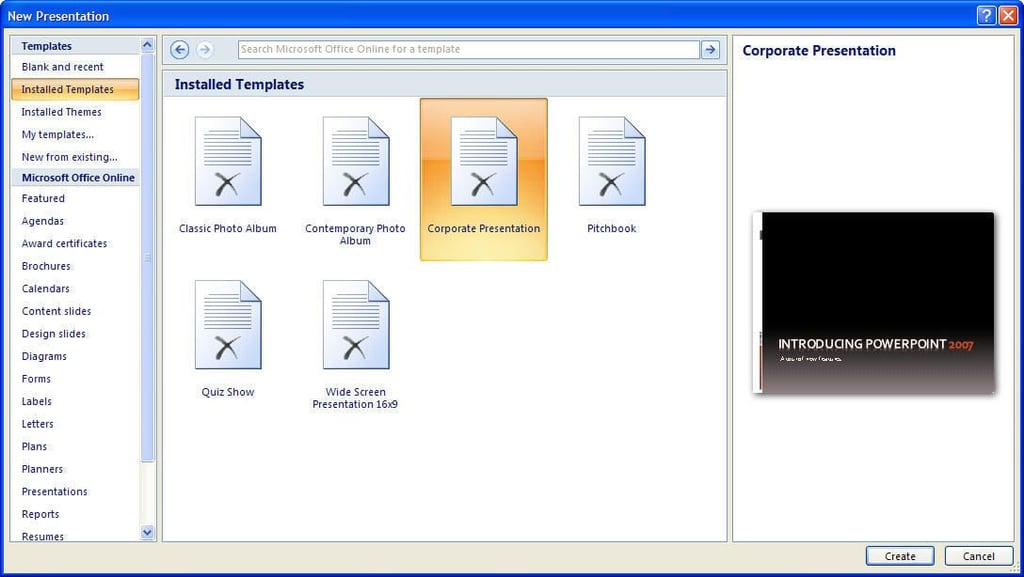
PowerPoint 2007 includes several new presentation templates.
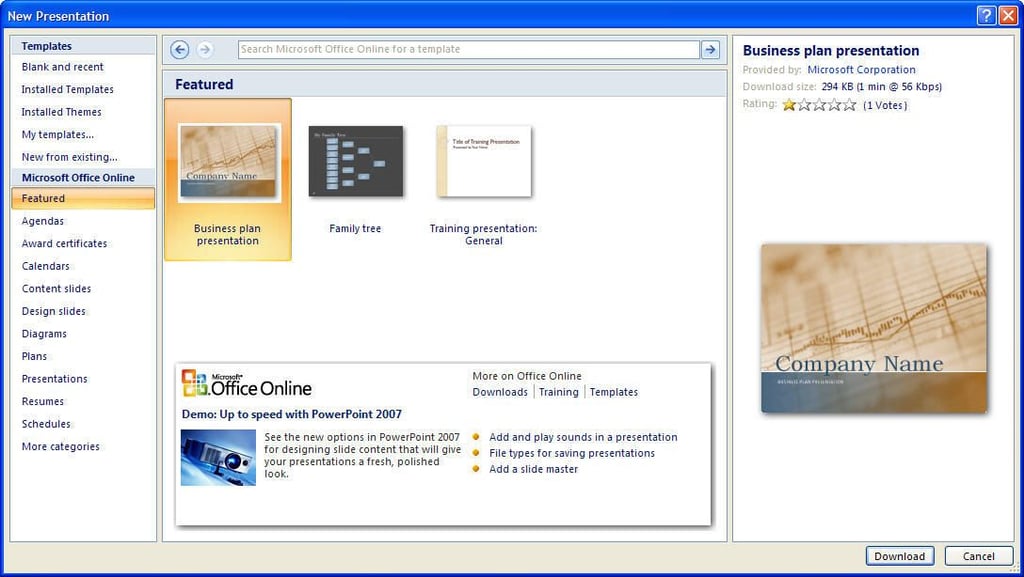
You can also access more PowerPoint presentation templates through OfficeOnline.

The interface is new, but Outlook 2007 offers few significant changes from Outlook 2003.
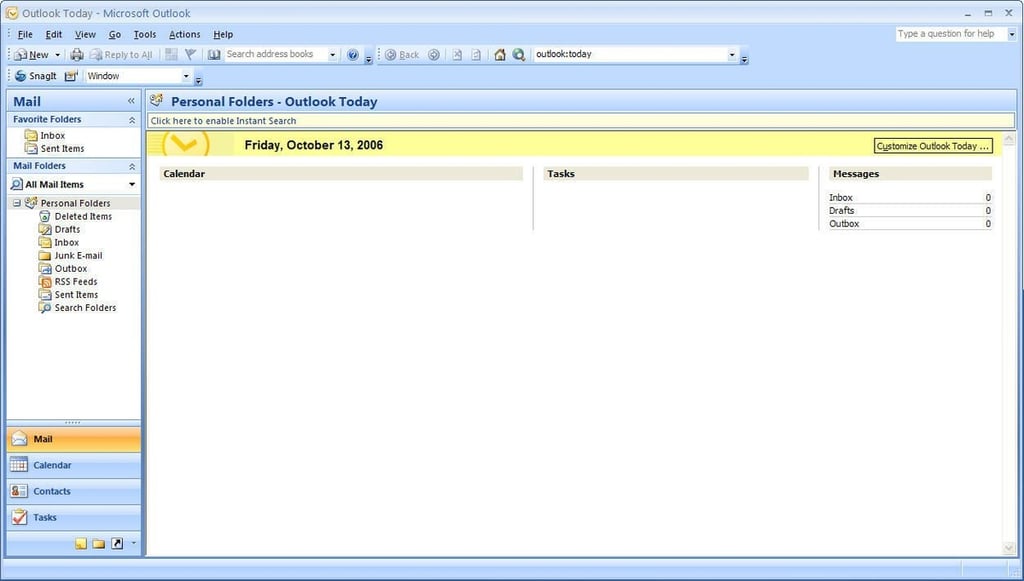
Outlook 2007’s Outlook Today view provides an overview of the day’s appointments, tasks, and current mailbox stats–much like Outlook 2003’s Today view.
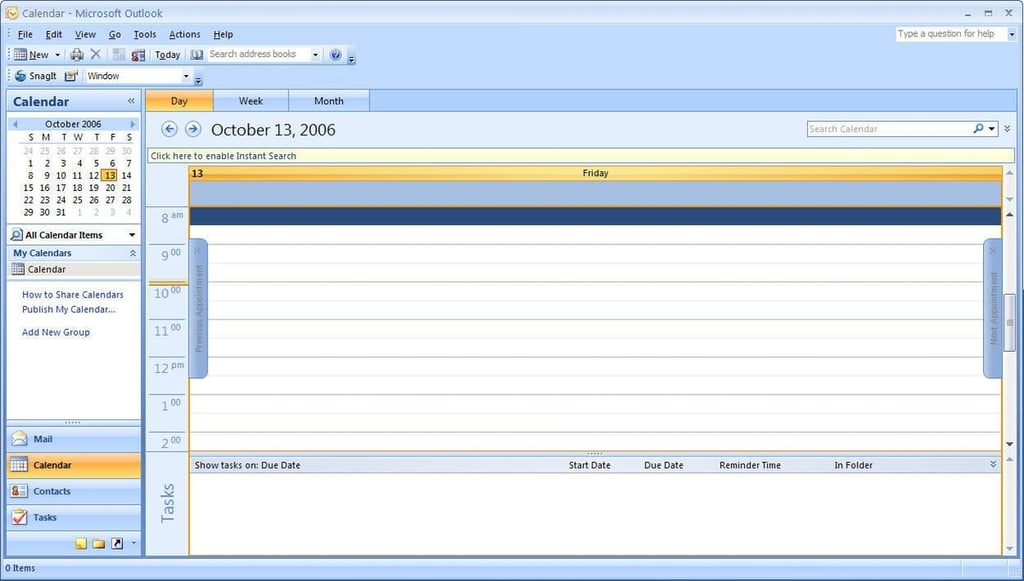
Tasks will now appear on the Outlook calendar.
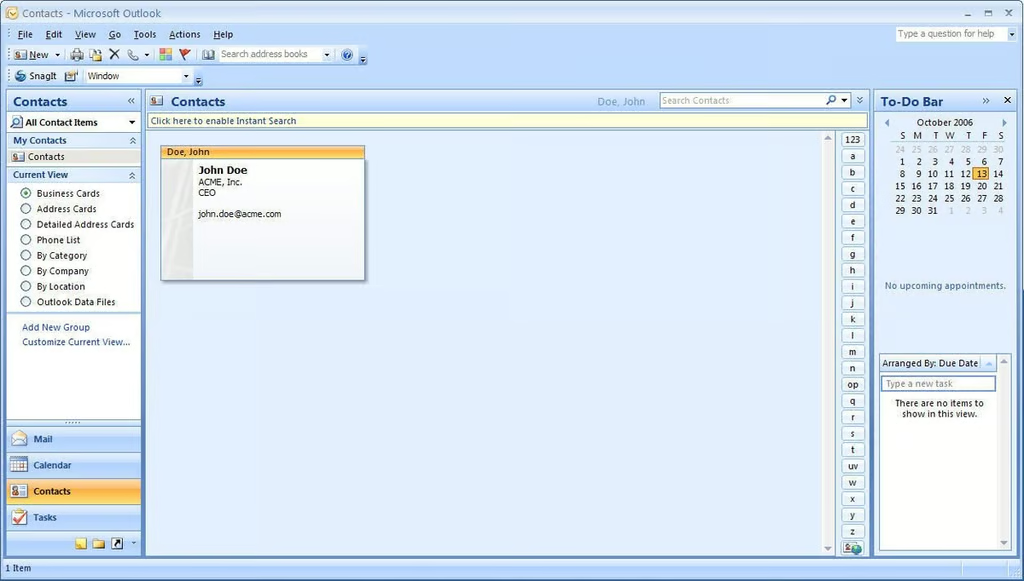
Outlook 2007 offers a variety of Contact views. This is the Business Card view.
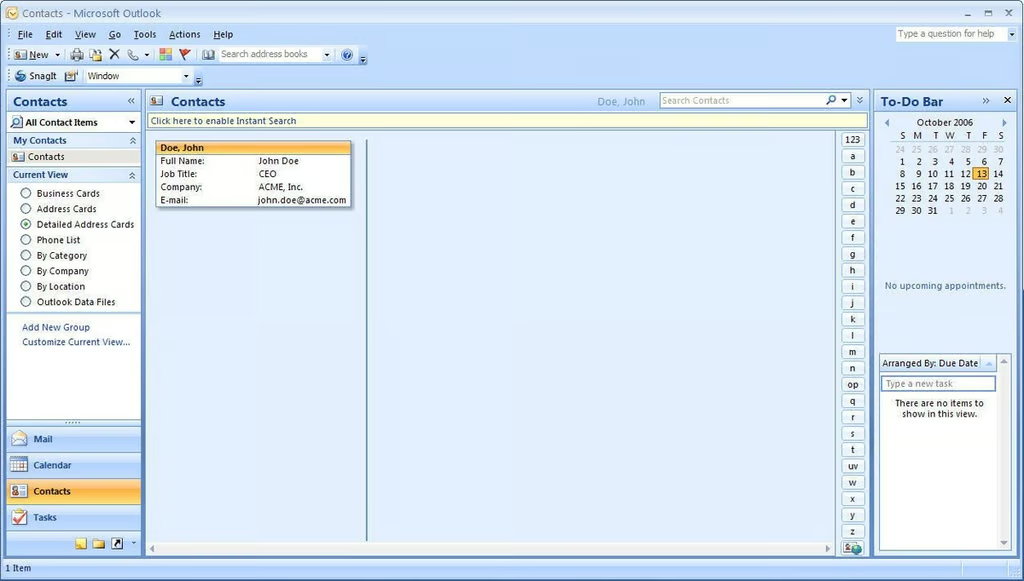
The more-compact Detailed Address Card contact view
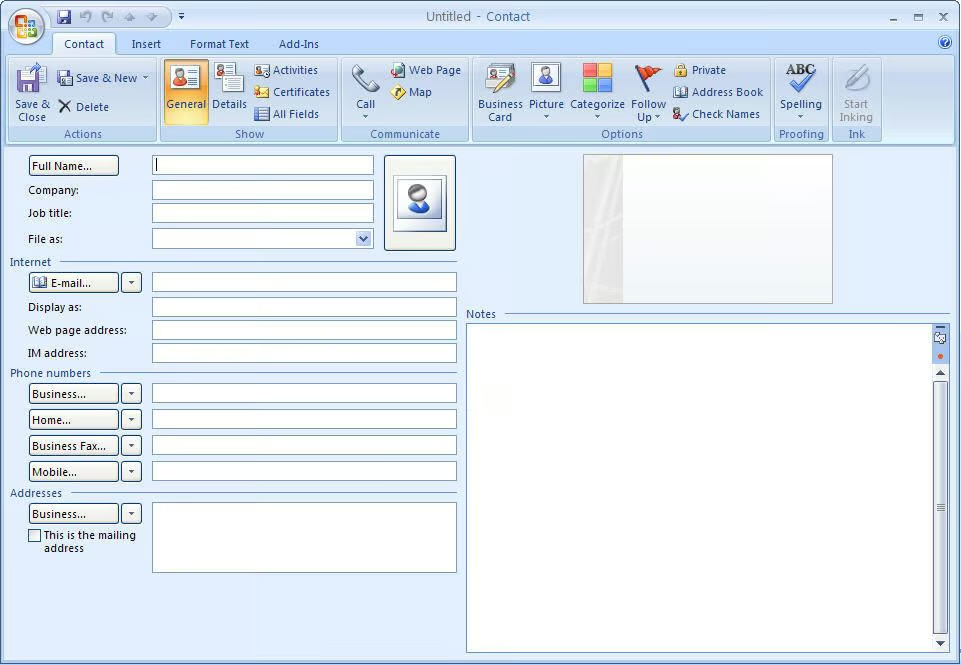
The contact information window
Bill Detwiler is the Editor for Technical Content and Ecosystem at Celonis. He is the former Editor in Chief of TechRepublic and previous host of TechRepublic's Dynamic Developer podcast and Cracking Open, CNET and TechRepublic's popular online show. Previously, Bill was an IT manager in the social research and energy industries. He has bachelor's and master's degrees from the University of Louisville, where he has also lectured on computer crime and crime prevention.


