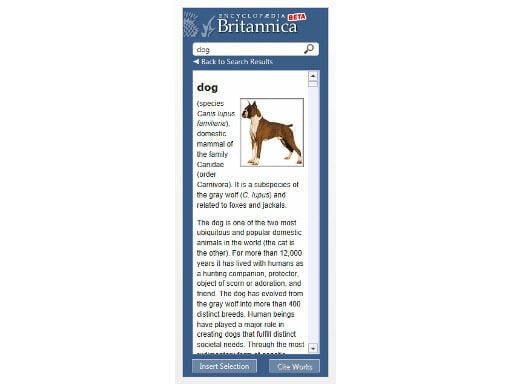
\n\tThe Britannica Researcher app displays more than 80,000 articles from the Encyclopaedia Britannica in a pane alongside documents in Word 2013.
\n
\n\tArticles can be searched by highlighting text and images, citations and references can be inserted into documents.
\n
\n\tImage: Microsoft
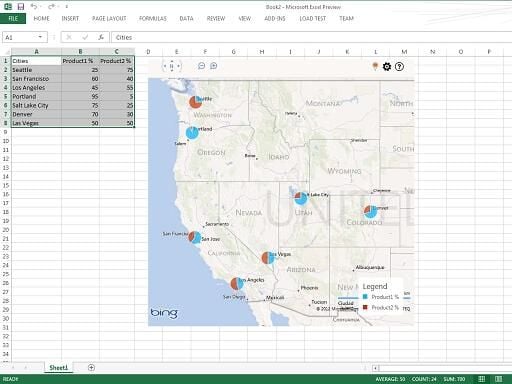
\n\tThe Bing Maps for Office app allows users to plot location data from an Excel spreadsheet on a Bing map embedded in the page.
\n
\n\tThe map can be manipulated via the embedded controls, allowing users to pan, zoom and change the map view.
\n
\n\tLocations icons can be customised and made to reflect data – for instance, an icon can be a pie chart of data linked to that location.
\n
\n\tImage: Microsoft
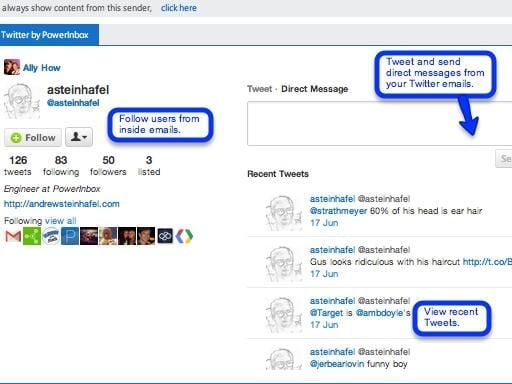
\n\tThe Twitter PowerApp allows users to display Twitter feeds from inside Outlook.
\n
\n\tUsers can follow, tweet and direct message to other Twitter users, as well as access their recent Tweet-feed and profile content.
\n
\n\tImage: Microsoft
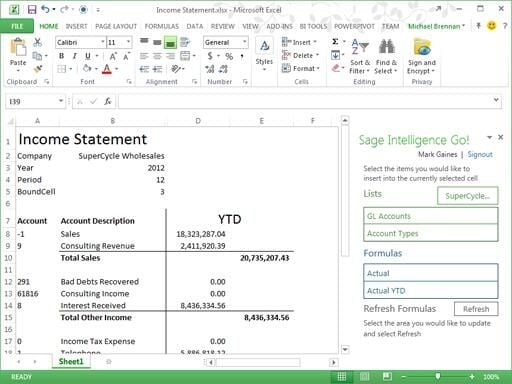
\n\tSage Intelligence Go! allows users of on-premise or cloud-based Sage Accounting and ERP systems to design reports within Excel 2013 or 365.
\n
\n\tThe app inserts data from these Sage databases into Excel, providing businesses with access to financial data to create reports and eliminate the need to set up database connections and queries.
\n
\n\tImage: Microsoft
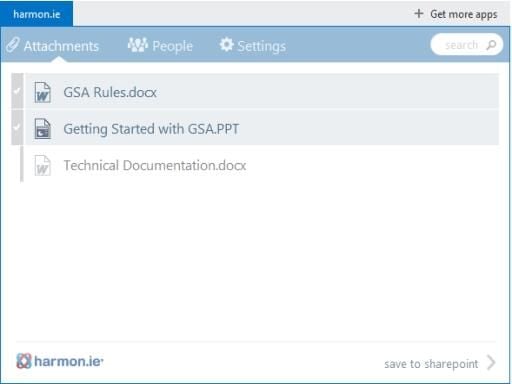
\n\tharmo.ie for SharePoint encourages users to share documents via Microsoft SharePoint rather than emailing them.
\n
\n\tWhen emailing documents, harmon.ie prompts the user to upload the document to SharePoint and send a link instead.
\n
\n\tBenefits include reducing storage use because the document is not duplicated on an email server and increased security as users can only open SharePoint documents they are authorised to view.
\n
\n\tFuture versions of the app will include the ability to save emails to SharePoint.
\n
\n\tImage: Microsoft
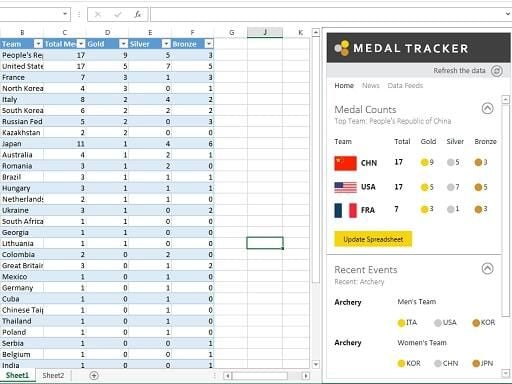
\n\tOne for Olympics lovers, the Medal Tracker app lets users track and analyse results from the London 2012 Games using Excel.
\n
\n\tFeatures include tracking medal counts by team and comparing winners across teams, athletes and events.
\n
\n\tData collected by the app can also be embedded into a spreadsheet and displayed in charts and tables.
\n
\n\tImage: Microsoft
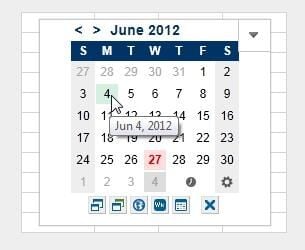
\n\tThe Calendar Picker is an calendar that can be used to enter dates into Excel spreadsheets.
\n
\n\tThe app is designed to be useful when working with timesheets, schedules, project plans, logs and other uses where users need to frequently refer to a calendar.
\n
\n\tDates can be entered in a cell by selecting it on the calendar. Dates can also be highlighted on the calendar by selecting them in the spreadsheet.
\n
\n\tThe calendar size, date system and appearance is customisable.
\n
\n\tImage: Microsoft
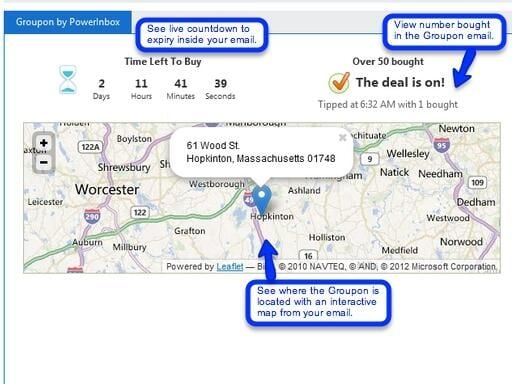
\n\tThe Groupon PowerApp provides information in Outlook about local Groupon deals.
\n
\n\tUsers can view a countdown timer showing how much time is left to purchase, an interactive Bing map displaying the location of the offer and how many people have bought the deal.
\n
\n\tImage: Microsoft

Nick Heath is a computer science student and was formerly a journalist at TechRepublic and ZDNet.


