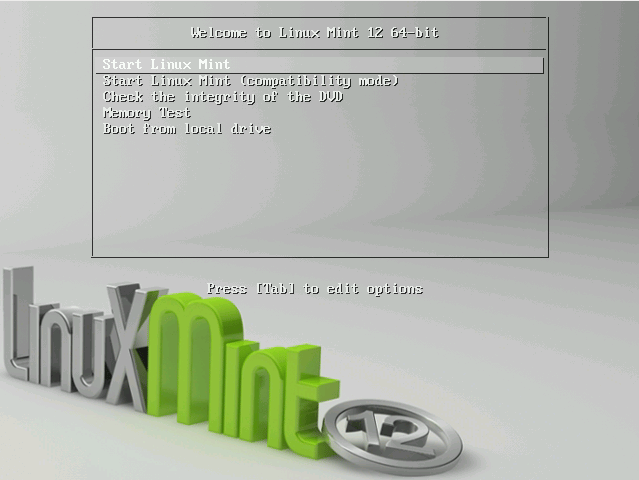
\n\tLinux Mint starts in the correct fashion by showing a nice boot menu.
\n
\n\tCaptions: Chris Duckett/TechRepublic
\n\tScreenshots: Chris Duckett/TechRepublic
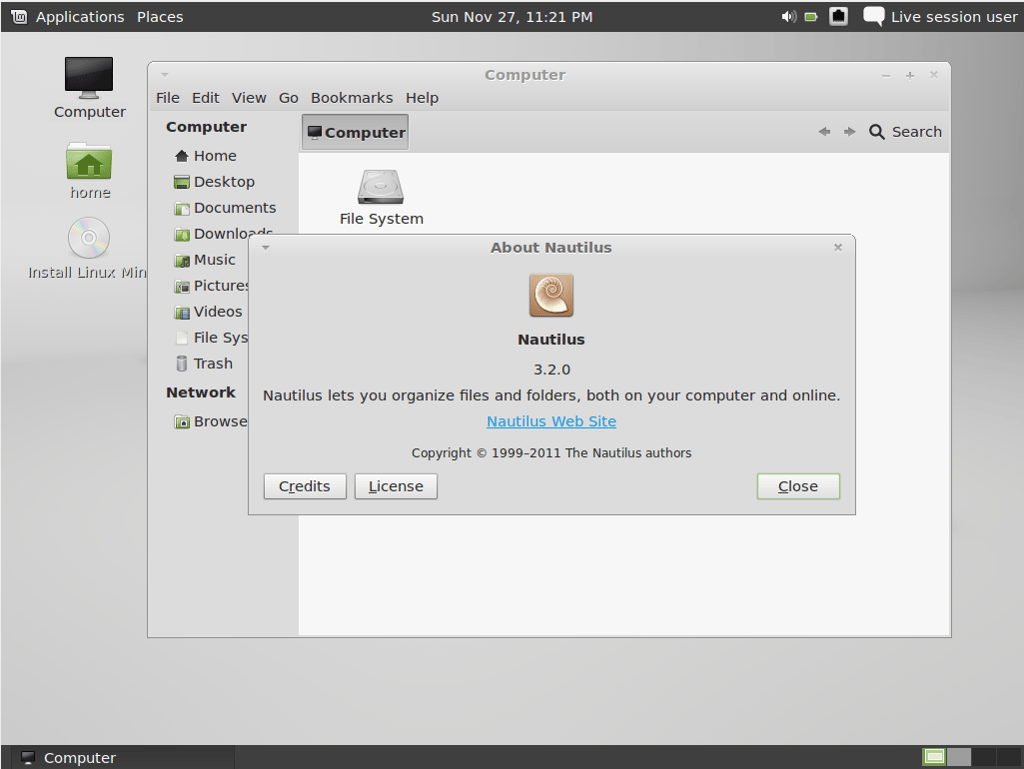
\n\tRather than jumping straight into the install process, Mint chooses the live environment route.
\n
\n\tWe were dropped into a GNOME 3 fallback environment for the install, which was no hassle as graphical acceleration during an installation process is truly an optional extra.
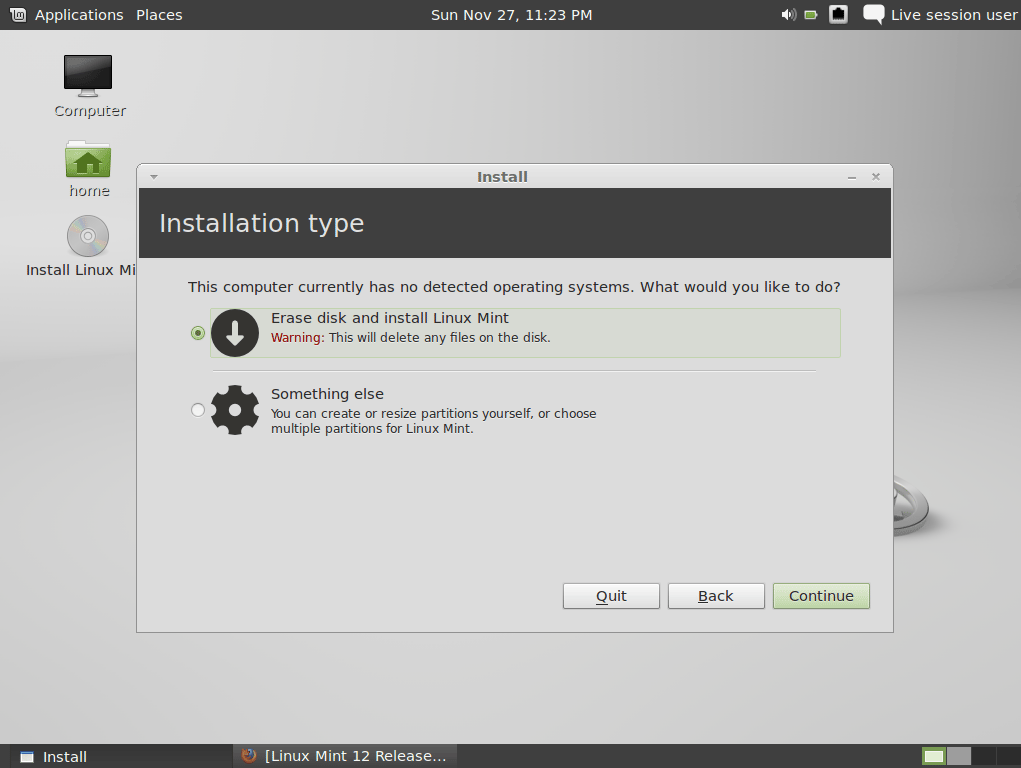
\n\tThe installation process is conducted by one of the nicer installers we have encountered — this is a themed version of the Ubuntu installer.
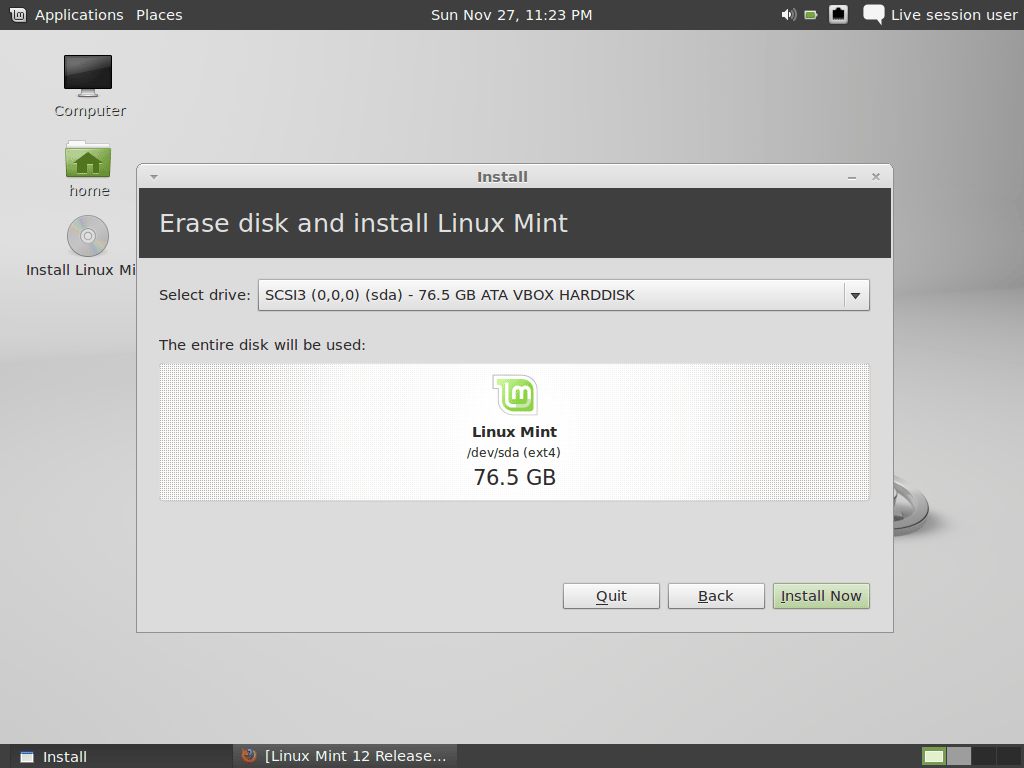
If it’s wrong to sit and stare contently at this screen after years of ugly text installers, then I don’t want to be right.
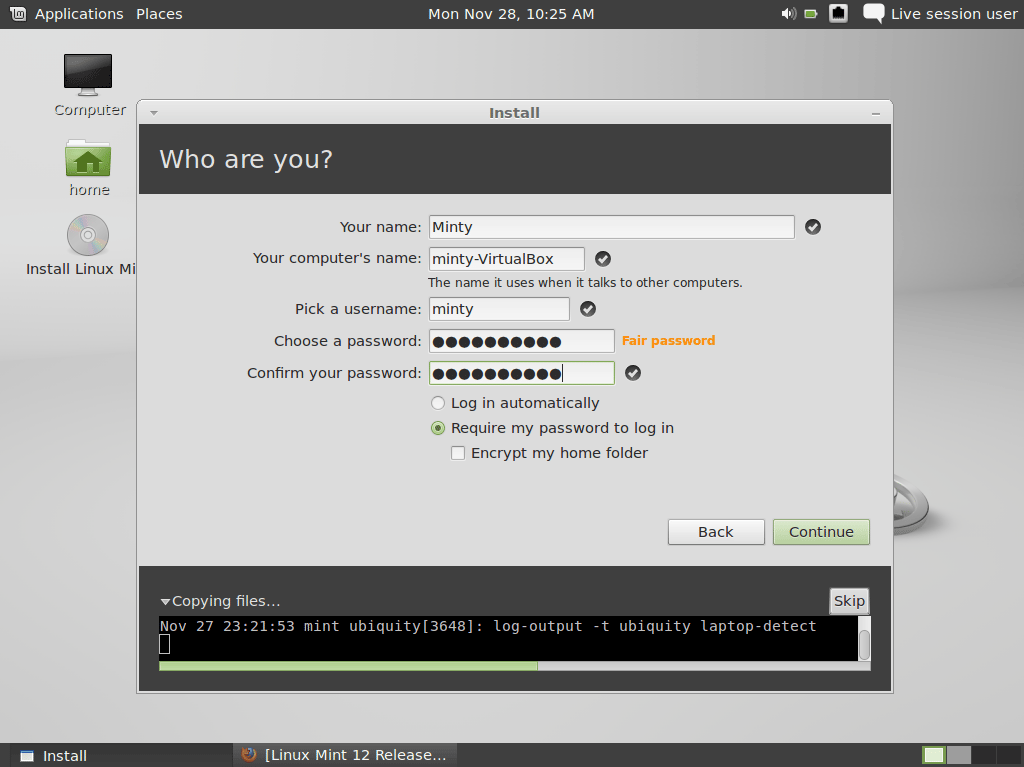
\n\tHaving installers actually do things, like copying files while it is asking the user for information, is a good way to trim the install time.
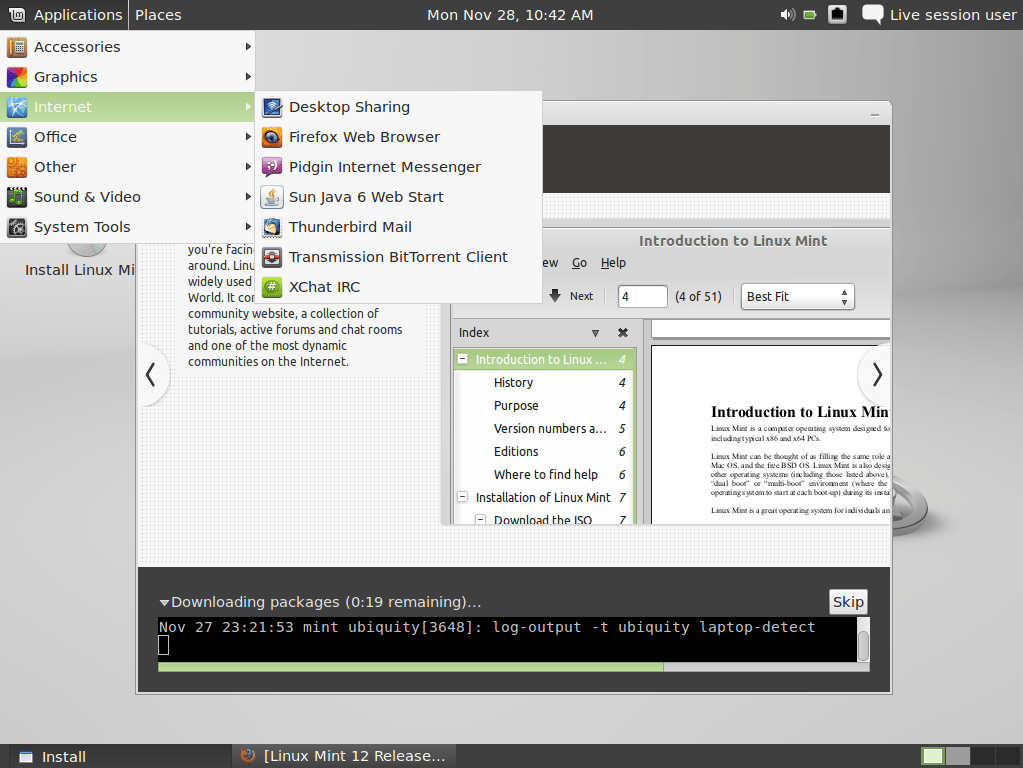
\n\tThe Live environment means that you can browse the web and do some productive work while installation is happening.
\n
\n\tThat’s all good and well, but where’s that corporate favourite: Solitare?
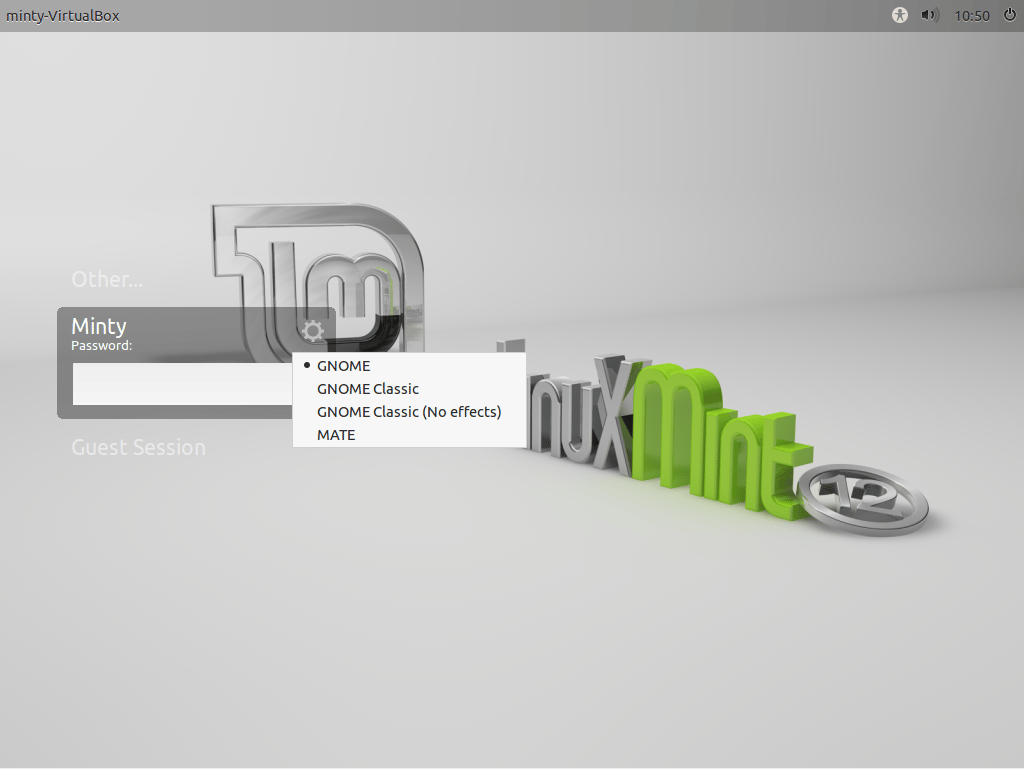
Further showing Linux Mint’s Ubuntu hertiage, the log-in screen is powered by LightDM and a Guest session is available.
In the session chooser are the GNOME 3-based desktop labelled as GNOME, two fallback environments, and MATE for all the GNOME 2.x fans.
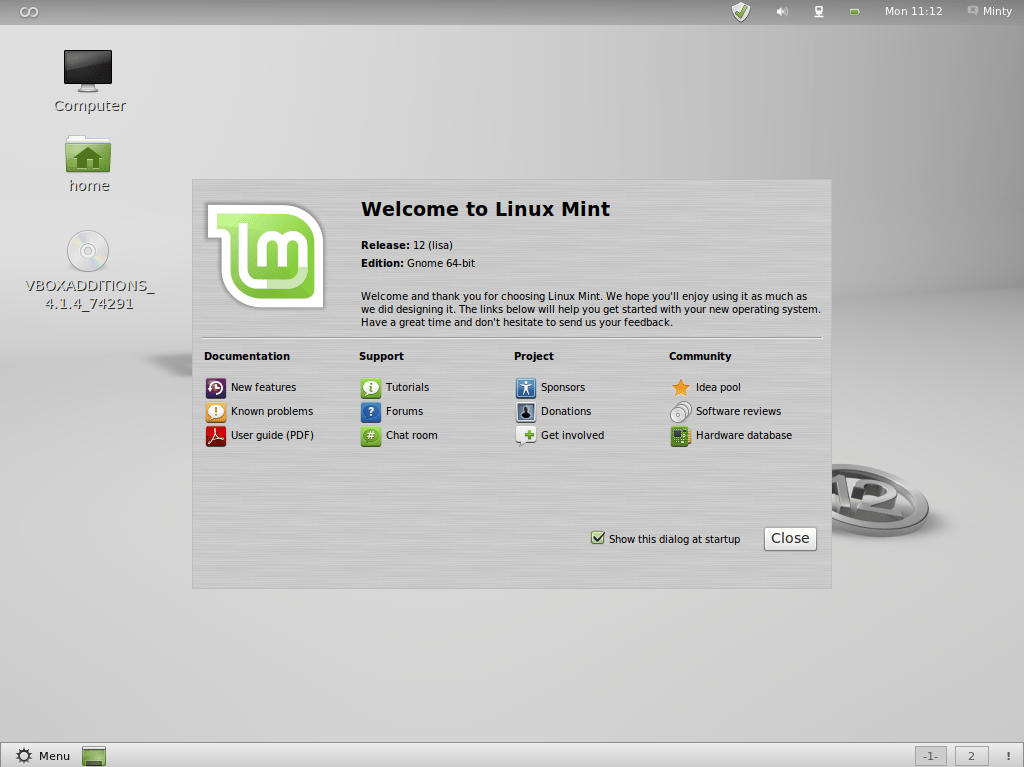
\n\tNow this is where we get to see if Mint is worth all the trouble for Ubuntu refugees.
\n
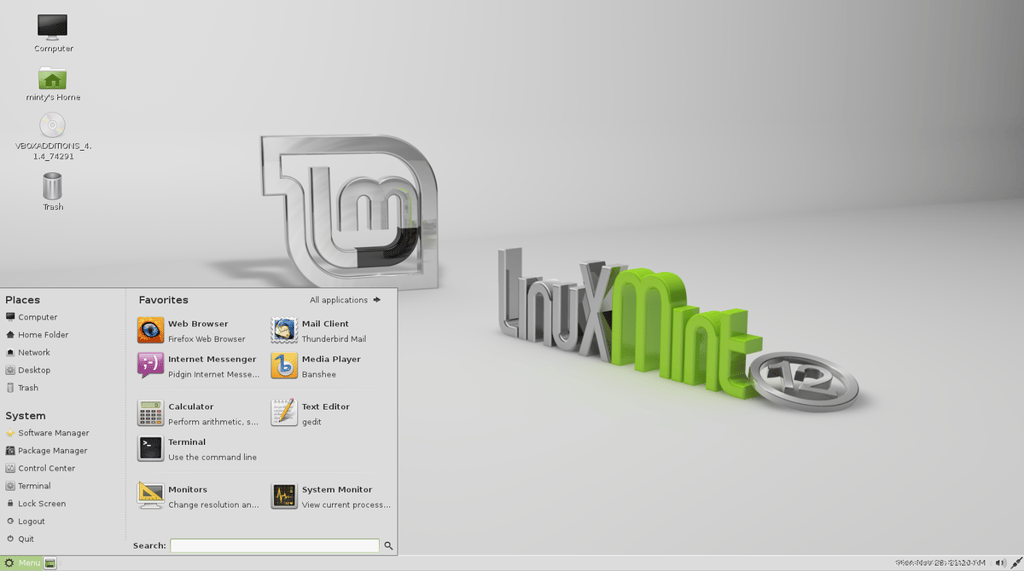
\n\tAt the bottom is a taskbar and a menu that is similar to the older Mint menu, which was the distribution’s calling card.
\n
\n\tThe top left corner is the equivalent of the Activities menu in GNOME 3.
\n
\n\tThat’s correct, there are two ways to get at same applications and content on the desktop. I’m not convinced from a UX puritanical perspective that this is a good thing, but from a practical viewpoint it needed to happen to avoid the same criticisms being thrown at Mint that were thrown at GNOME 3.
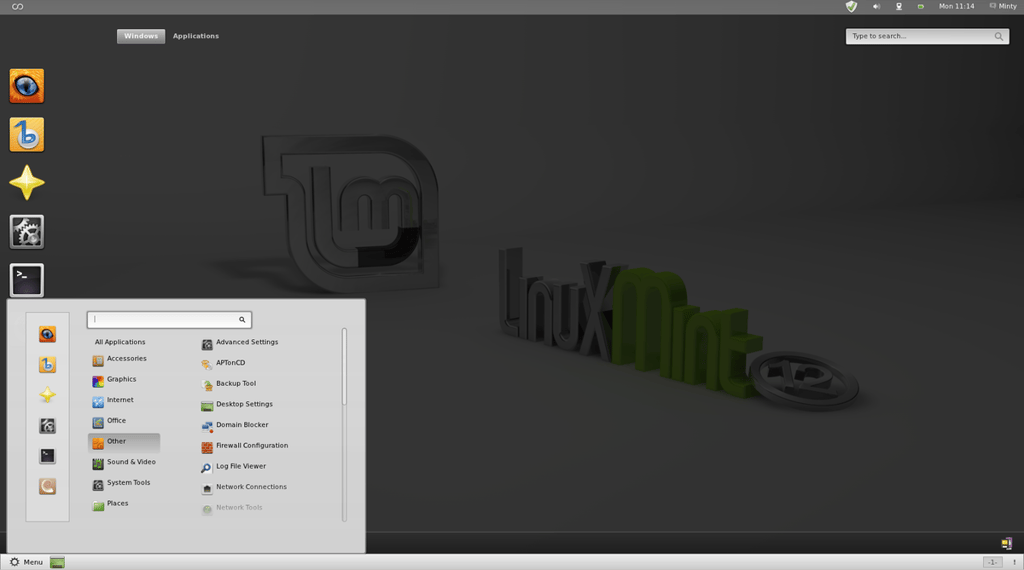
\n\tHere we have the standard GNOME 3 launch overlay sitting behind the Mint menu. On the left side of the menu is the pinned applications equivalent of the GNOME 3 laucher.
\n
\n\tBecause the taskbar at the bottom has the workspaces sitting horizontally beside each other, the regular vertical workspace switcher from GNOME 3 is hidden and can be exposed by moving the pointer to the far right side.
\n
\n\tThere is no way that this isn’t going to be hard to explain at all in forums, or to your relatives.
\n
\n\t
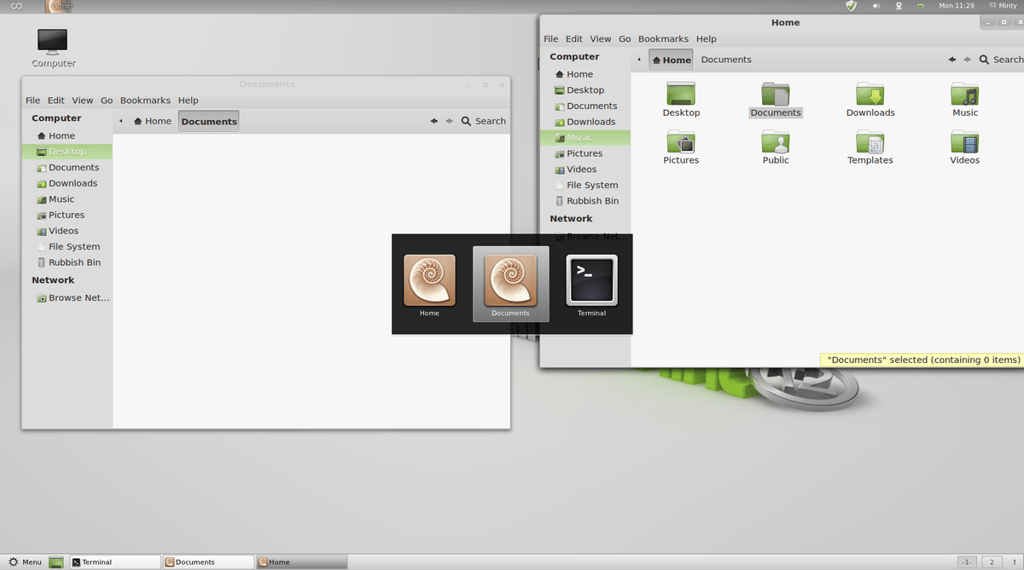
\n\tIn GNOME 3, application windows are grouped together by application.
\n
\n\tIn Mint, each window is placed on the switcher, as can be seen with these two Nautilus windows open.
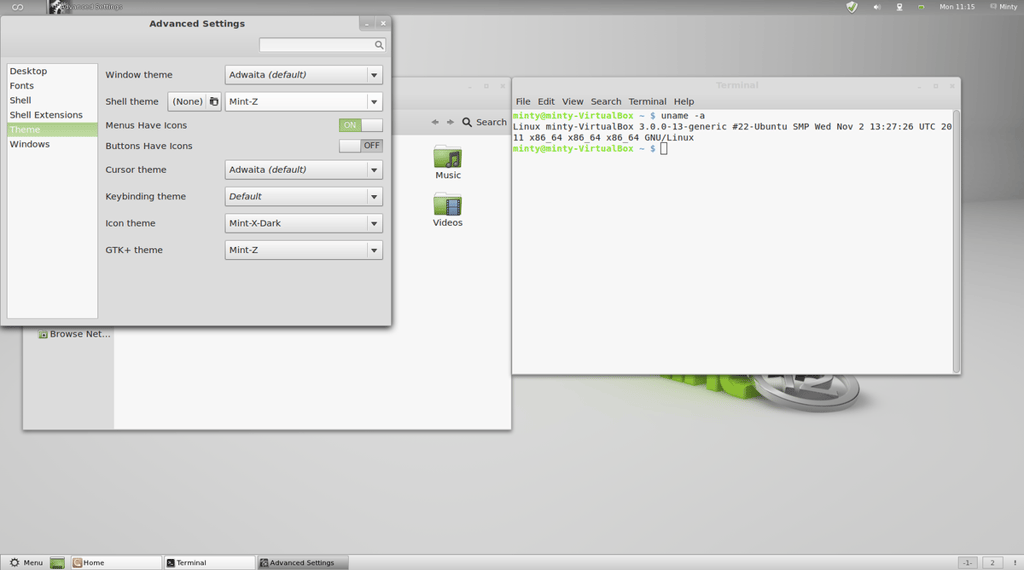
\n\tGNOME 3’s Advanced Settings tool reveals Mint’s secret sauce: custom extensions and themes.
\n
\n\tMint comes with two new themes for GNOME 3, called Mint-Z and Mint-Z-Dark.
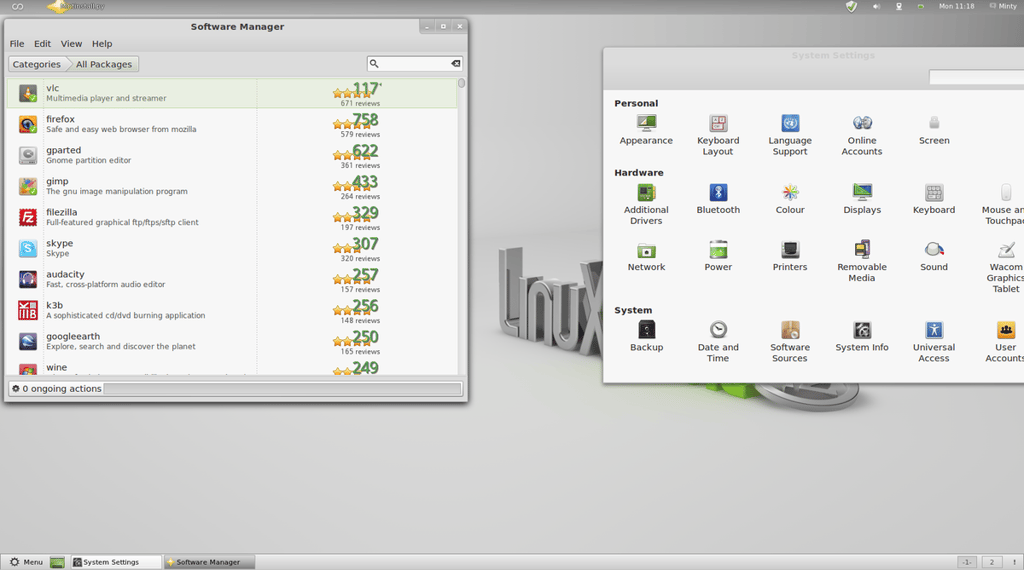
\n\tMint comes with more control panels than the usually spartan GNOME 3 offers.
\n
\n\tMint’s software manager is as much as one expects.
\n\tIf you absolutely, positively must have a GNOME 2.x-derived desktop then you should use MATE.
\n
\n\tThe standard double GNOME panels have been condensed into one MATE panel that is equipped with the Mint menu.
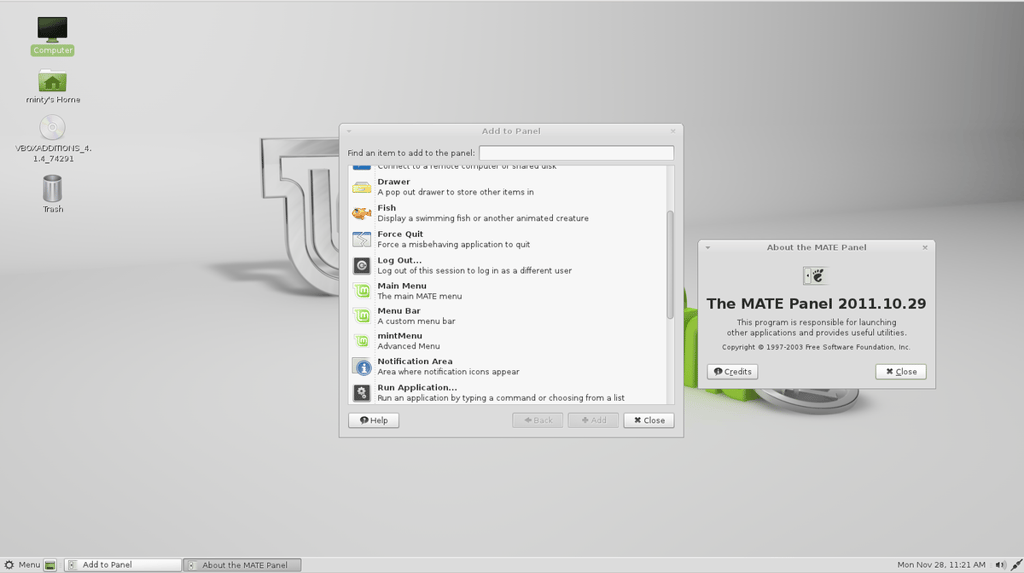
\n\tHere’s something to warm the hearts of GNOME 2.x fans: being able to add panel applets again.
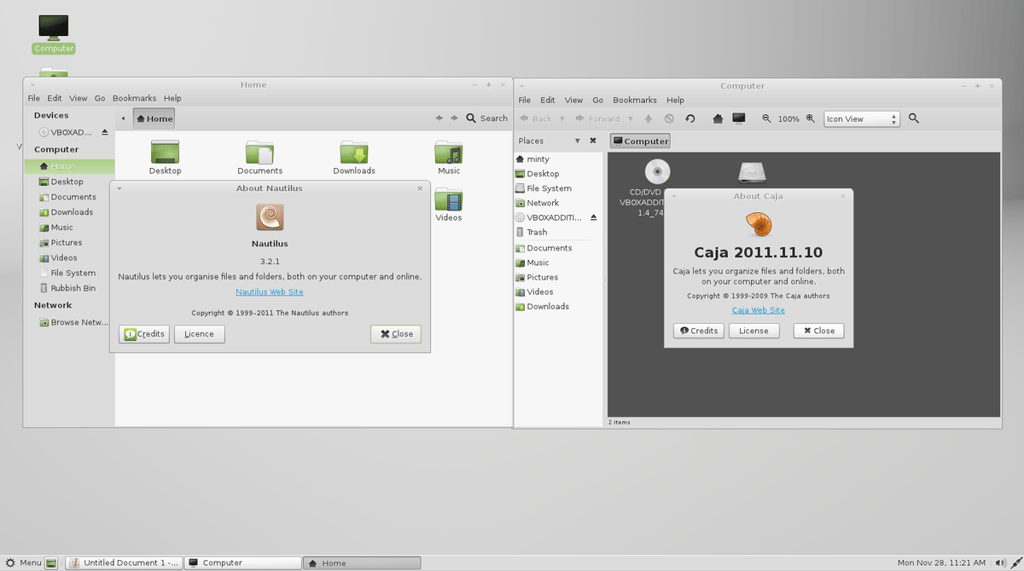
\n\tMATE comes with a Nautilus port called Caja. Since Nautilus is present and updated in the GNOME 3 environment, it’s not unreasonable to expect that if you so wanted, you could run Nautilus within MATE.
\n
\n\tThe issue here, though, is that Caja was launched from the Mint menu’s home directory shortcut, while Nautilus was launched by clicking on the icon on the desktop. An issue like this should have been addressed prior to release.
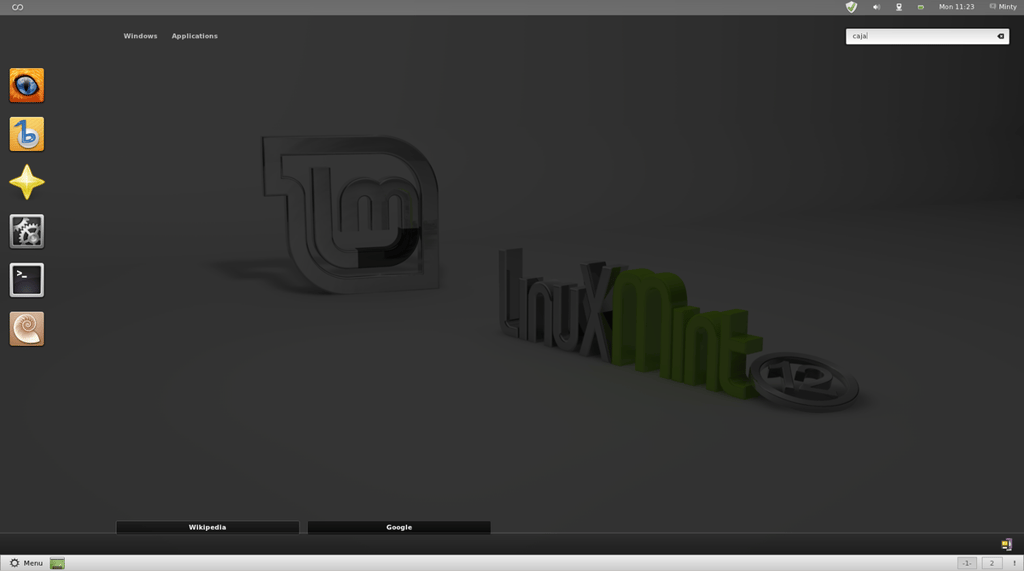
\n\tConversely, trying to search for Caja in the two launchers is a futile task.
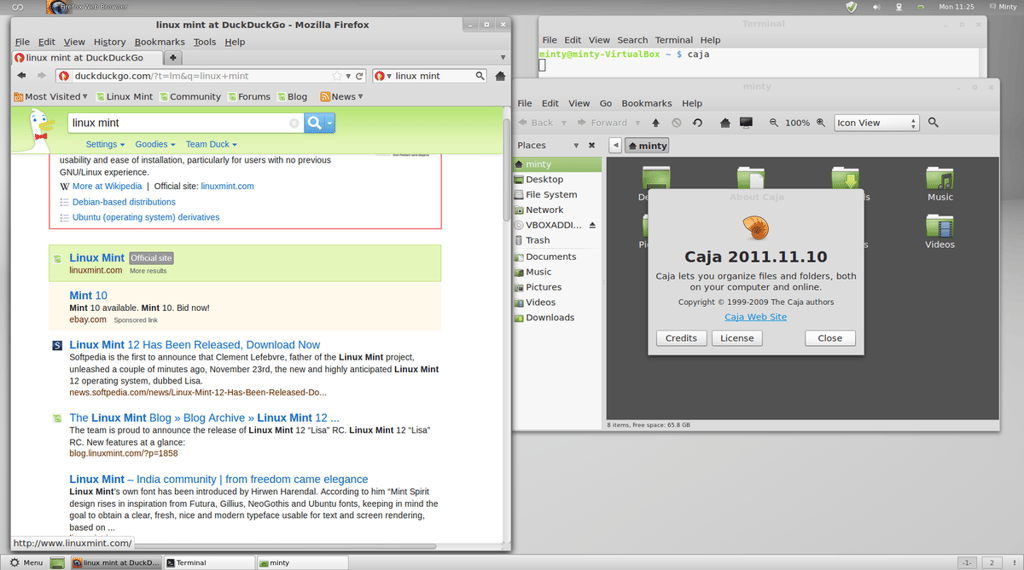
\n\tOf course, it is always possible to launch Caja from the command line in the GNOME 3 environment.
\n
\n\tAlso in this shot is an example of the DuckDuckGo integrations with Firefox.
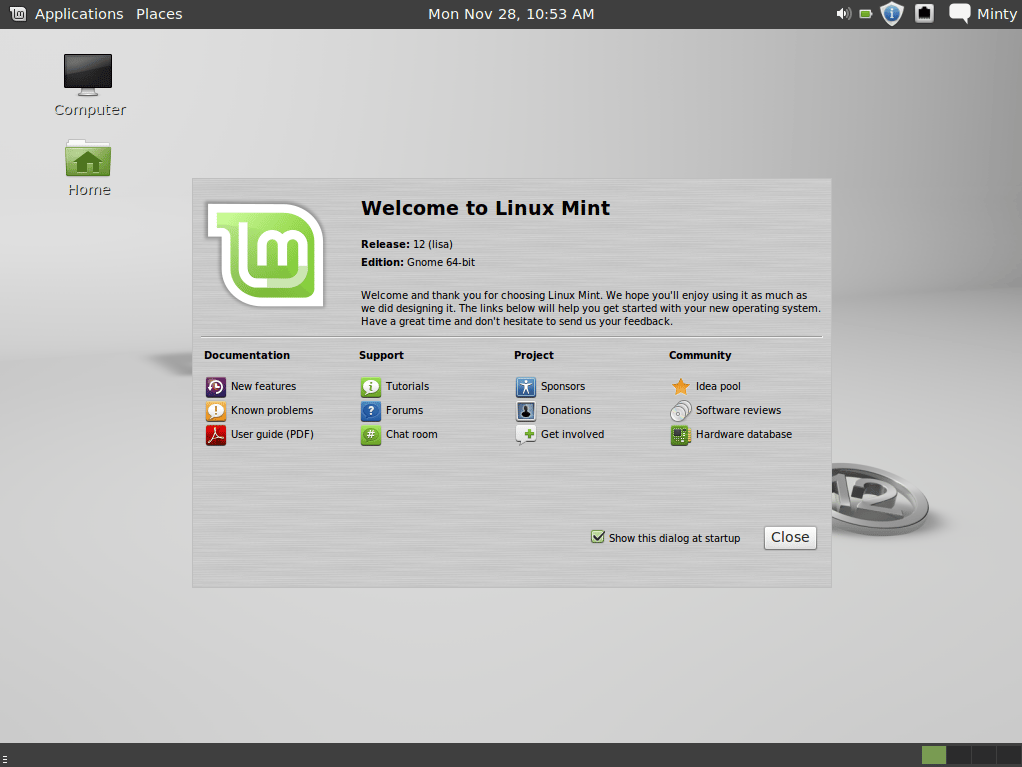
\n\tHere we have the GNOME 3 fallback environment. As a fallback it is not particularly exciting, but can be useful in graphical emergencies.
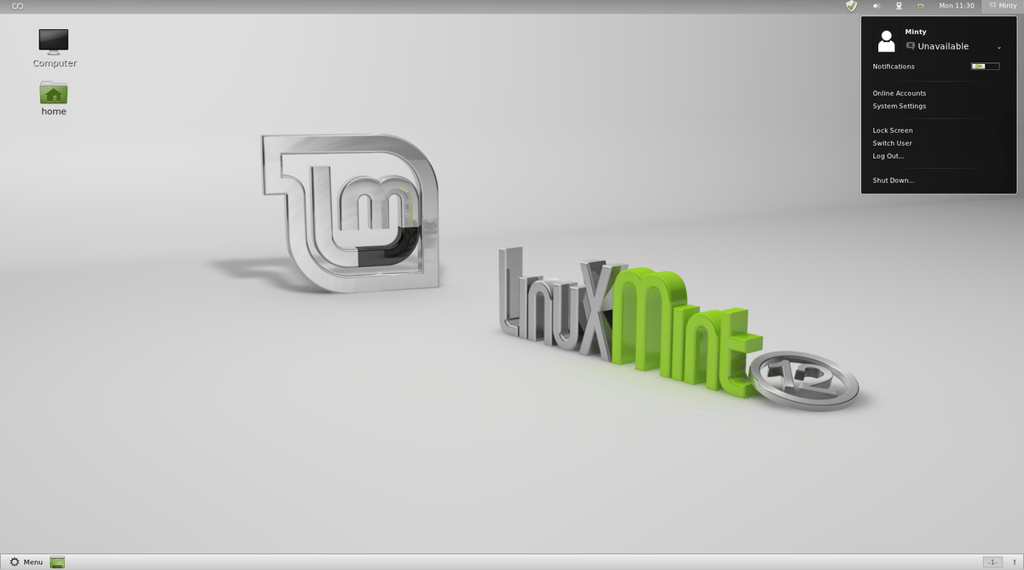
\n\tOne of the biggest gripes with GNOME 3’s deafult was the decision to hide the Shut Down option. To access it, users need to click on their name in the top right and then depress the alt button to have the Suspend option change to Shut Down. It’s far from intuitive, and Mint have listened to the users on this one and improved the shut-down experience.
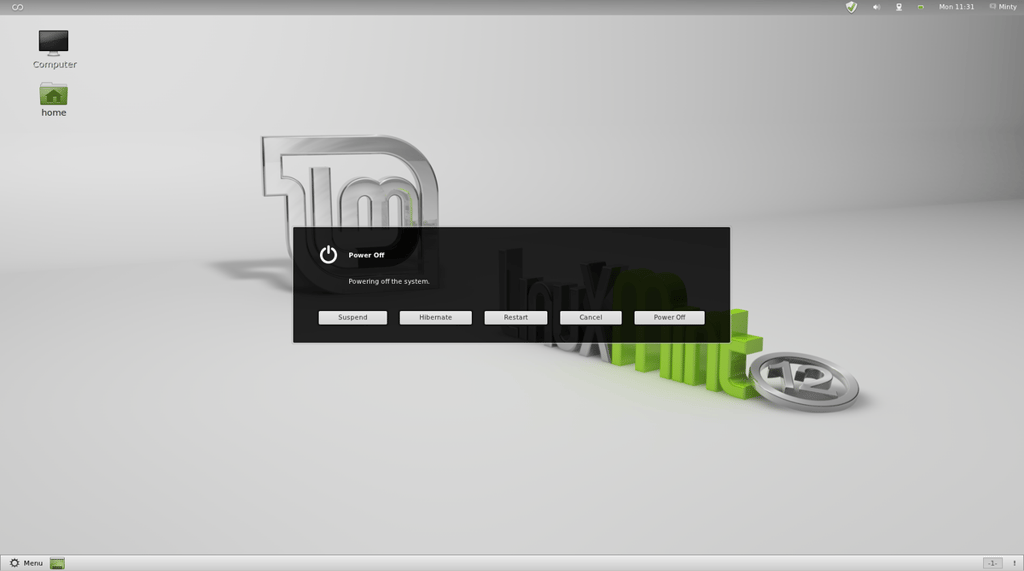
\n\tHere’s a blast from the past, a shut down menu that looks like the one seen in GNOME 2.x.
\n
\n\tIt’s another good addition from the Linux Mint crew.

Some would say that it is a long way from software engineering to journalism, others would correctly argue that it is a mere 10 metres according to the floor plan. During his first five years with CBS Interactive, Chris started his journalistic adventure in 2006 as the Editor of Builder AU after originally joining the company as a programmer. Leaving CBS Interactive in 2010 to follow his deep desire to study the snowdrifts and culinary delights of Canada, Chris based himself in Vancouver and paid for his new snowboarding and poutine cravings as a programmer for a lifestyle gaming startup. Chris returns to CBS in 2011 as the Editor of TechRepublic Australia determined to meld together his programming and journalistic tendencies once and for all.


