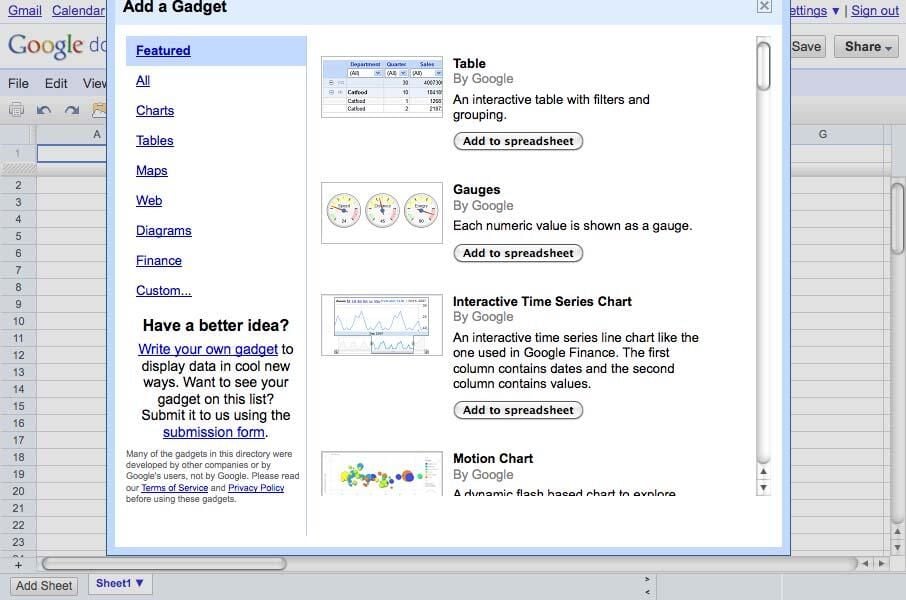
There are plenty of of gadgets you can add to extend functionality.
See also: Christopher Dawson’s Office 2010 vs. Google Docs updates
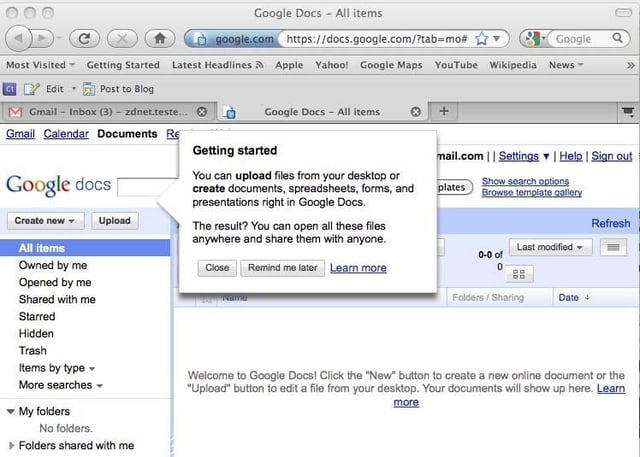
Create, open, upload, edit, convert, download – all from the single Apps interface.
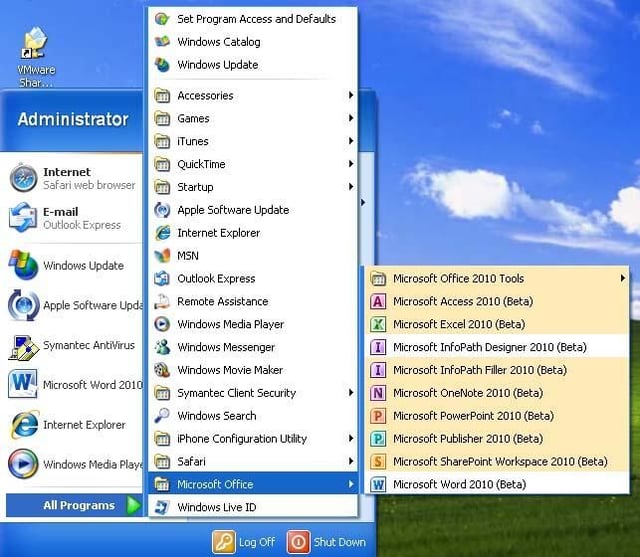
And I didn’t even install Outlook!
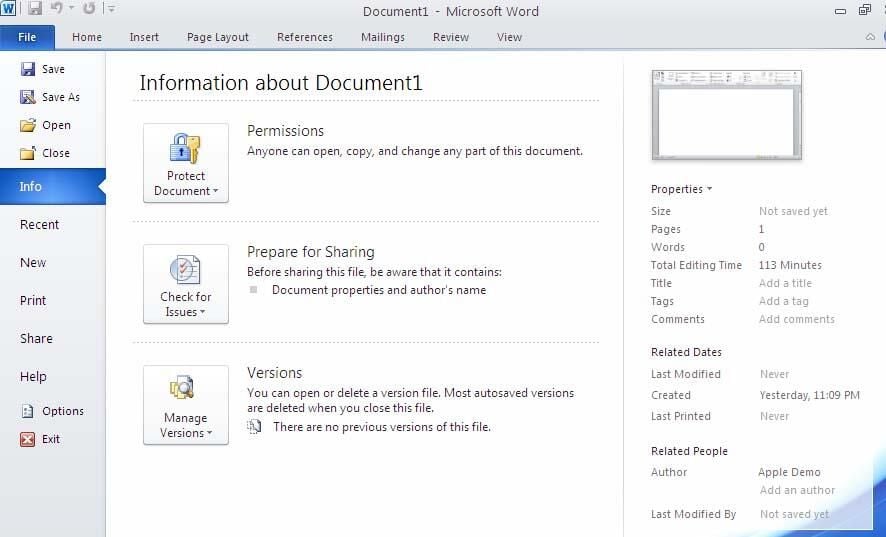
Office 2010 gives you direct access to revisions, permissions, authorship, etc at the file level.
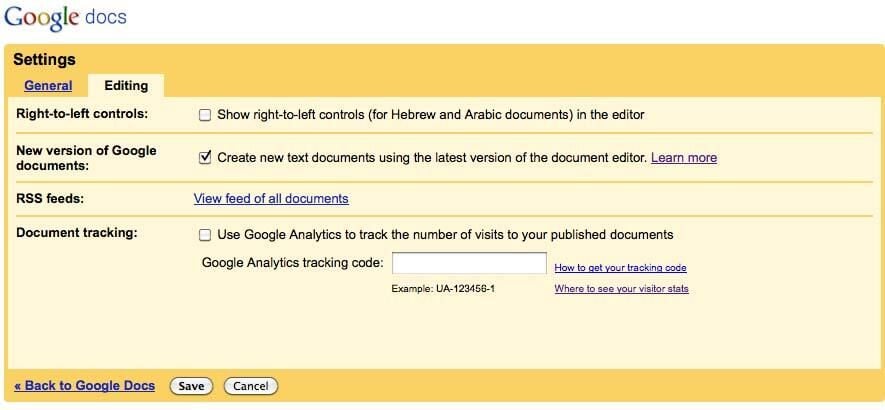
Yeah, yeah, this is what gets you the Wordpad-style ruler.
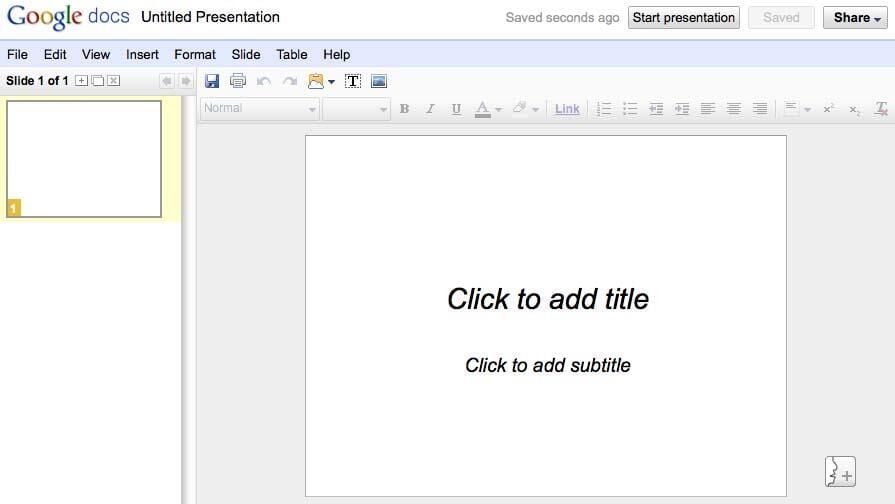
It’s a stripped down interface, but is it everything that 95% of users need to create a presentation? And in the cloud besides for easy remote presentation, sharing, interaction, etc? It will probably do the trick if you can forgo Smart Art and fancy transitions (although the update now allows transitions by bullet item).
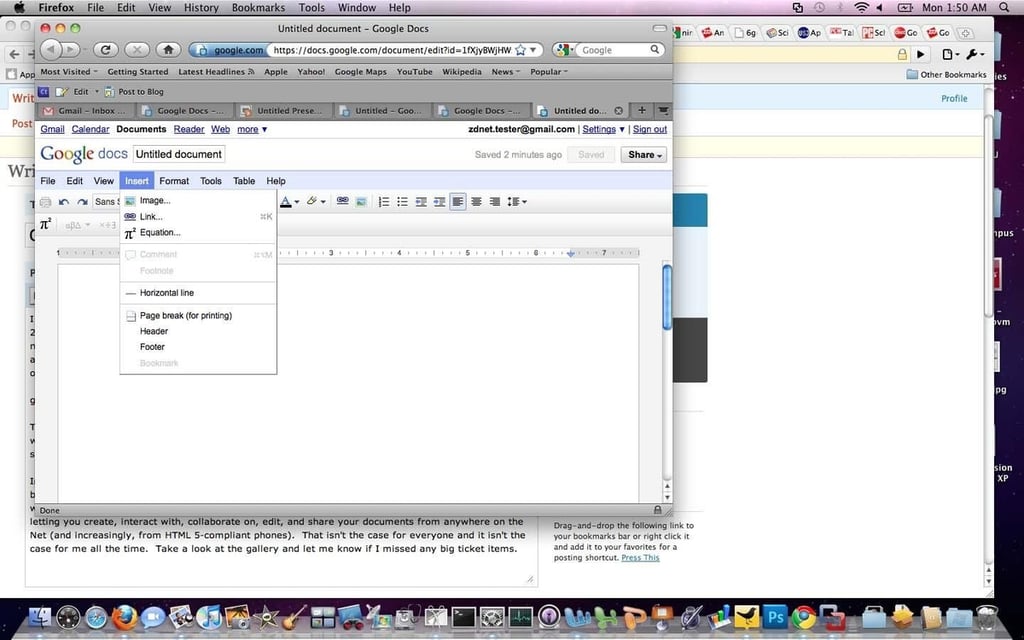
What are your users producing? Prose, text, and notes, or highly-formatted documents?
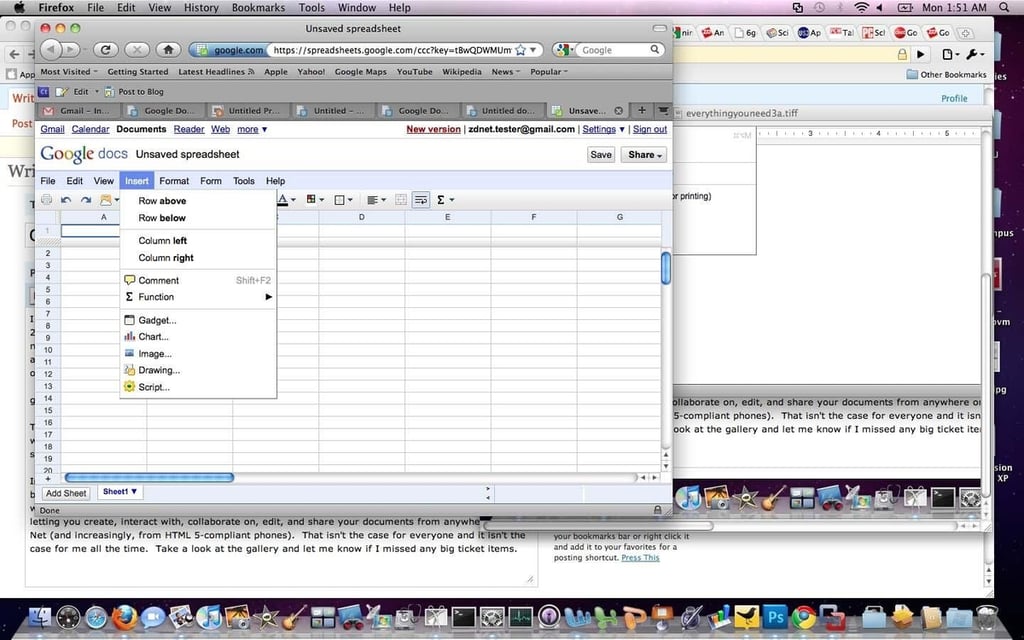
Google Spreadsheets is increasingly rich in its features set:??*Forms improvements?*Solver improvements?*Improved image integration?*Linear equation modeling tools?*Sheet-level permissions?*Mobile editing
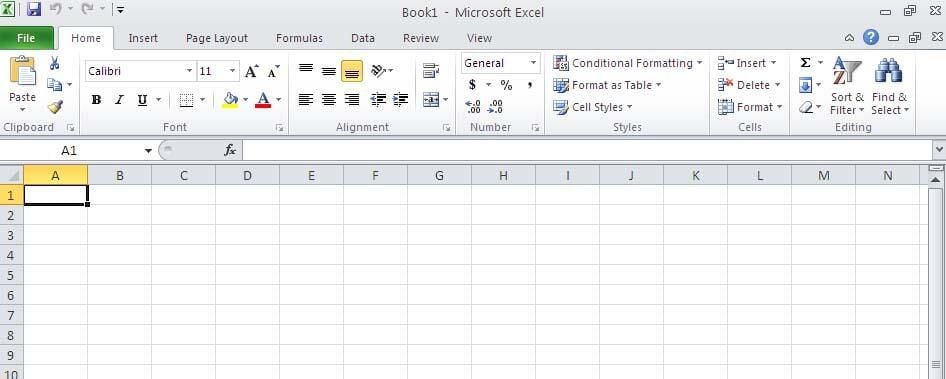
Want to talk rich? Check out the first ribbon. An awful lot of capabilities are right there.
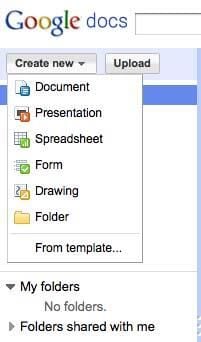
Drawings, forms, word processing, spreadsheets, and presentations, along with storage, all in the cloud.
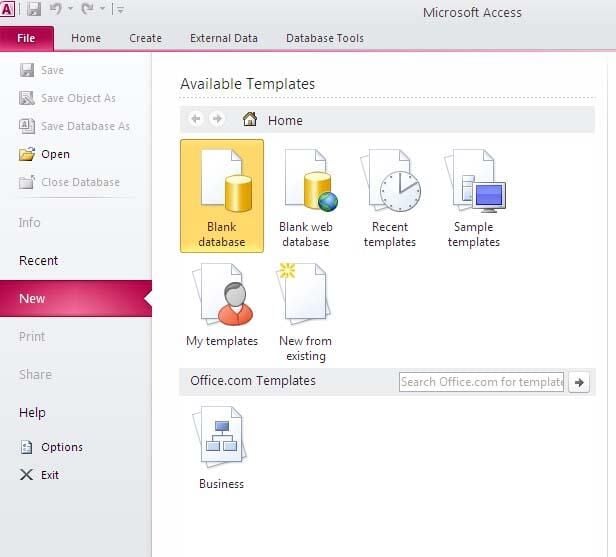
Ummm, there’s not an equivalent in Google Apps. Need RDBMS modeling? You probably want Access.
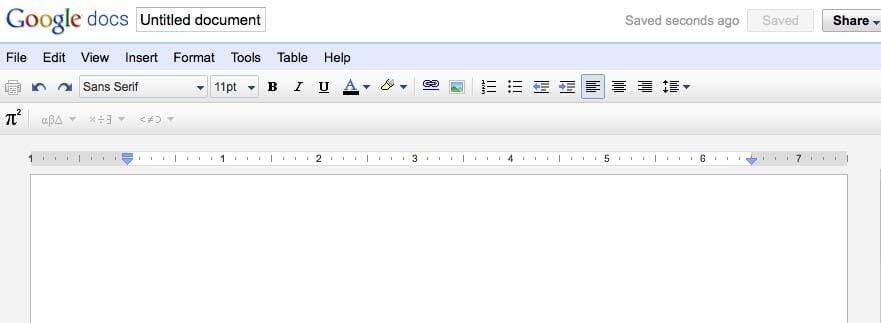
It’s in the cloud – it’s cooler than Wordpad, no matter what the Microsoft folks say.
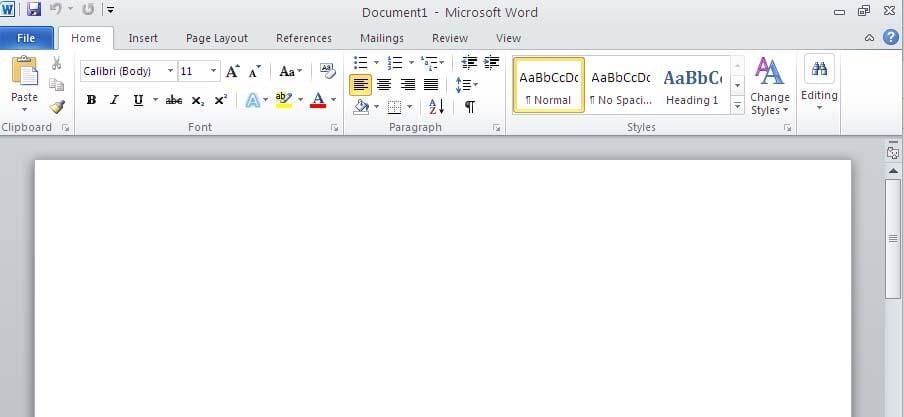
There’s beauty in simplicity. There’s also power in them thar’ Ribbons! Decisions, decisions.
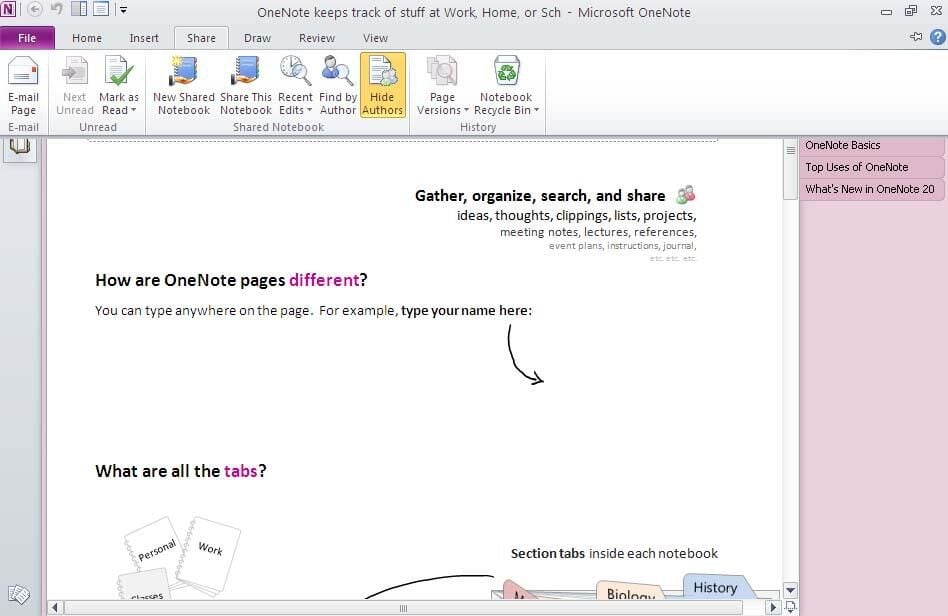
Some OneNote functionality can be duplicated in Docs, but OneNote itself is quite powerful with cloud integration built in.
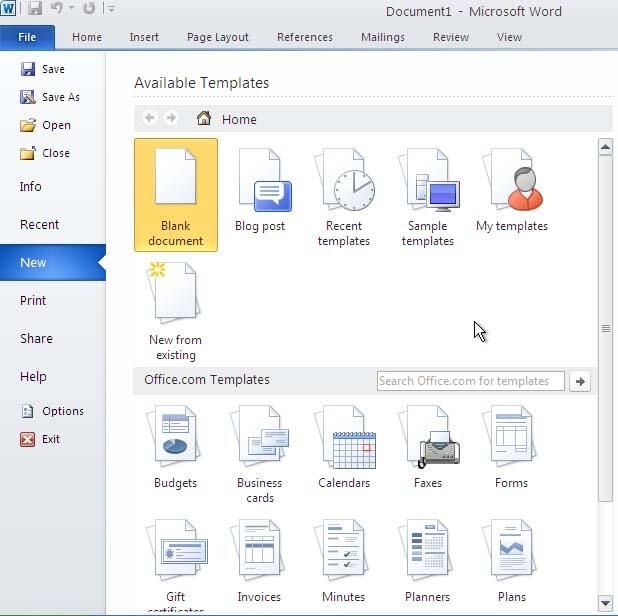
…Office’s are a wee bit more sophisticated.
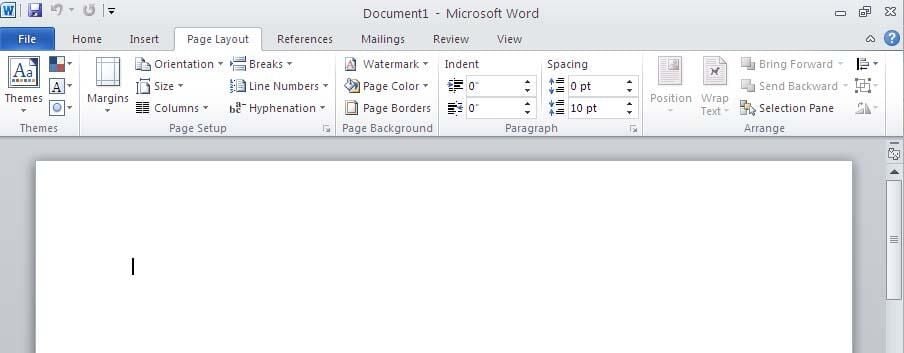
Unless you pull something funky with tables or CSS, you’re locked into one kind of spacing in a Docs document. Obviously, you have your choice by paragraph of spacing and fine formatting in Office.
See also: Christopher Dawson’s Office 2010 vs. Google Docs updates


