.png?w=1024)
PowerPoint Web App opened up in editing mode using Internet Explorer. SkyDrive holds the files in storage and Office Web Apps edits them. The two products are entirely separate but work together.
To see the student perspective of Google Docs vs. Office Web Apps, head over to the iGeneration blog.
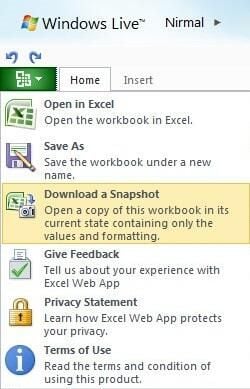
The user interface – even the menu – keeps in theme with Office 2010.
Image courtesy of NirmalTV.
To see the student perspective of Google Docs vs. Office Web Apps, head over to the iGeneration blog.
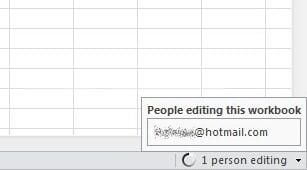
When multiple users edit the same document, you can see their details in the bottom-right hand corner.
Image courtesy of NirmalTV.
To see the student perspective of Google Docs vs. Office Web Apps, head over to the iGeneration blog.
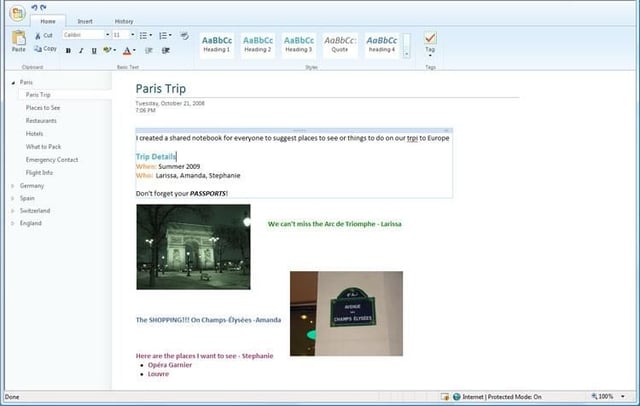
OneNote will be an interesting one, especially with touch integration. Whether we will see the full potential through the web application, we shall see.
Image courtesy of Microsoft.
To see the student perspective of Google Docs vs. Office Web Apps, head over to the iGeneration blog.
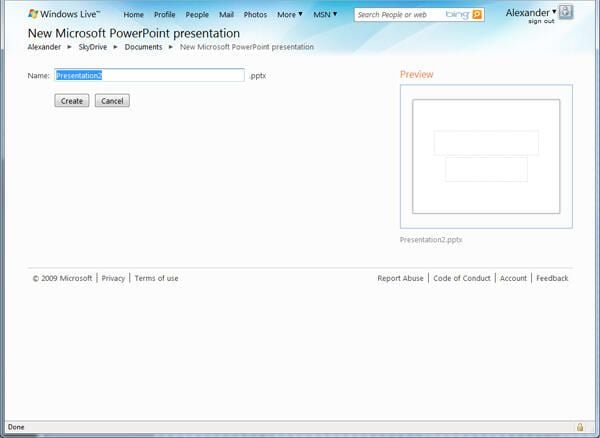
Just type in the name of the new file and it creates it in your Documents folder.
Image courtesy of .
To see the student perspective of Google Docs vs. Office Web Apps, head over to the iGeneration blog.
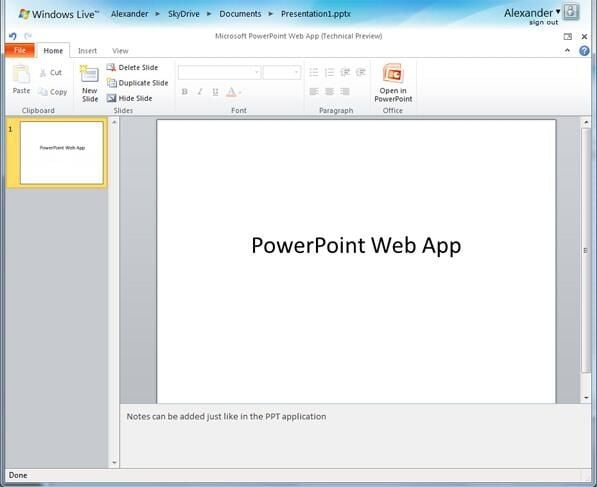
From there, you are given a blank canvas where you can perform many of the same actions – albeit the most “essential” actions – in the web application.
Image courtesy of .
To see the student perspective of Google Docs vs. Office Web Apps, head over to the iGeneration blog.
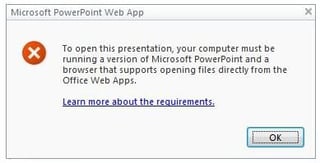
But still, even in this stage, things can go wrong.
Image courtesy of .
To see the student perspective of Google Docs vs. Office Web Apps, head over to the iGeneration blog.
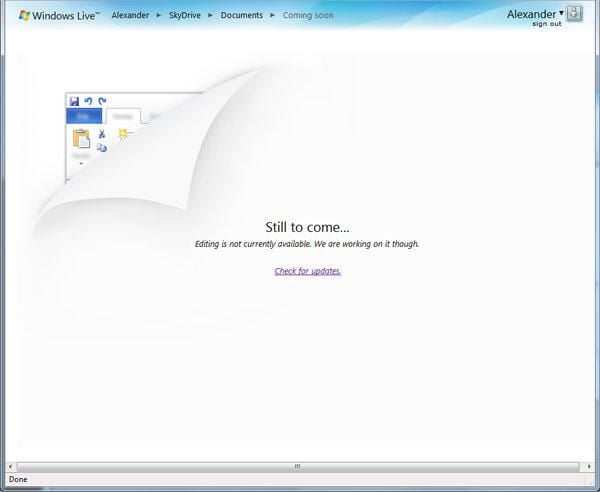
Some parts of Office Web Apps don’t work yet. Instead of providing full access which may not work properly, they are waiting so those using it have a constant positive experience than a buggy one.
Image courtesy of .
To see the student perspective of Google Docs vs. Office Web Apps, head over to the iGeneration blog.
.png?w=1024)
As with Excel 2010, you can select and drag things about. This shows a very Web 2.0 experience and the quality gone into the product so far.
To see the student perspective of Google Docs vs. Office Web Apps, head over to the iGeneration blog.
.png?w=1024)
If Silverlight is detected on the users computer, it will be utilised to show animations and transition effects in the PowerPoint Web App.
To see the student perspective of Google Docs vs. Office Web Apps, head over to the iGeneration blog.
.png?w=1024)
However if no Silverlight is present, it will generate new PNG images on the server and display them on screen.
To see the student perspective of Google Docs vs. Office Web Apps, head over to the iGeneration blog.
.png?w=1024)
You can add images, different formatting, tables and watermarks as well as a whole load of other things.
To see the student perspective of Google Docs vs. Office Web Apps, head over to the iGeneration blog.
.png?w=1024)
If Silverlight is installed, it will allow you to zoom in seamlessly. If not, it will generate a zoomed in PNG image file on the server and display it on your screen.
To see the student perspective of Google Docs vs. Office Web Apps, head over to the iGeneration blog.
.png?w=1024)
As with Word 2010, in the Word Web App you can search for things in the document.
To see the student perspective of Google Docs vs. Office Web Apps, head over to the iGeneration blog.
.png?w=1024)
If you are near to a printer or using the Word Web App away from home, you can still print out as you normally would.
To see the student perspective of Google Docs vs. Office Web Apps, head over to the iGeneration blog.
.png?w=1024)
SkyDrive has been updated with new icons, but also gives you the ability to share your documents with other people and modify their permissions so they can work on specific areas.
To see the student perspective of Google Docs vs. Office Web Apps, head over to the iGeneration blog.
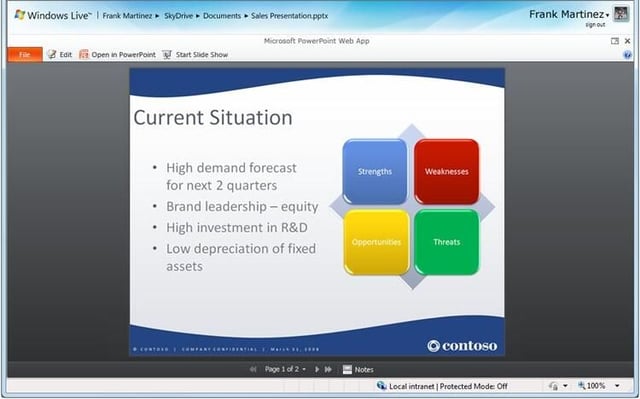
This PowerPoint presentation isn’t utilising Silverlight. Instead, the image of the slide is being projected from the SkyDrive server instead. It looks no different to the untrained eye, but will run much slower.
Image courtesy of Microsoft.
To see the student perspective of Google Docs vs. Office Web Apps, head over to the iGeneration blog.
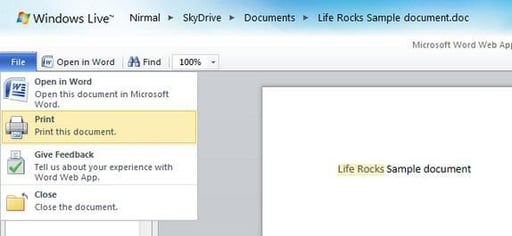
Many of the features that are most needed in offline Word are provided in the online version – Word Web App.
Image courtesy of NirmalTV.
To see the student perspective of Google Docs vs. Office Web Apps, head over to the iGeneration blog.


