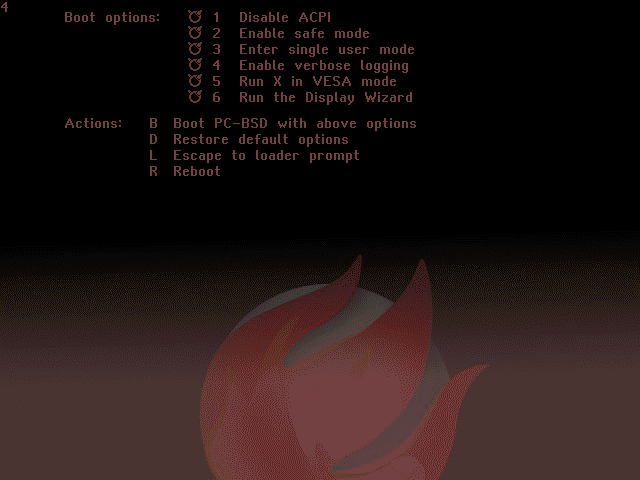
\n\tThe customised and improved PC-BSD experience begins with the boot panel. The flaming ball in the background of the image is PC-BSD’s logo.
\n
\n\tImage credit: Chris Duckett/TechRepublic
\n\tCaptions: Chris Duckett/TechRepublic
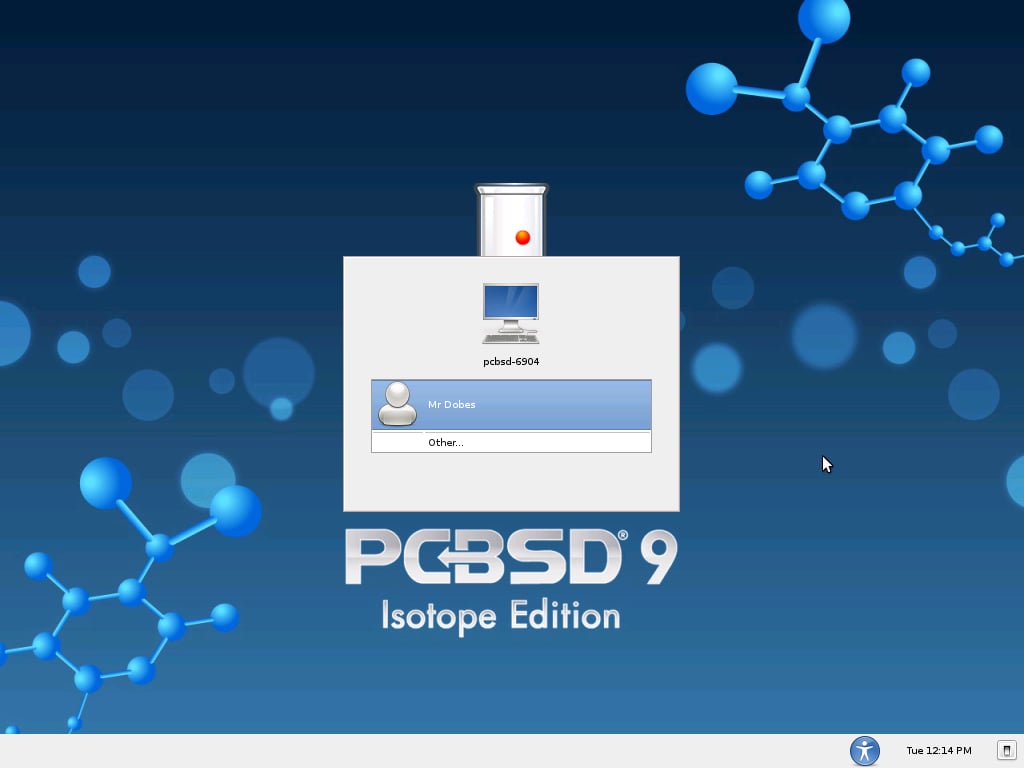
\n\tFor a BSD that chooses to base itself primarily around the KDE desktop, being presented with a GDM log-in is a curious choice.
\n
\n\tImage credit: Chris Duckett/TechRepublic
\n\tCaptions: Chris Duckett/TechRepublic
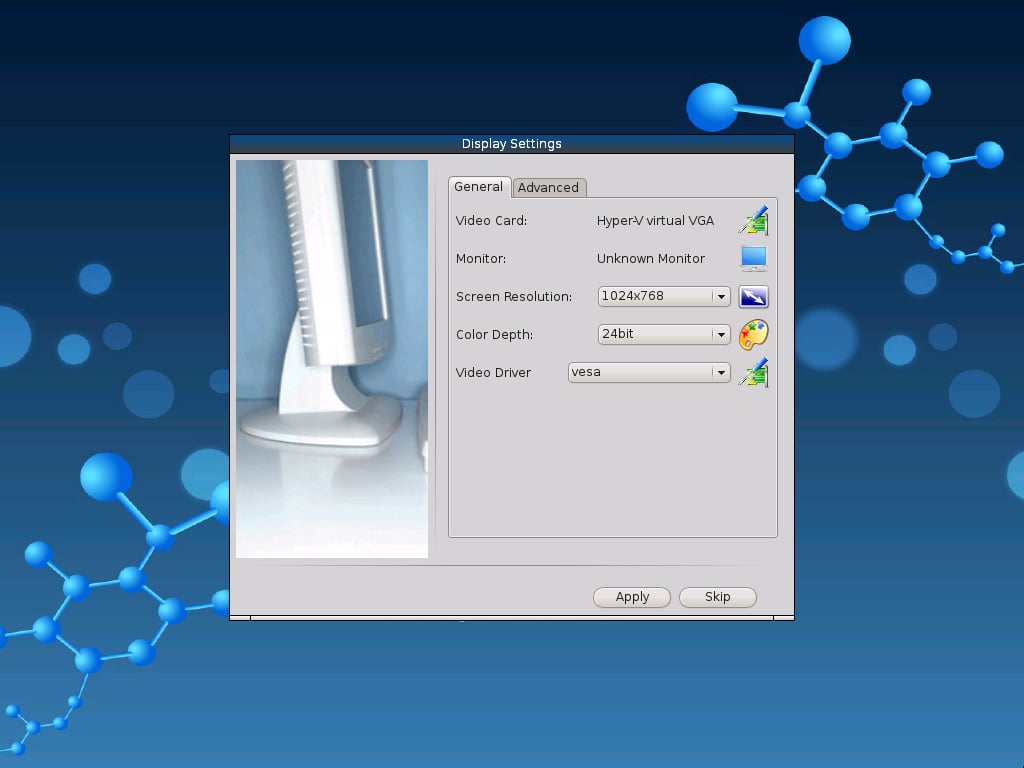
\n\tAfter logging in to the system for the first time, PC-BSD prompts the user to set their display settings. This isn’t the usual text/cli configuration that we know BSDs like!
\n
\n\tImage credit: Chris Duckett/TechRepublic
\n\tCaptions: Chris Duckett/TechRepublic
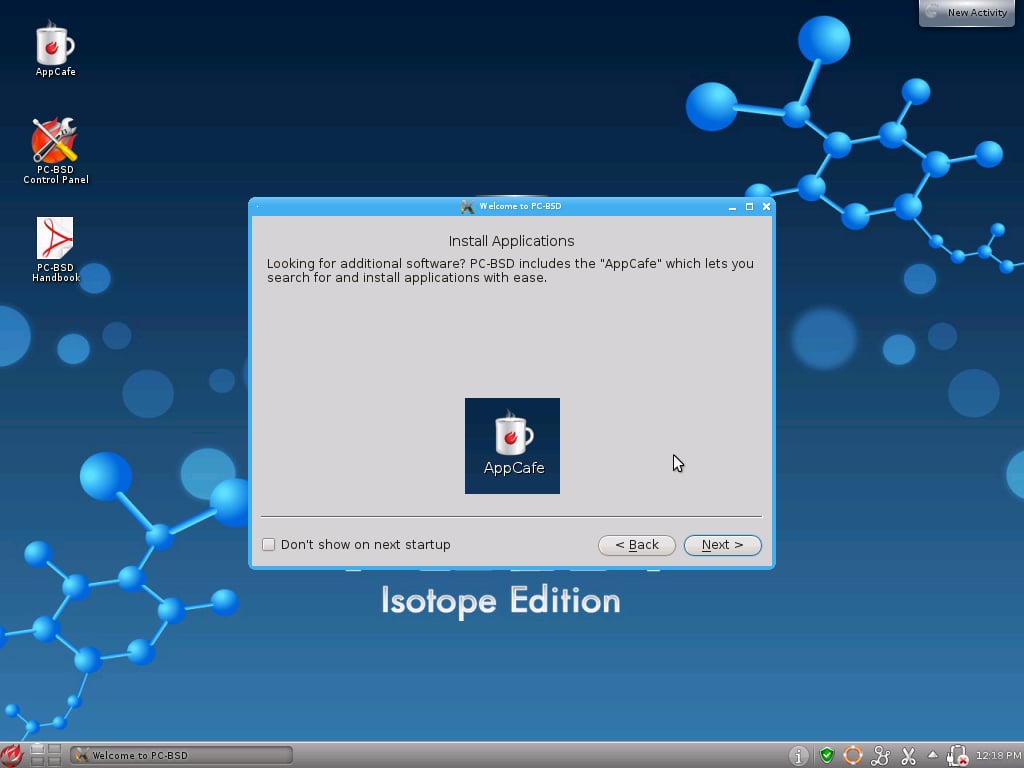
\n\tA useful welcome message; AppCafe is where we will go next.
\n
\n\tImage credit: Chris Duckett/TechRepublic
\n\tCaptions: Chris Duckett/TechRepublic
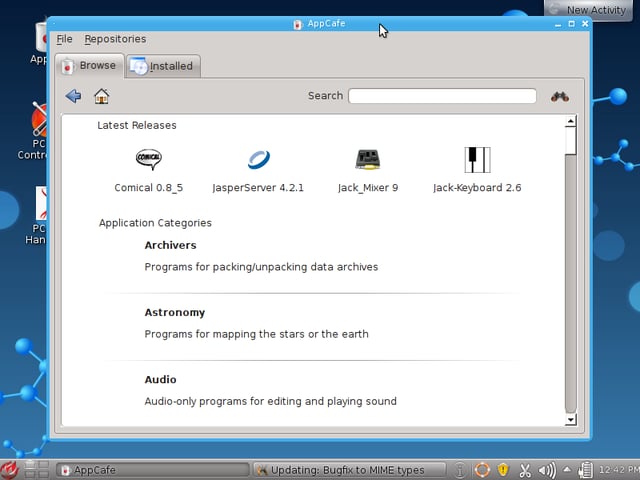
\n\tAppCafe is like the utilities found in various distros of Linux to add programs to your system. PC-BSD uses pbi packages that are bundles similar to OS X application bundles.
\n
\n\tImage credit: Chris Duckett/TechRepublic
\n\tCaptions: Chris Duckett/TechRepublic
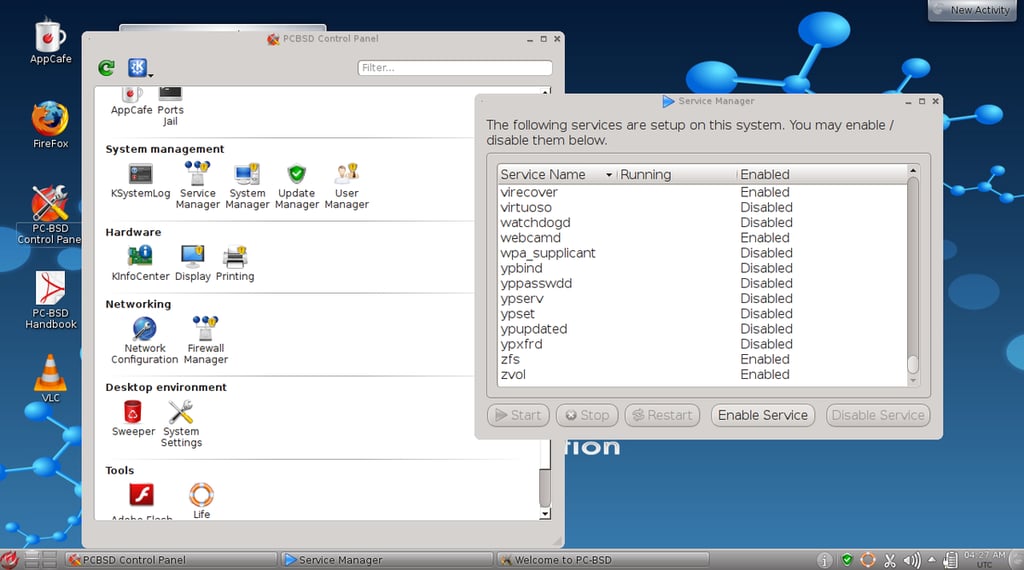
\n\tPC-BSD 9.0 came with a new control-panel program. A much easier alternative to text files for the novice user.
\n
\n\tImage credit: Chris Duckett/TechRepublic
\n\tCaptions: Chris Duckett/TechRepublic
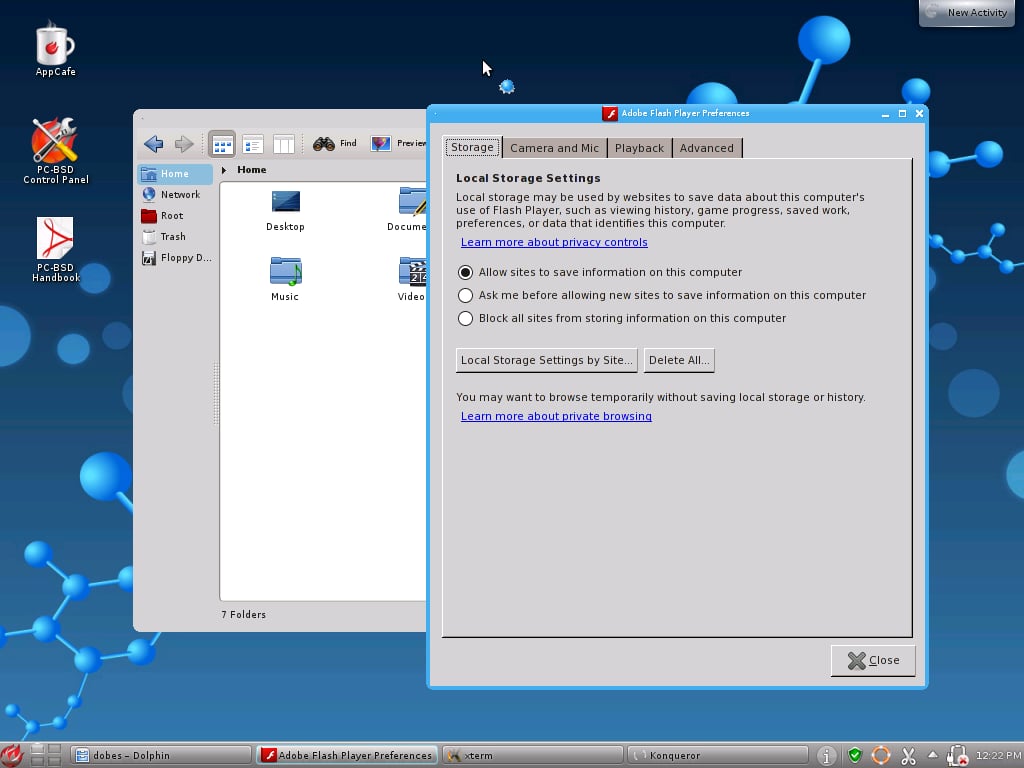
\n\tFlash settings come bundled with the Control Panel.
\n
\n\tImage credit: Chris Duckett/TechRepublic
\n\tCaptions: Chris Duckett/TechRepublic
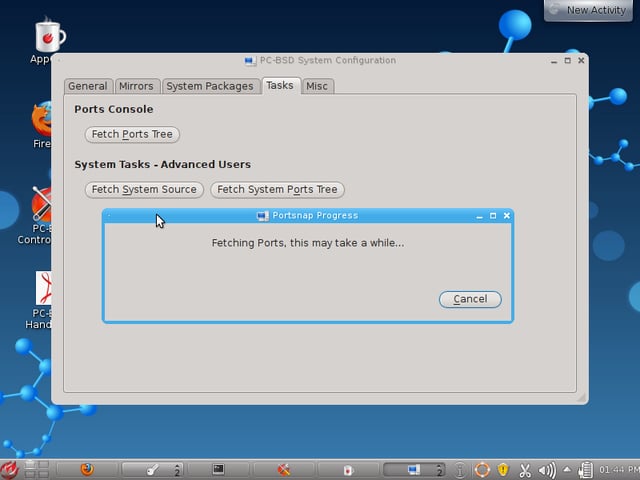
\n\tWhile the idea of a Portsnap UI is a good one, some more feedback would help. A couple of times, I had a timeout because of a bad mirror set-up, and was not aware of the timeouts. Not a pleasant use of time.
\n
\n\tImage credit: Chris Duckett/TechRepublic
\n\tCaptions: Chris Duckett/TechRepublic
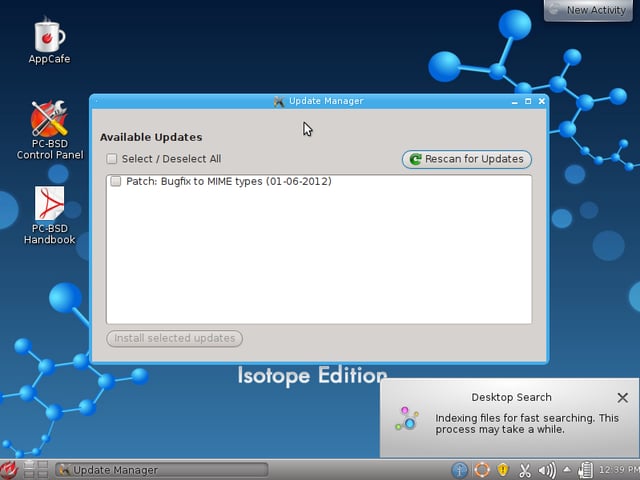
\n\tThe Update Manager is spartan, but it gets the job done.
\n
\n\tImage credit: Chris Duckett/TechRepublic
\n\tCaptions: Chris Duckett/TechRepublic
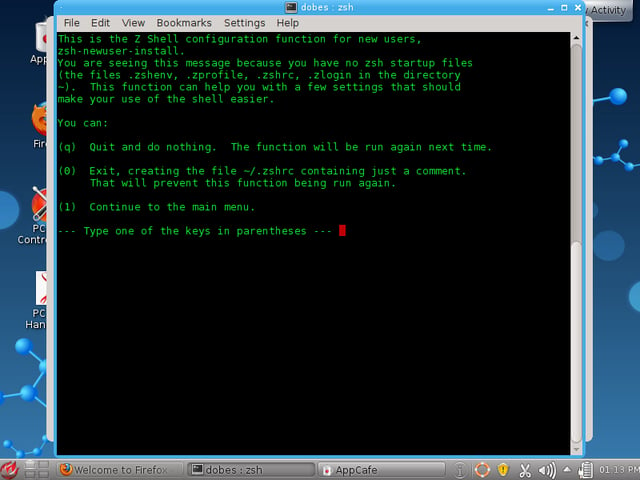
\n\tZsh is the default shell, and will ask for the user to configure it until a ~/.zshrc file is found.
\n
\n\tImage credit: Chris Duckett/TechRepublic
\n\tCaptions: Chris Duckett/TechRepublic
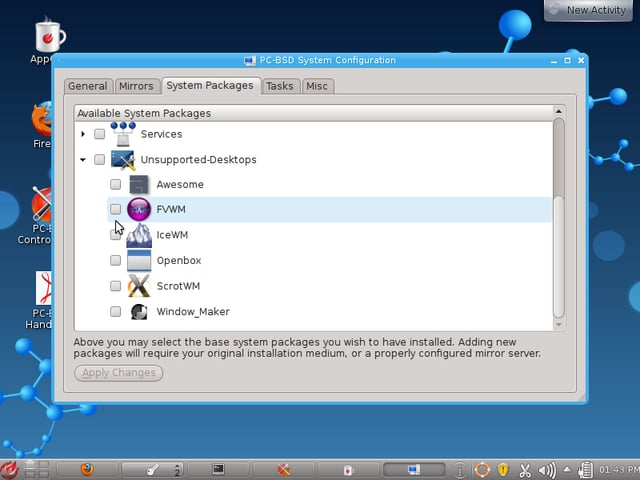
\n\tThe desktop selection is not limited to KDE, GNOME, LXDE, Fluxbox, or XFCE. As shown here, there are many others to choose from, but they do not integrate into the PC-BSD Control Panel.
\n
\n\tImage credit: Chris Duckett/TechRepublic
\n\tCaptions: Chris Duckett/TechRepublic

Some would say that it is a long way from software engineering to journalism, others would correctly argue that it is a mere 10 metres according to the floor plan. During his first five years with CBS Interactive, Chris started his journalistic adventure in 2006 as the Editor of Builder AU after originally joining the company as a programmer. Leaving CBS Interactive in 2010 to follow his deep desire to study the snowdrifts and culinary delights of Canada, Chris based himself in Vancouver and paid for his new snowboarding and poutine cravings as a programmer for a lifestyle gaming startup. Chris returns to CBS in 2011 as the Editor of TechRepublic Australia determined to meld together his programming and journalistic tendencies once and for all.


