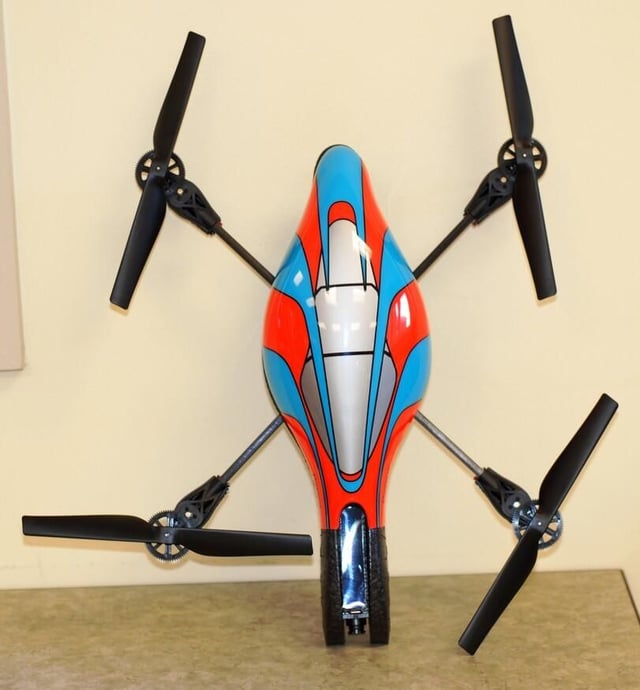
The Parrot AR.Drone Wi-Fi quadricopter is the epitome of a cool flying model vehicle and could be the ultimate geek gift this holiday season. Read my complete Geek Gifts review of the AR.Drone.
Photo by Mark Kaelin and Bill Detwiler for TechRepublic.
For an example of the AR.Drone in action take a look at the Test Flight Video.
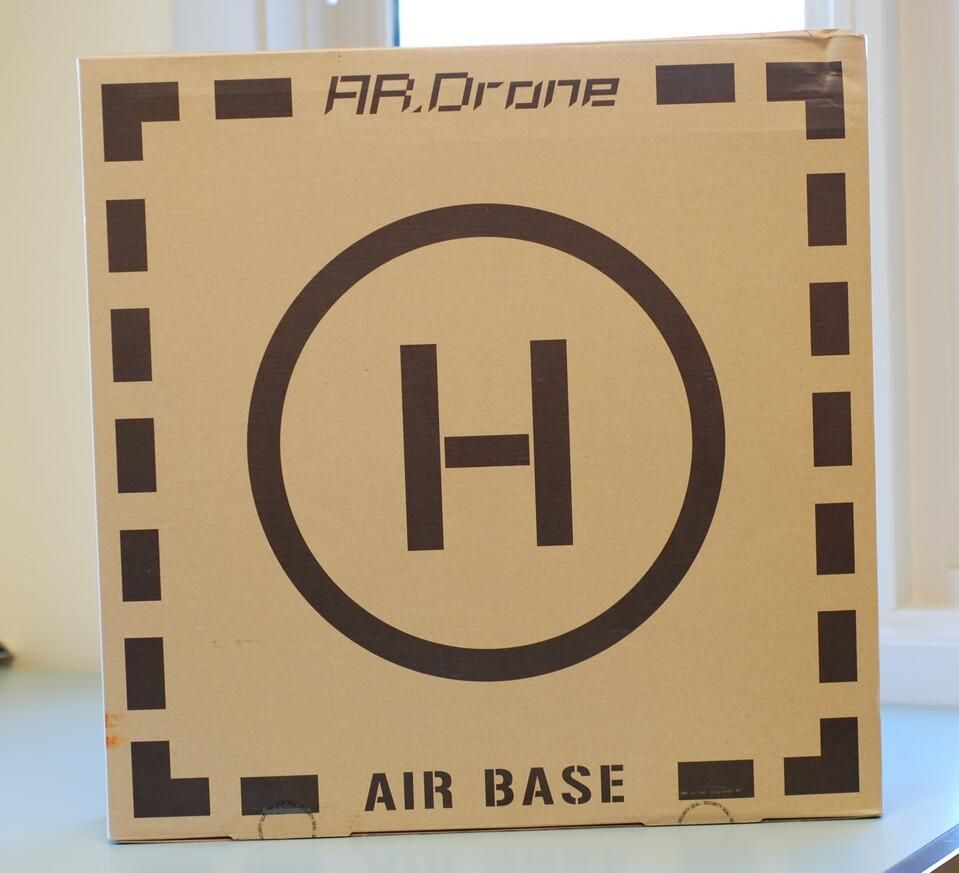
The box for the AR.Drone has several functions – including a makeshift helipad.
Photo by Mark Kaelin and Bill Detwiler for TechRepublic.
For an example of the AR.Drone in action take a look at the Test Flight Video.
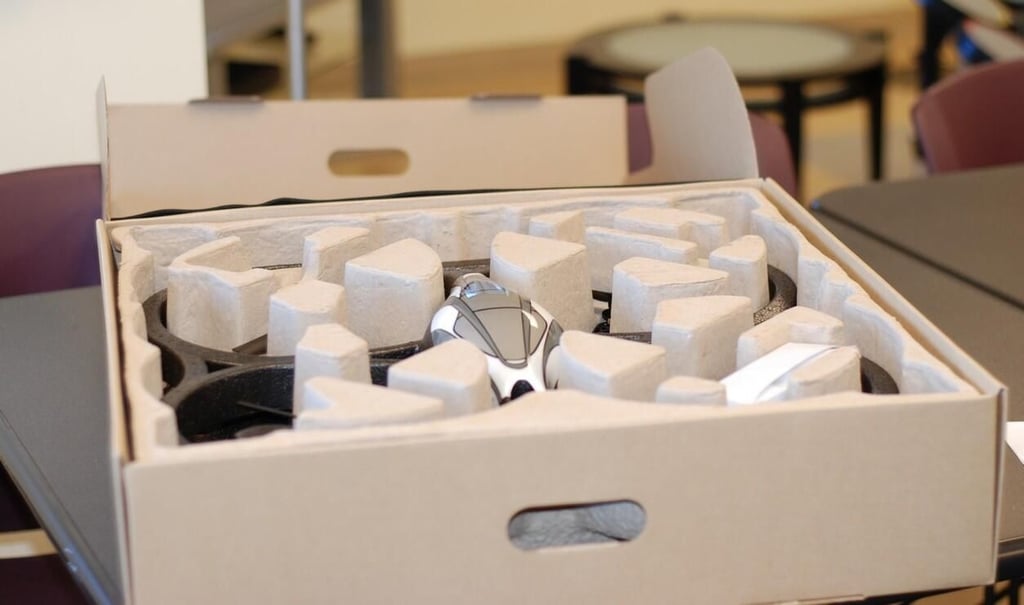
The packaging keeps the drone stable and the box makes a very good carrying case.
Photo by Mark Kaelin and Bill Detwiler for TechRepublic.
The indoor hull offers some protection, especially for the propellers and gear assemblies.
Photo by Mark Kaelin and Bill Detwiler for TechRepublic.
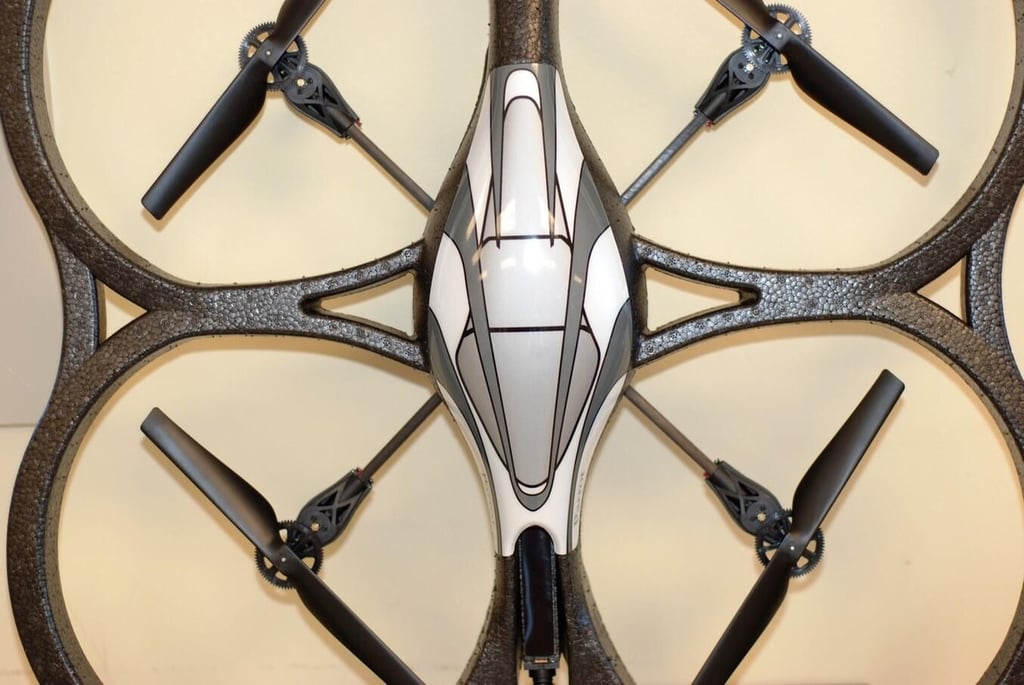
The AR.Drone is very light, but not overly fragile. However, it does have several parts that will break if you crash hard and often.
Photo by Mark Kaelin and Bill Detwiler for TechRepublic.
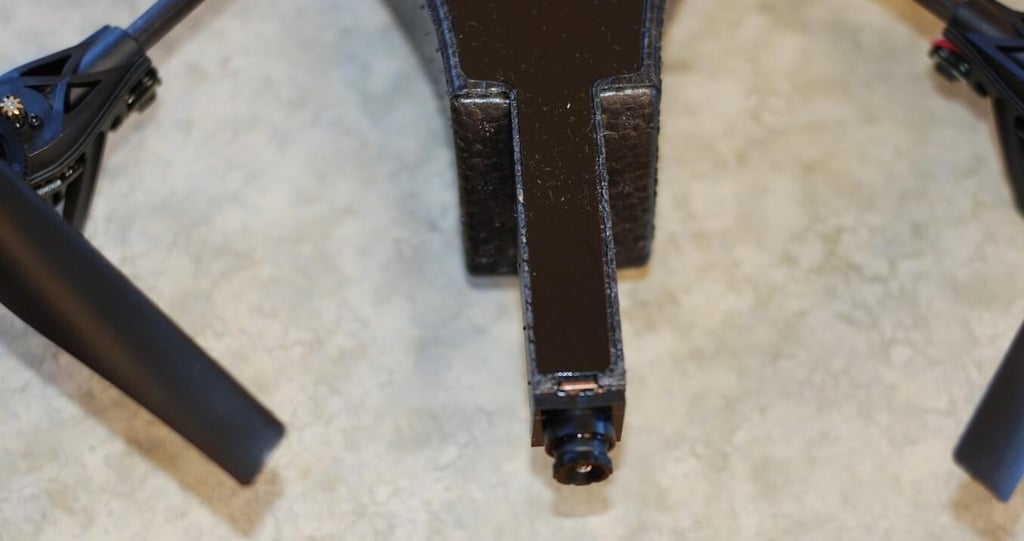
There is a forward facing camera and a downward facing camera. Parrot would like to see you dog-fighting with your friends.
Photo by Mark Kaelin and Bill Detwiler for TechRepublic.
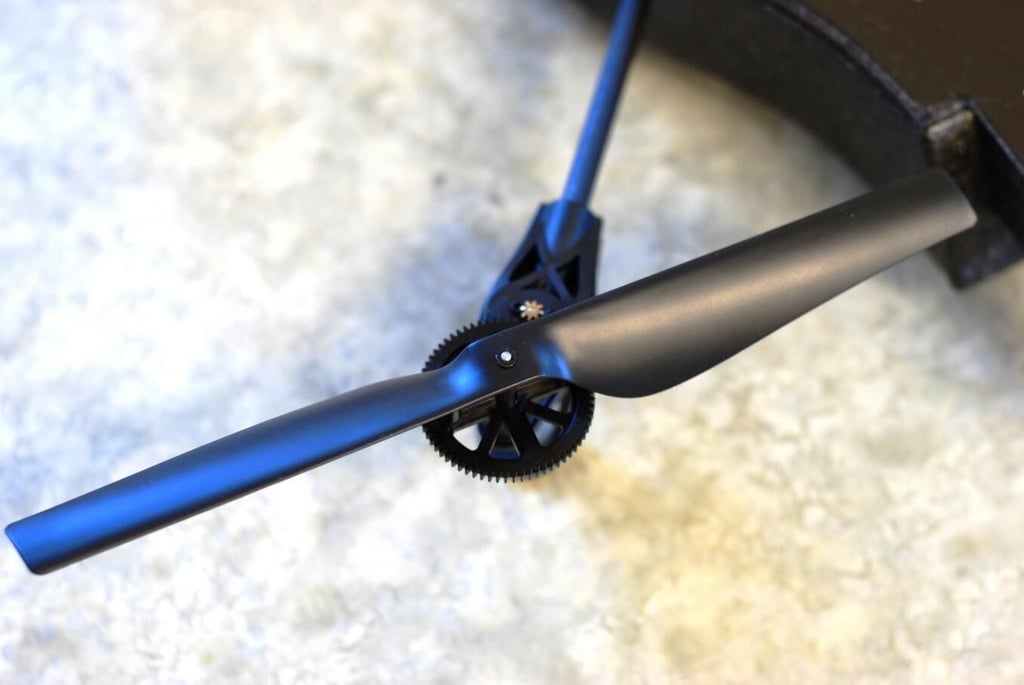
The propeller mechanical systems are straightforward and exposed – another reason to fly carefully.
Photo by Mark Kaelin and Bill Detwiler for TechRepublic.
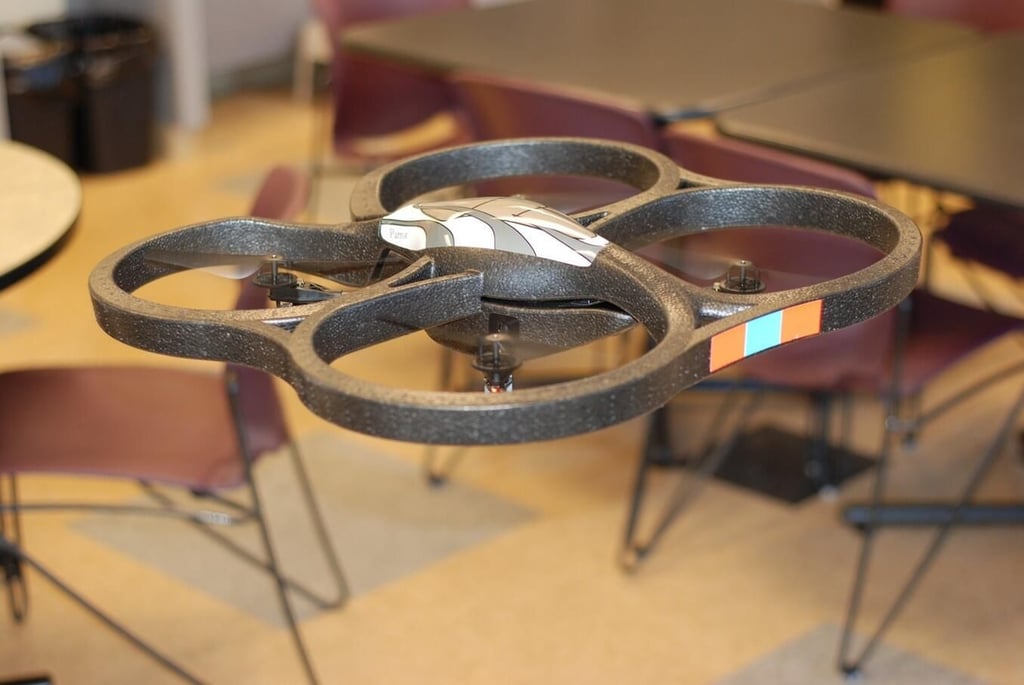
The is are initial flight inside the TechRepublic breakroom. We asked it to hover and it did.
Photo by Mark Kaelin and Bill Detwiler for TechRepublic.
For an example of the AR.Drone in action take a look at the Test Flight Video.
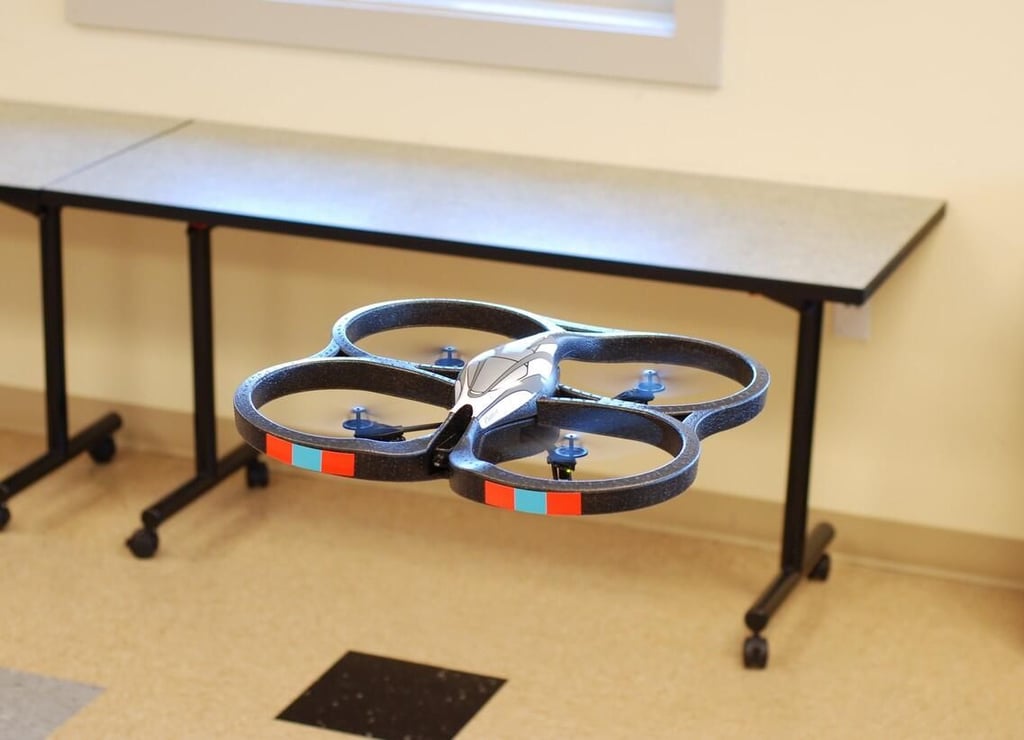
The software, onboard computer, and sensors keep the AR.Drone hovering in our cluttered breakroom.
Photo by Mark Kaelin and Bill Detwiler for TechRepublic.
For an example of the AR.Drone in action take a look at the Test Flight Video.
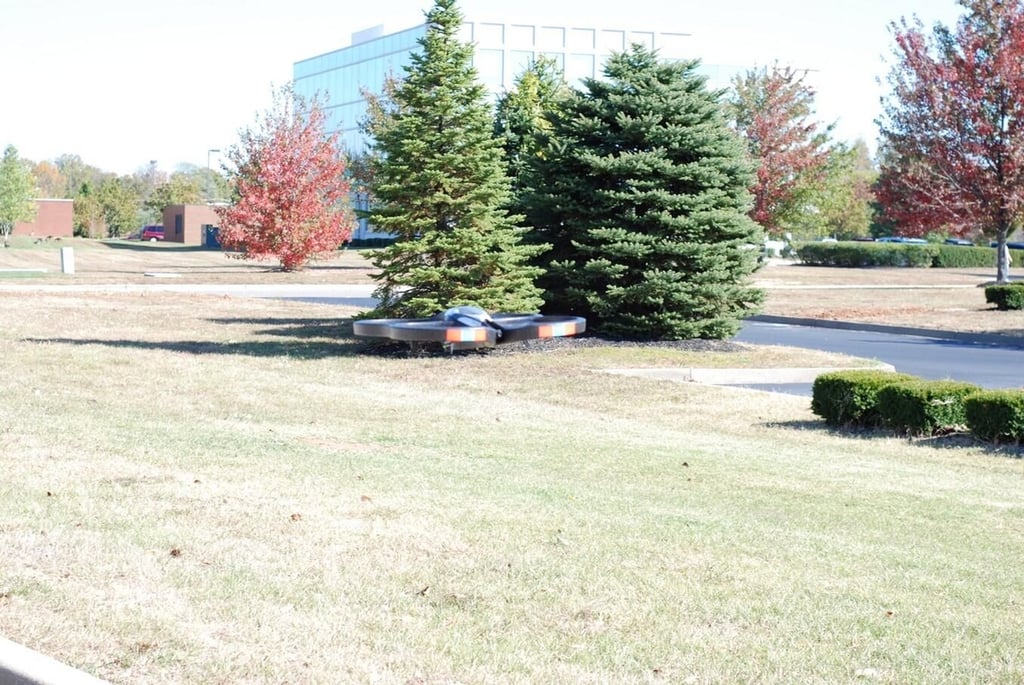
When it was calm, hovering was just as stable as inside.
Photo by Mark Kaelin and Bill Detwiler for TechRepublic.
For an example of the AR.Drone in action take a look at the Test Flight Video.
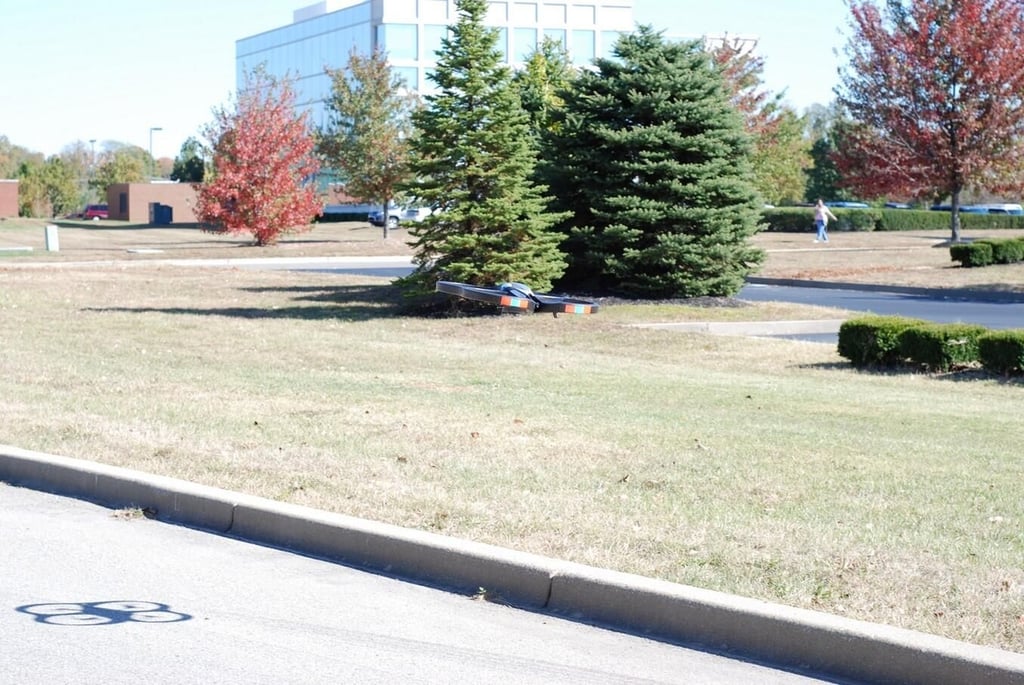
The next several images are of the AR.Drone attempting to compensate for a breezy afternoon. So far all we have directed it to do is hover.
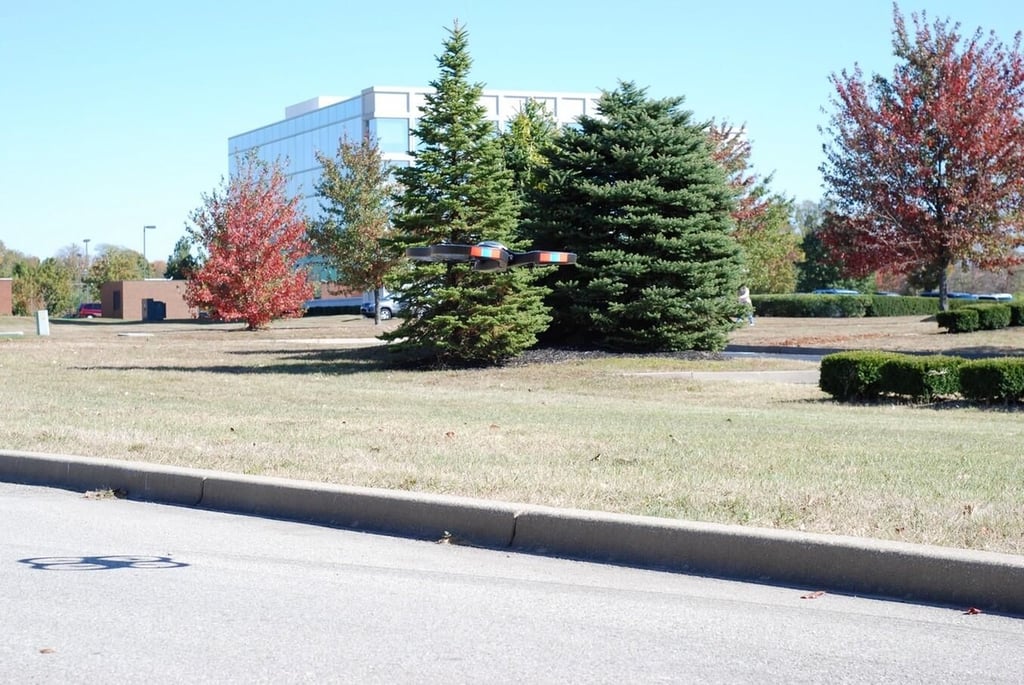
Photo by Mark Kaelin and Bill Detwiler for TechRepublic.
For an example of the AR.Drone in action take a look at the Test Flight Video.
Photo by Mark Kaelin and Bill Detwiler for TechRepublic.
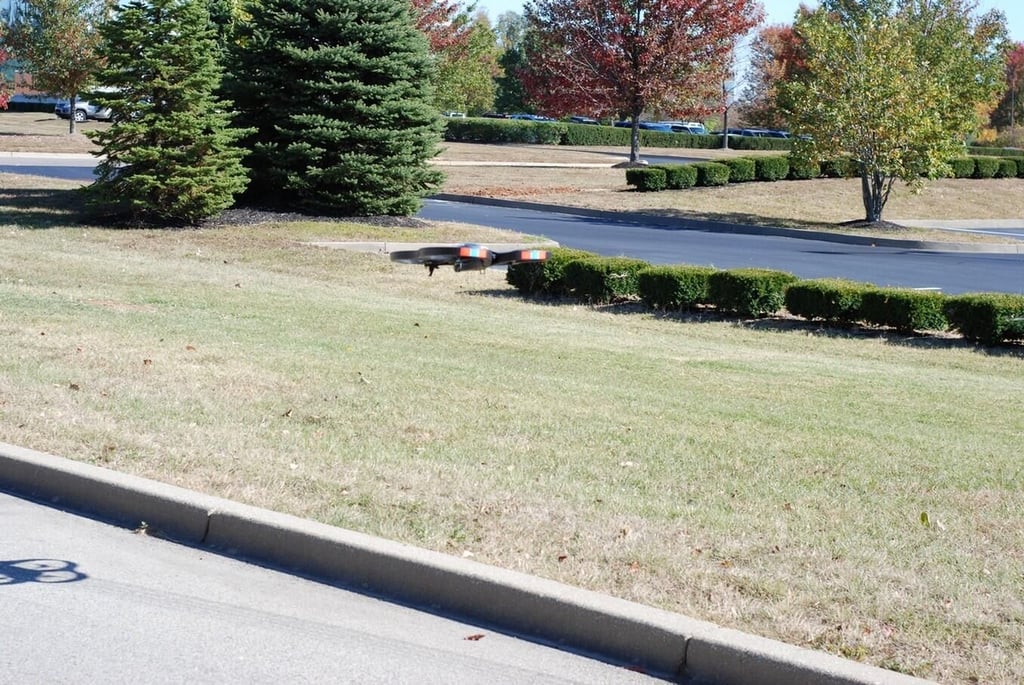
Photo by Mark Kaelin and Bill Detwiler for TechRepublic.
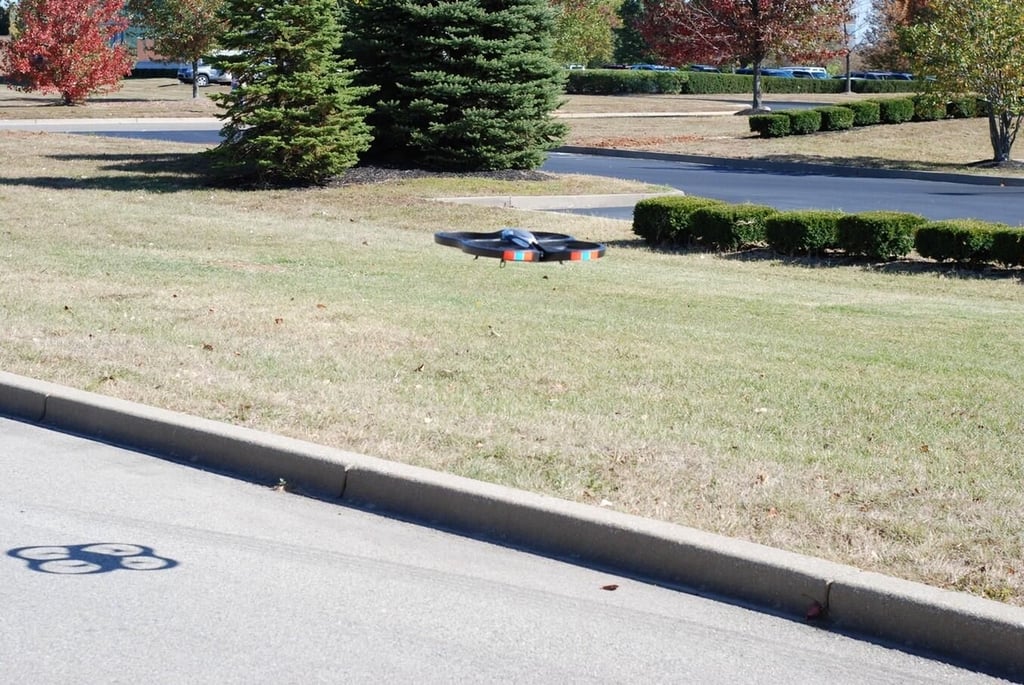
Photo by Mark Kaelin and Bill Detwiler for TechRepublic.
For an example of the AR.Drone in action take a look at the Test Flight Video.
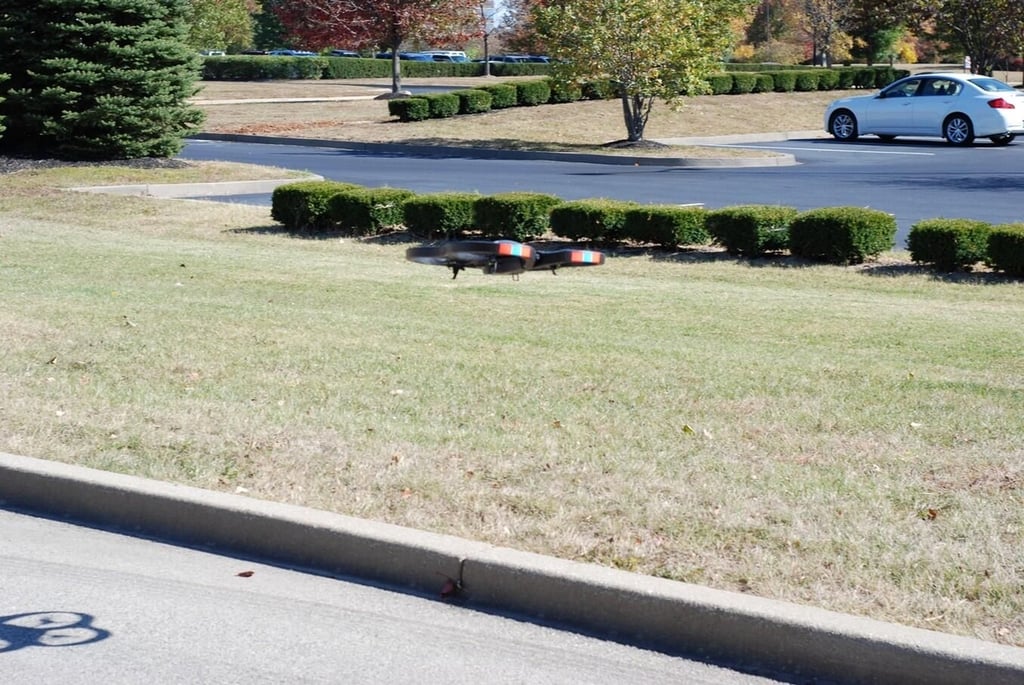
Photo by Mark Kaelin and Bill Detwiler for TechRepublic.
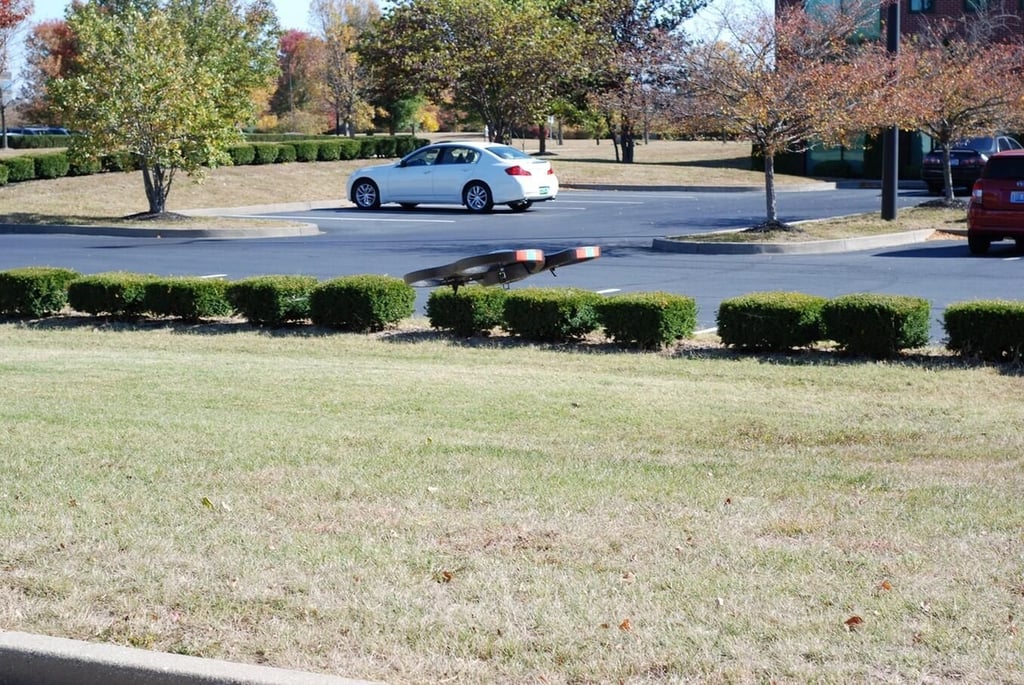
Photo by Mark Kaelin and Bill Detwiler for TechRepublic.
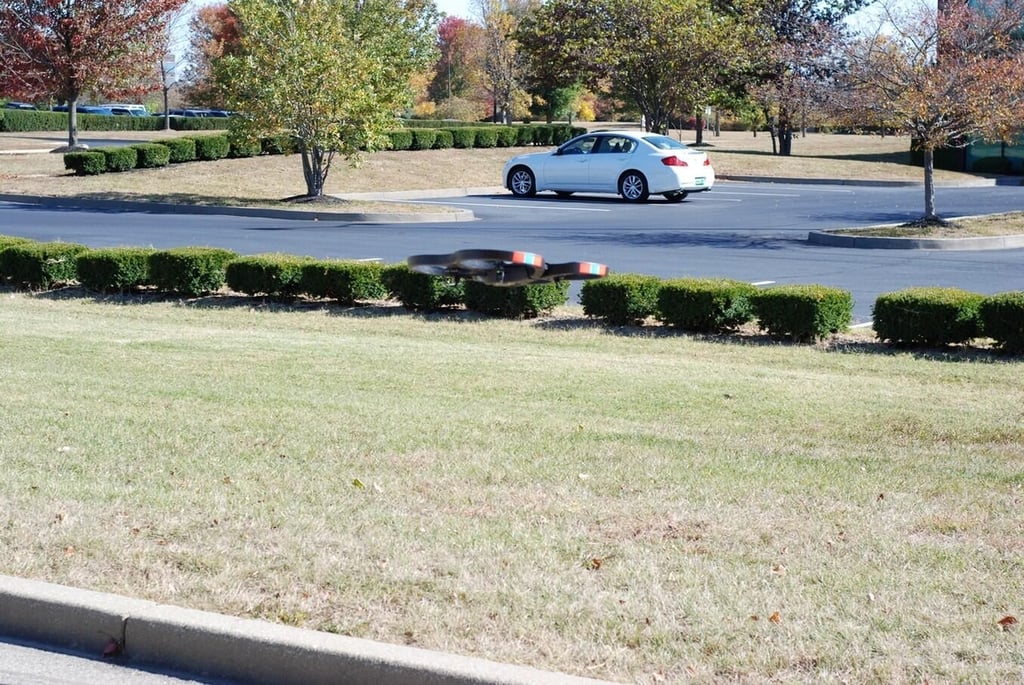
Photo by Mark Kaelin and Bill Detwiler for TechRepublic.
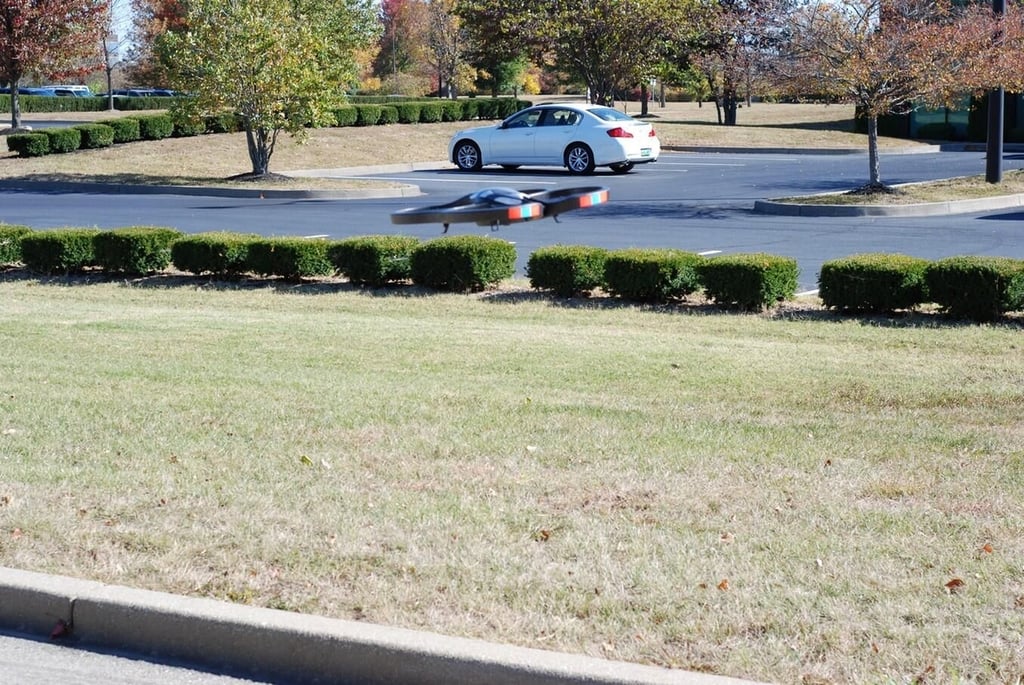
Photo by Mark Kaelin and Bill Detwiler for TechRepublic.
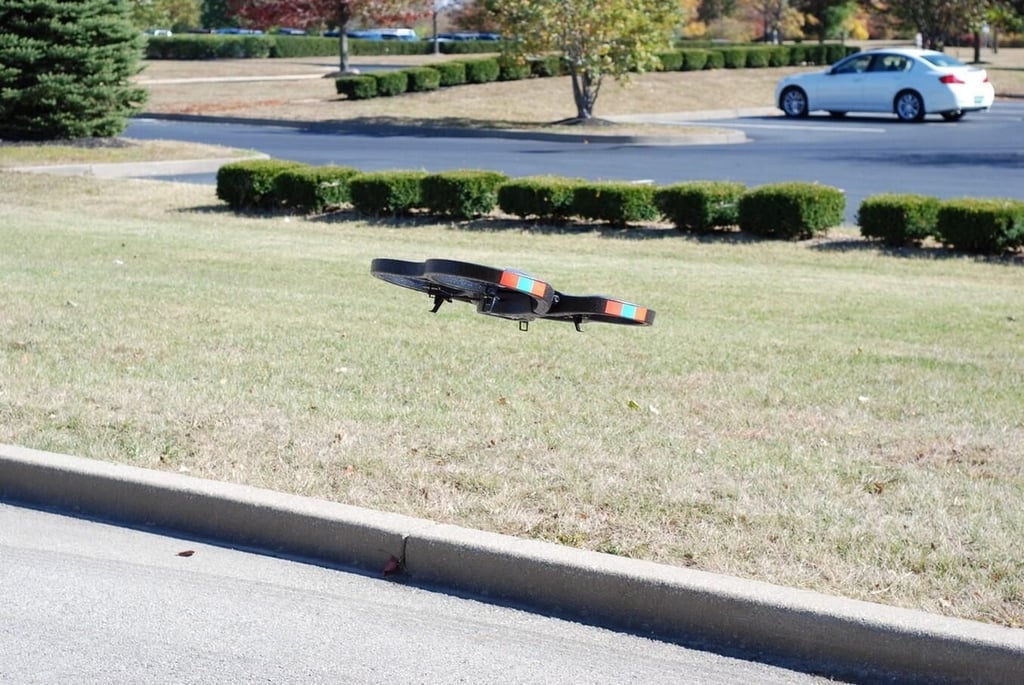
Photo by Mark Kaelin and Bill Detwiler for TechRepublic.
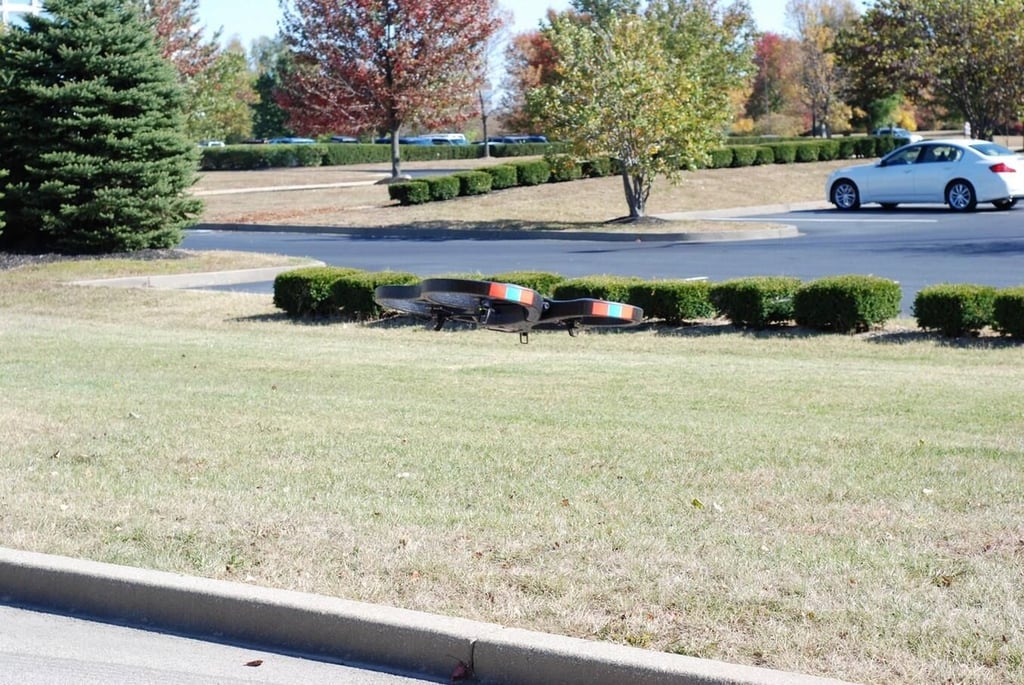
Photo by Mark Kaelin and Bill Detwiler for TechRepublic.
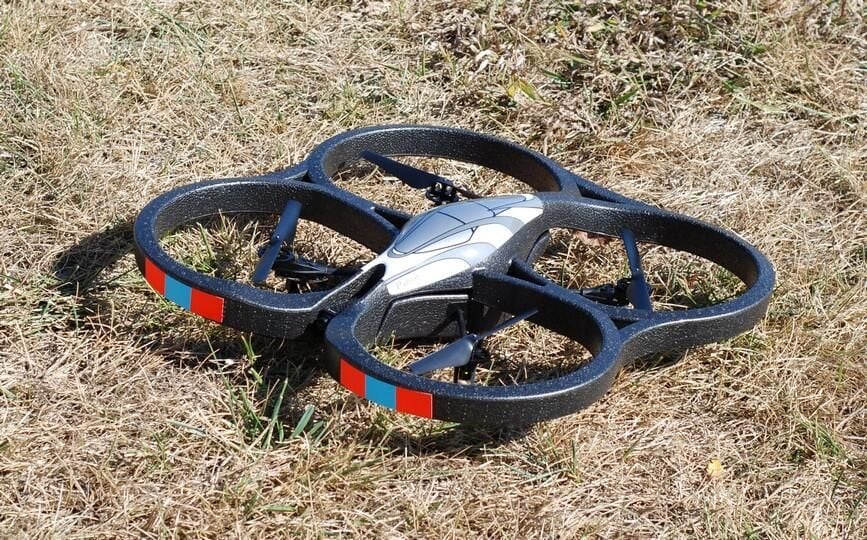
Landing was smooth when you let the software and sensors take care of it.
Photo by Mark Kaelin and Bill Detwiler for TechRepublic.
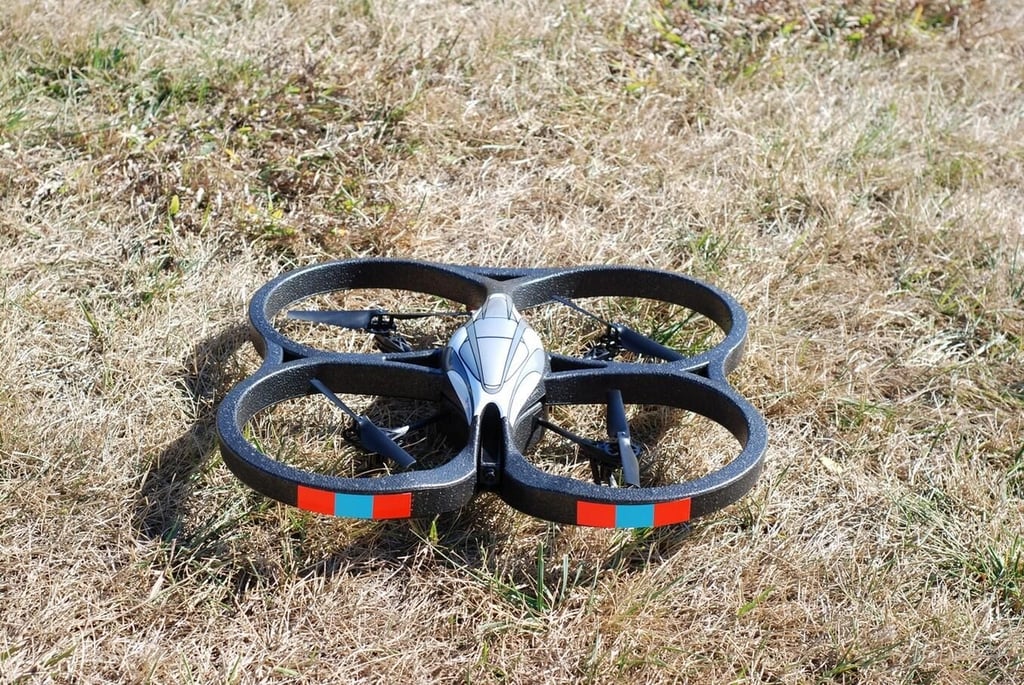
As you can see there is not much clearance provided by the landing gear.
Photo by Mark Kaelin and Bill Detwiler for TechRepublic.
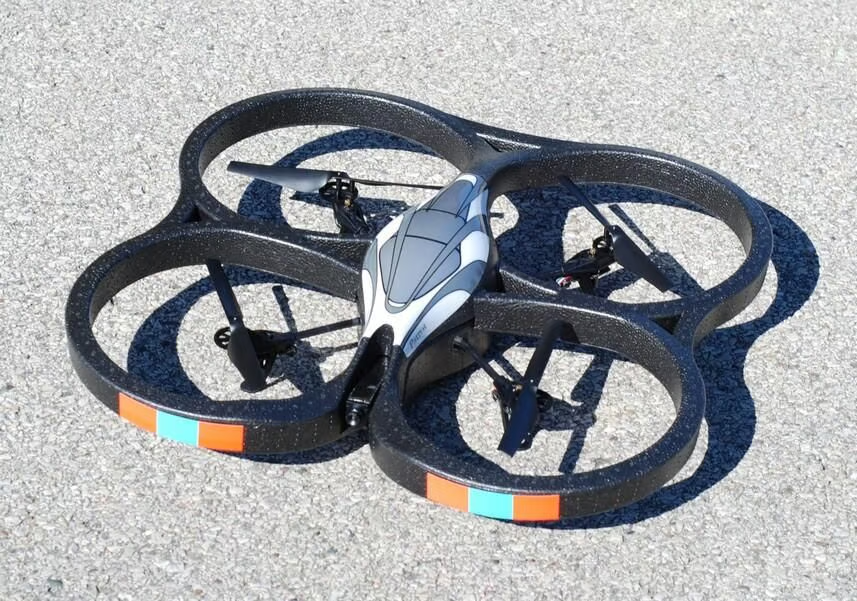
You want to start your drone on a flat surface so the sensors can measure what flat flight means.
Photo by Mark Kaelin and Bill Detwiler for TechRepublic.
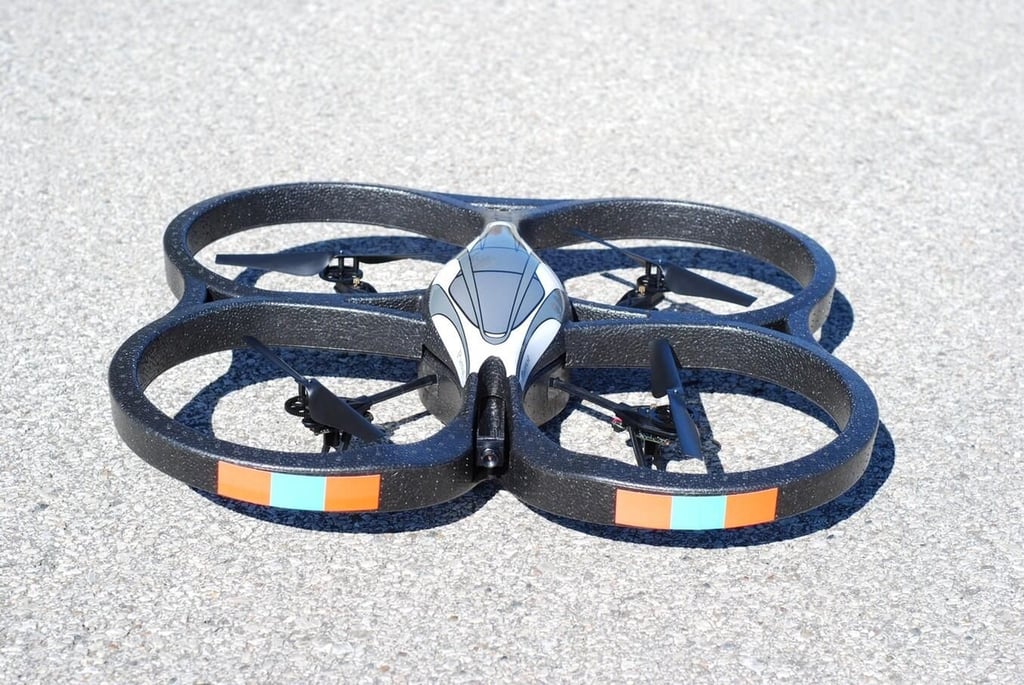
Starting from the parking lot, we prepare for our next flight.
Photo by Mark Kaelin and Bill Detwiler for TechRepublic.
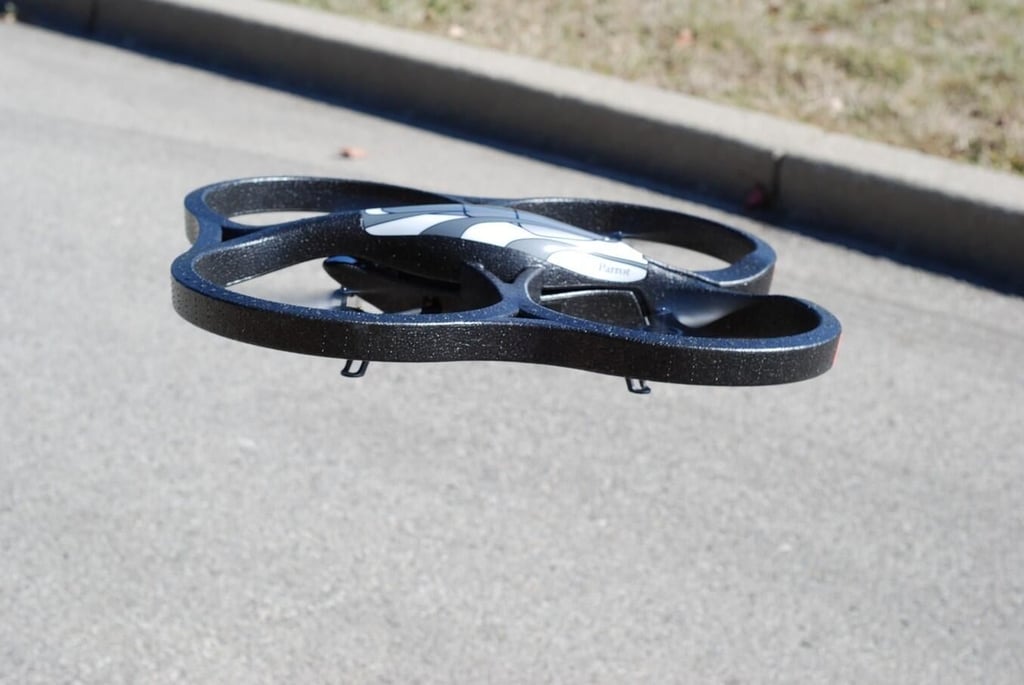
We takeoff and I begin flying the AR.Drone around. While I am concentrating on flying, Bill Detwiler is snapping photos for this gallery.
Photo by Mark Kaelin and Bill Detwiler for TechRepublic.
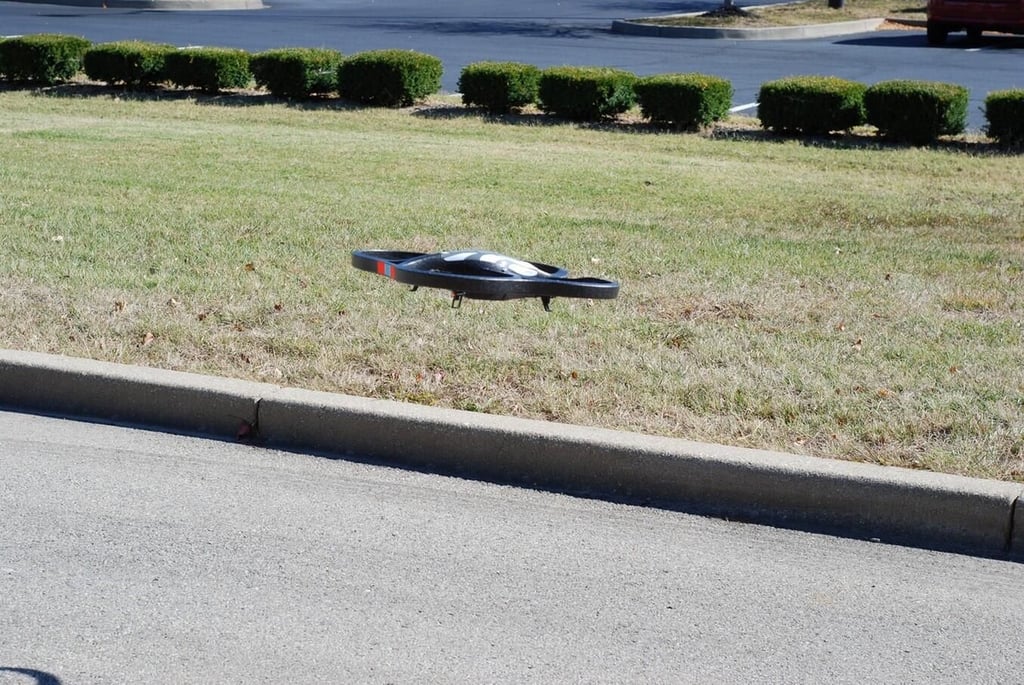
Photo by Mark Kaelin and Bill Detwiler for TechRepublic.
For an example of the AR.Drone in action take a look at the Test Flight Video.
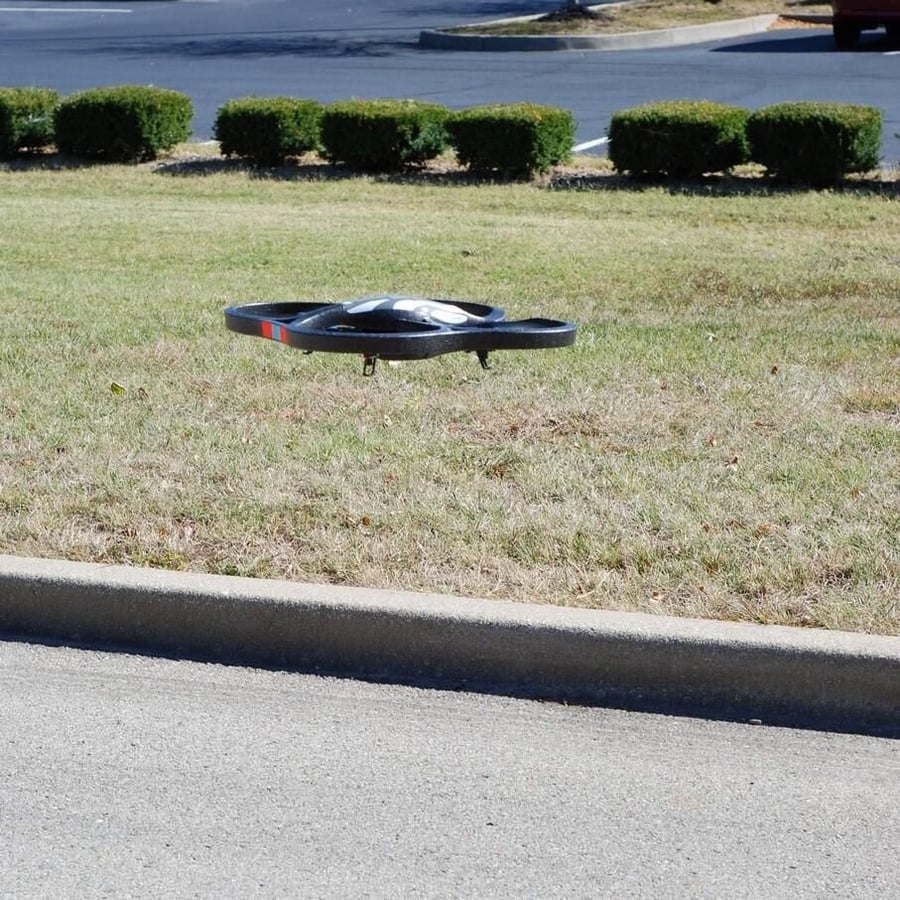
Photo by Mark Kaelin and Bill Detwiler for TechRepublic.
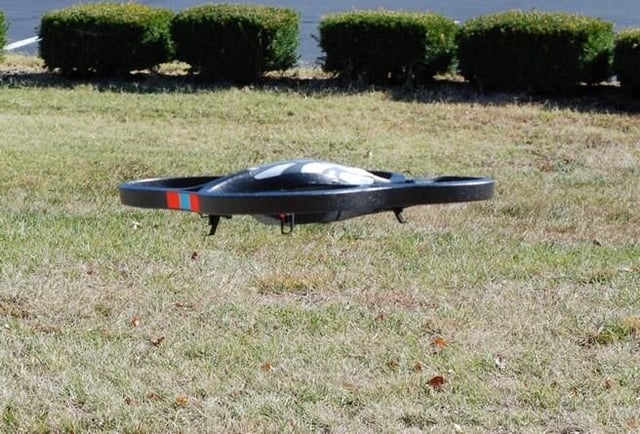
Photo by Mark Kaelin and Bill Detwiler for TechRepublic.
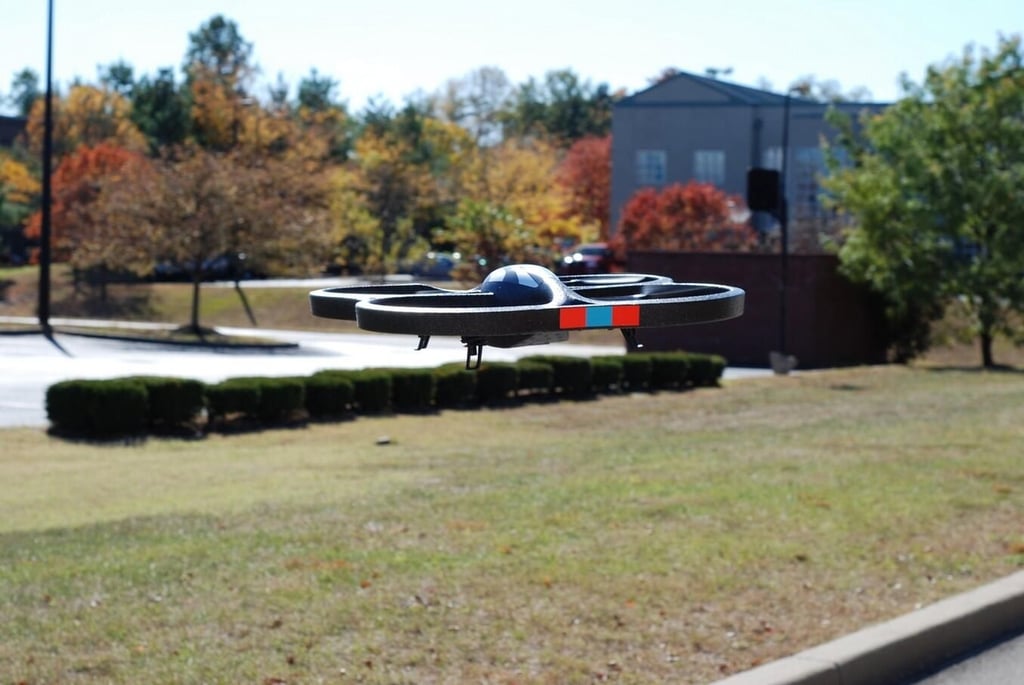
Photo by Mark Kaelin and Bill Detwiler for TechRepublic.
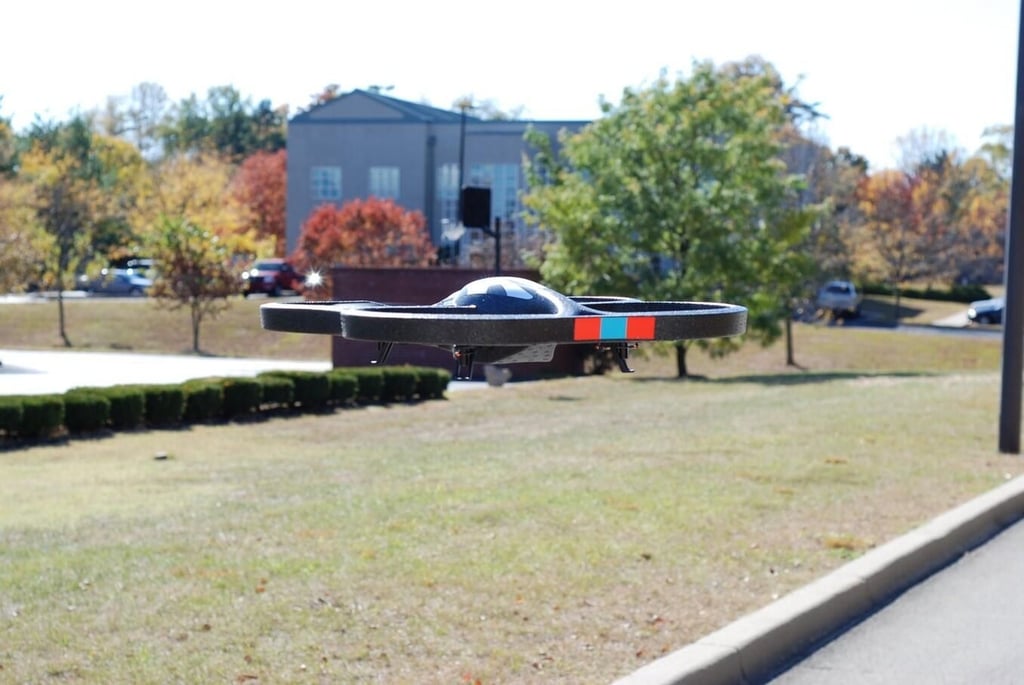
Photo by Mark Kaelin and Bill Detwiler for TechRepublic.
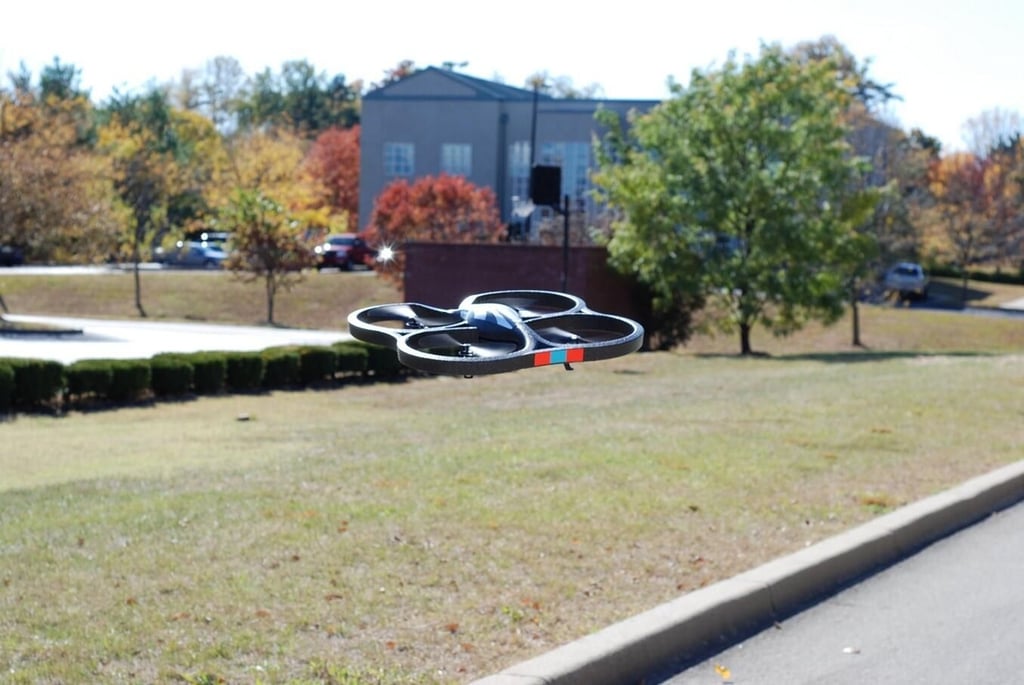
Photo by Mark Kaelin and Bill Detwiler for TechRepublic.
For an example of the AR.Drone in action take a look at the Test Flight Video.
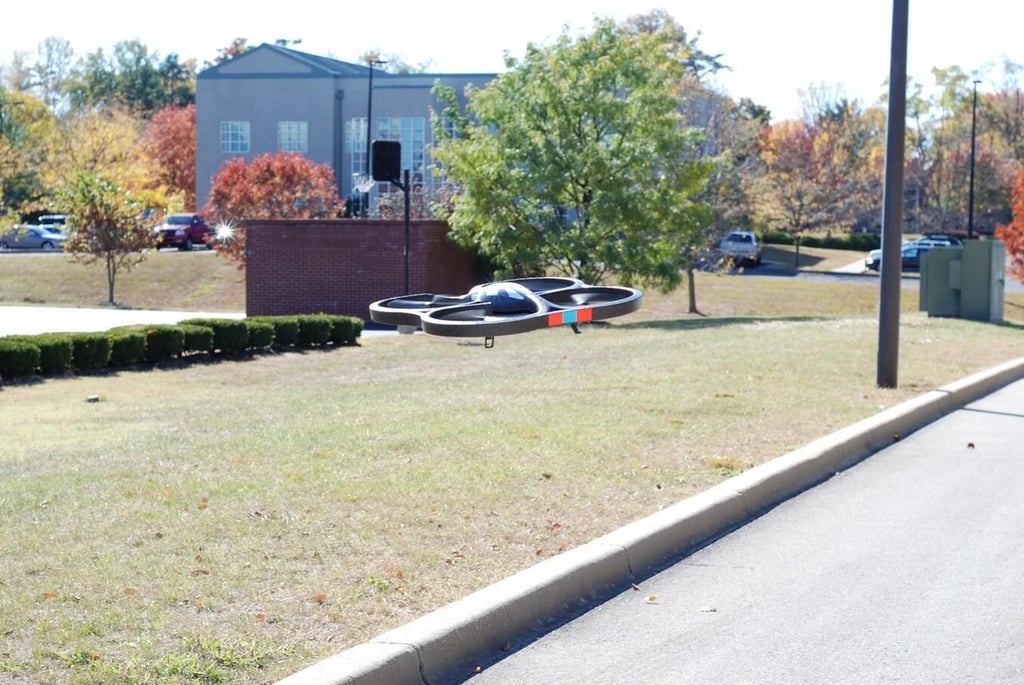
Photo by Mark Kaelin and Bill Detwiler for TechRepublic.
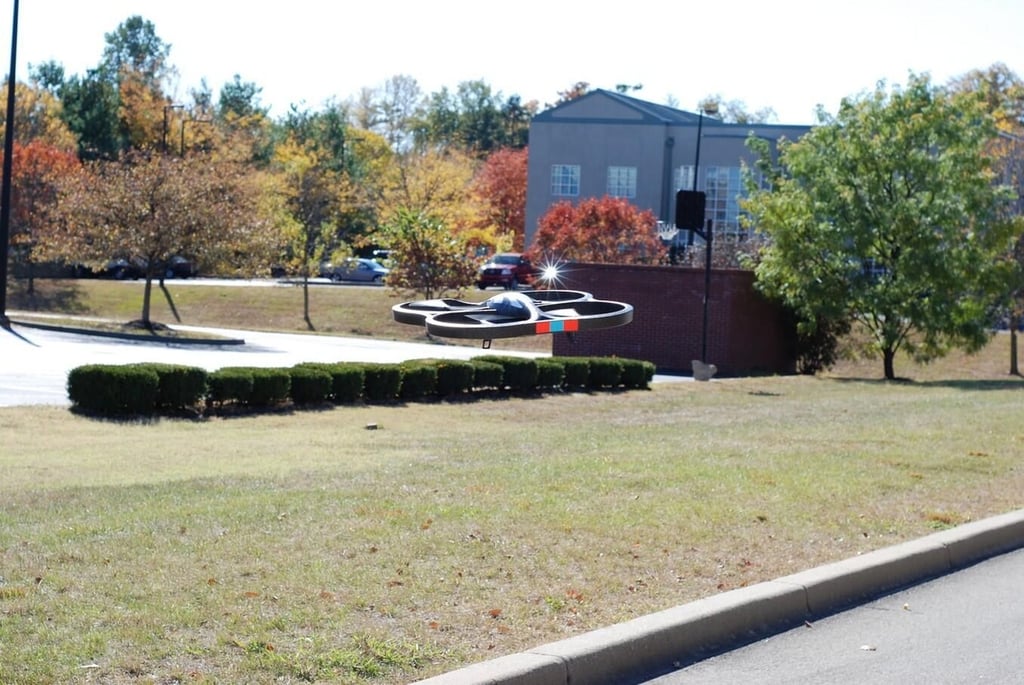
Photo by Mark Kaelin and Bill Detwiler for TechRepublic.
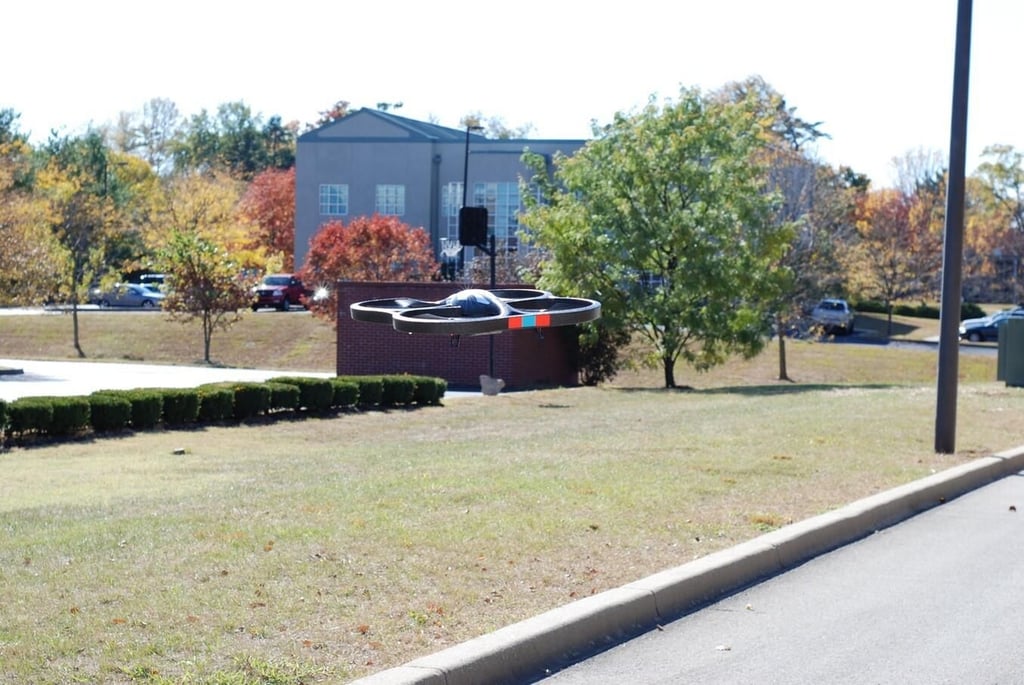
Photo by Mark Kaelin and Bill Detwiler for TechRepublic.
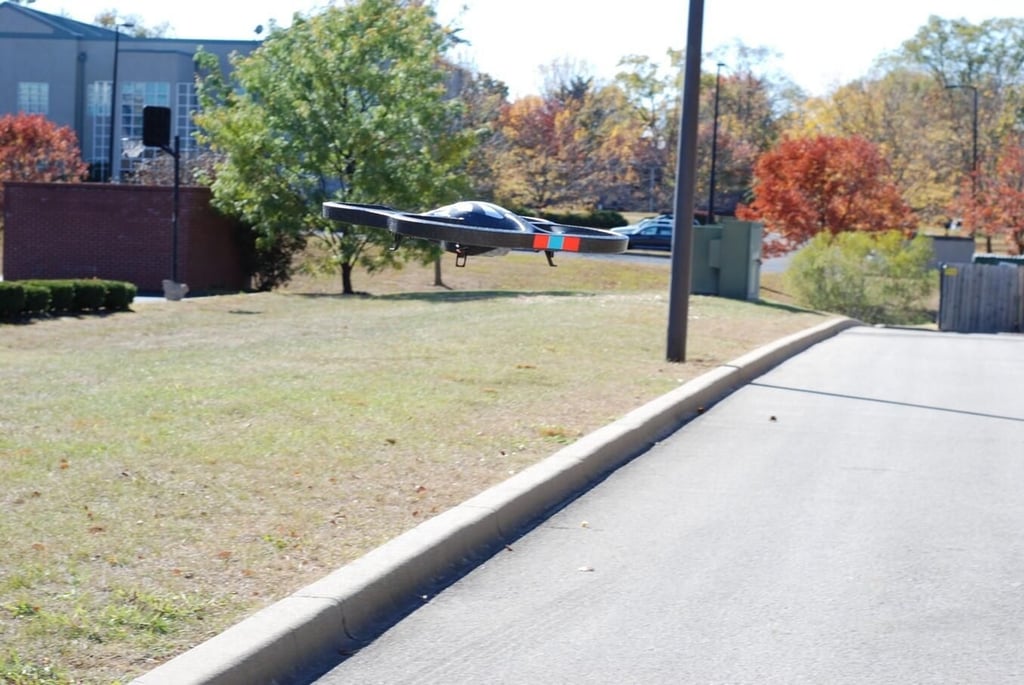
Photo by Mark Kaelin and Bill Detwiler for TechRepublic.
Photo by Mark Kaelin and Bill Detwiler for TechRepublic.
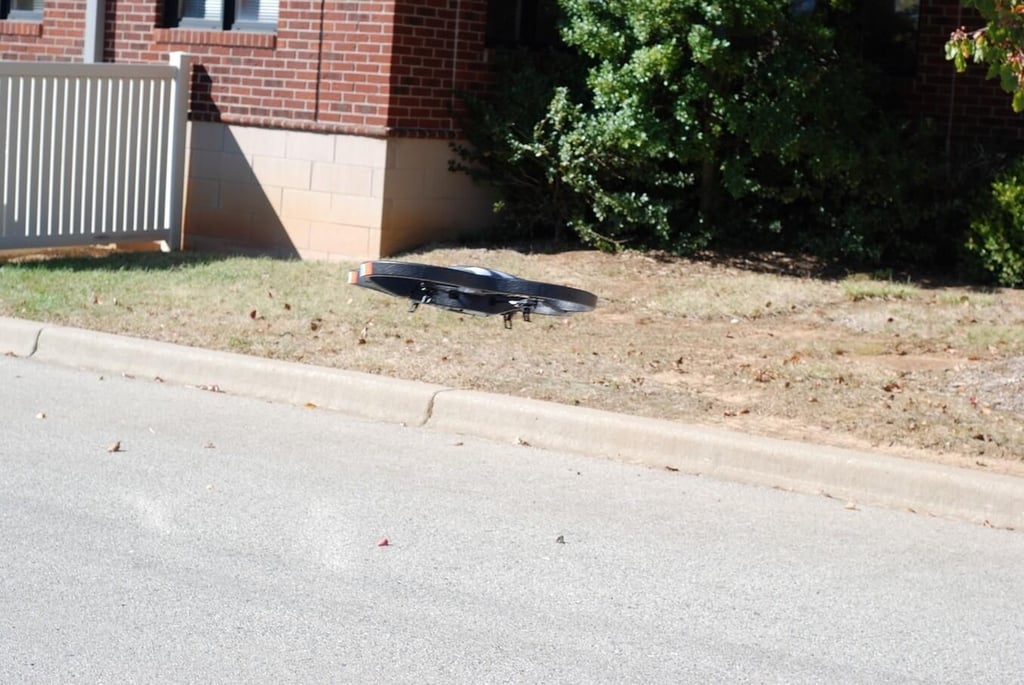
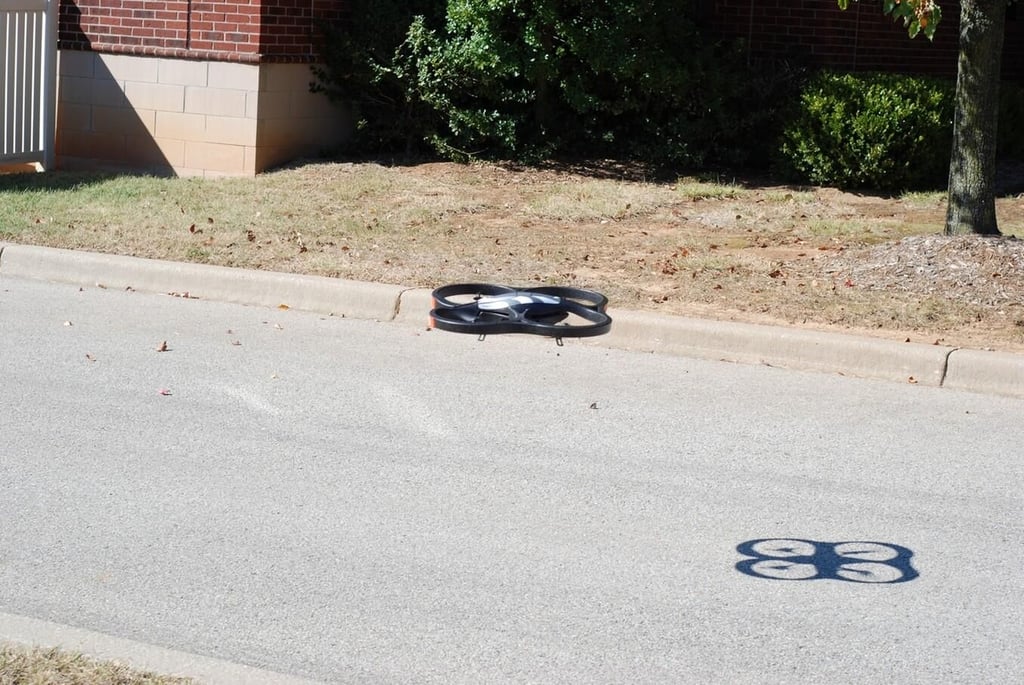
After a few slow moves to get acquainted with the controls, I start to fly around.
Photo by Mark Kaelin and Bill Detwiler for TechRepublic.
I start with a flyby of Bill and his camera.
Photo by Mark Kaelin and Bill Detwiler for TechRepublic.
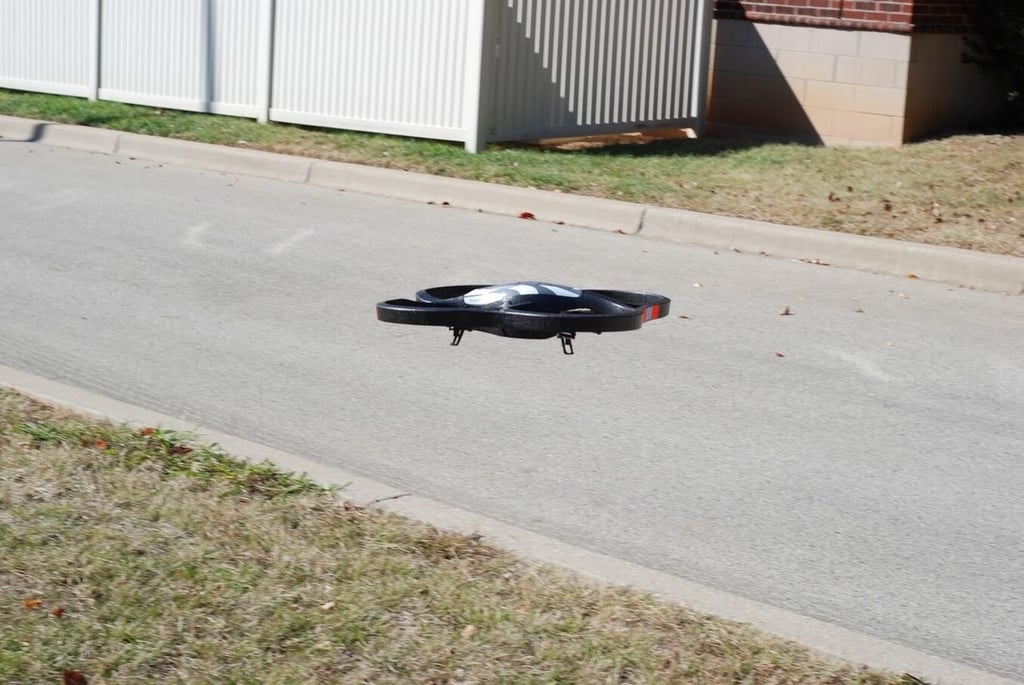
Photo by Mark Kaelin and Bill Detwiler for TechRepublic.
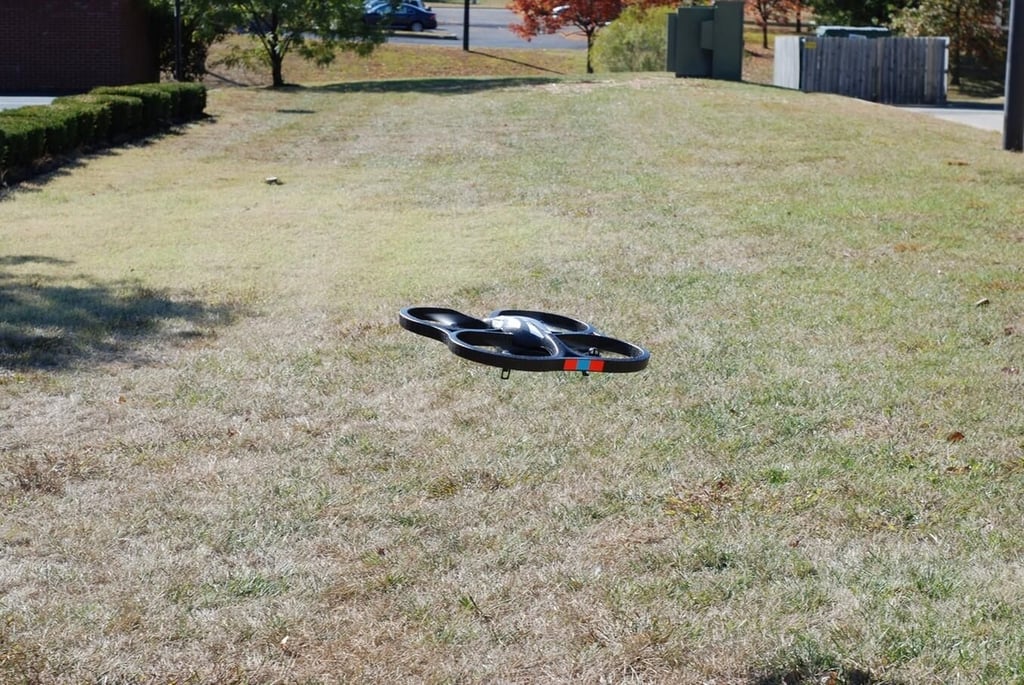
Photo by Mark Kaelin and Bill Detwiler for TechRepublic.
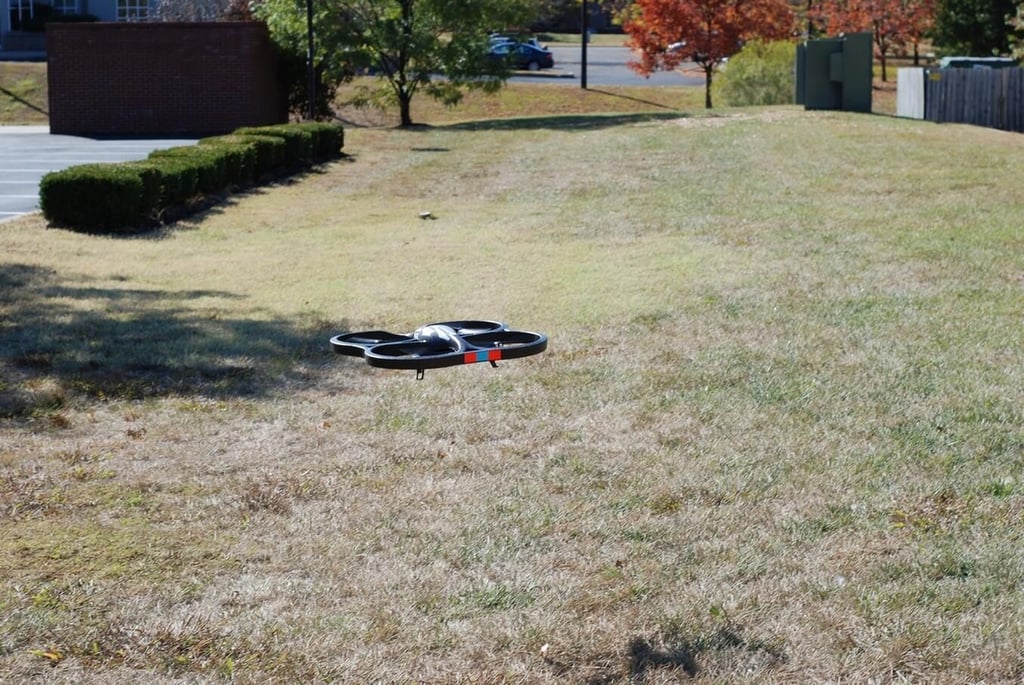
Photo by Mark Kaelin and Bill Detwiler for TechRepublic.
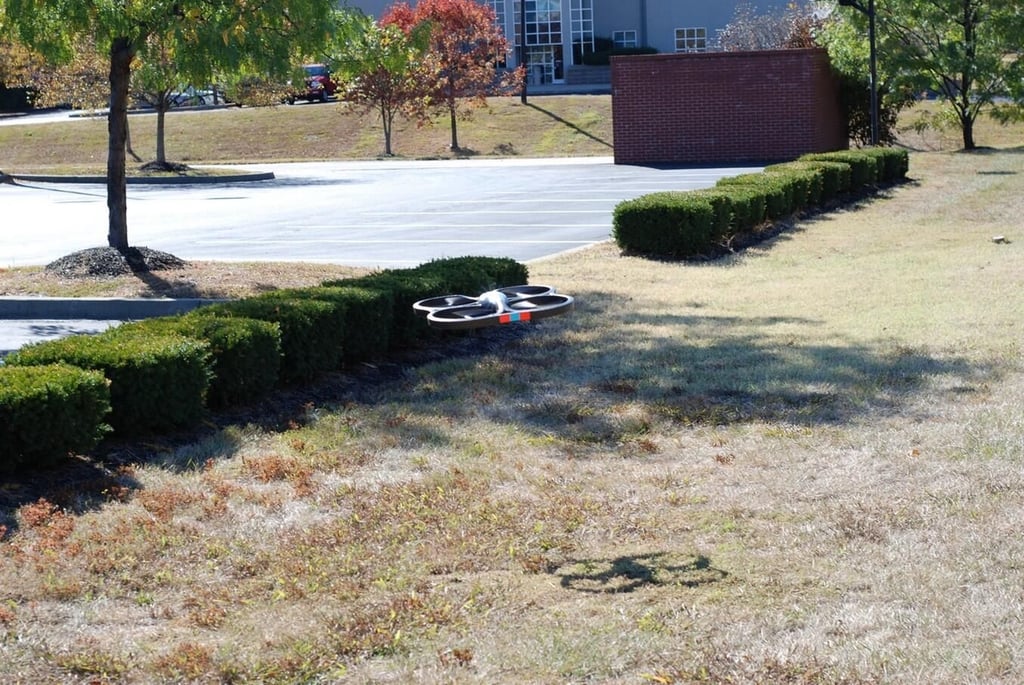
Flying back toward Bill.
Photo by Mark Kaelin and Bill Detwiler for TechRepublic.
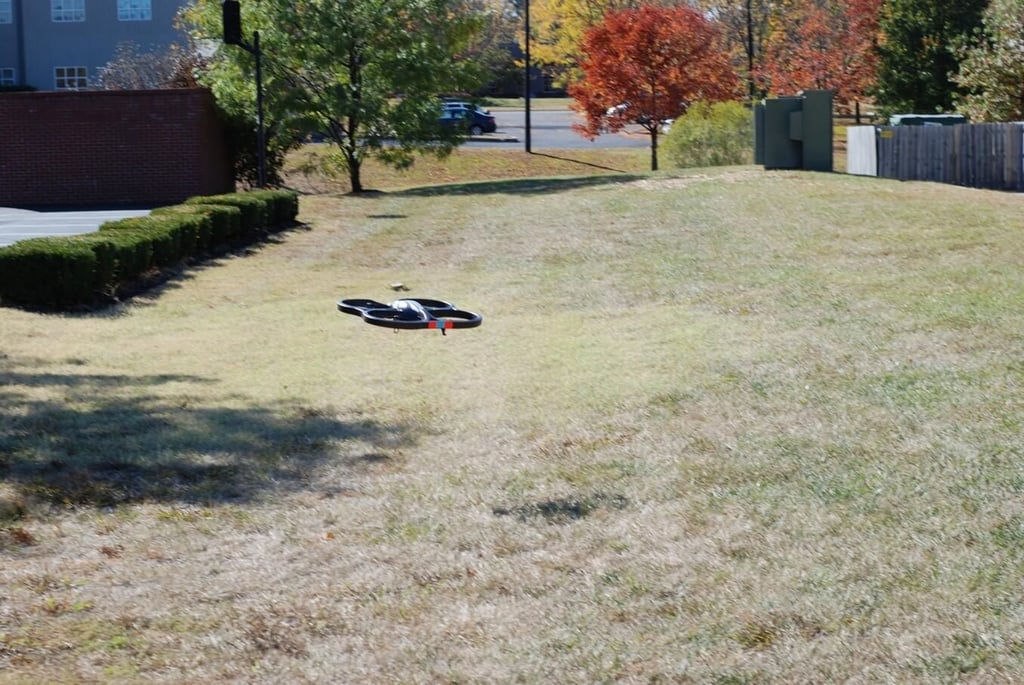
Photo by Mark Kaelin and Bill Detwiler for TechRepublic.
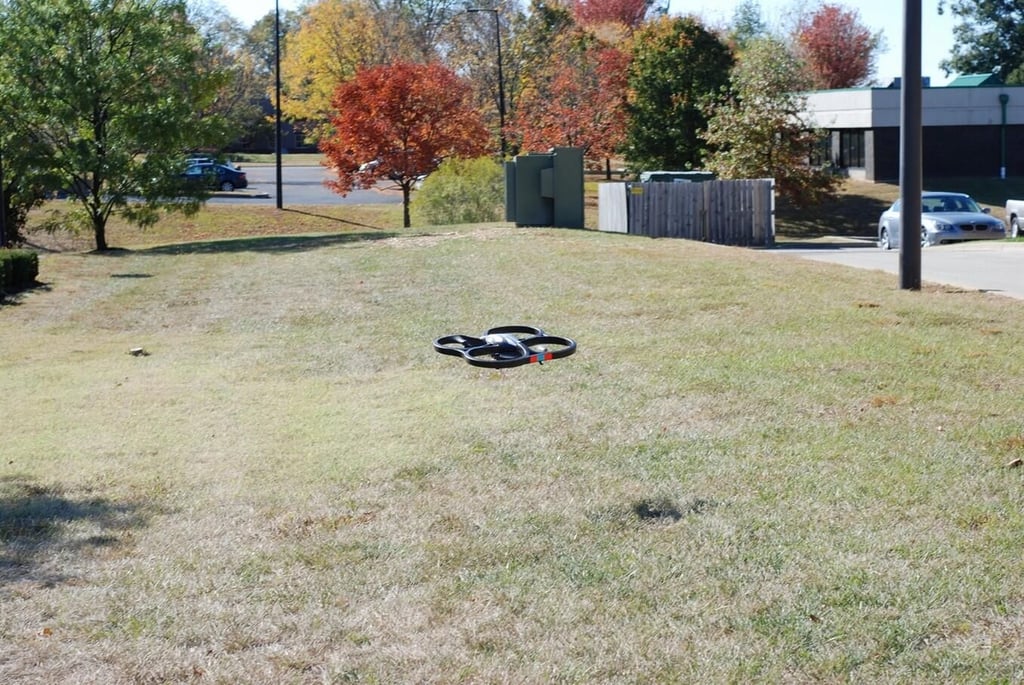
Photo by Mark Kaelin and Bill Detwiler for TechRepublic.
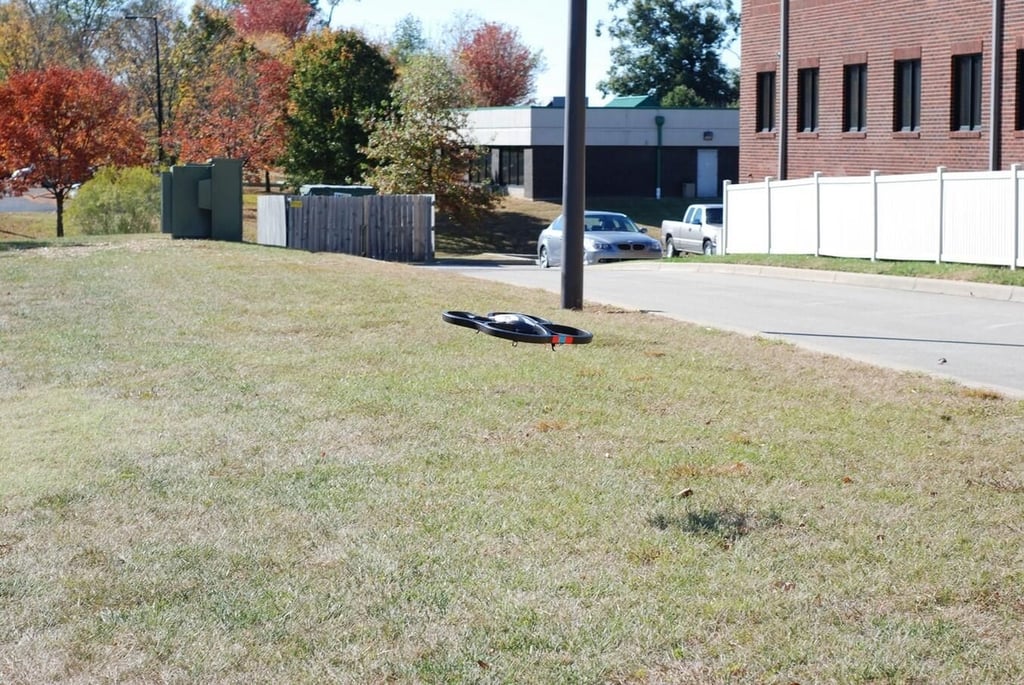
Photo by Mark Kaelin and Bill Detwiler for TechRepublic.
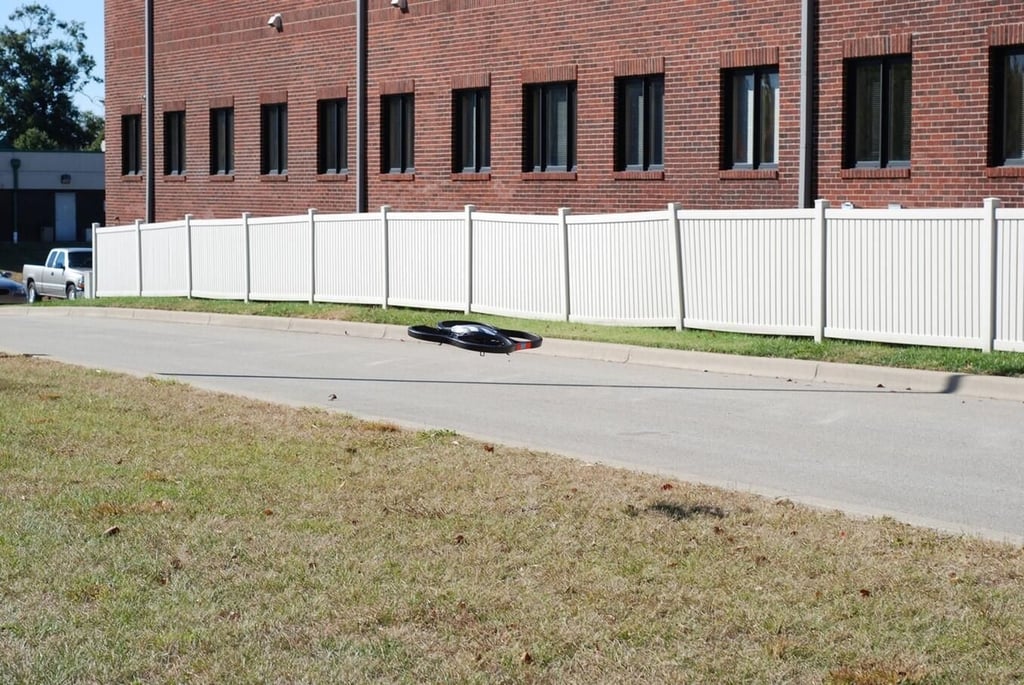
Photo by Mark Kaelin and Bill Detwiler for TechRepublic.

An building flyby – notice the logo of our secret headquarters building.
Photo by Mark Kaelin and Bill Detwiler for TechRepublic.
For an example of the AR.Drone in action take a look at the Test Flight Video.
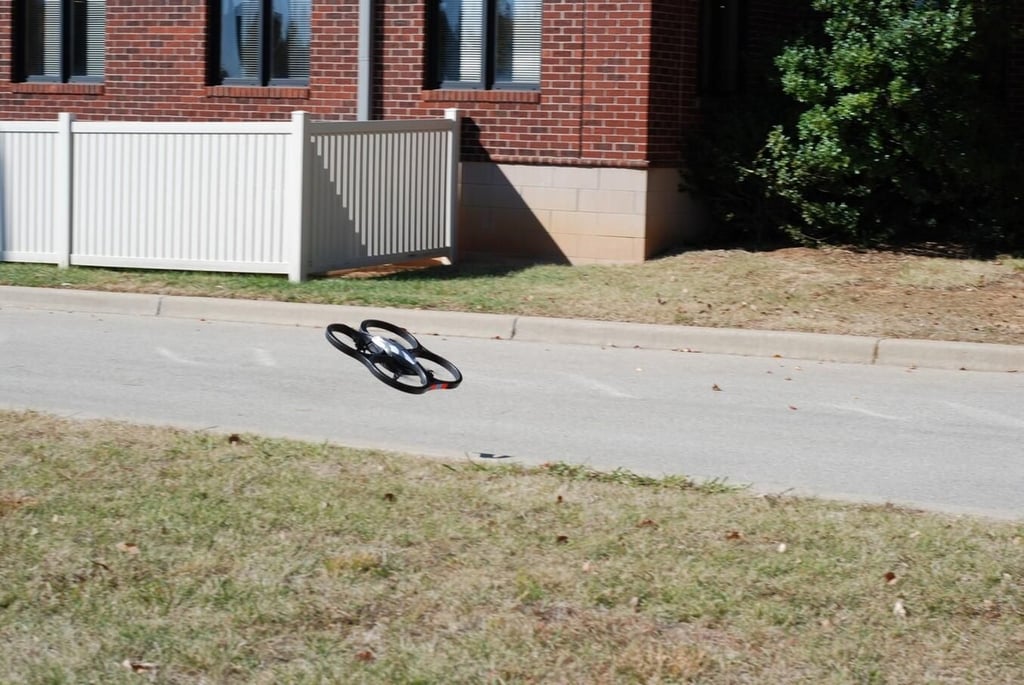
A gust of wind moves the AR.Drone in a direction I did not intend.
Photo by Mark Kaelin and Bill Detwiler for TechRepublic.
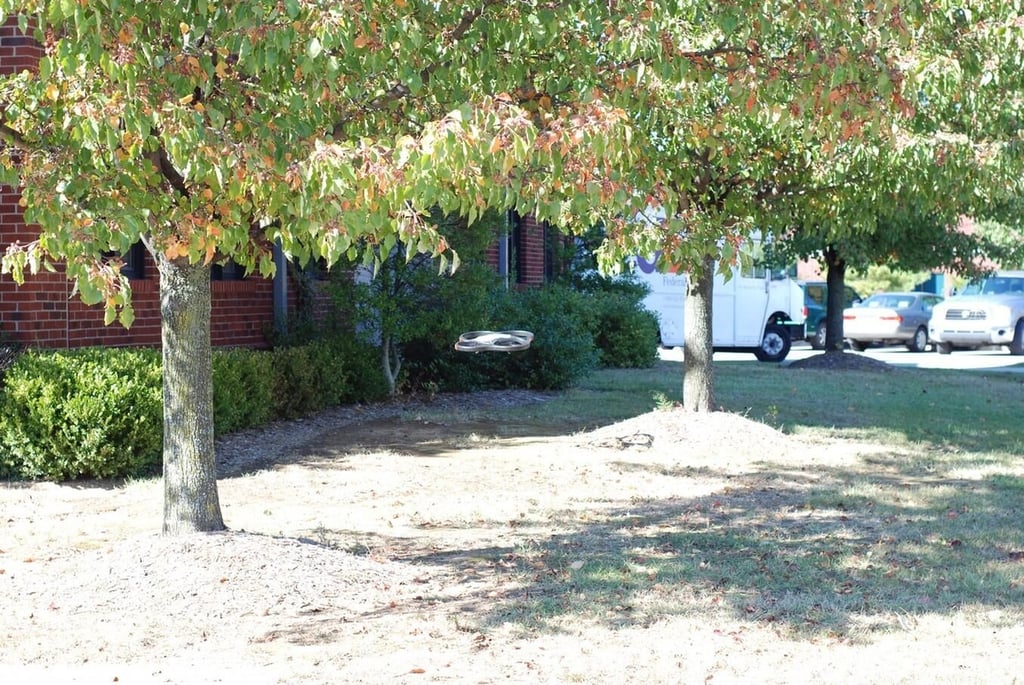
The wind forces the drone into the trees, but I negotiate a safe landing.
Photo by Mark Kaelin and Bill Detwiler for TechRepublic.
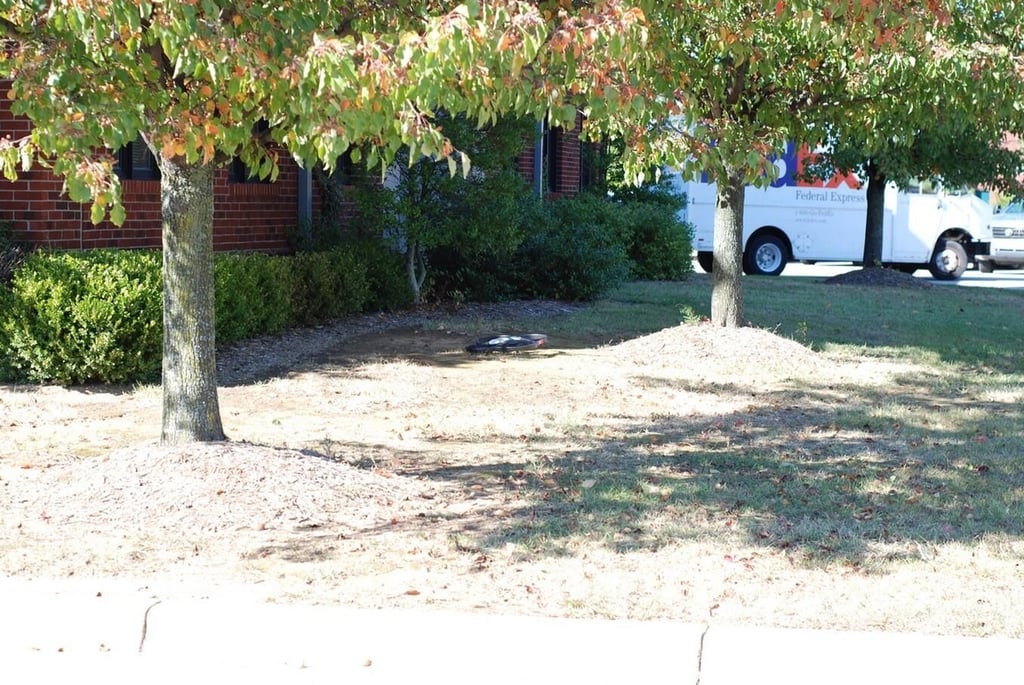
Photo by Mark Kaelin and Bill Detwiler for TechRepublic.
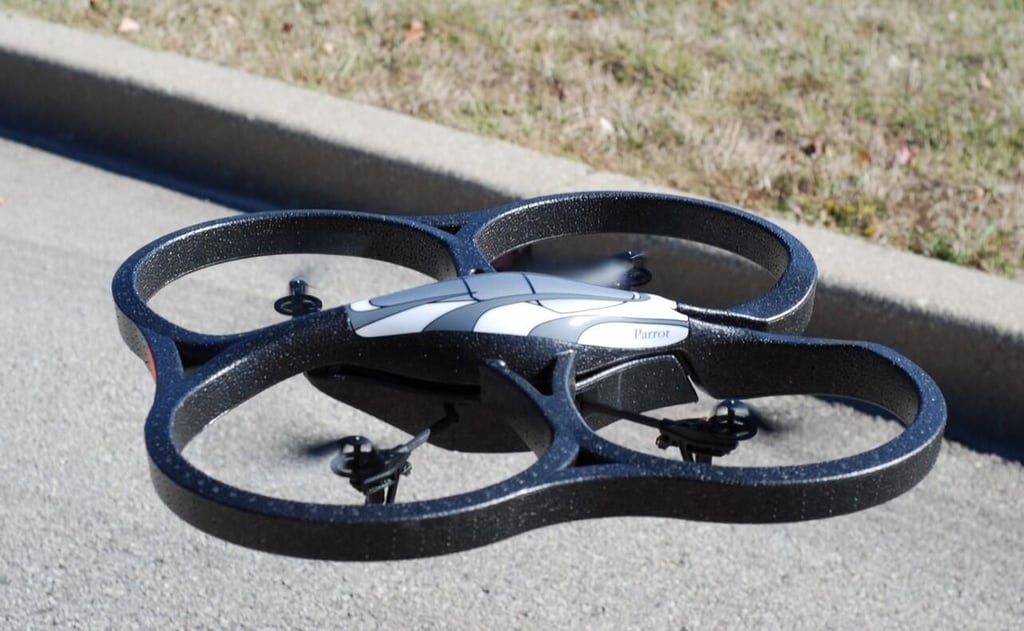
The Parrot AR.Drone Quadricopter is one of the coolest Geek Gift Guide devices we have ever reviewed. I am pleasantly surprised by how well it works and I can see it gaining in popularity very quickly. Read my complete Geek Gifts review of the AR.Drone.
Photo by Mark Kaelin and Bill Detwiler for TechRepublic.
For an example of the AR.Drone in action take a look at the Test Flight Video.

Mark W. Kaelin has been writing and editing stories about the information technology industry, software, hardware, gaming, finance, accounting, and technology geekdom for more than 30 years.


