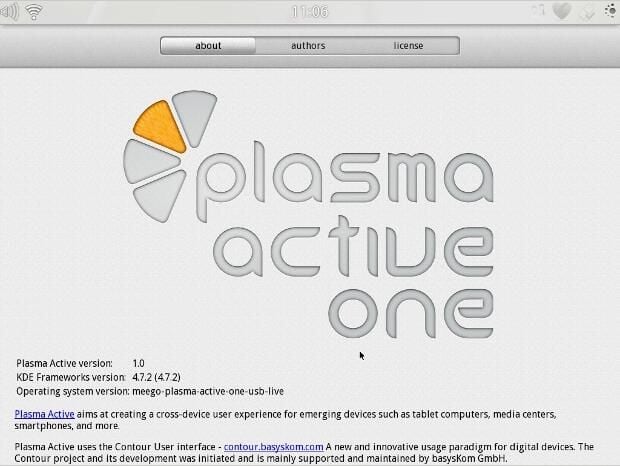
\n\tKDE has annouced the first release of their Plasma Active project that provides an alternate interface for tablets.
\n
\n\tBased on Qt 4.7 and the Plasma framework seen in the KDE Platform, KDE says that it will run almost any software that is available for Linux platforms. On the hardware side, compatibility is a lot less.
\n
\n\tHere is the About screen for Plasma Active One, as seen in our instance running on top of MeeGo, recently abandoned by Intel and Nokia Linux-based operating system for mobile devices.
\n\tPhoto by: Chris Duckett/TechRepublic
\n\tCaption by:Chris Duckett/TechRepublic
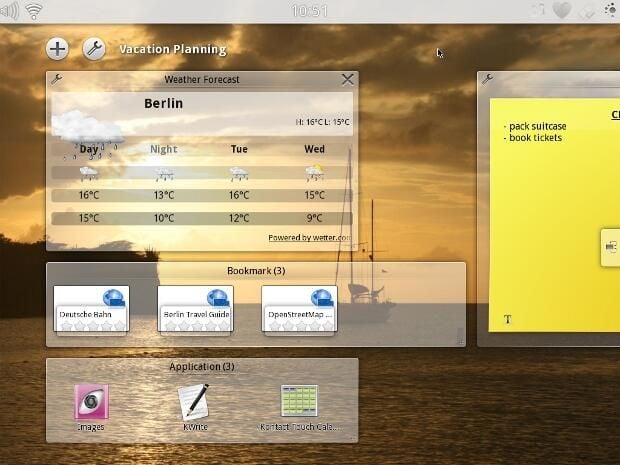
\n\tThe Plasma Active interface is designed around Activities that are intended to help users organise data. Old school users would probably recognise them as named desktops.
\n\tPhoto by: Chris Duckett/TechRepublic
\n\tCaption by:Chris Duckett/TechRepublic
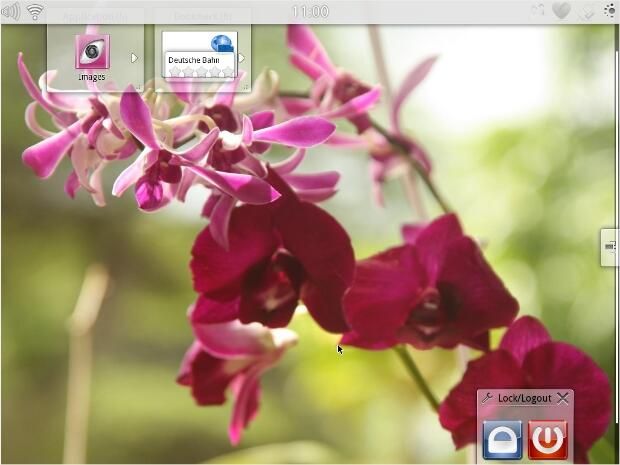
\n\tActivities have the ability to scroll endlessly in a vertical direction — the number of widgets that one can place on an Activity is not limited by physical screen size.
\n\tPhoto by: Chris Duckett/TechRepublic
\n\tCaption by:Chris Duckett/TechRepublic
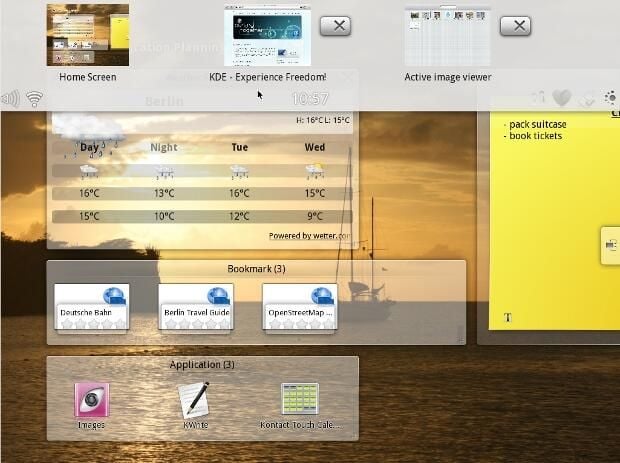
\n\tPulling down on the bar at the top of the screen, much like an Android notification bar, reveals the currently running applications. Plasma Active calls this area Peek.
\n\tPhoto by: Chris Duckett/TechRepublic
\n\tCaption by:Chris Duckett/TechRepublic
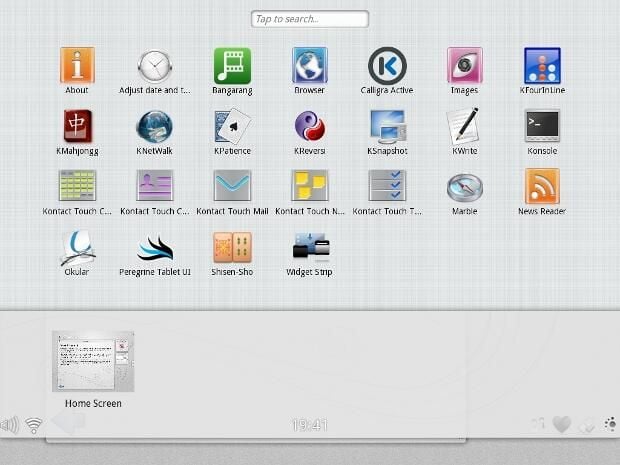
\n\tPulling Peek down further reveals the application launcher.
\n\tPhoto by: Chris Duckett/TechRepublic
\n\tCaption by:Chris Duckett/TechRepublic
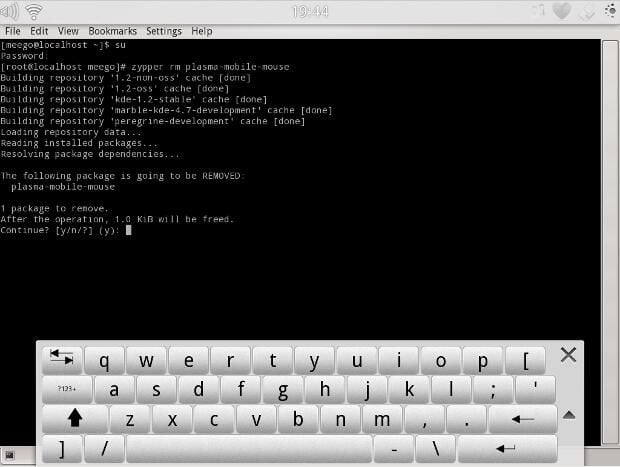
\n\tHere is the Konsole running and Plasma Active’s on-screen keyboard.
\n\tPhoto by: Chris Duckett/TechRepublic
\n\tCaption by:Chris Duckett/TechRepublic
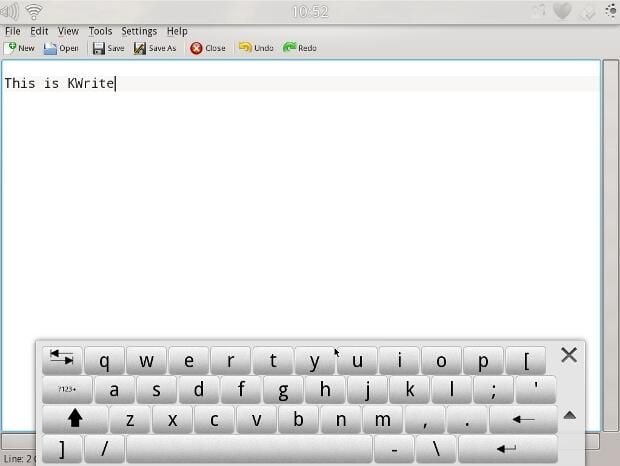
\n\tThe venerable KDE text editor: KWrite.
\n\tPhoto by: Chris Duckett/TechRepublic
\n\tCaption by:Chris Duckett/TechRepublic
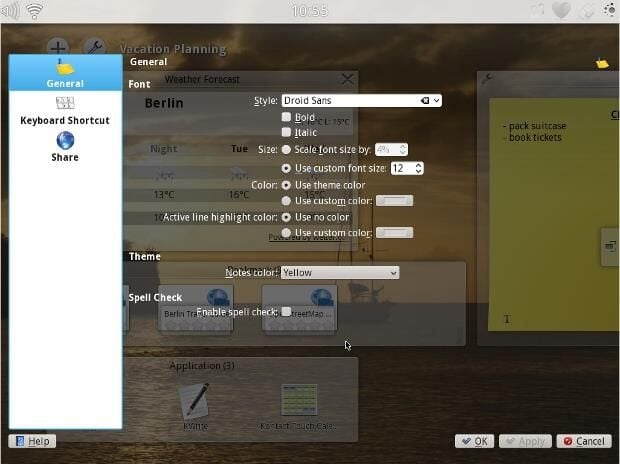
\n\tThe settings panel, depending on the Activity configuration that could be very hard to read; hopefully the transparency issue is only due to running Plasma Active inside a virtual machine.
\n\tPhoto by: Chris Duckett/TechRepublic
\n\tCaption by:Chris Duckett/TechRepublic
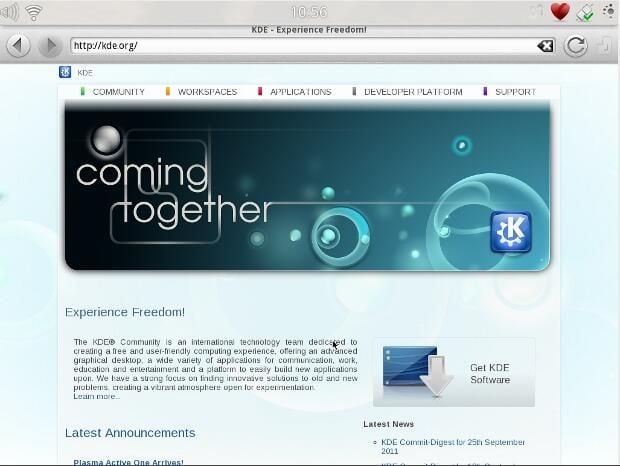
\n\tThe Plasma Active web browser.
\n\tPhoto by: Chris Duckett/TechRepublic
\n\tCaption by:Chris Duckett/TechRepublic
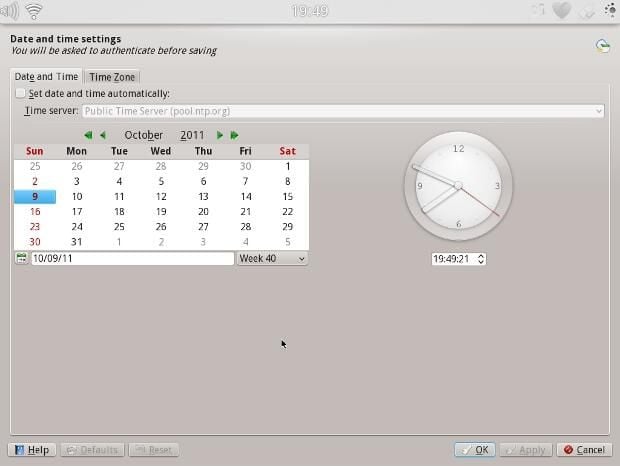
\n\tDate and time settings: a classic KDE settings screen.
\n\tPhoto by: Chris Duckett/TechRepublic
\n\tCaption by:Chris Duckett/TechRepublic
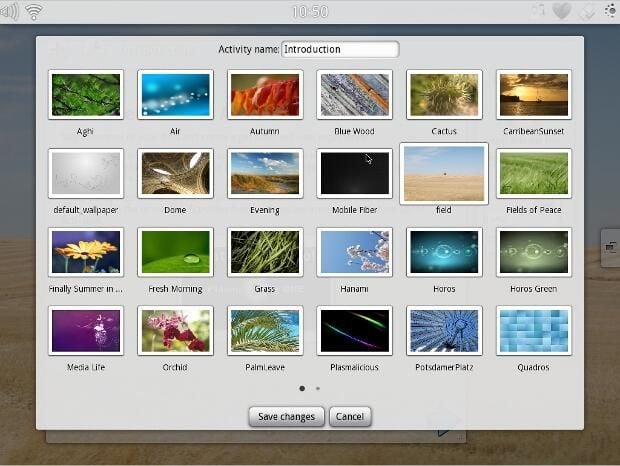
\n\tThe panel for selecting a new background image for the current Activity.
\n\tPhoto by: Chris Duckett/TechRepublic
\n\tCaption by:Chris Duckett/TechRepublic
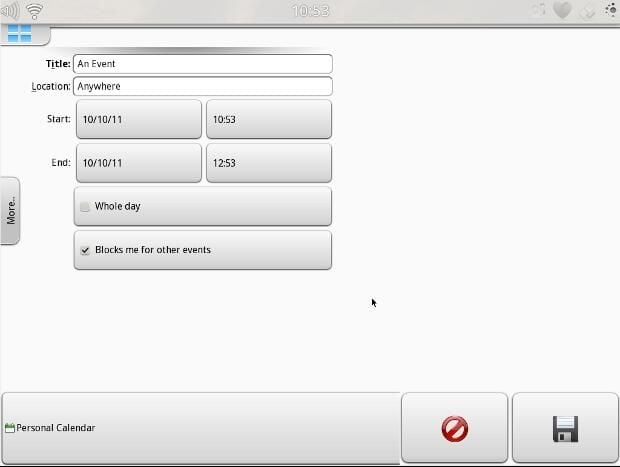
\n\tCreating a new event for the email and calendaring application, Kontact Touch.
\n\tPhoto by: Chris Duckett/TechRepublic
\n\tCaption by:Chris Duckett/TechRepublic
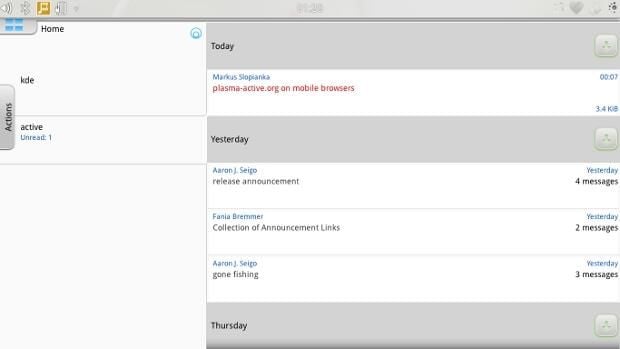
\n\tKontact Touch in email mode.
\n\tPhoto by: KDE
\n\tCaption by:Chris Duckett/TechRepublic
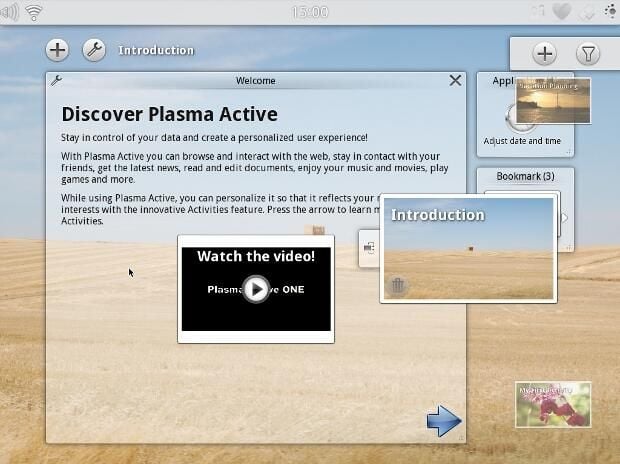
\n\tThe Activity Switcher on the right-hand side.
\n\tPhoto by: Chris Duckett/TechRepublic
\n\tCaption by:Chris Duckett/TechRepublic
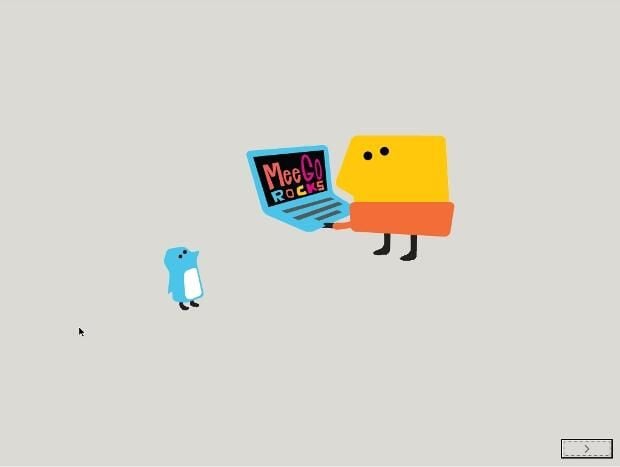
\n\tThis is the screen that welcomes the user when installing Plasma Active with MeeGo.
\n\tPhoto by: Chris Duckett/TechRepublic
\n\tCaption by:Chris Duckett/TechRepublic
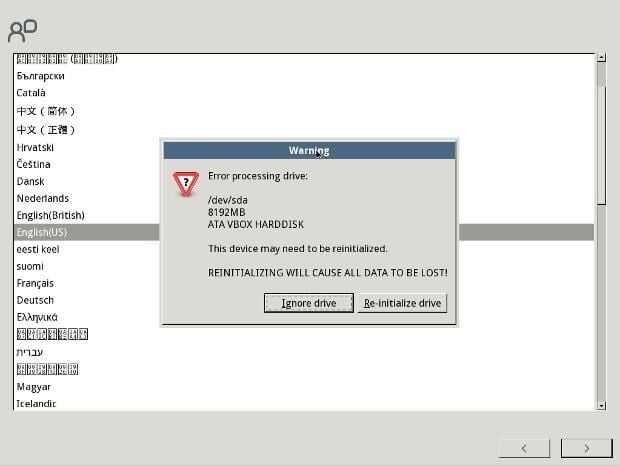
\n\tIn this screen: initialisation means format.
\n\tPhoto by: Chris Duckett/TechRepublic
\n\tCaption by:Chris Duckett/TechRepublic
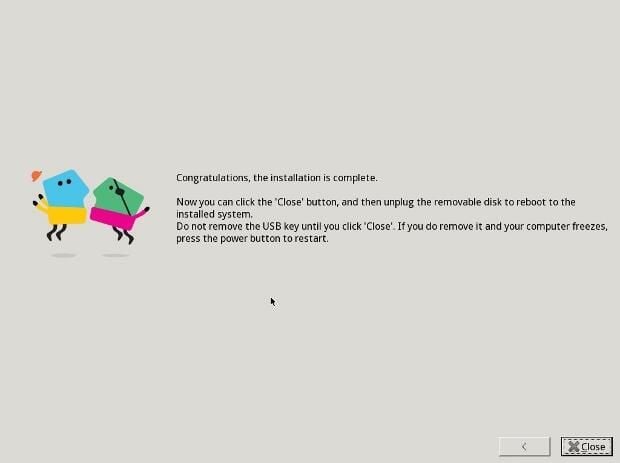
\n\tAs the text says, the operating system expects to be installed with a USB thumb drive.
\n\tPhoto by: Chris Duckett/TechRepublic
\n\tCaption by:Chris Duckett/TechRepublic
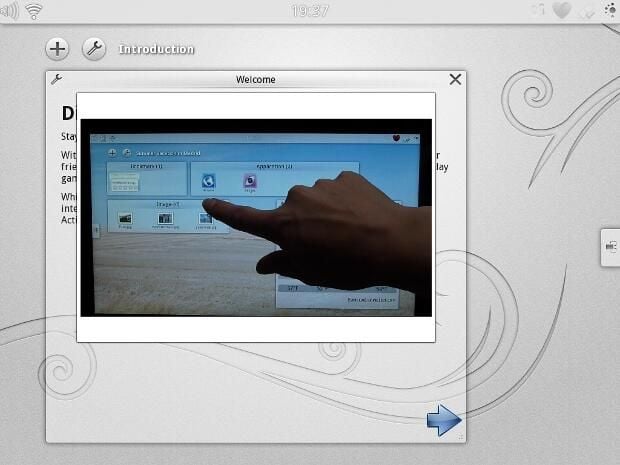
\n\tIt’s a nice touch to have a clickable video to play that helps explain basic interactions with the interface.
\n\tPhoto by: Chris Duckett/TechRepublic
\n\tCaption by:Chris Duckett/TechRepublic
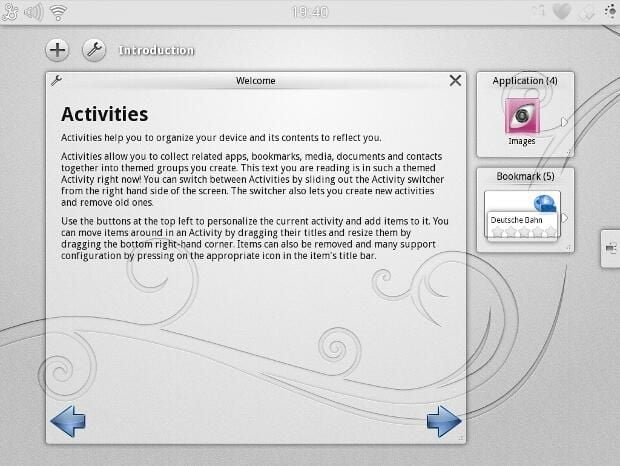
\n\tHow Plasma Active describes Activities.
\n\tPhoto by: Chris Duckett/TechRepublic
\n\tCaption by:Chris Duckett/TechRepublic
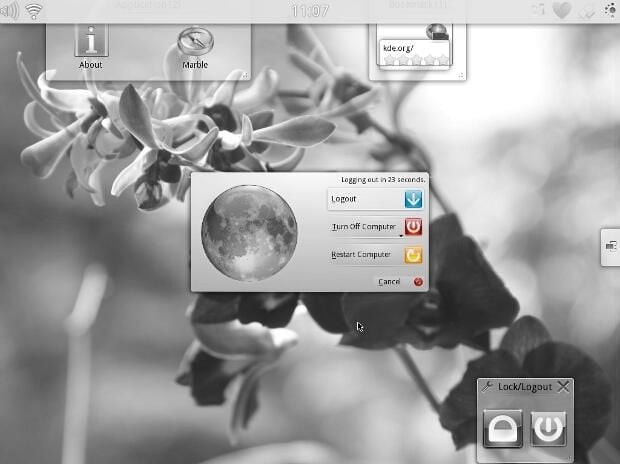
\n\tA familiar KDE log-out dialog, shut down also provides the option to suspend to RAM or to suspend to disk.
\n\tPhoto by: Chris Duckett/TechRepublic
\n\tCaption by:Chris Duckett/TechRepublic

Some would say that it is a long way from software engineering to journalism, others would correctly argue that it is a mere 10 metres according to the floor plan. During his first five years with CBS Interactive, Chris started his journalistic adventure in 2006 as the Editor of Builder AU after originally joining the company as a programmer. Leaving CBS Interactive in 2010 to follow his deep desire to study the snowdrifts and culinary delights of Canada, Chris based himself in Vancouver and paid for his new snowboarding and poutine cravings as a programmer for a lifestyle gaming startup. Chris returns to CBS in 2011 as the Editor of TechRepublic Australia determined to meld together his programming and journalistic tendencies once and for all.


